 Samū
Samū
- RGSW
- rgsw
- Europe/Stockholm
- Yes
- No
 MC-155758
 Low
Low![[Mojang] elvendorke](../../../data/avatars/users/81677.png)

![[Mojang] Cory Scheviak](../../../data/avatars/users/92893.png)
![[Mojang] Felix Jones](../../../data/avatars/users/40484.png)
 Normal
![[Mod] Jiingy](../../../data/avatars/users/91802.png)





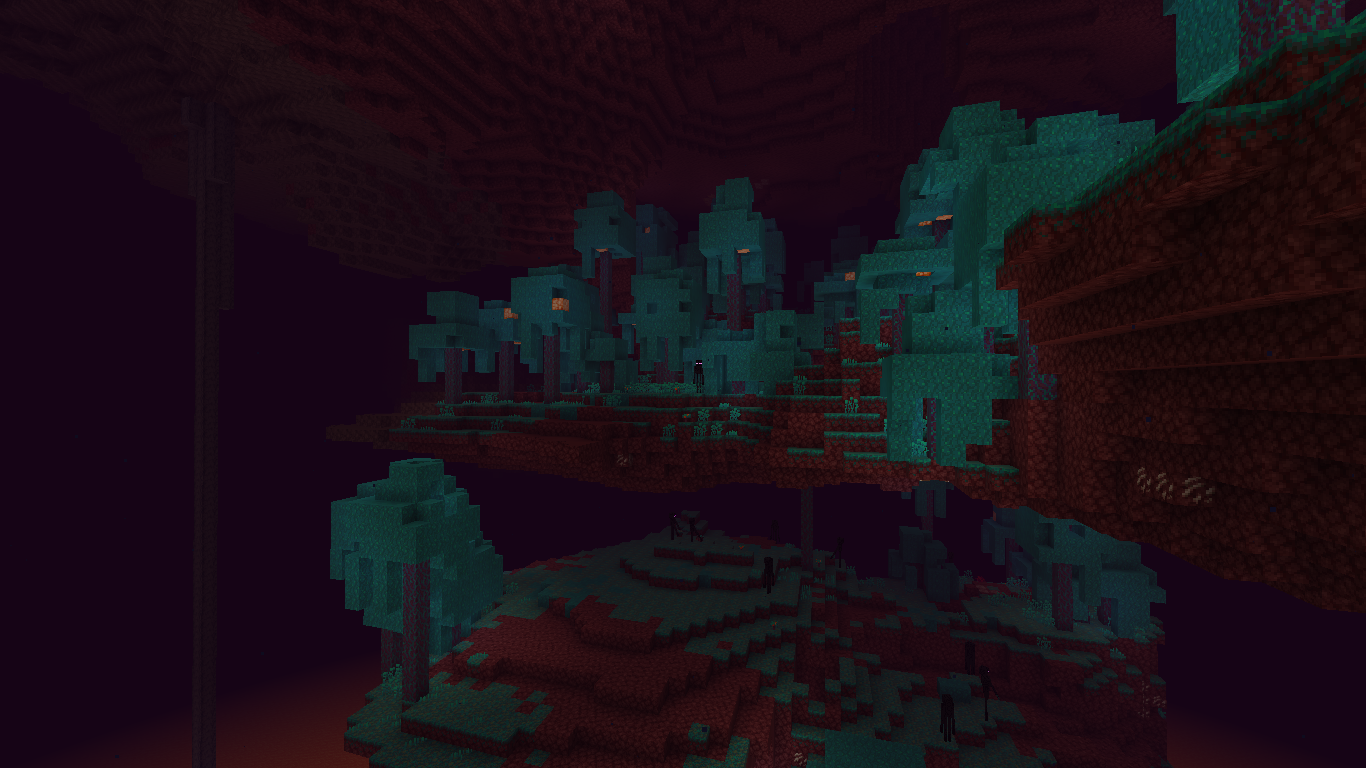
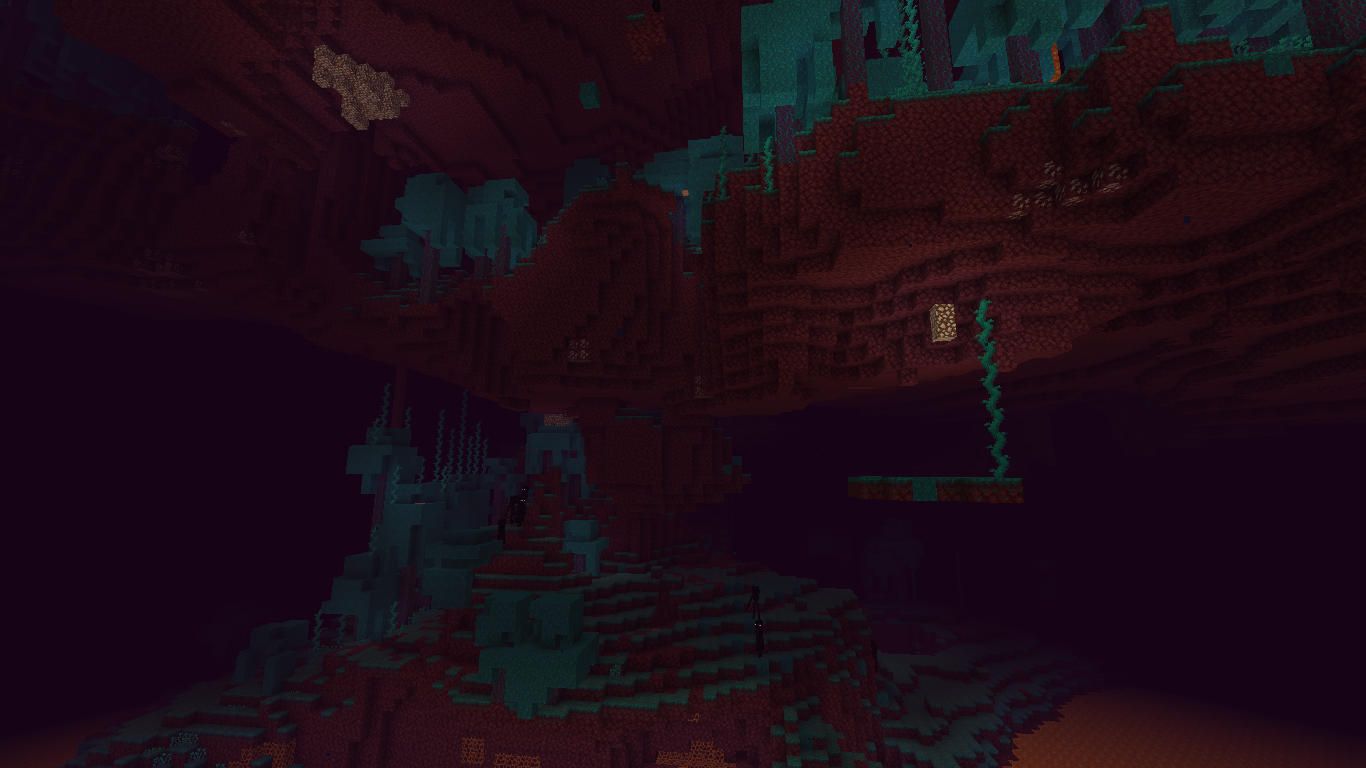
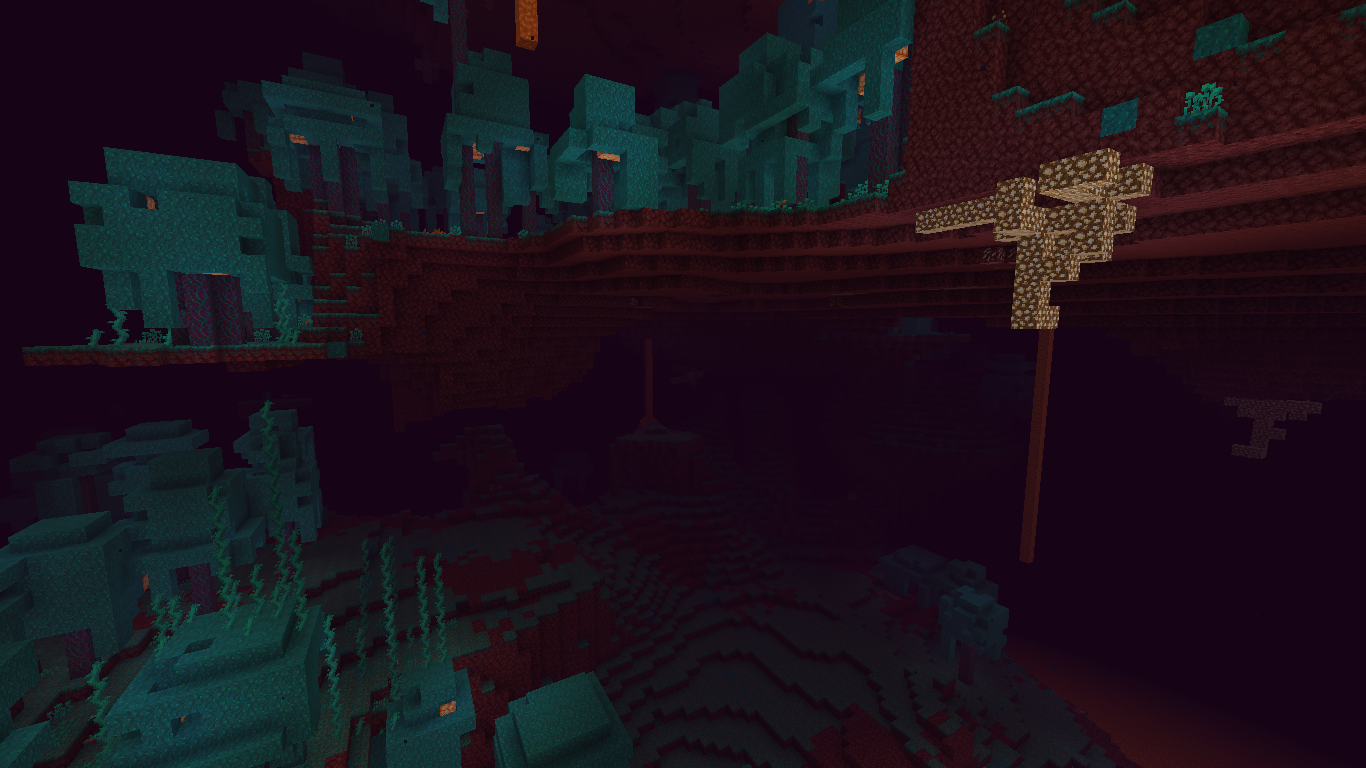
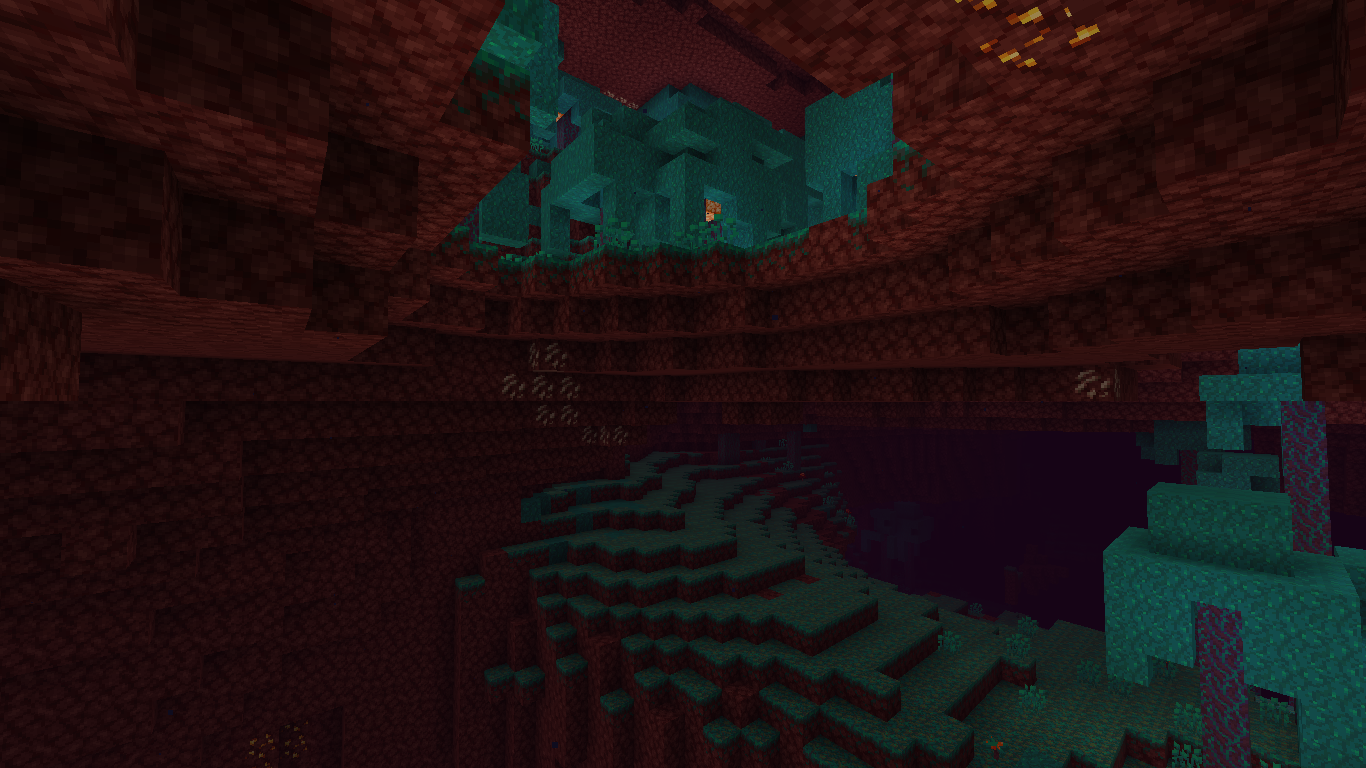
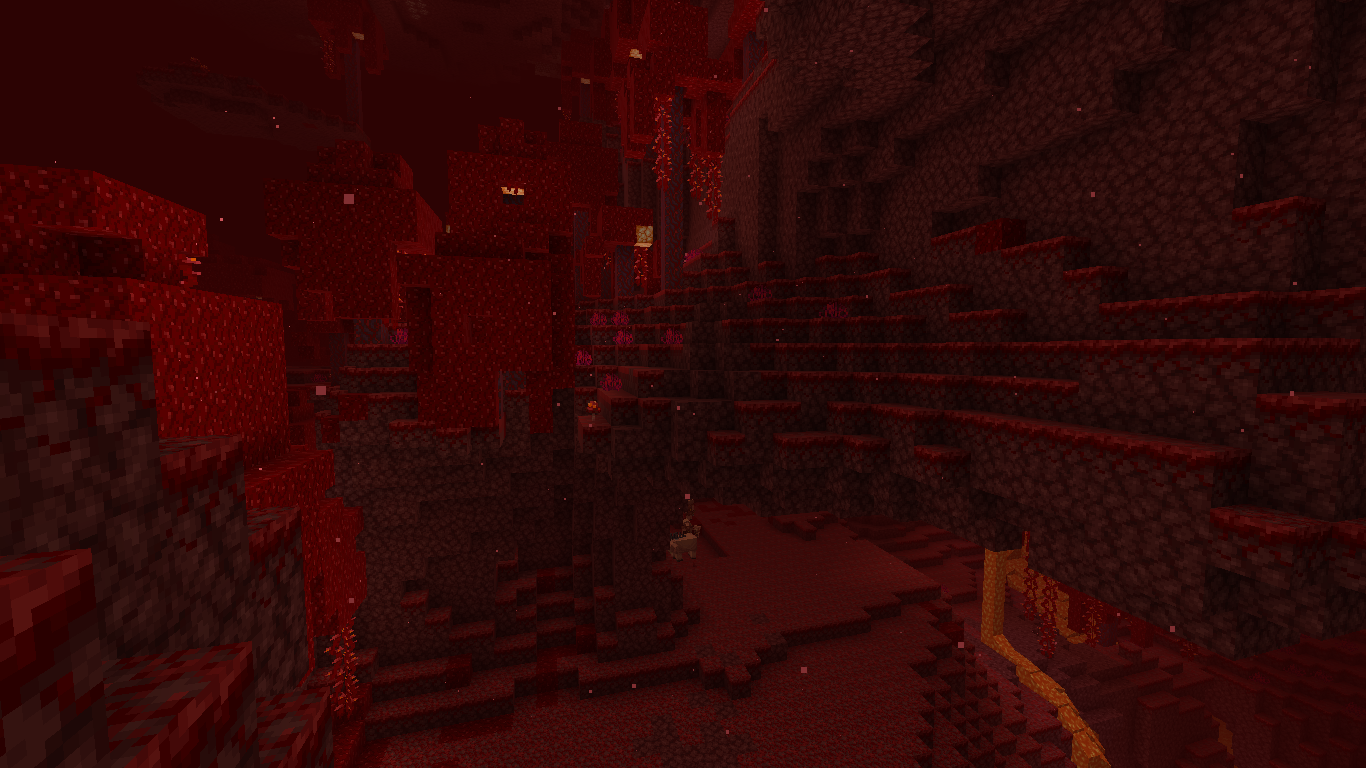
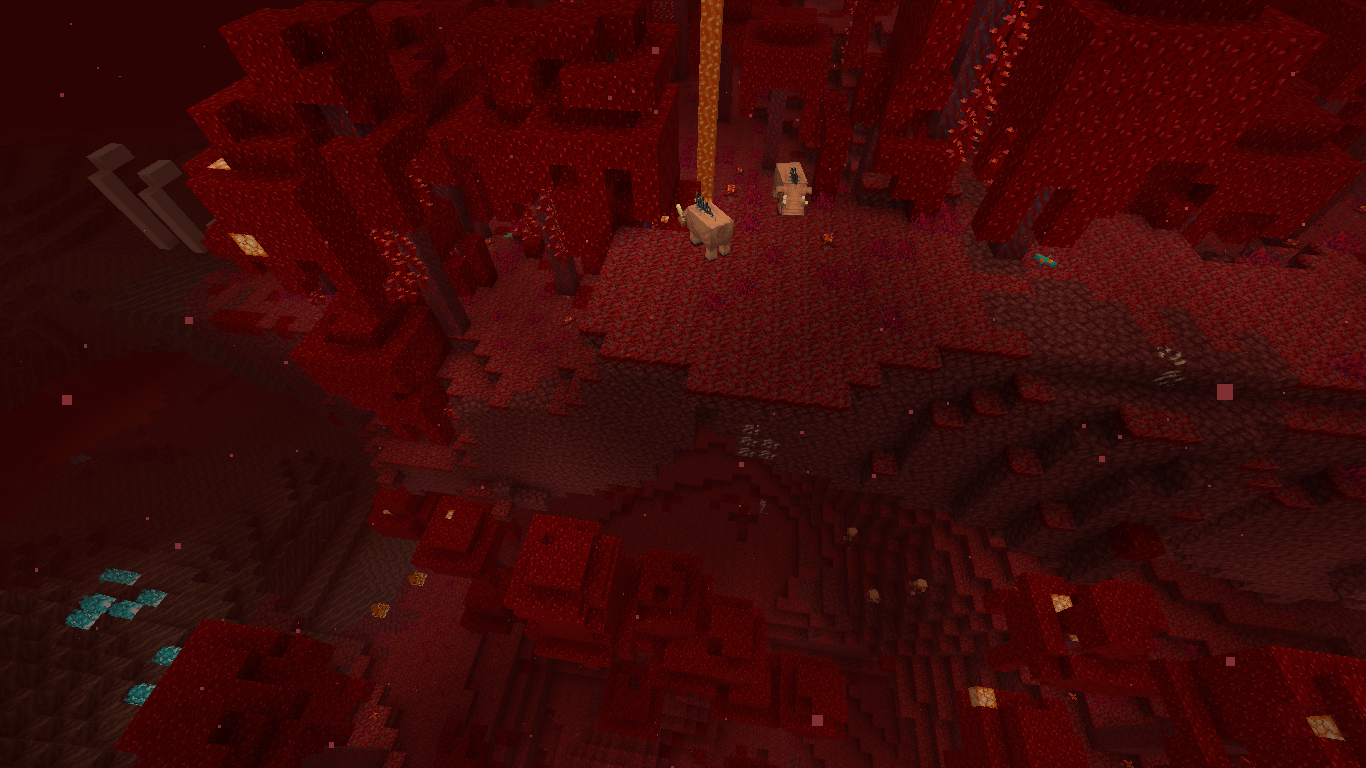
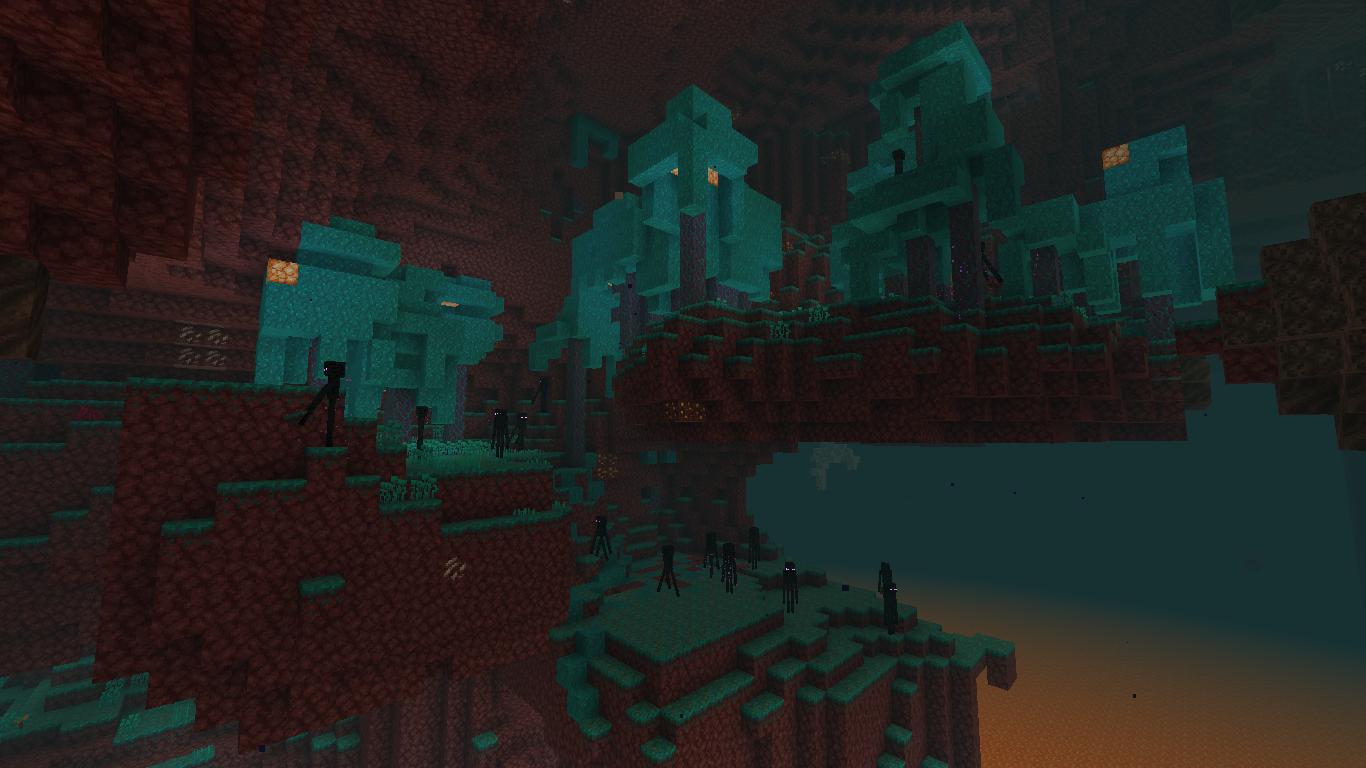
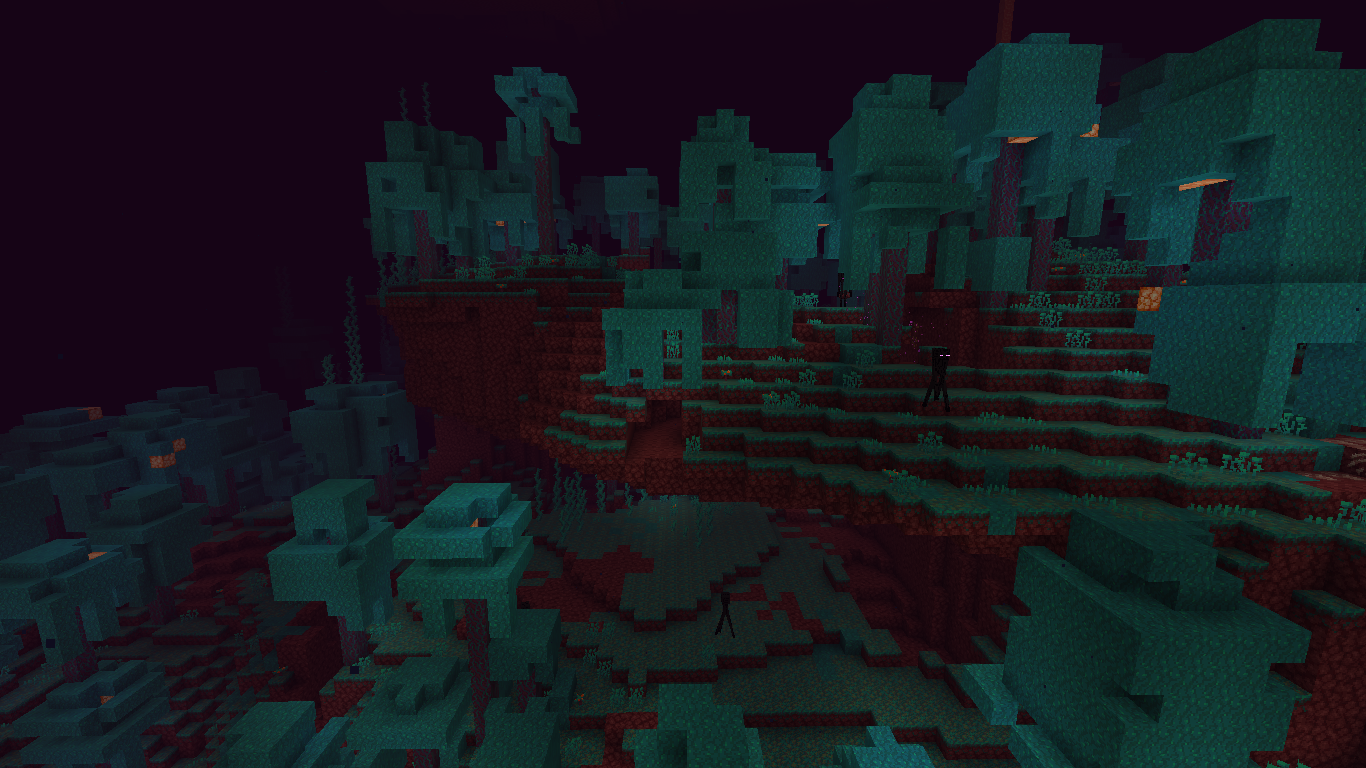
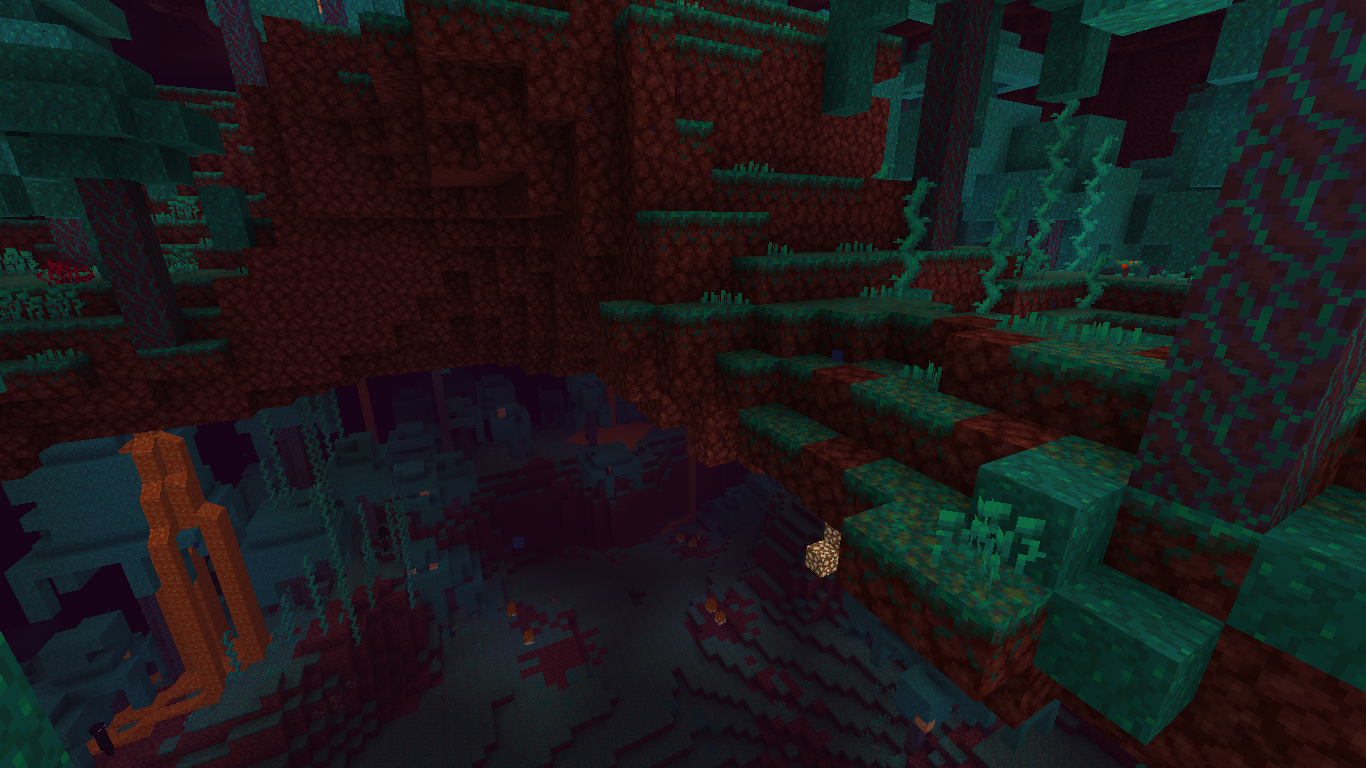
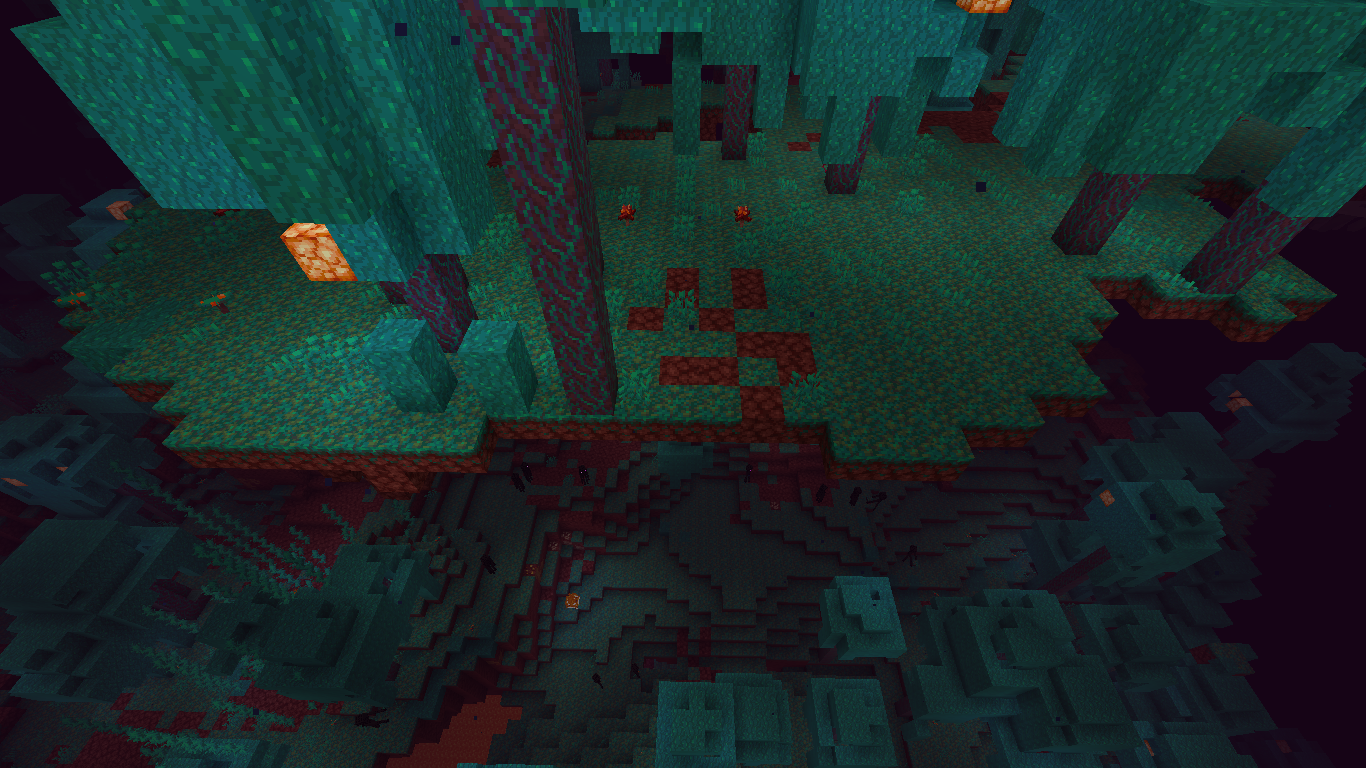
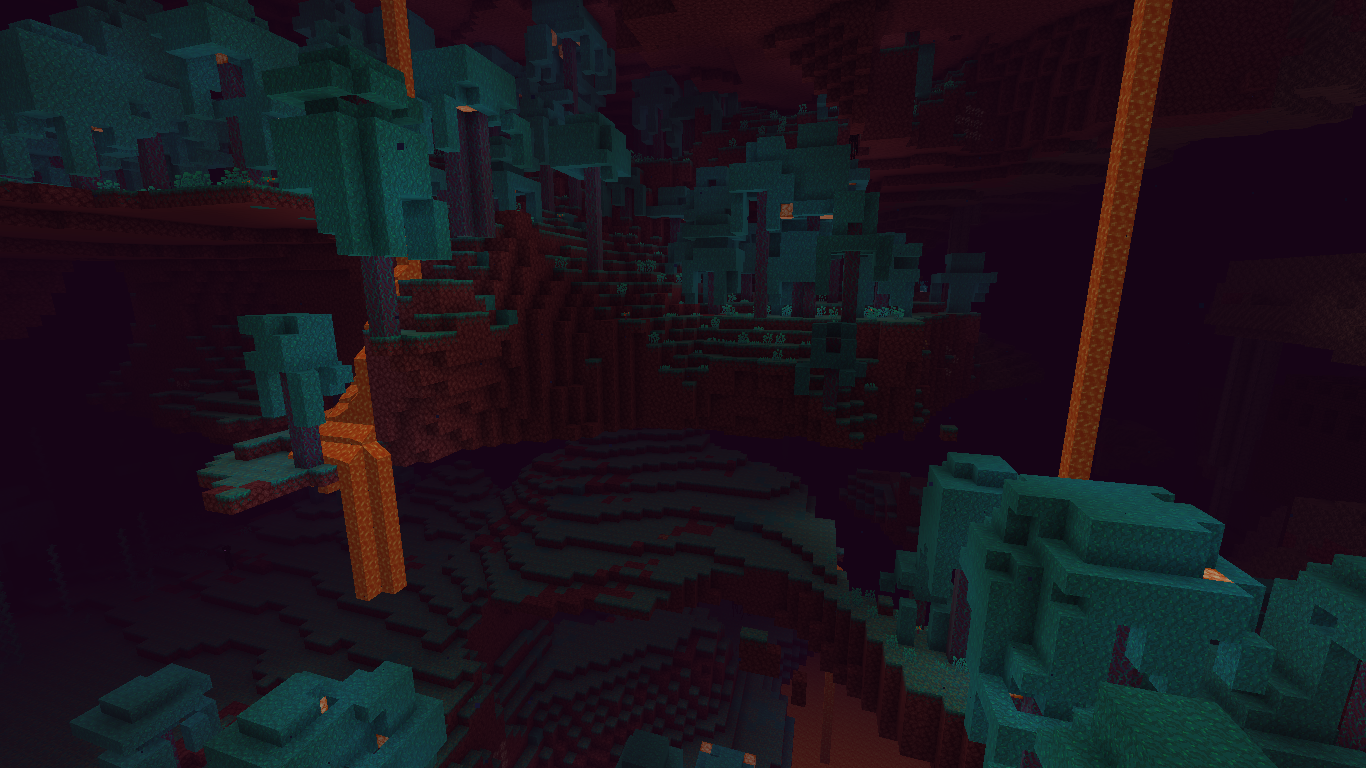
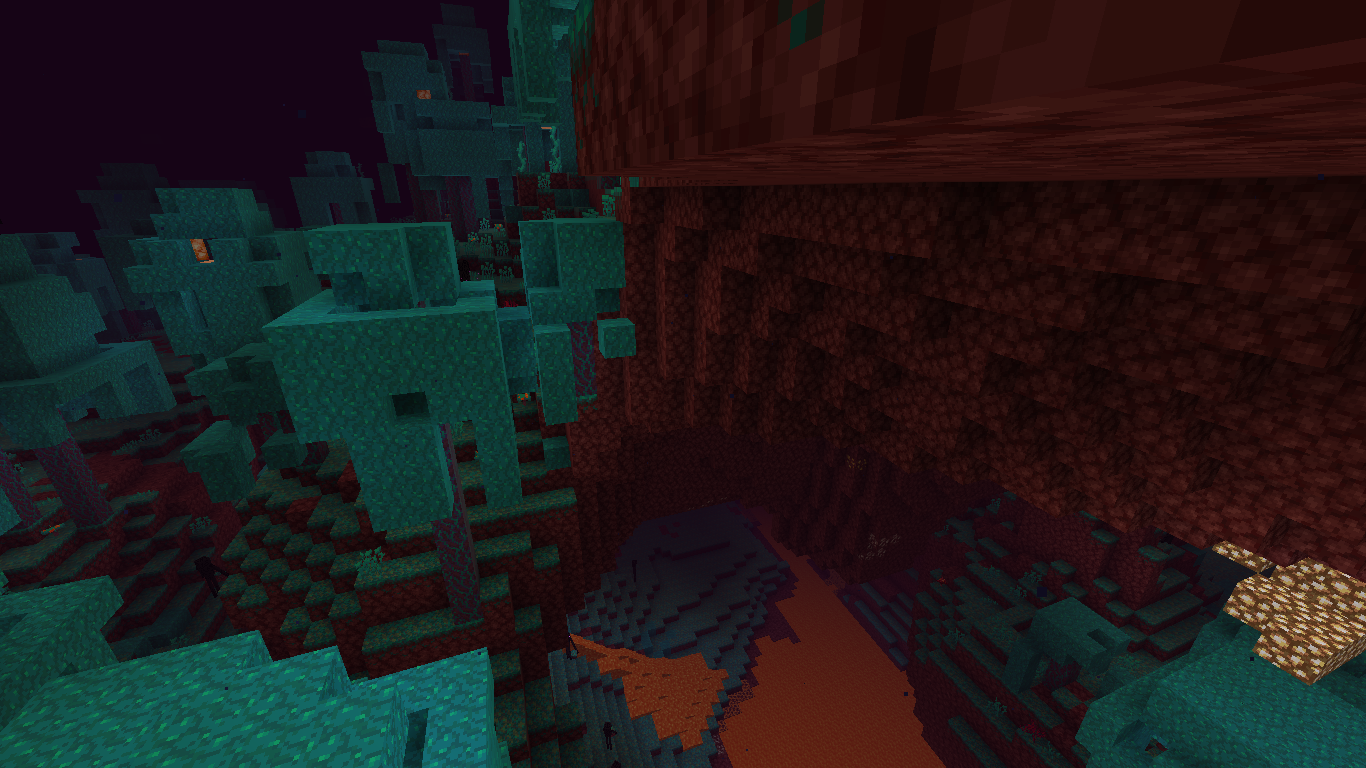
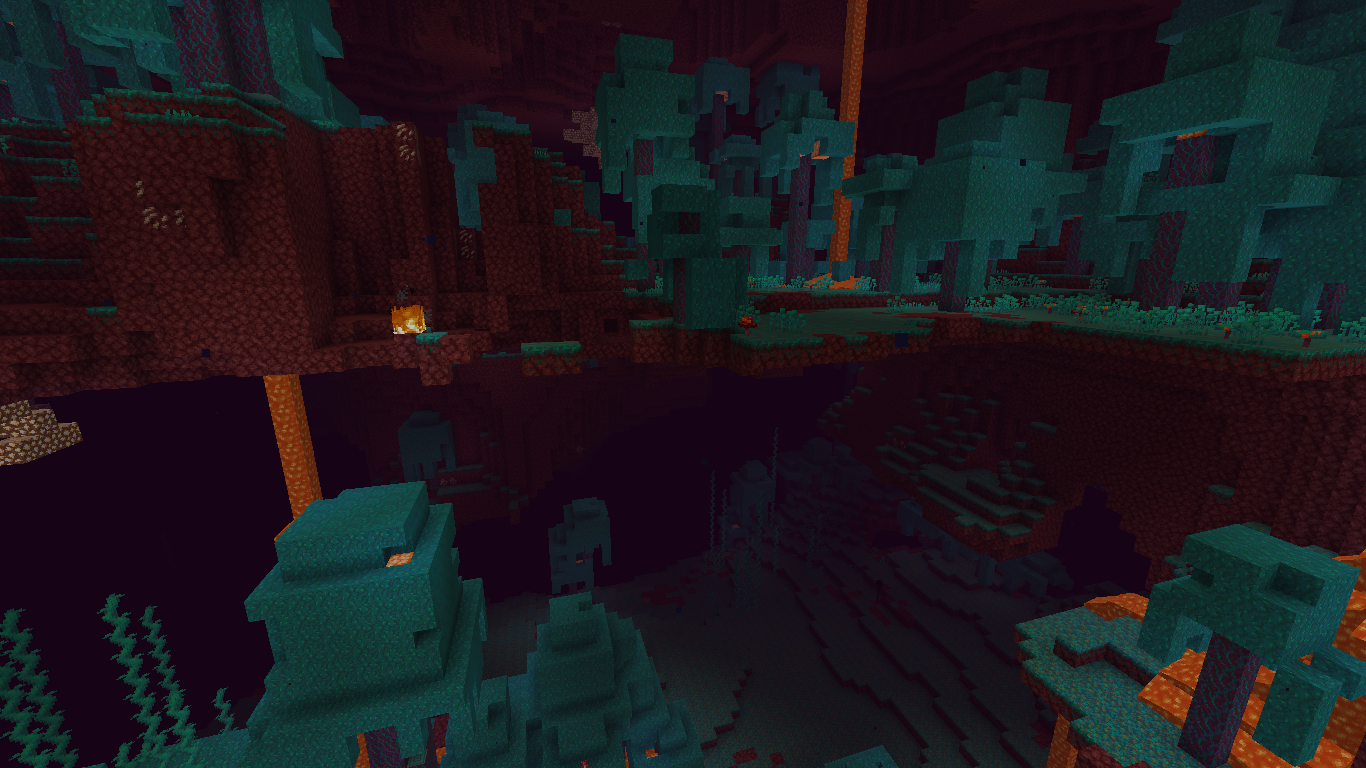

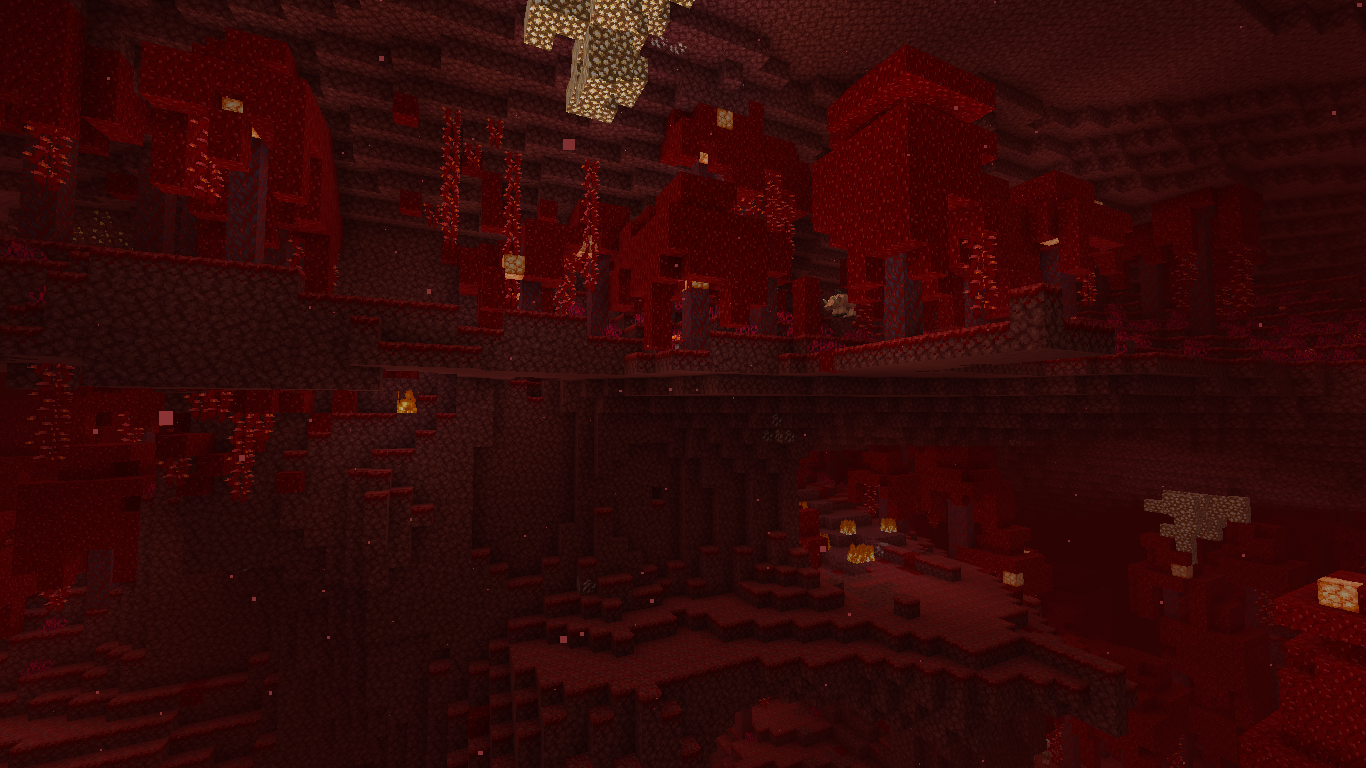

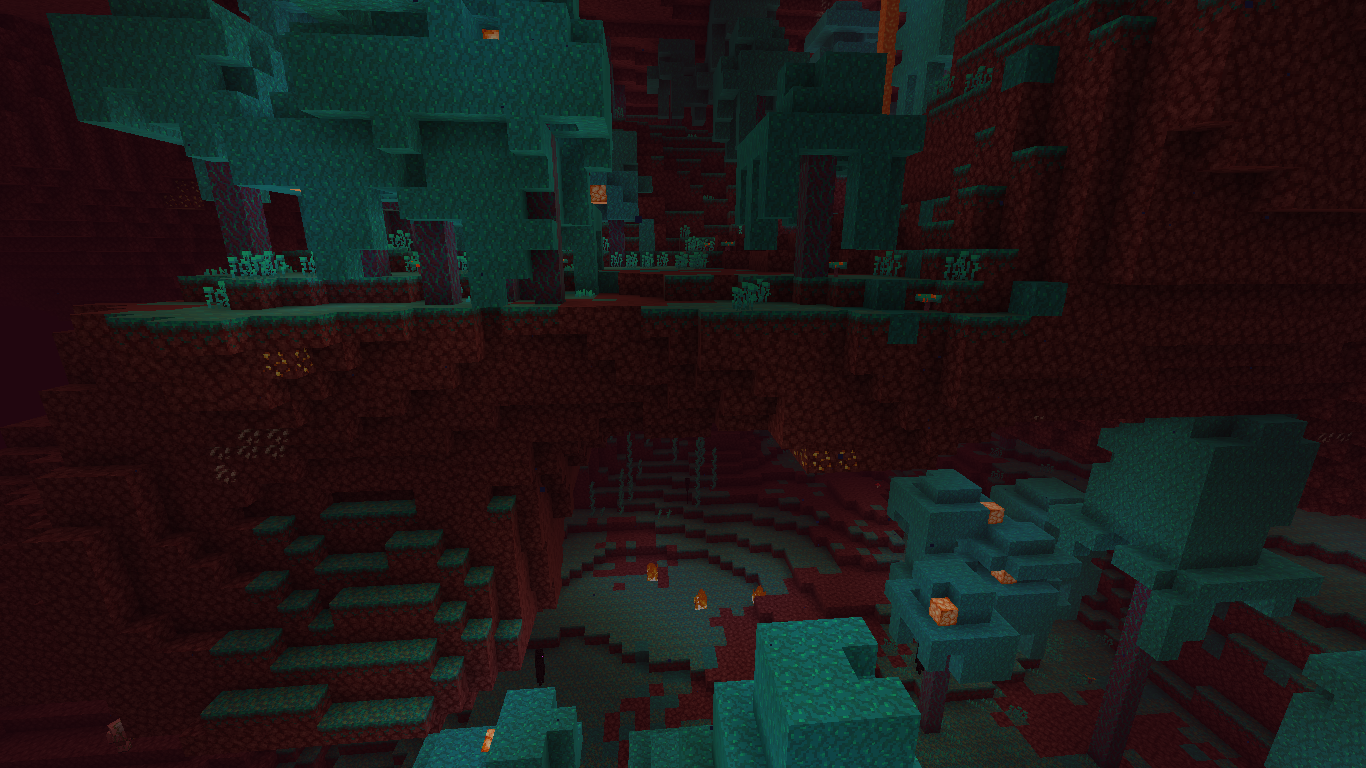
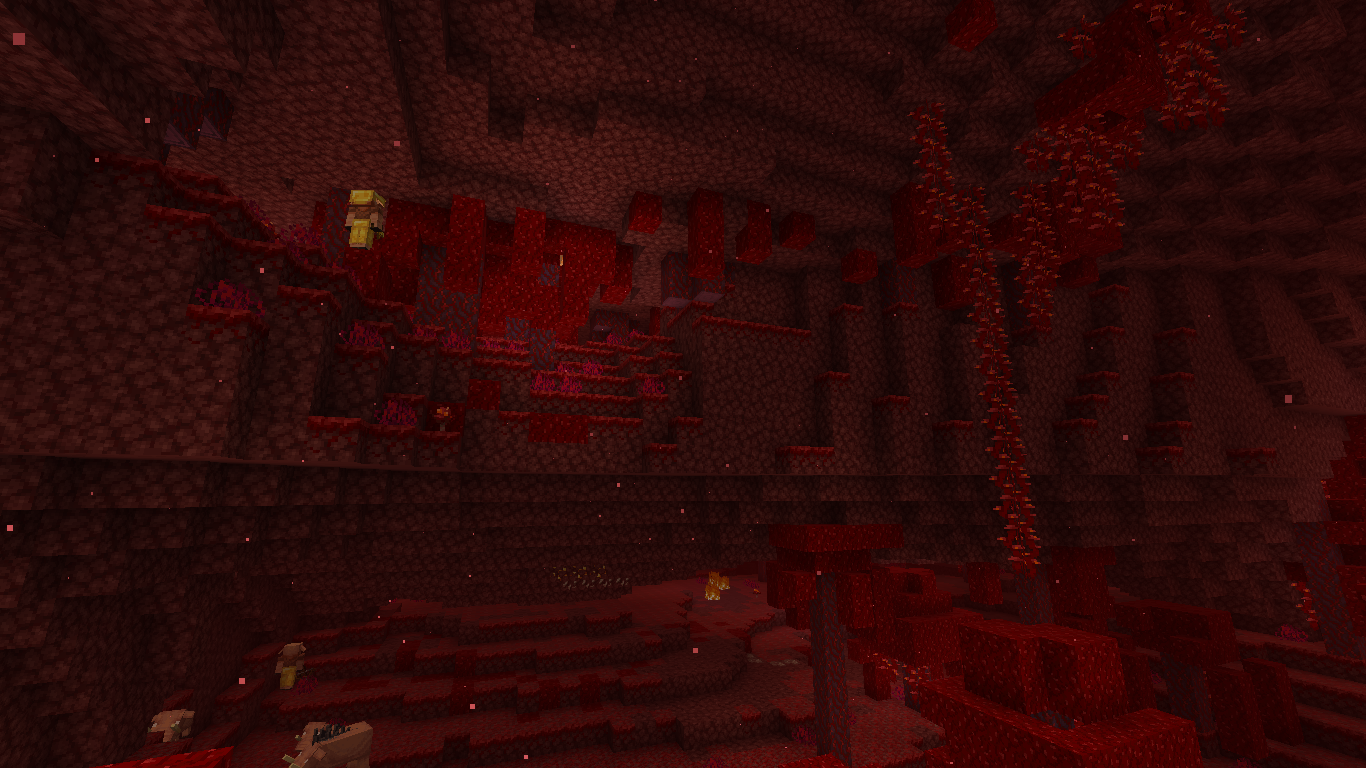
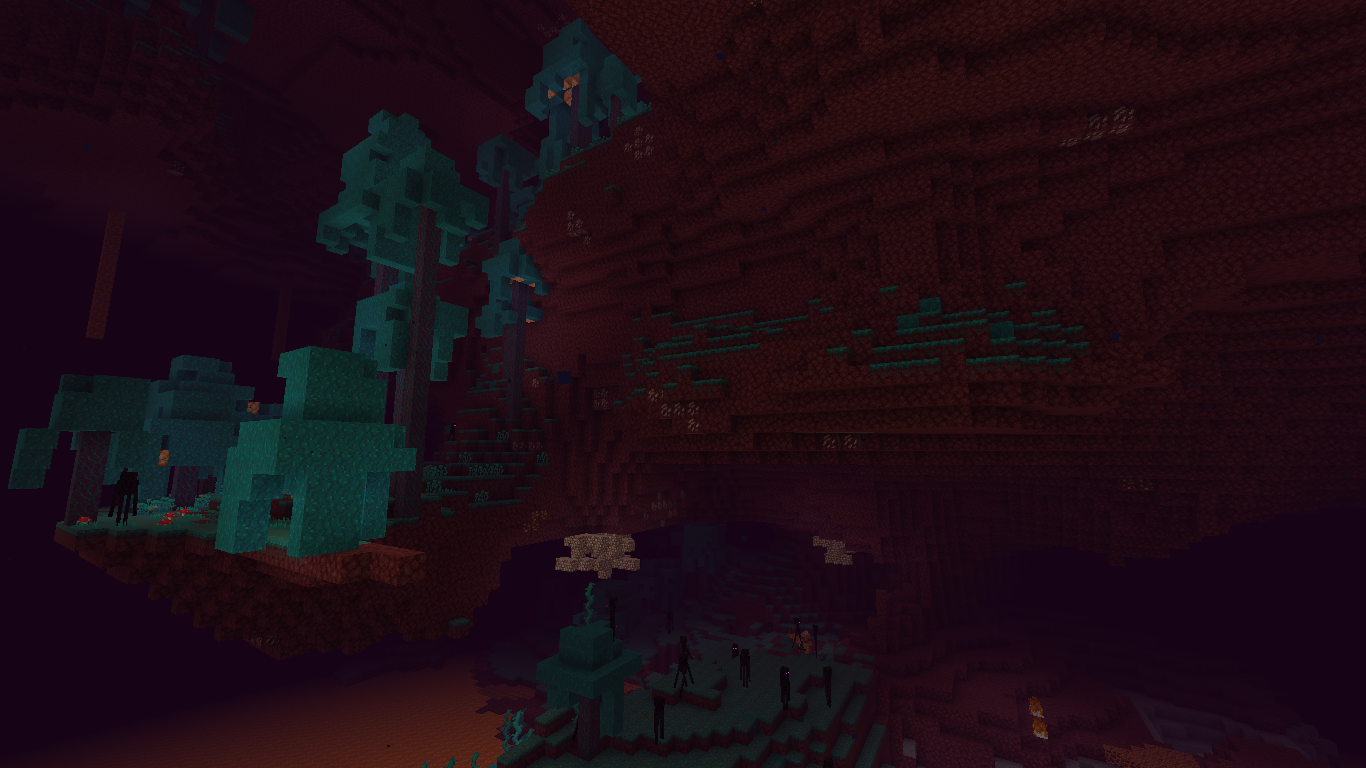
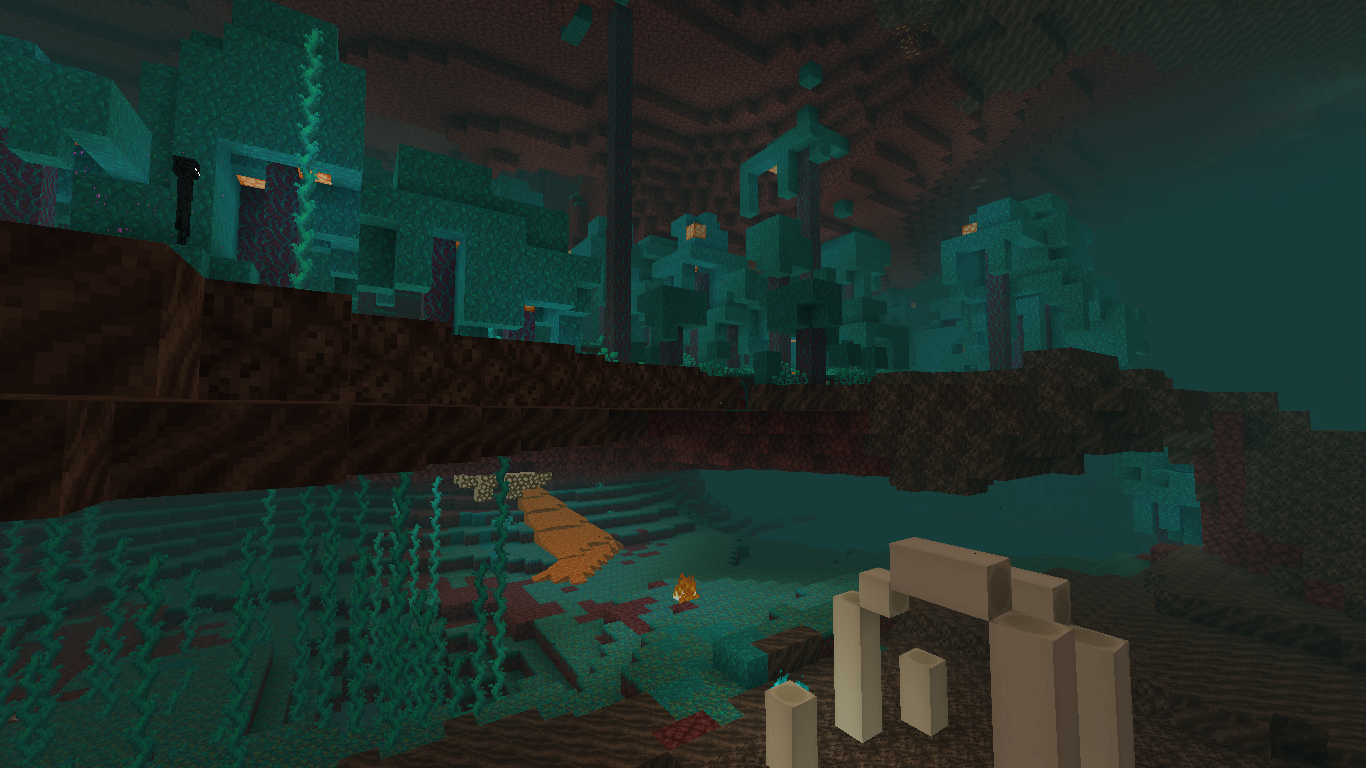
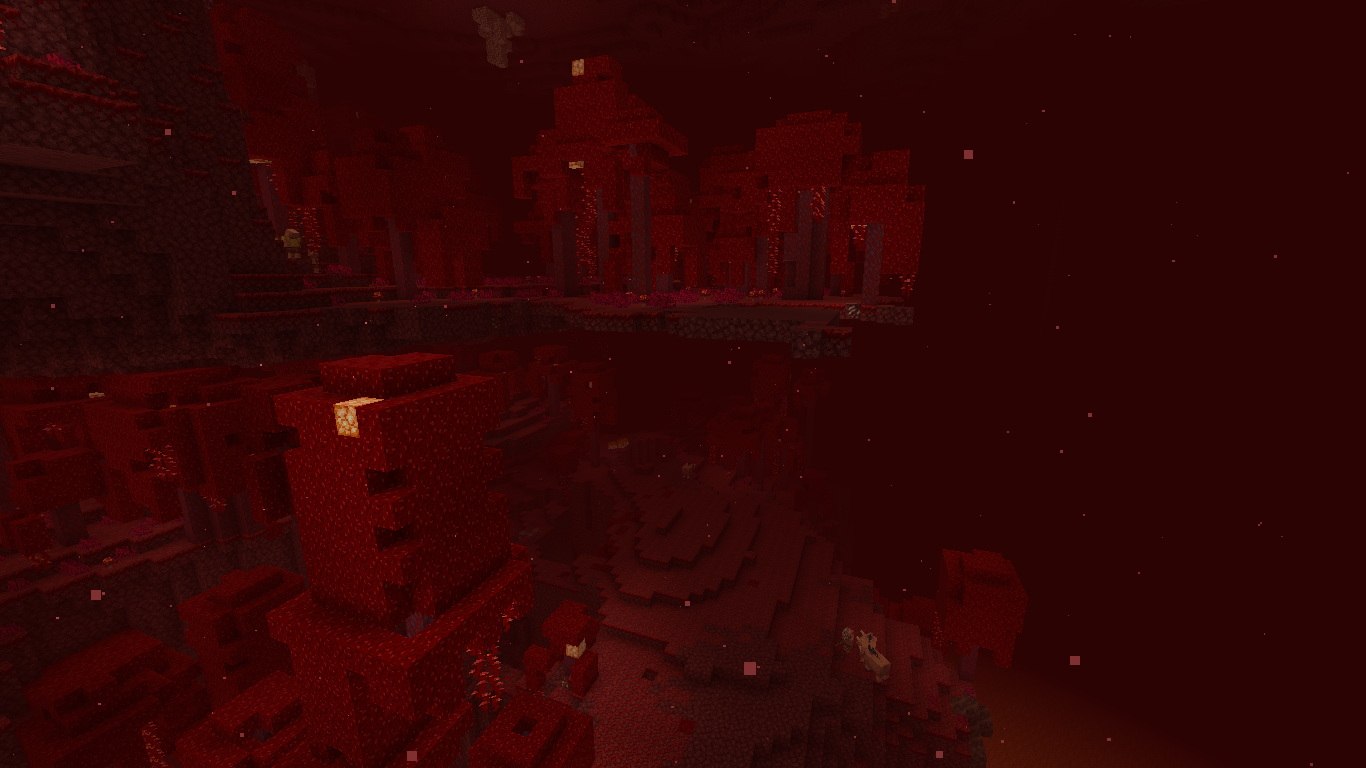
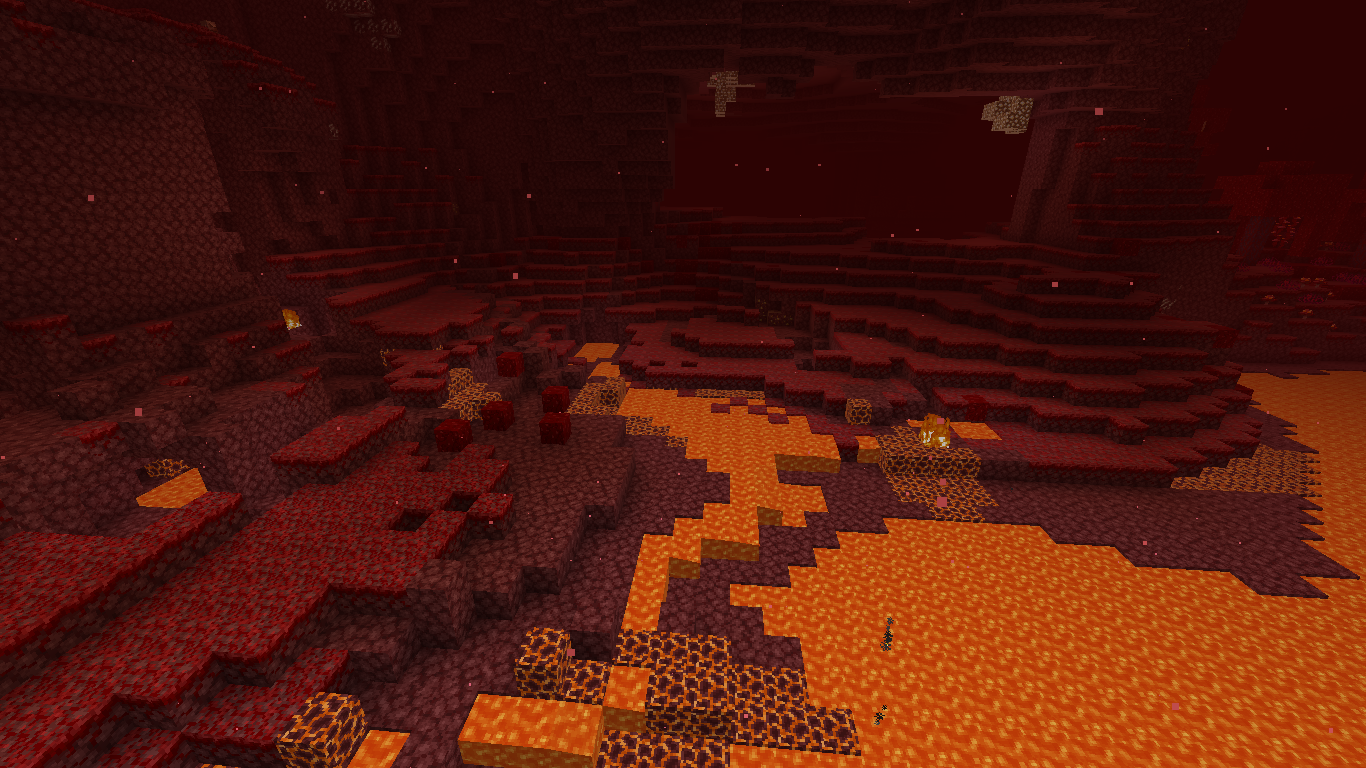
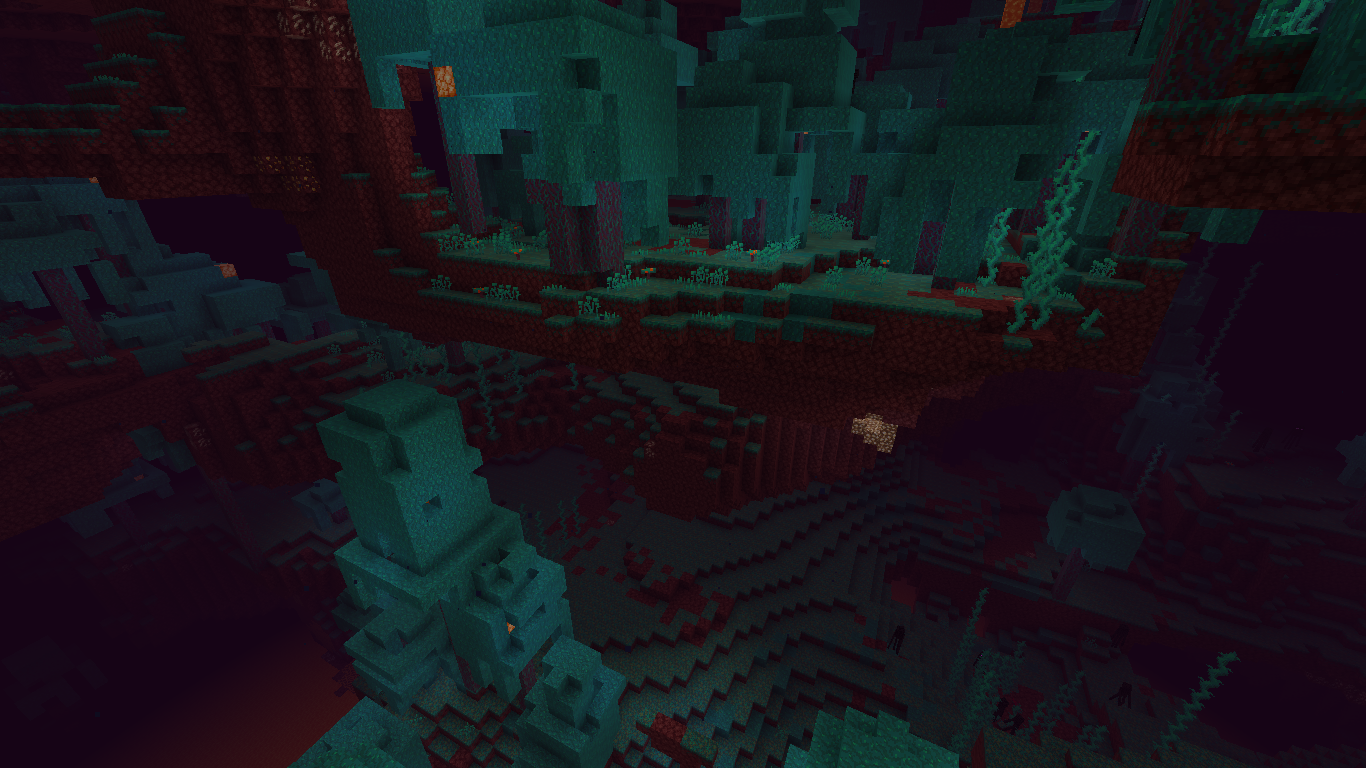
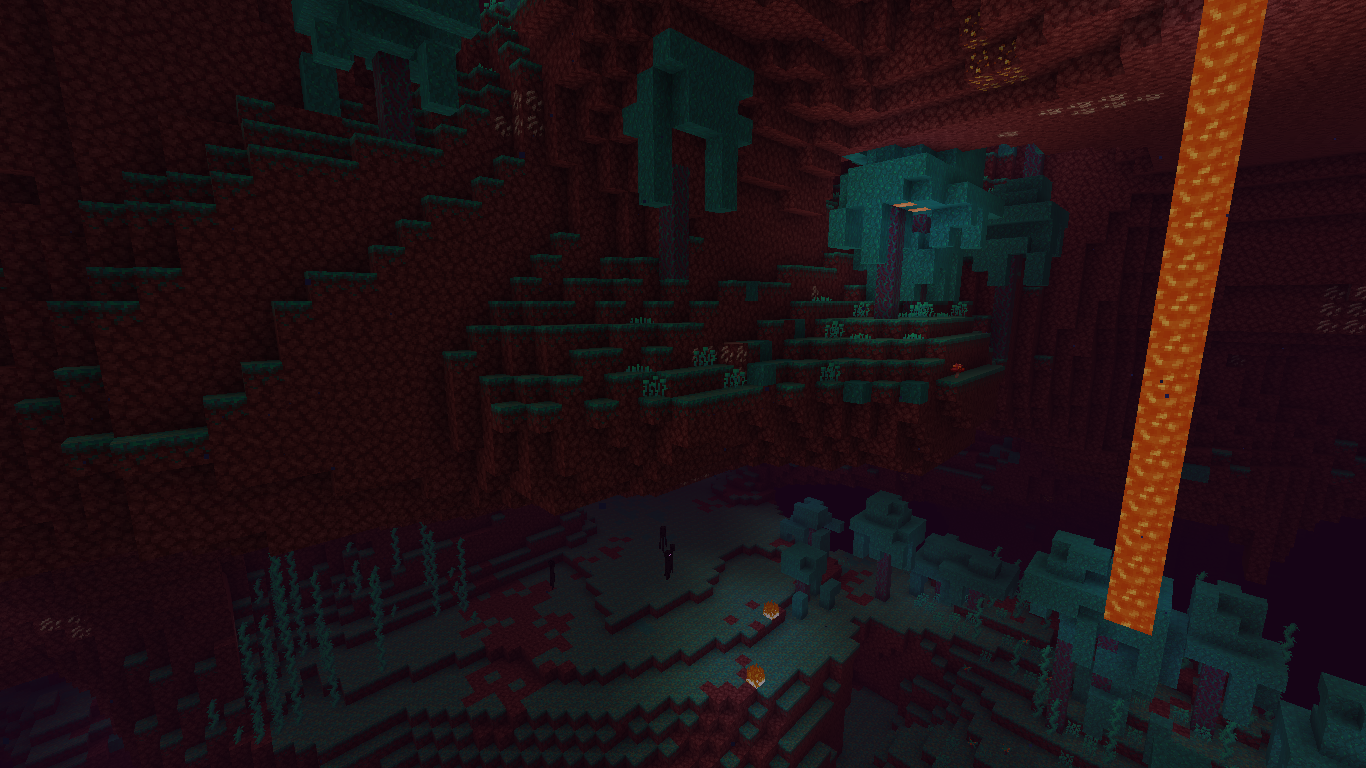
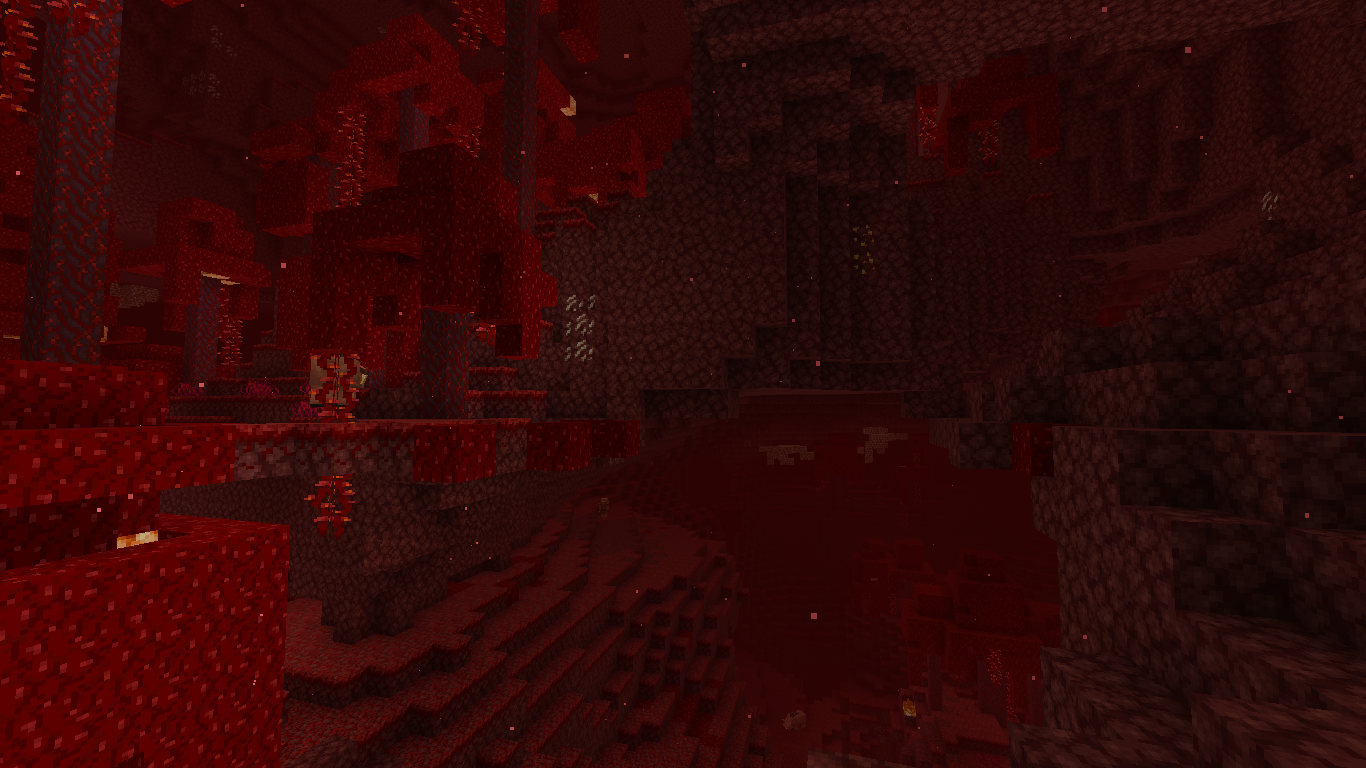
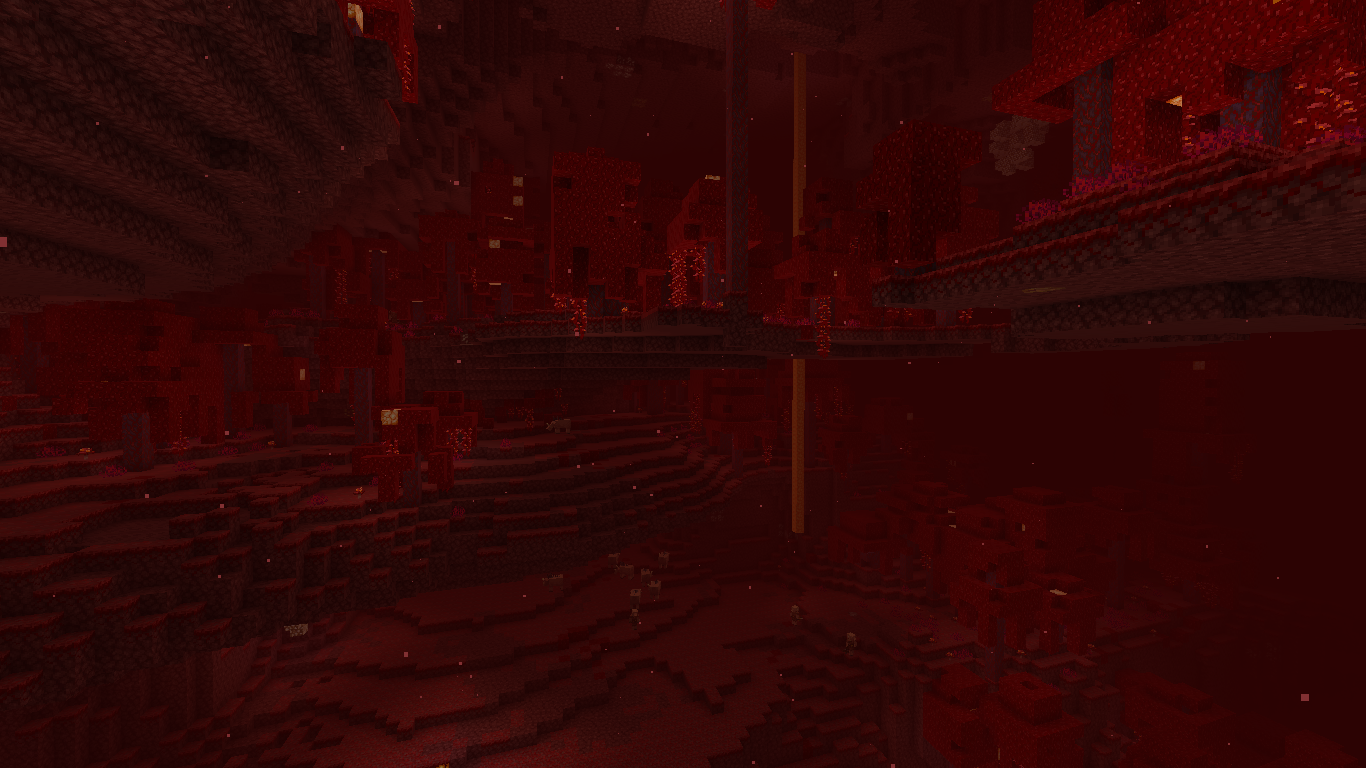






Enderman don't pick up non-collidable blocksEndermen don't pick up non-collidable blocks
Endermen don't pick upnon-collidable blocksEndermen don't pick up all blocks defined in data pack
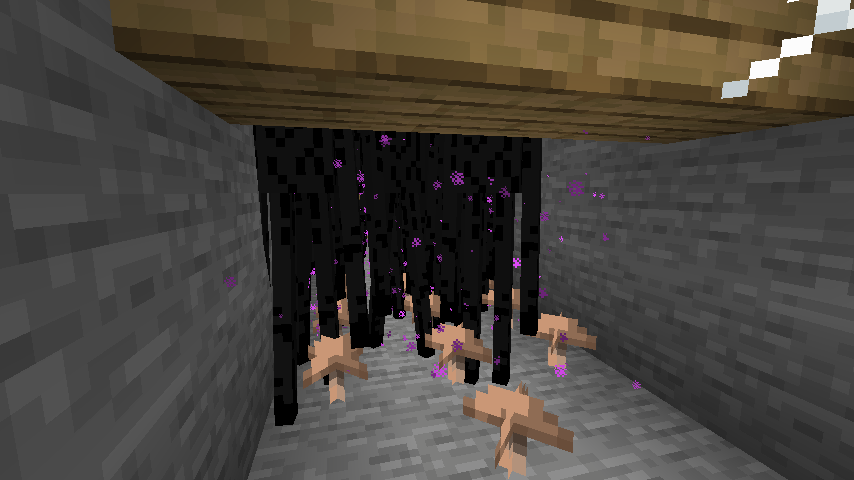
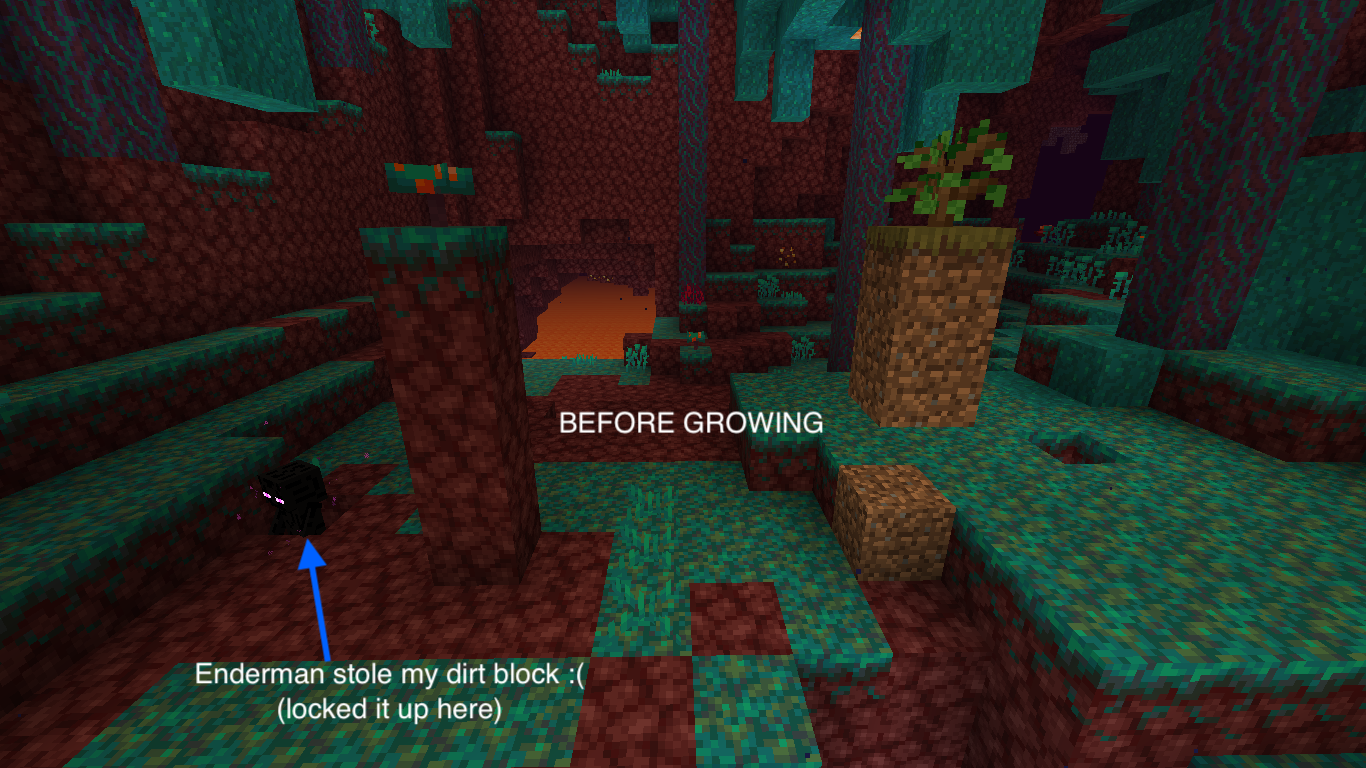
As far as I know, endermen are able to pick up mushrooms, flowers and other non-solid blocks. I've seen them doing that in bedrock edition, but never in java edition. This is a problem that's confusing me for two years now, and it seems that it never showed up here...
To reproduce, place a lot of mushrooms (you can't collide with mushrooms) in a dark, open area with only stone. Then spawn a lot of endermen in that area... Since endermen could pick up mushrooms, they should start grabbing the mushrooms. In bedrock/pocket edition, this is the case. But in java edition, they only grab the collidable blocks...
The enderman_holdable tag seems to be added to mushrooms and flowers. Before 1.13, the decompiled source code showed that they had to be able to pick up those blocks and they didn't either. And as I made a data pack that lets them only pick up tall grass, lilypads, and other non-collidable blocks, they just pick up nothing...
Eventually, it seems that endermen only pick up collidable blocks of which their shape contains the block-local coordinates [0.5, 0.5, 0.5].
I assigned a data pack I made to test the expected behaviour. The following table shows the current behaviour.
Block in data packs Grab? Soul sand Yes Any flower pot, with or without plant No Regular torch No Any rails No Any slab No Any button No Any carpet No Any door No End rods Yes The blocks below are in the vanilla data pack Grass blocks Yes Dirt Yes Coarse dirt Yes Podzol Yes Sand / red sand Yes Gravel Yes Dandelion No Poppy No Blue orchid No Allium No Azure Bluet No Red tulip No Orange tulip No White tulip No Pink tulip No Oxeye daisy No Any mushroom No TNT Yes Cactus Yes Clay Yes Pumpkin Yes Carved pumkin Yes Melon Yes Mycelium Yes Netherrack Yes
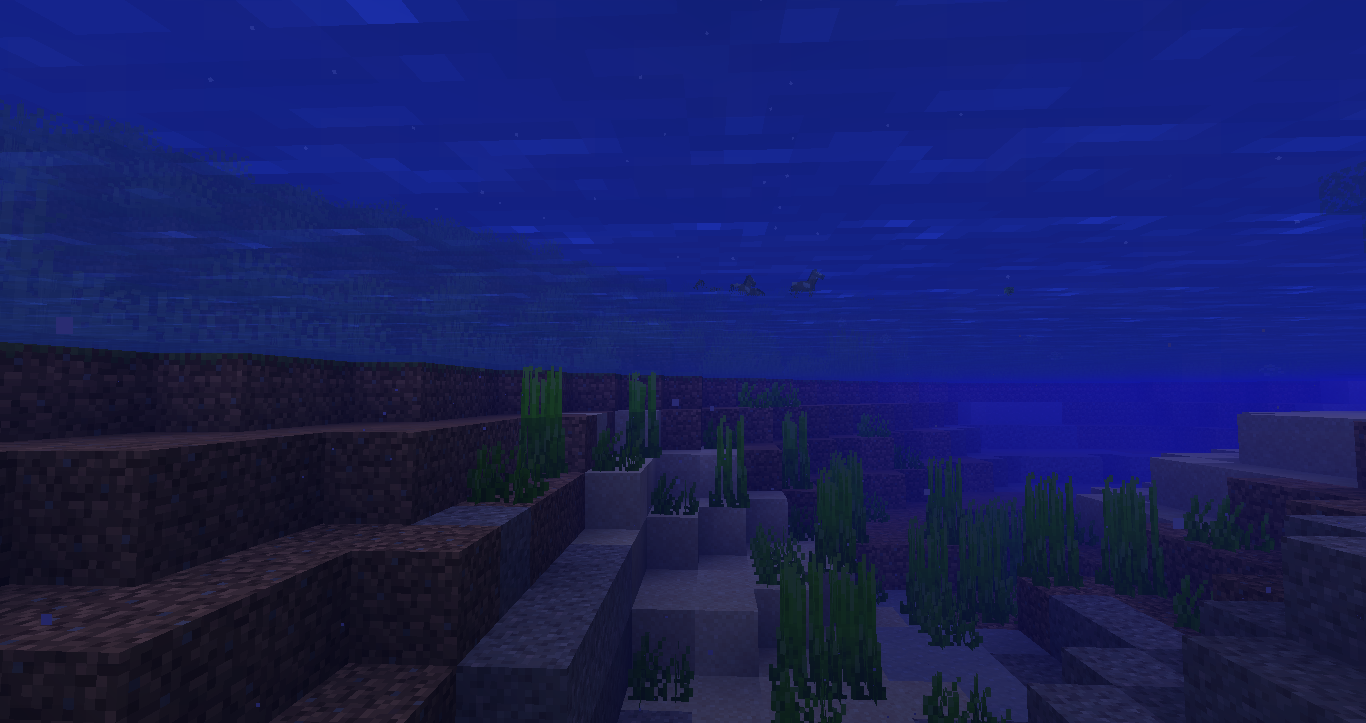
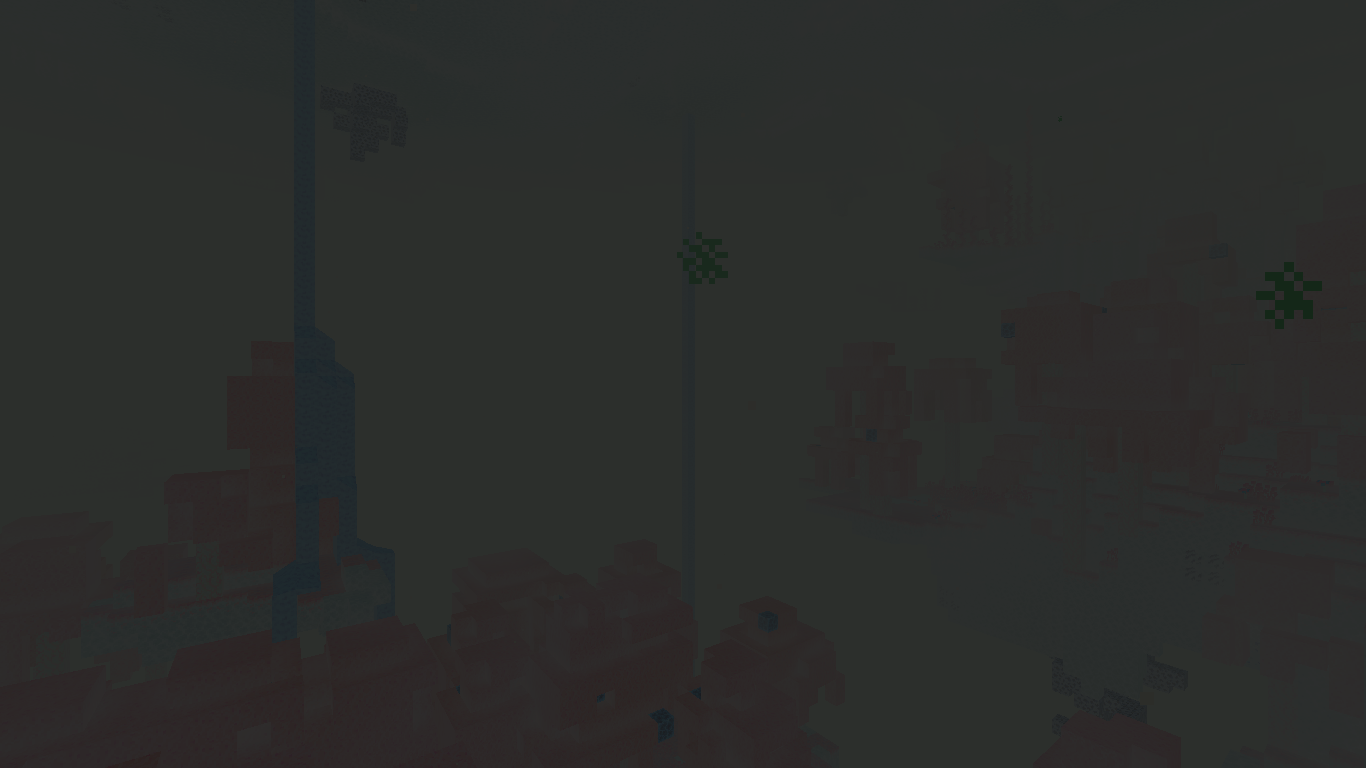
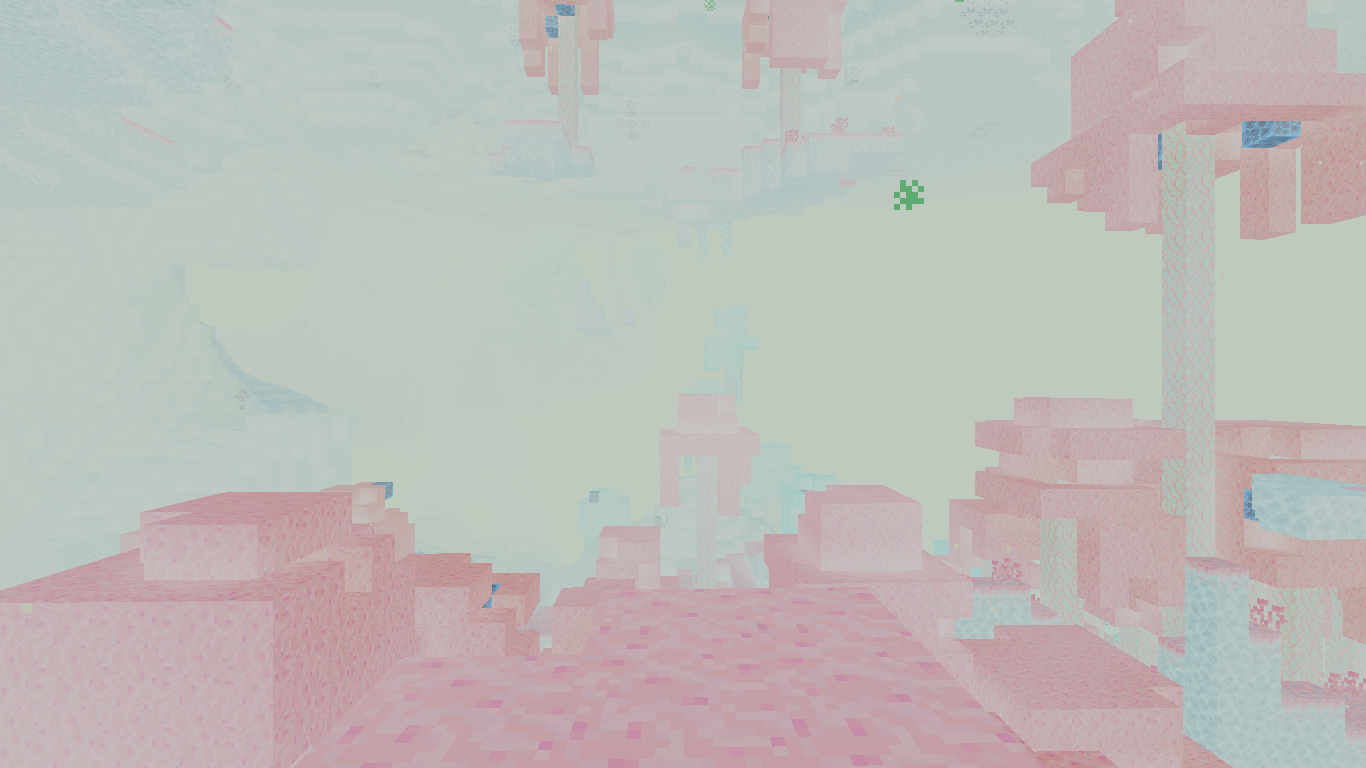
When underwater, there is something remarkable on all distant entities: they don't seem to be affected by fog anymore... When looking at some distant things from underwater, it's very remarkable that blocks fade into a blue fog, while entities just remain coloured.
Here's a screenshot:
As you can see, the distant horses render remarkably visible between the blocks that have already been rendered blueish due to the underwater fog.
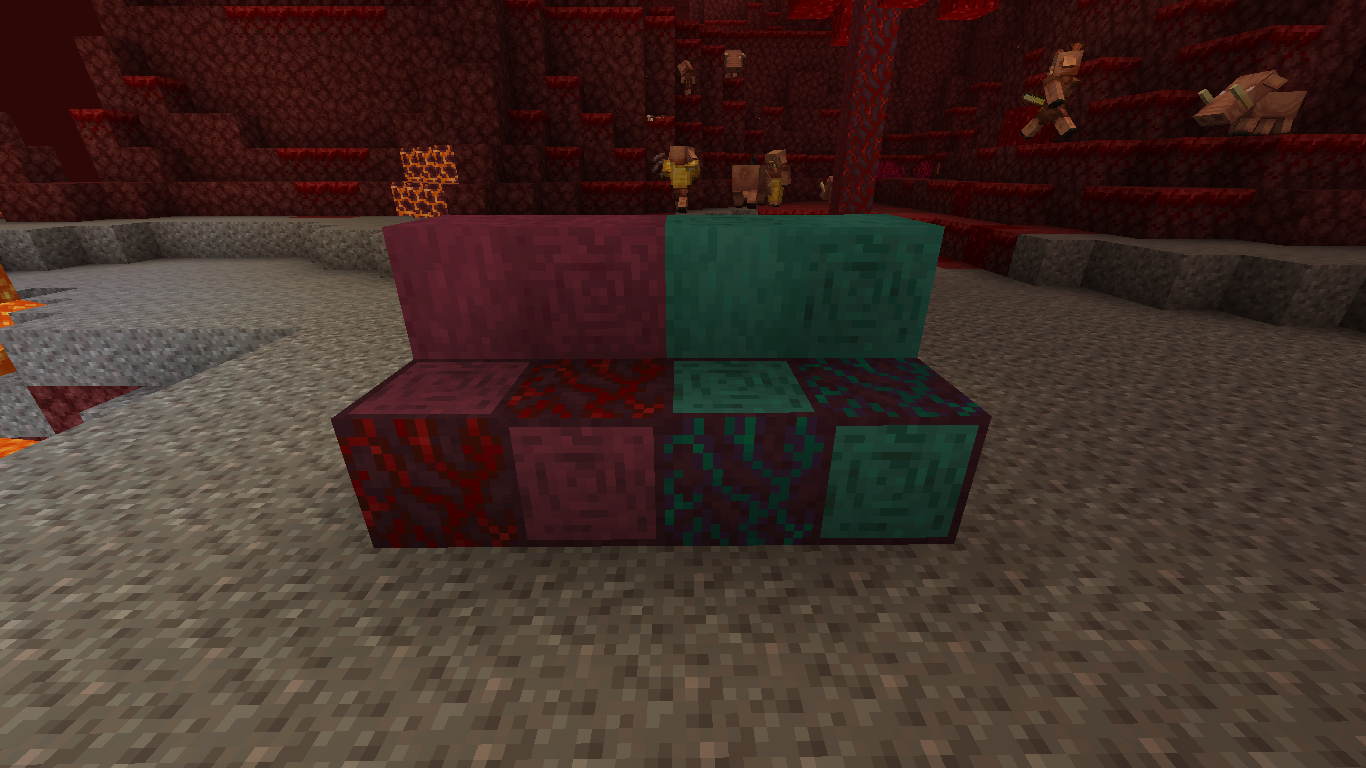
It may be a pretty weird issue, but I can't think of a cause for the rings in the textures crimson and warped stems.
The thing is that in real life rings are caused in trees by the annual temperature change (winter - summer). Fungi are not trees and do not have these rings at all.
Thinking of the nether itself: the Nether has no winter or summer either, which does not cause rings at all. The crimson and warped fungi grow in the nether where they don't have to make it through the cold and hot periods of winter and summer: there are no seasons in the nether...
So why do warped and crimson fungi have rings? It's pretty weird if you realise what these rings actually are: they now look like wood logs and not like hyphae logs...
If the textures are modified a bit, they could look much more like fungus stems:
In-game:
Texture inconsistency: Warped and crimson fungi have rings?
For now it seems to happen only on boots enchanted with Soul Speed: they decrease durability when used in creative. Tools and armour do usually not decrease durability upon use in creative.
To reproduce:
- Take some boots with soul speed enchantment
- Walk around a while in the Nether in creative, especially on soul sand and soul soil
- See the boots get durability decrease
I have a screenshot but Jira prevents me to upload it for some reason
For now it seems to happen only on boots enchanted with Soul Speed: they decrease durability when used in creative. Tools and armour do usually not decrease durability upon use in creative.
To reproduce:
- Take some boots with soul speed enchantment
- Walk around a while in the Nether in creative, especially on soul sand and soul soil
- See the boots get durability decrease
For now it seems tohappen only onboots enchanted with Soul Speed: they decrease durability when used in creative. Tools and armour do usually not decrease durability upon use in creative.To reproduce:
- Take some boots with soul speed enchantment
- Walk around a while
in the Nether in creative, especially on soulsandand soulsoil- See the boots get durability decrease
It happens on any tier of boots enchanted with Soul Speed I or higher. When a player in creative mode wears these boots when walking on Soul Sand our Soul Soil, they decrease durability because the enchantment applies. Tools and armour do usually not decrease durability upon use in creative.
To reproduce:
- Take some boots with soul speed enchantment
- Walk around a while on some Soul Sand or Soul Soil in Creative mode
- See the boots get durability decrease:
SoulSpeedBug480K.m4v
It happens on any tier of boots enchanted with Soul Speed I or higher. When a player in creative mode wears these boots when walking on Soul Sand our Soul Soil, they decrease durability because the enchantment applies. Tools and armour do usually not decrease durability upon use in creative.
To reproduce:
- Take some boots with soul speed enchantment
- Walk around a while on some Soul Sand or Soul Soil in Creative mode
- See the boots get durability decrease:
See SoulSpeedBug480K.mp4
for a video.
I tested it only in the Nether, but it seems that when difficulty is set to peaceful, and then set back to any other difficulty using /difficulty ...
- Find some hostile mobs spawning
Set difficulty to Peaceful, either in options or by command- Run /difficulty normal
No monsters will spawnwhile just in Normal difficultyI tested it only in the Nether, but it seems that when difficulty is set to peaceful, and then set back to any other difficulty using /difficulty ..., hostile mobs won't spawn until the world is reloaded or the difficulty is updated within the options screen.
More detailed steps to reproduce the bug
- Find some hostile mobs spawning
- Set difficulty to Peaceful, either in options or by command
- Run /difficulty normal
- No monsters will spawn while just in Normal difficulty
- Reload the world or update the difficulty using the options button (not just cycling it, and not to peaceful)
- Monsters will spawn again
I tested it only in the Nether, but it seems that when difficulty is set to peaceful, and then set back to any other difficulty using /difficulty ..., hostile mobs won't spawn until the world is reloaded or the difficulty is updated within the options screen.
More detailed steps to reproduce the bug
- Find some hostile mobs spawning
- Set difficulty to Peaceful, either in options or by command
- Run /difficulty normal
- No monsters will spawn while just in Normal difficulty
- Reload the world or update the difficulty using the options button (not just cycling it, and not to peaceful)
- Monsters will spawn again
I tested it only in the Nether, but it seems that when difficulty is set to peaceful, and then set back to any other difficulty using /difficulty ..., hostile mobs won't spawn until the world is reloaded or the difficulty is updated within the options screen.
More detailed steps to reproduce the bug
- Find some hostile mobs spawning
- Set difficulty to Peaceful, either in options or by command
- Run /difficulty normal
No monsters will spawn while just in Normal difficulty
- Reload the world or update the difficulty using the options button (not just cycling it, and not to peaceful)
Monsters will spawn again
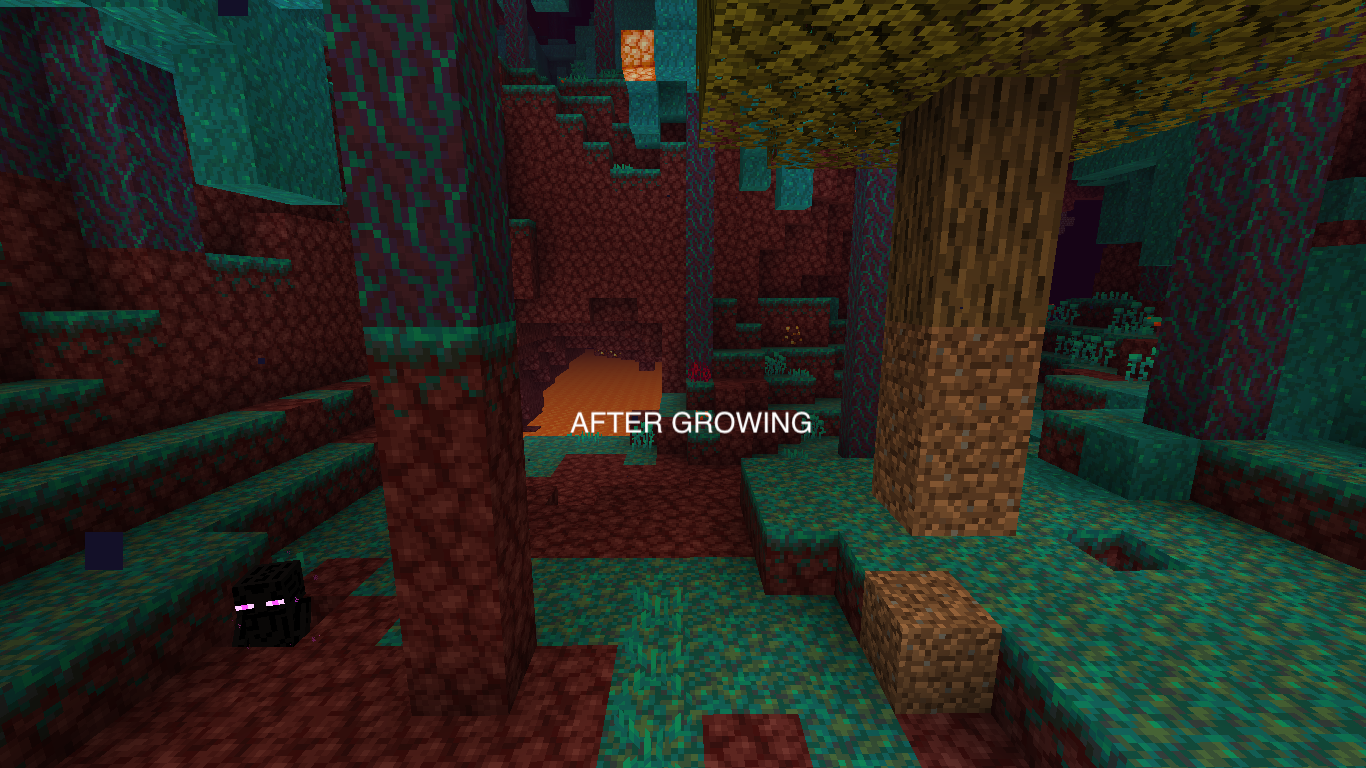
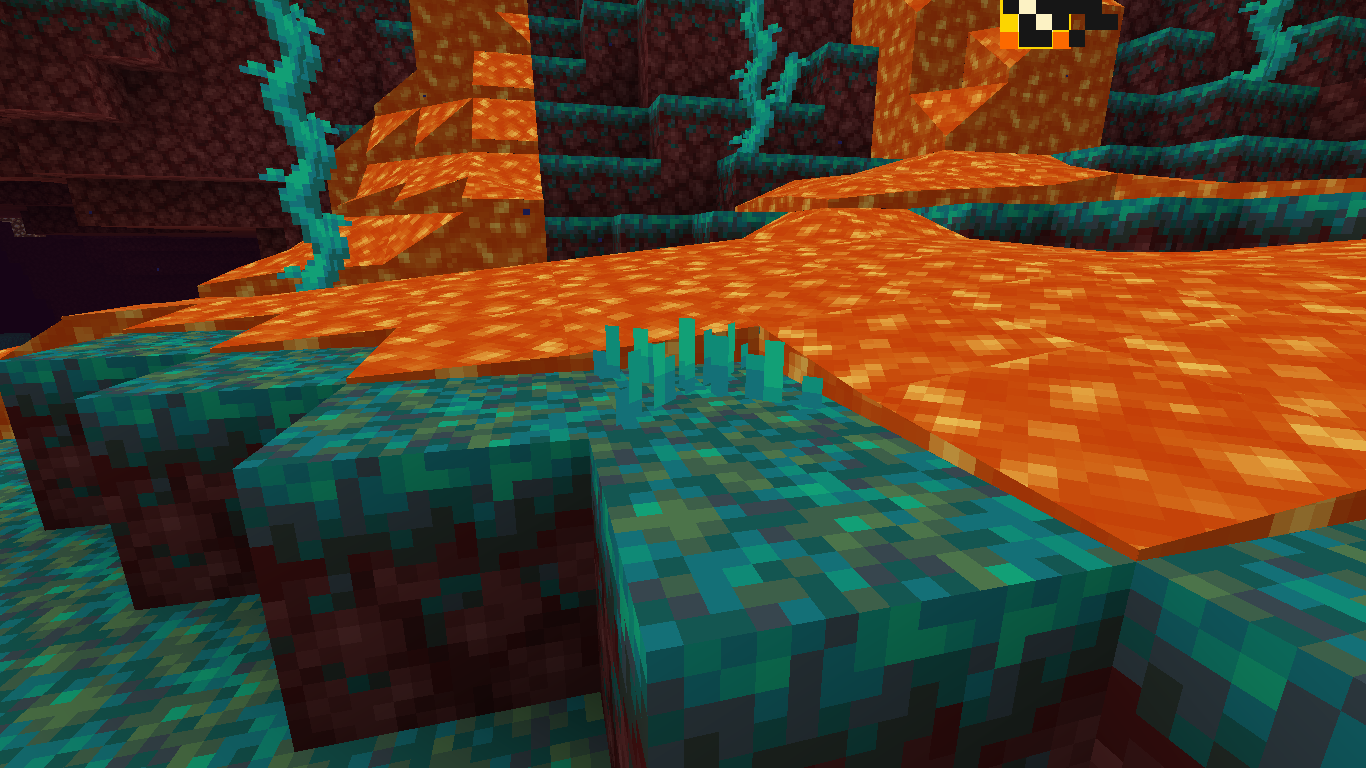
When lava displaces a plant or another displaceable block, it renders smoke particles instead of spawning an item (like water does). These smoke particles seem to render too high. The bug is especially visible in the nether at the flatter lava blocks.
To reproduce
- Make or find a fully spreading lava flow in the nether (for best reference, but overworld works too)
- Place nether sprouts in the lava blocks at the edge of the flow
- Let the lava consume the nether sprouts and spawn smoke particles
(the nether sprouts may have wished they were thathigh)
Before:
After:
When lava displaces a plant or another displaceable block, it renders smoke particles instead of spawning an item (like water does). These smoke particles seem to render too high. The bug is especially visible in the nether at the flatter lava blocks.
To reproduce
- Make or find a fully spreading lava flow in the nether (for best reference, but overworld works too)
- Place nether sprouts in the lava blocks at the edge of the flow
- Let the lava consume the nether sprouts and spawn smoke particles
(like they were the full block tall - the nether sprouts may have wished they were that tallBefore:
After:

When lava displaces a plant or another displaceable block, it renders smoke particles instead of spawning an item (like water does). These smoke particles seem to render too high. The bug is especially visible in the nether at the flatter lava blocks.
To reproduce
- Make or find a fully spreading lava flow in the nether (for best reference, but overworld works too)
- Place nether sprouts in the lava blocks at the edge of the flow
- Let the lava consume the nether sprouts and spawn smoke particles
(like they were the full block tall - the nether sprouts may have wished they were that tallBefore:
After:
When lava displaces a plant or another displaceable block, it renders smoke particles instead of spawning an item (like water does). These smoke particles seem to render too high. The bug is especially visible in the nether at the flatter lava blocks.
To reproduce
- Make or find a fully spreading lava flow in the nether (for best reference, but overworld works too)
- Place nether sprouts in the lava blocks at the edge of the flow
- Let the lava consume the nether sprouts and spawn smoke particles
(like they were the full block tall - the nether sprouts may have wished they were that tallBefore:
After:
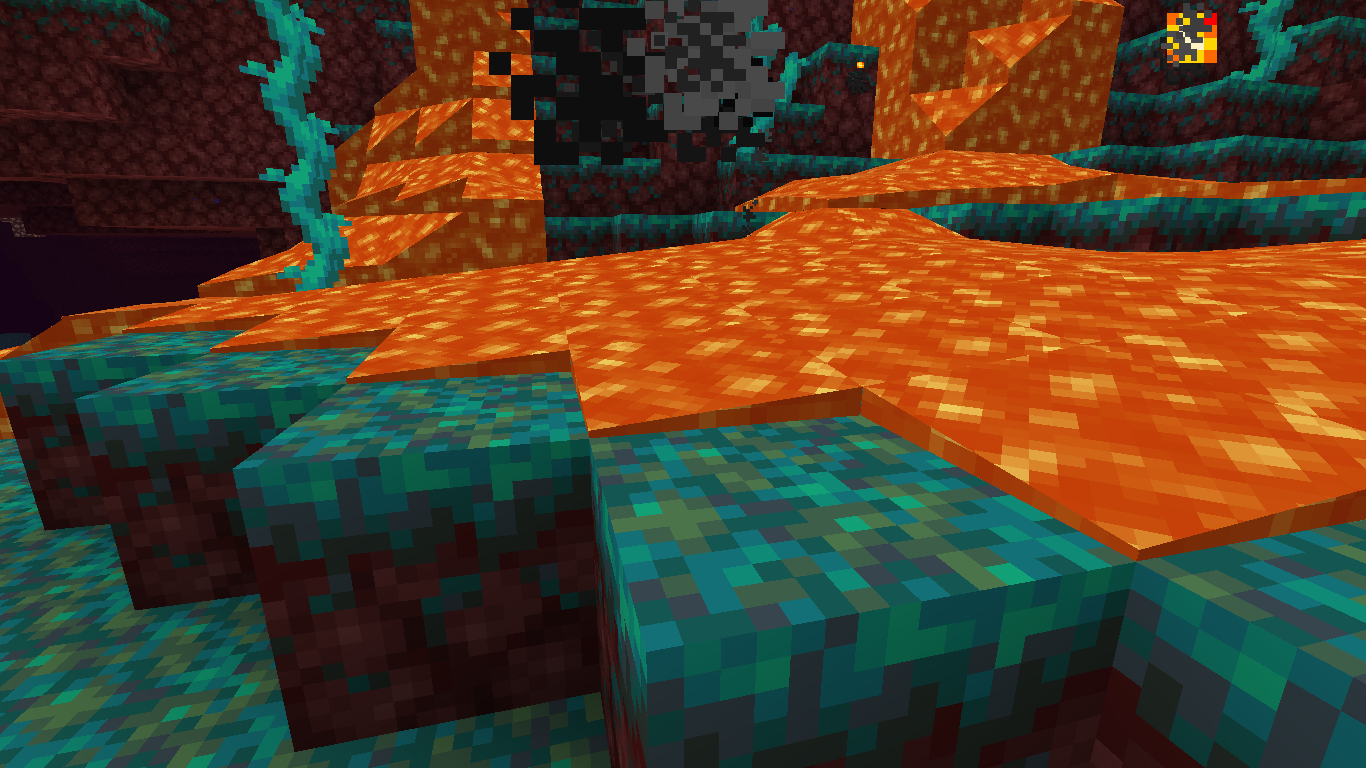
When lava displaces a plant or another displaceable block, it renders smoke particles instead of spawning an item (like water does). These smoke particles seem to render too high. The bug is especially visible in the nether at the flatter lava blocks.
To reproduce
- Make or find a fully spreading lava flow in the nether (for best reference, but overworld works too)
- Place nether sprouts (which are small) in the lava blocks at the edge of the flow
- Let the lava consume the nether sprouts and spawn smoke particles
(like they were the full block tall - the nether sprouts may have wished they were that tallIn the screenshots, the lava nor the nether sprouts are high enough to make smoke at that location.
Before:
After:
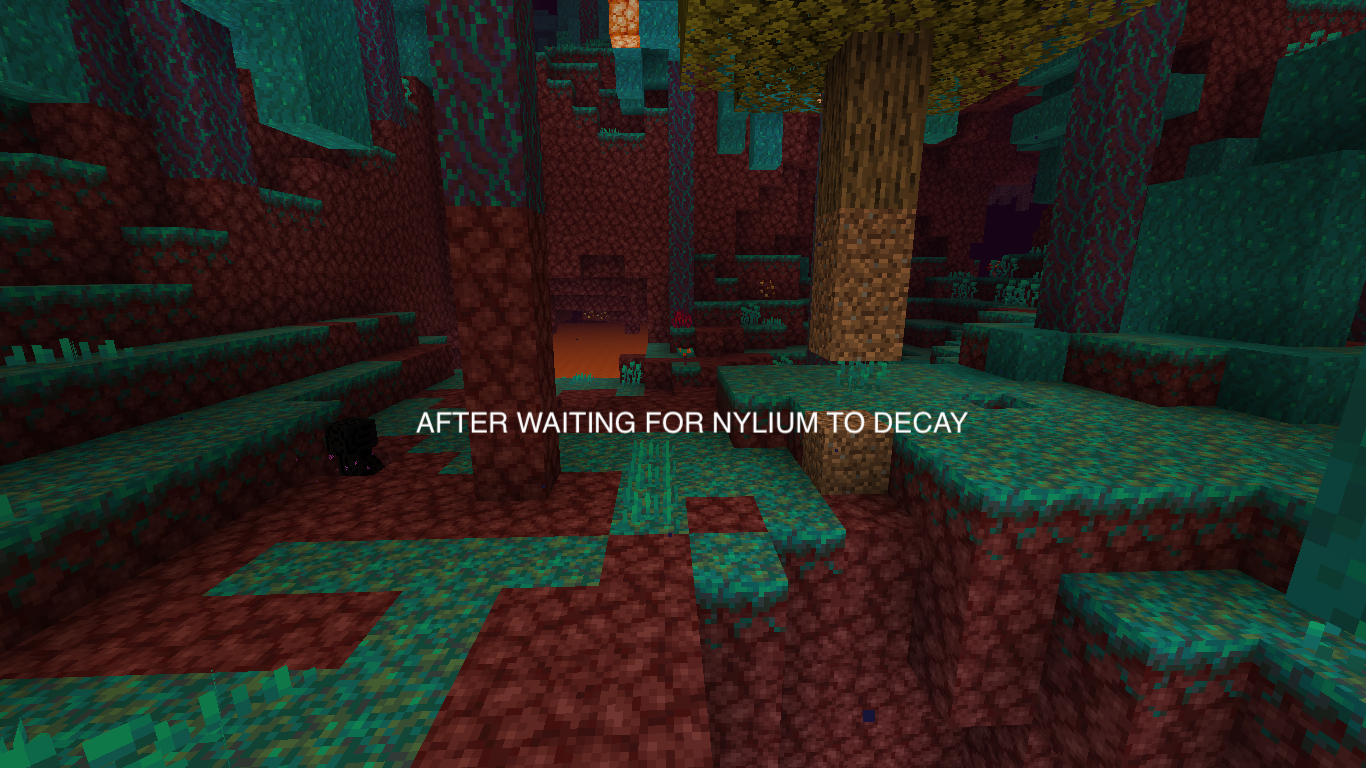
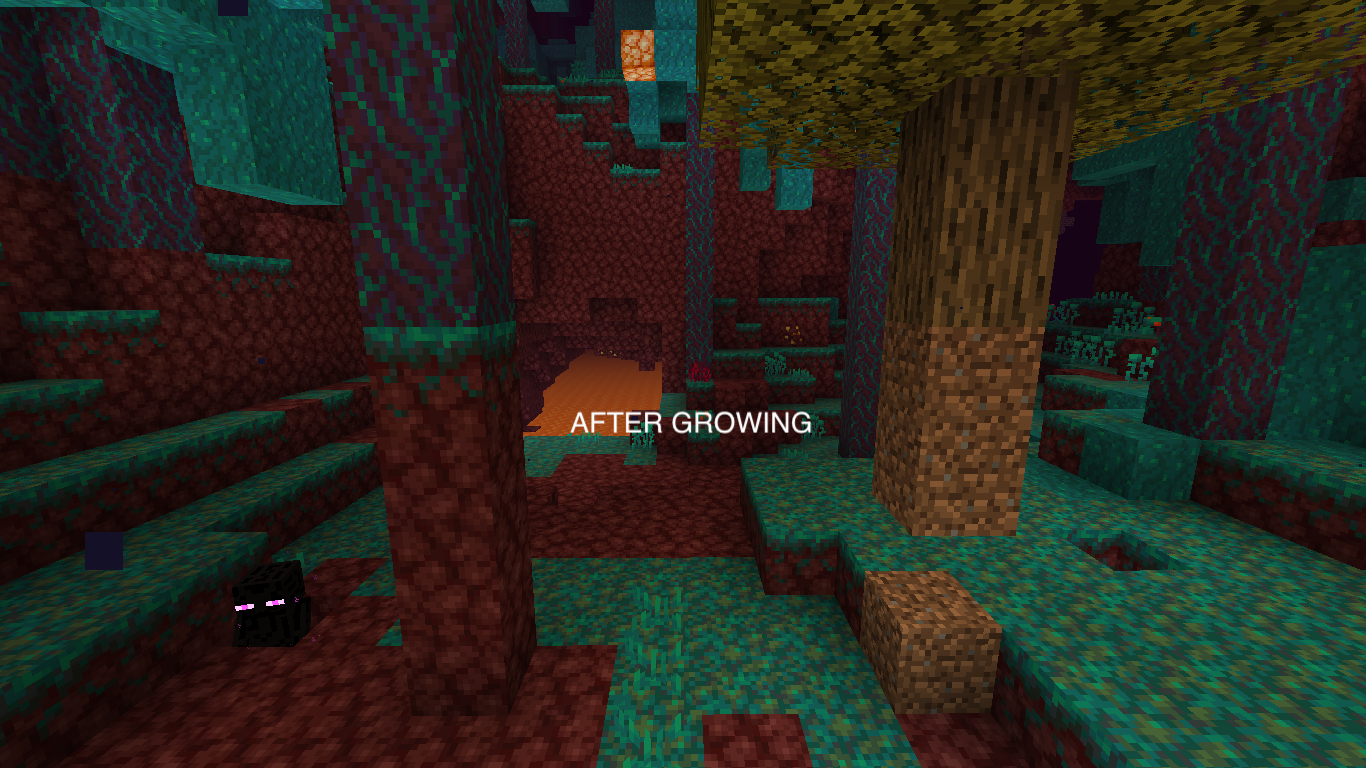
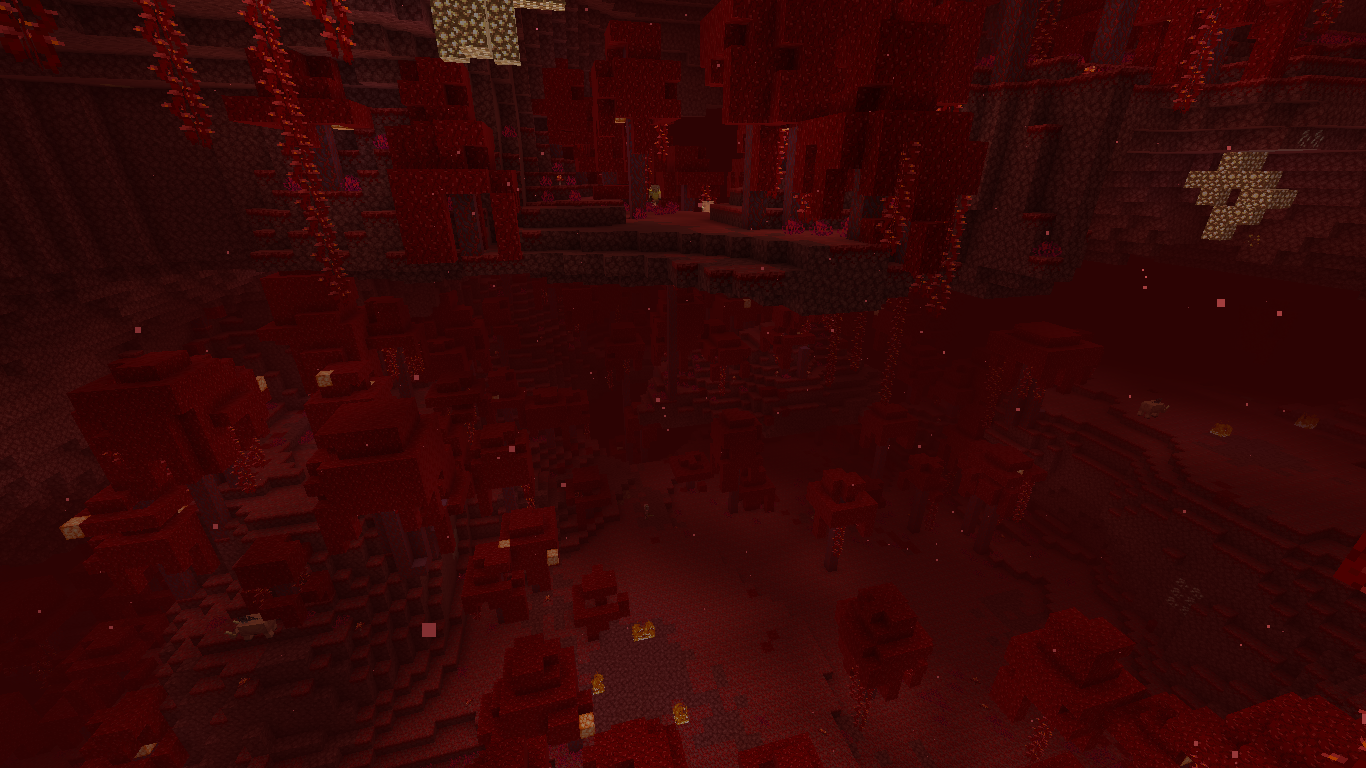
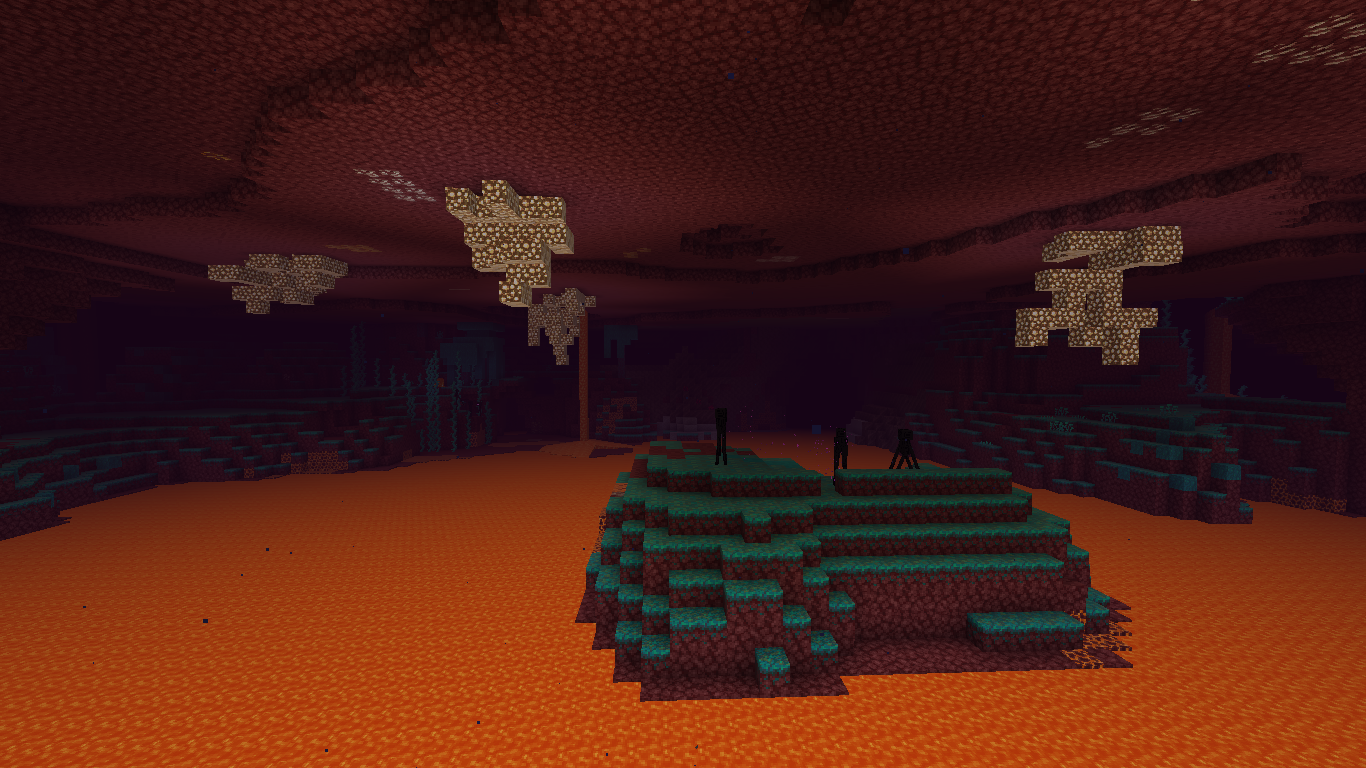
In the Nether, when a platform generates floating above another platform, plants and fungi generate only on the higher platform and the lower platform only gets surface blocks. The issue is not visible in Nether Wastes or Soul Sand Valley, but in Crimson Forests and Warped Forests it's very easy to see. When flying through those forests, occasional barren places with only Nylium and Netherrack can be found.
It seems that Nylium
blocks anything from generating below and that only higher Nylium platforms get vegetation. Vegetation still attempts to generate below platforms that are not covered with Nylium. This causes weird, empty places in nether forests.In the Nether, when a platform generates floating above another platform, plants and fungi generate only on the higher platform and the lower platform only gets surface blocks. The issue is not visible in Nether Wastes or Soul Sand Valley, but in Crimson Forests and Warped Forests it's very easy to see. When flying through those forests, occasional barren places with only Nylium and Netherrack can be found.
It seems that Nylium prevents anything from generating below and that only higher Nylium platforms get vegetation. Vegetation still attempts to generate below (parts of) platforms that are not covered with Nylium. This causes weird, empty places in nether forests.
The eye height of cats is too low and does not change when the cat changes from standing/sitting pose. These incorrect eye heights cause the cat to look at a higher point than it actually should look at.
CalculationA cat is 0.7 blocks high, this is 11.2 pixels (1 pixel = 1/16 block). The eye height of a cat is specified in code as 0.5 * height: the eye height of a cat is 5.6 pixels. This is incorrect when looking at the model. The cat has two main poses: sitting and standing.
- The eye height of a standing cat is actually 9.5 pixels. This is 3.9 pixels higher than the current eye height
- The eye height of a sitting cat is 3.3 pixels higher than a standing cat. This is 12.8 pixels. This is 7.2 pixels higher than the current eye height.
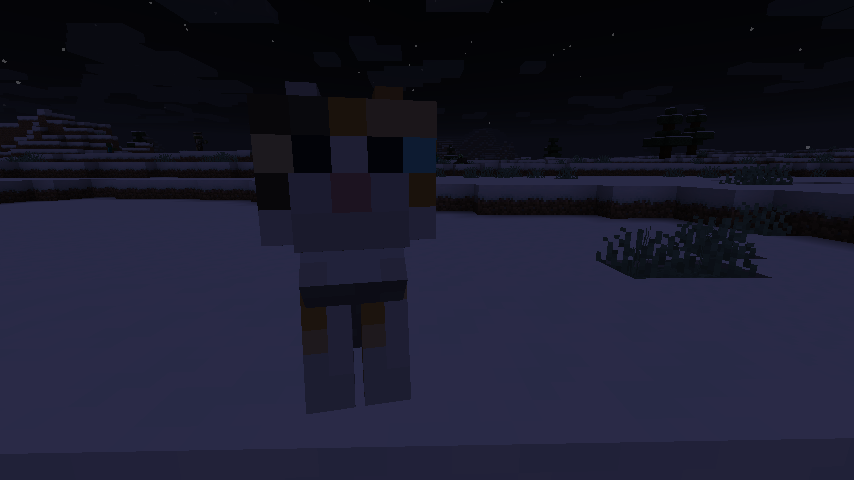
ScreenshotsI've put a tamed cat sitting upon a block. The cat is sitting one block higher than the player is standing.
Cat looking idle (straight forward):
Cat looking at player:
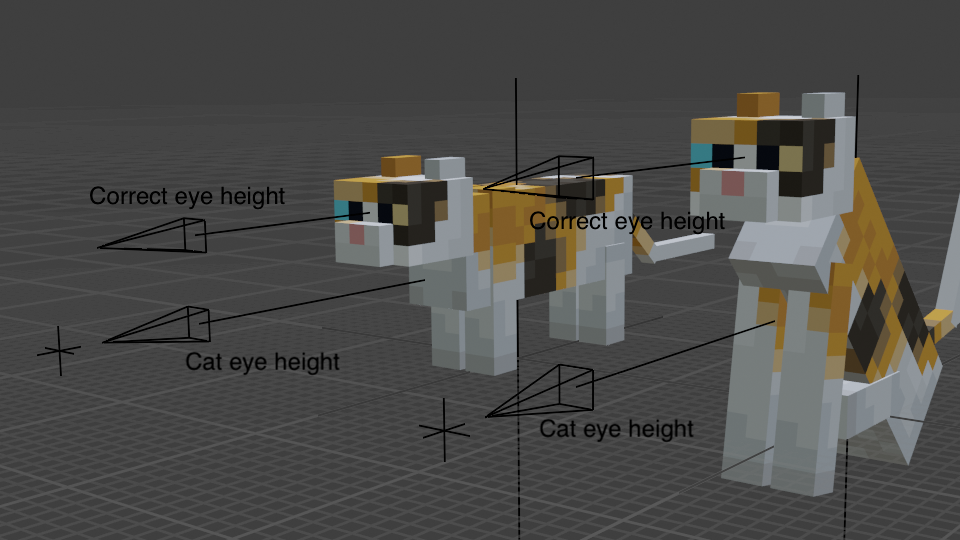
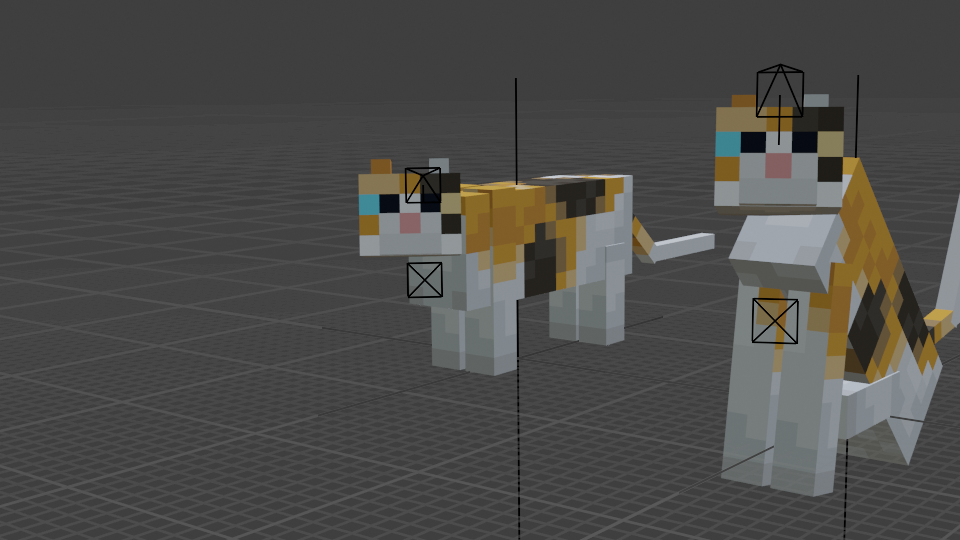
Evaluation in BlenderI took Blender and created a sitting and a standing calico-type cat (texture is mirrored somehow). When cats are idle, the cats look straight forward, not looking at any point:
The correct eye heights are way higher than the actual eye heights. For idle cats, this causes no problems, but for cats watching a specific point, they seem to watch over that point:
The standing cat more or less looks at the point but it's easy to see that it's not actually focusing on the point. A common thing a cat looks at is a player's head. The focus point is then moved towards the eye location of the player, or in first person: the camera. It will look like this:
The standing cat here is more or less looking into the camera, but the sitting cat visibly looks over the camera. Using the eye heights that resulted from the calculation above, which are the correct eye heights, the cats will look directly into the camera and the issue is fixed:
Code evaluation and solutionI used the code from 1.15.2 with Mojang mappings.
The cat seems to specify getStandingEyeHeight like this:
protected float getStandingEyeHeight( Pose pose, EntityDimensions dimens ) { return dimens.height * .5f; // Wrong eye height }This is used only to initialize a field eyeHeight in net.minecraft.world.entity.Entity. This field is not final so it can be updated at any time. The cat's eye height should be updated every tick so that it is continuously synchronised with the cat's pose. A working and more correct solution would be:
The eye height of cats is too low and does not change when the cat changes from standing/sitting pose. These incorrect eye heights cause the cat to look at a higher point than it actually should look at.
CalculationA cat is 0.7 blocks high, this is 11.2 pixels (1 pixel = 1/16 block). The eye height of a cat is specified in code as 0.5 * height: the eye height of a cat is 5.6 pixels. This is incorrect when looking at the model. The cat has two main poses: sitting and standing.
- The eye height of a standing cat is actually 9.5 pixels. This is 3.9 pixels higher than the current eye height
- The eye height of a sitting cat is 3.3 pixels higher than a standing cat. This is 12.8 pixels. This is 7.2 pixels higher than the current eye height.
ScreenshotsI've put a tamed cat sitting upon a block. The cat is sitting one block higher than the player is standing.
Cat looking idle (straight forward):
Cat looking at player:
Evaluation in BlenderI took Blender and created a sitting and a standing calico-type cat (texture is mirrored somehow). When cats are idle, the cats look straight forward, not looking at any point:
The correct eye heights are way higher than the actual eye heights. For idle cats, this causes no problems, but for cats watching a specific point, they seem to watch over that point:
The standing cat more or less looks at the point but it's easy to see that it's not actually focusing on the point. A common thing a cat looks at is a player's head. The focus point is then moved towards the eye location of the player, or in first person: the camera. It will look like this:
The standing cat here is more or less looking into the camera, but the sitting cat visibly looks over the camera. Using the eye heights that resulted from the calculation above, which are the correct eye heights, the cats will look directly into the camera and the issue is fixed:
Code evaluation and solutionI used the code from 1.15.2 with Mojang mappings.
The cat seems to specify getStandingEyeHeight like this:
protected float getStandingEyeHeight( Pose pose, EntityDimensions dimens ) { return dimens.height * .5f; // Wrong eye height }This is used only to initialize a field eyeHeight in net.minecraft.world.entity.Entity. This field is not final so it can be updated at any time. The cat's eye height should be updated every tick so that it is continuously synchronised with the cat's pose. A working and more correct solution would be:
// Ratio of eye height to full entity height (originally .5f)
// Calculate these constants using: eyeHeightPx / blockInPx / adultCatBlock
private static final float STANDING_EYE_HEIGHT_RATIO = 9.5f / 16 / .7f;
private static final float SITTING_EYE_HEIGHT_RATIO = 12.8f / 16 / .7f;

// ...

public void tick() {
    super.tick();
    updateEyeHeight();

    if ( temptGoal != null
         && temptGoal.isRunning()
         && ! isTame()
         && tickCount % 100 == 0 ) {
        playSound( SoundEvents.CAT_BEG_FOR_FOOD, 1, 1 );
    }

    handleLieDown();
}

private void updateEyeHeight() {
    EntityDimensions dimens = getDimensions( Pose.STANDING );
    eyeHeight = getStandingEyeHeight( Pose.STANDING, dimens );
}

// ...

protected float getStandingEyeHeight( Pose pose, EntityDimensions dimens ) {
    float heightRatio = isSitting()
                        ? SITTING_EYE_HEIGHT_RATIO
                        : STANDING_EYE_HEIGHT_RATIO;
    return dimens.height * heightRatio;
}
The eye height of cats is too low and does not change when the cat changes from standing/sitting pose. These incorrect eye heights cause the cat to look at a higher point than it actually should look at.
CalculationA cat is 0.7 blocks high, this is 11.2 pixels (1 pixel = 1/16 block). The eye height of a cat is specified in code as 0.5 * height: the eye height of a cat is 5.6 pixels. This is incorrect when looking at the model. The cat has two main poses: sitting and standing.
- The eye height of a standing cat is actually 9.5 pixels. This is 3.9 pixels higher than the current eye height
- The eye height of a sitting cat is 3.3 pixels higher than a standing cat. This is 12.8 pixels. This is 7.2 pixels higher than the current eye height.
ScreenshotsI've put a tamed cat sitting upon a block. The cat is sitting one block higher than the player is standing. I forgot to make the time daytime so sorry for the dark images.
Cat looking idle (straight forward):
Cat looking at player:
Evaluation in BlenderI took Blender and created a sitting and a standing calico-type cat (texture is mirrored somehow). When cats are idle, the cats look straight forward, not looking at any point:
The correct eye heights are way higher than the actual eye heights. For idle cats, this causes no problems, but for cats watching a specific point, they seem to watch over that point:
The standing cat more or less looks at the point but it's easy to see that it's not actually focusing on the point. A common thing a cat looks at is a player's head. The focus point is then moved towards the eye location of the player, or in first person: the camera. It will look like this:
The standing cat here is more or less looking into the camera, but the sitting cat visibly looks over the camera. Using the eye heights that resulted from the calculation above, which are the correct eye heights, the cats will look directly into the camera and the issue is fixed:
Code evaluation and solutionI used the code from 1.15.2 with Mojang mappings.
The cat seems to specify getStandingEyeHeight like this:
protected float getStandingEyeHeight( Pose pose, EntityDimensions dimens ) { return dimens.height * .5f; // Wrong eye height }This is used only to initialize a field eyeHeight in net.minecraft.world.entity.Entity. This field is not final so it can be updated at any time. The cat's eye height should be updated every tick so that it is continuously synchronised with the cat's pose. A working and more correct solution would be:
// Ratio of eye height to full entity height (originally .5f)
// Calculate these constants using: eyeHeightPx / blockInPx / adultCatBlock
private static final float STANDING_EYE_HEIGHT_RATIO = 9.5f / 16 / .7f;
private static final float SITTING_EYE_HEIGHT_RATIO = 12.8f / 16 / .7f;

// ...

public void tick() {
    super.tick();
    updateEyeHeight();

    if ( temptGoal != null
         && temptGoal.isRunning()
         && ! isTame()
         && tickCount % 100 == 0 ) {
        playSound( SoundEvents.CAT_BEG_FOR_FOOD, 1, 1 );
    }

    handleLieDown();
}

private void updateEyeHeight() {
    EntityDimensions dimens = getDimensions( Pose.STANDING );
    eyeHeight = getStandingEyeHeight( Pose.STANDING, dimens );
}

// ...

protected float getStandingEyeHeight( Pose pose, EntityDimensions dimens ) {
    float heightRatio = isSitting()
                        ? SITTING_EYE_HEIGHT_RATIO
                        : STANDING_EYE_HEIGHT_RATIO;
    return dimens.height * heightRatio;
}
The eye height of cats is too low and does not change when the cat changes from standing/sitting pose. These incorrect eye heights cause the cat to look at a higher point than it actually should look at. Possibly a trivial issue or working as intended
CalculationA cat is 0.7 blocks high, this is 11.2 pixels (1 pixel = 1/16 block). The eye height of a cat is specified in code as 0.5 * height: the eye height of a cat is 5.6 pixels. This is incorrect when looking at the model. The cat has two main poses: sitting and standing.
- The eye height of a standing cat is actually 9.5 pixels. This is 3.9 pixels higher than the current eye height
- The eye height of a sitting cat is 3.3 pixels higher than a standing cat. This is 12.8 pixels. This is 7.2 pixels higher than the current eye height.
ScreenshotsI've put a tamed cat sitting upon a block. The cat is sitting one block higher than the player is standing. I forgot to make the time daytime so sorry for the dark images.
Cat looking idle (straight forward):
Cat looking at player:
Evaluation in BlenderI took Blender and created a sitting and a standing calico-type cat (texture is mirrored somehow). When cats are idle, the cats look straight forward, not looking at any point:
The correct eye heights are way higher than the actual eye heights. For idle cats, this causes no problems, but for cats watching a specific point, they seem to watch over that point:
The standing cat more or less looks at the point but it's easy to see that it's not actually focusing on the point. A common thing a cat looks at is a player's head. The focus point is then moved towards the eye location of the player, or in first person: the camera. It will look like this:
The standing cat here is more or less looking into the camera, but the sitting cat visibly looks over the camera. Using the eye heights that resulted from the calculation above, which are the correct eye heights, the cats will look directly into the camera and the issue is fixed:
Code evaluation and solutionI used the code from 1.15.2 with Mojang mappings.
The cat seems to specify getStandingEyeHeight like this:
protected float getStandingEyeHeight( Pose pose, EntityDimensions dimens ) { return dimens.height * .5f; // Wrong eye height }This is used only to initialize a field eyeHeight in net.minecraft.world.entity.Entity. This field is not final so it can be updated at any time. The cat's eye height should be updated every tick so that it is continuously synchronised with the cat's pose. A working and more correct solution would be:
// Ratio of eye height to full entity height (originally .5f)
// Calculate these constants using: eyeHeightPx / blockInPx / adultCatBlock
private static final float STANDING_EYE_HEIGHT_RATIO = 9.5f / 16 / .7f;
private static final float SITTING_EYE_HEIGHT_RATIO = 12.8f / 16 / .7f;

// ...

public void tick() {
    super.tick();
    updateEyeHeight();

    if ( temptGoal != null
         && temptGoal.isRunning()
         && ! isTame()
         && tickCount % 100 == 0 ) {
        playSound( SoundEvents.CAT_BEG_FOR_FOOD, 1, 1 );
    }

    handleLieDown();
}

private void updateEyeHeight() {
    EntityDimensions dimens = getDimensions( Pose.STANDING );
    eyeHeight = getStandingEyeHeight( Pose.STANDING, dimens );
}

// ...

protected float getStandingEyeHeight( Pose pose, EntityDimensions dimens ) {
    float heightRatio = isSitting()
                        ? SITTING_EYE_HEIGHT_RATIO
                        : STANDING_EYE_HEIGHT_RATIO;
    return dimens.height * heightRatio;
}
Eye height of cats is incorrect, making them watch over instead of to the players head
When spectating an enderman in spectator mode, it
should render the complete view (except GUI overlays) in negative colors. Apparently their view is now black in dark places, while expecting it to be white, but only when overlays are not hidden byF1.To reproduce:
- Find an enderman in a dark place
- Go into spectator mode (if not already) and spectate the enderman
- Make sure game overlays render properly
- Disable game overlays with F1
Expected behavior:
Endermen would see negative colors at all times when spectated, and their view is not darkened (but instead lightened) by the environment light.
Screenshots:
View of an enderman in a warped forest without overlays hidden
(renders too dark).
View of an enderman in a warped forest with overlays hidden (
renders correctly).
When spectating an enderman in spectator mode, it's view is darkened by the lack of light when not hiding game overlays with F1.
What I expected to happen:
Endermen view should become lighter as the local light level becomes darker. This only happens correctly when overlays are hidden with F1.
What actually happened:
Endermen view becomes darker at darker places, while still seeing in negative colors. The darkening is inconsistent within color negation and should not happen as it does not happen either when hiding overlays with F1.
Steps to reproduce:
- Find an enderman in a dark place
- Go into spectator mode (if not already) and spectate the enderman
- Make sure game overlays render properly
- Disable game overlays with F1
Screenshots:
View of an enderman in a warped forest without overlays hidden. Notice that it renders way too dark for the average view of an enderman in a warped forest. The nether is generally dark and thus endermen should be seeing light.
View of an enderman in a warped forest with overlays hidden (F1). Notice that it now renders correctly, compared to the above screenshot.
When spectating an enderman in spectator mode, it
's view is darkened by the lack of light when not hiding game overlays with F1.What I expected to happen:
Endermen view should become lighter as the local light level becomes darker. This only happens correctly when overlays are hidden with F1.
What actually happened:
Endermen view becomes darker at darker places, while still seeing in negative colors. The darkening is inconsistent within color negation and should not happen as it does not happen either when hiding overlays with F1.
Steps to reproduce:
- Find an enderman in a dark place
- Go into spectator mode (if not already) and spectate the enderman
- Make sure game overlays render properly
- Disable game overlays with F1
Screenshots:
View of an enderman in a warped forest without overlays hidden. Notice that it renders way too dark for the average view of an enderman in a warped forest. The nether is generally dark and thus endermen should be seeing light.
View of an enderman in a warped forest with overlays hidden (F1). Notice that it now renders correctly, compared to the above screenshot.
When spectating an enderman in spectator mode using Fancy graphics (and probably also Fabulous graphics - can't test that as my hardware doesn't support it), its view is darkened by the lack of light when not hiding game overlays with F1.
What I expected to happen:
Endermen view should become lighter as the local light level becomes darker. This only happens correctly when overlays are hidden with F1.
What actually happened:
Endermen view becomes darker at darker places, while still seeing in negative colors. The darkening is inconsistent within color negation and should not happen as it does not happen either when hiding overlays with F1.
Steps to reproduce:
- Find an enderman in a dark place
- Go into spectator mode (if not already) and spectate the enderman
- Make sure game overlays render properly
- Disable game overlays with F1
Screenshots:
View of an enderman in a warped forest without overlays hidden. Notice that it renders way too dark for the average view of an enderman in a warped forest. The nether is generally dark and thus endermen should be seeing light.
View of an enderman in a warped forest with overlays hidden (F1). Notice that it now renders correctly, compared to the above screenshot.
Code analysis
The cause is the vignette filter (not fully sure why, but I can prove). The vignette filter is rendered in the net.minecraft.client.gui.Gui class and slowly adapts its brightness to the local light level (inversed: 1 - lightLevel). When placing glowstone near the spectated enderman with a command, the view of the enderman slowly becomes brighter, just like the vignette would do.
// Class net.minecraft.client.gui.Gui private void updateVignetteBrightness(Entity entity) { if (entity == null) return; float target = Mth.clamp(1 - entity.getBrightness(), 0, 1); // Slowly let the vignette adapt the target brightness vignetteBrightness = (float)(vignetteBrightness + (target - vignetteBrightness) * 0.01); }Since the vignette filter is rendered with the GUI, it is rendered after the post shader has been rendered, and thus after the screen colors have been inverted. With the inverse shader, this brings weird effects.
A probable solution would be to render the vignette before the post shader. In the net.minecraft.client.renderer.GameRenderer both the post shader and the GUI are rendered. A modification could be as simple as triggering the vignette renderer before rendering the post shader:
// Class net.minecraft.client.gui.Gui

// This method becomes public (from private)
public void renderVignette(Entity entity) { /*...*/ }
// Class net.minecraft.client.renderer.GameRenderer // Part of: void render(float, long, boolean) // -- Insert this -- // First: Setup proper OpenGL configuration for vignette if (Minecraft.useFancyGraphics() && !this.minecraft.options.hideGui) { this.minecraft.gui.renderVignette(this.minecraft.getCameraEntity()); } // -- End insert -- // Render post effect if (this.postEffect != null && this.effectActive) { RenderSystem.disableBlend(); RenderSystem.disableDepthTest(); RenderSystem.disableAlphaTest(); RenderSystem.enableTexture(); RenderSystem.matrixMode(5890); RenderSystem.pushMatrix(); RenderSystem.loadIdentity(); this.postEffect.process(partialTick); RenderSystem.popMatrix(); }(code samples remapped with official mappings, and decompiled with JD-core)
When spectating an enderman in spectator mode using Fancy graphics (and probably also Fabulous graphics - can't test that as my hardware doesn't support it), its view is darkened by the lack of light when not hiding game overlays with F1.
What I expected to happen:
Endermen view should become lighter as the local light level becomes darker. This only happens correctly when overlays are hidden with F1.
What actually happened:
Endermen view becomes darker at darker places, while still seeing in negative colors. The darkening is inconsistent within color negation and should not happen as it does not happen either when hiding overlays with F1.
Steps to reproduce:
- Find an enderman in a dark place
- Go into spectator mode (if not already) and spectate the enderman
- Make sure game overlays render properly
- Disable game overlays with F1
Screenshots:
View of an enderman in a warped forest without overlays hidden. Notice that it renders way too dark for the average view of an enderman in a warped forest. The nether is generally dark and thus endermen should be seeing light.
View of an enderman in a warped forest with overlays hidden (F1). Notice that it now renders correctly, compared to the above screenshot.
Code analysis
The cause is the vignette filter (not fully sure why, but I can prove). The vignette filter is rendered in the net.minecraft.client.gui.Gui class and slowly adapts its brightness to the local light level (inversed: 1 - lightLevel). When placing glowstone near the spectated enderman with a command, the view of the enderman slowly becomes brighter, just like the vignette would do.
// Class net.minecraft.client.gui.Gui private void updateVignetteBrightness(Entity entity) { if (entity == null) return; float target = Mth.clamp(1 - entity.getBrightness(), 0, 1); // Slowly let the vignette adapt the target brightness vignetteBrightness = (float)(vignetteBrightness + (target - vignetteBrightness) * 0.01); }Since the vignette filter is rendered with the GUI, it is rendered after the post shader has been rendered, and thus after the screen colors have been inverted. With the inverse shader, this brings weird effects.
A probable solution would be to render the vignette before the post shader. In the net.minecraft.client.renderer.GameRenderer both the post shader and the GUI are rendered. A modification could be as simple as triggering the vignette renderer before rendering the post shader:
// Class net.minecraft.client.gui.Gui

// This method becomes public (from private)
public void renderVignette(Entity entity) { /*...*/ }
// Class net.minecraft.client.renderer.GameRenderer // Part of: void render(float, long, boolean) // -- Insert this -- // First: Setup proper OpenGL configuration for vignette if (Minecraft.useFancyGraphics() && !this.minecraft.options.hideGui) { this.minecraft.gui.renderVignette(this.minecraft.getCameraEntity()); } // -- End insert -- // Render post effect if (this.postEffect != null && this.effectActive) { RenderSystem.disableBlend(); RenderSystem.disableDepthTest(); RenderSystem.disableAlphaTest(); RenderSystem.enableTexture(); RenderSystem.matrixMode(5890); RenderSystem.pushMatrix(); RenderSystem.loadIdentity(); this.postEffect.process(partialTick); RenderSystem.popMatrix(); }(code samples remapped with official mappings, and decompiled with JD-core)
Another solution is to disable the vignette completely when in spectator mode. This could probably have some minimal but unintended side effects though.
When spectating an enderman in spectator mode using Fancy graphics (and probably also Fabulous graphics - can't test that as my hardware doesn't support it), its view is darkened by the lack of light when not hiding game overlays with F1.
What I expected to happen:
Endermen view should become lighter as the local light level becomes darker. This only happens correctly when overlays are hidden with F1.
What actually happened:
Endermen view becomes darker at darker places, while still seeing in negative colors. The darkening is inconsistent within color negation and should not happen as it does not happen either when hiding overlays with F1.
Steps to reproduce:
- Find an enderman in a dark place
- Go into spectator mode (if not already) and spectate the enderman
- Make sure game overlays render properly
- Disable game overlays with F1
Screenshots:
View of an enderman in a warped forest without overlays hidden. Notice that it renders way too dark for the average view of an enderman in a warped forest. The nether is generally dark and thus endermen should be seeing light.
View of an enderman in a warped forest with overlays hidden (F1). Notice that it now renders correctly, compared to the above screenshot.
Code analysis
The cause is the vignette filter (not fully sure why, but I can prove). The vignette filter is rendered in the net.minecraft.client.gui.Gui class and slowly adapts its brightness to the local light level (inversed: 1 - lightLevel).
When placing glowstone near the spectated enderman with a command, the view of the enderman slowly becomes brighter, just like the vignette would do.
// Class net.minecraft.client.gui.Gui private void updateVignetteBrightness(Entity entity) { if (entity == null) return; float target = Mth.clamp(1 - entity.getBrightness(), 0, 1); // Slowly let the vignette adapt the target brightness vignetteBrightness = (float)(vignetteBrightness + (target - vignetteBrightness) * 0.01); }Since the vignette filter is rendered with the GUI, it is rendered after the post shader has been rendered, and thus after the screen colors have been inverted. With the inverse shader, this brings weird effects.
A probable solution would be to render the vignette before the post shader. In the net.minecraft.client.renderer.GameRenderer both the post shader and the GUI are rendered. A modification could be as simple as triggering the vignette renderer before rendering the post shader:
// Class net.minecraft.client.gui.Gui

// This method becomes public (from private)
public void renderVignette(Entity entity) { /*...*/ }
// Class net.minecraft.client.renderer.GameRenderer // Part of: void render(float, long, boolean) // -- Insert this -- // First: Setup proper OpenGL configuration for vignette if (Minecraft.useFancyGraphics() && !this.minecraft.options.hideGui) { this.minecraft.gui.renderVignette(this.minecraft.getCameraEntity()); } // -- End insert -- // Render post effect if (this.postEffect != null && this.effectActive) { RenderSystem.disableBlend(); RenderSystem.disableDepthTest(); RenderSystem.disableAlphaTest(); RenderSystem.enableTexture(); RenderSystem.matrixMode(5890); RenderSystem.pushMatrix(); RenderSystem.loadIdentity(); this.postEffect.process(partialTick); RenderSystem.popMatrix(); }(code samples remapped with official mappings, and decompiled with JD-core)
Another solution is to disable the vignette completely when in spectator mode. This could probably have some minimal but unintended side effects though.
When spectating an enderman in spectator mode using Fancy graphics (and probably also Fabulous graphics - can't test that as my hardware doesn't support it), its view is darkened by the lack of light when not hiding game overlays with F1.
What I expected to happen:
Endermen view should become lighter as the local light level becomes darker. This only happens correctly when overlays are hidden with F1.
What actually happened:
Endermen view becomes darker at darker places, while still seeing in negative colors. The darkening is inconsistent within color negation and should not happen as it does not happen either when hiding overlays with F1.
Steps to reproduce:
- Find an enderman in a dark place
- Go into spectator mode (if not already) and spectate the enderman
- Make sure game overlays render properly
- Disable game overlays with F1
Screenshots:
View of an enderman in a warped forest without overlays hidden. Notice that it renders way too dark for the average view of an enderman in a warped forest. The nether is generally dark and thus endermen should be seeing light.
View of an enderman in a warped forest with overlays hidden (F1). Notice that it now renders correctly, compared to the above screenshot.
Code analysis
The cause is the vignette filter (not fully sure why, but I can prove). The vignette filter is rendered in the net.minecraft.client.gui.Gui class and slowly adapts its brightness to the local light level (inversed: 1 - lightLevel). Now it is notable that when placing glowstone near the spectated enderman with a command, the view of the enderman slowly becomes brighter, just like the vignette would do. I'm unsure why it darkens the complete view, but that could probably be the applied blending function.
// Class net.minecraft.client.gui.Gui private void updateVignetteBrightness(Entity entity) { if (entity == null) return; float target = Mth.clamp(1 - entity.getBrightness(), 0, 1); // Slowly let the vignette adapt the target brightness vignetteBrightness = (float)(vignetteBrightness + (target - vignetteBrightness) * 0.01); }Since the vignette filter is rendered with the GUI, it is rendered after the post shader has been rendered, and thus after the screen colors have been inverted. With the inverse shader, this brings weird effects.
A probable solution would be to render the vignette before the post shader. In the net.minecraft.client.renderer.GameRenderer both the post shader and the GUI are rendered. A modification could be as simple as triggering the vignette renderer before rendering the post shader:
// Class net.minecraft.client.gui.Gui // This method becomes public (from private) public void renderVignette(Entity entity) { /*...*/ }// Class net.minecraft.client.renderer.GameRenderer // Part of: void render(float, long, boolean) // -- Insert this -- // First: Setup proper OpenGL configuration for vignette if (Minecraft.useFancyGraphics() && !this.minecraft.options.hideGui) { this.minecraft.gui.renderVignette(this.minecraft.getCameraEntity()); } // -- End insert -- // Render post effect if (this.postEffect != null && this.effectActive) { RenderSystem.disableBlend(); RenderSystem.disableDepthTest(); RenderSystem.disableAlphaTest(); RenderSystem.enableTexture(); RenderSystem.matrixMode(5890); RenderSystem.pushMatrix(); RenderSystem.loadIdentity(); this.postEffect.process(partialTick); RenderSystem.popMatrix(); }(code samples remapped with official mappings, and decompiled with JD-core)
Another solution is to disable the vignette completely when in spectator mode. This could probably have some minimal but unintended side effects though.
Buckets of water can be emptied in empty water source blocks and water blocks with replaceable waterlogged blocks (seagrass etc.), but not in the source blocks with waterlogged blocks that aren't replaceable (slabs, stairs, etc.).
What I expected to happen:
I expected a bucket being able to be emptied in a water source block that contains any waterlogged block.
What actually happened:
I emptied a bucket of water in a waterlogged slab, and the water was instead placed in the block above the slab rather than in the slab.
More specifically:
- Water buckets can be emptied in empty water source blocks
- Water buckets can be emptied in any waterlogged block you can immediately replace by another block (e.g. seagrass)
- Water buckets can not be emptied in any waterlogged block that you have to destroy before you can place another block in it
Steps to reproduce
- Make a shallow 1x1x1 pool of water
- In survival mode: empty a bucket of water in the pool
- Place seagrass in the pool
- In survival mode: empty a bucket of water in the pool that contains the seagrass
- Place a slab in the pool, make sure it's waterlogged
- In survival mode: empty a bucket of water in the pool that contains the slab
Logic behind the bug
When placing water a basic decision is made whether water can be placed in a certain position. This check first checks if the block accepts water for waterlogging, and if not it checks whether it can be replaced by water. Then, when that check passes the block where the water is placed is set to its waterlogged state, if possible, and else it replaces the block with water. If the check fails, it tries to place water in an adjacent block rather than the targeted block by doing the same logic. If the check then fails again the water is not placed. More specifically:
Place logic
- Check 1: Does the block accept water (can you waterlog the block)?
- Check 2: Is the block replaceable (can you place another block in it without having to break the old block)
- If either of these checks pass, the water may be placed, otherwise the same logic is tried to an adjacent block
- If the block is a water container, set the waterlogged state of water
- If the block is replaceable, replace the block with water
Analyzing this logic against several blocks to place water in:
Air
)
Slab
Buckets of water can be emptied in empty water source blocks and water blocks with replaceable waterlogged blocks (seagrass etc.), but not in the source blocks with waterlogged blocks that aren't replaceable (slabs, stairs, etc.).
What I expected to happen:
I expected a bucket being able to be emptied in a water source block that contains any waterlogged block.
What actually happened:
I emptied a bucket of water in a waterlogged slab, and the water was instead placed in the block above the slab rather than in the slab.
More specifically:
- Water buckets can be emptied in empty water source blocks
- Water buckets can be emptied in any waterlogged block you can immediately replace by another block (e.g. seagrass)
- Water buckets can not be emptied in any waterlogged block that you have to destroy before you can place another block in it
Steps to reproduce
- Make a shallow 1x1x1 pool of water
- In survival mode: empty a bucket of water in the pool
- Place seagrass in the pool
- In survival mode: empty a bucket of water in the pool that contains the seagrass
- Place a slab in the pool, make sure it's waterlogged
- In survival mode: empty a bucket of water in the pool that contains the slab
Logic behind the bug
When placing water a basic decision is made whether water can be placed in a certain position. This check first checks if the block accepts water for waterlogging, and if not it checks whether it can be replaced by water. Then, when that check passes the block where the water is placed is set to its waterlogged state, if possible, and else it replaces the block with water. If the check fails, it tries to place water in an adjacent block rather than the targeted block by doing the same logic. If the check then fails again the water is not placed. More specifically:
Place logic
- Check 1: Does the block accept water (can you waterlog the block)?
- Check 2: Is the block replaceable (can you place another block in it without having to break the old block)
- If either of these checks pass, the water may be placed, otherwise the same logic is tried to an adjacent block
- If the block is a water container, set the waterlogged state of water
- If the block is replaceable, replace the block with water
Analyzing this logic against several blocks to place water in:
Air
Slab
When listening closely to the music from a jukebox it becomes obvious that the music is not coming from the center of the block, but from the corner.
What I expected to happen:
I expected the music to come from the center of the jukebox, as all sides show a speaker-like texture (so the most logic place for the sound to come from is the center) and the slot where the music disc goes into the jukebox is also positioned in the center of the block.
What actually happened:
The music came out of the lower, north-west corner of the jukebox. This is barely/not hearable when at a range of more than two blocks away from the jukebox, but when listening closely with a stereo headset it becomes pretty obvious that the sound is not correctly positioned.
To reproduce:
The effect is best hearable through a stereo-supporting headset.
- Place down a jukebox
- Put a random music disc in the jukebox
- Do a little dance
- Teleport on top of the jukebox, right in the center
- Turn around while looking straight down and hear that the sound source position changes relative to you
- Now move to the corner at the north-west side of the jukebox
- Turn around again and hear the sound not moving at all
Probable fix:
Reposition the sound by [0.5, 0.5, 0.5].
When listening closely to the music from a jukebox it becomes obvious that the music is not coming from the center of the block, but from the corner.
What I expected to happen:
I expected the music to come from the center of the jukebox, as all sides show a speaker-like texture (so the most logic place for the sound to come from is the center) and the slot where the music disc goes into the jukebox is also positioned in the center of the block.
What actually happened:
The music came out of the lower, north-west corner of the jukebox. This is barely/not hearable when at a range of more than two blocks away from the jukebox, but when listening closely with a stereo headset it becomes pretty obvious that the sound is not correctly positioned.
To reproduce:
The effect is best hearable through a stereo-supporting headset.
- Place down a jukebox
- Put a random music disc in the jukebox
- Do a little dance unless you play 11 or 13
- Teleport on top of the jukebox, right in the center
- Turn around while looking straight down and hear that the sound source position changes relative to you
- Now move to the corner at the north-west side of the jukebox
- Turn around again and hear the sound not moving at all
Probable fix:
Reposition the sound by [0.5, 0.5, 0.5].

When listening closely to the music from a jukebox it becomes obvious that the music is not coming from the center of the block, but from the corner.
What I expected to happen:
I expected the music to come from the center of the jukebox, as all sides show a speaker-like texture (so the most logic place for the sound to come from is the center) and the slot where the music disc goes into the jukebox is also positioned in the center of the block.
What actually happened:
The music came out of the lower, north-west corner of the jukebox. This is barely/not hearable when at a range of more than two blocks away from the jukebox, but when listening closely with a stereo headset it becomes pretty obvious that the sound is not correctly positioned.
To reproduce:
The effect is best hearable through a stereo-supporting headset.
- Place down a jukebox
- Put a random music disc in the jukebox
- Do a little dance unless you play 11 or 13
- Teleport on top of the jukebox, right in the center
- Turn around while looking straight down and hear that the sound source position changes relative to you
- Now move to the corner at the north-west side of the jukebox
- Turn around again and hear the sound not moving at all
Probable fix:
Reposition the music disc sound by [0.5, 0.5, 0.5].
Any
Client-only
Client-only
When listening closely to the music from a jukebox it becomes obvious that the music is not coming from the center of the block, but from the corner.
What I expected to happen:
I expected the music to come from the center of the jukebox, as all sides show a speaker-like texture (so the most logic place for the sound to come from is the center) and the slot where the music disc goes into the jukebox is also positioned in the center of the block.
What actually happened:
The music came out of the lower, north-west corner of the jukebox. This is barely/not hearable when at a range of more than two blocks away from the jukebox, but when listening closely with a stereo headset it becomes pretty obvious that the sound is not correctly positioned.
To reproduce:
The effect is best hearable through a stereo-supporting headset.
- Place down a jukebox
- Put a random music disc in the jukebox
- Do a little dance unless you play 11 or 13
- Teleport on top of the jukebox, right in the center
- Turn around while looking straight down and hear that the sound source position changes relative to you
- Now move to the corner at the north-west side of the jukebox
- Turn around again and hear the sound not moving at all
Probable fix:
Reposition the music disc sound by [0.5, 0.5, 0.5]
.When listening closely to the music from a jukebox it becomes obvious that the music is not coming from the center of the block, but from the corner.
What I expected to happen:
I expected the music to come from the center of the jukebox, as all sides show a speaker-like texture (so the most logic place for the sound to come from is the center) and the slot where the music disc goes into the jukebox is also positioned in the center of the block.
What actually happened:
The music came out of the lower, north-west corner of the jukebox. This is barely/not hearable when at a range of more than two blocks away from the jukebox, but when listening closely with a stereo headset it becomes pretty obvious that the sound is not correctly positioned.
To reproduce:
The effect is best hearable through a stereo-supporting headset.
- Place down a jukebox
- Put a random music disc in the jukebox
- Do a little dance unless you play 11 or 13
- Teleport on top of the jukebox, right in the center
- Turn around while looking straight down and hear that the sound source position changes relative to you
- Now move to the corner at the north-west side of the jukebox
- Turn around again and hear the sound not moving at all
Probable fix:
Looking at the code this Jukebox issue can be easily fixed. Decompiling the code (with Mojang mappings) I see this in LevelRenderer.playStreamingSound(...):
soundinstance = SimpleSoundInstance.forRecord(soundevent, blockpos.getX(), blockpos.getY(), blockpos.getZ());While, to make the sound come from the correct position: the center, an offset of 0.5 should be added to each coordinate of the sound source:
soundinstance = SimpleSoundInstance.forRecord(soundevent, blockpos.getX() + 0.5f, blockpos.getY() + 0.5f, blockpos.getZ() + 0.5f);
Datapacks are kind of non-portable when they have custom dimensions, since custom dimensions are required to specify a seed while, when creating new worlds, this seed might be randomly generated for built-in dimensions. Here, what I mean with non-portable, is that one datapack may not be compatible with two worlds unless the seed of the custom dimensions in the datapack is changed. When no seed for a custom dimension is specified, the dimension will not exist because of a loading error.
What I expect to happen
I expect datapacks being portable, i.e. being able to be distributed for multiple worlds without having to change the seed of custom dimensions every time. That means that the 'seed' field of a custom dimension should be optional.
What actually happens
Right now when loading the same datapack with a custom dimension, that custom dimension is exactly the same for both worlds, while built-in dimensions have different terrains. When no seed is specified in the datapack, the custom dimension will not load. This makes datapacks non-portable, i.e. someone cannot distribute the datapack and guaranteeing that the custom dimension it adds is always random.
Steps to reproduce
- Create a datapack with a custom dimension or override an existing dimension.
- Make sure the custom dimension has some unique terrain.
- Do not specify a seed.
- Load the datapack and try to teleport to the custom dimension.
- Now add a seed
- Reload the datapack
- Go into the custom dimension
- Create a new world and use the same datapack
- Go into the custom dimension
Possible fix
The most likely fix is to make seed fields optional, meaning that the randomized world seed is taken if no specific seed is given in the datapack.
Just like a resource pack, a datapack should work the regardless of where you use it. The definition of 'the same' which plays a role: I don't feel a datapack works 'the same' in worlds if it generates the same terrain for custom dimensions in several randomly different worlds. Hence I consider this an issue and not a feature request.
The pack.zip attachment changes the nether to use the overworld biome source. Note that seeds have to be specified in order for the datapack to load: the nether is now always the same regardless of what seed you use. If you remove the seeds, the nether will generate with the normal nether biome source.
When a kitten is fed fish or a puppy fed meat, the food item is consumed and the pet grows older, but no growing particles are emitted and the kitten/puppy will still stand up or sit down (unlike an adult pet, which remains in its pose when fed).
What I expected to happen:
Kittens are supposed to consume fish without also standing up or sitting down, and they should show green growing particles (the same as with bonemeal) when fed. Same for puppies consuming meat.
What actually happens:
Kittens will consume fish (the eat sound plays) but they don't show the effect of being grown, nor does feeding block the sit/stand interaction.
Steps to reproduce:
- Spawn or find a kitten
- Tame the kitten
- Feed the kitten fish
Video:
When glow lichen is placed in lava, a waterlogged glow lichen is placed, thus a water source block is created. Other waterloggable blocks don't have this issue.
Steps to reproduce and expected behaviour are pretty self-explanatory.
When glow lichen is placed in lava source blocks, a waterlogged glow lichen is placed, thus a water source block is created. Other waterloggable blocks don't have this issue.
What I expected to happen:
I expect glow lichen either to be lavalogged (but that's strange) or to remove the lava without creating water when placing it in a lava source block.
What actually happens:
If placed in a lava source block, the lava the lichen is placed in converts to a water source block and the glow lichen is placed as a waterlogged block into the created water block. Any surrounding lava reacts with the new water accordingly. Placing lichen in flowing lava works properly, but flowing fluids don't seem to destroy the lichen (reported in
MC-212116).Steps to reproduce:
- Find or create a pool of lava (source blocks)
- Place glow lichen in one of the lava source blocks
When glow ink sacs are used on a sign, they make the text render bright but since all signs have black text this has no effect - the text remains black like always. Applying a dye to the text fixes the problem.
What I expected to happen:
I expected the text on the sign to become readable in the dark when clicking it with a glow ink sac, without also needing to dye the text.
What actually happens:
The text on the sign remains black and unreadable in the dark, not appearing glowing at all, when clicking it with a glow ink sac, unless the sign was previously dyed.
Steps to reproduce:
- Find a dark spot, preferably lock yourself in a cage of tinted glass
- Place a sign somewhere in the dark spot, and write some text on it
- Click the sign with a glow inc sac
- Click the sign with any dye (except black dye)
When glow ink sacs are used on a sign, they make the text render bright but since all signs have black text this has no effect - the text remains black like always. Applying a dye to the text fixes the problem.
What I expected to happen:
I expected the text on the sign to become readable in the dark when clicking it with a glow ink sac, without also needing to dye the text.
What actually happens:
The text on the sign remains black and unreadable in the dark, not appearing glowing at all, when clicking it with a glow ink sac, unless the sign was previously dyed.
Steps to reproduce:
- Find a dark spot, preferably lock yourself in a cage of tinted glass
- Place a sign somewhere in the dark spot, and write some text on it
- Click the sign with a glow inc sac
- Click the sign with any dye (except black dye)
Video:
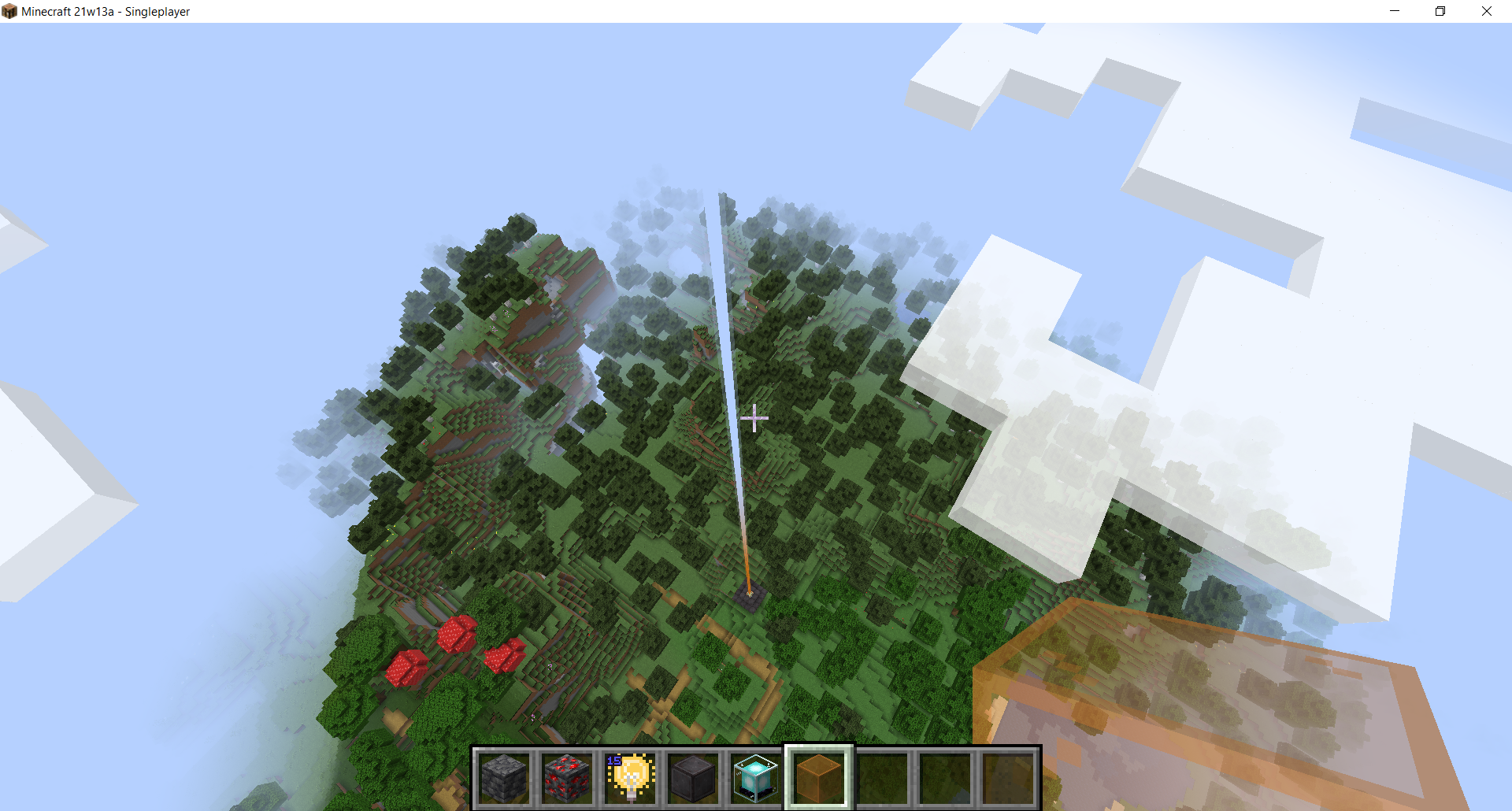
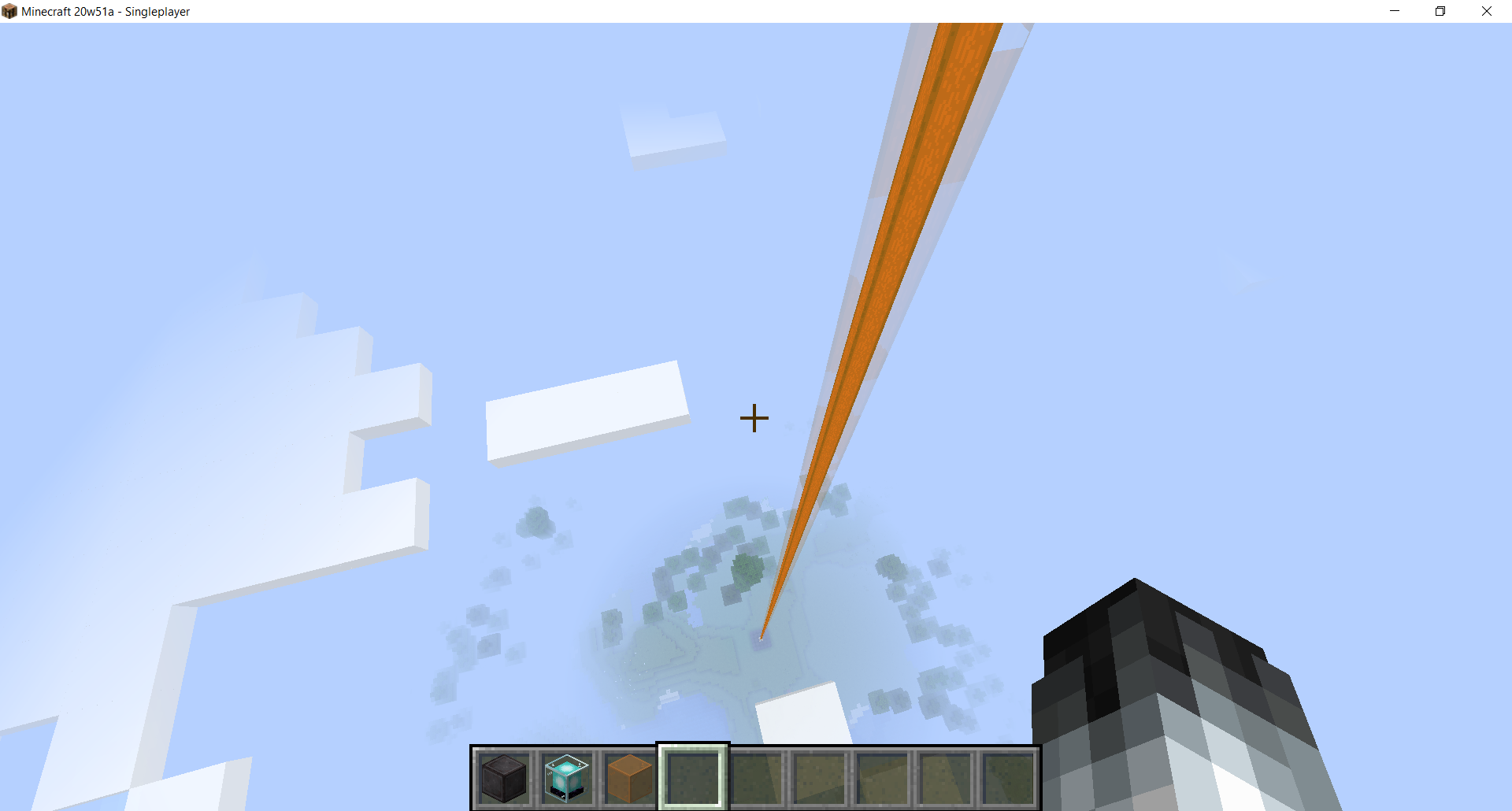
This happens since 21w13a and is probably affected by the new shaders: fog on beacon beams is not correctly computed, the fog is computed from the perspective of the beacon instead of the player causing nearby beacon beams to fade to the sky color even when they are close to the player.
What I expected to happen:
I expected beacon beams to render just like before the move to OpenGL 3. They don't seem to have any fog at all in that version so it's expectable that they should neither have fog after being ported to OpenGL 3.
Screenshot from 20w51a:
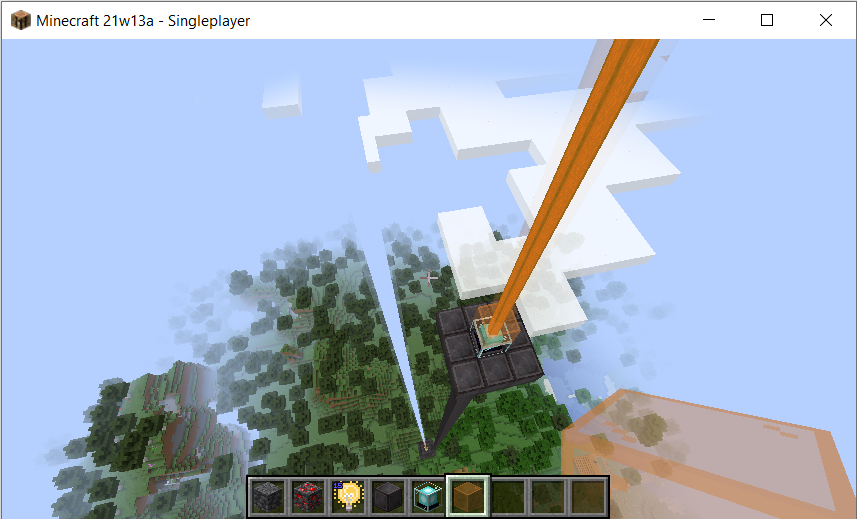
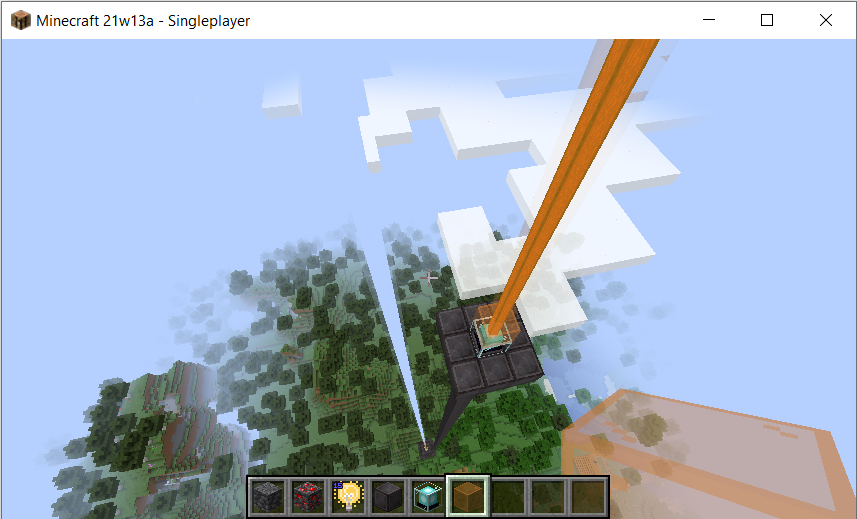
What actually happens:
Dependent on how far away the player is from the beacon, fog is applied at a certain distance from the beacon. The further away the player, the closer the fog to the beacon.
Other screenshots:
(while this above screenshot was taken in my modded environment, the issue exists in vanilla)
Steps to reproduce
- Activate a beacon (build the structure in such a way it starts emititing a beam)
- To make a clear contrast between fog and not-fog, place some stained glass on top of the beacon. Orange contrasts very well against the sky color.
- Fly up into the sky while watching the beam
Placing two beacons at different heights clearly demonstrates the bug:
Code analysis
It was pretty embarrassing that I could see the issue in the assets of the vanilla game. In assets/minecraft/shaders/core/rendertype_beacon_beam.vsh, the vertex distance is computed as the distance from the beacon origin. This vertex distance is then used to compute the fog.
Here's the shader for reference:
// FRAGMENT SHADER: rendertype_beacon_beam.fsh #version 150 #moj_import <fog.glsl> uniform sampler2D Sampler0; uniform vec4 ColorModulator; uniform float FogStart; uniform float FogEnd; uniform vec4 FogColor;infloatvertexDistance; in vec4 vertexColor; in vec2 texCoord0; out vec4 fragColor; void main() { vec4 color = texture(Sampler0, texCoord0);color *= vertexColor * ColorModulator;// This fog here is unnecessary: beacon beams had no fog fragColor = linear_fog(color, vertexDistance, FogStart, FogEnd, FogColor); // To have no fog, this could be: fragColor = color; // If fog is wanted, it's important that vertexDistance is computed in // the fragment shader, as the vertex shader only computes it for each vertex // once. The fragment shader gets them linearly interpolated, but distance is // not linear. Works more or less for block-scale renders but not for // longstretched beams.}
This happens since 21w13a and is probably affected by the new shaders: fog on beacon beams is not correctly computed, the fog is computed from the perspective of the beacon instead of the player causing nearby beacon beams to fade to the sky color even when they are close to the player.
What I expected to happen:
I expected beacon beams to render just like before the move to OpenGL 3. They don't seem to have any fog at all in that version so it's expectable that they should neither have fog after being ported to OpenGL 3.
Screenshot from 20w51a:
What actually happens:
Dependent on how far away the player is from the beacon, fog is applied at a certain distance from the beacon. The further away the player, the closer the fog to the beacon.
Other screenshots:
(while this above screenshot was taken in my modded environment, the issue exists in vanilla)
Steps to reproduce
- Activate a beacon (build the structure in such a way it starts emititing a beam)
- To make a clear contrast between fog and not-fog, place some stained glass on top of the beacon. Orange contrasts very well against the sky color.
- Fly up into the sky while watching the beam
Placing two beacons at different heights clearly demonstrates the bug:
Code analysis
It was pretty embarrassing that I could see the issue in the assets of the vanilla game. In assets/minecraft/shaders/core/rendertype_beacon_beam.vsh, the vertex distance is computed as the distance from the beacon origin. This vertex distance is then used to compute the fog.
Here's the shader for reference:
// VERTEX SHADER: rendertype_beacon_beam.vsh

#version 150

in vec3 Position;
in vec4 Color;
in vec2 UV0;

uniform mat4 ModelViewMat;
uniform mat4 ProjMat;

out float vertexDistance;
out vec4 vertexColor;
out vec2 texCoord0;

void main() {
    gl_Position = ProjMat * ModelViewMat * vec4(Position, 1.0);

    // The 'length' operation is not linear, this causes the issue. It must be computed in the fragment
    // shader
    vertexDistance = length((ModelViewMat * vec4(Position, 1.0)).xyz);
    vertexColor = Color;
    texCoord0 = UV0;
}
// FRAGMENT SHADER: rendertype_beacon_beam.fsh

#version 150

#moj_import <fog.glsl>

uniform sampler2D Sampler0;

uniform vec4 ColorModulator;
uniform float FogStart;
uniform float FogEnd;
uniform vec4 FogColor;

// If two vertices are equally far away from the player, but their average is close to the player,
// this value is constant and linearly interpolates the distance to the two distant vertices and is
// incorrect. Compute this in the fragment shader instead!!!
                in float vertexDistance;
in vec4 vertexColor;
in vec2 texCoord0;

out vec4 fragColor;

void main() {
    vec4 color = texture(Sampler0, texCoord0);
    color *= vertexColor * ColorModulator;

    fragColor = linear_fog(color, vertexDistance, FogStart, FogEnd, FogColor);
}
When two animals sit in a boat, and get lured using the item they can be bred with, they
will look sideways instead of looking at the player. It kind of looks like they don't like the food.What I expected to happen was...:
The animals would (attempt to) look at the player holding the food, even though they cannot reach the player as they are stuck in a boat.What actually happened was...:
The animals look into the wrong direction. Potentially their entire model is rotated while their looking angle is not readjusted.Steps to Reproduce:
1. Place a boat and use a lead to drag two animals into it. I tested with cows, pigs, and wolves, but it will probably happen to other quadrupeds too. With wolves it is especially visible as they also tilt their head.
2. Show the animals a food item they can be bred with.
3.sideways, and not at the player.When two animals sit in a boat, and get lured using the item they can be bred with, they do not at the player. Instead they will actively look 90° away from the food. It kind of looks like they don't like the food.
What I expected to happen was...:
The animals would (attempt to) look at the player holding the food (as much as their looking range allows), even though they cannot reach the player as they are stuck in a boat.What actually happened was...:
The animals look into the wrong direction. Potentially their entire model is rotated while their looking angle is not readjusted. If you move around, the animals seem to follow the player but with an added 90°. Their vertical rotation is correct as it goes up and down as you move vertically.Steps to Reproduce:
1. Place a boat and use a lead to drag two animals into it. I tested with cows, pigs, and wolves, but it will probably happen to other quadrupeds too. With wolves it is especially visible as they also tilt their head.
2. Show the animals a food item they can be bred with.
3.
When two animals sit in a boat, and get lured using the item they can be bred/tamed with, they do not at the player. Instead they will actively look with 90° away from the food. It kind of looks like they don't like the food.
What I expected to happen was...:
The animals would (attempt to) look at the player holding the food (as much as their looking range allows), even though they cannot reach the player as they are stuck in a boat.What actually happened was...:
The animals look into the wrong direction. Potentially their entire model is rotated while their looking angle is not readjusted. If you move around, the animals seem to follow the player but with an added 90°. Their vertical rotation is correct as it goes up and down as you move vertically. It is clearly off.Steps to Reproduce:
1. Place a boat and use a lead to drag two animals into it. I tested with cows, pigs, and wolves, but it will probably happen to other quadrupeds (such as cats and sheep) too. With wolves it is especially visible as they also tilt their head to show that they like the food.
2. Show the animals a food item they can be bred with.
3.
Two animals in a boat look sideways instead of at the player when lured
![[Helper] Johnibur](../../../data/avatars/users/28381.png)
Agreed. But @Samū it would have been easier if you had added the relevant information when you created this ticket. At first, you were talking about parity update between bedrock and java, which is a feature request… Then you answered by coming to the fact with the holdable tag.
Issue confirmed, description restructured and code analysis embeded.

The bug
The End generation is broken at long distances since 18w46a.
In the End, the terrain stops generating and then generates again from a certain distance from the center of the End, according to a ring pattern.
This donut-shaped pattern repeats over and over to the edge of the world on a regular basis, starting at 370,720 blocks from the center of the End.
How to reproduce
Use the following commands to teleport you:
/execute in minecraft:the_end run tp @s 370720 90 0
/execute in minecraft:the_end run tp @s 21007528 90 0
/execute in minecraft:the_end run tp @s 21010807 90 0
/execute in minecraft:the_end run tp @s 21377192 90 0
/execute in minecraft:the_end run tp @s 21380415 90 0
Examples


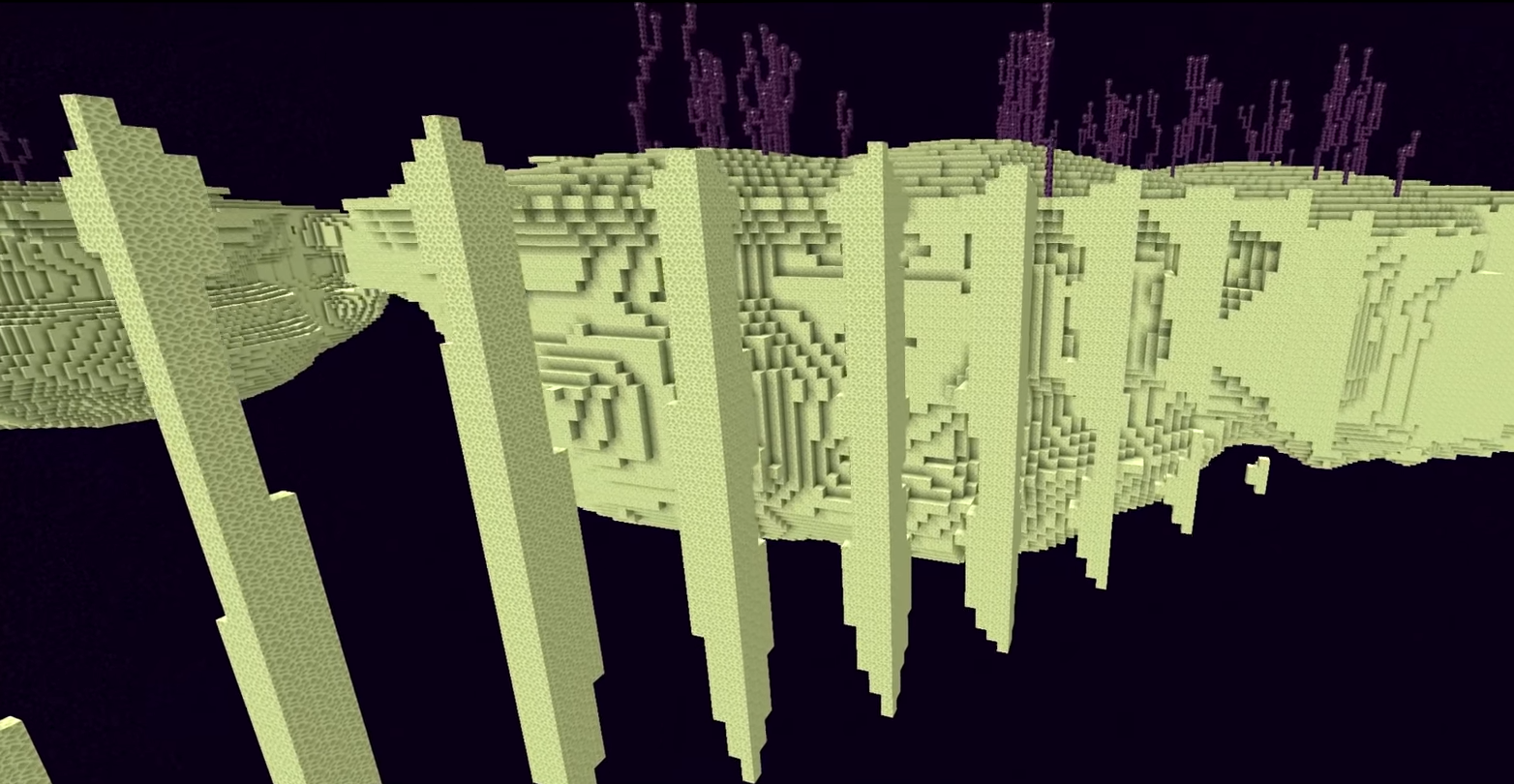
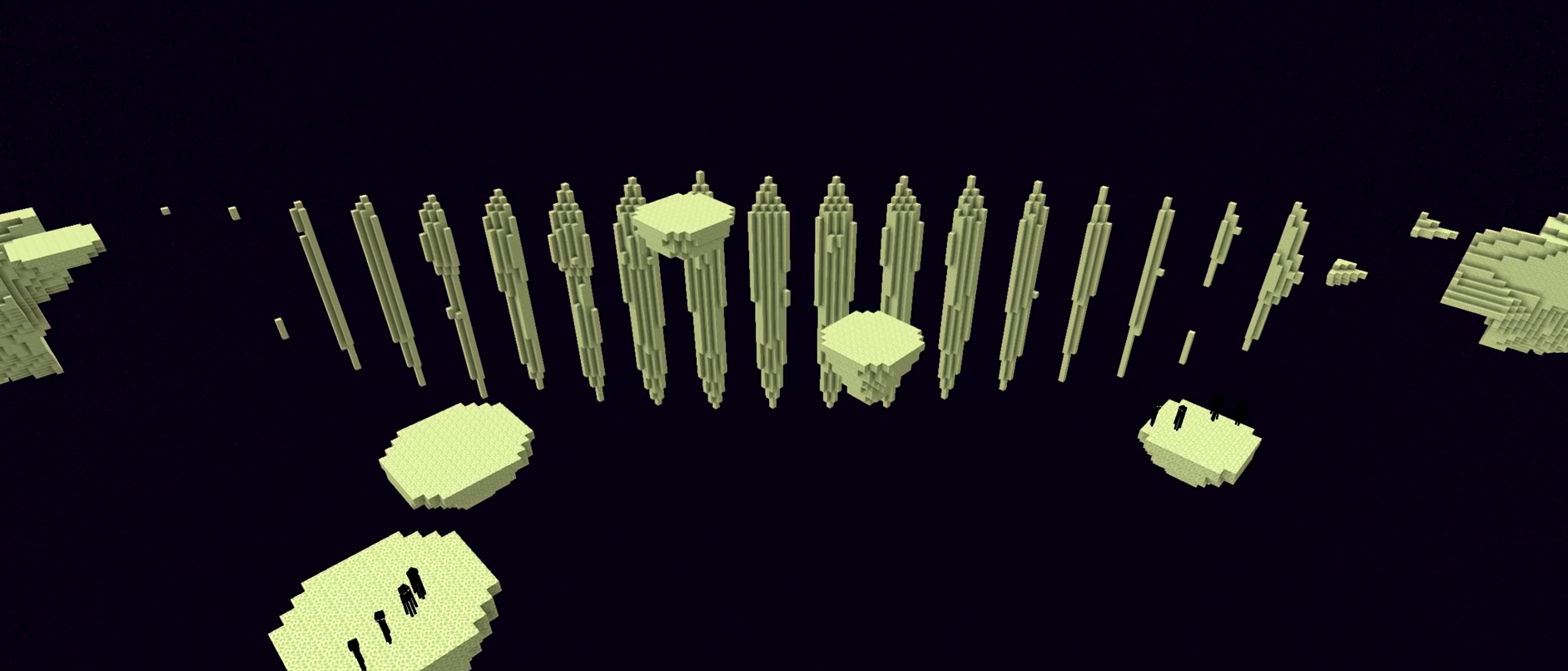
Code analysis
The code is trying to process numbers that are much larger than what Minecraft is actually capable of for its world terrain noise which causes part of the terrain noise to generate numbers that ultimatly get read as NaN (Not a Number) and causes the terrain generation to fail outright.
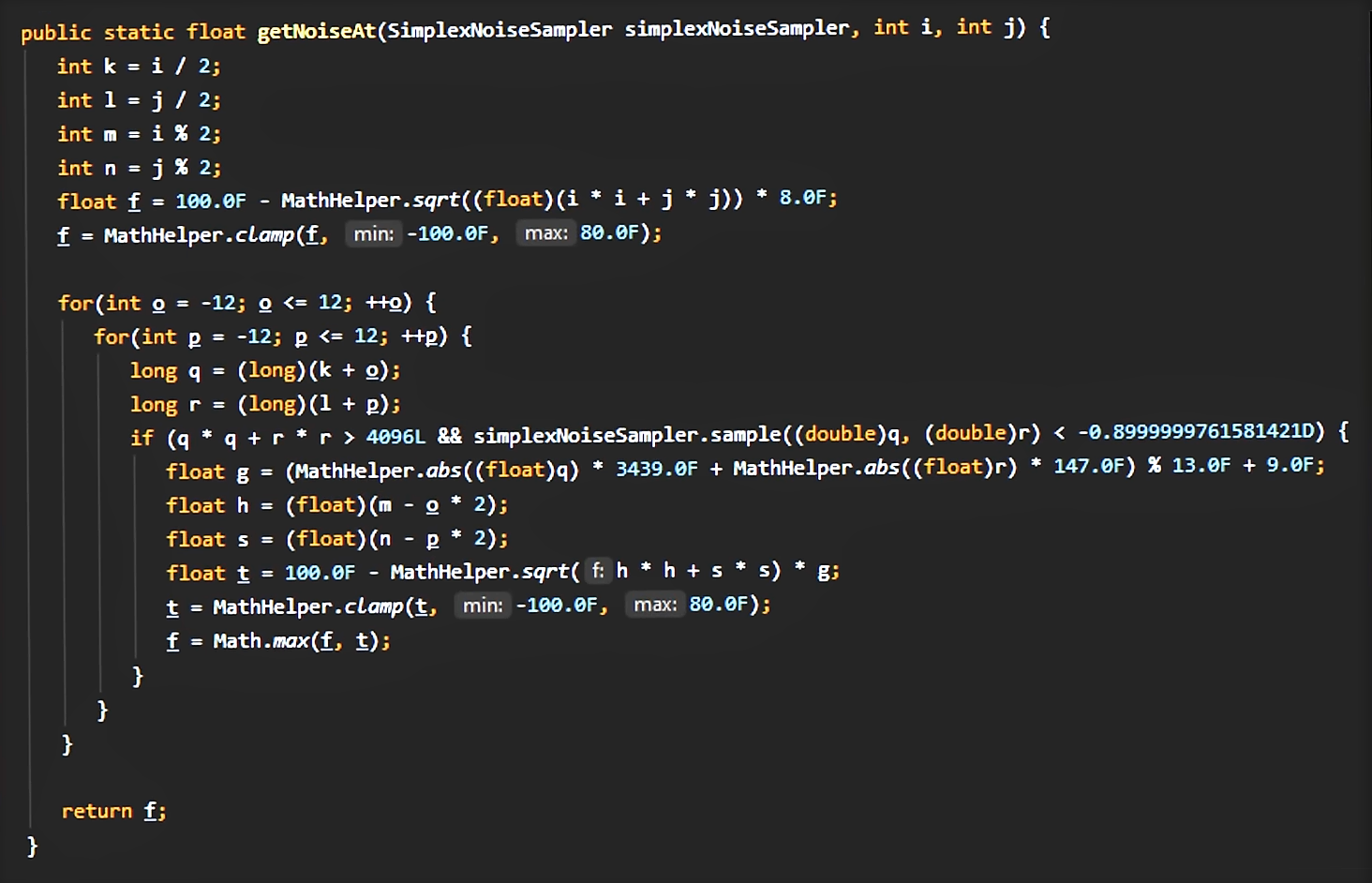
For more information and a possible fix, see this comment from Samū.
Source
Here is the source used to complete this ticket (examples, code analysis, visualization of what's going on...): https://youtu.be/91Feq0dHw28
Video by AntVenom.
![[Mod] Avoma](../../../data/avatars/users/86198.png)
Samū, you have misread the report. This ticket states that sculk sensors only activate based on whether you are holding the sneak key or not. A good example of when you can see this, is when you're in a crawling state. See the video attached for further details.

Samū Can confirm in that case:

I didn't request this, it is a bug... I've tested it using a data pack: when I add mushrooms, flower pots and torches to the enderman_holdable tag, it doesn't work. When I assign blocks to the tag, endermen will only pick it up when you can collide with the block, and the block's collision shape contains the center point of the full block... However, they should pick up every block in the enderman_holdable tag, which is not the case...
I don't see a feature request in this though... It's on the wiki, and when I extract the default data pack from the jar file, it seems to be defined there too...
In the MCP remapped source code, in the take-block AI, there is this:
Confirmed in 20w13b.
Uploaded a few screenshots for reference.
Can confirm
Can confirm
Translation:
The server is not available
Skins are not available
Marketplace is not available since 3 day
Works as intended - check the wiki: https://minecraft.gamepedia.com/Villager#Professions
Mini-character = Armor preview
The issue is resolved in 1.15
I possibly duplicated
MC-146949or MC-143184 but here are still the metrics and code analysis.Happens when a campfire is placed in water during world generation:
Allright, I did a code analysis on 1.16-pre5 (edit: 1.21). Problem is caused by some positive-value integer overflows (they overflow to negative values) of which a square root is taken. That results in a ring of NaN values until the overflow goes positive. See my comments on the following code:
The problem would probably have been that someone (either accidentally or deliberately) removed some double-casts. I solved it not by bringing the double-casts back, but by skipping the unnecessary and somewhat-performance-intensive Mth.sqrt-operation outside a reasonable range...
Since the cause is the generation of the central island and the central island does not generate in the overworld using a floating islands world type, this issue does not appear in the overworld.
Edit: As of somewhere between 1.18 and 1.20 (I'm too lazy to find the exact version), above code now lives in DensityFunctions.EndIslandDensityFunction, and causes the physical terrain to have this glitch. The density values generated by this density function are directly passed on to the TheEndBiomeSource via the erosion climate parameter, and the biome source will pick the corresponding biome accordingly.
Confirmed in 1.16.1-RC1
Works as intended since a crafting table cannot be used to store blocks (you get your items back when you leave it)
MC-121364is probably related but not duplicated - I'm talking about a wrong location of the sound source, which is actually an issue that can be fixed by Mojang.See updated issue ticket for code analysis.
For the rest, the problems with directional sounds issued in
MC-121364do not apply to this issue.(sorry if I didn't include code samples upon creation)
I can confirm this issue for 1.16.4, but moreover I can probably confirm it's not a duplicate of
MC-610since this is just an issue in the tree generator. Explanation:MC-610is about grass and other vegetation being incorrectly positioned (and hence generating floating), but the tree isn't incorrectly positioned. The tree is supposed to generate on the ground, but grass prevents the tree from generating a layer of log blocks in the grass. This is due to a bug in the dark oak tree generator. A tree generator does several checks to prevent it from replacing any solid block. In all cases it checks whether the block can be replaced when it's one of the following conditions:Once a tree generator has checked for space it generates the log, checking these conditions for replacing blocks once again. However, the dark oak tree generator only checks air and leaves, and does not generate a trunk in plants or water.
I'm not sure whether this is covered by
MC-610but as far as I understood it isn't. This issue might have been introduced in 1.15 as Mojang divided tree generation into several separate parts (i.e. foliage placers, trunk placers, etc.). I would request this issue being opened again.Can confirm in 20w48a
This is not a bug this is a request for getting money back - this is not even supposed to be on the bug tracker at all
No it's not a duplicate. There is a serious difference between
MC-46617and this issue in that this is a rendering difference between fast and fancy/fabulous render mode (or even with F1 toggled on/off) which wasn't an issue in 1.15.2 yet (I've checked!).MC-46617is marked as WAI, I assume this rendering issue is not intended because it wasn't an issue in 1.15.2 yet.In addition, I had looked at the game logs and I've found some log messages that say something like 'cannot find uniform InSize' (out of my head), which only appear when loading the enderman invert shader.
So, please don't mark as a duplicate of
MC-46617or as WAI because I've pointed out that is not the case.Can confirm in 20w51a, 1.16.5-rc1 and 1.16.5
This is intentional. Mojang specifically mentioned that projectiles do not cause vibrations when thrown while sneaking: https://www.minecraft.net/en-us/article/minecraft-snapshot-20w49a
Two remarks here:
I can confirm that throwing does not cause a vibration while sneaking, which is WAI, and I can confirm that a landing projectile does cause a vibration which is also WAI.
Agreed it's a feature request but can understand that people see this as a bug - anyway glowstone etc. as items do neither glow so it's more of a feature request.
Can confirm, but not sure whether this is intended or not.
Hm I think this is intentional, all that is supposed to happen is rendering the text on signs and the items on item frames bright.
Signs also work, but not completely (you have to dye them too). Anyway I already reported that:
MC-212142Can confirm
Duplicates
MC-212117Probably duplicates
MC-189818Does this work in fast render mode?
Can confirm in 1.16.5 and 21w03a
Confirmed in 21w03a
@Hipposgrumm the current implementation of fluid-logging allows for fairly easy lavalogging, but I just don't think lavalogging is logical for glow lichen
This is intentional. It's literally specified in the model:
The rescale property tells Minecraft to stretch te texture. If set to false, the texture will not be stretched. This property is set to true deliberately though: setting it to false makes the cross model look weird and thin.
@EliteTracker It differs, since the animals are supposed to look at the food they are bred/tamed with. They clearly do so, but their orientation in the boat is not accounted for, causing them to look the wrong direction. It works fine when there is a single animal in the boat. I am sure this is not intended.