 Wenlock burton
- wenlock
- wenlock
- Australia/Sydney
- Yes
- No
6 issues
Key
Summary
Status
Reporter
Assignee
Created
 MCPE-34879
Placing seagrass, coral etc or using bonemeal underwater sometimes creates dark blocks
Cannot Reproduce


Changed Description:
If you break or place an underwater plant or coral or use bonemeal under water it may create
airblocks which are filled in within a short time.Plants spawned by bonemeal or placed by the player can break due to the
airblocks.
it seems possible that there may some non-source blocks present.
If you break or place an underwater plant or coral or use bonemeal under water it may create dark blocks which are filled in within a short time.
Plants spawned by bonemeal or placed by the player can break due to the dark blocks.
Changed Summary:
Placing. Seagrass, coral etc or using bonemeal underwater sometimes createsairblocksPlacing. Seagrass, coral etc or using bonemeal underwater sometimes creates dark blocks
Changed Summary:
Placing. Seagrass, coral etc or using bonemeal underwater sometimes creates dark blocksPlacing seagrass, coral etc or using bonemeal underwater sometimes creates dark blocks
Added Attachments:
Added Attachments:
![[Mod] GoldenHelmet](../../../data/avatars/users/18951.svg)
@Wenlock burton Are you still not able to login in to your account in Minecraft after the latest update and after resetting the console?
Also on Galaxy S2 and Galaxy Tab 2, water does produce drops.
Same on Galaxy Tab 2. Seed number is 72507323 only happens if the K is uppercase, not if k is lowercase.
Also happens if you enter the above number.
This is a long running issue in mcpe, related to the chest duplication bug.
Basically, if two players place the same item in a chest at the same time only one item is added to the chest. Conversely, if two players take the same item at the same time both players recieve it but only one item is taken from the chest.
I've obsered this behaviour consistantly (though the timing has to be precise to replicate the issue) on iPod Touch 4th gen, Samsinge Galaxy S2, Galaxy Tab 2 10.1, and iPad 3rd gen.
Can be used to replicate entire stacks of items. Also combines whole stacks of items. Can be a problem when two players place identical items in the same chest at the same time.
Still have this issue ion ipod 4th gen, Galaxy Tab 2 10.1 iPhone 5s, Galaxy 2 phone
We have terrible lag at times too. Imported world. Very bad at my house which is near spawn. FPS is down to 10. Single player is better but still FPS is low and in multiplayer there are rendering glitches causing X-ray effects. Render fails to keep up while flying. I
lag is unnoticeable when several hundred blocks away. Never had this issue on Switch edition.
Exactly what happens for me on Nintendo Switch
This includes riding minecarts. The minecart rolls into a black area then rendering catches up. Sometimes the minecart stops as if hitting something.
Happened to me on Nintendo Switch when my friend left the game. After about 10 seconds it closed and informed me I was running out of storage space and directed me to the main menu to clear some space. I checked my storage in the Switch settings menu and it showed 17GB available. When I went to re open the world it showed the size as more than 500MB instead of just over 100MB. The world loaded fine and later on I noticed the size was back to just over 100MB. Looks like it save data when my friend left but didn't write it to the main save file. Later on it amalgamated the data.
ing into this issue on Nintendo Switch. It makes flying difficult
I believe I’m signed into Nintendo but no joy.
This is the same issue I am seeing on Nintendo Switch. Also the dark blocks appear when using bonemeal on the seabed to grow seagrass, corals and kelp. Plants will spawn then break if a dark block appears as they spawn.
See bug
MCPE-34879Also on Nintendo Switch
I tried deleting the Egyptian mashup pak and re downloading it. But still no joy, same errors/crashes as before.
i also noticed that if I go to the store on an iOS device I don't own the Egyptian mashup pak yet I do own the pack on Switch.
So far it's fixed for me.
Getting this issue on Switch. I have one area where several chunks refused to load even producing black blocks on a map. Some of those chunks eventually loaded after going away and returning a few times but others stubbornly remain. If you look into one there is no bedrock and you could fall into the void. Mine are in an ocean SW of my house (near spawn) by about 1500 blocks. I've given up flying as I keep running out of terrain and hitting an invisible barrier. I also died once when I swam into an unloaded chunk, presumably I fell into the void.
On Nintendo Switch, I had a series of crashes (software was closed due to an error) starting shortly after going to the end. I managed to stop it by going into a different world but when I came back to the end the dragon was gone. No portal no egg.
Have to build a bridge then.
Getting this issue on Nintendo Switch. Deleting and reinstalling fixed it but it starts happening again. Only happens from the main menu but doesn't when going to skins while in game.
And the same behaviour occurs on Nintendo Switch.
Also me and friend on Nintendo Switch
I'm getting this issue on Nintendo Switch, yesterday I mapped a previously unmapped area and returned to my house to add the map. I had a lot of trouble as I neared completion of the new map with chunks taking a long time to load and some failing to load at alI. There was also textures not loading on some sides of the blocks. A couple of times I experienced a sudden change of location. I then travelled back to my house and arrived by minecart, I went to place the map on my map wall then saved and closed the world. When I opened the world in the morning I was still in the minecart and the map was incomplete.
It it seems there is some kind of save/autosave issue which is causing a rollback, but not necessarily everything is affected.
More than a few times now I have been beset by block textures not loading on all sides causing an X-ray effect, chunks taking a long time to load, sometimes failing to load altogether causing black blocks on the map. I have to stop flying, swimming or moving at speed as chunks are not rending in front of me and I hit an invisible barrier. Almost invariably some kind of rollback will occur sometime following these issues. It leaves me thinking the save is corrupting and the system is lagging out as it tries to create a new save file while trying to load chunks. Is the lag disrupting autosave to point where the save is being corrupted ?
I'm also becoming convinced that the code does not handle exiting while autosave is running. I.e. Does exiting ensure that autosave has completed before closing the world?
Another possibly related issue is that many times now I have gone into an area I previously explored and suddenly jumped to a previous location in the area. Sometimes I may walking on land then suddenly I'm in a boat on the nearby ocean. Another time I may be swimming then jump to a boat, or boating and suddenly jump 100 or so blocks. Another time I flew across a river, and when I landed in the bank I jumped to a minecart in a nearby tunnel. I seem to have collected a number of boats and mine carts due to this. The jumps always seem to be to where I was having a lot of trouble with chunks not loading and X-ray due to missing textures.
Driven crazy by this on Nintendo Switch. Moving fast, boat/minecart/flying is annoying at times
Had this happen on Nintendo Switch this morning.Teleported me 4000 blocks to default spawn.
Same in my Switch world. Two villages and no cats in either of them.
I'm still getting it in 1.8
I have the same issue with the Ejyptian mashup pack. I tried removing a few packs but I don't have many and it it tells me no t enough room. I have 14GB on the Switch and 16GB on the memory card.
Had this happen a few times on Nintendo Switch
Yes, moving into other areas produces night mobs in daytime. They burn because it’s daytime.
Same here also on Switch. I can be just starting to play or moving around for some time and it freezes. Force close and it reports the software was closed due to an error.
Further observation, if you wait patiently the game will continue. The freezes are a nuisance and hamper progress in a major way. If a freeze occurs while you are swimming you may drown if you don't hold the A button to stay on the surface.
Using digital version on Switch and it doesn't always log into Microsoft at startup. The Log in to Micrsoft Account button is displayed so I can log in manually without issues
Here's what my Switch shows.
System 15.2, microSD 16.9 (of 32GB)
2.5 GB
15.2GB, 16.9GB
2.0GB
Same here on Switch in villages I have already explored. I found cats in villages where I hadn't explored.
1.10.0 reduces the wait time but still produces the communication error
Still unable to download Egyptian Mashup on my Switch in 1.10.0
Definately not spawning in my local world unless I go into an unexplored area. On Nintendo Switch
Can I ask what it should produce, can't even find anything saying it would smelt at all although the it does produce smooth stone.
Same here in Switch and iOS.
Same here. I never got it
There’s no error code recorded for these crashes, are you sure it is actually reported?
It happens on Nintendo Switch too
My friend also has this issue
I’ve been wondering why this hasn’t been fixed yet
Still happening on 1.13
Still going on 1.13
had this happen a few times too.
Still unresolved since the first version on Switch.
It’s been getting longer with each update
I’ve been battling this same issue on Nintendo Switch for quite some time. I have 16GB free and it thinks there’s little space left? I’ve deleted a few worlds, packs and archived some games yet it still runs out of space. Restarting the game gets me back into the world but at some random time it will come up again.
Still seeing this on Nintendo Switch, if I wait a bit it goes away. Tried the link to help.minecraft.net but don’t know where to go from there.
thanks
Getting the same issue on Nintendo Switch and PS4. More specifically, dispensing bonemeal into a grass block will crash if the result is flowers. It doesn’t crash if the result is grass/weeds.
I have a PS4 Edition world which is missing most of the buildings when transferred. It actually looks like an older version of the world.
Further examination, shulker boxes and droppers and dispensers didn’t transfer. Most of my buildings also didn’t. I’m left with what looks very much like an early version of my world. I had a big basement with two large areas, an armoury and a redstone lab. Above ground, a large castle and it’s basement plus the village inside it are missing, a tower, a partly submerged Rubik cube house, a very tall tower, a bridge with gatehouses, a beachside mansion, a trading centre, a creeper statue are all missing. My overhead rail station didn’t convert and the rails out to a couple of hundred blocks are not there either. Other worlds converted just fine. Thinking there’s something that glitched the converter out but no idea what, although the attached images show that shulker boxes are not converting. Wonder if that’s the cause?. The beacon on top of my house is also missing. Further edit, noticed a chest that had blocks of coal converted to having blue tube coral. Further to that, a look in the furnaces, which had some blocks of coal left in them, revealed they now had tube coral in their fuel boxes. A chest had a stack of shulker boxes that wasn’t in the old world, another chest had gained a loom and another a smoker. Both loom and smoker are items I never crafted or used in the original world. This points to a block ID issue linked to the apparent reversion.
I have one world that does this, others that don’t. Oddly, although my stables was gone, the horses are still there. So are other animals but not their corrals. A cat sitting in a tree was originally sitting on the platform of my skyrail station. My house was definitely an early version, yet about 100 or so blocks away all my work was still there. The spawn chunks reverted but nowhere else.
In a twist, there are items in some of my chests that would not have been in the game back in 2015. One chest has several stacks of tube coral, in the original world these were coal blocks. Possibly, due to reversion to a time before coal blocks, the converter produced a different block. I also have several stacks of sweet berries in another chest. So, if the world was reverted to a 2015 version, where did the berries one from?
This is also happening with PS4
That’s what I’m seeing, the chunks around world spawn are reverting. Beyond that all work is present and correct. My rail lines are cut off before they reach the central area. Still don’t know why i get stuff changed in some chests. We’ll see in the new year.
Trying to figure out what’s happening with those blocks. One chest has several stacks of coal blocks but, after conversion, that chest has the coal blocks replace with blue coral blocks. Another has a loom and another has a smoker. As far as I can see, those two were probably both furnaces. Aside of so much missing, there’s item frames in mid air that were on dispensers. Most still have items in them. Most of the item frames are displaced a few blocks from their original positions. In an odd outcome, there’s one furnace in my house, after conversion there are three furnaces (probably was that way long ago) and they have blue coral in the fuel box. Lastly, a chest has several stacks of sweet berries which I never had in the original world. All double chests have become single chests.
Forgot to say earlier, but my world wasn't converted from PS3. I wonder if the "older version" stems from an update to the world generation algorithm? My PS3 worlds appear to have converted ok. A creative PS4 world had a number of item frames pop off the walls and the outer maps on the map wall reverted to empty ones. Some stayed in the frames, some were in the floor. Also, in the survival PS4 world I can find most of my sky rails except the one going West. Everything West of spawn is gone.
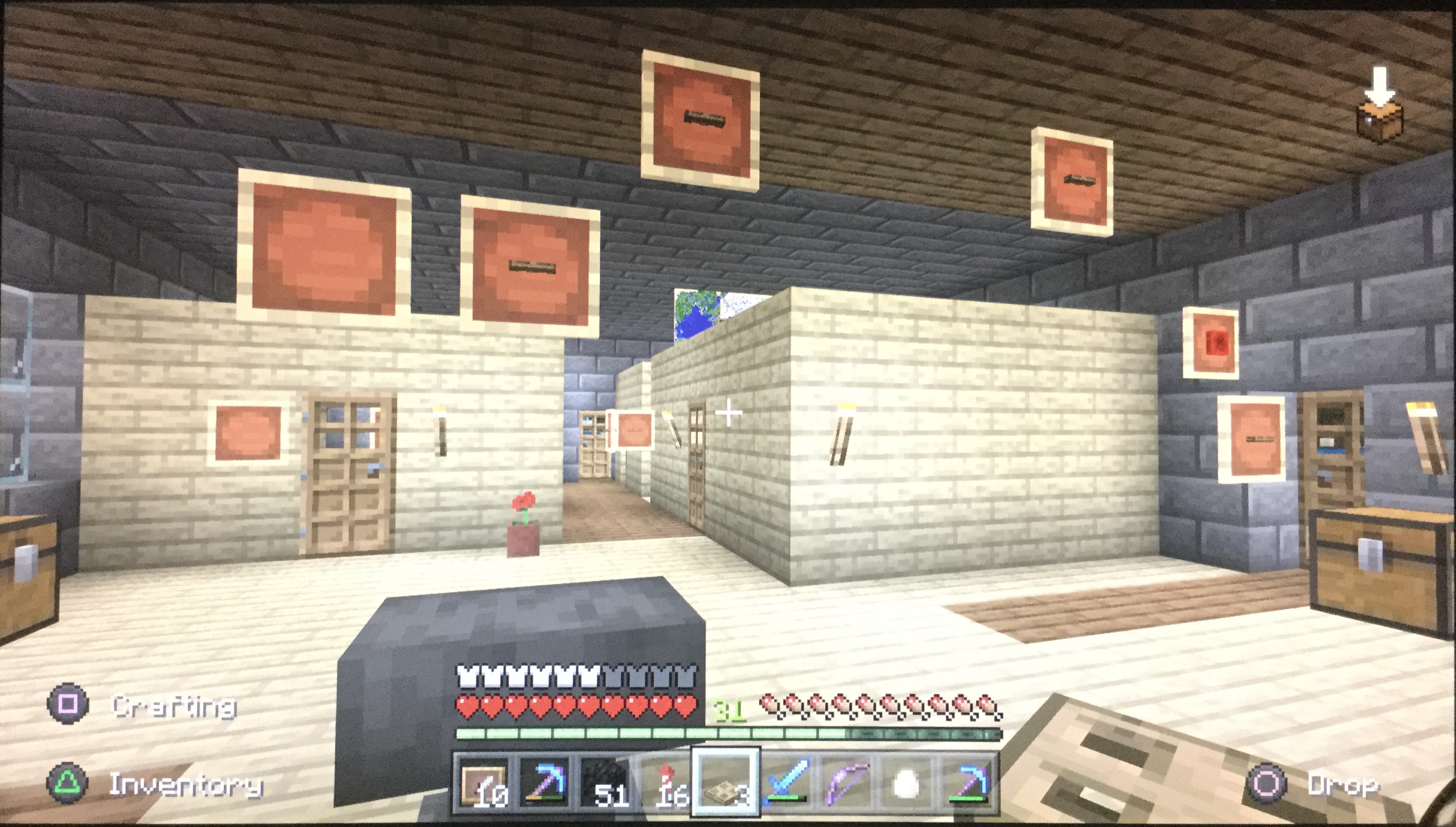
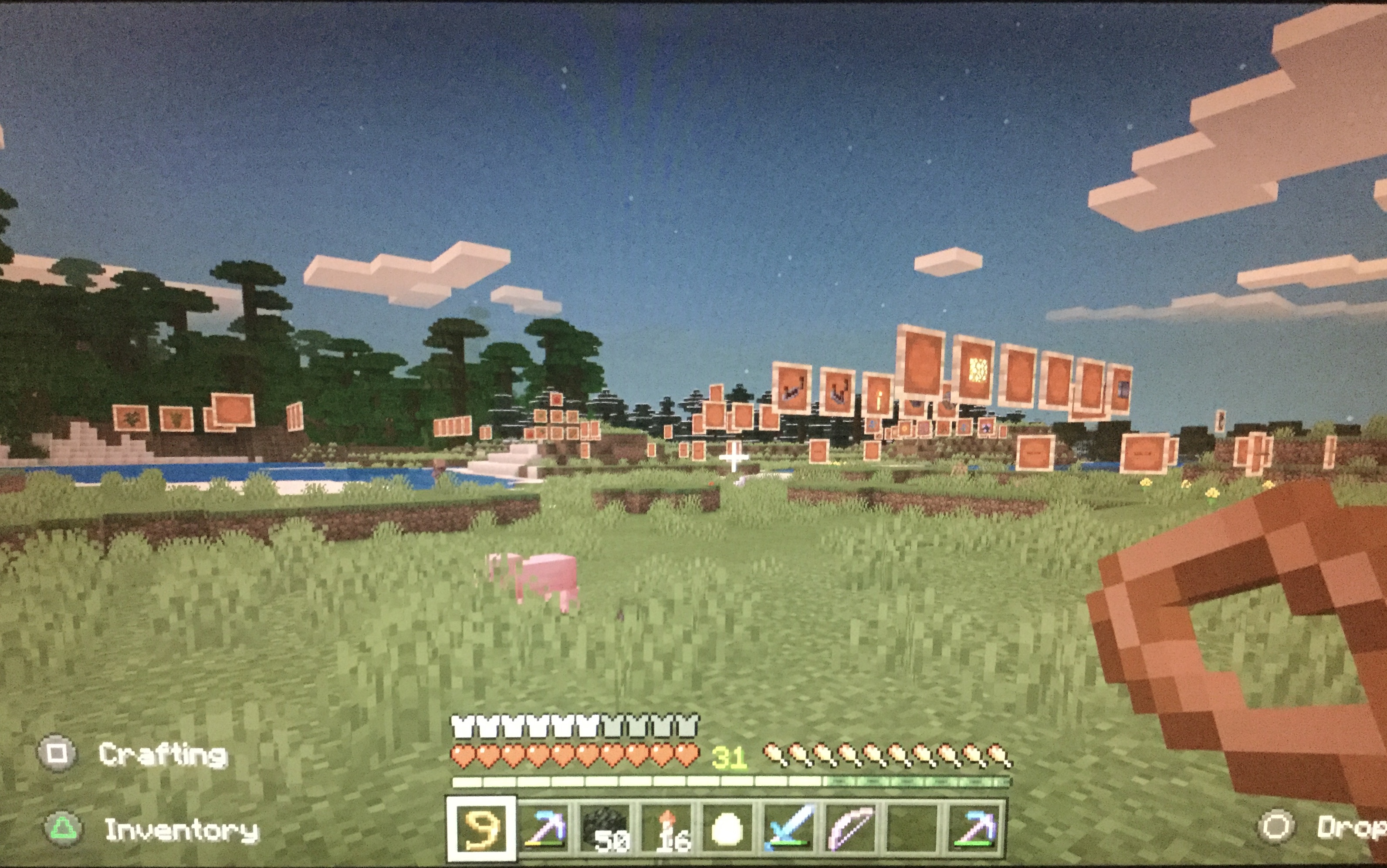
Here’s a couple of shots of the remains of my PS4 world after conversion. There was a walled village with small shops, just the item frames and villagers remain. Inside the house, many chests didn’t convert at all and some item frames are also left in mid air.
I notice a bar was added on PS4, the memory indicated is far less than is available on the PS4s hard drive. This limit is similar to what I’m observing on Nintendo Switch. What causes this limitation? The limit appears to be 15GB on both systems and I run out of space on PS4 if I convert more than one old world.
Well, I tried cks Jaguars fix. Not fixed for me. I got a later version from the time PS4 Bedrock rolled out. Partly. The immediate spawn chunk had stuff from the original but nothing I’d done after the release of Bedrock. Further away my homestead (Australian farmhouse) was only the northern half. I still had item frames in mid air were the other half should have been. A chunk to the west it simply reverted to 2015 again but at least all my skyrails and the station came over. Possibly with so much going on in my spawn chunks the data could continue into another file, possibly World Data 2.
Still in this boat. No wonder I’m playing on PS4 again.
Still stuck unable to add more worlds, packs skins etc on Nintendo Switch
I’ve just been hit by this following a crash on my PS4. I tried the address given by MegaSpud but they just sent a reply directing me to process my refund at PlayStation Network. They don’t seem to have anything to do with this. Holding the button combination only results in a message saying login failed and login manually (how?). Trying again results in the Something went wrong message
I’ve just been hit by this following a crash on my PS4. Screen turned magenta, game lagged out and crash report message appeared. I tried the address given by MegaSpud but they just sent a reply directing me to process my refund at PlayStation Network. ???They don’t seem to have anything to do with this. Holding the button combination only results in a message saying login failed and login manually (how?). Trying again results in the Something went wrong message.
Yes, thanks. I didn’t need to reset the console. Although I’d already done that several times trying to get it to work.
Right stick of the PS4 controller. Drifts resulting in player slowly turning left. Happens with both of my controllers but only in Bedrock, not PS4 edition or any other PS4 game.
I have similar issues. I’ve been killed several times by an invisible mob. I recently found a motionless zombie and tried to kill it. No effect. I tried to shoot it but the arrows passed through it. Then I was attacked and killed while trying to hit the invisible mob.
My theory is that the entity became detached from the skin somehow.
107142 also duplicates this one.
I’ve been attacked by invisible zombies, spiders, possibly creepers while mining a basement under a woodland mansion. I sometimes found a motionless body but not always. On PS4
Same on my PS4 and Nintendo Switch. Loading animations but nothing loads. Click a menu and the above message is displayed
I noticed that too. Just place the candle on a block next to the one you want the candle on. Then use a piston to push the candle across.
Note that candles do not break when pushed by pistons, so you can place a candle in mid air this way.
Add Glass blocks and fences to the list. Again, a piston is the workaround