 MC-134495
Click and hover events still work when F1 is toggled
The bug
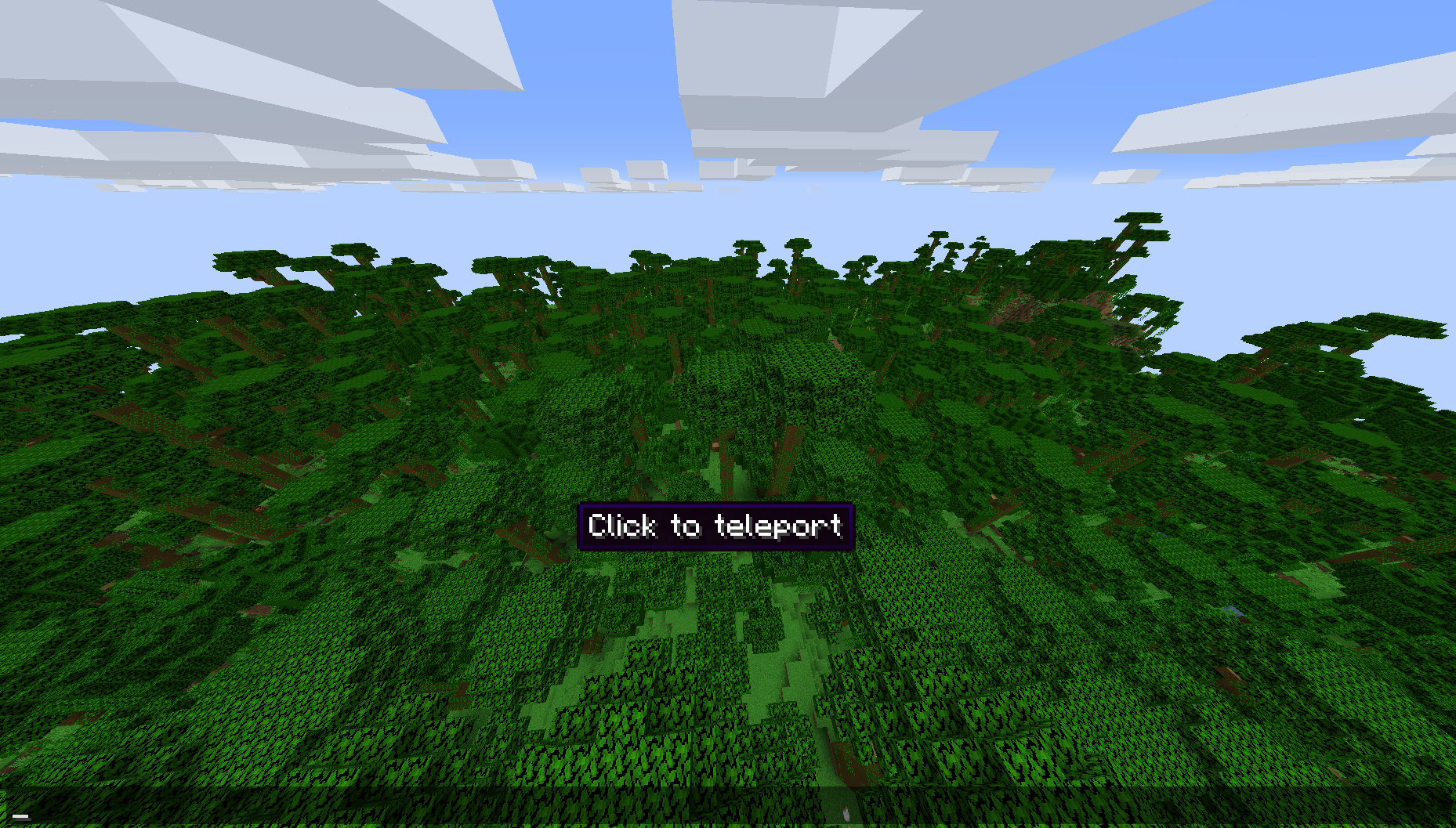
Click and hover events still work for chat messages even if the chat is hidden using F1.

How to reproduce
- Run this command:
/tellraw @s {"text":"Hover over me after pressing F1","hoverEvent":{"action":"show_text","value":"You should not see this; also click me"},"clickEvent":{"action":"run_command","value":"/say Clicked"}} - Toggle F1
- Open chat (Press T)
- Point your mouse to the text
→ The hover text still appears, clicking at its position also runs the clickEvent
Linked Issues
is duplicated by2
relates to3


![[Helper] ZeNico13](../../../data/avatars/users/31913.png)
- Fixed
 Gamepreie Gamer
![[Mojang] Bartosz Bok](../../../data/avatars/users/10122.svg) [Mojang] Bartosz Bok
[Mojang] Bartosz Bok- 8
- 10
- Confirmed
- UI
- F1 chat clickEvent hoverEvent text-component
1.13 - 19w41a
1.13 1.13.2 18w43b 18w43c 18w44a 18w45a 18w48a 18w48b 18w49a 18w50a 19w02a 19w04b 19w05a 19w06a 19w14a 19w14b 1.14-pre1 1.14-pre2 1.14-pre5 1.14 1.14.1 1.14.2-pre1 1.14.2-pre2 1.14.2 1.14.3 1.14.4-pre1 1.14.4-pre3 1.14.4-pre4 1.14.4-pre5 1.14.4-pre6 1.14.4 19w34a 19w35a 19w36a 19w37a 19w38b 19w39a 19w40a 19w41a- 19w42a
Created Issue:
Advancements not hiding on chat while F1
You can see the advancement popup if you stay on F1 and hover your mouse on.
Environment
Java 1.8.0_171 64bit, Windows 10 (Minecraft 1.13 Java edition)
(Not necessary)
Attachments1
Java 1.8.0_171 64bit, Windows 10 (Minecraft 1.13 Java edition)
(Not necessary)
Java 1.8.0_171 64bit, Windows 10 (Minecraft 1.13 release Java edition)

Advancements tooltips not hiding on chat while F1
![[Mod] Asteraoth](../../../data/avatars/users/92886.png)
is duplicated by
Java 1.8.0_171 64bit, Windows 10 (Minecraft 1.13 release Java edition)
Advancements tooltips not hiding on chat while F1Hover text is still displayed when F1 is toggled
relates to
The bug
You can see the hover text popup if you stay on F1 and hover your mouse.
How to reproduce
- Run this command:
/tellraw @s {"text":"MC-134495","hoverEvent":{"action":"show_text","value":"I still get displayed when F1 is toggled... Why? :("}}
- Toggle F1
- Open chat (Press T)
- Point your mouse to the text
→
![[Mod] tryashtar](../../../data/avatars/users/41963.png)
is duplicated by
![[Mod] violine1101](../../../data/avatars/users/92858.png)
relates to

![[Mod] Michael Wobst](../../../data/avatars/users/37868.png)
![[Mojang] Nathan Adams](../../../data/assets/gravatar/dinnerbone.png)
relates to
![[Mod] Urielsalis](../../../data/assets/gravatar/urielsalis.jpeg)

The bug
You can see the hover text popup if you stay on F1 and hover your mouse.
How to reproduce
- Run this command:
/tellraw @s {"text":"MC-134495","hoverEvent":{"action":"show_text","value":"I still get displayed when F1 is toggled... Why? :("}}
- Toggle F1
- Open chat (Press T)
- Point your mouse to the text
→The bug
You can see the hover text popup if you stay on F1 and hover your mouse.
How to reproduce
- Run this command:
/tellraw @s {"text":"aaaaaaaaaaaaaaaaaaaaaaaaaaaaaaaaaaaa","hoverEvent":{"action":"show_text","value":"You should not see this; also click me"},"clickEvent":{"action":"run_command","value":"/say Clicked"}}- Toggle F1
- Open chat (Press T)
- Point your mouse to the text
→
The bug
You can see the hover text popup if you stay onF1 and hover your mouse.
How to reproduce
- Run this command:
/tellraw @s {"text":"aaaaaaaaaaaaaaaaaaaaaaaaaaaaaaaaaaaa","hoverEvent":{"action":"show_text","value":"You should not see this; also click me"},"clickEvent":{"action":"run_command","value":"/say Clicked"}}- Toggle F1
- Open chat (Press T)
- Point your mouse to the text
→The bug
Click and hover events still work for chat messages even if the chat is hidden using F1.
How to reproduce
- Run this command:
/tellraw @s {"text":"Hover over me after pressing F1","hoverEvent":{"action":"show_text","value":"You should not see this; also click me"},"clickEvent":{"action":"run_command","value":"/say Clicked"}}- Toggle F1
- Open chat (Press T)
- Point your mouse to the text
→
Hover text is still displayedwhen F1 is toggledClick and hover events still work when F1 is toggled
[Mojang] Bartosz Bok![[Bot] Piston](../../../data/avatars/users/31202.png)
Thank you for your report!
However, this issue is a Duplicate of MC-134495.
If you have additional information, please add it to that report.
Please search before reporting, as it's likely that one exists already.
Quick Links:
📓 Issue Guidelines – 💬 Community Support – 📧 Customer Support – 📖 Game Wiki

(If someone can make the title less confusing, I'm okay with that. I hope the screenshot shows what I mean.)
Relates to MC-134495.
How to reproduce:
- Summon a villager
- Input /summon into chat and hover over the villager's name behind the list of valid inputs

Can you please say how to recreate?
Sulnus, updated the description.
The bug affects 19w02a
Isn't the real bug that you can even open the chat while in F1 mode?
Confirmed in 19w14a, 19w14b and 1.14 Pre-Release 1
Hover text is still displayed when F1 is toggled.mp4
Still in 1.14 Pre-Release 2
Still in 1.14 pre-3, 1.14 pre-4 and 1.14 pre-5
Still in 1.14 Release
Still in 1.14.1 Release
Still in 1.14.2 Pre-Release 1 and 1.14.2 Pre-Release 2
Confirmed for 19w41a.