"Lite" (tab) map gets left behind sometimes
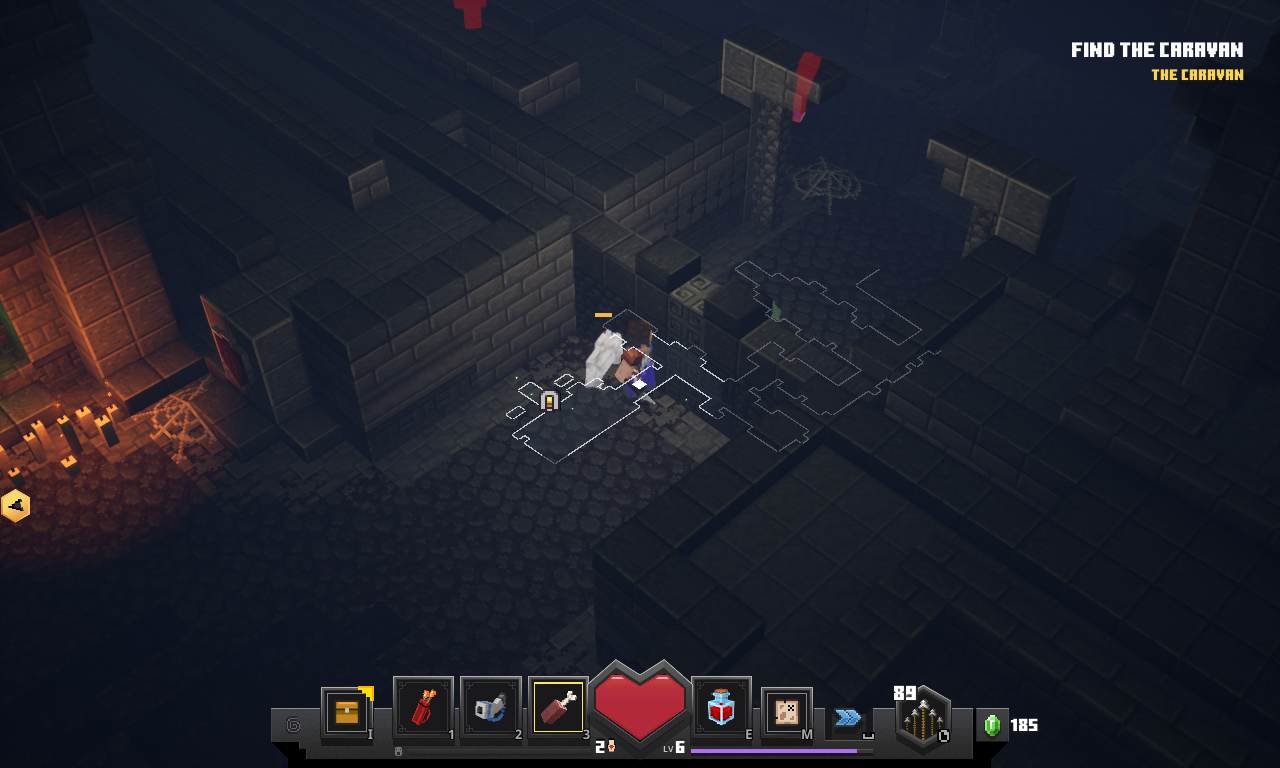
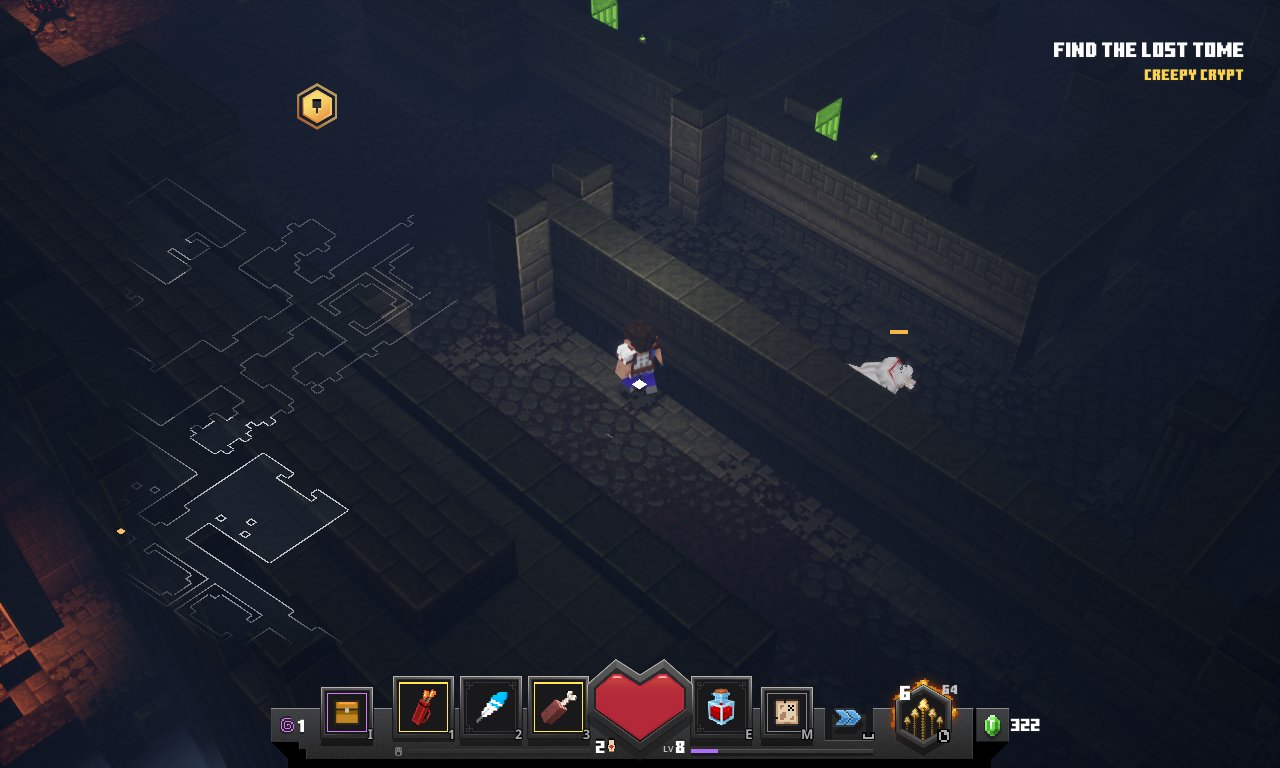
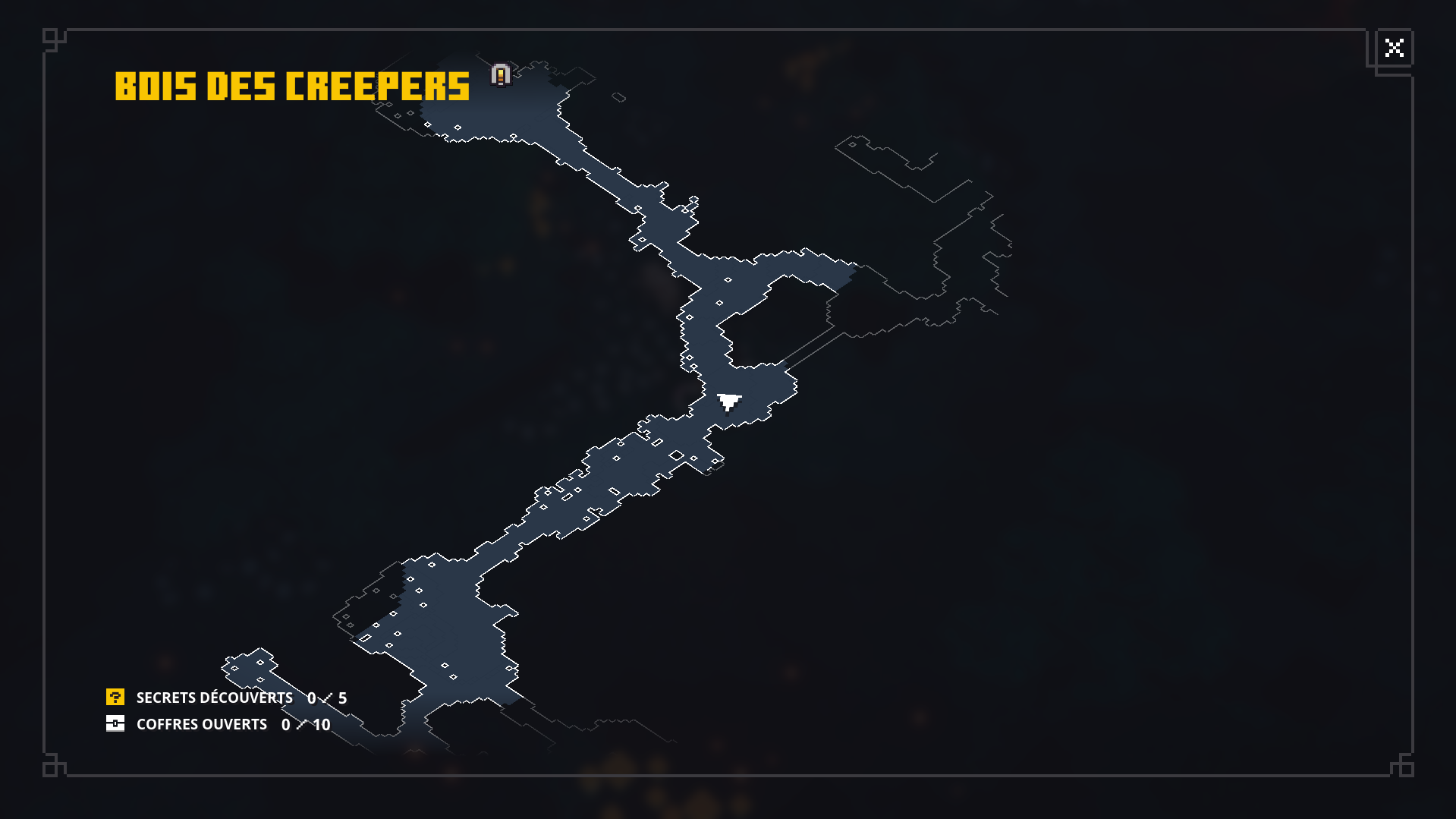
While playing with tab held down to look at the map. Sometimes randomly the map stops generating and gets "left behind" the dot sticks to the player and location markers still render but the map "discovering" feature stops. Note this only effects the lite map. The main map you get by pressing M still updates.
Linked Issues
is duplicated by33
 MCD-103Non host player minimap exploration tracker bugDuplicateMCD-130overlaymap disappearingDuplicateMCD-181Mini Map not updatingDuplicateMCD-193Map not showing up at some pointsDuplicateMCD-258The map is not being reavealed very wellDuplicateMCD-268Dungeon mobile map not updating upon exploring new areasDuplicateMCD-294Dungeon Overlay Map Not Loading EverythingDuplicateMCD-313Creeper Woods - invisible MapDuplicateMCD-413Minimap doesn't loadDuplicateMCD-435Tab map invisibleDuplicateMCD-474Map bugDuplicateMCD-494Bug map in coopDuplicateMCD-518Map doesn't updateDuplicateMCD-529Bug mapDuplicateMCD-554Tab Map OverlayDuplicateMCD-559Transparent map does not update and stops loadingDuplicateMCD-567Map is not movingDuplicateMCD-576MAPのバグ Map bugDuplicateMCD-673"Tab" map not updating in the second half of the levelDuplicateMCD-682Overlay map does not show at edgesDuplicateMCD-711map doesn't followDuplicateMCD-748map issueDuplicateMCD-764Minimap ProblemDuplicateMCD-766the minimap does not uptdate sometimesDuplicateMCD-779Transparent map overlay not updatingDuplicateMCD-783Map OverlayDuplicateMCD-813The maps bugged out.DuplicateMCD-836map nonexistantDuplicateMCD-851I left the map behindDuplicateMCD-856(MCD-32)Bug d'affichage de la map transparenteDuplicateMCD-918overlay mapDuplicateMCD-952Map not matching up with the mission in pumpkin pasturesDuplicateMCD-959mini map not working properyDuplicate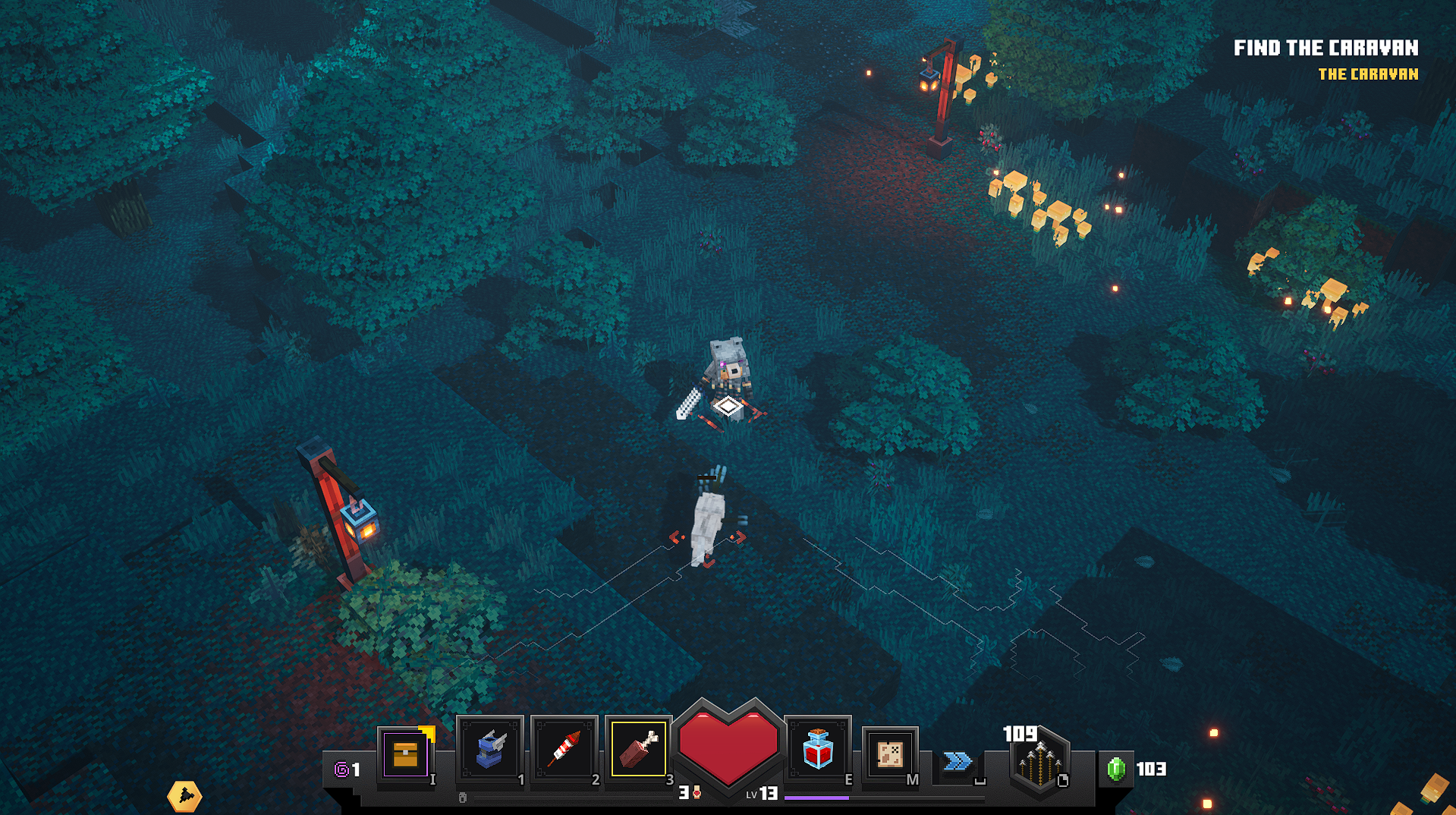





Created Issue:
"Lite" (tab) Map Gets left behind
While playing with tab held down to look at the map. Sometimes randomly the map stops generating and gets "left behind" the dot sticks to the player and location markers still render but the map "discovering" feature stops. Note this only effects the lite map. The main map you get by pressing M still updates.
- Unresolved
- Open
- Unconfirmed
- Windows 10
- Version #19204
![[Mod] LateLag](../../../data/avatars/users/92884.png)
![[Mojang] Mega_Spud (Jay Wells)](../../../data/avatars/users/92696.png)
![[Mod] violine1101](../../../data/avatars/users/92858.png)
relates to
![[Mod] bemoty](../../../data/avatars/users/50554.png)
relates to
is duplicated by

is duplicated by
is duplicated by
"Lite" (tab)MapGets left behind"Lite" (tab) map gets left behind sometimes
is duplicated by
is duplicated by
is duplicated by
is duplicated by
is duplicated by
is duplicated by
is duplicated by
is duplicated by
is duplicated by
is duplicated by
is duplicated by
is duplicated by
is duplicated by
is duplicated by
is duplicated by
is duplicated by
is duplicated by
is duplicated by
is duplicated by
is duplicated by
![[Mod] OcelotOnesie](../../../data/avatars/users/43220.png)
is duplicated by
![[Mod] Urielsalis](../../../data/assets/gravatar/urielsalis.jpeg)
is duplicated by
is duplicated by
![[Mod] Greymagic27](../../../data/avatars/users/92875.png)
is duplicated by
is duplicated by
is duplicated by
Does MCD-32 describe your issue?
Okay, I've resolved this ticket as a duplicate of MCD-32 then.
Thank you for your report!
We're actually already tracking this issue in MCD-32, so I resolved and linked this ticket as a duplicate.
If you would like to add a vote and any extra information to the main ticket it would be appreciated.
If you haven't already, you might like to make use of the search feature in the future to see if the issue has already been reported.
Quick Links:
📓 Issue Guidelines – 💬 Community Support – 📧 Customer Support – 📖 Game Wiki
Thank you for your report!
We're actually already tracking this issue in MCD-32, so I resolved and linked this ticket as a duplicate.
If you would like to add a vote and any extra information to the main ticket it would be appreciated.
If you haven't already, you might like to make use of the search feature in the future to see if the issue has already been reported.
Quick Links:
📓 Issue Guidelines – 💬 Community Support – 📧 Customer Support – 📖 Game Wiki

Thank you for your report!
We're actually already tracking this issue in MCD-32, so I resolved and linked this ticket as a duplicate.
If you would like to add a vote and any extra information to the main ticket it would be appreciated.
If you haven't already, you might like to make use of the search feature in the future to see if the issue has already been reported.
Quick Links:
📓 Issue Guidelines – 💬 Community Support – 📧 Customer Support – 📖 Game Wiki
Thank you for your report!
We're actually already tracking this issue in MCD-32, so I resolved and linked this ticket as a duplicate.
If you would like to add a vote and any extra information to the main ticket it would be appreciated.
If you haven't already, you might like to make use of the search feature in the future to see if the issue has already been reported.
Quick Links:
📓 Issue Guidelines – 💬 Community Support – 📧 Customer Support – 📖 Game Wiki
Thank you for your report!
We're actually already tracking this issue in MCD-32, so I've resolved and linked this ticket as a duplicate.
If you would like to add a vote and any extra information to the main ticket it would be appreciated.
If you haven't already, you might like to make use of the search feature to see if the issue has already been mentioned.
Quick Links:
📓 Issue Guidelines – 💬 Community Support – 📧 Customer Support – 📖 Game Wiki
Thank you for your report!
We're actually already tracking this issue in MCD-32, so I've resolved and linked this ticket as a duplicate.
If you would like to add a vote and any extra information to the main ticket it would be appreciated.
If you haven't already, you might like to make use of the search feature to see if the issue has already been mentioned.
Quick Links:
📓 Issue Guidelines – 💬 Community Support – 📧 Customer Support – 📖 Game Wiki – 📖 FAQs
Thank you for your report!
We're actually already tracking this issue in MCD-32, so I've resolved and linked this ticket as a duplicate.
If you would like to add a vote and any extra information to the main ticket it would be appreciated.
If you haven't already, you might like to make use of the search feature to see if the issue has already been mentioned.
Quick Links:
📓 Issue Guidelines – 💬 Community Support – 📧 Customer Support – 📖 Game Wiki – 📖 FAQs
Thank you for your report!
We're actually already tracking this issue in MCD-32, so I've resolved and linked this ticket as a duplicate.
If you would like to add a vote and any extra information to the main ticket it would be appreciated.
If you haven't already, you might like to make use of the search feature to see if the issue has already been mentioned.
Quick Links:
📓 Issue Guidelines – 💬 Community Support – 📧 Customer Support – 📖 Game Wiki – 📖 FAQs
Thank you for your report!
We're actually already tracking this issue in MCD-32, so I've resolved and linked this ticket as a duplicate.
If you would like to add a vote and any extra information to the main ticket it would be appreciated.
If you haven't already, you might like to make use of the search feature to see if the issue has already been mentioned.
Quick Links:
📓 Issue Guidelines – 💬 Community Support – 📧 Customer Support – 📖 Game Wiki – 📖 FAQs
Thank you for your report!
We're actually already tracking this issue in MCD-32, so I've resolved and linked this ticket as a duplicate.
If you would like to add a vote and any extra information to the main ticket it would be appreciated.
If you haven't already, you might like to make use of the search feature to see if the issue has already been mentioned.
Quick Links:
📓 Issue Guidelines – 💬 Community Support – 📧 Customer Support – 📖 Game Wiki – 📖 FAQs
Thank you for your report!
We're actually already tracking this issue in MCD-32, so I've resolved and linked this ticket as a duplicate.
If you would like to add a vote and any extra information to the main ticket it would be appreciated.
If you haven't already, you might like to make use of the search feature to see if the issue has already been mentioned.
Quick Links:
📓 Issue Guidelines – 💬 Community Support – 📧 Customer Support – 📖 Game Wiki – 📖 FAQs
Thank you for your report!
We're actually already tracking this issue in MCD-32, so I've resolved and linked this ticket as a duplicate.
If you would like to add a vote and any extra information to the main ticket it would be appreciated.
If you haven't already, you might like to make use of the search feature to see if the issue has already been mentioned.
Quick Links:
📓 Issue Guidelines – 💬 Community Support – 📧 Customer Support – 📖 Game Wiki – 📖 FAQs

Thank you for your report!
We're actually already tracking this issue in MCD-32, so I resolved and linked this ticket as a duplicate.
If you would like to add a vote and any extra information to the main ticket it would be appreciated.
If you haven't already, you might like to make use of the search feature in the future to see if the issue has already been reported.
Quick Links:
📓 Issue Guidelines – 💬 Community Support – 📧 Customer Support – 📖 Game Wiki
Thank you for your report!
We're actually already tracking this issue in MCD-32, so I resolved and linked this ticket as a duplicate.
If you would like to add a vote and any extra information to the main ticket it would be appreciated.
If you haven't already, you might like to make use of the search feature in the future to see if the issue has already been reported.
Quick Links:
📓 Issue Guidelines – 💬 Community Support – 📧 Customer Support – 📖 Game Wiki
Thank you for your report!
We're actually already tracking this issue in MCD-32, so I resolved and linked this ticket as a duplicate.
If you would like to add a vote and any extra information to the main ticket it would be appreciated.
If you haven't already, you might like to make use of the search feature in the future to see if the issue has already been reported.
Quick Links:
📓 Issue Guidelines – 💬 Community Support – 📧 Customer Support – 📖 Game Wiki
Thank you for your report!
We're actually already tracking this issue in MCD-32, so I resolved and linked this ticket as a duplicate.
If you would like to add a vote and any extra information to the main ticket it would be appreciated.
If you haven't already, you might like to make use of the search feature in the future to see if the issue has already been reported.
Quick Links:
📓 Issue Guidelines – 💬 Community Support – 📧 Customer Support – 📖 Game Wiki
Thank you for your report!
We're actually already tracking this issue in MCD-32, so I've resolved and linked this ticket as a duplicate.
If you would like to add a vote and any extra information to the main ticket it would be appreciated.
If you haven't already, you might like to make use of the search feature to see if the issue has already been mentioned.
Quick Links:
📓 Issue Guidelines – 💬 Community Support – 📧 Customer Support – 📖 Game Wiki – 📖 FAQs
Thank you for your report!
We're actually already tracking this issue in MCD-32, so I've resolved and linked this ticket as a duplicate.
If you would like to add a vote and any extra information to the main ticket it would be appreciated.
If you haven't already, you might like to make use of the search feature to see if the issue has already been mentioned.
Quick Links:
📓 Issue Guidelines – 💬 Community Support – 📧 Customer Support – 📖 Game Wiki – 📖 FAQs
Thank you for your report!
We're actually already tracking this issue in MCD-32, so I've resolved and linked this ticket as a duplicate.
If you would like to add a vote and any extra information to the main ticket it would be appreciated.
If you haven't already, you might like to make use of the search feature to see if the issue has already been mentioned.
Quick Links:
📓 Issue Guidelines – 💬 Community Support – 📧 Customer Support – 📖 Game Wiki – 📖 FAQs
This is happening with me as well.
Just played in I think creepy crypt? This happened to me, minimap just stopped updating/filling in while I was playing, I can’t remember if I fast traveled or not. The map wouldn’t “fill” for the rest of the session
I see this happening as well if I open the map and leave it up then sometimes it stops generating the overlay for the map, and eventually you are looking at a blank map for new areas of that level.
played the first level post tutorial tonight with a two player multiplayer local game and experienced same problems as above. map was still there, and we could go back to previous locations, however any new area we'd not yet discovered stayed unfilled on the map.
I had this issue happened to me as well.
This happened to me as well. Usually if I left the "tab" map open for an extended amount of time (a few minutes or longer). It is very useful and would love to have ability for it to be open for longer periods of time. However, once it "crashes" and stops updating the walls/map, it doesn't start up again. Toggling it on/off doesn't refresh it – it is still broken for the duration of the mission/dungeon. -DroydTDR
Im most likely sure this has been submitted but this also has happen to me pretty often
I just had this same thing happen while I was delving through Creepy Crypt. The minimap stops updating/disappears but the main map functions as normal.
I consistently have this bug as well. Hope it is resolved soon.
Yes, I had the same problem in the creeper wood
I too experience the same problem. It usually happens after I open the full map for longer than 10 seconds. It happened to me in Creepy Crypt and Creeper Woods; did not experience this bug on Pumpkin Pastures.
I have the exact same problem.
I have the same problem but it also happens in other levels
The ticket was already marked as confirmed so there's no need to add more comments stating you can reproduce this bug. Just vote this ticket if you haven't so we can know that this bug affects many players
I also had the problem too that the map was not displayed correctly
This problem is still not fixed, I dont see the map sometimes. And mostly it starts right but somewhere in the middle the map is gone or is not working... And its every time when I play that this happens.
This was posted 2 months ago and still isn't fixed? Happens every level I go in to so even if I get lucky and the game doesn't encounter any of the other crashes, the game is still pretty much unplayable... Seems to me like the game was just rushed to be released during quarantine for the extra sales. So many major issues it's just depressing to attempt to play.
This issue no longer affects me.
I just had the issue in my game, only way to stop it for me is to not open my inventory. Didn't open my inventory the whole game and it worked fine. As soon as I opened it, the map bugged again and didnt refresh for a few minutes. Kind of an annoying work around but at least its something for now.