 Hugman
- Hugman_76
- hugman_76
- Europe/Paris
- Yes
- No
 MC-86050
![[Mojang] Grum (Erik Broes)](../../../data/assets/gravatar/grum.png)
![[Mojang] Nathan Adams](../../../data/assets/gravatar/dinnerbone.png)
![[Mojang] slicedlime](../../../data/assets/gravatar/slicedlime.jpeg)

![[Mojang] Cory Scheviak](../../../data/avatars/users/92893.png)
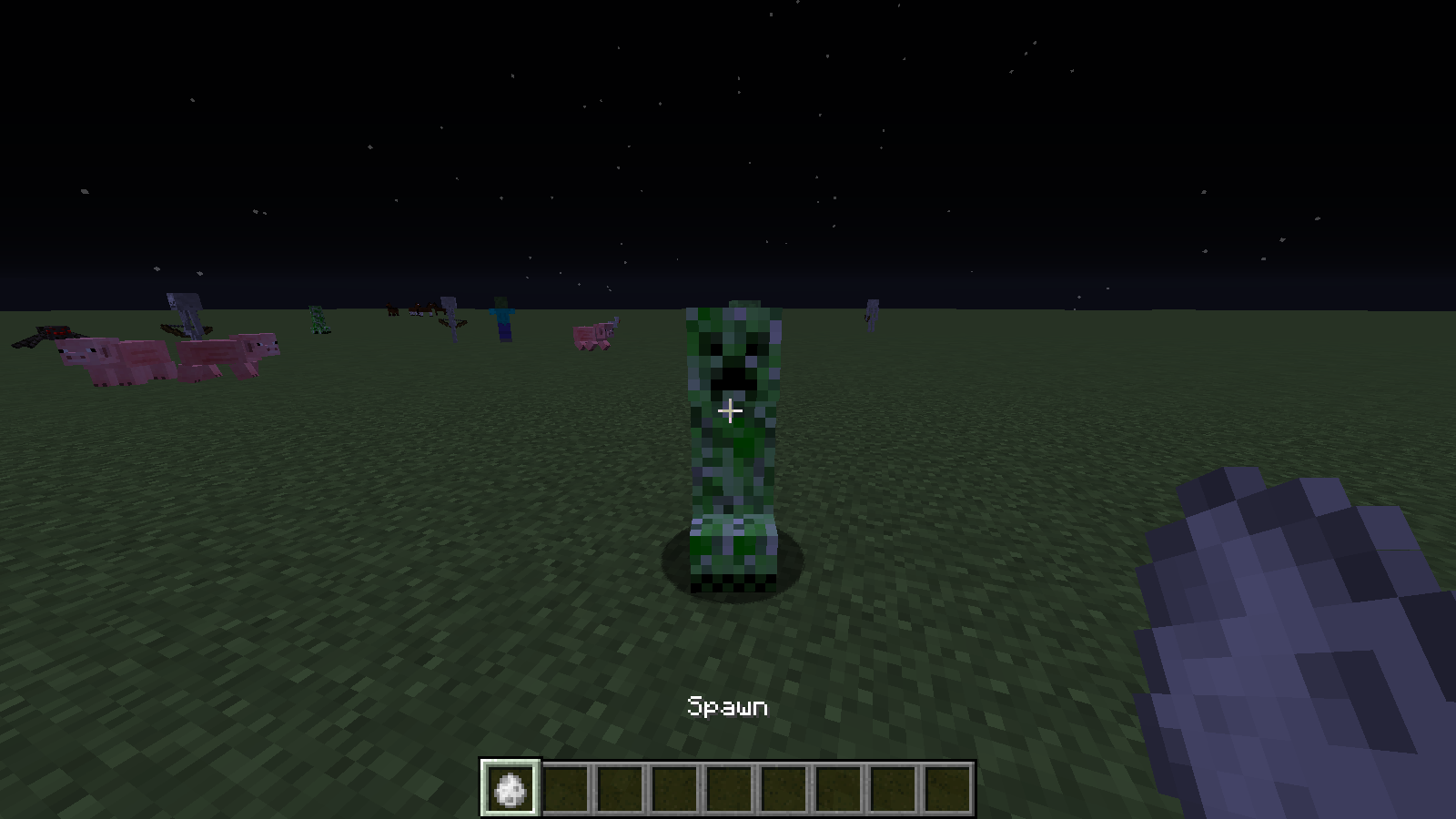
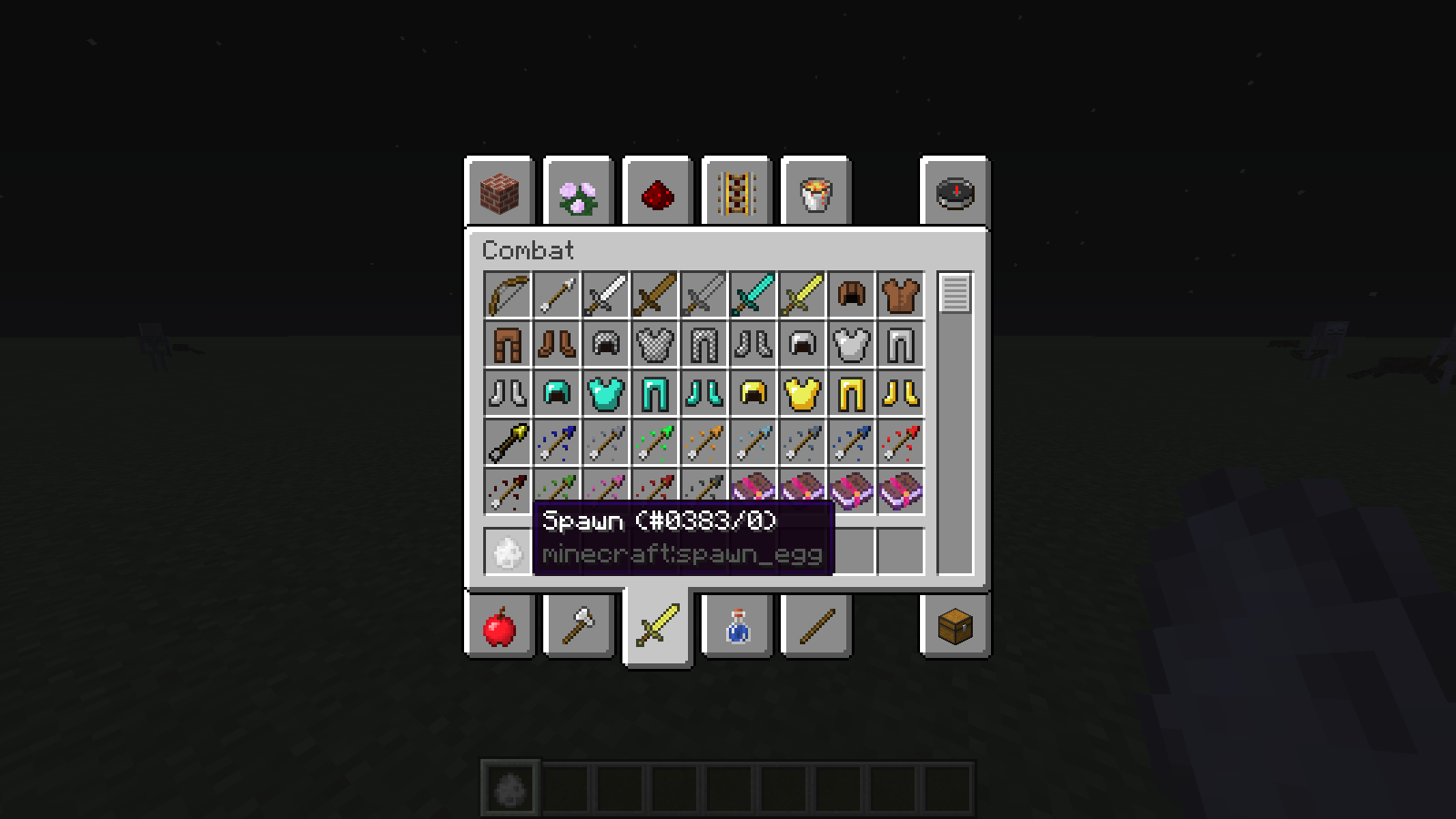


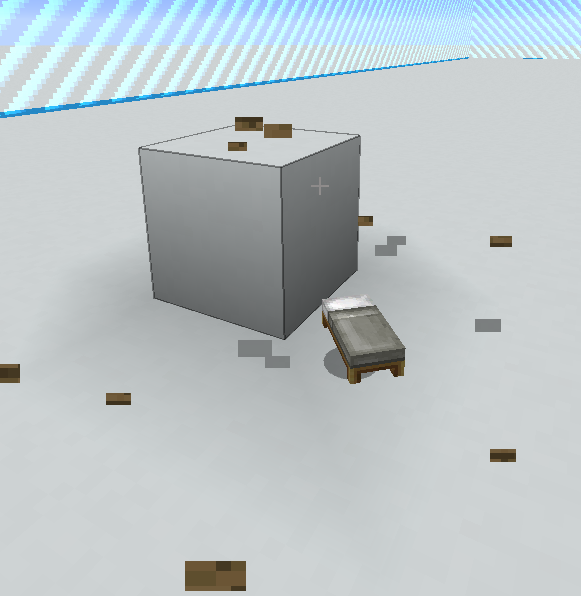
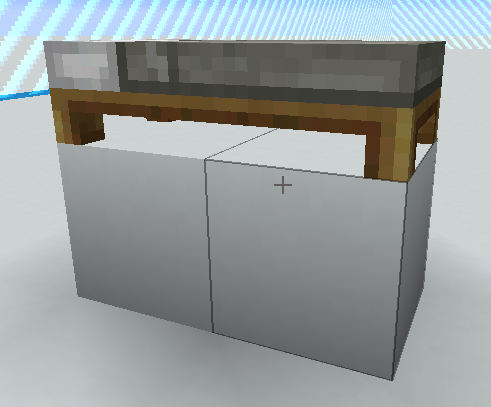

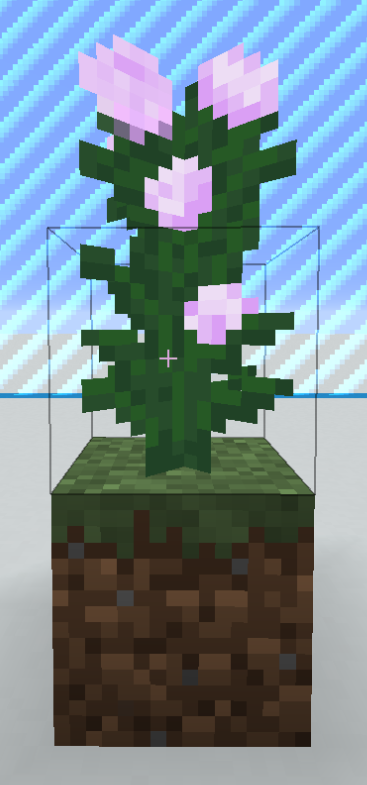


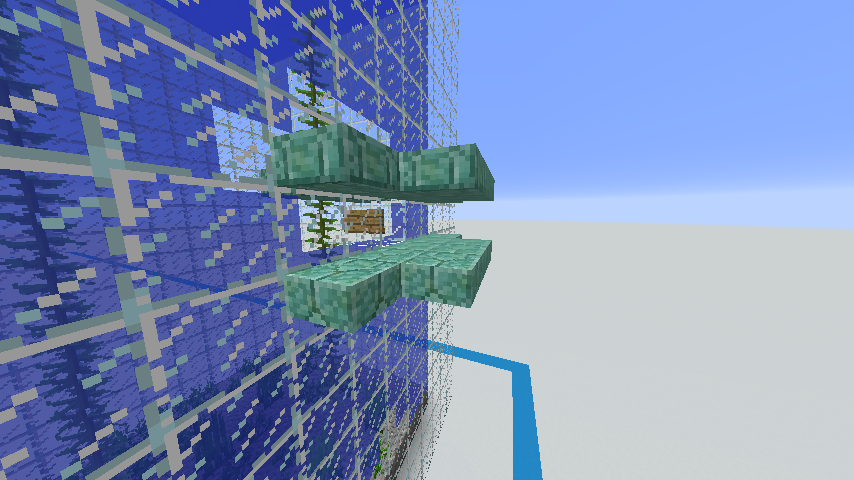
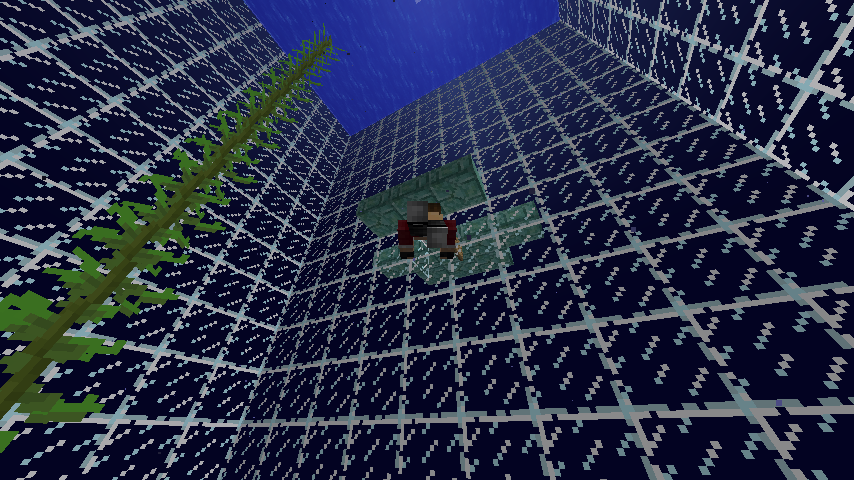
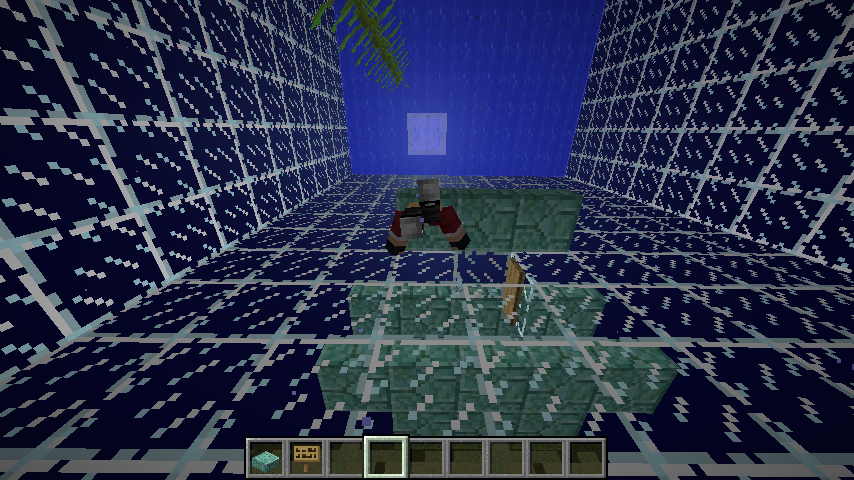


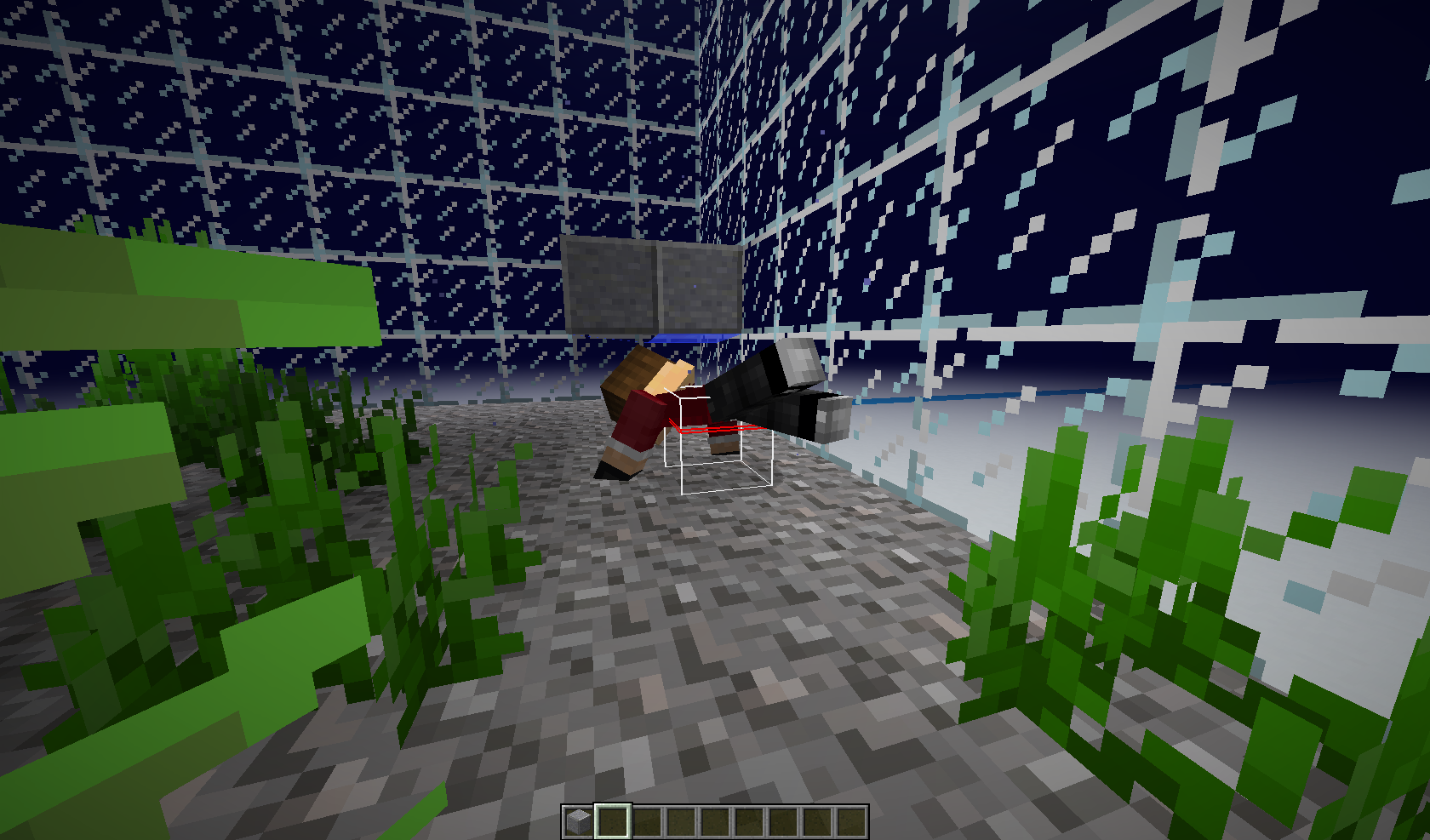








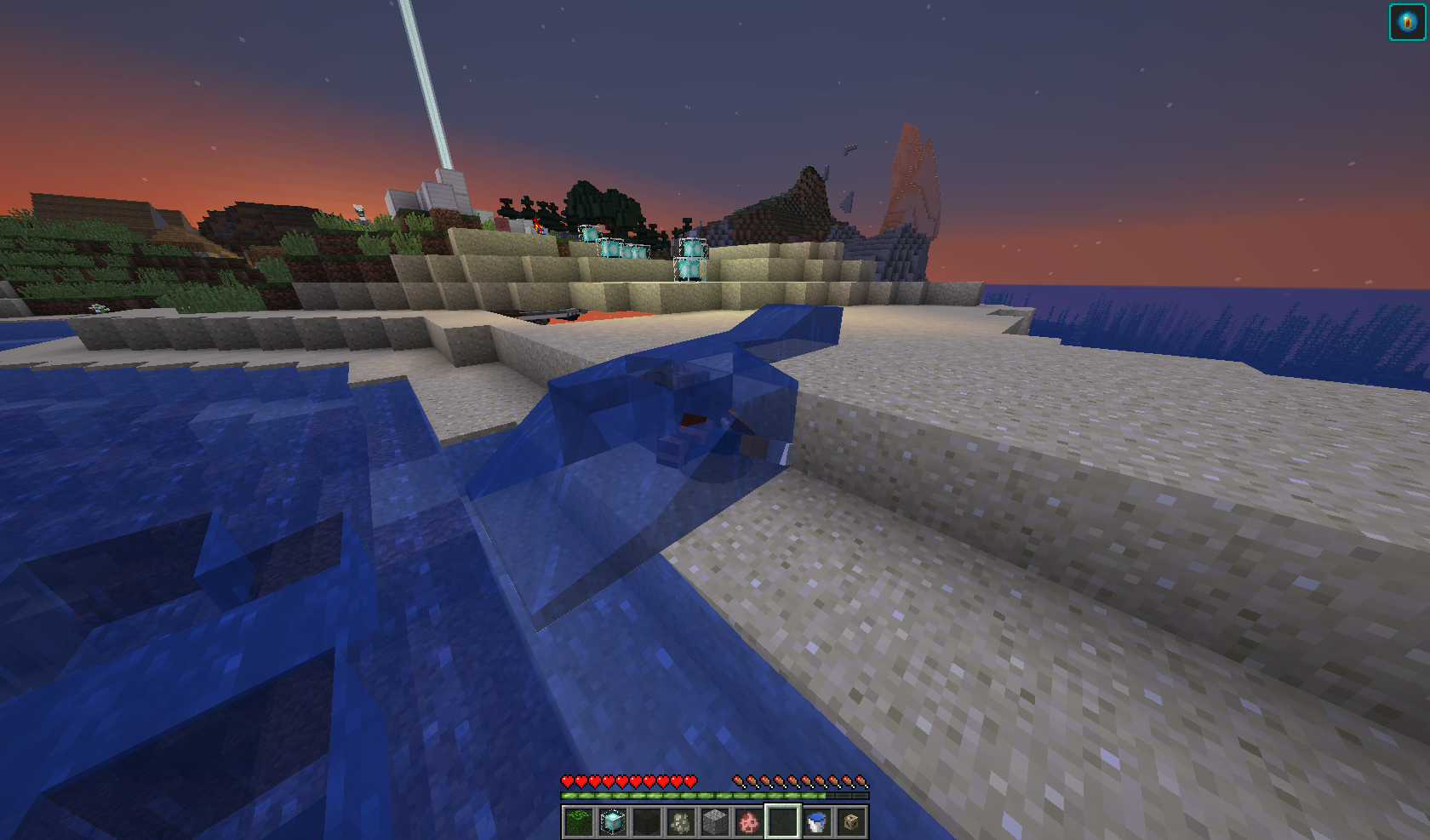
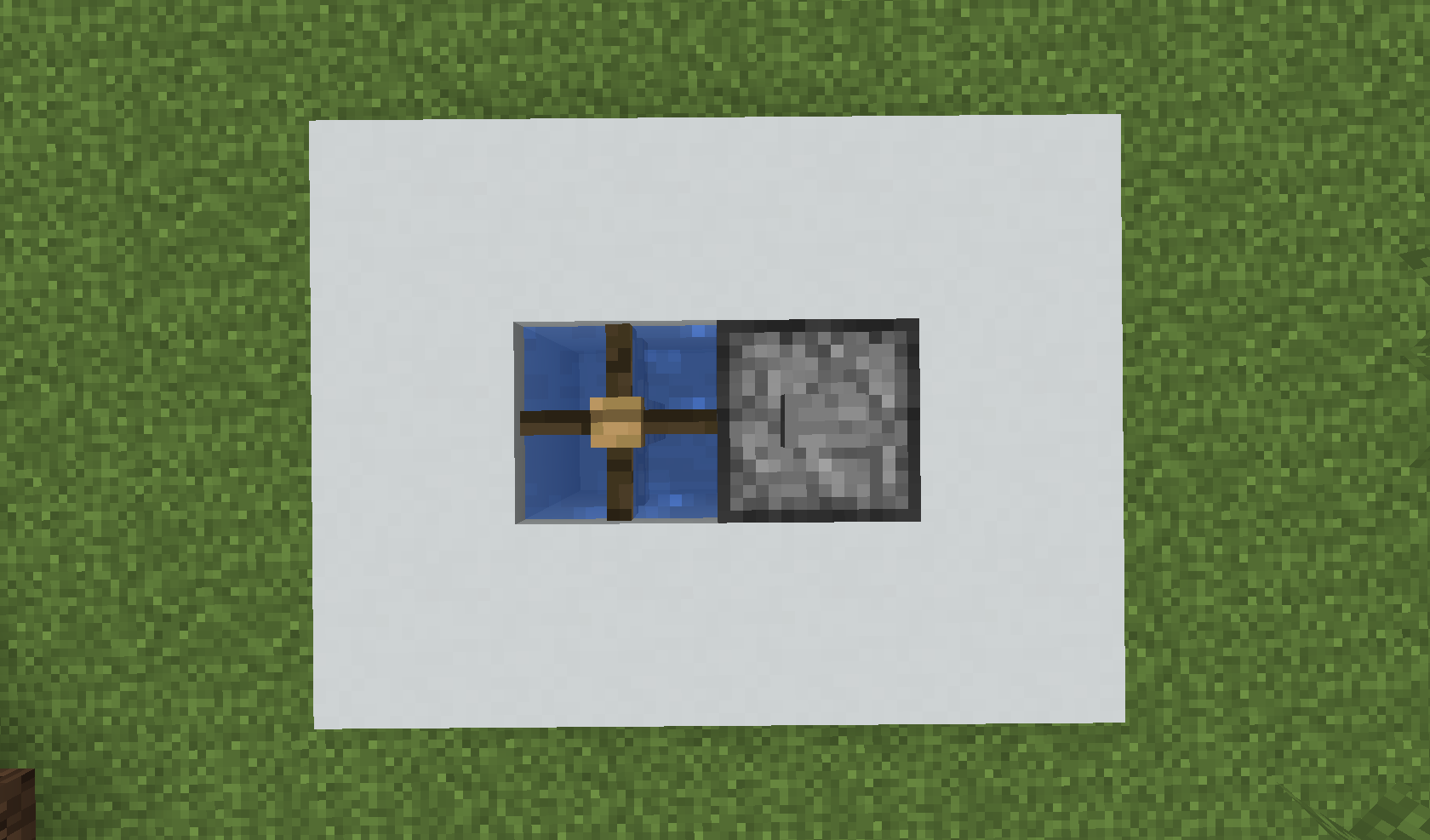

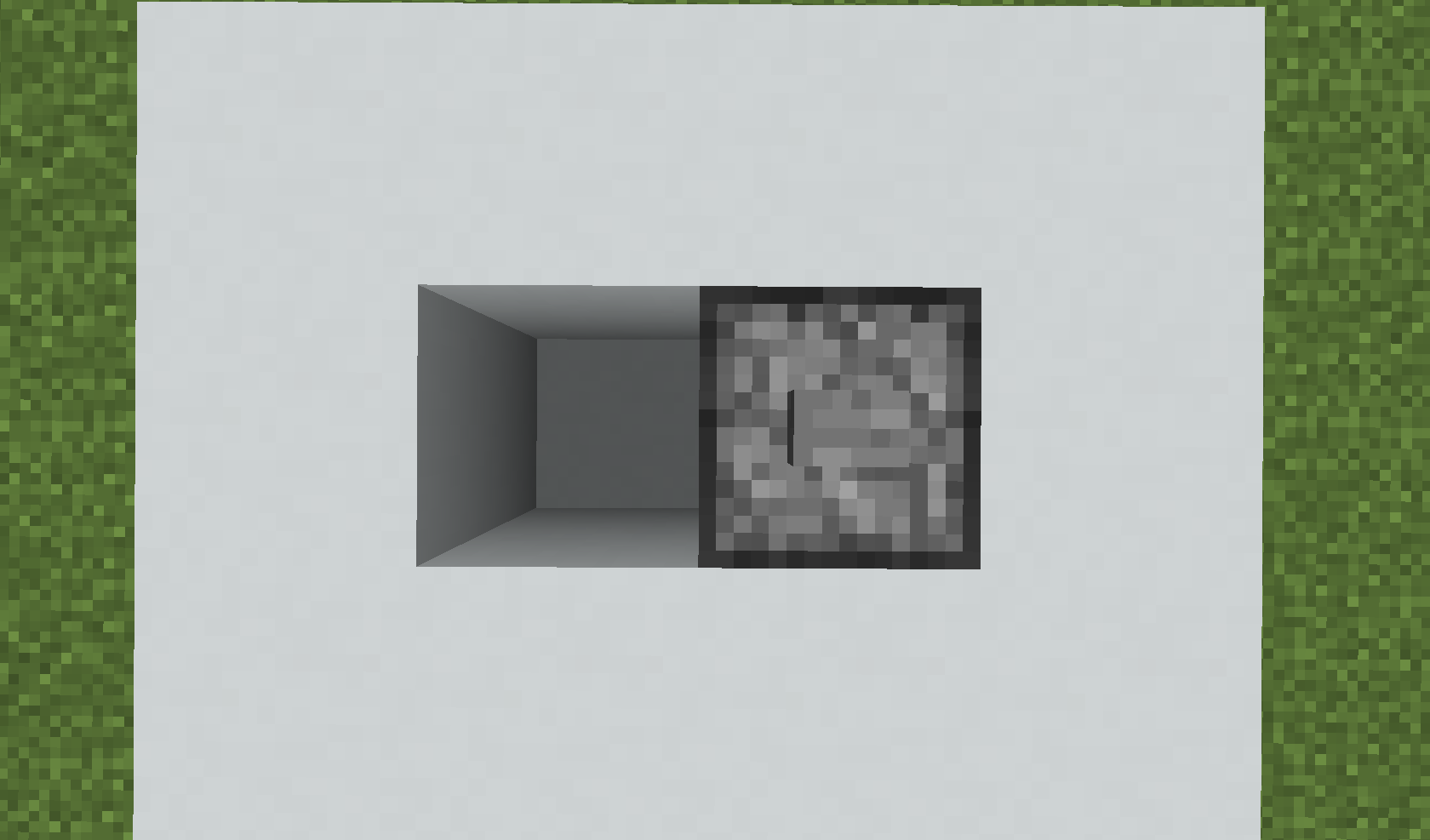

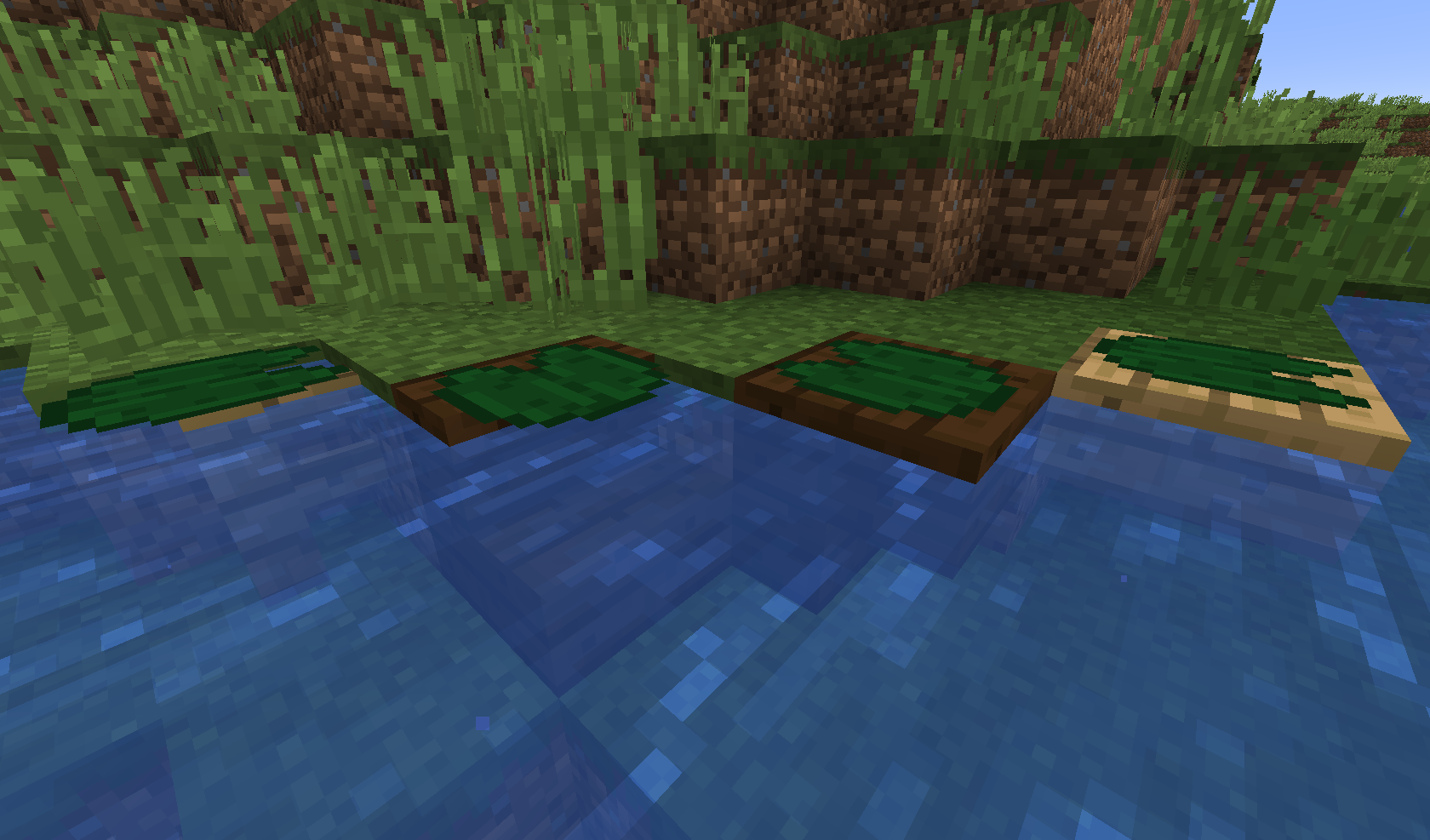
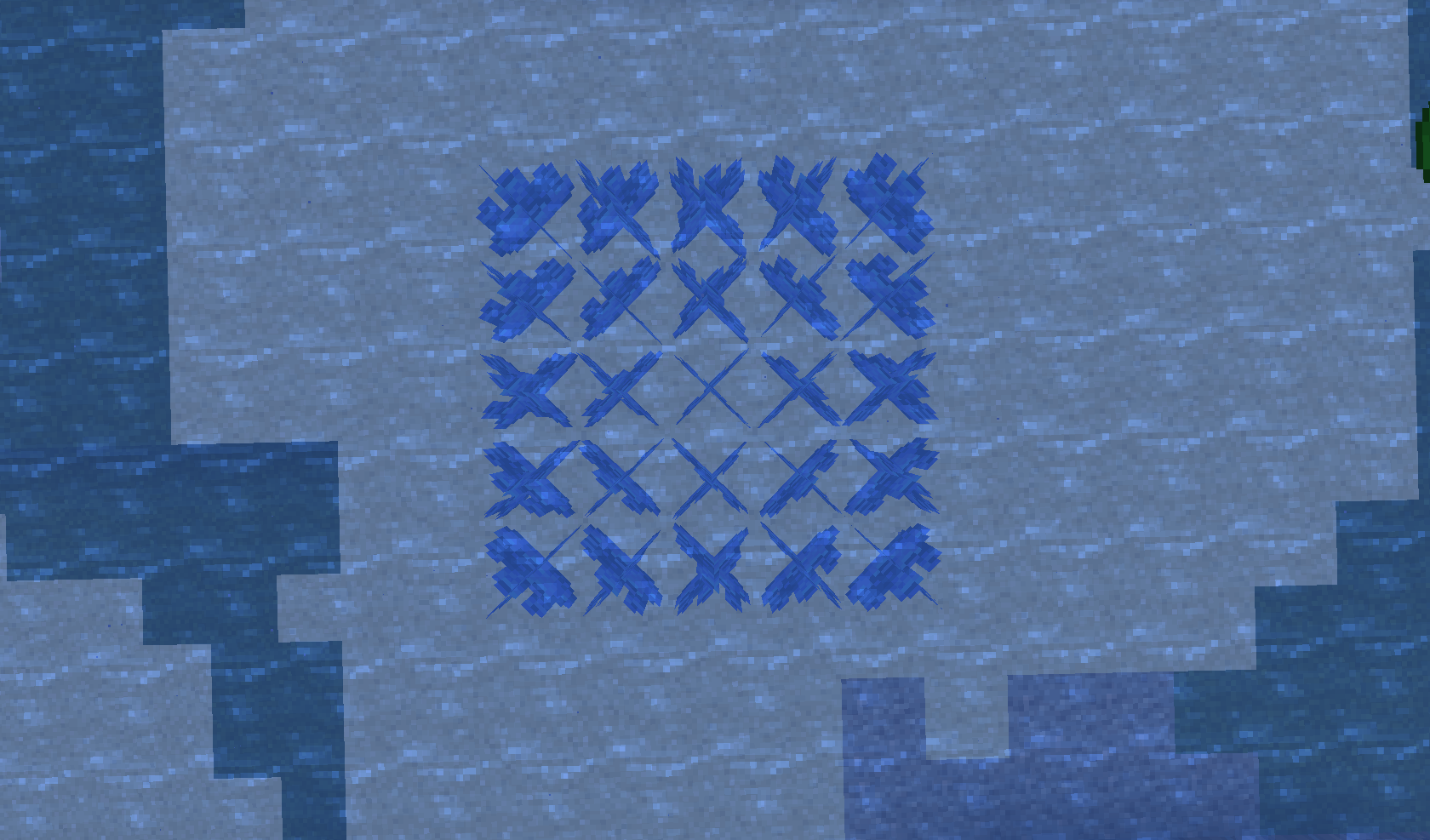
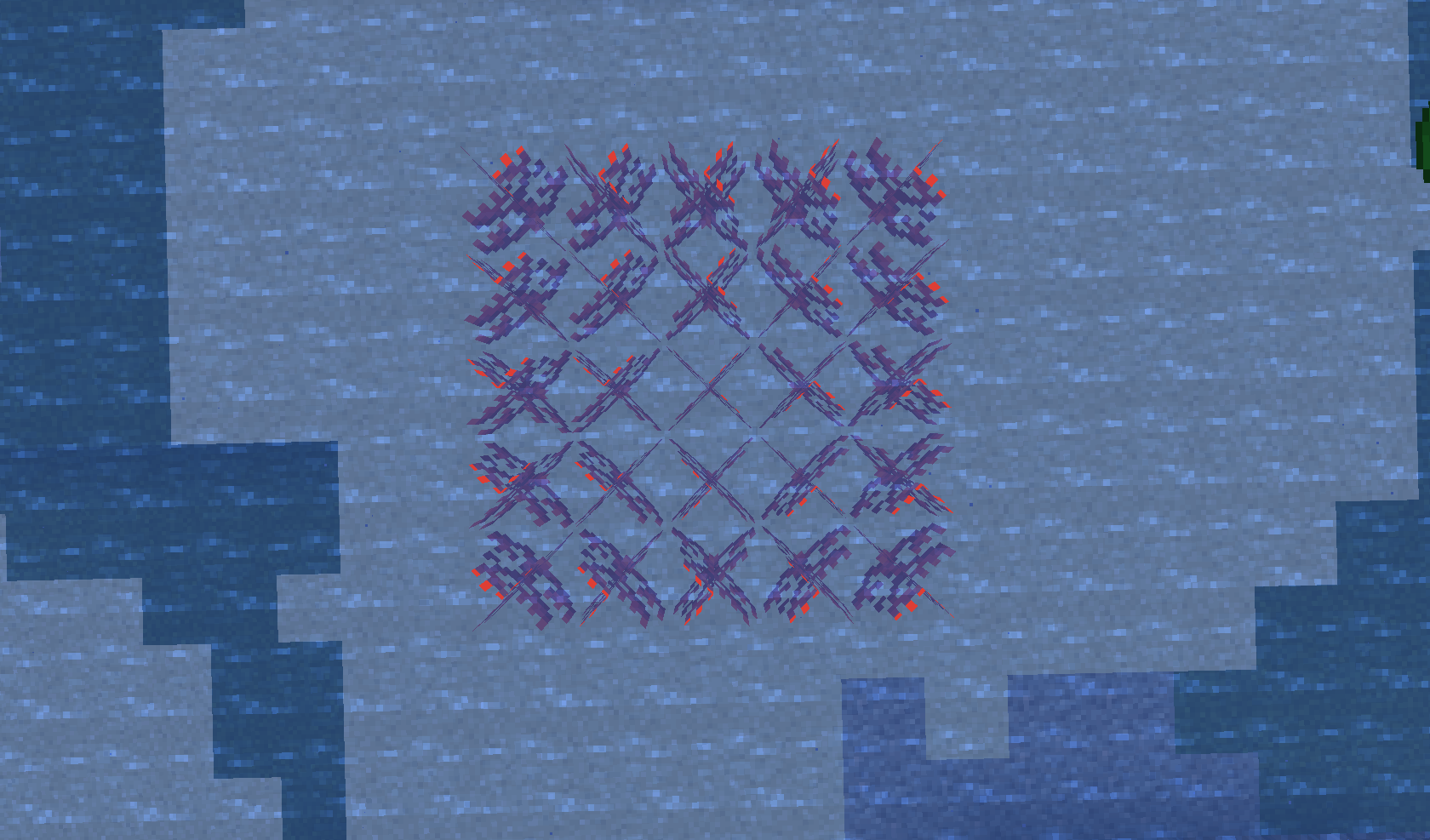
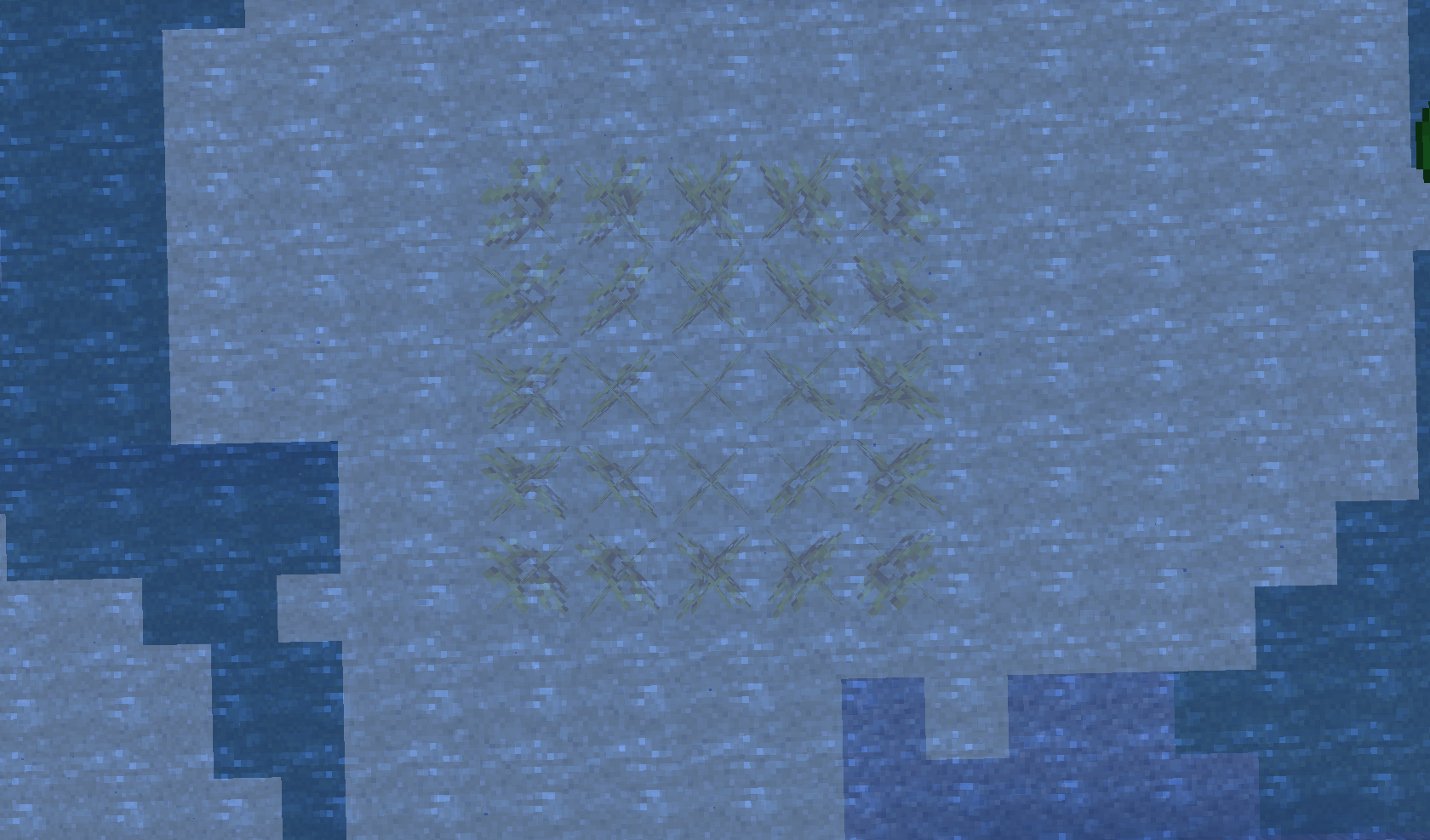
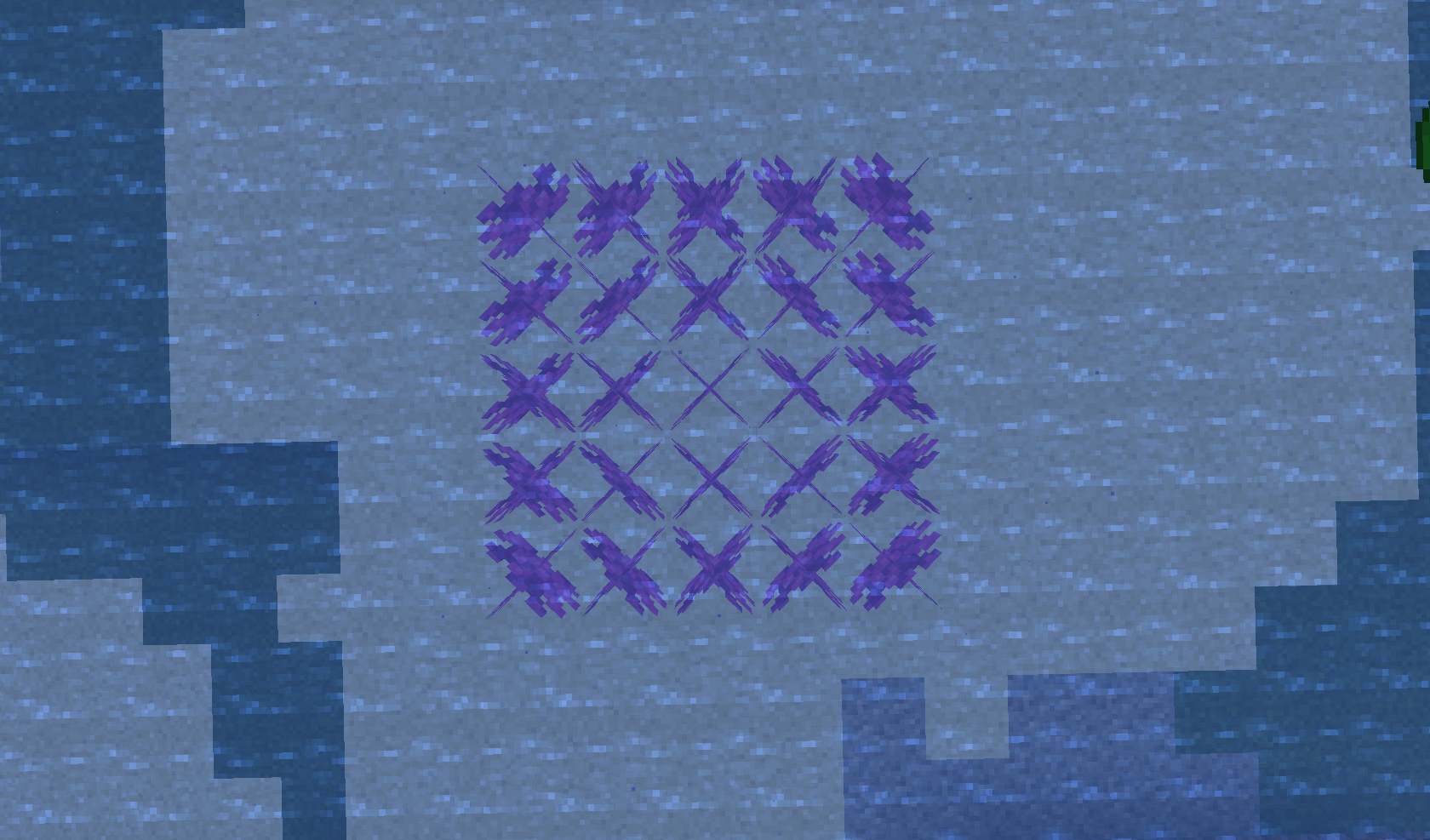
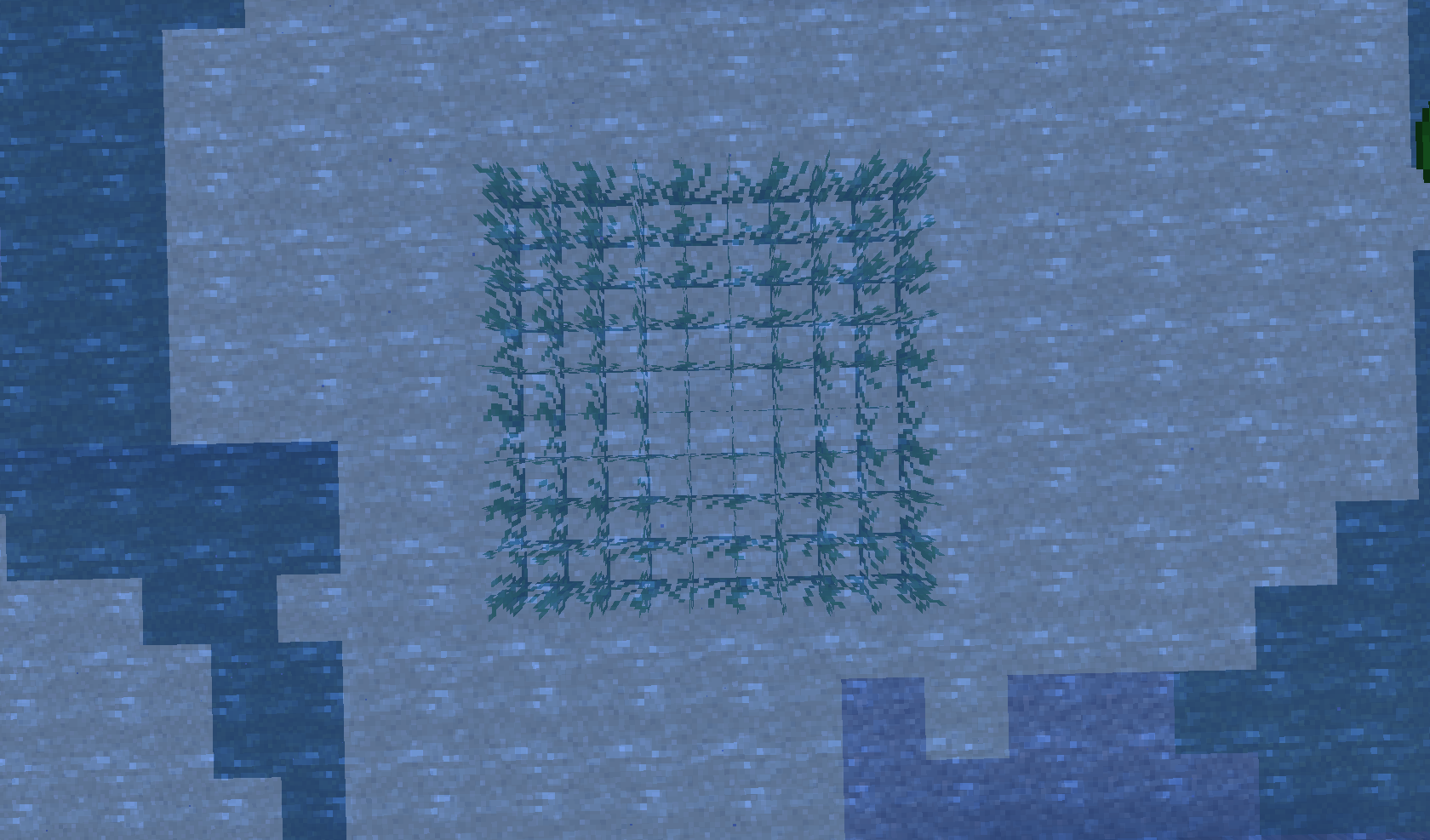
Placinghead and bed where we normally can't (at feet)Can place heads and beds where we normally can't (at feet)
Structure Blocks in load mode don't load when activated by a redstone source placed via /setblock or /fill
What I expected:
I would have found structure files for Villages, Desert Temples, Jungle Temple, Ocean Monuments and Nether Fortress in the vanilla files (vanilla data pack for 1.13) but I have found only files for End Cities, Fossils, Igloos and Mansions.
What I expected:
I would have found structure files for Villages, Desert Temples, Jungle Temple, Ocean Monuments and Nether Fortress in the vanilla files (vanilla data pack for 1.13) but I have found only files for End Cities, Fossils, Igloos and Mansions.

Entity lightning_bolt doesn't exists
How to reproduce:
Do a recipe using air (as input or output)
NB: using air as output and clicking on the recipe will crash the game
How to reproduce:
Doa recipe using air (as input or output)NB: using air as output and clicking on the recipe will crash the game
How to reproduce:
Create a recipe using air (as input or output)
NB: using air as output and clicking on the recipe will crash the game
How to reproduce:
Create a recipe using air (as input or output)
Example:
{ "type": "crafting_shaped", "pattern": [ "CBC", "DAD", "DBD" ], "key": { "A": { "item": "air" }, "B": { "item": "dark_oak_planks" }, "C": { "item": "dark_oak_stairs" }, "D": { "tag": "dark_oak_log" } }, "result": { "item": "vex_spawn_egg" } }NB: using air as output and clicking on the recipe will crash the game
How to reproduce:
Create a recipe using air (as input or output)
Example:
{ "type": "crafting_shaped", "pattern": [ "CBC","DAD","DBD"],"key":{"A": {"item": "air" }, "B": { "item": "dark_oak_planks" }, "C": { "item": "dark_oak_stairs" }, "D": { "tag": "dark_oak_log" } }, "result": { "item": "vex_spawn_egg" } }NB: using air as output and clicking on the recipe will crash the game
How to reproduce:
Create a recipe using air (as input or output)
Examples:
{ "type": "crafting_shapeless", "ingredients": [ { "item": "air" } ], "result": { "item": "diamond" } }NB: using air as output and clicking on the recipe will crash the game
How to reproduce:
Create a recipe using air (as input or output)
Examples:
{ "type": "crafting_shapeless", "ingredients": [ { "item": "air" } ], "result": { "item": "diamond" } }{ "type": "crafting_shapeless", "ingredients": [ { "item": "diamond" } ], "result": { "item": "air" } }NB: using air as output and clicking on the recipe will crash the game
How to reproduce:
Create a recipe using air (as input or output)
Examples:
{ "type": "crafting_shapeless", "ingredients": [ { "item": "air" } ], "result": { "item": "diamond" } }{ "type": "crafting_shapeless", "ingredients": [ { "item": "diamond" } ], "result": { "item": "air" } }NB: using air as output and clicking on the recipe will crash the game
How to reproduce:
Create a recipe using air (as input or output)
Examples:
{ "type": "crafting_shapeless", "ingredients": [ { "item": "air" } ], "result": { "item": "diamond" } }{ "type": "crafting_shapeless", "ingredients": [ { "item": "diamond" } ], "result": { "item": "air" } }NB: using air as output and clicking on the recipe will crash the game
How to reproduce:
Create a recipe using air (as input or output)
Examples:
{ "type": "crafting_shapeless", "ingredients": [ { "item": "air" } ], "result": { "item": "diamond" } }{ "type": "crafting_shapeless", "ingredients": [ { "item": "diamond" } ], "result": { "item": "air" } }NB: using air as output and clicking on the recipe will crash the game
How to reproduce:
Create a recipe using air (as input or output)
Examples:
{ "type": "crafting_shapeless", "ingredients": [ { "item": "air" } ], "result": { "item": "diamond" } }{ "type": "crafting_shapeless", "ingredients": [ { "item": "diamond" } ], "result": { "item": "air" } }NB: using air as output and clicking on the recipe will crash the game
How to reproduce:
Create a recipe using air (as input or output)
Examples:
{ "type": "crafting_shapeless", "ingredients": [ { "item": "air" } ], "result": { "item": "diamond" } }Recipe for crafting diamond out of 1 air
{ "type": "crafting_shapeless", "ingredients": [ { "item": "diamond" } ], "result": { "item": "air" } }NB: using air as output and clicking on the recipe will crash the game
How to reproduce:
Create a recipe using air (as input or output)
Examples:
{ "type": "crafting_shapeless", "ingredients": [ { "item": "air" } ], "result": { "item": "diamond" } }Recipe for crafting diamond out of 1 air
{ "type": "crafting_shapeless", "ingredients": [ { "item": "diamond" } ], "result": { "item": "air" } }NB: using air as output and clicking on the recipe will crash the game
How to reproduce:
Create a recipe using air. (as input or as output)
Examples:
{ "type": "crafting_shapeless", "ingredients": [ { "item": "air" } ], "result": { "item": "diamond" } }Recipe for crafting diamond out of 1 air.
{ "type": "crafting_shapeless", "ingredients": [ { "item": "diamond" } ], "result": { "item": "air" } }Recipe for crafting air out of 1 diamond.
NB: using air as output then clicking on the recipe will crash the game
You can use minecraft:air as recipe input and output; using it as output will crash the game.
How to reproduce:
Create a recipe using air (as input or output)
Examples:
{ "type": "crafting_shapeless", "ingredients": [ { "item": "air" } ], "result": { "item": "diamond" } }Recipe for crafting diamond out of 1 air
{ "type": "crafting_shapeless", "ingredients": [ { "item": "diamond" } ], "result": { "item": "air" } }Recipe for crafting air out of 1 diamond.
You can use minecraft:air as recipe input and output; using it as output and clicking on the recipe will crash the game.
How to reproduce:
Create a recipe using air (as input or output)
Examples:
{ "type": "crafting_shapeless", "ingredients": [ { "item": "air" } ], "result": { "item": "diamond" } }Recipe for crafting diamond out of 1 air
{ "type": "crafting_shapeless", "ingredients": [ { "item": "diamond" } ], "result": { "item": "air" } }Recipe for crafting air out of 1 diamond.
You can use minecraft:air as recipe input and output; using it as output
andclicking on the recipe will crash the game.How to reproduce:
Create a recipe using air (as input or output)
Examples:
{ "type": "crafting_shapeless", "ingredients": [ { "item": "air" } ], "result": { "item": "diamond" } }Recipe for crafting diamond out of 1 air
{ "type": "crafting_shapeless", "ingredients": [ { "item": "diamond" } ], "result": { "item": "air" } }Recipe for crafting air out of 1 diamond.
You can use minecraft:air as recipe input and output; using it as output then clicking on the recipe will crash the game.
How to reproduce:
Create a recipe using air (as input or output)
Examples:
{ "type": "crafting_shapeless", "ingredients": [ { "item": "air" } ], "result": { "item": "diamond" } }Recipe for crafting diamond out of 1 air
{ "type": "crafting_shapeless", "ingredients": [ { "item": "diamond" } ], "result": { "item": "air" } }Recipe for crafting air out of 1 diamond.
You can use minecraft:air as recipe input and output; using it as output then clicking on th
erecipe will crash the game.How to reproduce:
Create a recipe using air (as input or output)
Examples:
{ "type": "crafting_shapeless", "ingredients": [ { "item": "air" } ], "result": { "item": "diamond" } }Recipe for crafting diamond out of 1 air
{ "type": "crafting_shapeless", "ingredients": [ { "item": "diamond" } ], "result": { "item": "air" } }Recipe for crafting air out of 1 diamond.
You can use minecraft:air as recipe input and output; using it as output then clicking on this recipe will crash the game.
How to reproduce:
Create a recipe using air (as input or output)
Examples:
{ "type": "crafting_shapeless", "ingredients": [ { "item": "air" } ], "result": { "item": "diamond" } }Recipe for crafting diamond out of 1 air
{ "type": "crafting_shapeless", "ingredients": [ { "item": "diamond" } ], "result": { "item": "air" } }Recipe for crafting air out of 1 diamond.
Confirmed for 18w07c.
Airblockcan be used in recipesAir can be used in custom recipes
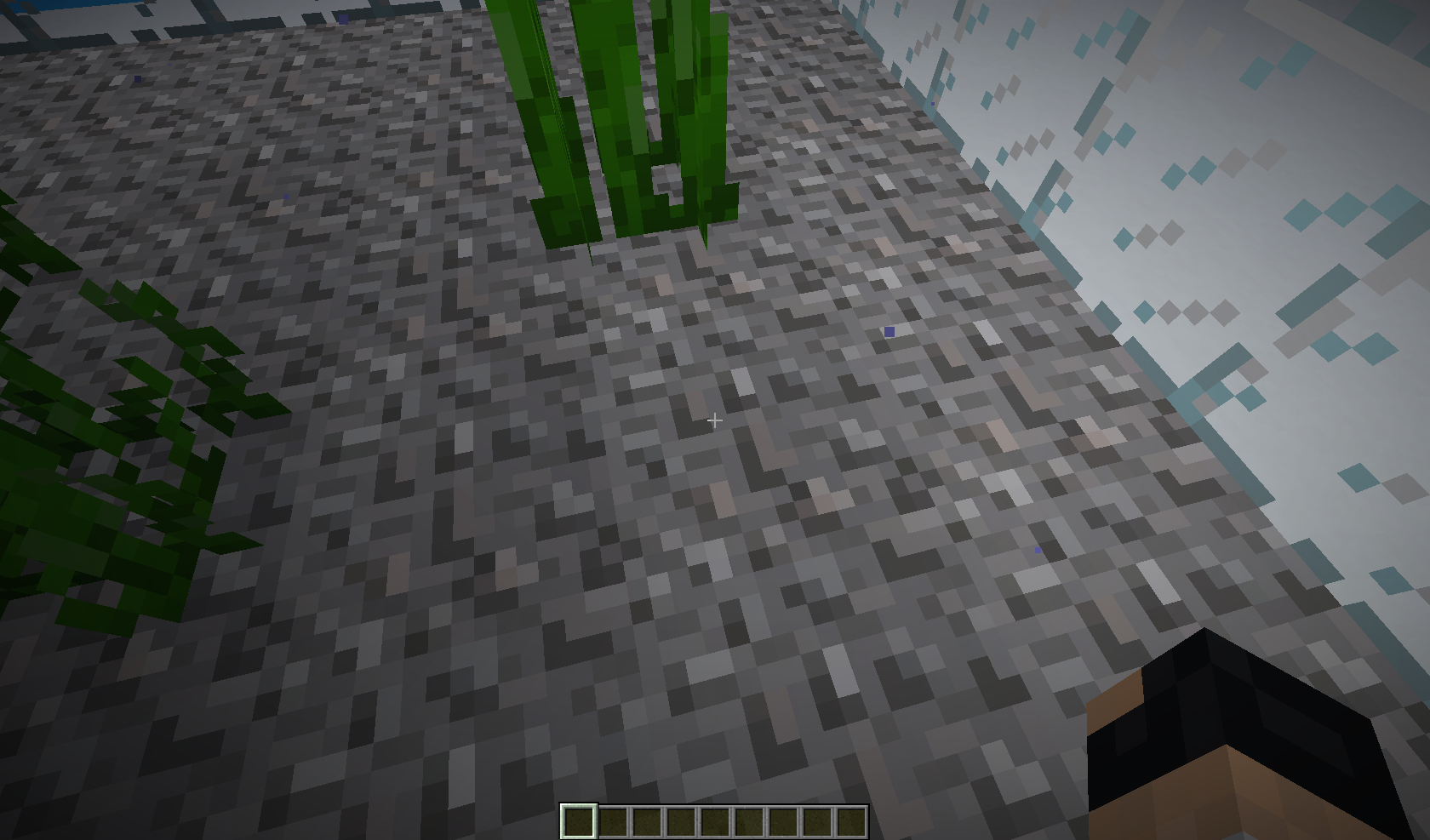
The block selection (the thing that outline in black the hitbox of a block) doesn't works when player's head is underwater.
How to reproduce:
- Go in some water.
- Look at a block that you can reach.
Screenshots:
Out of water:

Underwater:
You can keep your 1 block height of swimming animation out of water.
How to reproduce:
- Place some non-
solidblocks under water followed by an hole with a sign behind.
- Do a platform out of the water, behind the hole.
- Go underwater, swim to the non-
solidblocks to have your head right under them.
- Walk to the hole and stand on the block under the sign.
- Move forward, you will keep the 1 block height.
You can keep your 1 block height of swimming animation out of water.
How to reproduce:
- Place some non-full blocks (like glass, slabs, stairs, etc...) under water followed by an hole with a sign behind.
- Do a platform out of the water, behind the hole.
- Go underwater, swim to the non-full blocks to have your head right under them.
- Walk to the hole and stand on the block under the sign.
- Move forward, you will keep the 1 block height.
You can keep your 1 block height of swimming animation out of water.
How to reproduce:
- Place some non-full blocks (like glass, slabs, stairs, etc...) under water followed by an hole with a sign behind.
- Do a platform out of the water, behind the hole.
- Go underwater, swim to the non-full blocks to have your head right under them.
- Walk to the hole and stand on the block under the sign.
- Move forward, you will keep the 1 block height.

Players get pushed away by solid blocks above them when swimming (1 block height)
How to reproduce:
- Do a square of solid blocks.
- Enter swimming mode.
- Swim under the square. You will realize that it pushes you away.
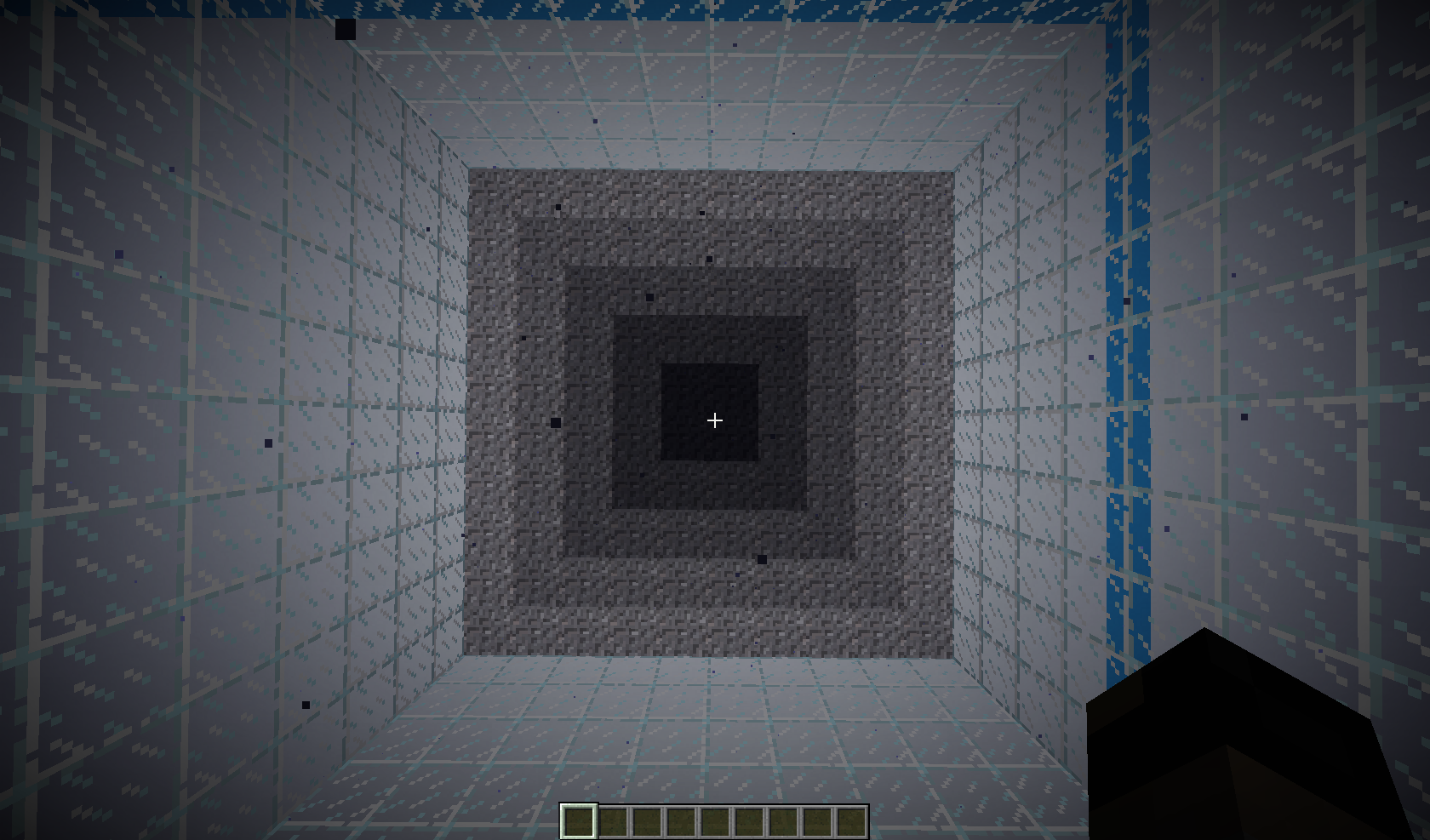
Smooth Lightning doesn't works well underwater. It smooth the lightning a bit but we can still see some squares of shadows.
How to reproduce:
- Do a big area of water without any block above it.
- Enter it and stare right below you (you can also look at it out of the area):
- Without Smooth Lightning
- With Maximum or Minimum Smooth Lightning (note that these two do the same things)
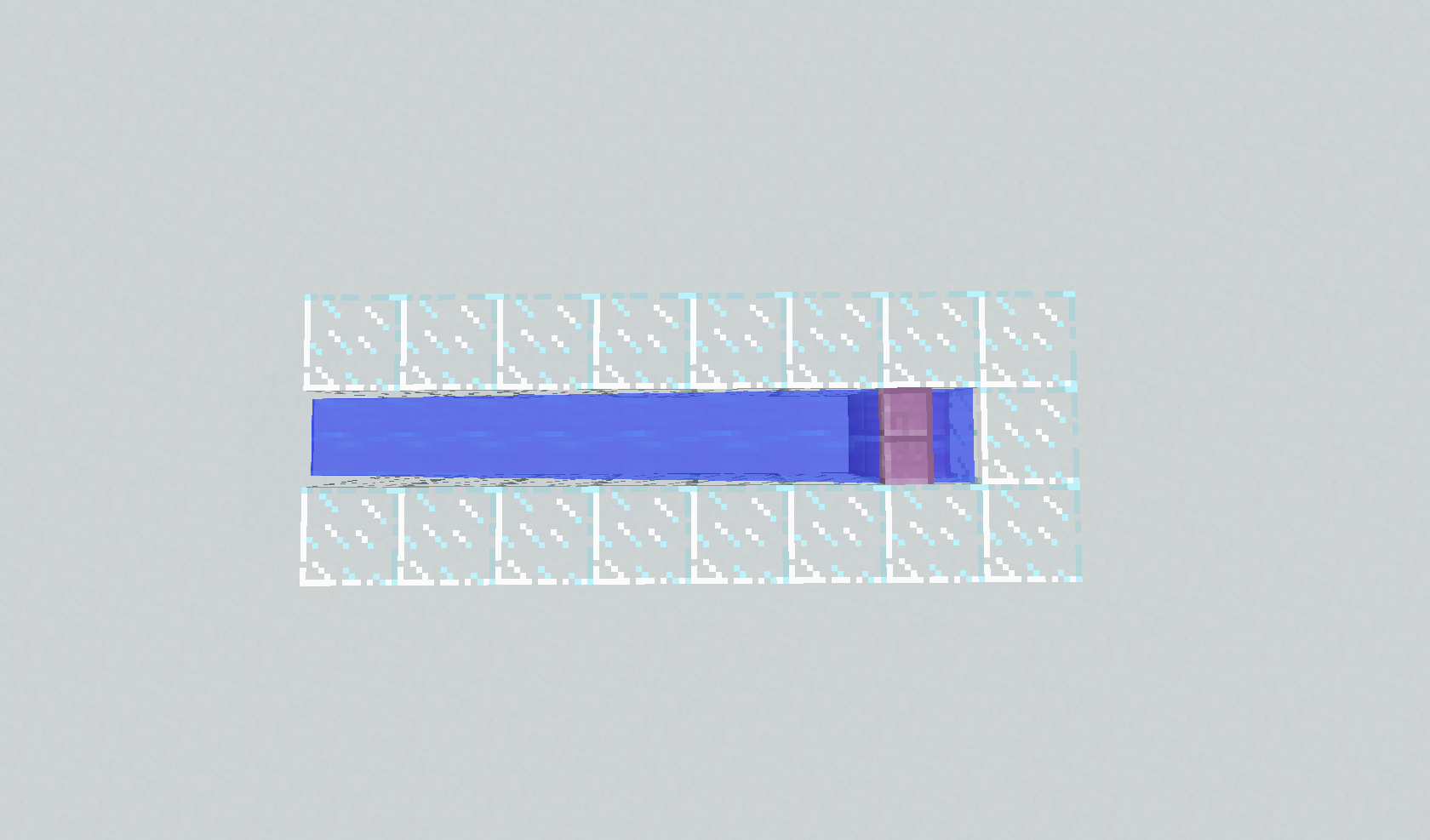
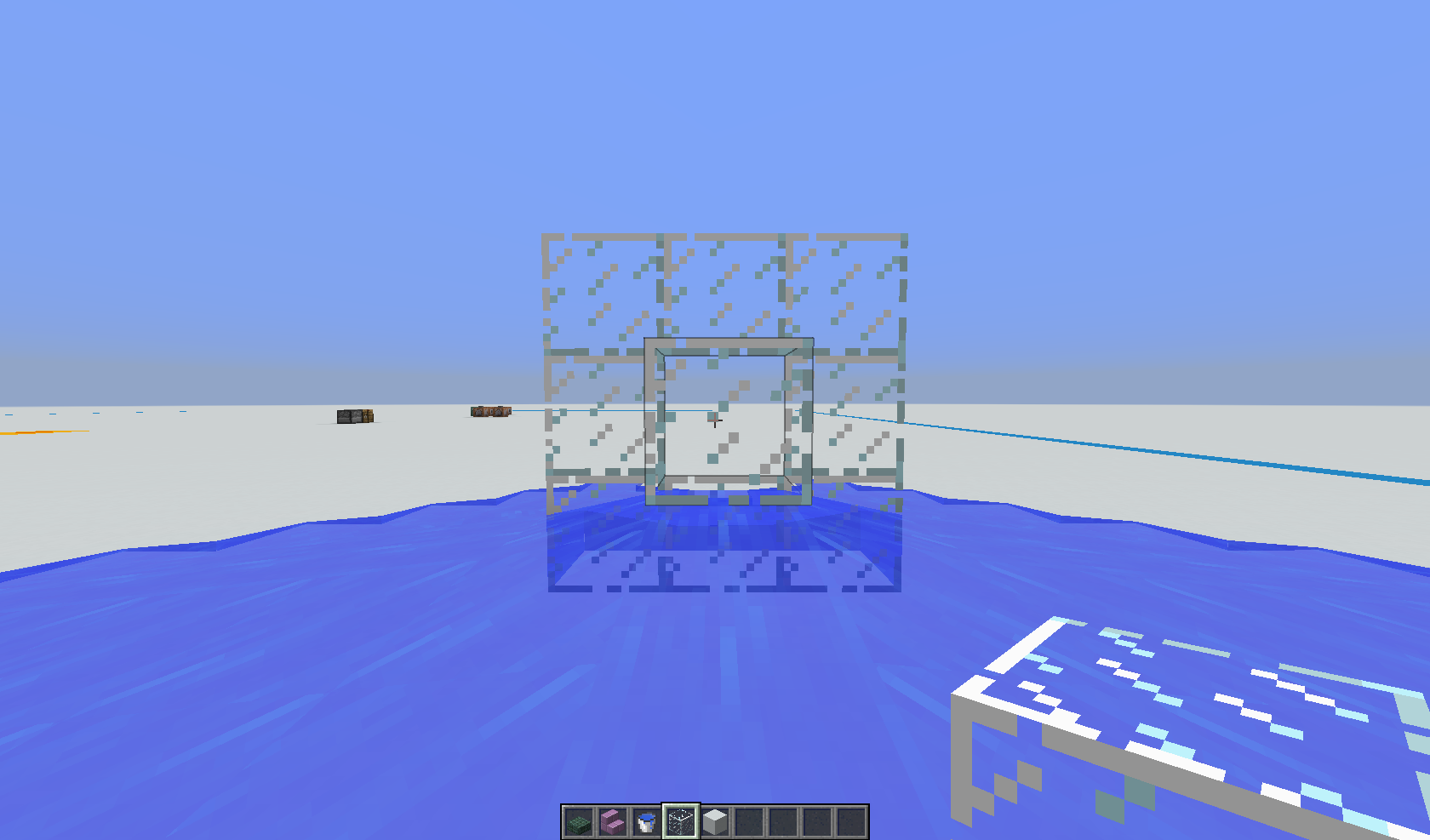
Water cannot be placed on top of blocks with the blockstate waterlogged=true
How to reproduce:
- Place a watterlogged block, for example a slab:
- Right Click on the top face of it to place water:
- You'll see that nothing happened.
What I expected to happen:
Water to be placed on top of the blockThe bug:
Water cannot be placed on top of blocks with the blockstate waterlogged=trueHow to reproduce:
Place a watterlogged block, for example a slab:
You'll see that nothing happened.
What I expected to happen:
The bug
Water buckets and lava buckets cannot be placed against blocks with the waterlogged state. Note that for chests, you already need to use shift-click to place water inside the chest, so allowing shift-click to place blocks against waterloggable blocks does not entirely fix this issue.
Steps to reproduce
- Place a waterlogged
block, for example a slab
- Right click on the top face of it to place water
→ You'll see that nothing happenedNote: This also affects double slabs, even when they are not in water.
The bug
Water buckets and lava buckets cannot be placed against blocks with the waterlogged=true state. Note that for chests, you already need to use shift-click to place water inside the chest, so allowing shift-click to place blocks against waterloggable blocks does not entirely fix this issue.
Steps to reproduce
- Place a waterlogged=true block, for example a slab:
- Right click on the top face of it to place water:
→ You'll see that nothing happened.Note: This also affects double slabs, even when they are not in water.
Arm animation is not executed in certains circumstances. Which are:
- Placing an oak_boat.
- Placing a spruce_boat.
- Placing a birch_boat.
- Placing a jungle_boat.
- Placing an acacia_boat.
- Placing a dark_oak_boat.
- Emptying a water_bucket.
- Emptying a lava_bucket.
- Emptying a cod_bucket.
- Emptying a salmon_bucket.
- Emptying a pufferfish_bucket.
- Emptying a clownfish_bucket.
- Filling a bucket.
- Throwing an ender_pearl.
- Throwing an ender_eye.
- Throwing an experience_bottle.
- Throwing a snowball.
- Throwing a splash_potion.
- Throwing a lingering_potion.
- Dropping an item.
Arm animation is not executed in certains circumstances. Which are:
- Placing an oak_boat.
Placing aspruce_boat.Placing abirch_boat.Placing ajungle_boat.Placing anacacia_boat.Placing a dark_oak_boat.- Emptying a
water_bucket.Emptying alava_bucket.Emptying acod_bucket.Emptying a salmon_bucket.Emptying apufferfish_bucket.Emptying aclownfish_bucket.Filling abucket.- Throwing an ender_pearl.
- Throwing an ender_eye.
- Throwing an experience_bottle.
- Throwing a snowball.
- Throwing a splash_potion.
- Throwing a lingering_potion.
- Dropping an item.
Arm animation is not executed in certains circumstances. Which are:
- Dropping an item.
- Emptying a water_bucket.
- Emptying a lava_bucket.
- Emptying a cod_bucket.
- Emptying a salmon_bucket.
- Emptying a pufferfish_bucket.
- Emptying a clownfish_bucket.
- Filling a bucket.
- Placing an oak_boat.
- Placing a spruce_boat.
- Placing a birch_boat.
- Placing a jungle_boat.
- Placing an acacia_boat.
- Placing a dark_oak_boat.
- Throwing an ender_pearl.
- Throwing an ender_eye.
- Throwing an experience_bottle.
- Throwing a snowball.
- Throwing a splash_potion.
- Throwing a lingering_potion.
- Using a bow.
Arm animation is not executed in certains circumstances. Which are:
- Dropping an item.
- Emptying a water_bucket.
- Emptying a lava_bucket.
- Emptying a cod_bucket.
- Emptying a salmon_bucket.
- Emptying a pufferfish_bucket.
- Emptying a clownfish_bucket.
- Filling a bucket.
- Placing an oak_boat.
- Placing a spruce_boat.
- Placing a birch_boat.
- Placing a jungle_boat.
- Placing an acacia_boat.
- Placing a dark_oak_boat.
- Throwing an ender_pearl.
- Throwing an ender_eye.
- Throwing an experience_bottle.
- Throwing a snowball.
- Throwing a splash_potion.
- Throwing a lingering_potion.
- Using a bow.
Arm animation is not executed in certains circumstances. Which are:
- Dyeing a sheep.
- Dyeing a dog or a cat collar.
- Dyeing a sheep.
- Dropping an item.
- Emptying a water_bucket.
- Emptying a lava_bucket.
- Emptying a cod_bucket.
- Emptying a salmon_bucket.
- Emptying a pufferfish_bucket.
- Emptying a clownfish_bucket.
- Filling a bucket.
- Placing an oak_boat.
- Placing a spruce_boat.
- Placing a birch_boat.
- Placing a jungle_boat.
- Placing an acacia_boat.
- Placing a dark_oak_boat.
- Throwing an ender_pearl.
- Throwing an ender_eye.
- Throwing an experience_bottle.
- Throwing a snowball.
- Throwing a splash_potion.
- Throwing a lingering_potion.
- Using a bow.
Arm animation is not executed in certains circumstances. Which are:
- Dyeing a sheep, or wolf/cat collar
- Dropping an item
- Emptying a water/lava/fish bucket.
- Filling a bucket.
- Placing a boat.
- Throwing an ender pearl, snowball, or potion.
- Throwing an eye of ender.
- Feeding an animal.
Arm animation is not executed in certains circumstances. Which are:
- Dyeing a sheep, or wolf/cat collar
- Shearing a sheep or mooshroom
Dropping anitem- Emptying a water/lava/fish bucket.
- Filling a bucket.
- Placing a boat.
- Throwing an ender pearl, snowball, or potion.
- Throwing an eye of ender.
- Feeding an animal.
Arm animation is not executed in certains circumstances. Which are:
- Feeding an animal.
- Shearing a sheep or mooshroom
Dropping an item(19w37a)Dyeing a sheep, or wolf/cat collar(19w37a)Emptying a water/lava/fish bucket.(19w37a)Filling a bucket.(19w37a)Placing a boat.(19w37a)Throwing an ender pearl, snowball, or potion.(19w37a)Throwing an eye of ender.(19w37a)
Crossed circumstances have been crossed out, those who are not are still not present in the game.
Arm animation is not executed in certains circumstances. Which are:
- Feeding an animal.
- Shearing a sheep or mooshroom
Dropping an item(19w37a)Dyeing a sheep, or wolf/cat collar(19w37a)Emptying a water/lava/fish bucket.(19w37a)Filling a bucket.(19w37a)Placing a boat.(19w37a)Throwing an ender pearl, snowball, or potion.(19w37a)Throwing an eye of ender.(19w37a)
Crossed circumstances have been crossed out, those who are not are still not present in the game.Arm animation is not executed in certains circumstances. Which are:
- Feeding an animal.
- Shearing a sheep or mooshroom.
- Dropping an from the inventory GUI.
Dropping an item.(19w37a)Dyeing a sheep, or wolf/cat collar.(19w37a)Emptying a water/lava/fish bucket.(19w37a)Filling a bucket.(19w37a)Placing a boat.(19w37a)Throwing an ender pearl, snowball, or potion.(19w37a)Throwing an eye of ender.(19w37a)Crossed circumstances have been crossed out, those who are not are still not present in the game.
Using a Trident enchanted with Ripitide I/II/III makes the other held item renders weirdly (like if it was at the trident's place)
How to reproduce:
- Take a Riptide Trident in your held item slot (or in the off hand).
- Take another item (like a Diamond Sword) in the other hand.
- Use the Riptide Trident by throwing it.
- You'll notice the other item renders uncorrectly.


The selectors tooltips are uncorrectly sorted. (Language used: en_US)
Selector Current Tooltip What it should show @a "Random player" "All players" @e "Current entity" "All entities" @r "All players" "Random player" @s "All entites" "Current entity" How to reproduce:
- Type /tellraw in the chat.
- Move your cursor to the proposed arguments, which are the selectors.
- See the errors.
Screenshots:
wipThe selectors tooltips are uncorrectly sorted. (Language used: en_US)
Selector Current Tooltip What it should show @a "Random player" "All players" @e "Current entity" "All entities" @r "All players" "Random player" @s "All entites" "Current entity" How to reproduce:
- Type /tellraw in the chat.
- Move your cursor to the proposed arguments, which are the selectors.
- See the errors.
Screenshots:
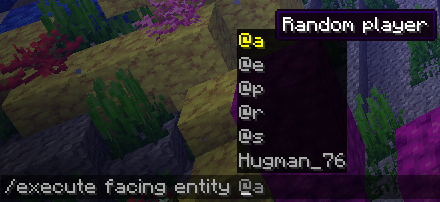
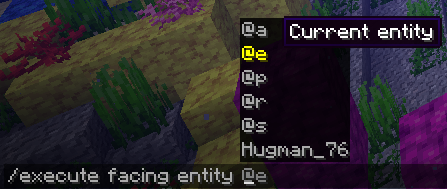
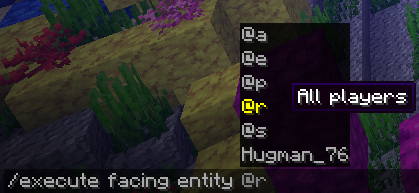
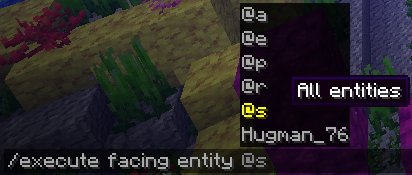
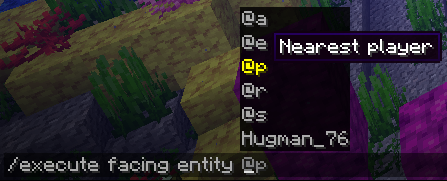
Note that the tooltip for @p is correct:
Debug Mode Worlds has a line too, it's a duplicate of the other extremity. For example, there's a soul sand block at 75 70 1 but also at 73 70 185 .
Debug Mode Worlds has a line too, it's a duplicate of the other extremity.
For example, there's Soul Sand at 75 70 1 :

But also at 73 70 185 :

The duplicate(d?) line is on the 1x axis.
Unable to render embedded object: File (2018-04-06_18.02.22.png!thumbnail) not found.
Debug Mode Worlds has a line too, it's a duplicate of the other extremity.
For example, there's Soul Sand at 75 70 1:
But also at 73 70 185:
The duplicate(d?) line is on the 1x axis.
Unable to render embedded object: File (2018-04-06_18.02.22.png!thumbnail) not found.Debug Mode Worlds has a line too, it's a duplicate of the other extremity.
For example, there's Soul Sand at 75 70 1:
But also at 73 70 185:
The duplicate(d?) line is on the 1x axis.

End cities/gateway generates too high in certains Buffet worlds
End cities and end gateways generates too high in certains Buffet worlds, like a minecraft:sky_island_high biome, combined with the 'Caves' type.
End cities/gateways generates too high in certains Buffet worlds
2018-05-08_16.31.47.png
Some structures g
End cities and end gateways generates too high in certains Buffet worlds, like a minecraft:sky_island_high biome, combined with the 'Caves' type.
Some structures g
End cities and end gateways generates too high in certains Buffet worlds, like a minecraft:sky_island_high biome, combined with the 'Caves' type.Structures generate above bedrock in certain Buffet worlds.
Examples :
End cities and end gateways generates too high in certains Buffet worlds, like a minecraft:sky_island_high biome, combined with the 'Caves' type.
Structures generate above bedrock in certain Buffet worlds.
Examples:
End cities and end gateways generates too high in certains Buffet worlds, like a minecraft:sky_island_high biome, combined with the 'Caves' type.Structures generate above bedrock in certain Buffet worlds.
Examples:
- End cities and end gateways generates in a buffet world set to the 'Caves' type with the minecraft:sky_island_high biome.

- Villages generates above bedrocks in most of buffet worlds that allows villages to generates
![[Mod] violine1101](../../../data/avatars/users/92858.png)
Hugman, Minecraft was able to successfully convert the options.txt file I attached to this report in 1.13-pre9. Could you attach your 1.12.2 options.txt file?

The bug
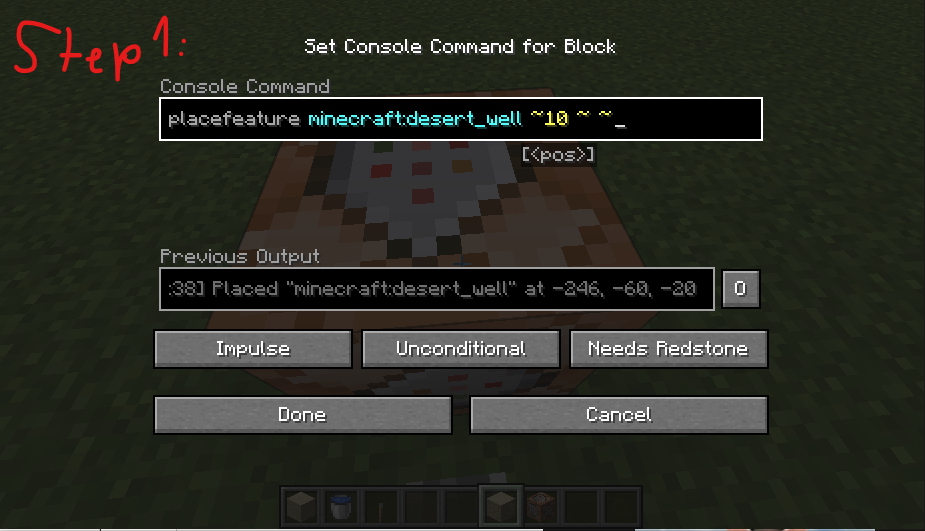
Placing a structure or a feature doesn't appear to cause block updates or light updates, leaving water without a source in the world.

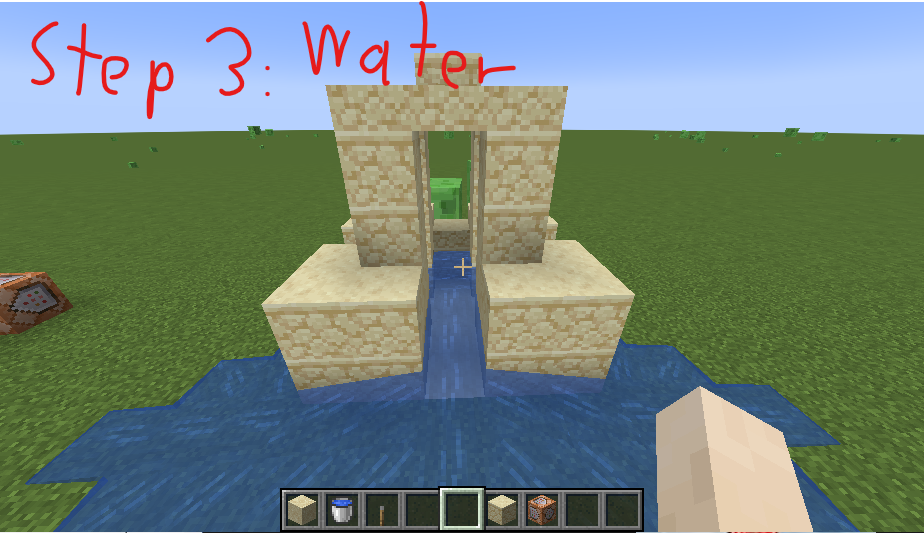
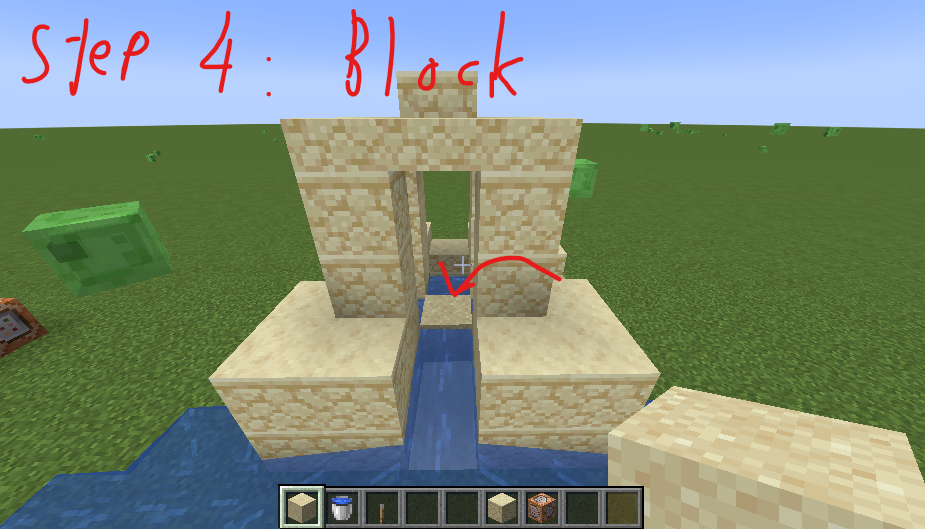

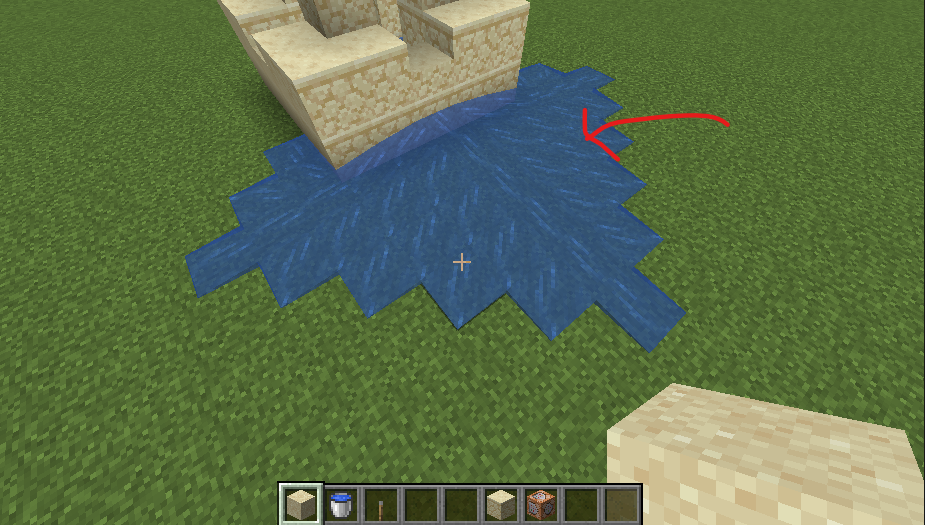

Code analysis
Code analysis by Hugman can be found in this comment.
What I mean is that coloreds beds don't have the color state at all, for example, wool have it : /setblock ~ ~ ~ wool color=blue but if we do /setblock ~ ~ ~ bed color=blue it doesn't work because beds don't have this state
Confirmed for 17w48a.
Confirmed for 17w50a.
This is intended, because it is an easter egg.
This command only checks in the radius of 3. If you want to do a radius of 3 and below, you need to replace the tag by
Confirmed for 18w07c.
Do distance=..1
It keeps switching between:


and
Not fixed, the ids are still the same as 18w10b.
Works as intended, but maybe not for the obsidian and the magma blocks
For this bug, the model file should be edited.
Affects 18w14b.
Affects 18w15a.
The chunks are regenerated, the trees and grass/flowers have been replaced between the screenshots
Also affects 18w19b.
It was noted in the patch note of 18w19a, but yes. In 18w19b they doesn't flap either.
Confirmed for 18w19b.
Oops! I've just cloned
MC-128463but changed the effect I was talking about.Sorry!
The actual given command is shown like this:
/execute in overworld run tp @s -573.06 21.33 -344.70 665.41 -22.80
Also affects creative inventory.
Affects 18w20c
WAI.
Please check the Affected Versions before commenting; the change has already been made.
Can confirm this still affects 1.13-pre8.
Fixed for coral fans in 1.13-pre8.
Still an issue for coral in 1.13-pre8.
Still affects 1.13-pre9. (French AZERTY here, but that shouldn't matter)
Shouldn't be marked as duplicate.
MC-133653:WAI, can spawn on the surface as long as it is near ocean
Still affects 1.13-pre10 for me. I don't complicated keys, just some letters and numbers. Linked my options.txt
The thing is that it doesn't produces any error. When you have an AZERTY keyboard, it will switch keys to the QWERTY keyboard.
For example, here: the menu says that forwards is W. The options.txt says it is Z and it is what it should be
This also affects the port of the control settings from 1.12.2 to 1.13-pre10
Then it should be marked as fixed, as I never mentionned the eyes height and should need another ticket.
And IMO, this possible ticket will be resolved as WAI.
As said in
MC-125774comments :"You no longer keep the swimming / crawling animation, and instead stand up, however your eyes are still where your feet are."
Sure!
Relates to MC-118107.
You just got the proof here,
MC-137954just got resolved and not this oneCan confirm /setblock also causes lag spikes. Any kind of block updates causes lag spikes actually, might be related to the new light engine.
Also can confirm this 18w43c and can confirm this is client side, only FPS and not TPS.
Can confirm this only affects solid blocks. For example, tall grass and glass blocks do not cause lag spikes.
Can confirm it also affects non-solid blocks that emits light. For example, torches do cause lag spikes.
This bug has no relation with
MC-139429.Also affects all types of boats.
Can approve this happens since these entities exist.
This is a shipwreck. Check under your feet.
There is still residue of this bug in 19w37a.
I updated the report with remaining issues.
I think it'd be easier to have everything in the same ticket, for the sake of consistency and helping devs
Confirmed for 19w41a.
It seems like the method used in the features that are incorrectly placed provide an incorrect argument: the flags.
With Fabric's mappings I was able to indentify that there was a "setBlockState" method within the "Feature" class that should be used for all features, but is not. They call for the more generic "setBlockState" method, in the "ModifiableWorld" class with the flags argument set to 3, which means "notify the neighbor blocks, listeners and the client when the block is placed". You can also notify only the listeners and the client by using the value 2. However, some features call for the generic "setBlockState" method with 4 as the argument, which tells the client to suppress the render pass on clients.
Feature classes that do not use the "notify listener" include: