 Nightwind8887
- Nightwind8887
- nightwind8887
- Europe/Stockholm
- Yes
- No

 MCPE-47898
 MC-163893
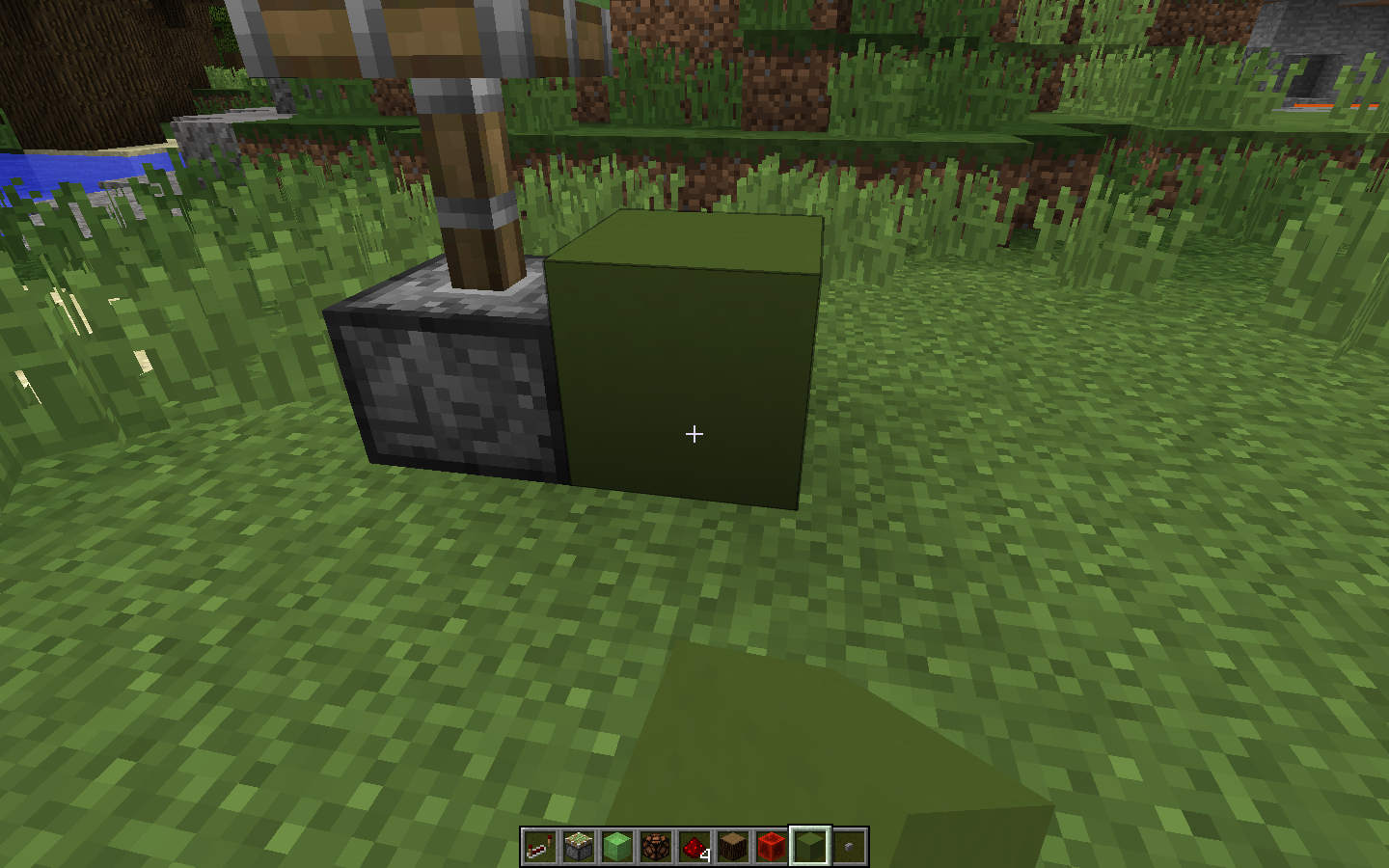
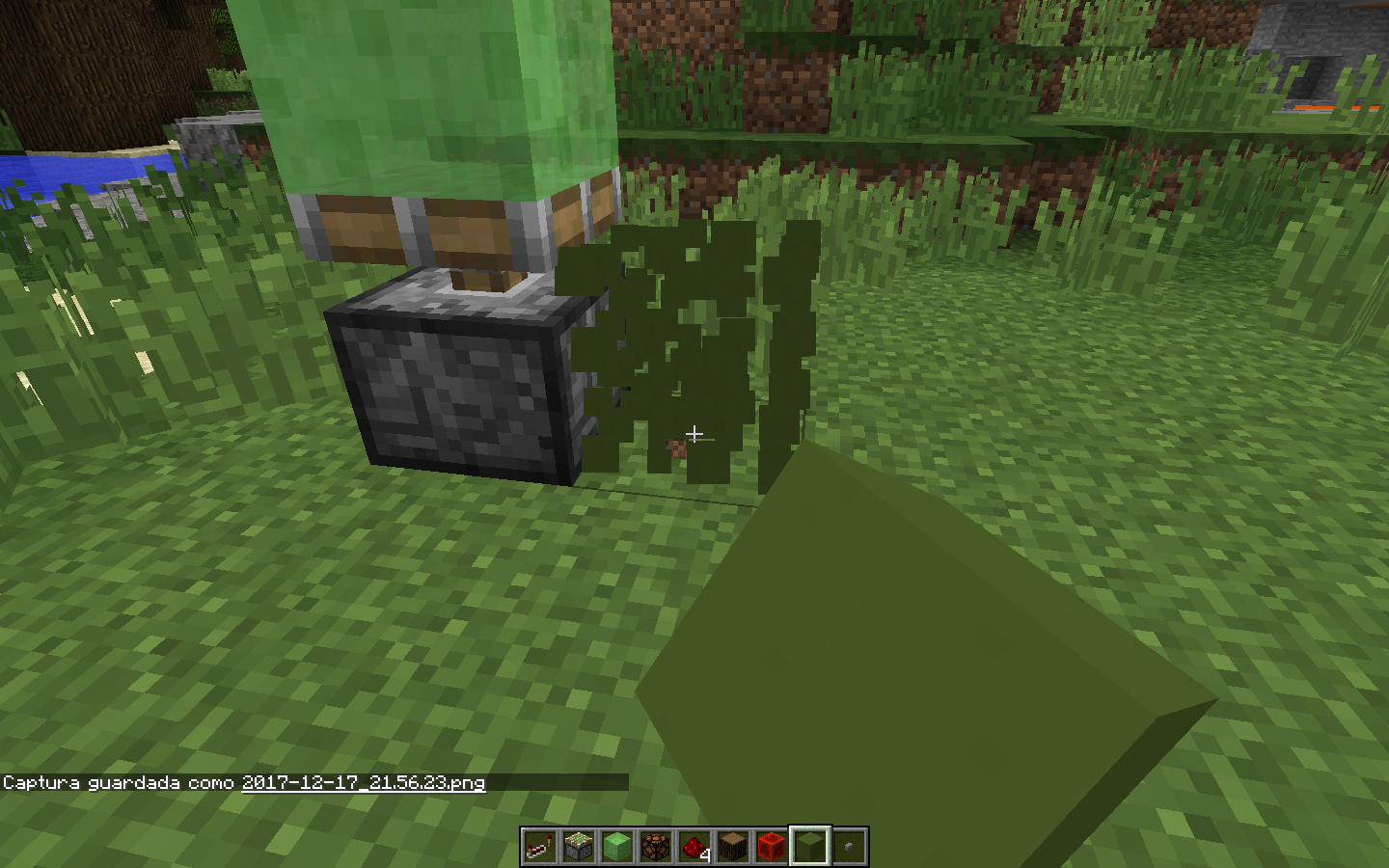





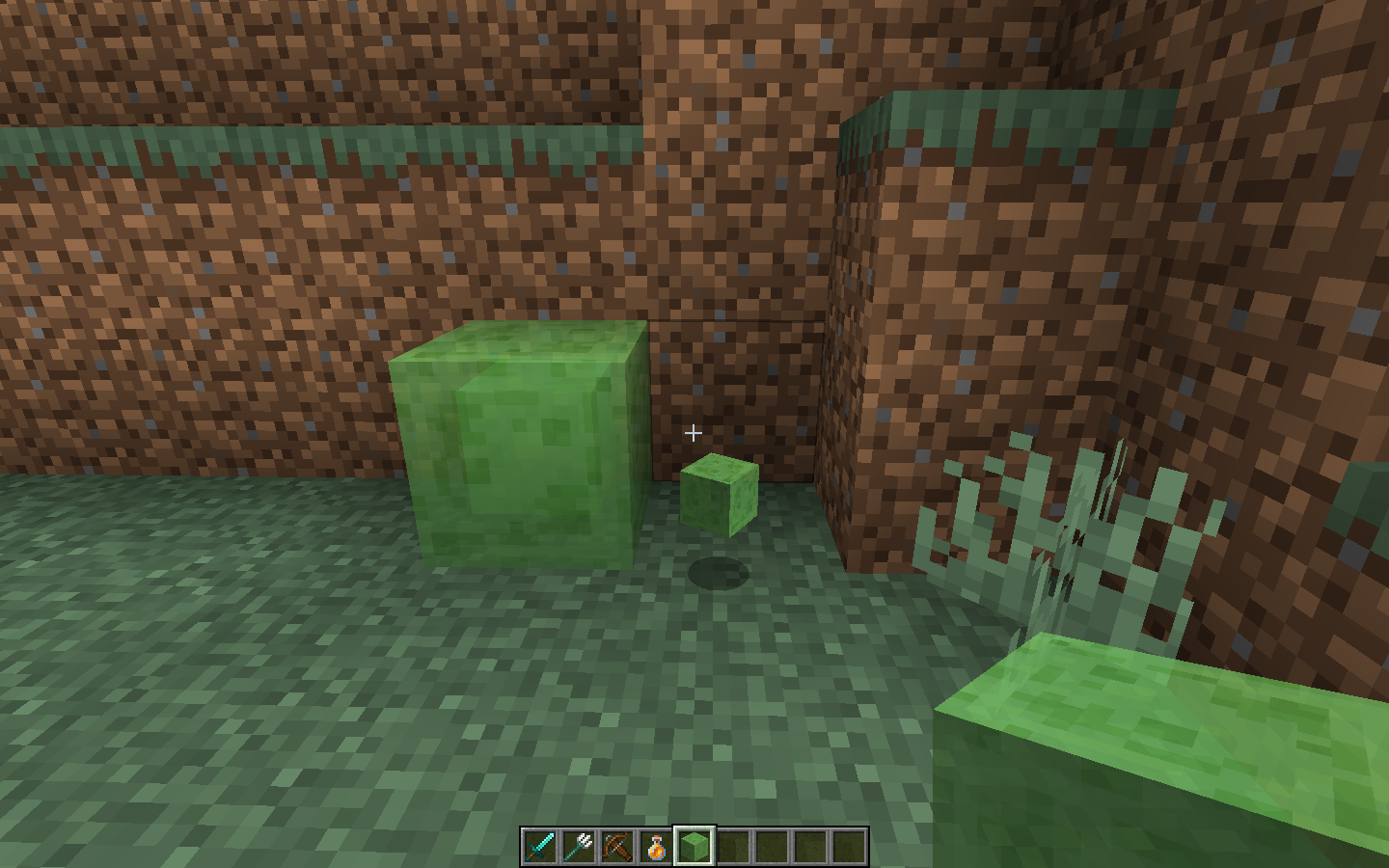
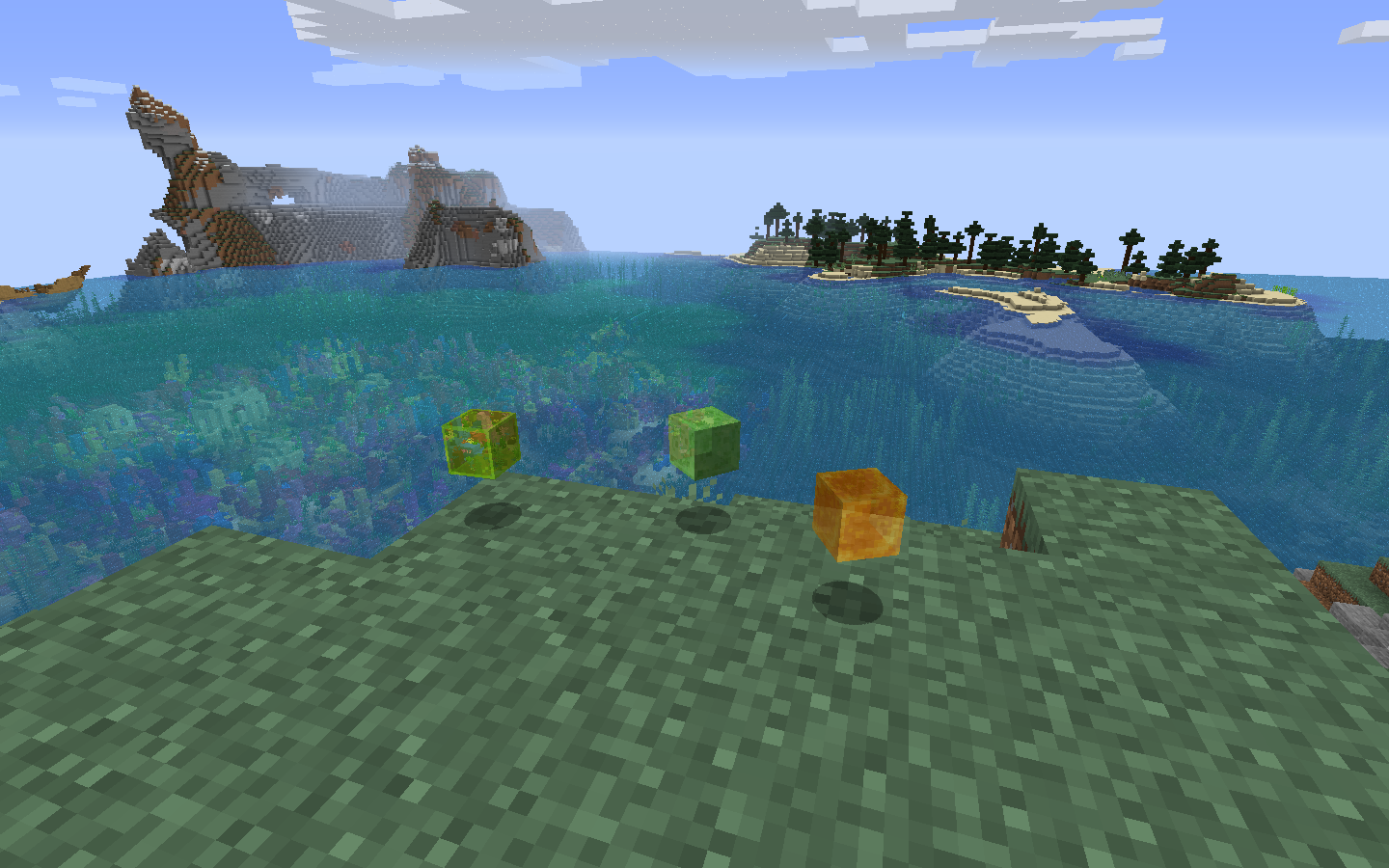
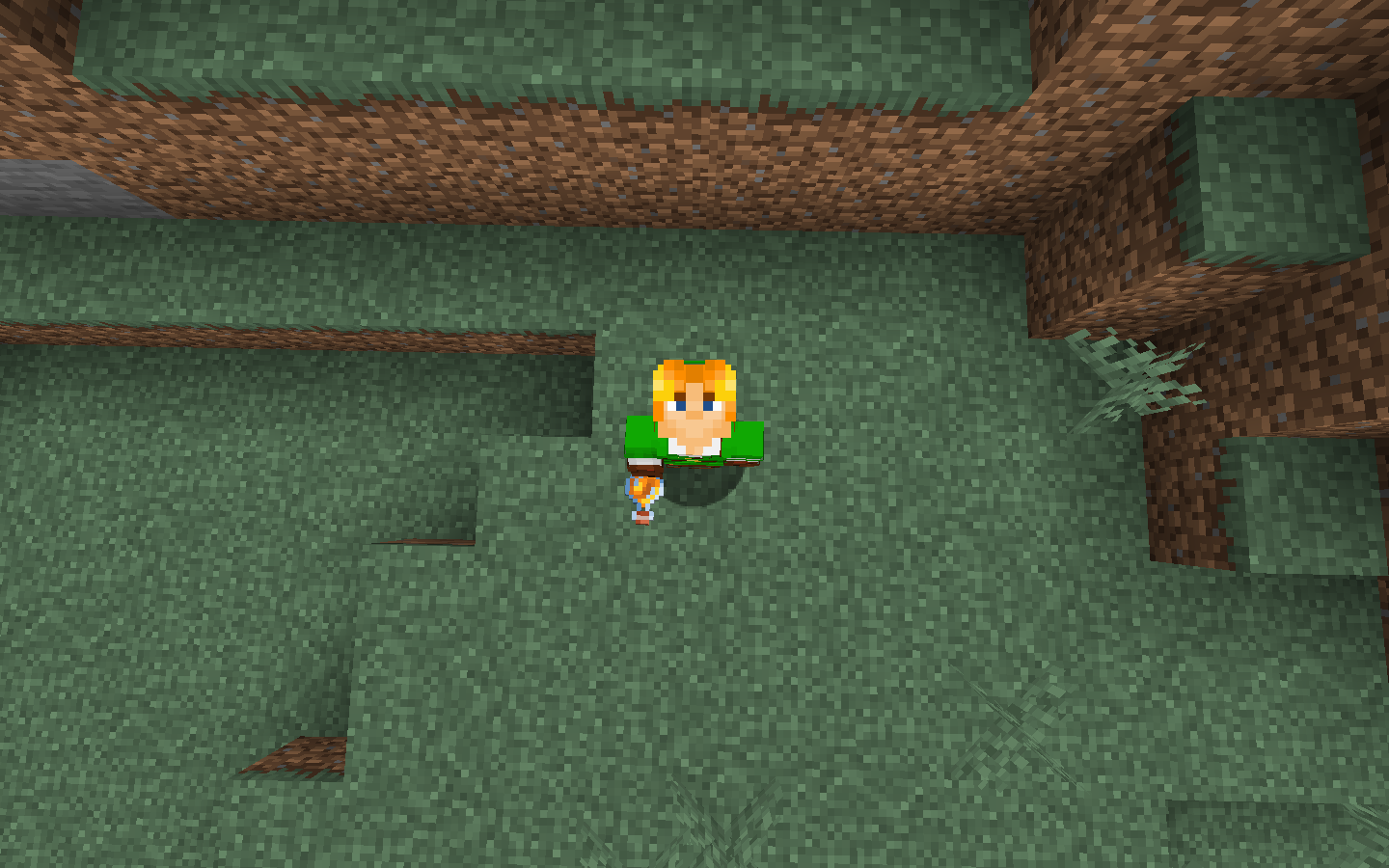

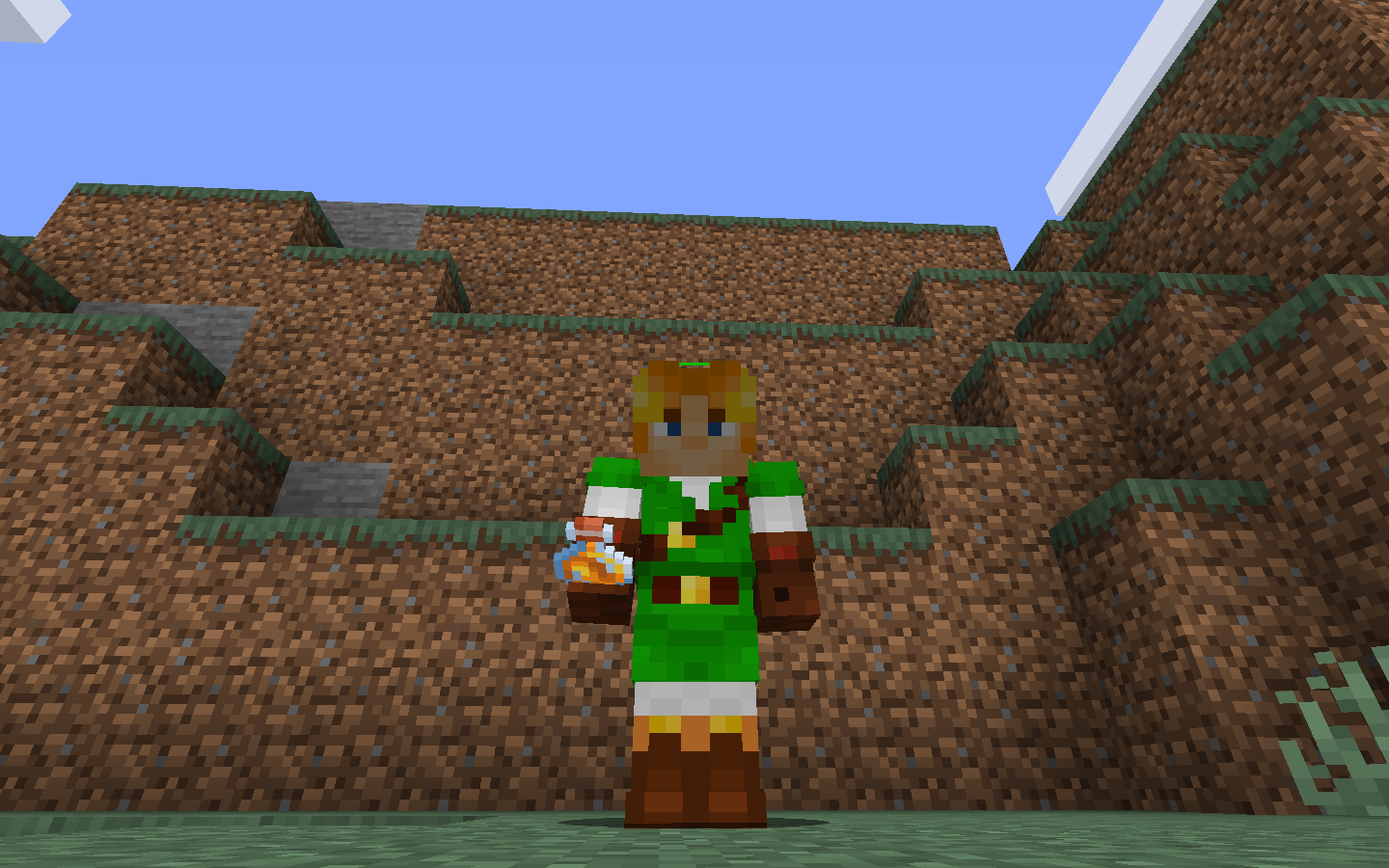
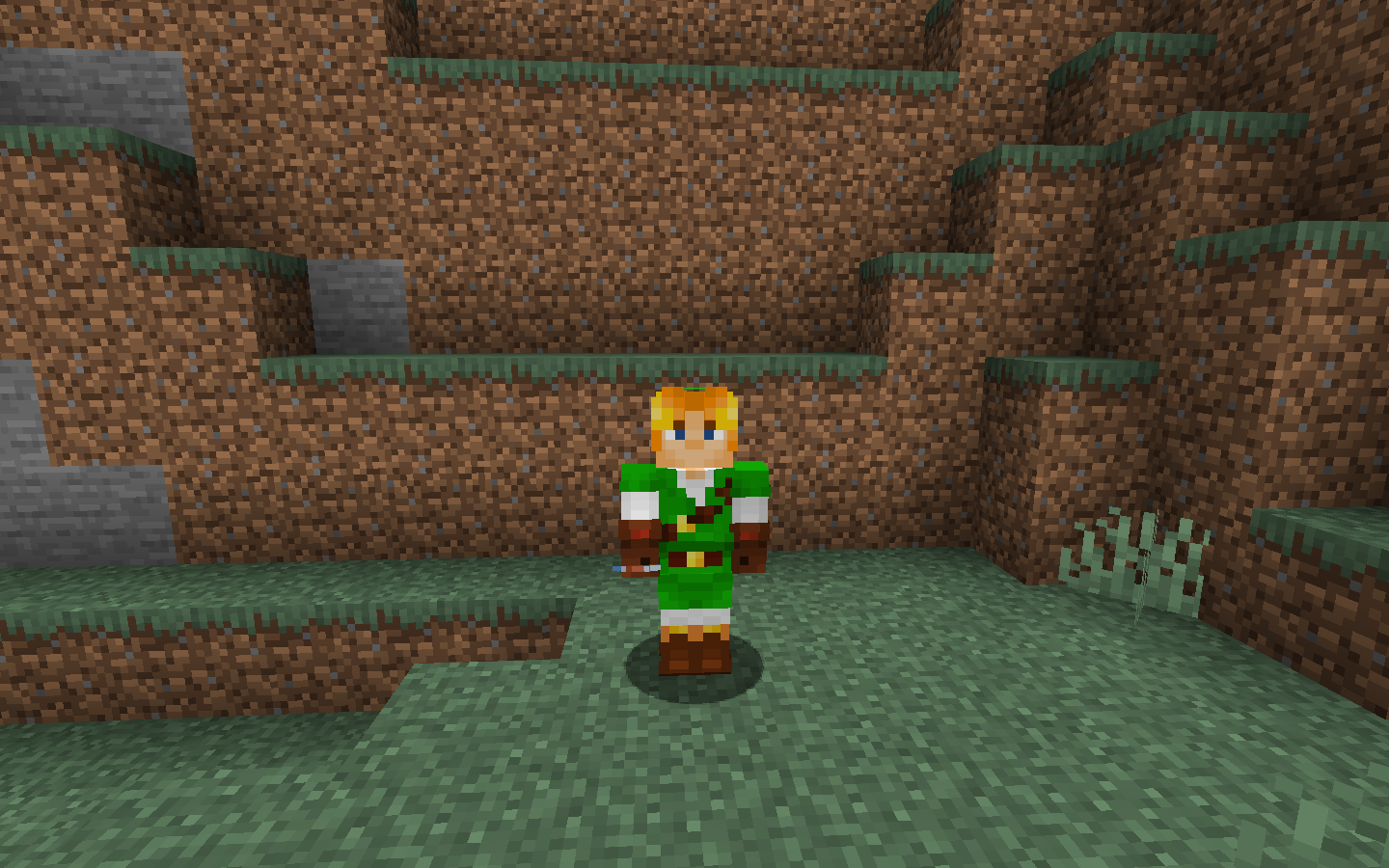

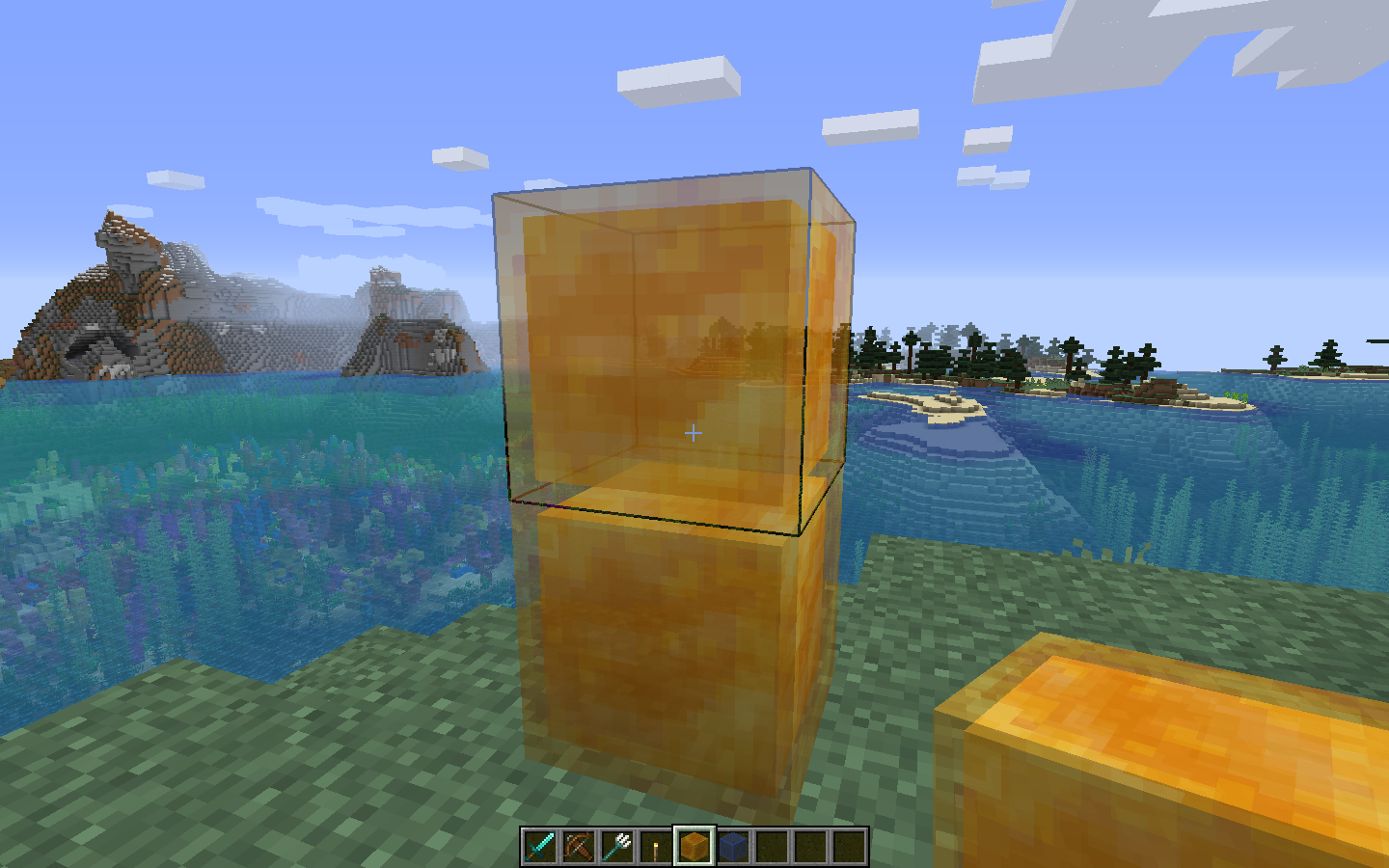
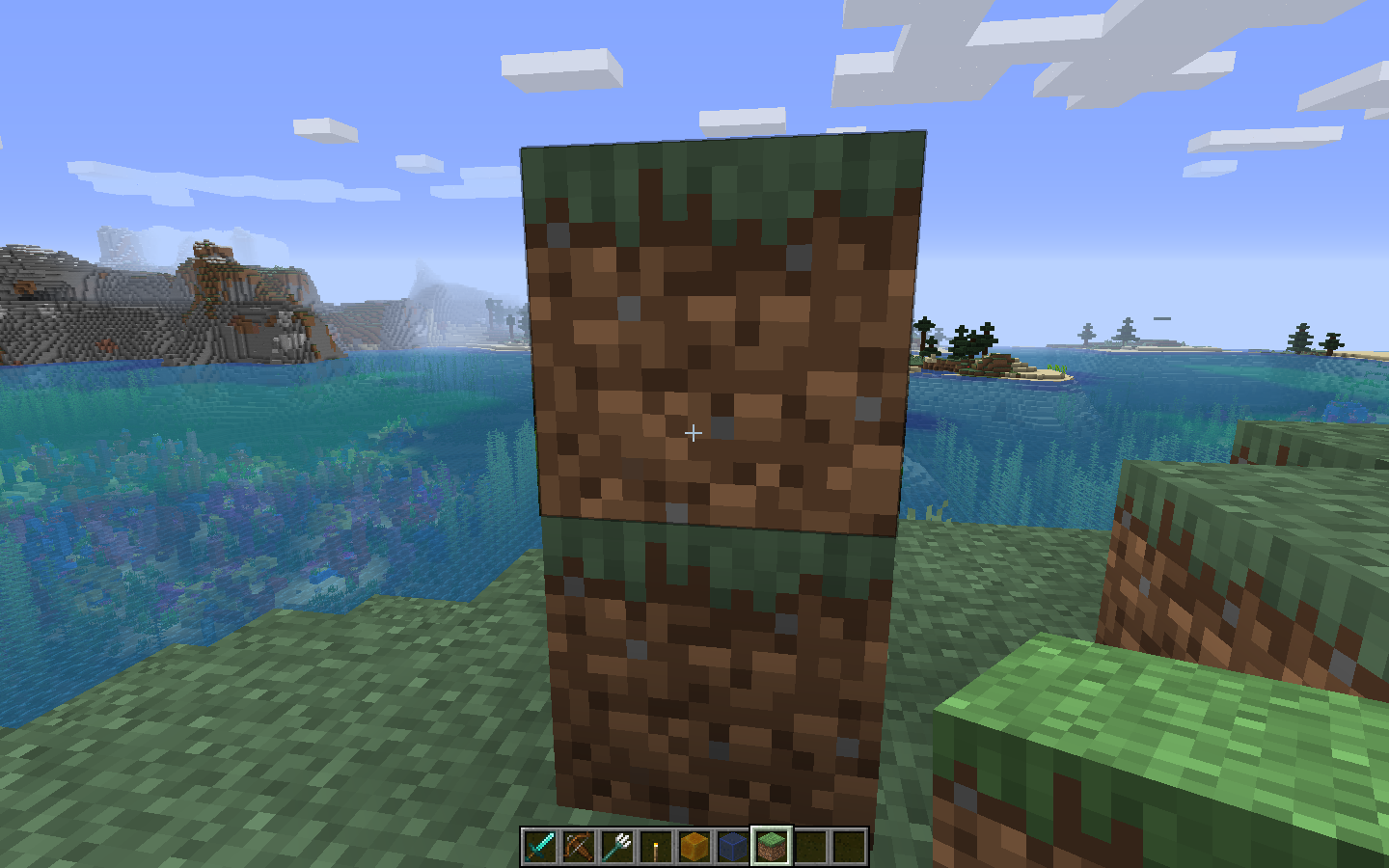
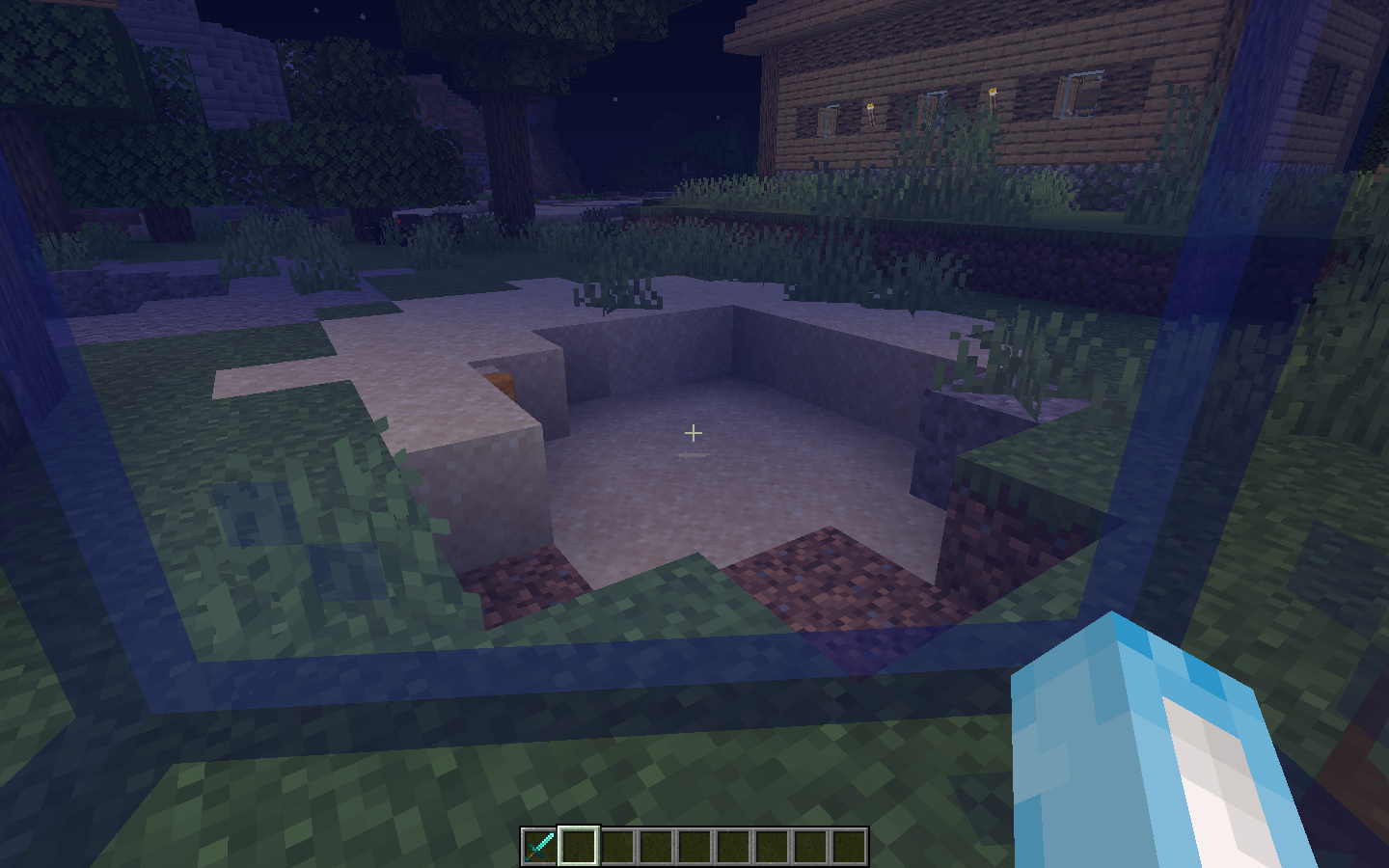
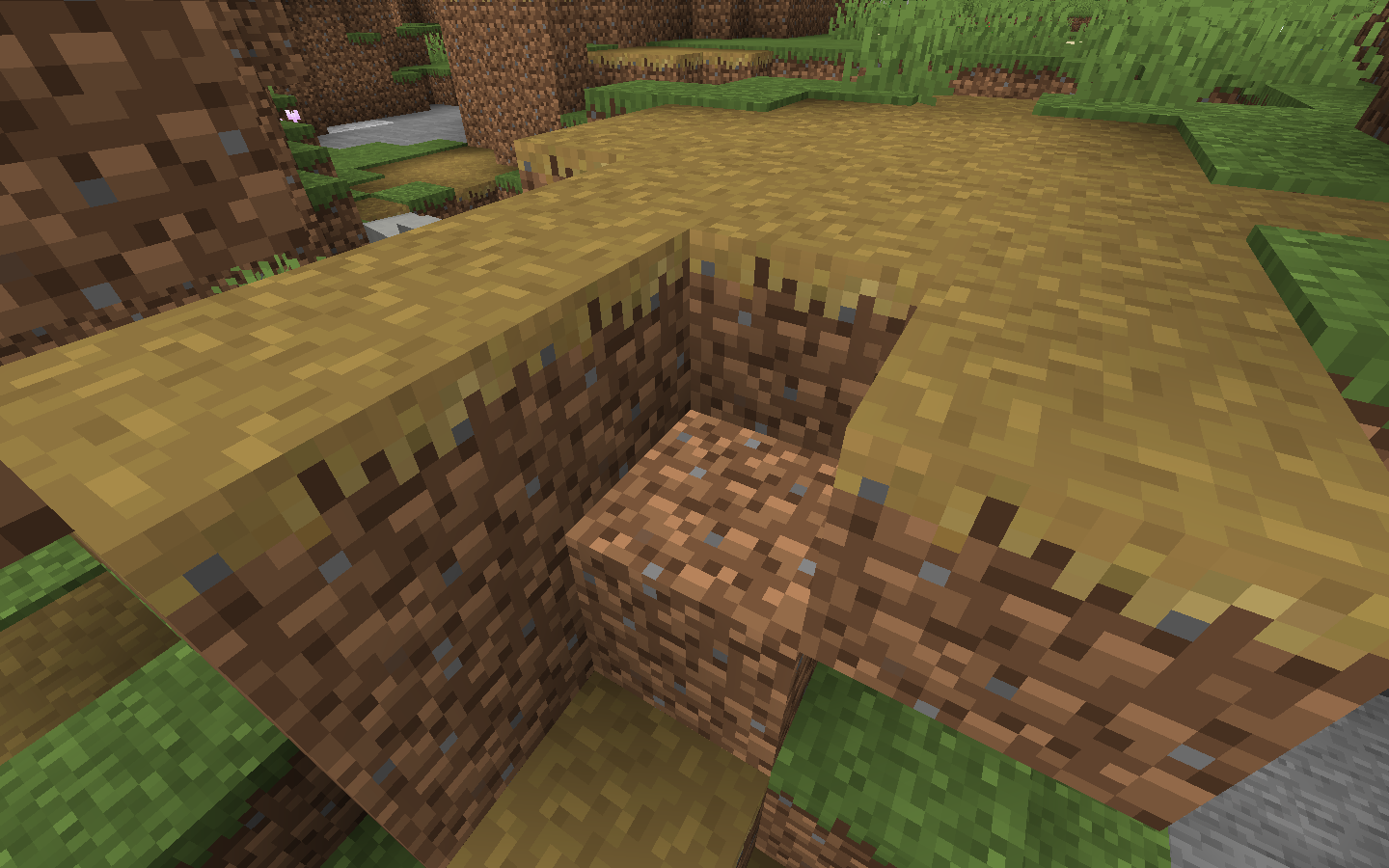
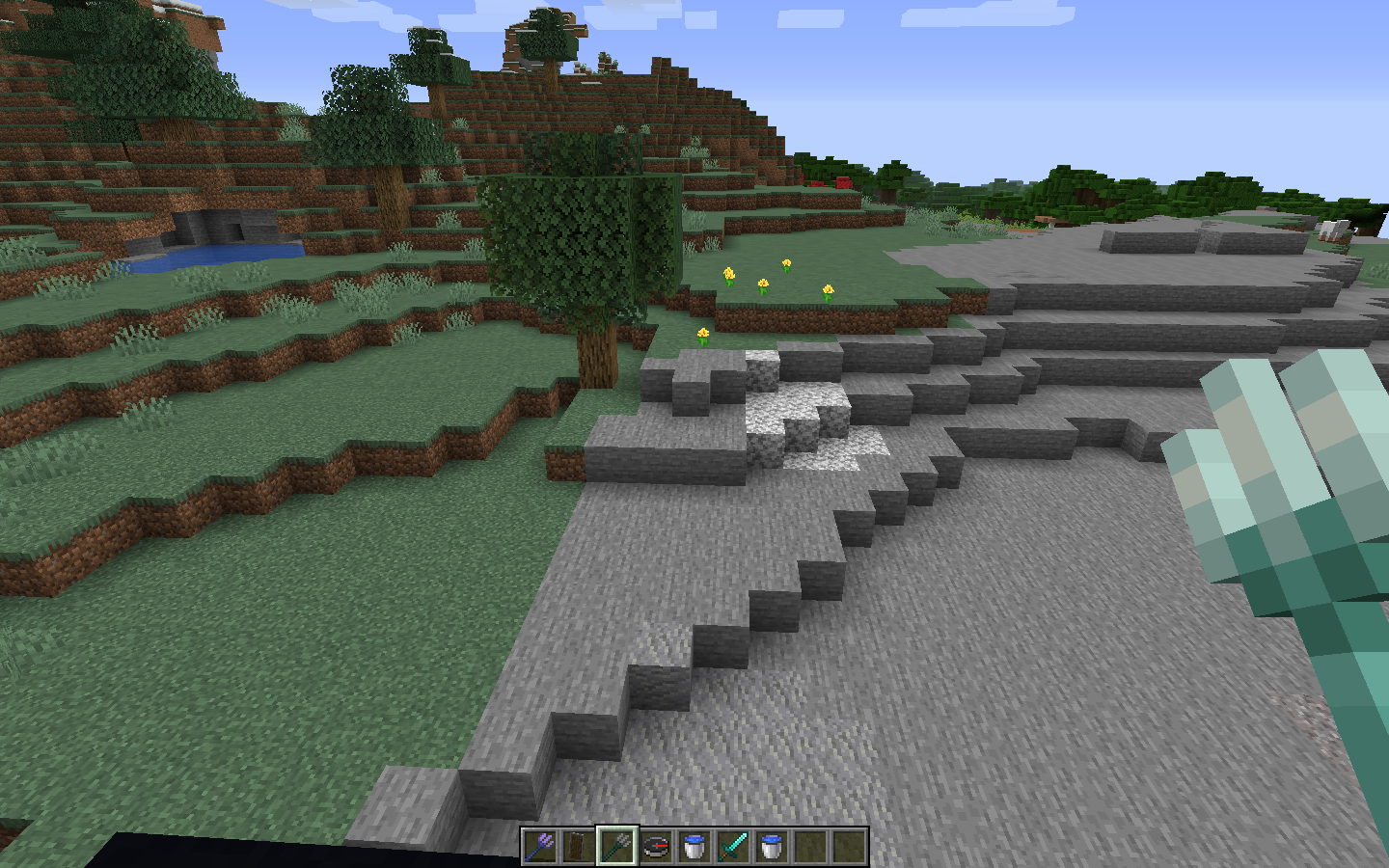

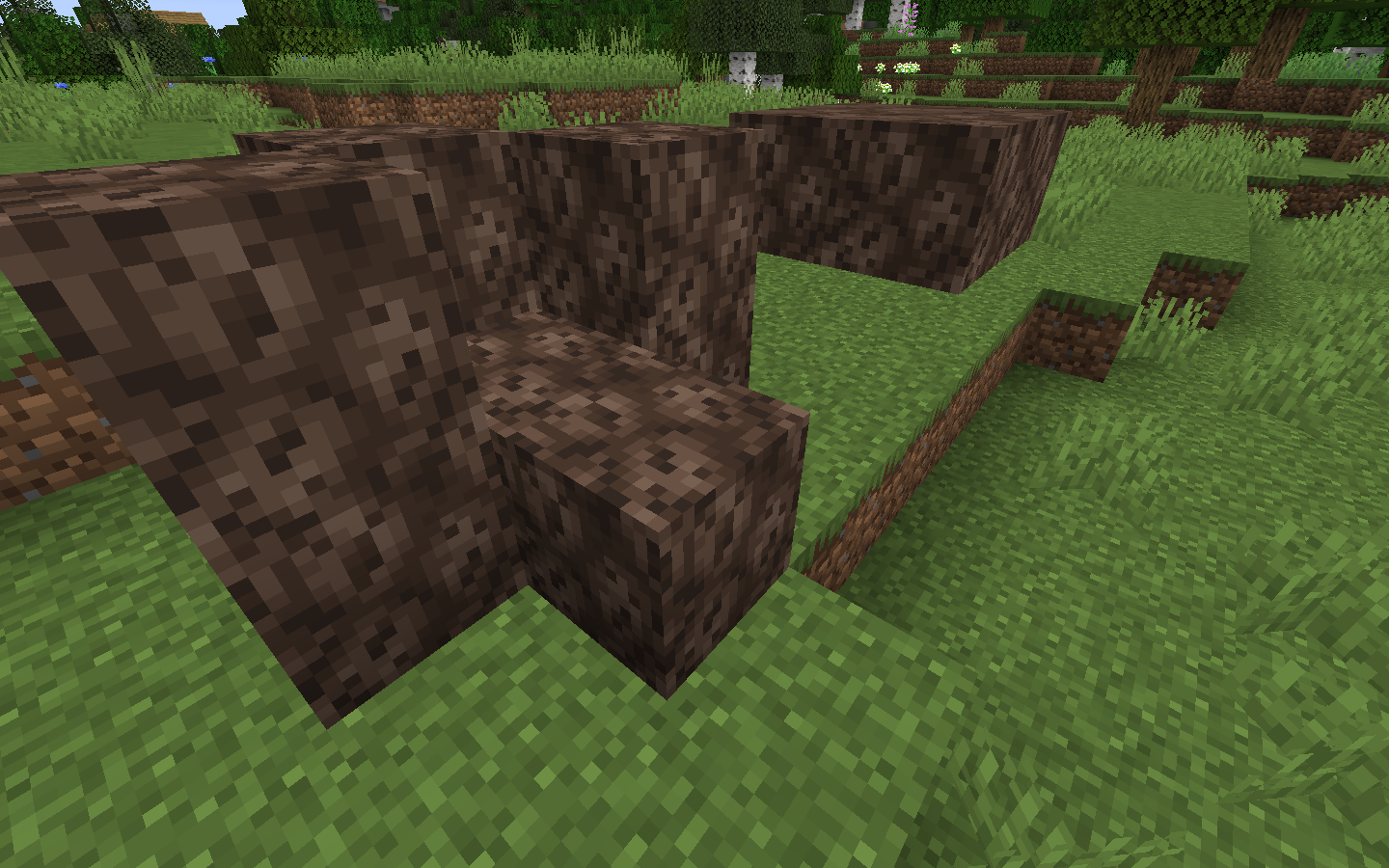



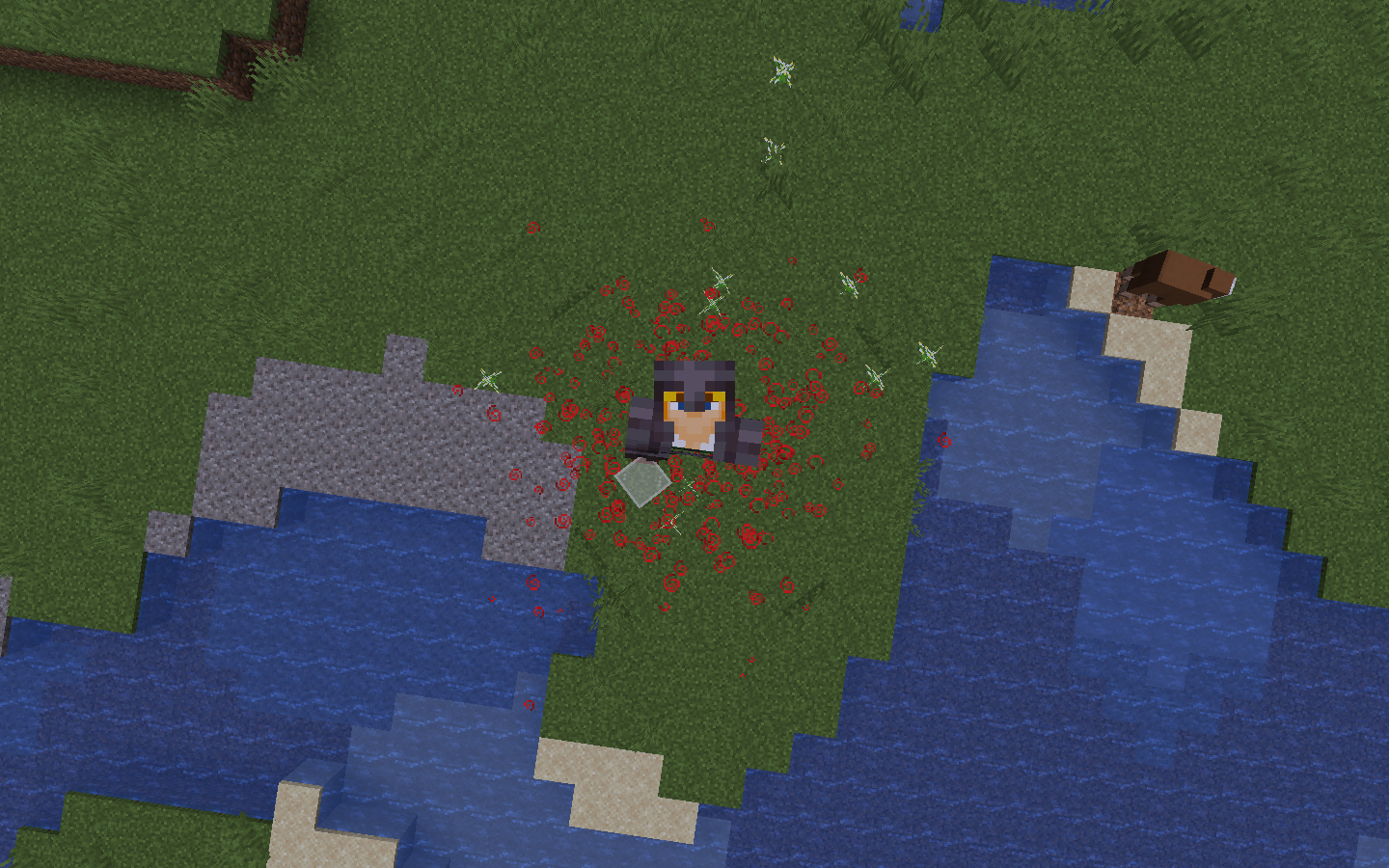
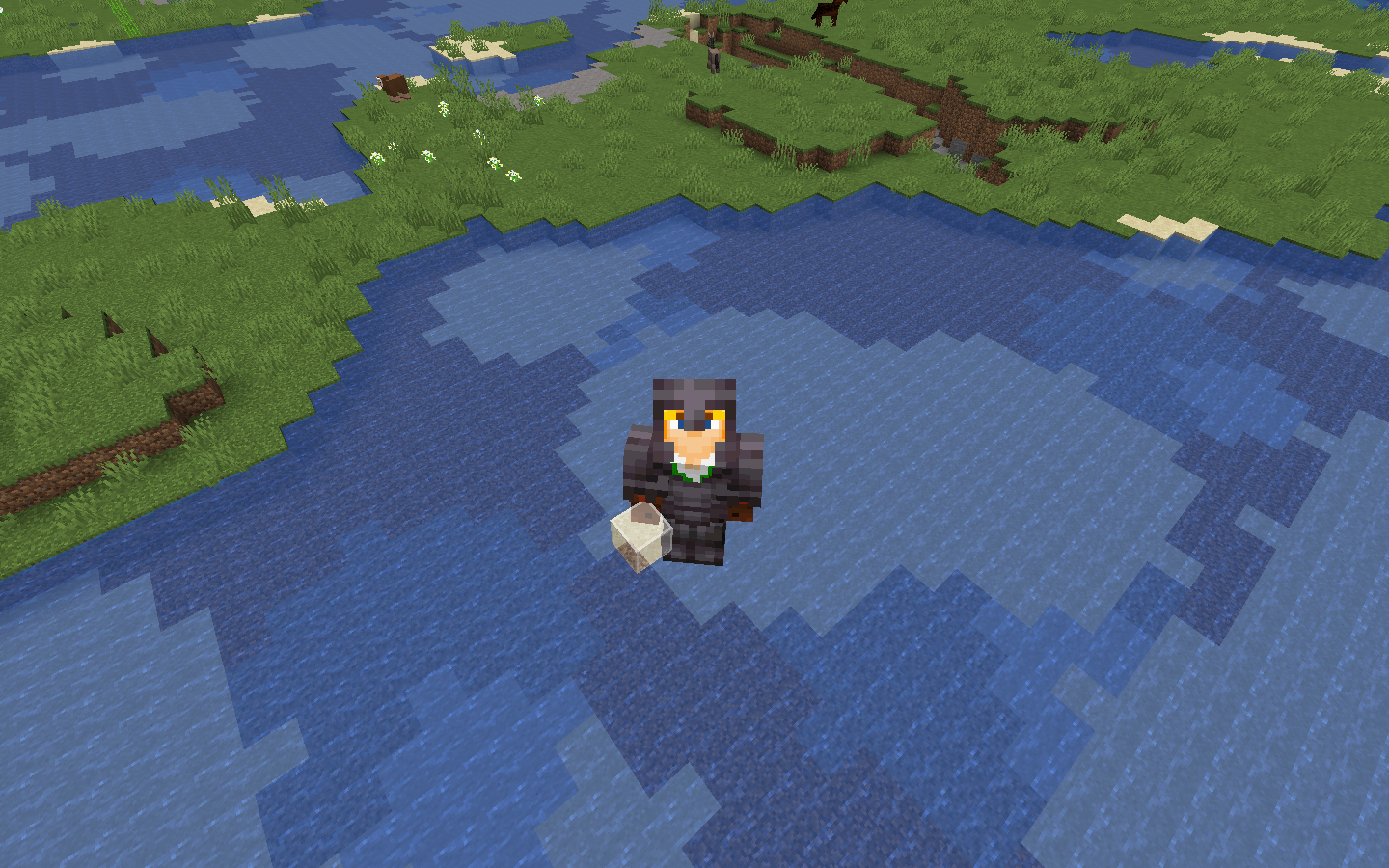
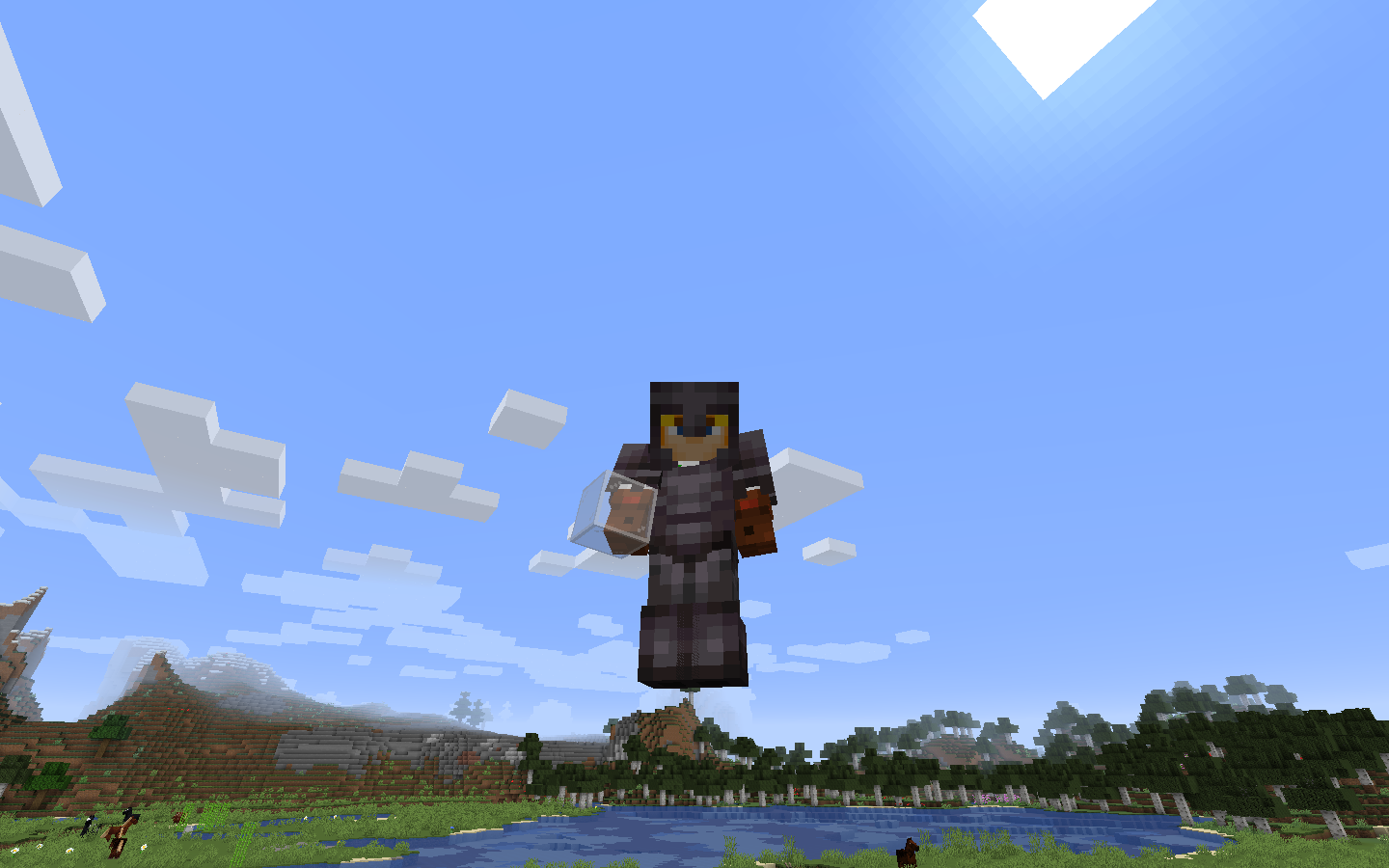
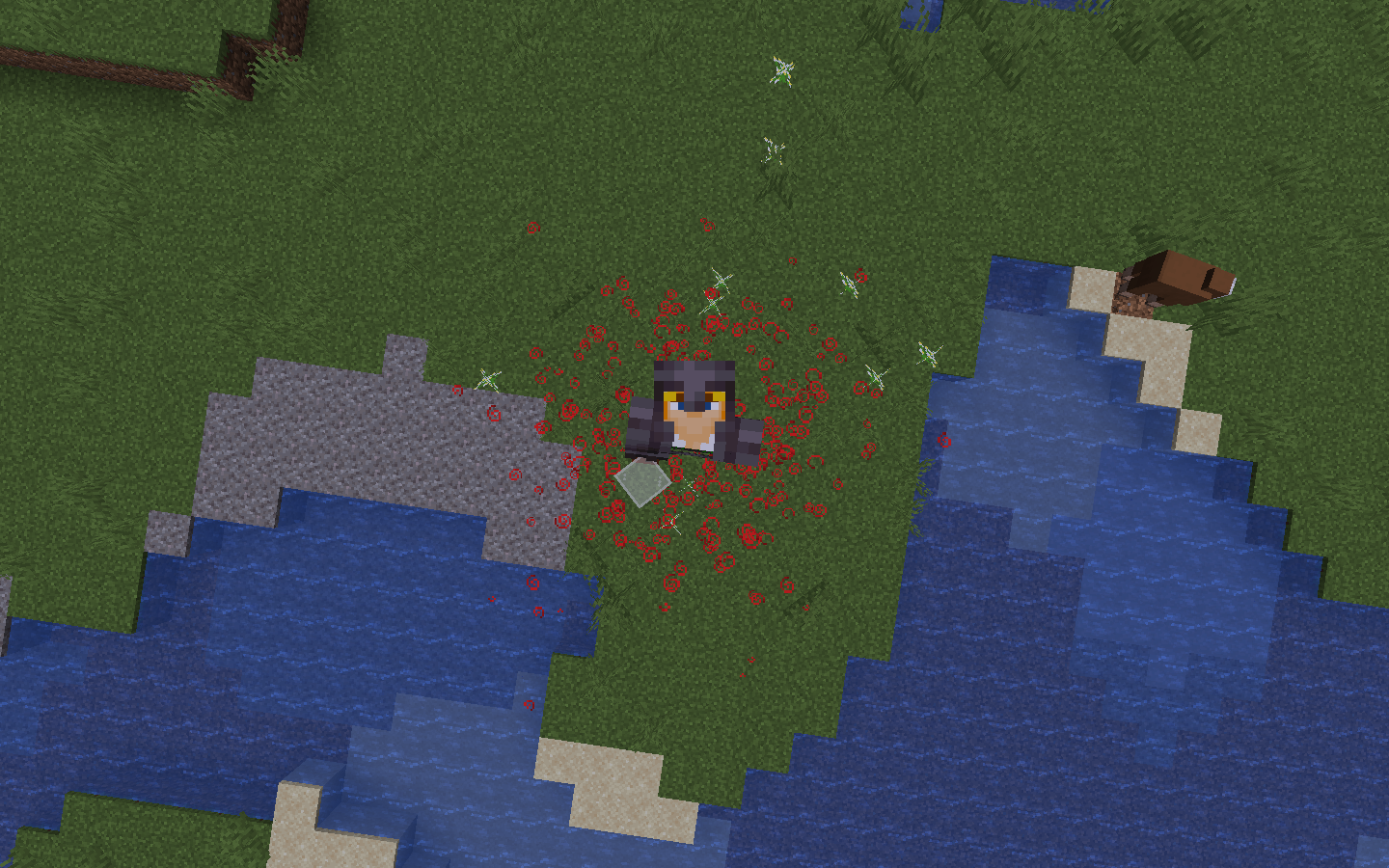
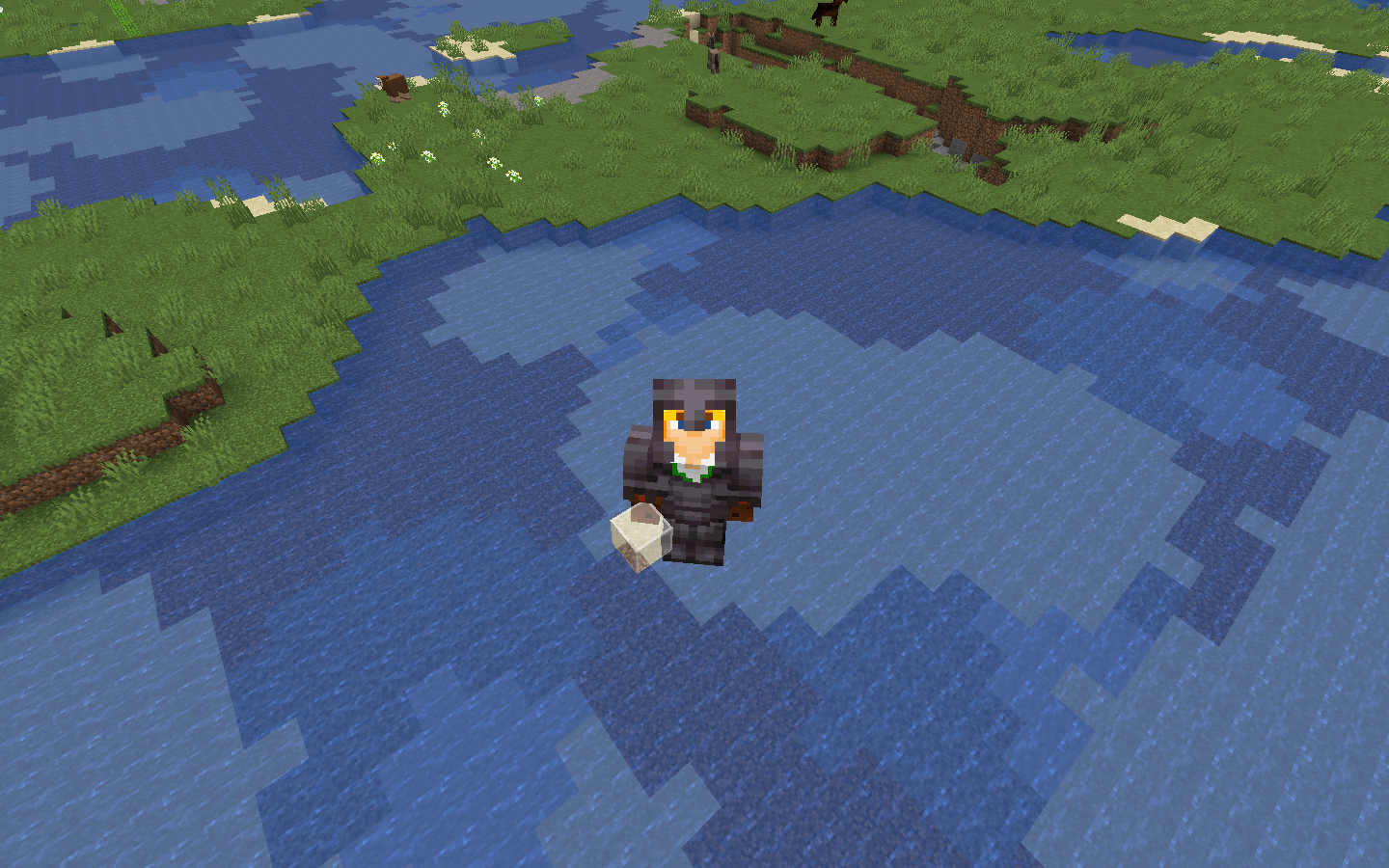
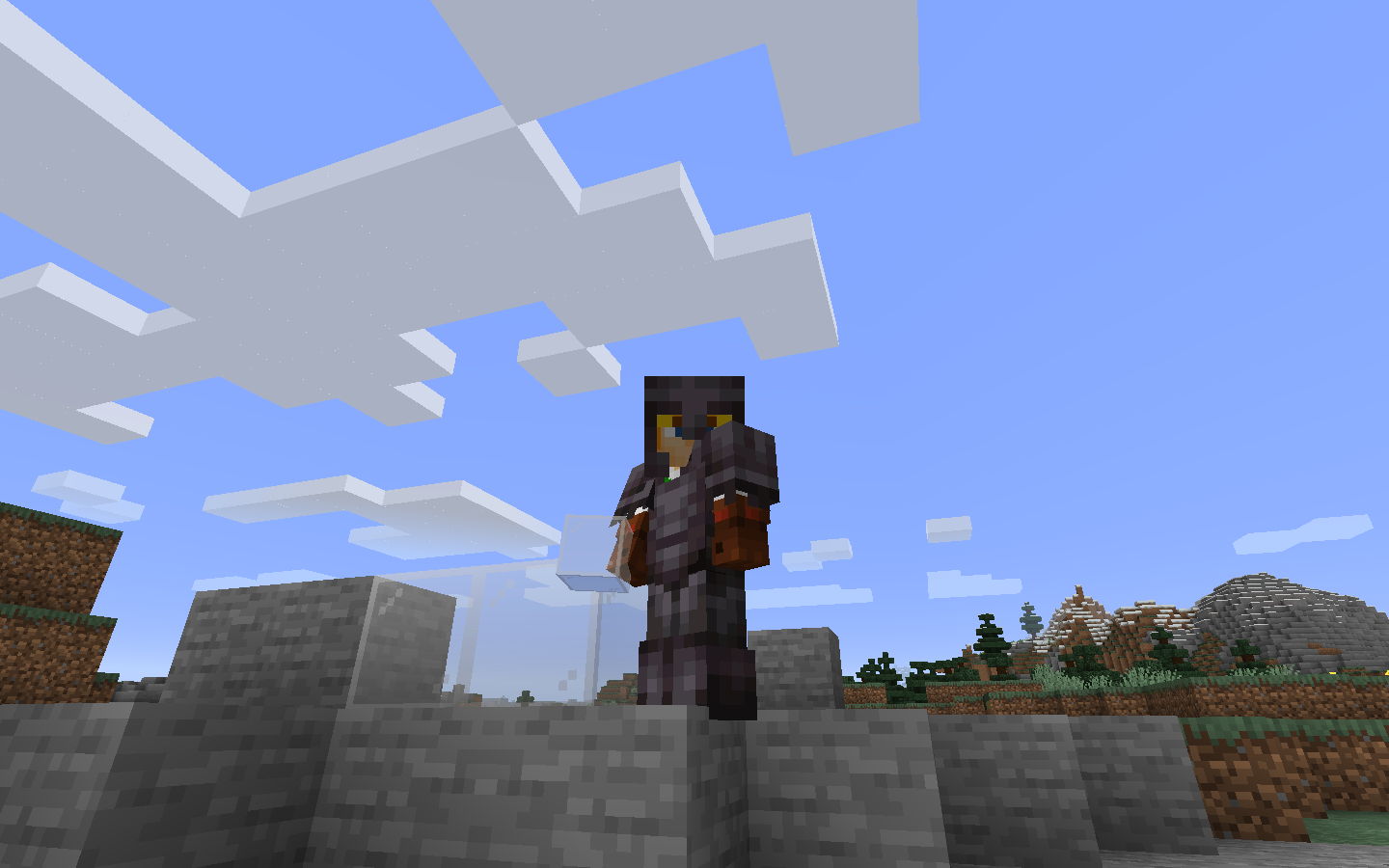
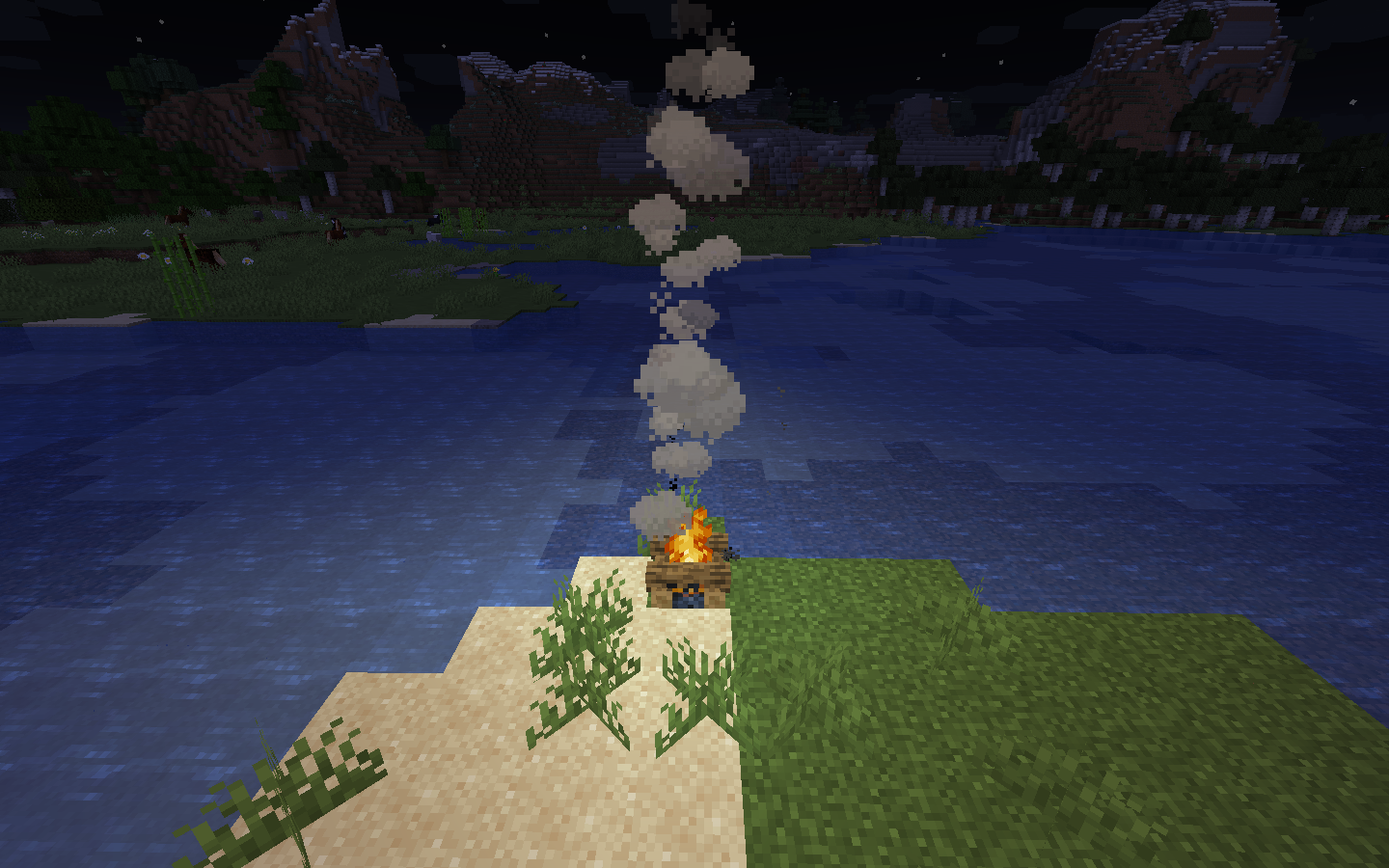
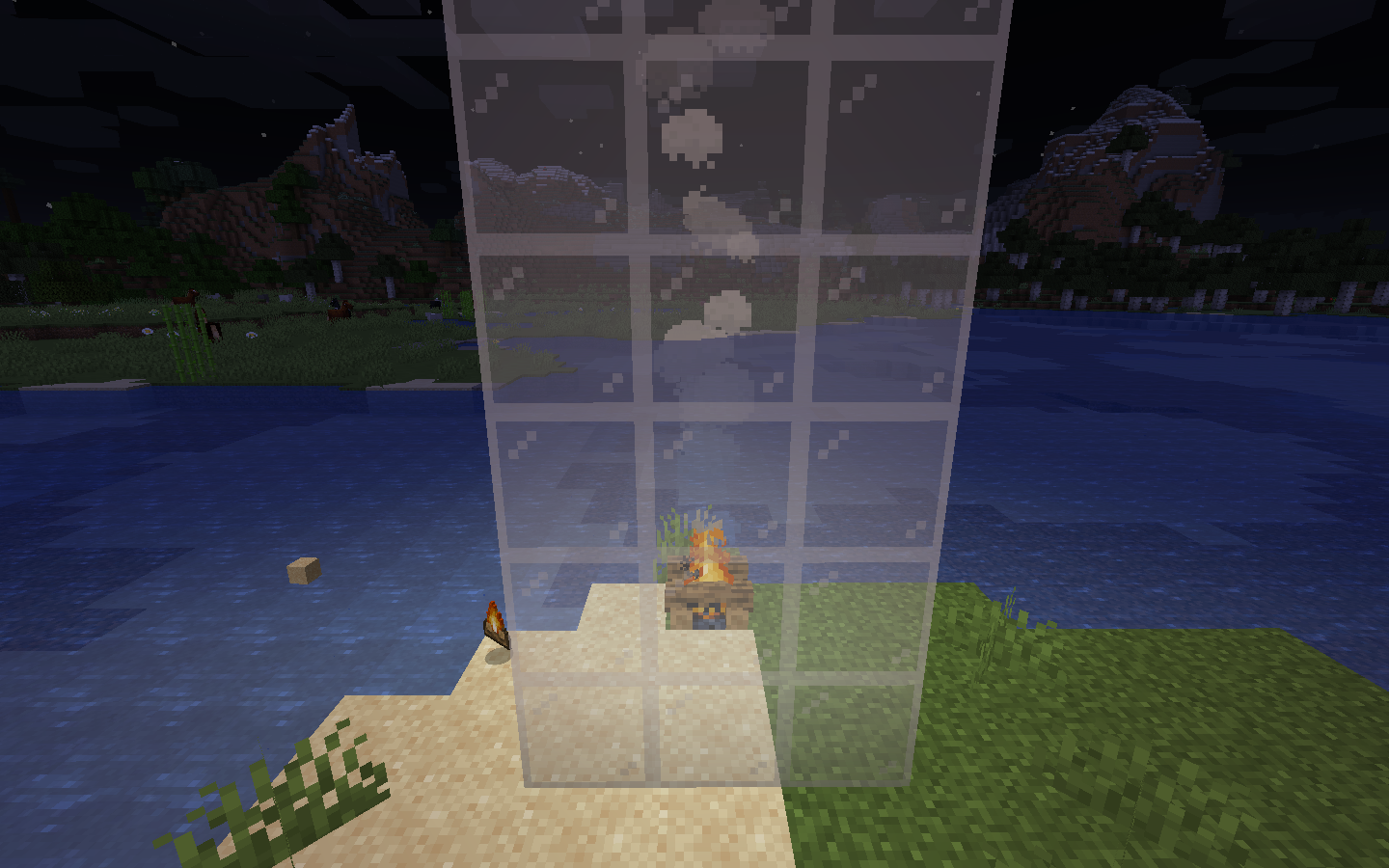
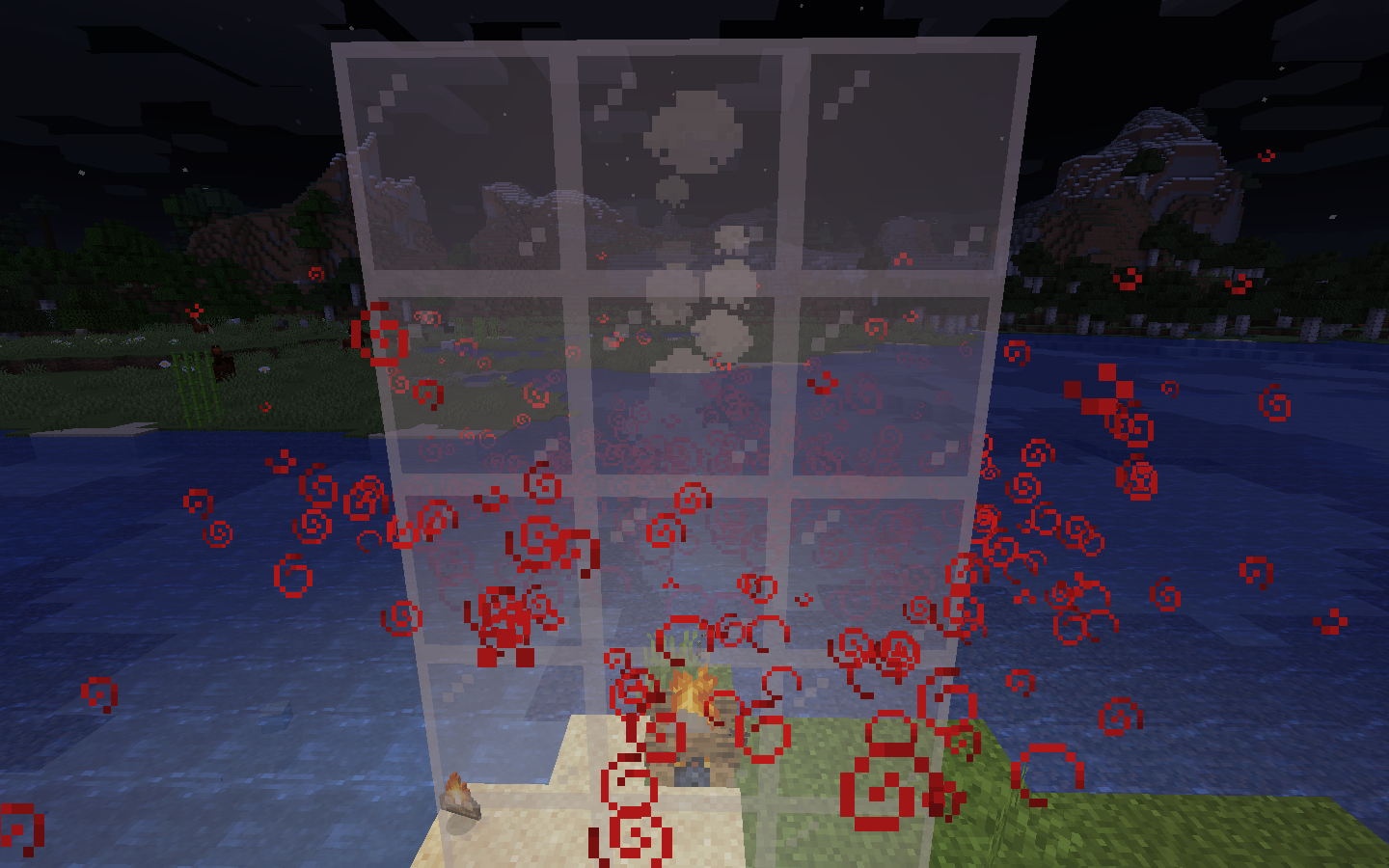
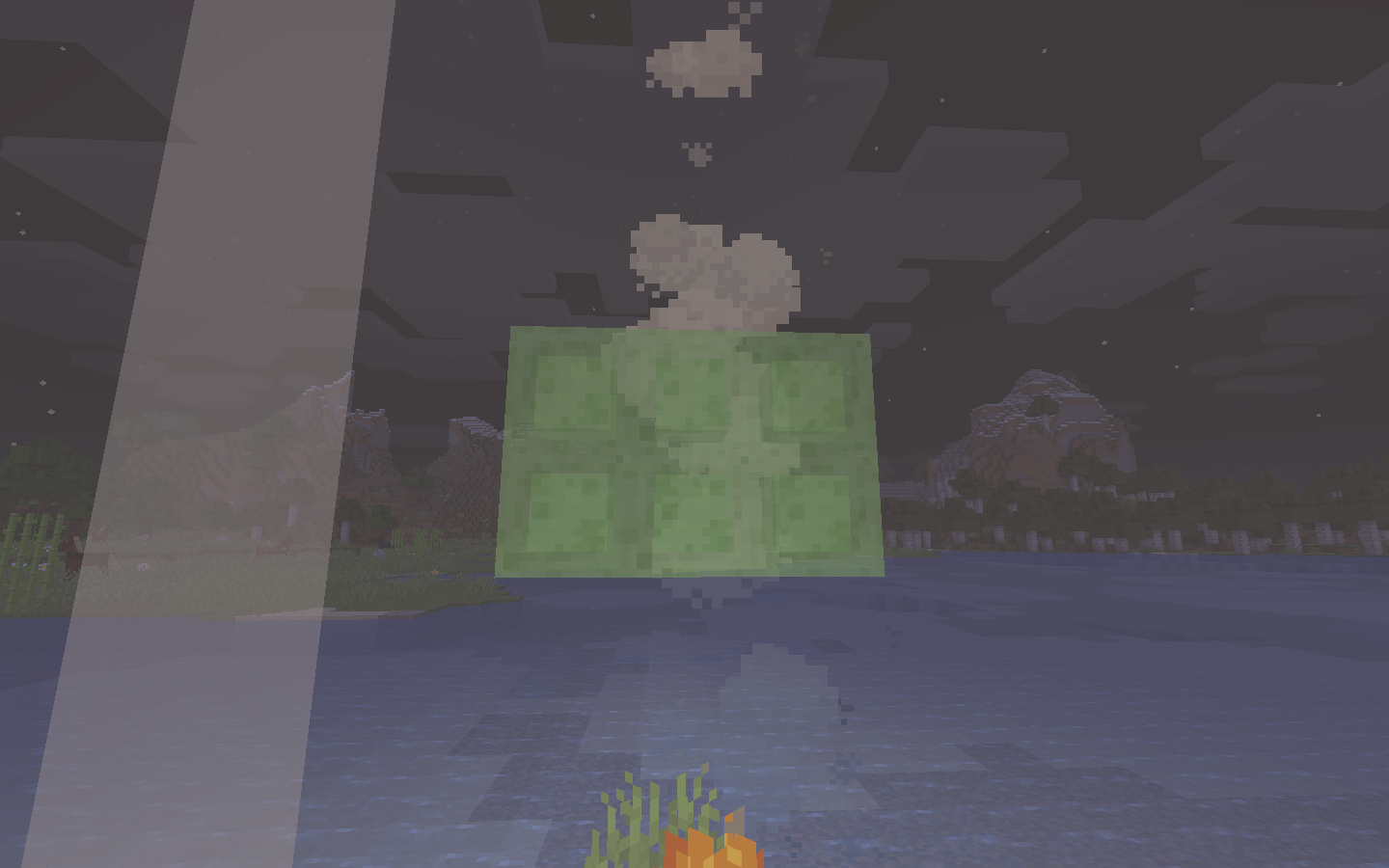
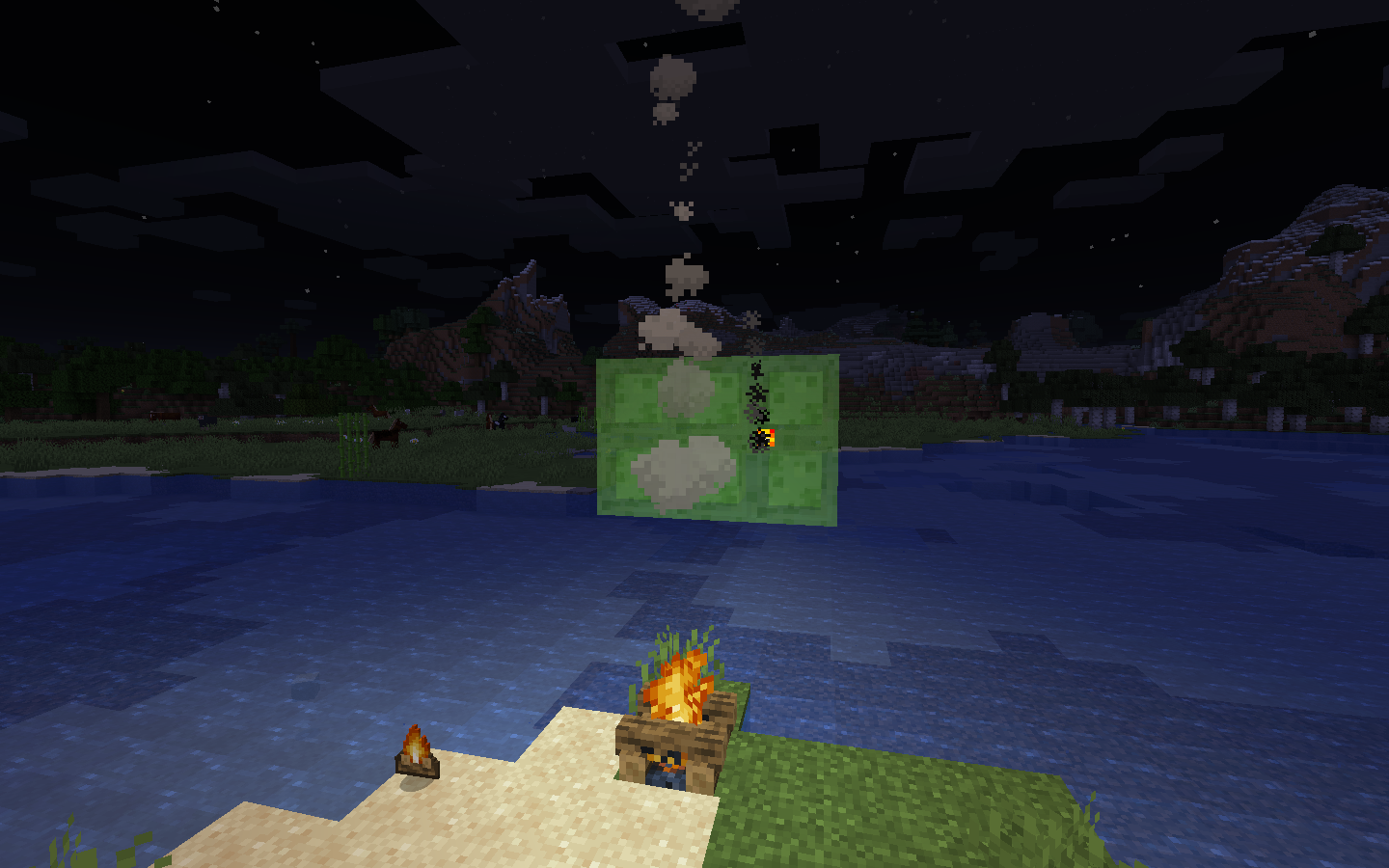
When I'm trying to make a redstone contraption with pistons, whenever I place a block (anything, from unpowered redstone to spruce logs) a block away from the piston (It also sometimes happen a block or two away) the piston receives a fast redstone signal wich activates it and then quickly deactivates it.
How to replicate:
Place a piston on the floor facing to the sky (I only have tried with sticky pistons), then place a slime block on top of it and then place a redstone block on top of the slime block. Nothing happens.
Then place any block next to it and you'll see that it moves quickly.
Screenshots below.
When I'm trying to make a redstone contraption with pistons, whenever I place a block (anything, from unpowered redstone to spruce logs) a block away from the piston (It also sometimes happen a block or two away) the piston receives a fast redstone signal wich activates it and then quickly deactivates it.
How to replicate:
Place a piston on the floor facing to the sky (I only have tried with sticky pistons), then place a slime block on top of it and then place a redstone block on top of the slime block. Nothing happens.
Then place any block next to it and you'll see that it moves quickly.
Screenshots below.
Windows 10
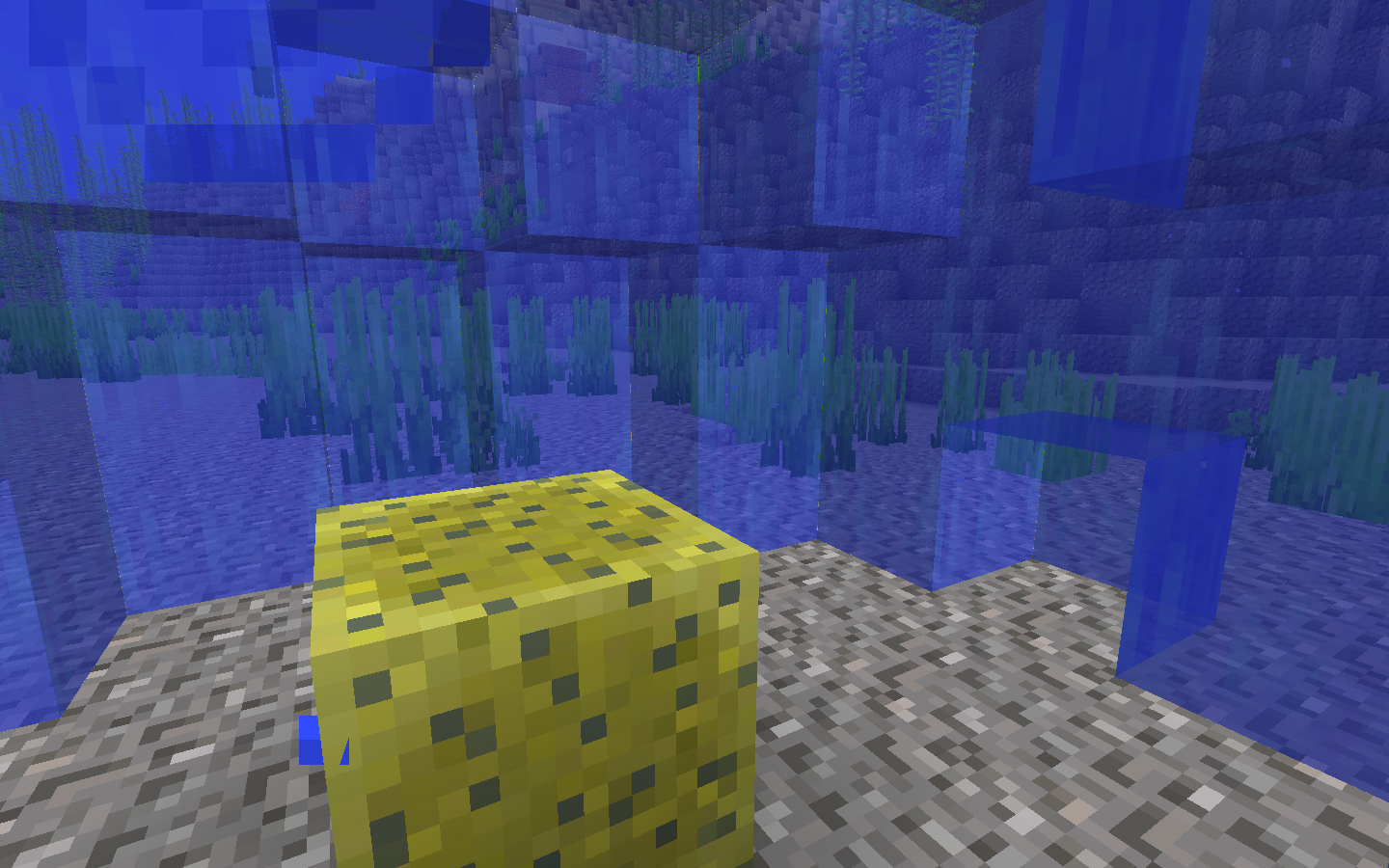
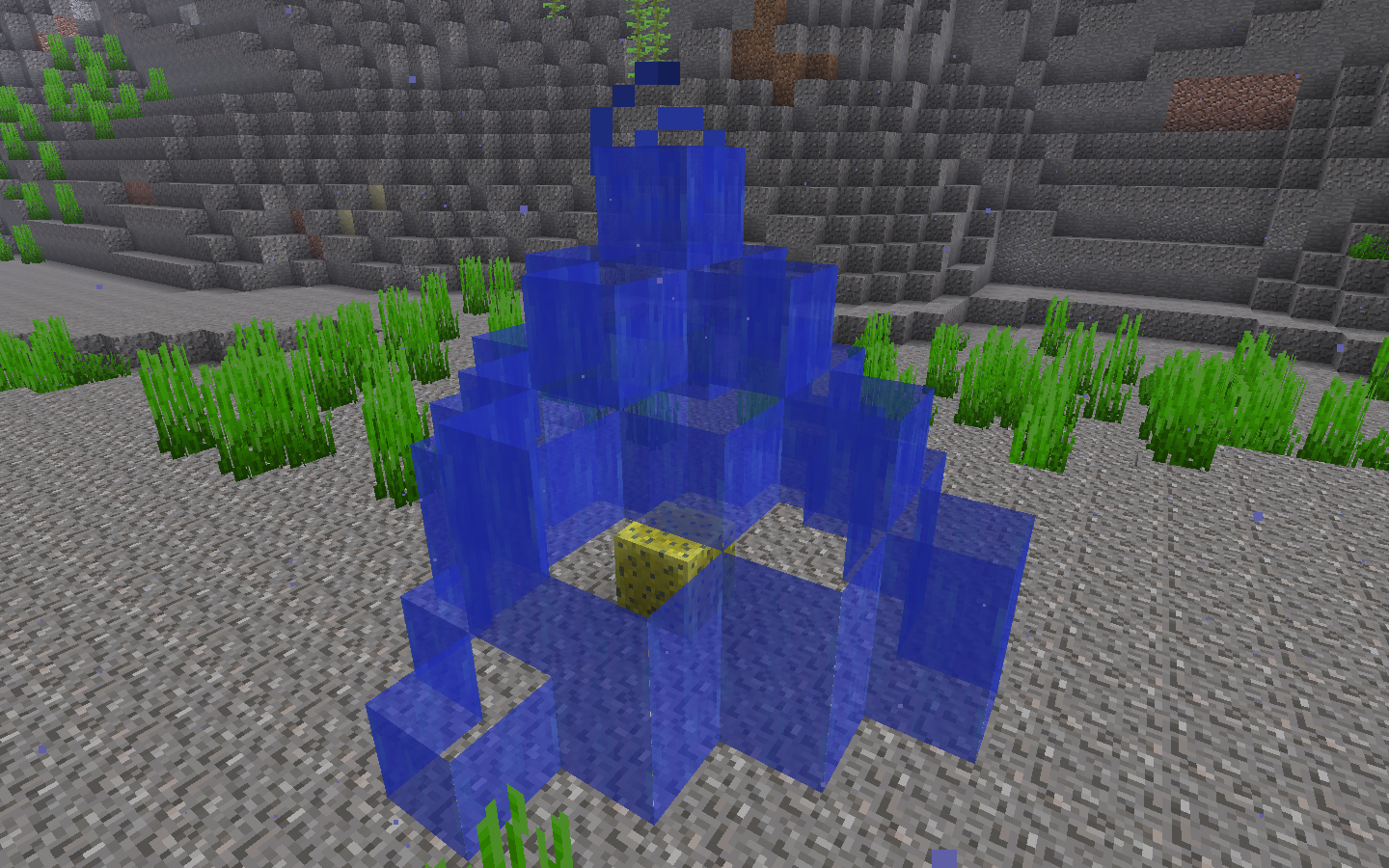
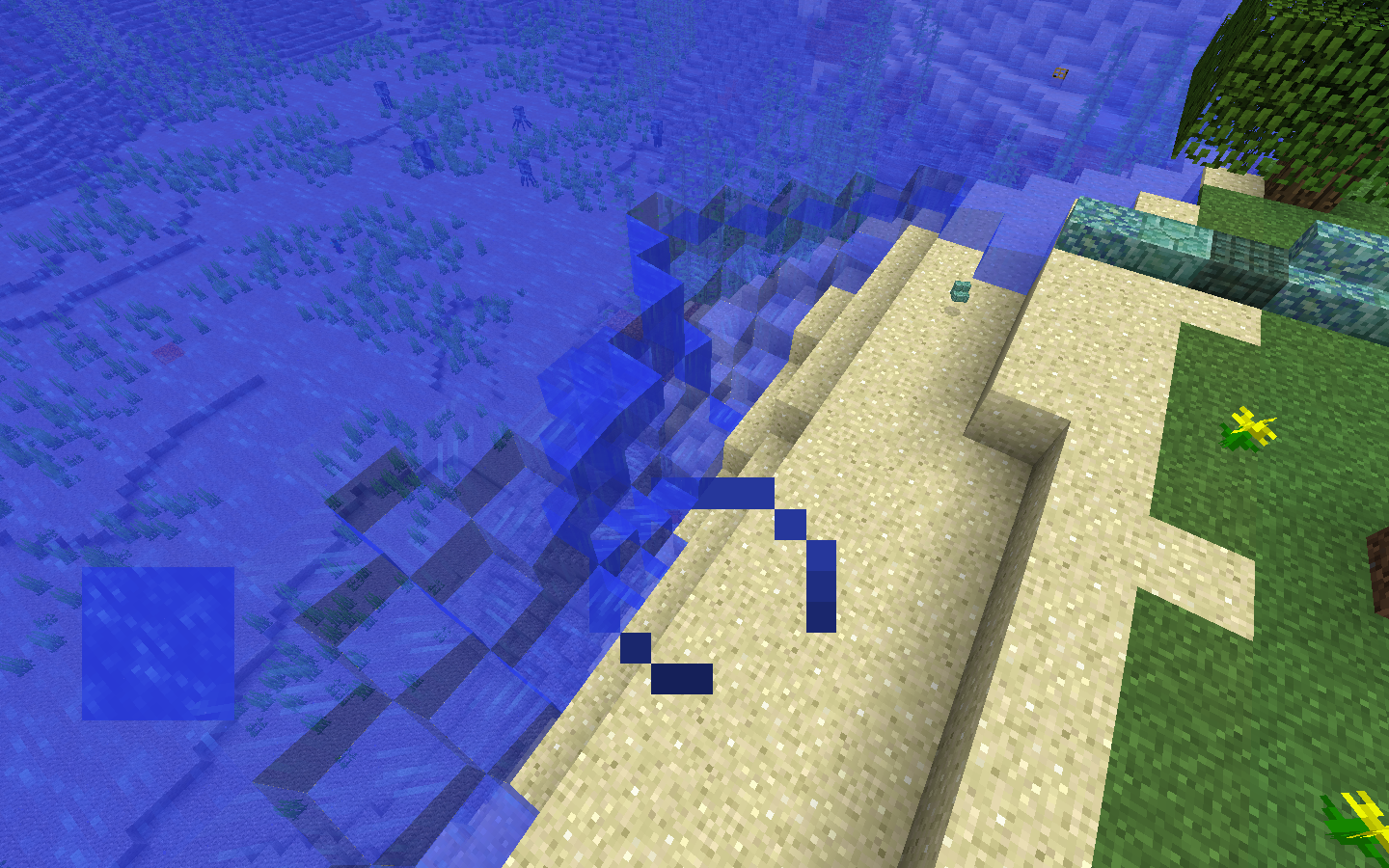
When I place a dry sponge in a body of water, the water is absorved, as usual, but water does not try to fill the space of air, even when I remove the sponge the water does not try to flow.
If I could put pictures I would, but there is this weird thing that doesn't allow me to upload any pictures.
i was swimming in an underwater cave and a random sugar cane was in it.
I didn't look for more data around this but I will soon.
Seed: -2759110053313517104.
i was swimming in an underwater cave and a random sugar cane was in it.
I didn't look for more data around this but I will soon.
Seed: -2759110053313517104.
Coordinates: 297 12 1692
i was swimming in an underwater cave and a random sugar cane was in it.
I didn't look for more data around this but I will soon.
Seed: -2759110053313517104.
Coordinates: 297 12 1692
Since the 18w15a snapshot released (I know it's late but better late than never!) my worlds have become a lot laggier than they used to be, maybe this happens because the game is consistenly calculating the color the water should have in each biome, and if that's the problem, there should be some optimizations or something.
Back to the point... Before that snapshot I had 40-50+ FPS consistenly, but now, in my worlds or in new worlds I get like 20-30 FPS, and sometimes even lower, and lag spikes are consistently frecuent.
This doesn't only apply to FPS lag, but since that snapshot I've been also experiencing strong entity lag, and drinking lag.
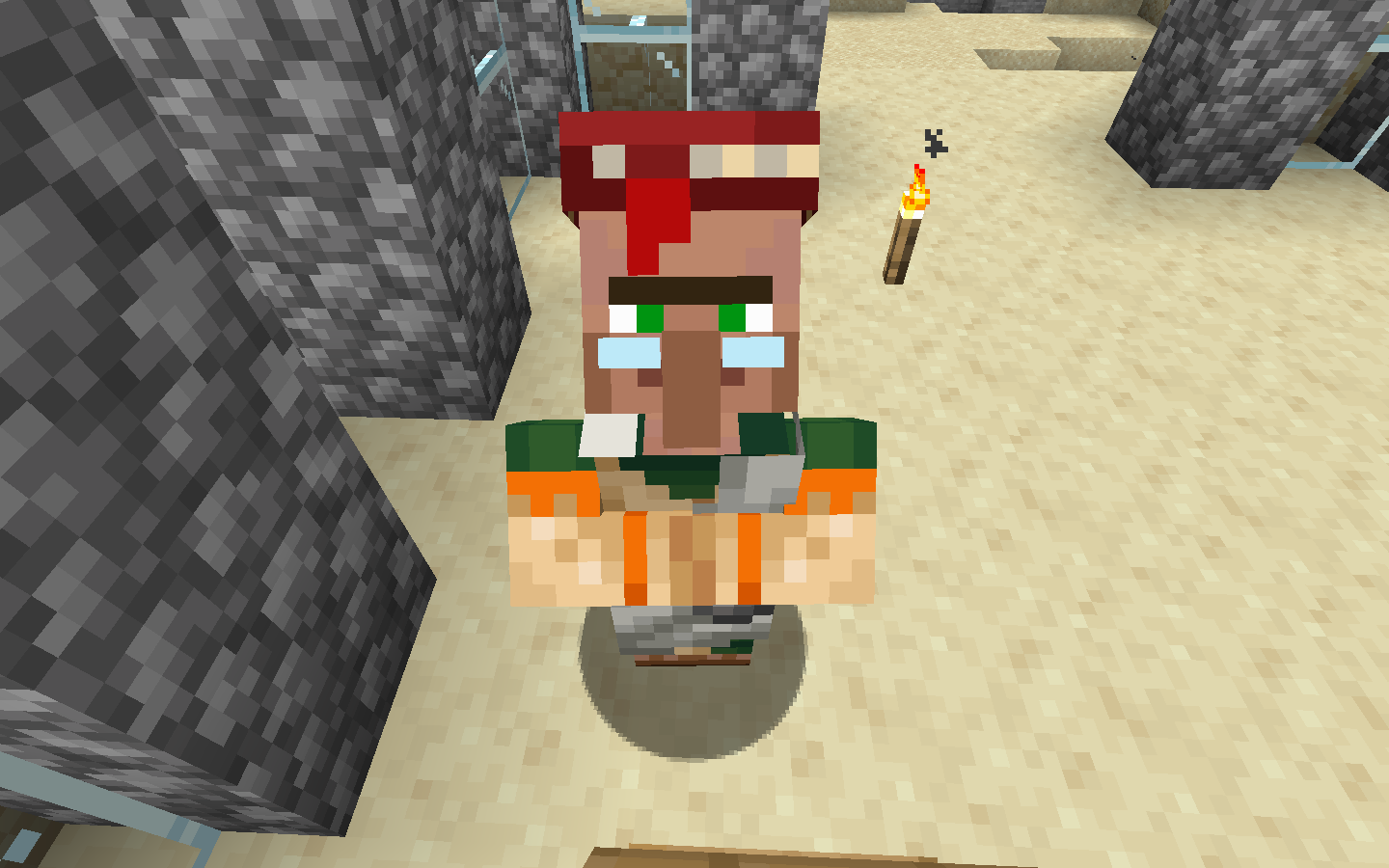
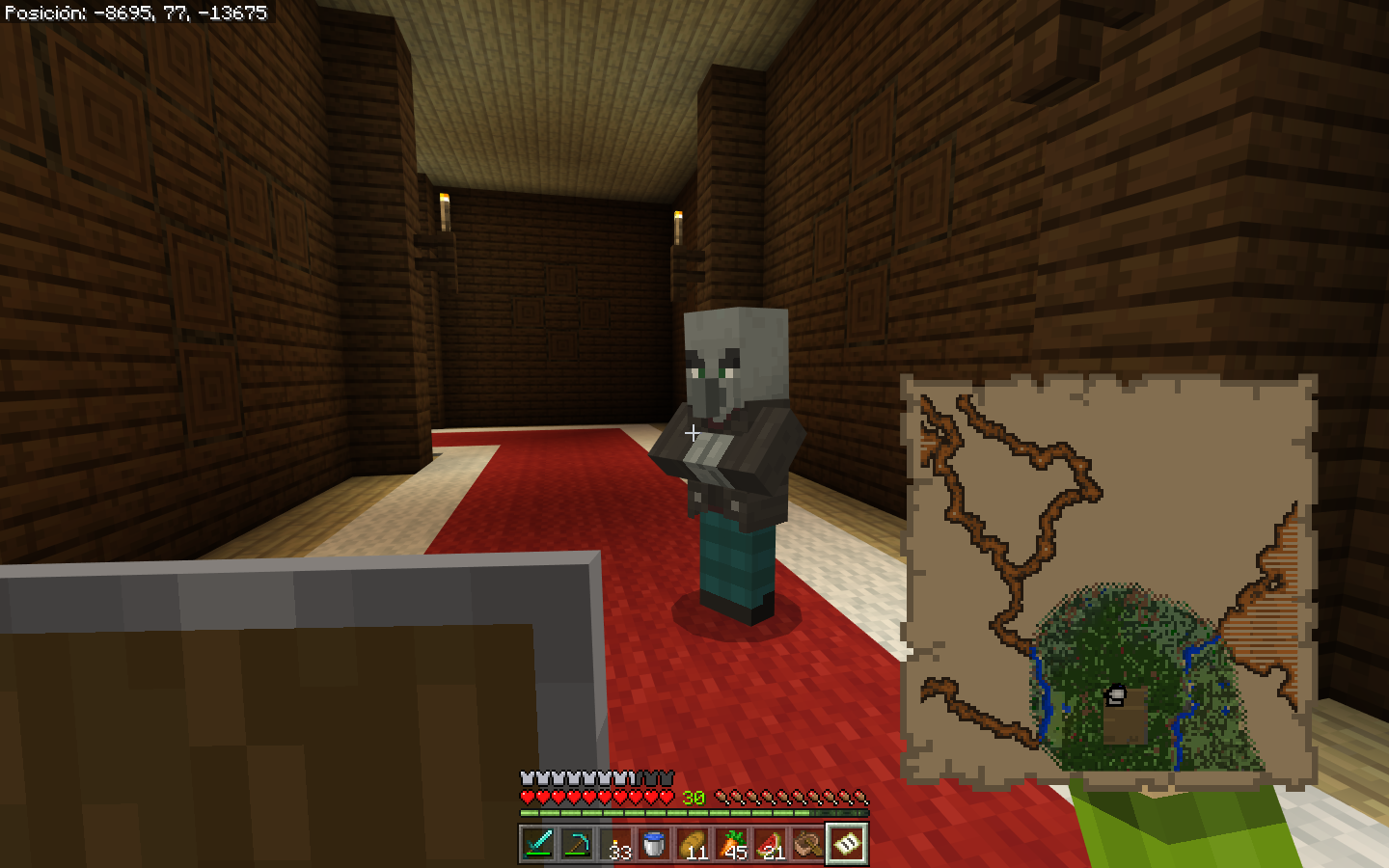
When I started to repopulate my village, I accidentally hit the villager I was taking to my village when trying to kill some zombies, after taking him to my village and then him gossiping, the prices on the trading menu were more expensive.
Understandable
But now, several in-game days, and after several trades with the villagers, all villagers still have their prices up, and they have never made them any lower, even after several gossips and trading with them several times, they still have more expensive prices.
It's quite annoying to be honest
How to reproduce:
Hit a villager
Wait for the villagers to gossip in the town center
You'll see that the prices of trades have increased because of you being bad
Trade with them several times
You'll see that after several days the bad reputation isn't gone
The prices increasing after being hit is normal, but I have traded several times with them after that, and if I'm right that should make them reduce their prices because I'm being friendly with them, but it has been several ingame days and the bad reputation hasn't gone away.
When I started to repopulate my village, I accidentally hit the villager I was taking to my village when trying to kill some zombies, after taking him to my village and then him gossiping, the prices on the trading menu were more expensive.
Understandable
But now, several in-game days, and after several trades with the villagers, all villagers still have their prices up, and they have never made them any lower, even after several gossips and trading with them several times, they still have more expensive prices.
It's quite annoying to be honest
How to reproduce:
Hit a villager
Wait for the villagers to gossip in the town center
You'll see that the prices of trades have increased because of you being bad
Trade with them several times
You'll see that after several days of trading the bad reputation isn't gone
The prices increasing after being hit is normal, but I have traded several times with them after that, and if I'm right that should make them reduce their prices because I'm being friendly with them, but it has been several ingame days and the bad reputation hasn't gone away.
When I started to repopulate my village, I accidentally hit the villager I was taking to my village when trying to kill some zombies, after taking him to my village and then him gossiping, the prices on the trading menu were more expensive.
Understandable
But now, several in-game days, and after several trades with the villagers, all villagers still have their prices up, and they have never made them any lower, even after several gossips and trading with them several times, they still have more expensive prices.
It's quite annoying to be honest
How to reproduce:
Hit a villager
Wait for the villagers to gossip in the town center
You'll see that the prices of trades have increased because of you being bad
Trade with them several times
You'll see that after several days of trading the bad reputation isn't gone
The prices increasing after being hit is normal, but I have traded several times with them after that, and if I'm right that should make them reduce their prices because I'm being friendly with them, but it has been several ingame days and the bad reputation hasn't gone away.
Update: it seems like villagers you trade with before gossiping at the town center never increase their prices after gossiping and being told about your bad reputation.
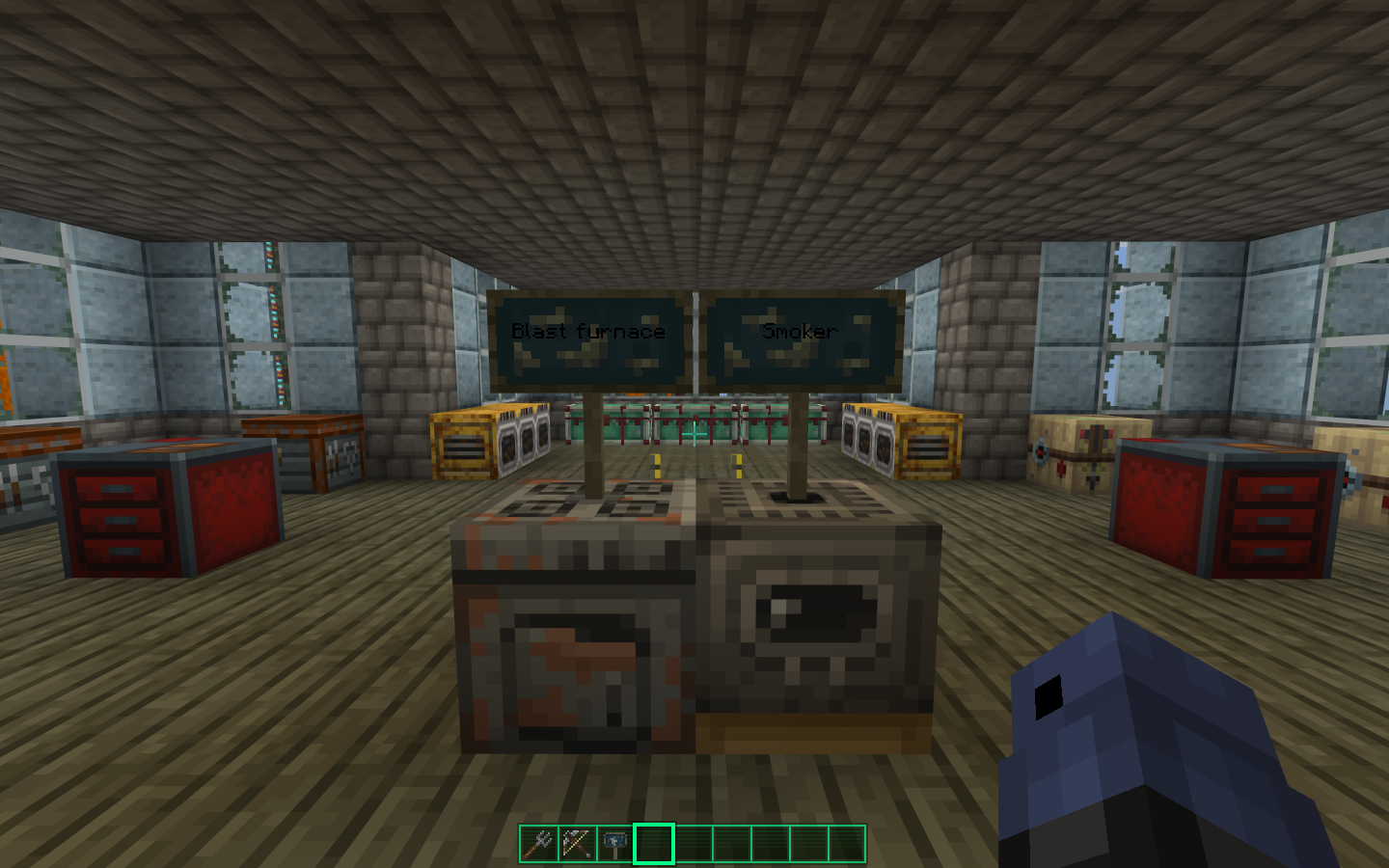
The texture for the blast furnace is a stove, and stoves in real life are used to cook food.
The smoker has the texture of a smelter, which are used in real life for smelting metals.
Please reopen as the reason this was closed has nothing to do with the actual report
Item model of honey blocksaremissing the inner partItem model of honey blocks is missing the inner part
Title
This affects the dropped item as well
How to reproduce:
Hold any item
Switch to third peron view
Move your head full up and full down
You'll see that the item gets brighter or darker along with the head's movement
This
does notapplyto held translucent blocksThis also applies to held translucent blocks on third person view
Back in 1.14 and before, the item's on-model shadows changed accordingly to light (blocks that glow, the moon, the sun), but now the shadows don't change, not even with a really near light source.
The only item that I found that works as it should is the trident, the shadows change accordingly to the enviroment.
How to reproduce:
Pick any item and then hold it
Pick any source of light (the sun, the moon, a torch, etc)
Move your point of view in realtion to the source of light.
Do this in 1.14.4 (or any previous version), and then in 19w42a
Back in 1.14 and before, the item's on-model shadows changed accordingly to light (blocks that glow, the moon, the sun), but now the shadows don't change, not even with a really near light source.
The only item that I found that works as it should is the trident, the shadows change accordingly to the enviroment.
How to reproduce:
Pick any item and then hold it
Pick any
source of light (the sun, the moon, a torch, etc)
Move your point of view in realtion to the source of light.
Do this in 1.14.4 (or any previous version), and then in 19w42aBack in 1.14 and before, in first person the item's on-model shadows changed accordingly to light (blocks that glow, the moon, the sun), but now the shadows don't change, not even with a really near light source.
The only item that I found that works as it should is the trident, the shadows change accordingly to the enviroment.
How to reproduce:
Be in first person mode
Pick any item and then hold it
Pick any source of light (the sun, the moon, a torch, etc)
Move your point of view in realtion to the source of light.
Do this in 1.14.4 (or any previous version), and then in 19w42a
Back in 1.14 and before, in first person the item's on-model shadows changed accordingly to light (blocks that glow, the moon, the sun), but now the shadows don't change, not even with a really near light source.
The only item that I found that works as it should is the trident, the shadows change accordingly to the enviroment.
How to reproduce:
Be in first person mode
Pick any item and then hold it
Pick any source of light (the sun, the moon, a torch, etc)
Move your point of view in re
altion to the source of light.
Do this in 1.14.4 (or any previous version), and then in 19w42a
Back in 1.14 and before, in first person the item's on-model shadows changed accordingly to light (blocks that glow, the moon, the sun), but now the shadows don't change, not even with a really near light source.
The only item that I found that works as it should is the trident, the shadows change accordingly to the enviroment.
How to reproduce:
Be in first person mode
Pick any item and then hold it
Pick any source of light (the sun, the moon, a torch, etc)
Move your point of view in relation to the source of light.
Do this in 1.14.4 (or any previous version), and then in 19w42a
Back in 1.14 and before, in first person the item's on-model shadows changed accordingly to light (blocks that glow, the moon, the sun), but now the shadows don't change, not even with a really near light source.
The only item that I found that works as it should is the trident, the shadows change accordingly to the enviroment.
Update: The bug has been partially fixed in 19w45, but the lighting still behaves a little weirdly.
How to reproduce:
Be in first person mode
Pick any item and then hold it
Pick any source of light (the sun, the moon, a torch, etc)
Move your point of view in relation to the source of light.
Do this in 1.14.4 (or any previous version), and then in 19w42a
Back in 1.14 and before, in first person the item's on-model shadows changed accordingly to light (blocks that glow, the moon, the sun), but now the shadows don't change, not even with a really near light source.
The only item that I found that works as it should is the trident, the shadows change accordingly to the enviroment.
Update: The bug has been partially fixed in 19w45, but the lighting still behaves a little weirdly.
How to reproduce:
Be in first person mode
Pick any item and then hold it
Pick any source of light (the sun, the moon, a torch, etc)
Move your point of view in relation to the source of light.
Do this in 1.14.4 (or any previous version), and then in 19w42a
Back in 1.14 and before, in first person the item's on-model shadows changed accordingly to light (blocks that glow, the moon, the sun), but now the shadows don't change, not even with a really near light source.
The only item that I found that works as it should is the trident, the shadows change accordingly to the enviroment.
Update: The bug has been partially fixed in 19w45, but the lighting still behaves a little weirdly.
How to reproduce:
Be in first person mode
Pick any item and then hold it
Pick any source of light (the sun, the moon, a torch, etc)
Move your point of view in relation to the source of light.
Do this in 1.14.4 (or any previous version), and then in 19w42a
Title
How to reproduce:
Fly high up in the sky
Drop
You'll see that when you hit the ground no sound plays.
If you toggle falldamage false in the gamerules and switch to survival mode while you're high in the air, you'll see that the
How to reproduce:
Fly high up in the sky
Drop
You'll see that when you hit the ground no sound plays.
If you toggle falldamage false in the gamerules and switch to survival mode while you're high in the air, you'll see that the sound plays when you hit the ground.
How to reproduce:
Fly high up in the sky in creative mode
Drop
You'll see that when you hit the ground no sound plays.
If you toggle falldamage false in the gamerules and switch to survival mode while you're high in the air, you'll see that the sound plays when you hit the ground.
I mean, they do, along the new camera movement, but if you remember in previous versions they moved much more, similarly to how only the hand moves as you walk in this new update.
This is only in first person mode
I mean, they do, along the new camera movement, but if you remember in previous versions they moved much more, similarly to how only the hand moves as you walk in this new update.
This is only in first person mode
The search feature on this website is not that good, it's hard to find if the bug you are going to report has already been reported, in this case it was. mods, please delet this.
I works just fine with store skins, but with custom skins it says that it's equipped, but it cannot be seen in the model anywhere.
The search feature on this website is not that good, it's hard to find if the bug you are going to report has already been reported, in this case it was. mods, please delet this.
Before, in third person, the hand of the player would hit to the direction the player was looking at, but now it seems like the default direction is down, so no matter where you look while you hit, the hand will hit like you were looking at the floor.
This bug is only visual, it affects the hitting animation of the arm in third person mode (and I guess other players too), but this does not affect gameplay at all.
My guess is that it should be completely black
My guess is that it should be completely black, and it seems to not affect only translucent blocks, but completely opaque ones like grass as well.
I also found out that this affects farmland
how to reproduce:
1: drop any translucent item
You'll see that for the few frames that the block is still close to your face water becomes invisible
how to reproduce:
1: drop any translucent item
You'll see that for the few frames that the block is still close to your face water becomes invisible
My bad, this is just
MC-161896
how to reproduce:
1: drop any translucent item
You'll see that for the few frames that the block is still close to your face water becomes invisible
My bad, this is just
MC-161896Which popped out again after being fixed
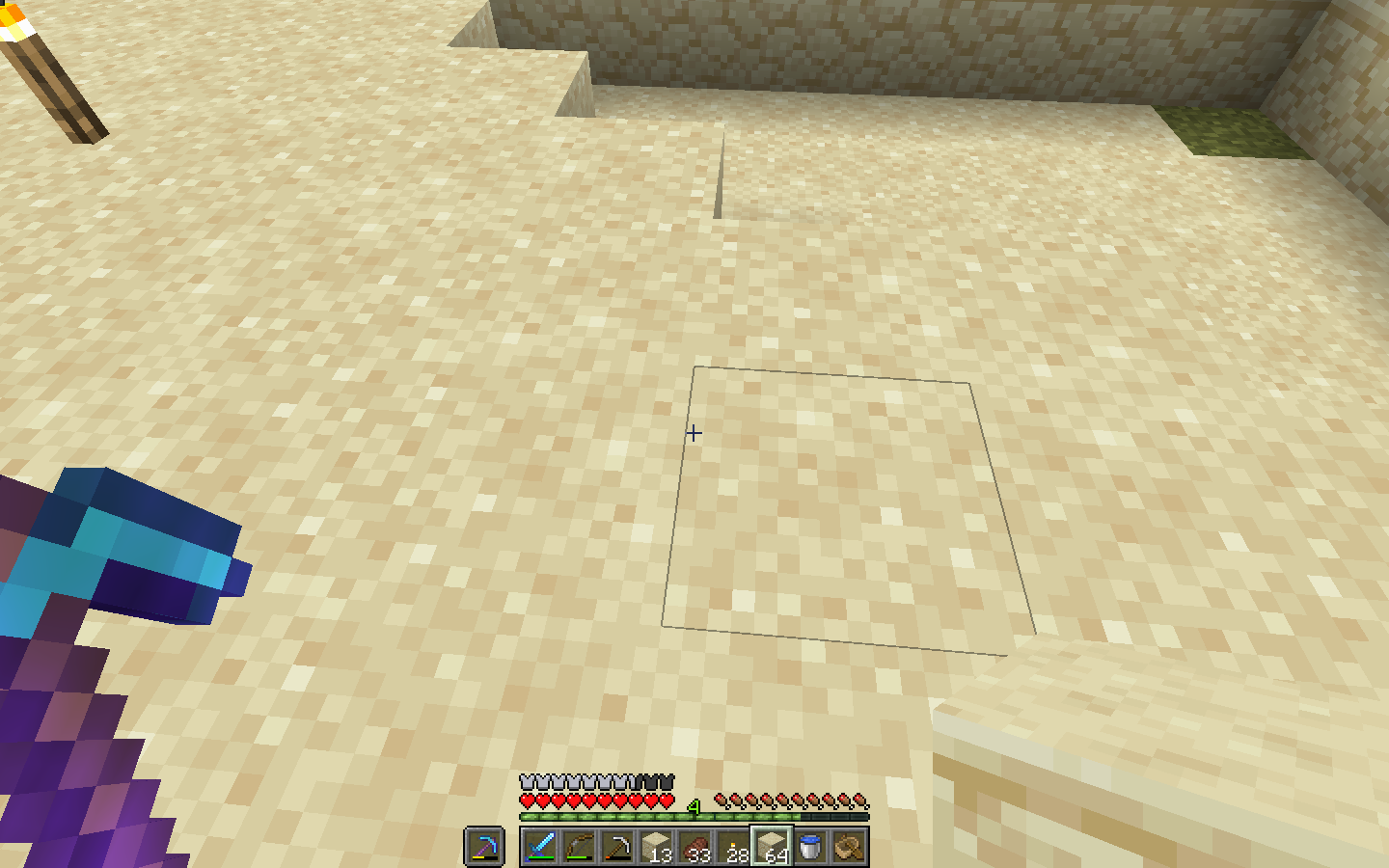
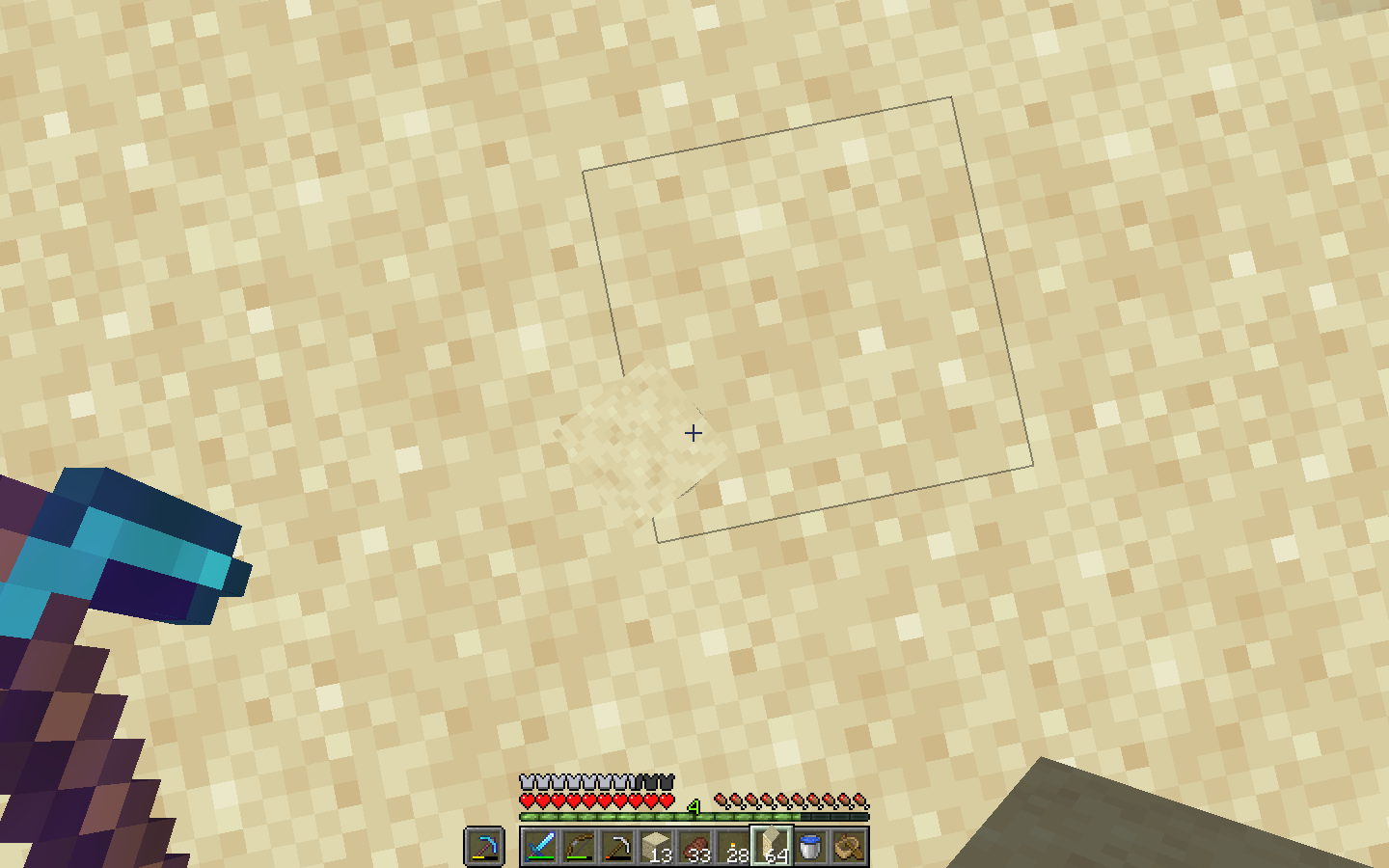
Grass path blocks, soul sand and farmland don't make shadows
It's like they were glass blocks, letting all the light go through them.
These blocks do not generate ambient occlusion (smooth lighting) to other blocks either.
Grass path blocks, soul sand and farmland don't makeshadowsGrass path blocks, soul sand and farmland don't make ambient occlusion
It's like they were glass blocks, letting allthelightgo through them.These blocks do not generate ambient occlusion (smooth lighting) to other blocks either.
These blocks do not generate ambient occlusion (smooth lighting) to other blocks.
2019-11-29_21.47.41.png
This makes the grass look weird and pop out in the wrong way.
It also affects the fallout mash-up pack (I think this isn't a texture issue, but a lighting one)
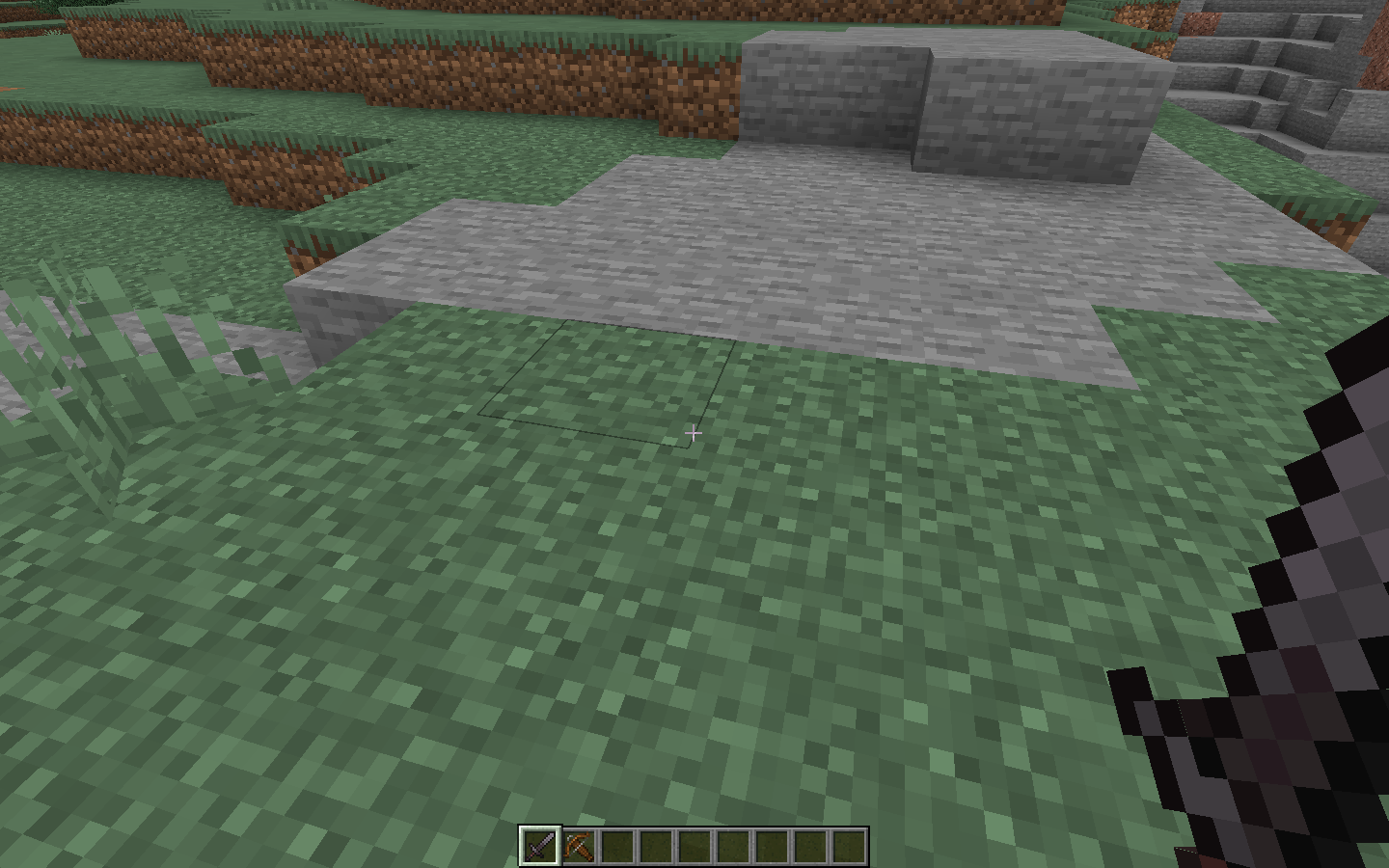
See the pictures below
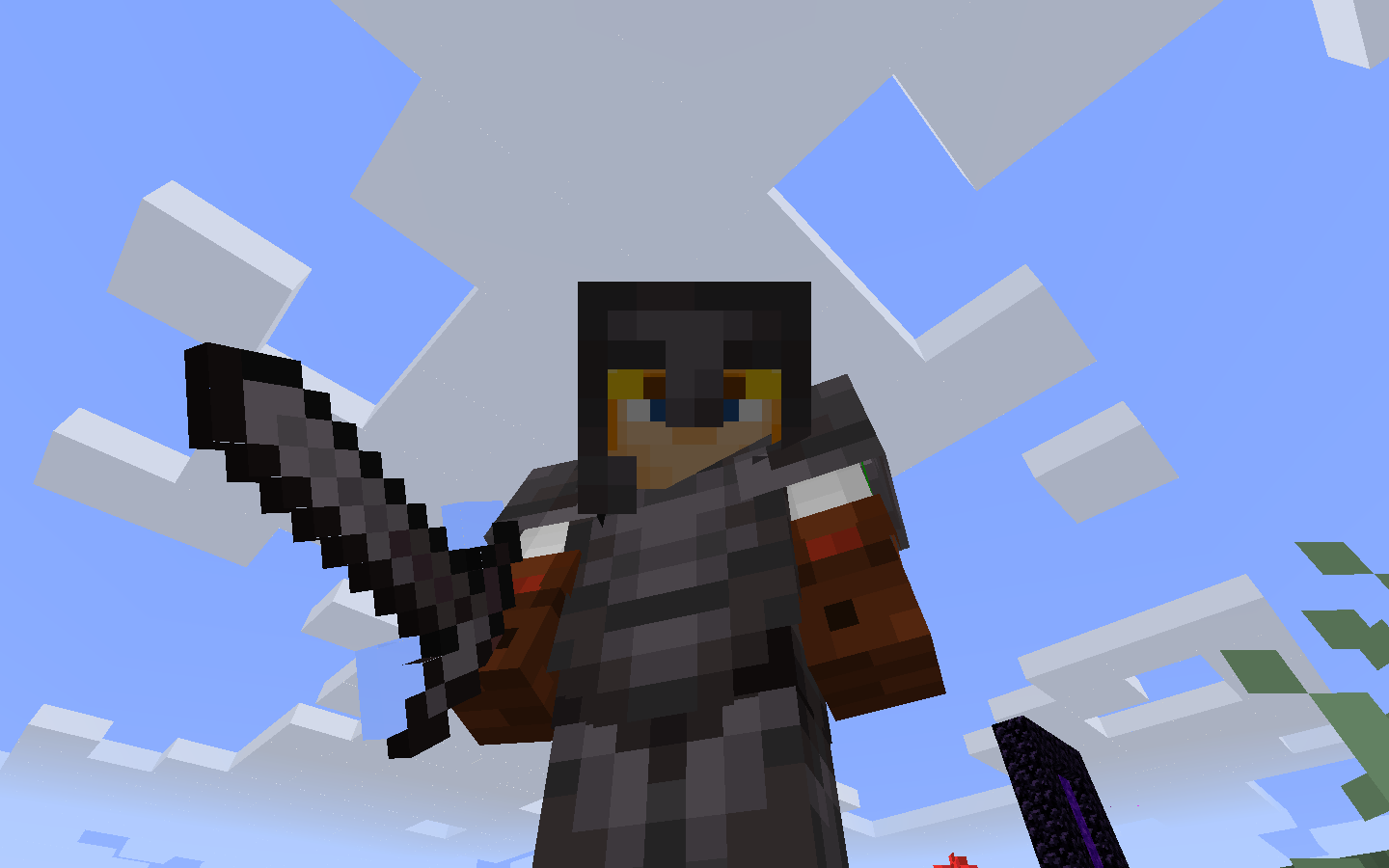
Netherite Sword has alpha and rendering problems
The only mobs that seem to spawn are LOTS of endermen, some normal skeletons and very few ghasts.Finding a biome that isn't the soul sand valley or the warped variation of the nether wart forest is incredibly rare, almost everything is soul sand valley or warped nether forest.
Zombified Piglins (Zombie pigmen) not spawning in the nether.The Entire dimension is basically only two biomes
Block item model when picked has starnge lightingBlock item model when picked has strange lighting
This seems to have been fixed in 1.16
This seems to have been fixed in 1.16
Sometimes when loading or unloading a resource pack, residues of the default/previous resource pack can still be seen on the UI.
It can sometimes be in the inventory, sometimes in the chat, in the menus, or in the main menu.
After 1.16 this still happens, but not as much or as often as before
Sometimes when loading or unloading a resource pack, residues of the default/previous resource pack can still be seen on the UI.
It can sometimes be in the inventory, sometimes in the chat, in the menus, or in the main menu.
After 1.16 this still happens, but not as much or as often as beforeSometimes when loading or unloading a resource pack, residues of the default/previous resource pack can still be seen on the UI.
It can sometimes be in the inventory, sometimes in the chat, in the menus, or in the main menu.
It seems to affect some items too
Sometimes when loading or unloading a resource pack, residues of the default/previous resource pack can still be seen on the UI.
It can sometimes be in the inventory, sometimes in the chat, in the menus, or in the main menu.
It seems to affect some items too
After 1.16 it doesn't happen as much as before (as in, it happens, but the textures affected are not as many as before).
Sometimes when loading or unloading a resource pack, residues of the default/previous resource pack can still be seen on the UI.
It can sometimes be in the inventory, sometimes in the chat, in the menus, or in the main menu.
It seems to affect some items too
After 1.16 it doesn't happen as much as before (as in, it happens, but the textures affected are not as many as before).
Sometimes when loading or unloading a resource pack, residues of the default/previous resource pack can still be seen on the UI.
It can sometimes be in the inventory, sometimes in the chat, in the menus, or in the main menu.
It seems to affect some items too
This bug mostly only happens the first time one loads the pack, if you unload it and then load it again most times it fixes itself.
At first it didn't show that i created the report so i created this one, but now i see mine was a duplicate, please close this one too!
Held translucent blocks make the water, clouds and particles behind them invisible in third person mode.
Held translucent blocks make the water, cloudsand particles behind them invisible in third person mode.Held translucent blocks make the water, clouds, particles, and placed translucent blocks behind them invisible in third person mode.
Windows 10
Nvidia geforce gt 1030 graphics card
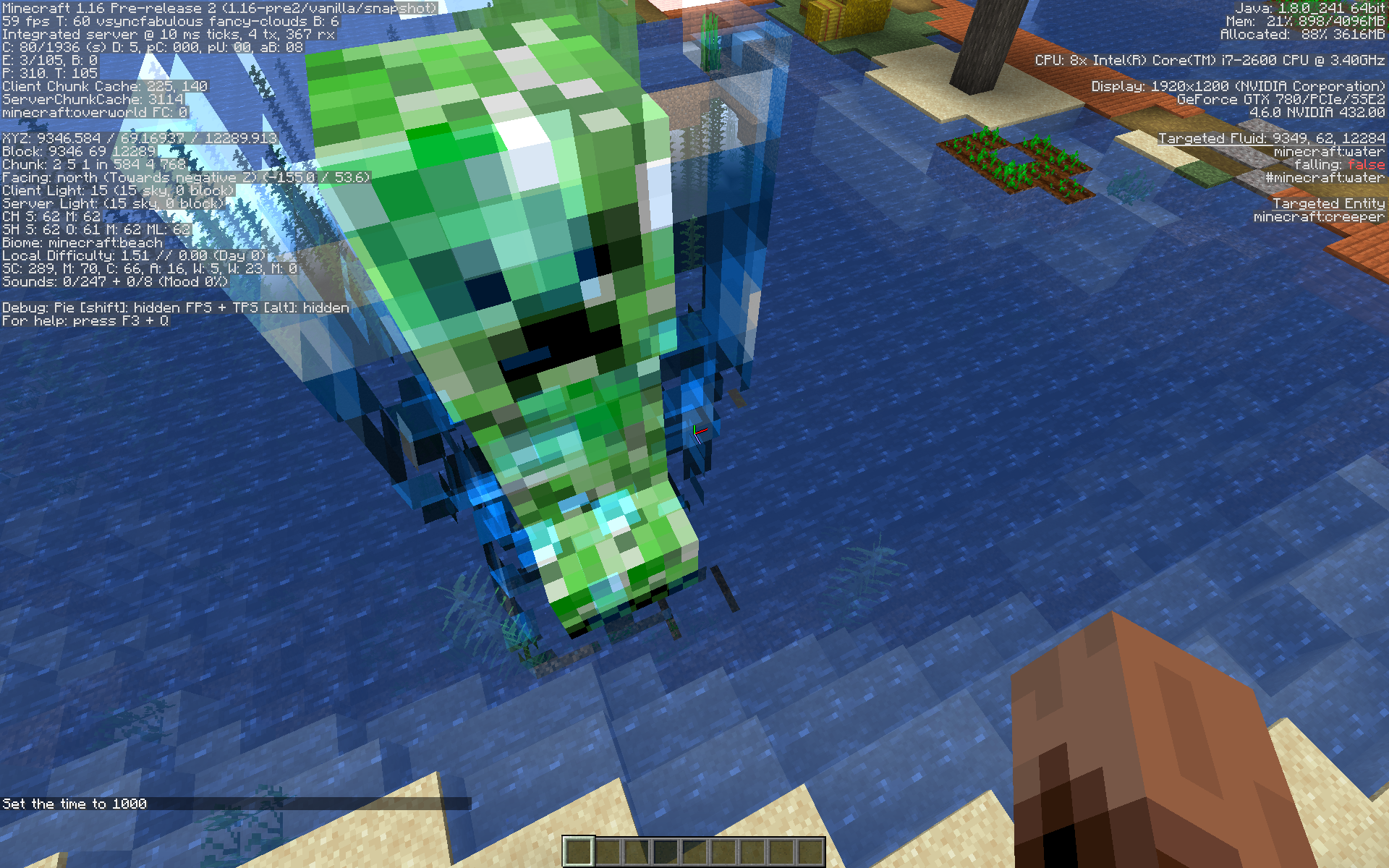
Transparent blocks, clouds, and some entities don't render behind charged creeper armor

The bug
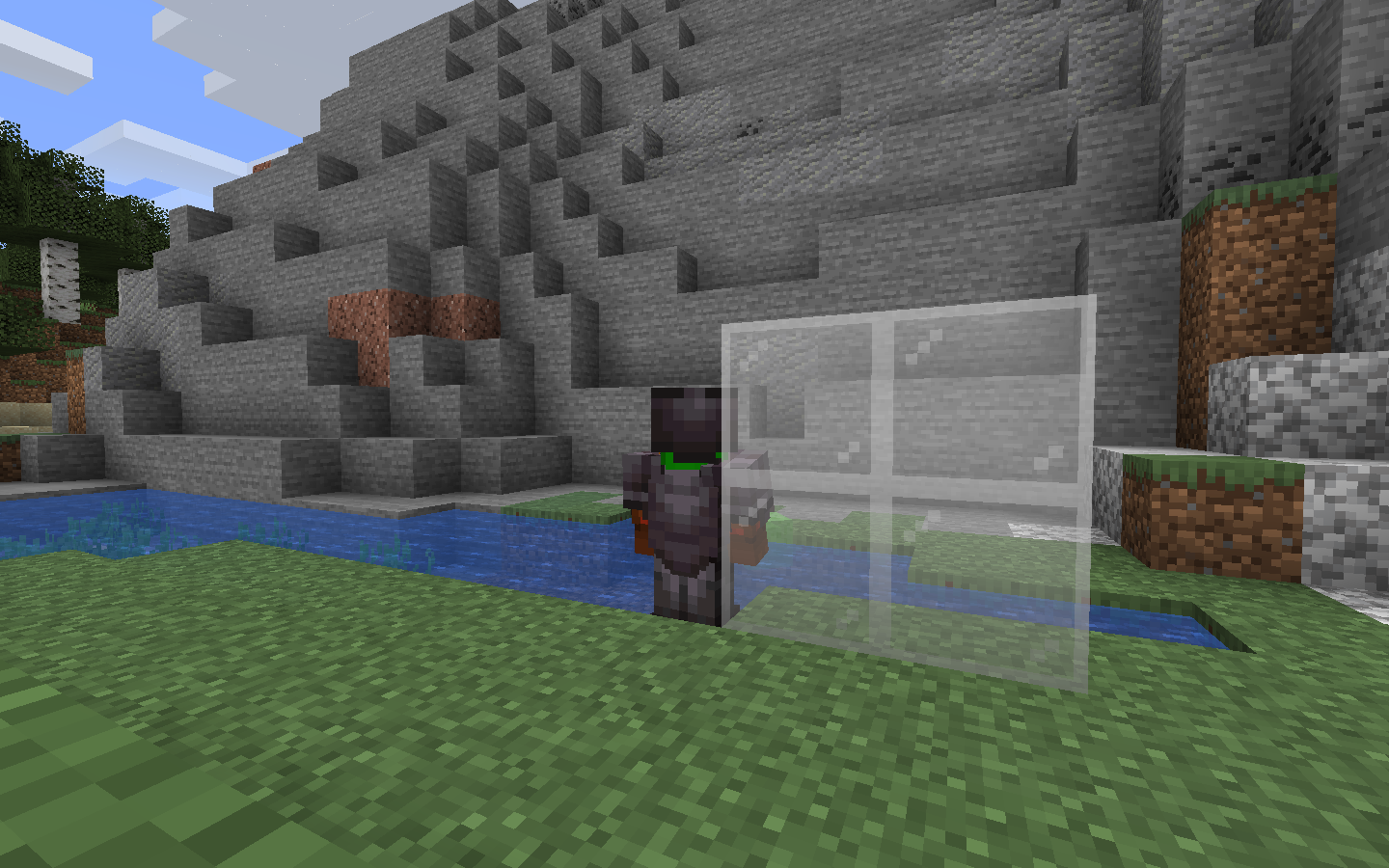
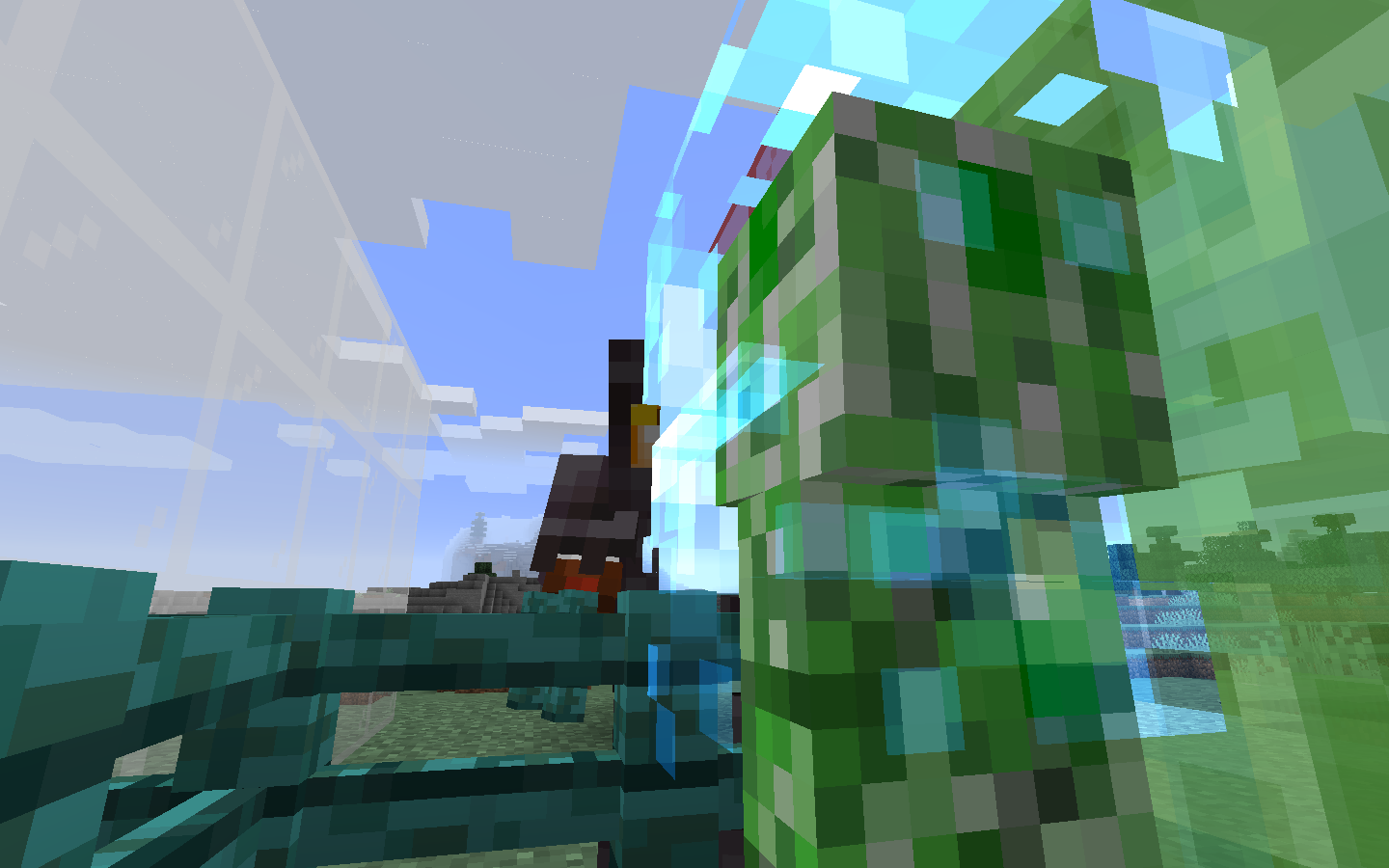
If you try to look at items, clouds, item frames, paintings, and transparent blocks through a charged creeper's armor, you'll see that they all become invisible.
This was partially fixed in 1.16 pre release 3, mobs and the player now render behind the armor.
The semi fix was unfixed in 1.16 Pre-5, mobs and the player no longer render behind the armor anymore.
Examples
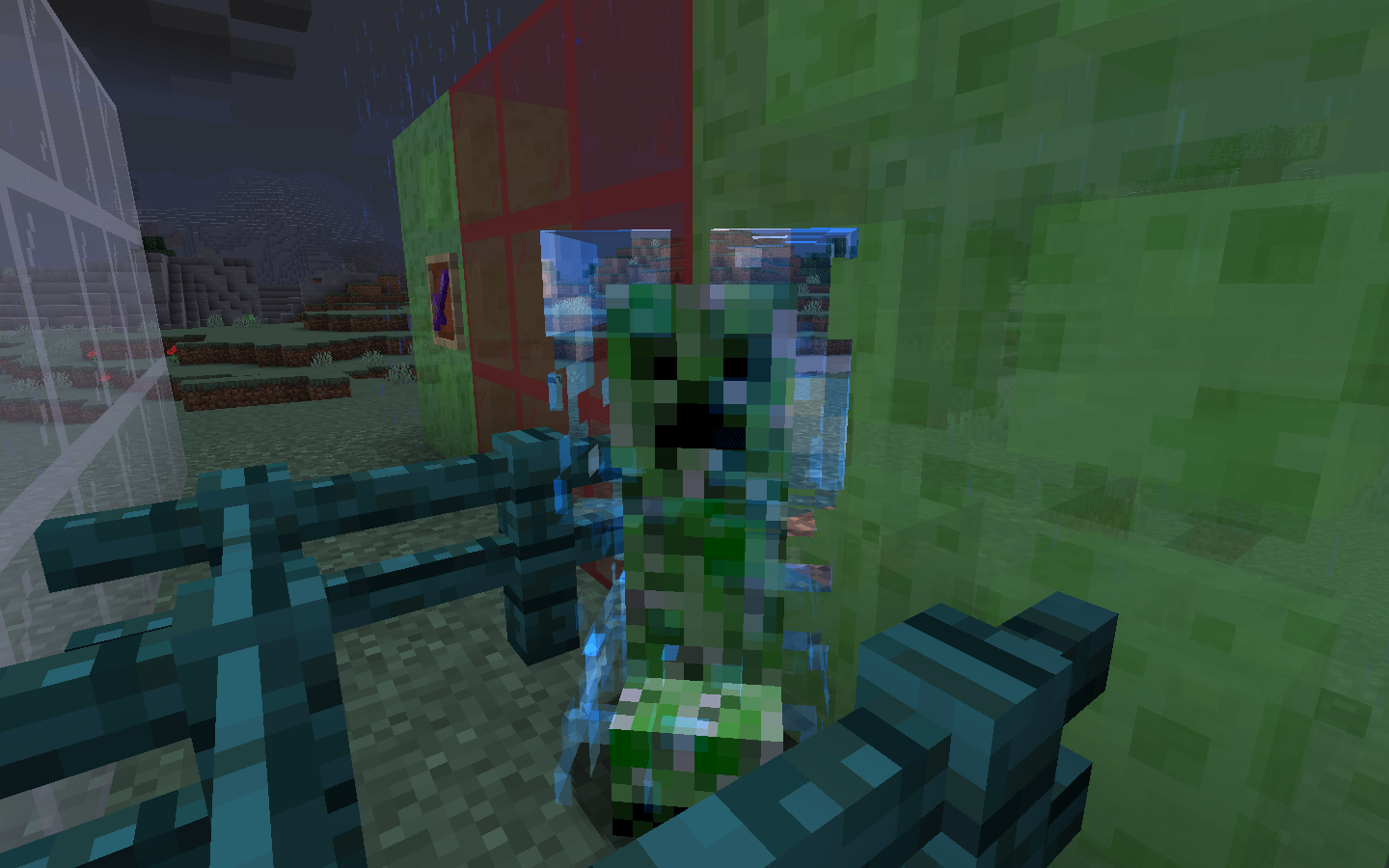
Transparent blocks, clouds,and someentities don't render behind charged creeper armorTransparent blocks, clouds, particles and entities don't render behind charged creeper armor
The bug
If you try to look at items, clouds, item frames, paintings, armor stands, mobs, the player, particles and transparent blocks through a charged creeper's armor, you'll see that they all become invisible.
This was partially fixed in 1.16 pre release 3, mobs and the player now render behind the armor.
The semi fix was unfixed in 1.16 Pre-5, mobs and the player no longer render behind the armor anymore.
Examples
Title
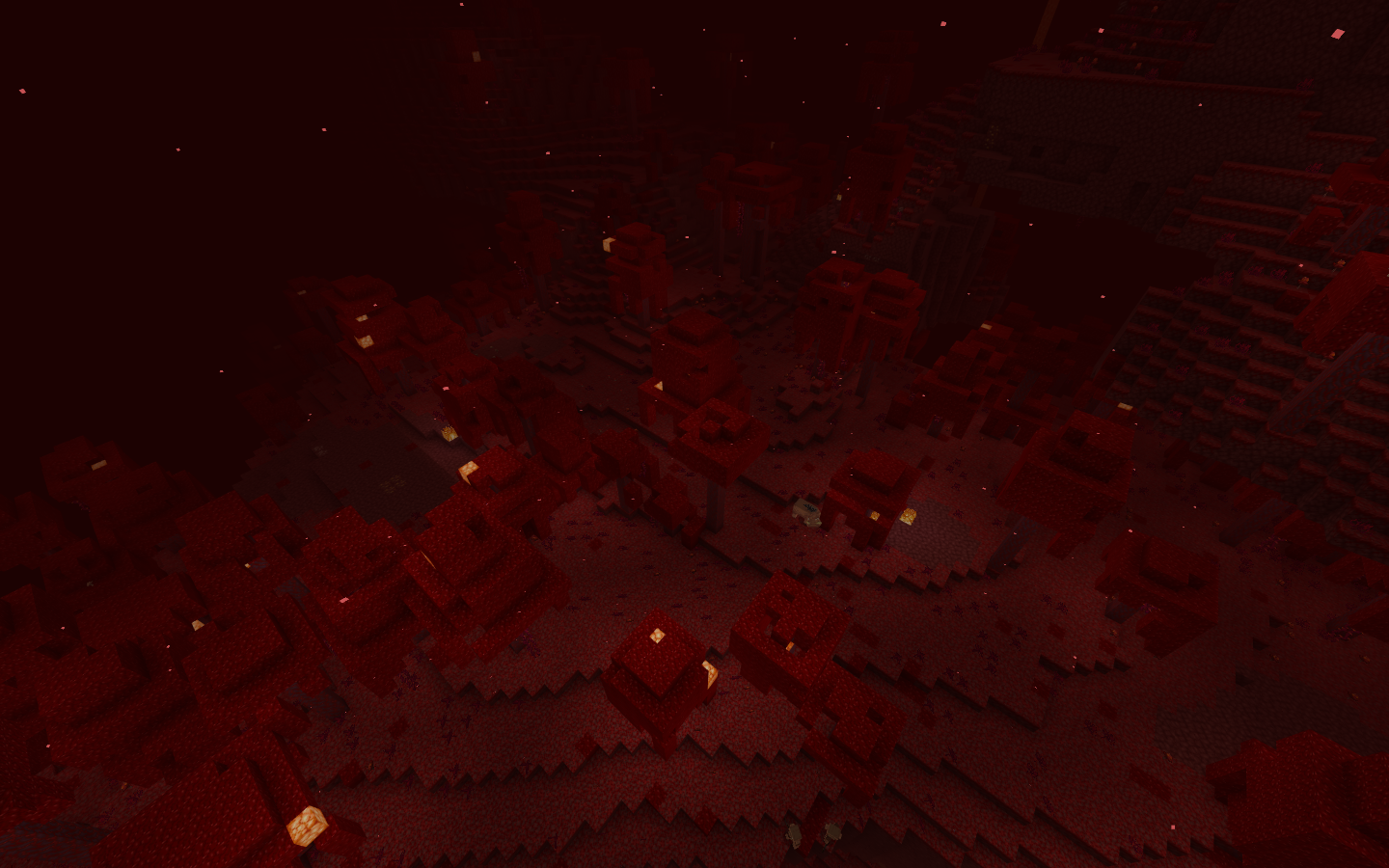
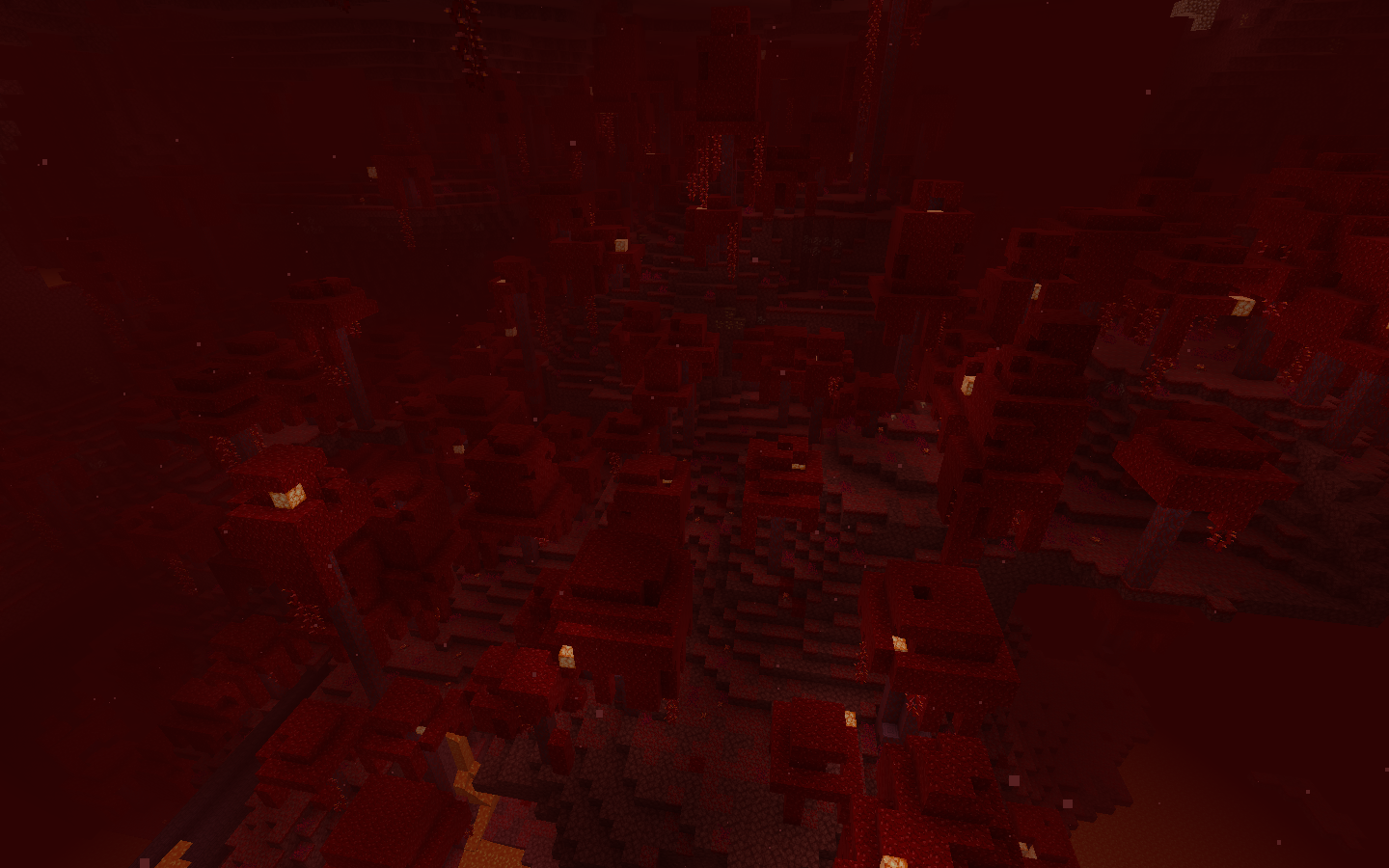
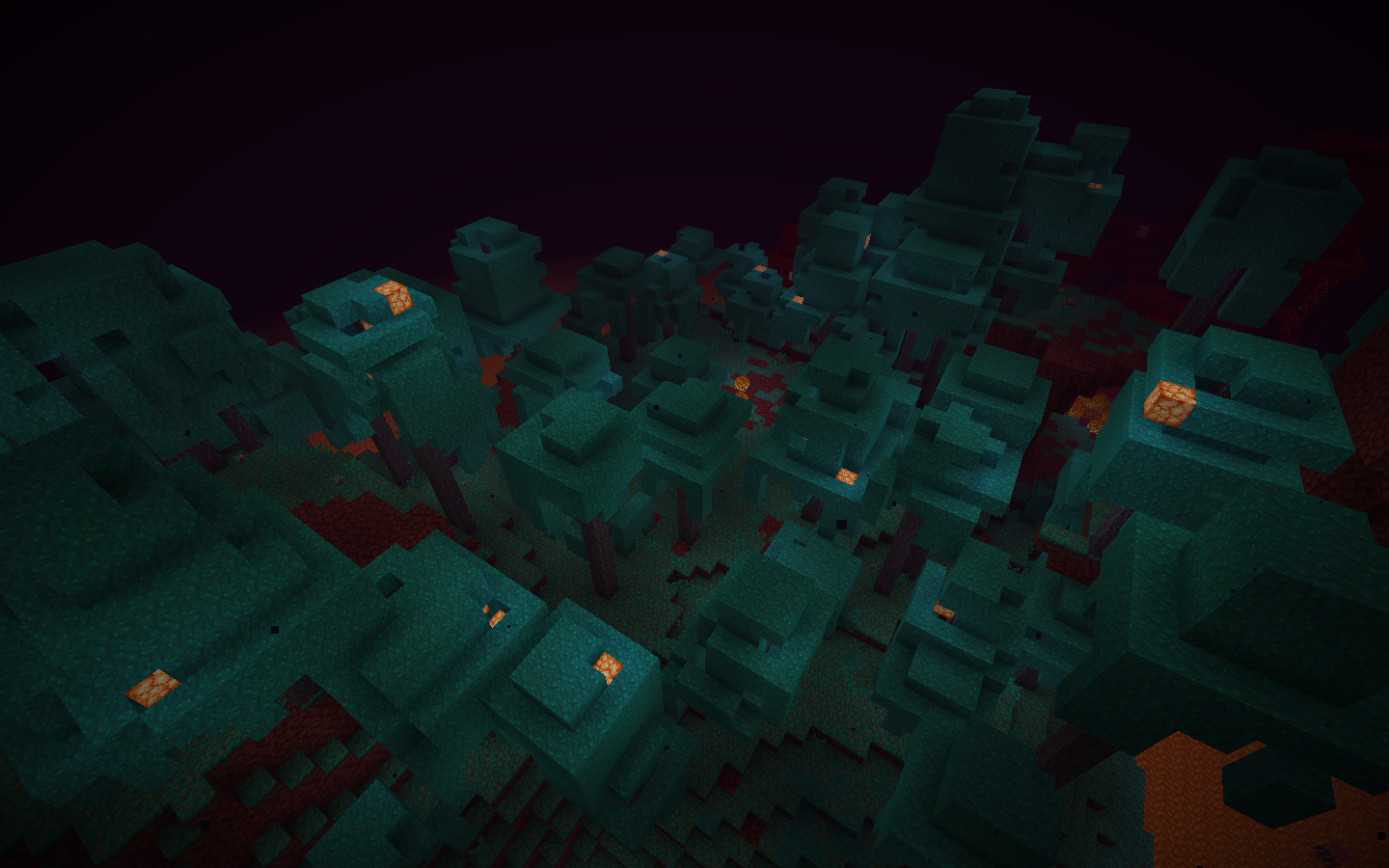
To reproduce just go to both biomes on both versions and see that the ones on java are much more lush that the ones on bedrock
To reproduce just go to both biomes on both versions and see that the ones on java are much more lush that the ones on bedrock
Steps to reproduce:
- In the bedrock version in the nether, find warped and crimson forests.
- Take a close look at tree generation in these biomes.
- In the java version in the nether, find warped and crimson forests.
- Take a close look at tree generation in these biomes.
Observed results:
In the bedrock version, tree generation is very rare. There is a lot of free space between the trees and there are noticeably fewer trees than in the Java version.
Expected results:
The generation must be the same in both versions!
Image:
Bedrock
Java
Bedrock
Java

Mobsconsider waterlogged blocks as regular water blocks, causing them to drownMobs try to swim up through solid blocks
There have been multiple times where a mob spawns or gets in my house and tries to pathfind/ flee, and they always choose the small waterfalls to get up, the thing is, the top of the waterfalls
are waterlogged slabs, but they don't realize and continue to try to swim upwards, causing them todrown.This relates to MC-156022
There have been multiple times where a mob spawns or gets in my house and tries to pathfind/ flee, and they always choose the small waterfalls to get up, the thing is, at the top of the waterfalls there are full cobble blocks, and they try to swim up without ever noticing and they always end up drowning.

There have been multiple times where a mob spawns or gets in my house and tries to pathfind/ flee, and they always choose the small waterfalls to get up, the thing is, at the top of the waterfalls there are full cobble blocks, and they try to swim up without ever noticing and they always end up drowning.
As of the 1.17 snapshots (21w06a) this doesn't always happen. Somethimes the cat
There have been multiple times where a mob spawns or gets in my house and tries to pathfind/ flee, and they always choose the small waterfalls to get up, the thing is, at the top of the waterfalls there are full cobble blocks, and they try to swim up without ever noticing and they always end up drowning.
As of the 1.17 snapshots (21w06a) this doesn't always happen. Somethimes the cat will go to the side of the waterfall and fall down, sometimes it will just not go onto the waterfall at all, but sometimes it will swim up and drown.
See the picture belowHow to reproduce:
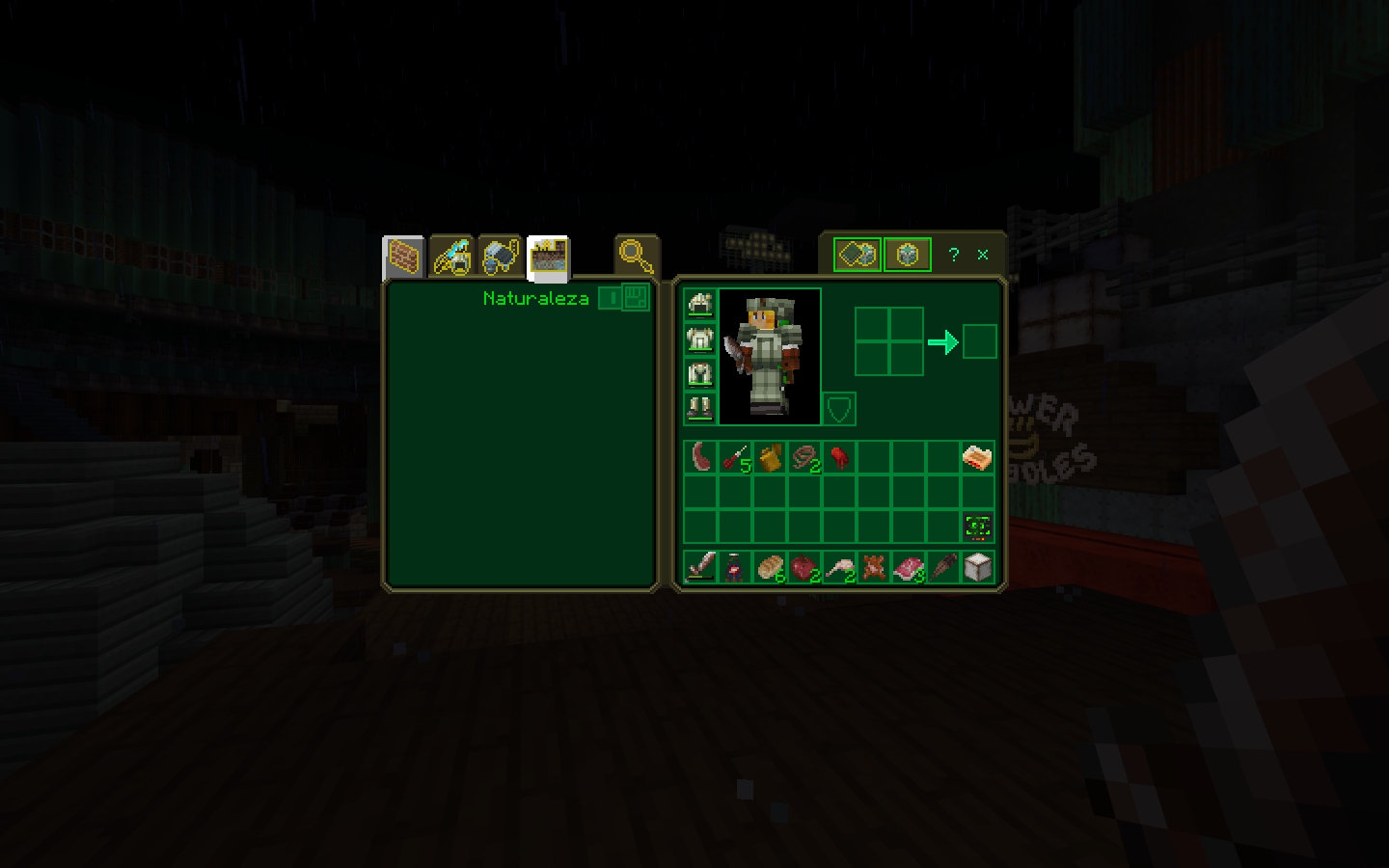
- Load the fallout mash-up pack
- Enter a world
- Hold an armor stand
How to reproduce:
Go underwater in a water biome
Go to the nether and its biomes
Wait for the
newlyadded 1.16.0music(nether biome specific music, the 3 underwater themes) to play, and you'll hear that they're exactly the same as default.This is incredibly jarring as all the other music tracks (excluding the music discs) are all fallout themed.
How to reproduce:
Go underwater in a water biome
Go to the nether and its biomes
Go to the new cave and mountain
Wait for the music added in 1.16.0 (nether biome specific music, the 3 underwater themes) and the 1.18.0 music (new mountain and cave biomes) to play, and you'll hear that they're exactly the same as default.
This is incredibly jarring as all the other music tracks (excluding the music discs) are all fallout themed.
Old spaghetticaves don't generate past Y=0Old style caves don't generate past Y=0
Affects 21w11a
In the world selection screen there's a weird symbol on the part that says
"p.m. or a.m."
My game is on Venezuelan Spanish
In Venezuelan spanish deepslate bricks should be called "ladrillos de pizarra profunda", but instead they're just called "deepslate bricks"
Could a mod close this please? I noticed more translation errors so I made a new report with all of the one's I've noticed including this one in
MC-228630
Glow lichen never appears in the caves beneath ocean biomes
![[Mod] NeunEinser](../../../data/avatars/users/39263.png)
Nightwind8887 If you have a video that is too big in file size to be uploaded to the tracker directly, you can upload it elsewhere (e.g. as an unlisted video on youtube) and link it here.

![[Mod] EVGENSYPERPRO](../../../data/avatars/users/92853.png)
Will open. You can update the report: copy everything after the line and paste it into the description. Or moderators will do it later)
In addition, this report has already received 15 votes and I see no reason to make a new report.
"Steps to reproduce:"
...
![[Mod] bemoty](../../../data/avatars/users/50554.png)
Nightwind8887 I made you the reporter of this ticket, so you can update the affected versions yourself now 
I think this is intentional, because when you press the button for moving forward, the minecart moves forward, and if you press the button for moving backwards, the minecart moves backwards.
This also happens to the mobs, but they are not players, so their code tells them to move forward, and the minecart is programmed to move forward when the thing inside of it gives the signal that they are, or want to move in any direction.
This isn't like a redstone signal can power the piston diagonally or a block away, it's a non-redstone related block, the block that gave the piston a signal was a green concrete block, and the piston retracted immediately after it received the supposed signal, even when the concrete was still there.
What I was reporting was a sugar cane that spawned in a cave underwater, not that water doesn't break sugar canes.
Affects 18w10d
Woah, the new picture looks very different, why's this?
Also, why was the picture changed?
This is happening to me on windows 10 as well
This is still happening to me on windows 10
Excuse me? I am reporting this as a bug
Bad reputation should go away after trading with the villagers, but for some reason that's not happening to me.
Could you please remove the "invalid" tag? Thanks
The prices increasing after being hit is normal, but I have traded several times with them after that, and if I'm right that should make them reduce their prices because I'm being friendly with them, but it has been several ingame days and the bad reputation hasn't gone away.
In my case, I was just transporting a villager from a 1.12 village in a boat (by land, as it was the fastest way to transport him, lol), and I had to defend him from some zombies, and I accidentally hit him, and after that, the spoiler decided to gossip that and my reputation hasn't raised since.
Just a couple days ago I accidentally hit him again, lol.
Affects 1.12 in windows 10
I'm pretty sure this has been fixed, as trades have now returned to normal prices
Also Nikki, this is for the java edition, if you have that issue on bedrock then go report the bug in the bedrock section of this website
Bruh, the version of the game you're actually reporting is the bedrock edition
Can confirm for 19w40a
Affects 19w41a
in first person it has always been there, but the effects weren't as noticeable as now
I have uploaded a video that shows how it used to be in 1.14.4, both in first person and third person views
Affects 19w42a
What do you mean with invalid? What do you mean with parity issues? What do you mean with different editions?
I'm reporting an issue regarding the sound when the player falls on top of blocks in the java edition of minecraft.
Before, in creative mode when the player fell down on top of blocks a sound played, now it plays nothing.
Thank you
I have done some testing, and apparently this issue is also in 1.14.4, and I included instructions on how to reproduce the issue.
I have uploaded a vido of the issue in action.
That's what it says
Title: Held item lighting in first person doesn't change accordingly in relation with light sources
In the bug description:
How to reproduce:
Be in first person mode
In those two instances it says that the bug is present only in first person
Affects 19w44a
Affects 19w45a
Affects 19w45a
I don't know how to say it, I just can say that it doesn't feel right compared to how it behaved in 1.14.4 and before, maybe someone could attatch 2 videos showing the difference, because if I recorded a video I would have to compress it a lot to be able to attatch it to this report, and because of the compressing the issue would be difficult to notice.
The only way I can put it is that now the lighting is applied close to how it should be, but it is still off.
affects 19w46a
Affects 1.13.1
Affects 1.13.1
Affects 1.15 Pre-1
Affects 1.15 Pre-1
This appears to affect non translucent blocks as well, like grass.
Can confirm, this only happens when the path block is next to air or non full blocks (water, slabs, stairs, fences, etc.)
Affects 1.15 Pre-2
Please fix this, I travel a lot and this bug scares me!
Affects 1.15 Pre-2
Affects 1.15 Pre-3
Affects 1.15 Pre-3
Affects 1.15 Pre-3
Affects 1.15 Pre-3
I'm pretty sure it was fixed a long time ago, it's just that it takes a lot of time for the bad reputation to go away.
But it WAS fixed, my trades returned to normal ater some time, please mark as "fixed"
Affects 1.15 Pre-4
Affects 1.15 Pre-4
Affects 1.15 Pre-4
Affects 1.15 Pre-5
Affects 1.15 Pre-5
Affects 1.15 Pre-5
Affects Release 1.15
Affects Release 1.15
Affects Release 1.15
Affects Release 1.15
Affects Release 1.15
Affects Release 1.15
Affects Release 1.15
Affects Release 1.15
Affects release 1.15.1
It would be amazing if this was fixed, it's annoying to have to search a block just because it's not where you'd expect it to be.
a hitbox problem, it's also very annoying when they get onto your boats, because they'll look like they're sit don on the boat but the hitbos is like they're swimming, so they can hit you even if they're visibly too far away from you
First, they won't fix a bug from the 1.12.2 update unless it is still present in the latest version (1.15.1).
Second, what's up with that description?
You can actually revert this by creating a new world, but you have to create it using the exact same name the original world's save folder has.
Affects 1.15.2 Pre-1
Affects 1.15.2 Pre-1
Affects 1.15.2 Pre-1
Affects 1.15.2 Pre-1.
Water also causes this bug
Affects 1.15.2 Pre-1
Affects 1.15.2 Pre-1
Affects 1.15.2 Pre-1
Related to
MC-165962Affects 1.15.2 Pre-2
Affects 1.15.2 Pre-2
Affects 1.15.2 Pre-2
Affects 1.15.2 Pre-2
Affects 1.15.2 Pre-2
Affects water blocks as well
Affects 1.15.2 Pre-2
Affects 1.15.2 Pre-2
Affects 1.15.2 Pre-2
Affects 1.15.2 Pre-2
I think what he's trying to say is that, creepers don't actually make any sounds. The only sounds they make is footsteps, and the hissing sound is the same one TNT makes, so technically the parrots are not imitating the creeper's sounds... or something like that, idk.
Affects 20w06a
Affects 20w06a
Affects 20w06a
Affects 20w06a
Affects 20w06a
Affects 20w06a
Affects 20w06a
Affects 20w06a
Affects 20w06a
Why is this marked as duplicate? it's not lines between the sides of the model, in the pictures you can see that the upper side of the handle is completely missing, and in the second picture you can see there's model where there is no texture and the clouds become unrendered behind it, please re open.
In my testing soul sand still doesn't make shadows, how is it that in yours it does?
edit: None of the blocks in the picture make visible shadows for me, they do reduce the light level to 13 though.
edit 2: it seems like ambient occlusion isn't affected by the brightness setting in the video settings menu, but shadows are, meaning that while ambient occlusion will be the same with different brightness settings, shadows will not, not sure if this is intended or not.
Affects 20w10a
Affects 20w10a
Affects 20w10a
Affects 20w10a
Affects 20w11a
Affects 20w11a
Affects 20w11a
Affects 20w11a
Affects 20w11a
Affects 20w11a
Affects 20w12a
Affects 20w12a
Affects 20w12a
Affects 20w12a
Affects 20w12a
Affects 20w12a
Affects 20w13a
Affects 20w13a
Affects 20w13a
Affects 20w13a
Affects 20w13a
Affects 20w13a
Is the world still inside the "saves" folder?
Affects 20w14a
Affects 20w14a
Affects 20w14a
Affects 20w14a
Affects 20w14a
Affects 20w14a
They also make clouds invisible.
Affects 20w14a
Affects 20w14a
Can confirm, it's pretty odd
I think if you create a new world named exactly like how the lost world's folder is named in the saves folder you should be able to get it back.
Affects 20w15a
Affects 20w15a
Affects 20w15a
Affects 20w15a
Affects 20w15a
Affects 20w15a
This also makes water and clouds invisible.
Affects 20w15a
Affects 20w15a
Affects 20w15a
Affects 20w15a
I still hear them. They even sometimes play in the biomes with the new music.
Affects 20w16a
Affects 20w16a
Affects 20w16a
Affects 20w16a
Affects 20w16a
Affects 20w16a
Affects 20w16a
Affects 20w17a
Affects 20w17a
Affects 20w17a
Affects 20w17a
Affects 20w17a
Affects 20w17a
Affects 20w17a
Affects 20w18a
Affects 20w18a
Affects 20w18a
Affects 20w18a
Affects 20w18a
Affects 20w18a
Affects 20w18a
Affects 20w18a
Affects 20w18a
Affects 20w18a
I think this was fixed in the 1.16 snapshots.
Affects 20w19a
Affects 20w19a
Affects 20w19a
Affects 20w19a
Affects 20w19a
Affects 20w19a
Affects 20w19a
I'm honestly surpised this hasn't been fixed yet, as the fix is literally just moving the corresponding part of the texture in photoshop (or the program that is used to make the textures).
Affects 20w19a
Affects 20w19a
Affects 20w19a
Affects 20w19a
Affects 20w19a
Affects 20w20a
Affects 20w20a
Affects 20w20a
Affects 20w20a
Affects 20w20a
Affects 20w20a
Affects 20w20a
Affects 20w20a
Affects 20w20a
Affects 20w20a
Affects 20w20a
This also happens when holding left click while moving.
Affects 20w20a
This happens because particles in java are rotated according to the player's looking direction, and apparently firework rockets are affected by the same thing.
This bug scares me, I don't want to play the game with this happening being a posibility!
Affects 1.16.0.61
Everything else sounded fine
Huh, odd, I did a test in one of my worlds and raind did sound. Maybe it's an issue with multiplayer?
Affects 20w21a
Affects 20w21a
Affects 20w21a
Affects 20w21a
Affects 20w21a
Affects 20w21a
Affects 20w21a
Affects 20w21a
Affects 20w21a
Affects 20w21a