 PTR_91
- ptr91
- ptr91
- America/Chicago
- Yes
- No
 MC-12886
 MCPE-6289





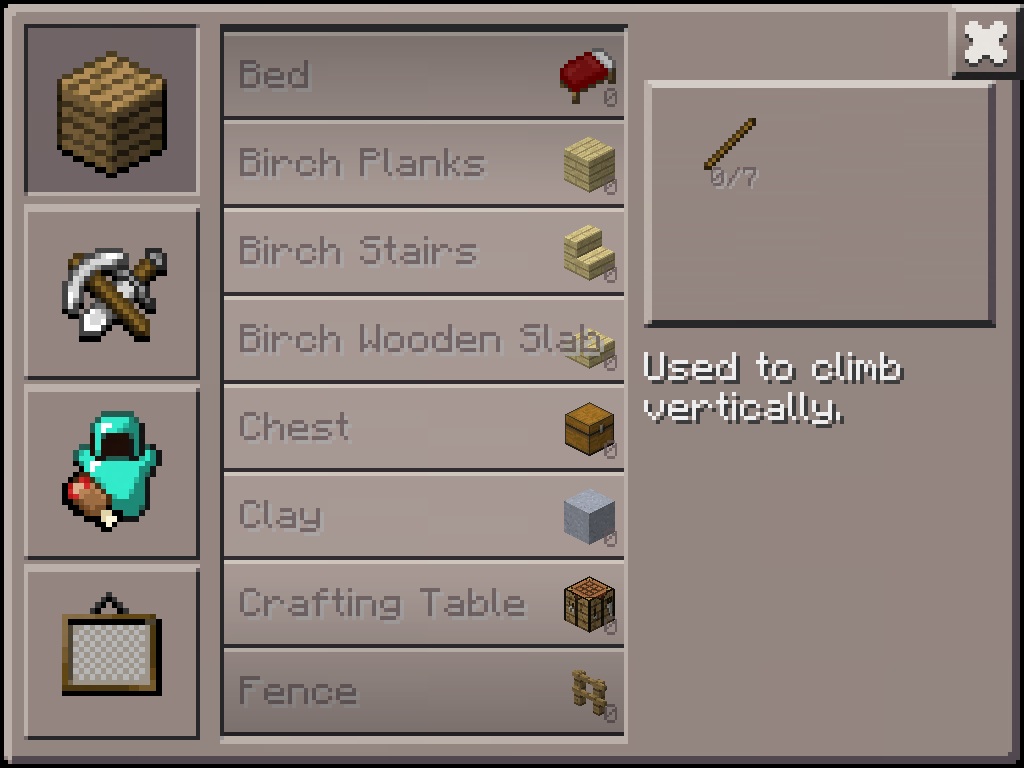
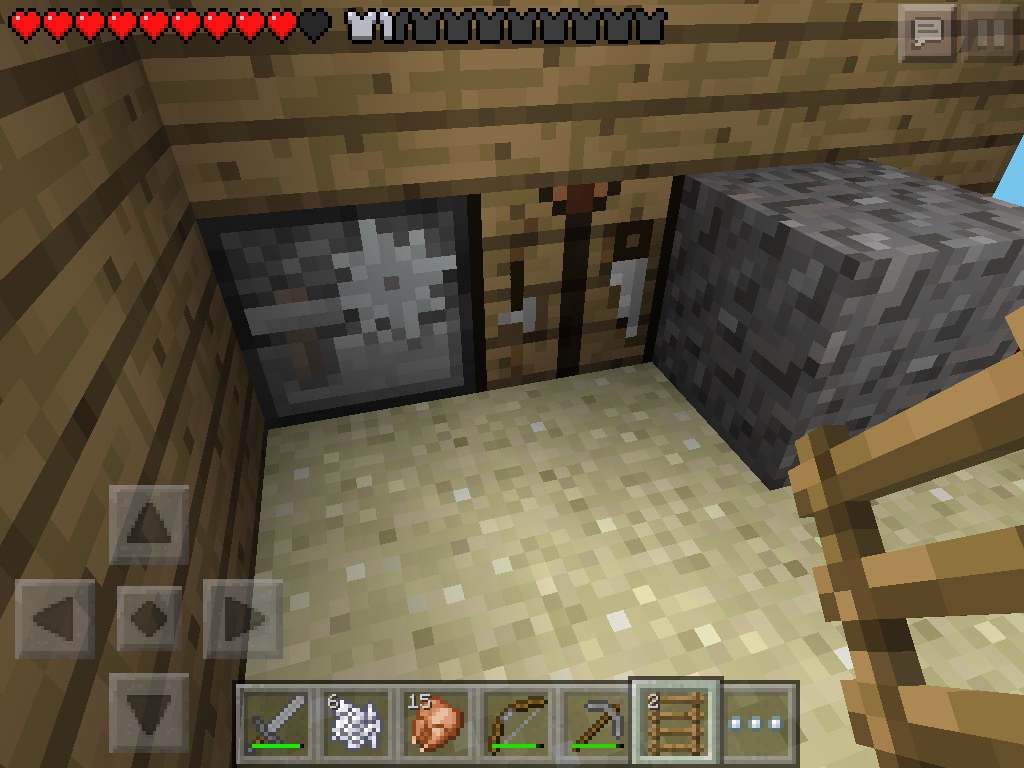
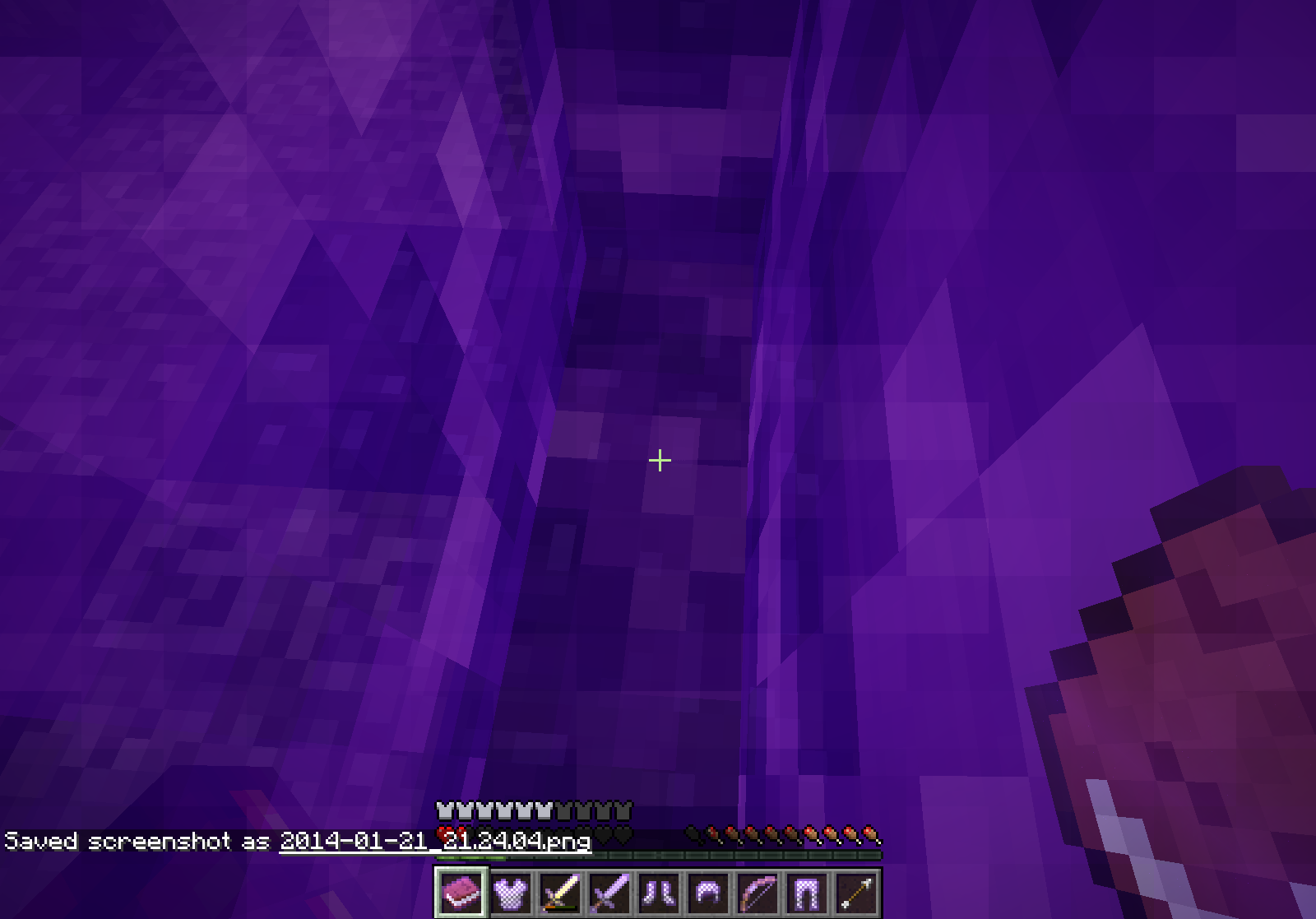
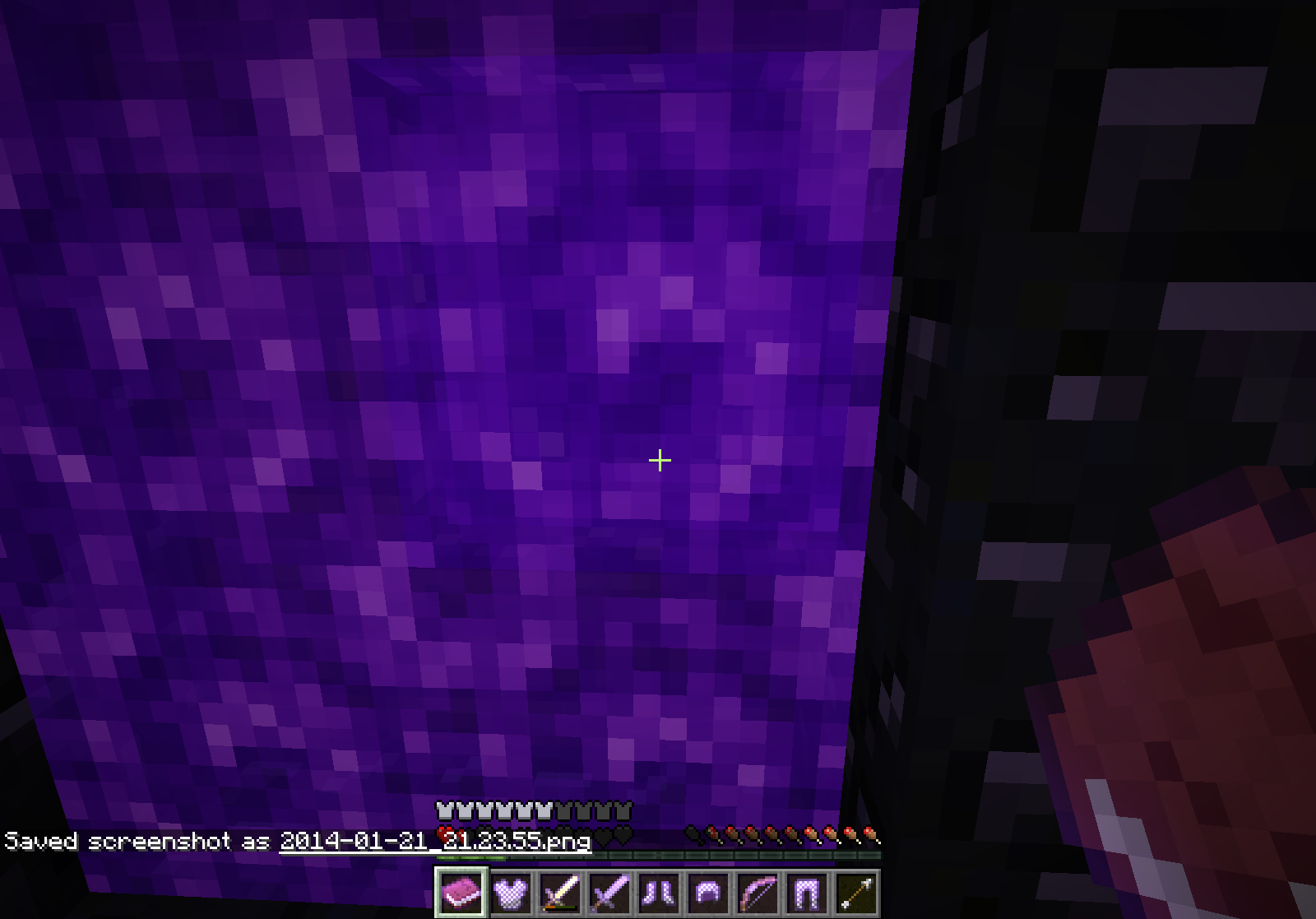
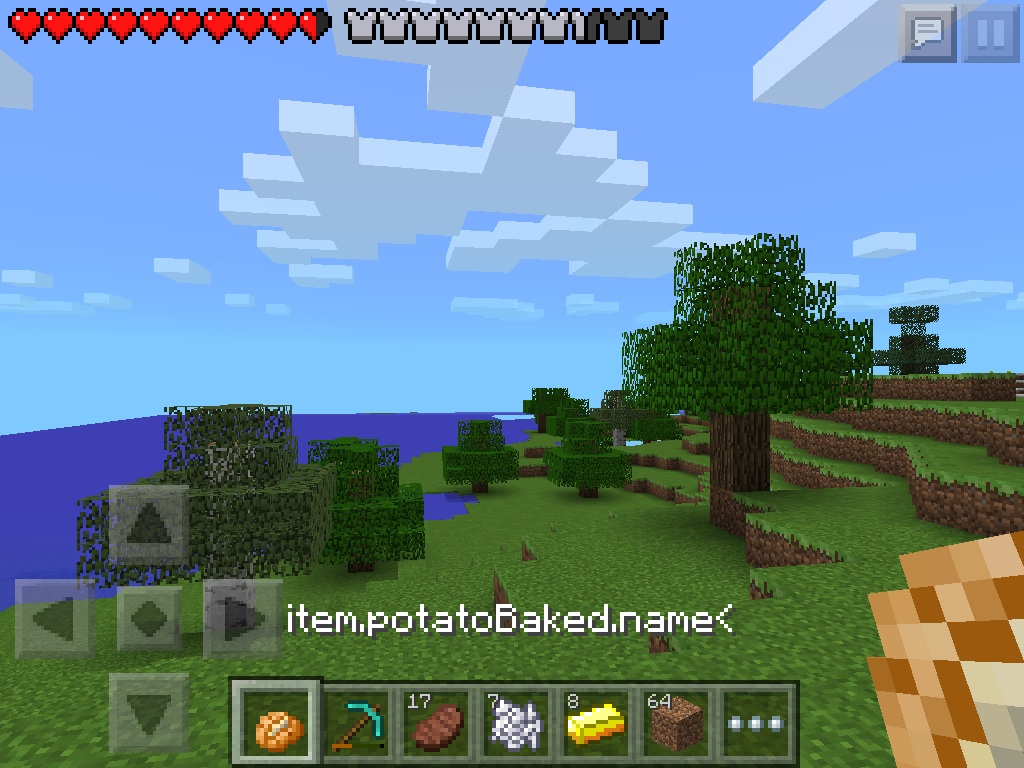
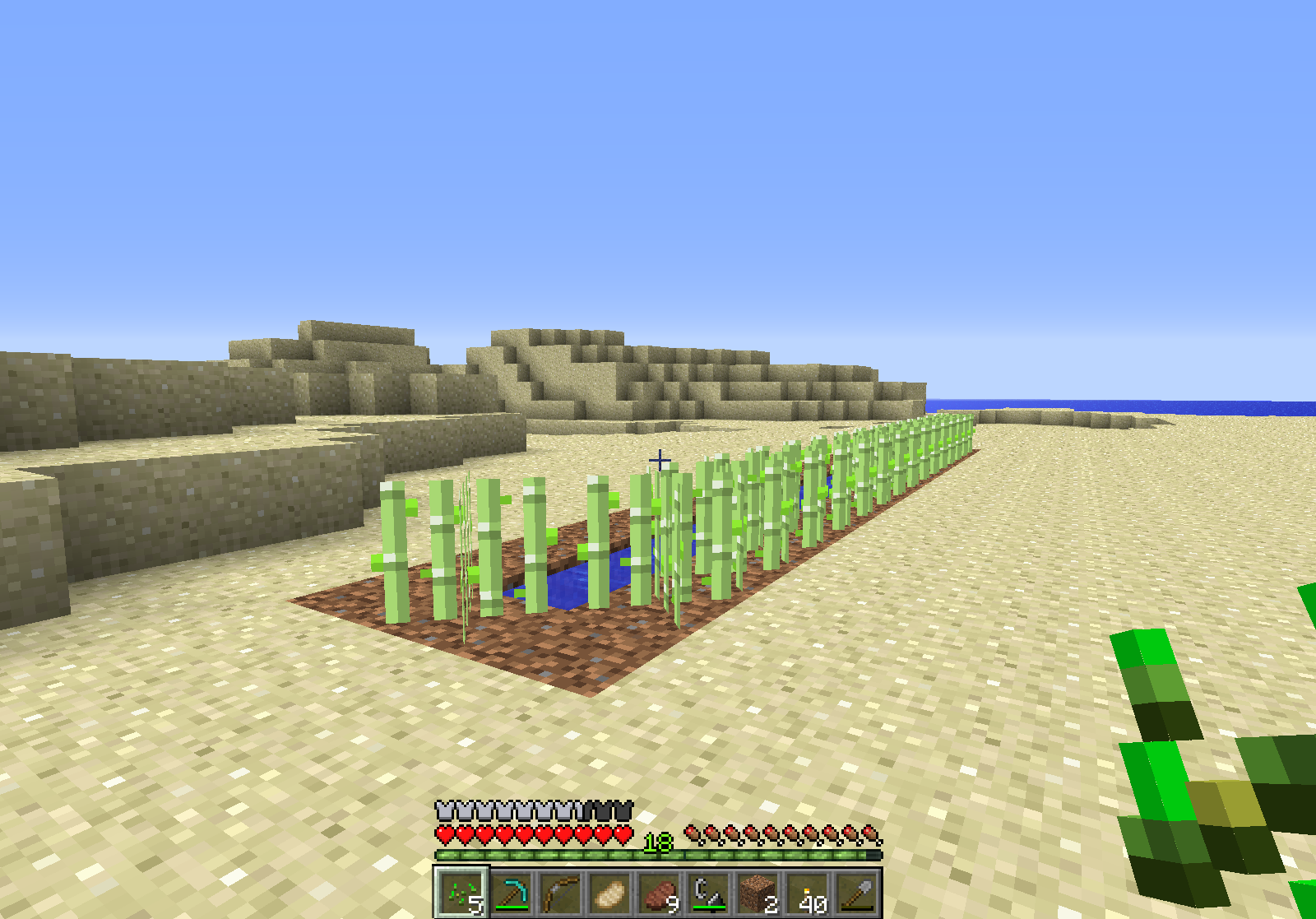
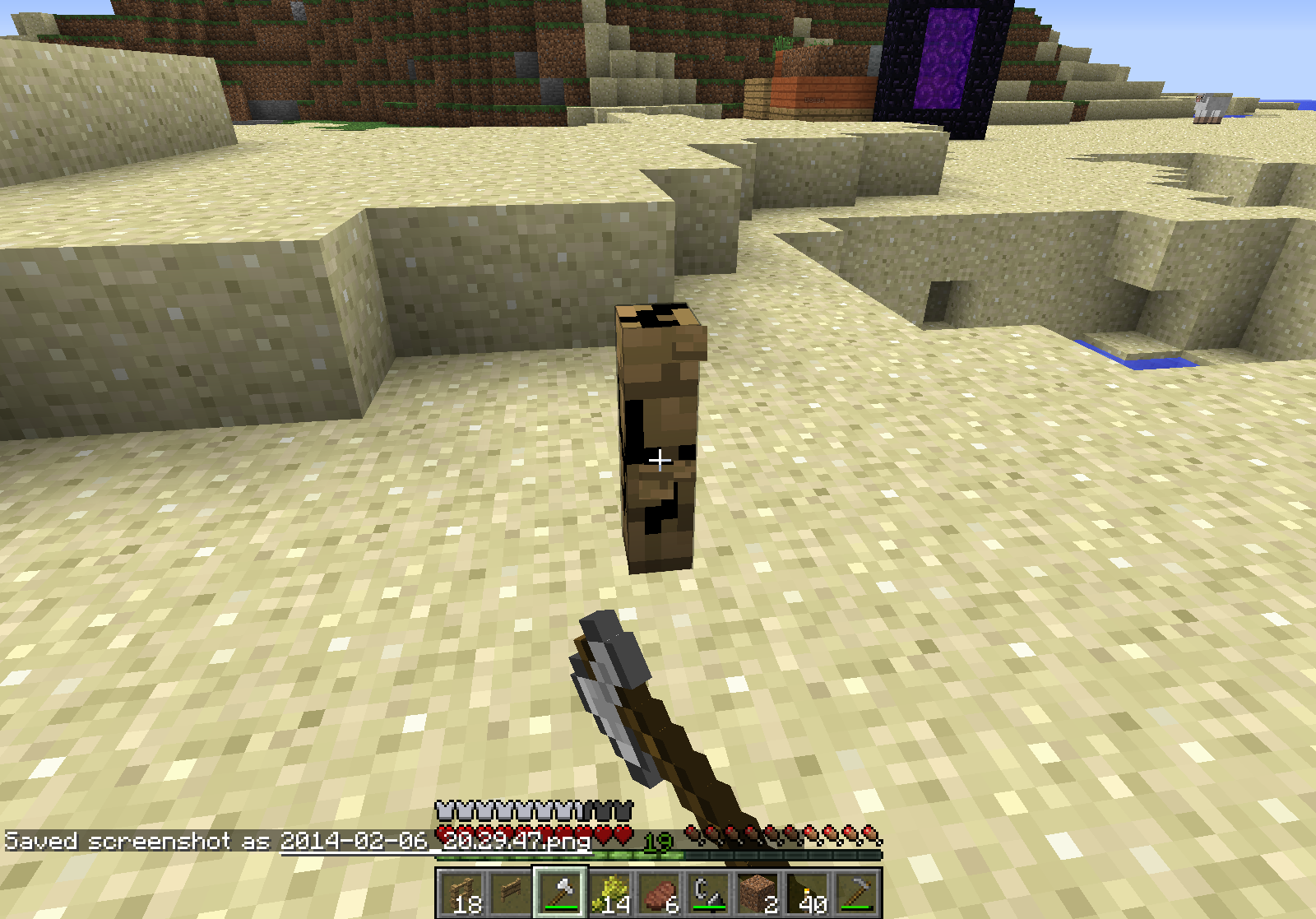
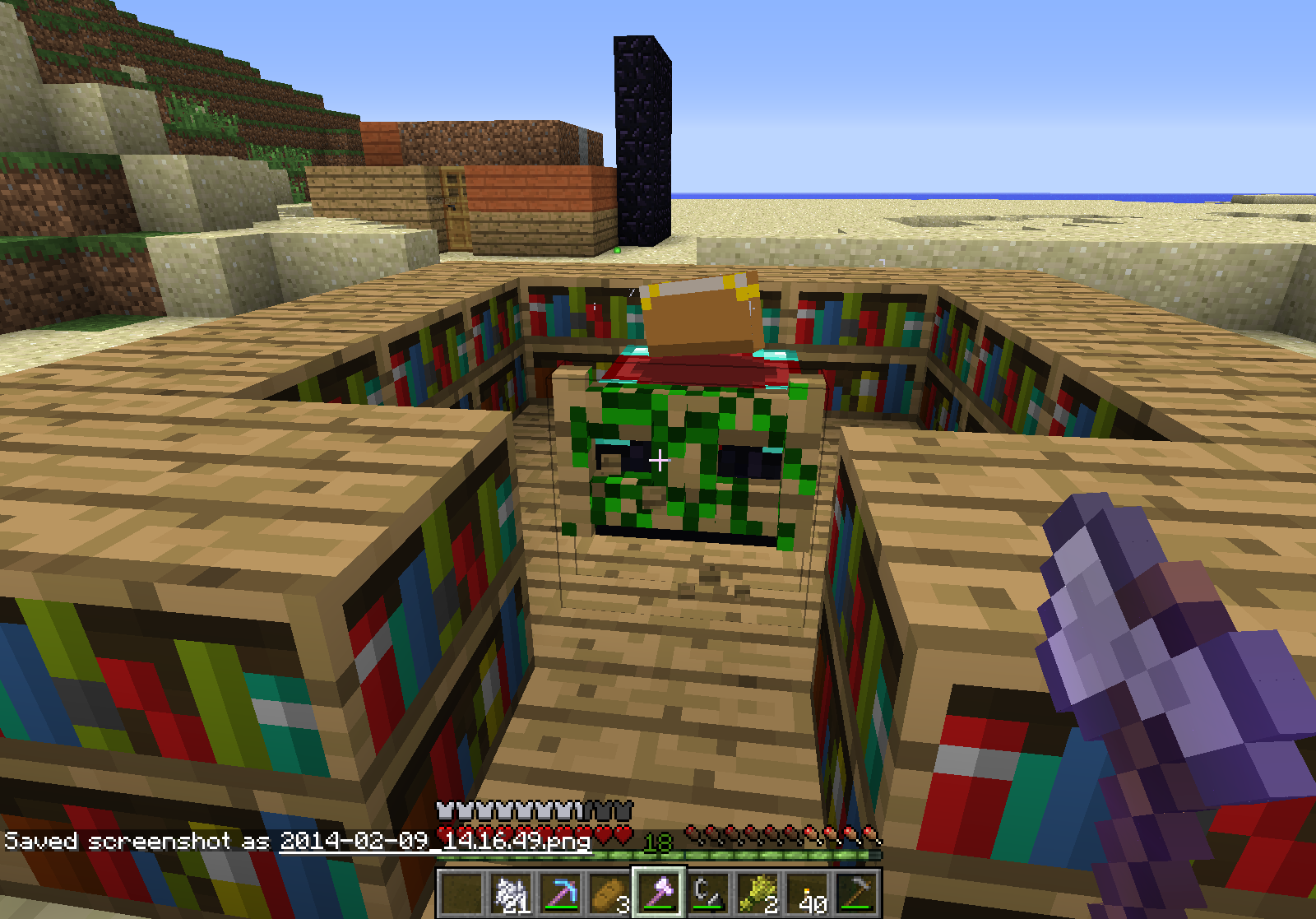

Put your operating system (Windows 7, Windows XP, OSX) and Java version if you know it here
Windows 8
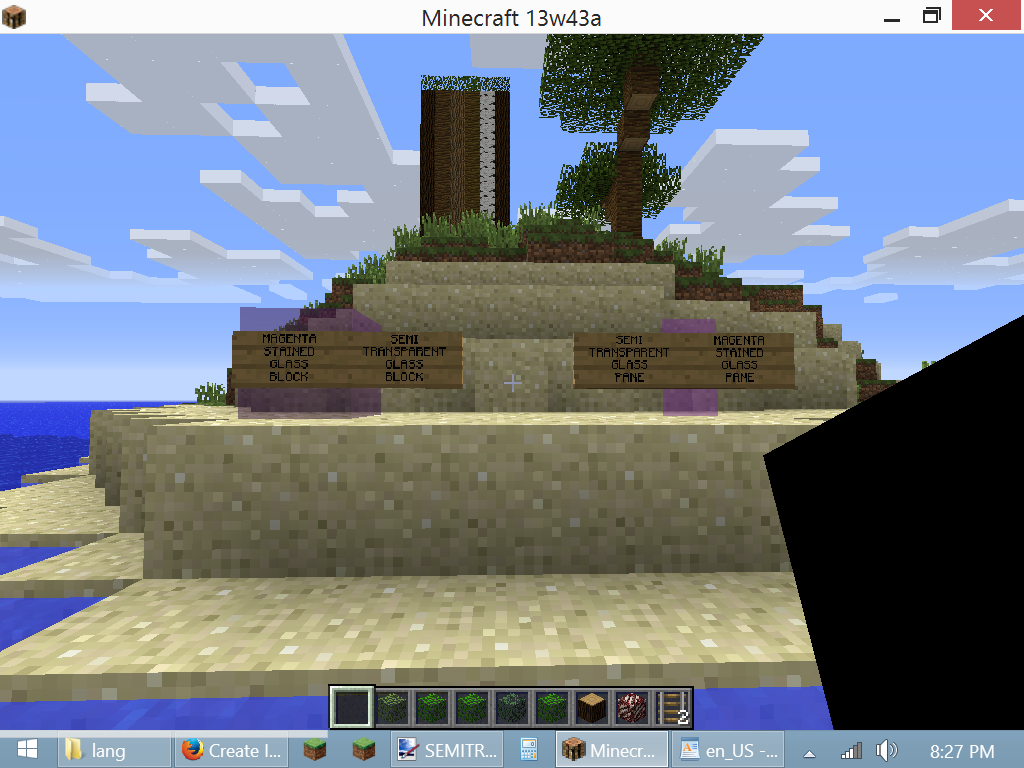
So when making a Scribblenauts resource pack I made the blocks
18x18px. When viewing them from12+blocks away they look like they have an "x-ray" effect for an outline. I don't believe this is intended.So when making a Scribblenauts resource pack I made the blocks a number that's not a power of 16. When viewing them from a number of blocks away they look like they have an "x-ray" effect for an outline. I don't believe this is intended.
Weird Resource Pack18x18pxBlock Issue
So when making a Scribblenauts resource pack I made the blocks a number that's not a
powerof 16. When viewing them from a number of blocks away they look like they have an "x-ray" effect for an outline. I don't believe this is intended.So when making a Scribblenauts resource pack I made the blocks a number that's not a multiple of 16. When viewing them from a number of blocks away they look like they have an "x-ray" effect for an outline. I don't believe this is intended.
Go into the Jukebox/Note blocks settings, or turn up the master volume
If that doesn't help...I got nothin'
I got this with a cat
Forced to whack my cat so I could actually build stuff (eventually killing it)
It may be the fact that "MaxUses" is set as "1", try changing that to something higher (I don't know what that field does, I only use custom NBT data to get player heads and mega enchanted items)
When I fall from a large height into a one block deep water pool, I die. Note: They were all source blocks, not sure if that has anything to do with it.
What I expected to happen:
I wouldsurvive the fall, likein the computer version.What actually happened:
Idiedfrom fall damage.Steps to reproduce:
1. Make a one block deep water pool.
2. Make a tall pillar (enough todie from).
3. Jump into the water pool.When I fall from a large height into a one block deep water pool, I die. Note: They were all source blocks, not sure if that has anything to do with it.
What I expected to happen:
I would not take damage, similarly in the computer version.What actually happened:
I got hurt from fall damage.Steps to reproduce:
1. Make a one block deep water pool.
2. Make a tall pillar (enough to take damage from).
3. Jump into the water pool.
Candie when falling in shallow waterCan take fall damage when falling in shallow water
When I fall from a large height into a one block deep water pool, I die. Note: They were all source blocks, not sure if that has anything to do with it.
What I expected to happen:
I would not take damage, similarlyinthe computer version.What actually happened:
I got hurt from fall damage.Steps to reproduce:
1. Make a one block deep water pool.
2. Make a tall pillar (enough to take damage from).
3. Jump into the water pool.When I fall from a large height into a one block deep water pool, I die. Note: They were all source blocks, not sure if that has anything to do with it.
What I expected to happen:
I would not take damage, similarly to the computer version.What actually happened:
I got hurt from fall damage.Steps to reproduce:
1. Make a one block deep water pool.
2. Make a tall pillar (enough to take damage from).
3. Jump into the water pool.
When I fall from a large height into a one block deep water pool, I
die. Note: They were all source blocks, not sure if that has anything to do with it.What I expected to happen:
I would not take damage, similarly to the computer version.What actually happened:
I got hurt from fall damage.Steps to reproduce:
1. Make a one block deep water pool.
2. Make a tall pillar (enough to take damage from).
3. Jump into the water pool.When I fall from a large height into a one block deep water pool, I get hurt.
What I expected to happen:
I would not take damage, similarly to the computer version.What actually happened:
I got hurt from fall damage.Steps to reproduce:
1. Make a one block deep water pool.
2. Make a tall pillar (enough to take damage from).
3. Jump into the water pool.
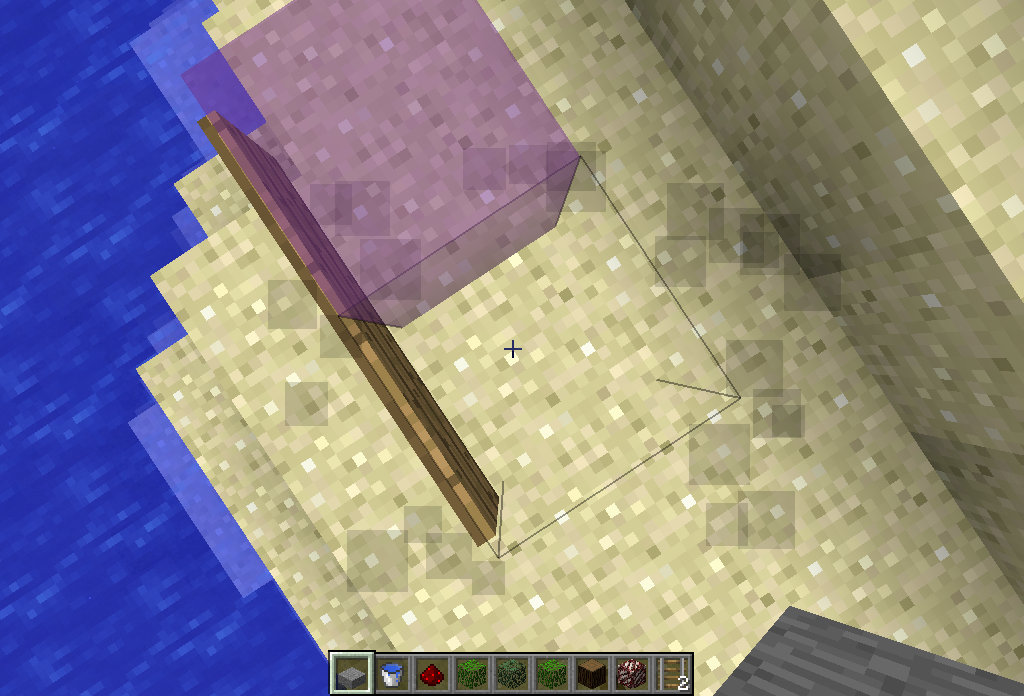
I think that this is because they consider the rail a full block in relative coordinating.
This is because signs placed on the ground are actually taller than one block.
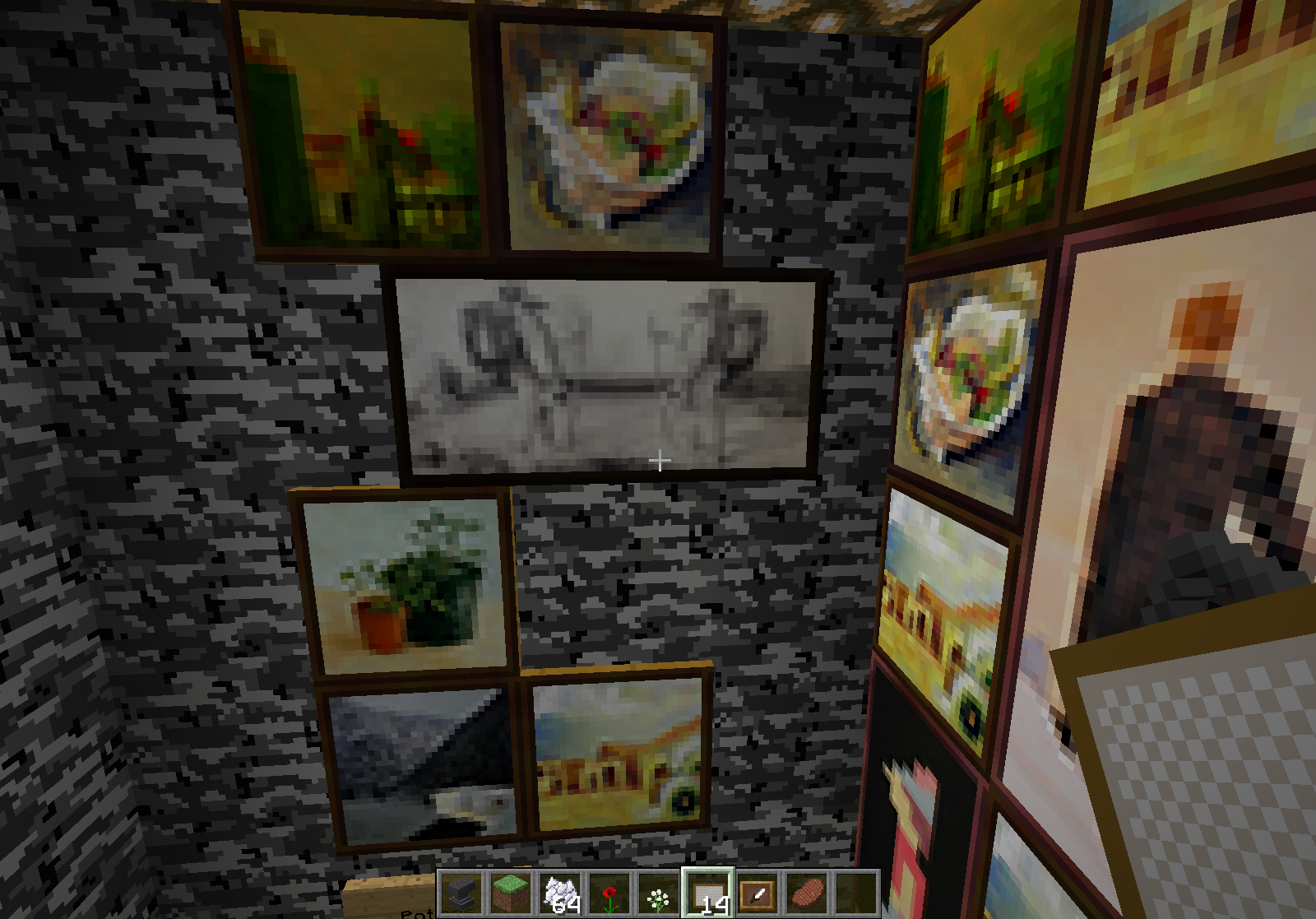
When I started my world, all my item frames and paintings flew off the walls. I replaced them, but paintings that are two blocks wide don't align properly to the blocks.
What I expected to happen:
The paintings would align to the sides of the blocks.What actually happened:
The paintings placed strangely.Steps to reproduce:
1. Place a painting that is two blocks wide on a block that has two blocks next to it, on either side.Server message by CANNOT REMEMBER
[code]
[19:12:32] [Server thread/ERROR]: Wrong location! (23, 11) should be (23, 12), sx['Painting'/157, l='world', x=379.94, y=80.50, z=191.50]
java.lang.Exception: Stack trace
        at java.lang.Thread.dumpStack(Thread.java:1266)
        at aqz.a(SourceFile:647)
        at arn.a(SourceFile:294)
        at arn.a(SourceFile:81)
        at arn.a(SourceFile:69)
        at nl.f(SourceFile:129)
        at nl.c(SourceFile:80)
        at net.minecraft.server.MinecraftServer.h(SourceFile:257)
        at net.minecraft.server.MinecraftServer.a(SourceFile:228)
        at mm.f(SourceFile:182)
        at net.minecraft.server.MinecraftServer.run(SourceFile:347)
        at mc.run(SourceFile:647)
Java 7 Update
45
Windows 8.164-bit Java 7 Update 51
Windows 8.1 amd64
When I started my world, all my item frames and paintings flew off the walls. I replaced them, but paintings that are two blocks wide don't align properly to the blocks.
What I expected to happen:
The paintings would align to the sides of the blocks.What actually happened:
The paintings placed strangely.Steps to reproduce:
1. Place a painting that is two blocks wide on a block that has two blocks next to it, on either side.Server message by CANNOT REMEMBER
[code]
[19:12:32] [Server thread/ERROR]: Wrong location! (23, 11) should be (23, 12), sx['Painting'/157, l='world', x=379.94, y=80.50, z=191.50]
java.lang.Exception: Stack trace
at java.lang.Thread.dumpStack(Thread.java:1266)
at aqz.a(SourceFile:647)
at arn.a(SourceFile:294)
at arn.a(SourceFile:81)
at arn.a(SourceFile:69)
at nl.f(SourceFile:129)
at nl.c(SourceFile:80)
at net.minecraft.server.MinecraftServer.h(SourceFile:257)
at net.minecraft.server.MinecraftServer.a(SourceFile:228)
at mm.f(SourceFile:182)
at net.minecraft.server.MinecraftServer.run(SourceFile:347)
at mc.run(SourceFile:647)When I started my world, all my item frames and paintings flew off the walls. I replaced them, but paintings that are two blocks wide don't align properly to the blocks.
What I expected to happen:
The paintings would align to the sides of the blocks.What actually happened:
The paintings placed strangely.Steps to reproduce:
1. Place a painting that is two blocks wide on a block that has two blocks next to it, on either side.Server message by Ed Hall
[19:12:32] [Server thread/ERROR]: Wrong location! (23, 11) should be (23, 12), sx['Painting'/157, l='world', x=379.94, y=80.50, z=191.50] java.lang.Exception: Stack trace at java.lang.Thread.dumpStack(Thread.java:1266) at aqz.a(SourceFile:647) at arn.a(SourceFile:294) at arn.a(SourceFile:81) at arn.a(SourceFile:69) at nl.f(SourceFile:129) at nl.c(SourceFile:80) at net.minecraft.server.MinecraftServer.h(SourceFile:257) at net.minecraft.server.MinecraftServer.a(SourceFile:228) at mm.f(SourceFile:182) at net.minecraft.server.MinecraftServer.run(SourceFile:347) at mc.run(SourceFile:647)
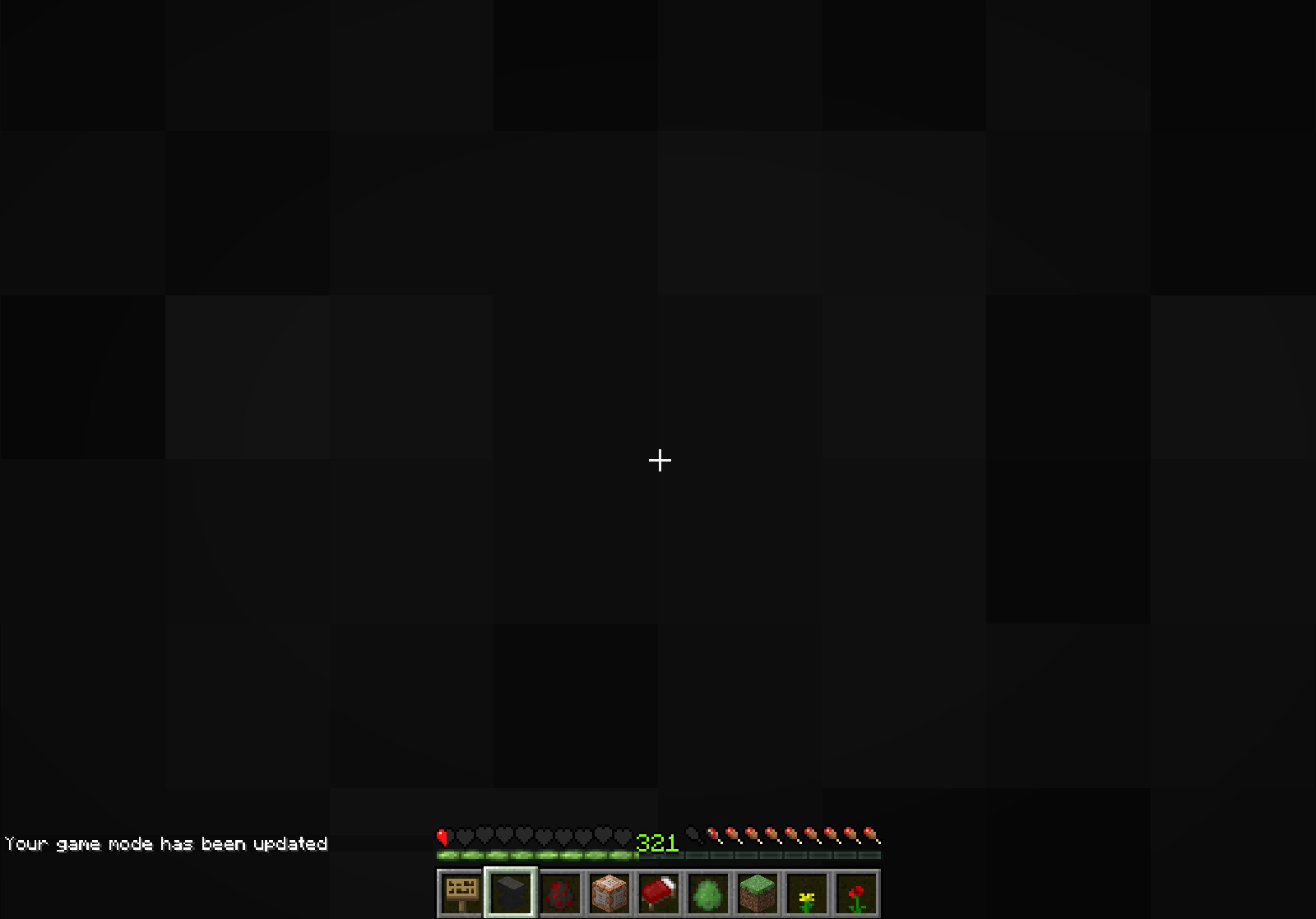
Sometimes, when breaking a block, the animation will be completely black. This doesn't always happen, but occasionally happens.
Steps to reproduce:
1. Place fence
2. Hit fence multiple times, animation will eventually turn all black, may take only one try.1. Place fence gate
2. Hit fence gate multiple times, animation will eventually turn all green, may take only one try.
Block breaking animation may occasionallyturn all black.Block breaking animation may occasionally change to a weird color
Sometimes, when breaking a block, the animation will be (completely) black or green. This doesn't always happen, but occasionally happens.
Steps to reproduce:
1. Place fence
2. Hit fence multiple times, animation will eventually turn all black, may take only one try.1. Place fence gate
2. Hit fence gate multiple times, animation will eventually turn all green, may take only one try.
Mod edit:
Reasons found so far:
- Thunderstorm
- XP orbs near by
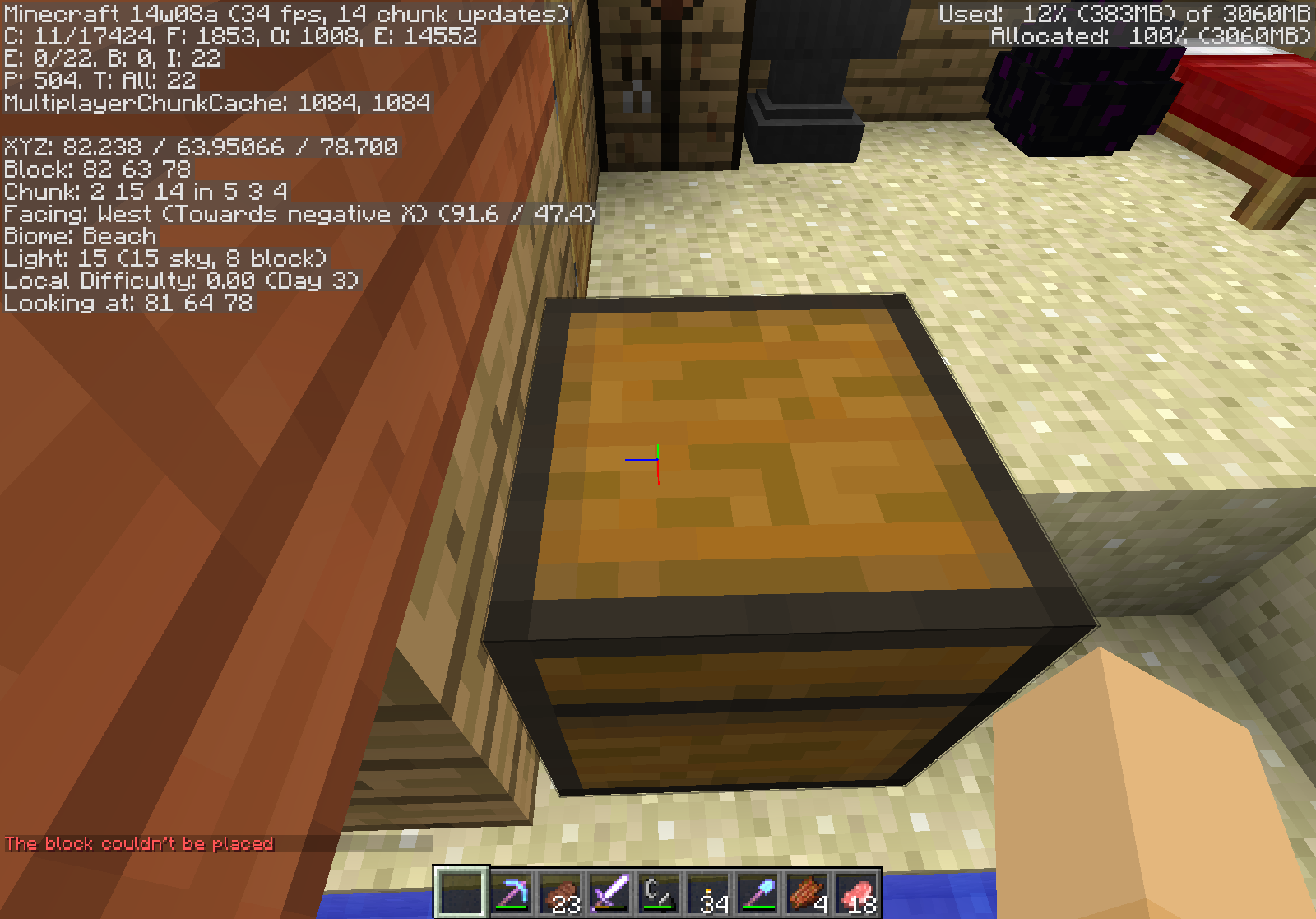
Game states that "The block couldn't be placed" when using /setblock to place air in a space occupied by a chest, despite working
When using /setblock to place air blocks, the game will state "The block couldn't be placed" in red text, despite clearly working. On the right of the chest in the attachment was another chest (to make it a large chest), but the error message appeared after I removed it by /setblock-ing down air in an area with a chest.
It doesn't look the same to me
I'll upload it around 3:30 PM Chicago time
Or apparently 6:07 PM Chicago time
I never got this issue. Is it glitched on unlimited FPS?
Well if you count having the night vision effect occasionally black out the world for a bit as part of this, then I have noticed this. If not, then I haven't noticed it.
Could it be because I'm on Windows?
I once spawned outside an adventure map's house (w/o a door)
I was forced to go into creative so i could fix the wall when i went in (since it was made of lapis lazuli)
I believe this is because they don't have a special tool that speeds up block breaking, since the way adventure mode's "you can't break blocks" method works, is that you can't break blocks unless you have the right tool. Glass, Glowstone, Torches, etc. don't have their own special tool, so they can be broken without one. Thus, I don't believe this is a bug, but I'll leave that up to the mods.
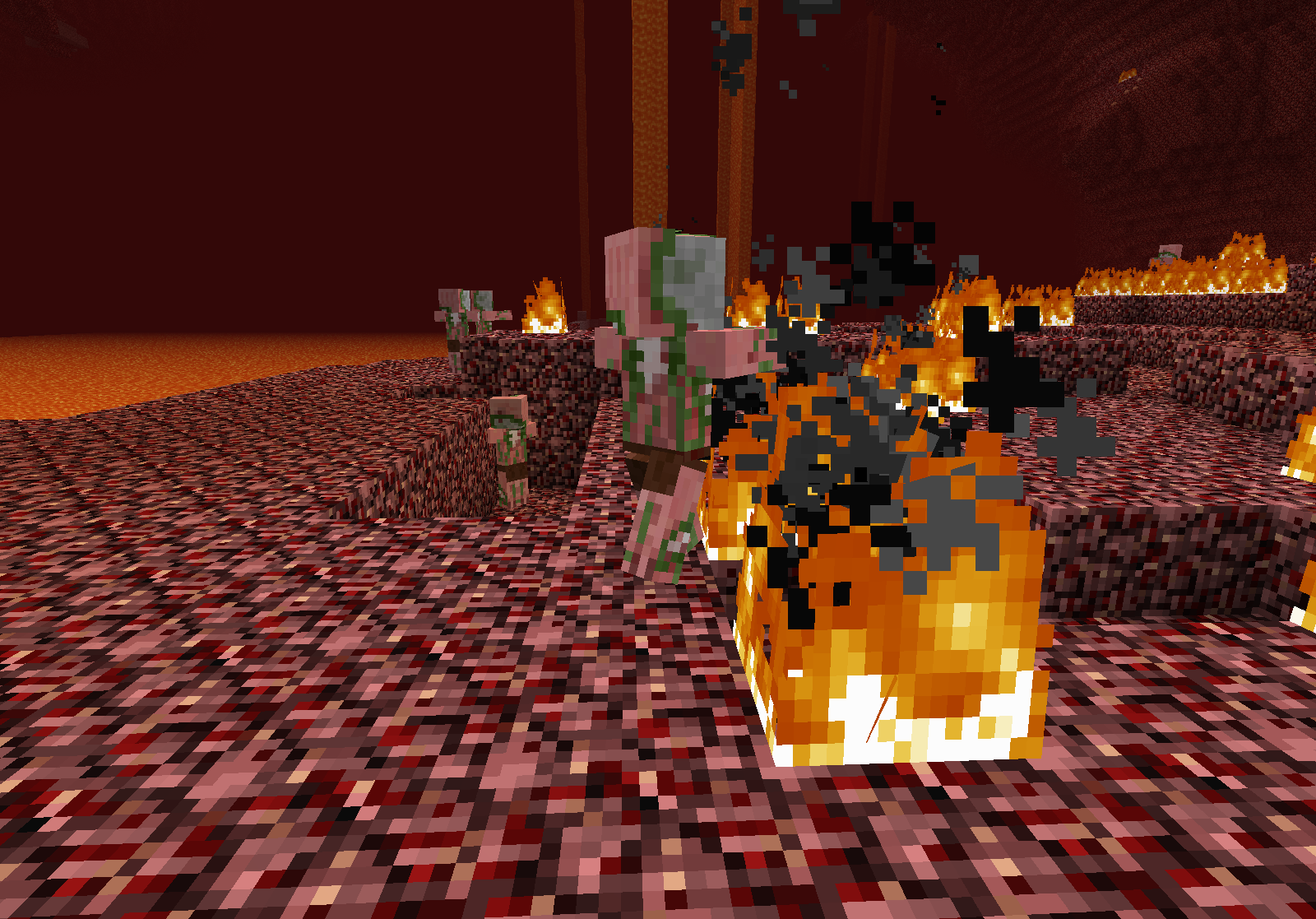
This may explain why I keep finding rotten flesh in a pond (baby zombies)
FN+F3+C
This is a bug?
Confirmed (although I downloaded the executable file the day of the update)
I never doubted you, Grumm
Does it continue to go if you stop moving your mouse? If so, the cinematic camera is on. You can restart Minecraft to turn it off, unless you have a key to toggle it (in which case you would press that key).
I'll see if it happens on my amd64 Windows 8.1 computer
Also, a mod or the reporter should edit the Affected Versions list to include 47c as that appeared in above errors
This has happened to me without logging out or unloading chunks. I was in a village, and walked around my pig's "house", and when I came back, a pig was roaming free. I'm just glad villages have carrots.
Doesn't affect amd64 Windows 8. It could be related to your x86 Vista, because supposedly Vista has problems with stuff, but it could be something else.
Weird how it depletes tall grass variants, and not on dead bushes. I would have thought this was because of the same reasons pickaxes don't deplete on torches. But with the depleting for tall grass, I think it may be something different.
@Castiel: That's because /setworldspawn or /spawnpoint always start you in a specific spot.
Well I personally don't have a problem with the new logo, because it looks cooler, but if someone else hated the logo and wanted to change it to the orange one or even to the Mojang Specifications purple one, they couldn't do it.
So far I haven't noticed this in 13w48b.
All spawners when placed are pig spawners, as far as I know.
Stupid question, do you have NUM LOCK on?
Sorry, but I haven't used a keyboard with a numpad while playing Minecraft since 1.6.1.
Confirmed for 13w48b. I saw a few chickens inside one of those miniature one-log-block jungle trees.
As I said earlier, but deleted my comment since I realized this thread hadn't been updated in a while, this is because the minecarts calculate the rail block as a full block.
I'm guessing NONE/0 is disabled so that someone can't enable the cinematic camera without changing the controls, as it uses the control NONE by default.
NekoJonez: Does this still occur in the prerelease Minecraft 1.7.3?
Confirmed for 1.7.2 and 1.7.4
Confirmed for 1.7.4... Annoying teleporting cobblestone.
I'll check if this still happens in 1.7.4. I know I forgot to post screenshots, but if it still occurs, I will.
Still occurs in 0.8.
Does this still happen in 1.7.4? My keyboard lacks a numpad so I can't check...
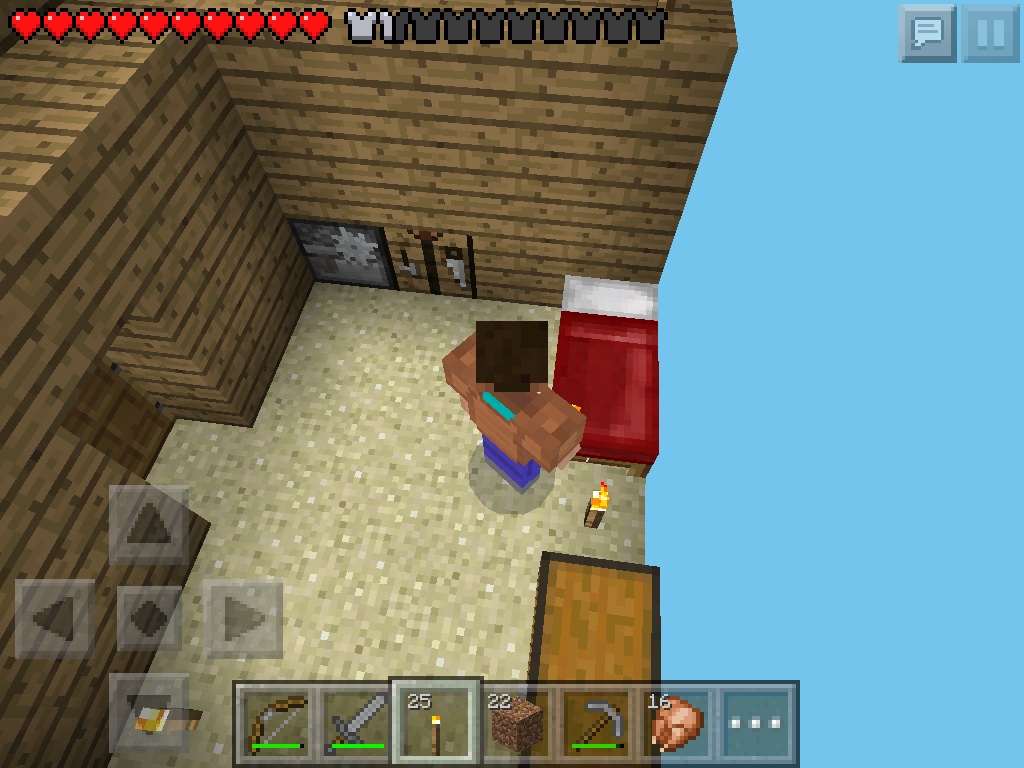
It appears where the 3D side texture would be if it had a pixel at the edge (still showing the 3D side of the torch), and torch particles do not appear when holding them. It doesn't face me when I whack stuff, or in third person, but I'd have to get a better picture to show that. If I removed the torch at the foot of the bed, it still appears.
Confirmed in .8.1.
confirmed in .8.1
Affects .7.4, .8, and .8.1
Still occurs. However, I seem to have forgotten to enable the dev. console. Added two pictures, though.
It keeps removing my 1.7.4 profile's custom settings for things that were added later (such as re-adding heldItemTooltips and removing advancedItemTooltips). It's really annoying.
Confirmed in 14w04b.
Oh. Thanks for helping me!
Confirmed in 14w04b. I turned off "Music". It turned off the regular tracks (hal, calm, piano, etc.) but doesn't turn off the creative ones.
Confirmed, using Windows 8.1 amd64 with 64-bit Java 7 Update 51
Confirmed for 14w05a, sapling decided to teleport.
Confirmed in 1.3.9
Zombie's leather armor goes more red than the rest of the zombie, as well. No such thing with gold armor (haven't seen diamond, iron, or chainmail)
Still occurs as of 14w05b
EDIT: I was playing beta 1.7.3, and it didn't occur, making it more obvious that this is a bug.
Occurs in 14w05b, but i don't think this is a bug.
Affects 14w04b (haven't played singleplayer yet in 14w05b). one of the "calm" tracks started playing, and then a "creative" track started playing. Turning off music only turned off "calm".
Still in 05a,
With the ability for dispensers to place pumpkins and wither heads, really only the shift clicking is a problem. It may have something to do with the fact that you can place them, though.
Confirmed in 05a. Haven't tested 05b yet.
Occurs on held items.
Added a picture
I found they will still drop loot you give to them. They won't equip it, though
Duplicates are marked as resolved for being duplicates.
You mean marked as fixed and the fix version as "Future Version - 1.8?"?
Yes, I am.
If you are looking for a "fix", turn "heldItemTooltips" to false in the options.txt. It disables it in other game modes, but still. Also, in third person (in gamemode three), the items are held incorrectly (in the waist instead of the invisible hand).
Confirmed in 0.8.1
The reason for this is probably due to the different ways of having plural nouns. The language file would need to add plural mob names.
Changing the word "true" to "false" in WordPad (or whatever the Mac equivalent of the .txt file editor is) is tedious?
Confirmed for 06b, due to sir quartz
Confirmed, gave me x-ray vision due to my low roof and it putting me inside of it
Confirmed, texture packs don't modify biome colors
That's about the particles, this is about the cracking animation
Chopped a gate, animation was green
Also happened on Iron Door
it occurs even when not on the edge of a block in 14w06b
also items now (server-side) pop farther and through leaves (may be more blocks)
tested on iron and wood
Also this occurs with ladders, but that doesn't matter, it's been like that since forever
Still in 14w08a, albeit rarer
Still occurs in 14w08a. :\
Still in 14w08a. I don't have the anti-alias shader or anti-aliasing on my graphics card.
Incomplete. No data except title.
"Maybe try a lowerresolution resourcepack?" Go into your options.txt and remove the resource pack name. That may help.
Have you tried the latest snapshot?
This occurred even in 1.6.2. This is because item frames and paintings are considered entities by the game, and not blocks, so mobGriefing wouldn't effect them.
Is this in w08a?
Confirmed for the shaders.
Also occurs with maps, required to sneak to see the lower left corner due to the new fancy way of holding maps (which I love and I hope the old way of holding maps never comes back)
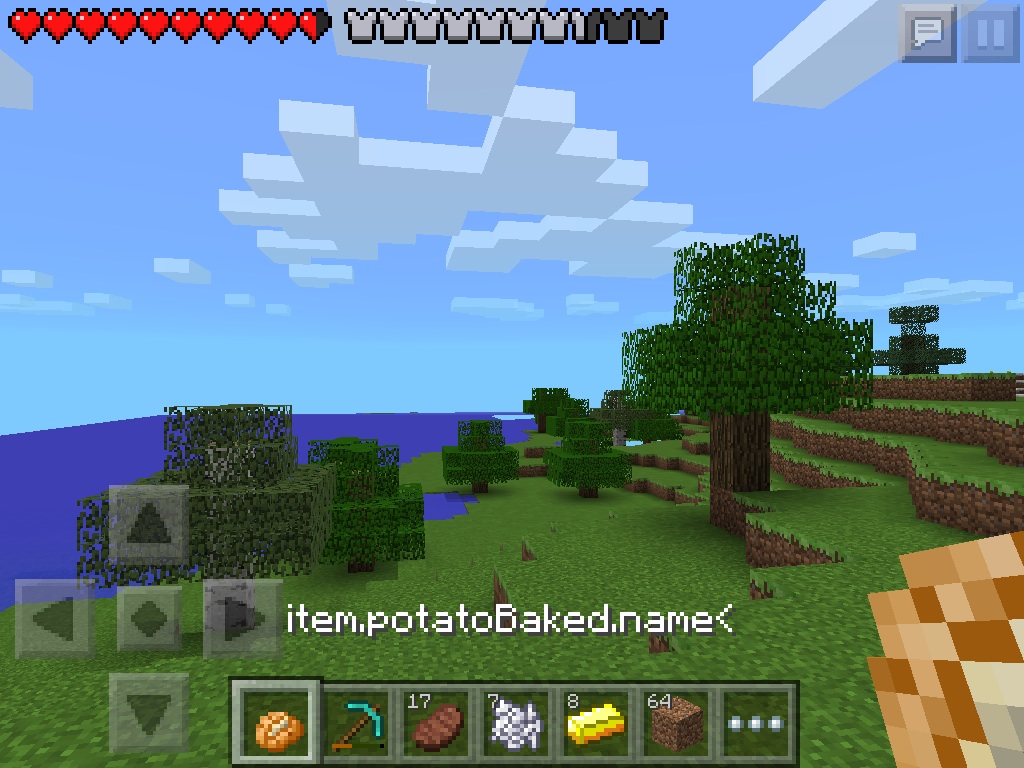
This also occurs in PE on an iOS 7.0.6 iPad 2 with 16GB of memory. Should I create a separate bug report for that?
Assuming that's due to the chest being a tile entity
Confirmed in 08a. Also when it rained the sun was black.
Also occurs when on fire
Also occurs on beacon beams
Also occurs when the underwater.png file is invisible.
Confirmed in 08a with the baby pigmen.
Still in 14w08a v.2, and much worse. I got teleported over 30 blocks.
EDIT: It doesn't happen all the time
/setblock ~-1 ~ ~ air
Fill it to the brim.
Still occurs in 14w10c.
I punched a NoAI Enderman in the face and he teleported away and back.
I don't see how this is a bug.
CustomNameVisible doesn't work in 34b, using this command:
/summon Villager ~ ~ ~
{Profession:4,Career:1,CustomName:Bill,CustomNameVisible:1}Still occurs in 14w34b.