 ouroya
- Torzod
- torzod
- America/Chicago
- Yes
- No
 MCL-4940
 MC-226335






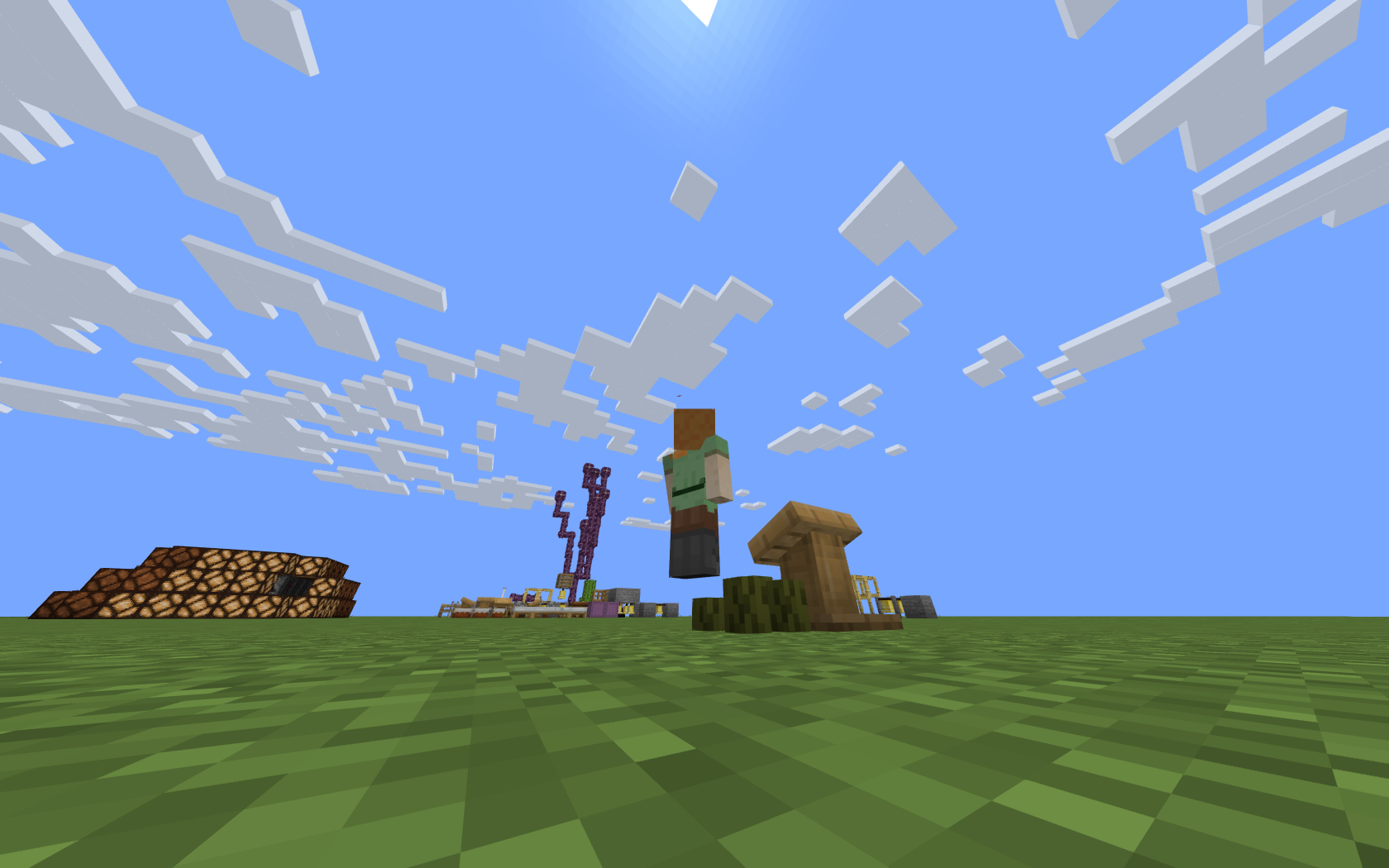


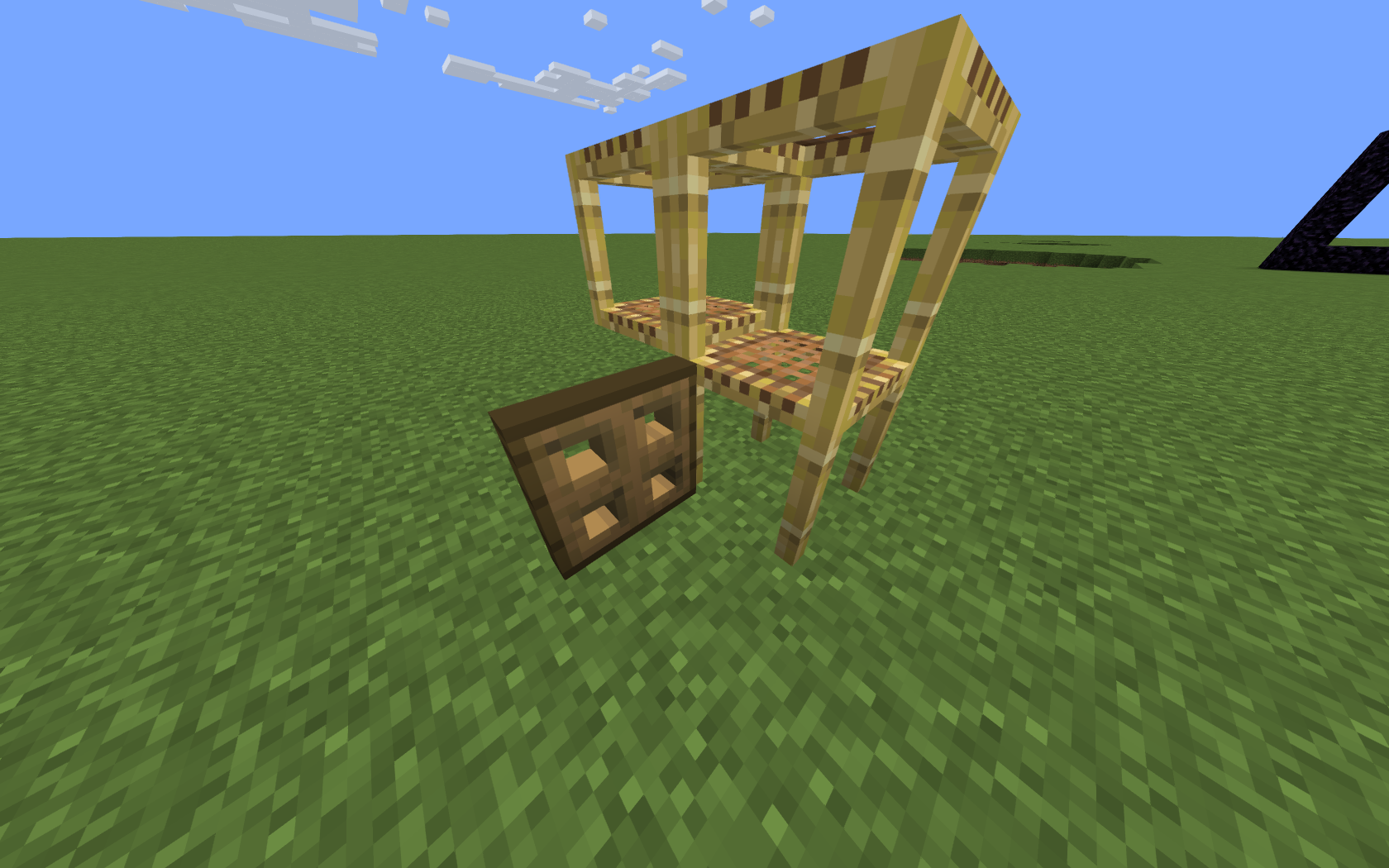

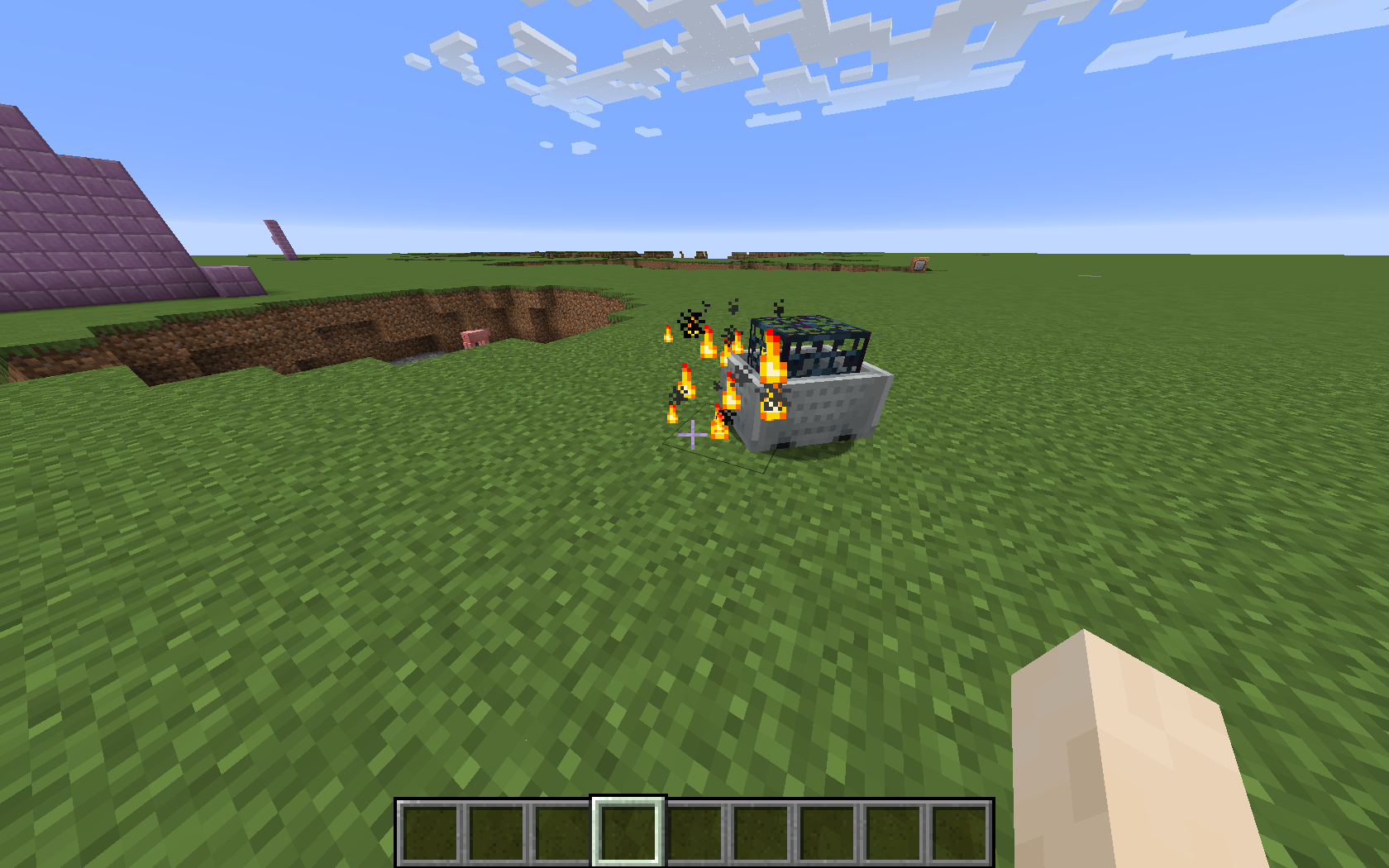


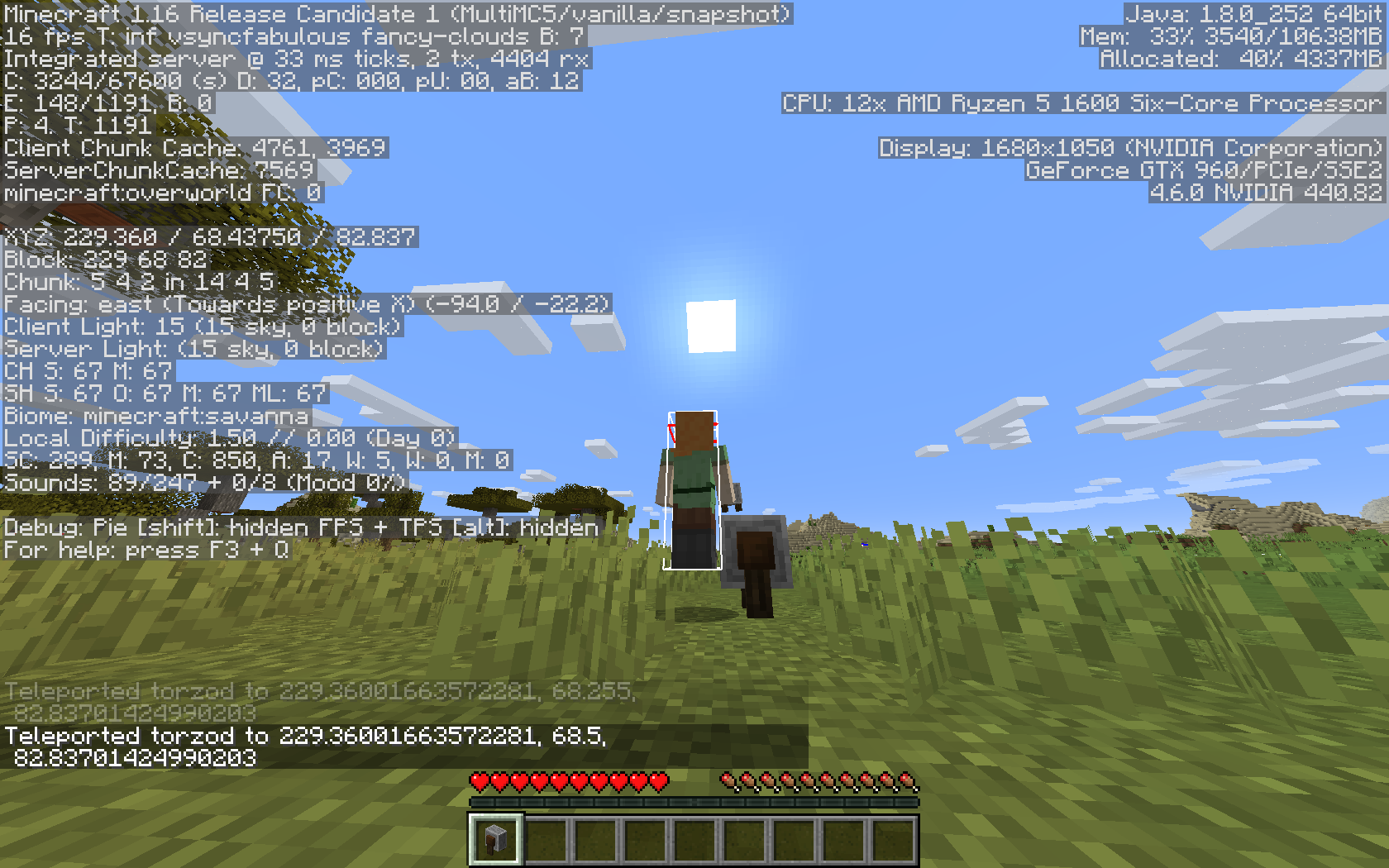
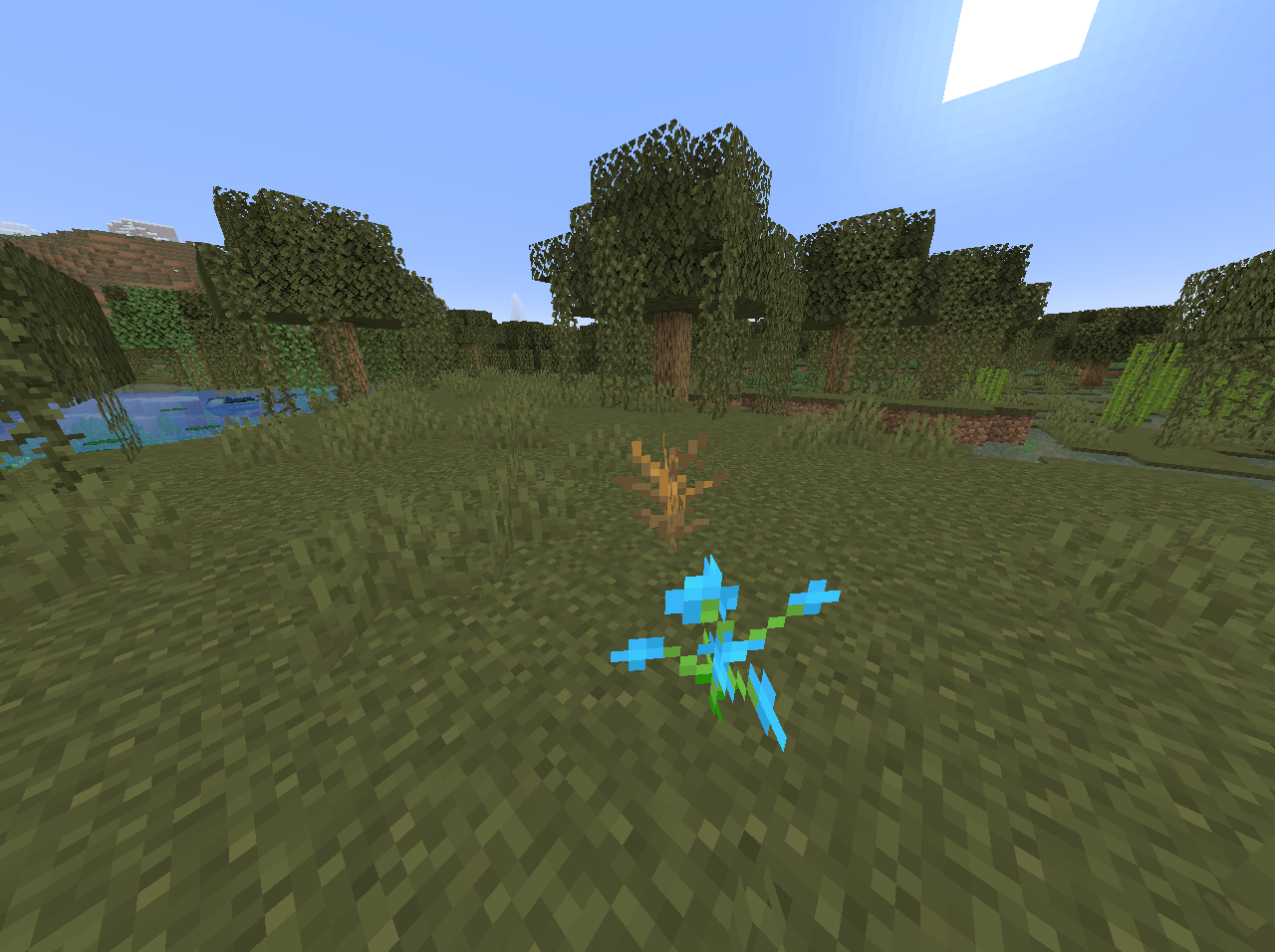
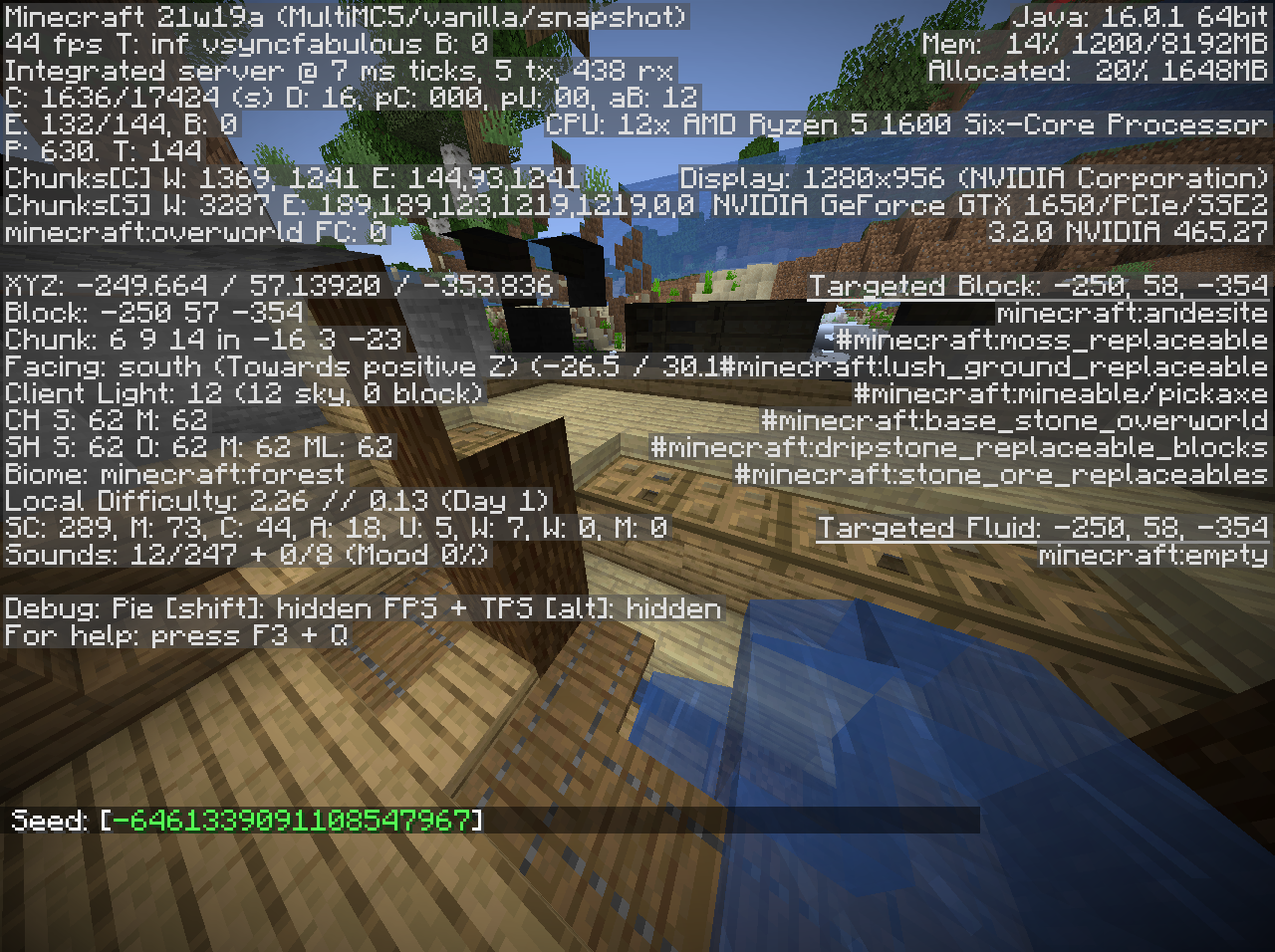


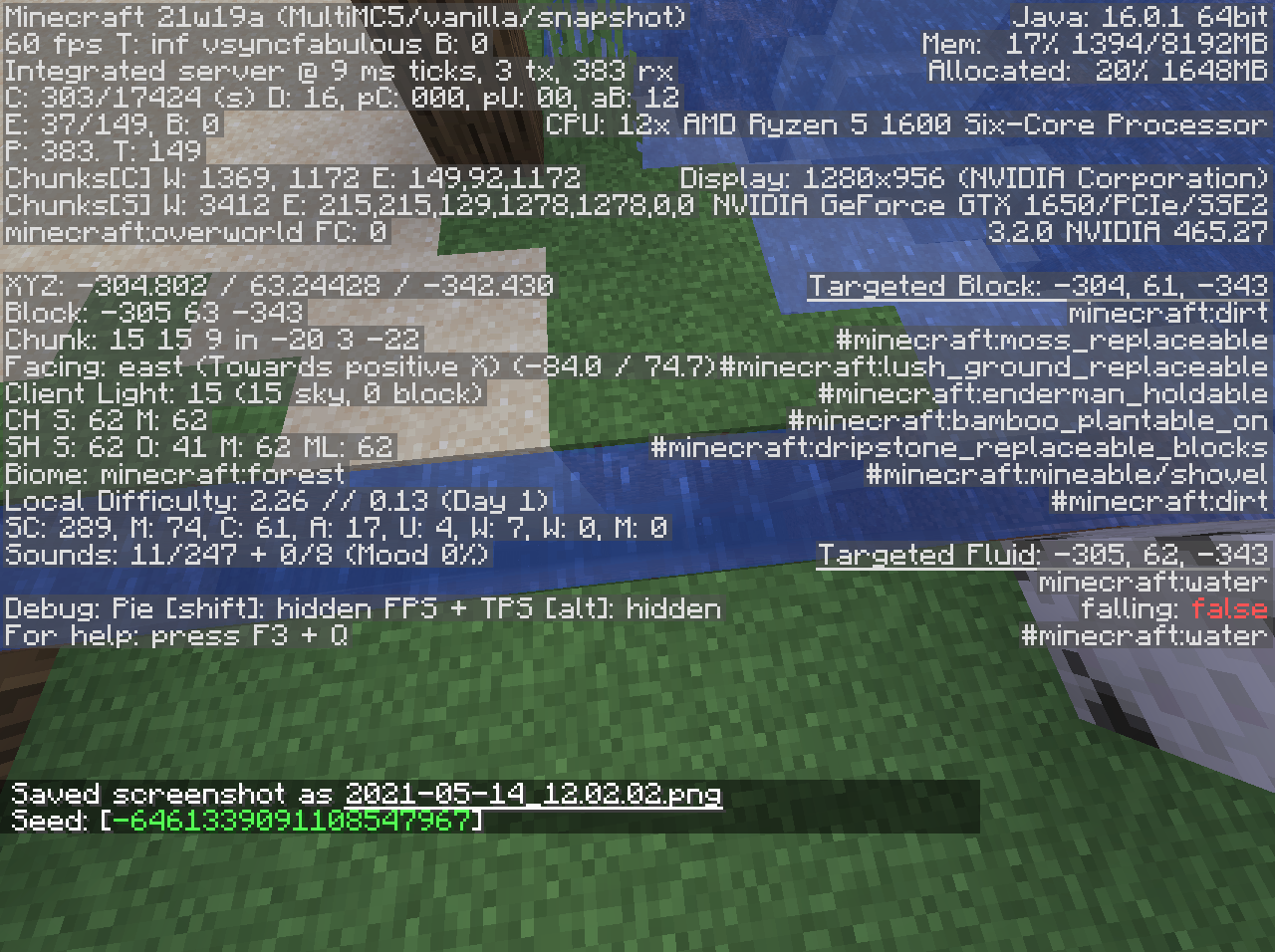


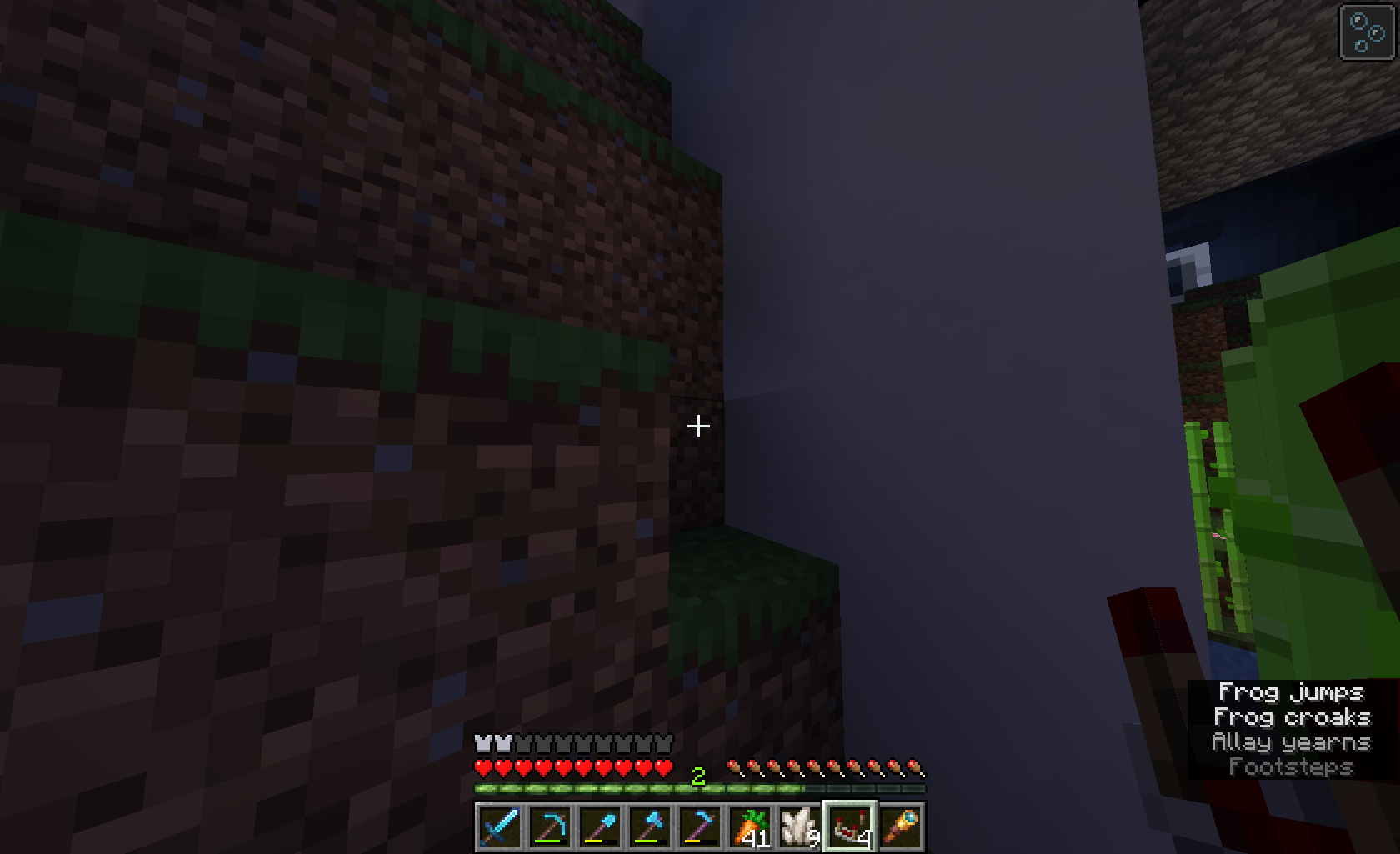


When using a tool in the offhand slot (ex. shovel to make paths), the particles will not appear and the sound will not play when the tool breaks.
When using a tool in the offhand slot (ex. shovel to make paths), the particles will not appear and the sound will not play when the tool breaks.
To Recreate:
1. put shovel in offhand slot
2. use up final durability on making Grass Paths
Iron nugget texture not updatin=g with resource pack
Iron nugget texture not updating with resource pack - FIXED: i'm just dumb and didn't format properly
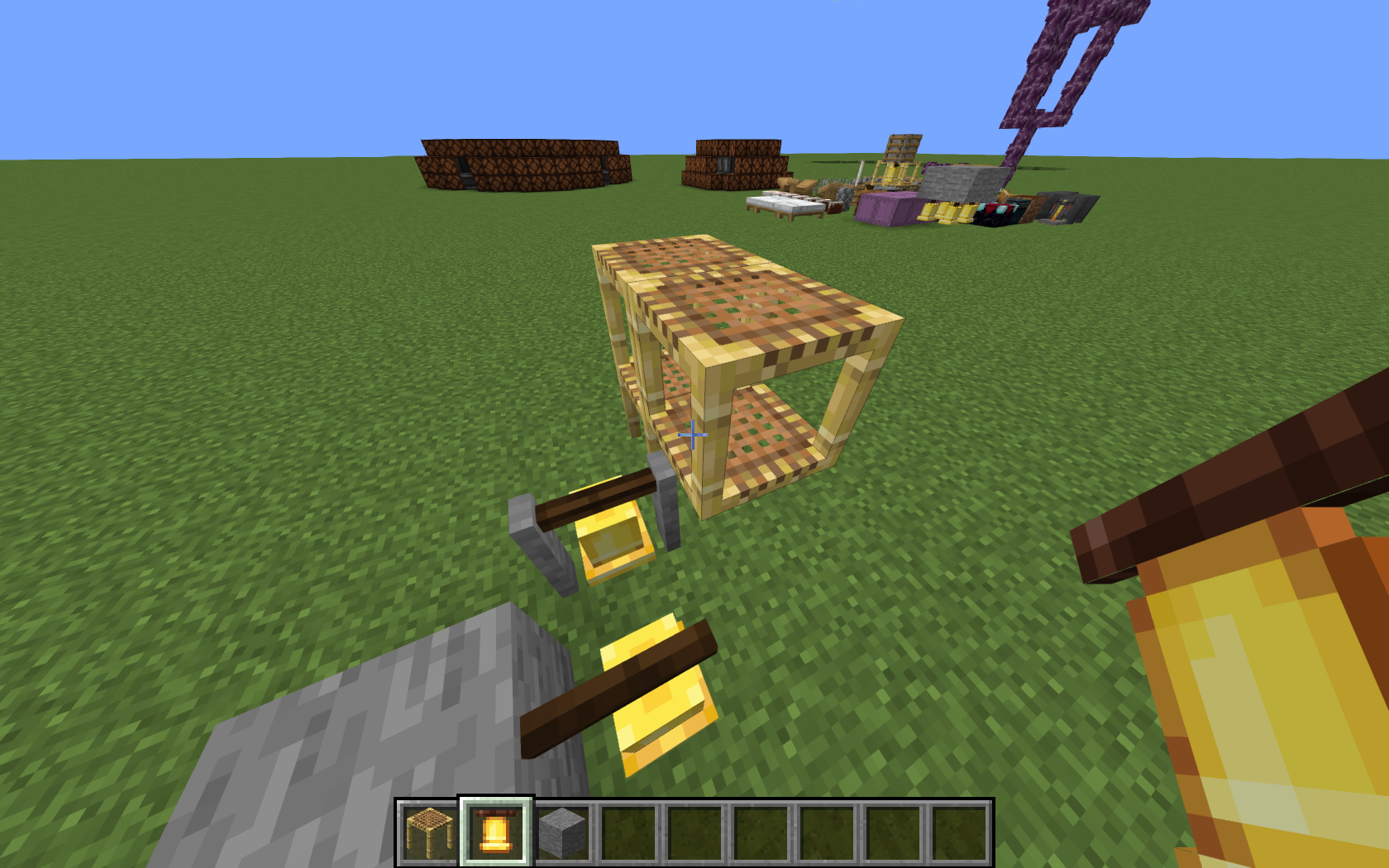
If you set up scaffolding in certain ways near non-full blocks as shown in the screenshot with bells, then try to walk on the scaffolding block from the bells, you will stutter in place, a little like client/server desync-related ghost blocks, before eventually
making it on to the platform.If you set up scaffolding in certain ways near non-full blocks as shown in the screenshot with bells, then try to walk on the scaffolding block from the bells, you will stutter in place, a little like client/server desync-related ghost blocks, before eventually falling off.
sea pickles can be placed in croups of up to 4, and doing so increases the size of the hitbox of the block. However, the hitbox does not accurately represent the model, making the player able to float above the shorter pickles in a group or past the edge of others.
sea pickles can be placed in croups of up to 4, and doing so increases the size of the hitbox of the block. However, the hitbox does not accurately represent the model, making the player able to float above the shorter pickles in a group or past the edge of others.
additionally, the 4-pickle block is 1 pixel higher than the rest, which means that if you place a block above them and go into elytra mode, you can place 2 more pickles on an existing one, but not the fourth.
Lately, a lot of blocks with detailed models (hoppers, etc.) have been getting detailed collision to better match the models, and the same goes for the bell, except the standing variant. Its collision box is a singular cuboid, whereas the other bell placement types have much more detailed hitboxes consisting of several cuboids. This can be easily demonstrated, as you can walk up the front of a bell placed between two blocks, but not up the face of a standing bell, even though they appear to be similar enough for the trick to work.
if you set up scaffolding such that your feet are in a block of air and your head is in a block of scaffolding, then jump, the scaffolding will stop your jump momentum partway through, then send you back downwards, making you unable to climb on. using
update suppressionto get a floating scaffold with [bottom=false] blockdata, it will not cancel your jump, and you will climb it normally once you get far enough inside it.if you set up scaffolding such that your feet are in a block of air and your head is in a block of scaffolding, then jump, the scaffolding will stop your jump momentum partway through, then send you back downwards, making you unable to climb on. using commands to get a floating scaffold with [bottom=false] blockdata, it will not cancel your jump, and you will climb it normally once you get far enough inside it.
Using the normally inaccessible debug feature to view blocks' collision bounds, i was messing around with pistons when i noticed that west-facing pistons' heads are split up into several unnecessary pieces. Most pistons' collision has 3 parts: the base, the shaft, and the head, but on wet pistons, the head is sliced up into multiple pieces. This can also be demonstrated by lining the bottom of your feet up with the bottom of the shaft of the piston in spectator mode, then going into survival mode to cancel flight. you will land on one of these pieces at y+0.375, instead of falling through like you would on any other piston.
Using the normal-inaccessible block collision bounds debug feature, it can be seen that the collision for north and south facing grindstones has many more components than their east and west counterparts. This applies when mounted to the wall, ceiling, or floor. East & west grindstones' collision has 5 parts, one for the wheel, and two for each wooden support, however north & south grindstones are much more convoluted. This can also be demonstrated by flying into the block in spectator mode partially, then going into survival mode. If you are lined up correctly (z+0.26 for a wall-mounted north-facing grindstone) , you will be unable to walk through certain parts of the collision that you would be able to walk through in an east/west grindstone (south in the given example)
image-2020-11-18-10-57-02-781.png
 Very Important
When a resource pack gives unstable tnt a separate model and texture, the model and texture are not preserved when ignited, making the block change textures. This is unlike FallingBlock entities, which have the ability to preserve custom models, blockstates, and textures, making the FallingBlocks of each TNT type distinguishable. An example resource pack
will beattached.When a resource pack gives unstable tnt a separate model and texture, the model and texture are not preserved when ignited, making the block change textures. This is unlike FallingBlock entities, which have the ability to preserve custom models, blockstates, and textures, making the FallingBlocks of each TNT type distinguishable. An example resource pack is attached.
When the player equips elytra and then unequips it by holding shift and clicking the destroy item button in the "Survival Inventory" tab of creative while holding a new pair of elytra with the cursor, the client and server desync, and the client believes the player is wearing elytra and thus should be able to fly but the server does not, as can be seen by using /data to check the player's inventory. This state persists even through gamemode changing, and by spamming space after switching to survival, the player can use this to jump much higher than usual. This does not work with normal items in normal inventory slots, but does seem to work with any item that can be put into the armor slots.
Put your operating system (Windows 7, Windows XP, OSX) and Java version if you know it here
Arch Linux, Java 18.0.2
When crossing chunk borders near a chunk with complicated geometry, in my instance a chunk filled with oak_fence_gate, there is a minor lag spike. This is not MC-123584 as that pertains to updating chunk geometry, and in this case, the geometry need not be updated for the lag to occur. This is also not
MC-162253as this occurs when crossing any chunk borders near the afflicted chunk. attached is a screenshot in which the player is being moved back and forth across a chunk boundary by a piston, demonstrating the lag spike. Notably, this occurs regardless of method of transport, a piston is just a convenient way of demonstrating for a screenshot:

When crossing chunk borders near a chunk with complicated geometry, in my instance a chunk filled with oak_fence_gate, there is a minor lag spike. This is not MC-123584 as that pertains to updating chunk geometry, and in this case, the geometry need not be updated for the lag to occur. This is also not
MC-162253as this occurs when crossing any chunk borders near the afflicted chunk. attached is a screenshot in which the player is being moved back and forth across a chunk boundary by a piston, demonstrating the lag spike. Notably, this occurs regardless of method of transport, a piston is just a convenient way of demonstrating for a screenshot:
When crossing chunk borders near a chunk with complicated geometry, in my instance a chunk filled with oak_fence_gate , there is a minor lag spike. This is not MC-123584 as that pertains to updating chunk geometry, and in this case, the geometry need not be updated for the lag to occur. This is also not
MC-162253as this occurs when crossing any chunk borders near the afflicted chunk. attached is a screenshot in which the player is being moved back and forth across a chunk boundary by a piston, demonstrating the lag spike. Notably, this occurs regardless of method of transport, a piston is just a convenient way of demonstrating for a screenshot:

On Linux, one is able to input arbitrary Unicode codepoints by inputting ctrl+shift+U, then the hexadecimal codepoint, then space or enter to confirm. This is generally done at a level outside of the game, as this input is handled by the system, so, at least in GNOME, a small popup window appears at the bottom left of the window you are typing in. As of recently (1.19.3 is affected, as is 1.19.4, and I am not sure exactly in which version this behavior began.) this no longer works, instead not creating a popup and not inputting unicode characters. This can be an issue for users who have keyboards with keys that do not work, as mine currently has the brackets/curly brackets, colon/semicolon, and backslash/pipe keys unbound, so in order to type these characters, some of which are very important in commands, I used to be able to just input the unicode input sequence, however now I need to type them in another application and copy them into the game. This also could affect users using QMK firmware on their keyboards, a very common firmware that uses macros to input non-standard unicode characters when no keycode exists.
On Linux, one is able to input arbitrary Unicode codepoints by inputting ctrl+shift+U, then the hexadecimal codepoint, then space or enter to confirm. This is generally done at a level outside of the game, as this input is handled by the system, so, at least in GNOME, a small popup window appears at the bottom left of the window you are typing in. As of recently (1.19.3 is affected, as is 1.19.4, and I am not sure exactly in which version this behavior began.) this no longer works, instead not creating a popup and not inputting unicode characters. This can be an issue for users who have keyboards with keys that do not work, as mine currently has the brackets/curly brackets, colon/semicolon, and backslash/pipe keys unbound, so in order to type these characters, some of which are very important in commands, I used to be able to just input the unicode input sequence, however now I need to type them in another application and copy them into the game. This also could affect users using QMK firmware on their keyboards, a very common firmware that uses macros to input non-standard unicode characters when no keycode exists.
2023-04-07 14-42-38.mkvAttached is a video in which i type ctrl+shit+u, then 3a, which is the codepoint for the standard colon, : Note the popup at the bottom left of Geometry Dash but not Minecraft.
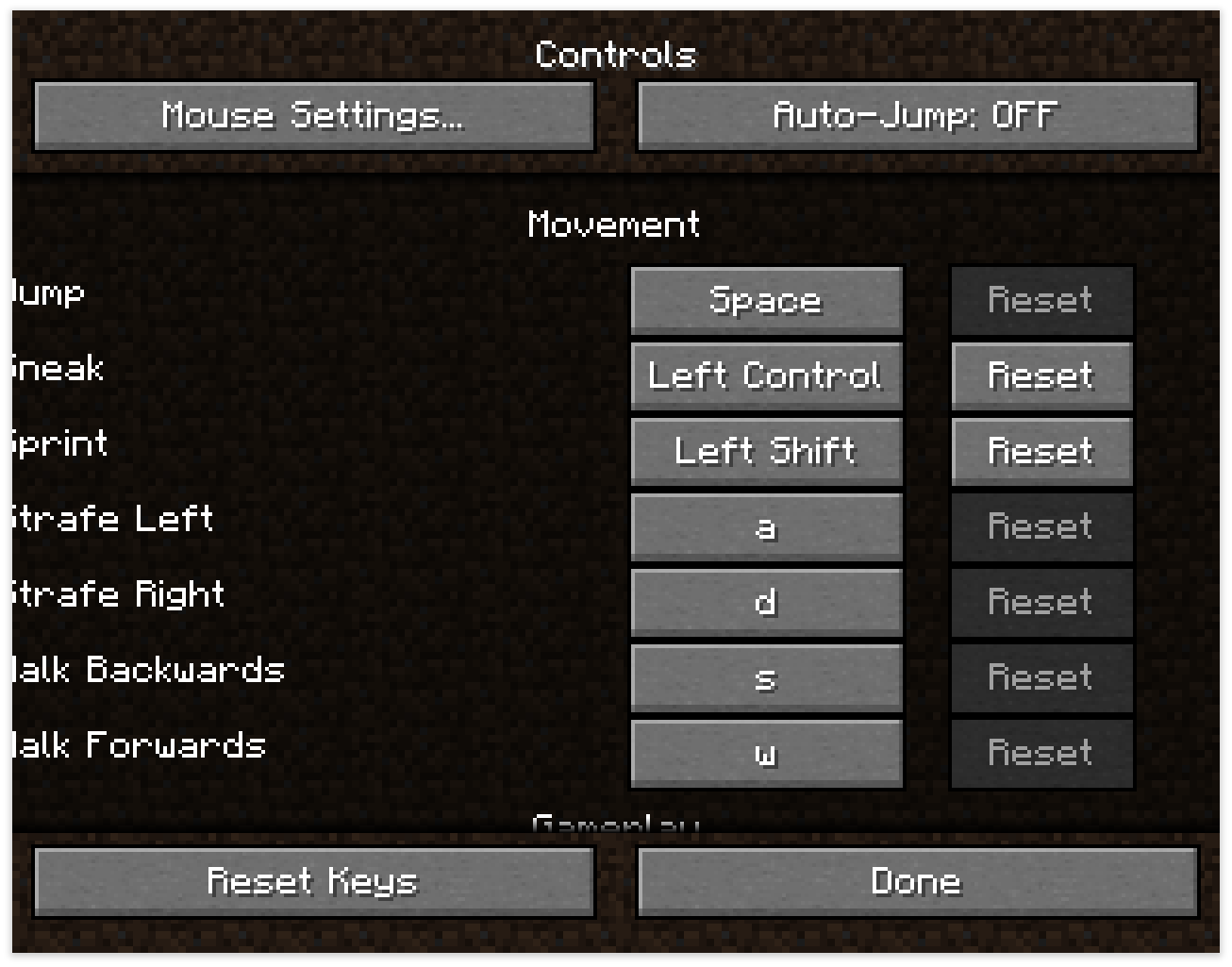
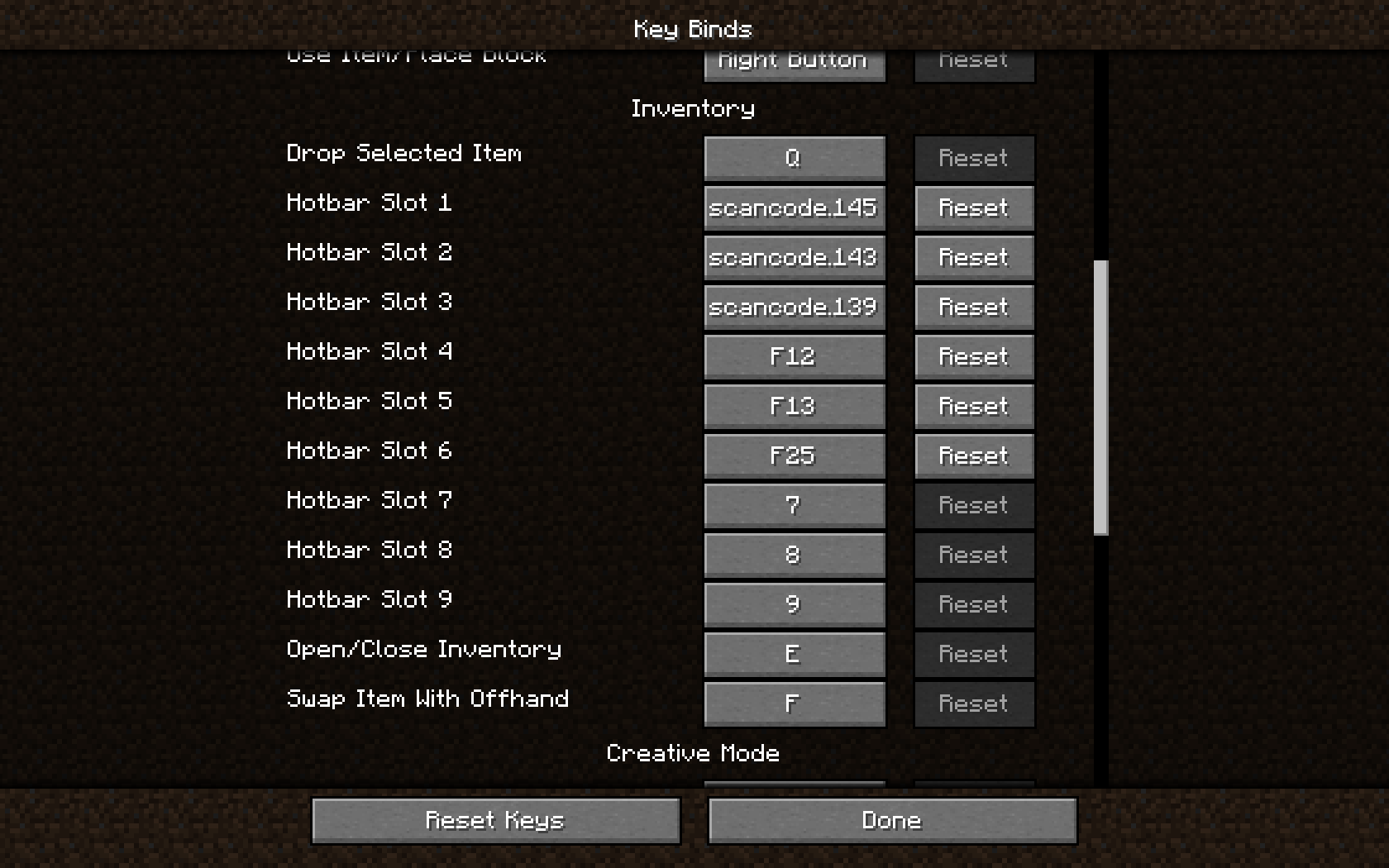
Some unusual keycodes can have controls bound to them in-game, but do not have their names accurately translated in the controls menu. In the image, I have bound Cut, Paste, Undo, F13, and F25. I attempted to also bing F100 and even F246, the highest F-keycode in existence, but upon restarting the game, they are not saved. Additionally, as seen in the second image, when using one of these keys, an error is printed to the log, despite them working as expected in-game, as far as I can tell.

A potentially-outdated list of scancodes can be found here
Some unusual keycodes can have controls bound to them in-game, but do not have their names accurately translated in the controls menu. In the image, I have bound Cut, Paste, Undo, F13, and F25. I attempted to also bin
gF100 and even F246, the highest F-keycode in existence, but upon restarting the game, they are not saved. Additionally, as seen in the second image, when using one of these keys, an error is printed to the log, despite them working as expected in-game, as far as I can tell.
A potentially-outdated list of scancodes can be found here
Some unusual keycodes can have controls bound to them in-game, but do not have their names accurately translated in the controls menu. In the image, I have bound Cut, Paste, Undo, F13, and F25. I attempted to also bind F100 and even F246, the highest F-keycode in existence, but upon restarting the game, they are not saved. Additionally, as seen in the second image, when using one of these keys, an error is printed to the log, despite them working as expected in-game, as far as I can tell.
A potentially-outdated list of scancodes can be found here

optimizing a very old and rather large world (from 14w27b to be specific, though parts of it date back much farther) causes the progress bar for optimization to initially display as 100% and full, then it will empty, and later it will eventually display the accurate percentage. Attached is a screenshot demonstrating this issue.

optimizing a very old and rather large world (from 14w27b to be specific, though parts of it date back much farther) causes the progress bar for optimization to initially display as 100% and full, then it will empty, and later it will eventually display the accurate percentage. Attached is a screenshot demonstrating this issue.
The new high contrast block outline can sometimes have parts of it appear through some blocks.
Hereis an instance of its black outline appearing through the lower portion of a pale_moss_carpet[north=low] block:
The new high contrast block outline can sometimes have parts of it appear through some blocks. Attached is an instance of its black outline appearing through the lower portion of a pale_moss_carpet[north=low] block.
The new high contrast block outline can sometimes have parts of it appear through some blocks. Attached is an instance of its black outline appearing through the lower portion of a pale_moss_carpet [north=low] block.
The new high contrast block outline can sometimes have parts of it appear through some blocks. Attached is an instance of its black outline appearing through the lower portion of a pale_moss_carpet [north=low] block, and an alternate version with the offending pixels highlighted in red.

Have seen this bug for all armor slots if wearing ench. armor
That is how it works. This is usually called a bud switch.
seems to make mathematical "ribs" (there is a real name, but i forget what it is)
Also, can you attach a world save?
1.10, creating a superflat world, then deleting and creating a non-superflat world can "force" villages into weird generations.
1.10,
1. create default world 00000
2. re-create it
3. delete level.dat and level.dat_old from files
4. create superflat world Copy of 00000
5. remakes the original, but only the loaded section. around it is superflat
NOTE: this breaks potions
confirmed for 1.14 with command blocks, which don't even display the contained command when clicked on the top face if it is bordering the height limit, as well as placing armor stands
while this bug is wreaking havoc on many worlds, there is a workaround that i found rather soon after 1.14.1 was released, and it is to summon entities with NoAI:1 and a CustomName in the chunks of any command block in the world. (i.e. if your chain spans multiple chunks, each chunk needs a new entity.)
{{/summon pig ~ ~ ~ {Silent:1,Invulnerable:1,Tags:[loader],CustomName:
{"text":"loader"}}}}
Confirmed for 1.14.1
Yeah, this is a common issue with translucent particles in many, many versions. i remember it existing all the way back to 1.6.4
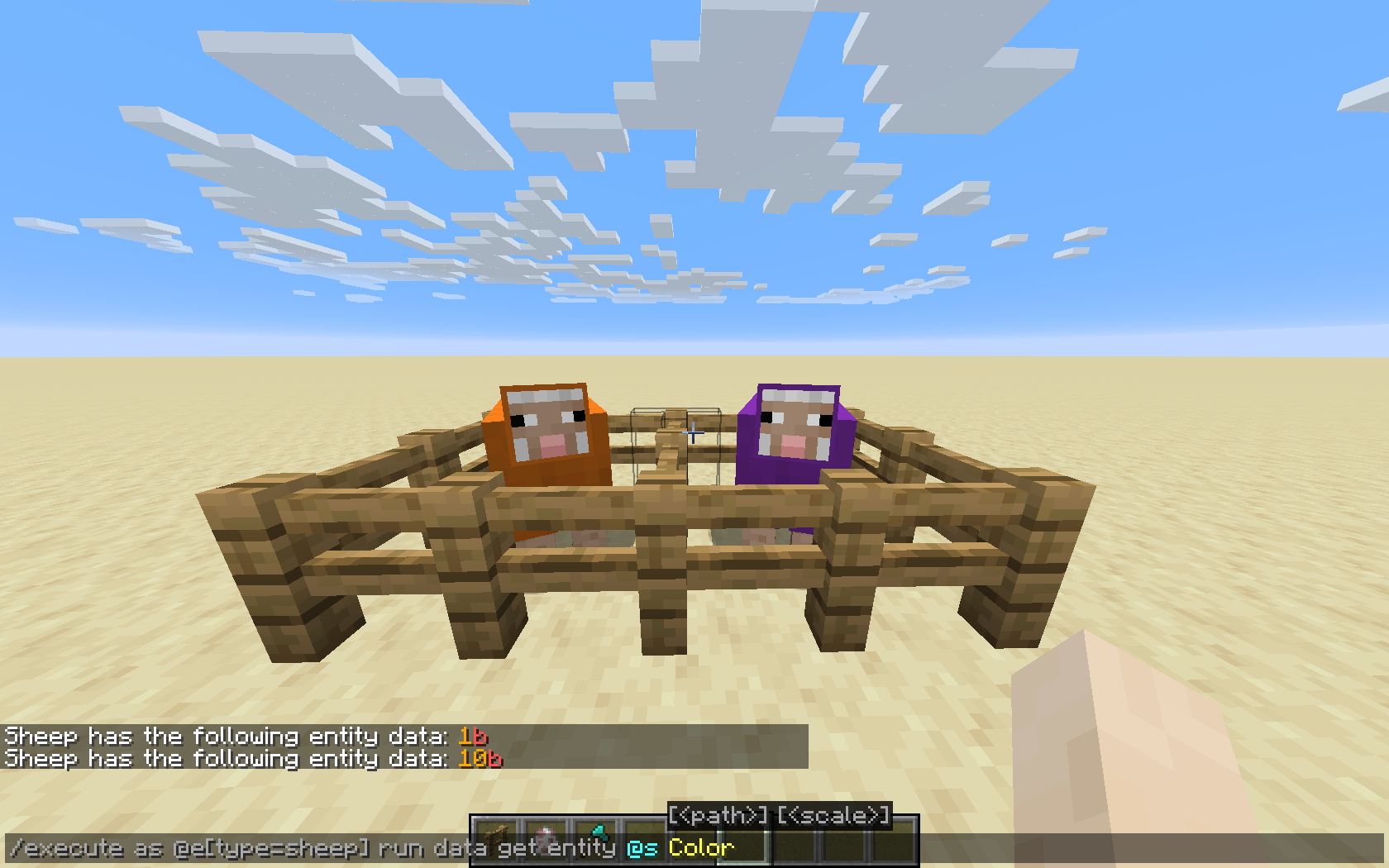
added a screenshot displaying the related tags through /data with two differently-colored sheep
@tryashter (i don't know how to reply rip) i know the'yre separate, but recently a lot of hitboxes and collision boxes were merged, such as the hopper, anvil, chests, most bells, cobblestone walls, etc. and this seems like a decent inconsistency to me. of course, soul sand has been in the game for a long time and is very well-known, so changing it might have some issues. additionally, making the model non-full for a block that naturally occurs in bulk might have some performance issues attached too.
I don't see how this is a duplicate, as the other report was simply suggesting changing the model, whereas this report points out the difference between model, hitbox, and collision, which most multi-segment blocks don't have, making this an inconsistency.
@Numeritos I get that that's the point, but the internal section of the model represents the collision on only 5 out of 6 sides.
@Galaxy_2Alex I am using a mod to make them visible, but being stopped by sections that look like they should be one piece happens in vanilla as well, the mod just shows why it happens.
@Galaxy_2Alex I am using a mod to make them visible, but you can stand in the specified location in vanilla (only on west-facing pistons)
with a piston placed at ~1 ~ ~ then extended west, teleport yourself to ~-.825 ~.375 ~.325 and face due south. you will be unable to moe forward unless you move sufficiently far east so as to get boosted by the piston's shaft, as shown in the second screenshot
I was able to recreate in 1.16-rc1, screenshot has been added with entity hitboxes shown to prove that I am not standing on the legs of the grindstone
Cannot reproduce. If you are using a VPN, that is most likely the cause, as the IP address read by the website can easily be in a different country.
@Marcono1234, In survival, the maximum level is much less than 2^31-1, as the amount of xp points (not levels) is capped at the 32-bit limit, restricting you to level 21863. Rays Works on youtube has demonstrated this in vanilla survival on the ProtoTech server, using a very powerful XP farm which he ran for multiple weeks.
Due to fossils or potentially other player-defined populators in custom world generation, coal ore can generate below y=0 and as such might need a deepslate variant.
Can confirm for 1.16.5
this also applies to the "caves" world type
in previous versions ruined portals could spawn underground and did, though infrequently. this seems like WAI to me.
Can confirm in 1.16.4-1.16.5 on my 4:5 monitors.
Can confirm in 21w11a on a 5:4 monitor.

@Avoma - I'm not sure if this is a duplicate since this is occurring at the surface level, not underground. Additionally, I did not see any caves in the immediate vicinity.
This is not a bug, it's perfectly reasonable for the displayed FPS to go ±2 at most due to rounding errors and frameskipping. It happens in all games with V-Sync enabled.
This will happen on all versions that allow VSync.
this bug was fixed in 14w02c, not 14w03b, and this can be seen by testing it in 14w03a
Lunade Lunade is right, this is an issue with the .mcmeta file, not the texture itself.
can confirm in 22w14a and 22w15a
I believe the bug being referenced here is that water cannot be pushed or pulled by pistons, but it can be replaced by blocks pushed into it, and @Chris made a "bucket" of water made of slime blocks, so when the "bucket" is moved down from the water, the water does not move and thus pours out over the sides or when the "bucket" is moved up, the water is simply deleted by the block below it moving into its place. This is definitely WAI.
Probably WAI given
MC-117614can confirm in 22w15a
This bug likely happens because in one tick, the projectile is in front of the mob, and in the next tick, it is behind, never making contact. a way of fixing this would be to add a raytraced check to see if the projectile's path intersected a mob's hitbox.
@ampolive WAI as per jeb's comment on that bug report
this seems to be WAI as the regeneration was added to stop allays from dying to environmental and accidental damage sources as per slicedlime's snapshot video.
confirmed for bells, glass panes, and corner stairs as well in 22w15a
I've also had this issue but making a completely new instance fixed the problem. before the bug started i fumbled my keyboard, accidentally saving a hotbar in the process. it's possible that that could've had an effect but there was no output whatsoever in the log when i attempted to save a new hotbar in 1.18.2
@Dhrainos my guess is that this would erquire them to change how redstone updates propagate, as they currently behave a bit differently from regular block updates.
can confirm in 1.18.2
@Marcono1234 this will be causing some lag, if only noticeable on extremely low-end systems. the calculations being performed will atke up some cpu time, which would be better spent on other things.
@Avoma they are the same, yes. this problem is due to inventory desyncs. Elytra in this state can be abused to jump much higher than usual.
Can Confirm in 1.19.2
The pipe symbol (|) should be a solid vertical line. However, there is a broken bar symbol (¦) that looks very similar, and some fonts confuse the two. Some older keyboard even have a broken bar where most have a pipe.
It should be noted that the broken bar uses the old "pipe" texture, making the font accurate to the codepoints it is intended to represent, meaning that in my opinion this issue should be marked as invalid, as to me this seems like a feature request, though this may be considered an accessibility issue.
the reason for this is that carpets and signs do not require supporting faces, which the moving_piston block does not have. most other support blocks need full faces, so when the sandstone is turned into moving_piston, it no longer has a solid face to anchor to.
My suspicion for this is that it is an issue within the graphics card, potentially due to VRAM not being refreshed/cleared correctly. I'm not sure whether Minecraft can interface directly with VRAM like this, but if it can, it might help to check its interfacing code. This is an issue that I have seen and heard of happening in other games and on non-PC hardware, such as in "retro" games on consoles from the '90's and prior, and it almost always can be traced back to VRAM getting mismanaged.
Can confirm for 22w43a, Experimental.
can confirm in 22w43a
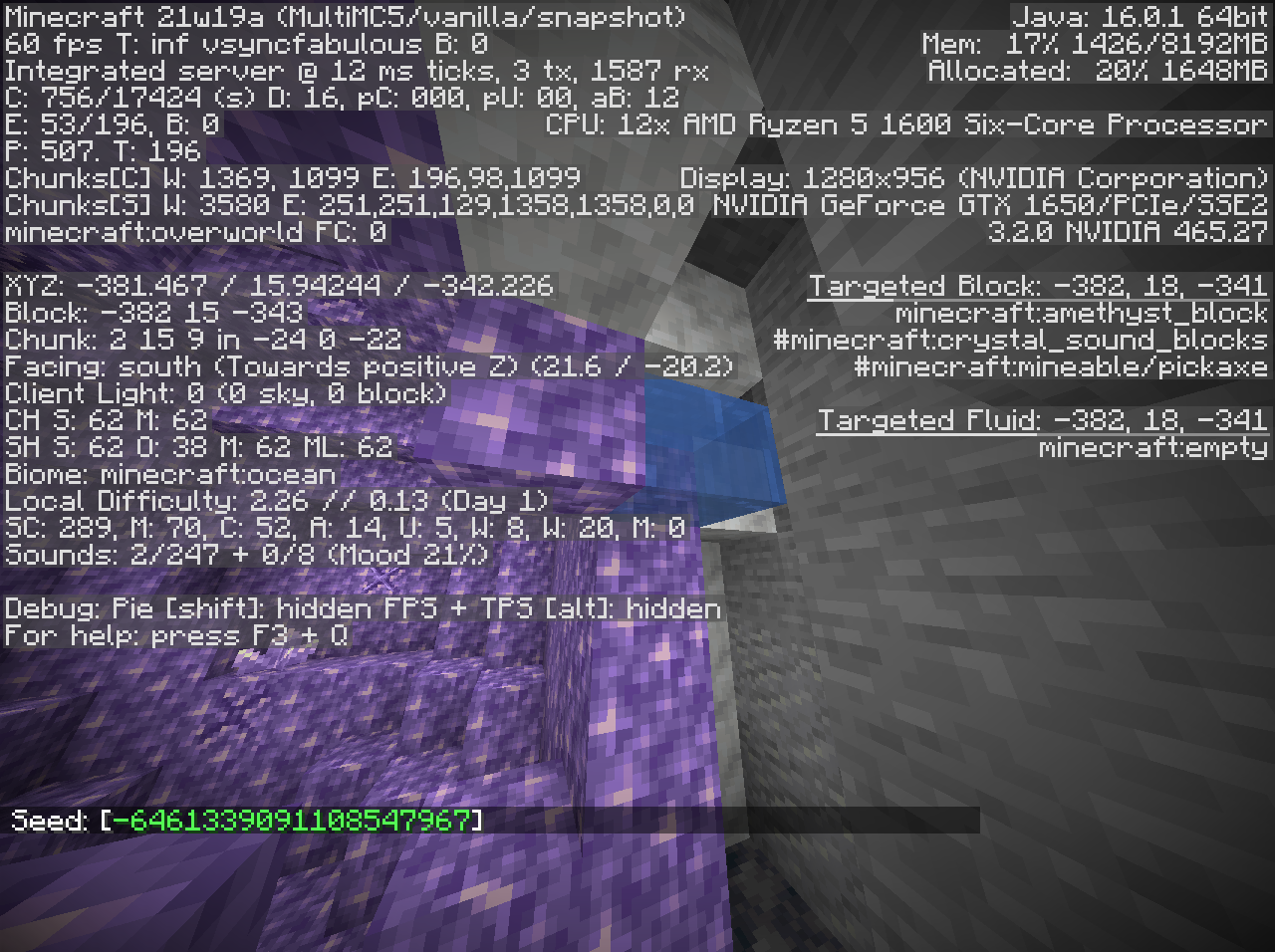
My suspicion in this bug, as I have seen it many times, is that the Geode generation algorithm does not check for "closedness" and generates a parametric shape to use, placing the layers correspondingly. A possible fix would be to generate Calcite on the outside of all Amethyst Blocks, and Smooth Basalt on the outside of all Calcite blocks, as additionally Amethyst Blocks are very commonly making direct contact with the Smooth Basalt layer.
The thing is, of all the projectiles in the game, the Dragon Fireball IS 2D. For some reason it never got updated to 3D.
can confirm in 22w43a
can confirm in 22w43a
I would like to note that this is inconsistent with the Turtle Shell, as that as an equipable utility item in the Combat tab, as it is equipped to the Helmet slot.
ah, thanks for clearing that up!
i think he means that the "streaks" of quartz are 1 pixel to the right of center
This is not a bug, it is simply the texture of the item. It cannot be properly centered without retexturing or custom models, as its odd amount of pixels per side would require it to be 1.5 pixels from each side of the inventory box, breaking the pixel grid.
With PNG, OGG, and ZIP compression combined, 80mb should be plenty
Just because a bug carries over from a snapshot or pre-release to a full release does not qualify it as Invalid, see MC-164001,
MC-185618,MC-177596, orMC-156663for some examples. I would like to request that this be reopened.hoppers' different states work as intended, however "Disabled" is not properly synced to the client, see
MC-70127and this is likely what is happening with droppers and dispensers too, as well as possibly sugarcane and cactus.this occurs if you set a custom world to generate only air with strongholds, definitely WAI
potential duplicate of MC-1788
MineOnline fixes this bug, it's actually that the red and blue channels are swapped on apple machines, not that the colors are inverted.
if you have multiple beacons with multiple selected levels of jump boost, this is possible to obtain, are there any beacons in your world?
this happens because the buttons were recently changed to scroll text back and forth if too long to display inline, which is the case with your added icons.
I have had this issue happen so severely that my computer shuts down within minutes or seconds of launching the game, though an entire shutdown is rare and usually this just causes the computer to freeze or massively slow down. My suggestion is to make the DFU lazily loaded, so it is not always active.
Likely related to MC-163098
this issue is caused by the special rendering of Drowned's emissive parts
@brain81505 video attached.
These bugs are different but likely related; this report is for the one-time spike that occurs on opening the inventory for the first time, the other one is for the consistent minor increase in lag that persists while the inventory is open.
this may be MC-233604, however I am not sure as it occurs a noticeable amount even in an empty inventory.
Why was this closed as Invalid? That doesn't make sense to me, can a mod explain the decision making process?
can confirm in 1.19.3 and 23w14a
while larger-than-one-block selection bounds are rather buggy, a workaround for multiblocks such as large plants, doors, and beds would be to make both halves display the selection bound for the entire multiblock, meaning when either half is pointed at, its selection bounds will extend into the other half
can confirm in 1.20-pre7, attached screenshot demonstrating the issue (note the difference in file names)
this does not fix the issue on 1.20.1
this is due to colormaps being set by the humidity and temperature of each biome, and since the sparse jungle has a different set of values for those than regular jungle, it appears differently, meaning this is not a bug
Most if not all Source-engine games move the player's feet up, rather than head down, when crouching in the air. This minor change would resolve this issue and make crouching mid-jump feel more natural.
It should be noted that this does happen to items, but as far as I am aware, no other entity.
Worth noting that SOH is Start of Heading, ␁, which is codepoint $01, which may be an indicator that the game is reading garbage data. in all, the string "␁\␁]␁" is $01 5c 01 5b 01. This string was mentioned for scancode.310 in this MinecraftForum post, which went unanswered, back in 1.8.9. RShift is 229 according to this table, however this user's keyboard seems to be nonstandard, as they were able to get RShift recognized by holding Mouse1 at the same time they hit the key. Scancode 310 should be a modifier key according to the earlier table, however that table seems to conflict with the data gathered for MC-170376, so this should be taken with a grain of salt. Code analysis will need to be done to disambiguate whether the game is actually referring to scancodes, or is erroneously referring to keycodes as scancodes.
can confirm in 1.20.4, attached video demonstrating the behavior
this does not entirely make resummoning the ender dragon impossible, but it does make it very difficult. here is a video demonstrating one way it can be done: https://youtu.be/bVBYrtisZAg
this was unintentionally fixed in 24w36a
can confirm in 1.21.1
likely relates to MC-187442 and
MC-266380can confirm in 24w40a
can confirm in 24w40a; this behavior is not present in 1.7.10
i have attached a resource pack demonstrating the issue.
can confirm in 1.21.2-pre1
can confirm for 1.21.2-pre1
can confirm in 1.21.2-pre1
can confirm in 1.21.2-pre1