Copy World fails for worlds larger than 1GB
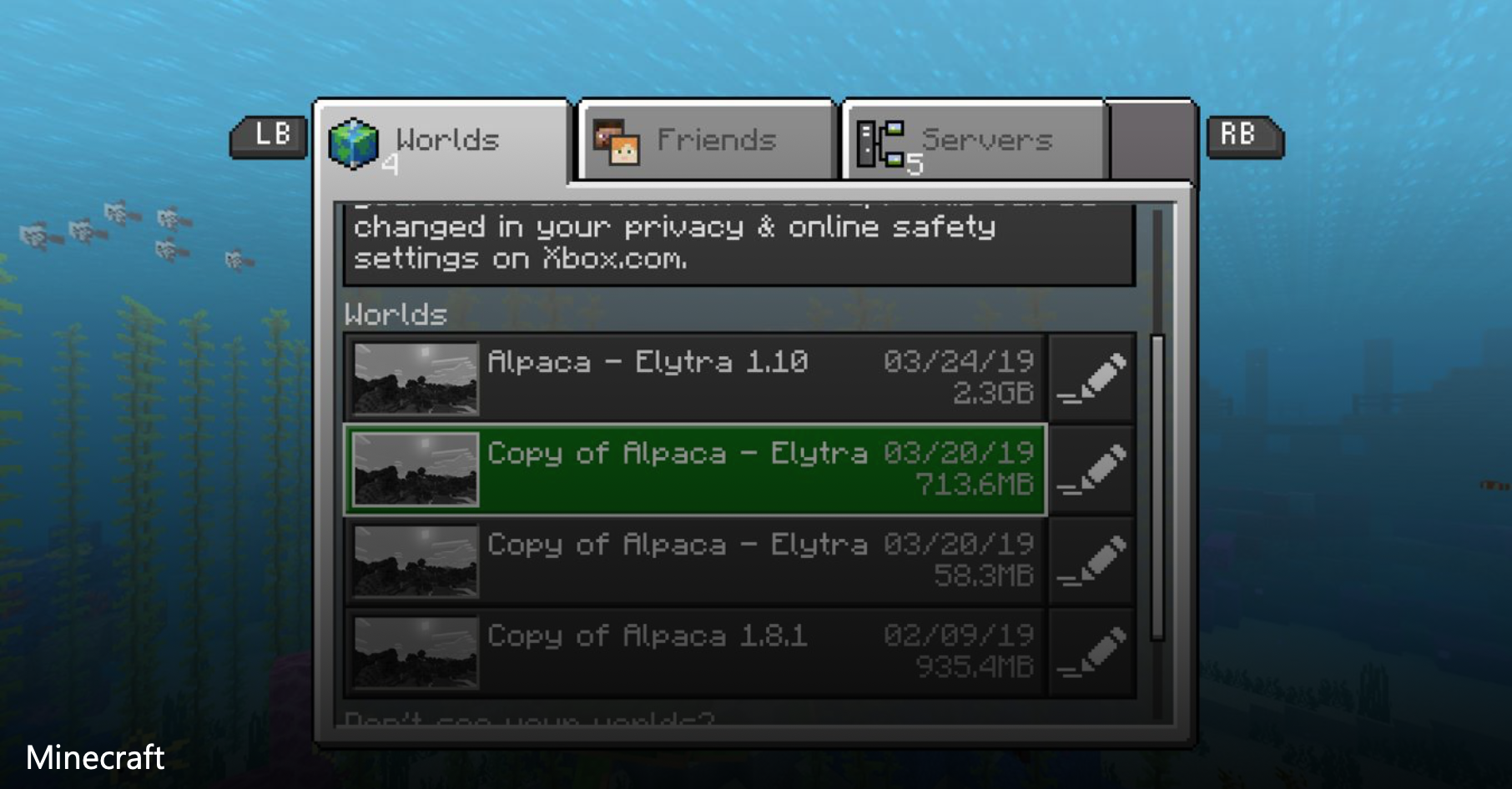
My world has recently reached a size of 1GB. Previously, I could duplicate it thanks to the Copy World button (I create backups regularly) but since it is 1GB it does not work anymore.
The error message is: "You are almost out of data storage space! Minecraft has restricted access to this feature until you clear up additional storage space." which makes no sense because I have hundreds of GB available on my disk.
Copying other (smaller) worlds still work fine.
It's not a big deal because I can of course duplicate the 1GB world directory on the disk myself, but doing it in game thanks to this button was convenient.
Either this is a bug, or if the limitation is intentional for whatever reason, the error message should be modified to explain that large worlds cannot be copied with this button.
Linked Issues
is duplicated by5
relates to5
 MCPE-32709failed to create a copy of your worldCannot ReproduceMCPE-32501You are out of data storage space and minecraft is unable to save your progressFixedMCPE-35461Minecraft wont create or load world. When i try doing so, the menu backround will go black and will say that im almost of storage space when i have 659.4 GB available.Cannot ReproduceMCPE-38863Copying WorldsDuplicateMCPE-41558Impossible to delete skin packs and savefile too largeIncomplete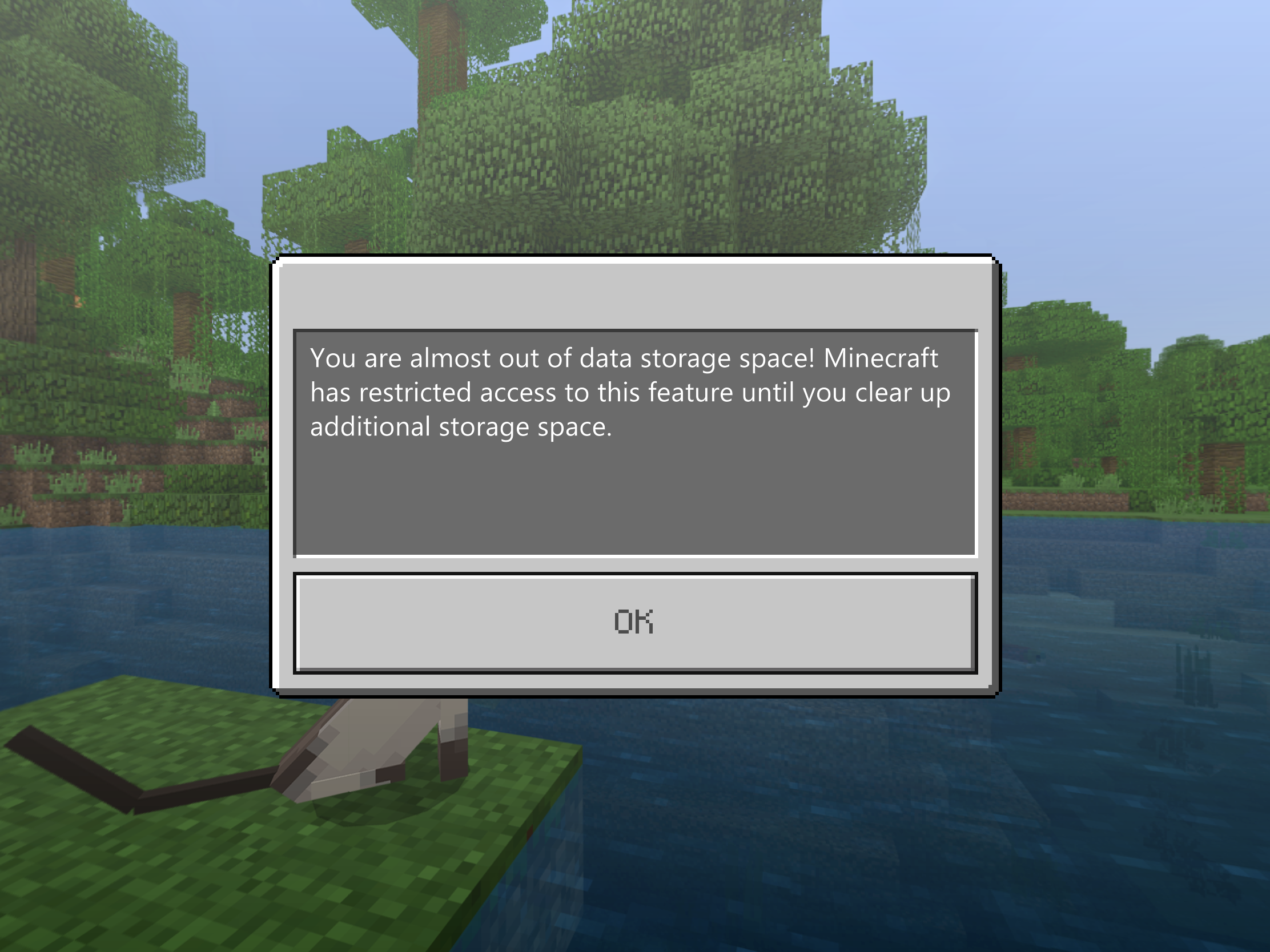




Created Issue:
Copy World fails for worlds larger than 1GB
My world has recently reach a size of 1GB. Previously, I could duplicate it thanks to the Copy World button (I create backups regularly) but since it is 1GB it does not work anymore.
The error message is: "You are almost out of data storage space! Minecraft has restricted access to this feature until you clear up additional storage space." which makes no sense because I have hundreds of GB available on my disk.
Copying other (smaller) worlds still work fine.
It's not a big deal because I can of course duplicate the 1GB world directory on the disk myself, but doing it in game thanks to this button was convenient.
Either this is a bug, or if the limitation is intentional for whatever reason, the error message should be modified to explain that large worlds cannot be copied with this button.
My world has recently reached a size of 1GB. Previously, I could duplicate it thanks to the Copy World button (I create backups regularly) but since it is 1GB it does not work anymore.
The error message is: "You are almost out of data storage space! Minecraft has restricted access to this feature until you clear up additional storage space." which makes no sense because I have hundreds of GB available on my disk.
Copying other (smaller) worlds still work fine.
It's not a big deal because I can of course duplicate the 1GB world directory on the disk myself, but doing it in game thanks to this button was convenient.
Either this is a bug, or if the limitation is intentional for whatever reason, the error message should be modified to explain that large worlds cannot be copied with this button.
![[Mojang] Mega_Spud (Jay Wells)](../../../data/avatars/users/92696.png)
relates to
is duplicated by
Also affects MCPE 1.6.0 from Amazon Appstore (on Kindle Fire)
is duplicated by
relates to
![[Mod] Asteraoth](../../../data/avatars/users/92886.png)
is duplicated by
relates to
is duplicated by
Fixed.
Thank you for your report!
However, this issue has been closed as a Duplicate of MCPE-37269 due to the more general or descriptive summary.
Your votes, additional information and observations are very useful, so if you can add them to the comments section of the parent issue it would be appreciated.
Quick Links:
📓 Issue Guidelines – 💬 Community Support – 📧 Feedback – 📖 Game Wiki
Thank you for your report!
However, this issue has been closed as a Duplicate of MCPE-37269 due to the more general or descriptive summary.
Your votes, additional information and observations are very useful, so if you can add them to the comments section of the parent issue it would be appreciated.
Quick Links:
📓 Issue Guidelines – 💬 Community Support – 📧 Feedback – 📖 Game Wiki
Thank you for your report!
However, this issue has been closed as a Duplicate of MCPE-37269.
Please add a vote and any new information to the main ticket, which will be updated accordingly.
If you have not, you might like to make use of the search feature before making a new ticket, as it's likely that the issue has been reported already.
Quick Links:
📓 Issue Guidelines – 💬 Community Support – 📧 Feedback – 📖 Game Wiki
Norbert Irmer: I'm sorry the workaround isn't able to help you. We already have MCPE-37269 tracking the issue with copying or exporting very large worlds, so you don't need to create a ticket for it. However, you might wish to vote for and/or watch that issue. There was a fix for it applied to the 1.8.0.10 beta, but it didn't pass testing and wasn't included in the 1.8.0 release.
You might also want to look at the 'related to' links from MCPE-37269 for similar problems that you share so you can vote for or watch them as well.

Thank you for your report!
However, this issue is a Duplicate of MCPE-37269.
If you have additional information, please add it to that report.
Please search before reporting, as it's likely that one exists already.
Quick Links:
📓 Issue Guidelines – 💬 Community Support – 📧 Customer Support – 📖 Game Wiki
![[Bot] Arisa](../../../data/avatars/users/43007.png)
Thank you for your report!
We're tracking this issue in MCPE-37269, so this ticket is being resolved and linked as a duplicate.
If you would like to add a vote and any extra information to the main ticket it would be appreciated.
If you haven't already, you might like to make use of the search feature to see if the issue has already been mentioned.
Quick Links:
📓 Bug Tracker Guidelines – 💬 Community Support – 📧 Mojang Support
📓 Project Summary – ✍️ Feedback and Suggestions – 📖 Game Wiki
– I am a bot. This action was performed automatically! Please report any issues on Discord or Reddit
Interesting. This is not the only problem with storage and the like. I hope this gets resolved.
Resolved in beta 1.8.0.8.
Successfully verified today.
Thank you!
Reopening until the fix is included in a stable release.
I am having what appears to be the same version in the Switch version. In my version though the game will refuse to save after 60-seconds of play, and crash to the Switch's menu not too long after. My world file is only 420mb and I have over 120gb free on my Switch.
I have seen several other people on Reddit with this exact problem as well.
Please tell me this is going to be fixed in the Switch version soon too, as this has rendered my game basically unplayable
Should I create another ticket for this issue but for the Switch version...?
I'm having the same issue on the switch, haven't been able to download my realm for months.
Error message: "You are almost out of storage space! Minecraft has restricted access to this feature until you clear up additional storage space."
Glad that more people are coming forward with this. I was not very happy when the new update that dropped just before Xmas didn't do anything towards the problem.
Affects 1.9.0.5
Can we add the Switch version to this or should this be on a separate ticket?
Just found another thread where a guy has been affected by this since April 2018! Will this ever be resolved


James Day It's fine to track the issue here for other platforms, just include them in a comment as you have.
Cannot reproduce in 1.10.0.3, it might be fixed, but now I can copy 1GB worlds
My world, which fluctuates in size between 400mb - 800mb for whatever reason, now begins to copy but gets stuck at around 42% before eventually crashing to the Switch dashboard (a familiar occurrence!)
Playing the world still freaks out and crashes to the Switch dashboard after a few minutes, although it took about 5 minutes+ rather than the usual 2 minutes+ to do it on the last test.
How many more months is it going to be until I can play my game again
This issue is happening on minecraft pe the realm is 480MB and in the last version it would let me download but in the the version out now it says I don't have any space left even doh I have 2.38GB left
This has been a problem for many months, when will it be fixed?
I've noticed reports of something simillar happening on android and switch as well, with either the game failing the copy or full out crashing. Examples such as
MCPE-40286andMCPE-41568I’m having the same issue in iOS. I have a iPad Pro with 32gb storage available and 3gb of system ram available. PLEASE FIX. Many times I’m traveling with no WiFi and wont to download my realm to my iPad to play it
This is what's happened to my worlds! I've given up on minecraft. Mojang are not interested in fixing bugs. What is the point of fancy updates when I can't even play?
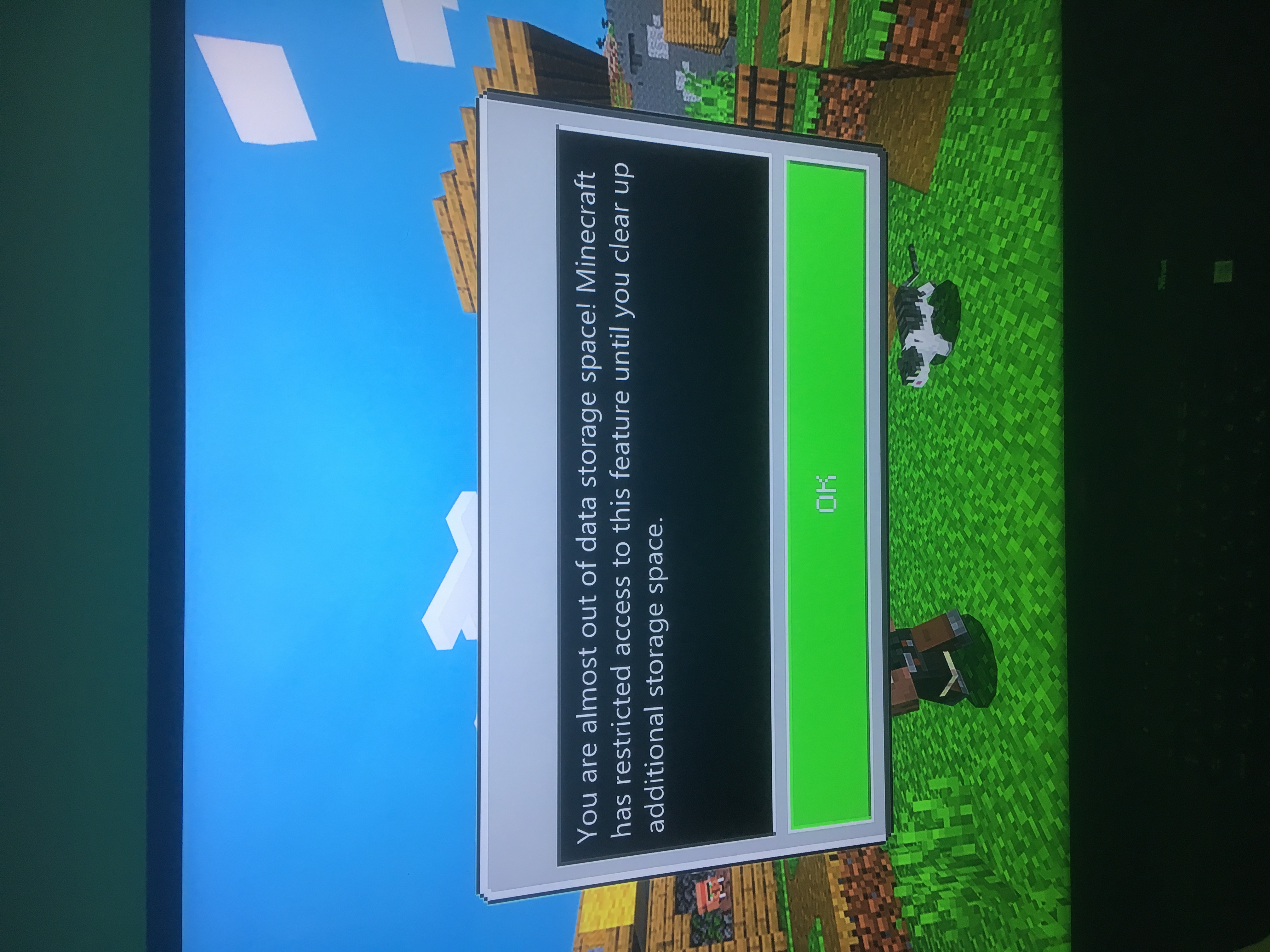
I experience the same on xbox one:
The game is updated today ( 2019.05.18) cca. 130MB, but i still cant play. When im trying to start a new game it says: im out of data storage: "You are out of data storage space! Minecraft has restricted access to this feature until you clear up additional storage space." This is weird because i have 352.2 GB free.
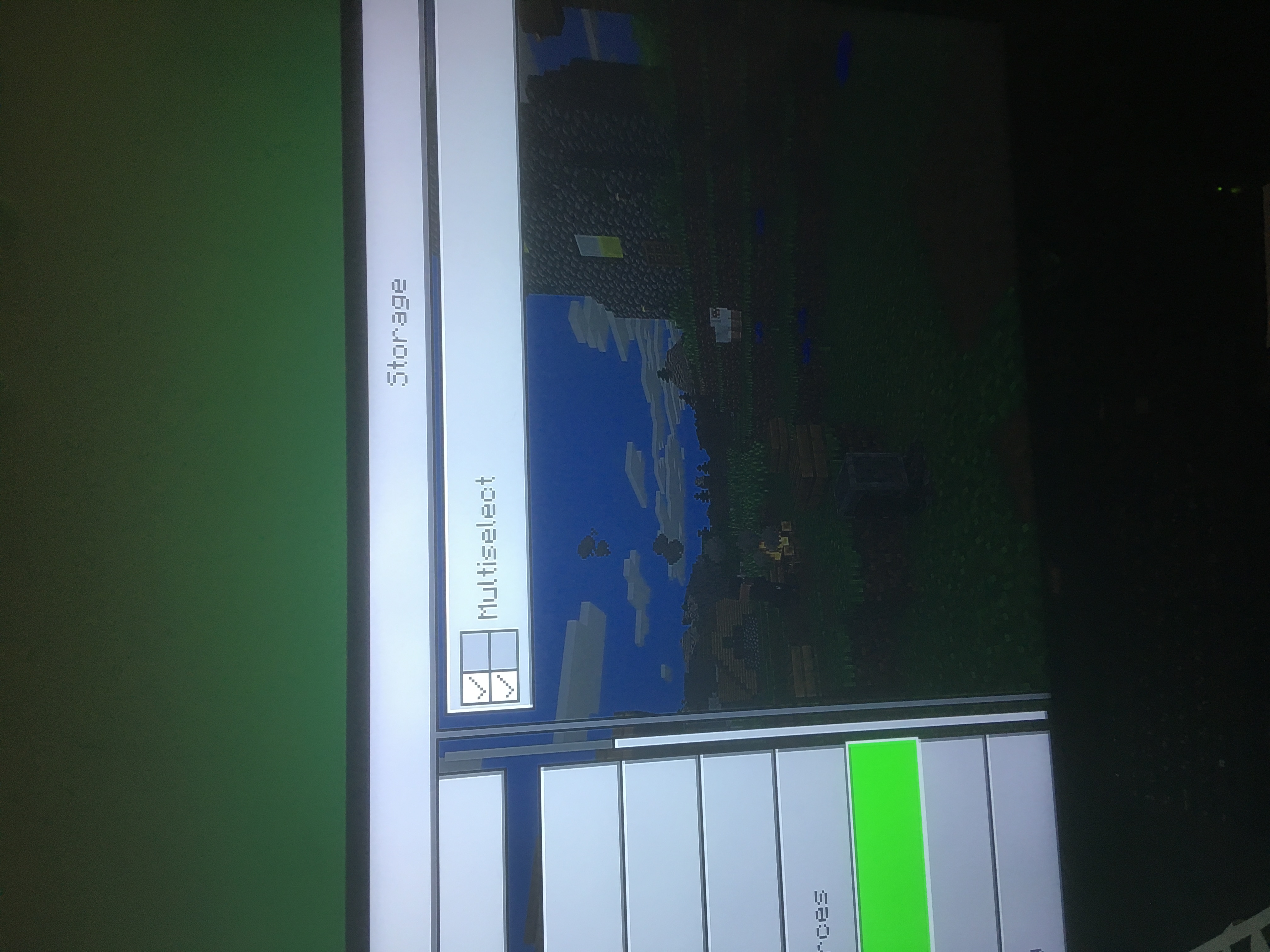
I can access to:
I can't access:
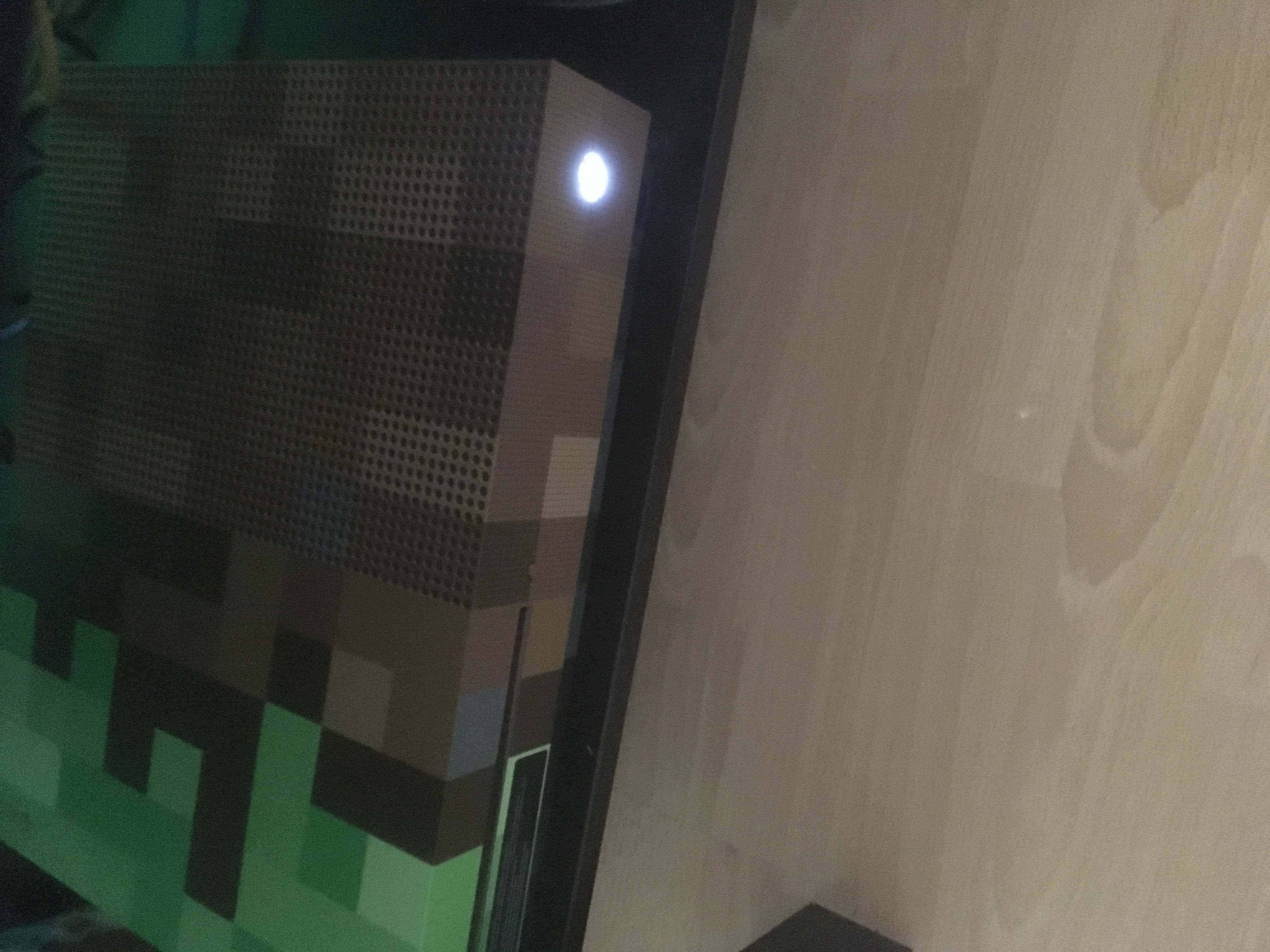
Can you please check it out, why i can't play minecraft on my Minecraft Limited Edition Xbox One S ?
Thank you for your report!
However, this issue has been temporarily closed as Awaiting Response
Is this still an issue in the latest version?
If it is, please be sure to include steps to reproduce the problem:
If your ticket does not look like the example given here, then it's likely to be closed as incomplete.
This ticket will automatically reopen when you reply.
Quick Links:
📓 Issue Guidelines – 💬 Mojang Support – 📧 Suggestions – 📖 Minecraft Wiki
Cleaning up old tickets: This ticket had been set to 'Awaiting Response', but has not received a response from the reporter (~3 months+) so is being closed as Incomplete. If you feel this is still a valid issue then please comment, or create a new ticket following the Issue Guidelines which includes steps to reproduce the problem.
For any account or purchasing related issues, please contact Minecraft Customer Support directly, as we cannot assist with those here at the bug tracker.
Quick Links:
📓 Issue Guidelines – 💬 Mojang Support – 📧 Suggestions – 📖 Minecraft Wiki
My world is approaching 4GB and I am unable to create a copy when enabling the "spectator mode" experimental feature. I'm guessing it's because of the file size so would like this ticket to be re-opened. If it's due to something else maybe someone can point me toward the correct ticket. Thanks.