 Emoluvjd2
- emoluvjd2
- emoluvjd2
- America/Chicago
- Yes
- No
 MC-7209
![[Mojang] Grum (Erik Broes)](../../../data/assets/gravatar/grum.png)




Minecraft Version: 13w02b
Operating System: Windows 8 (amd64) version 6.2
Java Version:1.7.0_09, Oracle Corporation
Java VM Version: Java HotSpot(TM) 64-Bit Server VM (mixed mode), Oracle CorporationOperating System: Windows 8 (amd64) version 6.2
Java Version: 1.7.0_09, Oracle Corporation
Java VM Version: Java HotSpot(TM) 64-Bit Server VM (mixed mode), Oracle Corporation
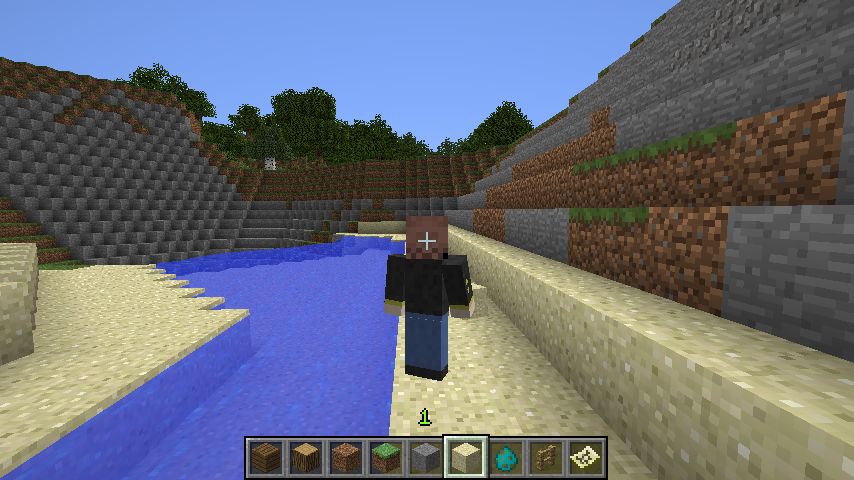
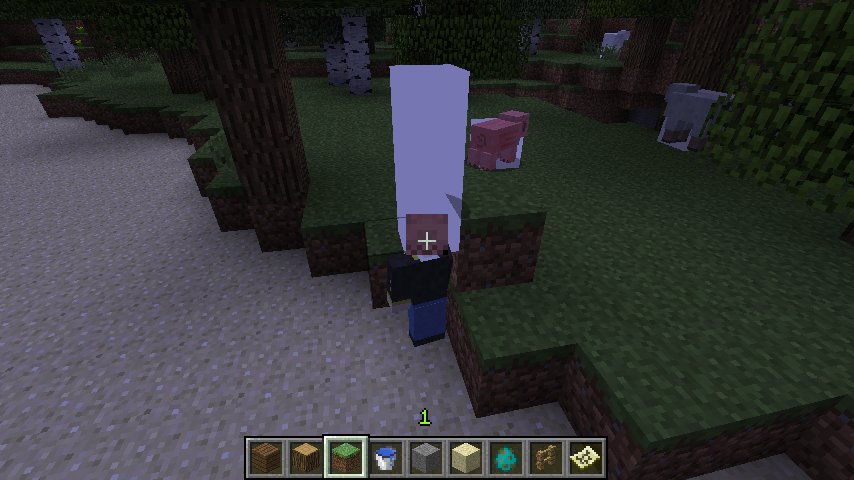
Stitching bug on player skins.Stitching bug on second layer of player skins
What I expected:
Smooth appearance of player skinWhat happened:
Dots and lines at edges oftextures.Steps to reproduce:
1. Load world
2. Press f5
3. Move camera around a little, and you'll see dotsNote: I believe this may be related to the stitching error with the new texture format.
What I expected:
Smooth appearance of player skinWhat happened:
Dots and lines at edges of second layers, even if there is none.Steps to reproduce:
Enter third person mode and you can see dots and lines at the edges of your skin's second layers.
Alternatively, your arm will also show these lines in first person.
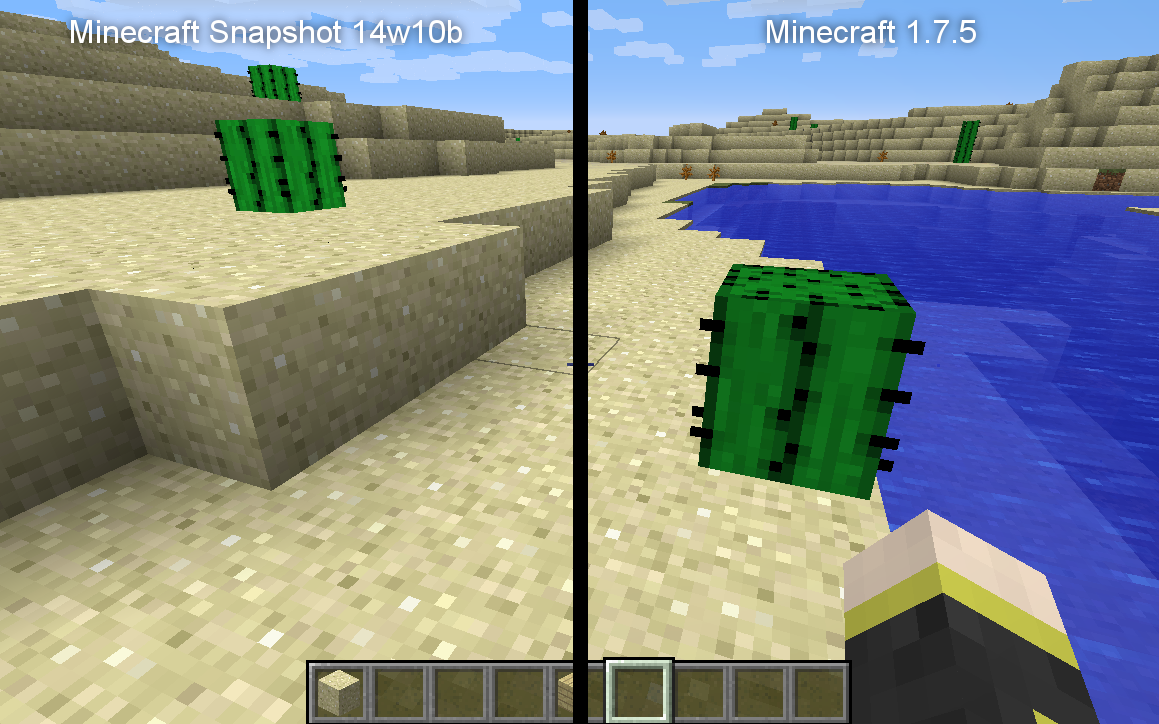
The cactus block
is renderedmore brightly thanin previous versions.The cactus block and various others are lit more brightly than others.
The "Full" smooth lighting feature was implemented to fix the lighting of certain blocks like the back of stairs in Minecraft, but the feature is now useless because the implementation of models have fixed the lighting issues the "Minimum" setting would otherwise still have.
Screenshot below take with Smooth lighting set to the Minimum setting.
The "Full" smooth lighting feature was implemented to fix the lighting of certain blocks like the back of stairs in Minecraft, but the feature is now useless because the implementation of models have fixed the lighting issues the "Minimum" setting would otherwise still have.
Screenshot below taken with Smooth lighting set to the Minimum setting.
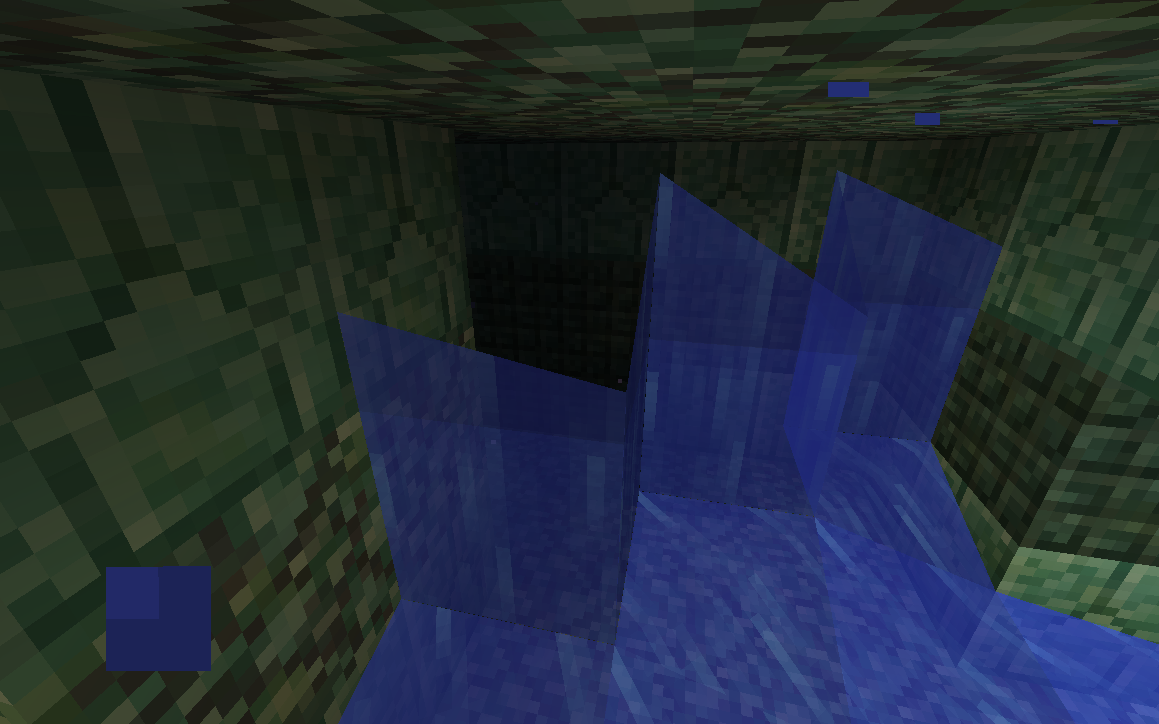
I don't know exactly how I made this happen, but I was placing sponges near waterfalls inside of a Water Monument when I noticed it.
Edit: It turns out this happens to any block of water with a solid block above it. This probably occurred since water underneath blocks no longer shows its surface. (It also might be a duplicate, too.)
Steps to reproduce:
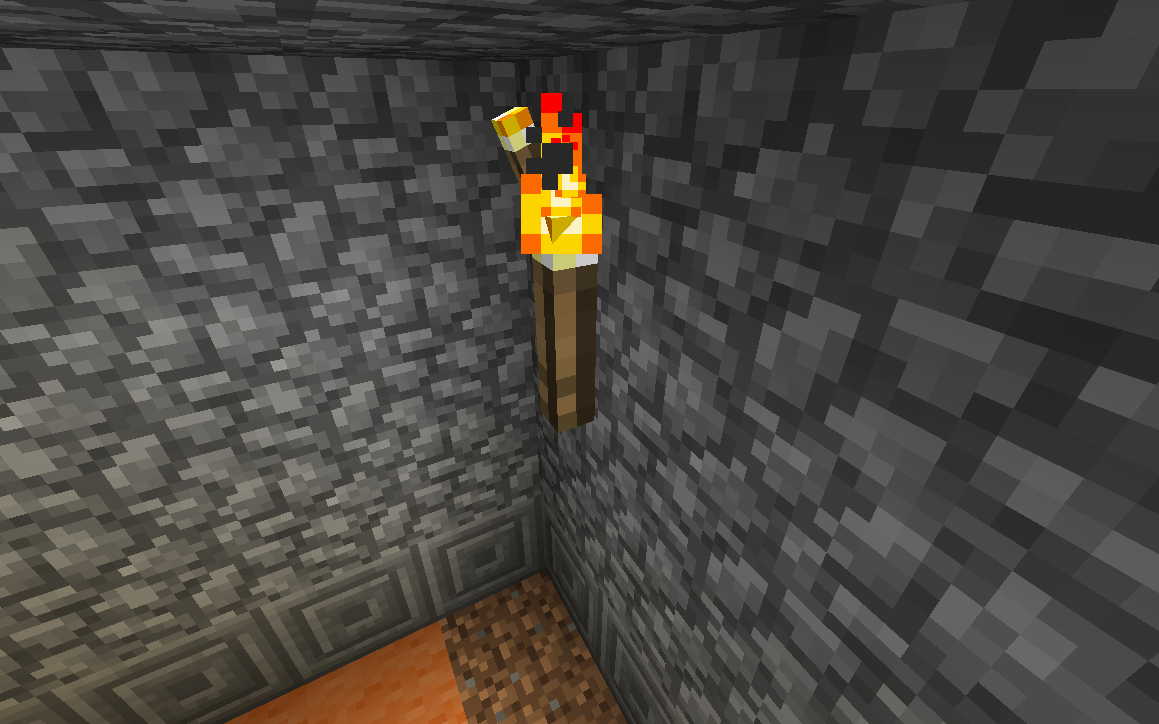
1. Place a torch on a block
2. Place another torch onto the side of the placed torch
Note: There must be a block that a torch can normally be placed on adjacent to where the second torch will be]
3. Observe floating torch
Steps to reproduce:
1. Place a torch on a block
2. Place another torch onto the side of the placed torch
Note: There must be a block that a torch can normally be placed on adjacent to where the second torch will be]
3. Observe floating torchSteps to reproduce:
1. Place a torch on a block
2. Place another torch onto the side of the placed torch
Note: There must be a block that a torch can normally be placed on adjacent to where the second torch will be.
3. Observe floating torch
Title is self-explanatory, the corners of the 3x3 square atop of huge mushrooms
to not generate with the correct data value.Ignore the fact that the world hadn't fully loaded in the screenshot, the appearance did not change once it did load.
Title is self-explanatory, the corners of the 3x3 square atop of huge mushrooms do not generate with the correct data value.
Ignore the fact that the world hadn't fully loaded in the screenshot, the appearance did not change once it did load.

This can be closed, as the bug has already been reported, also another issue that's been reported duplicates the original, it appears.
I thought the the current snapshot was basically that, but it's not. I'll fix that, sorry.
There are not any labels on the original bug and it has a name that would not be obvious to search for when trying to find if this bug has already been posted. Sorry about this.
Confirmed in 13w11a.
The hit-box is positioned wrongly, which is most likely the cause of this bug.
This bug was not present in 1.4. You might have an issue with your graphics card, Tavis.
Add AMD Radeon HD 7560D to that list.
Less visible now, possibly, but still there. May be an AMD Graphics issue.
For future reference, "Environment" on this website means what Operating System you are using (Windows, Mac, Linux), and your Java Version.
This is still affecting 1.6.2. Also smooth lighting does not work on animated textures.
I think the issue might be caused by Radeon graphics cards, it also happens at the edges of clouds. (As in the edges where two clouds meet, since clouds are made up of individual squares.)
My graphics card is a AMD Radeon HD 7560D.
Never mind that part in that case. The issue must be in Minecraft's rendering rather than hardware, then.
This used to happen to me on servers way back in beta 1.2, but I did have it happen somewhat recently with enchanted tools.
Pretty sure this relates to a bug I'm having where bringing up a menu (like your inventory) while a sound is playing causes the sound to play again when the menu is closed.
Going back through the versions, it looks like the player shadow has never worked correctly. Though in Infdev it appeared on blocks one space higher than you were standing rather than two.
This issue has been updated to include other blocks with the same issue.
Just a note: This bug was probably caused by the fix for
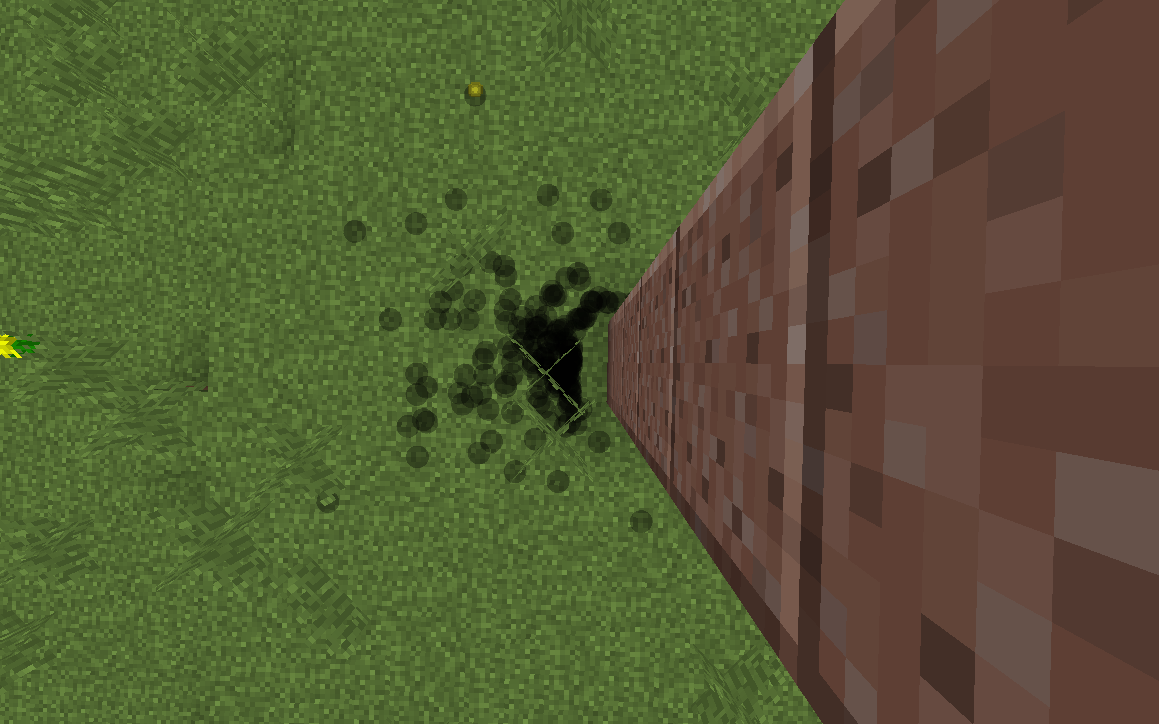
MC-4767.I think this applies to all X shaped blocks.
Should be marked as "Works as Intended."
I've done that already, but it's still annoying to have to do that.
It used to, but I'm pretty sure it was changed so that players with resistance V (invincibility) would still be affected by the command.
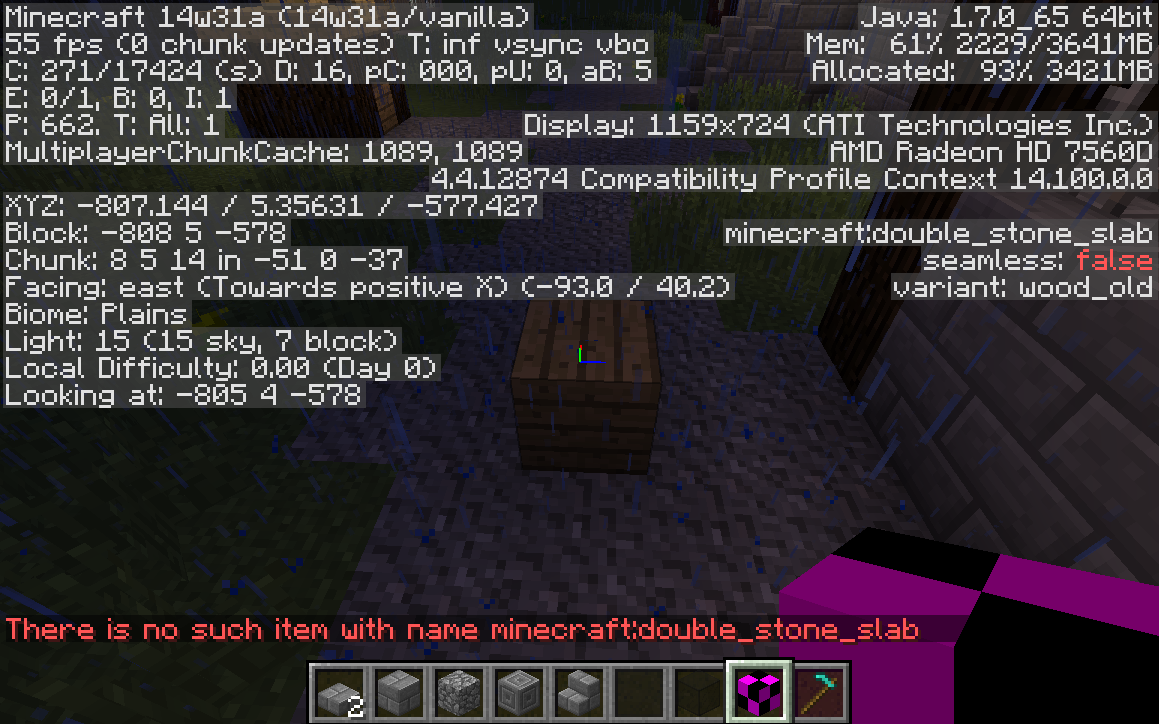
This isn't higher than default, or a custom damage value, though. It's a valid, used (in older maps), block. It's model is still in game (since it's just the normal wooden slabs), and it only appears incorrect when held in hand and in the hotbar.
Ah, that makes more sense as a reason for this. The thing is, though, that the block in question is legitimately obtainable in survival, had you been playing prior to the update that these blocks were retired in. They're not converted to the new type either, so older worlds may still contain these blocks.
Pretty sure they've been like that since introduced. They don't usually spawn in the ground like that, though.
I'm no longer getting this bug. A change in a recent version must have fixed it.
(Either that or updating my graphics drivers fixed the bug.)
I can confirm this is the case.
Duplicate of
MC-3634This has happened to me way back in 1.4.
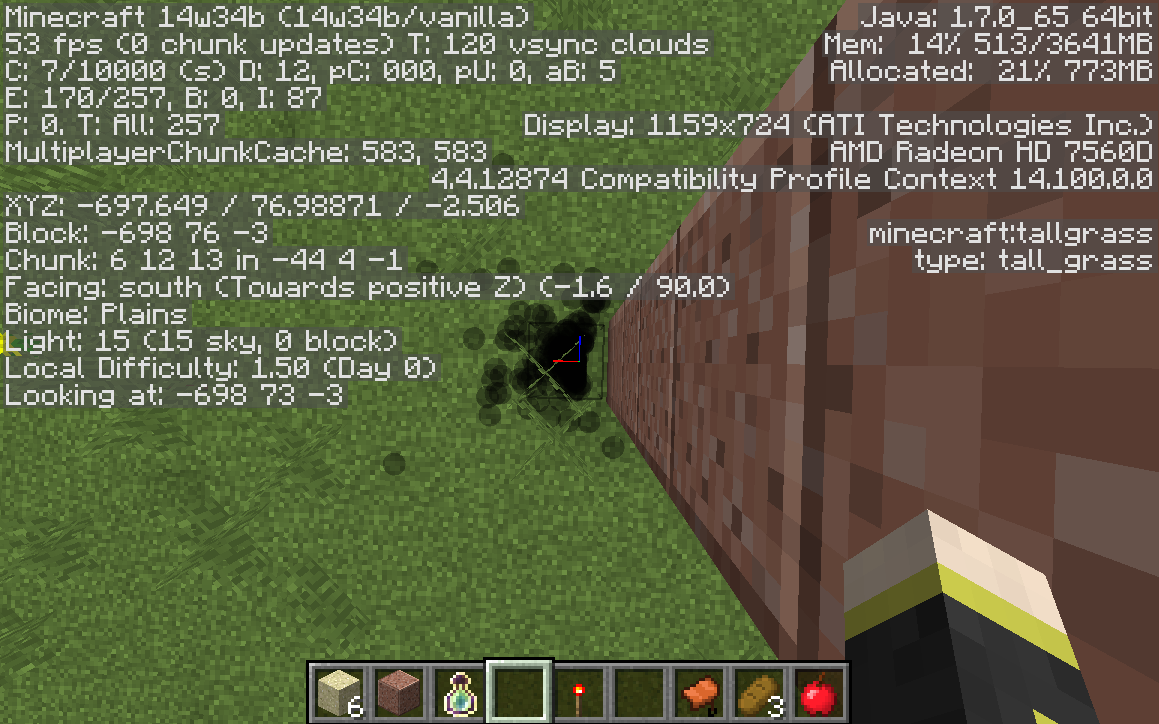
Still is not fixed in 14w34b.
Still an issue in the current version.
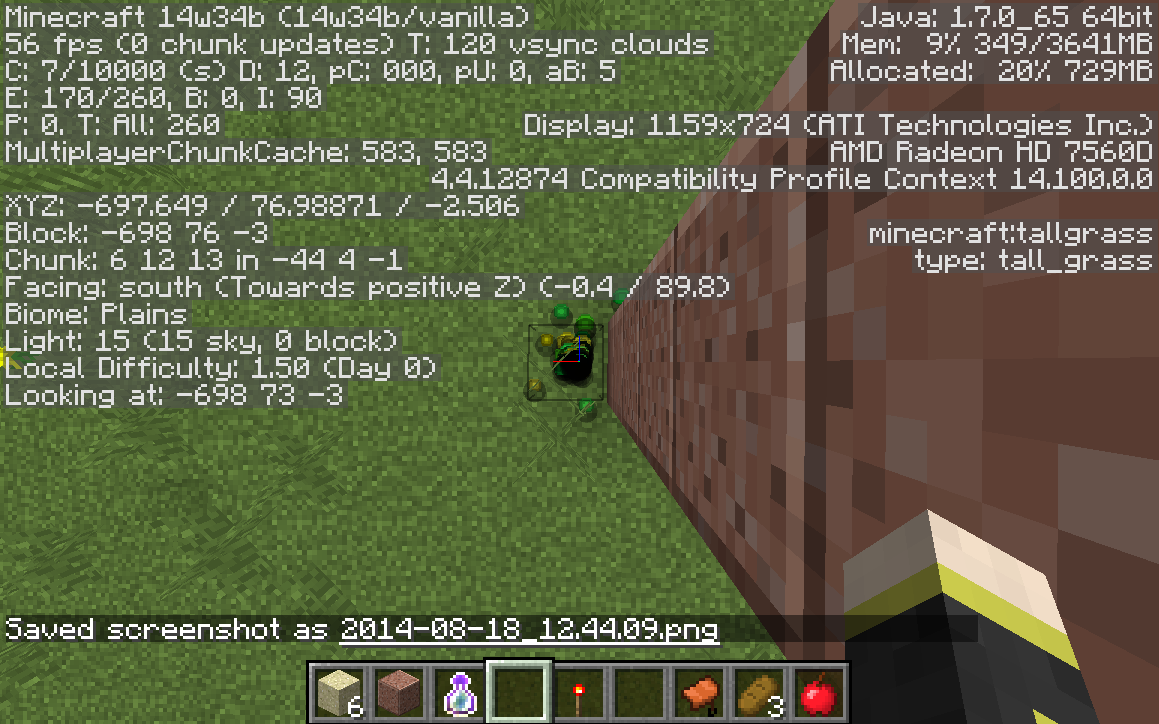
Confirmed for 14w34b
Not sure if it's related, but the same thing happened for me with sleeping players in the current release, 1.7.10.
Basically, they don't support worlds made before 1.7 anymore. It's a simple big, though. Fixing it through a mod wouldn't be too hard, I assume.
The name and description are accurate. The crystal has never sat on top of a bedrock block. The block you're talking about is part of the ender crystal entity. The entity itself is being placed one block too low on the pillar, resulting in the bedrock portion being no longer be visible. Though your comment did give me the thought that maybe the origin of the entity changed and the generation of the crystals was never updated to match it.
The stairs do spawn, they're just not visible until interacted with.
Possibly related to
MC-61821Does this bug still affect the current version? I'm no longer able to test it, as it seems to only affect certain graphic cards.
I haven't been experiencing this bug since 2014, however, others have claimed to up until 1.8.9. I'm not sure why I marked 16w02 as affected, as I have no way of actually testing it.
It became a bug in 1.3 because of the multiplayer restructuring. I'm guessing they won't fix it because it will affect SMP? Still, the fact that all the in-game transitions were broken and won't be fixed kinda sucks.
A related bug was marked as works as intended, so I guess this is intended too.
Does this still affect the current version? (16w06a)
Does this affect the most recent snapshot?
I thought they used the stairs placement algorithm?
Has this issue been fixed? I know they fixed
MC-1058, but the cause of that was unrelated to this.Are your graphic drivers up to date, redstonehelper? I remember that on the computer I first experienced the bug on, the lines disappeared after updating my drivers.
Is this still in issue in the current snapshot?
Is this still happening?
This may have been already been fixed by
MC-85132, but the fix hasn't been included in a snapshot yet.That is
MC-96154, which is also invalid.Shouldn't this be fixed now?
Yeah, the method of activation changed. Not a bug.