A dragon head is invisible if the entity wearing it is not in view
The bug
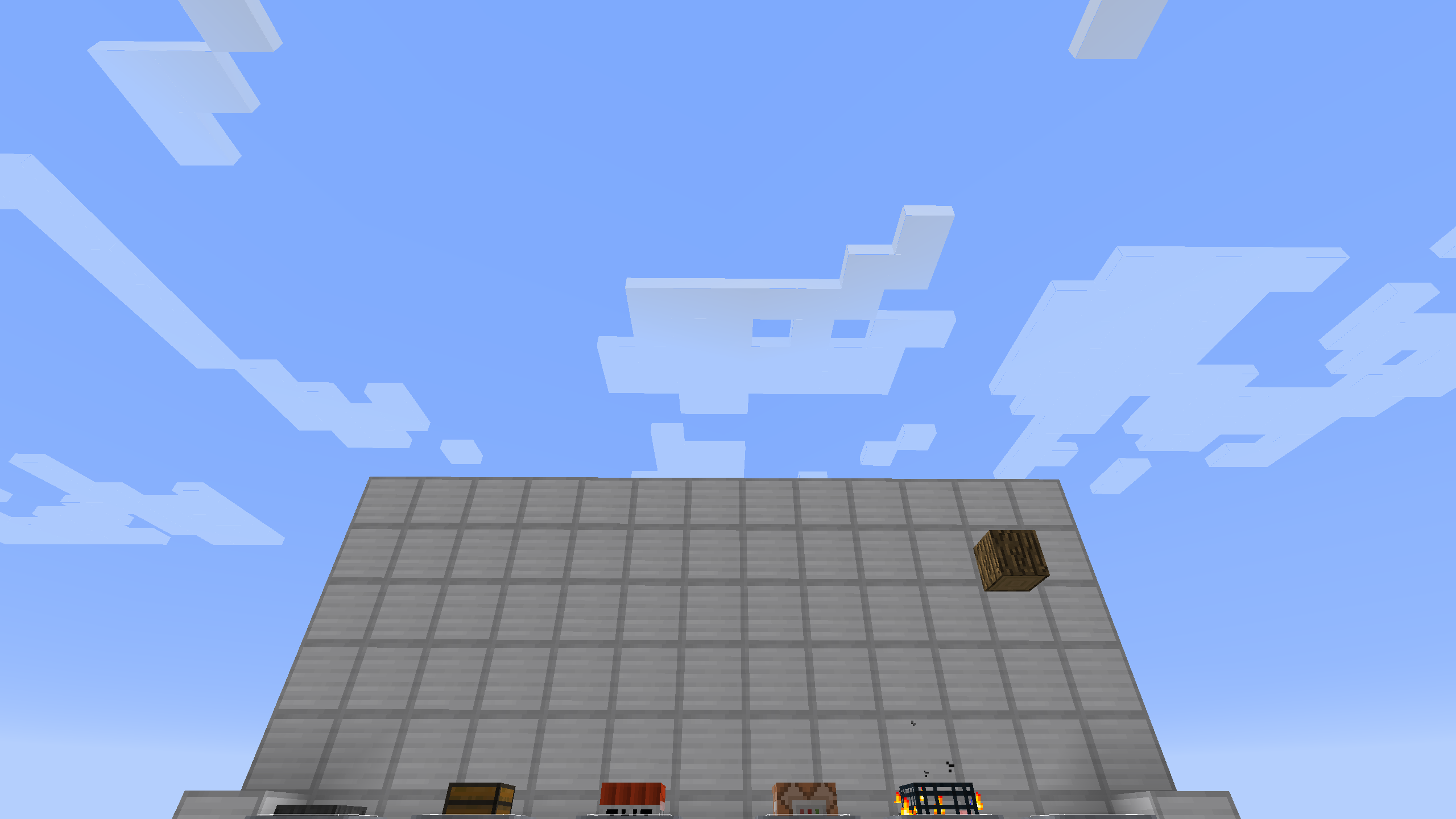
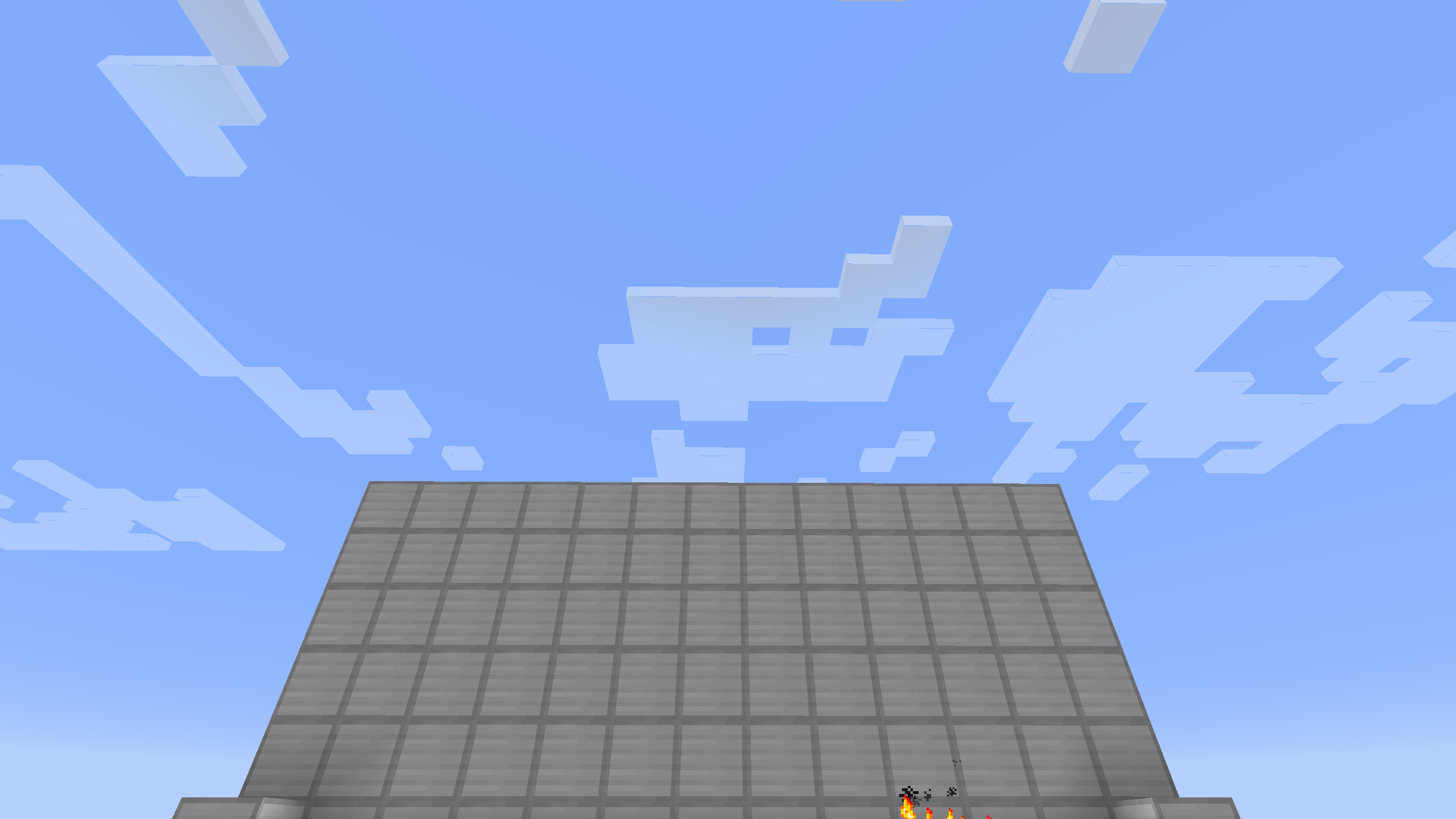
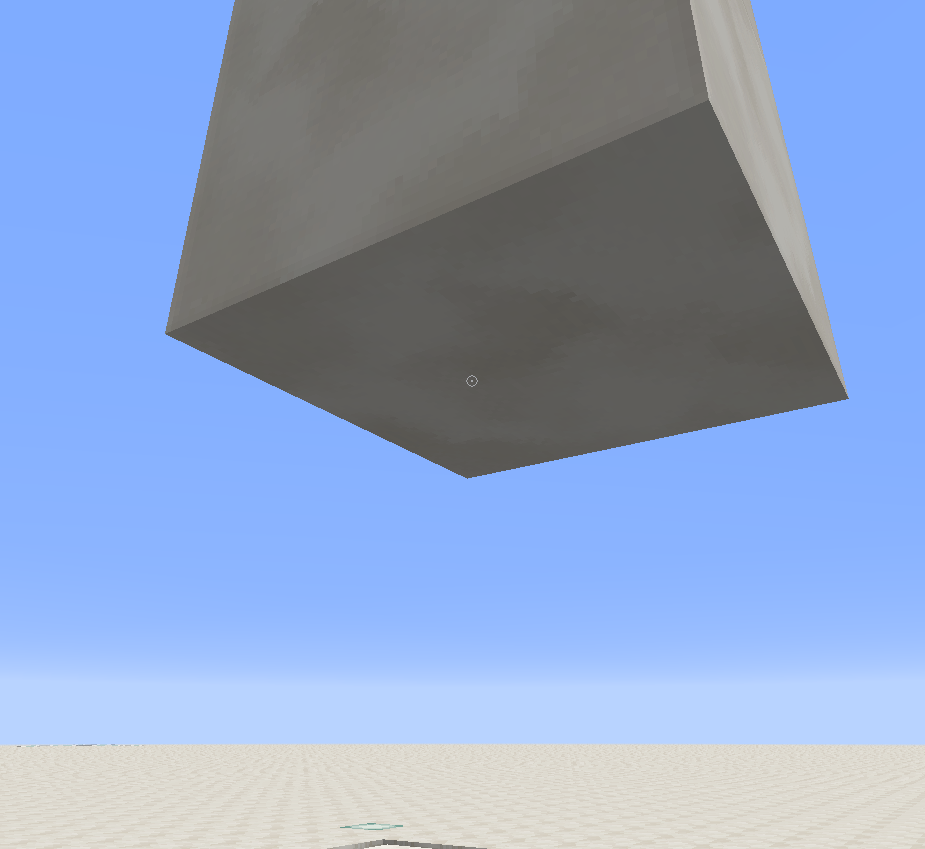
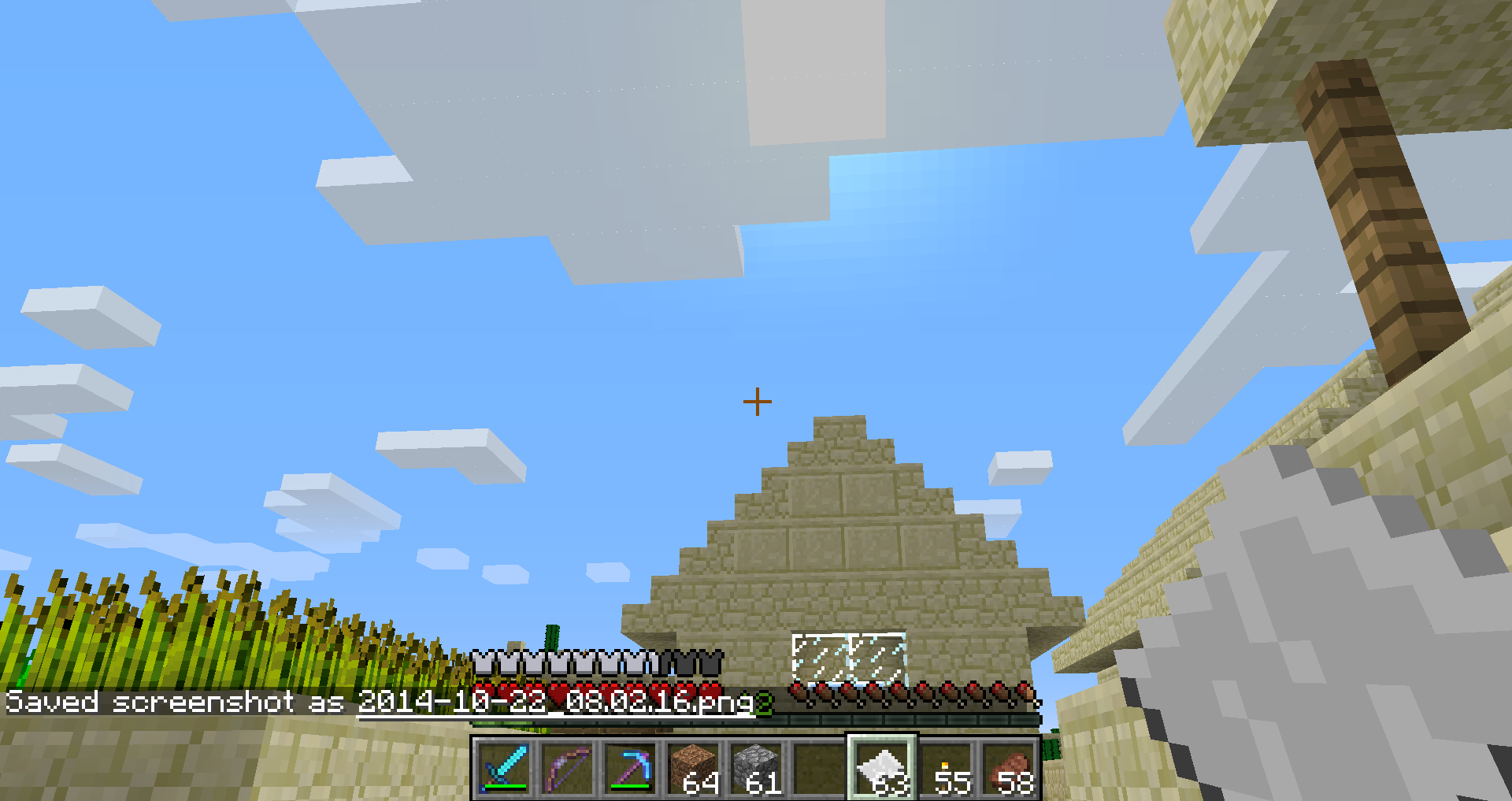
A dragon head on an armor stand will become invisible if it is not fully in view. The incorrect "entity boundary box" thing is approx. equal to that of the icon of the armor stand, but not exactly.
How to reproduce
Place an armor stand down, give it a dragon head, look at it from the side, turn away from it. It will disappear when the armor stand itself is not in view.
Linked Issues
testing discovered1
is duplicated by39
 MC-8094Item Frames Disappear on Periphery of Player's VisionDuplicateMC-8299Items (maybe other entities) are invisible when near the edge of the screen on Quake Pro FoVDuplicateMC-8770Entities are only drawn when the center of the entity is onscreen. Most noticible with ghasts and other large mobs and also minecarts/boats.DuplicateMC-9338Minecarts (Entities?) not rendering correctlyDuplicateMC-10735Entities disappears on edge of screen DuplicateMC-12243Invisible Item FramesDuplicateMC-12957Disappearing item frames at the side of the screen.DuplicateMC-16068Item frame disapearsDuplicateMC-18834can't see other player in bedDuplicateMC-19224Item Frames Disappear when looking into skyDuplicateMC-22480Entities doesn't render when you don't look at them but you are nearDuplicateMC-28544Custom blocks in minecarts stop rendering.DuplicateMC-34672In-game map isn't rendered on the edges of the screenDuplicateMC-34825Maps in item frames not visible on edges of screenDuplicateMC-34903Maps in frames vanishing at edge of viewing areaDuplicateMC-36732Getting close to maps in item frames makes them turn invisible. DuplicateMC-36740The Item frames disappear on the edge of the screenDuplicateMC-37663Invisible item frame (alone or with an item)DuplicateMC-38829Maps in item frames disappears at the edge of the screenDuplicateMC-39086Map In Item FrameDuplicateMC-45835Maps in Itemframes DuplicateMC-53624Item frame doesn't render on the edge of the screenDuplicateMC-53736Item Frame bug in 14w17aDuplicateMC-63888Entity's not rendering unless the hitbox is on the screenDuplicateMC-67524Armor StandDuplicateMC-93284Boat (paddle) is disappears when looking away from the boatDuplicateMC-94639Armor Stands stop rendering large items prematurelyDuplicateMC-117688Pictures disappearing when looking downDuplicateMC-120554Casting fishing rod while looking directly up casts it downwardsDuplicateMC-125132Boundaries of (resourcepack) models aren't used for entity visibily checksDuplicateMC-137358Villager became invisible at certain angles, and uninteractableDuplicateMC-149832Я нашел багDuplicateMC-189578Custom model helmet will not be rendered if player in some rotationDuplicateMC-1616Blocks/Items held by players dissappear too early when moving the camera away from themDuplicateMC-2175Item frame doesn't render on edges of visionDuplicateMC-3714Fire Animation stops rendering after the entity leaves your visionDuplicateMC-4187Ghast tentacles and item frames are invisible when the entity leaves the screenDuplicateMC-4682Item Frames Disappear when you look slightly to any directionDuplicateMC-4561The Item Frame disappearDuplicate
relates to8
MC-106512Ghast is not rendered when its hitbox is not on screen LowMC-10919Sleeping players have very small hitboxesLowMC-98146Marker armor stand does not render in some casesLowMC-72166Banners disappear at some angles.FixedMC-73470Villagers invisible when body off screen but head isn't.DuplicateMC-88176Entities standing on Y=63 will become invisible when looking upFixedMC-96853Large block models stop rendering prematurely on ArmorStands/Entities when leaving player's field of view. (e.g.: Dragon Head on ArmorStand)Won't FixMC-136376When you open a double chest, another one next to it disappears but ONLY if you get the angle correct.Cannot Reproduce
Attachments36
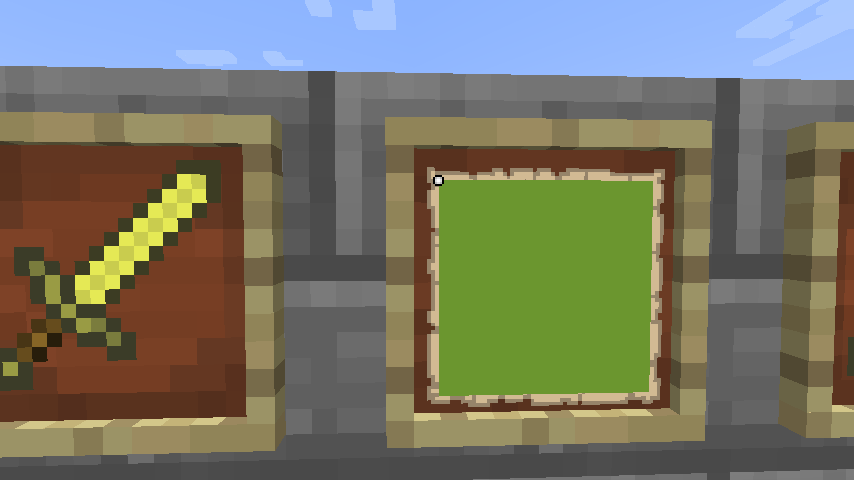
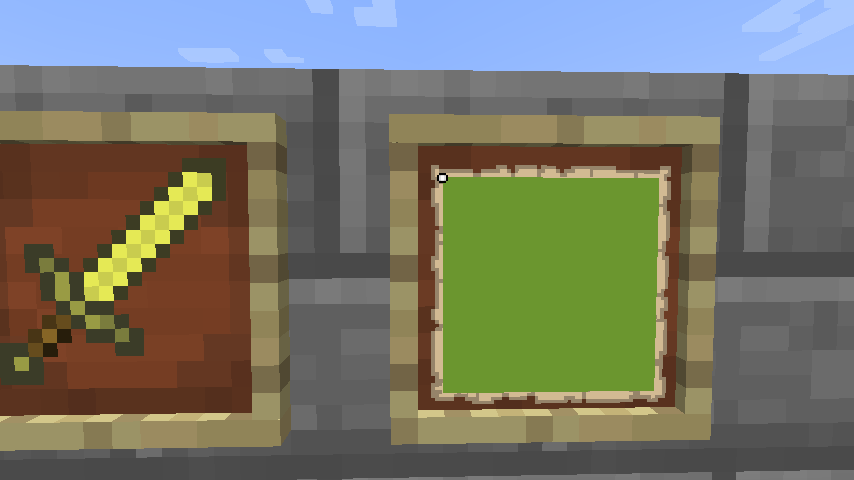
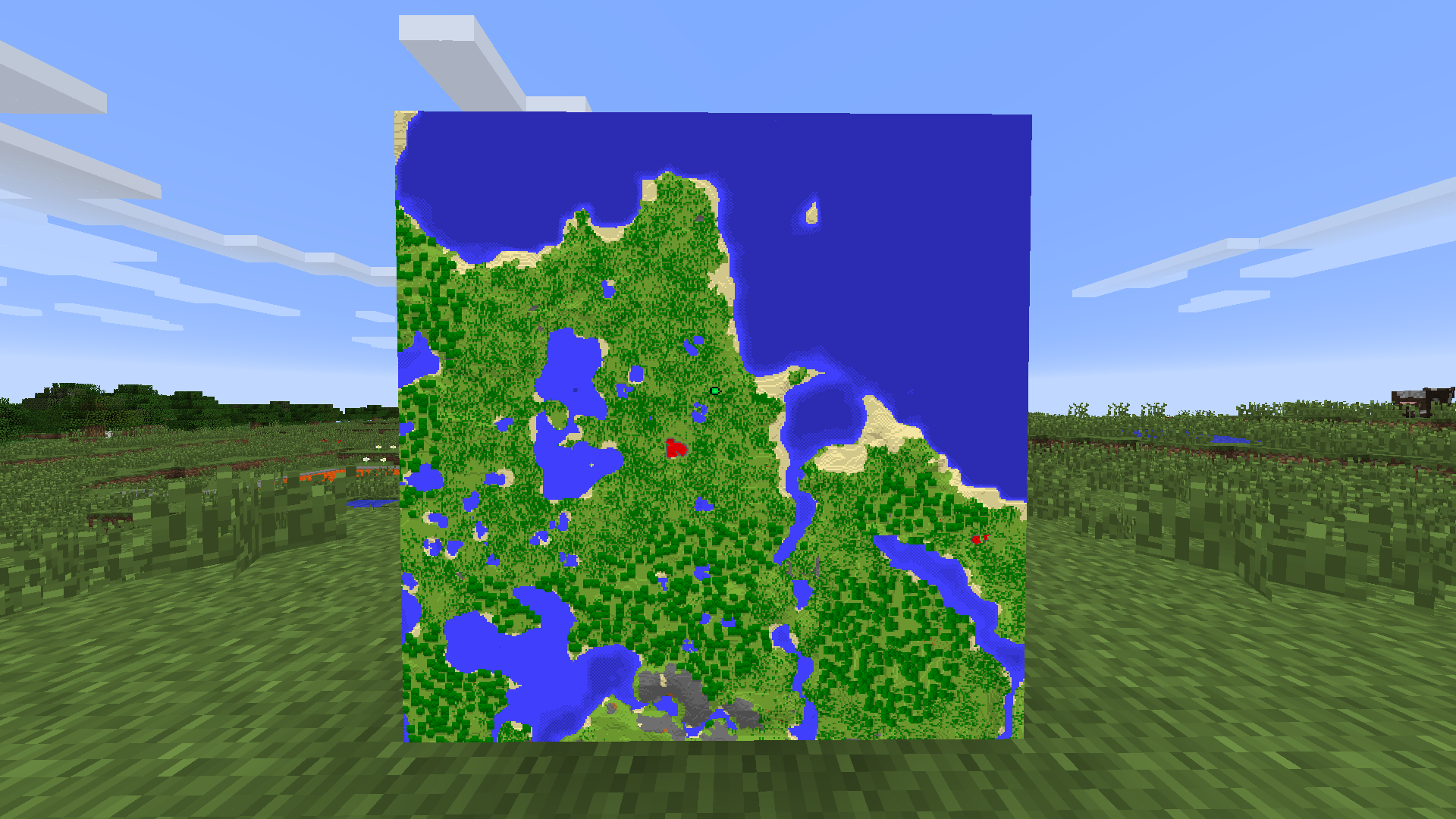
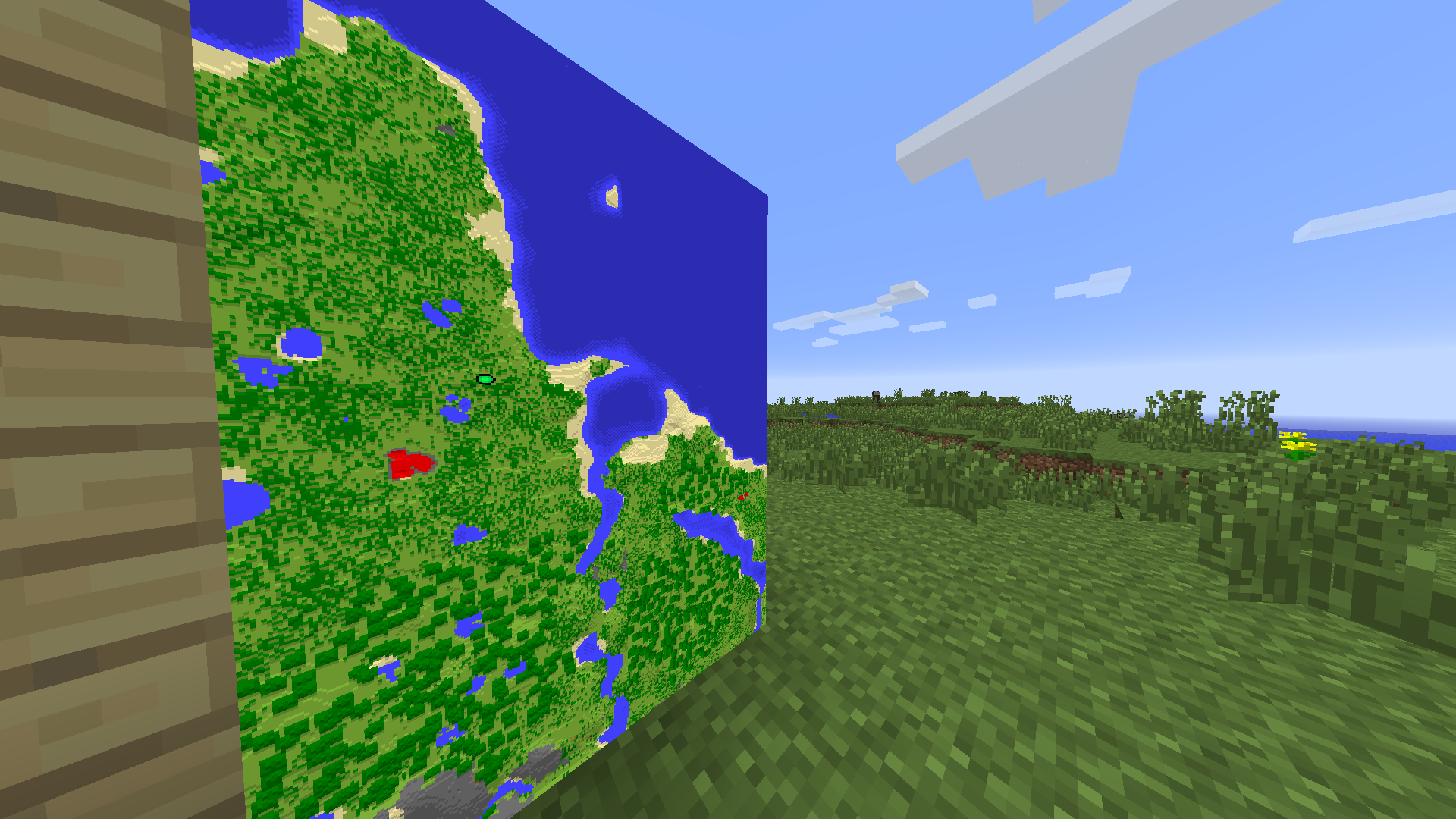

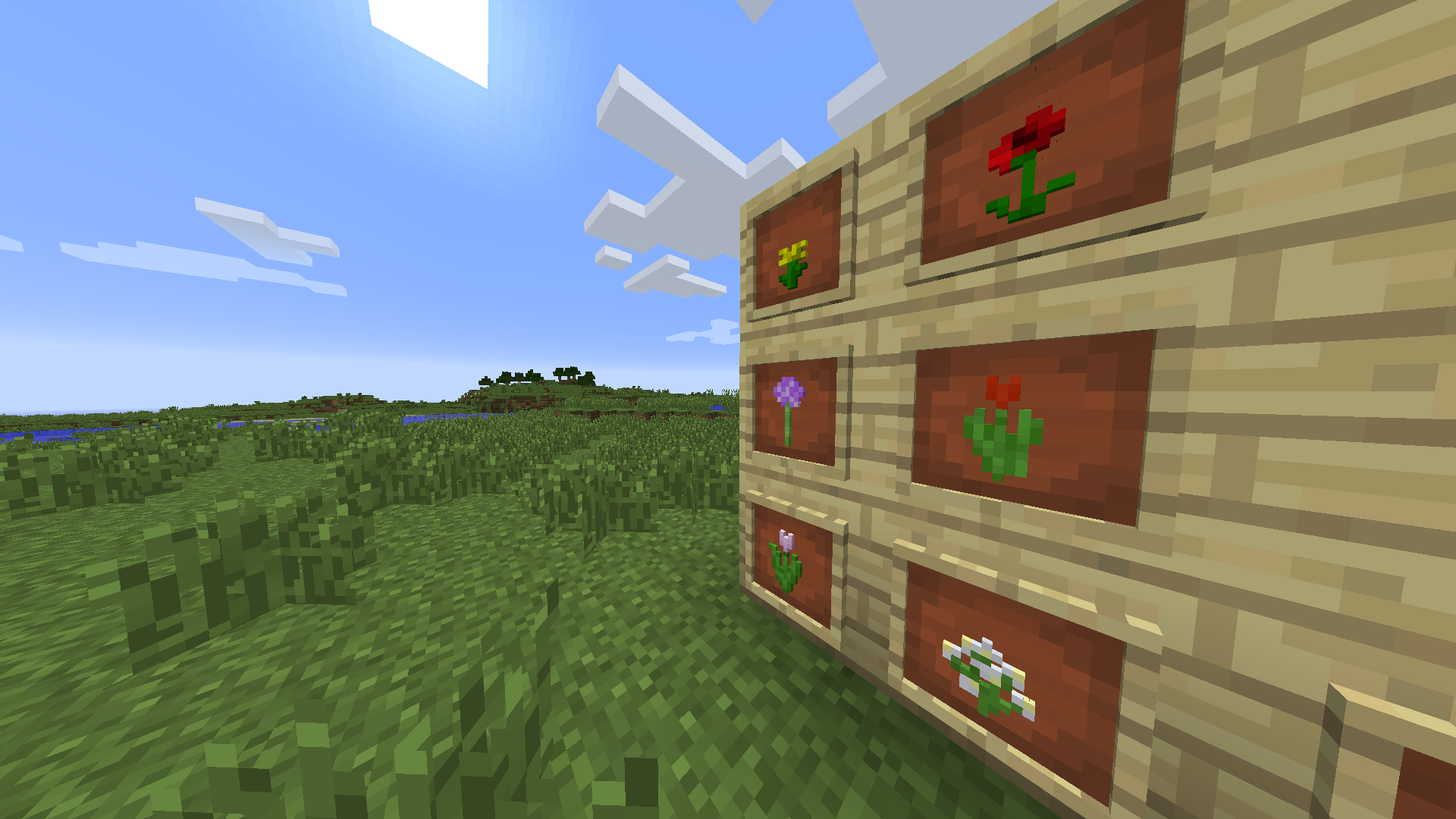

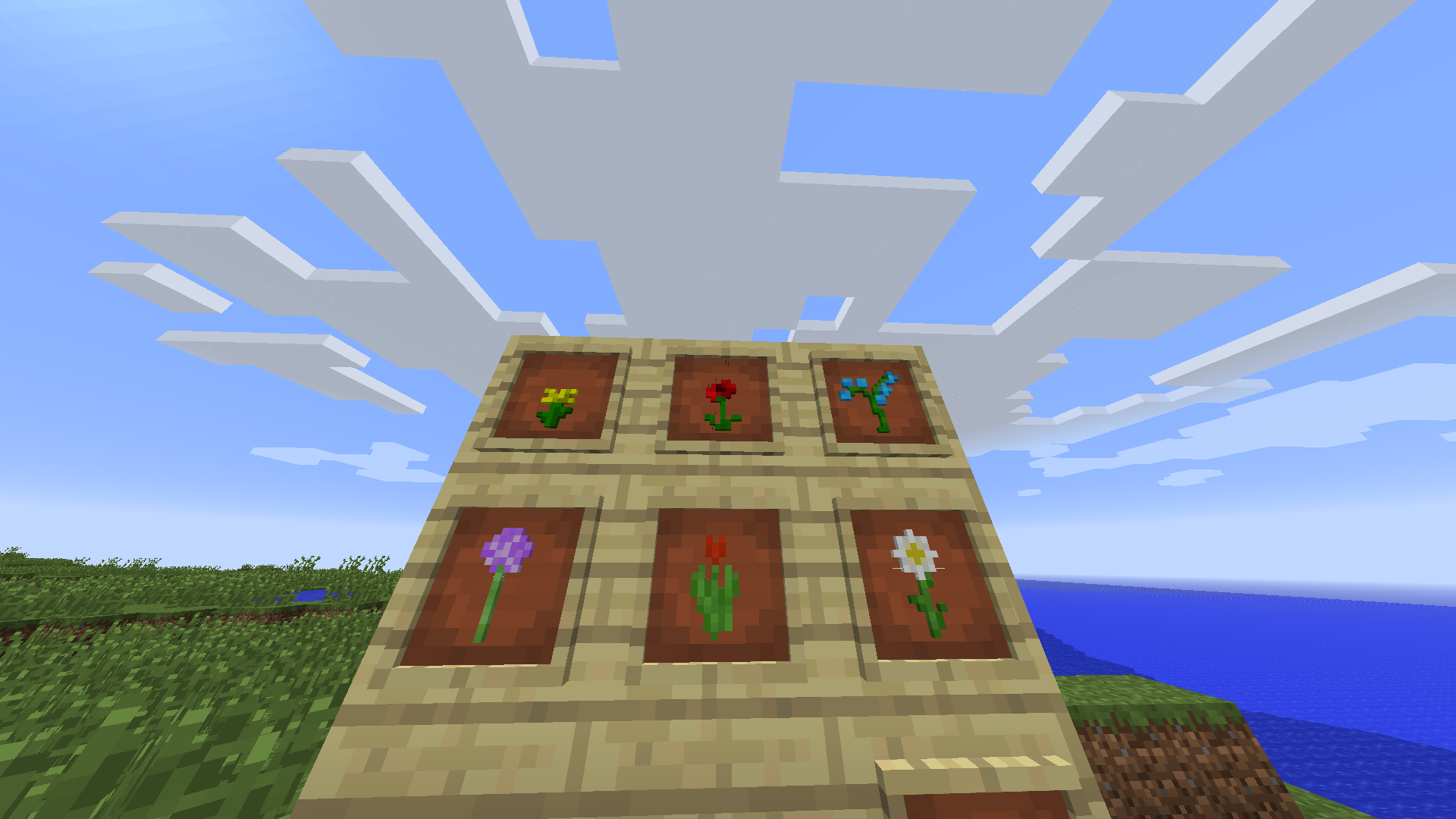
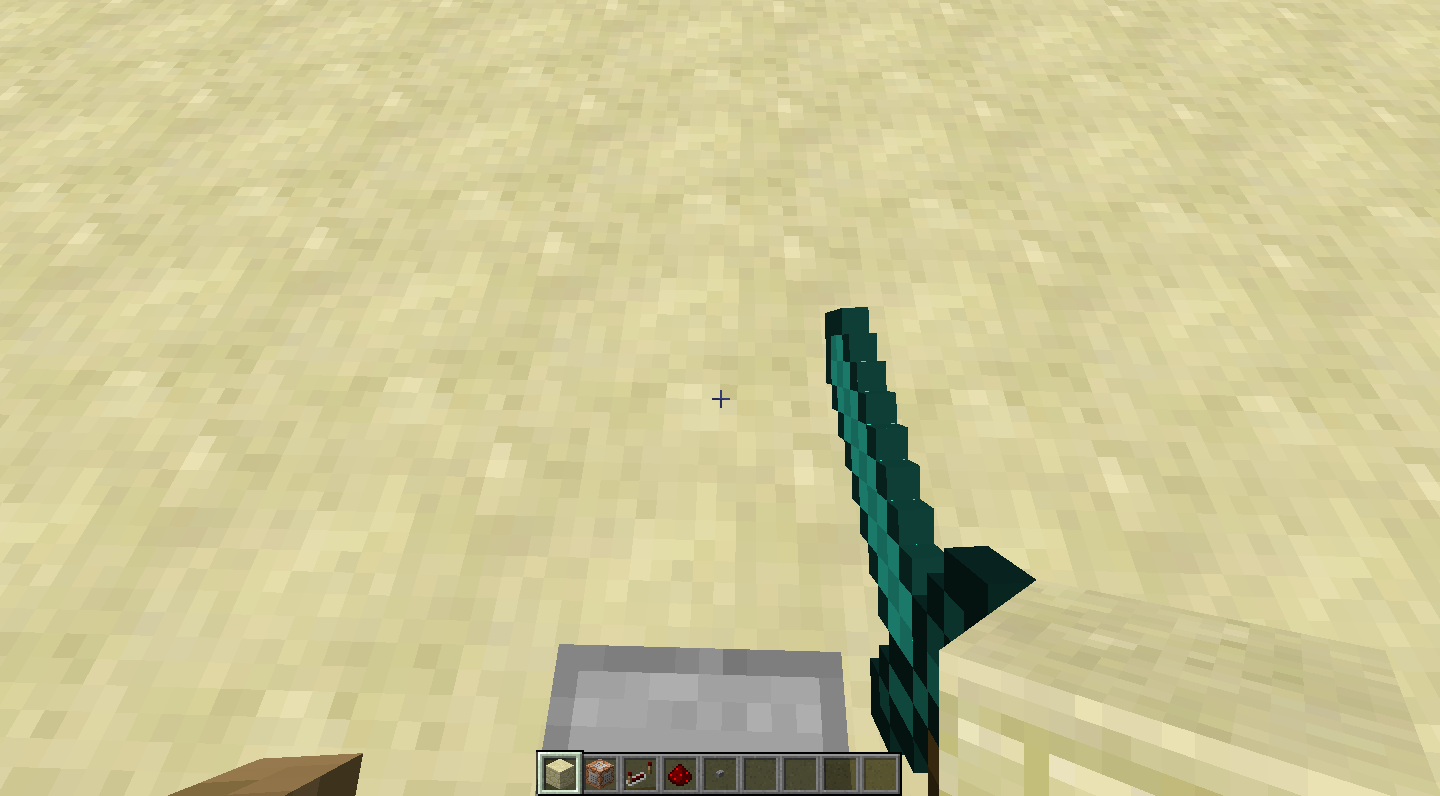







- Fixed
 Connor Steppie
- cytokine
![[Mojang] Matthew Gatland](../../../data/avatars/users/43046.png) [Mojang] Matthew Gatland
[Mojang] Matthew Gatland- 191
- 43
- Confirmed
 Normal
- Camera Entities Rendering Textures and models
- edge entity invisible item_frame rendering
1.4.2 - 1.16.1
1.4.2 1.4.5 12w50b 1.4.6 1.4.7 13w02b 13w04a 13w05a 13w09a 13w09b 13w09c 13w10b 1.5 1.5.1 13w16a 1.5.2 1.6.1 1.6.2 1.6.4 13w39b 13w41a 13w41b 13w42a 13w42b 13w43a 1.7 1.7.1 1.7.2 1.7.4 14w02c 14w03b 14w04a 14w04b 14w05a 14w05b 14w06b 14w07a 14w08a 1.7.5 14w10b 14w10c 14w11b 1.7.9 14w21b 14w25a 1.7.10-pre4 14w25b 1.7.10 14w29b 14w30c 14w31a 14w34c 14w34d 1.8-pre1 1.8-pre3 1.8 1.8.1-pre2 1.8.1-pre3 1.8.6 15w31b 15w36d 15w44b 15w45a 15w47c 1.8.9 15w51b 16w02a 16w03a 16w04a 16w05b 16w43a 16w44a 1.11 1.11.2 17w06a 17w13b 1.12-pre6 1.12 1.12.1-pre1 1.12.1 1.12.2-pre1 1.12.2 18w11a 18w14a 18w14b 18w15a 18w16a 18w20a 18w20b 18w20c 18w21a 18w21b 18w22a 18w22c 1.13-pre1 1.13-pre2 1.13-pre3 1.13-pre4 1.13-pre5 1.13-pre6 1.13-pre7 1.13-pre8 1.13-pre9 1.13-pre10 1.13 18w30a 18w30b 18w31a 18w32a 18w33a 1.13.1-pre1 1.13.1-pre2 1.13.1 1.13.2-pre1 1.13.2-pre2 1.13.2 18w43b 18w43c 18w44a 18w45a 18w46a 18w47a 18w47b 18w48a 18w48b 18w49a 18w50a 19w02a 19w03a 19w03b 19w03c 19w04a 19w04b 19w05a 19w06a 19w07a 19w08a 19w08b 19w09a 19w11a 19w11b 19w12a 19w12b 19w13a 19w13b 19w14a 19w14b 1.14-pre1 1.14-pre2 1.14-pre3 1.14-pre4 1.14-pre5 1.14 1.14.1-pre1 1.14.1-pre2 1.14.1 1.14.2-pre3 1.14.2 1.14.3-pre1 1.14.3-pre2 1.14.3-pre3 1.14.3-pre4 1.14.3 1.14.4-pre1 1.14.4-pre2 1.14.4-pre3 1.14.4-pre4 1.14.4-pre5 1.14.4-pre6 1.14.4-pre7 1.14.4 19w34a 19w35a 19w36a 19w37a 19w38b 19w38a 19w39a 19w40a 19w41a 19w42a 19w44a 19w45a 19w45b 19w46a 19w46b 1.15-pre1 1.15-pre2 1.15-pre3 1.15-pre4 1.15-pre5 1.15-pre6 1.15-pre7 1.15 1.15.1 1.15.1-pre1 1.15.2-pre1 1.15.2-pre2 1.15.2 20w06a 20w07a 20w08a 20w09a 20w10a 20w11a 20w12a 20w13a 20w13b 20w14a 20w15a 20w16a 20w17a 20w18a 20w19a 20w20b 20w21a 20w22a 1.16-pre1 1.16-pre2 1.16-pre3 1.16-pre4 1.16-pre5 1.16-pre7 1.16-pre8 1.16-rc1 1.16 1.16.1- 16w06a 20w27a
Created Issue:
Neither item frame nor its contents within LoS visible when partially in view
An item frame will become invisible if it is not fully in view.
The incorrect "entity boundary box" thing is approx. equal to that of the icon of a framed item, but not exactly.How to reproduce: Place an item frame, look at it, turn away from it. It will disappear when the central area is not in view.
I guess it needs to be extended outwards to include the wooden frame, backwards to the wall and forward to include any possible protruding block in the frame.
Environment
WinXP
Attachments2
- Unresolved
- Open
- Public
- Unconfirmed
- entity graphics itemframe
- 1.4.2
is duplicated by


is duplicated by
is duplicated by
relates to

![[Mod] CubeTheThird](../../../data/assets/gravatar/cubethethird.jpeg)
is duplicated by

is duplicated by
Neither item frame nor its contents within LoS visible when partially in viewEntities cannot be seen when on the edge of the screen
is duplicated by
is duplicated by
relates to
relates to
is duplicated by
is duplicated by
relates to
is duplicated by
is duplicated by
is duplicated by
is duplicated by
is duplicated by
is duplicated by
relates to
is duplicated by
is duplicated by
is duplicated by
is duplicated by
![[Mod] Ezekiel (ezfe)](../../../data/assets/gravatar/ezekielelin.jpeg)
is duplicated by
is duplicated by
is duplicated by
is duplicated by
is duplicated by
is duplicated by
![[Mod] Torabi](../../../data/assets/gravatar/torabi.png)
is duplicated by
relates to
is duplicated by

WinXP
is duplicated by
1.png
is duplicated by
![[Bot] Arisa](../../../data/assets/gravatar/mustek2.png)
relates to
is duplicated by
is duplicated by
is duplicated by
![[Mojang] Searge (Michael Stoyke)](../../../data/assets/gravatar/searge.png) [Mojang] Searge (Michael Stoyke)
[Mojang] Searge (Michael Stoyke)relates to


![[Mod] Michael Wobst](../../../data/avatars/users/37868.png)
SomeEntities cannot be seen when on the edge of the screenSome entities cannot be seen when on the edge of the screen

is duplicated by
![[Mod] violine1101](../../../data/avatars/users/92858.png)
is duplicated by
[Mojang] Searge (Michael Stoyke)is duplicated by

A
n item framewill become invisible if it is not fully in view.
The incorrect "entity boundary box" thing is approx. equal to that of the icon ofa framed item, but not exactly.How to reproduce: Place an
item frame, look at it, turn away from it. It will disappear when thecentral areais not in view.I guess it needs to be extended outwards to include the wooden frame, backwards to the wall and forward to include any possible protruding block in the frame.
A dragon head on an armor stand will become invisible if it is not fully in view.
The incorrect "entity boundary box" thing is approx. equal to that of the icon of the armor stand, but not exactly.How to reproduce: Place an armor stand down, give it a dragon head, look at it from the side, turn away from it. It will disappear when the armor stand itself is not in view.
![[Mod] Les3awe](../../../data/avatars/users/79847.png)
A dragon head on an armor stand will become invisible if it is not fully in view.
The incorrect "entity boundary box" thing is approx. equal to that of the icon of the armor stand, but not exactly.
How to reproduce:Place an armor stand down, give it a dragon head, look at it from the side, turn away from it. It will disappear when the armor stand itself is not in view.The bug
A dragon head on an armor stand will become invisible if it is not fully in view. The incorrect "entity boundary box" thing is approx. equal to that of the icon of the armor stand, but not exactly.
How to reproduce
Place an armor stand down, give it a dragon head, look at it from the side, turn away from it. It will disappear when the armor stand itself is not in view.
relates to
relates to
relates to
testing discovered
![[Mod] Asteraoth](../../../data/avatars/users/92886.png)
is duplicated by
![[Mod] Urielsalis](../../../data/assets/gravatar/urielsalis.jpeg)
![[Mod] Sonicwave](../../../data/avatars/users/94627.png)
![[Mojang] Nathan Adams](../../../data/assets/gravatar/dinnerbone.png)

Duplicate of MC-1058
Duplicate of MC-1058 , please use the search function to see if your bug has already been submitted. Currently over 35% of tickets are being closed as duplicate.
Duplicate of MC-1058 , please use the search function to see if your bug has already been submitted. Currently over 35% of tickets are being closed as duplicate.
Duplicate of MC-1058. Please use the search function to check before posting in the future.
Duplicate of MC-1058, please use the search function to see if your bug has already been submitted. Currently over 51% of tickets are being closed as duplicate.
Duplicate of MC-1058, please use the search function to see if your bug has already been submitted. Currently over 51% of tickets are being closed as duplicate.
Duplicate of MC-1058, please use the search function to see if your bug has already been submitted. Currently over 53% of tickets are being closed as duplicate.
Duplicate of MC-1058, please use the search function to see if your bug has already been submitted. Currently over 54% of tickets are being closed as duplicate.
Duplicate of MC-1058, please use the search function to see if your bug has already been submitted. Currently over 55% of tickets are being closed as duplicate.
Here ya go: Duplicate of MC-1058, please use the search function to see if your bug has already been submitted. Currently over 58% of tickets are being resolved as duplicate.
Actually the maps were explored properly (the fragment above T-shaped lake is visible on the second screenshot). The bug might be MC-1058, but it wasn't visible to me in 13w39b, so something with rendering the map might have changed between two versions.
MC-1058
Please use search function if you haven't with your next bug report.
This is a duplicate of MC-1058. Please use the search function to check before posting in the future. If you could not find the original report, please comment with the keywords you searched for.
Duplicate of MC-1058.
Dupe of MC-1058
Thomas, that's incorrect. You're describing MC-1058, but beacons are not entities.
Dupe of MC-1058
This can be resolved as a dupe of MC-1058.
Hello, I'm coming from bugpost MC-1058
("Some Entities cannot be seen when on the edge of the screen")
Attached 4 screenies: 2x Zombie (looked at edge of screen), 2x Mooshroom, (looking upwards);
both times me/player at Y=73, NOT 63! Entity at Y=75.
I also quickly tested so far Blaze, Skeleton, Villager, all of which didn't have that issue, as far as I can tell in the rush.
It seems it depends on the mob, MAYBE their hitboxes, whether or not this occurrs, when looking either from edge of screen or looking upwards (Edit: The Y=63 problem seems to be another/additional issue).
Don't have the time at the moment, but this needs testing with all entities, sideways+upwards-looking, and seeing if there's maybe a correlation to MC-50367.
Edit: I suggest to conduct a test series with entities on Y=63 as well as above or below, and test both sideways as well as upwards; that'd cover both bugposts and would probably give a clearer picture.
I'll link my comment here into MC-1058.
Regards, Meri
MC-1058 fixed indeed the issue that most entities cannot be seen when on the edge of the screen, but from my testing it seems that only applies to mobs/living entities and normal-sized blocks on ArmorStands.
On an ArmorStand with a large model on headslot though this rendering bug still occurs, both at edge of screen as well as frontal (when you look upwards), depending on block model.
Summon command for dragon head on ArmorStand headslot:
/summon minecraft:armor_stand ~ ~ ~ {ArmorItems:[{},{},{},{id:stone,Count:1}]}
It also affects self-made models, see screenshots and attached test-resourcepack by [Mod] NeunEinser
This bug is important for mapmakers to be fixed before 1.9 release.
Two other things important to mention:
*Do not test on Y = 63* if you want to confirm it.
There is a (confirmed it by testing) bug that renders any entity (or the blocks attached to them) invisible if you're at Y= 63.
I'm not sure if this bug here can relate to it, but I'll leave the according bugpost in here to be safe, maybe you can fix it alongside this bug here:
MC-88176
*Do not test with ArmorStands that have their Marker-tag set to true*
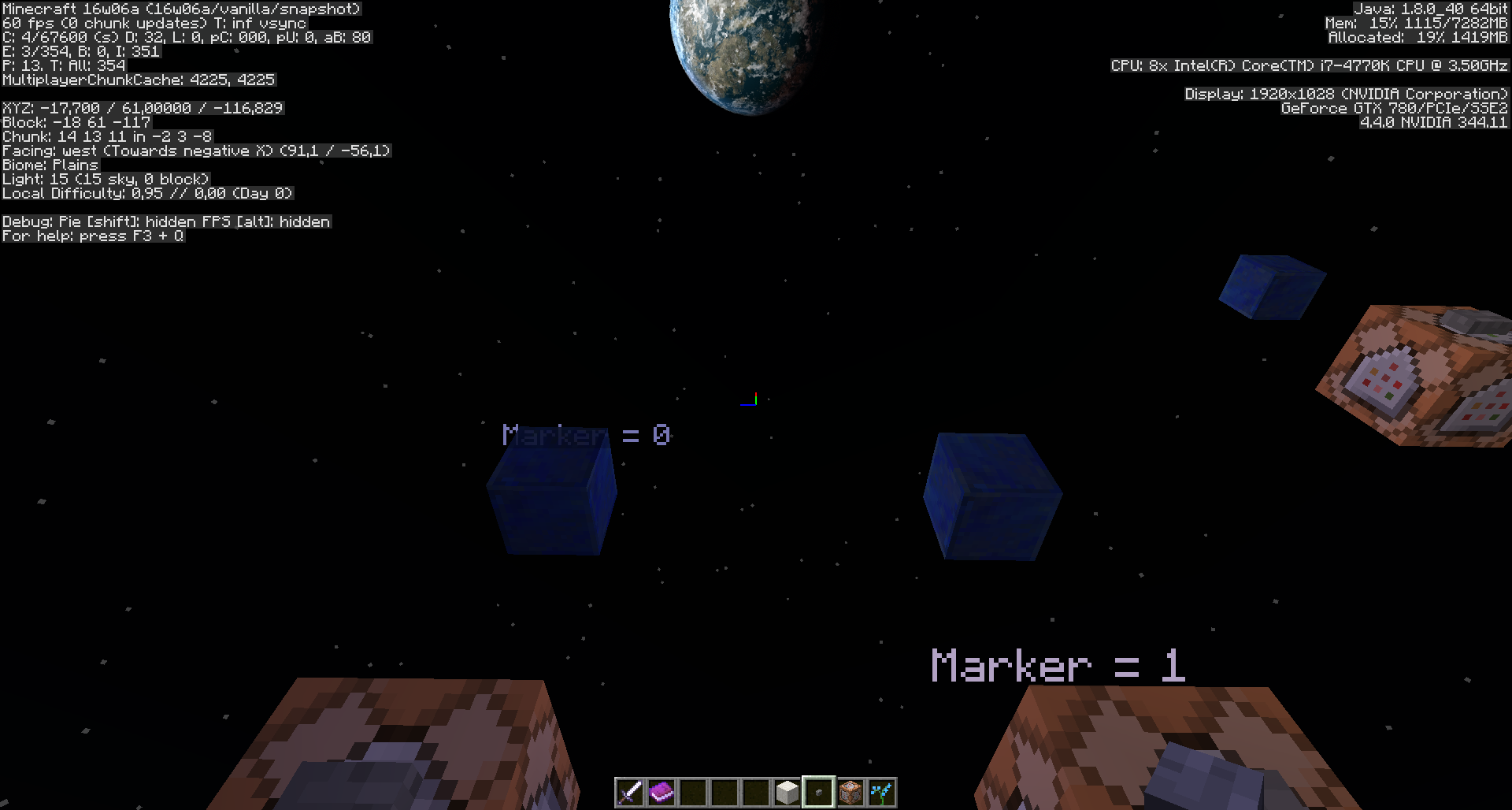
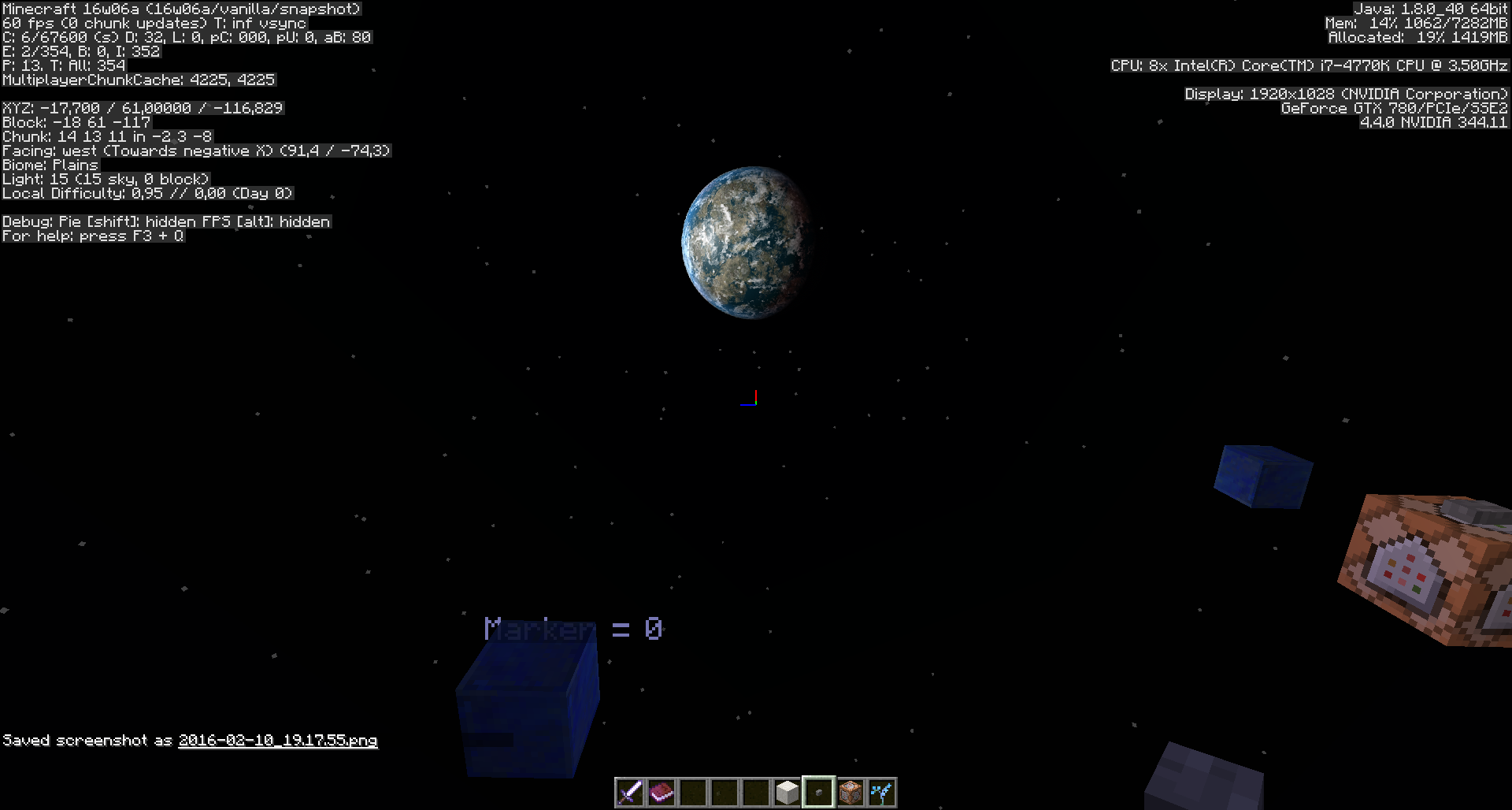
I don't know whether or not it's "works as intended", but even regular-sized blocks vanish at certain perspective angles (sideways as well as looking up) if they're at an ArmorStand with Marker-tag set to 1. (Screenshots attached).
*It would be nice to know if this is intended behaviour* or - at least currently - not fixable, because I could think about some circumstances where it'd be nice to have an ArmorStand with Marker-tag set to true, but without the model/block "vanishing" out of sight of the player, dependant on their perspective.
*If this is maybe even a desired behaviour is up to Mojang and suggestions of the mapmaking community* - So i hope someone could comment on that.
If this is not intended behaviour and fixable, please fix it alongside with this bug.
Onnowhere opened a bugpost for this here on MC-98146
I suspect this might happen with any larger-scaled model, also selfmade models, I couldn't confirm that yet but will do so with according screenshots.
If any modelmakers read this and could test it themself with a largescale model on an ArmorStand headslot to confirm it via a comment and screenshot, I'd be very thankful }=)
Thank you.

Has this issue been fixed? I know they fixed MC-1058, but the cause of that was unrelated to this.
![[Mod] Neko](../../../data/avatars/users/92901.png)
Relates to MC-1058
Thank you for your report!
However, this issue has been closed as a Duplicate of MC-1058.
It has been linked to this report. If you have additional information, please add it to that report.
Please search before reporting, as it's likely that one exists already.
Quick Links:
📓 Issue Guidelines – 💬 Community Support – 📧 Customer Support – 📖 Game Wiki
Thank you for your report!
However, this issue is a Duplicate of MC-1058.
It has been linked to this report. If you have additional information, please add it to that report.
Please search before reporting, as it's likely that one exists already.
Quick Links:
📓 Issue Guidelines – 💬 Community Support – 📧 Customer Support – 📖 Game Wiki
![[Mod] Pokechu22](../../../data/avatars/users/92931.png)
I'm pretty sure that that's not true. This is based off of my understanding so it may be wrong, especially since I'm only backing up the existence of systems based off of where those systems are broken. 1.8 introduced builtin chunk culling which replaced the graphics card version (and you can see this breaking in MC-63020 and MC-63070). And entities are culled too (which you can see breaking by MC-1058 - which is, in fact, about item frames being culled too aggressively).
Glowstone and sea lanterns shouldn't behave differently. Animated textures are based off of a bound texture, and the texture itself is, based off of my understanding from some super horrible graphical glitches, constantly updated regardless as to whether one of those blocks is on screen. The game doesn't calculate what frame the animation is on each time it starts drawing one - it's already chosen the frame of the texture for all blocks, and uses that to render.
EDIT: Oh, I think I understand better what you're talking about. Entities are culled when they're off camera, but I don't think they're culled when they're behind walls/in chunks that don't need to render (but the rendering code is not my area of expertise, so this may be completely wrong)
Duplicate of MC-1058.
Thank you for your report!
However, this issue is a Duplicate of MC-1058.
Please use the search function in the future to prevent duplicate reports.
Quick Links:
📓 Issue Guidelines – 💬 Community Support – 📧 Customer Support – ✍️ Feedback and Suggestions – 📖 Game Wiki
Thank you for your report!
We're tracking this issue in MC-1058, so this ticket is being resolved and linked as a duplicate.
If you would like to add a vote and any extra information to the main ticket it would be appreciated.
If you haven't already, you might like to make use of the search feature in the future to see if the issue has already been reported.
Quick Links:
📓 Issue Guidelines – 💬 Community Support – 📧 Customer Support – ✍️ Feedback and Suggestions – 📖 Game Wiki
Thank you for your report!
We're tracking this issue in MC-1058, so this ticket is being resolved and linked as a duplicate.
If you would like to add a vote and any extra information to the main ticket it would be appreciated.
If you haven't already, you might like to make use of the search feature in the future to see if the issue has already been reported.
Quick Links:
📓 Issue Guidelines – 💬 Community Support – 📧 Customer Support – ✍️ Feedback and Suggestions – 📖 Game Wiki
I would like to argue otherwise. I know what you mean and the tickets are similar, but the major difference is that Mojang could decide that ticket MC-1058 is not a bug, but a feature intended to not cause lag, but in my case, it is dependent on the target's hitbox. I would appreciate it if I could either rewrite this ticket and have it reopened or change the other ticket completely since it does a poor job of explaining what the bug is. To clarify, I am pretty sure what is happening is that the game looks at the hitbox of the armor stand and if it is a certain distance away from the players x/y rotation respectively the armor stand and all its contents stop being rendered. This could all be a feature and too much of a hassle for the devs to fix but in my case even the armor stand get's unrendered since the hitbox is smaller.
(Different from *MC-1058)*
If an Armor Stand has the
{Marker:1b}
tag for example:
/summon minecraft:armor_stand ~ ~ ~ {Marker:1b}
If then the player is close to the Armor Stand and approximate to its Y-coordinate and the player is looking in the positive Y-axel (negative in Minecraft, meaning the player is looking up) the Armor Stand stops rendering even if the armor stand is still in the line of sight.
Simplified: Armor stand Markers disappear when looking up even if the armor stand is still in the line of sight
I am pretty sure what is happening is that the game looks at the hitbox of the armor stand and if it is a certain distance away from the players x/y rotation respectively the armor stand and all its contents stop being rendered. This could all be a feature and would explain why MC-1058 hasn't been taken care of but in the case reported above even the armor stand get's unrendered since the hitbox is smaller.
I also get this
It also seems to be the case with minecarts as well and perhaps other entities
chests not (visibly) affects though
Confirmed. I have seen this with minecarts since before 1.3.
Still happens in 13w02b. Please update affected versions.
Confirmed in 13w04a.
Confirmed to affect minecarts and signs, as well, as of 13w04a.
Confirmed in 13w05a for item frames and minecarts. Can't reproduce with signs though.
Confirmed in 13w09c.
Can reproduce with item frames, paintings, minecarts, boats, items, projectile arrows, all the mobs except for bats, slimes(also magma cubes), squids, ender dragon, wither.
All named things are entities.
But some entities are drawn correctly when they are very edge of the screen...
Which ?
You can show the hitbox of the entities with F3 + B, maybe there is a dependancy of beeing seen and the size of the hitbox.
Sorry, I meant just entities' drawn appearance not hitbox.
still in 1.5.
Confirmed 1.5.1
Happens with ropes in 13w16a. It only matters if the end is in view.
I can confirm this as well in 1.5.1. It seems to happen to all the entities, so far I have tested: minecarts, boats and a few mobs. I think it is caused by an incorrect viewing frustum culling.
also happens with beds. have two players sleep right beside each other and they can't see their own legs or the other players'
Can confirm 1.6.2 prerelease
It's because the entity disappears for lag purposes. once the hitbox is out of view the entity won't render at all. Some entities have a smaller hitbox than they actually are. A good example is the item frame. I uploaded a screenshot in which you can see the hitbox. This is done using the NBTEdit mod.
Please don't change the behaviour of minecarts with blocks, because they're useful for mapmakers and decorations, you can have diagonal/moving blocks.
Yeah but now they disappear when you don't look at them. I don't want them to change the behaviour. Just so that they don't disappear when you don't look at them. Or even easier. Add a tag to an entity to determine wether they should disappear or not.
That would be perfect.
Better fix: make minecraft calculate how big is the entity (x-y-z) and make the "entity boundary box" that big as the enity.
that will probably change the way entities react. Minecarts will for example take off even though there's not a block next it
Yeah, I'd suggest having a visibility box as well as the boundary box, but doubling the number of boundaries each entity has to track might make them laggy. Perhaps it could be added only to the ones with different visible/mechanical boundaries, or defining each entity's visibility box by a single floating-point number as a scaling factor on the boundary box? I'm not conversant with the code and how it decides whether an object is visible or not, but I imagine there must be some way to resolve the issue without making the engine do a lot of extra work for each entity.
Is this still a concern in the latest Minecraft version 14w03b? If so, please update the affected versions in order to best aid Mojang ensuring bugs are still valid in the latest releases/pre-releases.
confirmed for 14w03b
Confirmed in 14w05a as well.
Instead of a new box to check if the entity is off-screen or not, I'd suggest that if entity's boundary box is off-screen more than 1 or 2 meters then make it invisible.
Happens to me in the latest snapshots for 1.8 as well (14w05, 14w06 etc).
I can also confirm its occurrence in snapshot 14w08a.
Partially fixed in 10c (not fixed for maps in item frames)
Confirmed for 14w11b
I noticed this when I used a command block to create a minecart with a block in it, except I made the offset big so the block was at least one block above the minecart.
Confirmed for 14w25b.
Confirmed for
with maps in item frames
Please fix this issue for blocks in minecarts, this issue has been in the game for a while :/
It seems this has been fixed slightly , it is better now.
In case of maps in item frames, they are rendered until they are nearly at the very end of the screen boarder.
But in this small area when they are supposed to be still visible, they aren't rendered anymore.
So but yeah, still a (minor) bug until 14w34c
It would be great if the entities really are visible until the very end, when they are in the FOV.
Also it would be nice if the display offset from minecarts could be regarded
Last I checked, this also affects players.
I can confirm it with armor stands.
Confirmed for 1.8. Attached screenshots showing this issue for minecarts, note that this not only affects minecarts with custom blocks and block offsets.
Fixed in 1.8.1-pre2 for:
Item Frames
Item Frames with Item
Regular Minecart
Not fixed for:
Armor Stands
Armor Stands with Armor
Item Frames with Map
Minecart with Chest, Hopper, etc.
Can still reproduce with regular minecarts, but definitely fixed for non-map item frames.
Confirmed for Villagers in 1.8.1pre2. My ticket about it (
MC-73470) was closed as a duplicate of this one, so I'm reporting it here.Same thing happened to me just now with a double chest...? Can anyone else confirm?
Confirmed in 15w31b for Ender Crystals.
Added some screenshots from
MC-88176Affects boat paddles (15w47c)
Confirmed for 15w51b
Armor Stand with large block equipped example.
Confirmed for 1.8.9 and 15w51b. Here's a video demonstrating it.
Confirmed for 16w02a.
Same for e.g. (invisible) giants wearing a helmet, 2 pictures attached.
Same for blocks on ArmorStands, 2 pictures attached.
Confirmed for 16w03a
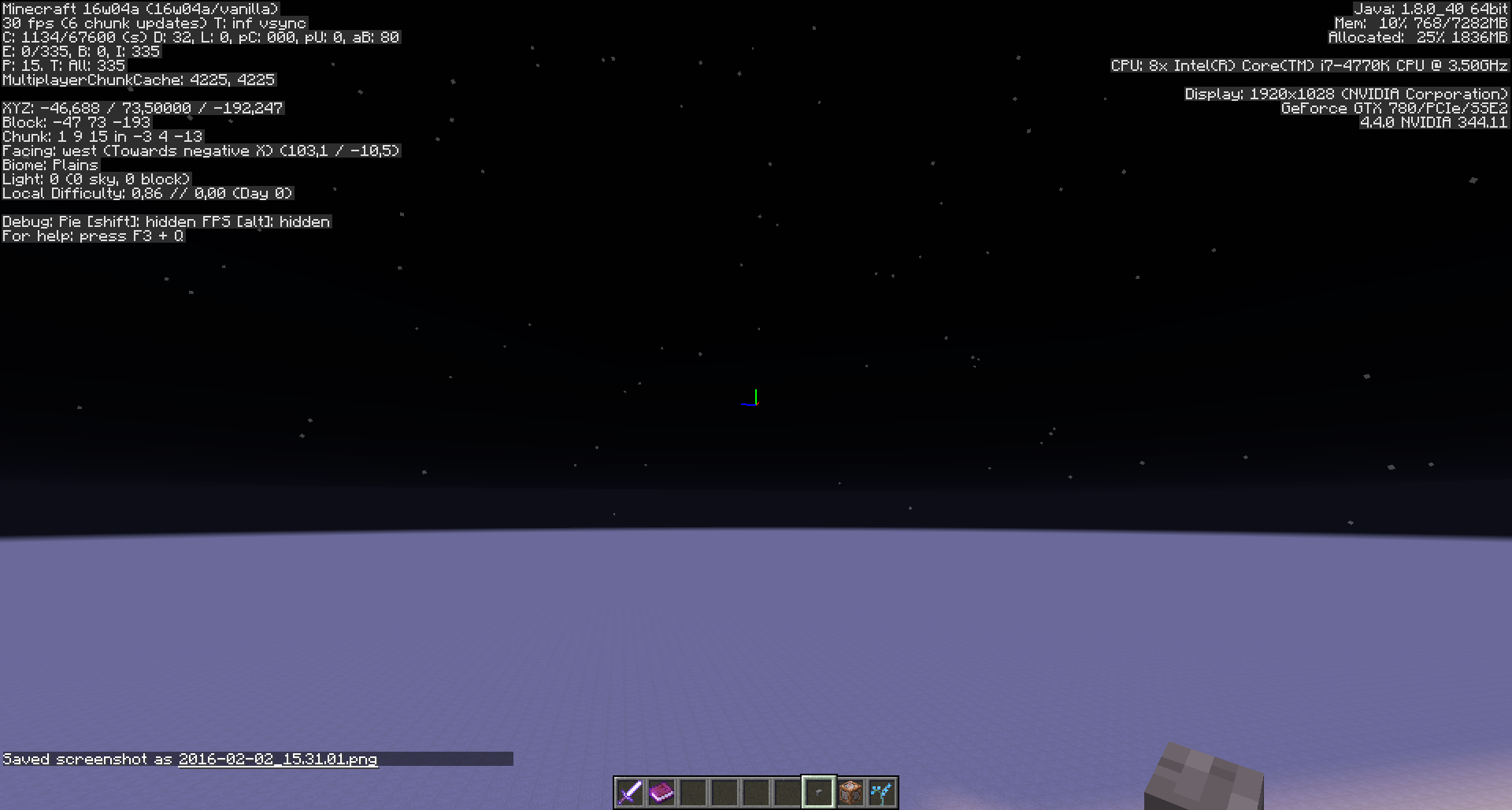
Confirmed for 16w04a, also for >>>SOME<<< normal living entities.
2 screenies of a MushroomCow attached, doesn't render when you go slightly higher (but where it should still be seen).
Edit: Only some entities it seems, MAYBE dependant on their hitboxes?
No time for testing atm, maybe someone else manages to do that before me - higher than Y=63 please.
See my comment here https://bugs.mojang.com/browse/MC-88176?focusedCommentId=282465&page=com.atlassian.jira.plugin.system.issuetabpanels:comment-tabpanel#comment-282465
Will attach the 2 Zombiepics in this bugpost (1058) as well.
Meri Diana: What you describe is
MC-88176?Confirmed for 16w05b
Confirmed fixed for mobs, thank you }=)
Sadly blocks at ArmorStands still render invisible, 2 screenshots attached.
Or is the rendering on ArmorStands another bugpost/issue?
@Meri Diana: Screenshots?
[Mod] redstonehelper Yes I attached 2 about 30 minutes ago.
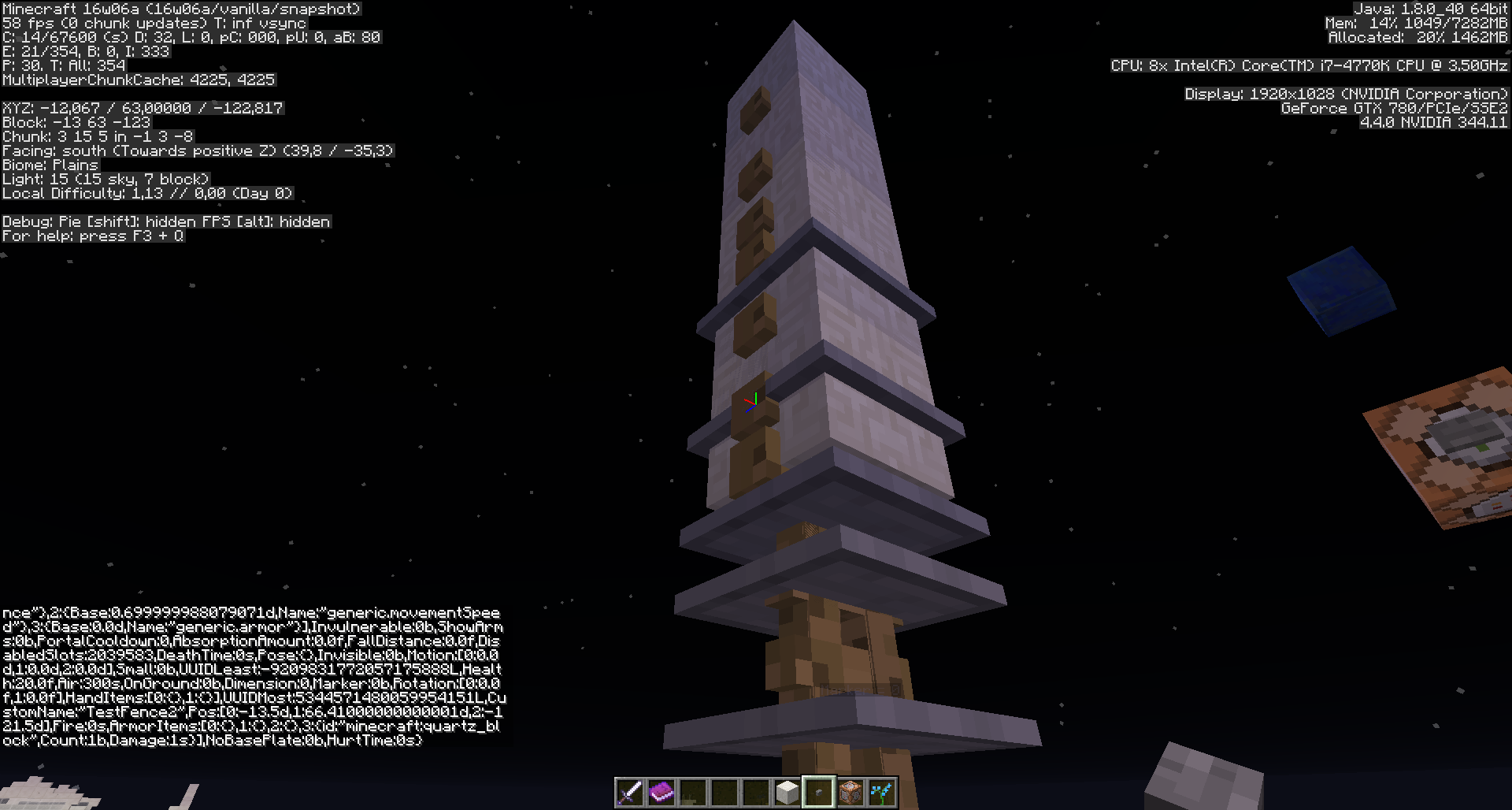
A column made with blocks attached in the headslot of ArmorStand - the block renders invisible depending on how you look at it.
The screenshot (incl. F3 on so you see it's this snapshot version) names are:
2016-02-10_18.29.36.png and 2016-02-10_18.29.40.png
Edit: It has nothing to do with "being at edge of screen by the way, the block rendering invisible-problem also happens if it's frontal of you and you look up or so.
Give me a couple of minutes, I need to test if it only affects Marker:true-AS generally, a head on an AS turned invisible with Marker:true, not so with marker:false - getting back to you in here asap
Attached screenshots 2016-02-10_19.17.55.png and 2016-02-10_19.17.59.png
I can confirm that blocks at ArmorStands with Marker:1b render invisible, depending how you look at them; not so blocks at ArmorStands with Marker:0b though.
This might be "works as intended though" or "won't fix" (people who are deeper into that topic than me will know that).
Used summon commands:
/summon ArmorStand ~ ~1 ~ {CustomName:"Marker = 0",CustomNameVisible:1,Marker:0b,Invisible:1,ArmorItems:[{},{},{},{id:lapis_block,Count:1}]}/summon ArmorStand ~ ~1 ~ {CustomName:"Marker = 1",CustomNameVisible:1,Marker:1b,Invisible:1,ArmorItems:[{},{},{},{id:lapis_block,Count:1}]}Sadly blocks at ArmorStands still got that insivible-render-issue if they are "stacked" on top of each other like in my column-example, no matter if I set their Marker-tag to true or false.
I got no idea why and if this is a completely different issue or new bugpost, and this bug here is really fixed - just ArmorStands being an issue.
I will try to figure out more about that ArmorStand-rendering issue with "stacked" blocks, but maybe someone more professional would know the answer, I hope someone will comment.
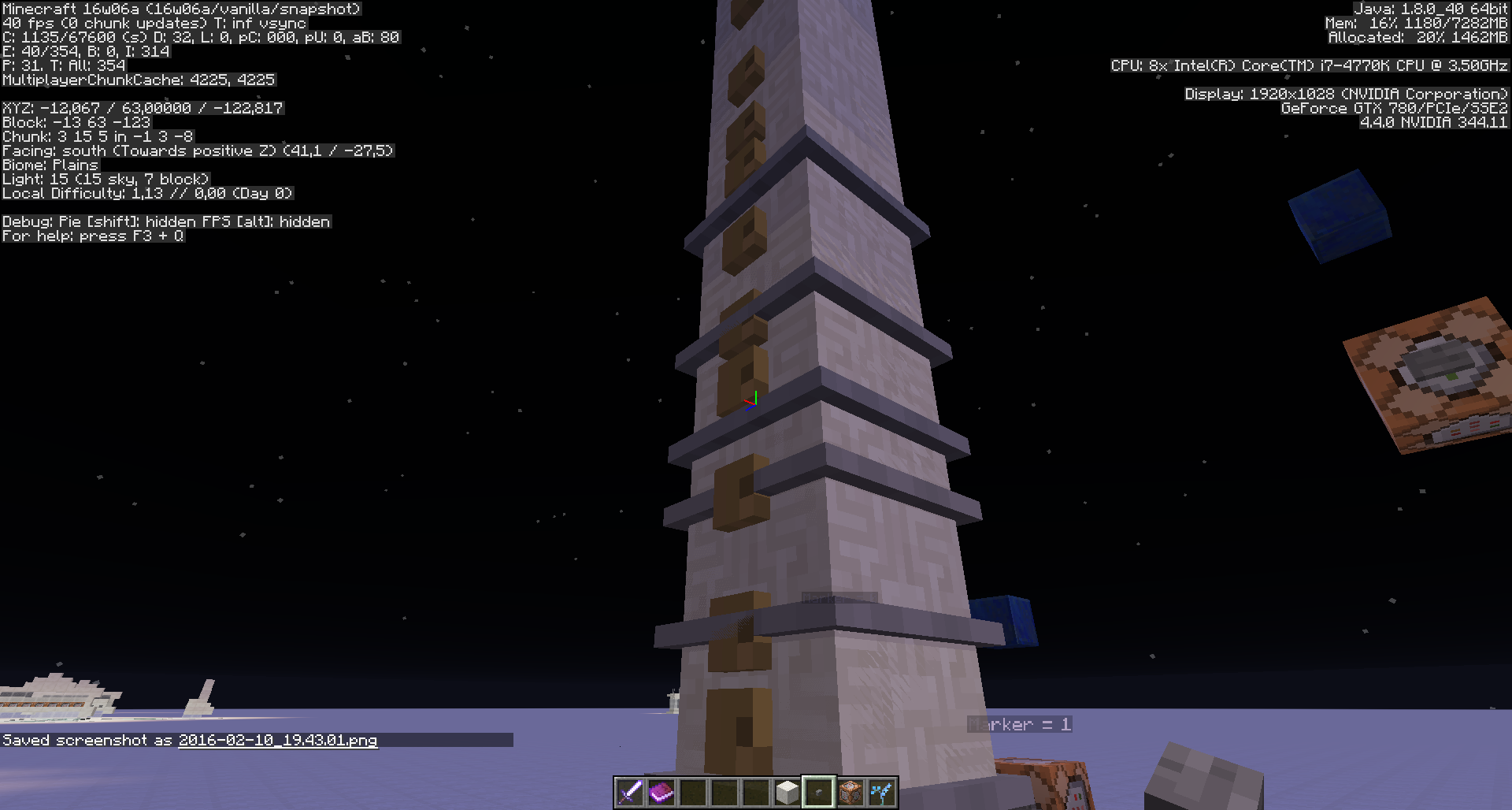
Attached screenshots 2016-02-10_19.43.01.png and 2016-02-10_19.43.08.png of a column/"stacked" ArmorStands with blocks in their headslot.
I set the ArmorStands to visible for better demonstration.
All ArmorStands here have the Marker-tag set to 0, but despite the successfully rendering of 1 single ArmorStand with a block in headslot, in a column those blocks still can render insivible.
Last edit I hope:
It seems to be
MC-88176As far as I figured out yet this rendering-issue with "stacked" blocks only seems to occur if I stand on Y=63.
It doesn't seem to happen when I stand at Y=62 or Y=65.
If that changes in any way, I'll just ask on the Mojira-Reddit }=)
So I guess this bugpost is fixed for real! Thank you 😸👍
LordAro, it doesn't happen with chests because chests are not entities.
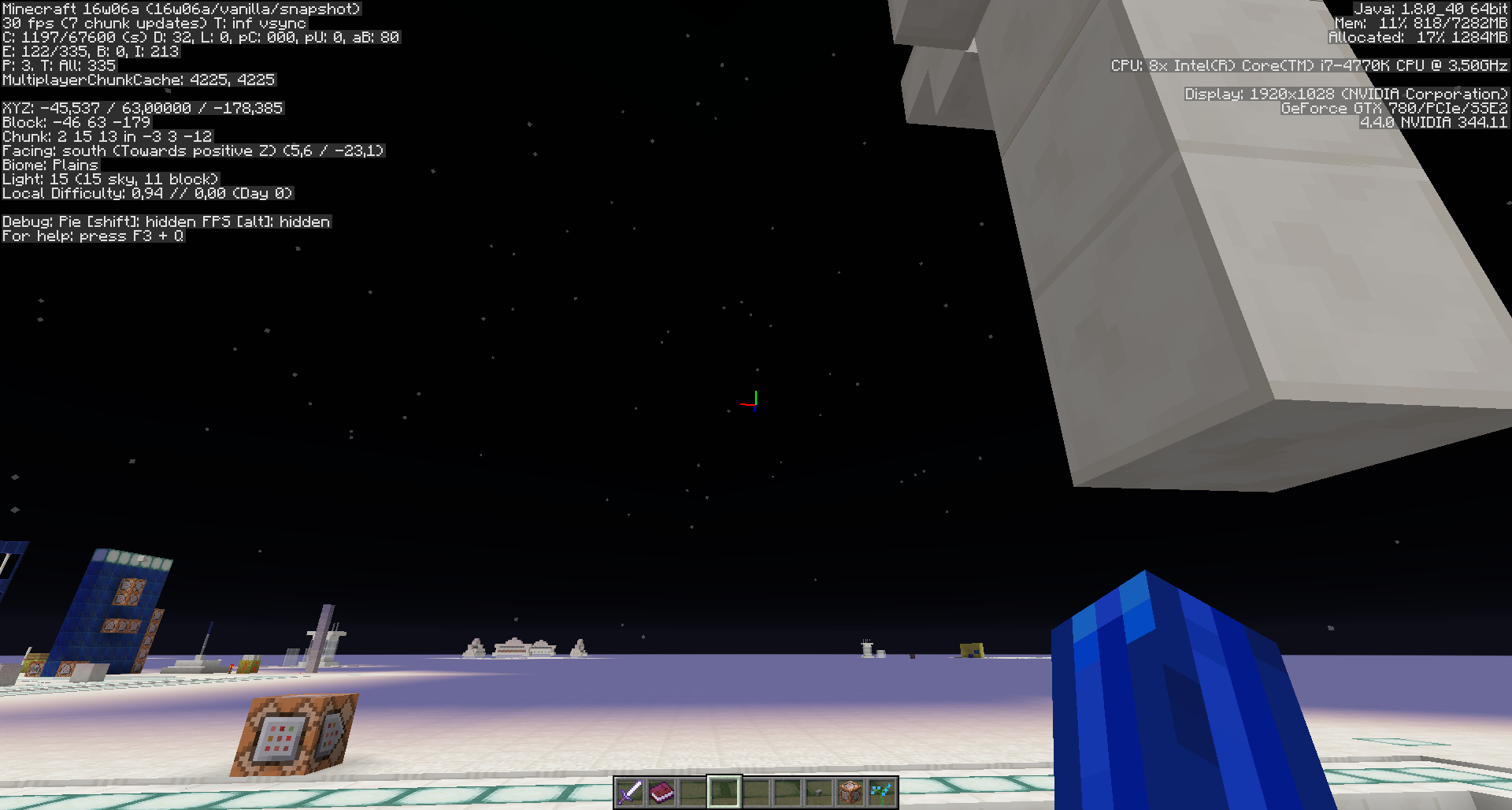
Confirmed for chests in 16w06a. Here are two screenshots from slightly different angles:
https://www.dropbox.com/s/xdmie22tpy3981o/2016-02-14_00.13.54.png?dl=0
https://www.dropbox.com/s/lytrsh1wmaes3ca/2016-02-14_00.13.55.png?dl=0
[~FaRoGaming] Can't reproduce.
Could you please:
There are currently two bugposts I know which could explain such a behaviour in theory, but I can't reproduce it with either of both:
MC-88176
MC-96853
I will keep trying! 😸 It'd be important to be fixed in case it can be reproduced.
[~FaRoGaming], Meri Diana:
MC-95096.[Mod] redstonehelper Fun fact: I was there, modding Panda's stream that day, when he discovered that chest "disappearance" }xD
I wanted to make sure it's not the texturepack and that the chests are at a chunk border (hence I asked also for F3) 😸
But I didn't know there's already a bugpost for it, thank you very much!
[~FaRoGaming] I hope you don't mind that I'll attach your two screenshots into that bugpost to visualize/confirm it };]
Here are the screenshots: https://www.dropbox.com/s/163rn5i7ge00s51/2016-02-14_15.49.53.zip?dl=0
I always forget to turn off the ressource pack, even though it's nowhere near finished and everything is mixed between my textures and Faithful.
Yes, the chests are at chunk boarders, I like building my base at 0 0. There are four torches that mark the middle of the world, maybe they are visible in some screenshots.
[~FaRoGaming] Thanks, I already attached them on
MC-95096}=)Don't worry, as Panda4994 showed it happening live it's confirmed };]
Thanks again! Have a nice day.
Confirmed not fixed for 1.9
user33 Which entities cannot be seen on the edge of the screen?
Could you please specify the entity type?
With the player on the server. But it happened only once, so I can't attach the proof.
user33 Thanks for getting back }=)
For entities it is definitely fixed, except some related issues like large block models or if it's at Y=63.
Haven't heard about a player-problem yet, but if it happens again and is reproducable, please do tell }=)
Confirmed for 1.9.
This happened to me while riding a horse: I could not see the horse when it was offscreen, but only when I am facing northwest.
Edit: This only happened when the horse being ridden collides with another horse (or any entity?)
Edit 2: After more testing, this seems to be caused by a bunch more factors, such as colliding with a wall(?) (Video)
I've got to work, so I can't really test it myself atm, and I'm contemplating whether or not the issue with the Horses - they being a really large entity - might be related (or the same?) problem with
MC-96853- "Large block models stop rendering prematurely on ArmorStands/Entities when leaving player's field of view. (e.g.: Dragon Head on ArmorStand)"Or if there is another bugpost which is more fitting to what you describe.
Maybe the mods could be so kind to look into it sometime and add the according bugpost here, if it exists.
And if the mods say it is likely
MC-96853then I will add your info to my bugpost and change the title into what would fit both occurrences of the bug.Suspecting chunk section borders in this case. More investigation needed, likely different from
MC-1058andMC-96853.Affects Version 16w43a
Confirmed for 16w43a with marker armor stand wearing dragon head.
I got it with Villager.
Fixed 16w44a?
Still an issue with small armor stands wearing blocks on their heads.
Confirmed on 18w11a using a dragon head on an armour stand. Seems to be fixed for item frames though.
I'll look at all the stuff in the report soon™, check what's still affected, change the text, etc.
Affects 18w14a, using the aforementioned method.
Since it will take me longer than originally planned to go through the reports, I've now made a few changes to fit it to the currect state. I've just assumed that the responsible hitbox is the stand without the head, correct me if I'm wrong.
Affects 18w14b
Affects 18w15a
Affects Xbox One Better Together edition, running version 1.2.13.54
The Xbox codebase is separate; this project is for bugs affecting the PC version only.
Affects 18w16a
Affects 18w20a
Affects 18w20b
Affects 18w20c
Affects 1.12.2 Java
Affects bottoms of iron bars mainly that I remember. I'm sure there's more but can't think of them at the moment.
Dan Arndt That's not even an entity. Can you please upload a screenshot of what you mean? If you mean the left or right side of the screen with wide FOV (no matter what block), then that is MC-92250.
Ah ok, thanks!
Affects 18w21a
Affects 18w21b
Affects 18w22a
Affects 18w22b
[~Awesoman3000], ticket is yours now
Confirmed for 1.13.1.
Confirmed for 19w03c
Comfirmed for 19w04a
Confirmed for 19w04b
Confirmed for 19w06a
Confirmed for 19w11b
Confirmed for 19w12b
Confirmed for 19w13b
Confirmed for 1.14 pre-1
Confirmed for 1.14 pre-3
Confirmed for 1.14 pre-5
Confirmed for 1.14
This also seems to affect villagers laying in beds, see
MC-149832Confirmed for 1.14.1 pre-1
Confirmed for 1.14.1 pre-2
Confirmed for 1.14.1
Considerably trickier to reproduce in 19w44a
This issue's description was replaced in 2018. The older comments, votes, screenshots, and the previous fix version are related to the old version of this issue, not to the issue with dragon heads on armor stands.
I didn't know it was changed at some point, but I only ever tested the dragon head case for this ticket when updating affected versions.
@Connor: Please read the recent comments made by Matthew, a developer, in regards to the fact that the scope of this report has changed.
Dragon head now correctly remains visible, so that is confirmed fixed in 20w27a
Could
MC-125132,MC-94639or one of the other issues related to custom 3D models on armor stands be reopened now? They were closed as duplicates of this issue, but this is no longer the case because this one only represents dragon heads now.