 Dranitsin Roman
- filter62
- filter62
- Europe/Moscow
- Yes
- No
 MC-11052
![[Mojang] Nathan Adams](../../../data/assets/gravatar/dinnerbone.png)
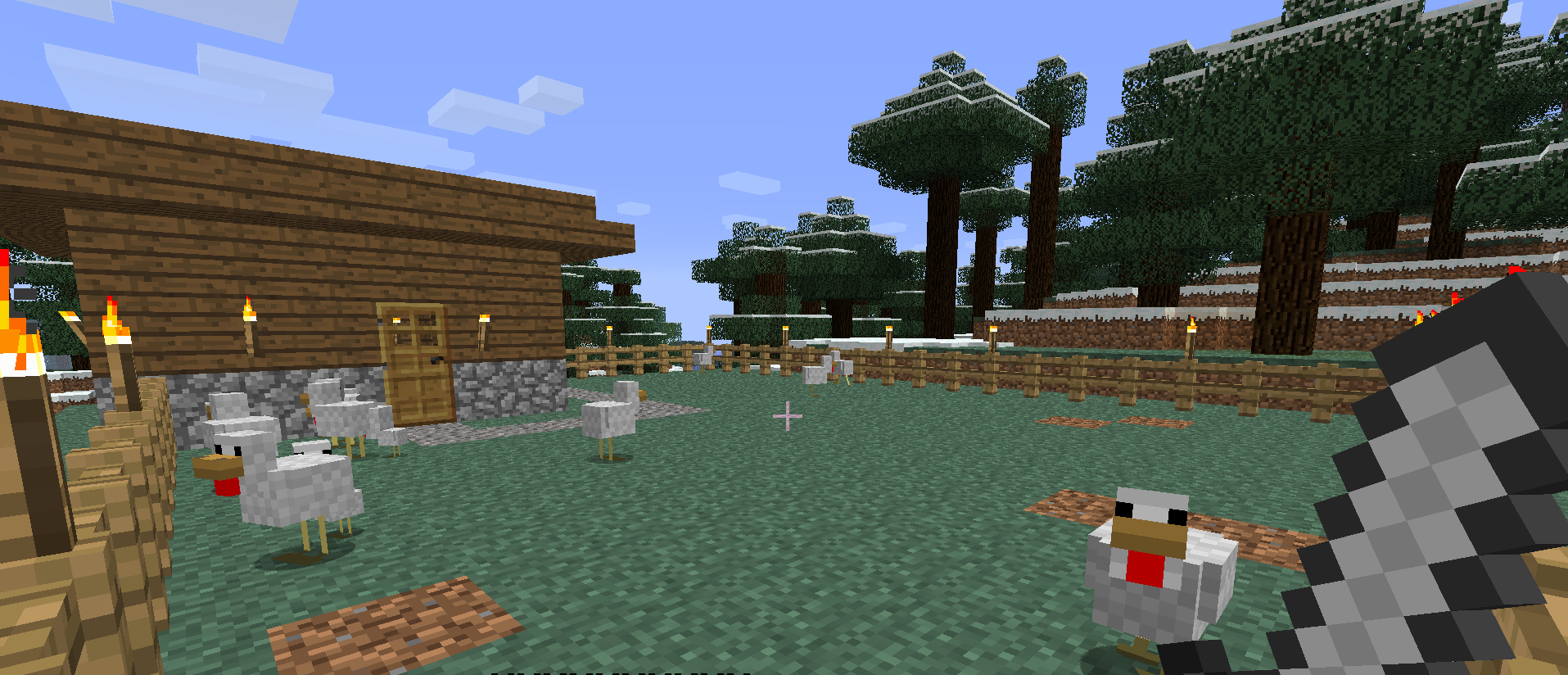
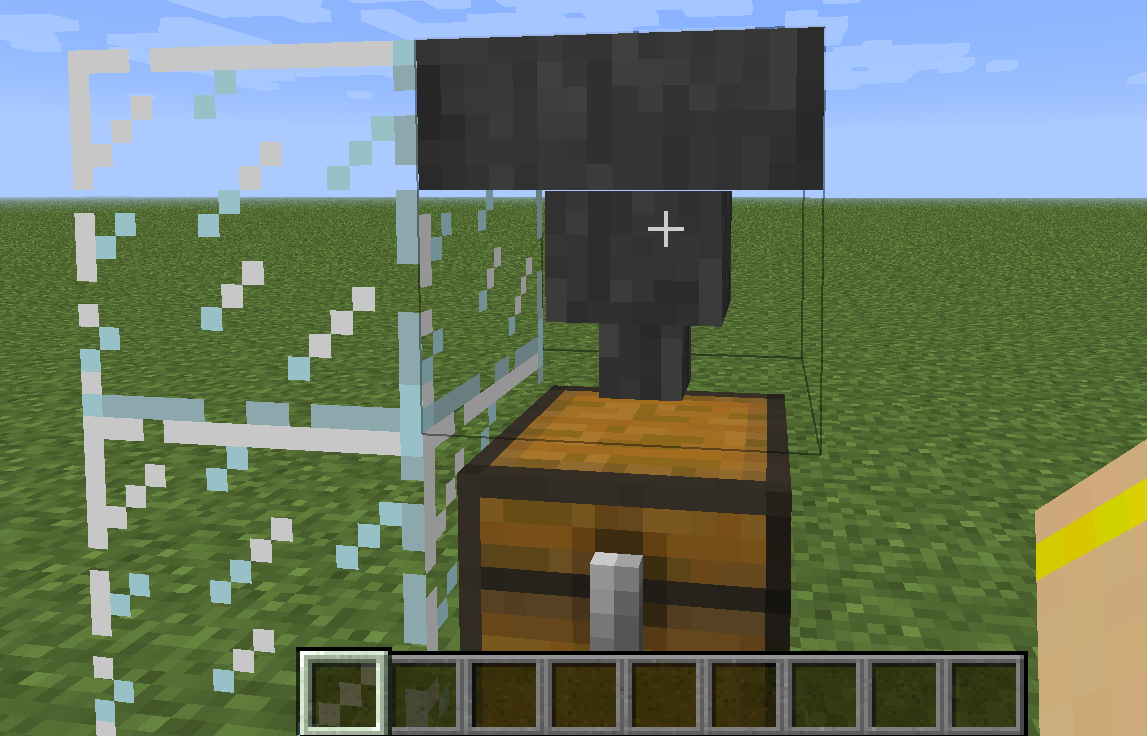
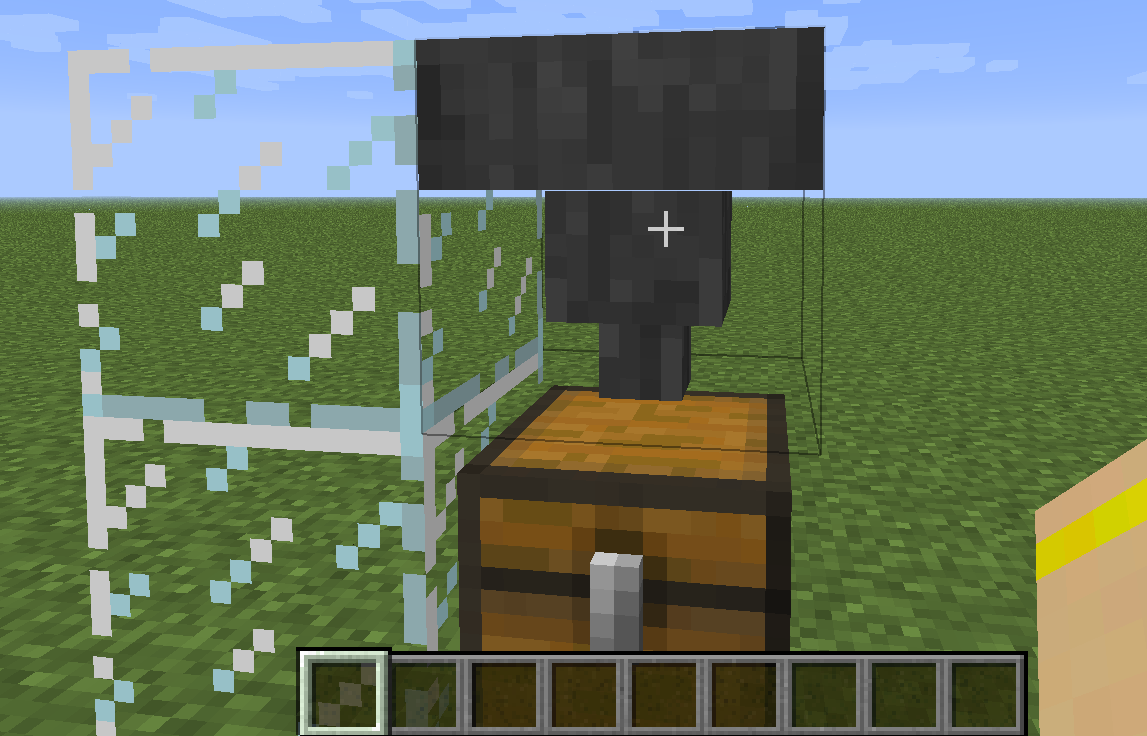


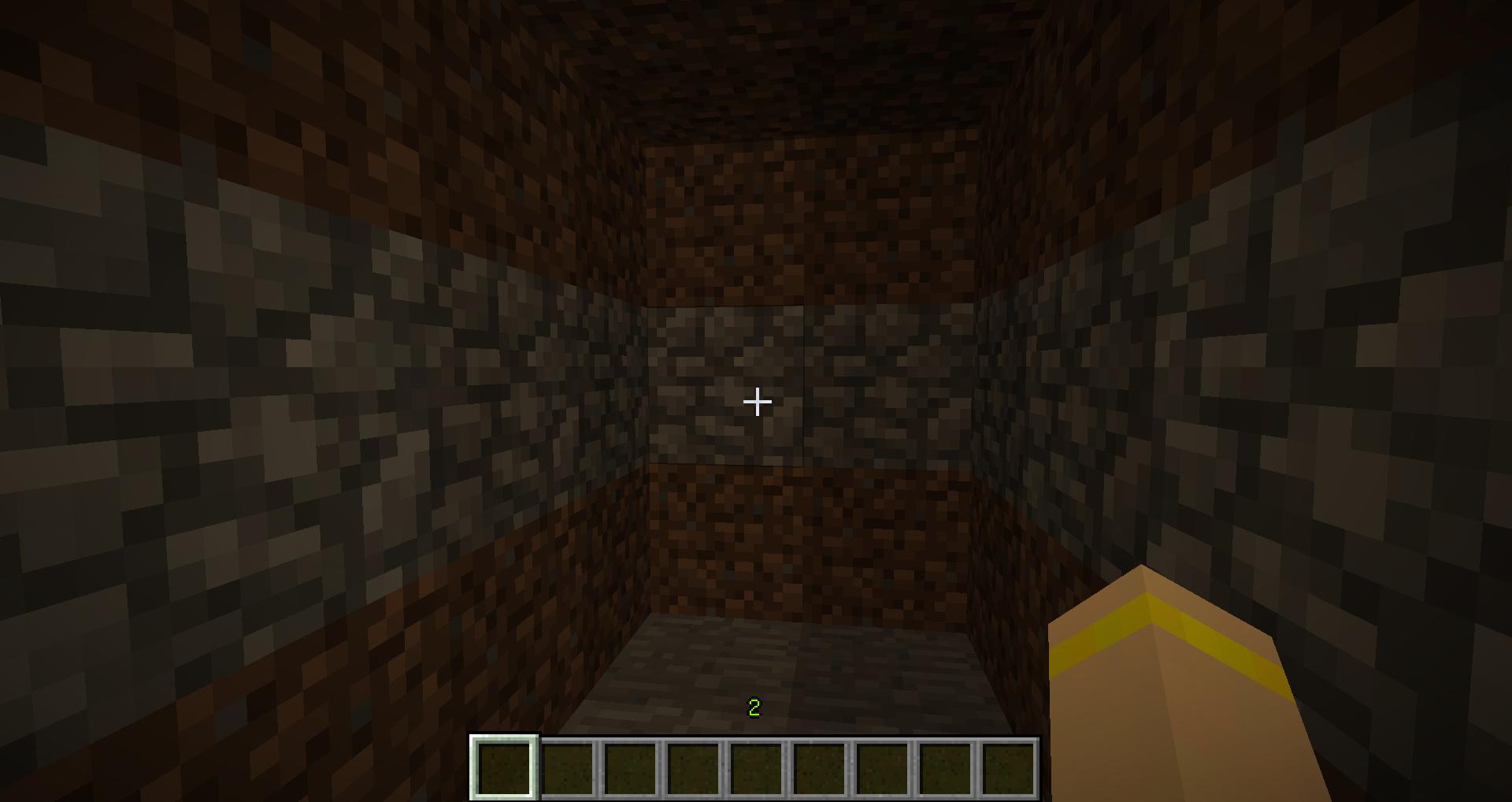


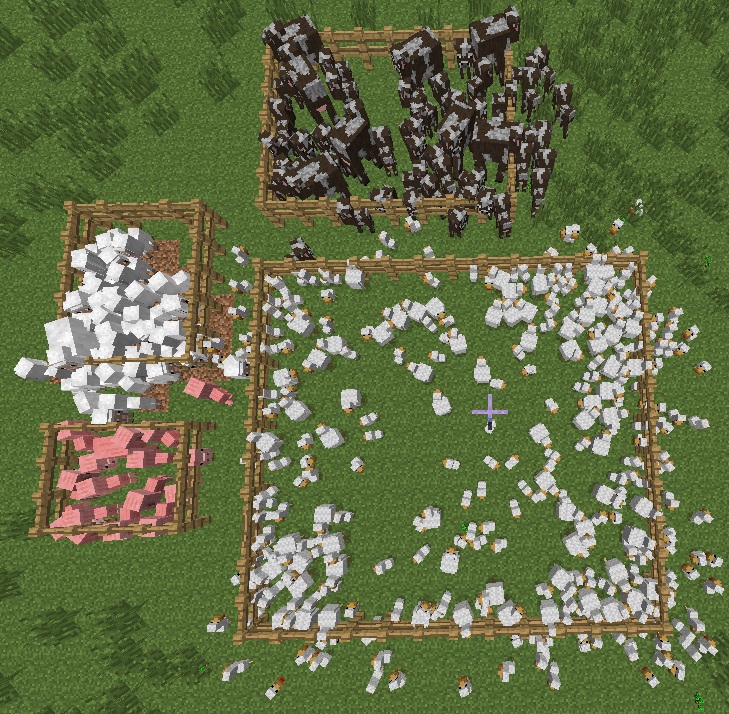



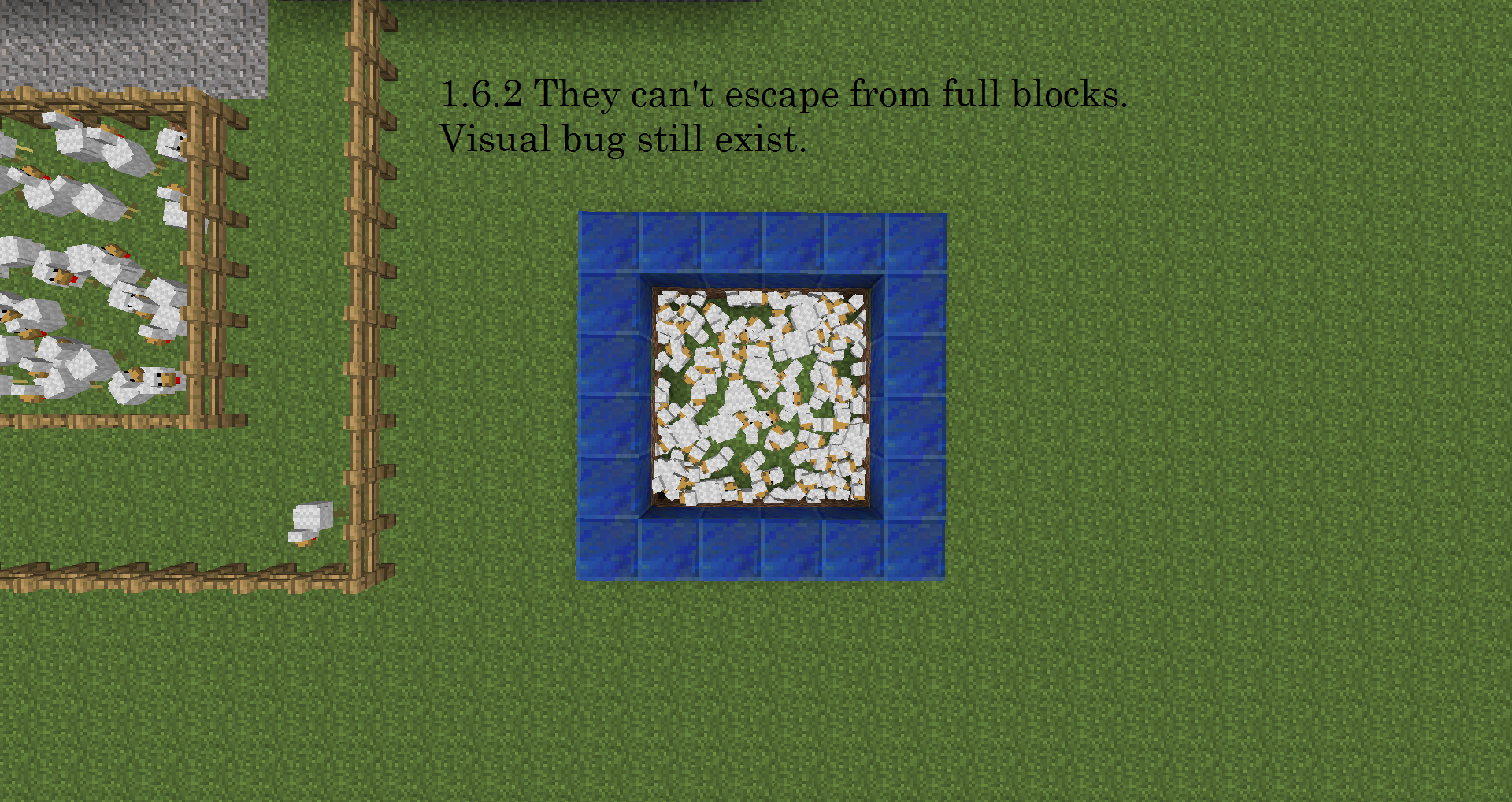






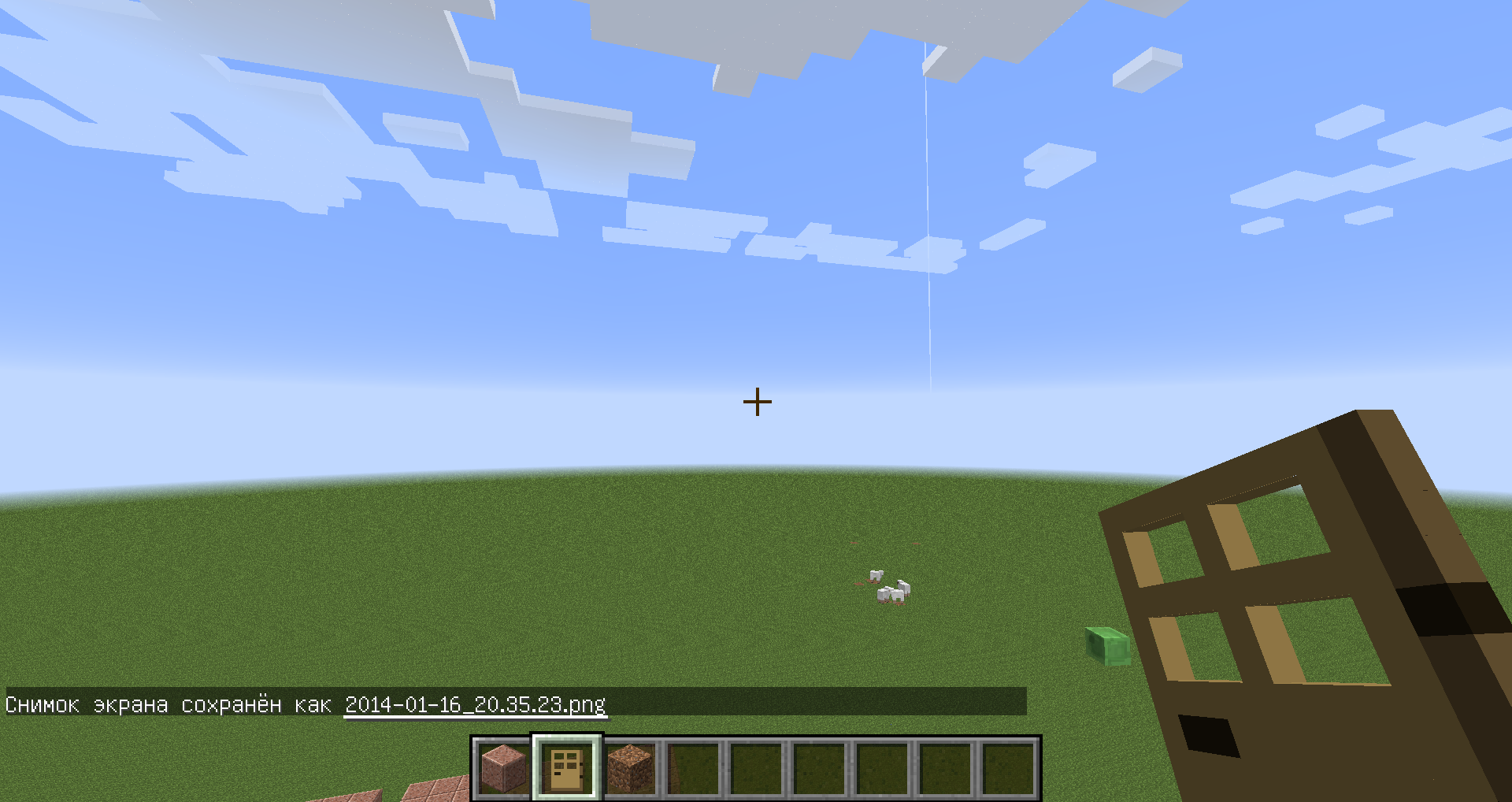


I made a farm of chickens, and built fence around it. After I re enter game next day, some of my chickens stuck in fence, and some of them was not inside farm...
P.S. I know there was a bug like this before, but it still there...I made a farm of chickens, and built fence around it. After I re enter game next day, some of my chickens stuck in fence, and some of them was not inside farm...
In screenshot is place where it happened, when it happens again, I'll add more screenshots, showing problem.
P.S. I know there was a bug like this before, but it still there...
okay... =) But it's not like beetwen blocks... ugh, whatever... It's not like blocks problem, so I think it's not duplicate of blocks. Don't you think? It's problem with hopper model.
screenshot.png
I don't know bug it is or not, but it's kinda wrong. Mobs can dissapear with your stuff on them, when
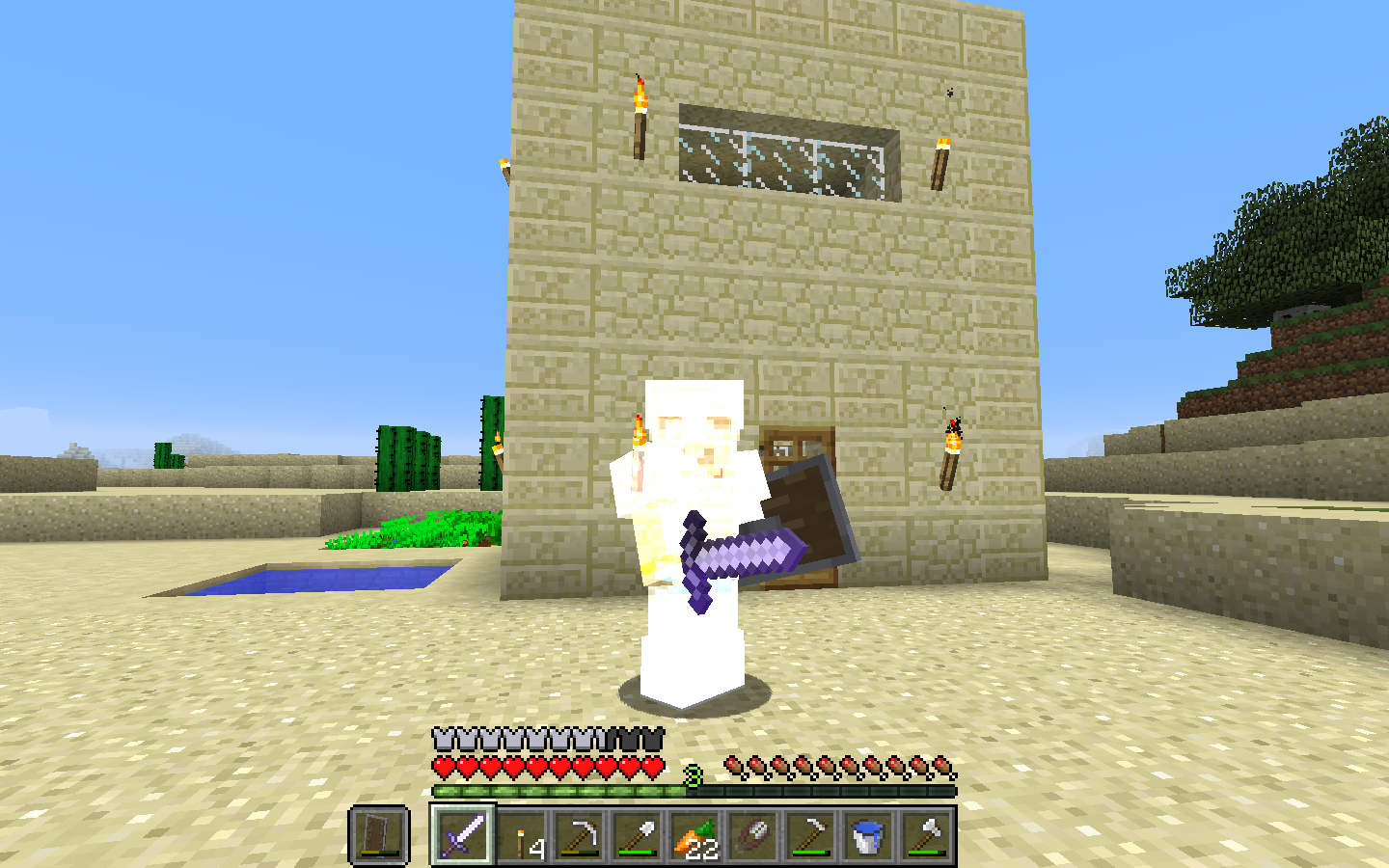
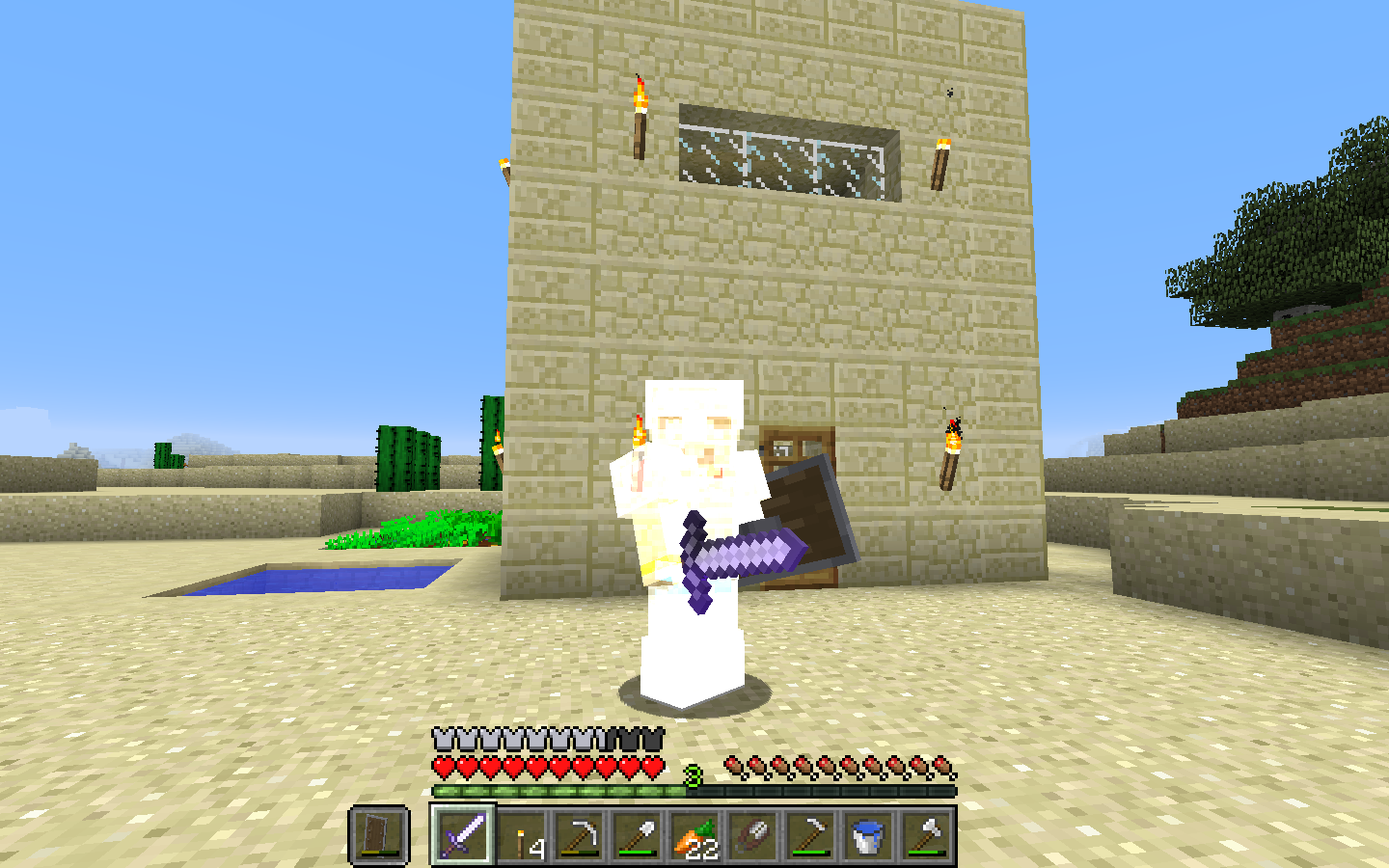
they far enough or whenyou change to peaceful. Not tested in survival.I don't know bug it is or not, but it's kinda wrong. Mobs can dissapear with your stuff on them, when you change to peaceful. Not tested in survival. On screenshots I give skeleton armor and sword, and change to peaceful, than he just "poof" with all that stuff and I can't have it back...
I don't know bug it is or not, but it's kinda wrong. Mobs can dissapear with your stuff on them, when you change to peaceful. Not tested in survival. On screenshots I give skeleton armor and sword, and change to peaceful, than he just "poof" with all that stuff and I can't have it back... Need to test are they disappear when far enough.
I don't know bug it is or not, but it's kinda wrong. Mobs can dissapear with your stuff on them, when you change to peaceful. Not tested in survival. On screenshots I give skeleton armor and sword, and change to peaceful, than he just "poof" with all that stuff and I can't have it back... Need to test are they disappear with items when far enough.
Performance near blinking light with smooth light on becomes very bad.
For expample on screenshots, when redstone clock off with smooth lighting (50-70 FPS), when it is on with smooth lighting (5-10 FPS), and on without smooth lighting (60-80 FPS)Performance near blinking light with smooth light on becomes very bad.
For expample on screenshots, when redstone clock off with smooth lighting (40-80 FPS), when it is on with smooth lighting (5-10 FPS), and on without smooth lighting (70-100 FPS)
Performance near blinking light with smooth light on becomes very bad.
For expample on screenshots, when redstone clock off with smooth lighting (40-80 FPS), when it is on with smooth lighting (5-10 FPS), and on without smooth lighting (70-100 FPS)My Computer:
------------------
System Information
------------------
Processor: AMD Athlon(tm) II X4 635 Processor (4 CPUs), ~2.9GHz
RAM: 4GB
Video: Nvidia GeForce GTX 560
Performance near blinking light with smooth light on becomes very bad.
For expample on screenshots, when redstone clock off with smooth lighting (40-80 FPS), when it is on with smooth lighting (5-10 FPS), and on without smooth lighting (70-100 FPS)My Computer:
------------------
System Information
------------------
Processor: AMD Athlon(tm) II X4 635 Processor (4 CPUs), ~2.9GHz
RAM: 4GB
Video: Nvidia GeForce GTX 560Performance near blinking light with smooth light on becomes very bad.
For expample on screenshots, when redstone clock off with smooth lighting (40-80 FPS), when it is on with smooth lighting (5-10 FPS), and on without smooth lighting (70-100 FPS)My Computer:
Processor: AMD Athlon(tm) II X4 635 Processor (4 CPUs), ~2.9GHz
RAM: 4GB
Video: Nvidia GeForce GTX 560
Chicken Egg when thrown after texture pack change, looks weird.
Before it happened, i changed texture pack to Faithful 32X for 1.5 and back to default. Tested in Survival. Not tested in creative. When I re-entered Minectaft, all become normal.
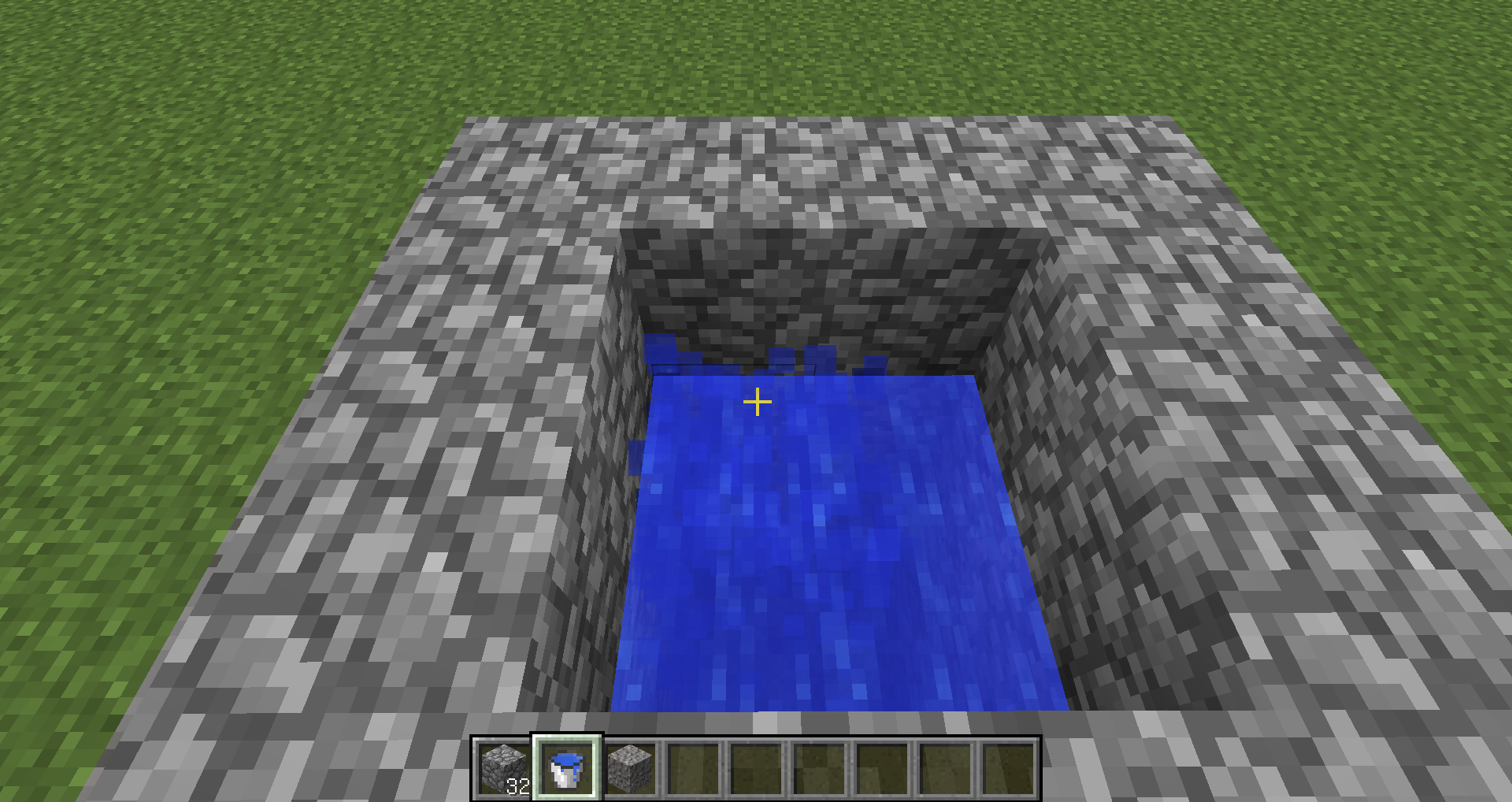
Liqiud bug, particles.Particles shown after using full bucket inside liquid source block.
Added some screenshots. Still Exist in 1.6.2. Can confirm.
Had it only once with 20+ zombies, can't reproduce now whatever I do...
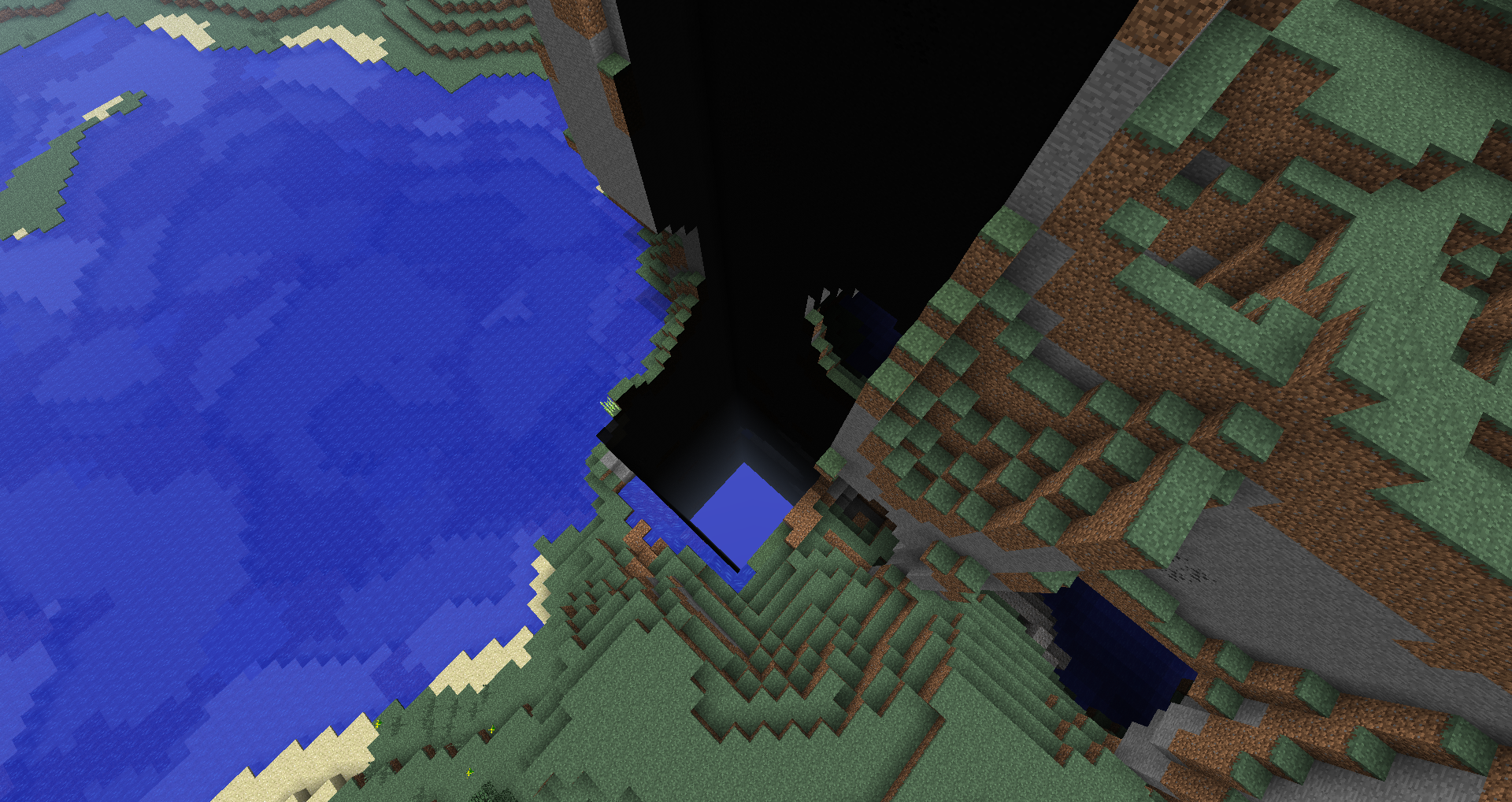
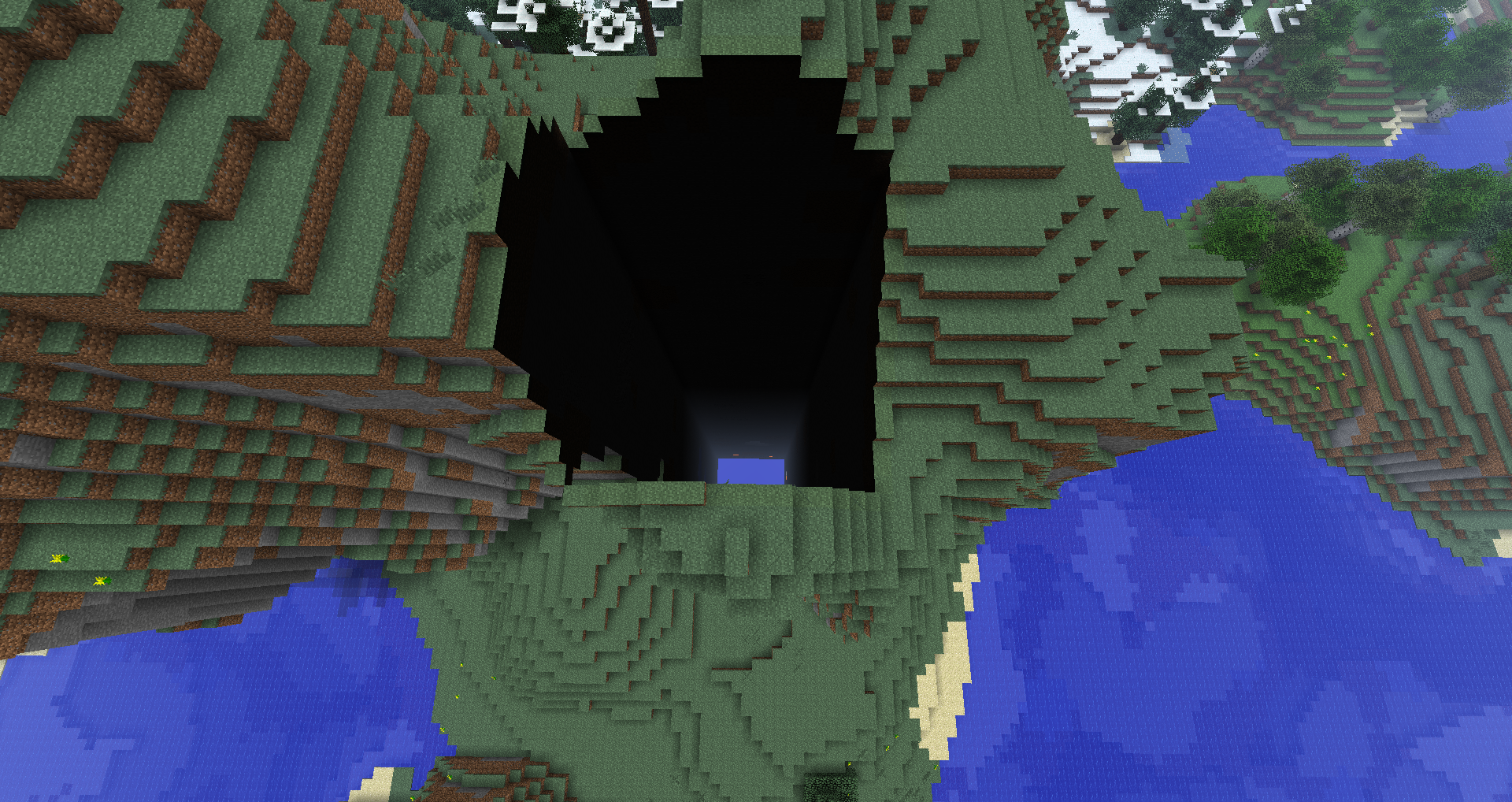
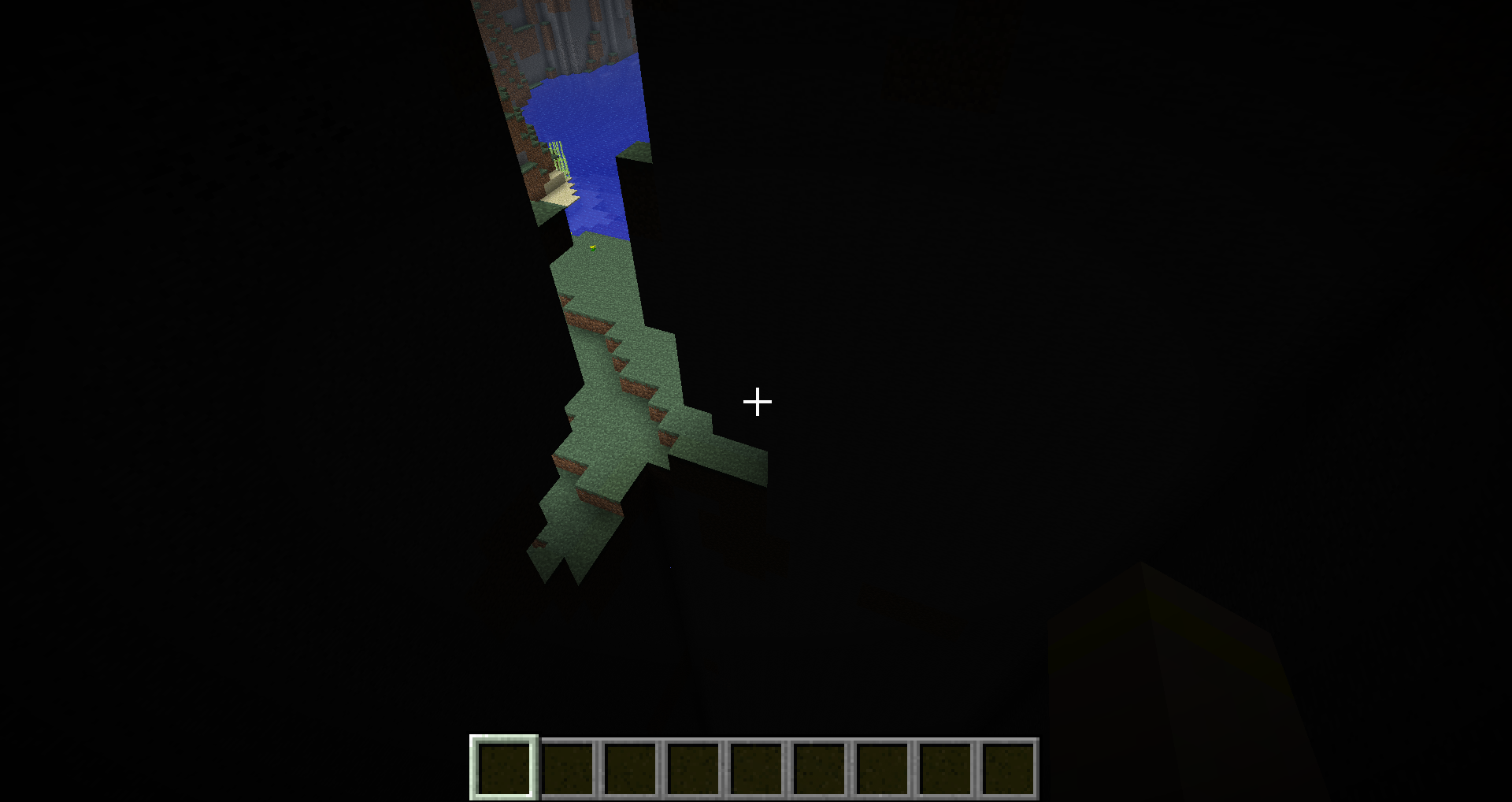
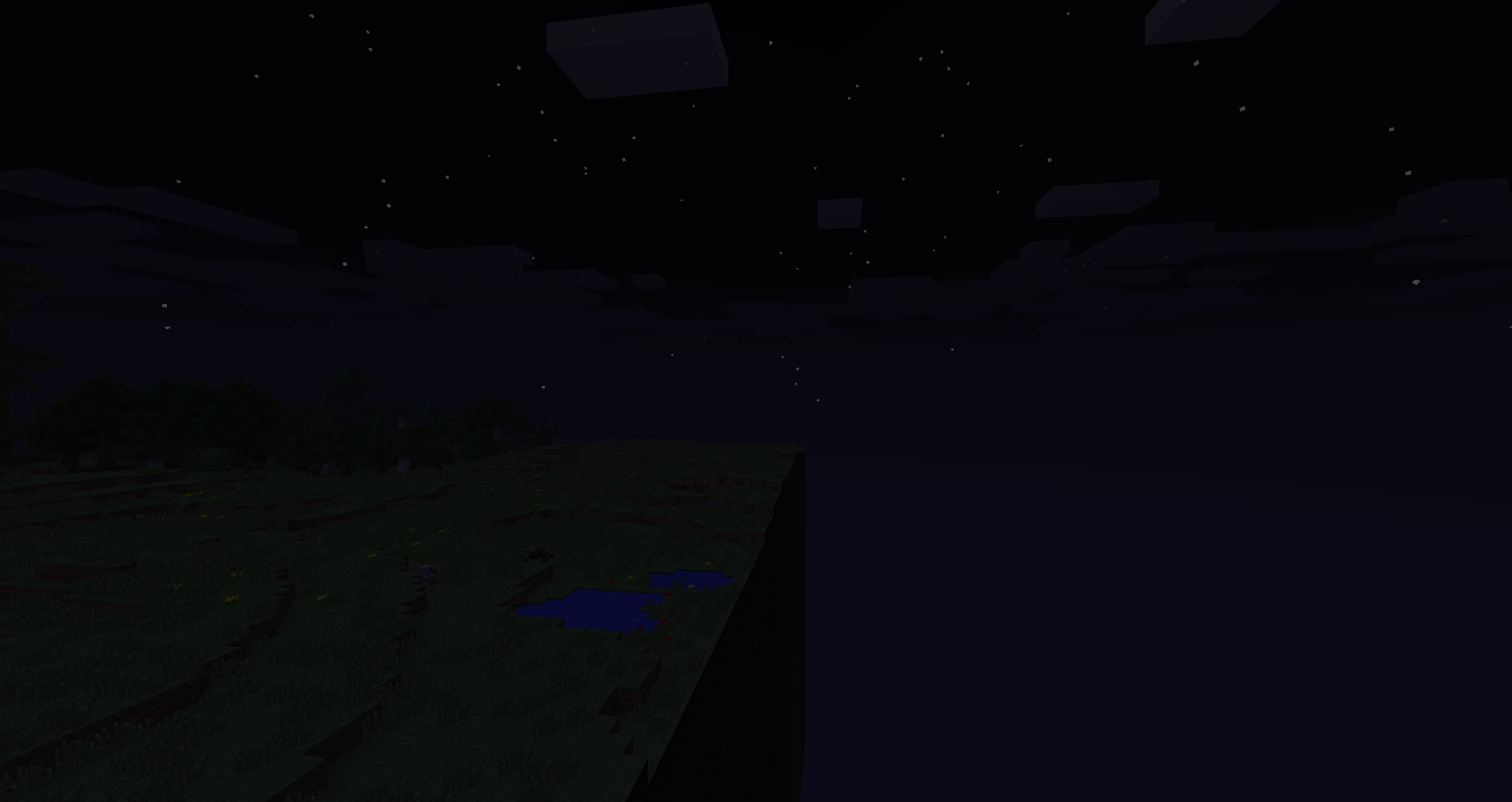
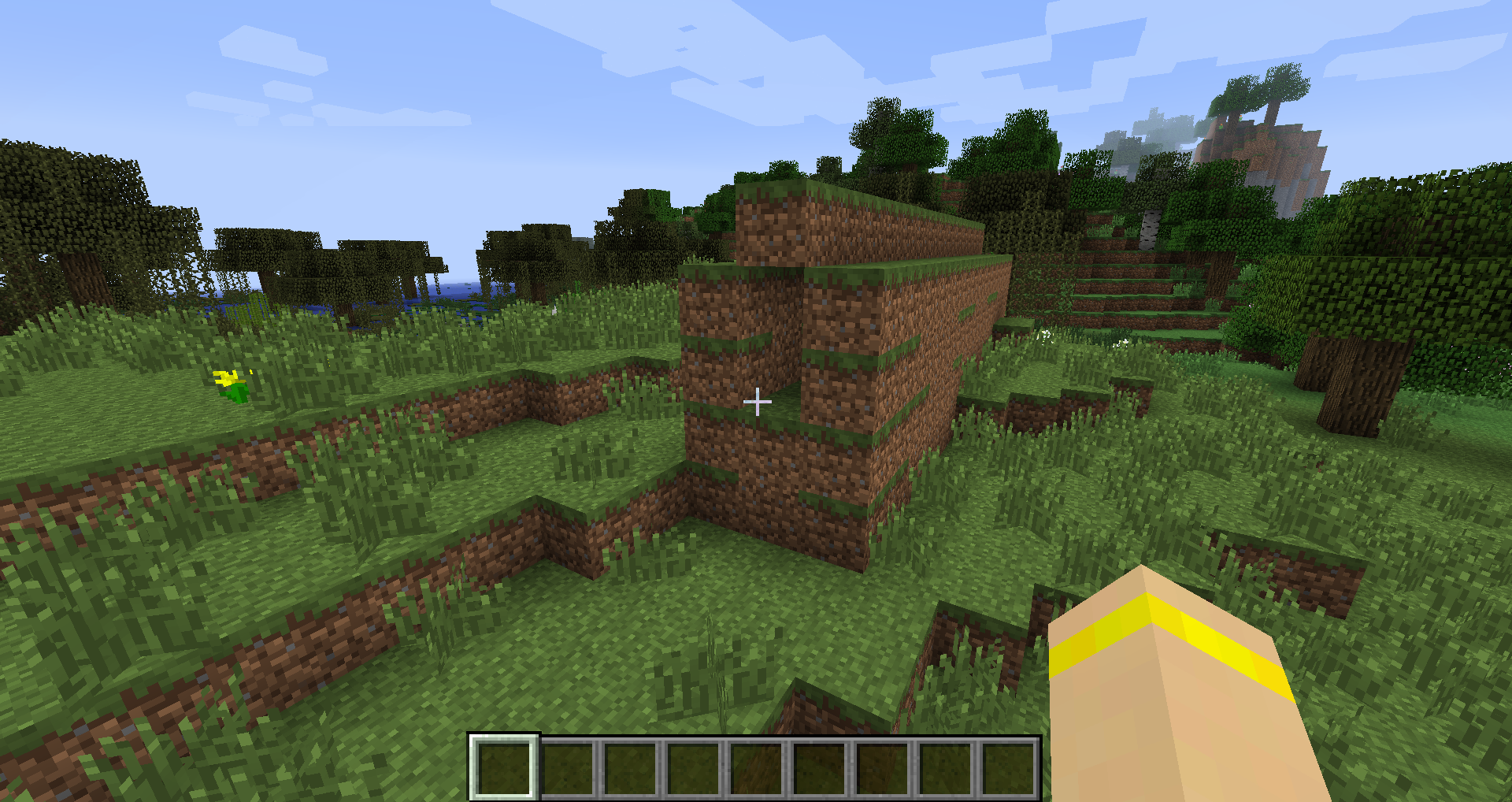
When we played on my server, light blinked, computer reloaded, after that when I reloaded server I seen this holes, chunks is there, but looks like it not, server won't let pass through it. When you touch invisible block it pushes you back. In survival it makes damage when touching it. Whatever I tried, holes still there, F3+A, server reload, nothing helped. In creative if you jump in hole from sky you will fall slowly.
This problem go from server doesn't properly stopped.
I seen something like this in earlier versions, but after reload it fixes itself, this can't be deleted by any in-game method.
When we played on my server, light blinked, computer reloaded, after that when I reloaded server I seen this holes, chunks is there, but looks like it not, server won't let pass through it. When you touch invisible block it pushes you back. In survival it makes damage when touching it. Whatever I tried, holes still there, F3+A, server reload, nothing helped. In creative if you jump in hole from sky you will fall slowly.
This problem go from server doesn't properly stopped.
I seen something like this in earlier versions, but after reload it fixes itself, this can't be deleted by any
in-gamemethod.When we played on my server, light blinked, computer reloaded, after that when I reloaded server I seen this holes, chunks is there, but looks like it not, server won't let pass through it. When you touch invisible block it pushes you back. In survival it makes damage when touching it. Whatever I tried, holes still there, F3+A, server reload, nothing helped. In creative if you jump in hole from sky you will fall slowly.
This problem go from server doesn't properly stopped.
I seen something like this in earlier versions, but after reload it fixes itself, this can't be deleted by any official method.
When we played on my server, light blinked, computer reloaded, after that when I reloaded server I seen this holes, chunks is there, but looks like it not, server won't let pass through it. When you touch invisible block it pushes you back. In survival it makes damage when touching it. Whatever I tried, holes still there, F3+A, server reload, nothing helped. In creative if you jump in hole from sky you will fall slowly.
This problem go from server doesn't properly stopped.
I seen something like this in earlier versions, but after reload it fixes itself, this can't be deleted by any official method.
When we played on my server, light blinked, computer reloaded, after that when I reloaded server I seen this holes, chunks is there, but looks like it not, server won't let pass through it. When you touch invisible block it pushes you back. In survival it makes damage when touching it. Whatever I tried, holes still there, F3+A, server reload, nothing helped. In creative if you jump in hole from sky you will fall slowly.
This problem occured after server doesn't properly stopped. I seen something like this in earlier versions, but after reload it fixes itself, this can't be deleted by any official method.
P.S. Sorry for bad english. =3
Can Confirm in 1.6.2
Hello, I've noticed that when I push multimedia controls on my keyboard, camera goes to smooth mode and back, it's toogle.
All multimedia controls affected:
Start/stop music, Previous track, Next track, -volume, +volume, mute and button that skips track to begin and stop it.
That's pretty uncomfortable, when you listen music, want to change track or stop it, and you got smooth camera...
P.S. Sorry for my Bad English, I'm Russian)Hello, I've noticed that when I push multimedia controls on my keyboard, camera goes to smooth mode and back, it's toogle. That works in game, not work in pause.
All multimedia controls affected:
Start/stop music, Previous track, Next track, -volume, +volume, mute and button that skips track to begin and stop it.
That's pretty uncomfortable, when you listen music, want to change track or stop it, and you got smooth camera...
And one last thing, I can't get smooth camera work on F4 or F8.
P.S. Sorry for my Bad English, I'm Russian)
Multimediabuttons makes camera go to smooth mode.Multimedia controls (biuttons) makes camera go to smooth mode.
Hello, I've noticed that when I push multimedia controls on my keyboard, camera goes to smooth mode and back, it's toogle. That works in game, not work in pause.
All multimedia controls affected:
Start/stop music, Previous track, Next track, -volume, +volume, mute and button that skips track to begin and stop it.
That's pretty uncomfortable, when you listen music, want to change track or stop it, and you got smooth camera...
And one last thing, I can't get smooth camera work on F4 or F8
.P.S. Sorry for my Bad English, I'm Russian)
Hello, I've noticed that when I push multimedia controls on my keyboard, camera goes to smooth mode and back, it's toogle. That works in game, not work in pause.
All multimedia controls affected:
Start/stop music, Previous track, Next track, -volume, +volume, mute and button that skips track to begin and stop it.
That's pretty uncomfortable, when you listen music, want to change track or stop it, and you got smooth camera...
And one last thing, I can't get smooth camera work on F4 or F8, but that pretty works when it shouldn't. XD
P.S. Sorry for my Bad English, I'm Russian)
Hello, I've noticed that when I push multimedia controls on my keyboard, camera goes to smooth mode and back, it's toogle. That works in game, not work in pause.
All multimedia controls affected:
Start/stop music, Previous track, Next track, -volume, +volume, mute and button that skips track to begin and stop it.
That's pretty uncomfortable, when you listen music, want to change track or stop it without going to player, and you got smooth camera...
And one last thing, I can't get smooth camera work on F4 or F8, but that pretty works when it shouldn't. XD
P.S. Sorry for my Bad English, I'm Russian)
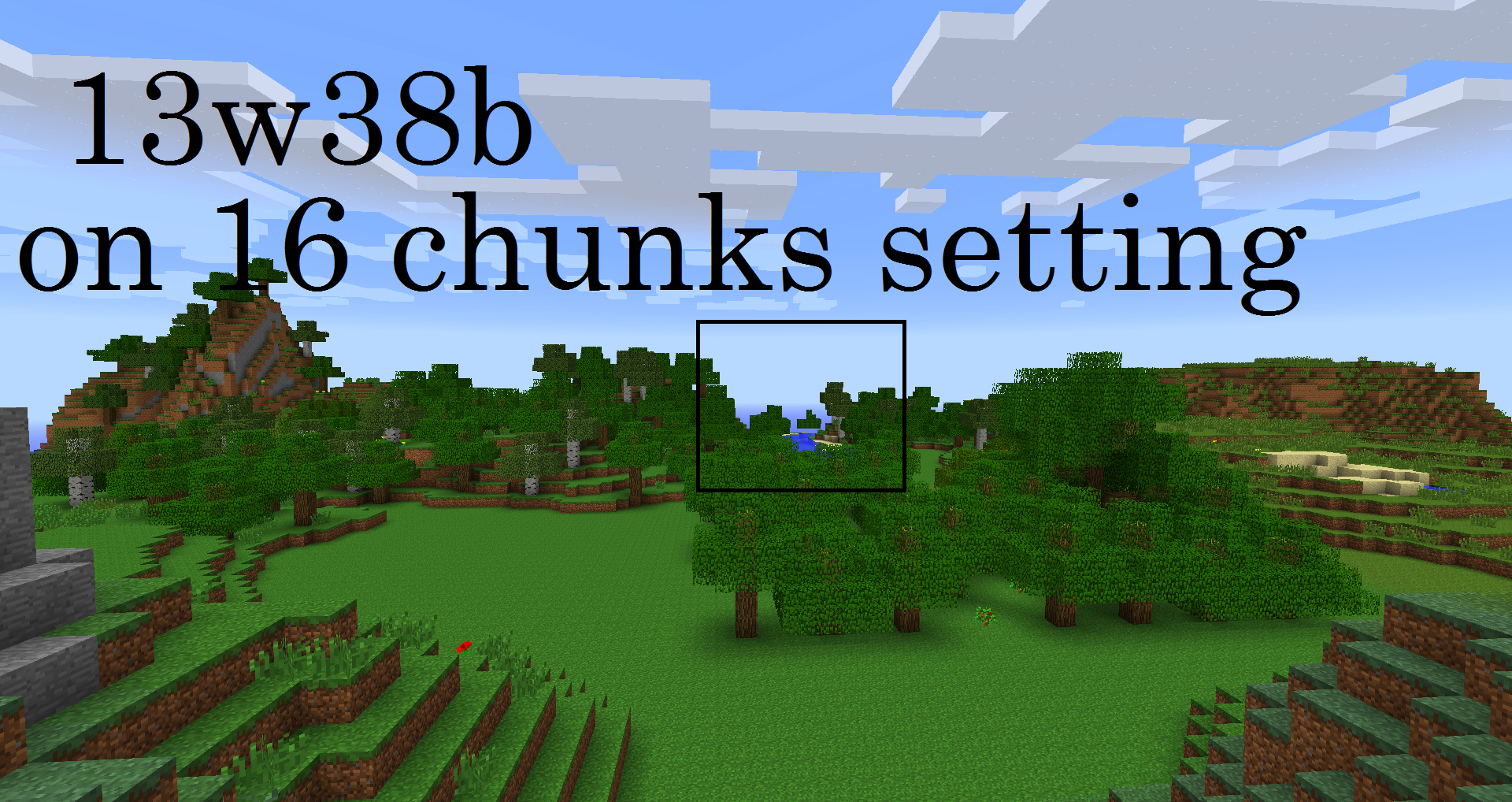
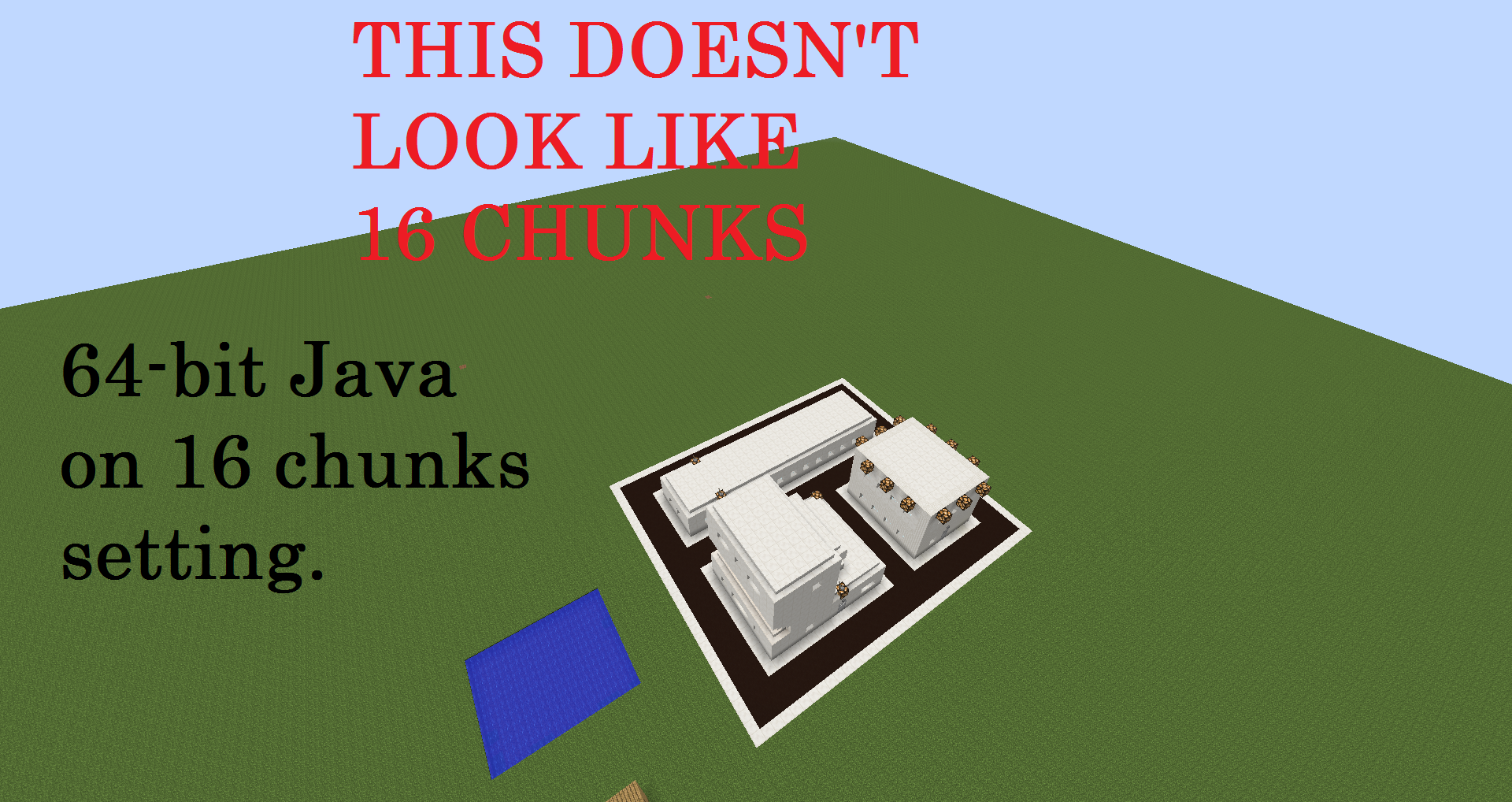
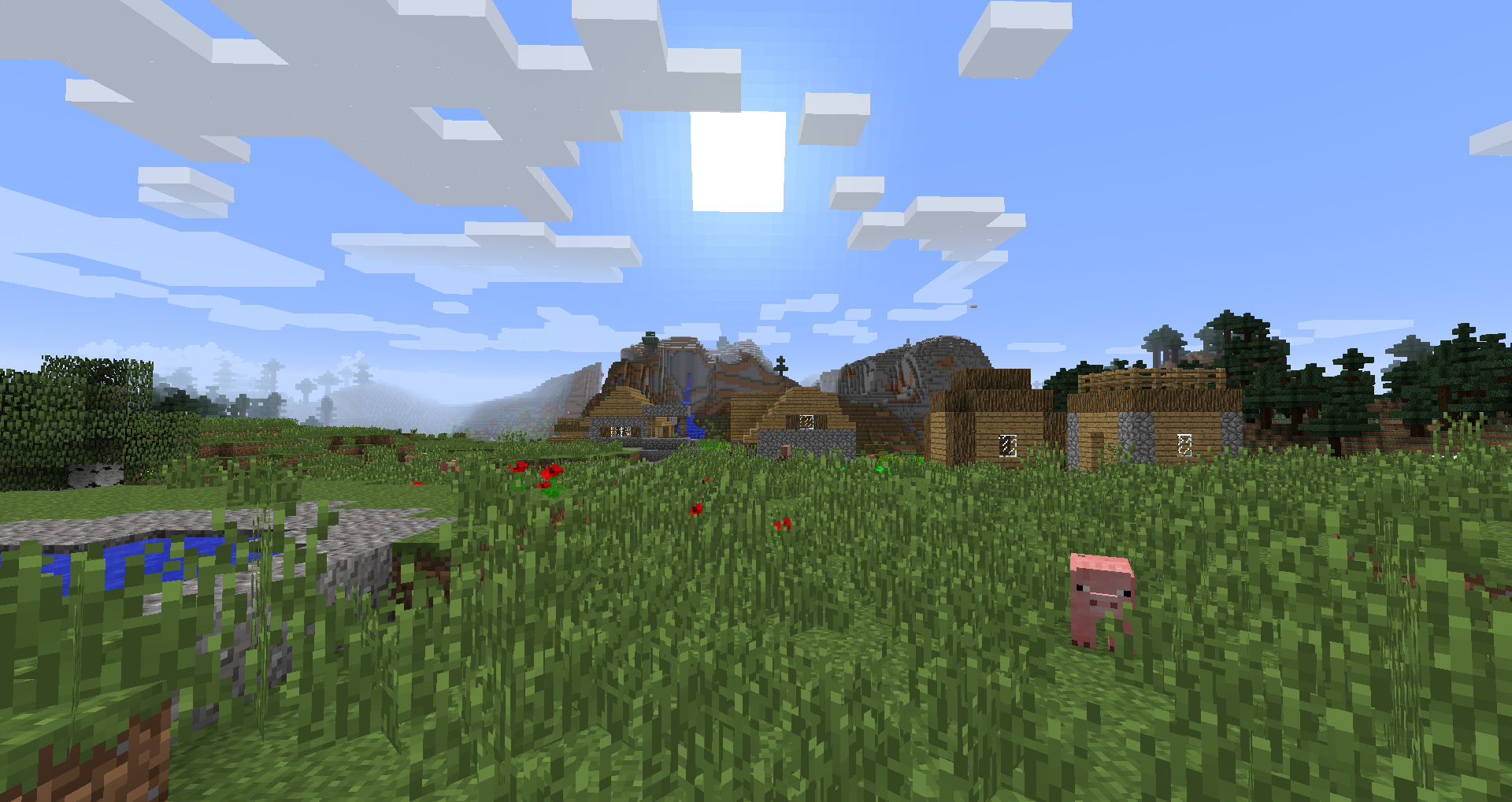
In 13w38a On 8 chunks render distance setting world loads amount of chunks, on 9 or more setting, it stays on 8 setting and don't load anymore chunks, fog anyway looks move to correct position. Added Screenshots to confirm. On 16 chunks setting, this bug makes distance I should see half smaller.
In 13w38a On 8 chunks render distance setting world loads correct amount of chunks, on 9 or more setting, it stays on 8 setting and don't load anymore chunks, fog anyway looks like move to correct position (more far). Added Screenshots to confirm. On 16 chunks setting, this bug makes distance I should see half smaller.
In 13w38a On 8 chunks render distance setting world loads correct amount of chunks, on 9 or more setting, it stays on 8 setting and don't load anymore chunks, fog anyway looks like move to correct position (more far). Added Screenshots to confirm. On 16 chunks setting, this bug makes distance I should see half smaller.
P.S. Sorry for bad English (I'm from Russia)
In 13w38a On 1 to 8 chunks render distance setting world loads correct amount of chunks, on 9 or more setting, it stays on 8 setting and don't load anymore chunks, fog anyway looks like move to correct position (more far). Added Screenshots to confirm. On 16 chunks setting, this bug makes distance I should see half smaller.
P.S. Sorry for bad English (I'm from Russia)
In 13w38a On 1 to 8 chunks render distance setting world loads correct amount of chunks, on 9 or more setting, it stays on 8 setting and don't load anymore chunks, fog anyway looks like move to correct position (more far). Added Screenshots to confirm. On 16 chunks setting, this bug makes distance I should see half smaller.
P.S. Sorry for my bad English (I'm from Russia)
In 13w38a On 1 to 8 chunks render distance setting world loads correct amount of chunks, on 9 or more setting, it stays on 8 setting and don't load anymore chunks, fog anyway looks like move to correct position (more far). Added Screenshots to confirm. On 16 chunks setting, this bug makes distance I should see half smaller. This bug started from first 1.7 snapshot, before it was showing normal distance amount of chunks on far distance setting.
P.S. Sorry for my bad English (I'm from Russia)
Wrong render distance on 9 and more chunks setting.
Wrong render distance on 9 and more chunks settings.
In 13w38a On 1 to 8 chunks render distance setting world loads correct amount of chunks, on 9 or more setting, it stays on 8 setting and don't load anymore chunks, fog anyway looks like move to correct position (more far). Added Screenshots to confirm. On 16 chunks setting, this bug makes distance I should see half smaller. This bug started from first 1.7 snapshot, before it was showing "normal" distance setting amount of chunks on far distance setting.
P.S. Sorry for my bad English (I'm from Russia)
In 13w38a On 1 to 8 chunks render distance setting world loads correct amount of chunks, on 9 or more setting, it stays on 8 setting and don't load anymore chunks, fog anyway looks like move to correct position (more far). Added Screenshots to confirm. On 16 chunks setting, this bug makes distance I should see half smaller. This bug started from first 1.7 snapshot, before it was showing "normal" distance setting amount of chunks on far distance setting.
My system:
Processor: AMD Athlon(tm) II X4 635 Processor (4CPUs), ~2,9GHz
RAM: 4096 MB
Video: Nvidia GeForce GTX 560 (1 GB)P.S. Sorry for my bad English (I'm from Russia)
In 13w38a and 13w38b On 1 to 8 chunks render distance setting world loads correct amount of chunks, on 9 or more setting, it stays on 8 setting and don't load anymore chunks, fog anyway looks like move to correct position (more far). Added Screenshots to confirm. On 16 chunks setting, this bug makes distance I should see half smaller. This bug started from first 1.7 snapshot, before it was showing "normal" distance setting amount of chunks on far distance setting.
My system:
Processor: AMD Athlon(tm) II X4 635 Processor (4CPUs), ~2,9GHz
RAM: 4096 MB
Video: Nvidia GeForce GTX 560 (1 GB)P.S. Sorry for my bad English (I'm from Russia)
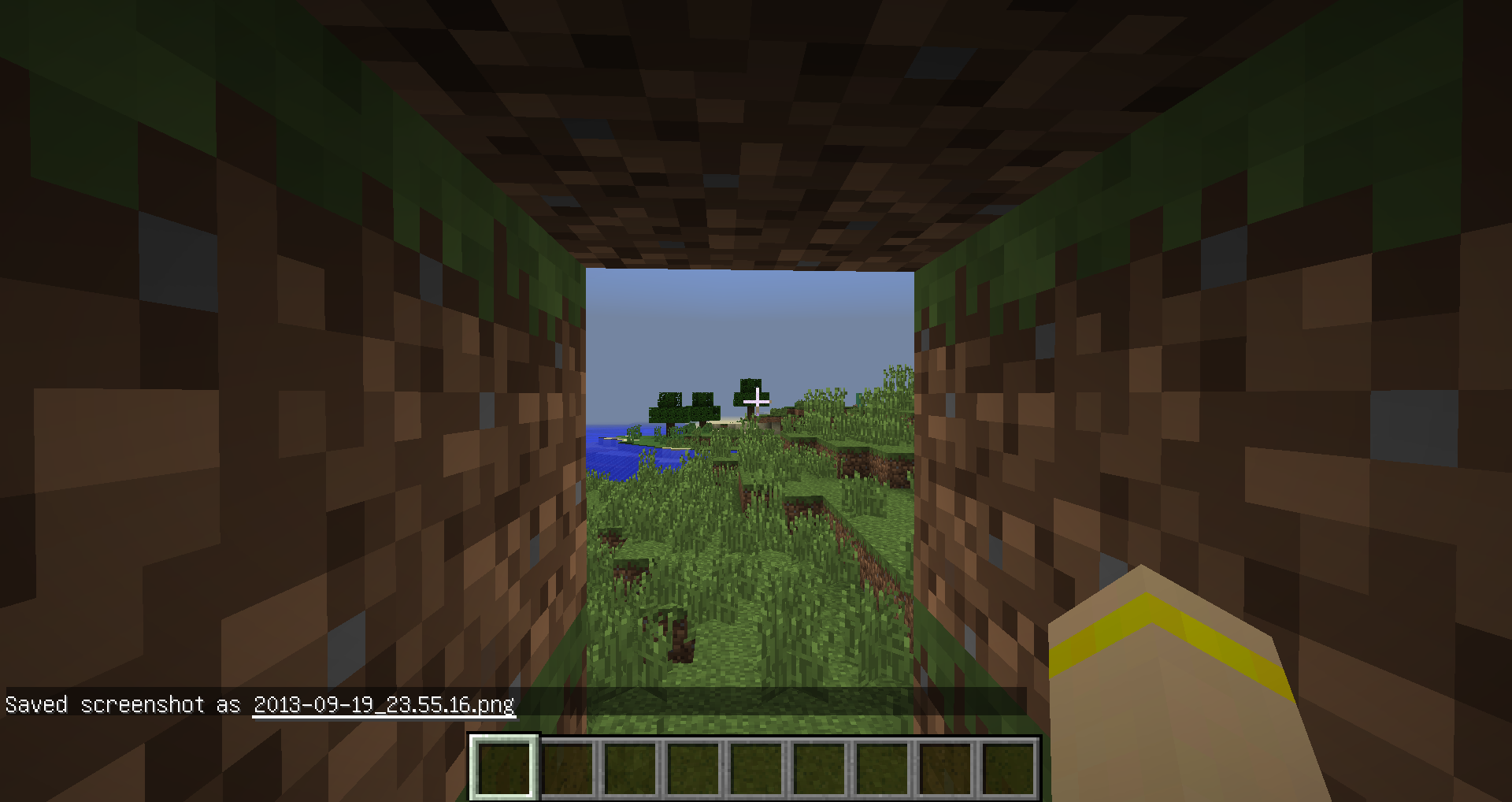
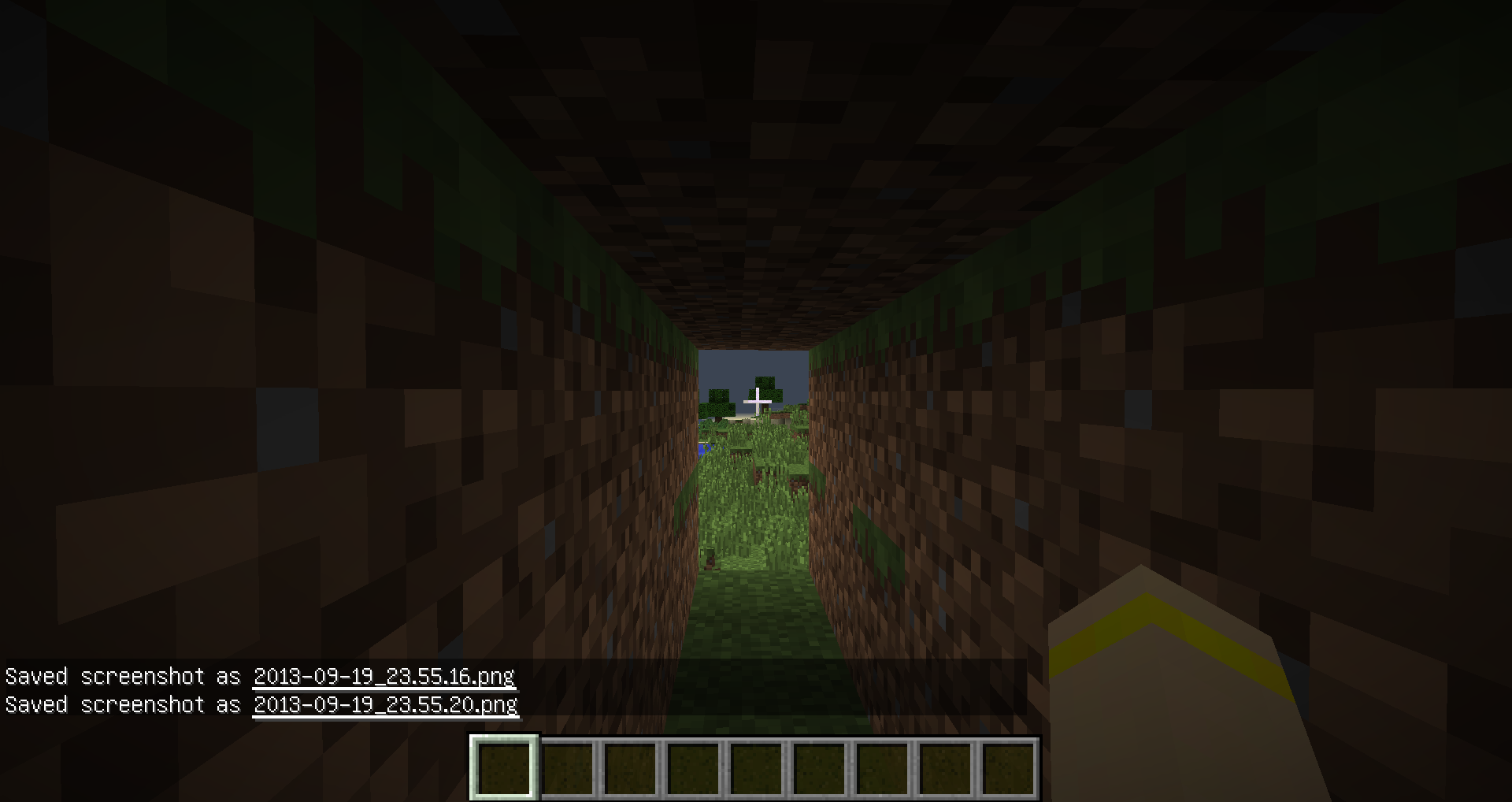
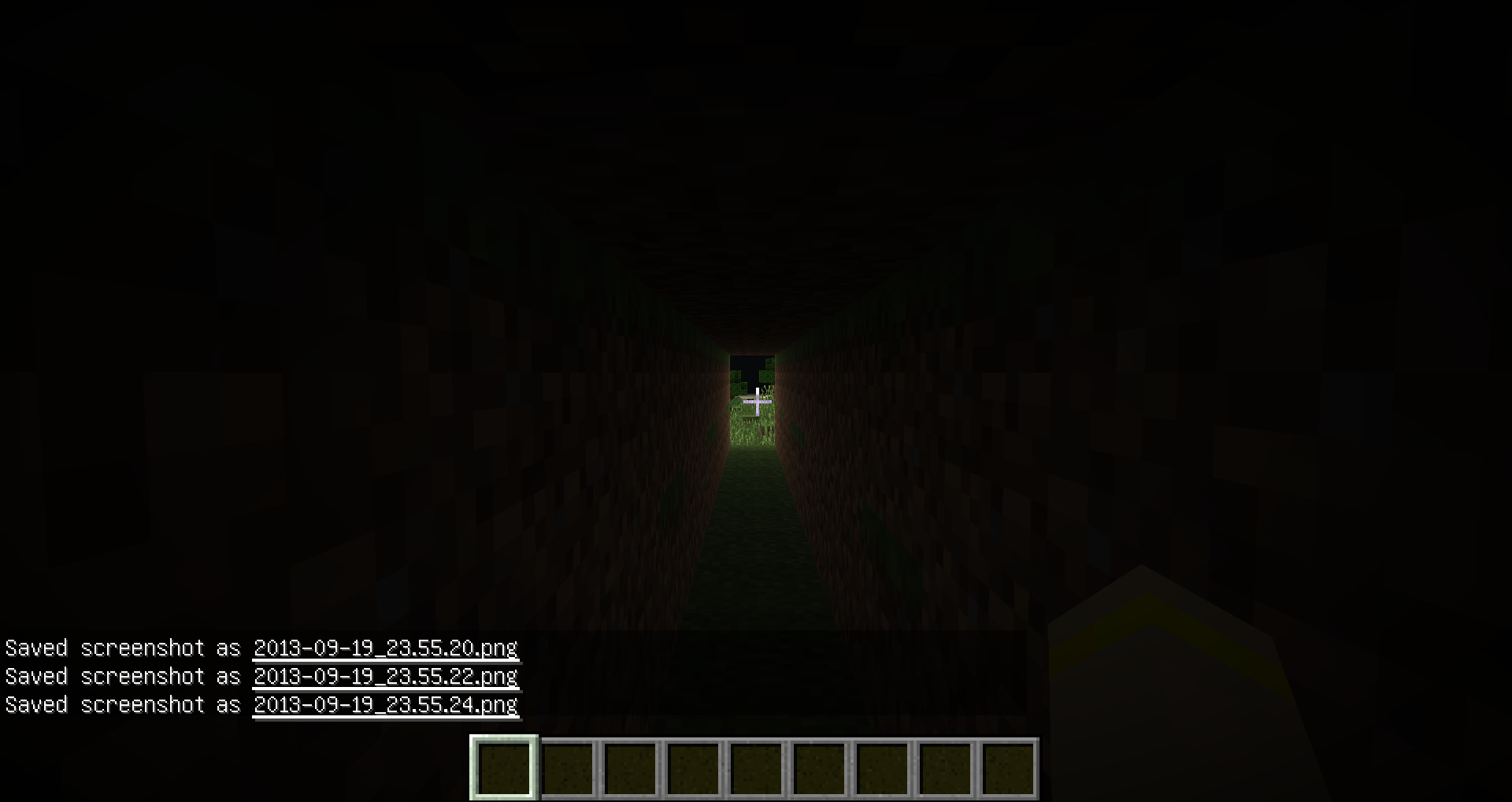
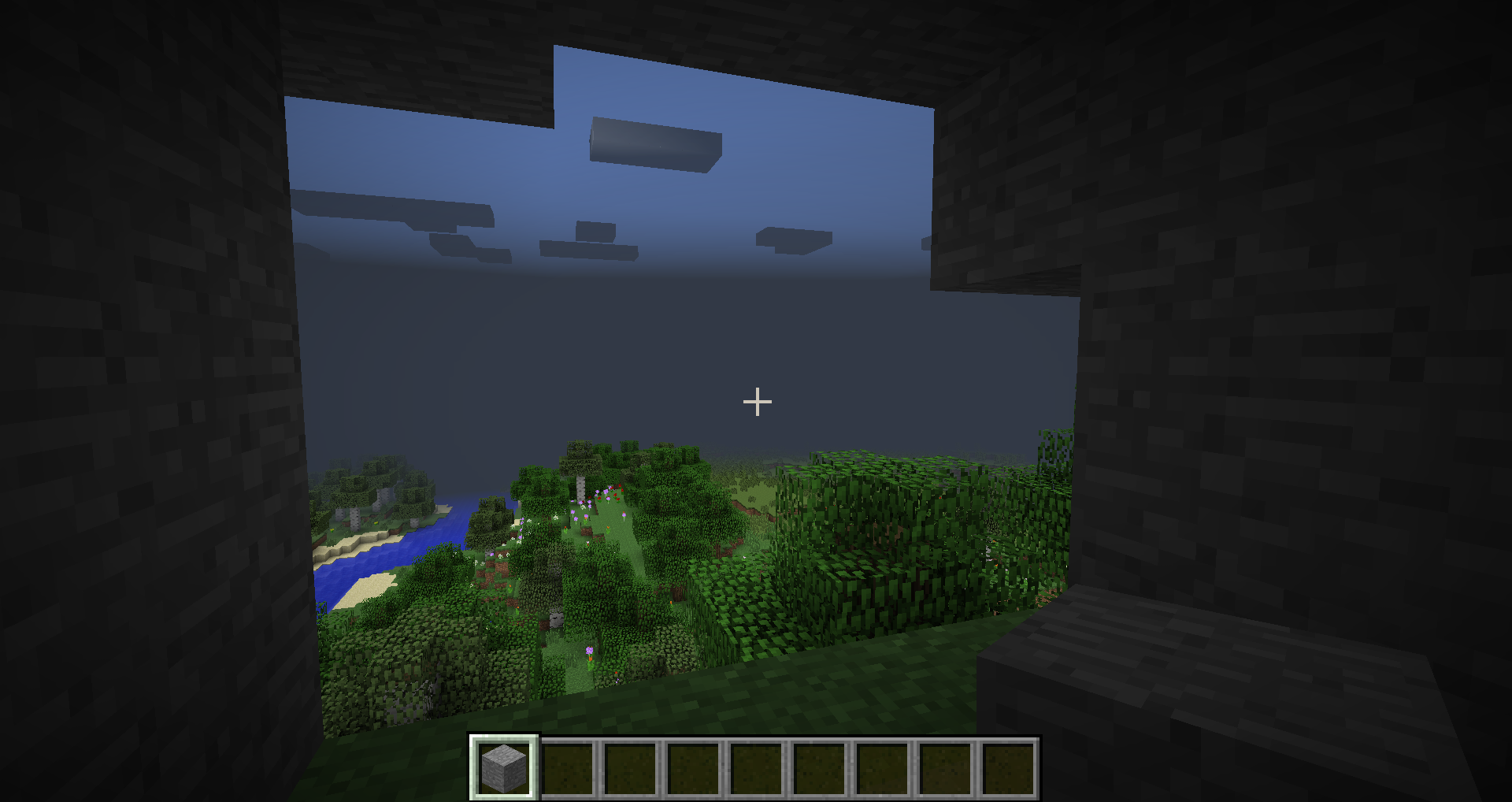
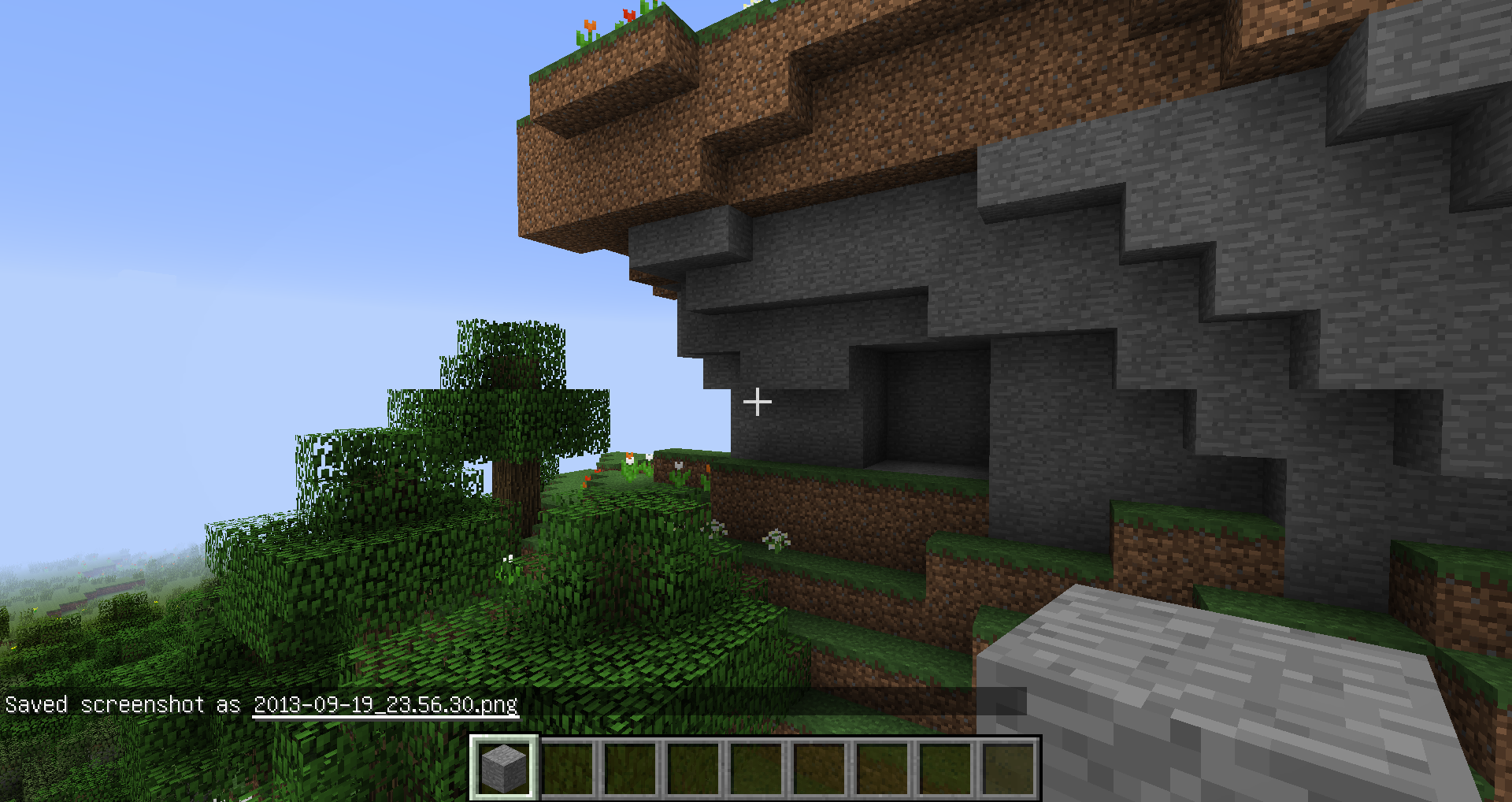
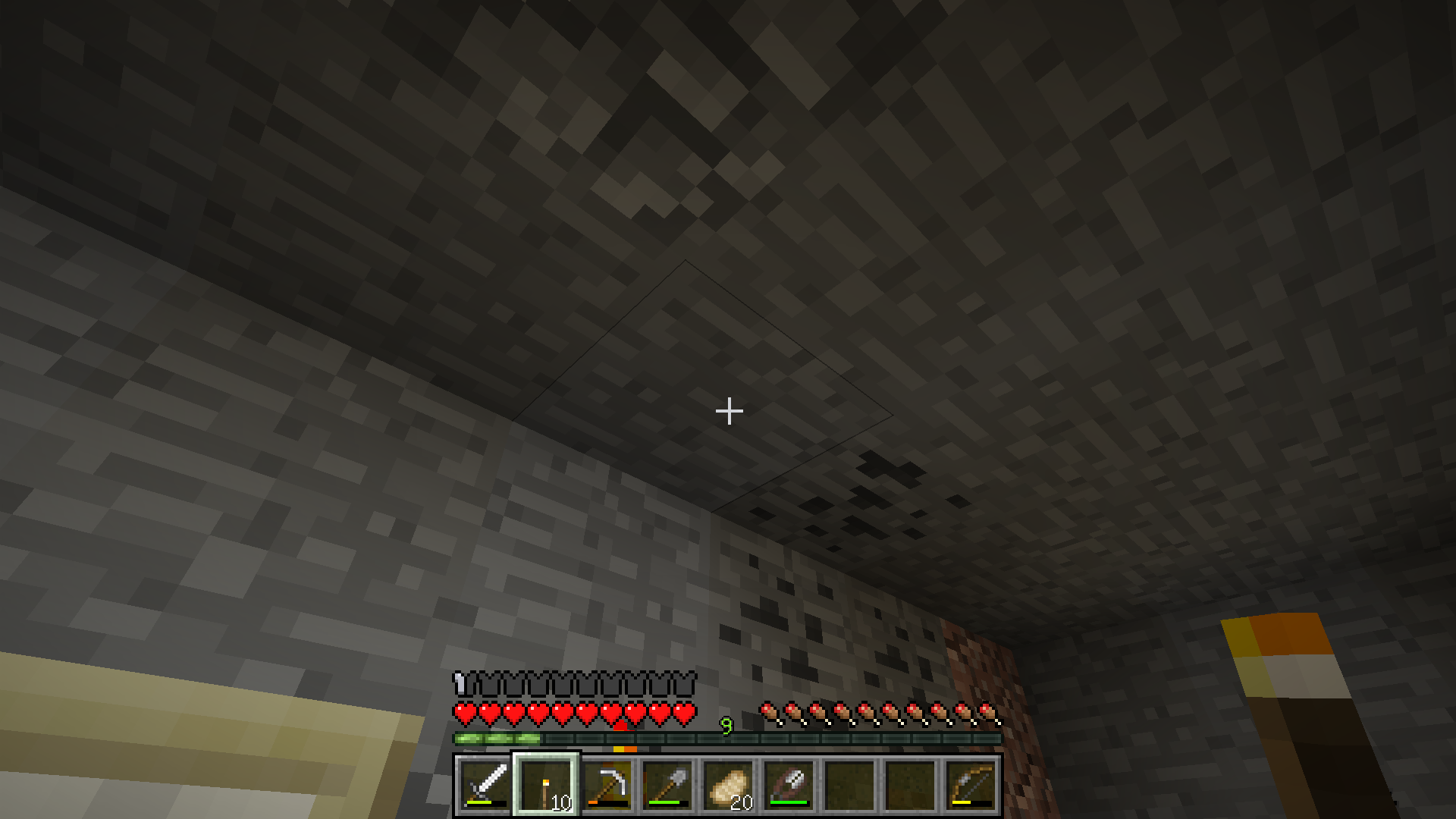
When I played minecraft, I noticed that when I'm under trees or hills, sky become darker. Then darker the place, then more sky goes to black.
Added screenshots to show how it works. First in self-made tunnel, and second in hill. All screenshots was made on sunny day in normal world on the surface.
When I enter Nether, it crashes. It won't show nether, it crashes on world loading screen.
P.S. Java update won't help.
Here is the crash:
---- Minecraft Crash Report ----
// You should try our sister game, Minceraft!Time: 20.09.13 18:50
Description: Exception generating new chunkjava.lang.NullPointerException
at agj.b(SourceFile:170)
at agj.d(SourceFile:200)
at km.c(SourceFile:72)
at km.d(SourceFile:104)
at ade.e(SourceFile:293)
at ade.a(SourceFile:233)
at ads.b(SourceFile:85)
at ads.a(SourceFile:50)
at jh.a(SourceFile:438)
at jh.a(SourceFile:368)
at kq.b(SourceFile:353)
at om.B(SourceFile:321)
at pe.B(SourceFile:165)
at om.h(SourceFile:284)
at pe.h(SourceFile:1159)
at vg.h(SourceFile:205)
at kq.i(SourceFile:198)
at kv.a(SourceFile:196)
at gn.a(SourceFile:136)
at eb.b(SourceFile:63)
at kv.e(SourceFile:64)
at ky.b(SourceFile:37)
at bow.b(SourceFile:83)
at net.minecraft.server.MinecraftServer.u(SourceFile:487)
at net.minecraft.server.MinecraftServer.t(SourceFile:404)
at bot.t(SourceFile:124)
at net.minecraft.server.MinecraftServer.run(SourceFile:338)
at jc.run(SourceFile:581)A detailed walkthrough of the error, its code path and all known details is as follows:
---------------------------------------------------------------------------------------– Head –
Stacktrace:
at agj.b(SourceFile:170)
at agj.d(SourceFile:200)– Chunk to be generated –
Details:
Location: 1,-5
Position hash: -21474836479
Generator: HellRandomLevelSource
Stacktrace:
at km.c(SourceFile:72)
at km.d(SourceFile:104)
at ade.e(SourceFile:293)– Requested block coordinates –
Details:
Found chunk: true
Location: World: (16,127,-80), Chunk: (at 0,7,0 in 1,-5; contains blocks 16,0,-80 to 31,255,-65), Region: (0,-1; contains chunks 0,-32 to 31,-1, blocks 0,0,-512 to 511,255,-1)
Stacktrace:
at ade.a(SourceFile:233)
at ads.b(SourceFile:85)
at ads.a(SourceFile:50)
at jh.a(SourceFile:438)
at jh.a(SourceFile:368)
at kq.b(SourceFile:353)
at om.B(SourceFile:321)
at pe.B(SourceFile:165)
at om.h(SourceFile:284)
at pe.h(SourceFile:1159)
at vg.h(SourceFile:205)– Player being ticked –
Details:
Entity Type: null (kq)
Entity ID: 75
Entity Name: Filter62
Entity's Exact location: 6,00, 83,77, 32,00
Entity's Block location: World: (6,83,32), Chunk: (at 6,5,0 in 0,2; contains blocks 0,0,32 to 15,255,47), Region: (0,0; contains chunks 0,0 to 31,31, blocks 0,0,0 to 511,255,511)
Entity's Momentum: 0,00, -0,23, 0,00
Stacktrace:
at kq.i(SourceFile:198)
at kv.a(SourceFile:196)
at gn.a(SourceFile:136)
at eb.b(SourceFile:63)
at kv.e(SourceFile:64)– Ticking connection –
Details:
Connection: kv@58d3ee56
Stacktrace:
at ky.b(SourceFile:37)
at bow.b(SourceFile:83)
at net.minecraft.server.MinecraftServer.u(SourceFile:487)
at net.minecraft.server.MinecraftServer.t(SourceFile:404)
at bot.t(SourceFile:124)
at net.minecraft.server.MinecraftServer.run(SourceFile:338)
at jc.run(SourceFile:581)– System Details –
Details:
Minecraft Version: 13w38b
Operating System: Windows 7 (amd64) version 6.1
Java Version: 1.7.0_40, Oracle Corporation
Java VM Version: Java HotSpot(TM) 64-Bit Server VM (mixed mode), Oracle Corporation
Memory: 229011152 bytes (218 MB) / 368574464 bytes (351 MB) up to 954728448 bytes (910 MB)
JVM Flags: 2 total; -XX:HeapDumpPath=MojangTricksIntelDriversForPerformance_javaw.exe_minecraft.exe.heapdump -Xmx1G
AABB Pool Size: 5025 (281400 bytes; 0 MB) allocated, 2427 (135912 bytes; 0 MB) used
IntCache: cache: 0, tcache: 0, allocated: 13, tallocated: 95
Profiler Position: N/A (disabled)
Vec3 Pool Size: 852 (47712 bytes; 0 MB) allocated, 803 (44968 bytes; 0 MB) used
Player Count: 1 / 8; [kq['Filter62'/75, l='Новый мир', x=6,00, y=83,77, z=32,00]]
Type: Integrated Server (map_client.txt)
Is Modded: Probably not. Jar signature remains and both client + server brands are untouched.
Sometimes when playing I hear some strange voices or like someone laughing, sometimes blocks being broken, though I'm playing singleplayer, mostly happens in caves. I don't know it is a bug or feature, but sometimes it's pretty scares me... (Sorry if it is a feature...) If you gonna need a video, I can make one
.Sometimes when playing I hear some strange voices or like someone laughing, sometimes blocks being broken, though I'm playing singleplayer, mostly happens in caves. I don't know it is a bug or feature, but sometimes it's pretty scares me... (Sorry if it is a feature...) If you gonna need a video, I can make one, it's pretty rare, but I hope I can catch this. =3
Game crashing everytime I place last block from inventory. First time noticed when was placing some sugar cane in survival singleplayer, last placed sugar cane from hot bar crashed game, tried same in new world, started in creative, added myself one grass block, then set gamemode to survival and placed this block, game crashed. I attached both crash reports. Started happening in 15w49a.
Crashing when placing torch on the celling near walls. Tried it a few times, no matter solid or non-solid block near, it crashes. Can't provide crash report, launcher crashes too... =/
Crashing when placing torch on the celling near walls. Tried it a few times, no matter solid or non-solid block near, it crashes.
Can't provide crash report, launcher crashes too... =/
Seems fixed for me in 1.16.210


@Jelle Wietsma @Dranitsin Roman Please read what [Mod] redstonehelper just said. This issue is marked as solved; you can add the attachments to MC-93000, if you want.
@Dranitsin Roman: See MC-91803.
![[Mod] Asteraoth](../../../data/avatars/users/92886.png)
Dranitsin Roman, Minecraft 1.13.1 is already an affected version.
It is not resolved, still happens in 13w10a =(
My chickens still stucks in fence and teleports over it...
I know it's duplicate, but this bug needs to be reopened. Because it's still there...
For snapshot 13w10a... If I knew how to reopen... Xd And sorry I don't seen that there's this bug opened, so can i delete this now?
Yup, that's not about blocks at all.
Yup, I think it's more about hopper model, than textures.
13w10b too XD
Same with wooden doors.
Ypu, it's easy solution, by the way, I'm still intersted are they gonna disappear with stuff on far distances.
Well thanks for information.
Can't play with smooth lighting anymore, waiting for fix. =(
Well you happy, i go from 40 fps to 10 from only light fast blinking near... But yeah, if smooth lighting off it goes perfect. XD And I go from 100 on fast light, to 30 on smooth light. So something wrong. Now as I said, can't play with smooth lighting now, it's broken.
That's not it... FPS extremely low because of light. Now I can't play with smooth lighting... It's too laggy. =(
It happens when texture pack change in game, some thrown stuff becomes weird, restart minecraft fixes it. So that is not important, but it's a bug anyway.
Hubertus Boos where can I take this fix?
Thanks. =D It worked, now FPS is like in 1.4.7)))
Can confirm in 13w11a, not personnaly happened with me, but with my dogs... Added two screenshots with my dogs stuck... They're stuck in chests when sitting, when standing they can walk out of them. Anvil in my toolbar was between chests, maybe it happened because anvil was there. idk. =D
13w11a, still happens...
Darth Revan it happens with almost anyone, old or new videocard, no matter. I have GTX 560 and it goes on 40 fps, but it like freezes or lags, even with 40 fps, in 1.4.7 it was perfect... remember 30 fps is enough to play more or less, 60 fps is comfortable, more is better. XD And without smooth lighting 100+ fps. So they did something wrong...
When they first made new lighting system that was interesting, but when I saw how many bugs in new system... >< Give us 1.7.3 beta lighting back, no black spots, no black torches, no lags. V_V It was perfect, expect little day night change white spots, but they dissapears, not like this black spots now... >> They only appears, more and more... So, make us old system back, or make new lighting system, this what is now is no good.
I got it... No matter what you see it's not the videocard. I can look at the sky and to the ground, nothing changes. (GTX 560) So when in pause (World still displayimg in back) it goes to 0 chunk updates, I got 110 FPS, but when I get out of pause chunk updates starts, and then more chunks updates, then lower I got FPS. (Chunk updates = CU >>> 0 CU = 90-120 FPS <> 10 CU = 70-90 FPS <> 20 CU = 40-70 FPS <> 30-40 CU = 20-40 FPS <<< *Usually CU=30-40) (Right to the 20-35 FPS, in 1.4.7 I got 60-80 FPS) So it is not graphic problem, it's something about light code and processor, it is just doing something heavy when updating light. Like this...
That's explains about smooth lighting off, because it uses old model of lighting, there's no such heavy code in old system, that's not because it's simple, because in normal condition it change only +10-20 FPS, now it gives +50 FPS. =D
My conclusion: It's not about VideoCard at all, it's about processor can't take it. And I wanted to say, that chunk updates inverse proportion to the FPS. And another thing light changes makes more chunk updates, that explains too about redstone circles. Hope I'm right. Just stay (You can look, but don't move) and wait for 0 chunk updates (FPS become good =D) and after that place torch, becomes laggy for a few moments isn't it? Now try to move... Looks at least very plausible. Better to say something horrible happens when any light updates... For some evidence added two screenshots (Smooth lighting maximum, distance tiny. Stay for 0 chunks, got 232 FPS, moving got 38 FPS, there's totally not videocard, right?)
P.S. Sorry for my bad English (I'm Russian ) and for too much emotions)))
Jeb, I can't dowload it, or link already expired? =3
Thanks, I'l try it, then write what i think)))
Well, now it's much, much better, almost like in 1.4.7, I have 50-60 FPS, but still some little lag spikes on light update (to 40-50 fps), but that's become really better.
So about numbers:
In my world it's now 45-60 fps with smooth lighting (still no difference between min and max), was 25-38 fps on 1.5, my world wasn't exist in 1.4.7, but in 1.4.7 i got usually 60-70, almost there)))
With redstone clocks it's goes less for 10-20 fps (35-50), but it's goes almost smooth, less lag spikes, than in 1.5.
And as i said some light spikes on light update, some was in 1.4.7 and i used to it) Well a little more and it's gonna be perfect (already it is playable more or less =3)
GREAT JOB!!! Now i get around 80-100 FPS in my world, I think for me it's even better than was in 1.4.7. Not sure, but it's totally playable now! THANKS!!! THANKS A LOT!!! =3
About it seriously:
1.5 update (13w11a): 25-35 FPS, 10 or less fps on quick light updating (redstone clocks near).
now with this test build: 80-100 FPS very smoothly, almost no lag spikes, only when territories loading, but small amount of them (better than in 1.4.7 I think), and 60-70 fps with blinking lights. And even when i get 30 fps it runs still smoothly, and not so noticable.
Good job, you did it. But if you can make more, do it) Minecraft always needs better optimization for our happiness))) Well done! Thanks for everything, I'm so happy now that I can play with smooth lighting again. =3
I think it's resolved now, when 1.5.1 pre-release shows us smooth fps back)))
Nope, Tomas, It's not fixed, it's only became worse than in 1.5.1. In 1.5.1 My sheeps been inside walls... Now they showing off in 13w16a... =D One even escaped... Through door maybe (but it's another bug).
Not fixed at all, redownloaded launcher and even reinstalled snapshot. Nothing helped, mobs still very easy go through walls... It became very glitchy, my sheeps glitching with each other and going through door like there's no door, 3 seconds later it teleports back... So, NOT FIXED! =D
I don't see changes... Hmm, let's read wiki...
There's on wiki only this:
—
New launcher has been pushed out, if you were having trouble starting the game then please give it a try now! (You will need to redownload) „
Fixed starting game trouble
—
Where you seen bugfixes? =D
Are we talking about floor? >_> I'm talking about walls, and mobs collisions... I hope it's same bug. =D
Added some video about my sheeps and their problems. XD
Yes that's some awesome siege, but I don't want to have it every morning. XD
P.S. I don't have FPS drops from this.
FIX: Simple, just don't spawn new zombies from fire damage... =D
It's happens on the plains too. In my village this happens every morning, they spawn and spawn... Half a village dead already... Or undead, then dead... whatever...
Can confirm in multiplayer, not happens with me in singleplayer.
Some Lead HUD maybe? =3
Added two screenshots showing this... Can someone tell me, why it is intended, just interesting? =D
P.S. And if this intended, then change of sound to some splashes would be good.
My brain can't compute how is this a feature too. so maybe someone can explain us?
I don't have any lags with that.
Hooray!!! Finnaly fixed! =D
Thanks Jeb, thanks. That was the most annoying bug, and it gonna be fixed. =D
Oh, that's not so bad as it was, as "Ryan Rinehart-Taylor" said normal farming is must be not a problem for now. It only happens when animals pushing each other as they don't have enough space, now if mobs escaped it's your fault that you didn't made enough space. I can't imagine I have in survival over200 chickens in 4*4 fence, so for me it is fixed. =3
P.S. Only one problem left, chickens stuck sometimes in fence corners. =3
Daniel King I know. That's looks more rare now. IDK what they did. but, looks like little chickens not move anymore after reload. I'm too thinking it's not completely fixed, but better than nothing. Some more work about that bug would be good.
After some testing I couldn't say it is fixed, but mostly better. Baby animals sometimes like to ignore fences anyway... XD
Added some screenshots. Still Exist in 1.6.2. Can confirm.
Well, I can confirm this, due to all my animals stay in one corner of huge farm.
Annoying bug. =D Confirmed for horses, like Run Run Run Eating grass.... Run XD
Confirmed for all mobs.
Can confirm.
Can confirm
Confirmed
Daniel King, just tried your fix. And I'm not gonna say anything if they made it official. This push out things looks like they must be there. Not always perfect, but I like the idea. =3
Added new screenshot, with half world lost... That's not just holes, I hope world generation not broken... =3
Happened in 1.6.2 on my server, yup not fixable =3
Works as intended? great, now what... >_<
I agree, now it's harder to control boat. I see only one reason to why they made it like this, for more realism maybe... =(
Agree with Eric.
And good it is fixed. I don't need any dupes in this game, they ruin it.
I haven't noticed anything strange, I'm playing on Hard in singlplayer, maybe it's a server side problem?
In actual PC game there's no smooth lighting on water.
Oh god, It's duplicate of
MC-29454, sorry.)Confirm, have same too... =(
Well, you can reopen it. Because in new system we still have this bug. It's okay from 1 to 8 chunks render distance settings, but on 9 to 16 it still displays as far, as on 8. Fog looks like move further on further settings, but distance doesn't change after 8. I made ticket about it
MC-31622I have Nvidia GeForce GTX 560, and this happens. So confirmed for nvidia. =)
Still present in 13w38b
Still present in 13w38b and 13w38c
Added screenshots showing issue in 13w38b and example from 1.5.2
Okay then.
Well, 13w38c present too.
Fixed in 13w38c
It happen's on any world for me. Even when I just loading it. So can confirm.
It won't show you any more far than on 8, with 10 or more, it only may show you a little more on corners. And it is duplicate of
MC-31622It is here for new version
MC-31622That won't bothers me, why not? XD
Yup, can confirm, leaves just too transparent.
Added to affected versions. =3
I confirm that for 13w39b (And previous), and I have license that 100% Vanilla.
Like Vaporizer, I think boat controls should work at any time, not only when I pressing Forward or Back. I played since old 1.7.3 beta, and there it was perfect. But now in 1.6 it's been changed, for what?
Yeah, I use 64-bit java, and it doesn't help to see more than 8 chunks.
Hmm, fixed for me. And take a look at this please
MC-31622, this issue is even on 64-bit javaHave the same, can confirm.
Still in 13w47a, but sky doesn't get dark, it only becomes gray, but there's no such color change with 16 chunk setting. So not fixed in 13w47a
Same here...
13w48a too, added.
Thank you for the fix, I appreciate it. For me it was the most problem in singleplayer. Have a good day)))
13w48b was out before fix on Tuesday.
Added a screenshot showing fixed distance in singleplayer, but idk about multiplayer, not tested.
It's okay for me personally, 16 chunks as supposed to be, there's just another problem, chunks loading incorrect sometimes (Holes), try F3+A, and set your FPS limit as low as possible (My 60). Everything about distance aspect is okay.
Houses with 72-doors? What? Doesn't house usually have 1 door? I think I see your problem.
Djfe are you readed this?
Status: Resolved
Resolution: Works As Intended
Oh nevermind, close it, looks like fixed in 14w03b
Game is ok, then it goes 70 chunk updates, then 2 again, then 70... Too much lag in 14w04a... =(
And Fps the same, 100, 20, 100, 20... Hotfix pls, game is unplayable now.
It happens even when I have render distance 2 chunks...
Well Jonathan Symon, we're not.
Looks like it come back to my old fps, at least no more lag spikes, nevermind, looks like fixed)))
Erik fix this soon please) Really annoying bug, I hope it's not gonna be in release, or Minecraft is lost for me again... What a reason to play if I lose my 1/5 of resources...
It works in 14w11b just hold right button and after 10 seconds puff, you have big healthy cow, but it is still a bug, wheat not consumed, tried only with baby cows.
Can confirm for 14w11b
Can confrim for 14w34c, But it strangely won't occur on max 32 render distance setting. Too bad I'm playing on 8 due to my PC. =3
Glas to see it is Assigned finnaly)))
And btw, before it was 16 max, and it wasn't happening on 16, now it's 32 and it's doesn't occur on 32 setting, but 16 now affected by this bug... Maybe something with render distance?
And more, When I sit in boat and minecart, I get gray clouds.
I don't think so. Usually I got 40-50 fps, now I have 120-200. I played always on same 8 chunks setting, max fps, vsync off, everything other on max.
It always was like this, you know.
Yup, that's the bug)
15w42a, still not fixed...
Agree totally, That's a bad idea, old system was better. Now I can't even create normal map for myself... Center always go somewhere else... ("And sometimes map goes blank...", well player cursor just not showing till you closer to map zone) Let us create maps from 1:1 level.
Confirm for 15w42a
Nevermind, It's just not seen when you far from map zone... Shouldn't it be seen always?
"I still got some empty maps after zooming with shears... 15w43b"
15w43b still there... =/ PLS FIX.
It's not blank, player cursor not showing till you closer to map zone, but I think player cursor should be always visible. It all just because new map system is just ugly... Let us create maps from 1:1, c'mon...
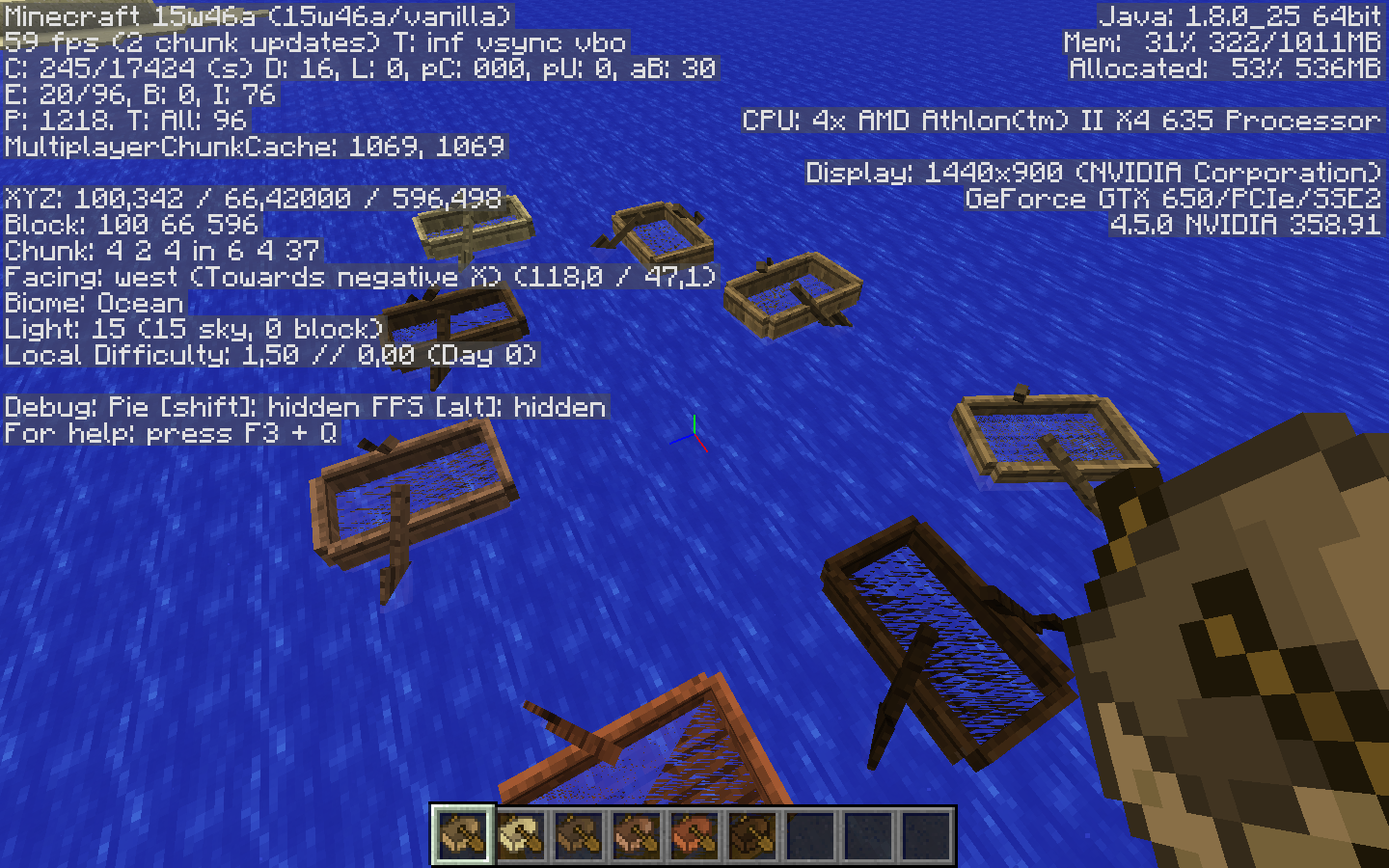
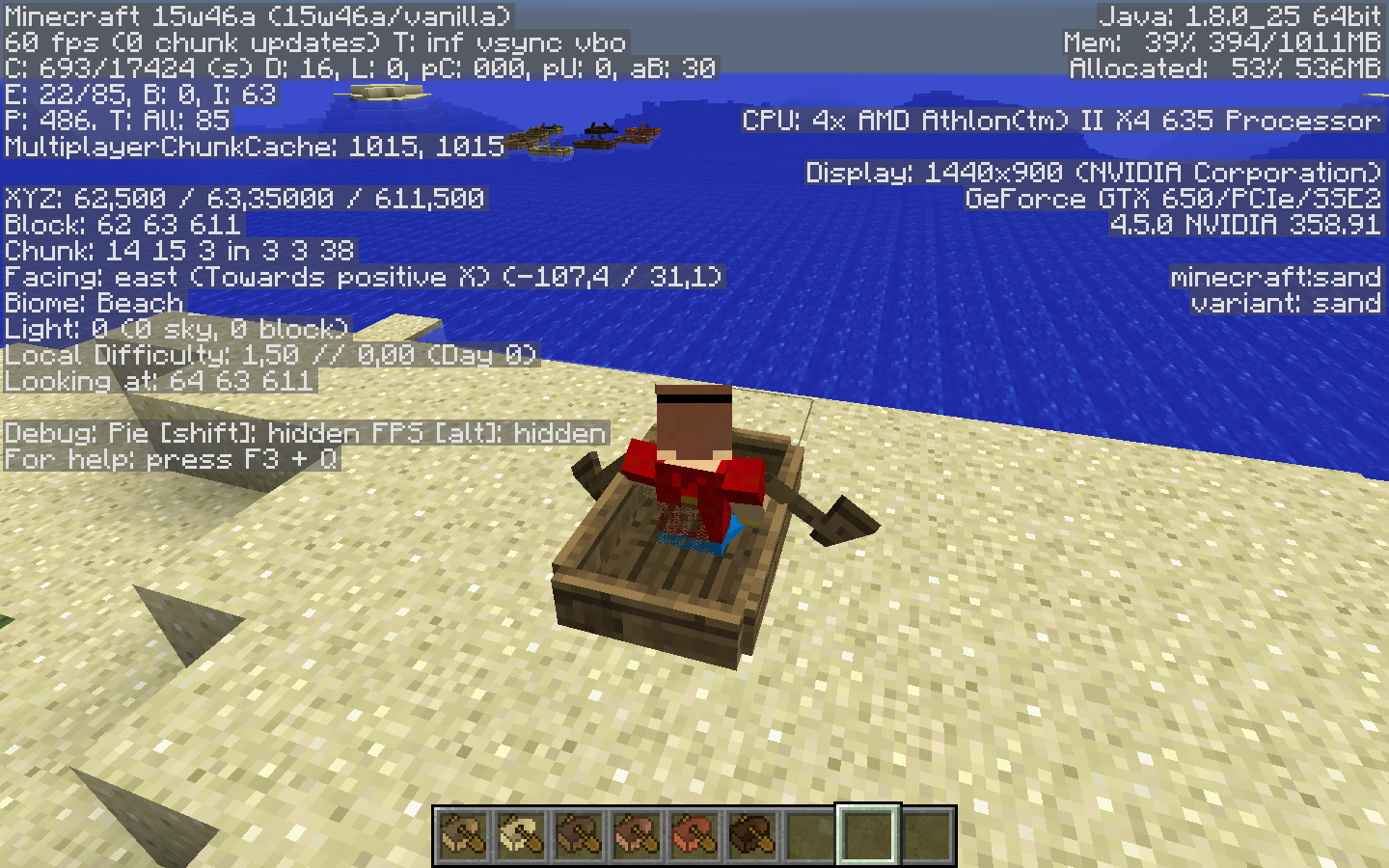
Attached screenshot from 15w46a, my boats always has water in it, not on land of course, but... Still not fixed.
P.S. Found some strange render bug that occurs even on land, attached screenshot for it too... Sorry if there's topic for it, but I think it's related.
I attached screenshot from 15w47b, blocks all fine now, but all my skin now transparent. O_o So it's yet needs some fixes...
With clouds off, my skin transparent on any Y level. With fast clouds too.
It's
MC-93000, so your is duplicate.In 15w47b it's whole skin now, even with full armor. Look at my screenshot. 15w47b.png
As I remember boats never had placing sound...
Ok, then it's a bug)
If withces now makes that sounds, it's explains a lot.
They removing and removing him, and he still there... oh god why... haha... I guess it's resolved, works as intended. =3
Crashing for me when approaching nether border in 15w47b =/ Somewhere on 29999800.
attached crash-2015-11-21_12.34.37-server.txt
Cannot enter world after that, it crashes again.
I don't have any music... =/
Sounds seem fine, but I don't have any music in 15w47c... =(
It's Duplicate of
MC-93592, sorry my bad. =3MC-93592Maybe this is your bug?Same, not fixed in 16w02a.
Still in 16w07a
Oh well, it's fixed already, duplicate, sorry.
Since they increased maximum render distance to 32, it's happens even on 16 and higher, it is absolutely fixes only on 32 render distance. On 16 it's better than on 2, I guess it has something to do with "render distance" option. Earlier it was absolutely unnoticable on 16, when 16 was maximum.
And I can confirm for 1.12.2 release.
P.S. Sorry for the edit's. =p
Confirmed in 1.13.1
Can confirm for 1.13.1
Same here.
Dying on spawn point maybe entirely different bug, but I got it too... Save whenever you want, and upon re-entering world, you're dead on spawn sometimes... gg wp.
Happening on windows 10 too... =/
Cannot confrim totally, but it maybe not happen when not using any texture packs, I'm playing survival right now without "updated textures" only pack I was using, and it for now looks like not happening.
I'm personally just using a little pond of water on spawnpoint, it's cheaper and easier to get) And it does same)
Well, I tried pretty everything, I think it happens exclusively with horses somehow... =/
I'm kinda interesed, does it happen in nether or end? Because idea of suddenly dying on nether celling or in lava is kinda scary... Or even in void, when you're in end...
Still occurs in 1.8.0, is it intended? Or is it just not fixed for so long? I guess on PC if you playing with mouse cursor supposed to be re-centered upon opening new gui. It's annoying to remember where you left it. (Windows 10)
I can't reproduce in 1.9.0 so far, was riding on horse for a few kilometers, no wall happened. I hope it's fixed.
Cannot craft it as well. Playing in my singleplayer world with experimental gameplay enabled. There's just no recipe for it anywhere to be found. Tried crafting it by java recipe, no luck either. (Windows 10 edition, 1.9.0)
By the way, same problem in this ticket - https://bugs.mojang.com/browse/MCPE-39385
Can confirm for 1.9.0
Oh, okay, we have to wait then...
Funny thing actually, higher fps, worse it gets.
Limiting fps to 60 (gfx_max_framerate:60) Without disabling vsync, actually somehow fixed it for me I think.
I think easy fix would be the option for max fps like in java, at least it's something that could work for some people. And vsync option should be in options as well.
Well, seems to be fixed for me in 1.16.210, though if it gets worse like "Tamas Hegedus" said, I will write about it here.
Can confirm in 23w33a =(
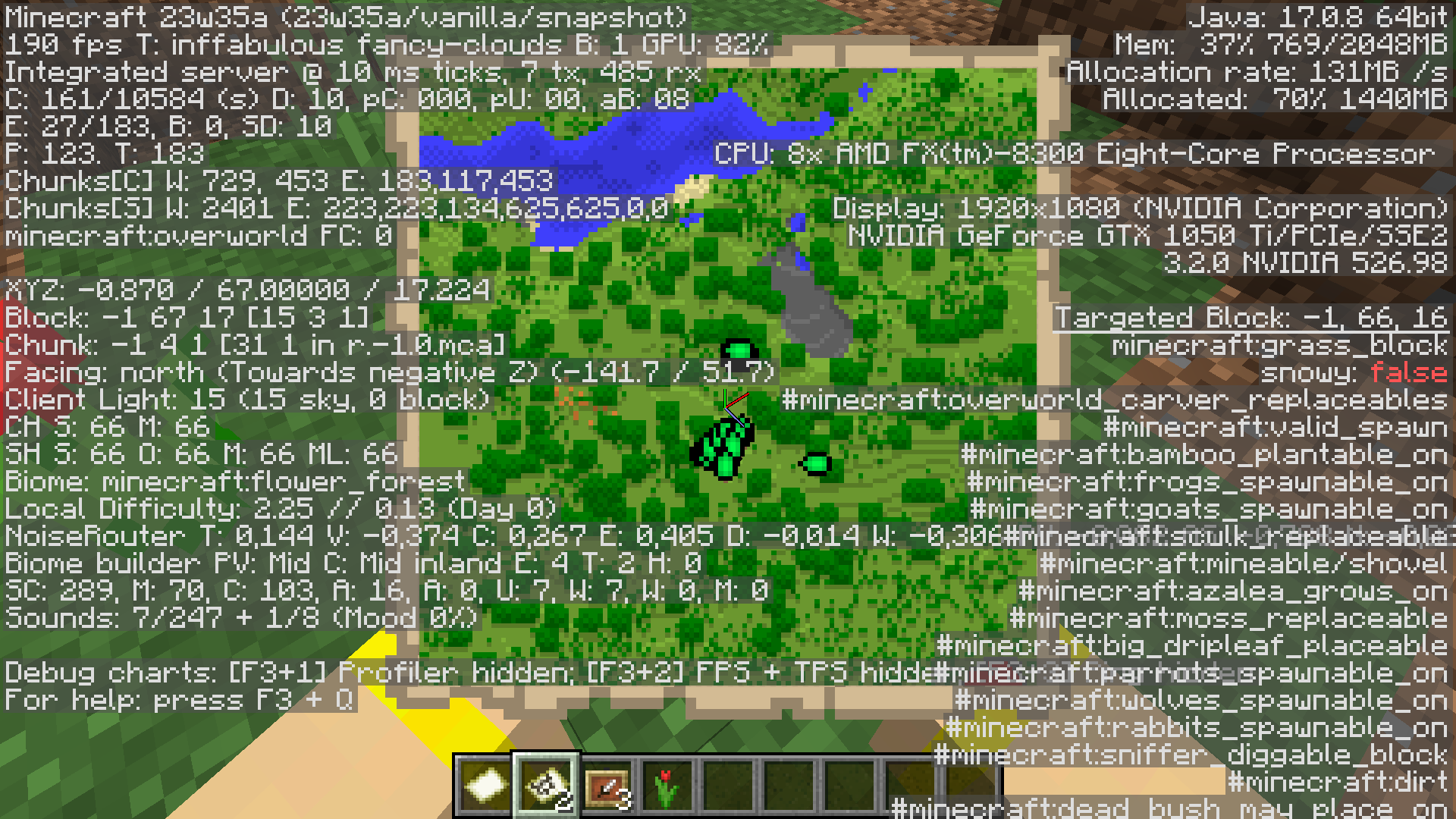
Confirmed for 23w35a

Confirmed for 1.21.2pre1 and pre2
Confirmed for 1.20.2-pre3, rc1, rc2.
