 Samuel Lembas
- SLembas
- slembas
- Europe/Helsinki
- Yes
- No
![[Mojang] Chi Wong](../../../data/avatars/users/18941.svg)
 Low
Low MCPE-15432
![[Mojang] Grum (Erik Broes)](../../../data/assets/gravatar/grum.png)
 WEB-654
 MC-114261
![[Mojang] Felix Jones](../../../data/avatars/users/40484.png)
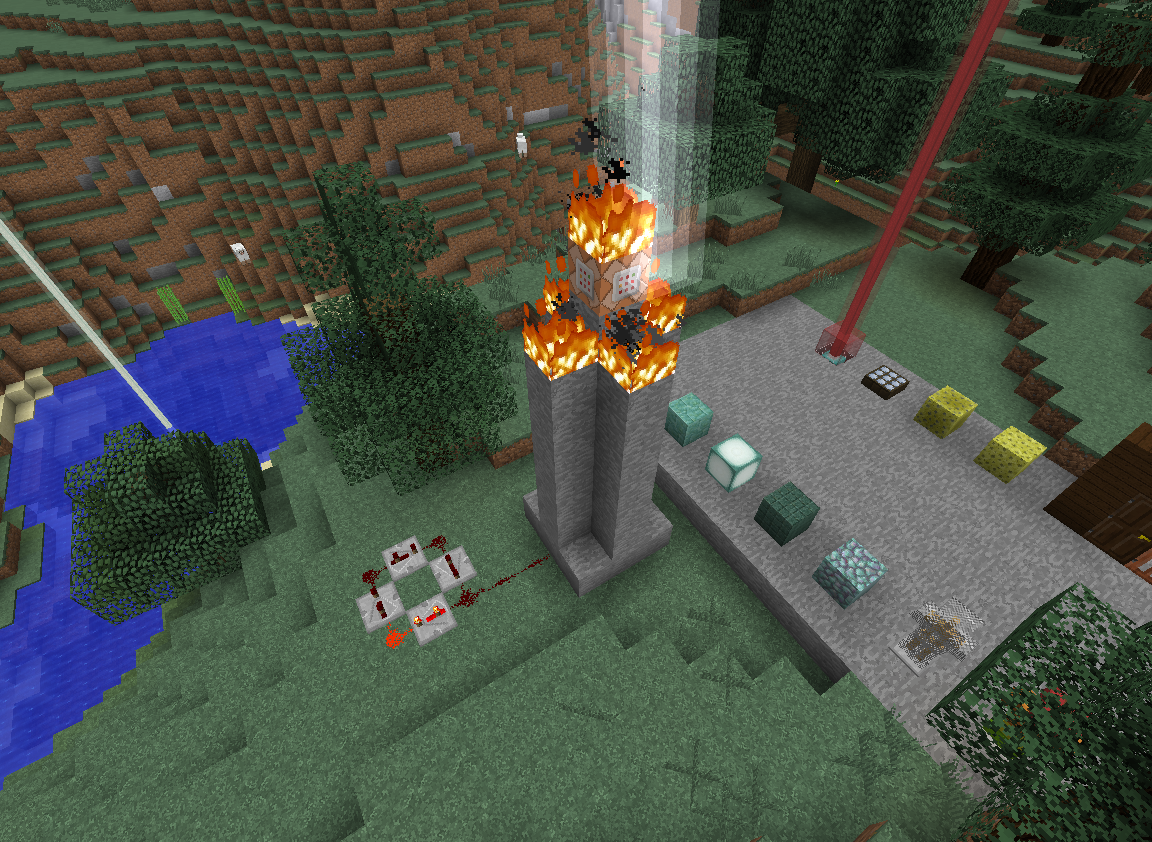
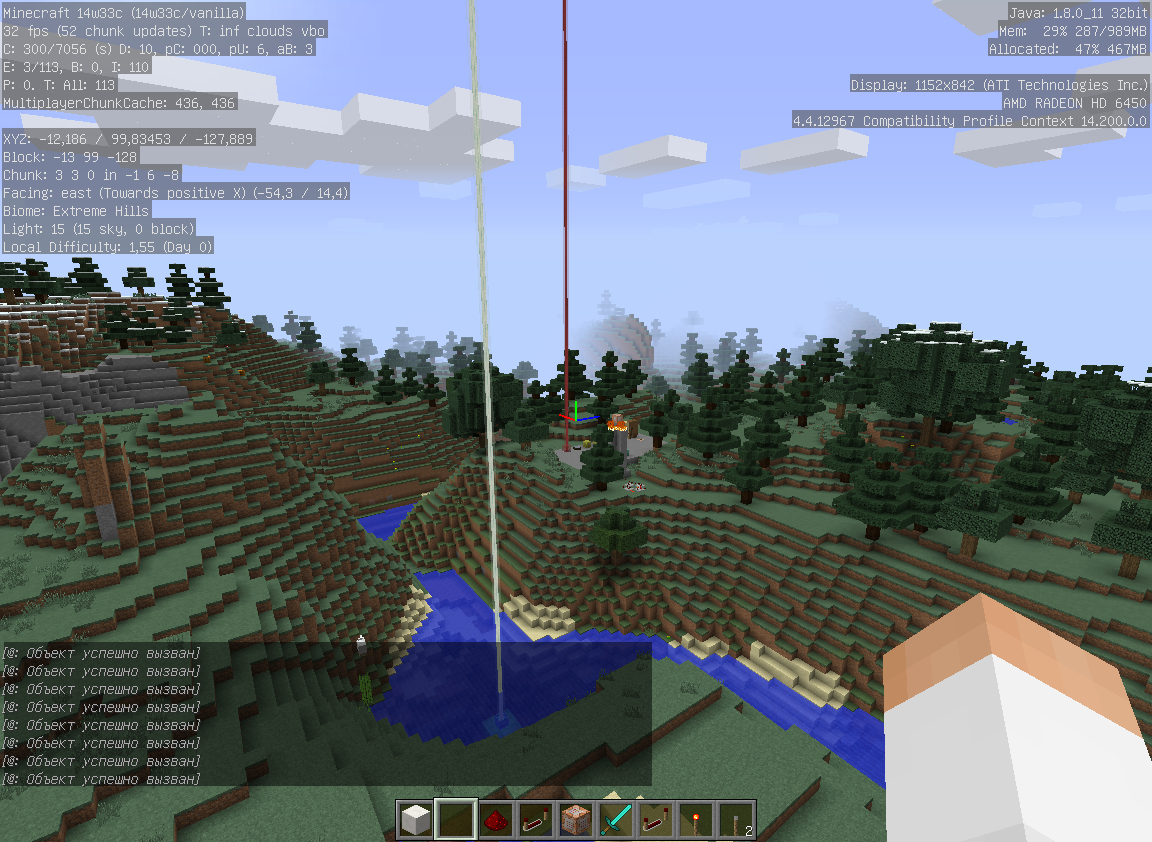
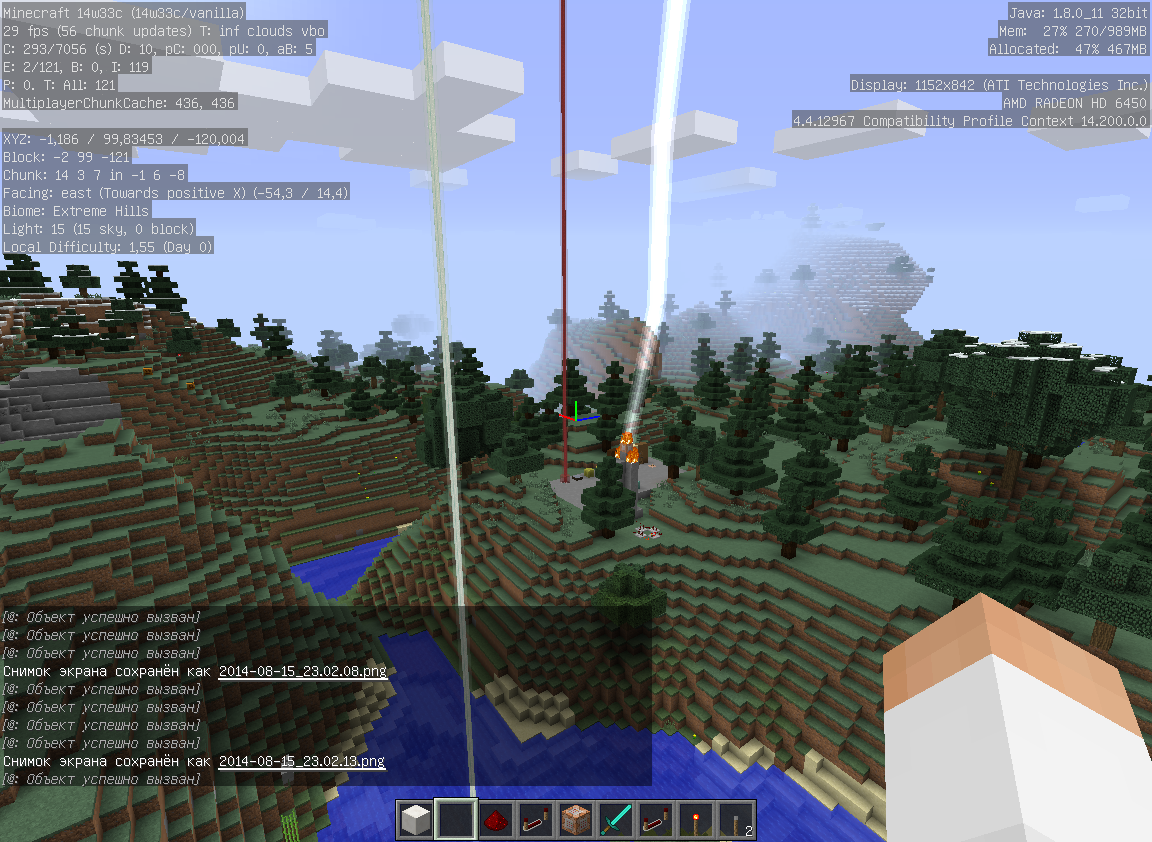



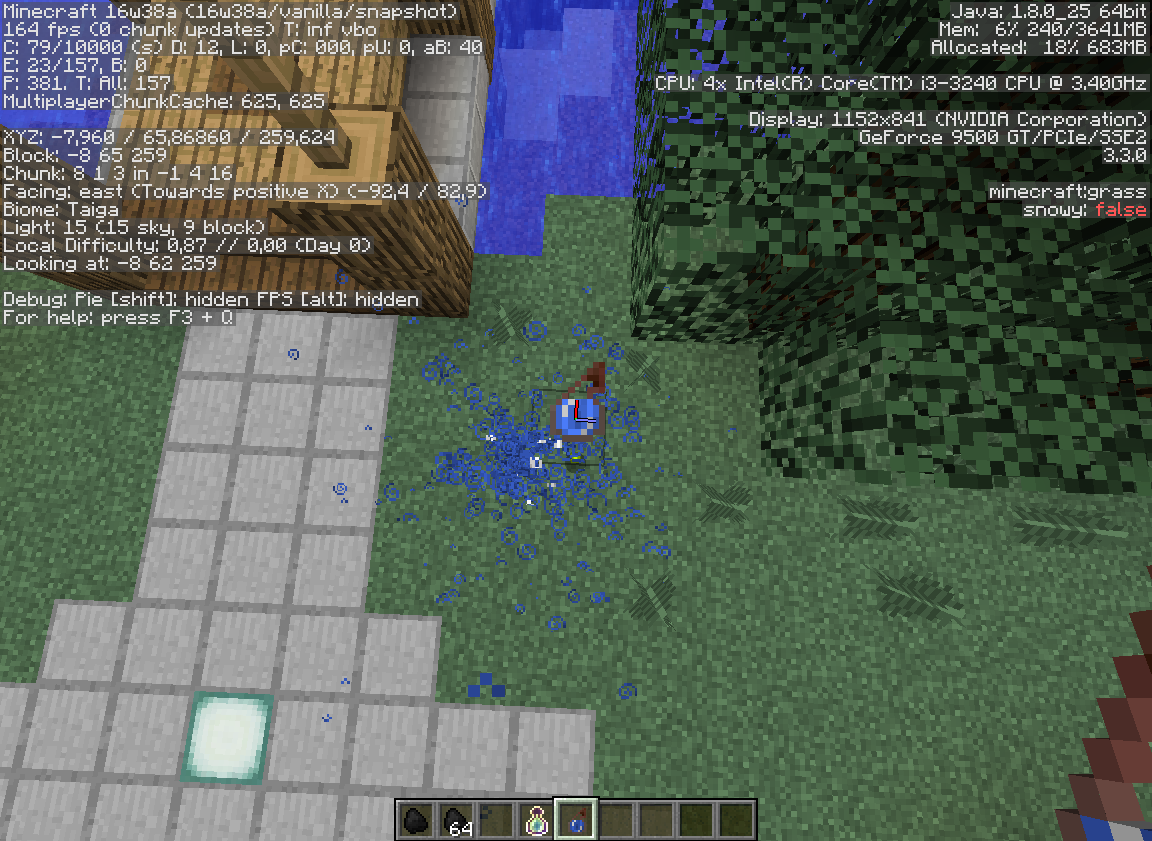


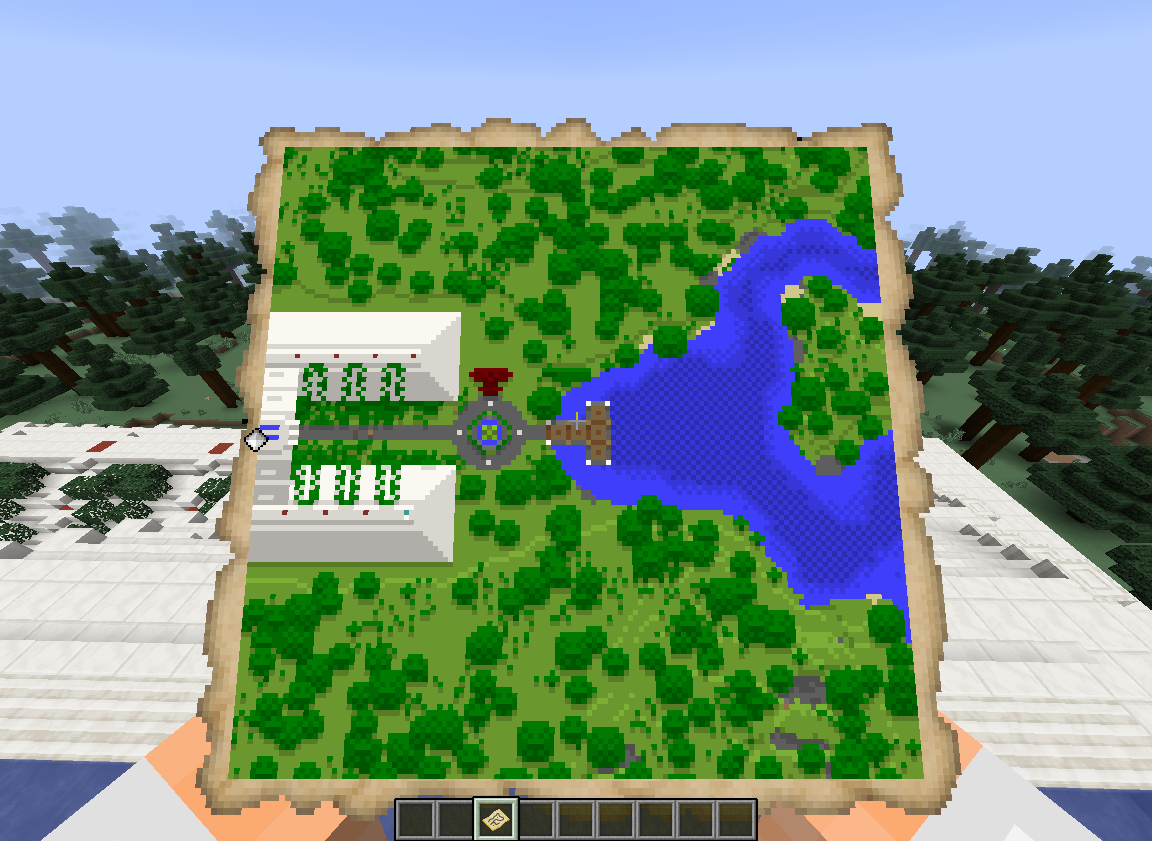
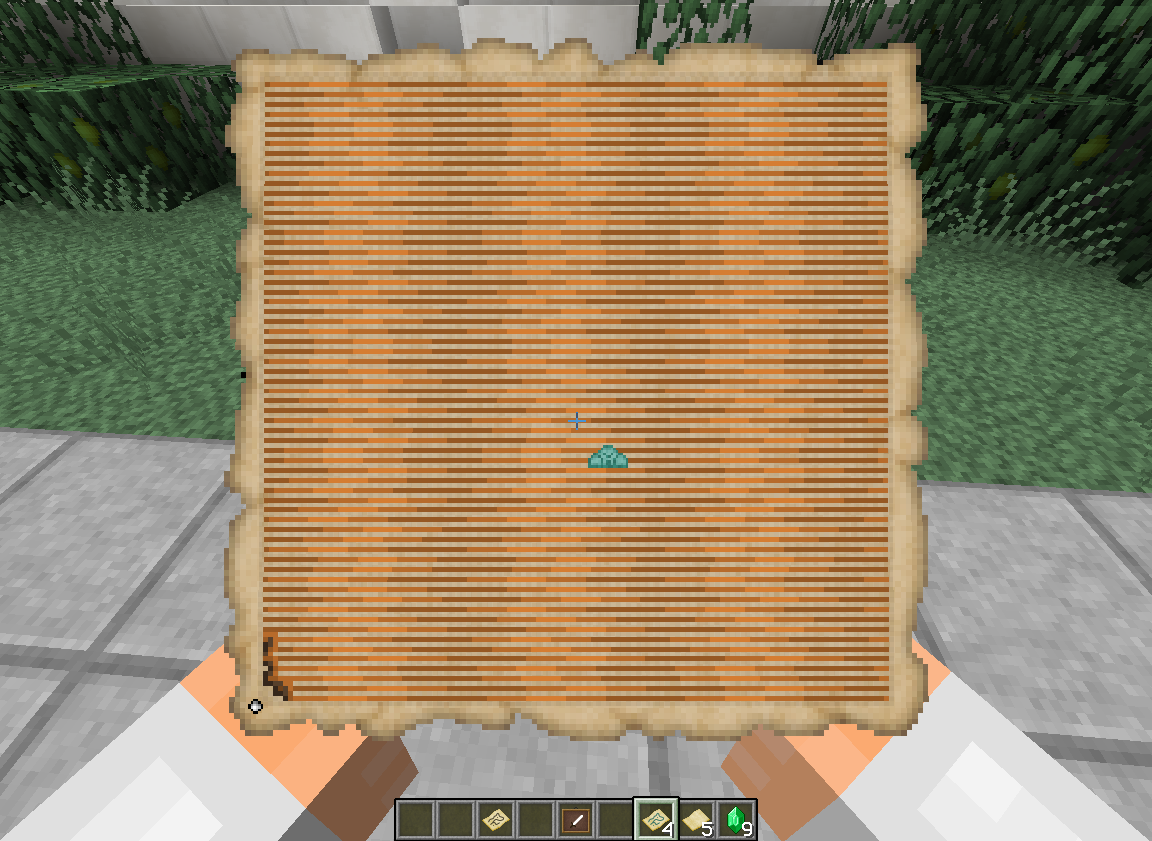




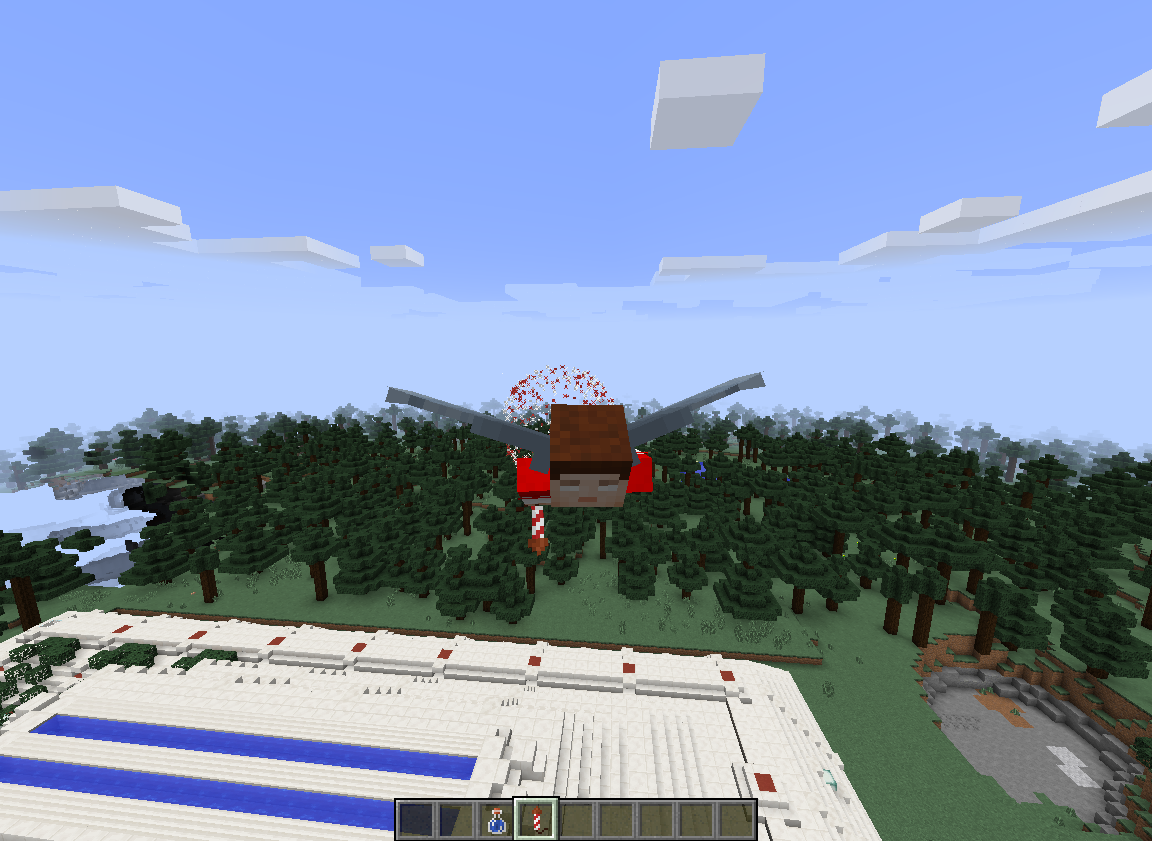



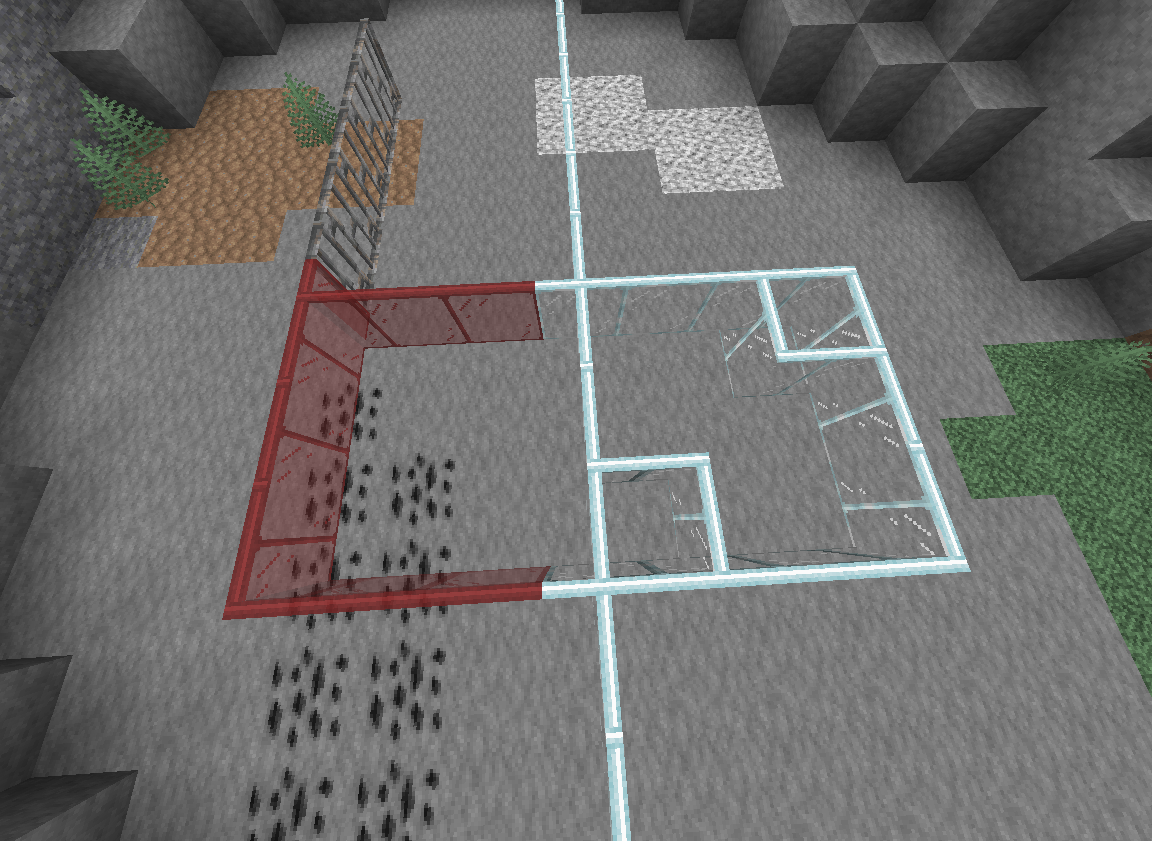
Like this - http://i.imgur.com/PBOW3FT.png
Lightning invisible on137 block heightLightning invisible on some radius
In
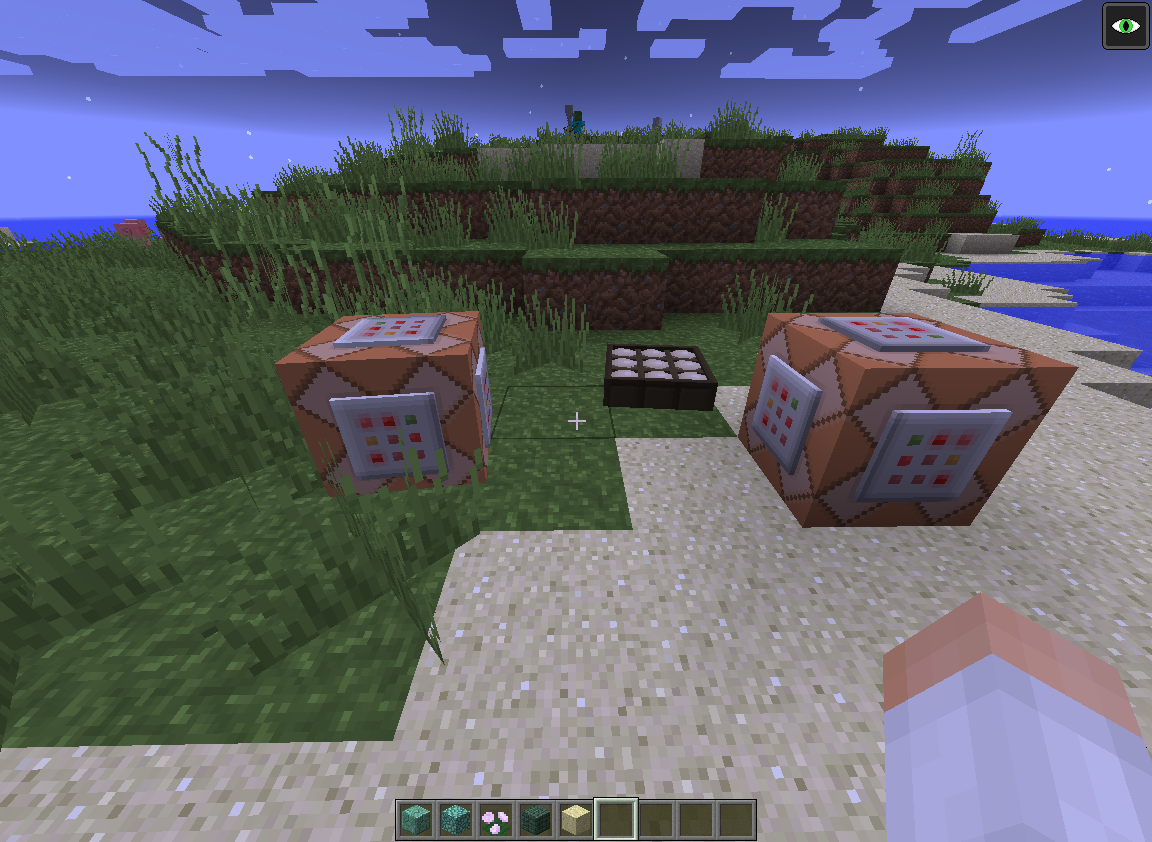
137 block heightlightning becomes invisible.To reproduce it you can use a command block with /summon LightningBolt in and make a simple infinite redstone cycle connected to it. Then go
up to 137 block watching the lightnings.In some radius distancing lightning becomes invisible.
To reproduce it you can use a command block with /summon LightningBolt in and make a simple infinite redstone cycle connected to it. Then go away from lightning. it will dissapear.
Just give yourself a command block or a daylight sensor and see. It happens only with custom models. Maybe I missed something new in the model structure, but i don't know, what.
Sorry, if it's duplicate, I used search and didn't find anything.
Just give yourself a command block or a daylight sensor and see. It happens only with custom models. Maybe I missed something new in the model structure, but
idon't know, what.Sorry, if it's duplicate, I used search and didn't find anything.
Just give yourself a command block or a daylight sensor and see. It happens only with custom models. Maybe I missed something new in the model structure, but I don't know, what.
Sorry, if it's duplicate, I used search and didn't find anything.
Confirmed.
---- Minecraft Crash Report ----
// I feel sad nowTime: 12.08.15 18:06
Description: Rendering entity in worldjava.lang.NullPointerException: Rendering entity in world
at qq.aD(SourceFile:1642)
at qq.e(SourceFile:1633)
at bny.a(SourceFile:446)
at bob.b(SourceFile:23)
at bob.a(SourceFile:16)
at bny.b(SourceFile:428)
at bny.a(SourceFile:28)
at bni.a(SourceFile:46)
at bny.a(SourceFile:185)
at bob.a(SourceFile:41)
at bob.a(SourceFile:16)
at bnh.a(SourceFile:302)
at bnh.a(SourceFile:267)
at bnh.a(SourceFile:234)
at bjn.a(SourceFile:605)
at bjg.a(SourceFile:1253)
at bjg.b(SourceFile:1158)
at bjg.a(SourceFile:1005)
at ayt.au(SourceFile:903)
at ayt.a(SourceFile:326)
at net.minecraft.client.main.Main.main(SourceFile:125)A detailed walkthrough of the error, its code path and all known details is as follows:
---------------------------------------------------------------------------------------– Head –
Stacktrace:
at qq.aD(SourceFile:1642)
at qq.e(SourceFile:1633)
at bny.a(SourceFile:446)
at bob.b(SourceFile:23)
at bob.a(SourceFile:16)
at bny.b(SourceFile:428)
at bny.a(SourceFile:28)
at bni.a(SourceFile:46)
at bny.a(SourceFile:185)
at bob.a(SourceFile:41)
at bob.a(SourceFile:16)– Entity being rendered –
Details:
Entity Type: Creeper (xn)
Entity ID: 450
Entity Name: Creeper
Entity's Exact location: -439,50, 66,50, 795,50
Entity's Block location: -440,00,66,00,795,00 - World: (-440,66,795), Chunk: (at 8,4,11 in -28,49; contains blocks -448,0,784 to -433,255,799), Region: (-1,1; contains chunks -32,32 to -1,63, blocks -512,0,512 to -1,255,1023)
Entity's Momentum: 0,00, 0,00, 0,00
Entity's Rider: ~ERROR~ NullPointerException: null
Entity's Vehicle: ~ERROR~ NullPointerException: null– Renderer details –
Details:
Assigned renderer: bna@3b4f1eb
Location: -0,95,1,50,-3,14 - World: (-1,1,-4), Chunk: (at 15,0,12 in -1,-1; contains blocks -16,0,-16 to -1,255,-1), Region: (-1,-1; contains chunks -32,-32 to -1,-1, blocks -512,0,-512 to -1,255,-1)
Rotation: 0.0
Delta: 0.8799194
Stacktrace:
at bnh.a(SourceFile:302)
at bnh.a(SourceFile:267)
at bnh.a(SourceFile:234)
at bjn.a(SourceFile:605)
at bjg.a(SourceFile:1253)
at bjg.b(SourceFile:1158)– Affected level –
Details:
Level name: MpServer
All players: 1 total; [bit['SLembas'/235, l='MpServer', x=-438,55, y=65,00, z=798,64]]
Chunk stats: MultiplayerChunkCache: 289, 289
Level seed: 0
Level generator: ID 02 - largeBiomes, ver 0. Features enabled: false
Level generator options:
Level spawn location: -422,00,65,00,801,00 - World: (-422,65,801), Chunk: (at 10,4,1 in -27,50; contains blocks -432,0,800 to -417,255,815), Region: (-1,1; contains chunks -32,32 to -1,63, blocks -512,0,512 to -1,255,1023)
Level time: 1217448 game time, 1000 day time
Level dimension: 0
Level storage version: 0x00000 - Unknown?
Level weather: Rain time: 0 (now: false), thunder time: 0 (now: false)
Level game mode: Game mode: creative (ID 1). Hardcore: false. Cheats: false
Forced entities: 111 total; [vd['Rabbit'/32, l='MpServer', x=-515,06, y=67,00, z=724,81], vd['Rabbit'/37, l='MpServer', x=-513,50, y=63,00, z=874,03], vd['Rabbit'/38, l='MpServer', x=-514,09, y=63,00, z=865,97], vd['Rabbit'/40, l='MpServer', x=-506,78, y=67,00, z=748,09], vd['Rabbit'/41, l='MpServer', x=-500,31, y=65,00, z=766,06], yc['Spider'/42, l='MpServer', x=-500,50, y=40,00, z=772,50], yc['Spider'/43, l='MpServer', x=-499,50, y=40,00, z=774,50], vd['Rabbit'/44, l='MpServer', x=-508,63, y=65,00, z=774,66], xo['Enderman'/45, l='MpServer', x=-509,50, y=31,00, z=812,50], wz['item.item.arrow'/46, l='MpServer', x=-498,81, y=47,00, z=806,88], ye['Zombie'/47, l='MpServer', x=-501,53, y=16,00, z=826,06], vd['Rabbit'/48, l='MpServer', x=-510,06, y=71,00, z=828,50], vd['Rabbit'/49, l='MpServer', x=-508,41, y=69,00, z=818,69], vd['Rabbit'/50, l='MpServer', x=-504,09, y=63,00, z=860,03], vd['Rabbit'/51, l='MpServer', x=-505,03, y=58,00, z=853,94], vd['Rabbit'/52, l='MpServer', x=-497,22, y=63,00, z=857,25], vd['Rabbit'/53, l='MpServer', x=-493,13, y=60,00, z=861,44], vd['Rabbit'/54, l='MpServer', x=-490,63, y=64,00, z=727,66], vd['Rabbit'/55, l='MpServer', x=-489,97, y=65,00, z=742,09], ya['Skeleton'/56, l='MpServer', x=-481,56, y=42,00, z=758,13], ya['Skeleton'/57, l='MpServer', x=-482,84, y=42,00, z=754,72], vd['Rabbit'/58, l='MpServer', x=-494,63, y=66,00, z=778,59], vd['Rabbit'/59, l='MpServer', x=-481,66, y=68,00, z=781,06], ut['Bat'/60, l='MpServer', x=-489,28, y=19,10, z=815,44], vd['The Killer Rabbit'/61, l='MpServer', x=-484,19, y=65,00, z=803,75], ut['Bat'/62, l='MpServer', x=-481,19, y=20,81, z=828,59], vd['Rabbit'/63, l='MpServer', x=-481,38, y=63,00, z=826,28], vd['Rabbit'/64, l='MpServer', x=-484,78, y=64,00, z=830,63], xo['Enderman'/65, l='MpServer', x=-483,09, y=19,00, z=853,56], vd['Rabbit'/66, l='MpServer', x=-496,97, y=64,00, z=842,88], vd['Rabbit'/67, l='MpServer', x=-495,72, y=64,00, z=837,31], vd['Rabbit'/68, l='MpServer', x=-494,25, y=63,00, z=874,06], xn['Creeper'/73, l='MpServer', x=-466,50, y=34,00, z=756,50], yc['Spider'/74, l='MpServer', x=-471,31, y=41,09, z=760,94], ut['Bat'/75, l='MpServer', x=-465,38, y=16,59, z=823,50], xn['Creeper'/79, l='MpServer', x=-450,19, y=29,00, z=751,34], xn['Creeper'/80, l='MpServer', x=-455,47, y=29,00, z=759,00], ye['Zombie'/81, l='MpServer', x=-455,09, y=24,00, z=736,47], ya['Skeleton'/82, l='MpServer', x=-449,50, y=33,00, z=742,50], ya['Skeleton'/83, l='MpServer', x=-449,50, y=33,00, z=745,50], xn['Creeper'/84, l='MpServer', x=-448,50, y=58,00, z=743,50], xo['Enderman'/85, l='MpServer', x=-457,50, y=19,00, z=757,50], xo['Enderman'/86, l='MpServer', x=-459,50, y=19,00, z=754,50], vd['Rabbit'/87, l='MpServer', x=-459,69, y=64,00, z=756,75], yc['Spider'/88, l='MpServer', x=-448,72, y=25,09, z=763,06], ye['Zombie'/89, l='MpServer', x=-454,16, y=22,00, z=766,31], ya['Skeleton'/90, l='MpServer', x=-450,31, y=23,00, z=768,50], ye['Zombie'/91, l='MpServer', x=-447,47, y=44,00, z=801,91], ut['Bat'/92, l='MpServer', x=-456,31, y=48,10, z=807,59], vd['Rabbit'/93, l='MpServer', x=-454,22, y=63,00, z=871,84], ut['Bat'/96, l='MpServer', x=-436,75, y=27,47, z=733,38], ut['Bat'/97, l='MpServer', x=-424,88, y=31,72, z=731,66], ya['Skeleton'/98, l='MpServer', x=-452,72, y=25,00, z=740,09], ya['Skeleton'/99, l='MpServer', x=-436,56, y=40,00, z=741,13], ya['Skeleton'/100, l='MpServer', x=-434,56, y=30,00, z=737,50], xn['Creeper'/101, l='MpServer', x=-435,03, y=35,00, z=738,50], ya['Skeleton'/102, l='MpServer', x=-437,50, y=21,00, z=757,50], ya['Skeleton'/103, l='MpServer', x=-445,50, y=33,00, z=761,50], ya['Skeleton'/104, l='MpServer', x=-447,50, y=35,00, z=765,50], ya['Skeleton'/105, l='MpServer', x=-438,50, y=40,00, z=766,50], ye['Zombie'/106, l='MpServer', x=-438,50, y=40,00, z=759,50], ya['Skeleton'/107, l='MpServer', x=-445,50, y=42,00, z=773,50], ut['Bat'/108, l='MpServer', x=-445,75, y=46,10, z=796,56], ut['Bat'/109, l='MpServer', x=-442,22, y=45,10, z=788,47], ut['Bat'/110, l='MpServer', x=-437,03, y=40,10, z=781,50], ye['Zombie'/111, l='MpServer', x=-448,63, y=45,00, z=804,47], yc['Spider'/118, l='MpServer', x=-424,31, y=26,09, z=755,69], ut['Bat'/119, l='MpServer', x=-421,69, y=23,88, z=747,31], yd['Witch'/120, l='MpServer', x=-425,38, y=43,00, z=795,19], ya['Skeleton'/123, l='MpServer', x=-417,53, y=18,00, z=822,34], xn['Creeper'/124, l='MpServer', x=-425,44, y=21,00, z=846,97], xn['Creeper'/125, l='MpServer', x=-427,50, y=19,00, z=855,50], yd['Witch'/126, l='MpServer', x=-426,59, y=17,00, z=861,88], ya['Skeleton'/127, l='MpServer', x=-425,69, y=20,00, z=849,66], vd['Rabbit'/128, l='MpServer', x=-416,53, y=63,00, z=856,50], ye['Zombie'/129, l='MpServer', x=-423,50, y=29,00, z=872,50], vd['Rabbit'/130, l='MpServer', x=-414,94, y=63,00, z=874,44], vd['Rabbit'/140, l='MpServer', x=-401,13, y=66,00, z=741,97], vd['Rabbit'/141, l='MpServer', x=-412,78, y=68,00, z=741,19], vd['Rabbit'/142, l='MpServer', x=-408,59, y=64,00, z=766,13], ye['Zombie'/143, l='MpServer', x=-415,88, y=42,00, z=810,69], ya['Skeleton'/399, l='MpServer', x=-380,50, y=28,00, z=766,50], vd['Rabbit'/144, l='MpServer', x=-413,97, y=64,00, z=863,72], vd['Rabbit'/145, l='MpServer', x=-403,63, y=63,00, z=872,38], vd['Rabbit'/148, l='MpServer', x=-396,41, y=64,00, z=753,88], ya['Skeleton'/149, l='MpServer', x=-392,50, y=22,00, z=781,50], vd['Rabbit'/150, l='MpServer', x=-385,03, y=64,00, z=775,44], xn['Creeper'/151, l='MpServer', x=-385,50, y=22,00, z=820,50], xn['Creeper'/152, l='MpServer', x=-389,50, y=22,00, z=820,50], xn['Creeper'/153, l='MpServer', x=-387,50, y=22,00, z=821,50], ya['Skeleton'/154, l='MpServer', x=-388,50, y=35,00, z=861,50], vd['Rabbit'/155, l='MpServer', x=-394,41, y=63,00, z=863,59], ya['Skeleton'/156, l='MpServer', x=-392,56, y=36,00, z=864,91], vd['Rabbit'/157, l='MpServer', x=-394,81, y=64,00, z=875,69], vd['Rabbit'/164, l='MpServer', x=-386,31, y=63,00, z=725,31], vd['Rabbit'/165, l='MpServer', x=-368,47, y=63,00, z=733,13], vd['Rabbit'/166, l='MpServer', x=-377,75, y=68,00, z=775,03], vd['Rabbit'/167, l='MpServer', x=-371,00, y=70,00, z=826,06], vd['Rabbit'/168, l='MpServer', x=-376,47, y=68,00, z=827,31], vd['Rabbit'/169, l='MpServer', x=-383,50, y=67,00, z=837,31], ut['Bat'/170, l='MpServer', x=-379,50, y=33,69, z=861,47], ut['Bat'/171, l='MpServer', x=-377,78, y=32,00, z=862,75], vd['Rabbit'/172, l='MpServer', x=-375,47, y=66,00, z=878,66], vd['Rabbit'/175, l='MpServer', x=-367,56, y=77,00, z=753,13], ye['Zombie'/176, l='MpServer', x=-365,56, y=25,00, z=781,16], yc['Spider'/177, l='MpServer', x=-363,50, y=25,00, z=779,50], ye['Zombie'/435, l='MpServer', x=-443,50, y=28,00, z=741,50], vd['Rabbit'/182, l='MpServer', x=-371,41, y=67,00, z=877,88], xo['Enderman'/442, l='MpServer', x=-381,50, y=43,00, z=793,50], xn['Creeper'/450, l='MpServer', x=-439,50, y=66,50, z=795,50], bit['SLembas'/235, l='MpServer', x=-438,55, y=65,00, z=798,64]]
Retry entities: 0 total; []
Server brand: vanilla
Server type: Integrated singleplayer server
Stacktrace:
at bgv.a(SourceFile:314)
at ayt.b(SourceFile:2301)
at ayt.a(SourceFile:335)
at net.minecraft.client.main.Main.main(SourceFile:125)– System Details –
Details:
Minecraft Version: 15w33a
Operating System: Windows 7 (amd64) version 6.1
Java Version: 1.8.0_25, Oracle Corporation
Java VM Version: Java HotSpot(TM) 64-Bit Server VM (mixed mode), Oracle Corporation
Memory: 240120360 bytes (228 MB) / 652214272 bytes (622 MB) up to 7635730432 bytes (7282 MB)
JVM Flags: 2 total; -XX:HeapDumpPath=MojangTricksIntelDriversForPerformance_javaw.exe_minecraft.exe.heapdump -Xmx8G
IntCache: cache: 1, tcache: 1, allocated: 12, tallocated: 98
Launched Version: 15w33a
LWJGL: 2.9.4
OpenGL: GeForce 9500 GT/PCIe/SSE2 GL version 3.3.0, NVIDIA Corporation
GL Caps: Using GL 1.3 multitexturing.
Using GL 1.3 texture combiners.
Using framebuffer objects because OpenGL 3.0 is supported and separate blending is supported.
Shaders are available because OpenGL 2.1 is supported.
VBOs are available because OpenGL 1.5 is supported.Using VBOs: Yes
Is Modded: Probably not. Jar signature remains and client brand is untouched.
Type: Client (map_client.txt)
Resource Packs: Текстуры, Default 32x32 3D, Default 32x32 Animated, Default 32x32 Snapshot
Current Language: English (UK)
Profiler Position: N/A (disabled)
CPU: 4x Intel(R) Core(TM) i3-3220 CPU @ 3.30GHz

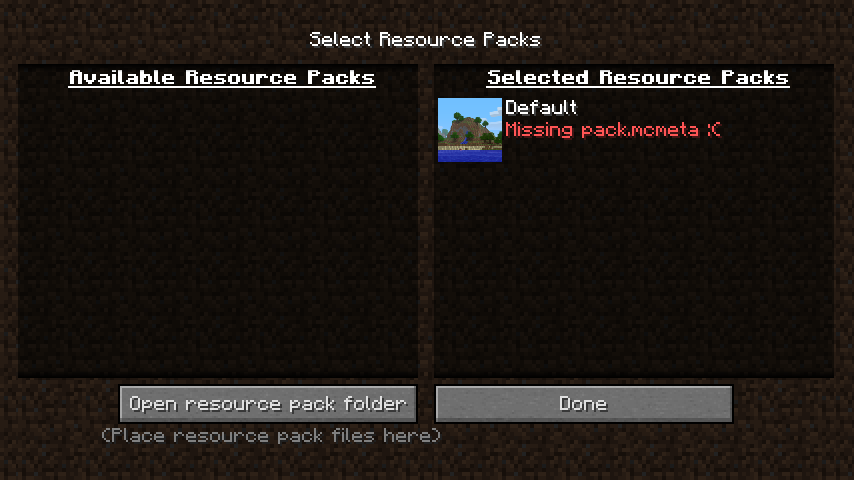
It won't see any resource packs, even default ha
veproblems.It won't see any resource packs, even default has problems. All packs were compatible with 13w32, but not now.
Sometimes player can't receive damage from
nothing: no sound of hitting the player. To test it, just jump off a high place, or try to be injured by a mob. Also try this all with golden apple effects.Sometimes player can't receive damage from anything: no sound of hitting the player. To test it, just jump off a high place, or try to be injured by a mob. Also try this all with golden apple effects.
Tested in The End. Sometimes player can't receive damage from anything: no sound of hitting the player. To test it, just jump off a high place, or try to be injured by a mob. Also try this all with golden apple effects.
Tested only in The End. Sometimes player can't receive damage from anything: no sound of hitting the player. To test it, just jump off a high place, or try to be injured by a mob. Also try this all with golden apple effects.
If you place a bottle in the brewing stand, you can notice that the arm texture will be flipped and arm extended one pixel outside. In normal state 2 brewing stand angled arms are pushed one pixel
insileinside. Look screenshots for comparation.
Search for this bug didn't gave me results, don't punish hard if it've been already reported.If you place a bottle in the brewing stand, you can notice that the arm texture will be flipped and arm extended one pixel outside. In normal state 2 brewing stand angled arms are pushed one pixel inside. Look screenshots for comparation.
This resource pack is mine, and doesn't change the brewing stand model.
Search for this bug didn't gave me results, don't punish hard if it've been already reported.
I just edited the description. It's my pack and it doesn't change anything in the model.
If you place a bottle in the brewing stand, you can notice that the arm texture will be flipped and arm extended
onepixel outside. In normal state 2 brewing stand angled arms are pushedonepixel inside. Look screenshots for comparation.This resource pack is mine, and doesn't change the brewing stand model.
Search for this bug didn't gave me results, don't punish hard if it've been already reported.
If you place a bottle in the brewing stand, you can notice that the arm texture will be flipped and arm extended half pixel outside with default resource pack. In normal state 2 brewing stand angled arms are pushed half pixel inside with default resource pack. Look screenshots for comparation.
This resource pack is mine, and doesn't change the brewing stand model.
Search for this bug didn't gave me results, don't punish hard if it've been already reported.
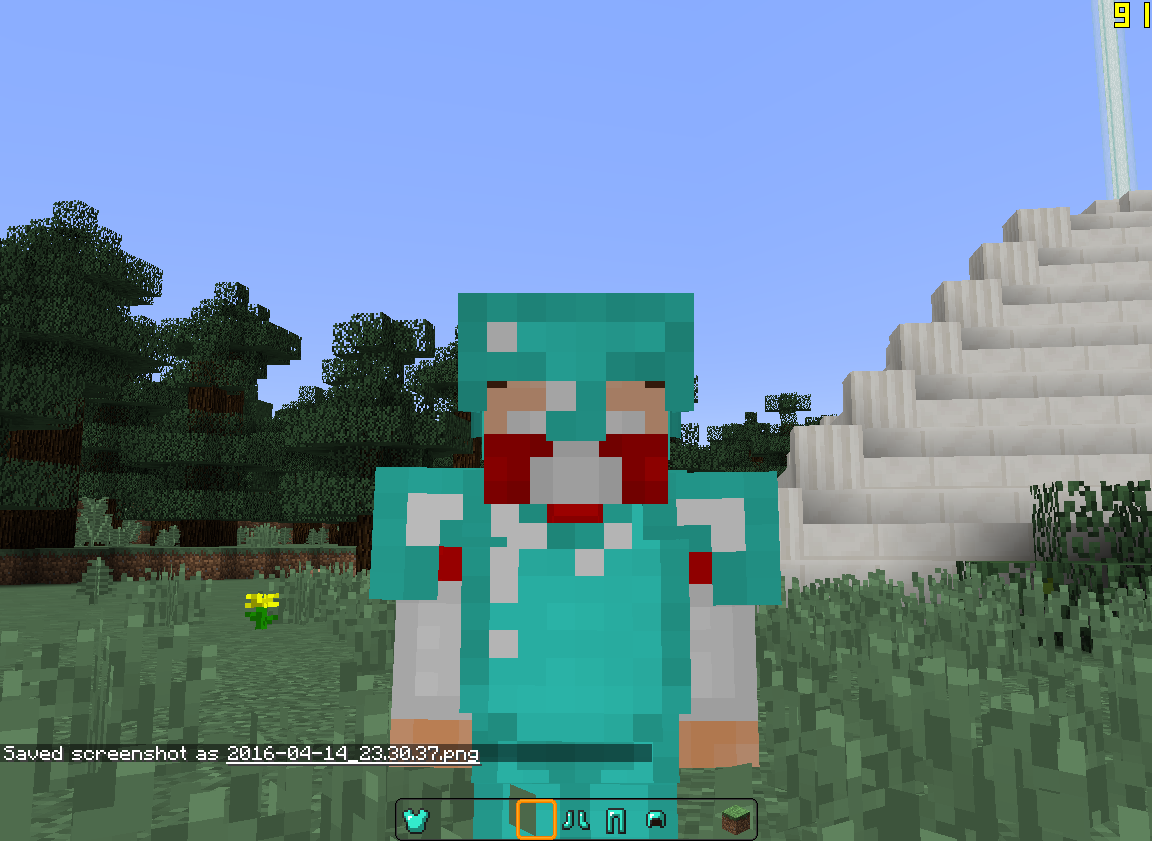
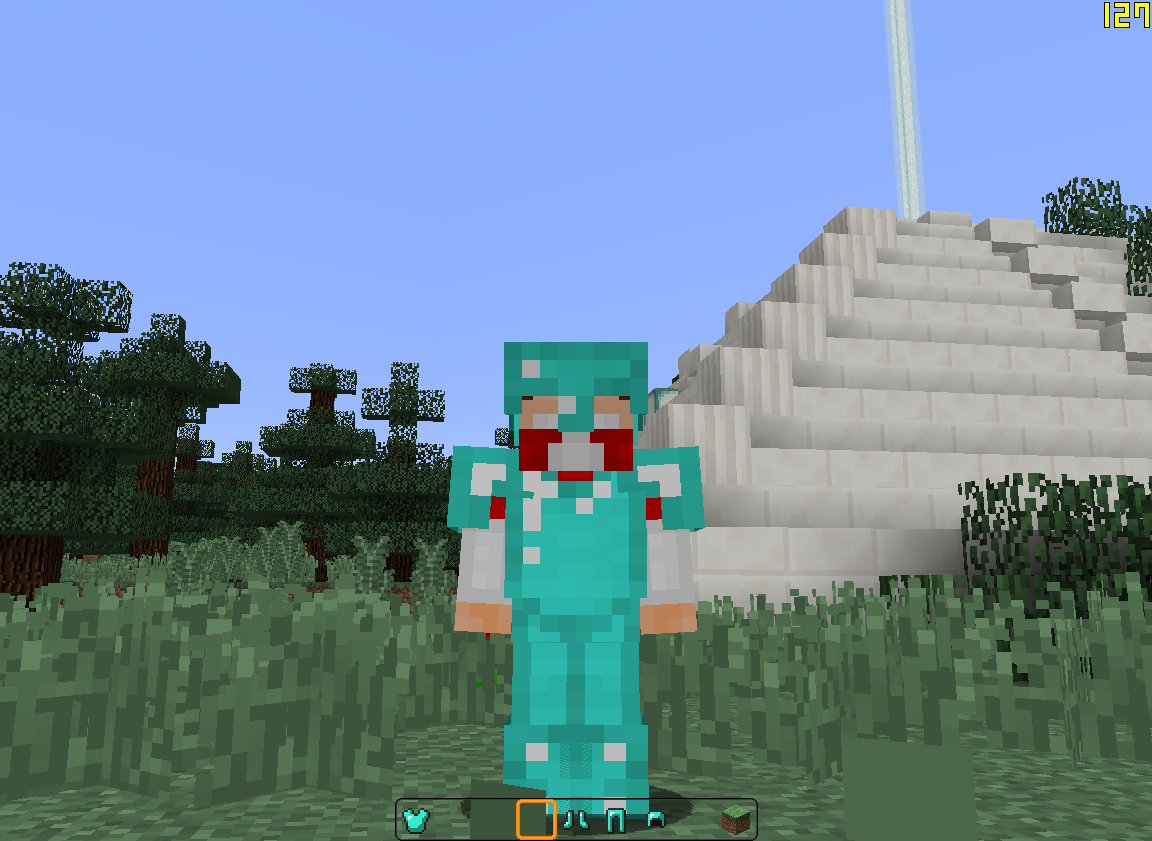
If you look carefully, you can notice that boots and shoulders of armor model are slightly stretched horizontally. Normally they should be proportional to the body size. To see it easily, look at the glint.
If you look carefully, you can notice that boots and shoulders of armor model are slightly stretched horizontally. Normally they should be proportional to the body size. To see it easily, look at the glint. It's not square.
If you look carefully, you can notice that boots and shoulders of armor model are slightly stretched horizontally. Normally they should be proportional to the body size. To see it easily, look at the glint. It's not square.
I just figured out that they're not stretched horizontally, but squished vertically, because the texture seems to be normal from top.
Armor shoulders and boots are slightly stretchedArmor shoulders and boots are slightly squished
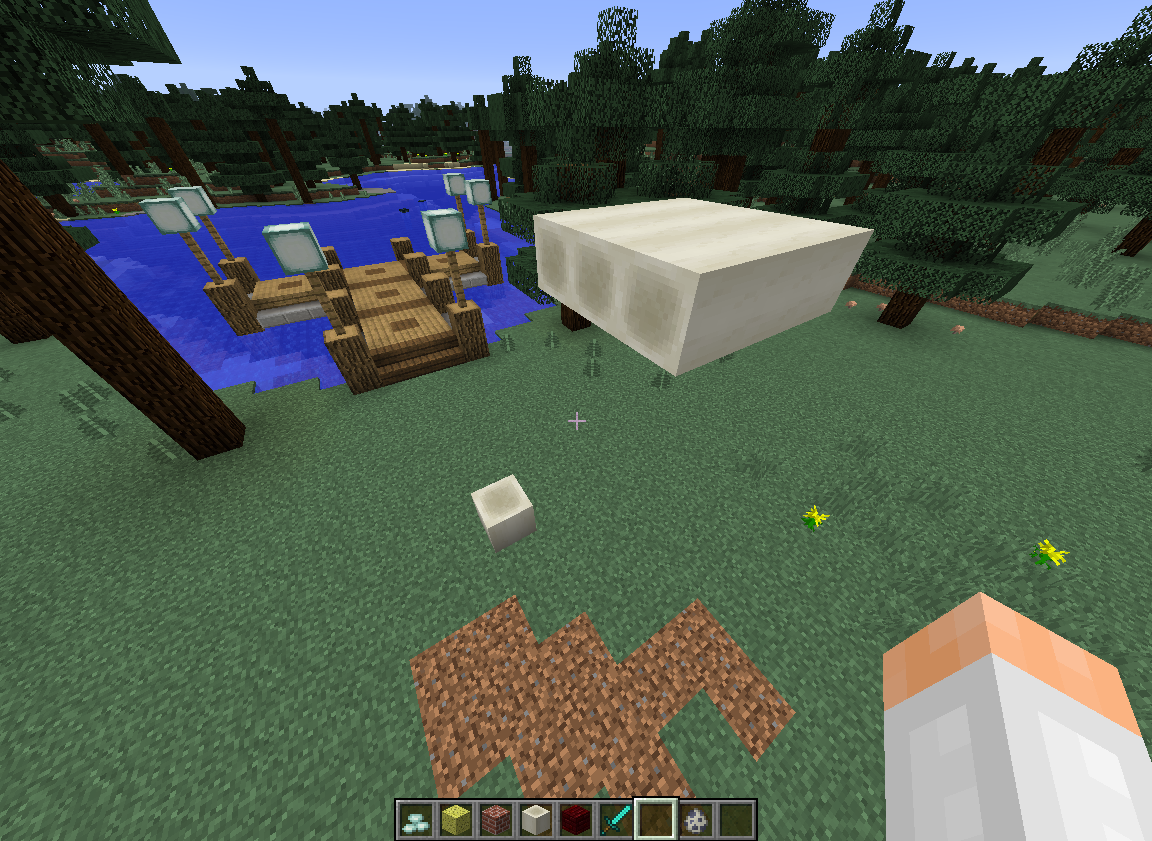
The bone block doesn't cast shadows at all, and it doesn't look like a transparent block too. But it emmits ambient occlusion on itself.
When I launch the game, it shows the Mojang logo few seconds, then suddenly closes. I have no more information, that's it. It worked perfect previoulsy, on 0.14.3.
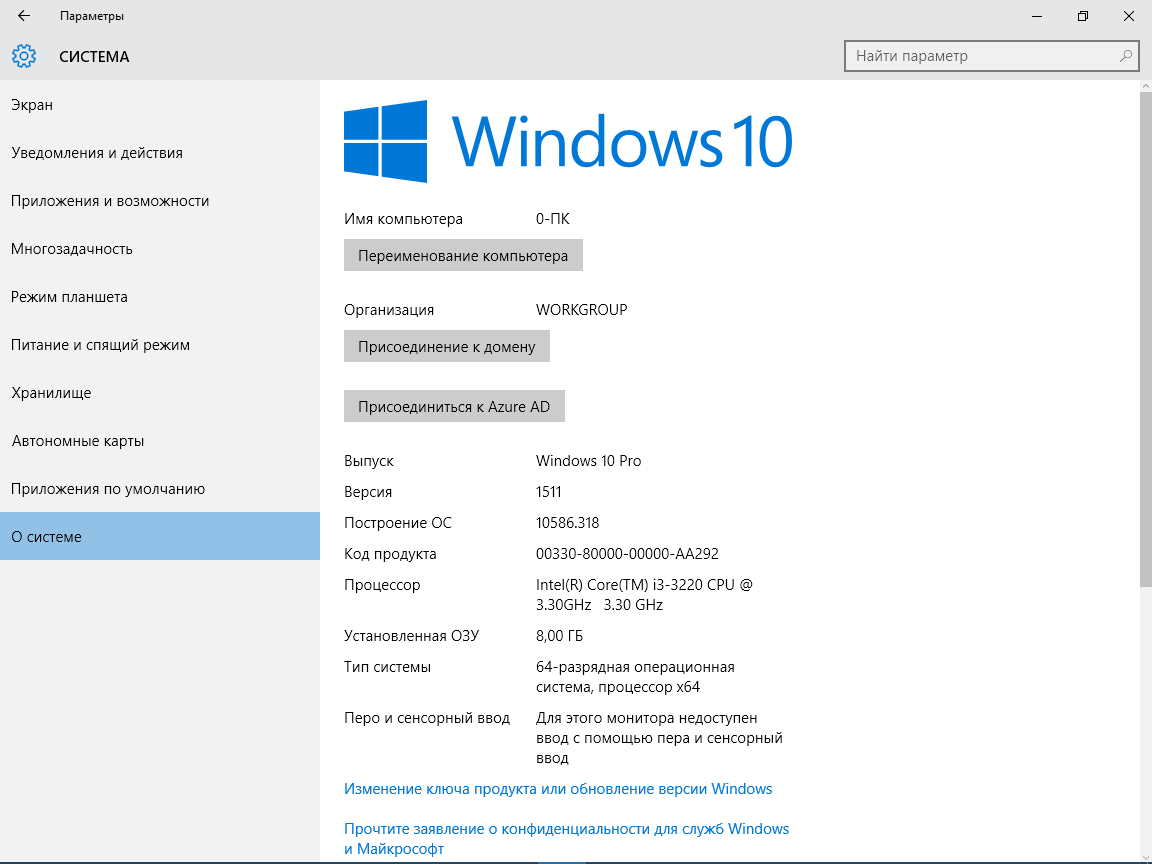
Full system specs attached below.
Yes, I have the same bug. Sometimes when I start sprinting, it goes in cycle: sprinting toggles fast and FOV as well. I fell a lot in SkyWars when trying to jump over a gap because of that bug. Is this reported somewhere or should I create another ticket, or stay on this report?
To reproduce this bug use the
pack below. Put it in this folder:%AppData%\Local\Packages\Microsoft.MinecraftUWP_8wekyb3d8bbwe\LocalState\games\com.mojang\resource_packs
Then go in the game, press the Texture Packs button, select the pack, restart the game, go back in the Texture Pack menu. You'll see that the pack returned back, and selected packs section contains 2 Vanilla packs now. Every time you select a pack and restart the game, one duplicate Vanilla pack appears in selected, but all disappear when you remove ZIP pack from the resource pack folder.
To reproduce this bug use the attached pack. Put it in this folder:
%AppData%\Local\Packages\Microsoft.MinecraftUWP_8wekyb3d8bbwe\LocalState\games\com.mojang\resource_packs
Then go in the game, press the Texture Packs button, select the pack, restart the game, go back in the Texture Pack menu. You'll see that the pack returned back, and selected packs section contains 2 Vanilla packs now. Every time you select a pack and restart the game, one duplicate Vanilla pack appears in selected, but all disappear when you remove ZIP pack from the resource pack folder.
Does fixing this bug means that lying items won't constantly shoot in the air and appear back anymore? Because I've seen this issue everytime on PvP servers.
Windows 7 SP1 64-bit
Java 7u25
Mouse: Corsair M90Windows 10 Pro, Java 9 Update 102
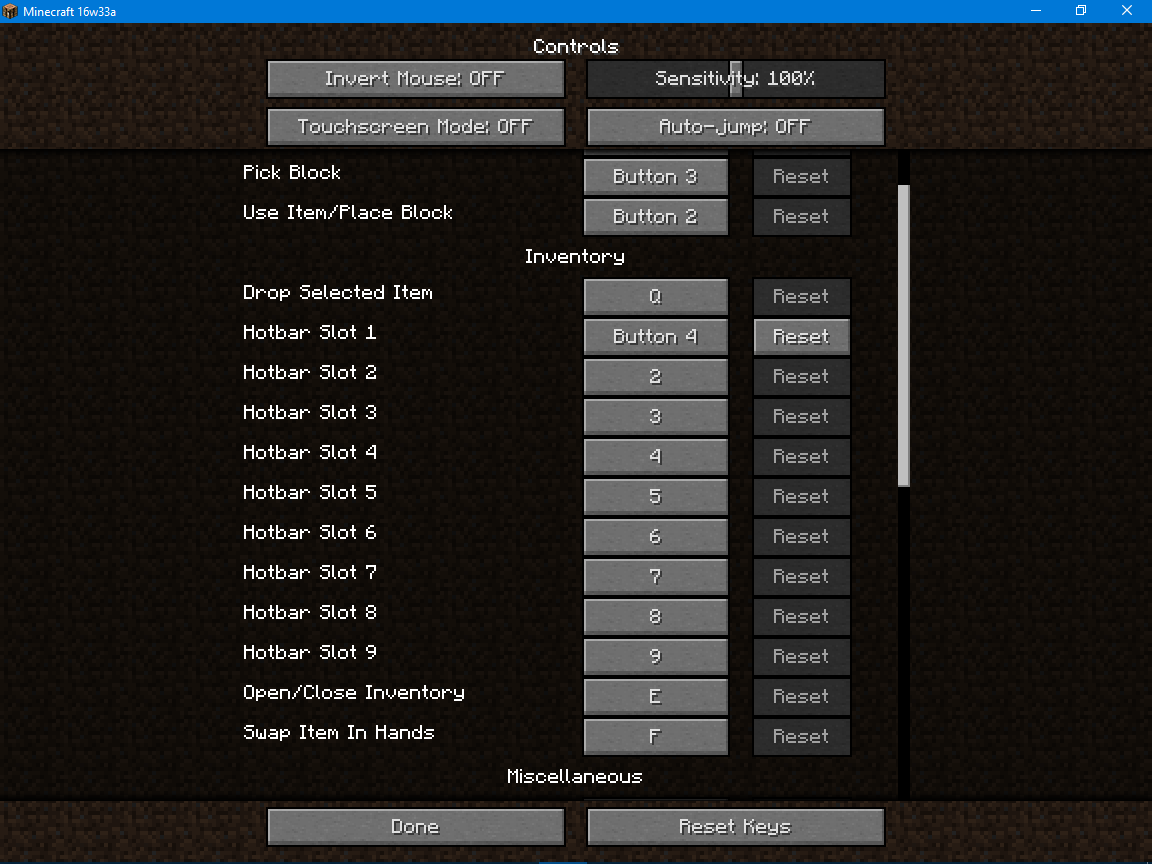
I have several buttons programmed to my mouse's programmable buttons, which I then have assigned to specific controls in Minecraft:
Programmed key: Minecraft control
num1: Hotbar Slot 1
num2: Hotbar Slot 2
num3: Hotbar Slot 3
num4: Hotbar Slot 4
num6: Hotbar Slot 5
num7: Hotbar Slot 6
num8: Hotbar Slot 7
Mouse Button4: Hotbar Slot 8
Mouse Button5: Hotbar Slot 9
The num key programmed buttons work for all uses of of the hotkeys. However, the Mouse Buttons fail when trying to use theshortcut in the inventory. Normally when you press a hotbar slot button while hovering over an item in your inventory, it will immediately be assigned to that slotin thehotbar. However, when trying to do the same thing with the Mouse Button 4 or 5, nothing happens.While not in the inventory, I can switch to Hotbar Slots 8 and 9 using Mouse Buttons 4 and 5, respectively.
Normally when you hover over an item in inventory and press a hotbar shortcut, the hovered item goes to the respective hotbar slot. I have programmed first slot of my hotbar to a side button of my mouse. But when I open any container to quickly take an item using the side mouse button, it doesn't react at all. Also I noticed another bug/conflict: selecting the first hotbar slot while standing calm is working fine, but you can't select it while sneaking/pressing Shift.
Normally when you hover over an item in inventory and press a hotbar shortcut, the hovered item goes to the respective hotbar slot. I have programmed first slot of my hotbar to a side button of my mouse. But when I open any container to quickly take an item using the side mouse button, it doesn't react at all. Also I noticed another bug/conflict: selecting the first hotbar slot while standing calm is working fine, but you can't select it while sneaking/pressing Shift.
The bug appears in Survival and Creative modes.
Normally when you hover over an item in inventory and press a hotbar shortcut, the hovered item goes to the respective hotbar slot. I have programmed first slot of my hotbar to a side button of my mouse. But when I open any container to quickly take an item using the side mouse button, it doesn't react at all. Also I noticed another bug/conflict: selecting the first hotbar slot while standing calm is working fine, but you can't select it while sneaking/pressing Shift.
The bug appears in Survival and Creative modes.
My mouse: Defender Datum MM-070
It still happening in 1.10.2, usually a lot when I play multiplayer on any server.
Still consumes all stack when in offhand in 16w39b.
Opening the new ticked because this bug appears again.
Step to reproduce:
1. Use command /give @p totem 64
2. Put them on offhand (in my case left hand)
3. Teleport player somewhere really high
4. Player hits the ground and all 64 totems from offhand get consumedYes, totems aren't supposed to stack, but they still do through /give and that's not the case to leave the bug. This is useful for testing totem.
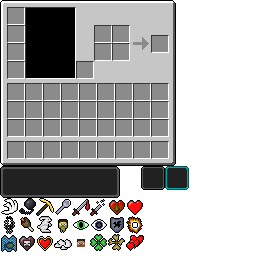
I'm using my own resource pack. When I changed texture of the out-of-border white dot icon, by the tint of it I noticed it was turned negative 45 degree. Same thing with the small dot. I suppose this should not happen.
Yeah, I could just turn the icon in the texture, but that's 50% of the solution, because it might be fixed in a distant future, and I'll forget to turn it back, etc, etc. So,
To not make any confusion, I want to let you know this now.You can look attached screenshots, and the texture file.
I'm using my own resource pack. When I changed texture of the out-of-border white dot icon, by the tint of it I noticed it was turned negative 45 degree. Same thing with the small dot. I suppose this should not happen.
Yeah, I could just turn the icon in the texture, but that's 50% of the solution, because it might be fixed in a distant future, and I'll forget to turn it back, etc, etc. So, to not make any confusion, I want to let you know this now.
You can look attached screenshots, and the texture file.
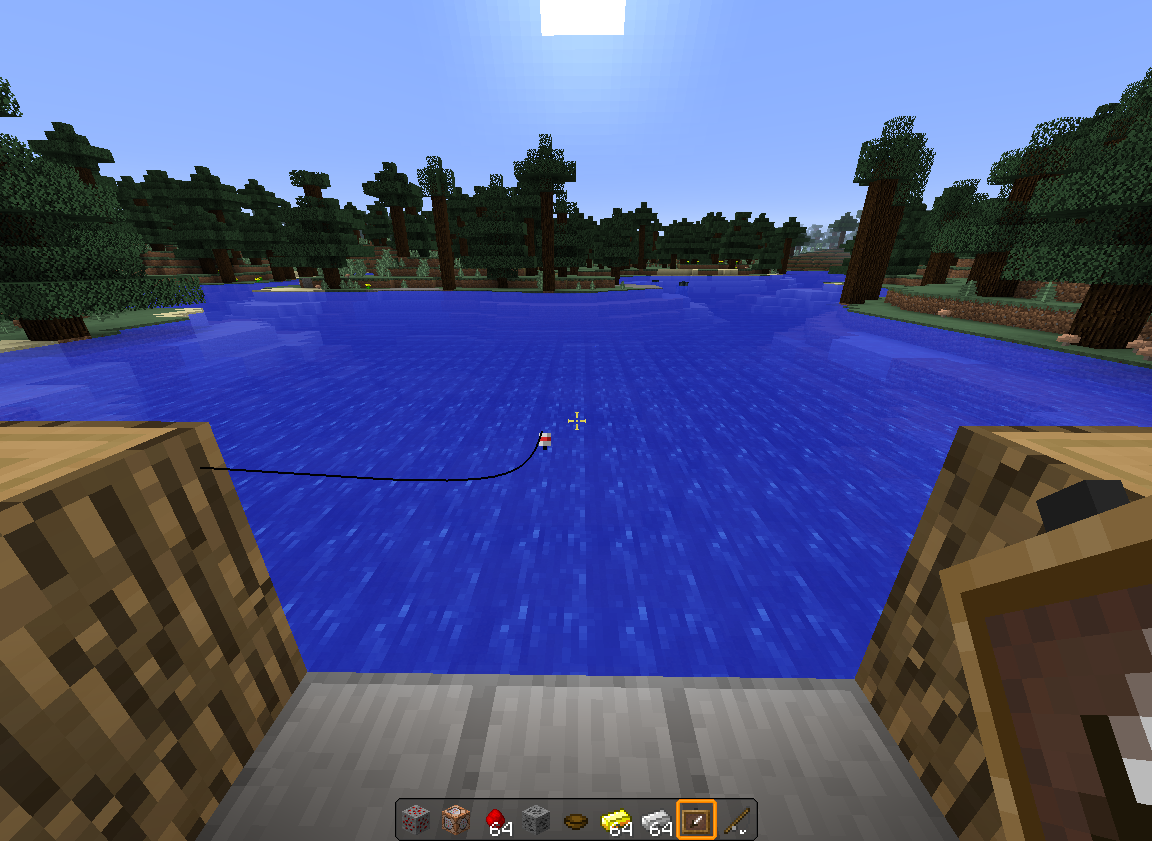
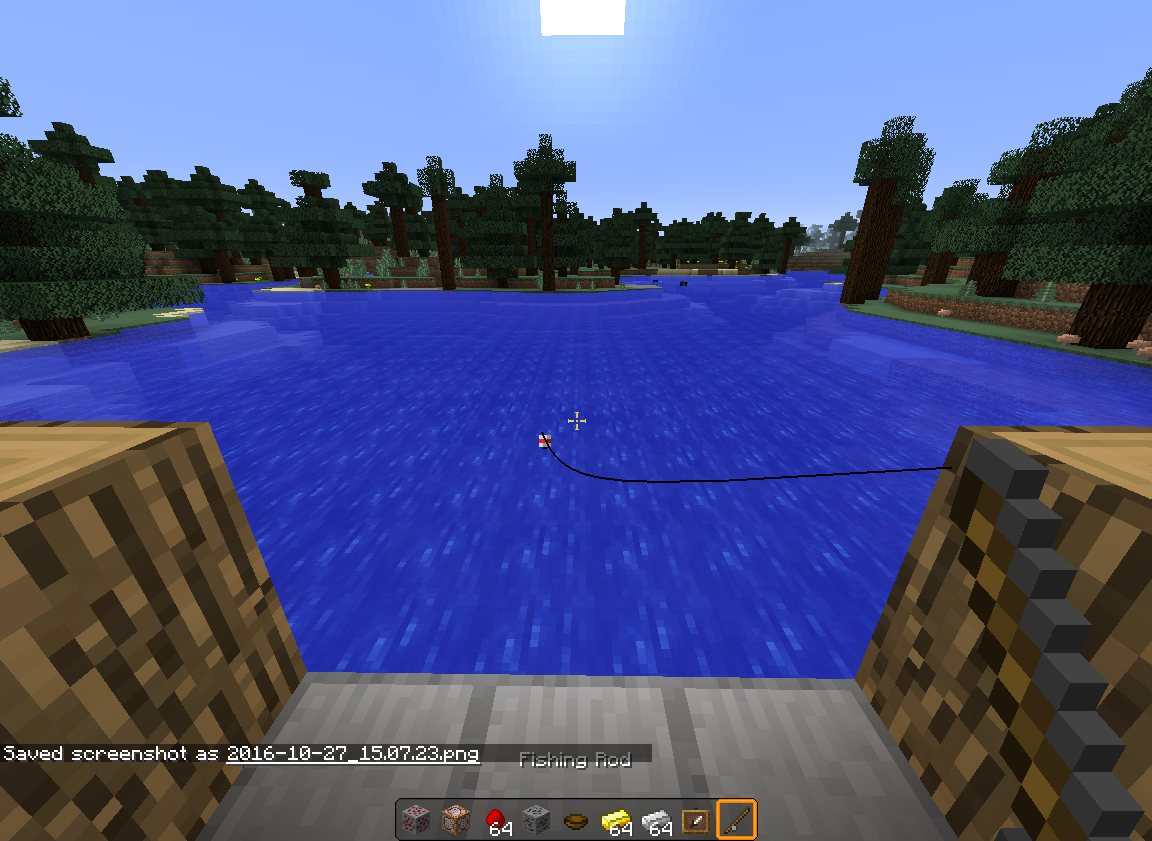
Fishing lineof the roddoesn't dissapear after switching from rod in hotbar
Few times did this, and the rod (and likely the whole world) glitched, couldn't pull the line at all. Even dropping the rod doesn't help. Tried to restart the world, and after pressing "Save and Quit to Title" the game hangs and crashes.
Video: https://youtu.be/-kPcVAtq9qw
Few times did this, and the rod (and likely the whole world) glitched, couldn't pull the line at all. Even dropping the rod doesn't help. Tried to restart the world, and after pressing "Save and Quit to Title" the game hangs and crashes.
Video: https://youtu.be/-kPcVAtq9qw
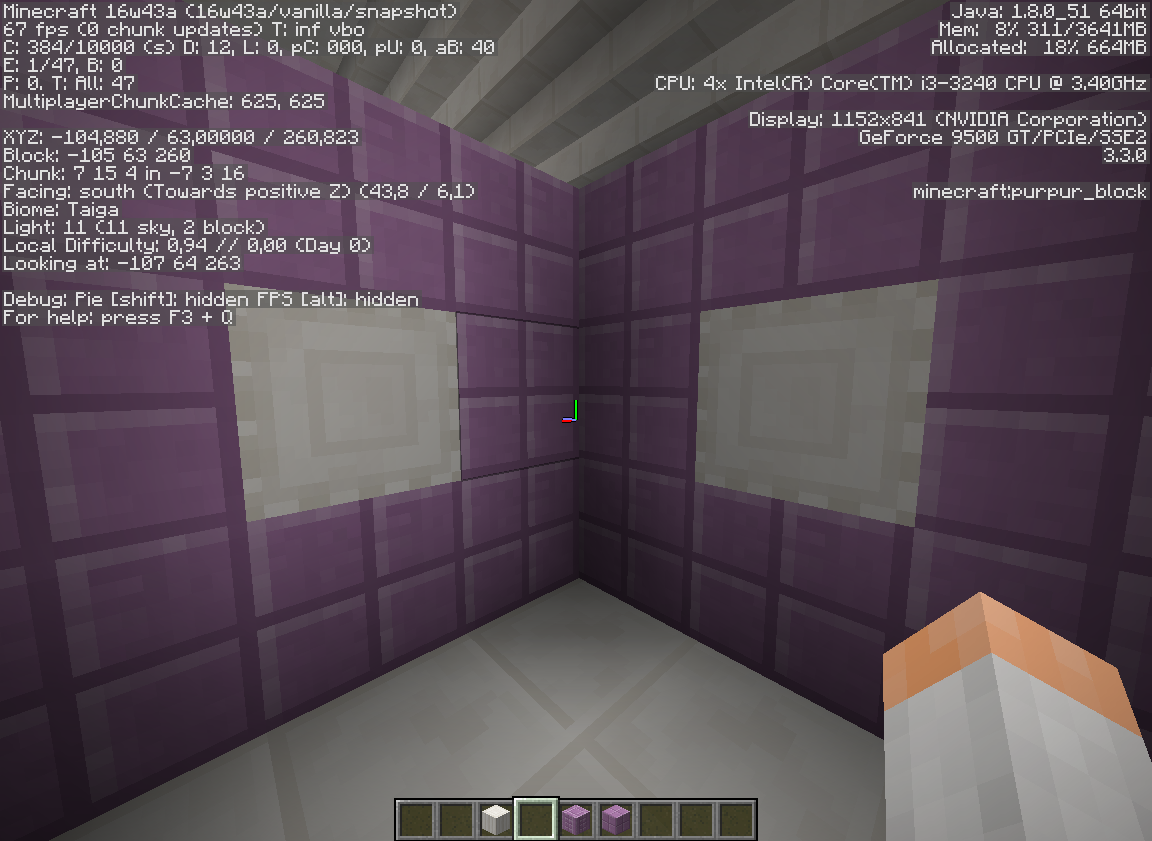
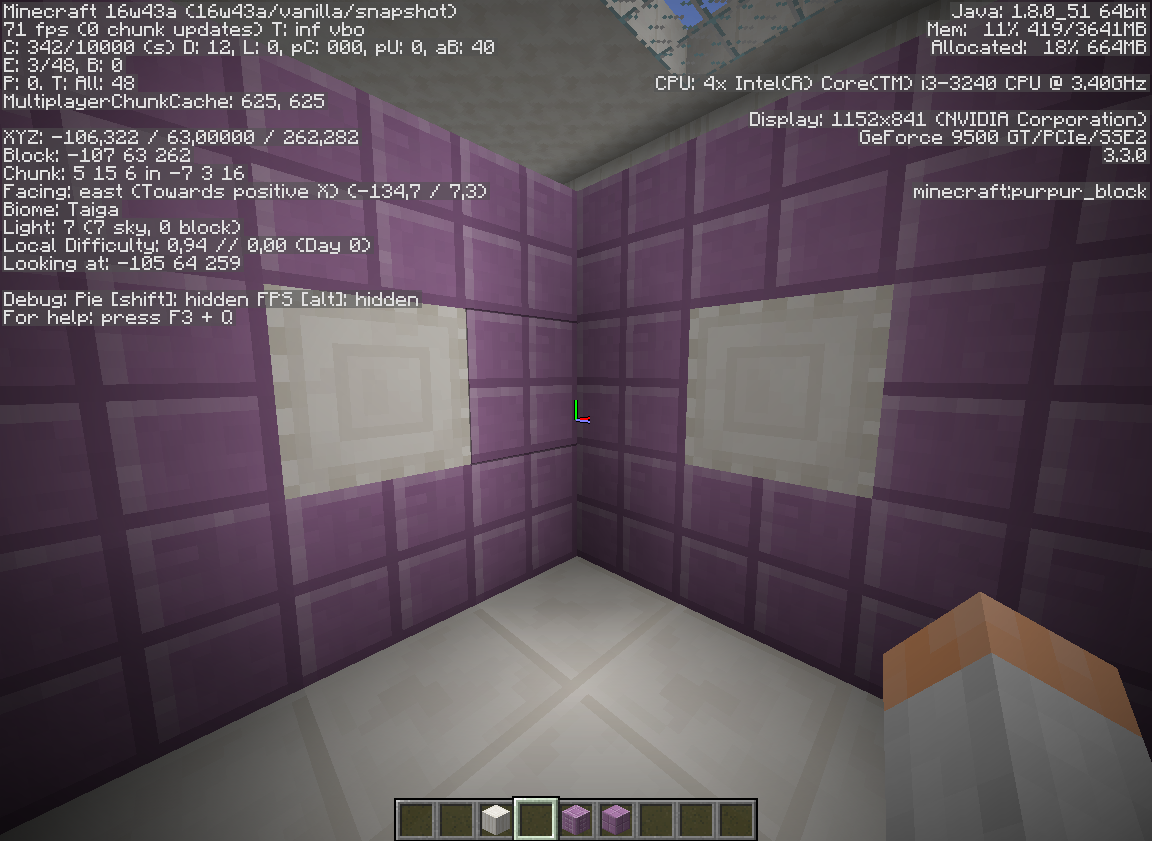
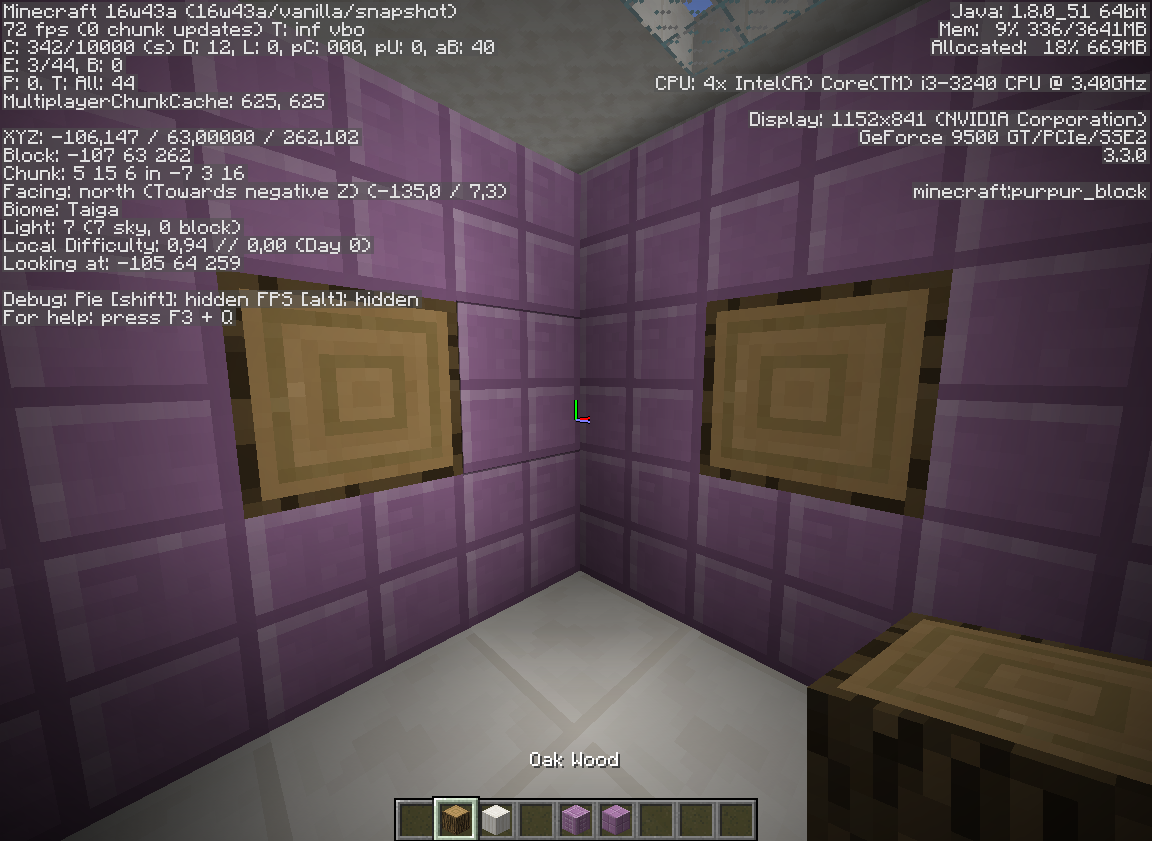
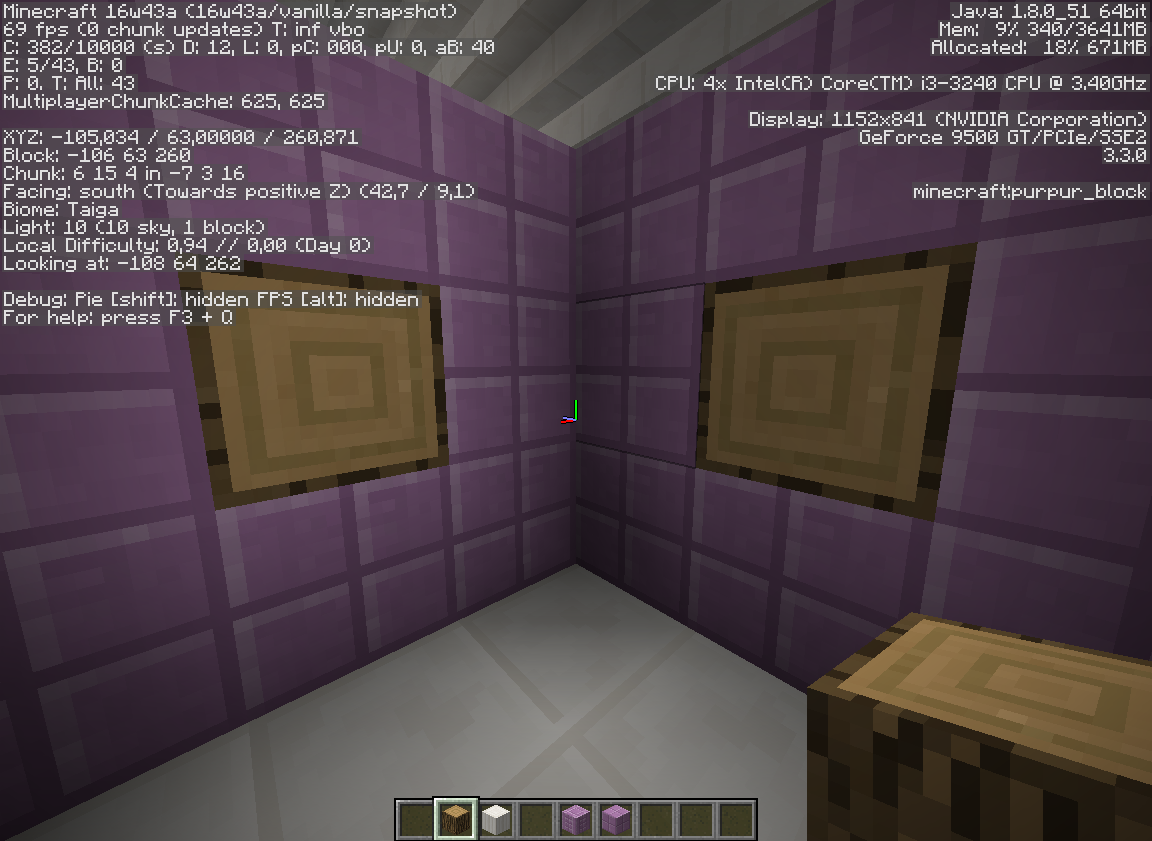
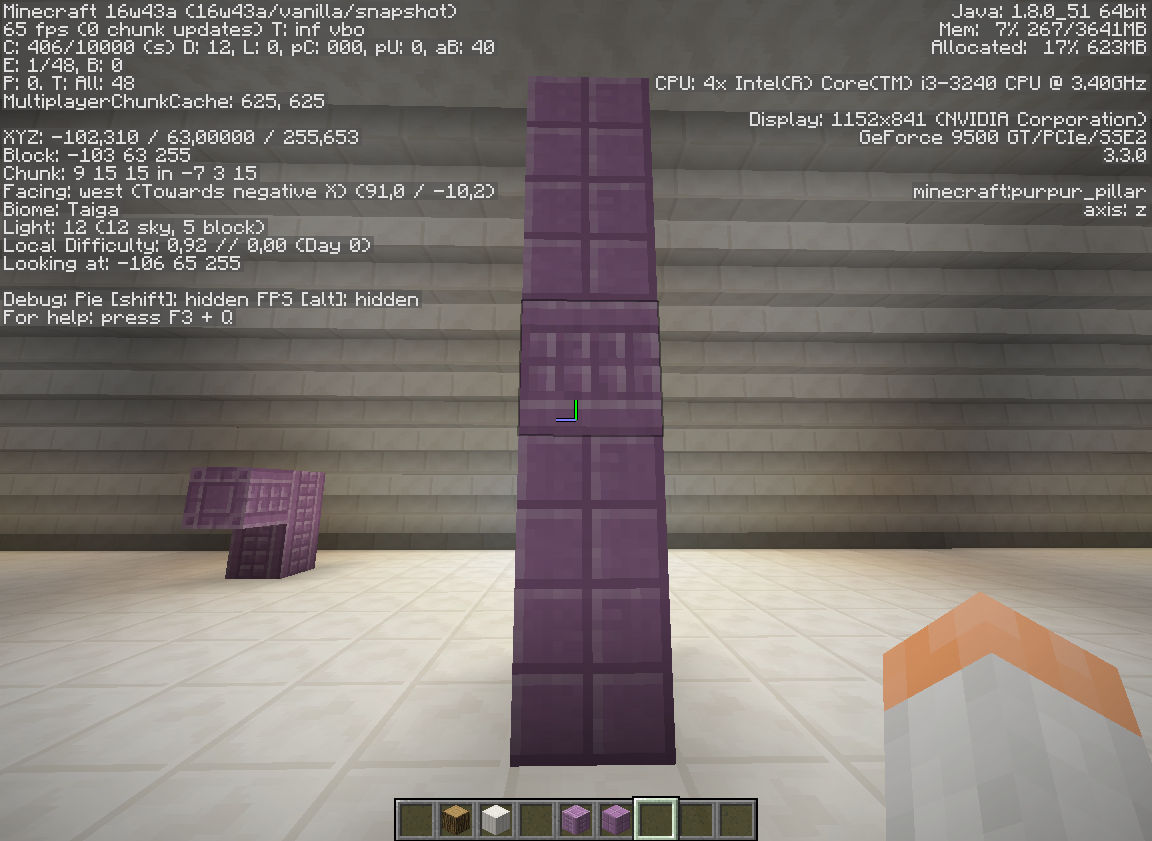
As you can see on the screenshots, all sideways block top textures that face west and south are the only rotated properly. Maybe not a visible issue, but it is really noticeable on purpur pillar.
As you can see on the screenshots, all sideways block
toptextures that face west and south are the only rotated properly. Maybe not a visible issue, but it is really noticeable on purpur pillar.
Here you go: https://bugs.mojang.com/browse/MC-109370
How to reproduce:
1. Give yourself some items.
2. Try to rearrange them in inventory. Sometimes it requires to click few times to put an item in a slot.Also
works in any container GUI.How to reproduce:
1. Give yourself some items.
2. Try to rearrange them in inventory. Sometimes it requires to click few times to put an item in a slot.Also happens in any container GUI.
How to reproduce:
1. Give yourself
some items.
2. Try torearrange them in inventory. Sometimes it requires to click few times to put an item in aslot.
Also happens inanycontainerGUI.How to reproduce:
1. Give yourself a single item.
2. Try to put it in an inventory/container slot while swinging cursor above the slots.Happens in creative, survival inventory and any GUI container.
Placing items in inventory sometimes requires few clicksSingle item cannot be placed in a container slot while cursor is moving
Attached screenshot with default resource pack. Seems like it is the same stretched.

Samuel Lembas I'm on the Windows 10 anniversary update. Importing world saves works just fine for me along with the world save you're talking about with the rollercoaster. Try upgrading to the latest Windows 10 release to see if this fixes the problem.

This is probably caused by the server and client disagreeing on whether or not the player is sprinting. So any modded servers are probably going to be invalid (Samuel Lembas).

Reopened and gave the ticket to Samuel Lembas please update it accordingly.
This isn't quite fixed yet. The same effect as mentioned in this comment by Samuel Lembas in MC-109263 is occuring here too. "Fishing line still shows for a half-second after switching."
This may also be confirmation that these bugs are one and the same, and that this is a duplicate of, rather than related to MC-109263.
Galaxy_2Alex, What do you mean? This bug is normal?
Galaxy_2Alex I know. But that end of world is strange. In previous snapshots has been just invisible wall.
Galaxy_2Alex, I know man, but this strange border need to be fixed. Like this - http://i.imgur.com/PBOW3FT.png in 1.7.4
https://crowdin.net/translate/minecraft/9380/enus-engb "Chiselled" and "Chiseled" have the same meaning.
I described it clear. I can't understand, why this ticket is "duplicate"? It's quite another bug.
Some screens added.
14w33c - confirmed.
Please, open the ticket.
But I used search and no results...
Confirm.
Where I can learn about it?
I am the author ant it's my resorce pack. This is blockstates. Resolved.
Confirmed on 1.8.7. It's weird.
15w33b - fixed.
Would be better if Elytra activate if the game detects 5-10 blocks under player and activate then after half-block fall.
Confirm for 15w51b. It is possible to enchant sword to deal 18 damage on one hit? Enchanted one on Sharpness V and achiemement did not unlocked.
Good idea, Jaden. But when player lands it should rise his shoulders.
Done.
Yes, it's the main problem I suffer from for couple of years.
Really annoying bug. Make it at least change smoother is already a big deal.
Confirmed for Purpur Pillar in 1.9 release.
Comon! It must be fixed, I can't switch to my native language because it's unreadable.
Same with sneaking. I remember when camera lowered smoothly when sneaking, now it is instant.
Affects 16w20a.
Did you tried to put it in sdcard/games/com.mojang/resource_packs?
If you have the same issue, please vote. That's how developers see bug reports better.
How is it related to Windows 10 Edition? PE 0.15.1 on mobile works fine for me. I think it's a separate issue.
But here we can see that Lydia has nametag "Minecraft Chick": https://youtu.be/S-PVkt_VI8E?t=2m30s
Same in Windows 10 Edition, crashes without any message.
I can confirm this in 1.9 and 1.10 as well. I have a lot of trouble in multiplayer SkyWars because of that annoying bug.
There're a lot of similat tickets, can't get which is the main. But I can confirm this bug for 1.9 and 1.10. This should be re-opened.
Can't believe this bug still not fixed in Windows 10 Edition. I can't open the game in more than a month. But it works perfectly on my smartphone.
I doubt it doesn't work because of processor architecture. I have two different PCs (Intel x64 and AMD x86) on Windows 10, on both Minecraft: Windows 10 Edition crashes. But on my friend's PC it works fine. I can't understand this.
Wow, hello... Minecraft: Windows 10 Edition 0.15.1 started after I turned off internet connection.
Thanks, Rodrigo! This pack was actually out of date, now I get it.
Well, on another PC it still crashes even without internet, mods and texture packs.
The bug appears randomly, so reproducing it is time consuming. The bug appears when I use Ctrl too.
FINALLY! 0.15.4 fixed my 2-month crashes.
Nah, perform a better title for
MCPE-14002instead. Button works, but the funtionality doesn't. Someone makes confusing titles and I need to guess which one is related to me.No, it's not fixed in latest version (0.15.4) of Windows 10 Edition. See my bug report.
Does fixing this bug means that lying items won't constantly shoot in the air and appear back anymore? Because I've seen this issue every time on PvP servers.
I'm here to confirm this. Assigned first hotbar slot to a side mouse button, but when I hover over an item in inventory and press the button, nothing happens. And I noticed another bug/conflict with that: mouse shortcuts don't work at all while sneaking.
I play Vanilla servers, I don't know if they're modded, they probably use plugins. But the thing is that it's happening in single player.
Come on, I did a few searches and found nothing, you should improve your search :-/
Can confirm. I suggest making the particles green-yellow, or something.
Still consumes all stack when in offhand in 16w39b.
Can confirm this on both 1.10.2 and 16w42a. Wow, this bug was unnoticed for a while.
It got fixed next snapshot after 16w02a, that's a while ago, but I lost this issue, we can resolve it.
For me lightning still dissapears few chunks away from it, that's on 12-16 chunks render distance. How is it fixed when it is present (at least for me)? It is not supposed to dissapear like that, there's no purpose for it.
Yes, I just recorded it, wait for it.
Ah, video is laggy, I can't properly record it, sorry.
Yeah, Greg Milson's issue is pretty the same. But in my case it lags only when casting vertically down.
That's actually really easy to fix, I'm really surprised nobody even assigned this. Wow.
Is there an open ticket for this issue yet? Purpur pillars still rotated wrongly in 16w43a.
Here you go:
MC-109370Sides of the pillar blocks are rotated wrongly as well. Light should come from left top corner.
If sides are intended, I made a fix. In cube_column.json I made this:
{ "parent": "block/cube", "textures": { "particle": "#side", "down": "#end", "up": "#end", "north": "#side", "east": "#side", "south": "#side", "west": "#side" }, "elements": [ { "from": [ 0, 0, 0 ], "to": [ 16, 16, 16 ], "faces": { "down": { "texture": "#end", "cullface": "down" }, "up": { "rotation": 180, "texture": "#end", "cullface": "up" }, "north": { "texture": "#side", "cullface": "north" }, "south": { "texture": "#side", "cullface": "south" }, "west": { "texture": "#side", "cullface": "west" }, "east": { "texture": "#side", "cullface": "east" } } } ] }I guess we need separate JSON files for each position of column to make it work perfect.
Same while using HD fonts.
And no. Don't blame my mouse. It works perfectly. Pressing force doesn't change the situation.
Partially solved. Fishing line still shows for a half-second after switching.
No, it's off.
Just reproduced the bug more accurately, yeah, looks like
MC-109566describes it better. While reproducing I found another bug: in creative inventory you can't stack same scattered items by double-clicking one of them, but it works fine in survival.Strange, but this bug happened only in 16w44a for me, and never happened before in all my 4 years of playing Minecraft.
It depends on render distance. But lightning bolt render distance is smaller than set in video settings.
Check if Auto-Jump option is on. If it is, turn it off.
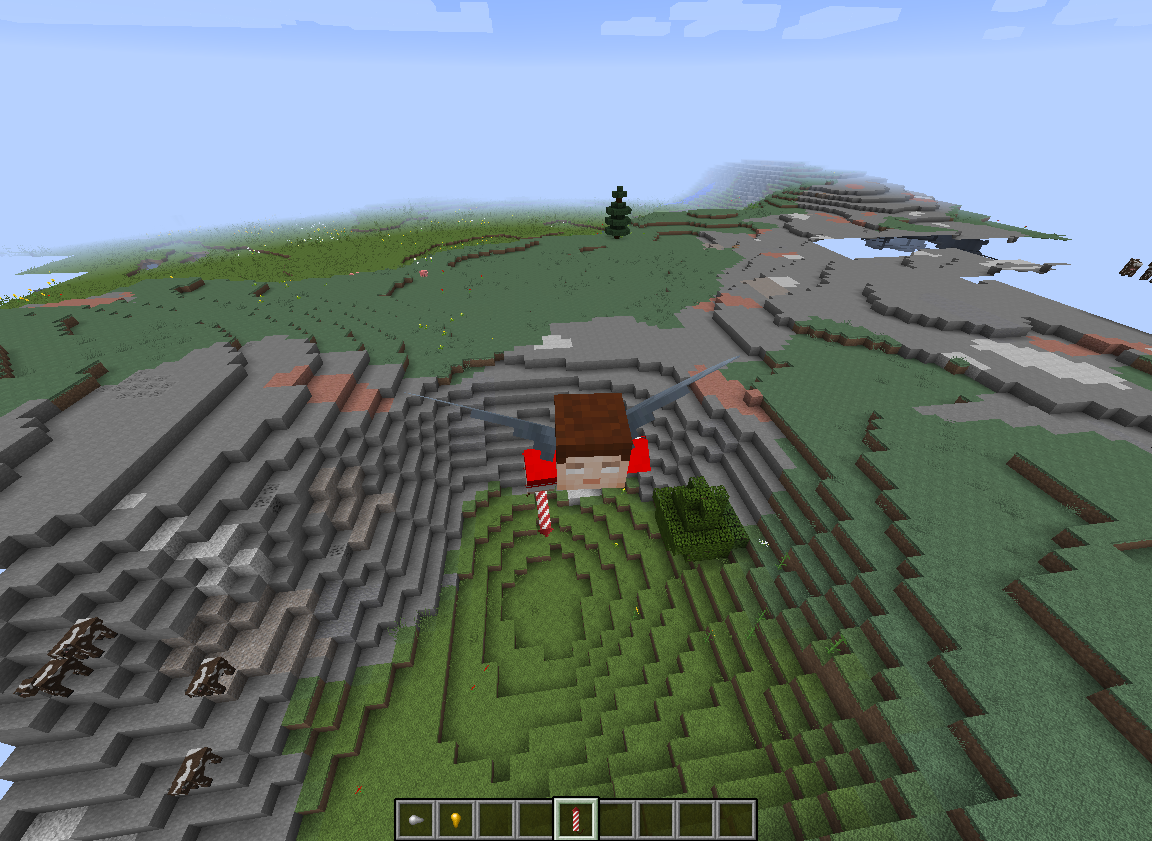
What do you offer to fix this issue, FVbico? I don't see this to be resolved because of the elytra boxy model. The only solution I see is to remove those side pixels except ones where head is.
Sorry for the delay. Yes, it affects 1.10.2.
Yes, I do realize.
Attached screenshot with default resource pack. Seems like it is the same stretched. Looking carefully it seems like it is exactly 2x thicker that it should be.
Oh, I forgot to reply, sorry. Yes, this happens in 1.11 too.
I know there's a new version 1.0.4 is out, but is not available for me at the moment.
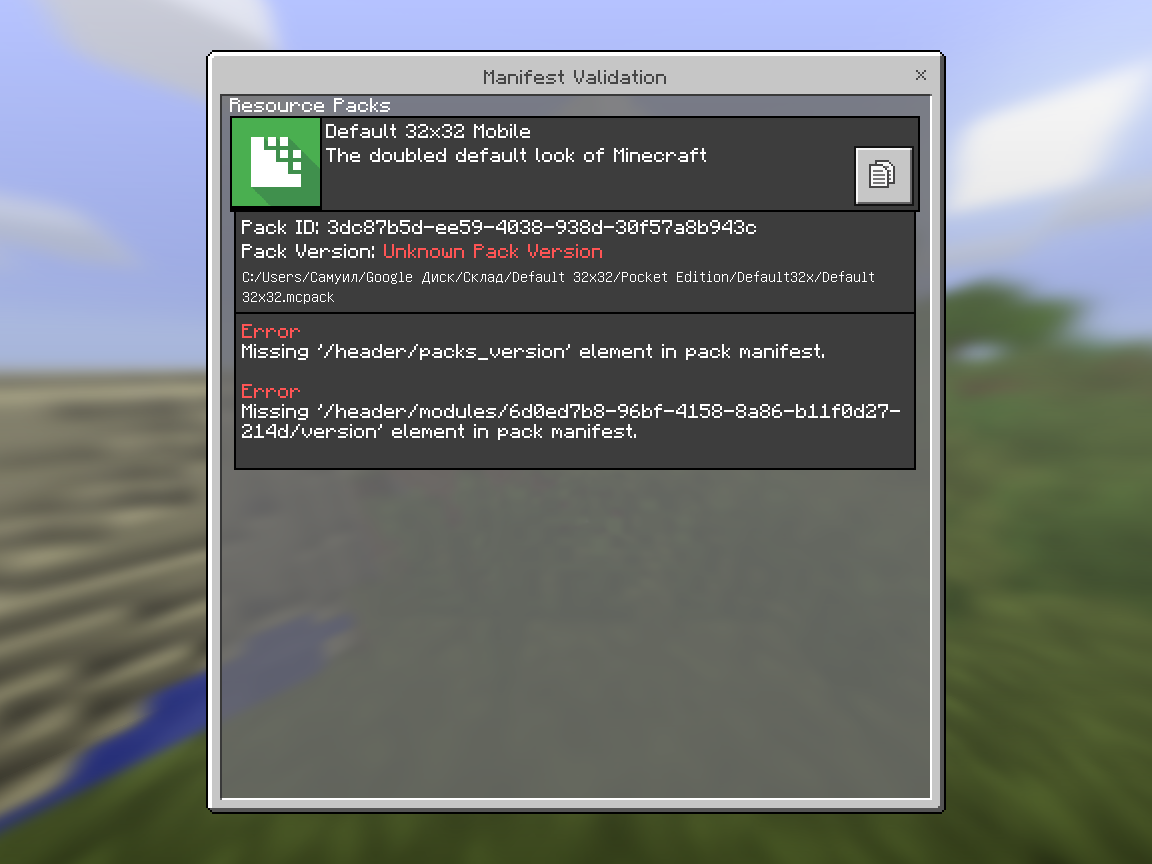
No, this is not the packs issue at all. it successfully imports on another Windows 10 PC. I just attached a new screenshot to show how just simple removing of "version" strings made the game read the info about the pack.
It's probably due to perfect perspective that the game renders. There's no lens distortion at all and it seems unnatural for our eye.
Confirmed in 1.14.3 Pre-Release 2.
I've noticed this in my resource pack for a while, I just ported the logo from Minecraft Bedrock and it already has a thick outline, and now looks extreme. So i have to somehow reduce the outline on the raster image to compensate, just to get ugly rounded pixelated corners anyway. If you wanted to make the outline thicker, make it in the graphic file itself, why force this one specific-purpose change that no one is able to disable, seems like a bad practice.