 Greg Milson
- gregmilson
- gregmilson
- Asia/Shanghai
- Yes
- No
 MC-105016


![[Mojang] Grum (Erik Broes)](../../../data/assets/gravatar/grum.png)
 Low
Low
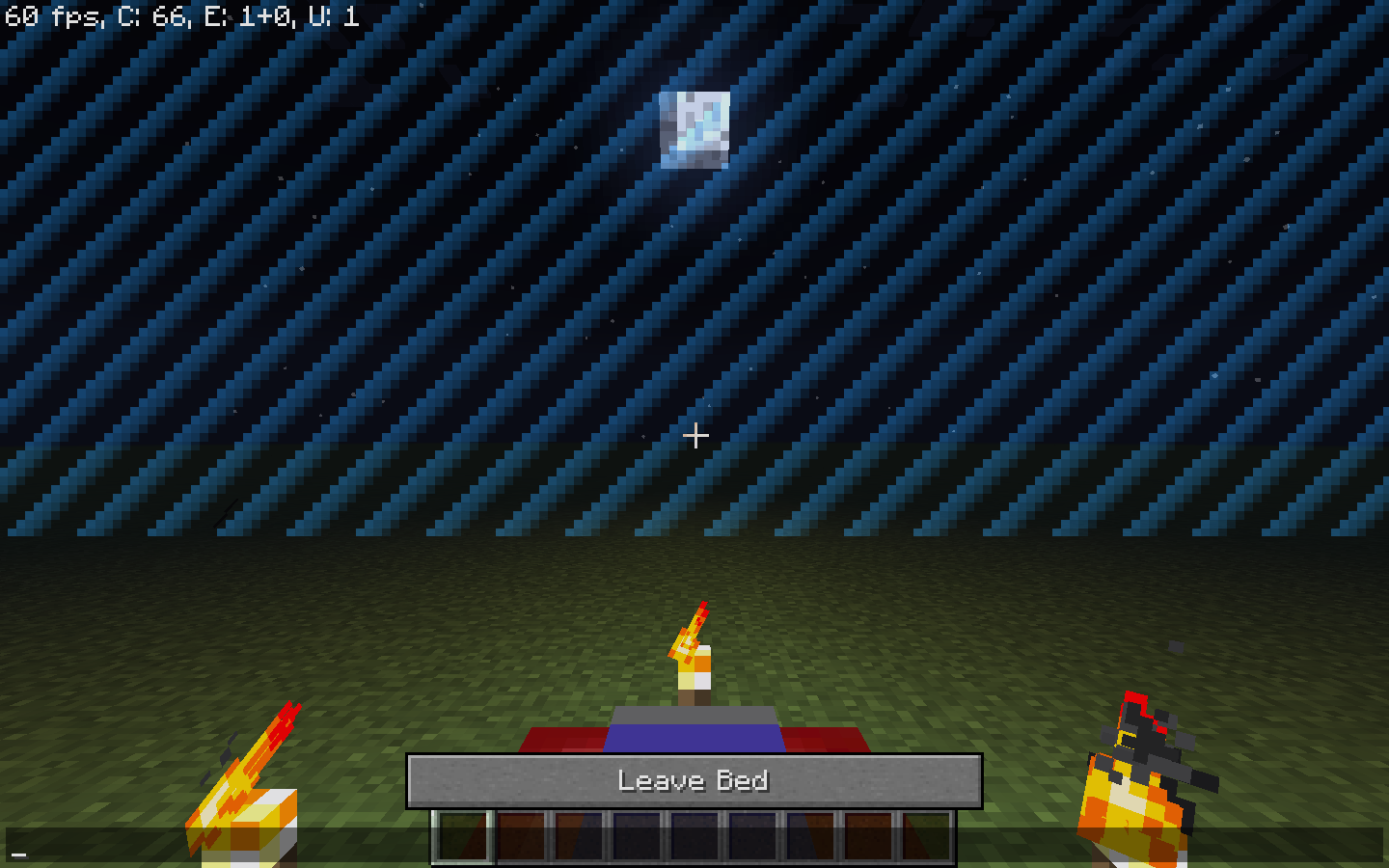


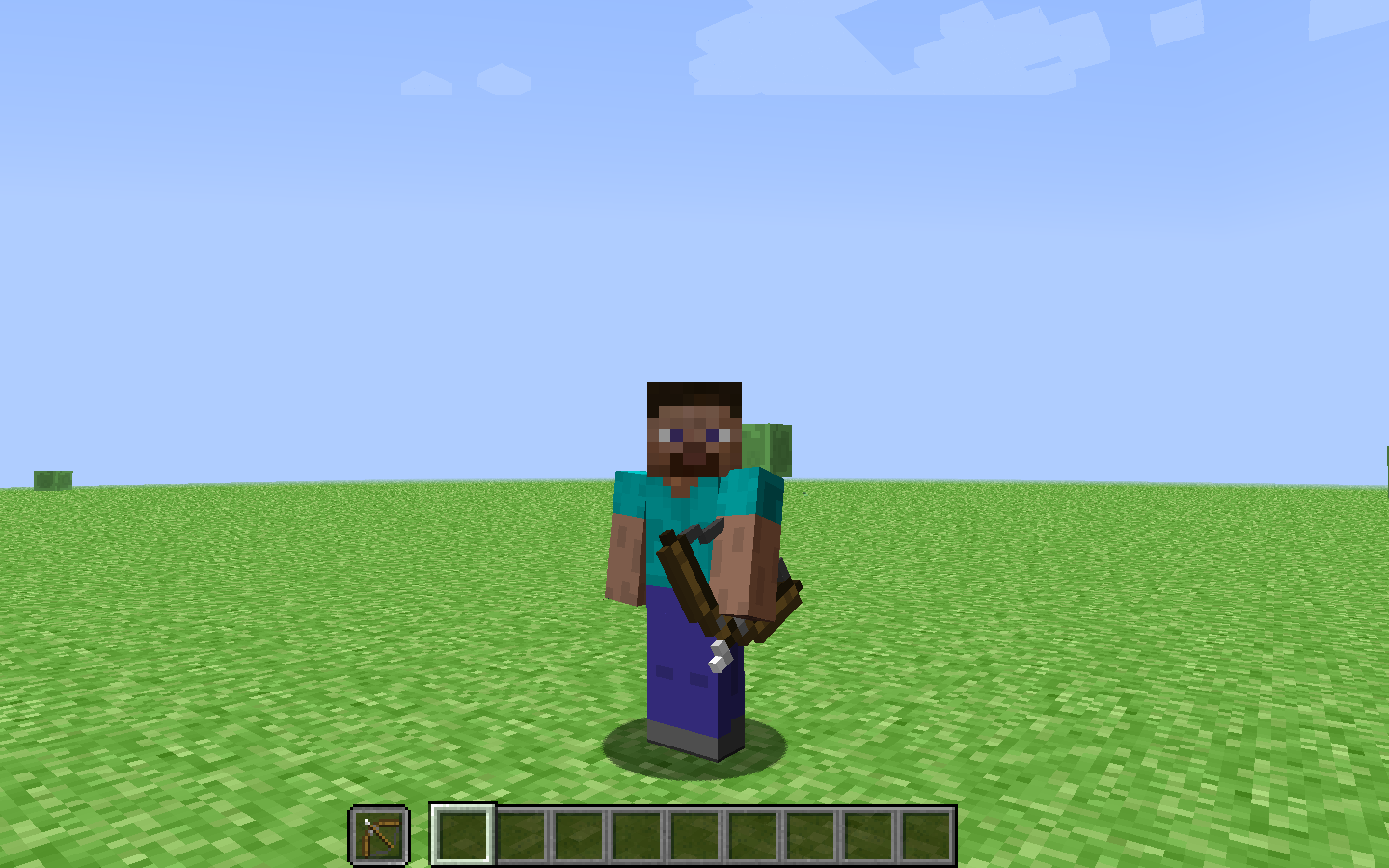








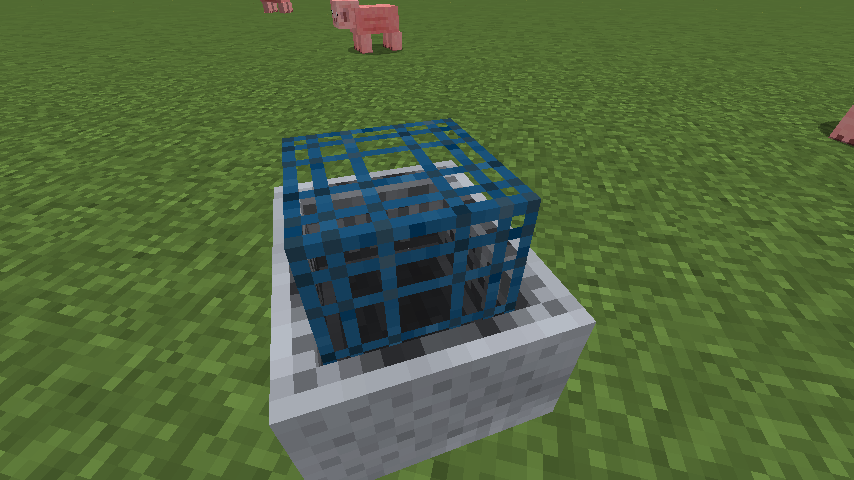


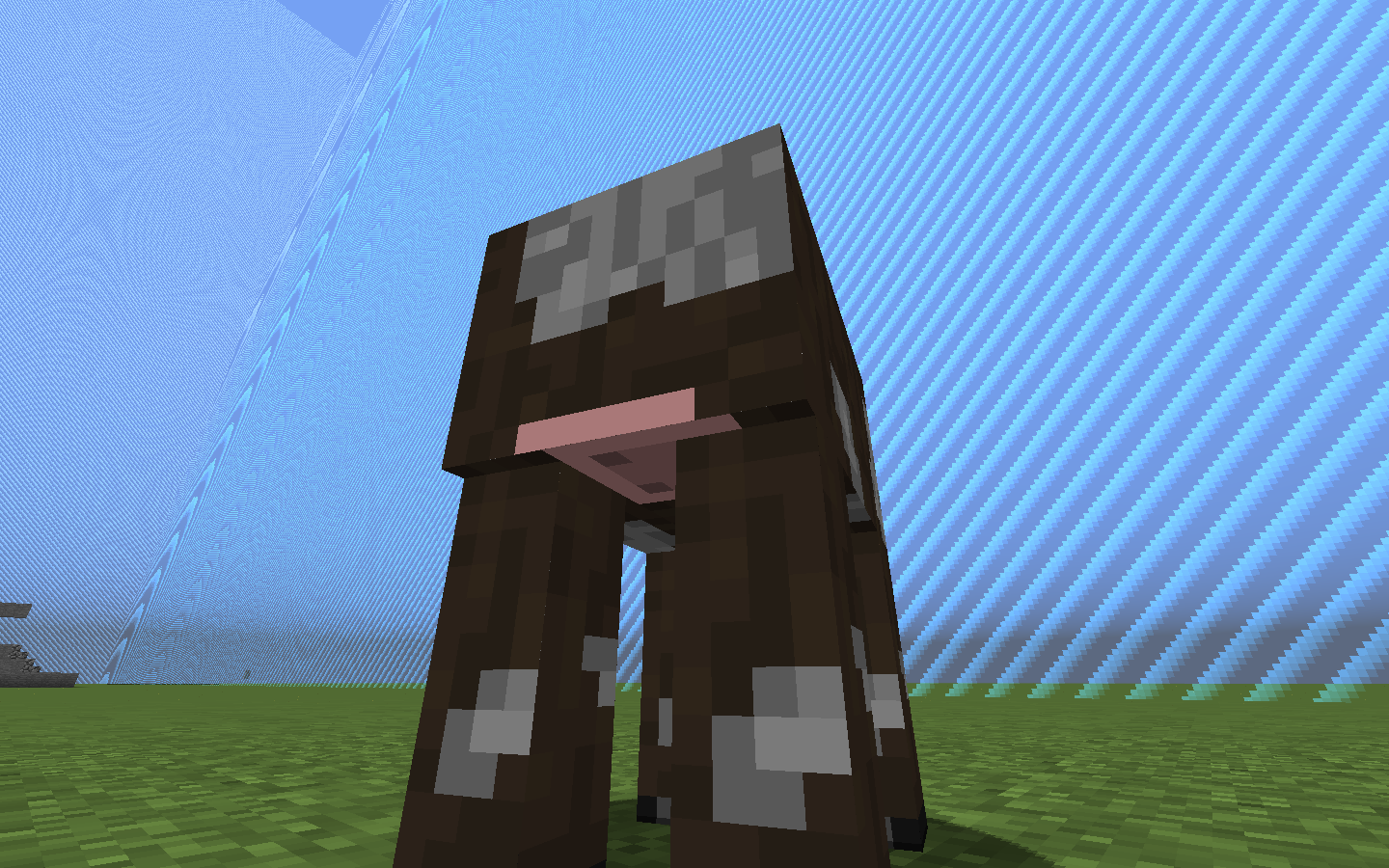
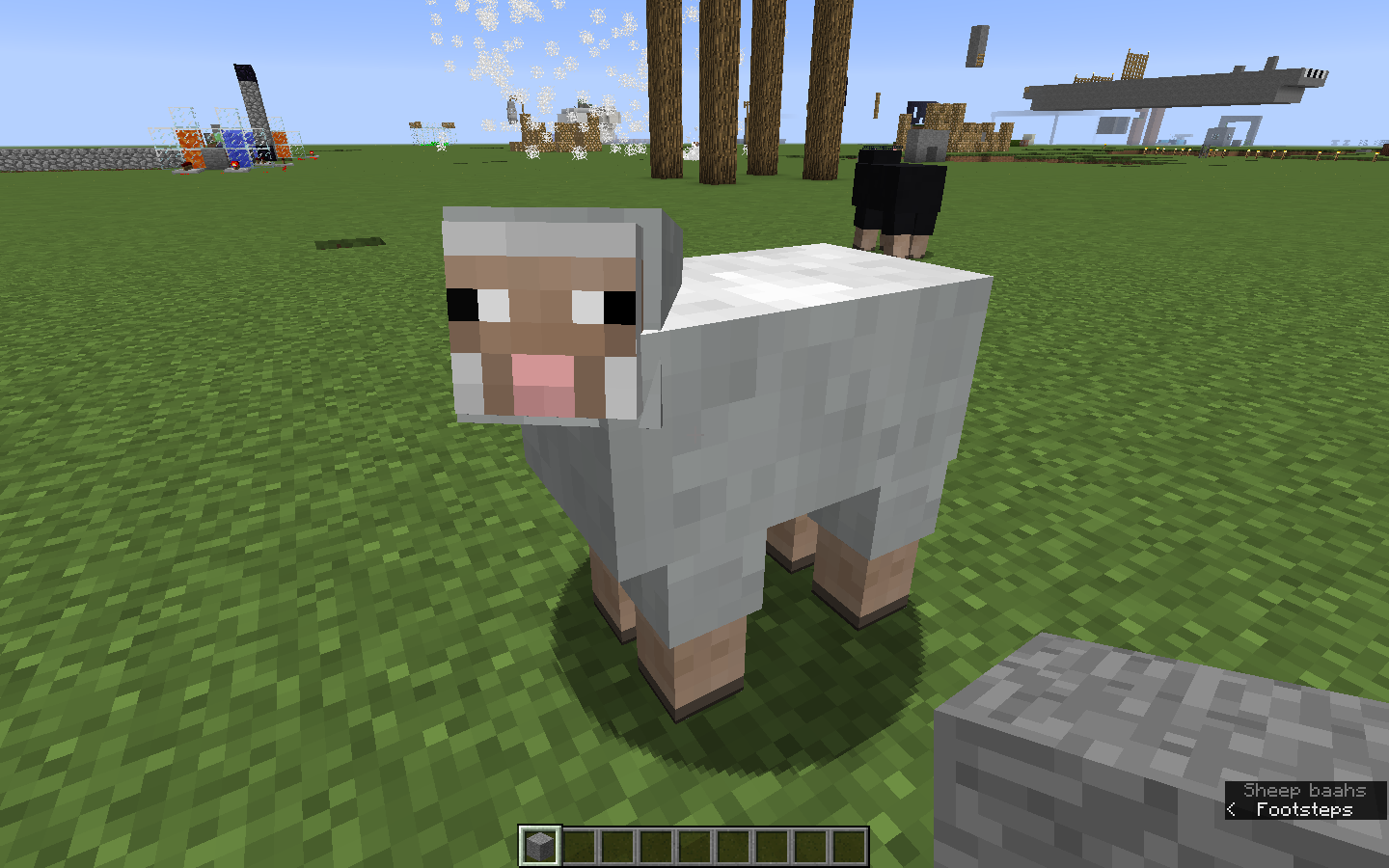


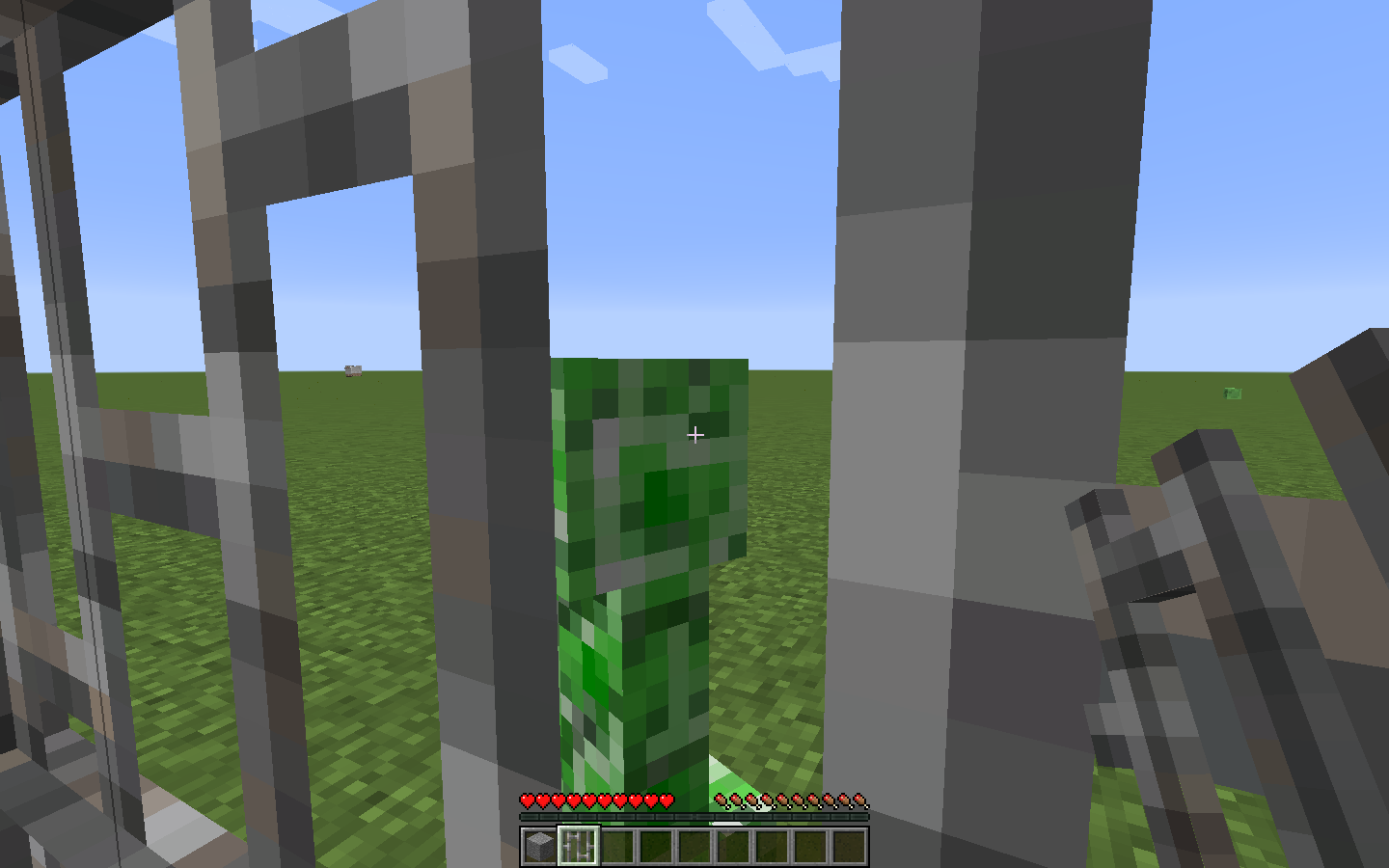
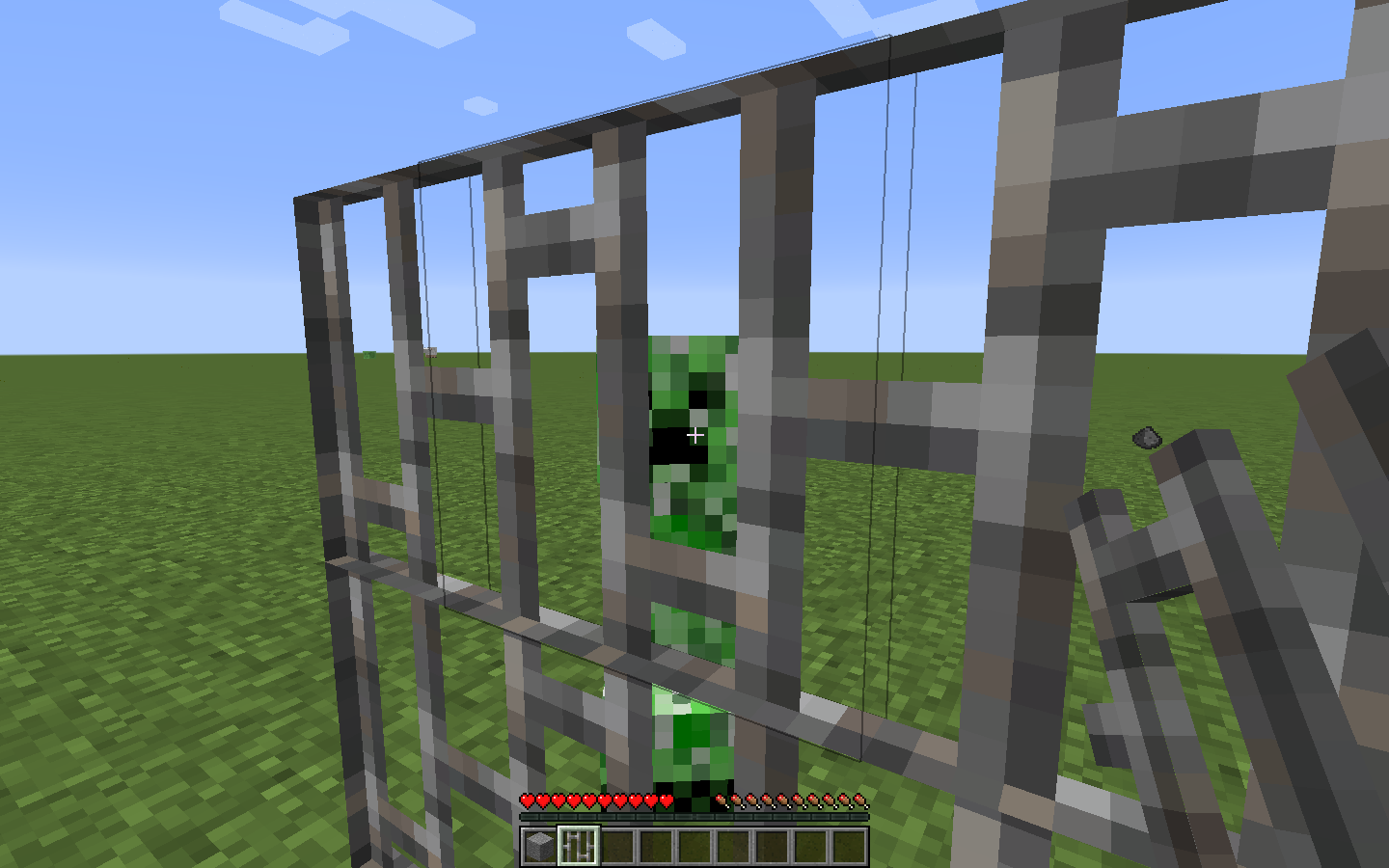
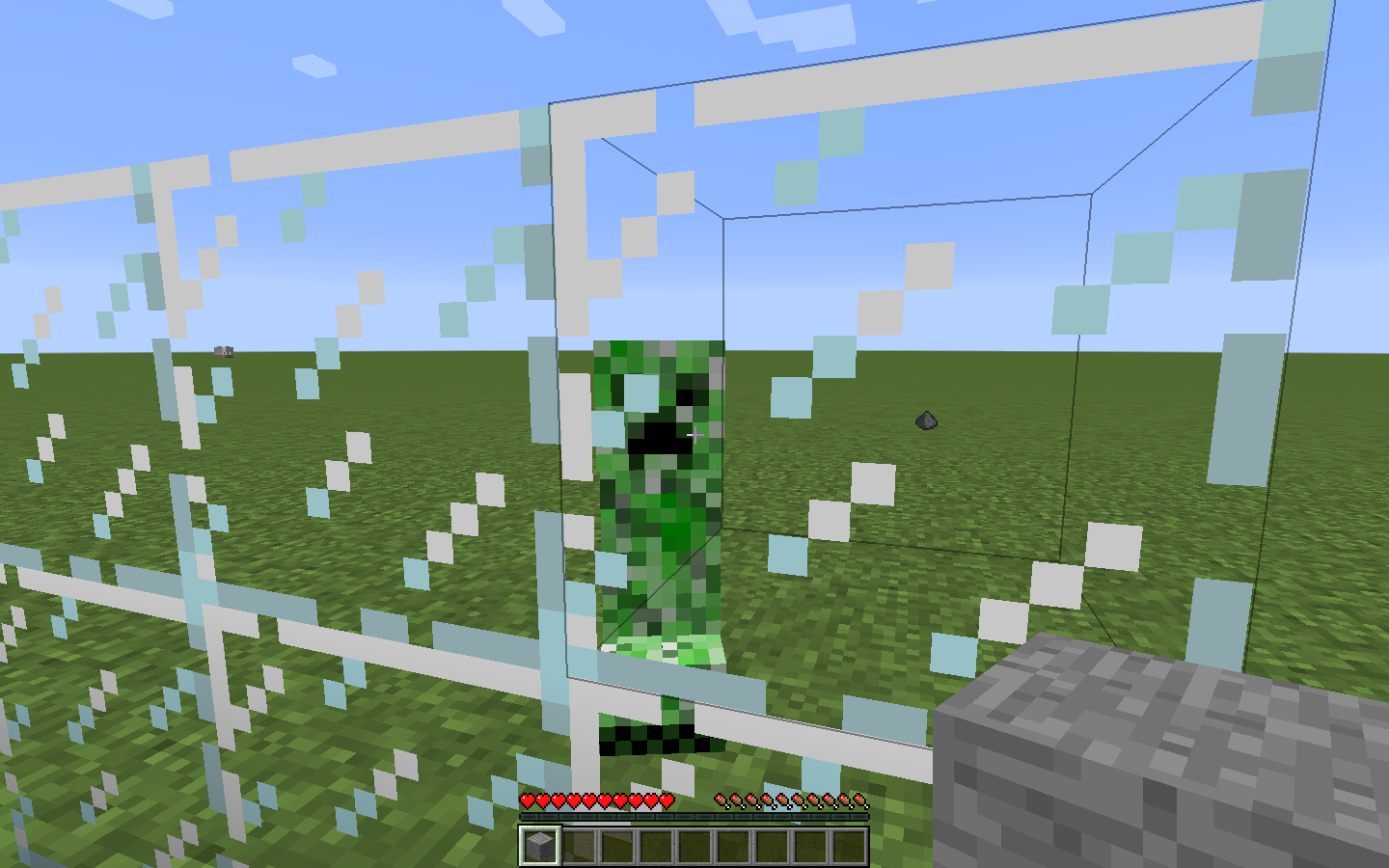
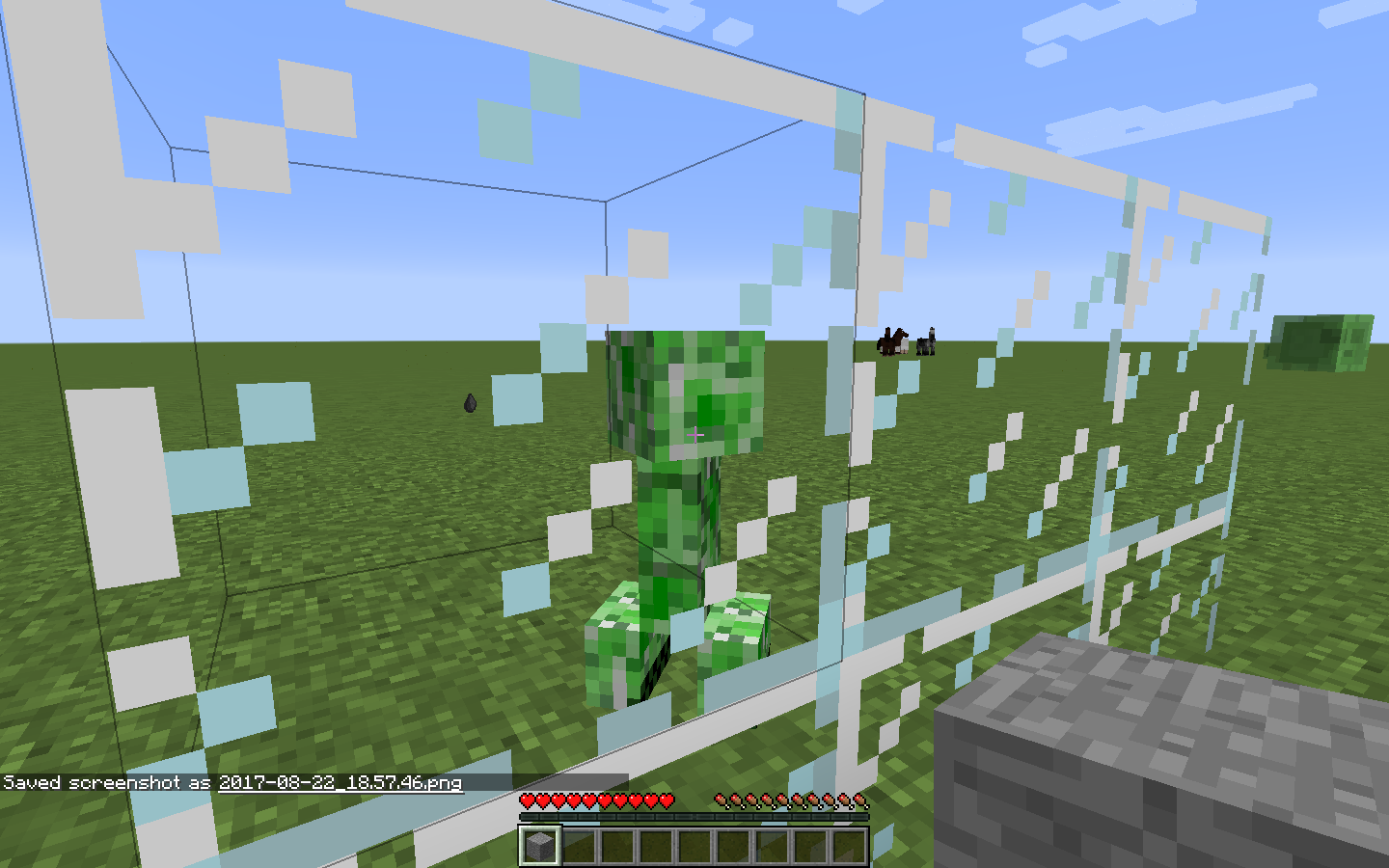
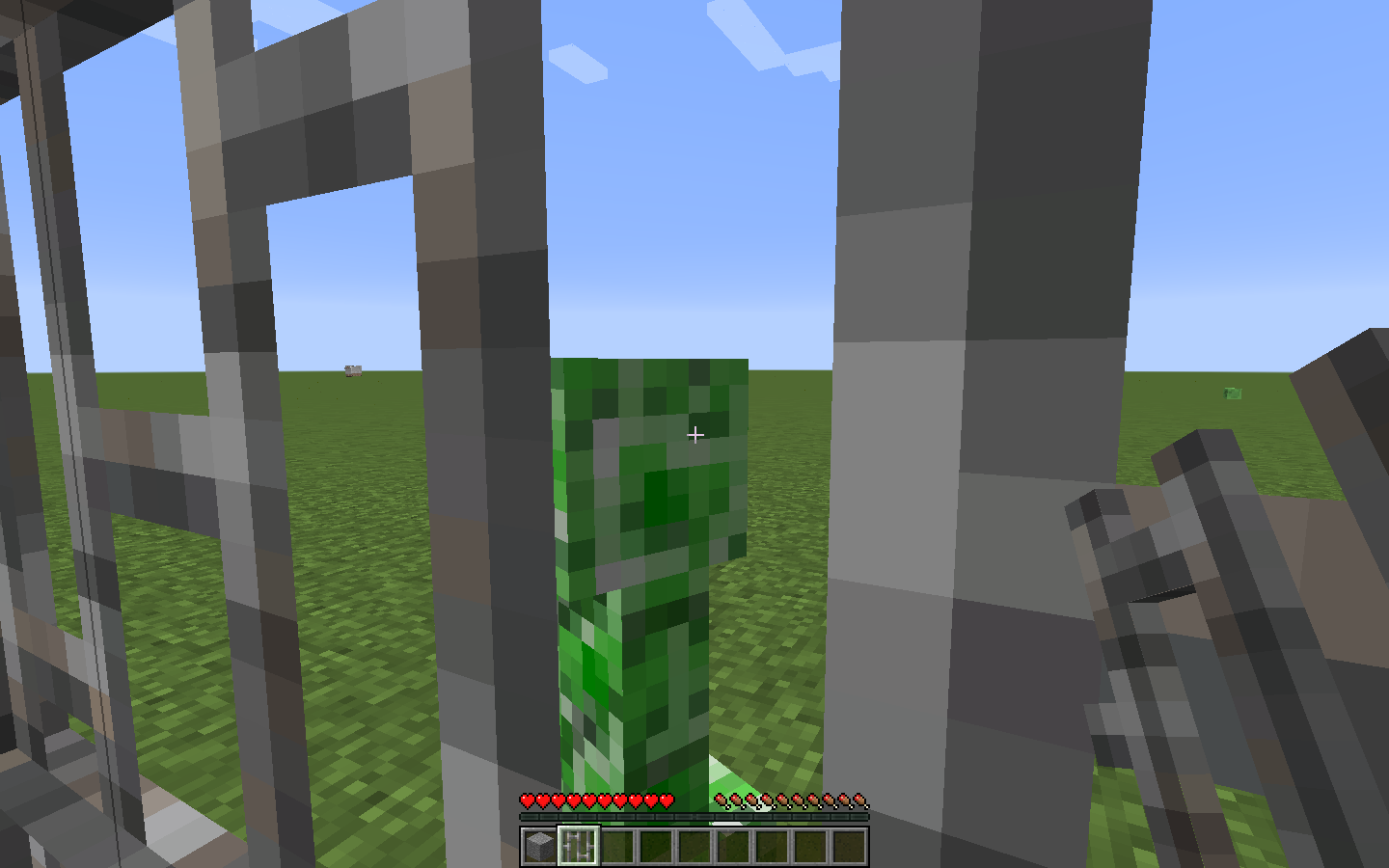

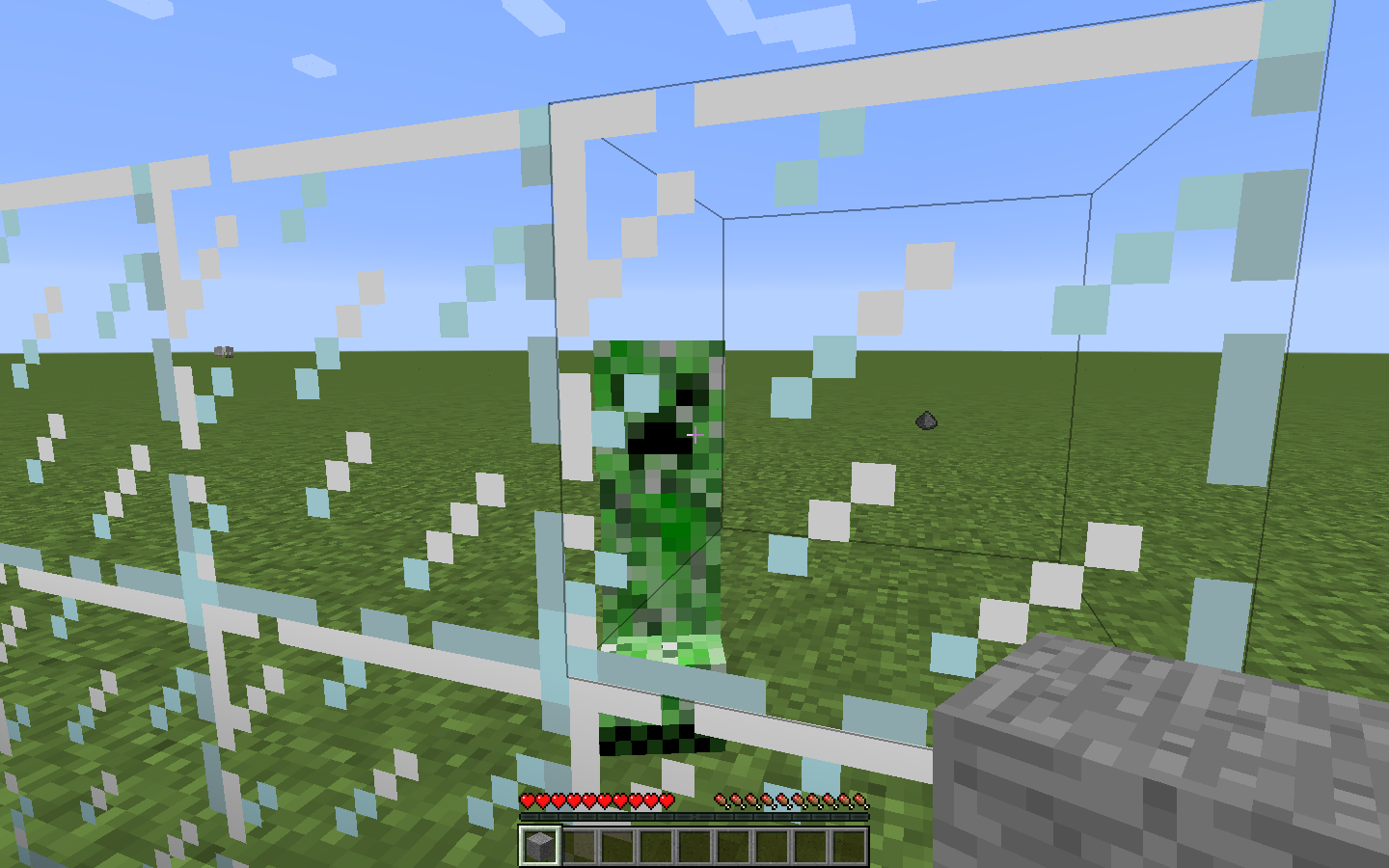
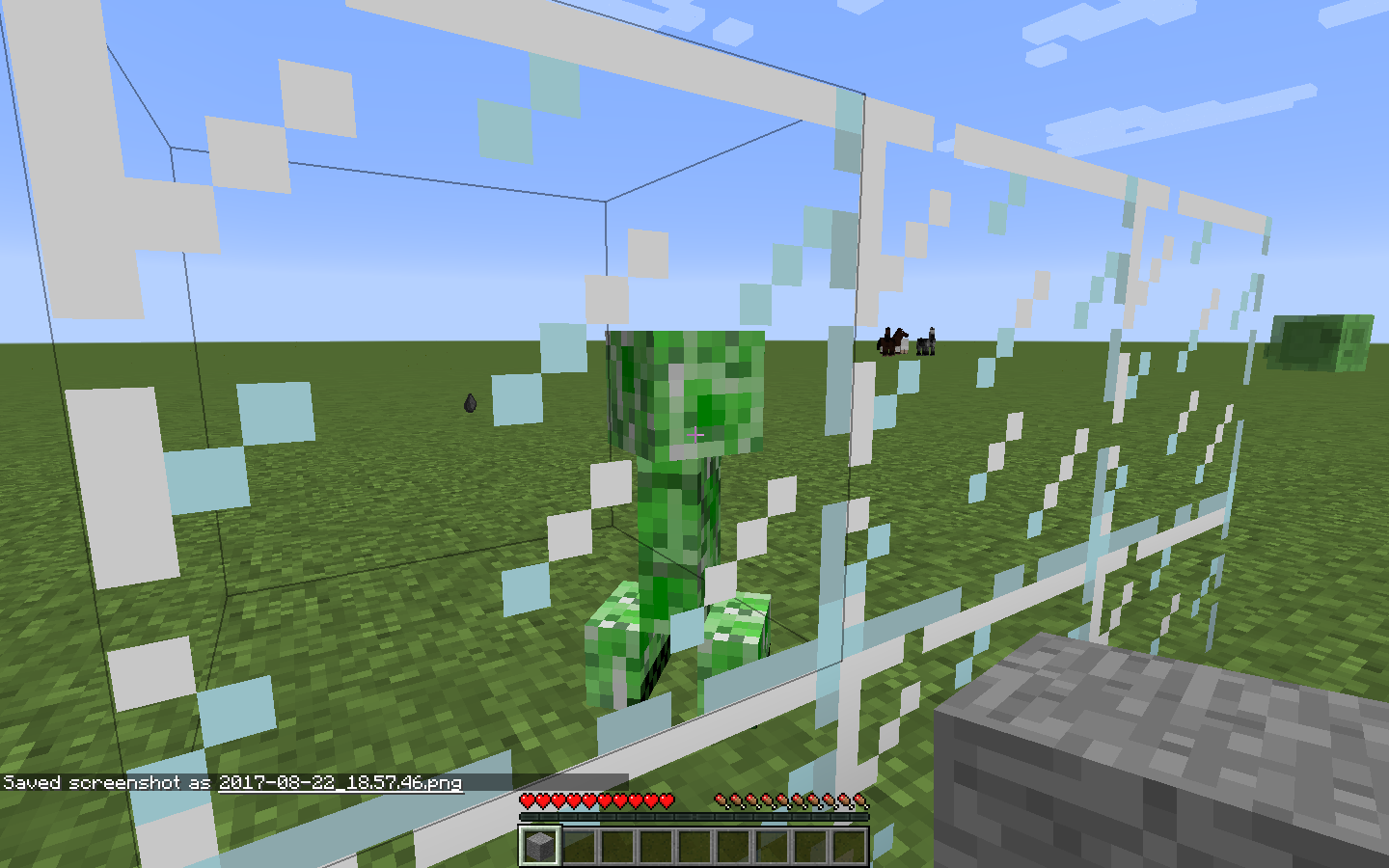


When I sleep in a bed, it looks like I'm standing up on the bed. Back in beta, it was never like that, It actually looked like I was
sleepingin the bed.When I sleep in a bed, it looks like I'm standing up on the bed. Back in beta, it was never like that, It actually looked like I was laying down in the bed.
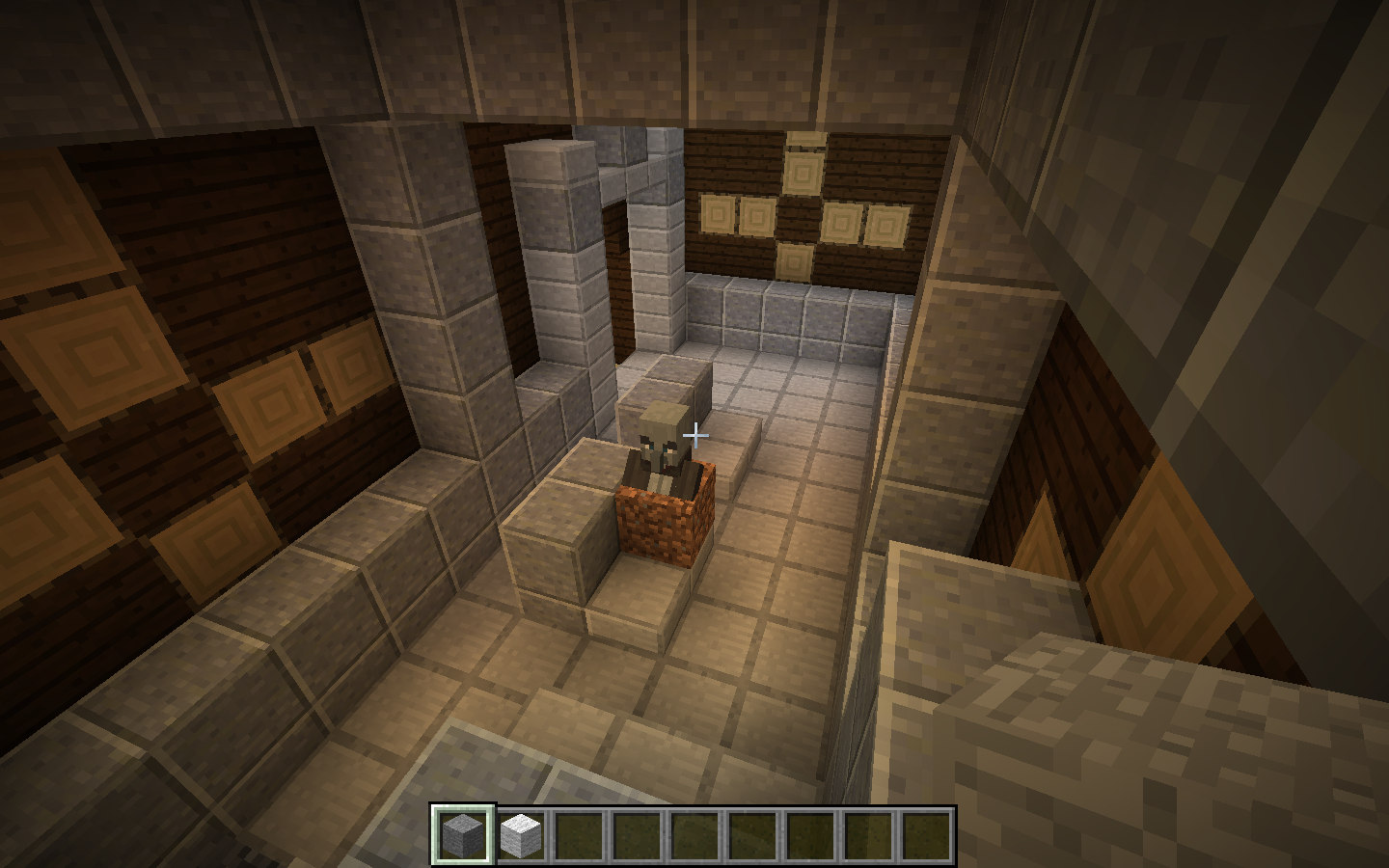
Villager not jumping up on stairs while on grass paths
this is a duplicate of
MC-104995but with vanilla minecaft. Before is 1.2 and After is the current version.
Sleeping in bednotpositionedproperlySleeping in bed view positioned too high up
When I sleep in a bed
,it looks like I'm standing up on the bed.Back in beta,it was never like that,It actually looked like I was laying down in the bed.When I sleep in a bed the view is too high up and it looks like I'm standing up on the bed. In earlier versions it was never like that and It actually looked like I was laying down in the bed.
Sleeping in bed view is positioned too high up
Sleeping in bedview is positionedtoo high upView when sleeping in bed is too high up
When I sleep in a bed, the view is too high up and it looks like I'm standing up on the bed. In earlier versions it was never like that and It actually looked like I was laying down in the bed.
Hitting player blocking with shield plays normal hurt sound
When I hit a player blocking with a shield, I hear the default hurt sound but when I block and get hit, it plays the correct shield sound.
Steps to reproduce:
1. Get a player to hit you while blocking.
2. Tell the attacker if they heard the player hurt sound.
Hitting another player blocking with shield plays normal hurt sound
Hitting another player blocking with a shield plays normal hurt sound
I could ride a boat from so high up and fall down and take no fall damage. The 1.8 boat
could make you take fall damage.I could ride a boat from so high up and fall down and take no fall damage. The 1.8 boat would make you take fall damage. This needs to be fixed.
You don't take fall damage when riding 1.9+ boat off a high area
I c
ouldride a boat from so high up and fall down and take no fall damage. The 1.8 boat would make you take fall damage. This needs to be fixed.I can ride a boat from so high up and fall down and take no fall damage. The 1.8 boat would make you take fall damage. This needs to be fixed.
crash-2016-07-09_13.06.57-client.txt
When a mob (or player in multiplayer) looks left and right, the rotation is jittery and not smooth while when it looks up and down it is very smoothed. I think it has something to do with the client side third person player head being interpolated when looking left/right but not up/down.
Entity head movement notsmoothed on X-axis but is on Y-axisEntity head movement not interpolated on X-axis but is on Y-axis
When a mob (or player in multiplayer) looks left and right, the rotation is jittery and not smooth while when it looks up and down it is
verysmoothed. I think it has something to do with the client side third person player head being interpolated when looking left/right but not up/down.
When a mob (or player in multiplayer) looks left and right, the rotation is
jittery and not smooth while when it looks up and down it is smooth. I think it has something to do with the client side third person player head being interpolated when looking left/right but not up/down.When a mob (or player in multiplayer) looks left and right, the rotation is stuttery and not smooth while when it looks up and down it is smooth. I think it has something to do with the client side third person player head being interpolated when looking left/right but not up/down.
Entity head movement not interpolated onX-axisbut is onY-axisEntity head movement not interpolated on Yaw but is on Pitch
Entity head movement not interpolated on Yawbut is on Pitch
Entity head movement not interpolated on Yaw axis
Entity headmovementnot interpolated on Yaw axisEntity head rotation not interpolated on Yaw axis
When a mob (or player in multiplayer) looks left and right, the rotation
isstutteryand not smoothwhilewhen it looks up and down it is smooth. I think it has something to do with the client side third person player head being interpolated when looking left/right but not up/down.When a mob (or player in multiplayer) looks left and right, the rotation stutters and it's not smooth but when it looks up and down it is smooth. I think it has something to do with the client side third person player head being interpolated when looking left/right but not up/down.
Entity head rotation not being interpolated on Yaw axis
When a mob (or player in multiplayer) looks left and right, the rotation stutters and it's not smooth but when it looks up and down
itis smooth. I think it has something to do with the client side third person player head being interpolated when looking left/right but not up/down.When a mob (or player in multiplayer) looks left and right, the rotation stutters and it's not smooth but when it looks up and down, the rotation is smooth. I think it has something to do with the client side third person player head being interpolated when looking left/right but not up/down.
When a mob (or player in multiplayer) looks left
andright, the rotation stutters and it's not smooth but when it looks upanddown, the rotation is smooth. I think it has something to do with the client side third person player head being interpolated when looking left/right but not up/down.When a mob (or player in multiplayer) looks left or right, the rotation stutters and it's not smooth but when it looks up or down, the rotation is smooth. I think it has something to do with the client side third person player head being interpolated when looking left/right but not up/down.
When a mob (or player in multiplayer) looks left or right, the rotation stutters and it's not smooth but when it looks up or down, the rotation is smooth. I think
it has something to do withthe client side third person player headbeinginterpolated when looking left/right but not up/down.When a mob (or player in multiplayer) looks left or right, the rotation stutters and it's not smooth but when it looks up or down, the rotation is smooth. I think this can be fixed by making the client side third person player head not interpolate on the Yaw axis.
When a mob (or player in multiplayer) looks left or right, the rotation stutters and it's not smooth but when it looks up or down, the rotation is smooth.
I think this can be fixed by making the client side third person player head not interpolate on the Yaw axis.When a mob (or player in multiplayer) looks left or right, the rotation stutters and it's not smooth but when it looks up or down, the rotation is smooth. This can be fixed by making the client side third person player head not interpolate on the Yaw axis.
When a mob
(or player in multiplayer)looks leftorright, the rotation stutters and it's not smooth but when it looks upordown, the rotation is smooth.This can be fixed by making the client side third person player head not interpolate on the Yaw axis.When a mob or player in multiplayer looks left/right, the rotation stutters and it's not smooth but when it looks up/down, the rotation is smooth.
When in thirdperson, your character's head interpolates on the Yaw axis but doesn't on the Pitch axis. This can be fixed by making your character's head not interpolate on the Yaw axis.
When a mob or player in multiplayer looks left/right, the rotation stutters and it's not smooth but when it looks up/down, the rotation is smooth.
When in thirdperson, your character's head interpolates on the Yaw axis but doesn't on the Pitch axis. Th
iscan be fixed by making your character's head not interpolate on the Yaw axis.When a mob or player in multiplayer looks left/right, the rotation stutters and it's not smooth but when it looks up/down, the rotation is smooth.
When in thirdperson, your character's head interpolates on the Yaw axis but doesn't on the Pitch axis. The bug can be fixed by making your character's head not interpolate on the Yaw axis.
When a mob or player in multiplayer looks left/right, the rotation stutters and it's not smooth but when it looks up/down, the rotation is smooth.
When in thirdperson, your character's head interpolates on the Yaw axis but doesn't on the Pitch axis. The bug can be fixed by making your character's head not interpolate on the Yaw axis.
When a mob or player in multiplayer looks left/right, the rotation stutters and it's not smooth but when it looks up/down, the rotation is smooth.
When in thirdperson, your character's head interpolates on the Yaw axis but doesn't on the Pitch axis. The bug can be fixed by making your character's
client-side head not interpolate on the Yaw axis.
When a mob or player in multiplayer looks left/right (Yaw), the rotation stutters and it's not smooth but when it looks up/down (Pitch), the rotation is smooth.
When in thirdperson, your character's head interpolates on the Yaw axis but doesn't on the Pitch axis. The bug can be fixed by making your character's
client-side head not interpolate on the Yaw axis.
Entity head rotation notbeinginterpolatedon Yaw axisEntity head rotation not interpolating on Yaw axis
When a mob or player in multiplayer looks left/right (Yaw), the rotation stutters and it's not smooth but when it looks up/down (Pitch), the rotation is smooth.
When in thirdperson, your character's head interpolates on the Yaw axis but doesn't on the Pitch axis. The bug can be fixed by making
your character's
client-side head not interpolate on the Yaw axis.When a mob or player in multiplayer looks left/right (Yaw), the rotation stutters and it's not smooth but when it looks up/down (Pitch), the rotation is smooth.
When in thirdperson, your character's head interpolates on the Yaw axis but doesn't on the Pitch axis. The bug can be fixed by making the player's
client-side head not interpolate on the Yaw axis.
When a mob or player in multiplayer looks left/right (Yaw), the rotation stutters and it's not smooth but when it looks up/down (Pitch), the rotation is smooth.
When in thirdperson, your character's head interpolates on the Yaw axis but doesn't on the Pitch axis. The bug can be fixed by making the player's
client-side head not interpolate on the Yaw axis.When a mob or player in multiplayer looks left/right (Yaw), the rotation stutters and it's not smooth but when it looks up/down (Pitch), the rotation is smooth.
When in thirdperson, your character's head interpolates on the Yaw axis but doesn't on the Pitch axis. The bug can be fixed by making the player's client-side head not interpolate on the Yaw axis.
When a mob or player in multiplayer looks left/right (Yaw axis), the rotation stutters and it's not smooth but when it looks up/down (Pitch axis), the rotation is smooth.
When in thirdperson, your character's head interpolates on the Yaw axis but doesn't on the Pitch axis. The bug can be fixed by making the player's client-side head not interpolate on the Yaw axis.
When a mob or player in multiplayer looks left/right (Yaw axis), the rotation stutters and it's not smooth but when
it looksup/down (Pitch axis), the rotation is smooth.When in thirdperson, your character's head interpolates on the Yaw axis but doesn't on the Pitch axis. The bug can be fixed by making the player's client-side head not interpolate on the Yaw axis.
When a mob or player in multiplayer looks left/right (Yaw axis), the rotation stutters and it's not smooth but when they look up/down (Pitch axis), the rotation is smooth.
When in thirdperson, your character's head interpolates on the Yaw axis but doesn't on the Pitch axis. The bug can be fixed by making the player's client-side head not interpolate on the Yaw axis.
When a mob or player in multiplayer looks left/right (Yaw axis), the rotation stutters and it's not
smoothbut when they look up/down (Pitch axis), the rotation issmooth.When in thirdperson, your character's head interpolates on the Yaw axis but doesn't on the Pitch axis. The bug can be fixed by making the player's client-side head not interpolate on the Yaw axis.
When a mob or player in multiplayer looks left/right (Yaw axis), the rotation stutters and it's not interpolated but when they look up/down (Pitch axis), the rotation is interpolated.
When in thirdperson, your character's head interpolates on the Yaw axis but doesn't on the Pitch axis. The bug can be fixed by making the player's client-side head not interpolate on the Yaw axis.
When a mob or player in multiplayer looks left/right (Yaw axis), the rotation stutters
andit's not interpolated but when they look up/down (Pitch axis), the rotation is interpolated.When in thirdperson, your character's head interpolates on the Yaw axis but doesn't on the Pitch axis. The bug can be fixed by making the player's client-side head not interpolate on the Yaw axis.
When a mob or player in multiplayer looks left/right (Yaw axis), the rotation stutters because it's not interpolated but when they look up/down (Pitch axis), the rotation is interpolated.
When in thirdperson, your character's head interpolates on the Yaw axis but doesn't on the Pitch axis. The bug can be fixed by making the player's client-side head not interpolate on the Yaw axis.
When a mob or player in multiplayer looks left/right (Yaw axis), the rotation stutters because it's not interpolated on that axis but when they look up/down (Pitch axis), the rotation is interpolated.
When in thirdperson, your character's client-side head interpolates on the Yaw axis but doesn't on the Pitch axis. The bug can be fixed by making the player's client-side head not interpolate on the Yaw axis.
Will it be fine if I rename it to x-rot and y-rot?
When a mob or player in multiplayer looks left/right (Yaw axis), the rotation stutters because it's not interpolated on that axis but when they look up/down (Pitch axis), the rotation is interpolated.
When in thirdperson, your character's client-side head interpolates on the Yaw axis but doesn't on the Pitch axis. The bug can be fixed by making the player's client-side head not interpolate on the Entity Head Yaw axis.
When a mob or player in multiplayer looks left/right (Yaw axis), the rotation stutters because it's not interpolated on that axis but when they look up/down (Pitch axis), the rotation is interpolated.
When in thirdperson, your character's client-side head interpolates on the Yaw axis but doesn't on the Pitch axis. The bug can be fixed by making the player's client-side head not interpolate on the Entity Head Yaw axis.
A code analysis would be great to correct me if I'm wrong.
Could someone please make a code analysis for this report when they can, that would be appreciated.
When a mob or player in multiplayer looks left/right (Yaw axis), the rotation stutters because it's not interpolated on that axis but when they look up/down (Pitch axis), the rotation is interpolated.
When in thirdperson, your character's client-side head interpolates on the Yaw axis but doesn't on the Pitch axis. The bug can be fixed by making the player's client-side head not interpolate on the
Entity HeadYaw axis.A code analysis would be great to correct me if I'm wrong.
When a mob or player in multiplayer looks left/right (Yaw axis), the rotation stutters because it's not interpolated on that axis but when they look up/down (Pitch axis), the rotation is interpolated.
When in thirdperson, your character's client-side head interpolates on the Yaw axis but doesn't on the Pitch axis. The bug can be fixed by making the player's client-side head not interpolate on the Yaw axis.
A code analysis would be great to correct me if I'm wrong.
When a mob or player in multiplayer looks left/right (Yaw axis), the rotation of it's head stutters because it's not interpolated on that axis but when they look up/down (Pitch axis), the rotation is interpolated.
When in thirdperson, your character's client-side head interpolates on the Yaw axis but doesn't on the Pitch axis. The bug can be fixed by making the player's client-side head not interpolate on the Yaw axis.
A code analysis would be great to correct me if I'm wrong.
When a mob or player in multiplayer looks left/right (Yaw axis), the rotation of it
's head stutters because it's not interpolated on that axis but when they look up/down (Pitch axis), the rotation is interpolated.When in thirdperson, your character's client-side head interpolates on the Yaw axis but doesn't on the Pitch axis. The bug can be fixed by making the player's client-side head not interpolate on the Yaw axis.
A code analysis would be great to correct me if I'm wrong.
SlimesStill attack me when they are dyingSlimes & Magma Cubes can still attack me when they are dying
When I kill a
slime, It can still attack me when It is in it's death animation.When I kill a Slime or a Magma Cube, It can still attack me when It is in it's death animation.
Slimes & Magma Cubes can still attack me when they aredyingSlimes & Magma Cubes can still attack me when they are in their death animation
Slimes & Magma Cubes can still attackmewhen they are in their death animationSlimes & Magma Cubes can still attack players when they are in their death animation
When a mob looks left and right it is jerky and not smooth whereas looking up and down is smooth. this also includes players in multiplayer. I hope this gets fixed, if it does, I will be very happy

When a mob looks left and right it is jerky and not smooth whereas looking up and down is smooth. this also includes players in multiplayer. I hope this gets fixed, if it does, I will be very happy
When a mob looks left and right it is jerky and not smooth whereas looking up and down is smooth. this also includes players in multiplayer. I hope this gets fixed, if it does, I will be very happy : )
When a mob looks left and right it is jerky and not smooth whereas looking up and down is smooth. this also includes players in multiplayer. I hope this gets fixed, if it does, I will be very happy : )
When a mob looks left and right it is jerky and not smooth whereas looking up and down is smooth. this also includes players in multiplayer. I hope this gets fixed, if it does, I will be very happy
When a mob looks left and right it is jerky and not smooth whereas looking up and down is smooth. this also includes players in multiplayer. I hope this gets fixed, if it does, I will be very happy
This duplicates
MC-105139
Witches that spawn in witch huts not having PersistenceRequired set to 1
When witches spawn in their huts, their PersistenceRequired tag isn't set to 1 so they will mostly despawn before you get there.
this may be a duplicate but this is theproblemwhy theydon't spawn.Zombie Villagers in Zombie Villages and the Illagers in the Woodland Mansions have the PersistenceRequired Tag set to 1 so Witches need it too.
When witches spawn in their huts, their PersistenceRequired tag isn't set to 1 so they will most likely despawn before you get there. This may be a duplicate but this is the reason why they sometimes aren't there.
Zombie Villagers in Zombie Villages and the Illagers in the Woodland Mansions have the PersistenceRequired Tag set to 1 so Witches need it too.
Witches that spawn in witch hutsnot havingPersistenceRequired set to 1Witches that spawn in witch huts don't have PersistenceRequired set to 1
When an I
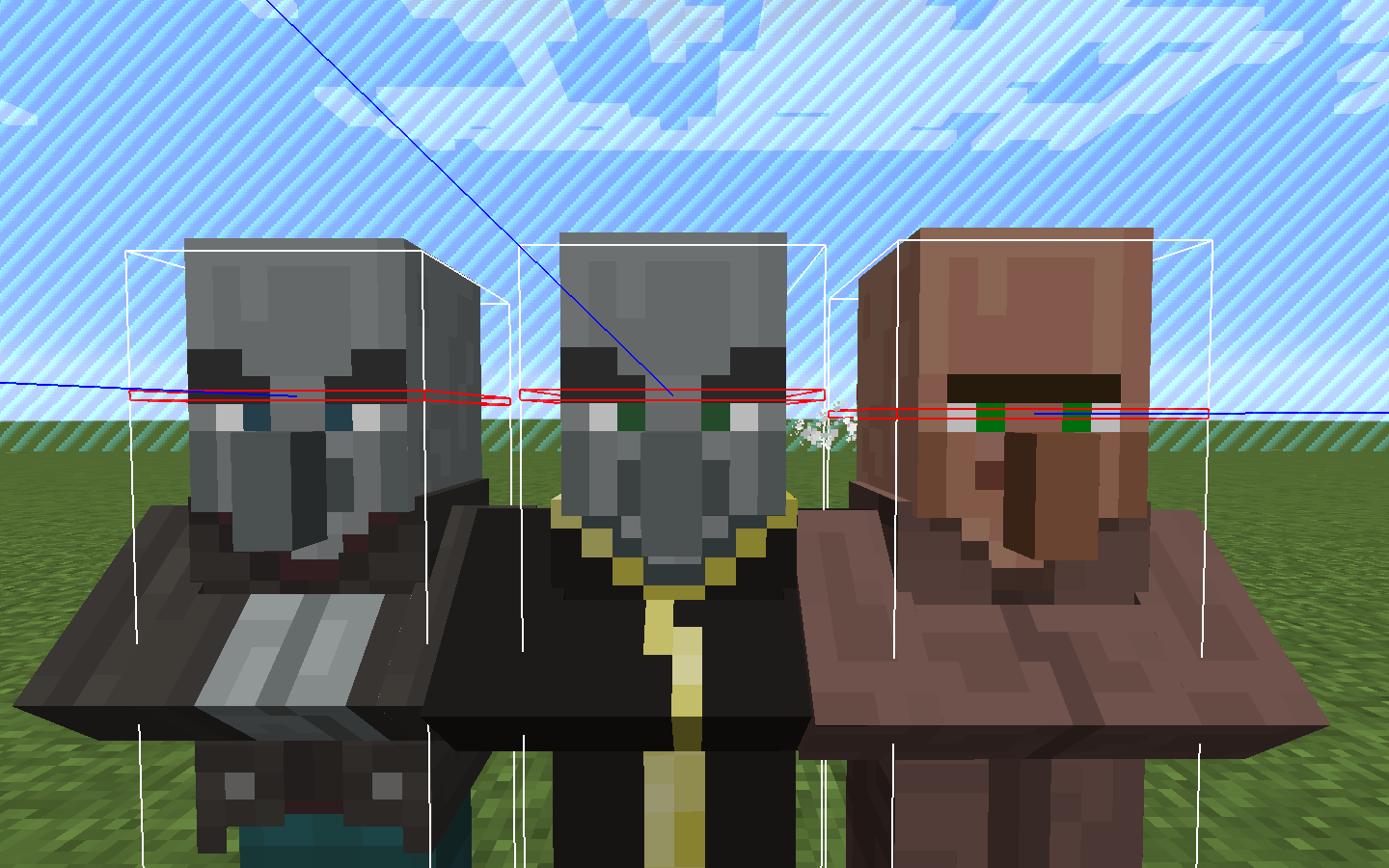
seean Evoker or a Vindicator or a Vex in creative mode, they don't seem to randomly look at me like the other mobs, they randomly look at other mobs but not at me like i'm not there.When an I go up to an Evoker or a Vindicator or a Vex in creative mode, they don't seem to randomly look at me like the other mobs, they randomly look at other mobs but not at me like i'm not there.
When in the presets section text box of creating a superflat world, there is no text to spawn woodland mansions or not
e.gpreset superflat world in a roofed forest biome.3;minecraft:bedrock,2*minecraft:dirt,minecraft:grass;29;mansion
but when I type mansion and create the world, no mansions spawned, i even tried to locate one with /locate. nothing.
When in the presets section text box of creating a superflat world, there is no text to spawn woodland mansions or not. for example: preset superflat world in a roofed forest biome.
3;minecraft:bedrock,2*minecraft:dirt,minecraft:grass;29;mansion
but when I type mansion and create the world, no mansions spawned, i even tried to locate one with /locate. nothing.
When in the presets section text box of creating a superflat world, there is no text to spawn woodland mansions or not. for example: preset superflat world in a roofed forest biome.
3;minecraft:bedrock,2*minecraft:dirt,minecraft:grass;29;mansion
but when I type mansion or woodlandmansion and create the world, no mansions spawned, i even tried to locate one with /locate. nothing.
When in the presets section text box of creating a superflat world, there is no text to spawn woodland mansions or not. for example: preset superflat world in a roofed forest biome.
3;minecraft:bedrock,2*minecraft:dirt,minecraft:grass;29;mansion
but when I type mansion or woodlandmansion at the end and create the world, no mansions spawned, i even tried to locate one with /locate. nothing.
When in the presets section text box of creating a superflat world, there is no text to spawn woodland mansions or not. for example: preset superflat world in a roofed forest biome.
3;minecraft:bedrock,2*minecraft:dirt,minecraft:grass;29;mansion
29 being the roofed forest biome id.
but when I type mansion or woodlandmansion at the end and create the world, no mansions spawned, i even tried to locate one with /locate. nothing.
Villagersson't moveswhen looking at the player.Villagers don't move when looking at the player.
Vindicators/Evokers sometimes spawning inside blocks in woodland mansions
Mobs sometimes spawning inside of eachother
Playergoes inside block pushed by piston when sneaking.Player phases inside block pushed by piston when sneaking.
Yeah, Greg Milson's issue is pretty the same. But in my case it lags only when casting vertically down.

@Greg Milson, what do you mean by that? This issue is not fixed in the latest versions. The status "Postponed" only means that a developer saw the report and marked it for fixing later.
![[Mod] Michael Wobst](../../../data/avatars/users/37868.png)
Greg Milson please make that video with the debug screen enabled (hit the F3 key). Videos or screenshots with no debug screen are mostly useless for us.
Greg Milson, ticket is yours now.
Greg Milson, ticket is yours now
Greg Milson, ticket is yours now
Greg Milson, ticket is yours now

Greg Milson, this can still be reproduced in 1.13-pre1
Greg Milson, ticket is yours now.
Greg Milson, ticket is yours now.
Greg Milson, ticket is yours now.
Greg Milson, ticket is yours now.
Greg Milson, ticket is yours now.
![[Helper] Misode](../../../data/avatars/users/93314.png)
I'm unable to replicate this either with the steps that Nathan provided. Greg Milson are you sure this is still happening? If so please edit the description and specifically the steps to reproduce.
Greg Milson is this still an issue for you in 21w03a or later?
I tried it in vanilla minecraft, same thing happened.
Yes, I did use optifine but I meant that I also tried the same thing in non optifine and the same bug happened
Nevermind, this is a duplicate of
MC-88356forgot to look before I reported.How is this works as intended? It looks like a bug to me.
The same also happens with Magma Cubes.
Wouldn't this be cheating when it is fixed because when you do it you can see caves and stuff.
Oh, thats a shame i would love to see a flying villager across my map but eh ok.
The server is a singleplayer server.
this kinda relates to my report
MC-109256.I found a solution to this that mojang needs to do. It is to make the collision of the carpet the same as the snow layer block, when the snow layer block is floating, you don't stand right on top of it, you sink through it a bit right to the bottom part of the block.
But when I summon the skeleton riding pig, it moves faster than it should and the pig controls itself while the skeleton tries to control it.
Confirmed in 1.11.2
Confirmed in 1.11.2
Confirmed in 1.11.2
Confirmed in 1.11.2
Still an issue in 1.11.2
Also yes, they are snow layers.
What do you mean, it teleports somewhere else for half a second and teleports right back to its position.
Confirmed in 1.11.2
How does this work as intended, the wool block looks completely different to the sheeps wool.
Confirmed for 1.12 pre 2
Confirmed for 1.12 Pre Release 2
It should at least find shoulder entities of name and take the shoulder entity off and kill the entity.
This is more of a suggestion than a bug.
I'll call that related because my report is about breaking the block instead of the mining being paused.
Yes, that's what I mean.
I don't know, the fact that you can break them.
The boat does get destroyed from fall damage if you /entitydata the motion upwards and then when It hits the ground, it breaks and also makes the rider take fall damage.
Another thing is that Llamas move when taming them so why not horses.
Confirmed in 1.12.1
Confirmed in 1.12.1
Ok. It's just this has bugged me for ages and would like a fix in the future.
Not sure if intended but I think that's because no block updates are causing the water block to flow during world generation.
What exactly do you mean?
I don't think so because look how high up your view is when you sleep in the bed.
I don't get why they don't just change the church back to sandstone.
Why doesn't Mojang fix the bugs that have a code analysis, the fixed code is right there and they just don't fix it.
Mojang fixes this bug but why not the more important ones?
How is this by design, the hitbox is too small and the player can't get hurt unless you hit them in the right spot.
The bug can be fixed by adding "-Djava.net.preferIPv4Stack=true" to your JVM arguments in the launcher.
Thats not what i mean, I mean the pig keeps facing one direction when they are riding it. Please reopen this issue.
Please read my message on this issue, I don't mean the player head, I mean the pig keeps facing one direction.
Confirmed in 1.12.2
Confirmed in 1.12.2
It is not a duplicate but it is related to it.
Confirmed in 1.12.2
Other texture bugs stay open but not mine, this is not a feature suggestion this is a texture bug.
Nevermind, It was just my optifine. I'll report it to optifine.
On mac, the mouse becomes extremely sensitive when cinematic camera is on so fix that too.
It never froze in 1.12.2 and minecraft runs smoothly for me, I think it's an LWJGL issue.
Confirmed in 17w43b
Confirmed in 17w43b
This bug is half fixed because when I click on a world or quit the game, it displays the dirt background for a second.
Confirmed in 17w45a
Well they did add a percentage completion in the 1.13 snapshot so this should probably be reopened.
Still an issue in 17w46a
I know, I can't even go to my underwater base because of this.
Can confirm, I see loads of villagers at one of the edges of the village.
Still an issue in 17w47b
Well I am on OSX so it might be that issue but I want it fixed.
I tried generating biome_1 roofed forest superflat world and did "/locate Mansion" but no mansions were located.
What is the difference between a clone and a duplicate? because my issue is a clone of this one.
I need this old tnt back because it makes me feel nostalgic of when I played minecraft in 2011.
Confirmed.
I think they still should swim because husks can still swim so why can't they.
This also includes skeletons because they sometimes do that when I'm a fair distance from them.
Confirmed.
For me it only sometimes spawns me in the void but yeah this needs to be fixed.
Footprint shouldn't be on this list because it is used as a particle effect for custom maps and servers.
Still an issue in 18w16a, the cloud corners still aren't connected, I added a screenshot showing it.
Can confirm, I get massive lag even on superflat worlds, a fix for now is to decrease the render distance.
They better fix this bug because it is game breaking for servers.
They better fix this bug because it is game breaking for servers.
Still an issue in 18w19b
Still an issue in 18w19b
Still an issue in 18w20a
Appears to be fixed in 18w20a
Appears to be fixed in 18w20a
Still an issue in 18w20a
Still an issue in 18w20a
Still an issue in 18w20a
Still an issue in 18w20a
Still an issue in 18w20a
Confirmed in 18w20a
Still an Issue in 18w20a
Still an issue in 18w20a
Still an issue in 18w20a
Still an issue in 18w20a
Still an issue in 18w20a
Affects 18w20b
still an issue in 18w20b
Affects 18w20b, I think it lags because it reloads chunks upon respawn.
Affects 18w20b
I think has something to do with the mob spawning code, it even happens in default worlds sometimes. It never lagged this much in 1.12
Still an issue in 18w20c
Is this still an issue in the latest snapshot 18w20c?
Oh thats why.
They really need to fix this because it makes the game unplayable because of all the lag, I try and fight mobs at night and they all lag and I can't kill them and then they speed up to me and kill me.
Affects 18w21a
Is this still an issue in 18w21a?
Affects 18w21a
Affects 18w21a
The option doesn't show up for me in the launcher.
Affects 18w21a
It looks exactly like yours but only that option is missing and the snooper settings
issue didn't happen in the previous snapshot.
Still an issue in 18w21a, if I do /kick on myself on my LAN server, the game freezes.
Still an issue in 18w21b
Fixed in 18w21b
Still an issue in 18w21b for me but the issue only sometimes happens when I connect.
Still an issue in 18w21b
Affects 18w21b
Fixed in 18w21b
Fixed in 18w21a because of the fix of
MC-105139I don't think so because it always shows the dirt background in 1.12
Affects 18w21b
Affects 18w21b
Affects 18w21b and relates to
MC-102439and this bug might be the cause of it.Affects 18w21b
The issue only happened to me once, when I restarted the game, the issue was fixed.
What exactly do you mean? This launcher log was copied after the game started up
Turtles getting into boats might be intended but dolphins may not.
Affects 18w21b
The reason this happens is when you're swimming, your eye height goes outside the hitbox.
Can't seem to reproduce this bug anymore, I spawned in a phantom and it had it's animations.
Affects 18w21b
Can confirm
Affects 18w21b
This is partially fixed in 18w21b, when a tool breaks, it plays the break sound but no break particles appear.
Thanks for fixing this, this had bugged me for ages.
Affects 18w22a
Affects 18w22a
Affects 18w22a
Affects 18w22a
Affects 18w22a
affects 18w22b
The reason this happens is because the game searches from the top to the bottom of the world to find a surface to place the structure on, a way to fix this is to make it ignore bedrock as a valid surface only on cave buffet worlds.
I have found parrots and ocelots in the latest snapshot.
Is this still an issue in 18w22c?
Affects 18w22c
Affects 18w22c
Still an issue in 18w22c
This bug is most noticeable in superflat with water lakes on.
Affects 18w22c
Affects 18w22c
Affects 18w22c
Can't reproduce in 18w22c so it might be fixed.
Affects 18w22c
Affects 18w22c
Might be intended because all carved pumpkins in worlds stay when converting.
Can't reproduce in 18w22c, seems to be fixed.
Happened to me once when I created a fresh new world and travelled in a direction.
Affects 18w22c
Affects 18w22c
Affects 18w22c
Affects 18w22c
Affects 18w22c
Is this still an issue in 18w22c?
Affects 18w22c
Affects 18w22c
Can't reproduce in 18w22c
Affects 18w22c
Affects 18w22c
Affects 18w22c
Affects 18w22c
Affects 18w22c
Affects 18w22c
Affects 18w22c
Affects 18w22c
Affects 18w22c
Affects 18w22c
Is this still an issue in 18w22c?
Affects 18w22c
Affects 18w22c
Affects 18w22c
Affects 18w22c
Affects 18w22c
Affects 18w22c
Affects 18w22c
Affects 18w22c
Affects 18w22c
Why don't they just make villages generate in ice plains then.
Affects 18w22c
Affects 18w22c
Can confirm.
Still an issue in launcher v2.0.1051
Relates to
MC-127386Can't reproduce this issue in 18w22c
Affects 18w22c
Affects 18w22c
I can confirm that this is fixed, I spectated a player and the rotation was smooth.
Affects 18w22c
Confirmed for me too, I get about 10 fps.
Appears to be fixed in 1.13 pre 1
Affects 1.13 pre 1
Well you can download or create a mod that brings back the old tnt.
Affects 1.13 pre 1
It seems to happen to me when I play on a multiplayer server but when I play on LAN, it animates fine.
Affects 1.13 pre-1
Is this still an issue in 1.13 pre-1?
Also water still has the old light levels when converting so this can be fixed by recalculating the light levels for each chunk when converting the world.