 MC-179383
Leaves not culled with graphics set to Fast
Opaque leaf blocks are not culled, dropping FPS in forest areas.
This is a regression from 1.12.
Linked Issues
Attachments20







![[Mod] Avoma](../../../data/avatars/users/86198.png)


Created Issue:
Leaves not culled with graphics set to fast
Opaque leaf blocks are not culled, dropping FPS in forest areas.
This is a regression from 1.12.
Attachments3

clones
![[Mod] Greymagic27](../../../data/avatars/users/92875.png)
is duplicated by
![[Bot] Arisa](../../../data/avatars/users/43007.png)
![[Mod] SPGoding](../../../data/avatars/users/44622.png)
![[Mod] Michael Wobst](../../../data/avatars/users/37868.png)
![[Mod] markderickson](../../../data/avatars/users/18946.svg)
![[Helper] Michał](../../../data/avatars/users/43368.png)
 Normal
![[Mojang] Felix Jones](../../../data/avatars/users/40484.png) [Mojang] Felix Jones[Mojang] Felix Jones
[Mojang] Felix Jones[Mojang] Felix Jones![[Mod] ampolive](../../../data/avatars/users/18949.svg)
Leaves not culled with graphics set tofastLeaves not culled with graphics set to Fast
is duplicated by
![[Mojang] slicedlime](../../../data/assets/gravatar/slicedlime.jpeg)
2024-08-04_17.31.08.png
![[Mod] Jiingy](../../../data/avatars/users/91802.png)
The resource pack attached to MC-237955 offers a complete fix for this issue. Mojang have my full permission to (and are encouraged to) replace the affected vanilla model files with the contents of the resource pack.
The bug
The back faces of leaves blocks do not render. This results in single leaves blocks looking rather odd, as only the faces closest to the player are visible, making it look like the block only has one to three faces total.
This can be considered a parity issue, as leaves in Bedrock Edition are not subject to this.
How to reproduce
- Obtain leaves via your preferred method
- Place down a single, isolated leaves block of any type
- Observe how many faces are visible. Depending on the view direction, between one and three faces are able to be seen.
- Now go around to the other side of the leaves block
- Note how there are indeed faces there as well, despite the original view direction implying there are no faces with leaves.
Expected result
These back faces of leaves would be visible from all faces.
Actual result
The leaves block just doesn't show the back faces, which looks very strange in isolation.
How to fix
The resource pack attached to MC-237955 fixes this issue completely. A new "hollow cube" template model is created by it, based on the old powder snow model. Powder snow, spawners (MC-169969) and both types of azalea leaves are all pointed to this model, resulting in them having internal faces. A tinted version of the model is also added, which the six remaining types of leaves use to have internal planes.
If this fix is used, it may be worth changing the culling behaviour of leaves to make outside faces be culled by adjacent leaves, while leaving the inside faces as-is, as to make large amounts of leaves not appear excessively dense. On fast graphics mode, it may be advisable to make the inside faces not render at all, in addition to culling the outside faces like normal blocks (MC-179383).

The bug
The description for the "Fast" graphics setting mentions disabling transparency for "various blocks such as leaves". However, from my testing, leaves are the only block to be affected by the setting in the current version (1.18.1). As such, this description is slightly misleading.
How to reproduce
- Enter the video settings menu
- Locate the graphics setting button
- Place the cursor over the button and set it to "Fast"
- Note the wording of the message with regard to blocks
- Now exit the menu and note that leaves are the only family of blocks to see any actual changes
Affected Translation Strings
| Key | Current String | Expected String | URL on Crowdin |
|---|---|---|---|
| options.graphics.fast.tooltip | Fast graphics reduces the amount of visible rain and snow.\nTransparency effects are disabled for various blocks such as leaves. | Fast graphics reduces the amount of visible rain and snow.\nTransparency effects are disabled for leaves. | https://crowdin.com/editor/minecraft/all/enus-engb#5332822 |
Expected results
Either the message would only mention leaves rather than implying visual changes to other blocks, or other blocks would be subject to visual changes as a result of this setting.
Actual results
The message is worded as shown in the attached screenshot.
How to fix
Changing this message to only mention leaves would be the quickest fix, but there are some other ways this could be fixed and other changes that could be made.
- Perhaps some other elements of the game's block rendering could be changed by this setting. Making ice opaque on Fast graphics would be one option, given it appears in high quantities naturally and may have a performance cost in rendering. (Blocks like stained glass, slime blocks and honey blocks probably would be unaffected due to not naturally generating, or at least not in as high quantities as ice does, in much the same way spawners don't become opaque on Fast graphics.)
- Is there even a significant benefit to making leaves opaque anymore? MC-179383 probably cripples what little benefit there currently is from doing so - maybe stop this option from making leaves opaque but make it enable inter-leaves culling?
Thank you for your report!
We're tracking this issue in MC-179383, so this ticket is being resolved and linked as a duplicate.
If you would like to add a vote and any extra information to the main ticket it would be appreciated.
If you haven't already, you might like to make use of the search feature to see if the issue has already been mentioned.
Quick Links:
📓 Bug Tracker Guidelines – 💬 Community Support – 📧 Mojang Support
📓 Project Summary – ✍️ Feedback and Suggestions – 📖 Game Wiki
Can confirm in 20w51a.
Can confirm in 21w05b.
Can confirm in 21w06a.
Can confirm in 21w15a.
Can confirm in 21w16a.
Can confirm in 1.17.
Can confirm in 1.17.1.
Affects 21w39a
Affects 21w40a.
As the creator has not been active for 8 months, can I request ownership of this issue?
Can confirm in 1.18.
Can confirm in 1.18.1.
Can confirm in 1.18.2. MC-179383.png
Affects 22w18a.
Still in 1.19.
Can confirm in 1.19.2.
Still in 1.19.4
Can comfirm 1.21
Affects 1.21.1 and 24w39a.
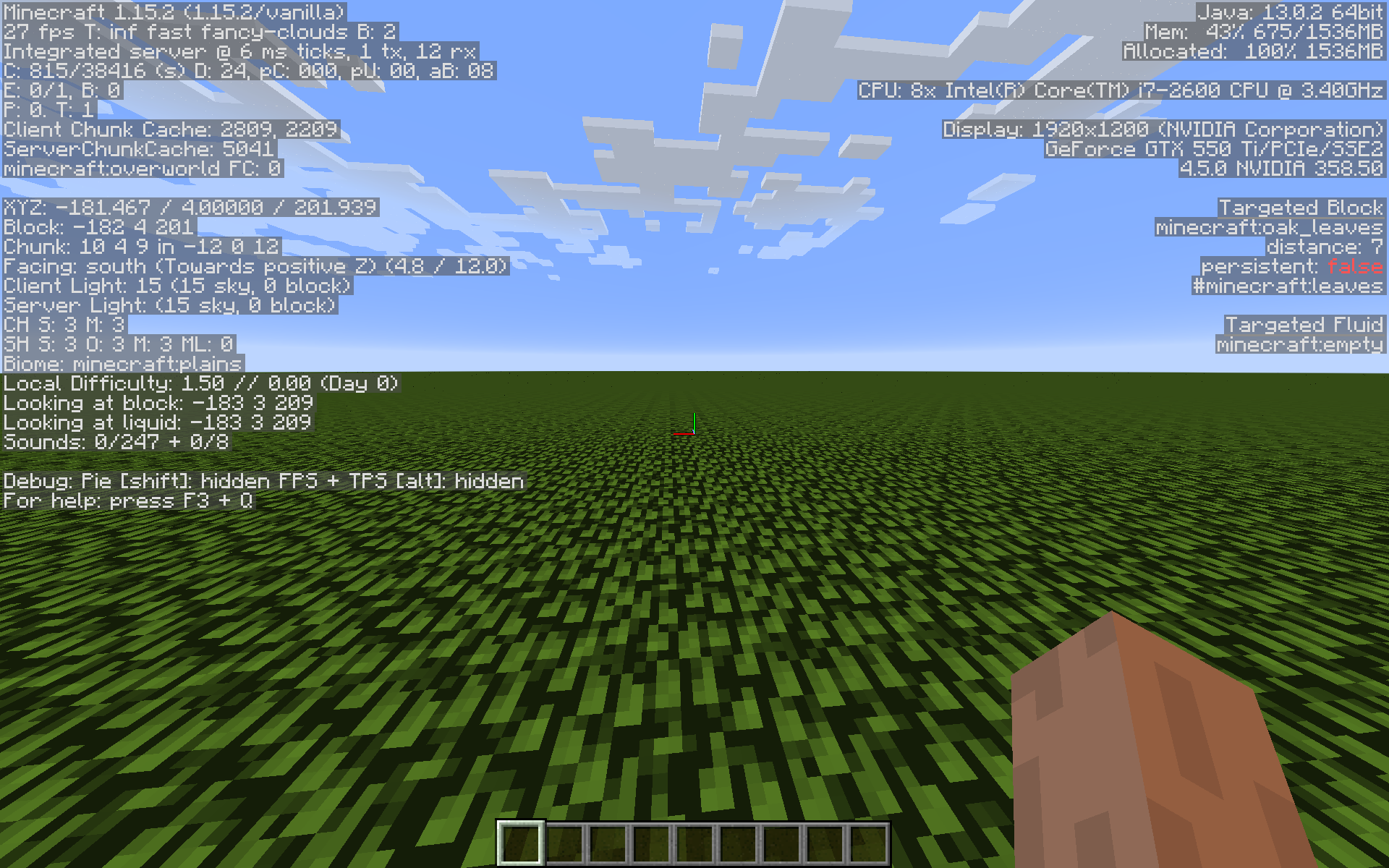
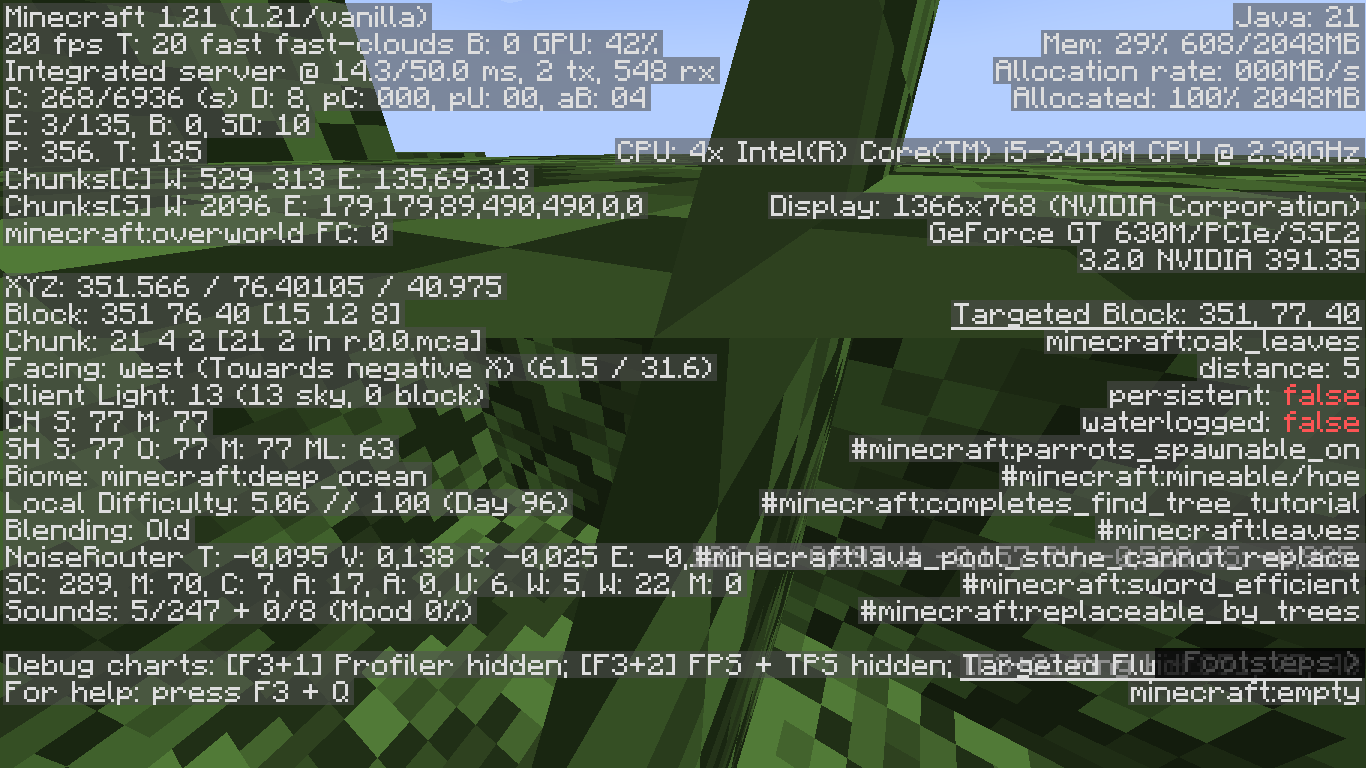
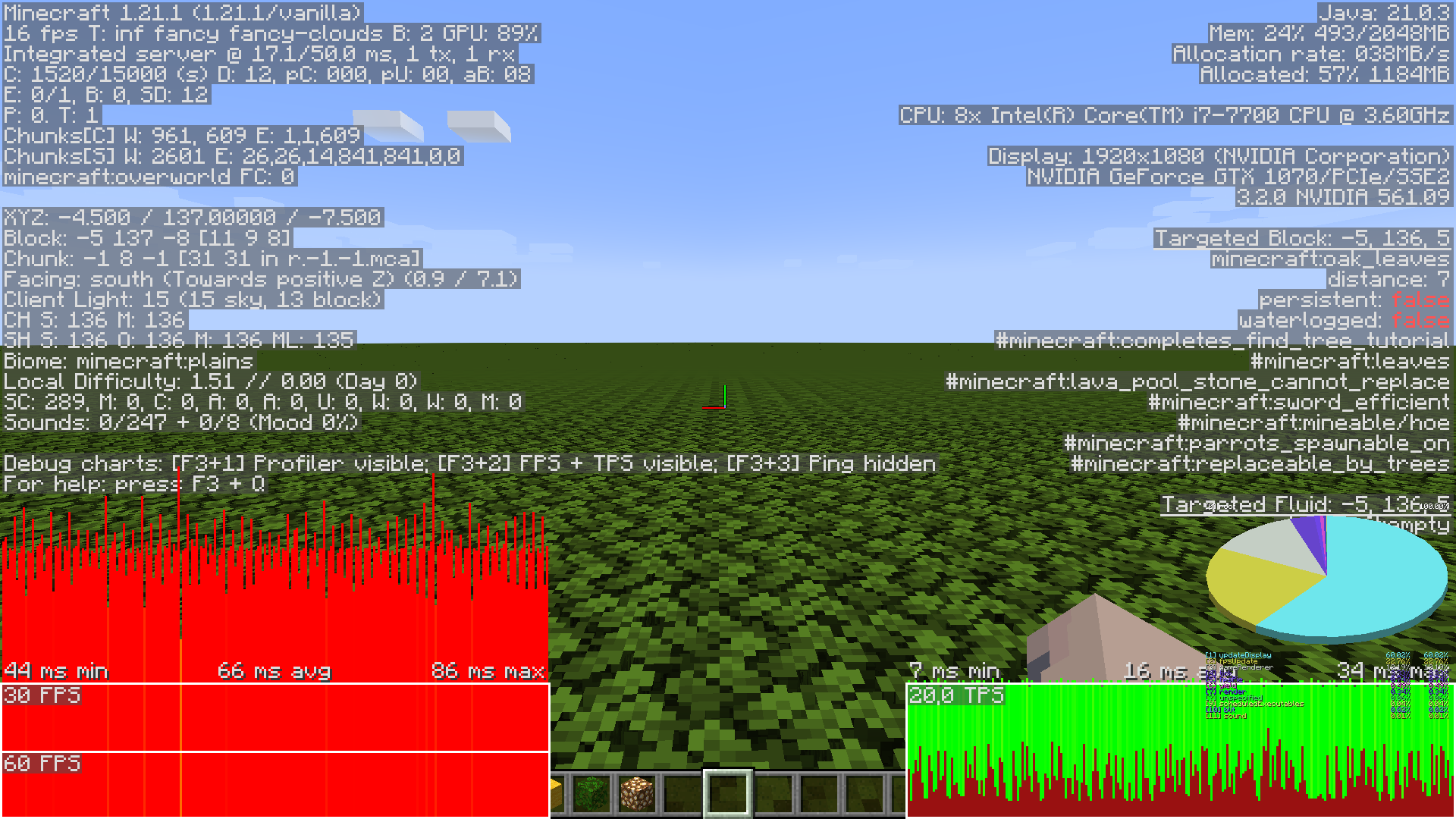
I did some testing, and I can conclude at this point that the speed gain of turning off transparency for leaves by setting graphics option to "fast" is practically 0 in the current version of 1.21.1.
Here are two different perspectives of the same scene with the only difference being either using fast or fancy graphics. The world is a superflat world with all annoying gamerules (like firetick, weather, randomtickrate) turned off. The terrain is 1 layer of bedrock and 200 layers of oak leves. I have uploaded the world as a 7z file attached to this comment. 200_oak_leaves_world.zip
Here are some comparison images I took with the debug screen. I used pretty default game settings, only unlocking the framerate and otherwise only changing specified values. The options file used can be downloaded here: options.txt
The following content of this comment is a long list of large debug screenshots showcasing different levels performance dictated by different specified setups.
First off, vanilla, fancy graphics, looking off into the horizon:
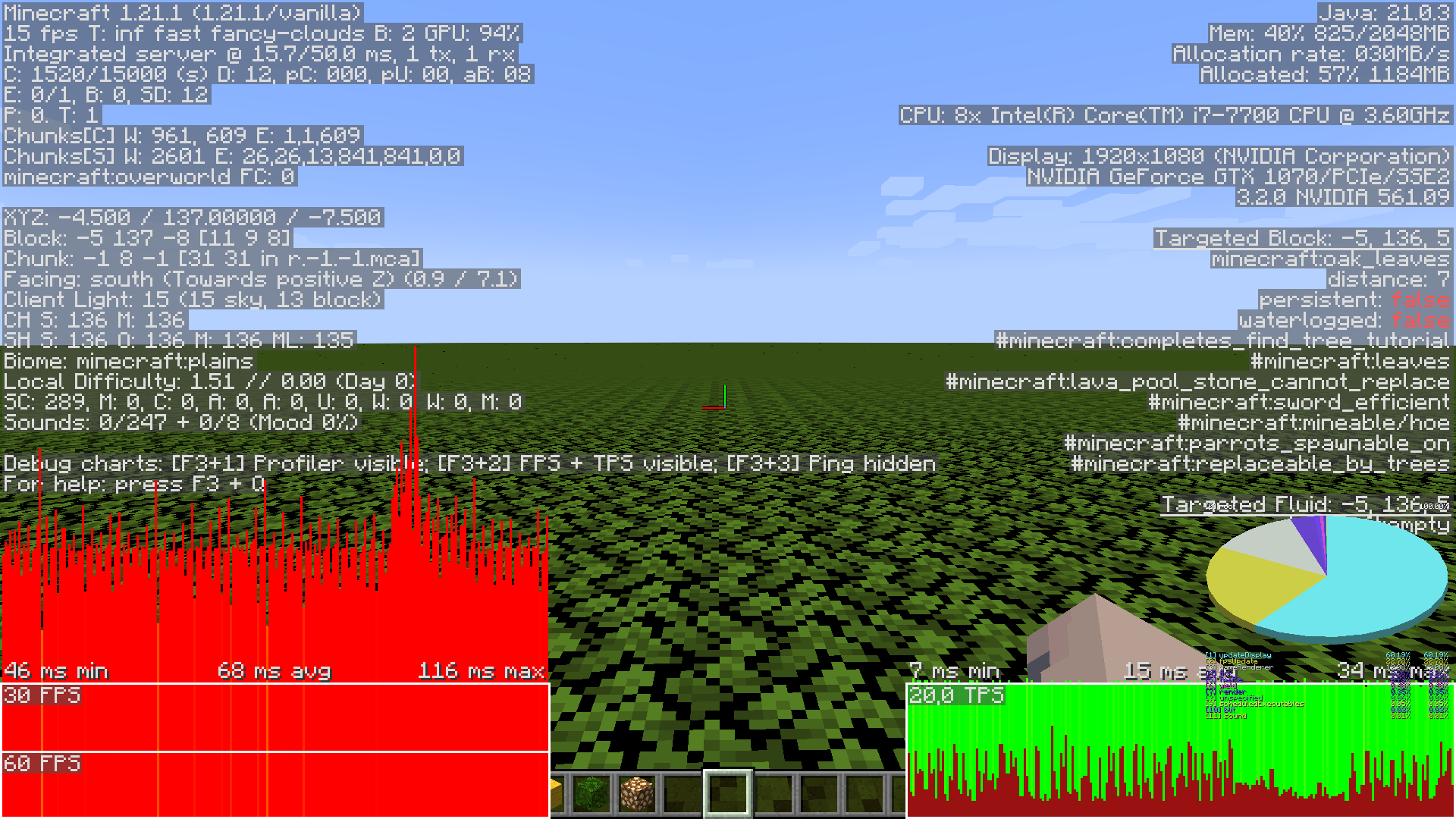
Second, setting the graphics option to "fast". The framerate seems to be identical for the most part, even though you would think the more simplified "opaque" scene would be orders of magnitude faster to render:
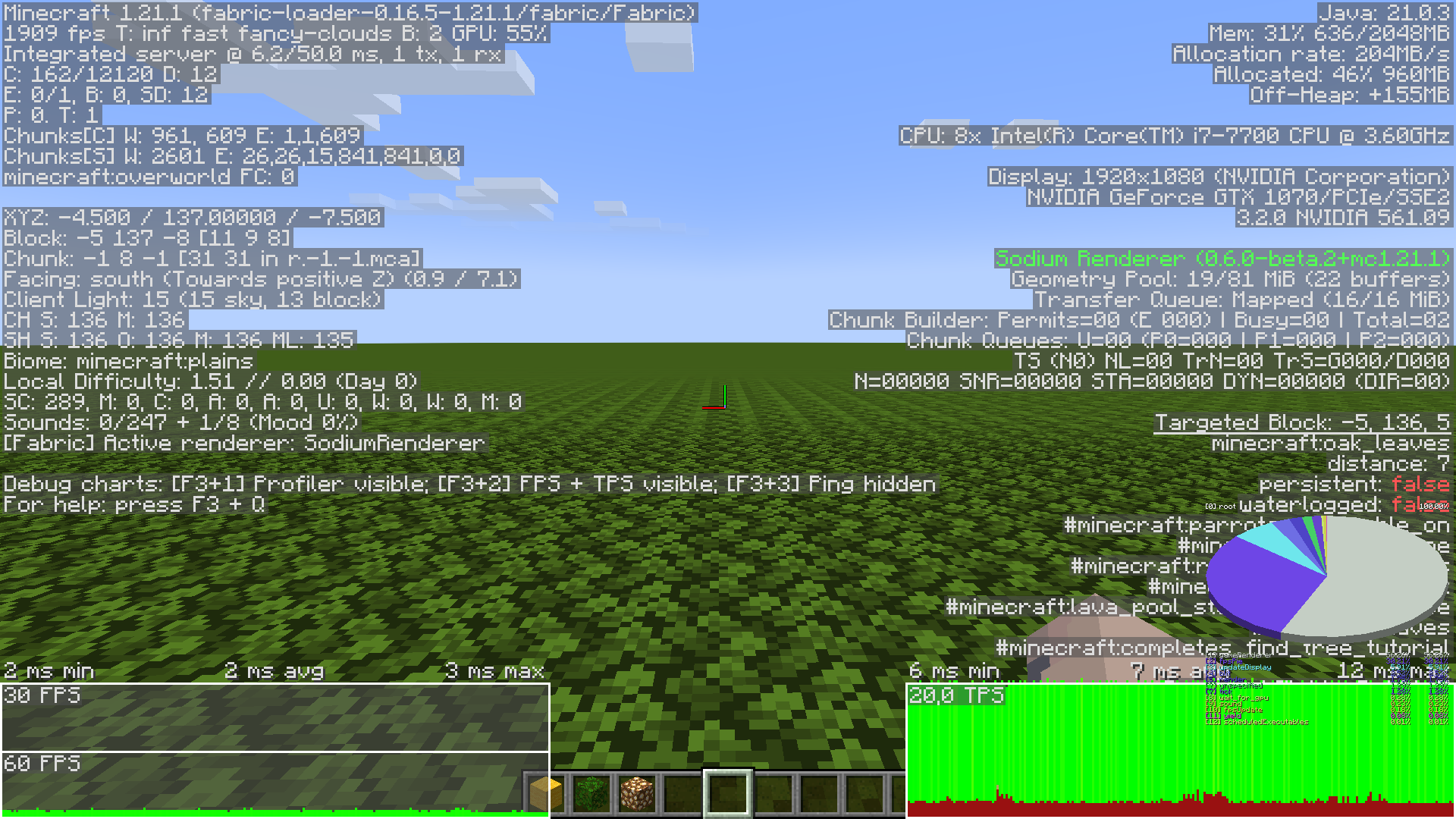
For comparison, here is the same exact scene with the mods "moreculling 1.0.0 beta 1" and "sodium 0.6.0 beta 2" both mods using defualt settings, first fancy graphics, then fast.
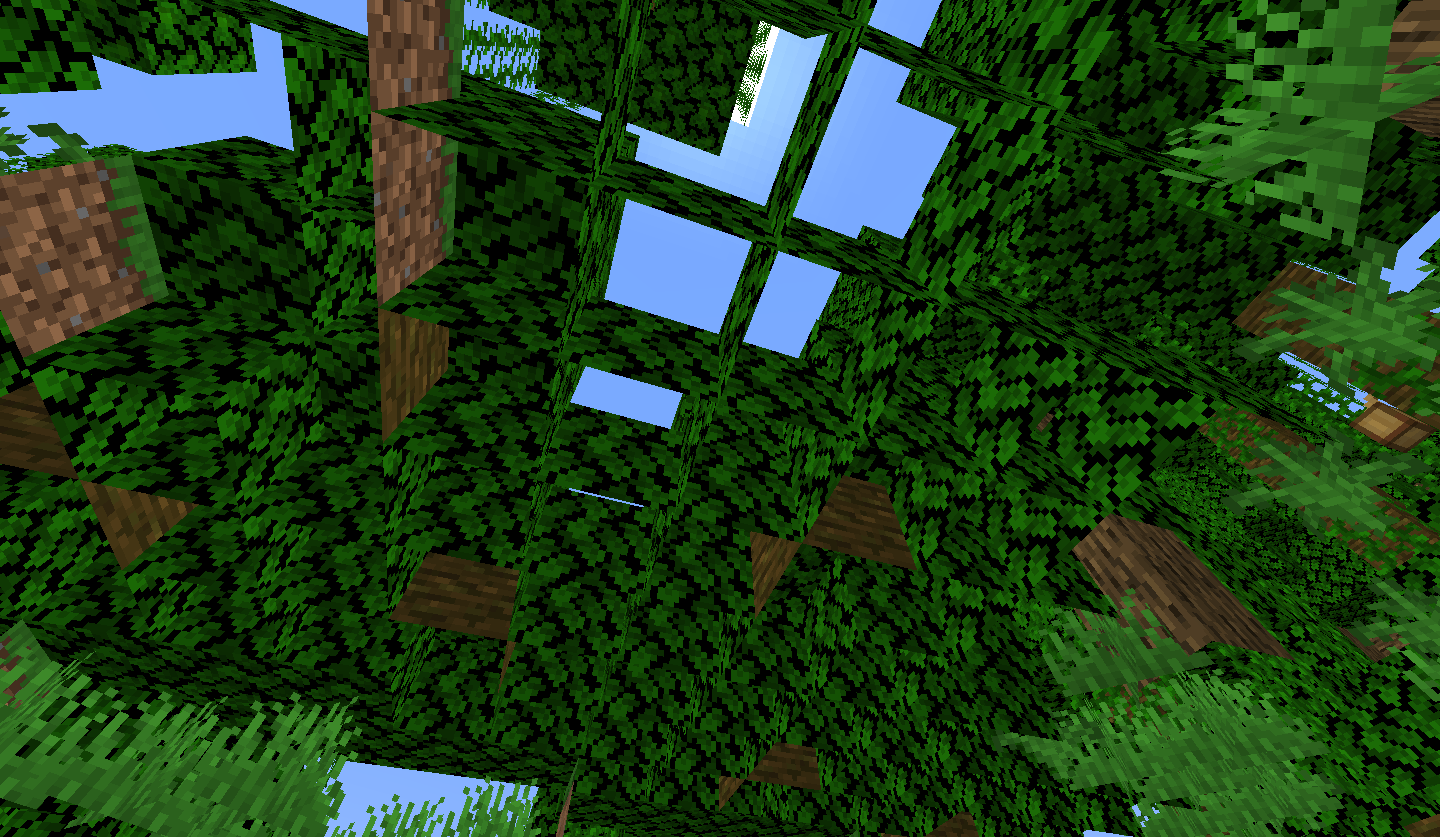
Here is another angle, looking down and showing a lot more vertical depth and overlapping of leaves. First: vanilla fancy, Second: vanilla fast, Third: modded fancy with default settings, Fourth: modded fancy with moreculling's leaf culling mode set to "depth", and lastly, Fifth: modded fast with default settings:
can confirm in 1.21.4 and 25w03a.
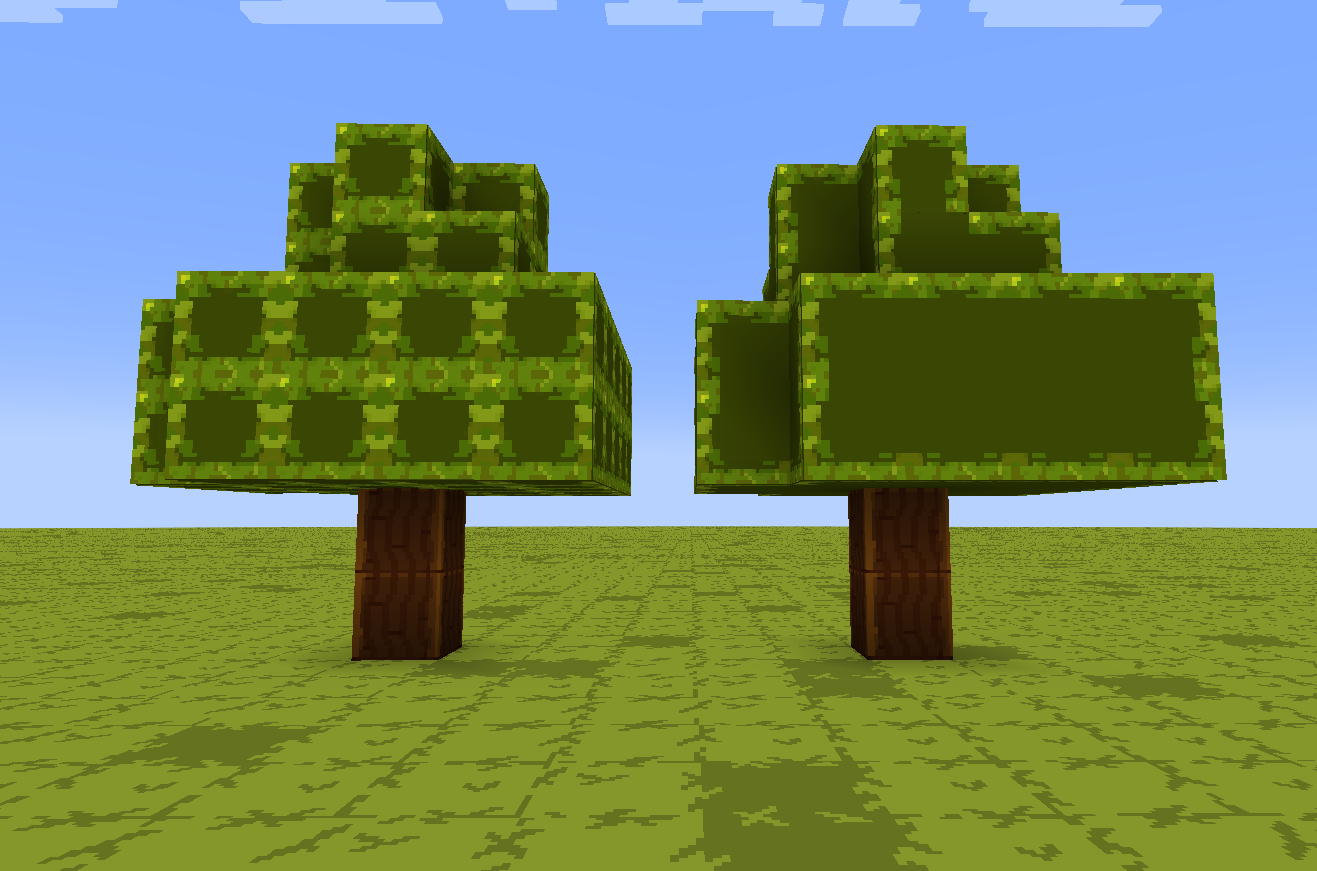
This bug causes a disappointing side effect with a resource pack I'm creating: I wanted to use custom models with planes that cull away to mimic the appearance of connected textures in vanilla , but since leaves wont cull with fast graphics, it doesn't work.
The left tree is a normal oak tree grown from a sapling, with a custom block model on the leaves to create the ctm effect. the right tree is a replica of the left, with lime wool instead of leaves, using the exact same block model json file as the oak leaves. the wool culls properly, while the leaves do not.