 SolidBlock
- SolidBlock
- solidblock
- Asia/Shanghai
- Yes
- No
 MC-120524
![[Mojang] Nathan Adams](../../../data/assets/gravatar/dinnerbone.png)
 Low
Low![[Mojang] Gegy](../../../data/avatars/users/10122.svg)
![[Mojang] eowyn36](../../../data/avatars/users/18935.svg)
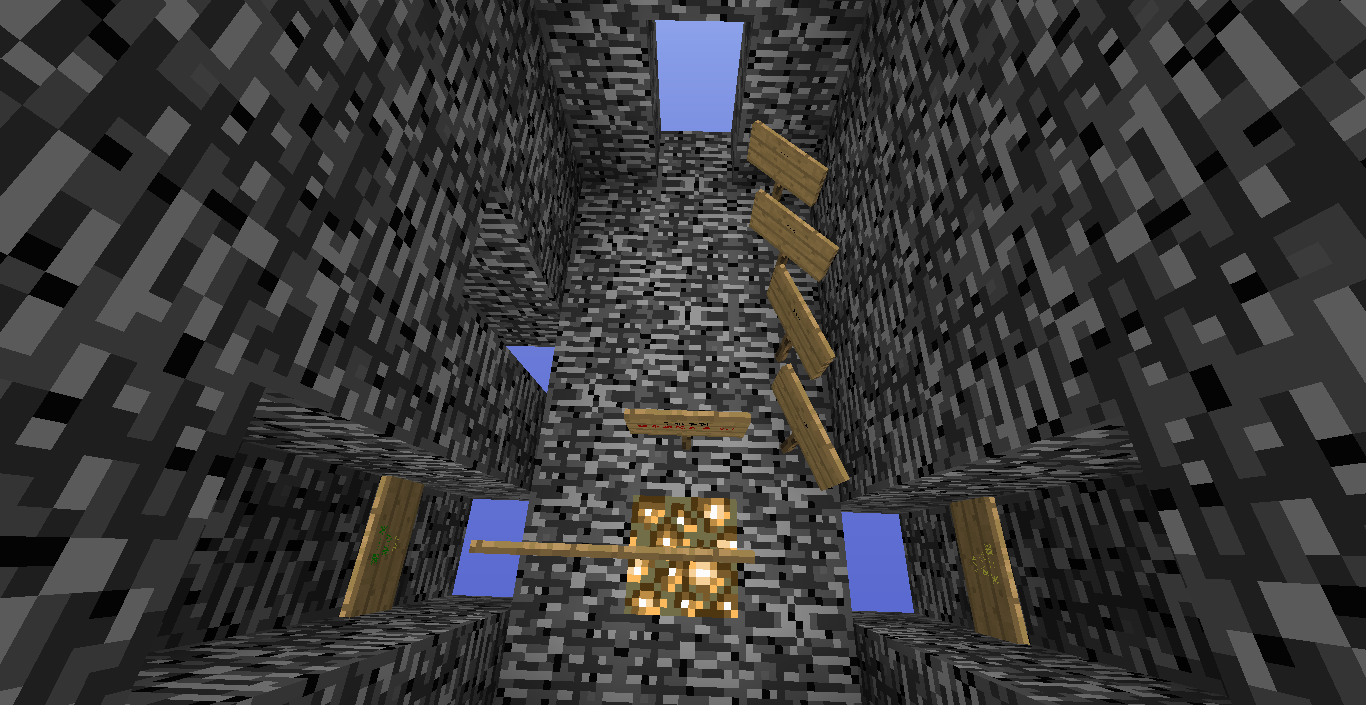


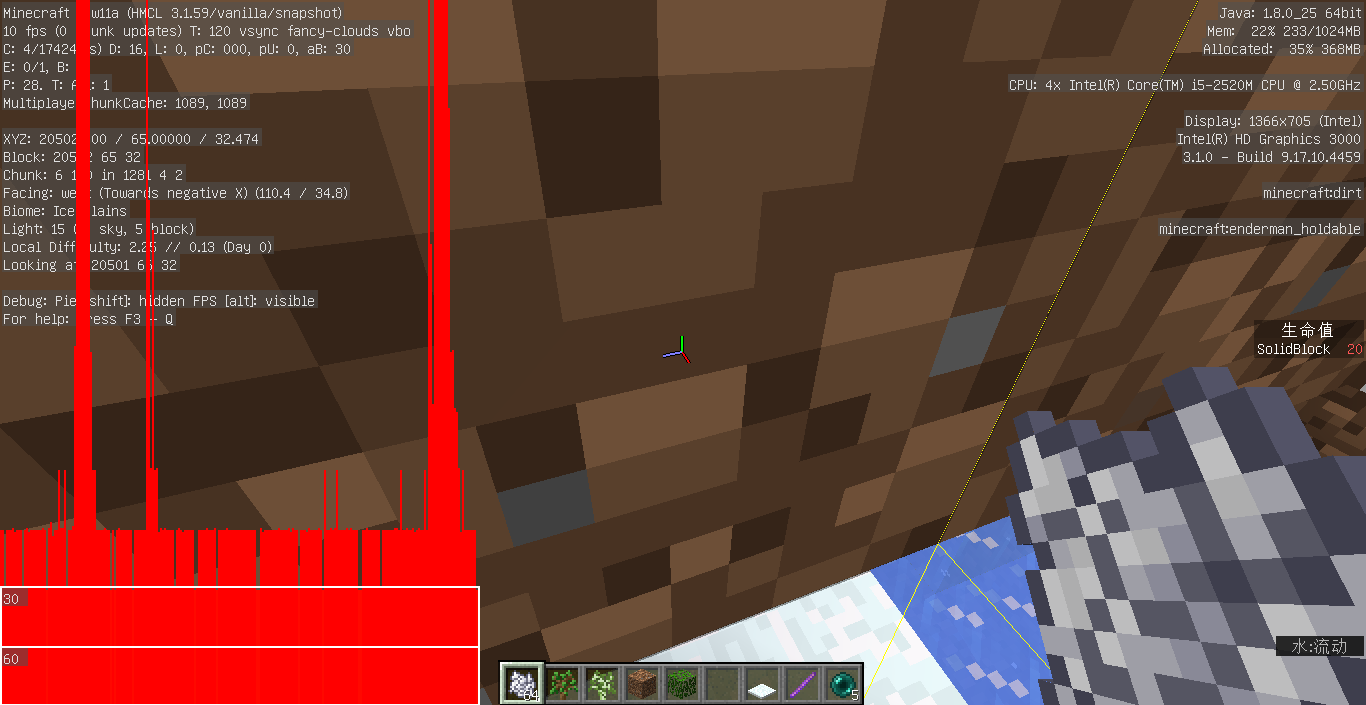
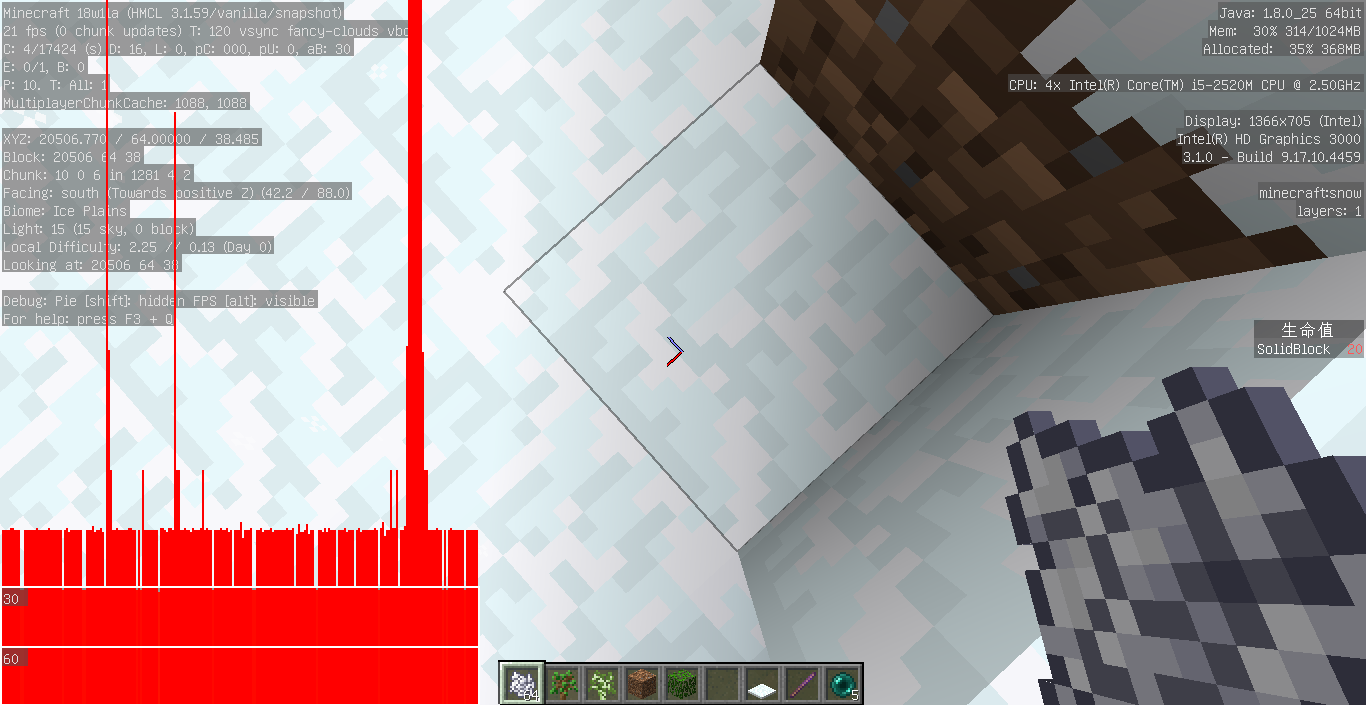


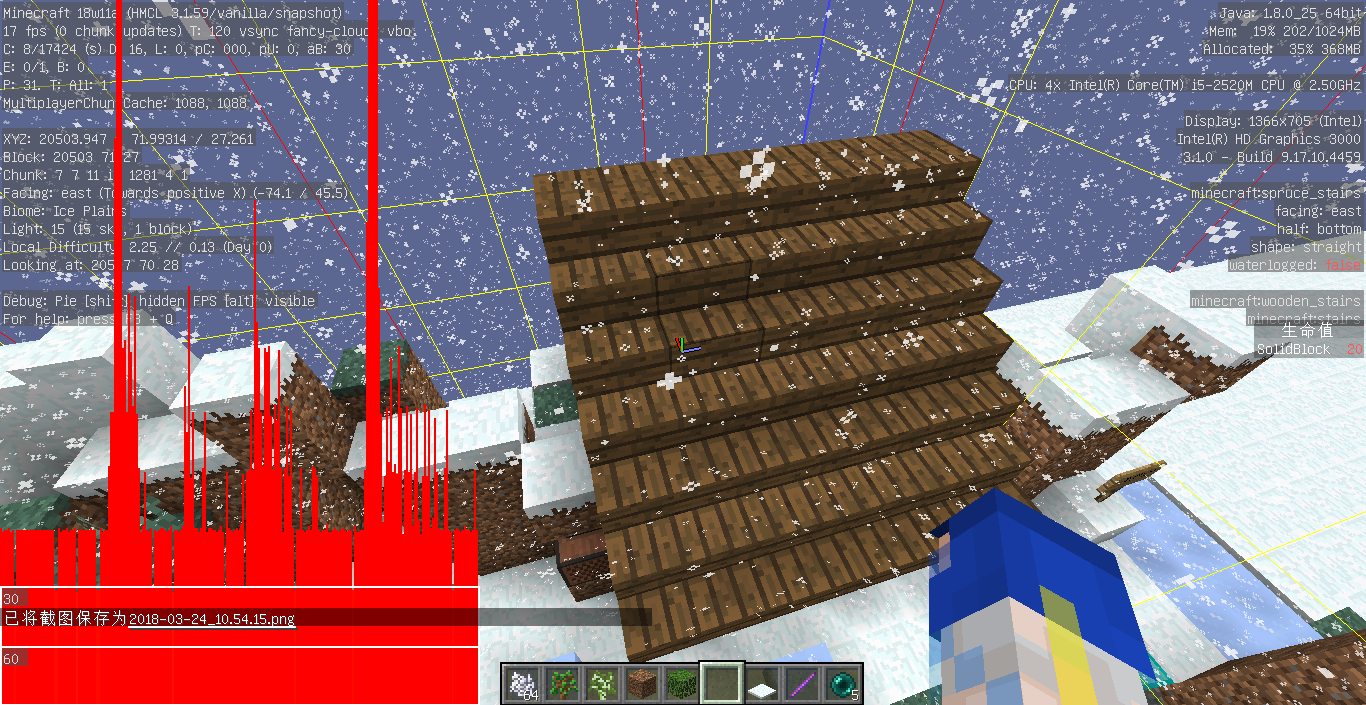


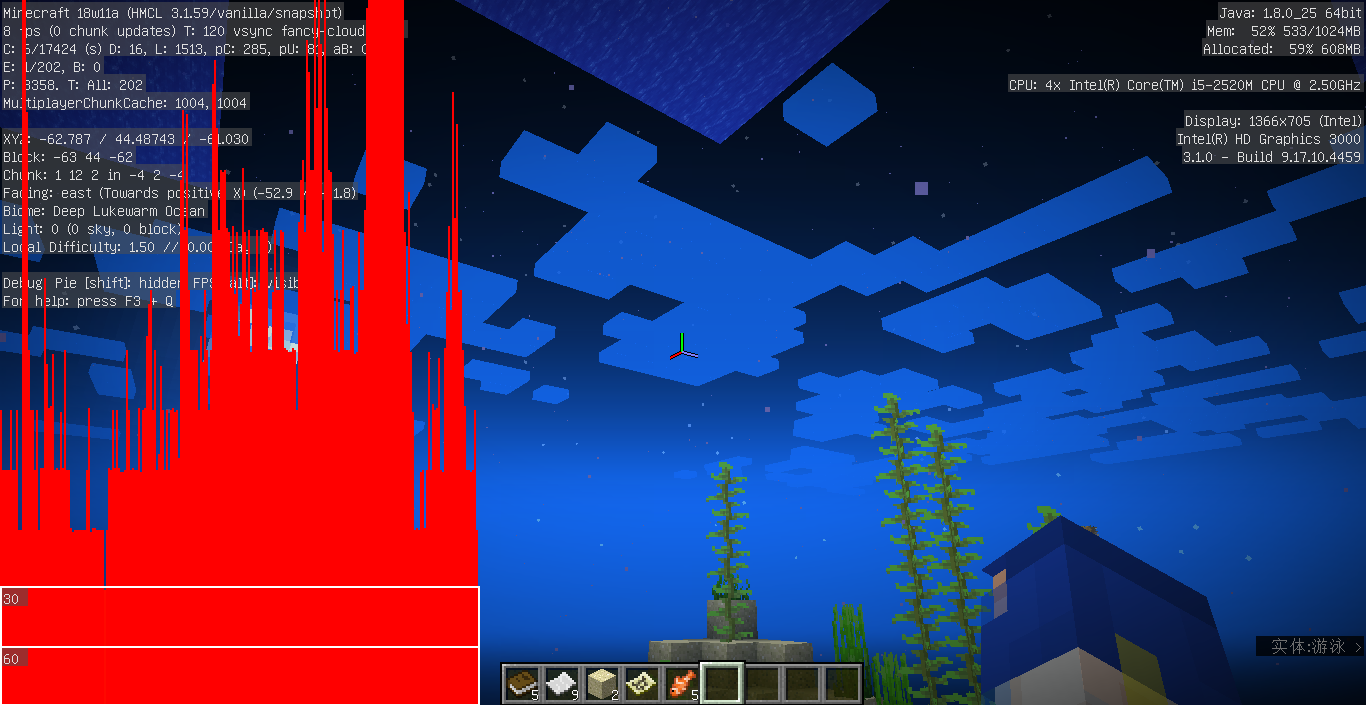


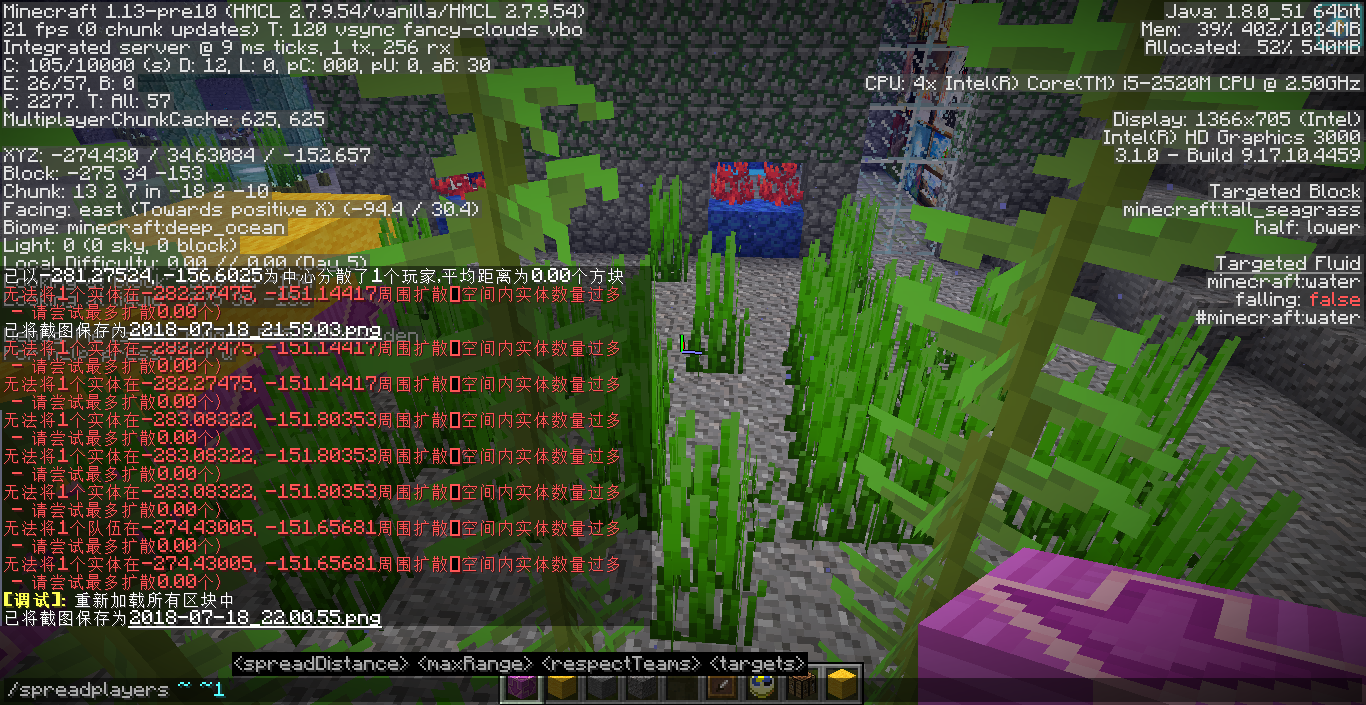


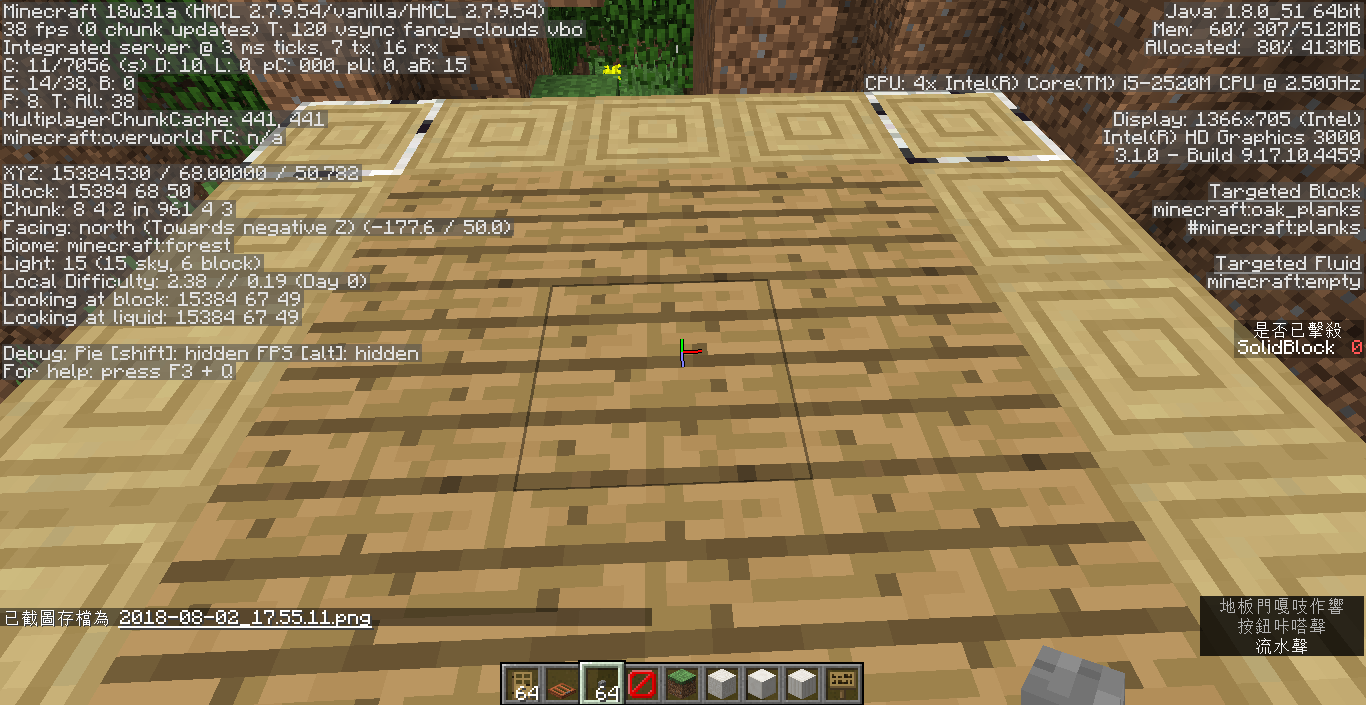


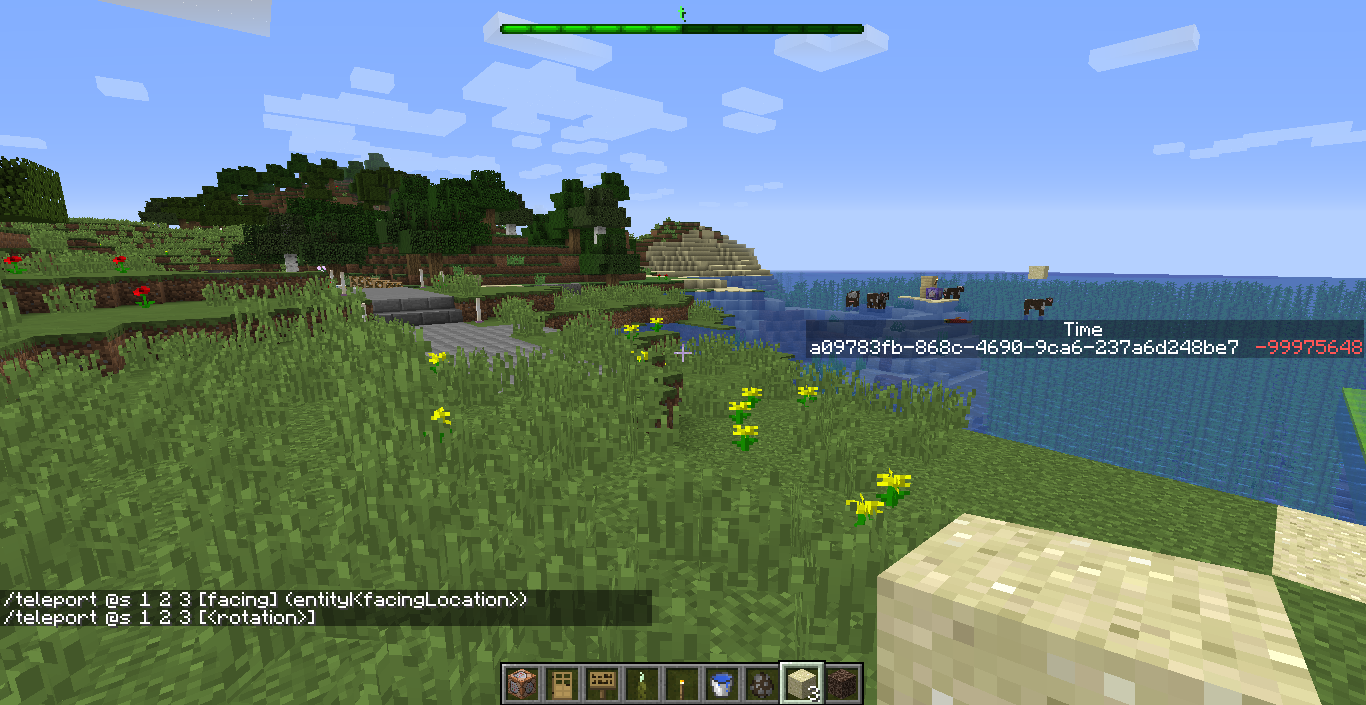







Hi, I don't think it's a duplicate.
MC-82703said 64 or more block entities within the same chunk, and it mentioned the /fill command. And I never find somebody says "Unable to locate sign". About my report, I mean this takes place only in chunk (x=0,z=0) and not 64 or more. Maybe it's a doplicate of something else.
I will try to search whether there is another duplicate, but I'm not good at English.
I put some signs in the world. But after killing myself and respawning, some of the signs will disappear. F3+A and F3+T can not solve the problem. But I can still "point" the "hidden" signs. If I break a "hidden" sign in survival mode, the sign will be displayed but the content on the sign is still invisible. Leave and reenter the world can solve it. The issues happens both when opened Optifine and when not.
How to reduce
- Create a dummy scoreboard objective (for example, "f"). (You can use an obj that I have already used.)
- Place a sign (both wall sign and standing sign are ok).
- Place a repeating command block, and make it always work without restone.
- Edit the cmdblock's cmd. It should change the sign's data and the content should include the scoreboard. For example, /blockdata <position of the sign you placed> {Text1:"{\"score\":{\"name\":\"@p\",\"objective\":\"star1\"}}"}.
- Set your respawn point here.
- Put other signs in the same chunk. (You can use F3+G.)
- /kill and respawn.
- You will find that other signs are hidden. But signs out of this chunk are normal.
(I'm bad at English, so I provide the Chinese content.)
如何重现
- 创建一个记分板项目(例如“f”)。(你可以使用一个已存在的记分板项目。)
- 放置一个告示牌(墙上或站立均可)。
- 放置循环型命令方块,并且设为“总是执行”。
- 编辑命令,使其修改那个告示牌的内容。内容需要包括记分板项目。例如,/blockdata <position of the sign you placed> {Text1:"{\"score\":{\"name\":\"@p\",\"objective\":\"star1\"}}"}。
- 在原地设置重生点
- 在同一个区块内再放几个告示牌。
- /kill,然后重生。
- 你会发现区块内的告示牌都消失了,而区块外的告示牌安然无恙。
Some ofthesigns willdisappear after respawningSigns controled by command blocks with scoreboards will make other block entities in the same chunk disappear after respawning
I put some signs in the world. But after killing myself and respawning,
some of the signswill disappear. F3+A and F3+T can not solve the problem. But I can still "point" the "hidden" signs. If I break a "hidden" sign in survival mode, the sign will be displayed but the content on the sign is still invisible. Leave and reenter the world can solve it. The issues happens both when opened Optifine and when not.How to reduce
- Create a dummy scoreboard objective (for example, "f"). (You can use an obj that I have already used.)
- Place a sign (both wall sign and standing sign are ok).
- Place a repeating command block, and make it always work without restone.
- Edit the cmdblock's cmd. It should change the sign's data and the content should include the scoreboard. For example, /blockdata <position of the sign you placed> {Text1:"{\"score\":{\"name\":\"@p\",\"objective\":\"star1\"}}"}.
- Set your respawn point here.
- Put other signs in the same chunk. (You can use F3+G.)
- /kill and respawn.
- You will find that other signs are hidden. But signs out of this chunk are normal.
(I'm bad at English, so I provide the Chinese content.)
如何重现
- 创建一个记分板项目(例如“f”)。(你可以使用一个已存在的记分板项目。)
- 放置一个告示牌(墙上或站立均可)。
- 放置循环型命令方块,并且设为“总是执行”。
- 编辑命令,使其修改那个告示牌的内容。内容需要包括记分板项目。例如,/blockdata <position of the sign you placed> {Text1:"{\"score\":{\"name\":\"@p\",\"objective\":\"star1\"}}"}。
- 在原地设置重生点
- 在同一个区块内再放几个告示牌。
- /kill,然后重生。
- 你会发现区块内的告示牌都消失了,而区块外的告示牌安然无恙。
I put some signs in the world. And I use cmdblocks to edit it's content with scoreboard objectives. But after killing myself and respawning, other signs in the same chunk will disappear. F3+A and F3+T can not solve the problem. But I can still "point" the "hidden" signs. If I break a "hidden" sign in survival mode, the sign will be displayed but the content on the sign is still invisible. Leave and reenter the world can solve it. The issues happens both when opened Optifine and when not.
How to reduce
- Create a dummy scoreboard objective (for example, "f"). (You can use an obj that I have already used.)
- Place a sign (both wall sign and standing sign are ok).
- Place a repeating command block, and make it always work without restone.
- Edit the cmdblock's cmd. It should change the sign's data and the content should include the scoreboard. For example, /blockdata <position of the sign you placed> {Text1:"{\"score\":{\"name\":\"@p\",\"objective\":\"star1\"}}"}.
- Set your respawn point here.
- Put other signs in the same chunk. (You can use F3+G.)
- /kill and respawn.
- You will find that other signs are hidden. But signs out of this chunk are normal.
(I'm bad at English, so I provide the Chinese content.)
如何重现
- 创建一个记分板项目(例如“f”)。(你可以使用一个已存在的记分板项目。)
- 放置一个告示牌(墙上或站立均可)。
- 放置循环型命令方块,并且设为“总是执行”。
- 编辑命令,使其修改那个告示牌的内容。内容需要包括记分板项目。例如,/blockdata <position of the sign you placed> {Text1:"{\"score\":{\"name\":\"@p\",\"objective\":\"star1\"}}"}。
- 在原地设置重生点
- 在同一个区块内再放几个告示牌。
- /kill,然后重生。
- 你会发现区块内的告示牌都消失了,而区块外的告示牌安然无恙。
Yes. I look forward to repairing. But I remember this issue seemed not to happen on 1.7.10, 1.8.x and 1.9.x. But it happens to my 1.12 and 1.12.1 now.
I put a resourcepack (folder not zip) in the resourcepacks folder. The resourcepack contains "zh-cn.lang" and "zh-cn.json". Then it launch successfully, using English and can't use other languages.
But if I add the zh-cn language to pack.mcmeta, or add a wrong information (for example, "notlanguage":{"zh-cn":{...}}), the game can't run normally, and with crash-reports which don't mention resourcepacks. 18w01a, too.
After removing the resourcepack, or delete wrong things or thing about languages of pack.mcmeta, the game launchs successfuly, also using English and can't use other languages.
Does your game path contains non-ascii characters (such as 中文) and you can not screenshot either? If so, duplicate of
MC-121714.
Steps to reproduce
- Go into a world and make sure the world has entities besides you
- Run the following command
/tellraw @s {"selector":"@s"}
Open the chat and hover over your name
→ Notice there's no hover text- Run the following command
/tellraw @s {"selector":"@e[limit=2,sort=nearest]"}Open the chat and hover over your name or the other entity→ Notice when hoveringover either name,it will display the type and UUIDHow to meet the issue:
- Go into a world, and make sure the world has entities besides you.
- /tellraw @s {"selector":"@s"}
, and you see your name. When you hover on or click your name, you see nothing.
- Select not only one entity, for example, /tellraw @s {"selector":"@e[limit=2,sort=nearest]". You see your name and another mobs name. Hover on either of the names, you see its type and uuid. When you click the name of the player, you see "/tellraw ..." normally.
In creative mode, you fly (double click space key), and make some effects (/effect).
Then teleport to another dim, for example, /execute in the_nether run tp ~ ~ ~
You will find you're in walking mode instead of flying, and your effects will continue for a while.
In creative mode, you fly (double click space key), and make some effects (/effect).
Then teleport to another dim, for example, /execute in the_nether run tp ~ ~ ~
You will find you're in walking mode instead of flying, and your effects will continue for a while or sometimes directly removed.
It doesn't happen if you use portal block for inter-dimension teleport.
In creative mode, you fly (double click space key), and make some effects (/effect).
Then teleport to another dim, for example, /execute in the_nether run tp ~ ~ ~
You will find you're in walking mode instead of flying, and your effects will continue for a whileor sometimes directly removed.
It doesn't happen if you use portal block for inter-dimension teleport.In creative mode, you fly (double click space key), and make some effects (/effect).
Then teleport to another dim, for example, /execute in the_nether run tp ~ ~ ~
You will find you're in walking mode instead of flying, and your effects will continue for a while (maybe short maybe long).
It doesn't happen if you use portal block for inter-dimension teleport.
Throwing high-level riptide trident may causesslowThrowing high-level riptide trident may causes dead loop maybe
You input a command with an unknown name, or a missing but unrequired command, then the error message is not useful for it.
For example:You input: /unknown
Error message: Unknown command at position 0: <--[HERE]Expected: *Unknown command "unknown". Type /help for help.*You input: /kill
Error message: Unknown command at position 4: /kill <--[HERE]
Expected: Missing variable: /kill <entity> or "<entity>" is a required variable.Affected versions include earlier 1.13 snapshots, maybe since when the command system is changed.
You input a command with an unknown name, or a missing but unrequired command, then the error message is not useful for it.
For example:You input: /unknown
Error message: Unknown command at position 0: <--[HERE]
Expected: Unknown command "unknown". Type /help for help.You input: /kill
Error message: Unknown command at position 4: /kill <--[HERE]
Expected: Missing variable: /kill <target> or "<target>" is a required variable.Affected versions include earlier 1.13 snapshots, maybe since when the command system is changed.
Almost all command error messagesare not translated. The jsons of them use key "text" instead of "translate" and "with".
You can set your game name a languages which is not English, then run a command. When it succeeds, it prints translated message. Instead when it fails, it prints untranslated message.
You can use a command block. For example, use a command block and run /kill @e[
{"text":"No entity was found"}type=trident],and use /data to get the LastOutput of it. You will find ** instead of *
{"translate":"_blabla_"}*.
Almost all command error messagesare not translated. The jsons of them use key "text" instead of "translate" and "with".
You can set your game name a languages which is not English, then run a command. When it succeeds, it prints translated message. Instead when it fails, it prints untranslated message.
You can use a command block. For example, use a command block and run /kill @e[name="abc"] and use /data to get the LastOutput of it. You will find *
{"text":"No entity was found"}* instead of *
{"translate":"commands.…"}*.
After respawning, placing blocks and removing works strangely.
How to reproduce
First you need to kill yourself and respawn. Then place some blocks about redstone system or fallable blocks, for example,
- Place a redstone line and a button near it, then the redstone and the button disappear. Place any block at the grid they disapeared, the block is unable to be placed and the redstone or button appeared. Click the button, and then they disappeared again.
- Place a door, then it disappeared quickly. Place any block at the grid of the disappeared dor, the block is unabled to be placed and the door-half appeared. You can also place a button near the door, click and find that the button and the door disappears. If its a wooden door, click it and then it disappeared.
- If you break the basis or the disappeared door, you can see the door's particle.
- Place a trapdoor, then put a button near it, click the button and then they disappear. If the trapdoor is wooden, it works normally if you click it directly.
- Place a redstone line and another redstone line near it, then they disappeared. Place any block at the grid they disappeared, the redstone may appear but sometimes not connected.
- Rails, too.
- Place a fallable block (such as sand, anvil), and if it will fall, then it disappeared. Place any block at its destination, then the fallen block appeared.
If you reenter the world and do not respawn, anything is normal.
Picture #1(22.42): The two redstones reappeares, but does not connect correctly.
Picture #2(55.
49):The redstones reappeared, but does not connect correctly.Picture #3(55.14): The trapdoor and the button disappear, after clicking the button.
Picture #4(55.
11):Before the trapdoor and the button disappear.Picture #5(
54.03): Thedoor reappears strangely.After respawning, placing blocks and removing works strangely.
How to reproduce
First you need to kill yourself and respawn. Then place some blocks about redstone system or fallable blocks, for example,
- Place a redstone line and a button near it, then the redstone and the button disappear. Place any block at the grid they disapeared, the block is unable to be placed and the redstone or button appeared. Click the button, and then they disappeared again.
- Place a door, then it disappeared quickly. Place any block at the grid of the disappeared dor, the block is unabled to be placed and the door-half appeared. You can also place a button near the door, click and find that the button and the door disappears. If its a wooden door, click it and then it disappeared.
- If you break the basis or the disappeared door, you can see the door's particle.
- Place a trapdoor, then put a button near it, click the button and then they disappear. If the trapdoor is wooden, it works normally if you click it directly.
- Place a redstone line and another redstone line near it, then they disappeared. Place any block at the grid they disappeared, the redstone may appear but sometimes not connected.
- Rails, too.
- Place a fallable block (such as sand, anvil), and if it will fall, then it disappeared. Place any block at its destination, then the fallen block appeared.
If you reenter the world and do not respawn, anything is normal.
Picture #1(54.03): The door reappears strangely.Picture #2(55.11): Before the trapdoor and the button disappear.
Picture #3(55.14): The trapdoor and the button disappear, after clicking the button.
Picture #4(55.49): The redstones reappeared, but does not connect correctly.
Picture #5(22.42): The two redstones reappeares, but does not connect correctly.
Input:
/execute if entity @s[advancements
:{and you find you can't tab-complete advancement names
Input:
/execute if entity @s[advancements={
and you find you can't tab-complete advancement names
Maybe it's not a dupe. MC-80690 uses blockdata and only exists before 1.13. However, in 19w04b, /setblock ~ ~ ~ spawner
{RequiredPlayerRange:1s}doesn't work. But the RequiredPlayerRange can be set by /data merge.
An empty sound means, in the sounds json, the "sounds" of it is undefined. It will be regarded valid, because it can be in the tab-complete list in the /playsound cmd. But, it displays no subtitle.
Also, /playsound a valid sound event while setting the volumn parameter 0, the subtitle will not be shown. For example:Unable to find source-code formatter for language: text. Available languages are: actionscript, ada, applescript, bash, c, c#, c++, cpp, css, erlang, go, groovy, haskell, html, java, javascript, js, json, lua, none, nyan, objc, perl, php, python, r, rainbow, ruby, scala, sh, sql, swift, visualbasic, xml, yaml/playsound minecraft:block.note_block.banjo block @s ~ ~ ~ 0 1That means, it seems impossible to show a subtitle without playing a sound.
An empty sound means, in the sounds json, the "sounds" of it is undefined. It will be regarded valid, because it can be in the tab-complete list in the /playsound cmd. But, it displays no subtitle.
Also, /playsound a valid sound event while setting the volumn parameter 0, the subtitle will not be shown. For example:/playsound minecraft:block.note_block.banjo block @s ~ ~ ~ 0 1That means, it seems impossible to show a subtitle without playing a sound.
An empty sound means, in the sounds json, the "sounds" of it is undefined. It will be regarded valid, because it can be in the tab-complete list in the /playsound cmd. But, it displays no subtitle.
Also, /playsound a valid sound event while setting the volumn parameter 0, the subtitle will not be shown. For example:/playsound minecraft:block.note_block.banjo block @s ~ ~ ~ 0 1
That means, it seems impossible to show a subtitle without playing a sound.An empty sound means, in the sounds json, the "sounds" of it is undefined. It will be regarded valid, because it can be in the tab-complete list in the /playsound cmd. But, it displays no subtitle.
Also, /playsound a valid sound event while setting the volumn parameter 0, the subtitle will not be shown. For example:/playsound minecraft:block.note_block.banjo block @s ~ ~ ~ 0 1I can make sure I opened displaying subtitles in the option. If the volume is 0.1, the subtitle will show.
That means, it seems impossible to show a subtitle without playing a sound.
An empty sound means, in the sounds json, the "sounds" of it is undefined. It will be regarded valid, because it can be in the tab-complete list in the /playsound cmd. But, it displays no subtitle.
Also, /playsound a valid sound event while setting the volumn parameter 0, the subtitle will not be shown. For example:/playsound minecraft:block.note_block.banjo block @s ~ ~ ~ 0 1I can make sure I opened displaying subtitles in the option. If the volume is 0.1, the subtitle will show.
That means, it seems impossible to show a subtitle without playing a sound.
See also
MC-201964
If a volume of a sound is set 0.0, the whole sounds.json will be regarded invalid, including other valid entries.
{ "sound1": { "subtitle": "sound1", "sounds": [ { "name": "note/bell", "pitch": 0.890899 } ] }, "sound2": { "subtitle": "subtitles.traindoor.warning", "sounds": [ { "name": "note/bell", "volume": 0.0 } ] } }if the sound2 volume is 0.0, then the sound1 and sound2 are both ignored.
See also
MC-201966
In the create new world screen, the tab list (game/world/more) is tab-focusable. When focused, keyboard nagivations are correct, including using left/right arrow to switch another tab. However, when the tab list is focused, there is neither highlight nor border to indicate it is focused. It looks as if is it not focused. However, when
house hovers on it, white borderes are rendered.When the tab list not focused (while the text field is):
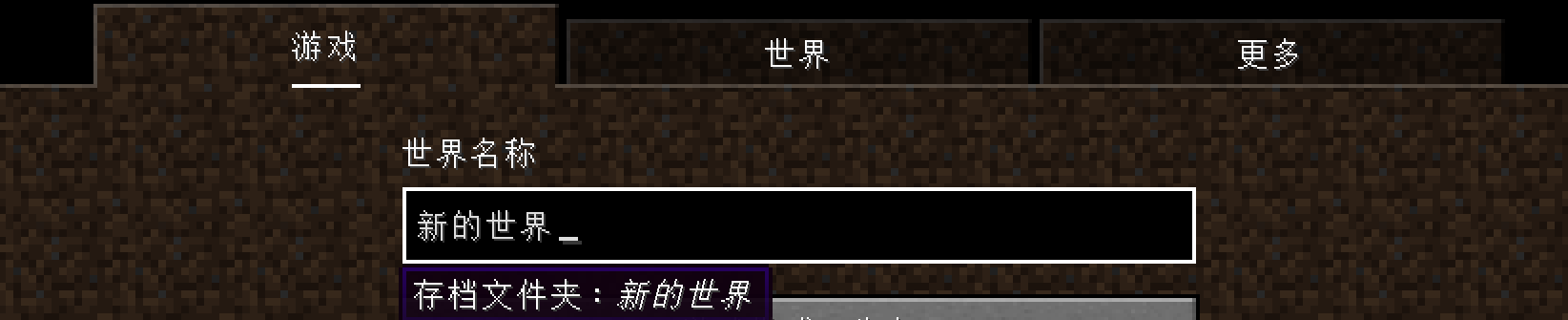
When the tab list is tab-focused:

When the tab list is mouse-hovered:

In the create new world screen, the tab list (game/world/more) is tab-focusable. When focused, keyboard nagivations are correct, including using left/right arrow to switch another tab. However, when the tab list is focused, there is neither highlight nor border to indicate it is focused. It looks as if is it not focused. However, when mouse hovers on it, white borderes are rendered.
When the tab list not focused (while the text field is):
When the tab list is tab-focused:
When the tab list is mouse-hovered:
Reproduced in 1.20.2 and 1.20.3-rc1.
Text component argument (those in `/tellraw` and `/title`) reads the string one char more than excpeted. In other words, the cursor of StringReader after the json is one character after expected.
The issue is not obvious as text components are often used as the last argument of commands.How to reproduce
{"text":"example"}
Add an extra char after the json, and it can parse normally:
/tellraw @sa
{"text":"example"}
/title @s titlea
{"text":"example"}
/scoreboard objectives add example dummya
Reproduced in 1.20.2 and 1.20.3-rc1.
Text component argument (those in /tellraw and /title) reads the string one char more than excpeted. In other words, the cursor of StringReader after the json is one character after expected.
The issue is not obvious as text components are often used as the last argument of commands.How to reproduce
Add an extra char after the json, and it can parse normally:/tellraw @s {"text":"example"}a
/title @s title {"text":"example"}a
/scoreboard objectives add example dummy {"text":"example"}a
Reproduced in 1.19.4, 1.20.2 and 1.20.3-rc1.
Text component argument (those in /tellraw and /title) reads the string one char more than excpeted. In other words, the cursor of StringReader after the json is one character after expected.
The issue is not obvious as text components are often used as the last argument of commands.How to reproduce
Add an extra char after the json, and it can parse normally:/tellraw @s {"text":"example"}a
/title @s title {"text":"example"}a
/scoreboard objectives add example dummy {"text":"example"}a
![[Mod] violine1101](../../../data/avatars/users/92858.png)
SolidBlock, as far as I can recall, it happened in 1.7.10, 1.8.x and 1.9.x, maybe it just didn't happen to you. Either way, old versions cannot be removed from the list and 1.12 as well as 1.12.1 already are on the list. Please check that before commenting.
SolidBlock, English please. Also, this has nothing to do with MC-35856.
![[Mod] Asteraoth](../../../data/avatars/users/92886.png)
You should also attach your world here SolidBlock. https://www.dropbox.com/s/gdedwm8mmm2agh9/2018-07-25_15-03-47_Bug%20Test%20World.zip?dl=0

SolidBlock, no need to confirm something what's Working as Intended.
SolidBlock, this issue was fixed in 1.13.1-pre1. Please update your game if you haven't already.

SolidBlock What do you mean? This report has nothing to do with your X position. Also, that image is broken.
SolidBlock your the owner of this ticket you don't need to comment what version it affects you can just add it yourself in affected versions.

@SolidBlock, is the screenshot you attached a year ago actually related to this bug? If not could you please remove it.
Hi, thanks for dealing with. But I don't think it's a duplicate.
MC-82703said 64 or more block entities within the same chunk, and it mentioned the /fill command. And I never find somebody says "Unable to locate sign". And if I respawn, they will be normal.But About my report, I mean this takes place only in chunk (x=0,z=0) and not 64 or more. This problem doesn't happen until I respawn.
Maybe it's a doplicate of something else.
I will try to search whether there is another duplicate, but I'm not good at English.
I find this issue happens again in 1.12.1 and 1.12.
感觉这个有点像
MC-35856。我在1.12和1.12.1使用时,有时有两种音乐同时播放,一个可以通过退出世界或/stopsound或关闭音乐音量来停止,另一个则无法停止(除非关闭总音量)。Yes. I look forward to repairing. But I remember this issue seemed not to happen on 1.7.10, 1.8.x and 1.9.x. But it happens to my 1.12 and 1.12.1 now.
Stop the cmdblock of blockdata 2 64 0 {Text3:"[{\"score\":{\"name\":\"@p\",\"objective\":\"star1\"},\"color\":\"yellow\"},{\"text\":\"/2\",\"color\":\"yellow\"}]"} and this does not happen. May be itt's about a cmdblock to sign.
I discovered the reason. It's that a repeating cmdblock controling a content of the sign, and the content is with scores. Please fix.
Confirmed in 1.12.2.
Will it be fixed?
And after using 02a, 01a's (not using .json but .lang) Chinese language (and other non-English languages) are not abled. Why?
I meet too. And in 02a, neither zh_cn.json nor en_us.json in the pack might work.
Seems to be resolved since 1.13.
I meet the same problem. I hope it can be resolved quickly. Using 搜狗输入法 to take a screenshot is not convenient.
Can't you save screenshot either? And each world in your version either?
Can reproduce in 18w08b.
After entering a world and seeing the content, the same crash appears in 10d, with the following:
[18:40:26] [Client thread/INFO] [com.mojang.text2speech.NarratorWindows] Narrator library for x64 successfully loaded [18:40:26] [Client thread/ERROR] [net.minecraft.realms.RealmsBridge] Realms module missing [18:56:24] [Client thread/WARN] [bp] Ambiguity between arguments [teleport, destination] and [teleport, targets] with inputs: [Player, 0123, @e, dd12be42-52a9-4a91-a8a1-11c01849e498] [18:56:24] [Client thread/WARN] [bp] Ambiguity between arguments [teleport, location] and [teleport, destination] with inputs: [0.1 -0.5 .9, 0 0 0] [18:56:24] [Client thread/WARN] [bp] Ambiguity between arguments [teleport, location] and [teleport, targets] with inputs: [0.1 -0.5 .9, 0 0 0] [18:56:24] [Client thread/WARN] [bp] Ambiguity between arguments [teleport, targets] and [teleport, destination] with inputs: [Player, 0123, dd12be42-52a9-4a91-a8a1-11c01849e498] [18:56:24] [Client thread/WARN] [bp] Ambiguity between arguments [teleport, targets, location] and [teleport, targets, destination] with inputs: [0.1 -0.5 .9, 0 0 0] [18:56:24] [Client thread/INFO] [arv] Loaded 0 recipesConfirmed in 18w14a
It happens to me, too. Sometimes F3+C to copy location is available.
When opening, F3 to see debug screen is available, and Shift+F3 and Alt+F3 sometimes word, too, but F3+Q, F3+H and so on still does not work.
Look at the title. No only teleporting to the nether, but any inter-dim teleporting with /execute in.
NOT a duplicate with
MC-10755, not solved. Please make it unresolved.It might be a suggestion instead of bug.
And this bug has already existed in earlier versions of 1.13 snapshot.
Confirmed in 15a and earlier.
confirmed in 16a
Maybe fixed in 18w22b?
Yes, it happens even if using common official launcher with trial mode.
I have the same problems.
This happens when launching with Java 1.8.0 171.
This doesn't happen when launching with Java 1.8.0 25.
Yes, it's in minecraft namespace. I will retry, maybe I made some error in my datapack.
Confirmed that there's an error in my datapack, not a bug in Minecraft.
There more "Affects Versions" of this bug.
Duplicated by
MC-134299Confirmed duplication. But when I search for "(" in this site, I got nothing.
normal in 31a
Normal in 18w31a. At lease, cows can move and turn. Fishes can swim happily.
No.
Yes. It should be fixed.
I can be comfirmed in ANY version.
And it doesn't need fixing.
Confirmed in 18w31a
Confirmed in 18w31b
(maybe it can be confirmed in any version since the new command system)
Confirmed in 18w31a
Confirmed in 18w31a
Confirmed in 32a.
Seems normal in 32a.
Thanks
Seems existing since the new command system. And it still exists now.
confirmed in 31a and 32a
Confirmed in 31a to 32a
Confirmed in 18w32a
confirmed in 18w32a
This issue should add a tag: brigadier
Maybe still is an issue till now.
You can add a tag to this issue: brigadier
Tags are decided by datapacks, and datapacks are changeable.
For example, if dapatack A contains functions using tag C, but tag C is defined by datapack B, and load datapack A before B, then "unknown" tag C shouldn't be seen invalid before loading datapack B.
Invalid function names, recipe names and advancements can't be recognized, too.
But I think I should recognize invalid tags when inputing commands in chat or cmdblocks.
I thinks you'd better add a tag to this issue: brigadier
I use /particle name (for example /particle block diamond_block)without and furthur arguments, and the command works fine.
Confirmed.
You could add some tags to thie issue:
brigadier command help
Confirmed in 32a and many other versions.
You'd better add a tag "brigadier" to this issue.
It's a part of
MC-128449.It's confirmed in any version since new command system.
But if the help is incomplete as intended, missing "...".
Yes. The grass layer should be minecraft:grass_block[snowy=true]
Confirmed for 1.13-pre1
Fine in 1.13 pre1.
Seems that not ignoring biomes.
In 18w33a, zombie pigmans and ghasts are not spawned in the overworld, and zombies, skeletons and so on are not spawned in the nether and the end, too.
Also, on the mushroom islands, only mooshroom are spawned. So biomes are not ignored.
I know it's fixed. Before being fixed, biomes seem not to be ignored.
Reproduced in 18w33a
Confirmed in 1.13.1
Confirmed in 1.13.1.
Print nothing, even with arguments.
Confirmed in 1.13.1
no one wanna fix it?
Soluted as "invalid" but affected versions should include 1.13 and 1.13.1.
Sometimes I reboot and it doesn't appear, but this time it still appears after rebooting.
It has been normal for a long time even I'm running 360-safe (360安全卫士) and Windows Defender.
Now 360-safe is not running. Should I close some functions of Windows Defender?
For example:
minecraft:bedrock,59*minecraft:stone,3*minecraft:dirt,minecraft:grass_block;minecraft:plains;village(distance=9 size=5),biome_1,decoration,stronghold,mineshaft(chance=0.1),lake,lava_lake,dungeon
The world generates as if there are no "(distance=9 size=5)" and "(chance=0.1)". When I recreate, the "(distance=9 size=5)" and "(chance=0.1)" in the world option disappears.
I think it affects on 1.13.2 and 18w43a too.
Exists in 19w04b (1.14), /setblock ~ ~ ~ spawner
{RequiredPlayerRange:1s}doesn't work, the RequiredPlayerRange is still 16s. But the RequiredPlayerRange can be set by /data merge.
Happens on 19w06a, 19w05a and before. When a player or mob's head is in a glass, he gets hurt and see only gray.
confirmed in 19w05a and 06a.
If /fill ~-10 ~-1 ~-10 ~10 ~3 ~10 stone hollow, you'll find it's bright somewhere inside.
confirmed in 19w06a
confirmed in 19w06a and before
Confirmed for 19w14a. When the resource pack's file name has a Chinese character (比如这样子), the resourcepack will be unloaded next launch. If a resourcepack is selected, it will display in options.txt normally before next launch.
Confirmed in 19w14a
confirmed in 1.14
confirmed for 1.14
confirmed in 1.14. Won't this bug be fixed?
it may result from a conflict between different encodings, such as utf-8 and ascii.
It prints nothing
I suggest that the whole player data should be changeable by commands.
confirmed in 1.14.2
confirmed in 1.14.2
confirmed in 1.14.2
confirmed in 1.14
confirmed in 1.14.2
confirmed in 1.14.2, but maybe not five times of x pos.
and 1.14.2
1.14.3 confirmed
confirmed in 1.14.3
confirmed in 1.14.3
*Maybe *fixed, for
MC-117449is fixed.Yes. Sometimes a bug is coped with to slowly.
I have the same problem in another map I made. The custom dimensions don't work at all, but the functions in the same and so on work properly. And after I leave the world, then this world WON'T show in the world list, printing a message to the debug window that reads, unable to read xxx lock, until I quit the game and re-launch it.
Might see
MC-188737?I've created a world with your datapack, and the dimension custom:foo does not work.
See https://sm.ms/image/RYOCg4Lv9AKl1mV
This nowborn feature bug is LOW priority?
It might be because you have some missing parameters in the two "foo.json".
Confirmed, even if
MC-107529is so-called fixed, unless the armor stand is on fire.confirmed in 1.16.3
Reproduced in 1.16.3
Because it doe not have a hitbox. I hope selectors can select coords by positions instead of hitboxes.
I found any markers can't be selected via volume.
Confirmed in 1.16.5
I don't think it is related to smooth lighting
Confirmed in 1.18 pre1
Cannot understand why it is still not fixed.
Confirmed in 1.18
still unsolved.
Reproduced in rc2 as well. After leaving the Creadits screen, the music "Alpha" does not stop playing.
Confirmed in 1.20-pre4.
Happens in 1.19.4. Cherry trees can be placed even if you did not enable experimental feature flags.
Congrats for fixing.
Reproduced in 1.20.3-rc1.
@j_p_smith I checked again and found the issue does not exist in 1.20.1.
Can reproduce in 1.20.3-rc1. I hope it can be fixed soon, as well as some other blocks with similar issue.
cnfirmed in 1.19.4 1.20.2 1.20.3rc1
Yes, it functions as if commas are added normally.
I don't know why I didn't find that ticket even if I searched. But anywhy, no problem.
The reason is when reading a JSON text component, the position of the end cursor is one more than expected.
The issue lies on the method with remapped name class_9010.method_55376 (
ParserUtils.getPos), which has an extra +1. In versions 1.20.2 and below, the issue lies on class_2561.class_2562.method_10880 (Component.Serializer.getPos).
In case you don't know how to fix, the issue lies on class_2248.method_9605.
Confirmed not to happen for 24w14a.
Confirmed not to happen in 24w14a.
This is fixed since 24w10a
To reproduce, there is no need to start Minecraft, just locate the vanilla data pack in the version's `.jar` file.