 Bubba Doodah
- BubbaDoodah
- bubbadoodah
- Europe/Stockholm
- Yes
- No
 MCPE-63901
 WEB-5591


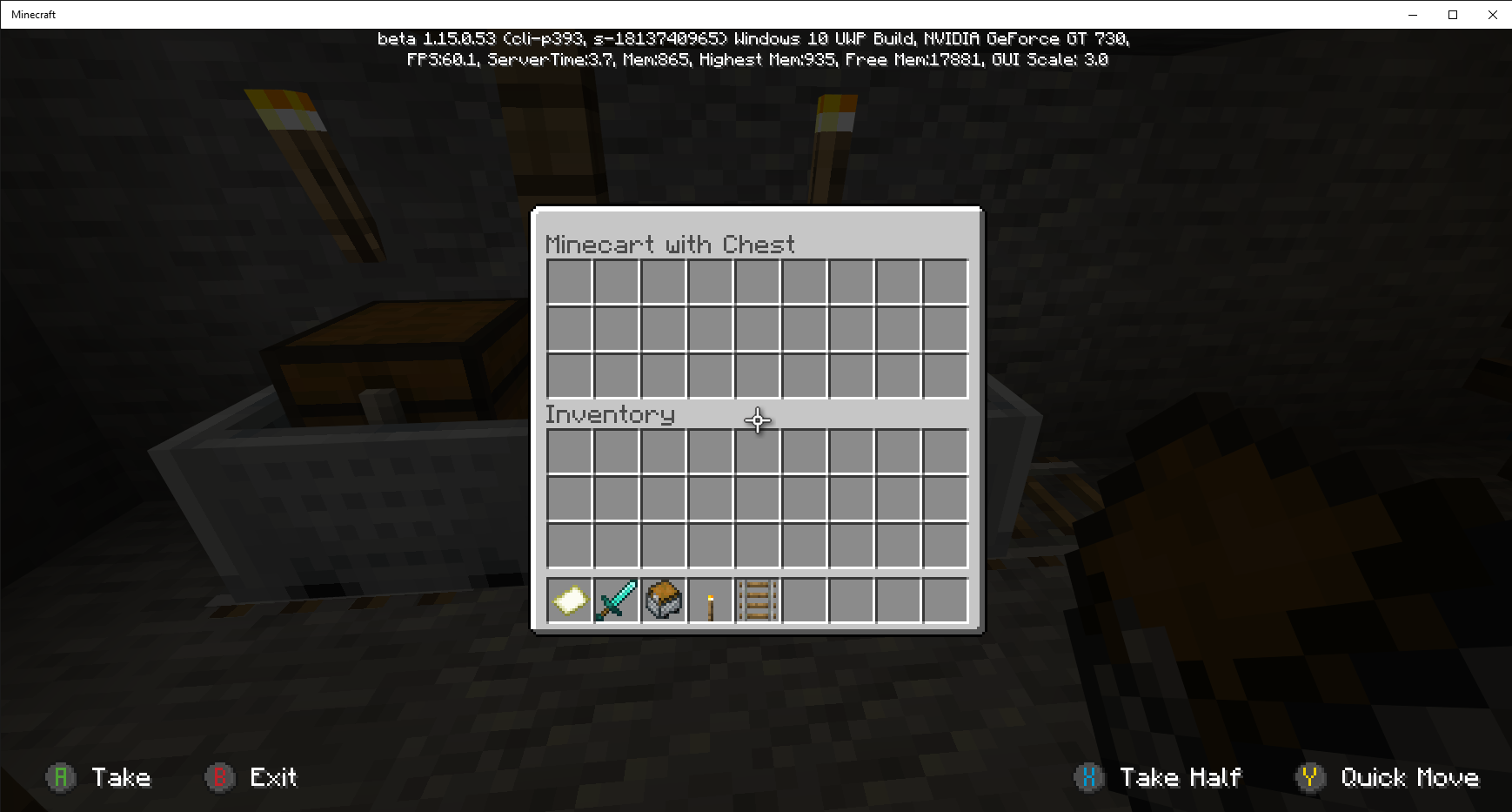

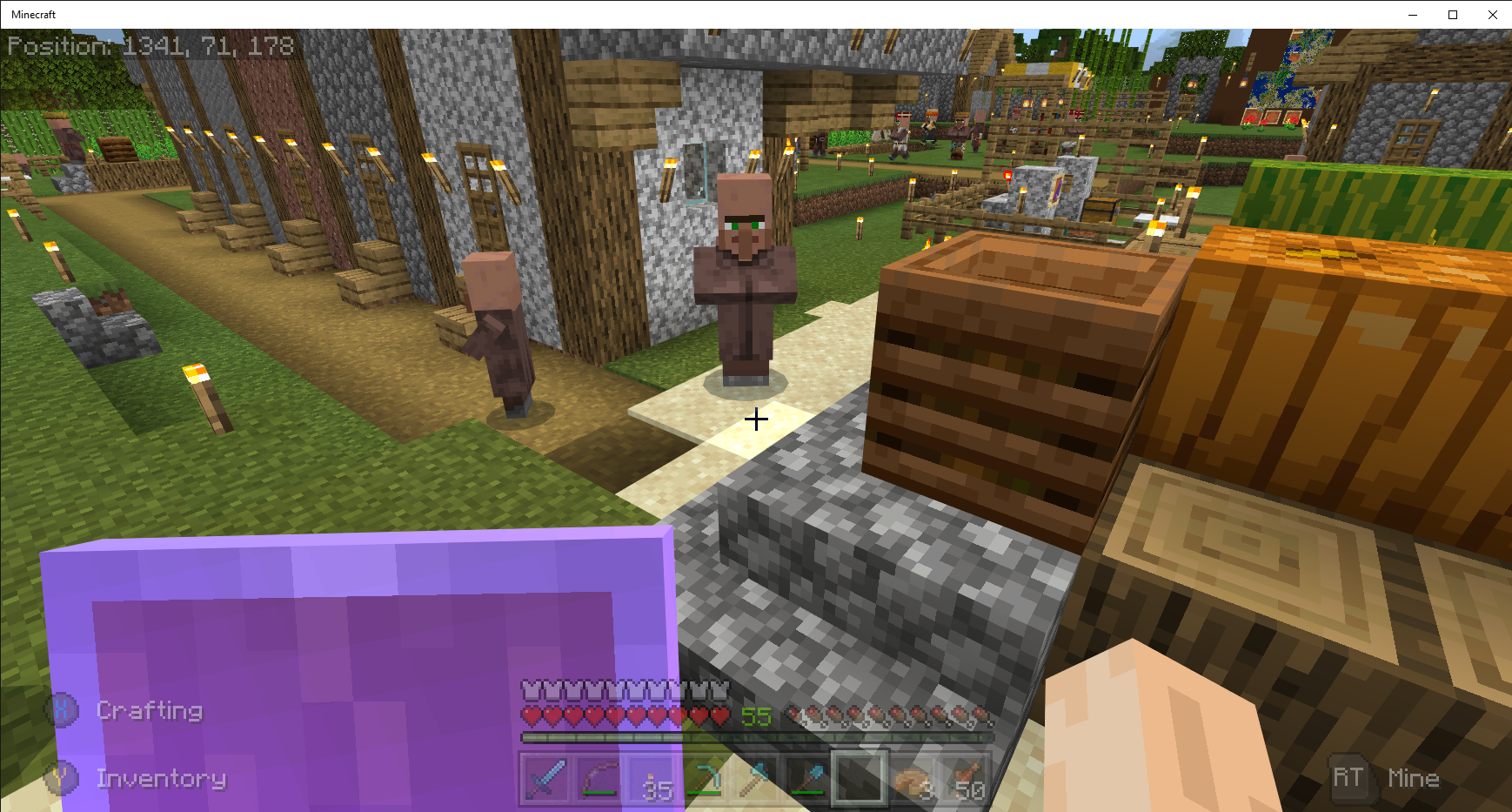
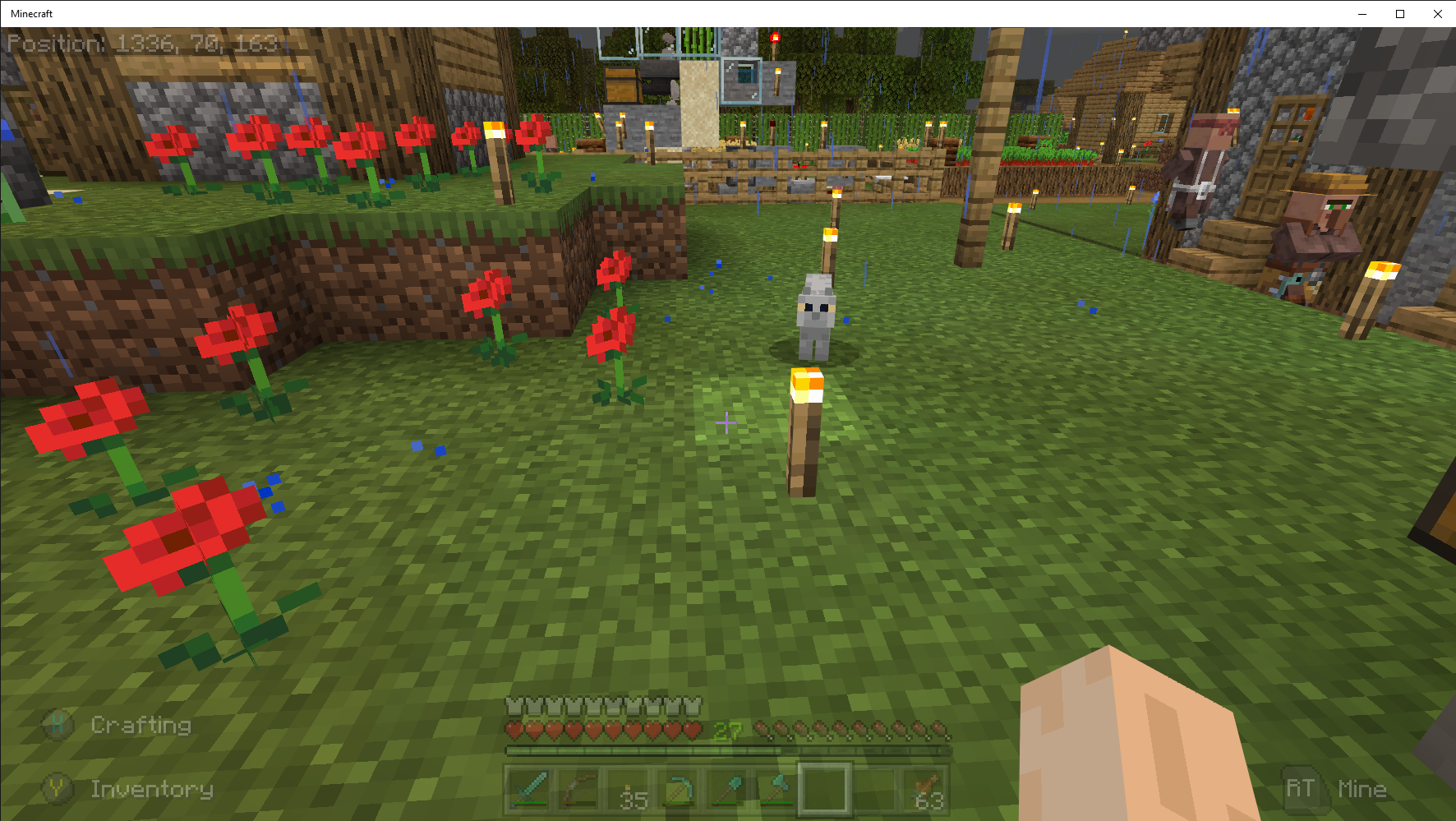
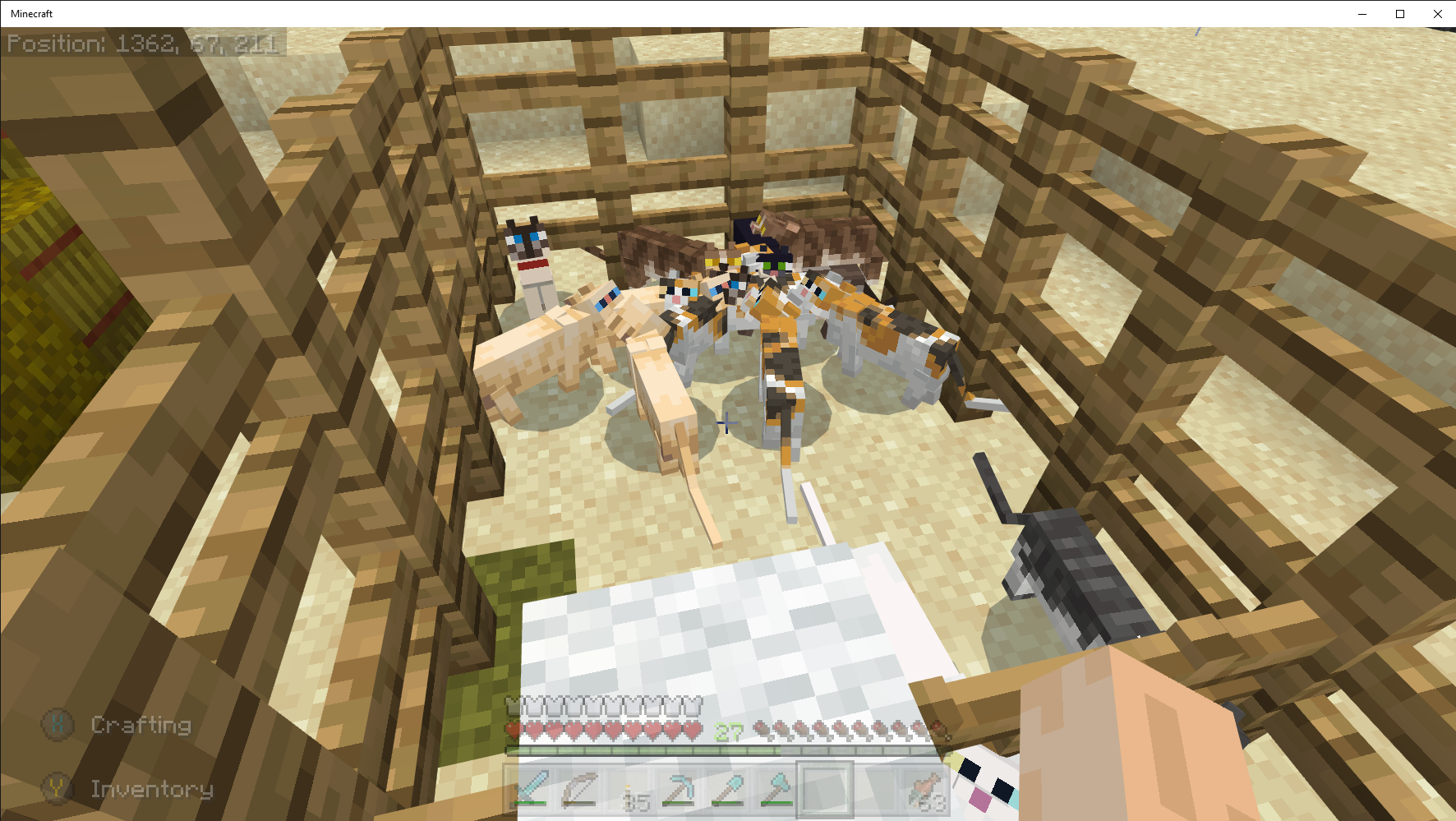






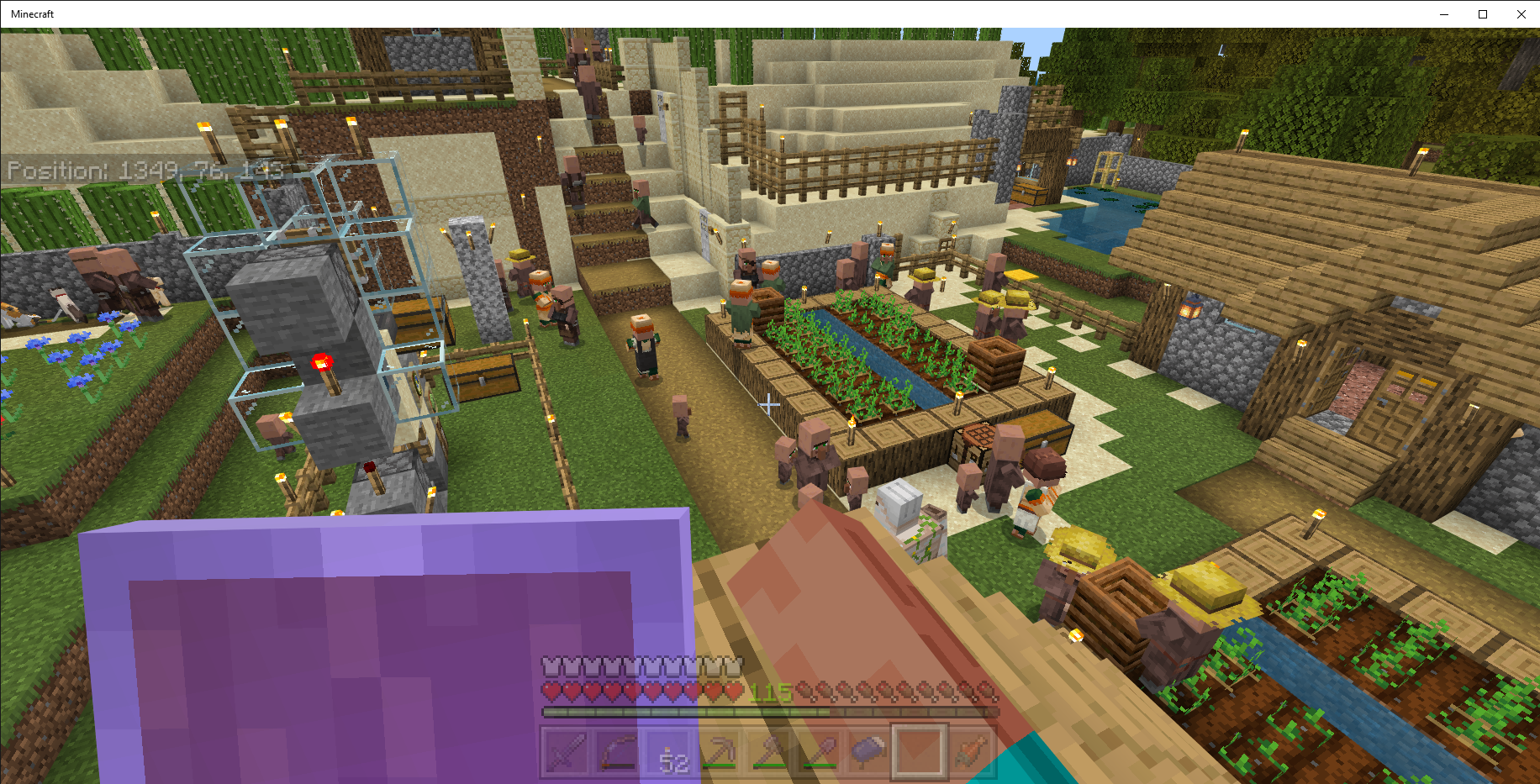
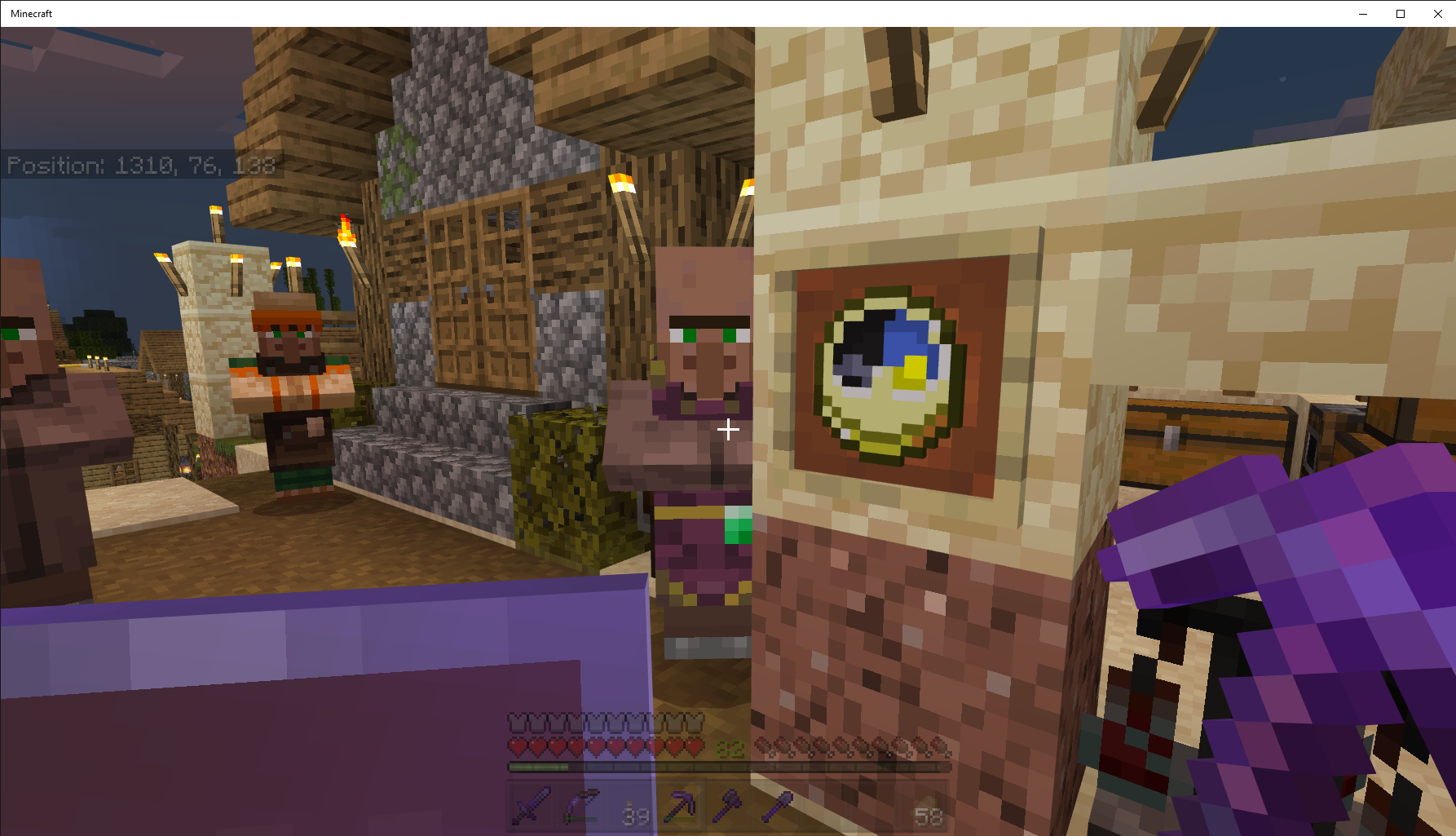


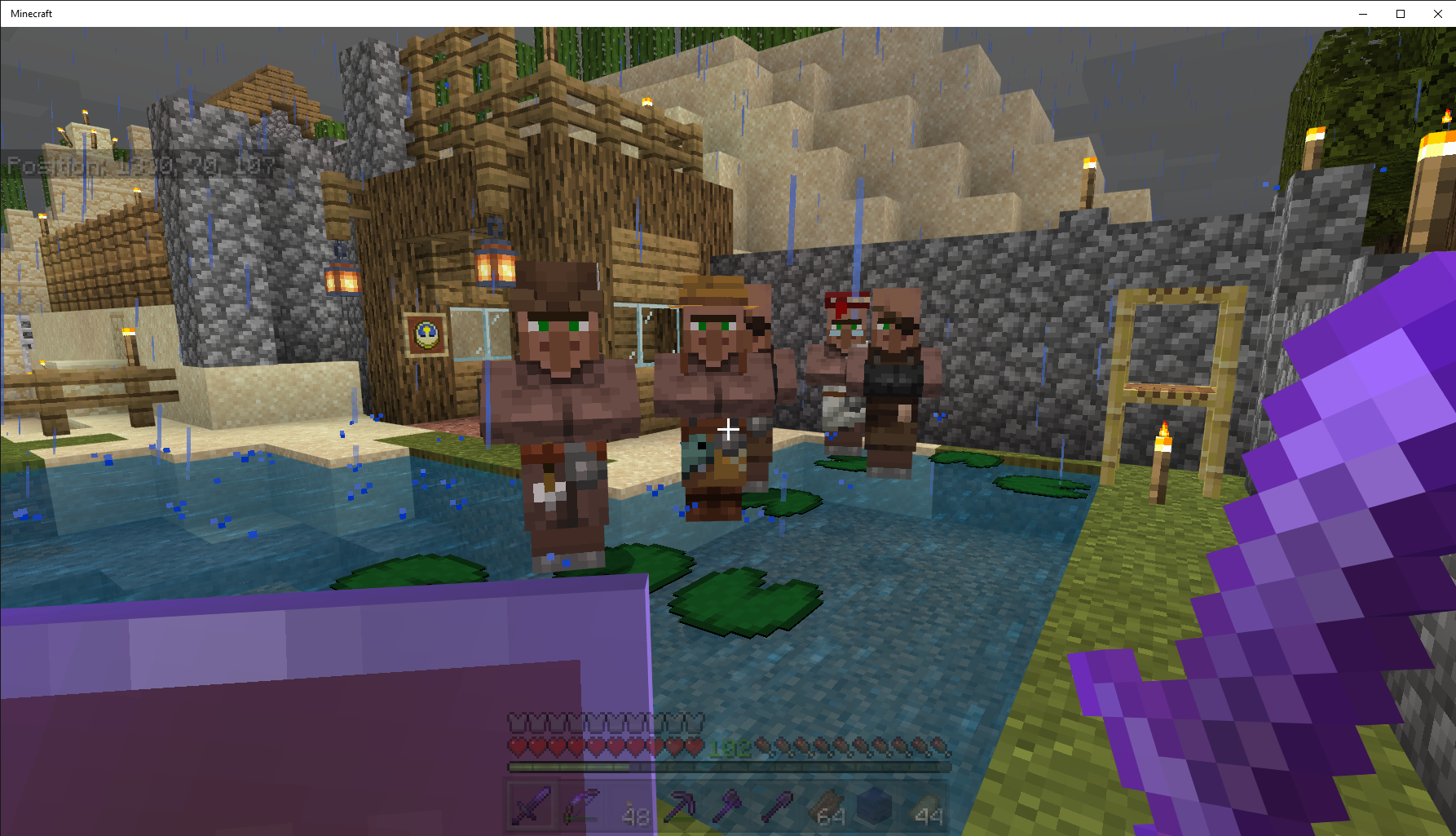
Seed: Coastal Village (-1813740965); Survival Mode; Normal Difficulty; Infinite Size; world created in Beta v1.15.0.51 or v1.15.0.53.
Steps to Reproduce:
1. Start Minecraft Bedrock Beta 1.15.0.53 on a Windows 10 Pro PC V. 1909 Build 18363.657
2. Create world seed: Coastal Village (-1813740965); Survival Mode; Normal Difficulty; Infinite Size; world must be created on Beta v1.15.0.51 or Beta v1.15.0.53.
3. Find minecart chest at x926 y23 z86 or x937 y18 z37Observed Results:minecart chest cannot be opened.Expected Results: minecart chest would open.
Seed: Coastal Village (-1813740965); Survival Mode; Normal Difficulty; Infinite Size; world created in Beta v1.15.0.51 or v1.15.0.53.
Steps to Reproduce:
1. Start Minecraft Bedrock Beta 1.15.0.53 on a Windows 10 Pro PC V. 1909 Build 18363.657
2. Create world seed: Coastal Village (-1813740965); Survival Mode; Normal Difficulty; Infinite Size; world must be created on Beta v1.15.0.51 or Beta v1.15.0.53.
3. Find minecart chest at x926 y23 z86 or x937 y18 z37
Observed Results: minecart chest cannot be opened.Expected Results: minecart chest would open.
Seed: Coastal Village (-1813740965); Survival Mode; Normal Difficulty; Infinite Size; world created in Beta v1.15.0.51 or v1.15.0.53.
Steps to Reproduce:
1. Start Minecraft Bedrock Beta 1.15.0.53 on a Windows 10 Pro PC V. 1909 Build 18363.657
2. Create world seed: Coastal Village (-1813740965); Survival Mode; Normal Difficulty; Infinite Size; world must be created on Beta v1.15.0.51 or Beta v1.15.0.53.
3. Find minecart chest at x926 y23 z86 or x937 y18 z37
Observed Results: minecart chest cannot be opened.Expected Results: minecart chest would open.
Seed: Coastal Village (-1813740965); Survival Mode; Normal Difficulty; Infinite Size; world created in Beta v1.15.0.51 or v1.15.0.53.
Steps to Reproduce:
1. Start Minecraft Bedrock Beta 1.15.0.53 on a Windows 10 Pro PC V. 1909 Build 18363.657
2. Create world seed: Coastal Village (-1813740965); Survival Mode; Normal Difficulty; Infinite Size; world must be created on Beta v1.15.0.51 or Beta v1.15.0.53.
3. Find minecart chest at x926 y23 z86 or x937 y18 z37
Observed Results: minecart chest cannot be opened. If you break the minecart chest, you can get the contents. If you place the minecart chest back on the rail, you can open the newly placed minecart chest until the next game session.Expected Results: minecart chest would open.
Steps to Reproduce:
1. Start Minecraft Bedrock Beta 1.15.0.55 on a Windows 10 Pro PC V. 1909 Build 18363.657
2. Create world seed: Coastal Village (-1813740965); Survival Mode; Normal Difficulty; Infinite Size; world must be created on Beta v1.15.0.55.
3. Find a village with farmer villager at a garden which is framed by wood blocks and has a composter.
Observed Results: Farmer villager bounces in front of composter. It appears the villager cannot jump one block, see attached video.Expected Results: farmer villager could jump one block to reach the composter.
Sometimes placing a block or 2 under the bouncing farmer, corrects the problem.
Steps to Reproduce:
1. Start Minecraft Bedrock Beta 1.15.0.55 on a Windows 10 Pro PC V. 1909 Build 18363.657
2. Create world seed: Coastal Village (-1813740965); Survival Mode; Normal Difficulty; Infinite Size; world must be created on Beta v1.15.0.55.
3. Find a village with farmer villager at a garden which is framed by wood blocks and has a composter.
Observed Results: Farmer villager bounces in front of composter. It appears the villager cannot jump one block, see attached video.Expected Results: farmer villager could jump one block to reach the composter.
Sometimes placing a block or 2under the bouncing farmer, corrects the problem.Steps to Reproduce:
1. Start Minecraft Bedrock Beta 1.15.0.55 on a Windows 10 Pro PC V. 1909 Build 18363.657
2. Create world seed: Coastal Village (-1813740965); Survival Mode; Normal Difficulty; Infinite Size; world must be created on Beta v1.15.0.55.
3. Find a village with farmer villager at a garden which is framed by wood blocks and has a composter.
Observed Results: Farmer villager bounces in front of composter. It appears the villager cannot jump one block, see attached video.Expected Results: farmer villager could jump one block to reach the composter.
Workaround: place stairs under the bouncing farmer.
Steps to Reproduce:
1. Start Minecraft Bedrock Beta 1.15.0.55 on a Windows 10 Pro PC V. 1909 Build 18363.657
2. Create world seed: Coastal Village (-1813740965); Survival Mode; Normal Difficulty; Infinite Size; world must be created on Beta v1.15.0.55 and affects v1.15.0.56 Beta.
3. Find a village with farmer villager at a garden which is framed by wood blocks and has a composter.
Observed Results: Farmer villager bounces in front of composter. It appears the villager cannot jump one block, see attached video.Expected Results: farmer villager could jump one block to reach the composter.
Workaround: place stairs under the bouncing farmer.
Steps to Reproduce:
1. Start Minecraft Bedrock Beta 1.15.0.55 on a Windows 10 Pro PC V. 1909 Build 18363.657
2. Create world seed: Coastal Village (-1813740965); Survival Mode; Normal Difficulty; Infinite Size; world must be created on Beta v1.15.0.55 and affects v1.15.0.56Beta.
3. Find a village with farmer villager at a garden which is framed by wood blocks and has a composter.
Observed Results: Farmer villager bounces in front of composter. It appears the villager cannot jump one block, see attached video.Expected Results: farmer villager could jump one block to reach the composter.
Workaround: place stairs under the bouncing farmer.
Steps to Reproduce:
1. Start Minecraft Bedrock Beta 1.15.0.55 on a Windows 10 Pro PC V. 1909 Build 18363.657
2. Create world seed: Coastal Village (-1813740965); Survival Mode; Normal Difficulty; Infinite Size; world must be created on Beta v1.15.0.55 and affects v1.16.0.51 Beta.
3. Find a village with farmer villager at a garden which is framed by wood blocks and has a composter.
Observed Results: Farmer villager bounces in front of composter. It appears the villager cannot jump one block, see attached video.Expected Results: farmer villager could jump one block to reach the composter.
Workaround: place stairs under the bouncing farmer.
Steps to Reproduce:
1. Start Minecraft Bedrock Beta 1.16.0.60 on a Windows 10 Pro PC v. 1909 Build 18363.778
2. Create world seed: Coastal Village (-1813740965); Survival Mode; Normal Difficulty; Infinite Size; world must be created on or before Beta v1.15.0.51.
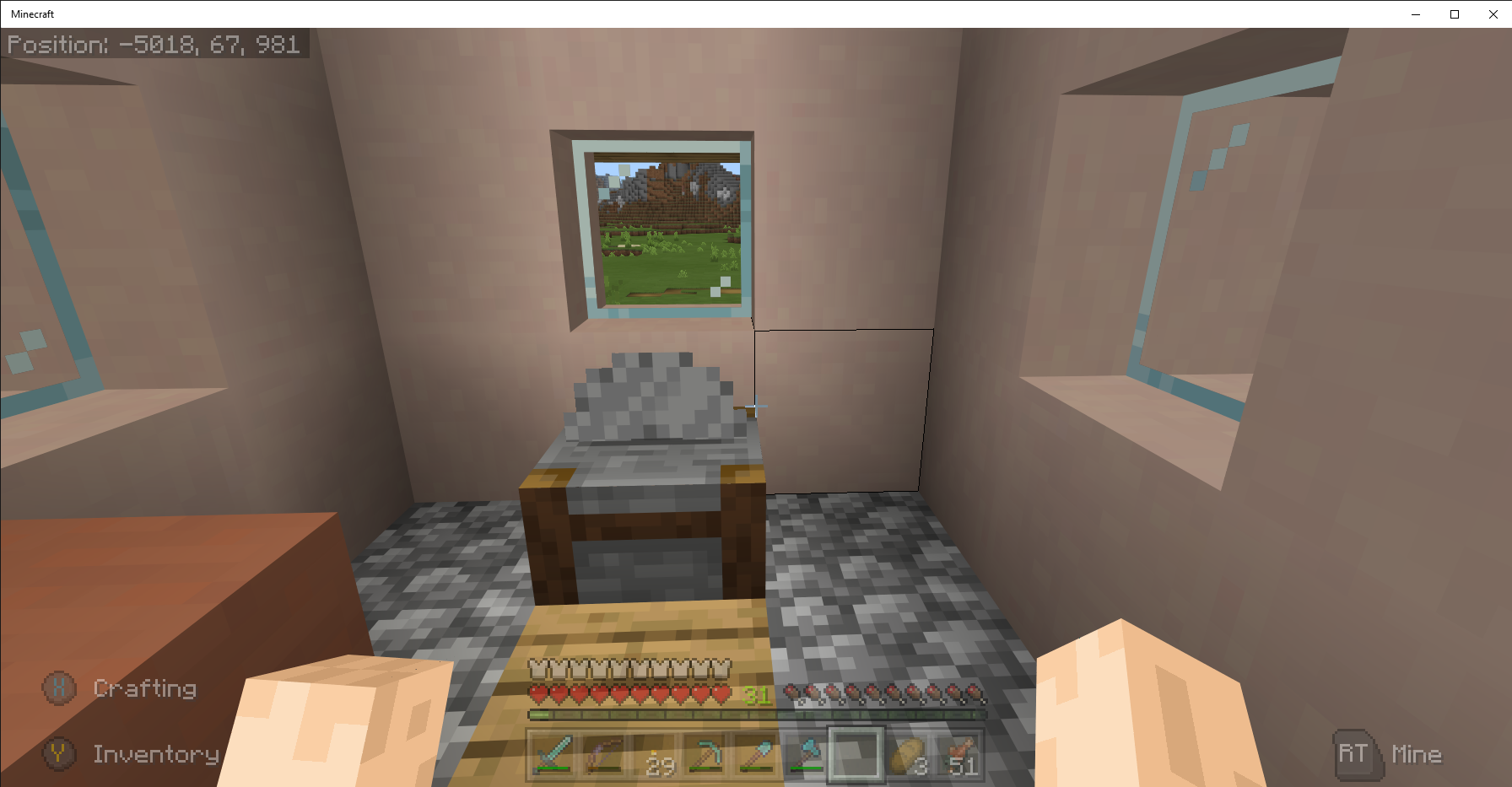
3. Find stonecutter at x926 y23 z86 or x937 y18 z37
Observed Results: stonecutter turning animation is not working, see screenshots.Expected Results: stonecutter turning animation would be observed.
Please remove, this duplicates
MCPE-76nnnI did a search for stonecutter not knowing that other animations were broken.
Steps to Reproduce:
1. Start Minecraft Bedrock Beta 1.16.0.60 on a Windows 10 Pro PC v. 1909 Build 18363.778
2. Create world seed: Coastal Village (-1813740965); Survival Mode; Normal Difficulty; Infinite Size; world must be created on or before Beta v1.15.0.51.
3. Find stonecutter at x926 y23 z86 or x937 y18 z37
Observed Results: stonecutter turning animation is not working, see screenshots.Expected Results: stonecutter turning animation would be observed.
Please remove, this duplicates
MCPE-76nnnI did a search for stonecutter not knowing that other animations were broken.
Steps to Reproduce:
1. Start Minecraft Bedrock Beta 1.16.0.60 on a Windows 10 Pro PC v. 1909 Build 18363.778
2. Create world seed: Coastal Village (-1813740965); Survival Mode; Normal Difficulty; Infinite Size; world must be created on or before Beta v1.15.0.51.
3. Find stonecutter at x926 y23 z86 or x937 y18 z37
Observed Results: stonecutter turning animation is not working, see screenshots.Expected Results: stonecutter turning animation would be observed.
Please remove this bug report, this duplicates
MCPE-76180I did a search for stonecutter not knowing that other animations were broken.
Steps to Reproduce:
1. Start Minecraft Bedrock Beta 1.16.0.60 on a Windows 10 Pro PC v. 1909 Build 18363.778
2. Create world seed: Coastal Village (-1813740965); Survival Mode; Normal Difficulty; Infinite Size; world must be created on or before Beta v1.15.0.51.
3. Find stonecutter at x926 y23 z86 or x937 y18 z37
Observed Results: stonecutter turning animation is not working, see screenshots.Expected Results: stonecutter turning animation would be observed.
Seed: Coastal Village (-1813740965); Survival Mode; Normal Difficulty; Infinite Size; world created in Beta v1.16.0.55.
Steps to Reproduce:
1.Start Minecraft Bedrock Beta 1.16.20.50 on a Windows 10 Pro PC v.2004 Build 19041.330
2.Create world seed: Coastal Village (-1813740965); Survival Mode; Normal Difficulty; Infinite Size; world must be created after Beta v1.15.0.53 before Beta v1.16 Nether Update.
3.Create Nether Portal in OW: x=961 y=64 z=6
Observed Results: Zombified Piglins are missing an ear, see attached video.
Expected Results: Zombified Piglins would have one ear.
Minecraft Bedrock Villagers Not in Bed 02.png
Windows 10 Pro Version 20H2 Build 19042.804
Bedrock v1.16.220.50 Seed: Coastal Village (-1813740965); Survival Mode; Normal Difficulty; Infinite Size; world originally created in Beta v1.16.0.55.
Steps to Reproduce:
1. Go to any village which has villagers with assigned professions
Observed Results:
Villagers do not go to their workstations, see above attached picturesExpected Results:
Villagers would go to their workstations which they did before v1.16.220.50
Windows 10 Pro Version 20H2 Build 19042.867
Bedrock v1.16.230.50 Beta Seed: Coastal Village (-1813740965); Survival Mode; Normal Difficulty; Infinite Size; world originally created in Beta v1.16.0.55.
Steps to Reproduce:
1. Go to any village which has villagers
2. Wait for nightObserved Results:
Some villagers do not go to their linked bed, see above attached videos. The villagers seem to be blocked by beds or other objects.Expected Results:
Villagers would go to their linked bed which they did before v1.16.220.50
Windows 10 Pro Version 20H2 Build 19042.867
Bedrock v1.16.230.50 Beta Seed: Coastal Village (-1813740965); Survival Mode; Normal Difficulty; Infinite Size; world originally created in Beta v1.16.0.55.
Steps to Reproduce:
1. Go to any village which has villagers
2. Wait for nightObserved Results:
Some villagers do not go to their linked bed, see above attached videos. The villagers seem to be blocked by beds or other objects.Expected Results:
Villagers wouldgo totheirlinked bed which they did before v1.16.220.50
Windows 10 Pro Version 20H2 Build 19042.867
Bedrock v1.16.230.50 Beta Seed: Coastal Village (-1813740965); Survival Mode; Normal Difficulty; Infinite Size; world originally created in Beta v1.16.0.55.
Steps to Reproduce:
1. Go to any village which has villagers
2. Wait for nightObserved Results:
Some villagers do not go to their linked bed, see above attached videos. The villagers seem to be blocked by beds or other objects.Expected Results:
Villagers would path find around other beds and objects and go to their linked bed.
Windows 10 Pro Version 20H2 Build 19042.867
Bedrock v1.16.230.50 Beta Seed: Coastal Village (-1813740965); Survival Mode; Normal Difficulty; Infinite Size; world originally created in Beta v1.16.0.55.
Steps to Reproduce:
1. Go to any village which has villagers
2. Wait for nightObserved Results:
Some villagers do not go to their linked bed, see above attached videos. The villagers seem to be blocked by beds or other objects.Expected Results:
Villagers would path find around other beds and objects and go to their linked bed.
Seed: Coastal Village (-1813740965); Survival Mode; Normal Difficulty; Infinite Size; world created in Beta v1.16.0.55.
Steps to Reproduce:
1. Find sugarcane
2. Harvest the top portion of the sugarcane
3. Wait for it to grow
Observed Results: Sugarcane does not grow
Expected Results: Sugarcane would grow
From the Beta Information and Changelogs for 1.17.0.52 Beta
- Fixed an issue with certain blocks which could cause them to grow too quickly when ticked
Sugarcane stopped growing. Nether portals stopped turning off and on, see attached video file. This is the same issue described by
Seed: Coastal Village (-1813740965); Survival Mode; Normal Difficulty; Infinite Size; world created in Beta v1.16.0.55.
Steps to Reproduce:
1. Find sugarcane
2. Harvest the top portion of the sugarcane
3. Wait for it to grow
Observed Results: Sugarcane does not grow
Expected Results: Sugarcane would grow
From the Beta Information and Changelogs for 1.17.0.52 Beta
- Fixed an issue with certain blocks which could cause them to grow too quickly when ticked
Sugarcane stopped growing. Nether portals stopped turning off and on, see attached video file. This is the same issue described by back in 1.16 Beta.
Seed: Coastal Village (-1813740965); Survival Mode; Normal Difficulty; Infinite Size; world created in Beta v1.16.0.55.
Steps to Reproduce:
1. Find sugarcane
2. Harvest the top portion of the sugarcane
3. Wait for it to grow
Observed Results: Sugarcane does not grow, see attached screenshot
Expected Results: Sugarcane would grow
From the Beta Information and Changelogs for 1.17.0.52 Beta
- Fixed an issue with certain blocks which could cause them to grow too quickly when ticked
Sugarcane stopped growing. Nether portals stopped turning off and on, see attached video file. This is the same issue described by back in 1.16 Beta.


@Auldrick, the screenshot is from my Coastal Village Seed. It was made before I found this bug report. My settings are the defaults when the world was created, v1.16, above Settings screenshot. I did view your .mcworld, but in my case the villagers stayed out as it it was a sunny day.
In Minecraft Bedrock v1.17.0.23 Beta, all the villagers stayed out in the rain. I slept in the bed, but the rain did not stop. I had to re-import the world to get the rain to stop, see attached screen capture.
Seed: Coastal Village (-1813740965); Survival Mode; Normal Difficulty; Infinite Size; world created in Windows 10 PC Bedrock v1.17.2 Hot Fix.
Steps to Reproduce:
1. Enter the Nether via a portal
2. Visit 9 Bastion Remnants to find the Pigstep Music Disc;
3. Open chests (3 - 13 per Bastion) in Bastion Remnant and review the contents;Observed Results: no Pigstep Music Disc;
Expected Results: Loot table should contain at least 1 Pigstep Music Disc.


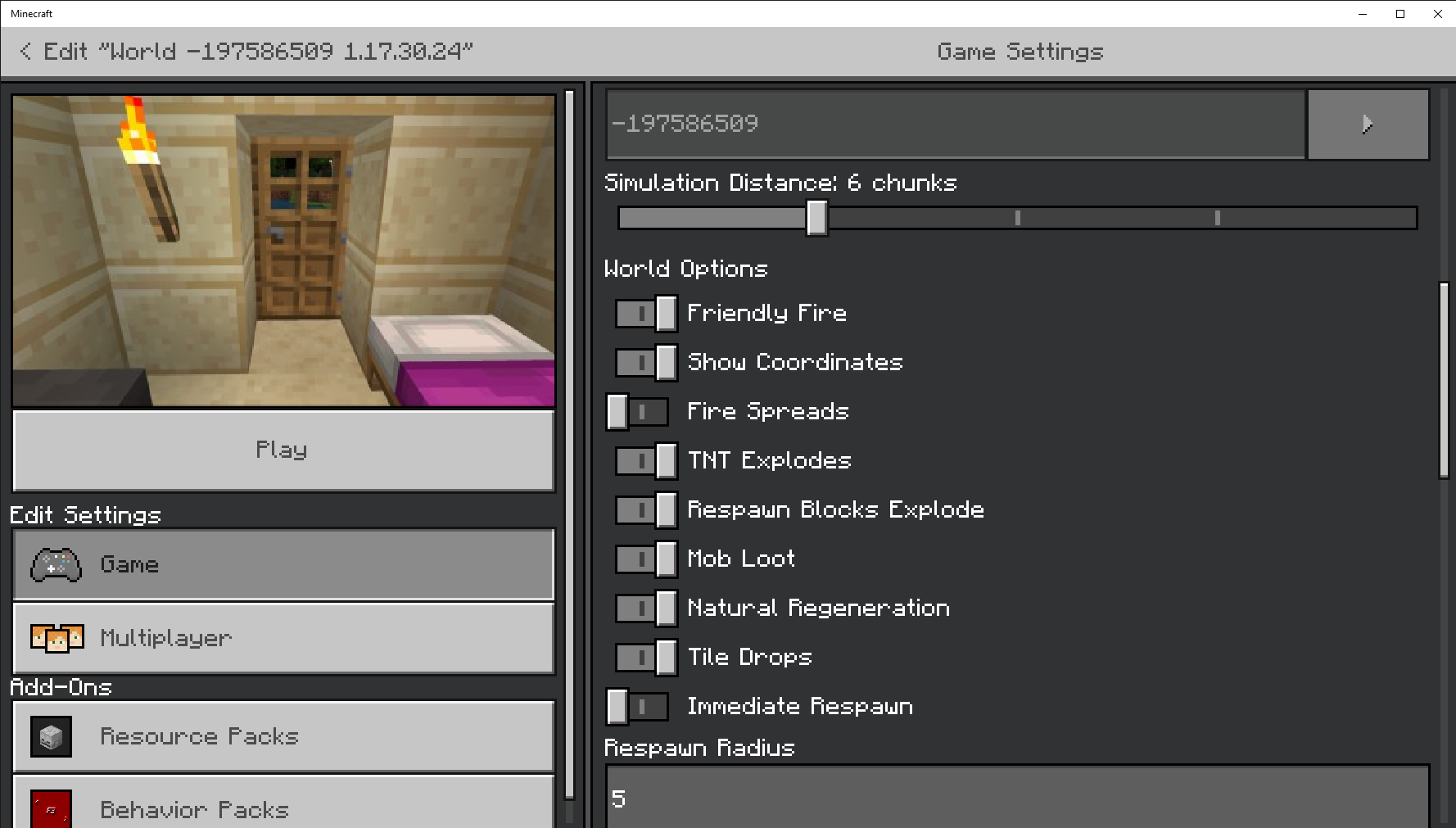


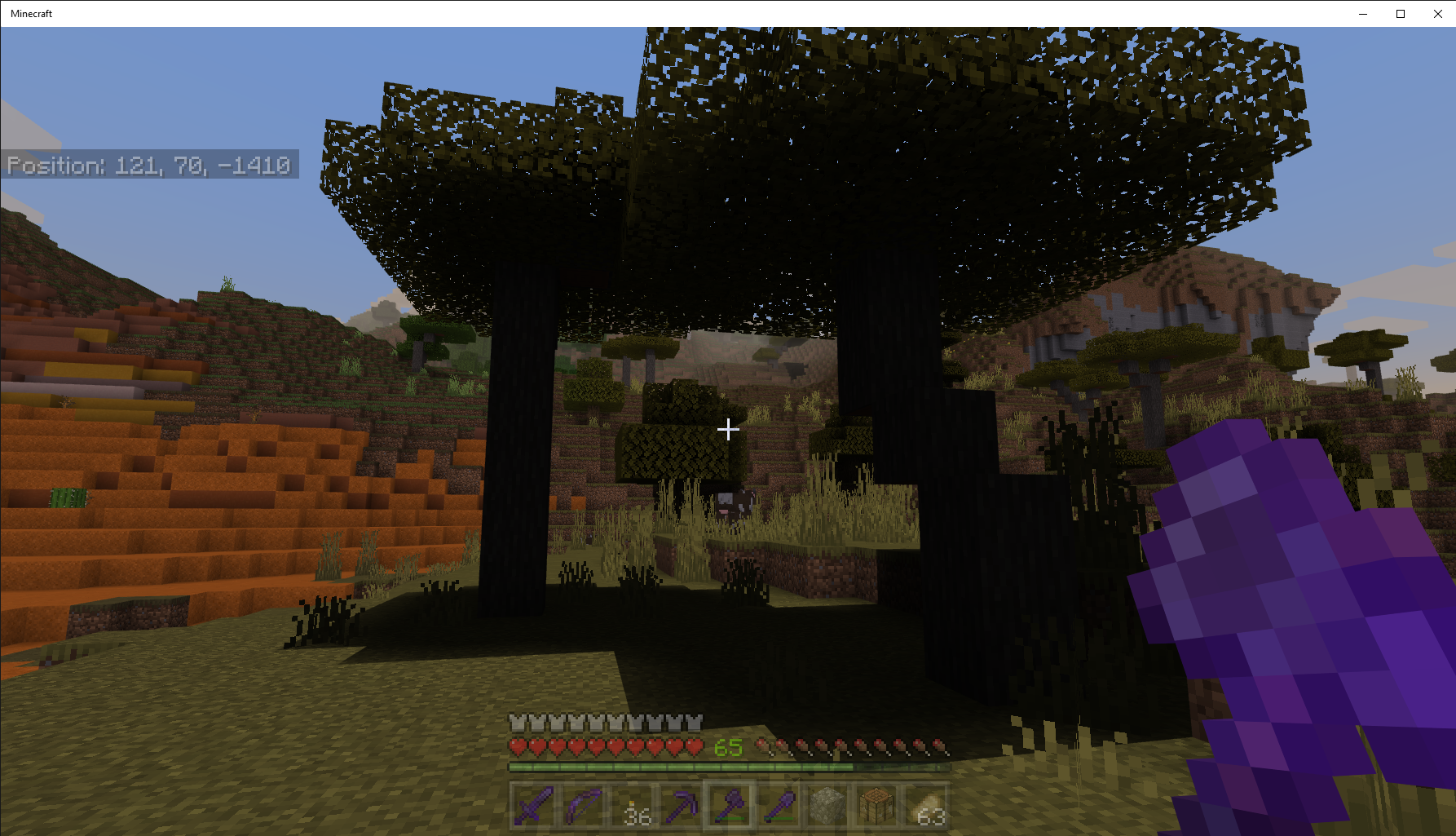
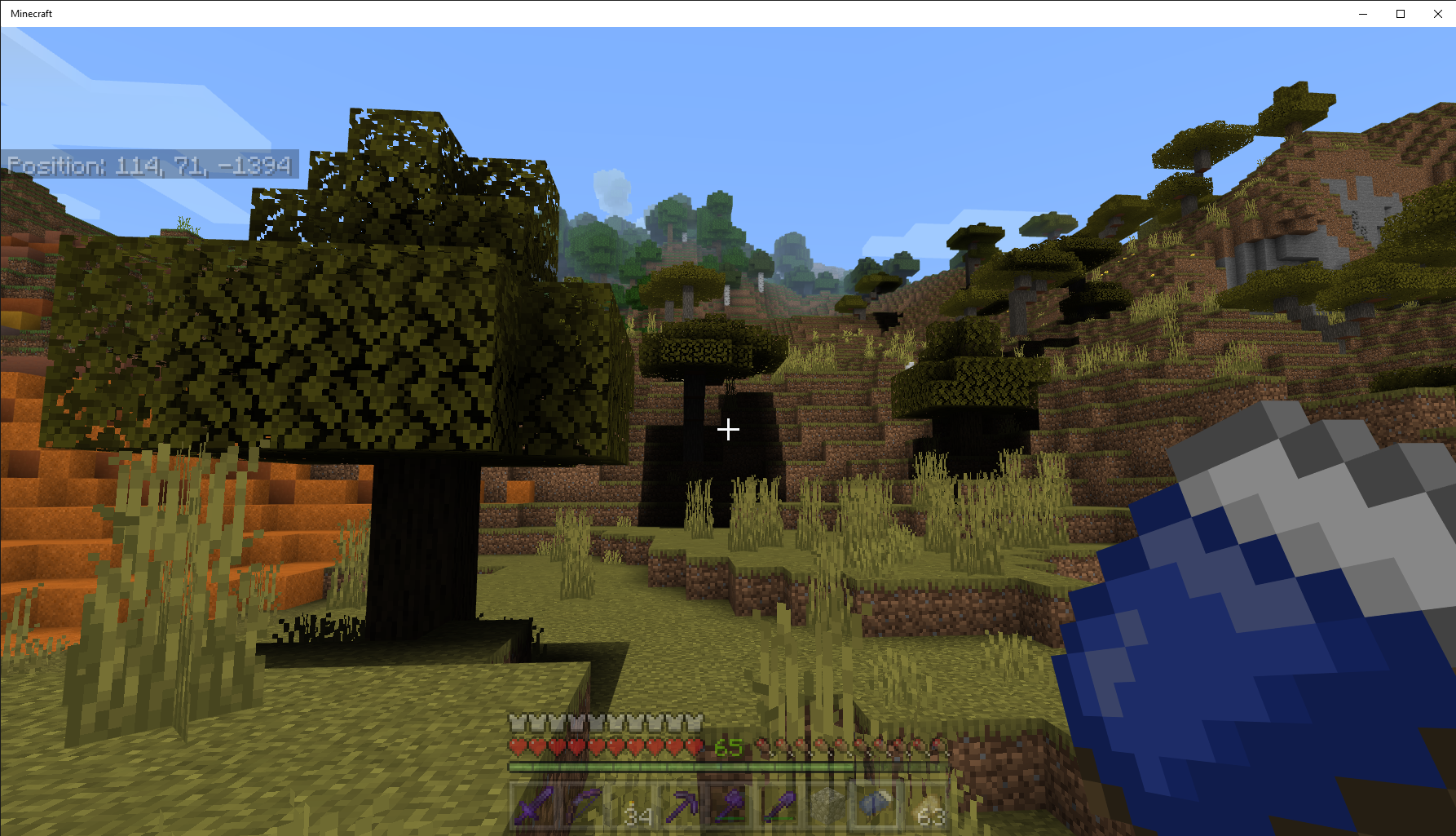
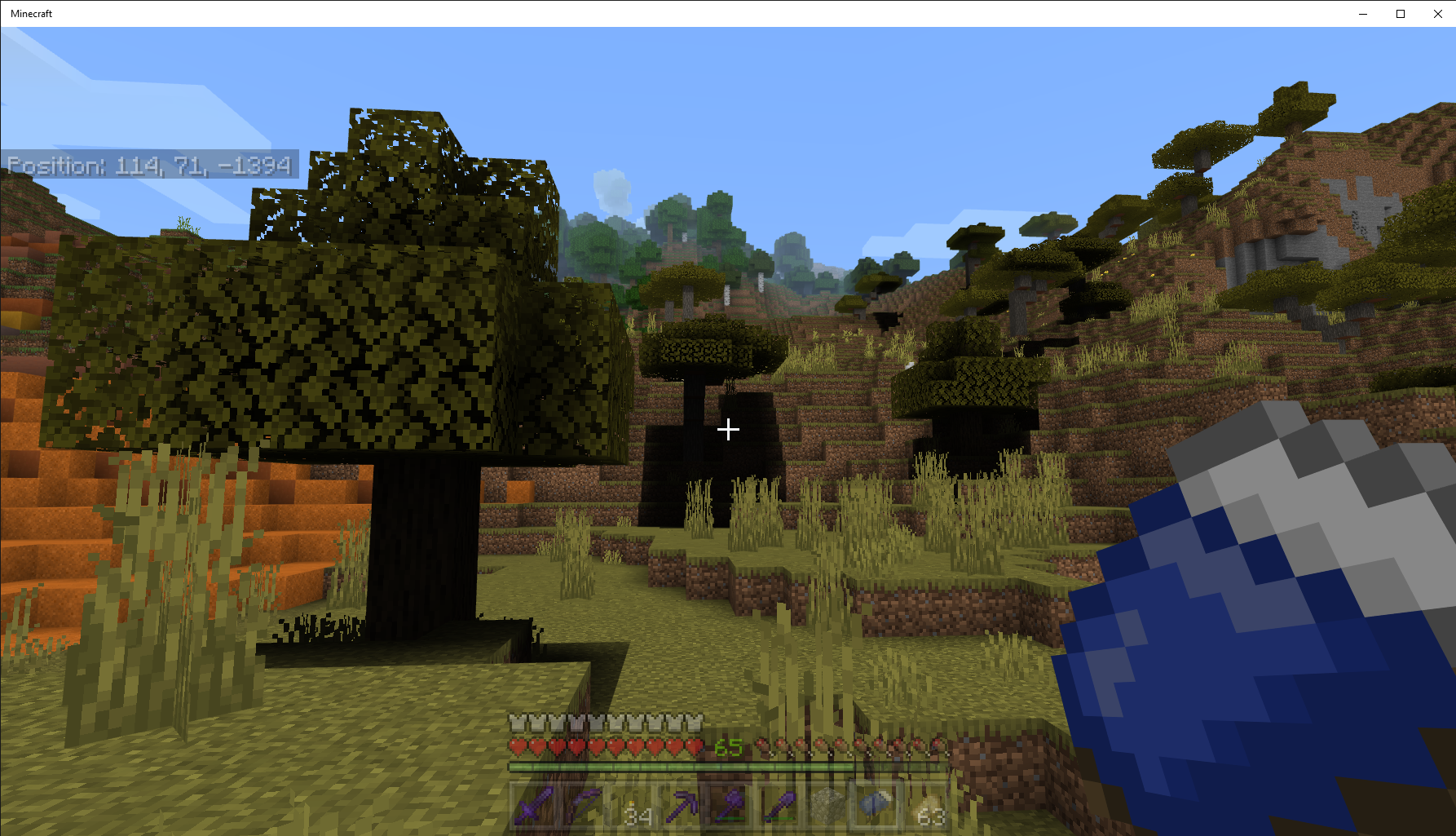
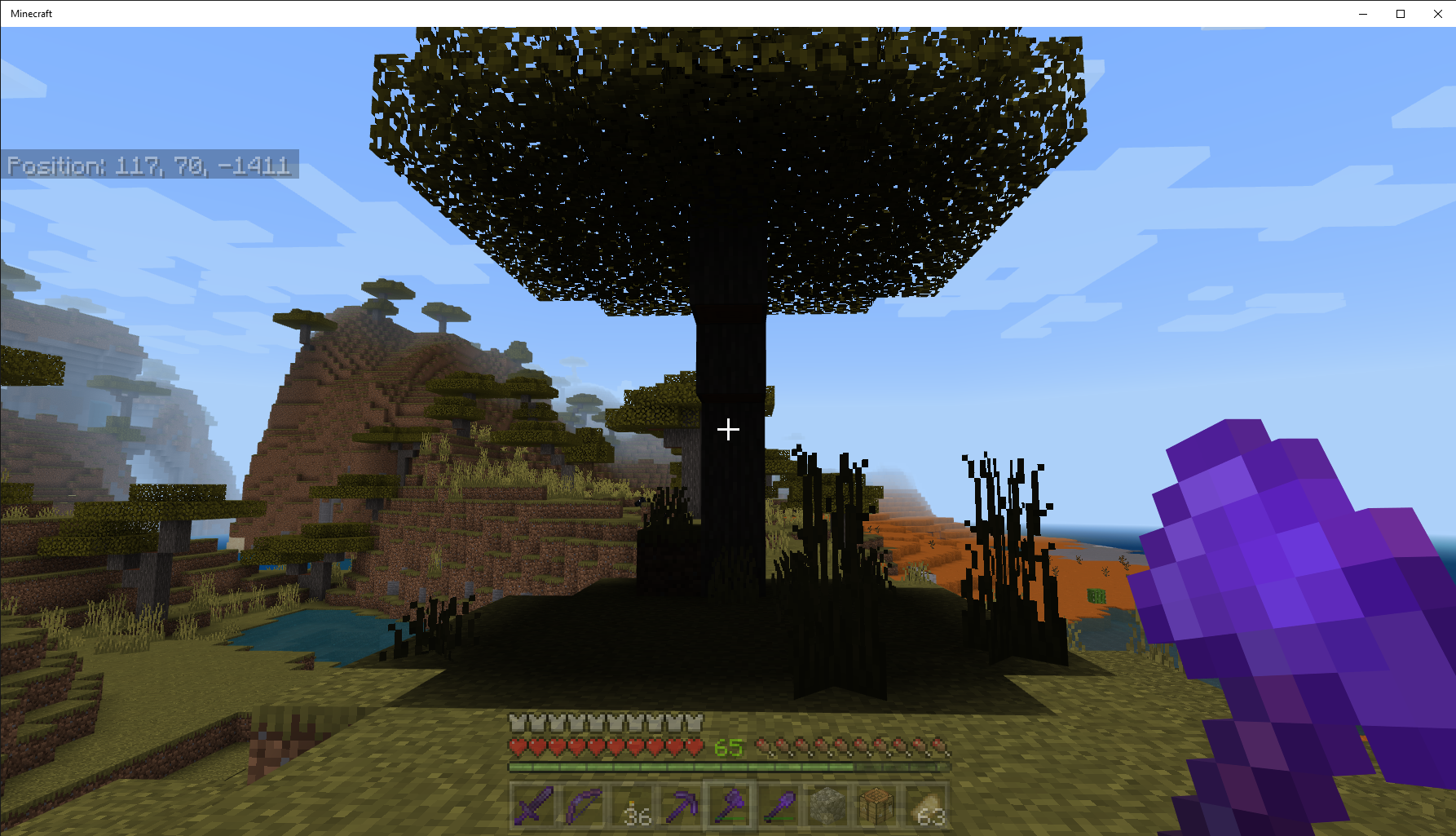
Now you see it and now you don't. When you exit a boat it disappears (poof), see video capture 01 above. If you restart the game, the vanished boar reappears, see above capture video 02. This is Windows 10 PC Bedrock v1.17.40.21 Beta (Experimental) world. The boat is not damaged. I posted here to avoid the Duplicate Bug Report Comment from a moderator.








Description
Seed: World Seed (-197586509 (Experimental ON)); Survival Mode; Normal Difficulty; Infinite Size; world created in Beta v1.17.30.24
Steps to Reproduce:
1. Place Music Disc Player in Meadow, see attached screenshot.
2. Insert Music Disc to play.Observed Results: Sound of Music Achievement will not unlock.


I opened my SP world and went to the Nether, and I too saw zombie pigmen where I expected to see zombified piglins, The spawn egg was named zombified piglin, but spawned a zombie pigman.
Just by coincidence, I forgot that I had activated the White Chunk Border v5 by Sigma Theta resource pack on that world. When I removed the pack and restarted Minecraft, I had zombified piglins as expected. The pack definitely does not have the zombie pigman texture (or any texture, for that matter) within it, so it must be that somehow the pack being active causes the vanilla resource pack to fall back to showing the older textures, which is something it should only do to support old Marketplace packs that haven't been updated to 1.16.
Examining the resource pack itself, I noticed that it uses an up-to-date manifest file format but omits the [min-engine-version] value from the manifest.json file, which is nonstandard. So I added "[min-engine-version]": [1, 14, 0] to the header, restarted Minecraft, and tried it out again and now I have zombified piglins, as I should.
The [min-engine-version] value was added to manifests in 1.14.0. It identifies the oldest version of the game the pack supports. If omitted, it defaults to the oldest version of the game that supports add-ons, which is somewhere back around 1.2 I think. That could definitely be what is making the game revert to zombie pigmen, although I'm not convinced it should do that for a resource pack as opposed to a complete world template.
If this theory does explain the problem though, the White Chunk Border pack probably isn't the only one that triggers it. When [min_engine_version] was added, which was part of a manifest file format upgrade, I noticed that the add-ons I had source code for tended to upgrade to the new format but allowed [min_engine_version] to default, since it didn't seem to make any difference. Consequently, I imagine most resource packs are capable of causing this problem.
Bubba Doodah: Your screenshots show that you don't have any resource packs installed via the UI, but I suspect you may have one leftover anyway. When you activate a pack, it gets copied to the world folder, but if you subsequently deactivate the pack it isn't deleted, it's only removed from a list. The UI shows you what's in the list. Maybe the game is seeing the pack code (it could be in either the "resource_packs" or the "development_resource_packs" folder under your world folder) and responding by enabling support for old versions, but the UI isn't showing it because it's not in the list. If so, that sounds like a bug in the code checking for resource pack [min_engine_version] values. If you're the experimenter type, you might want to check for these installed pack folders inside the world folder and if you find them, delete the folder. (Don't worry, the game will recreate these folders if it needs them.) One other thing: You may never have deliberately used any packs, but if you join a multiplayer world while your settings are set to auto-update packs, you might not notice the messages about it downloading and installing packs from the server.
![[Mod] LateLag](../../../data/avatars/users/92884.png)
Bubba Doodah - This ticket is about textures turning gray, your screenshot seems to be about lighting issues. It could be either MCPE-58182 or MCPE-69037.
![[Mod] OcelotOnesie](../../../data/avatars/users/43220.png)
Bubba Doodah: Please upload a copy of the world.
![[MCQA] v-weszaj](../../../data/avatars/users/18941.svg)
Bubba Doodah Meadows use a different foliage color than flower forests, you can find more information here: https://minecraft.fandom.com/wiki/Mountains#Meadow. As for finding specific biomes, you can either fly around and look for them in Creative mode, or use external tools such as chunkbase (although they might not work for some versions of the game).
Thank you for confirming that the achievement can be unlocked, I'll close the ticket as Cannot Reproduce.
Bubba Doodah: This issue is about mobs despawning. Once they do that, they no longer exist in the world, so it wouldn't be possible for world upgrade logic to restore them. If that's what you expected, your expectation is flawed. If you mean something else, and it's relevant to this issue, please explain what you expected.
Minecraft MCPE Windows 10 PC v. 1.15.0.53 and PS4 v.1.14.30
Here's a workaround that has worked for me when a beehive gets stuck on the Hot Bar: place a newly crafted beehive on the ground; break it with a silk touch pick ax; pickup the broken beehive; move or place the beehives.
Minecraft MCPE PS4 v.1.14.30 and Windows 10 PC Beta v1.15.0.51. All the XP fell through the portal where I killed the dragon.
In MCPE Windows 10 PC Beta v1.15.0.51 and v1.15.0.53 cats are spawning in abandoned (zombie) villages.
Cat population workaround: put the cats in a fenced area on the outskirts of the village. This will stop the cats spawning. If you kill a cat another replacement cat spawns.
In Minecraft MCPE Windows 10 PC v1.15.0.51 and v1.15.0.53, mob spawners are empty unless you disable "outline selection".
@[Mod] OcelotOnesie; I created the Coastal Village World on 2020/02/21. I find it strange that your world does not have the minecart chests at the aforementioned coordinates. I thought worlds for a particular Minecraft version would always generate the same.
Please review my screenshots shown above. This issue is reproducible if you find a minecart chest in a world created in MCPE Beta version 1.15.0.51 or 1.15.0.53. This problem does not exist for non-Beta v. 1.14.30, Windows 10 PC or PS4. Also, I have a Coastal Village World created in Beta v1.12 (updated to 1.15.0.53), and I cannot open the minecart chests in that world.
Here's a link to the world with the minecarts as shown:
Coastal Village v15.0.53a 20200221
Finally, my last screenshot, shown above, is a minecart chest I inserted to the right of the naturally generated one. As you can see, I can open the chest. The naturally generated chest will not open. If I close the world and re-enter, the newly added chest will not open.
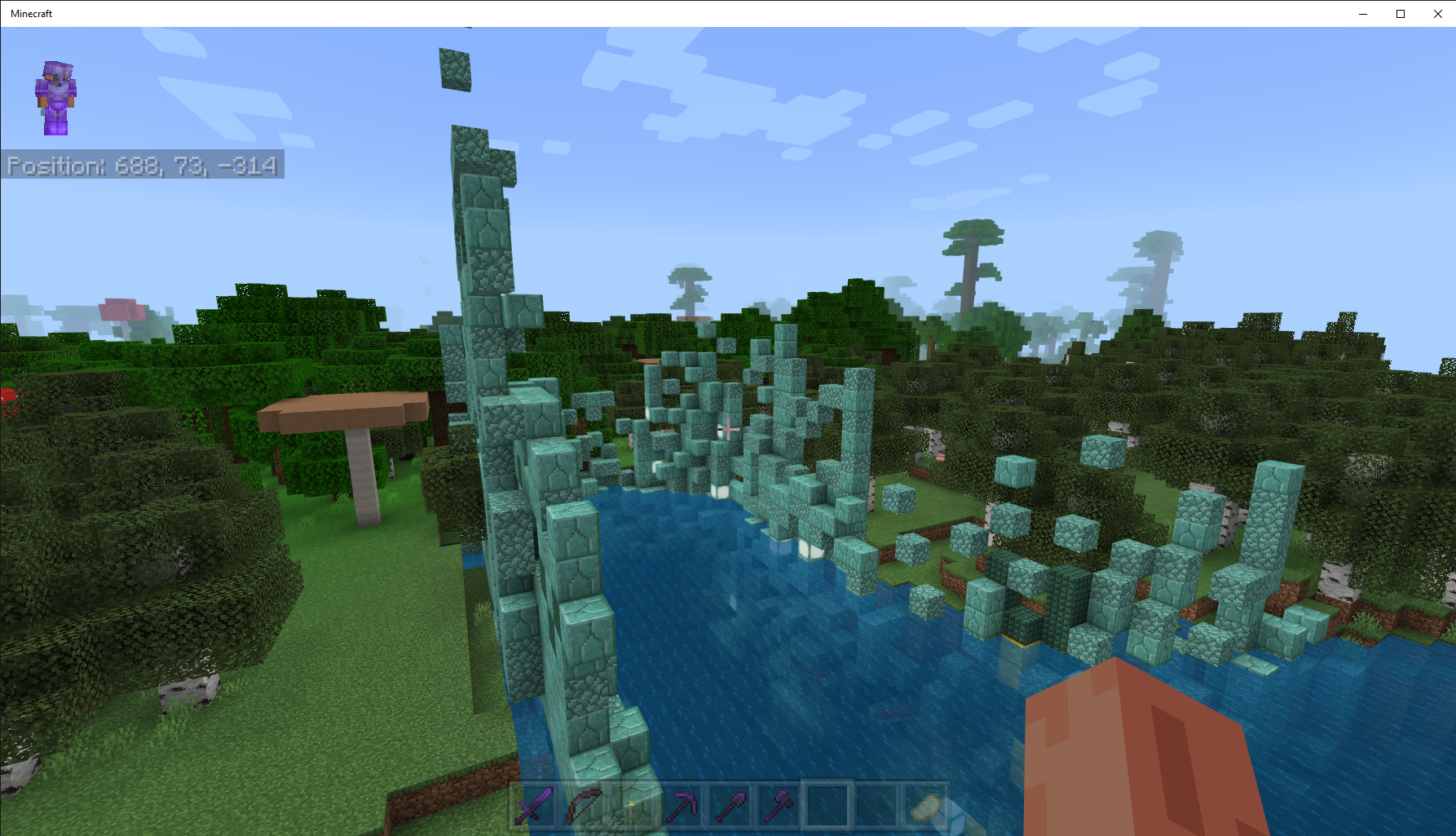
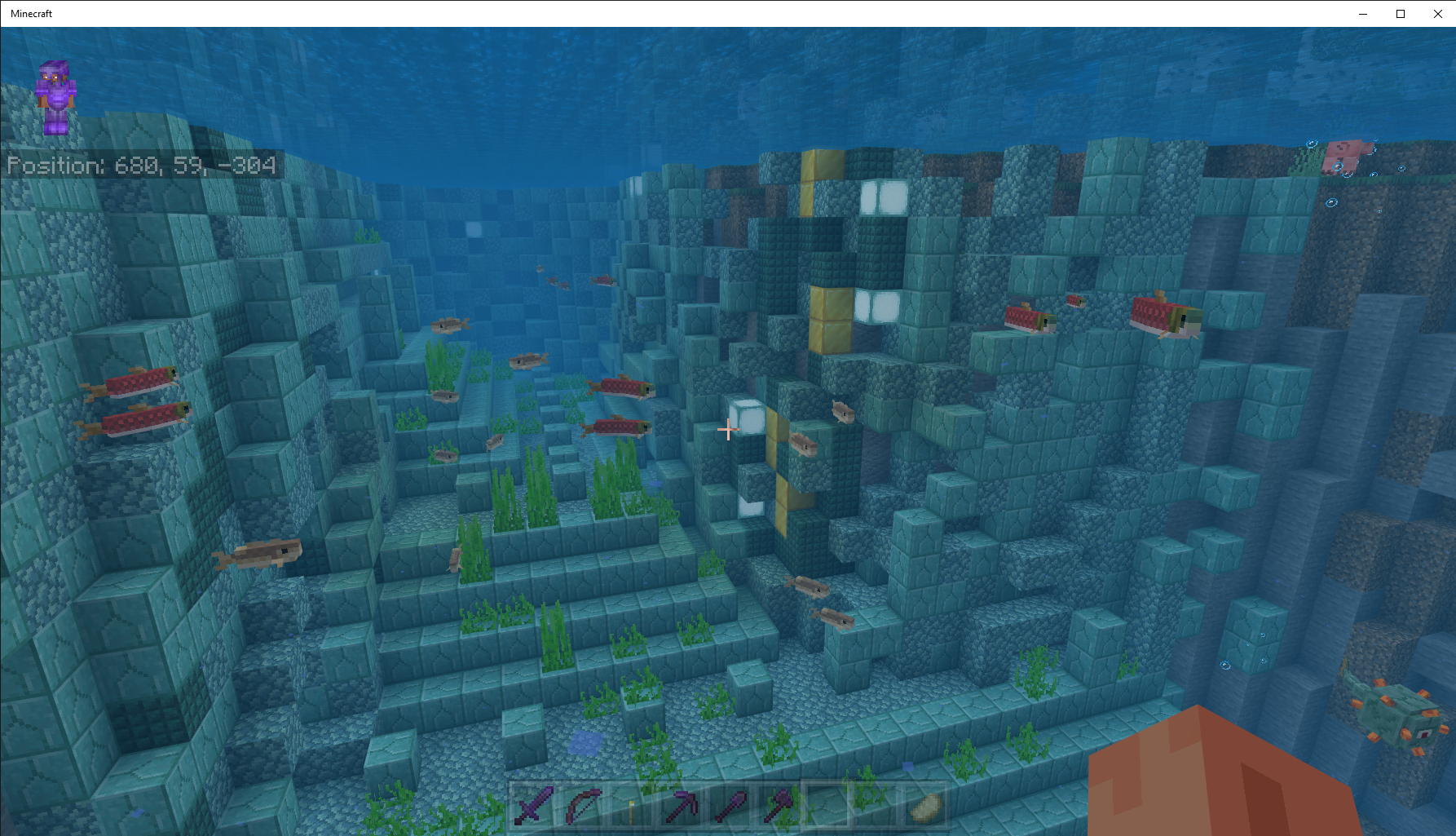
This is an issue in Windows 10 PC Beta version 1.15.0.53. I have a Ocean Monument x=2968 y=61 z=56 which looks exactly like the screenshots shown above.
As of the Beta 1.15.0.54, there appears to be two animation issues: the first is the iron golem is still ice skating; and the other is a funky walk animation, see the above attached videos. I personally like the funky walk.
In the v1.16.200.53 Beta, the chest contents can be viewed (L2), but there are two exceptions: no animation for the chest lid opening; and no open lid sound effect. Thanks for the partial fix
As of Beta v15.0.54, the ocean monument mentioned in my previous post has been corrected. I was surprised to find the monument fixed, since it had been previously explored Thanks!
Windows 10 PC Beta v 1.15.0.54, No bees in nest.
I can confirm maps only create level 4 in Windows 10 PC Beta v 1.15.0.55 and v.1.15.0.56. Level 4 detail is too small to make out villages and rivers.
Please fix, because it makes exploring difficult without level 3 maps. You cannot copy an existing map because it changes your old map to level 4 and it is impossible to get the original level 3 map back.
This is a duplicate of
MCPE-63416.I had this issue on a Windows 10 PC shared with my wife. My Microsoft UserId was registered for Beta, but she wanted to play non-Beta. To resolve the problem, I had to remove my user from the shared Windows 10 PC. To get the non-Beta, remove the Beta user from the shared Windows 10 PC; remove the Beta user from the Microsoft Store on the shared PC; uninstall the Beta; reboot the PC; download non-Beta from Microsoft Store. You cannot have Beta and non-Beta on the same Windows 10 PC regardless of different users. I hope this helps resolve your problem.
The wither destroyed all blocks around in my world including obsidian, Windows 10 PC Bedrock Beta v. 1.15.0.55.
What part of the sheep shearing is suppose to be fixed in v1.15.0.56? I am playing in Windows 10 PC, see above video.
Windows 10 PC v.1.15.0.55 and 1.15.0.56 Betas.
Seed: Coastal Village (-1813740965); Survival Mode; Normal Difficulty; Infinite Size; world created in Beta v1.15.0.53.
Cats spawn inside grass / path blocks. I kept hearing meow sounds, but I could not find a cat(s). I began breaking grass and path blocks where I heard the meow sound, out popped a cat and then another a few blocks away, see above video.
Steps to Reproduce:
1. Start Minecraft Bedrock Beta 1.15.0.56 on a Windows 10 Pro PC v. 1909 Build 18363.720
2. Create world seed: Coastal Village (-1813740965); Survival Mode; Normal Difficulty; Infinite Size; world must be created after Beta v1.15.0.54 through Beta v1.15.0.56.
3. Find plains village at x=1062 y=63 z=116, Download Link to Test World
https://mega.nz/#!eqoy1KhK!FgW5q32z_qRrqXt1OG0AtvdLKhA3UPkc9vuxf9jcj20
Observed results:
No iron golems in a village which meets the criteria described here: https://minecraft.gamepedia.com/Iron_Golem#Villages
Expected results:
In Bedrock Edition, an iron golem can spawn naturally when a village first generates in the world or when 3 villagers come in close contact of zombies, husks, drowneds or zombie villagers. Iron golems also spawn in villages having at least 21 beds and 10 villagers, in a 16×6×16 volume around the village center defined by a bed, a bell, or another meeting point. The chance of spawning is 1⁄7000 per game tick, which averages to one every 5 minutes and 50 seconds. Iron golems can spawn provided the blocks it spawns in are non-solid and the block it spawns on has a solid flat top surface.
I hope the above information is sufficient for this issue to be researched. I did not Create another bug report because I felt it would duplicate this one. Best wishes
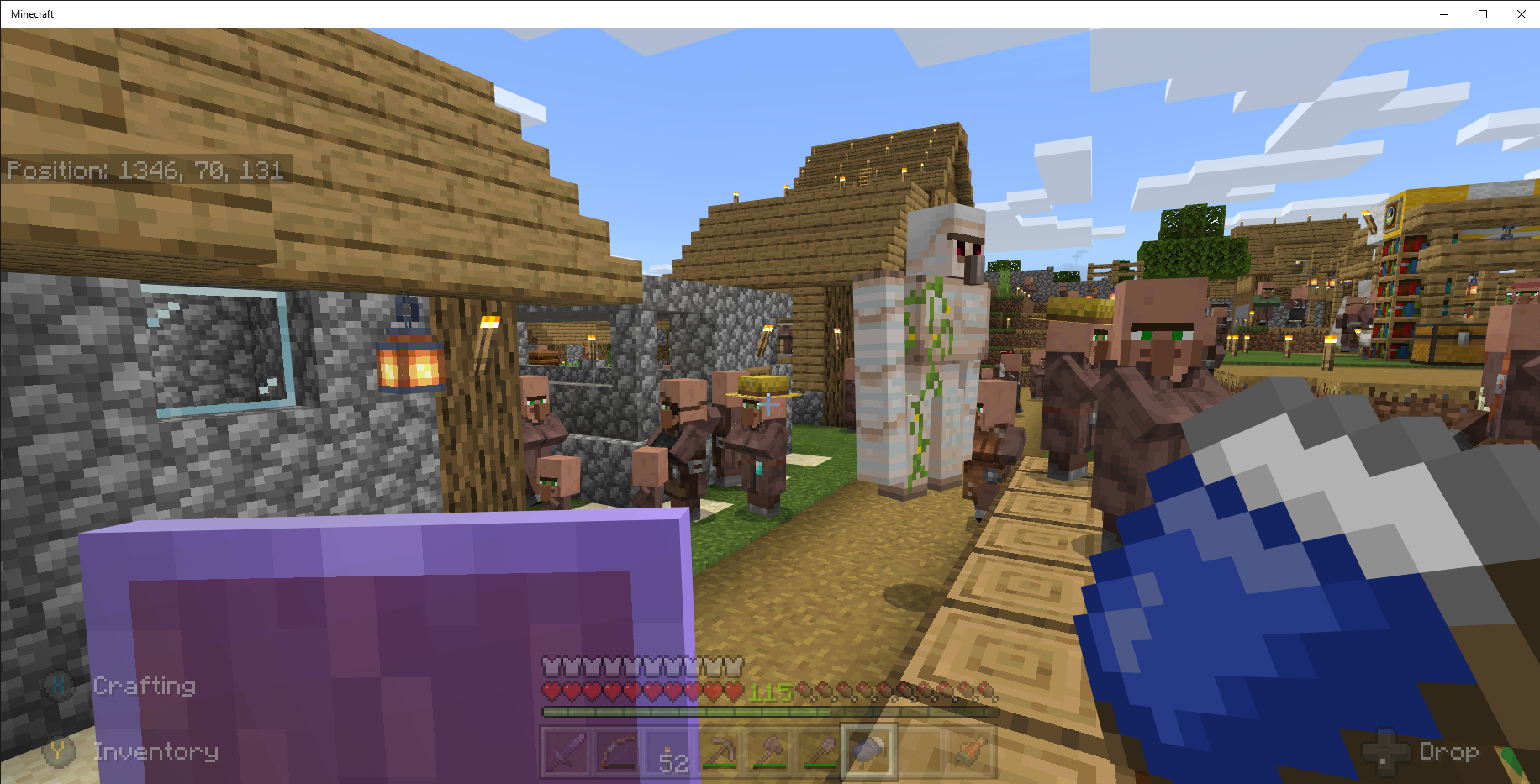
@IonicEcko, I posted the wrong link for my test world shown above. I have corrected the link in my previous post. The village shown in the coordinates had 2 Golems. It now has none. There are workstations in the village. There is a village at x=1370 y=71 z=138 which is near the aforementioned village. It has multiple Golems and workstations, but there are more villagers than workstations. Also, many of the villagers will not take jobs regardless of the number of available workstations. I am subscribed to navynexus' channel, so I have seen the video you described. There appears to be an inconsistency in the logic which generates Golems in Beta v. 1.15.0.54 thru v. 1.16.0.51.
Because of the new rules for Iron Golem spawning in a village, this bug prevents Iron Golems from spawning. Windows 10 PC version 1.16.0.51 Beta.
The village at x=1370 y=71 z=138 had 6 Iron Golems until v1.16.0.51 Beta Update. It now has 2 Iron Golems. Based on the latest Iron Golem spawn rules fewer Iron Golems are being spawned, not "Increased":
From the Beta Update website:
** Increased golem spawn rate and modified spawn rules (
MCPE-47157)75% of the villagers must have worked in the past day which is not possible, because the villagers do not take jobs, see above screen shot. There is a workstation and two villagers will not take it.
I had this issue on a Windows 10 PC shared with my wife. My Microsoft UserId was registered for Beta, but she wanted to play non-Beta. To resolve the problem, I had to remove my user from the shared Windows 10 PC. To get the non-Beta, remove the Beta user from the shared Windows 10 PC; remove the Beta user from the Microsoft Store on the shared PC; uninstall the Beta; reboot the PC; download non-Beta from Microsoft Store. You cannot have Beta and non-Beta on the same Windows 10 PC regardless of different users. I hope this helps resolve your problem.
Windows 10 PC v1.16.0.51 Beta has this issue. The villagers will not claim a workstation, see above screen shot. Also, this problem affects the number of Iron Golems in a village.
Windows 10 PC Bedrock Edition has the same issue when crafting items. The crafting recipes go directly into the crafting table grid. On a PS4 controller, you have to hit "X" multiple times to receive the crafted Item. On a mouse, you must click multiple times to receive the item into Hot Bar or Inventory, see above video.
On Windows 10 PC v1.16.0 .51, some plants will be fully grown when planting them.
Minecraft Bedrock does not permit a non-beta and beta user on the same PC.
@GoldenHelmet, no more shift-click functionality in the Windows 10 PC v1.16.0.51 Beta. The crafting does not work like it did in 1.14.0.30 or 1.15 Betas.
Were you wearing any gold armor? The piglins attack you if you don't wear gold.
Windows 10 PC v. 1.16.0.53 appears to have fixed the bouncing villagers.
Windows 10 PC v. 1.16.0.55 Beta, crafting is still broken.
Affects Windows 10 PC 1.16.0.53 Beta.
Affects Windows 10 PC v. 1.16.0.55. Iron Golems fling their legs when running which is shown above video.
Affects Windows 10 PC v. 1.16.0.55, killed dragon XP fall through End Portal never to be found again.
This is still an issue with Windows 10 PC v. 1.16.0.57 Beta. Villagers do not take jobs, so iron golems are not spawned.
As a Parity Update for v.1.16.0.51 - Beta Blocks will now lose their waterlogged state when pushed by a piston, reference here:
https://feedback.minecraft.net/hc/en-us/articles/360040975731-Minecraft-Beta-1-16-0-51-Xbox-One-Windows-10-Android-
Fixes and Changes
Parity
This is a problem in Windows 10 PC v.1.16.0.55 Beta.
On Windows 10 PC, v1.16.0.55 Beta,, when mining diamonds; a fortune 3 pickax doesn't drop any additional diamonds.
Remove your mending armor, and the mending tool you are holding will get the xp until it is fully healed. Windows 10 PC Bedrock v.1.16.0.55.
On Window 10 PC v1.16.0.53 Beta and v1.16.0.55 Beta, the nether doesn't have piglins; only zombie pigmen.
Affects Windows 10 PC v. 1.16.0.57 Beta. Iron Golems running has improved but not like v1.14.60 or JAVA version, see video above. The Iron Golems still ice skate or glide when walking.
This occurs on Windows 10 PC v1.16.0.57 Beta. When you plant wheat, carrots, or potatoes rapidly; you get some fully matured plants, ready to harvest.
Windows 10 PC v1.16.0.59 Beta. Since the last update, there are more cats spawning than beds in my village(s), see attached Overrun with Cats screen shot 1 above. I have rounded up every cat in the village(s) and put them in a pen, but more cats spawn, see attached Overrun with Cats screen shot 2 above. In previous Betas, the containment of cats in a pen stopped the spawning of cats, but that is no longer the case. I wish the option to have cats or not was still in the game.
@GoldenHelmet, here's the link to the latest export of my world: New Coastal Village v1.16.0.59 20200504a
The above screen shots were made at the village located: x=1370 y=71 z=138. For every cat I put in the pen (back of the village) or put the cat outside the village, a new cat spawns.
The no corridor chests affects Windows 10 PC v. 1.16.0.59 Beta; World seed: Coastal Village (-1813740965); Survival Mode; Normal Difficulty; Infinite Size.
I found no stronghold corridor chest at x=-4789 y=38 z=1727, see above screen shots. I imported an early export of the same world and found a stronghold corridor chest at the aforementioned coordinates. This is a very old bug.
In Windows 10 PC v. 1.16.0.59 Beta, there must be 2 air blocks above the bed or the player will suffocate.
Example: Air Block; Air Block; Bed; Floor, player will not suffocate; Air Block; Bed; Floor, player will suffocate.
@GoldenHelmet, thanks for the statistics. With the exceptions of 3 added buildings and the fence / guard towers around the perimeter, the village is as originally generated on Bedrock v. 1.13.02 Beta. I suggest you lead any spawned cats to the pen or get the cat outside the perimeter. I think you will find a new cat spawns. I'm have the same problem with all villages in my world. In addition, the issue is occurring in Bedrock v. 1.14.60. In the regular full release, I have tamed the cats which stops the spawning of new cats, but there are no where near as many cats as in the Beta. As you suggested, I will " Move the cat pen closer to center of the village, and see if cat spawning stops". Thanks .
.
In Windows 10 PC v.1.16.0.60 Beta, maps are invisible in either hand (off hand and Hot Bar), see screenshots above. This renders the Beta unplayable.
@IonicEcko, I appreciate the volunteers, and I don't want to waste their time which is why I posted the note in RED above. I would have deleted the bug report, but I could not find that option. Have a nice day and thanks.
@GoldenHelmet, tried moving cats closer to center of the village, but nothing changed. If I tame a cat, it slows the spawning down; but more cats spawn. This was not a problem until v. 1.16.0.59 Beta. Cats are out of control. I would prefer if dogs were out of control.
Iron Golem healing is only in the JAVA version.
I think you people solved the issue without knowing it. XBOX does not have ray-tracing.
The no corridor chests affects Windows 10 PC v. 1.16.20.50 Beta and v1.16.1 Full Release; World seed: Coastal Village (-1813740965); Survival Mode; Normal Difficulty; Infinite Size.
I found no stronghold corridor chest at x=-1440 y=23 z=531 and x=-1476 y=29 z=552, see above screen shots. I tried several Exports and the chests were missing in all.
Windows 10 PC v1.16.0.61 has the same issue, see above video.
On Windows 10 Bedrock v. 1.16.0.61 Beta, zombie villagers are de-spawning 52 blocks away from the player. The Simulation distance is set at 12. I captured a zombie villager, and I went to get the potion which is 52 blocks away from the zombie villager's capture area. When I returned, the zombie villager de-spawned. This happened multiple times, so I moved the potions to capture area. The next time I caught a zombie villager, I splashed him with the potion. This time everything worked like previous versions. It appears the Simulation distance does not matter.
On Windows 10 Bedrock v. 1.16.0.61 Beta, zombie villagers are de-spawning 52 blocks away from the player. The Simulation distance is set at 12. I captured a zombie villager, and I went to get the potion which is 52 blocks away from the zombie villager's capture area. When I returned, the zombie villager de-spawned. This happened multiple times, so I moved the potions to capture area. The next time I caught a zombie villager, I splashed him with the potion. This time everything worked like previous versions.
I am not using any texture packs. Please see the above video which was made 20200617 while mining for ancient debris. Seed: Coastal Village (-1813740965); Survival Mode; Normal Difficulty; Infinite Size; world created in Beta v1.16.0.53. Windows 10 Pro v.2004. Please change version affected to 1.16.0.67 Windows PC. Thanks
This appeared on a Windows 10 Pro PC v. 2004 Build 19041.369, see above screenshot. The World Seed: Coastal Village (-1813740965); Survival Mode; Normal Difficulty; Infinite Size; world created in Beta v1.16.0.63. This is the first time I have seen this lighting / texture problem for a long time.
@OcelotOnesie, I'm confused how the labeling / tag of piglin spawn eggs relates to the bug reported here. My world does not have zombified piglins or zombie piglins. It has zombie pigmen which is clearly stated above in the bug reported.
MCPE-65496is about spawn egg labeling which is not the issue reported here. Please see video I provided in the above attachment. Do the mobs in the video look like piglins? The video was made in a previously unexplored area of my world.Please enlightening me how I can report the fact that zombie piglins do not spawn in my world or the world of the person who reported this bug. I will be happy to submit a new bug report which clarifies the issue reported. Thanks for your help
From what I can tell from available documentation: zombie pigmen and zombified piglins will both be in the 1.16 Nether Update. But this bug post has nothing to do with
MCPE-65496, but it can be marked "Resolved" because both mobs will exist in the Nether Update.Getting a no Internet Connection message which is clearly not a problem or I wouldn't be writing this message.
I am not able to connect to the Market Place in Wndows 10 PC Bedrock v1.16.20.50, see above screenshot. I have logged out of my Microsoft Account and Xbox Console Companion and logged back in to no avail. I am logged into Minecraft because my profile skin is correct. I have a good internet connection or I couldn't post this Comment. Strangely, the Market Place works on my other account in Bedrock v1.16 non-Beta.
Update 06/26/2020: I uninstalled Minecraft PC Bedrock; downloaded it from Ms Store to no avail. I still cannot access the Market.
I am not using or never have used addon packs. My zombified piglins have no ear. They look like zombie pigmen.
I have heard the glitches in The End in Windows 10 PC Bedrock v1.16.20.50 Beta.
@GoldenHelmet, Please see screenshots above for my settings, labeled BubbaDoodah. I am only using the Minecraft Texture Pack which is the default.
@Auldrick, I had a Beta Remover pack which I totally forgot about, because I thought I had removed it a million years ago. I followed your suggestion, and I removed it from my World. Surprise, surprise; I have zombified piglins, see screenshots. Thanks for looking into this issue. I would have never guessed the resolution. How do I correct "Beta Remover This pack is missing" error in Global resources for the current world, see above screenshot. I have tried deleting the pack from the World Settings Resouce-pack and Game Settings Global, but I get the aforementioned message. The pack has been physically removed from resource_packs folder, but valid_known_packs.json file still has a "Beta Remover" entry. Should the entry be removed from valid_known_packs.json?
Possible workaround: put a map in the off-hand and one in the Hot-bar. Select the map in the Hot-bar. The maps should be fixed; at least it worked for me on Bedrock 1.16.1. I know it sounds hokey, but it is probably how Laura Wilks got her maps to work.
Minecraft Bedrock v1.16.20.50 Beta has this issue. I have a seed created in v1.14. The /locate bastionremenant returns x=360 z=72. No bastion appears in that location. I used the /Fill command replacing the netherrack with air. The area in the OW and Nether has never been explored.
Minecraft Bedrock v1.16.20.50 Beta has this issue. I have a seed created in v1.14. The /locate bastionremenant returns x=360 z=72. No bastion appears in that location. I used the /Fill command replacing the netherrack with air. The area in the OW and Nether has never been explored.
Windows 10 PC Bedrock v1.16.100.53 Beta broke zero tick sugarcane, bamboo, and cactus farms. These farms worked in v1.16.100.52 Beta. Still broken in Windows 10 PC Bedrock v1.16.100.57 Beta.
This breaks the gold / xp farm mechanics too, refer to following link: Minecraft XP-Gold Farm Portal 2020-09-10 23-30-17.mp4 . I think it relates to
MCPE-98111Sugarcane, Cactus, and Bamboo use Instant Updates. Still broken in Windows 10 PC v1.16.100.56 Beta.Windows 10 PC v1.16.100.56 Beta. All of the wood and planks are missing from crafting table recipes. I was able to make oak planks by placing oak in crafting area.
Observers are broken in Windows 10 PC Bedrock v1.16.100.56 Beta. It appears observers are always on, but the observer indicator is not on. This breaks most farms which use observers. This relates to MCPE-61978.
Baby villagers have no heads in Windows 10 PC Bedrock v1.16.100.56, see above attached screenshot.
Observers are broken in Windows 10 PC Bedrock v1.16.100.56 Beta. It appears observers are always "ON", and the observer indicator is not "ON". This breaks most farms which use observers. Note: this may relate to MCPE-61978 and
MCPE-100302Observers are broken in Windows 10 PC Bedrock v1.16.100.56 Beta. It appears observers are always "ON", and the observer indicator is not "ON". This breaks most farms which use observers. Note: this may relate to MCPE-84391 and
MCPE-100302.Windows 10 PC v1.16.100.56 Beta. All of the wood and planks are missing from crafting table recipes. I was able to make oak planks by placing oak in crafting area. Note: similar to
MCPE-100257andMCPE-100300.In Windows 10 PC v1.16.100.56 Beta, you can craft items if you know the recipe.
This problem effects Windows 10 PC v.1.16.100.56 Beta. Some villagers bond with other villagers' occupied beds. If you break the occupied bed, then the villager will connect to the appropriate bed.
The walk and running is still wonky. The golem walk is gliding and the running is a high kick which matches no other mob. The previous videos show both motions.
Windows 10 PC Bedrock v1.16.100.56 crashes frequently. Yes, I know that crashes report back to the mothership, but it appears to happen across multiple devices.
Windows 10 PC Bedrock v1.16.100.56 is crashing frequently.
Yes, Windows 10 PC Bedrock
v1.16.100.56 all drowned have tridents.
In Windows 10 PC Bedrock v1.16.220.50 Beta, it appears a chest in a dungeon, ruined portal, fortress, or village house has the loot generated when world is spawned, but a mineshaft minecart chest has multiple loot tables.
Window 10 PC Bedrock v1.16.100.56 has the same issue for chests in dungeons, but minecart chests seems to generate when opened.
The no corridor chests affects Windows 10 PC v. 1.16.20.50 - 1.16.100.57 Beta and v1.16.1 Full Release; World seed: Coastal Village (-1813740965); Survival Mode; Normal Difficulty; Infinite Size.
Steps to Reproduce:
1. Start Minecraft Bedrock v1.16.100.57 Beta on a Windows 10 Pro PC V. 2004 Build 19041.508
2. Go to Stronghold corridor chest at location x=-1440 y=23 z=531 and x=-1476 y=29 z=552, see above screen shots.
Observed Results: No corridor chest at either of the aforementioned locations.
Expected Results: A chest should be at one or both locations.
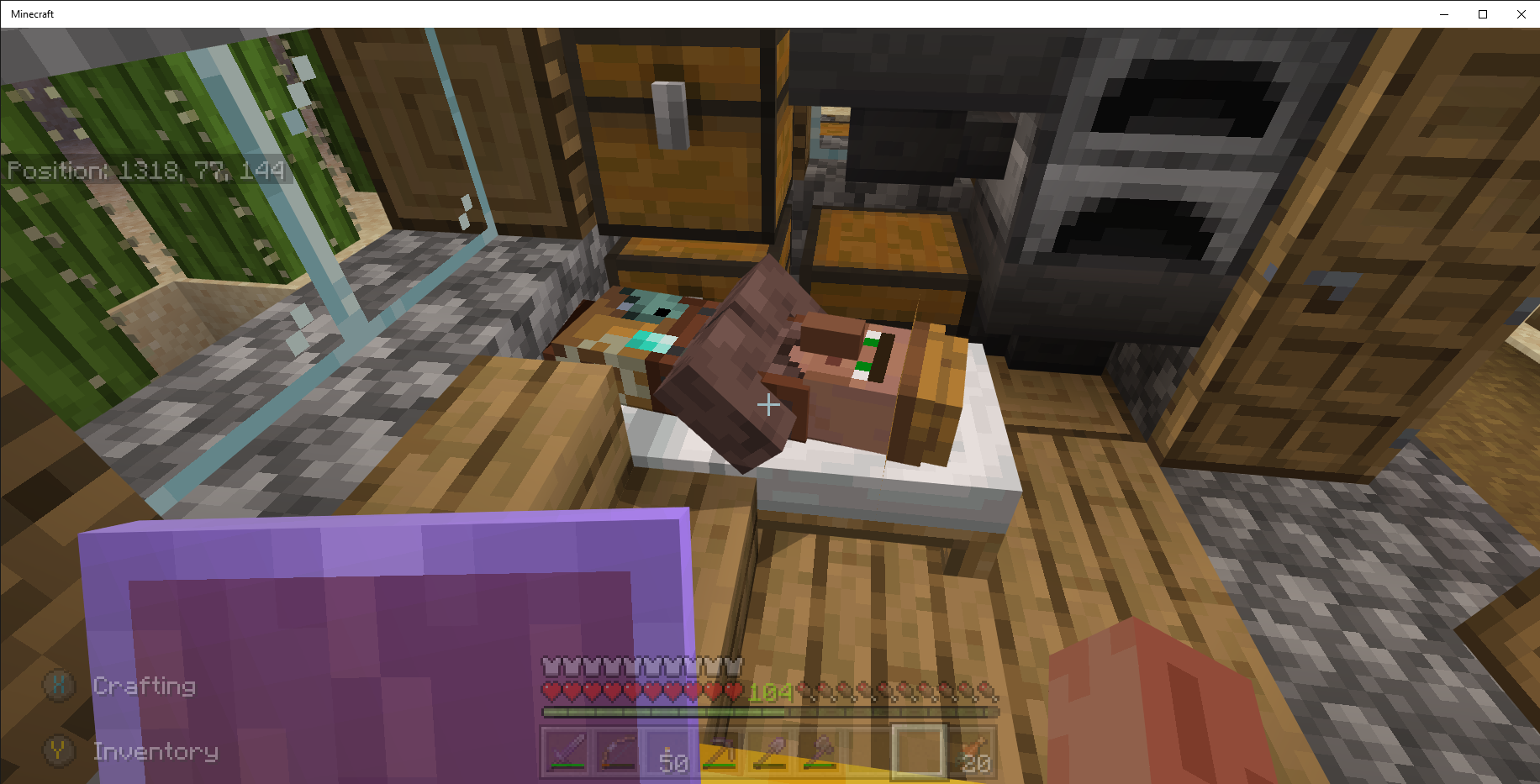
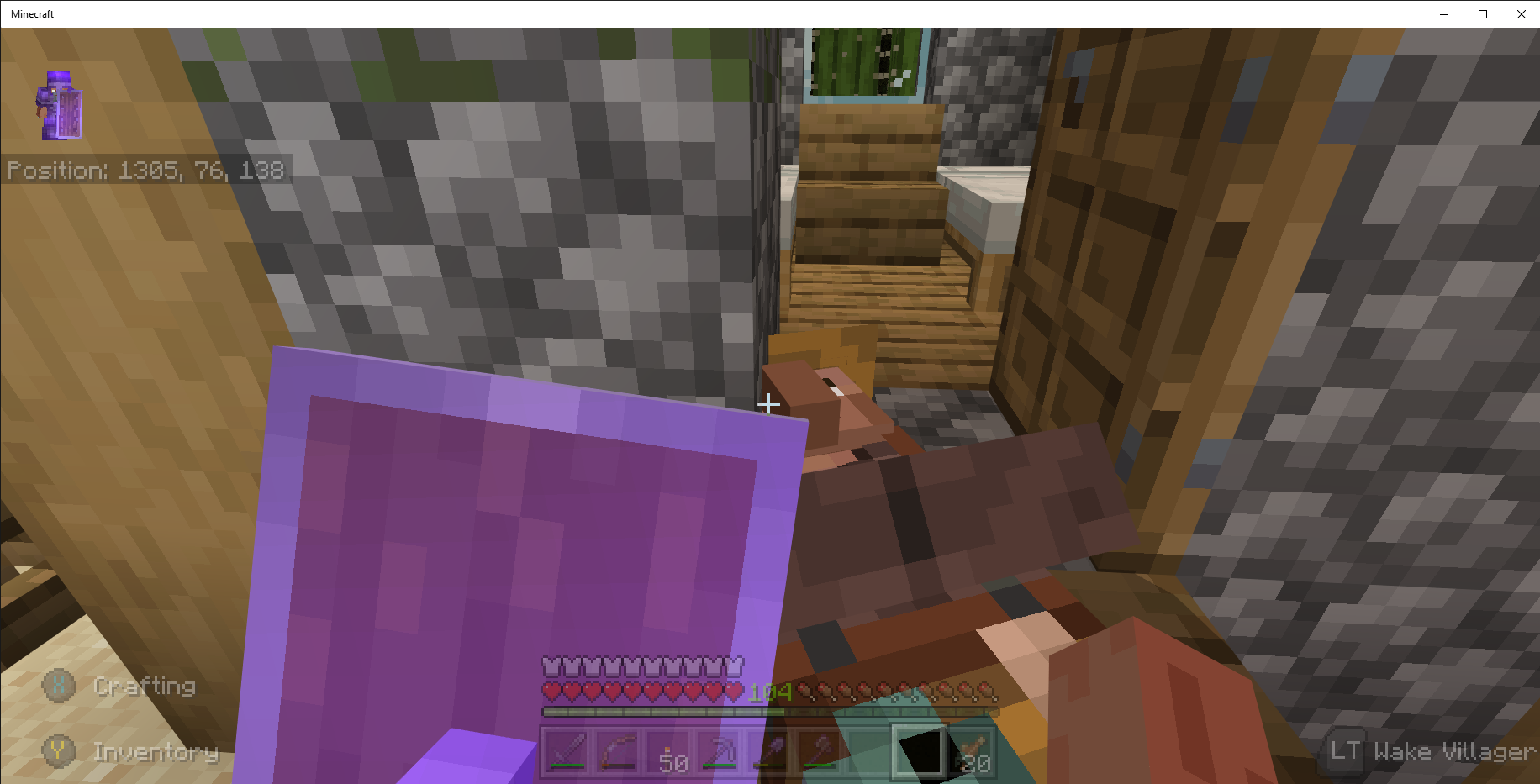
Windows 10 PC Bedrock v1.16.100.57 the villagers are sleeping in wonky positions, see attached screen shots.
World seed: Coastal Village (-1813740965); Survival Mode; Normal Difficulty; Infinite Size.
Steps to Reproduce:
1. Start Minecraft Bedrock v1.16.100.57 Beta on a Windows 10 Pro PC V. 2004 Build 19041.508
2. Find a villager sleeping.
Observed Results: villagers are; on the ground sleeping; hanging horizontally from buildings; skewed on bed in various positions, see attached screen shots.
Expected Results: villager would be sleeping in a bed with head at top and feet at bottom.
Note: the villagers were correctly positioned in bed prior to Bedrock v1.16.100.57 Beta. This was an old issue that was fixed, but it is broken again. This maybe related to
MCPE-53436.I think rabbits still have a movement issue on Windows 10 PC Bedrock v1.16.100.57, see attached video.
Windows 10 PC Bedrock v1.16.100.57 the villagers are sleeping in wonky positions, see attached screen shots.
This may relate to
MCPE-81101Villager Don't Sleep Position Properly.I found that if you exit and restart the game the mob or villager will unfreeze, but they will be located in a different coordinate.
I just saw a villager in a horizontal sleeping position fly across the village in Windows 10 PC Bedrock v1.16.100.56 Beta. Boy is this disconcerting when you are not expecting it. I think it may relate to
MCPE-81101andMCPE-53436.Windows 10 Bedrock v1.16.100.57 villager breeding has gone wonky, see attached video. Previous Betas were not affected. The villager breeding has exceeded the number of beds in the village, and the villagers continue to breed and causing a large amount of lag.
Prior to posting this Bug Report, I ran several Advance Searches and did not find anything. Why doesn't the following Advance Search find MCPE-47212 Bug Report: project = "Minecraft (Bedrock codebase)" AND description ~ "breeding" AND Status=Open.?
I was trying to check before creating a Bug report. I used the following Advance Search syntax:
project = "Minecraft (Bedrock codebase)" AND description ~ "breeding" AND Status=Open
The search did not find anything so I created
MCPE-101524Villager breeding out of control.project = "Minecraft (Bedrock codebase)" AND issue =
MCPE-101524.Then I found out the Bug was reported:
MCPE-47212 Villagers continue breeding past the bed count
project = "Minecraft (Bedrock codebase)" AND issue = MCPE-47212
This has happened many times in the past.
Please critique my Advance Search so I can avoid duplicate Bug Reports. Thanks
@OcelotOnesie Thanks for the Search information. I never would have thought of your suggestions.
Seed: Coastal Village (-1813740965); Survival Mode; Normal Difficulty; Infinite Size; world created in Beta v1.16.0.55.
Steps to Reproduce:
1. Start Minecraft Bedrock Beta 1.16.200.53 on a Windows 10 Pro PC V. 2004 Build 19041.610
2. Create world seed: Coastal Village (-1813740965); Survival Mode; Normal Difficulty; Infinite Size; world must be created on or after Beta v1.16
3. Go to spider dungeon at x2480 y26 z79 or Zombie Dungeon at x2493 y26 z88.
Observed Results: your player is attacked by invisible hostiles, see attached video
Expected Results: you should be able to see the mobs attacking your player.
Comment: fighting invisible cave spiders, husks, witches, strays, and creepers can kill you.
This appears to have been resolved prior to v1.16.200.53 Beta. I think you can close this bug report.
@GoldenHelmet, my villagers are still breeding, Windows 10 PC v1.16.200.55 Beta, and the village is overrun with villagers. Any suggestion on how to decrease the bug caused overpopulation?
I was playing v1.16.100 on PS4 in Survival mode. I converted 2 zombie villagers. I placed them in their own house, and I placed blocks in front of their doors. One of the converted zombie villagers disappeared. I exited and restarted to no avail, no villager. This is not related to
MCPE-101202.@OcelotOnesis, it appears Bedrock v 1.16.200.57 Beta has resolved the issue although the Beta Update Notes don't mention this bug as being fixed. Thank .
.
On Windows 10 PC Bedrock v1.16.200.57 Beta, I climbed on sleeping villagers and pushed on the beds none of the villagers floated away. I have not tried the planks, but I previously could nudge the bed and the villagers would zip away. If it is not fixed, it works better than previous 3 Betas. Thanks
This occurs in Windows 10 PC Bedrock v1.16.200.57 Beta and Bedrock v1.16.100 PS4. In the case of the Beta Nether, I walked out of a tunnel I made. I caught on fire, and after the fire went out, I tried exiting the tunnel with the same results. I started breaking blocks near the tunnel exit, and to my surprise, a nether rack block appeared with fire on top directly in the tunnel exit.
I found a variation of aforementioned scenario: a zombified piglet was jumping up an down on a flaming netherrack block in a nether fortress (see attached video); I hit the block with a pickaxe; the block and fire were gone; when I replaced the missing block, it was inflames. Apparently, the position has an invisible fire which spread to the replaced block. If I put a block on top of the burning block, it permanently removed the fire. Very strange!
@Mert Remzi EKER, the description on this bug report,
MCPE-85256, matches the issue I have experienced. Could it be related? Possibly, but the crop problem has been fixed for me many Betas ago. If the description and recreation was changed to reflect the problem described here, then it would work for me. As it is now, MCPE-65291 does not describe my issue. The bug appears in both the Windows 10 PC Beta and Playstation 4 v1.16.100. It appears all the bugs in the Beta were transferred to v1.16.100.*Affects Version/s:*1.16.210.56 Beta Windows 10 PC
In Windows 10 PC Bedrock v1.16.210.61 Beta, I visited 6 Bastions in Survival mode, and I found 0 Pigstep music discs which makes the music disc achievement impossible.
On Windows 10 PC Bedrock v1.16.220.52 Beta, when crouched, it is difficult to shoot bow or place blocks.
Windows 10 Pro Version 20H2 Build 19042.804
Bedrock v1.16.220.50 Seed: Coastal Village (-1813740965); Survival Mode; Normal Difficulty; Infinite Size; world originally created in Beta v1.16.0.55.
Steps to Reproduce:
1. Go to any village which has villagers
2. Wait for night
Observed Results:
Villagers do not go to bed, see above attached pictures
Expected Results:
Villagers would go to their linked bed which they did before v1.16.220.50
I think It is resolved looks like in Bedrock v1.16.220.52. Villagers are sleeping in beds.
This is an issue with Windows 10 PC Bedrock v1.16.220.50, v1.16.220.51 and v1.16.220.52 Betas. All the bees are gone.
In Windows PC Bedrock v1.16.220.51 & 1.16.220.52 Beta, armor pieces cannot be smelted. I tried a furnace and blast furnace to no avail.
On PS4 Bedrock v.1.16.210, damaged armor smelts in furnaces and blast furnaces.
I think Windows 10 PC Bedrock v1.16.220.52 resolved the issue. Villagers are going to their workstations.
@LB, the bees hives /nests have the proper orientation in my world. The entrances are open to the air. This issue started with the aforementioned Beta, see previous Comment.
@Skaijie, I created new iron armor in Windows 10 PC version 1.16.220.52 Beta. The iron armor will not smelt in a furnace or blast furnace.
Treasure Hunter Achievement is not unlocking in Windows 10 PC Bedrock v1.17.0.58 Beta. I purchased an Ocean Explorer map from village Cartographer; went to Ocean Monument with map in my Hot Bar, right hand, see above screenshots.
@Skaijie, I have armor, breast plate and shoes, created in a previous Beta that will not smelt in Windows 10 PC version 1.16.230.50 Beta. New armor created in current version will smelt. Also, I have enchanted apples which will not combine with newly acquired enchanted apples.
@GoldenHelmet, as the videos show, the villagers can not find their way around or between the beds to get to their linked beds. I don't know if this issue occurred on previous Betas, because villagers were not going to their beds at night, see bug report MCPE-119736. If beds are a part of custom path finding bug (MCPE-101235), then I guess this may relate. I did not view a bed as a button or one of the blocks described in aforementioned bug report.
@OcelotOnesie, per your request here's the downlink to the uploaded world Mega Download Link: https://mega.nz/file/qihQSaxb#Y4oSUxzhQDMR-f833yxe9BrvvMe3ra0_XuuLiJuFzl8
The 2 pieces of armor that will not smelt is located in a chest here: x1421 y70 z273. The enchanted apples which will not combine are in a chest here: x1312 y76 z144. Your attention in this matter is greatly appreciated.
"Oooh, Shiny!" is not working on Windows 10 PC v1.16.230.50 Beta.
@GoldenHelmet, may I suggest you configure the beds as shown in my above video. Your beds are laid end to end and no walls. Configure a test with walls and parallel beds in two rows as shown in my video. I think you will get the same results I did. Thanks for your time .
.
On PS4 Minecraft v*1.16.221* (Bedrock), loading, Mojang red screen and progress screens, takes over 3 minutes before the "Play / Settings" screen is displayed. My Network Strength is greater than 90%.
PS4 Game load time is still an issue with PS4 Slim Minecraft Bedrock v.1.16.221 Hotfix. The transition from Mojang Red screen to load screen to Play is over 3 minutes. Network speed is 49.9 mbps. I play the beta version on a PC, and Minecraft loads quickly. Also, my wife plays on a PS4 console, and Minecraft loads at an acceptable speed.
This is still a problem in Windows 10 PC Bedrock v.1.17.0.56, see attached screenshot.
Thanks for your feedback. I submitted the following Advance Searches before creating this Bug Report:
project = "Minecraft (Bedrock codebase)" AND description ~ "sugarcane" AND Status in (Open, Reopened)
project = "Minecraft (Bedrock codebase)" AND text ~ "sugarcane" AND Status in (Open, Reopened)
project = "Minecraft (Bedrock codebase)" AND description ~ "nether portal" AND Status in (Open, Reopened)
project = "Minecraft (Bedrock codebase)" AND text ~ "nether portal" AND Status in (Open, Reopened)
The Advance Search did not include either of the issues you provided. Please critique my Advance Searches, so I don't waste time posting duplicate bug reports. Thanks for your assistance
I just ran the above Advance Searches. Strangely, both of the issues are listed. I am thoroughly confused.
The above screenshot, Windows PC Bedrock v 1.17.0.56 Beta, was produced after standing near the sugarcane for 3 real hours. I think the tick is no longer toking after the v1.17.0.52 Beta. The change affected the nether portals too.
Windows PC Bedrock v1.17.0.52 Beta Update broke the nether portal like it was broken in
MCPE-99650.@Skaijie, I posted screenshot of my Random Tick Speed, see above.
This appears to be a problem with Minecraft Bedrock PS4 v1.16.221 Hotfix. Nether portals are not linking correctly.
@Matt Gartzke, How do you turnoff Caves & Cliffs Experimental Toggle on an existing world? My toggle is grayed out.
Windows 10 PC Bedrock v. 1.17.10.20 Beta is exhibiting this overpopulating issue. After the update, my villagers are exceeding the bed count in the villages. It is completely out of control. Also, when the game crashes the villager population decreases by a significant amount.
When the game crashes, the villager population is reduced by a significant amount which results in over breading of the villagers.
@Magdalen Wardak, yes this is still an issue on PS4 Bedrock v1.17.0. I uploaded the game loading video which is in real time. The video file exceeds 10 MB limit, so use the following link to view or download the video. The PS4 Slim is connected to AT&T highspeed internet. The problem began with PS4 Bedrock v 1.16. Here is the link to the PS4 Load Video:
PS4 Load Video
This is still an issue on PS4 Bedrock v1.17.0. The video file exceeds 10 MB limit, so use the link to download it. The game loading video is in real time. The PS4 Slim is connected to AT&T highspeed internet. The problem began with PS4 Bedrockv1.16. Here is the Link to the video: PS4 Loading
On PS4 Bedrock v1.17.0, I had 3 named goats in a pin within a chunk. 2 of the goats despawned.
MCPE-84790resolves the problem for me. Very hard entering the required keys, but the key sequence did the job. Now, every time I start the game, it loads normally. Glad I don't have to re-enter the key sequence every time. ThanksI tried the aforementioned key sequence. It resolved the problem for me. Very hard entering the required keys, but the key sequence did the job. Now, every time I start the game, it loads normally. Glad I don't have to re-enter the key sequence every time. Thanks !
!
This effects Windows 10 PC Bedrock v.17.2 I visited 9 Bastion remnants, and there were no pigstep music discs. I only found the pig snout banner patterns.
@Umija5895M, to clarify this bug report: I visited 9 bastions and opened from 3 through 13 chests per bastion;
MCPE-104330is reporting a loot table disparity between JAVA and Bedrock versions; there is no mention of the Pigstep Music Disc which is only available from a bastion chest I find it hard to believe this Bug Report is a duplicate ofMCPE-104330. Finally, I use the Search feature of the Bug Site before I waste my time in reporting a bug. Here's the Search: project = "Minecraft (Bedrock codebase)" AND affectedVersion = "1.17.2 Hotfix" AND description ~ "pigstep" AND Status in (Open, Reopened)Please critique the Search and let me know what the parameters should be to find a bug report for "no Pigstep Music Disc in bastion chests". Thanks, and have a great day!
@Tulejanov Almaz Ahatson, thanks for reporting this bug, because I couldn't find my bonus chest until I checked bugs.mojang.com. My first thought is the bonus chest was not created which was a past problem.
I think this is related to "
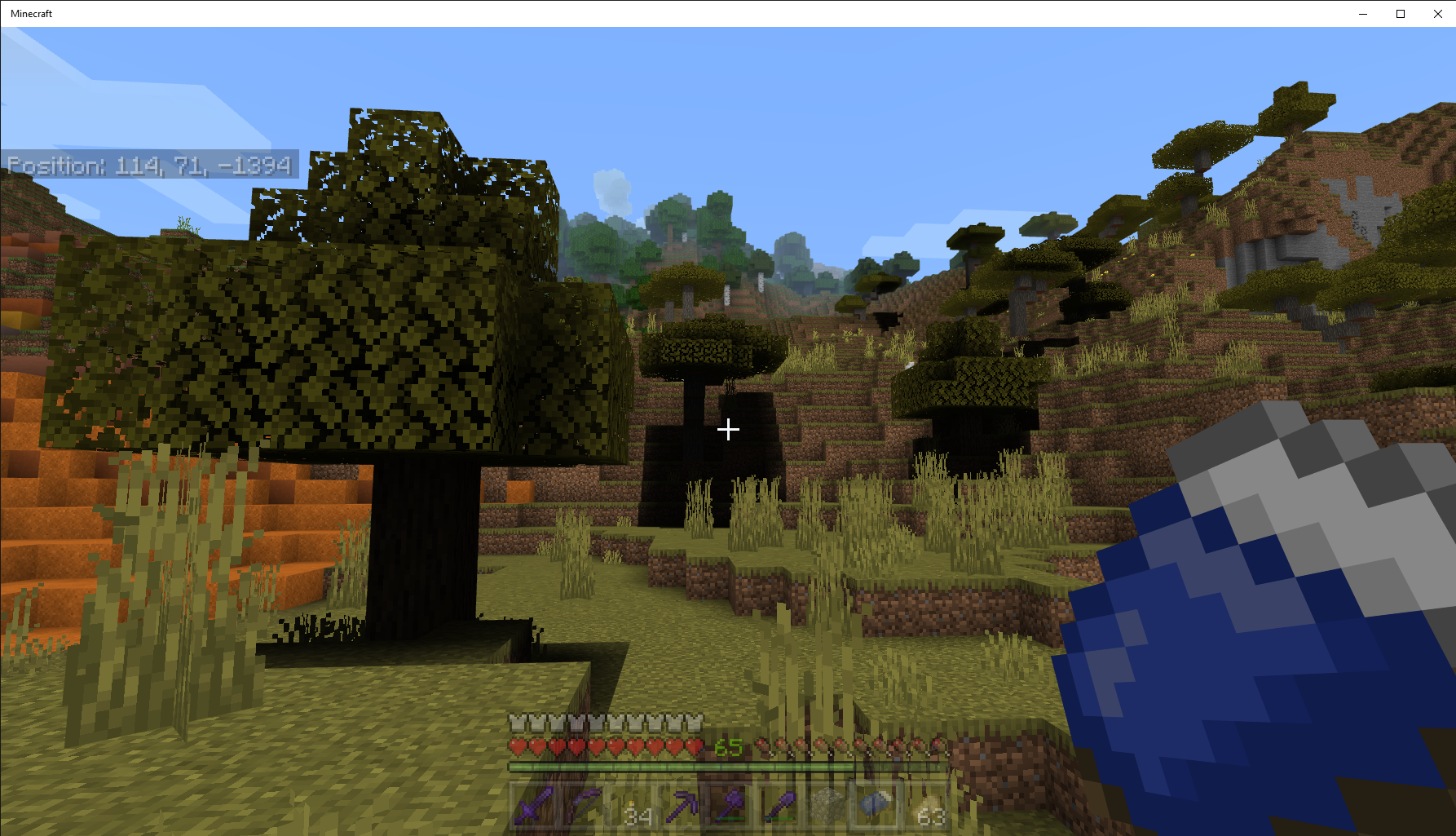
MCPE-139665[Experimental] Massive chunk loading error....." but the Nether side, see above screenshots. The Nether Portal disappears when the Nether becomes corrupted. There is no way back to the over-world. Once the Nether is corrupted all exports and imports are corrupted. Importing an exported world prior to the Nether corruption will permit you enter the Nether before it is corrupted, but if you immediately exit the Nether and return to the over-world; the player catches fire going through the portal. I posted my game settings above, see screenshots. I am playing on Minecraft Bedrock v1.17.30.24 Beta, Windows 10 Pro Version 21H1 OS build 19043.Windows 10 PC v1.17.30.24 has this anomaly trees growing on gravel blocks, sand, and azalea trees underwater, see above screenshots. World Seed: -197586509 (Experimental ON).
Thanks for posting this bug report. I have this issue in Windows 10 PC Bedrock v1.17.40.21 Beta. My workaround is putting the trident into a storage chest before I leave the location. I lost a mending impaling trident because of this bug.
This issue applies to Windows PC v1.17.40.21 Beta. You have to manually craft the trapdoors.
Zero tick kelp growing stopped working in Windows 10 PC Bedrock v1.17.40.20 - 23 Betas and v.1.18.0.20 Beta single player worlds with Experimental enabled. Kelp growing is now like sugarcane, very slow. Previously working kelp farms no longer work.
Seed: -197586509 (Experimental ON); Survival Mode; Normal Difficulty; Infinite Size; world created in Beta v1.17.40.20.
Steps to Reproduce:
1. Enter a boat and travel across a body of water
2. Stop and Exit the boat
Observed Results: Minecraft Bedrock v1.17.40.20-23 Beta, boat disappears, see attached videos.
Expected Results: Boat is still visible
Workaround: sometimes you can exit the boat while it is still moving, and it will not disappear or run boat into a sand block and exit.
In Windows 10 PC Bedrock v1.17.40.20-23 Beta, a minecart with chest is falling into the void. in a similar fashion as the trident.
Windows 10 PC Bedrock v.1.17.40.23 Beta has this problem, see screenshots. This could be the bug described by
MCPE-58182.Windows 10 PC Bedrock v.1.17.40.23 Beta has this problem, see screenshots. This could be the bug described by
MCPE-39368..
@Auldrick, thanks for the comment. I could only find mcpe-39368 which has been closed. I posted a comment there. I could open a new bug report, but I felt this or mcpe-39368 was a match. I would appreciate any suggestions. Thanks!
This issue affects Windows 10 Bedrock v.1.18.0.20 Beta. Monuments will have 0 - 2 Guardians. The monuments with zero guardians still give mining fatigue.
@Magdalena Wardak, I'm confused how missing eldar guardians relate to broken structures? In my worlds, most of the monuments are constructed normally, but they have from 0 to 3 elder guardians and no sponges in any of the rooms. I think this issue is different from mcpe-143505. I posted the structure screenshots because my search did not find mcpe-143505. I have deleted the screenshots and posted them to mcpe-143505. Please address the missing elder guardians. Strangely, you visit a monument one time and there are no elder guardians, but on the next visit you will have from 1 - 3 elder guardians. Thanks 😊
Seed: -197586509 (Experimental ON); Survival Mode; Normal Difficulty; Infinite Size; world created in Beta v1.17.40.20.
Steps to Reproduce:
1. Enter a boat and travel across a body of water
2. Stop and Exit the boat
Observed Results: Minecraft Bedrock v1.18.0.20-22 Beta, boat disappears, see attached videos.
Expected Results: Boat is still visible
Workaround: sometimes you can exit the boat while it is still moving, and it will not disappear or run boat into a sand block and exit.
Affects Windows 10 Bedrock v1.18.0.22 Beta.
Widows 10 PC Bedrock version 1.18.10.21 Beta. Windows 10 Pro v 21H1; OS Build: 19043.1348; World Seed: -197586509 Beta; Game Mode: Survival; World Size: Infinite
Steps to Reproduce:
1. Get in a boat, and begin a forward motion with the DS4 controller's left joystick pushed forward.
Observed Results:
The boat turns and the player's view stays straight at the original view. The view is not where the boat is headed. It is difficult, nearly impossible, to navigate the boat, see above video captures.
Expected Results:
The view corresponds to the direction of the boat's direction.
This issue was not present in the previous Beta.
Affects Windows 10 Bedrock v1.18.10.21 Beta.
Affects Windows 10 Bedrock v1.18.10.21. Many times, no vindicators spawn in last raid.
Affects Windows 10 Bedrock v1.18.10.21 Beta. You never see a witch.
1.18.10.22 Beta is available only on Xbox and Android (Google Play) which means the issue is not resolved for Windows 10 Bedrock Beta. Currently, I have seen no projections when the Beta update will be available for Windows 10.
This is not fixed in Windows 10. Should I create another bug report?
Windows 10 Bedrock v1.18.10.24 Beta does not restore or save the character edited.
Steps to Reproduce:
1. Start Minecraft Bedrock for Windows, and if necessary, log into Microsoft Account
2. Open Dressing Room
3. Edit a new character
4. Equip with Pan Cape
5. Exit Dressing Room
6. Play a Minecraft World
7. Exit Minecraft
8. Start Minecraft Bedrock for Windows
Observed Results:
Character no longer has the Pan Cape
Expected Results:
Character should be as edited.
Windows 10 Bedrock v1.18.10.27 Beta, no goats spawn in aforementioned biomes.
This is Web Services. My inquiry is not as you say "invalid". You have made a major change/add to the Login procedure for bugs.mojang.com. I have friends and family members that are not able to Log into this site. There should be Login Help instructions similar to the instructions to use Advance Search in the Help section. If the new login procedure is intended to prevent access to this website, you have succeeded.
@OcelotOnesie, thanks for the suggestion which I tried, see above attached screenshot. I used the Map Helper-Red Mcpack. I do not see any missing pixels on the 9 maps. I explored the maps for a 3rd time to no avail. I can upload the world if it will help.
@OcelotOnesie, I uploaded my v1.18.1.28 Beta world at this link: https://mega.nz/file/DrYjRCKB#nWZGtbbz0EO5XiQ4zAv5r3-c81-zay8zSSIxvUN6UZg . Map Helper is active. The 9 maps are located x=36 y=63 z=-138. In addition, The Sound of Music will not unlock, which was reported at
MCPE-115808Achievements Not Unlocking in Survival. Thanks 😊.@OcelotOnesie, Success, the 4th time is a charm. I think the reason I was having trouble clearing every pixel relates to the fact the maps keep changing after each Beta update. You can see the terrain change as you move through the maps. The Imgur album with Map Help screenshots was a great help. Thanks for the suggestions. The Map Achievement was extremely difficult.
@Weronika Szajnfeld, How are you identifying the Meadow Biome? I used Chunk Base for Bedrock v1.18. The screenshot is a plateau below mountains. Biomes are not identified in Bedrock as they are in JAVA. Please share your secret to Biome finding. Thanks!
Yes, the achievement works at the aforementioned coordinates.
In Windows 10 PC Bedrock v.1.18.20.21 Beta, I removed the doors, and the villagers will go through the doorway. I did not remove the block above the doorway, see attached video above. I wonder if the hitbox for blocks affected the size of the doorway. There were 2 changes to blocks in the aforementioned update.
I removed the block above the doorway and replaced the previously removed door. Villagers just stood in the doorway. Next, I tried a glass pane, glass block, and half slab replacing the removed block with the door to no avail. I could not find a combination which worked with the door in place.
I noticed some of the villagers have trouble pathfinding through the doorway without assistance. The villager will stand outside next to their bed.
Windows 10 PC Bedrock v1.18.20.23 Beta does not work with doors on buildings.
Windows 10 PC Bedrock v1.18.20.27 Beta is affected by this bug.
After Windows 10 Bedrock v1.18.30.20 Beta update, all my villagers and iron golems disappeared from the village. Floating around the village and world are baby villagers and cats. I picked up several of the baby villagers in a boat, and I took them to the village. They disappeared after I left and returned to the chunk that contains the village. The village has a total encompassing wall. I have not had an issue with the wholesale disappearance of villagers until this update. If I import a world created in the previous version, the villagers are all present in the aforementioned village.
Windows 10 Bedrock v1.18.30.22 Beta is affected too. A Save and Quit on a world created in an older version takes 20 minutes. Everything mentioned in the following paragraph still apply to this version for old worlds. The Game is not playable on old worlds! If you create a new world in v1.18.30.22 Beta, the world plays normally including Save and Quit.
If you open a chest, it will not close which disables weapons, mobs, and most actions. I have not found a workaround. I have deleted the game and reinstalled to no avail. I tried importing the last save, but it makes no difference. Basically, the game is not playable in the current Beta version.
Here's a link to my world for Windows PC Bedrock World -197586509 1.18.30.22 20220309a:
https://mega.nz/file/aiATzIKT#1OyZAs0qH41owW-wLji_gtI9I-bnbSeQVxNCXA1rcic
I started this same Seed in the current version. Unlike the aforementioned world, the newly started world loads and plays correctly. I suspect old worlds are not converting correctly.
I have partially explored 3 maps. Now the newly created world will not load, see above screenshot. Minecraft is using 40% of the CPU and 30% of the memory.
Here's a link to my world for Windows PC Bedrock World -197586509 v1.18.30.22 Beta created on 20220309:
https://mega.nz/file/aiATzIKT#1OyZAs0qH41owW-wLji_gtI9I-bnbSeQVxNCXA1rcic
I started this same Seed in the current version. Unlike the aforementioned world, the newly started world loads and plays correctly. I suspect old worlds are not converting correctly.
@Auldrick, Mobs, villagers and fenced animals all disappeared. When I leave the chunk or save and exit the mobs disappear in an existing world. The plains village x149 y72 z79 had villagers and animals in world v1.18.30.20 Beta. The villagers and fenced animals all disappeared from the village when I loaded the world v1.18.30.22 Beta. I restored the villagers and animals, and I saved and exited the world. When I reloaded the world, the villagers and animals disappeared. My expectation is the villagers and animals would be present when I reloaded the world. I created a new world with the same seed, v1.18.30.22 Beta. The villagers and animals do not disappear when I reload the world or leave the chunk where the village is located.
@Auldrick, Mobs, in my old world (when exiting and reloading or moving more than a chunk), the mobs disappear. The world was created prior to v1.18.30.22 Beta. If I resupply the village with new villagers, they will disappear for aforementioned reasons. In the world created in v.1.18.30.22 Beta, the mobs do not disappear. I uploaded my old world which was created prior to v1.18, so you could test it.
Affects 1.20.32 Hotfix. Desert village is on an island. The raid may or may not start. If the raid starts it ends after first or second raid. The raid bar vanishes.