 Andrew Thomas
- greatmastermario
- greatmastermario
- America/Phoenix
- Yes
- No
 MC-7869
 MCPE-1152
![[Mojang] Nathan Adams](../../../data/assets/gravatar/dinnerbone.png)
![[Mojang] Grum (Erik Broes)](../../../data/assets/gravatar/grum.png)

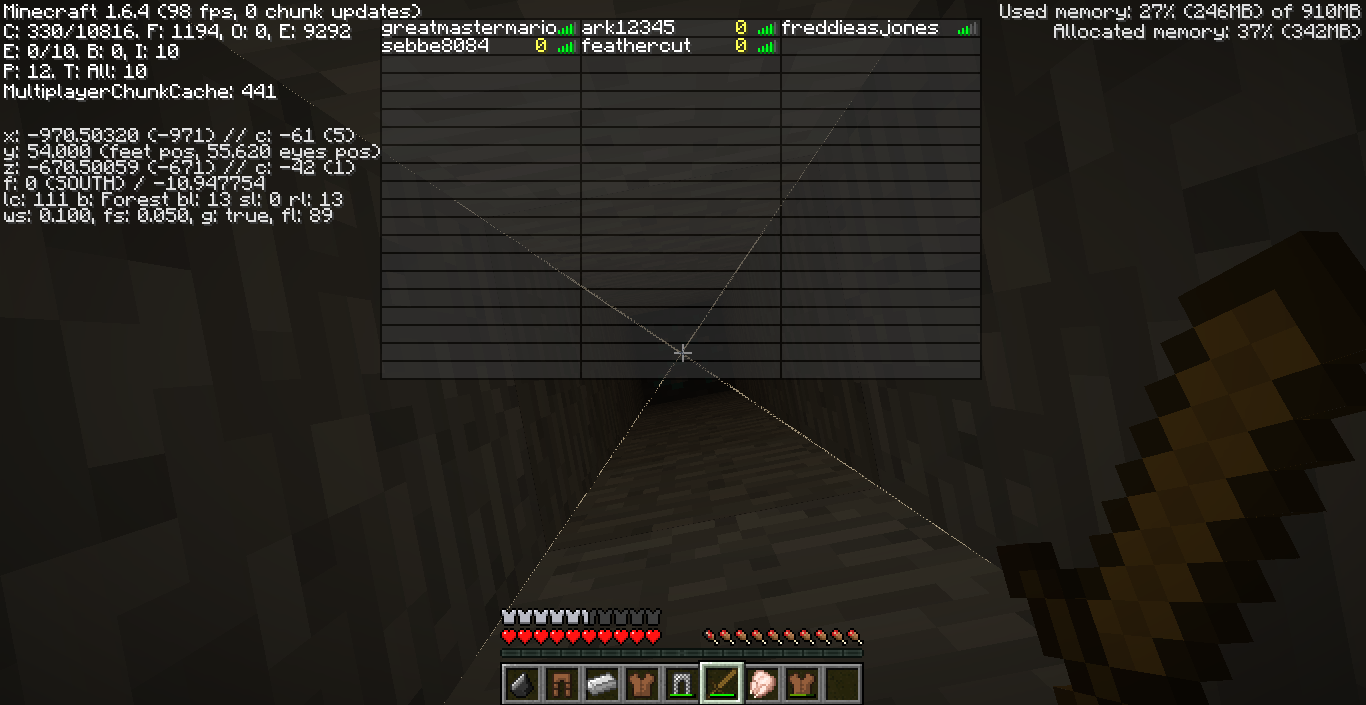




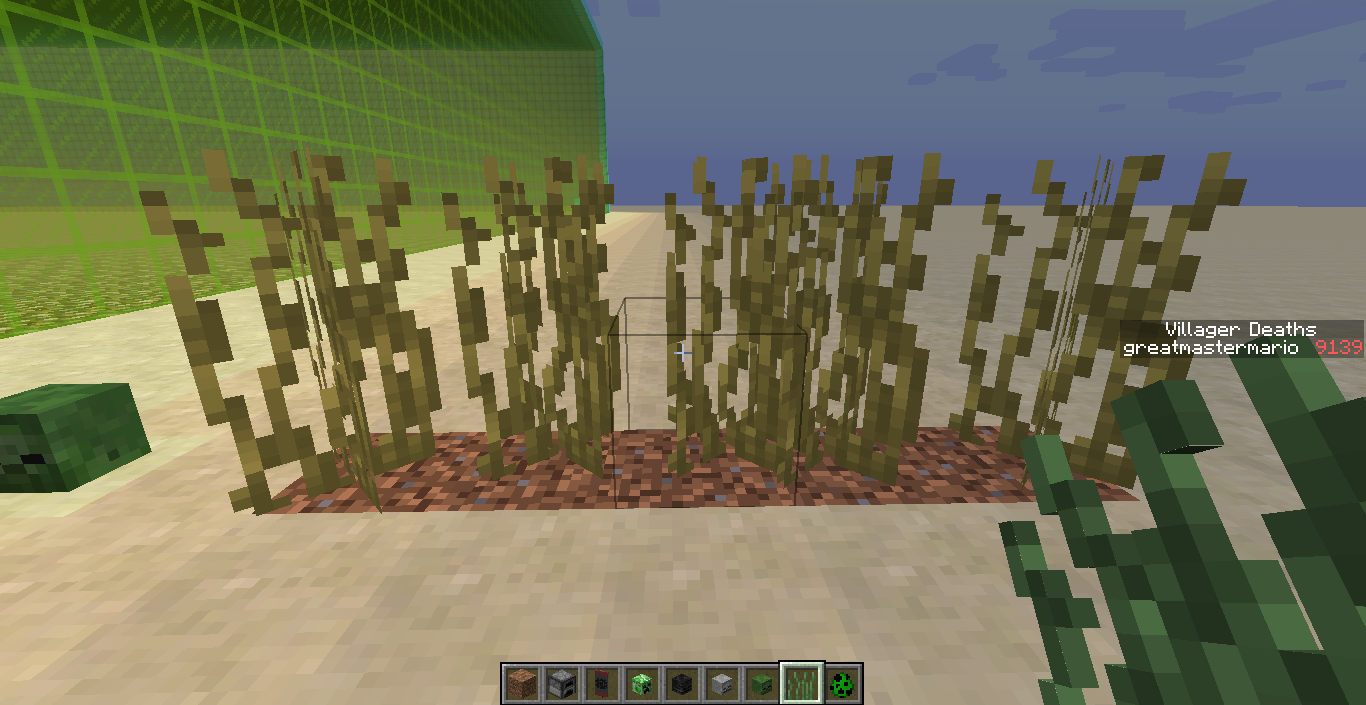
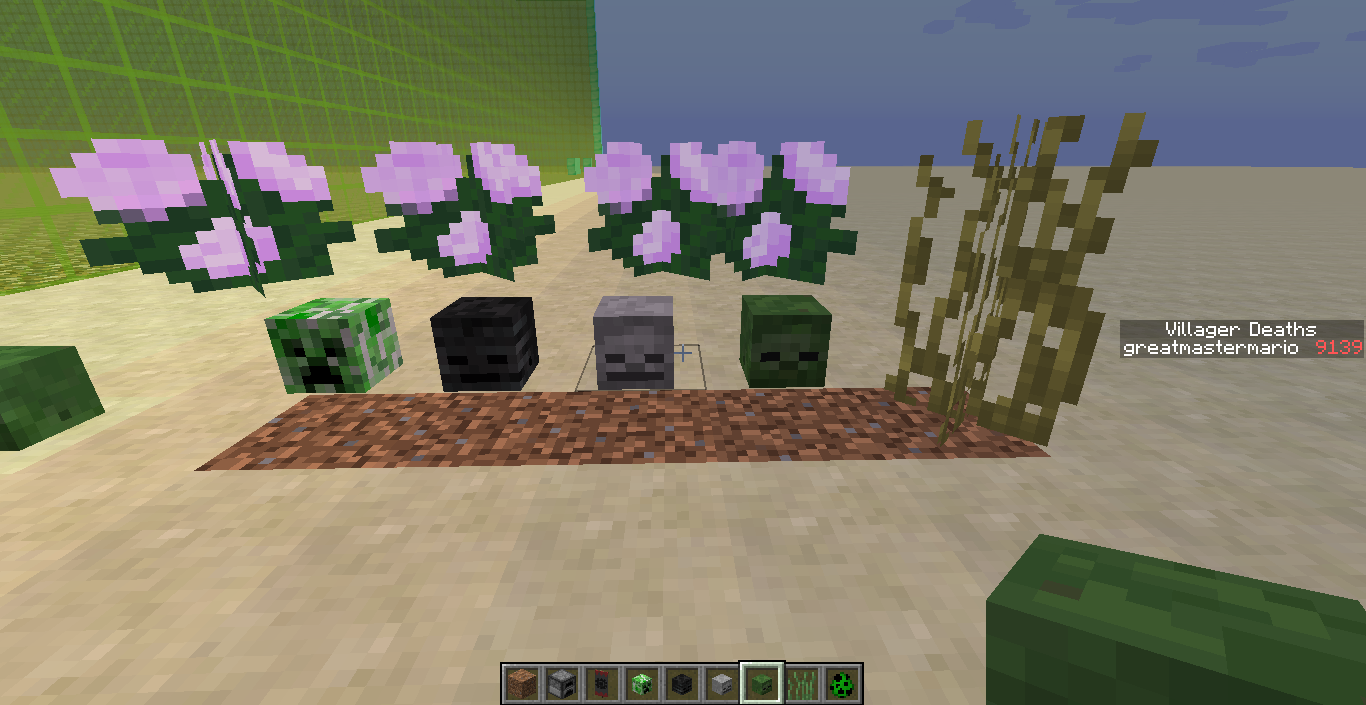
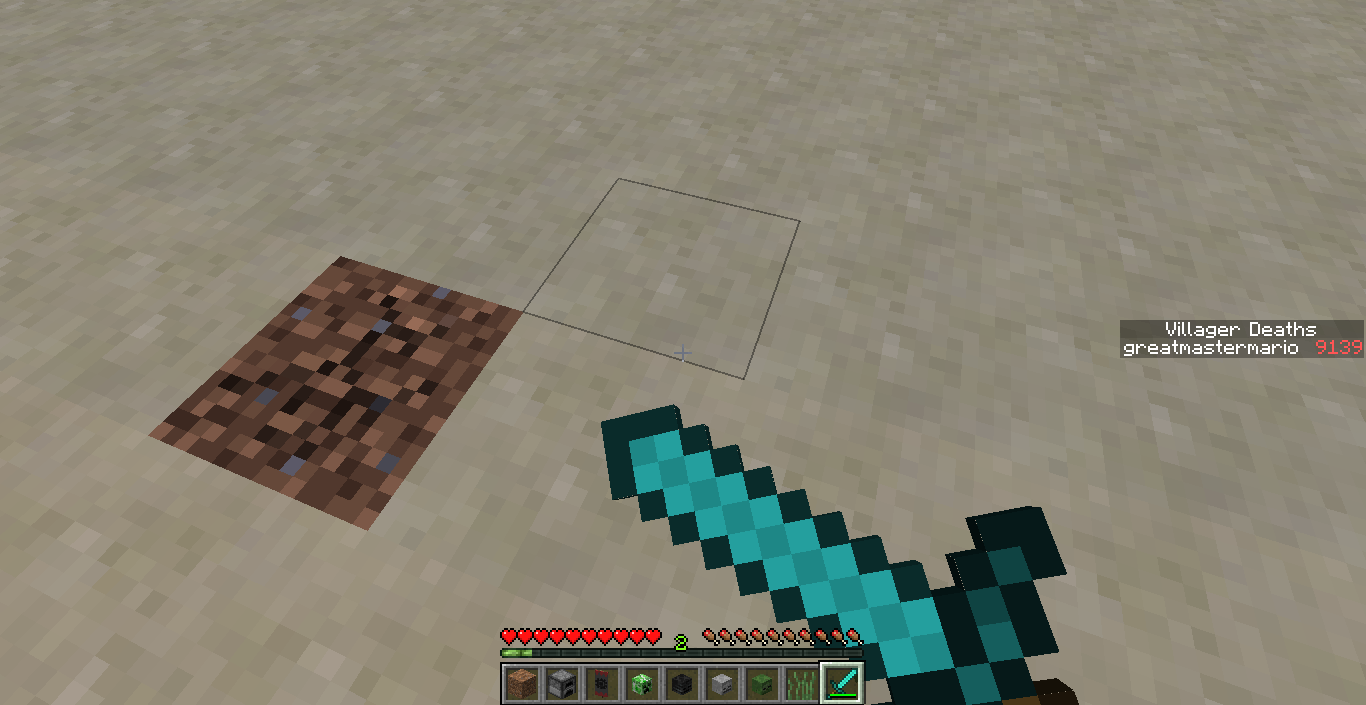
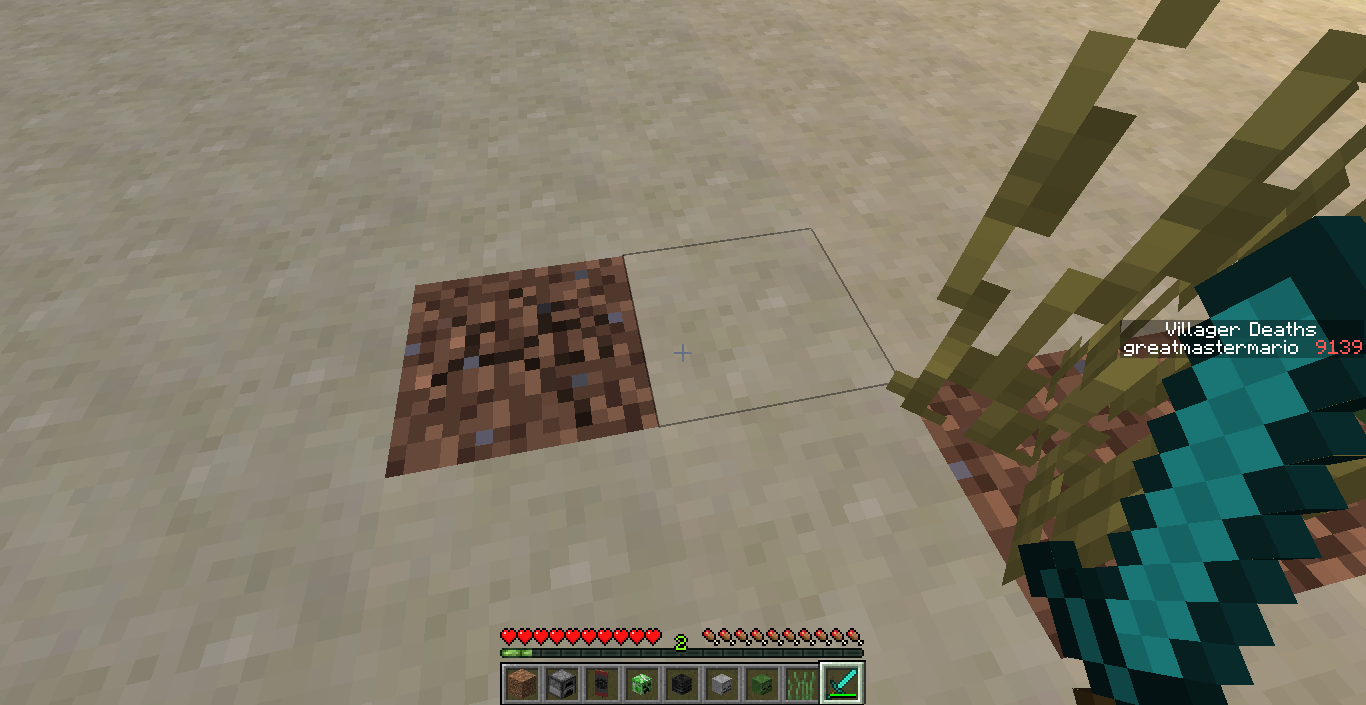

While trying to make a map for the new snapshot using scoreboards, I found that scores will not activate in Creative mode. This is especially significant with the stat.flyOneCm, so you cannot find out how much you flied.
To reproduce:
-Enter Creative (with cheats)
-Type "/scoreboard objectives add fly stat.flyOneCm Fly Distance"
-Type "/scoreboard objectives setDisplay sidebar fly"
-Fly around a bitWhile trying to make a map for the new snapshot using scoreboards, I found that scores will not activate in Creative mode. This is especially significant with the stat.flyOneCm, so you cannot find out how much you flied.
To reproduce:
-Enter Creative (with cheats)
-Type "/scoreboard objectives add fly stat.flyOneCm Fly Distance"
-Type "/scoreboard objectives setdisplay sidebar fly"
-Fly around a bit
villages.dat not updatingPlayer tag in villages.dat does not update
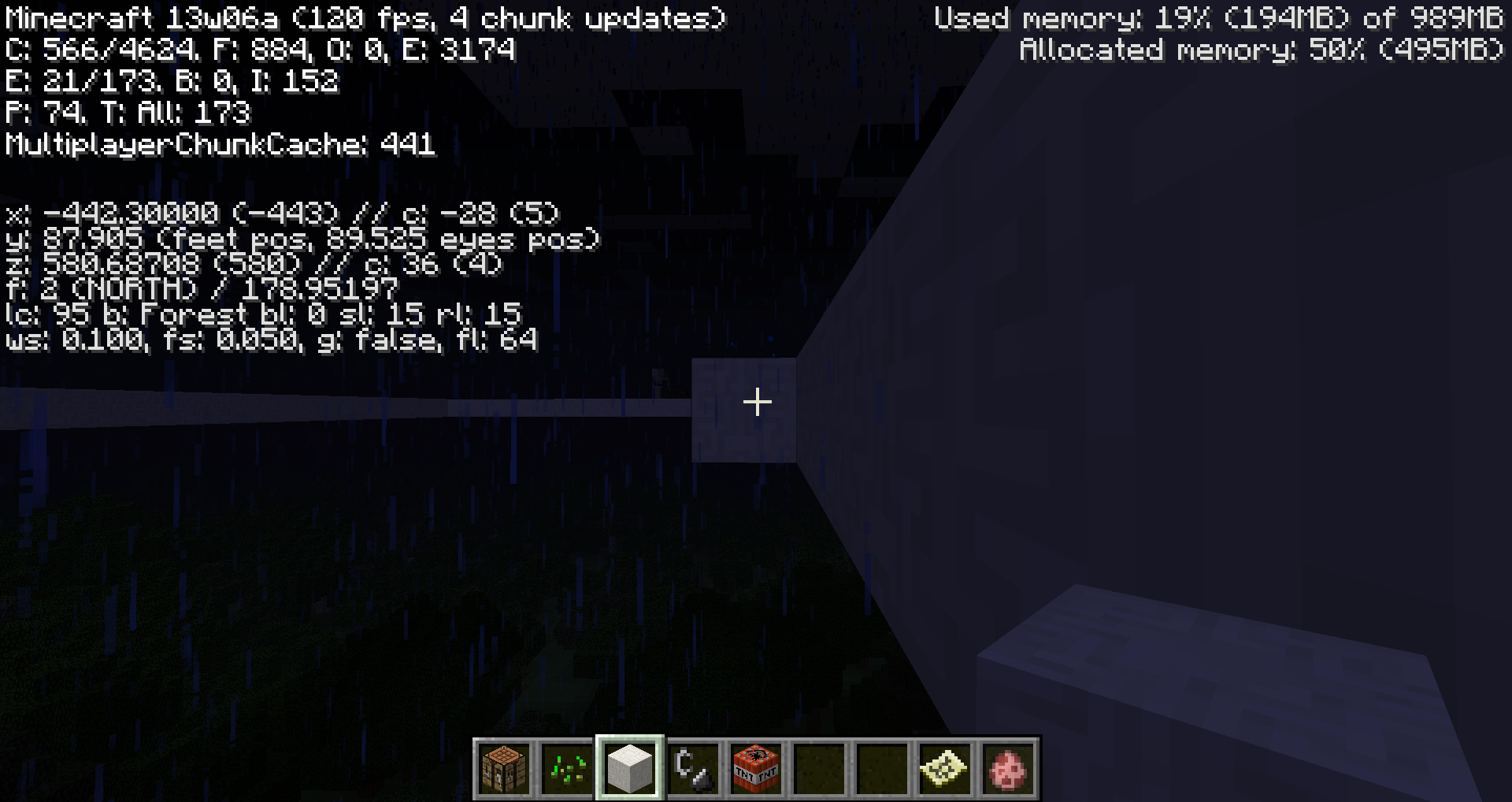
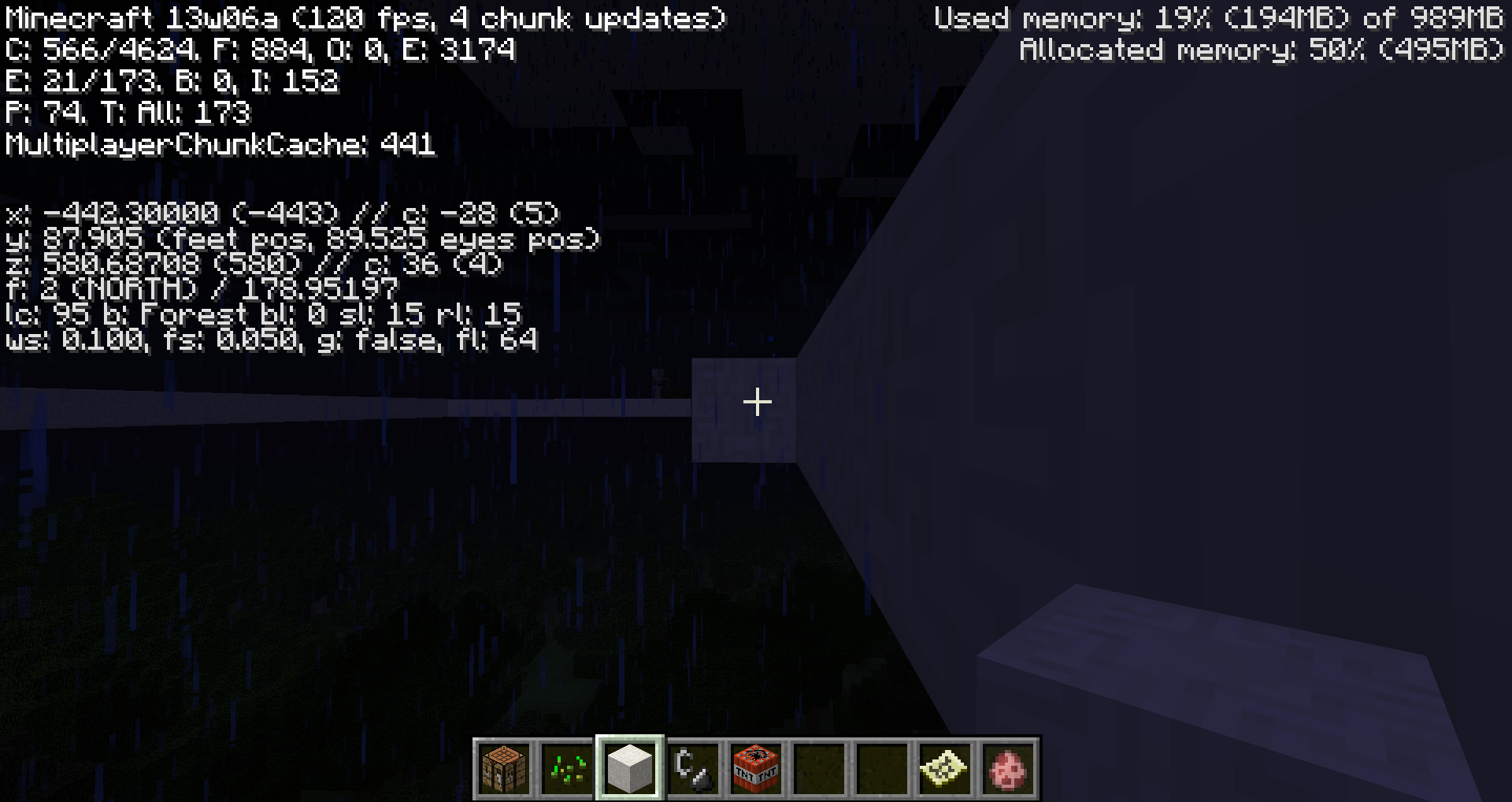
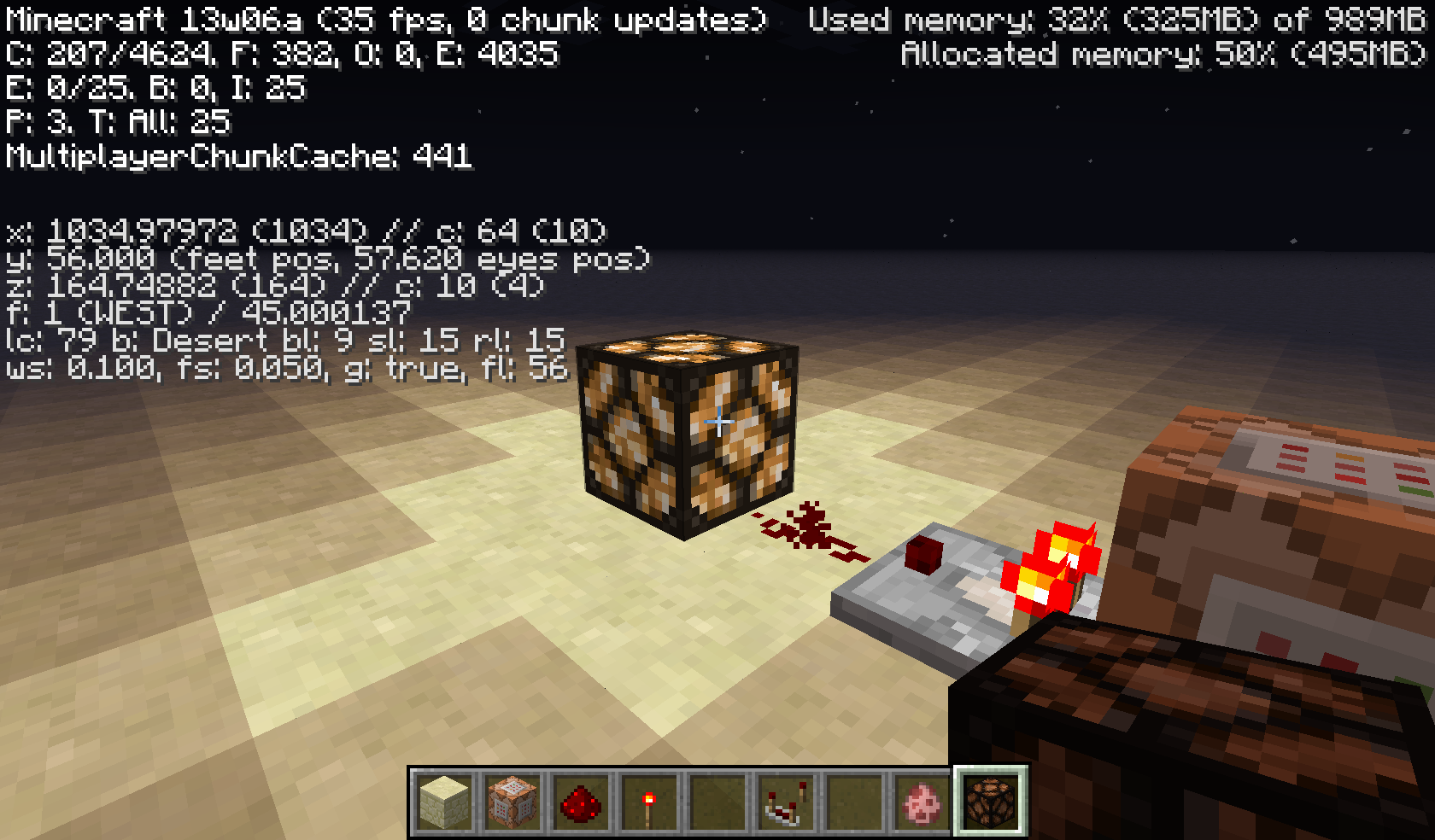
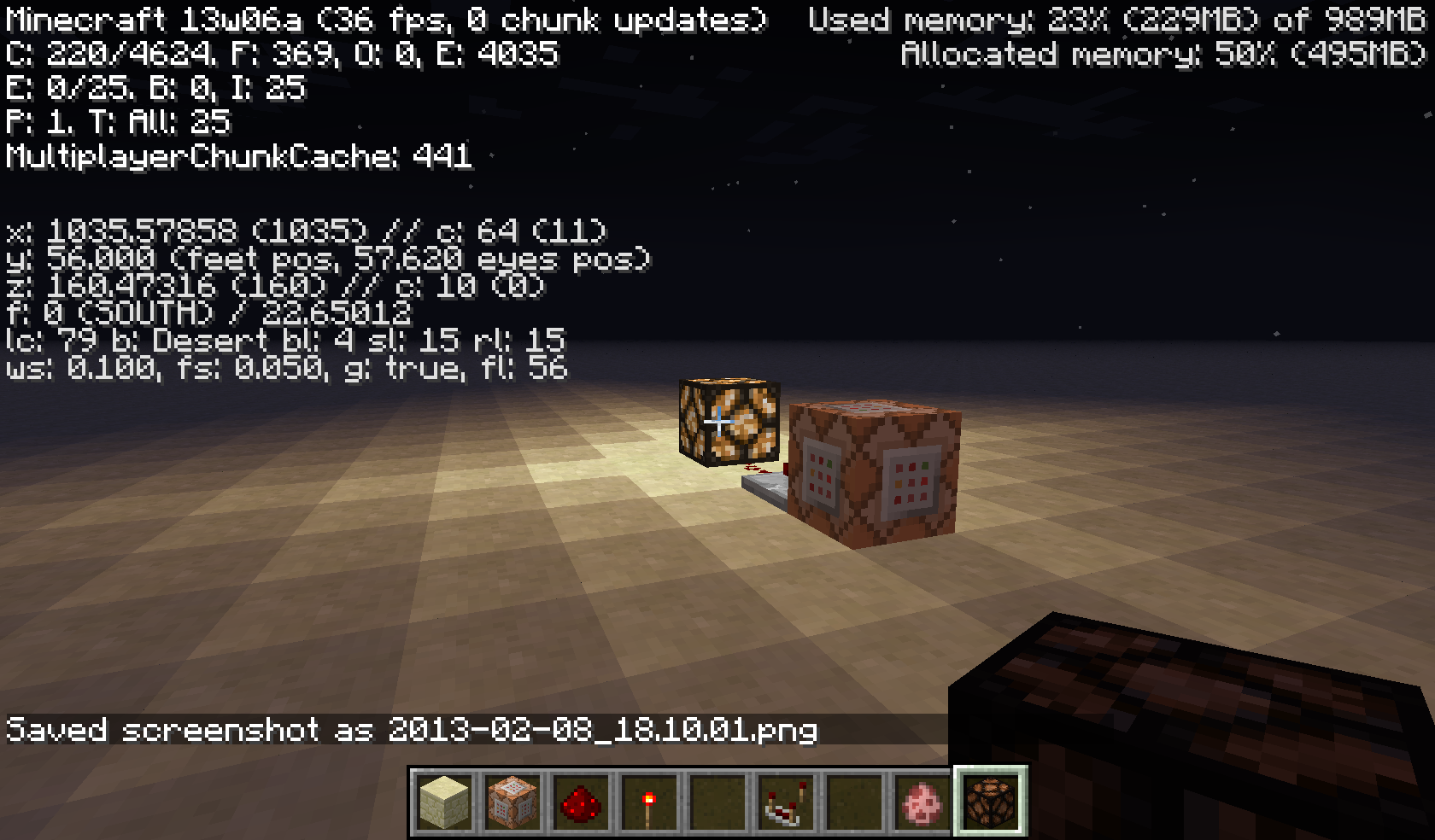
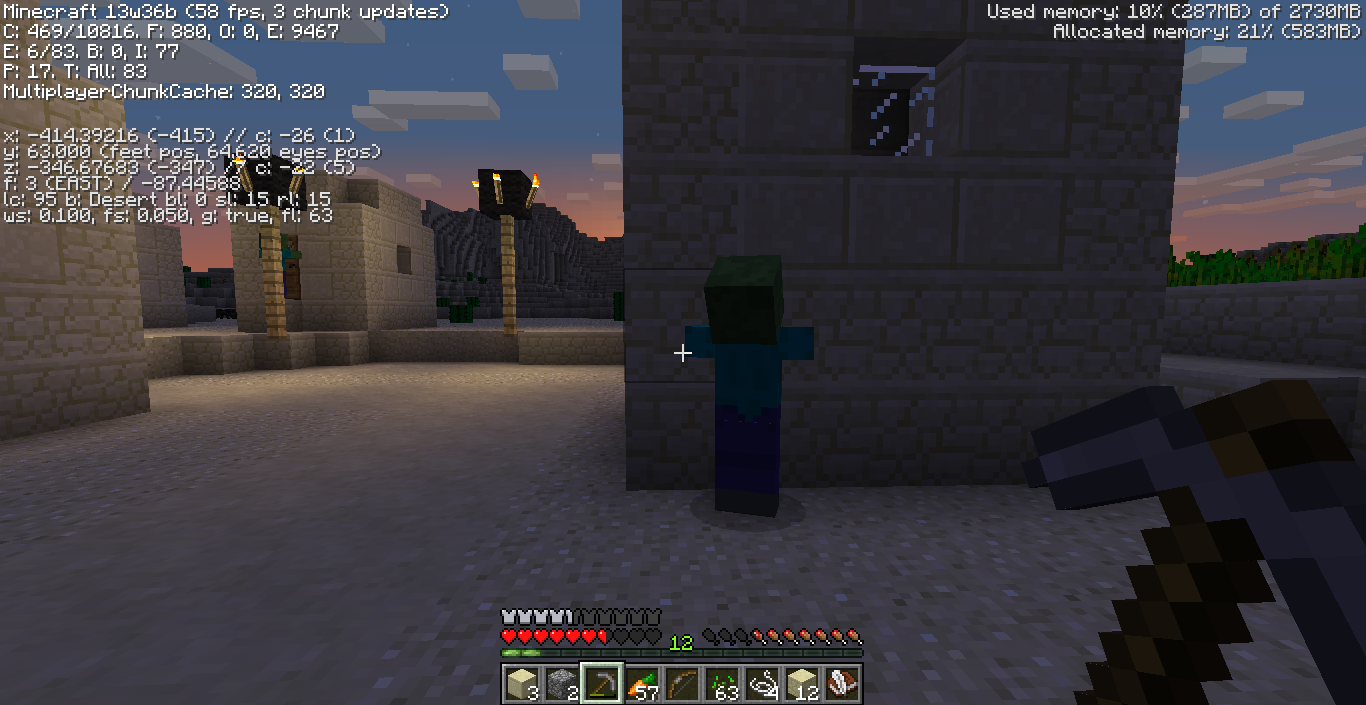
I noticed this many versions back when I was trying to figure out lighting for a large room. Even if it is night time, if you open the debug screen with F3 and look at the sl and rl values, they always say "15".
Edit: Although this has not been updated since 13w06a, it has existed in all intermediate versions through this update (14w04a). Another screenshot is also available in
MC-45473, although the bug there is different.
Tested on two computers:
1. Windows XP
2. Windows 7Both ha
vemost recent Java, LWJGLTested on two computers when reported:
1. Windows XP
2. Windows 7Both had most recent Java, LWJGL.
As of update for 14w04a, has been tested on a computer with the following stats:
Windows 8.1 64-bit
Java 7
6GB RAM

@Andrew Thomas: Did I get you right, that you have the partial transparency in the creative inventory in 14w28b ? If so, please attach a screenshot and please force a crash by pressing F3 + C for 10 seconds while in-game and attach the crash report (minecraft/crash-reports/crash-<DATE>-client.txt) here.
With my graphics driver / card
OpenGL: AMD Radeon HD 6700 Series GL version 4.4.12967 Compatibility Profile Context 14.200.1004.0, ATI Technologies Inc.
I cannot see the transparency, see my screenshot.
[Mod] Mustek
I looked, but I couldn't find it. Sorry about that.
I wanted it to flow next to it. The picture contains an automated harvester.
Thanks for the help with the pictures.
The bug in the debug menu also causes the "sl" value to be 15 in full open sky even at night. I will put a picture of this with the night in the background above to show this.
sl and rl values in debug screen at night.
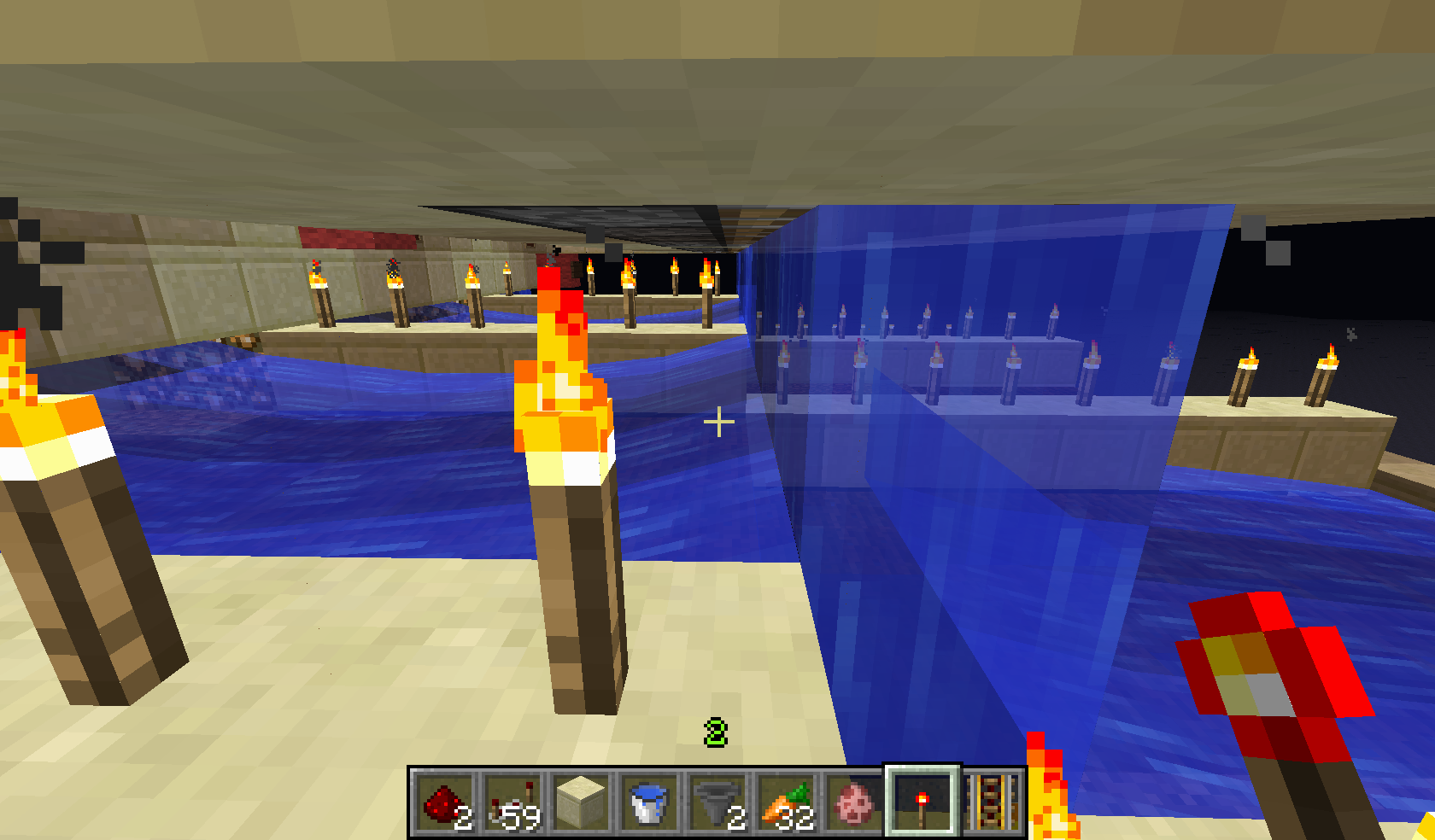
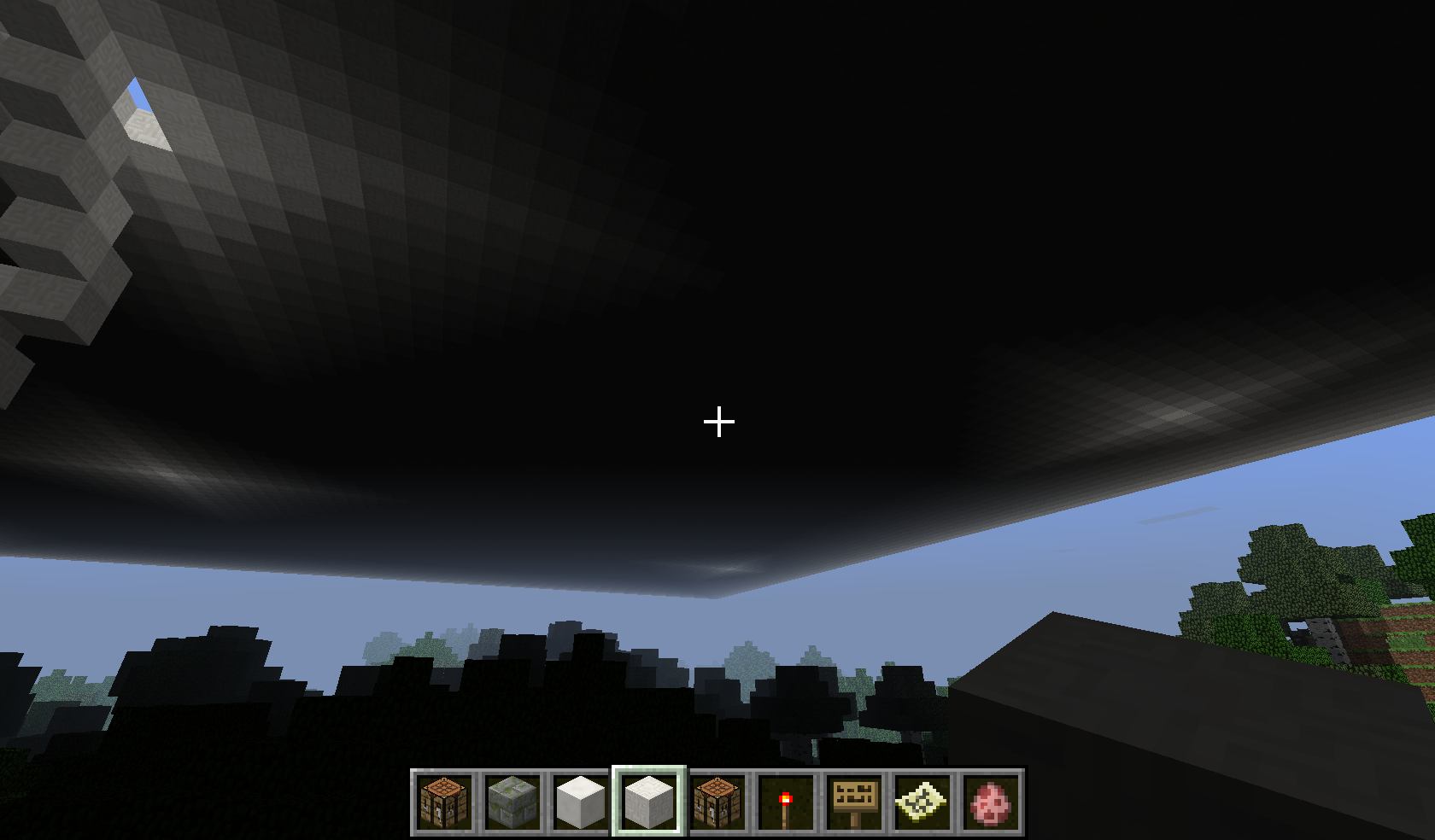
Large ceiling with lighting "stars." Ignore the top-left, that has a hole.
Are you referring to items or XP orbs? XP orbs are intended not to make a splashing noise.
Also makes cool "skidding" effects if running while landing. Well said Dinnerbone.
Thanks, didn't realize I put the wrong word XD
The specific stat I was looking at was stat.flyOneCm, not fall. Therefore, the scoreboard should activate while flying in creative.
I have personally checked this. I made a world in Creative and flew 10000 blocks in any direction and TPed back to 0,0 to fly somwhere else. I barely found any structures whatsoever.
They could fix this by
a. Creating an option for structure spawn frequency
b. Just increase frequency spawning overall
c. For villages, remove the biome requirement. I think Jungle Villages would be a nice addition.
Has anyone noticed the new .dat files in the data folder?
i.e. Village.dat, Mineshaft.dat, Fortress.dat, etc.
There may be a problem with the new data format being incompatible and not storing village data.
As for generation of the blocks themselves, I'm not sure.
It still exists in 13w38c. This is going nowhere, fast.
It works perfectly fine for me in 1.6.2, 1.6.4, and 13w38c. What happens is when you shift-click the items (both from the trade and remainders of the unused that were not multiples) out of the trading grid, the items will auto-adjust in your inventory, even before pressing ESC. I have been trading this way for a while, and have never encountered ghost items.
How to test it:
1. Spawn a villager
2. Obtain 64 of whatever item(s) it wants for the trade
3. Place the whole stack into the trading window
4. shift-click the items out of the slot on the right, then remove any leftovers from the left.
The amounts will automatically adjust. You can see this by keeping an eye on the amounts of each item in your inventory. This is easier to see by getting a trade where you give emeralds and receive items, not as well the other way around.
I just added three more of my own pictures I took while on survival. One or two show the fish "swimming" on land toward the bobber.
I just attached a picture of the phantom fireball in the most recent snapshot (13w39a). As of 1.6.2/4 and the 1.7 snapshots it still exists.
Thanks Anon. Just fixed it.
Why is it invalid, btw?
I remembered I reported this and it is still occurring in 1.7 snapshots. Why is it works as intended?
Make sure you report separate bugs in separate reports. The BuyB tag should be in one report while Block 36 trade should be in another report.
Also, the Block 36 trade crash should be labeled "Works as Intended." As Galaxy_2Alex said, technical blocks were removed, so referencing a non-existent block will crash the game.
Confirmed in snapshot 13w39a (as well as the other 1.7 snapshots)
Confirmed in 1.7 snapshots through 13w39a.
This is likely caused by how they detect doors in a village.
Villagers only spawn once in the world. Therefore, they will stay in a certain part of a village unless they detect another door.
To detect a valid door, they must be within 16 blocks long either axis. However, many times the spots villagers congregate in have no doors meeting this criteria (even though there are many more doors in the naturally spawning village).
To fix this, simply build more intermediate houses between structures to entice villagers to new houses. This will both increase possible population cap of the official village, and spread them out.
The other problem has to do with their social AI. Villagers tend to stay in groups of two or more and "talk." This is part of the new AI where villagers gained some sort of psuedo-intelligence. This is another reason (and more likely) that villagers stick together.
Check the end of this section for detection of door rule. http://minecraft.gamepedia.com/Tutorials/Village_mechanics#Housing
Read this section for info on Villagers' social tendencies:
http://minecraft.gamepedia.com/Villager#Behavior
I may not have been clear. The baby was covered on all 6 sides, I walked away for <1 minute, and I saw it running around outside of the box.
Do you have a screenshot/video of it working per chance?
Confirmed for 13w39b
Nevermind, I was wrong. The villagers just aren't doing anything. Renamed bug to "Player tag in villages.dat does not update".
There you go. It's uploaded as a .txt so it doesn't take up tons of space.
This is today for 1.6.4 and then 13w39b with internet access.
It did not lag as much in the snapshot as 1.6, but it was still significant. No change internet vs no internet.
Here is a completely new save I created just for this purpose in 13w41a. Still lags for about 1 second before continuing.
Need to add 1.6.4 and 13w41a to "Affects Version"
"Visually unappealing" is more of an opinion than a bug. This is the intended texture, and the only way it will change is if either Mojang feel the same or you use a resource pack.
Works as intended. Any entity that enters the void is automatically deleted since the void technically does not exist in the world files. (Negative Y-values do not exist)
Confirmed.
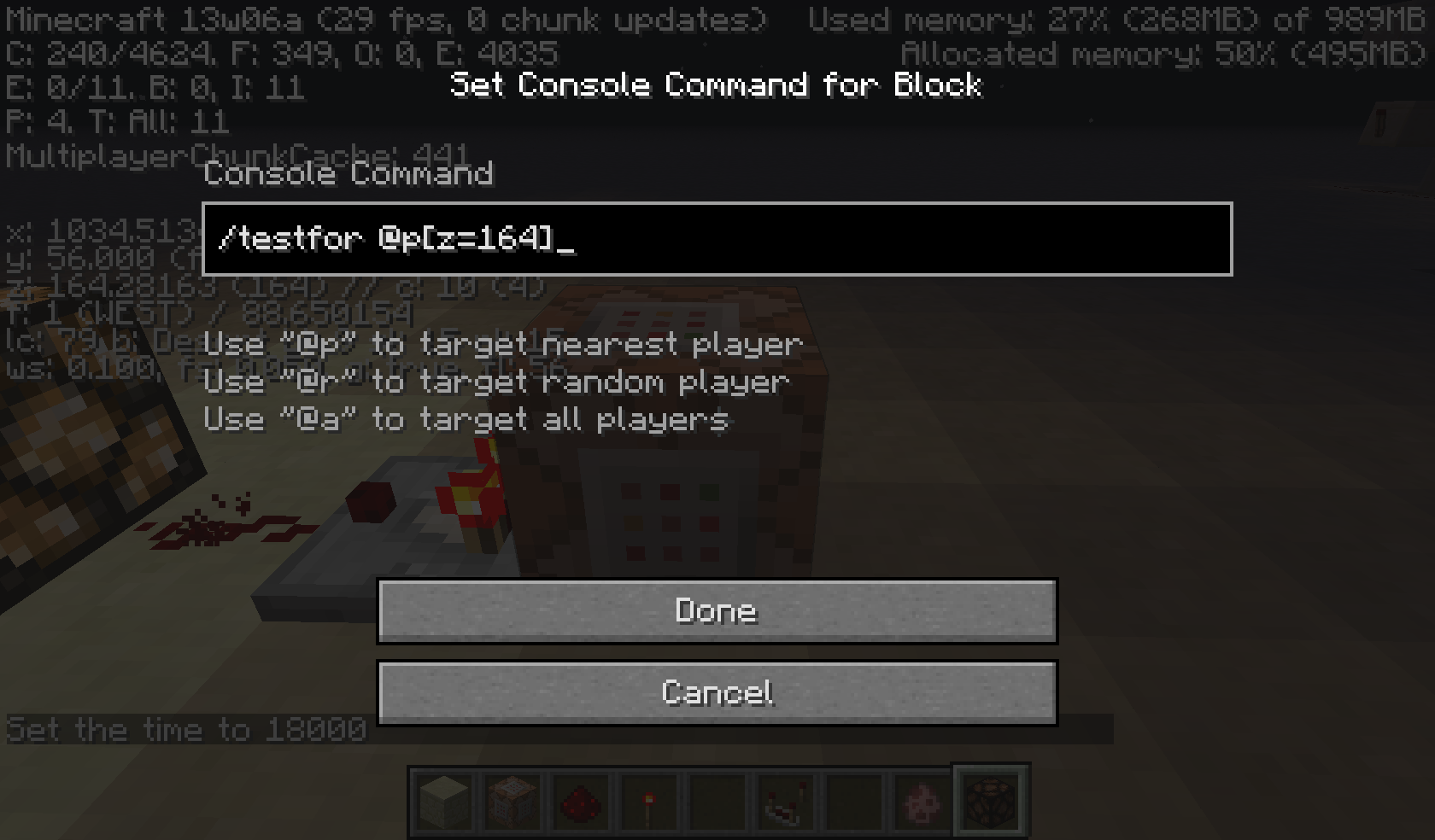
In the picture, you did not type "/" before setblock. It should be /setblock ...
It works for me, tested with several types of tile entities and air. All tests worked correctly.
For the appearance of blocks this works as intended. "Bright" video setting will make the blocks appear as if you had a Night Vision potion.
However, in the debug screen (F3) the sl (Sky Light) and rl (Real Light) values do not change from 15 when in open air, making it impossible to tell light values above ground. Refer to
MC-9374for a report on this aspect.Update added as of 14w04a
This is a feature request, not a bug. Please go to reddit.com/r/minecraftsuggestions or the Minecraft Forum suggestion page to request it.
What the texture should be doing is removing the texture for the side where the cake was eaten (a sort of "internal" texture viewing the inside of the cake). As of this report, the side texture shifts with each bite, giving the effect of the cake shrinking instead of being consumed.
Duplicate of
MC-45561Do you know how to fix it? It runs fine in my copy except the enderdragon and my other bug report...
Confirmed. It works as intended using the mouse wheel, but dragging it by clicking causes the jerkiness, often moving in the opposite direction as intended.
Confirmed. This should be considered a bug as the page is listed as customizing ALL ore types. Also does not have Nether Quartz.
Works as intended. Torches can't be placed on transparent blocks.
Confirmed. My brother also had this happen with shears, so it might not be dependent on whether shears are used but on something else.
Works as intended. It only turns off the message to all players, but the player it affects still gets the message so they know that they're in Adventure mode and not survival.
Incomplete
So shouldn't this be marked as Invalid since it is not an actual bug?
Confirmed for 14w28b
Confirmed for 14w28b
Confirmed for 14w28b
Confirmed for 14w28b
Is there any way we can get a Mojang employee to confirm whether this is a bug or a Works as Intended?
Also, confirmed for signs, chests, and trapped chests in 14w28b
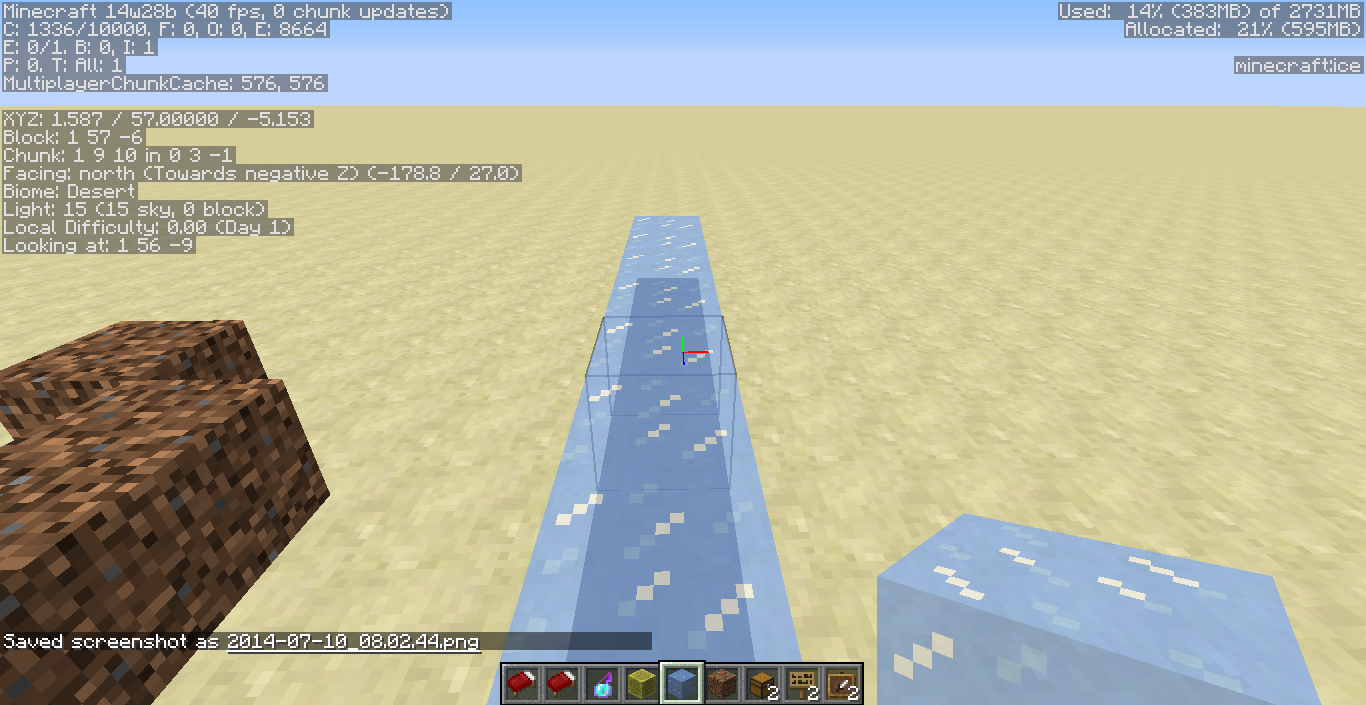
Confirmed in 14w28b. It does have to do with the fact that you are not technically "standing" on the block. I will upload a couple pictures of the F3 menu showing this
These are two screenshots showing the bug. Please note the x values of "Block" and "Looking at". The ice is along x=1, but the "Block" value you are "standing" on is 0.
Confirmed for 14w28a
Confirmed for 14w28b
Confirmed for 14w28b
Confirmed for 14w28b
Confirmed in 14w28b. However, when a block is updated next to the water, it flows as normal.
To reproduce this effect:
1. Place a row of ice blocks
2. Place a row of fire next to that
3. After ice melts, it will not flow
4. If another ice block melts or fire block disappears next to the water, it will flow
Confirmed for 14w28b
@Tails Based on your above description, shouldn't the bug involve FLOATING ice blocks since that is where the inconsistency is?
Although it is delayed, it seems to be fixed in 14w28b. Both parts ended in the same state.
Confirmed in 14w28b
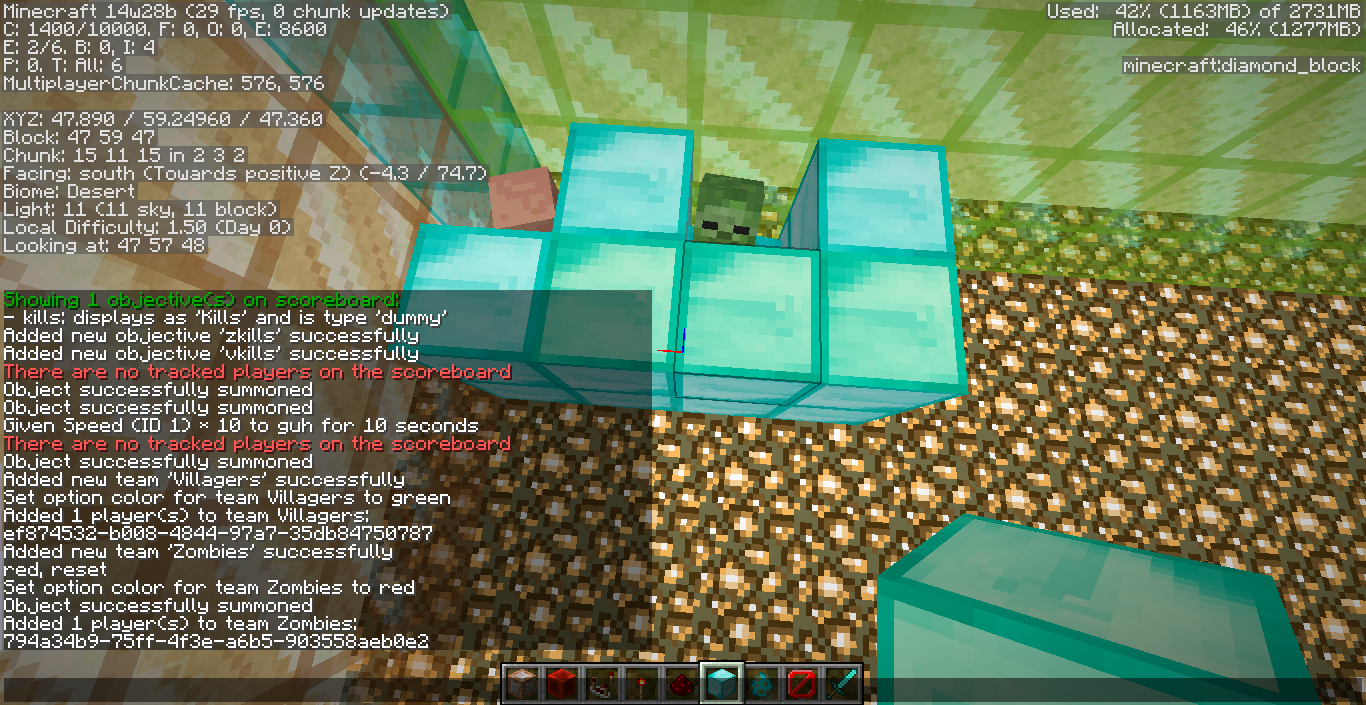
The same happens with any other statistic, even ones for teams. I tried doing a teamKills objective and placed villagers in one team and zombies in the other, the kills would not increment. Not even Health objectives work.
It may be, as OP stated, that mobs do not have statistics tracked, so you can't use values other than dummy.
Confirmed for 14w28b
@Kumasasa I agree. I just tested it in 14w28b and the score updates. However, is it only supposed to update in Survival/Adventure modes, or is it supposed to work in Creative too? It only updates the stat when you are in Survival or Adventure and drop at least 3 blocks. If not, this can be marked fixed.
Confirmed for 14w28b
Did you unzip it first?
This can be marked as duplicate of
MC-57516, thank you Blah for finding that.Thank you for the fix. I'm not sure why it worked for me and not you guys. It seems like it is partially fixed/changed, as 1.7.10 does not show the creative inventory transparency like in 14w28b.
If you don't mind me asking, what did you change between the two besides adding the _MACOSX folder?
Still present as of 14w28b
Here's that fixed version from my other bug report.
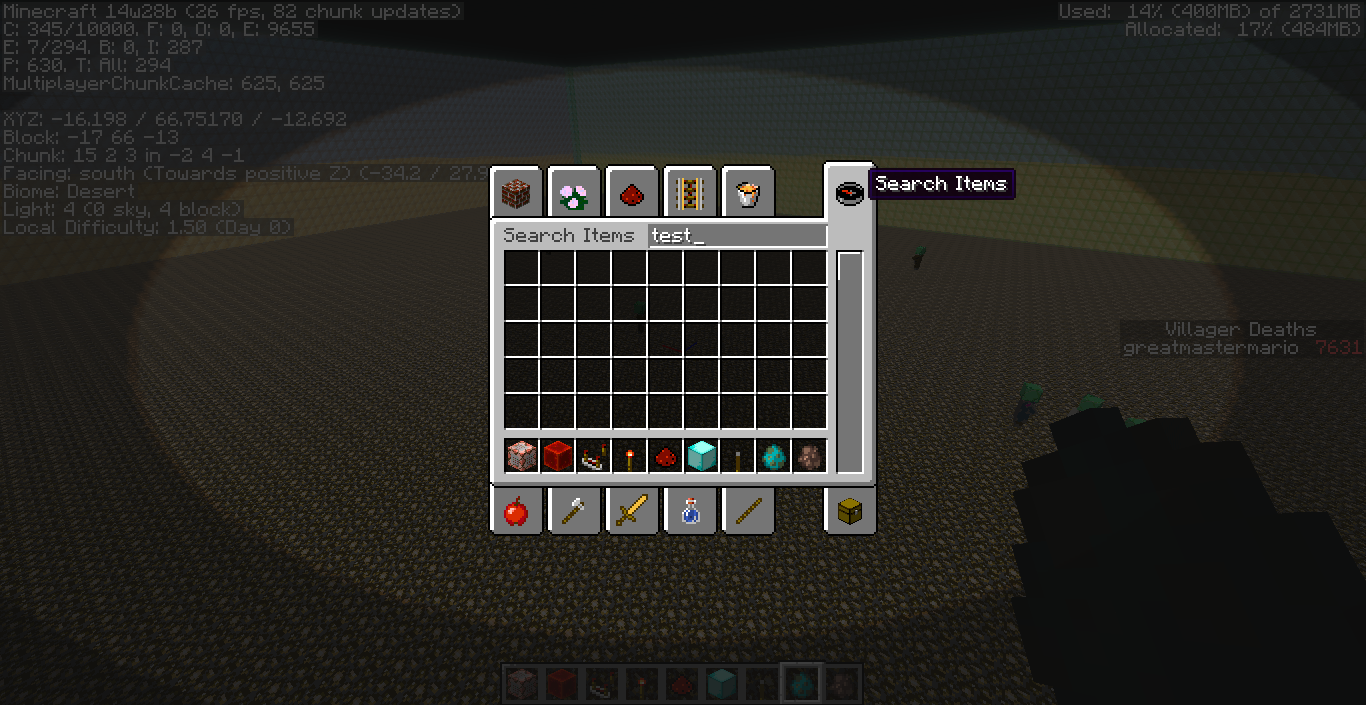
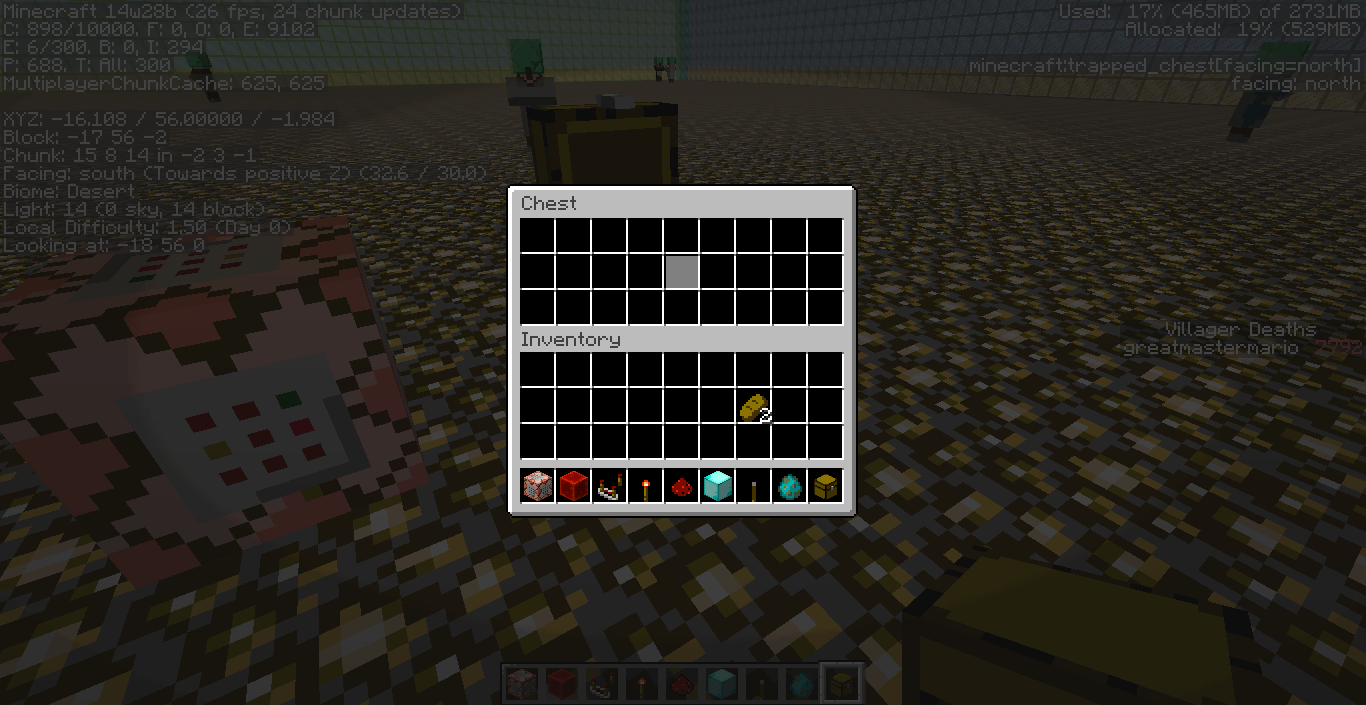
Attached are two screenshots, one of the creative GUI and one of the Chest GUI. I will double check that the chest GUI does indeed have the transparency just to be sure, but right now it is not showing it.
The creative GUI is showing as transparent in both yours and my screenshots. Yours shows the F3 menu through it, mine shows a Villager through it.
Also attached is the requested manual crash report.
I will comment again after I look into the remaining textures.
EDIT: Confirmed the semi-transparencies still do not work with GUIs other than the creative inventory.
Agreed. Essentially all it is is "Invisible Bedrock".
If this is in all OSX applications, then it is not specifically a Minecraft bug and Mojang cannot fix it.
Note, the same issue occurs with ender men in my pack, except their texture becomes a deep blue instead of pink-purple like the enderdragon. Will upload pics when I can get my internet working. (I am currently using my phone.)
Did you add it via /replaceitem?
I found out the problem: The textures were indexed, so the indexing accidentally removed the black and therefore would not register where to eliminate textures. This issue was in the eye textures.
Confirmed for 14w30c
Confirmed for 14w30c
Before and after pictures for the bug. Confirmed in 14w30c
Confirmed for 14w30c. Also added screenshots. It also continues even if you move what block you're facing
This works as intended based on the video. Please attach a video in survival.
Works as intended. You press CTRL + pick block to save NBT data
Sorry, forgot that part
Is this the cause of Zombie Pigmen attacking all the players in multiplayer in prior versions, not just the player who attacked it?
@Mustek Would you please add a link to the quote that they know about this?
Also, this has to do with both the OP and I using Java 8, which is not formally released to the public yet.
@Shawn I would suggest using OBS, it's recommended for speedruns and works both as regular recording and streaming. It isn't very CPU intensive, just make sure you have disk space for the video depending on how long you record.
https://obsproject.com/
Confirmed for 14w33c
Also confirmed for 14w33c, but it only lasts a split second.
Confirmed 14w33c
Confirmed in 1.8-pre
Will upload screenshot and crash report in a min.
Computer specs: Windows 8.1 64-bit, Java 8 Update 11, 6GB RAM (3GB allocated to JVM)
I did notice that certain chunks would stay loaded, while others flickered
Confirmed again in 1.8 official release.
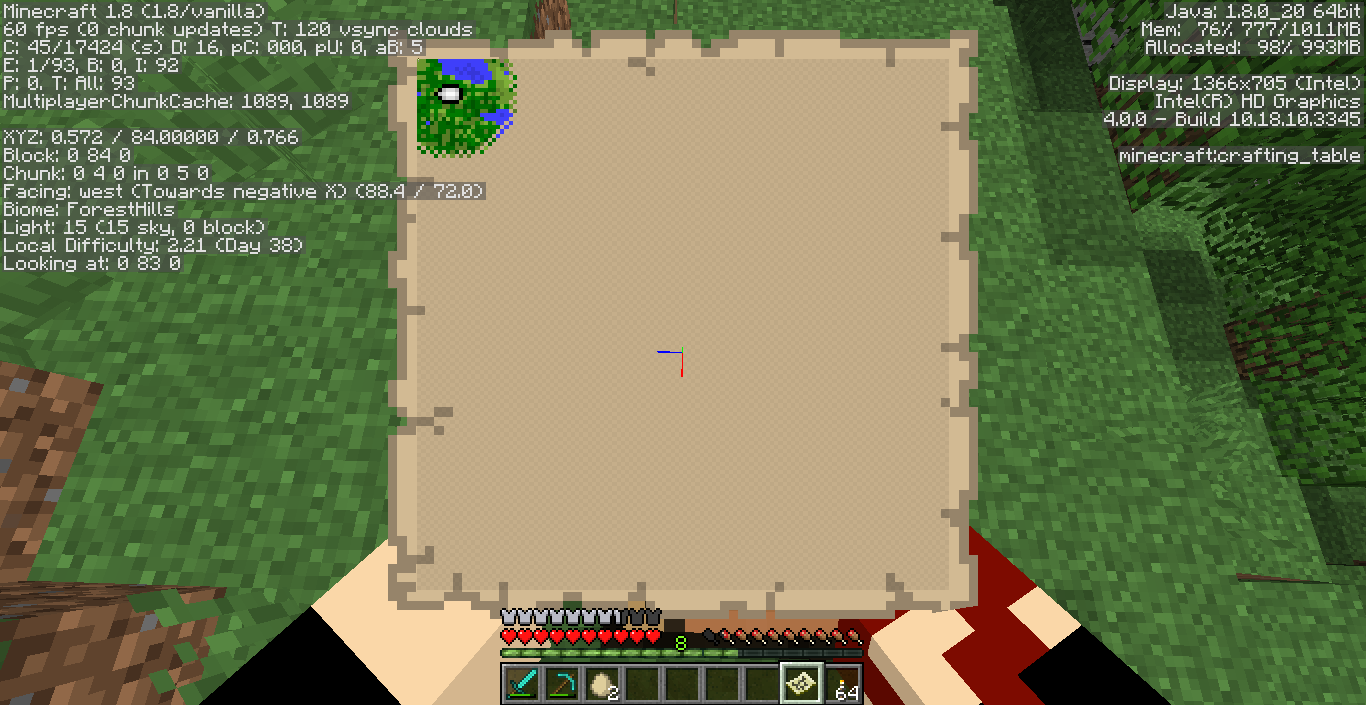
To add instructions to recreate:
1. Go to 0,0 either by walking or /tp
2. Craft and activate a map while standing on 0.0
3. Zoom out a couple levels to see better
I also added a screenshot showing that I am at 0,0 while activating the map. Where it is crafted shouldn't have an affect on the center location, but I will look into this to confirm.
Confirmed for 1.8
Confirmed for 1.8
Confirmed 1.8