 Tal Melamed
- TalMelamed
- talmelamed
- Europe/Stockholm
- Yes
- No
 MCPE-37788
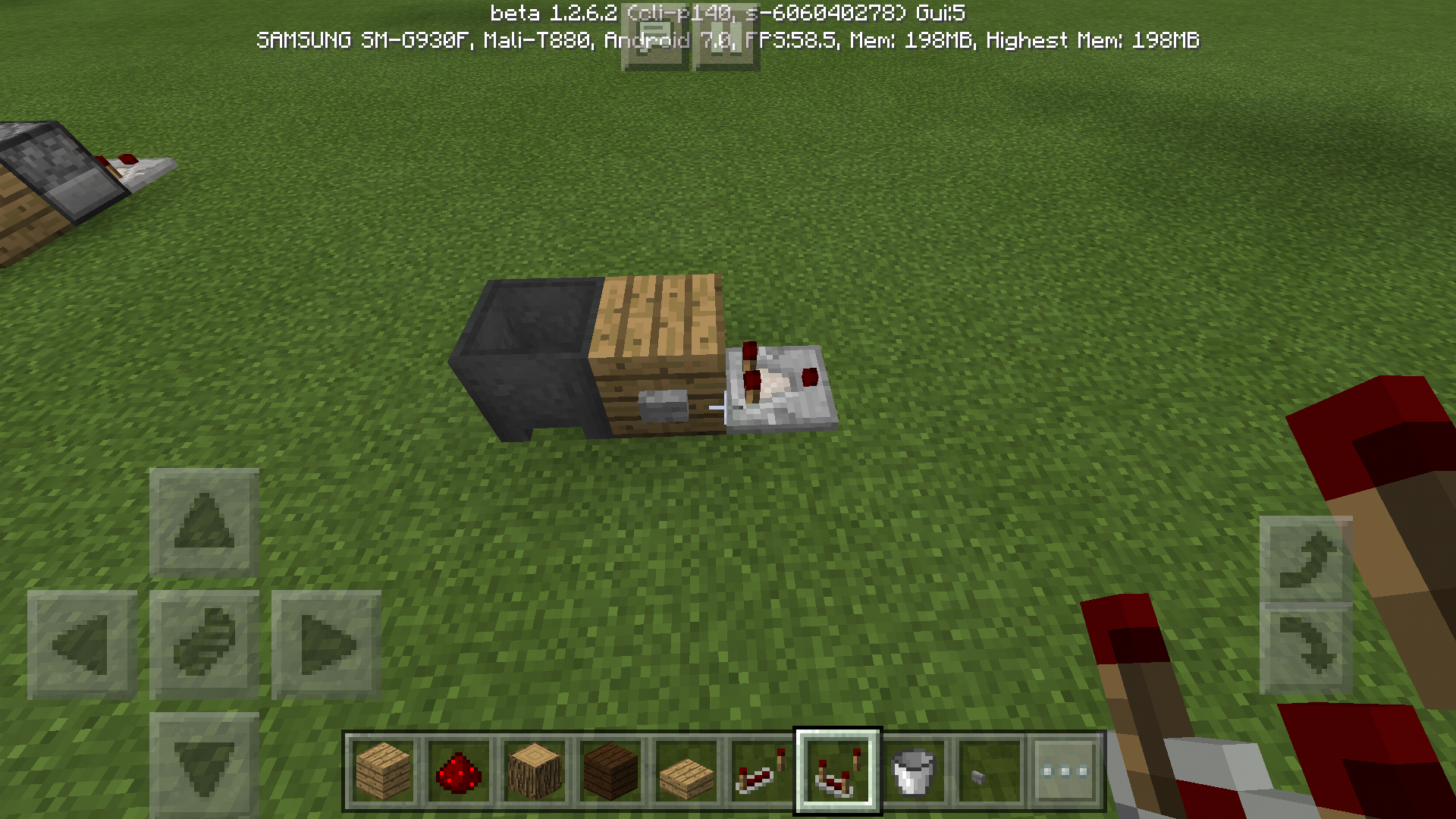
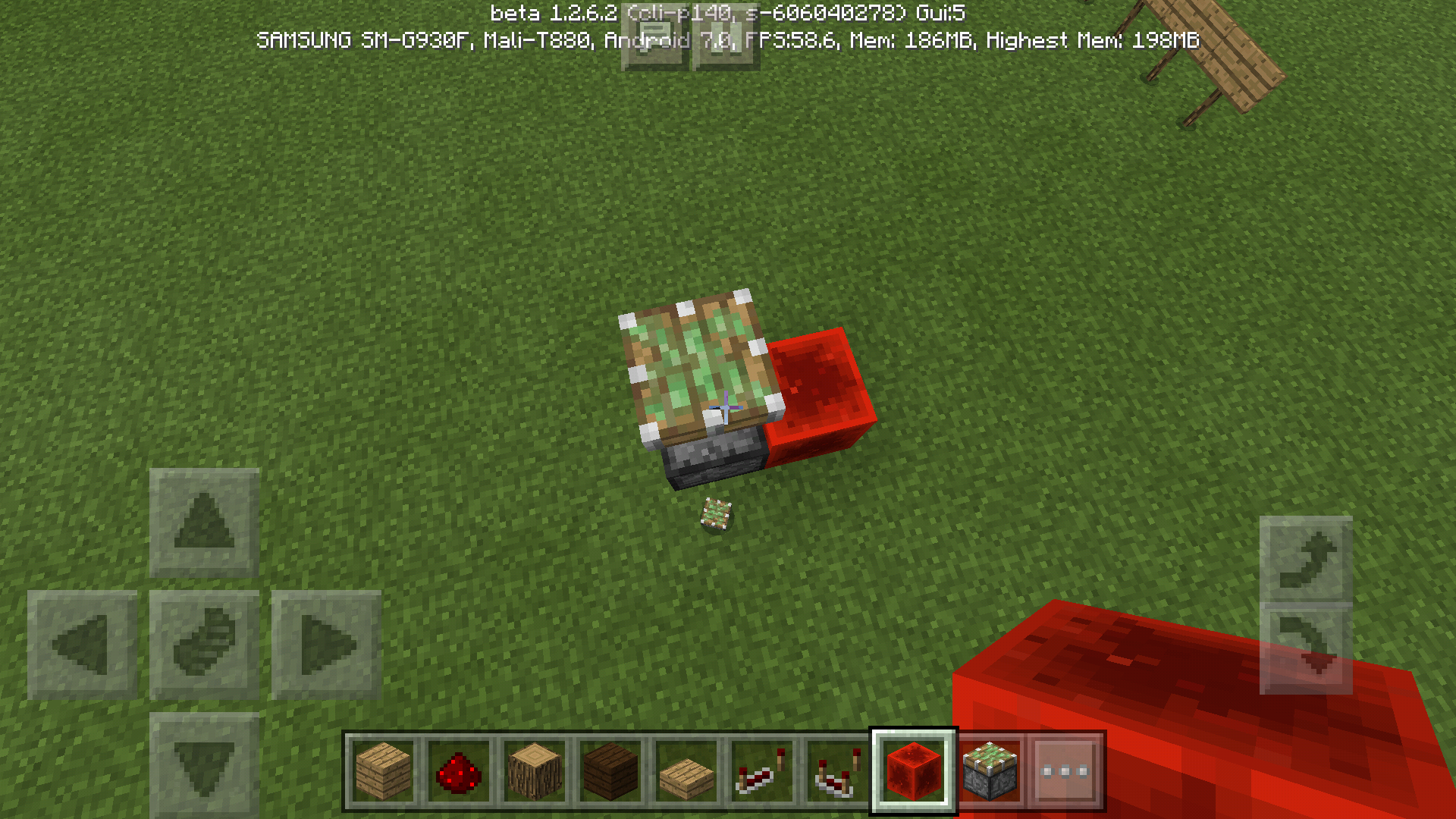
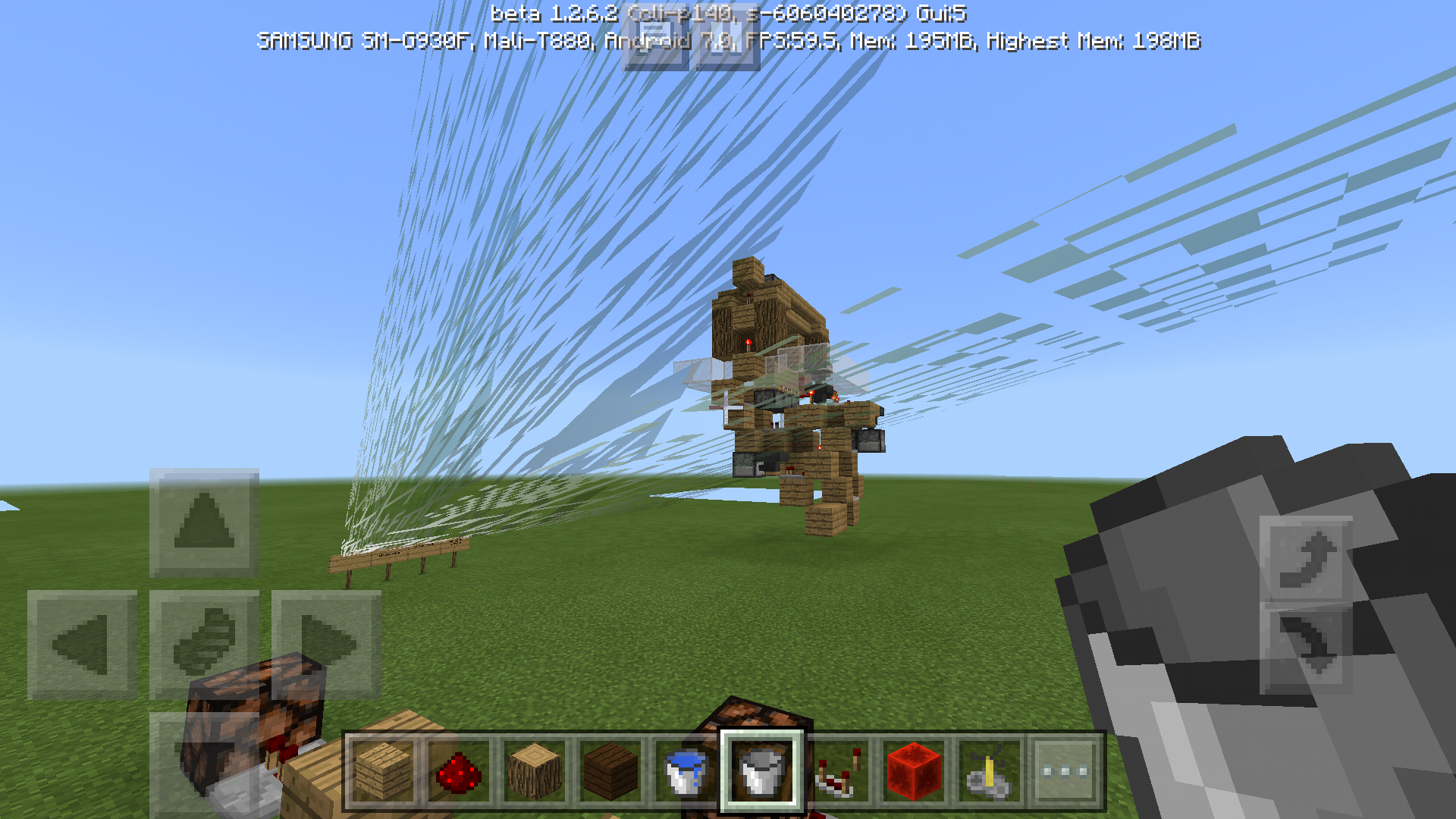
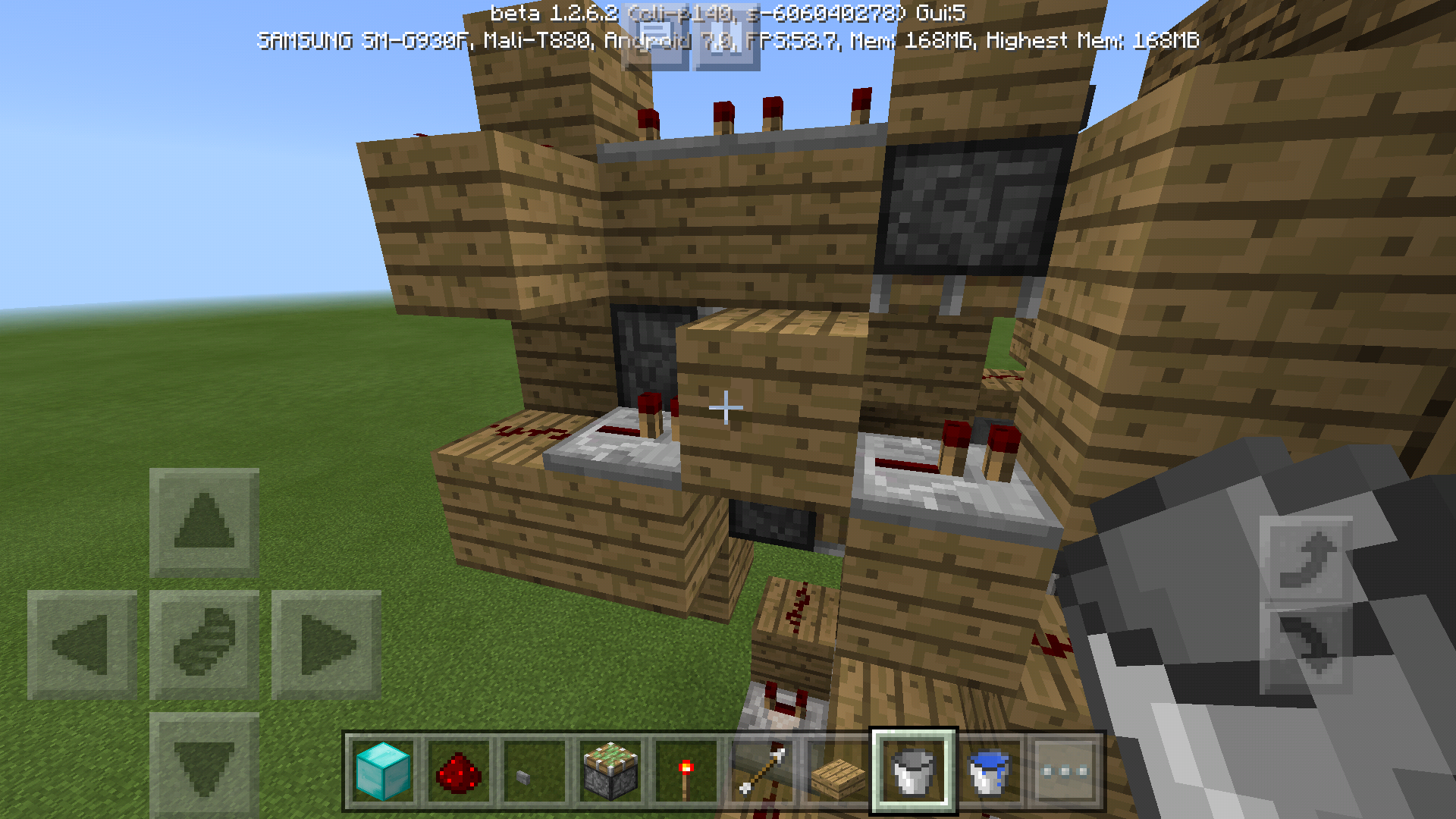
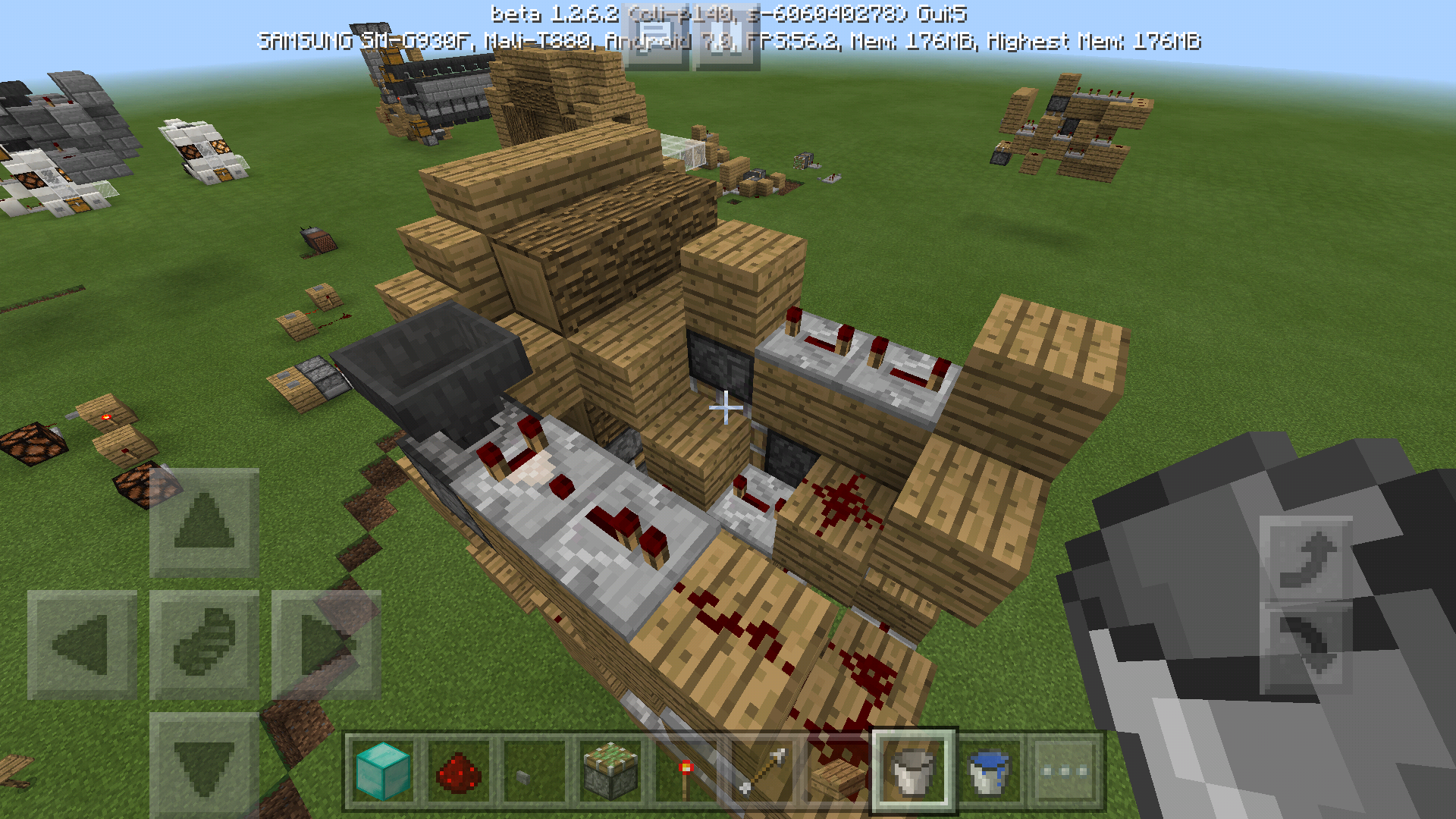
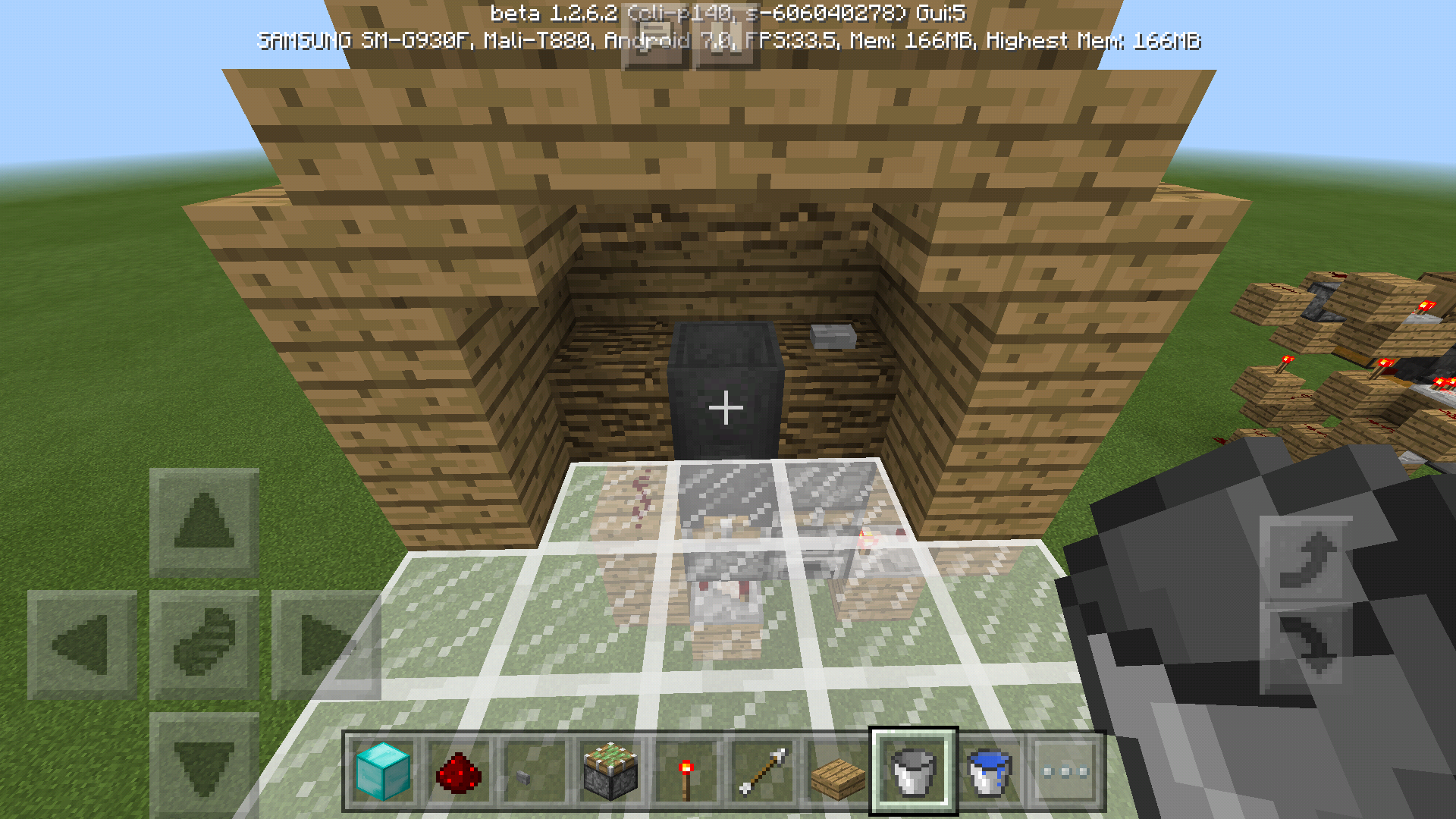


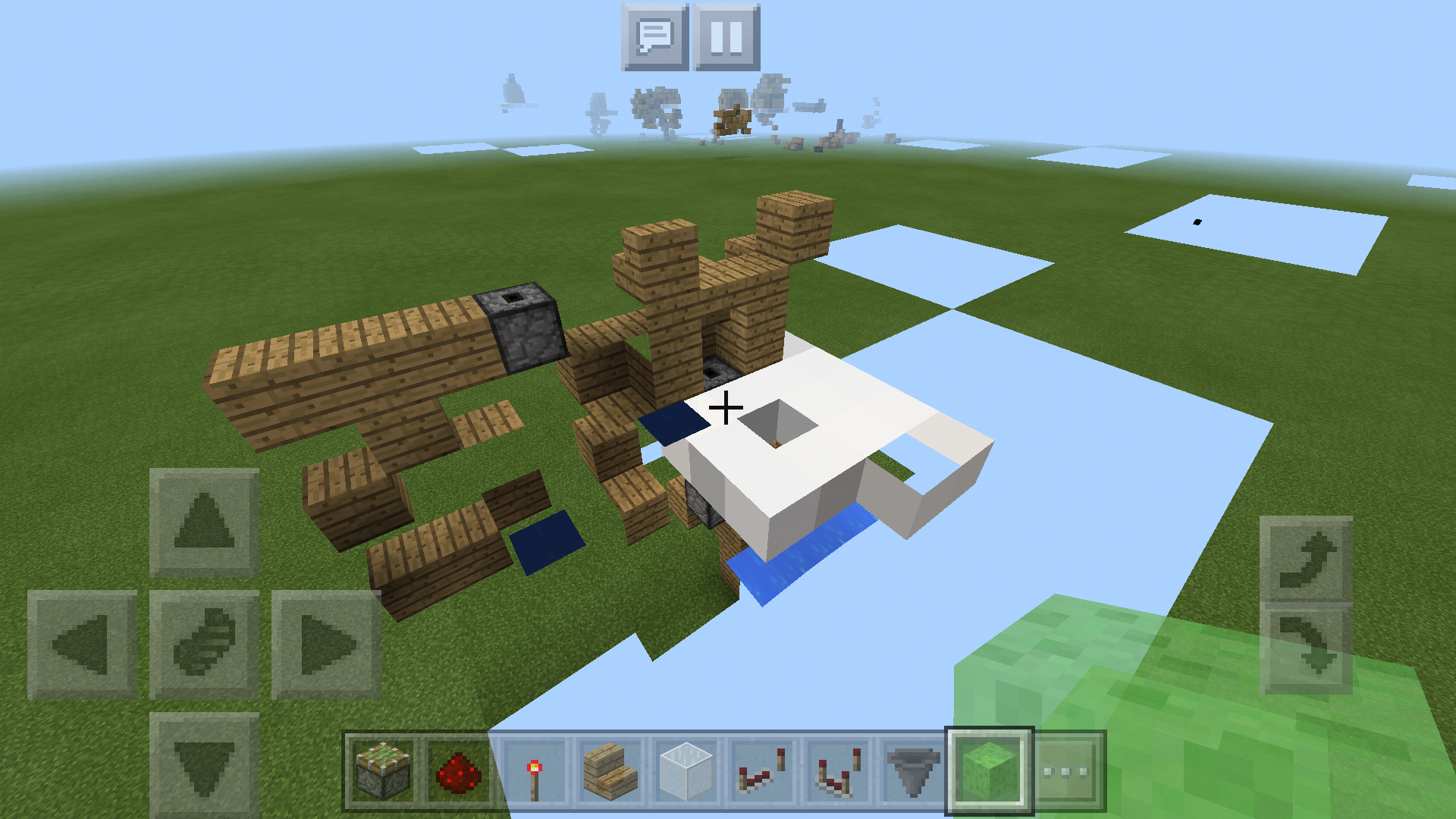
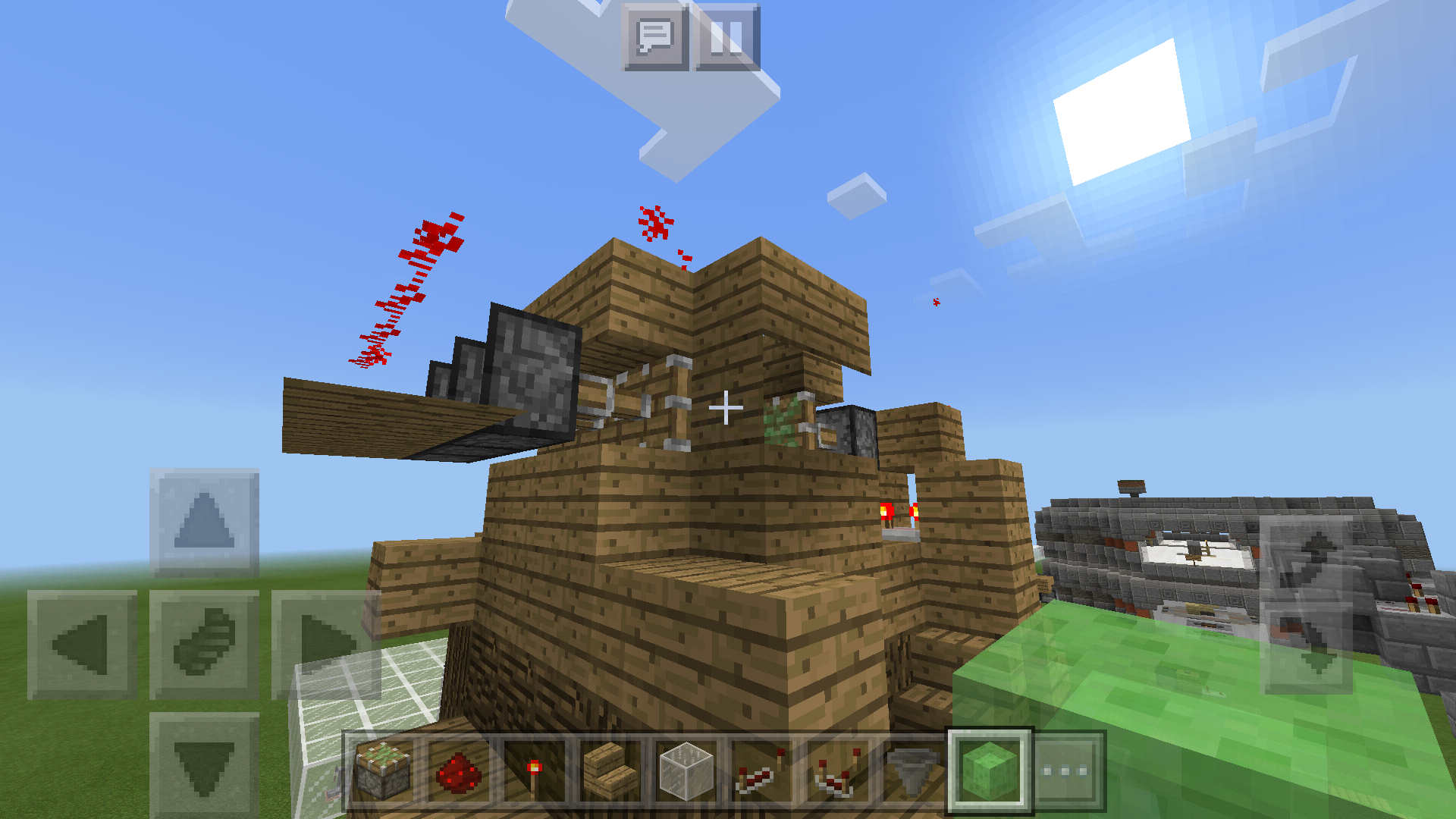
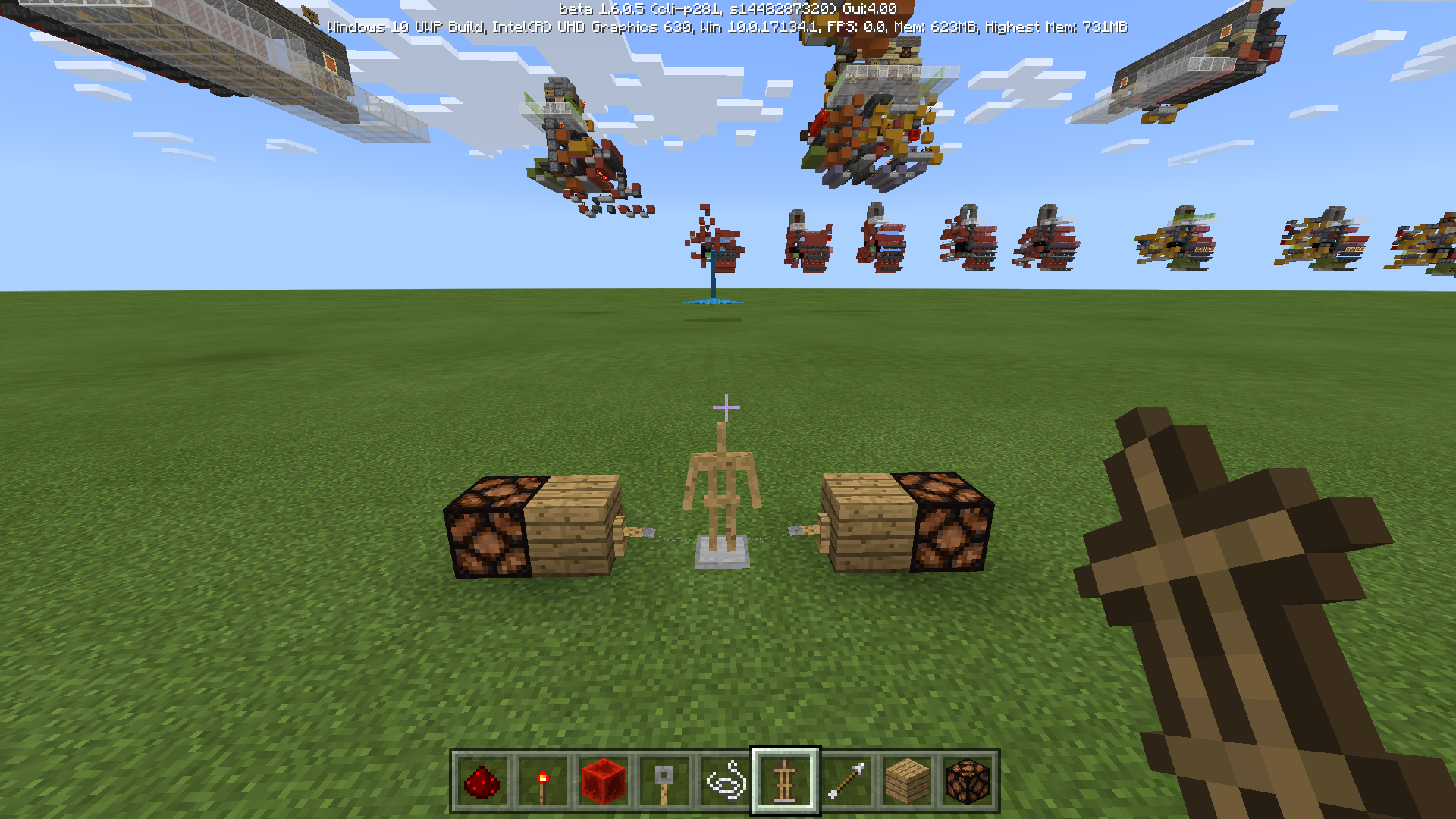

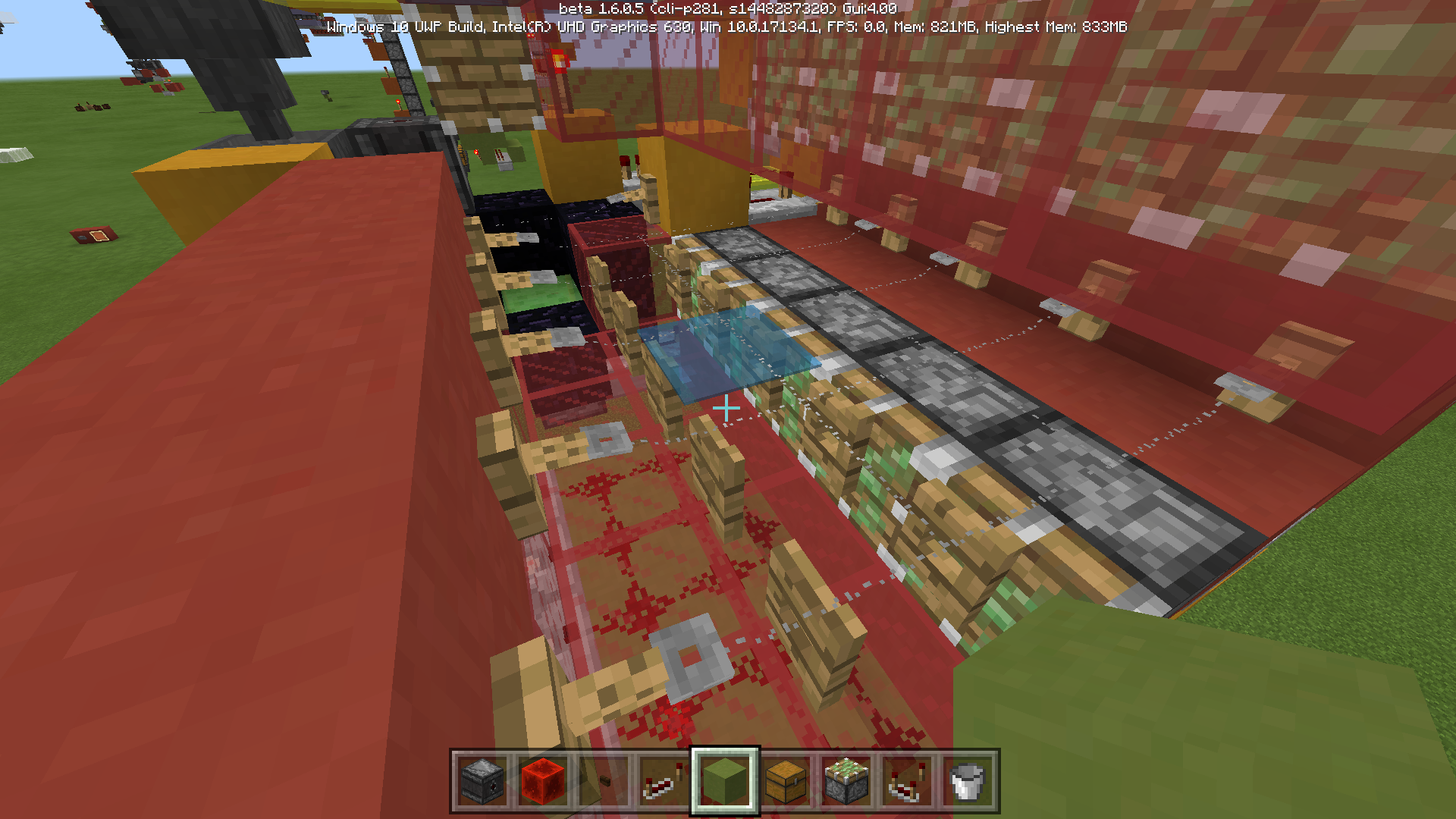
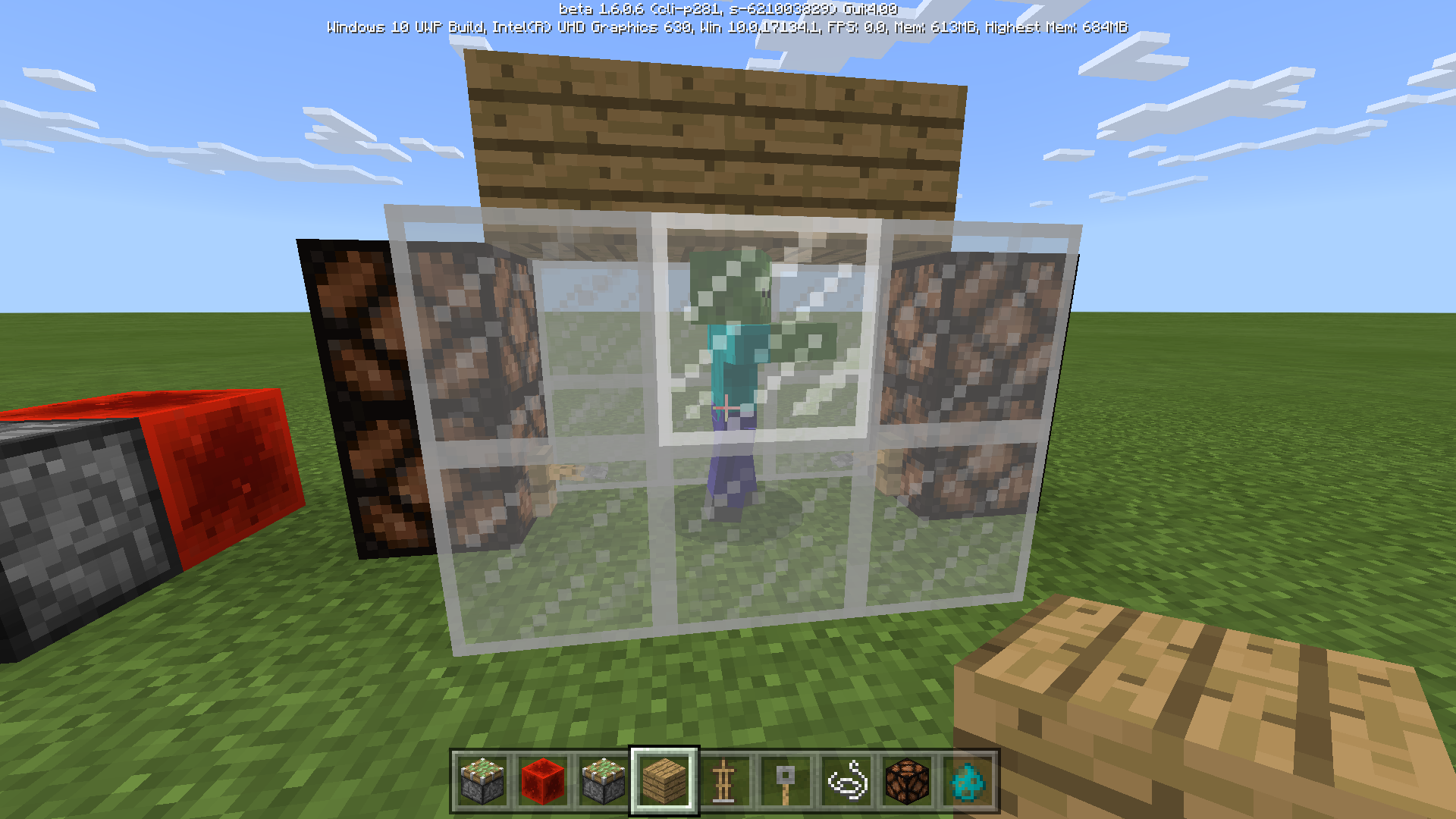
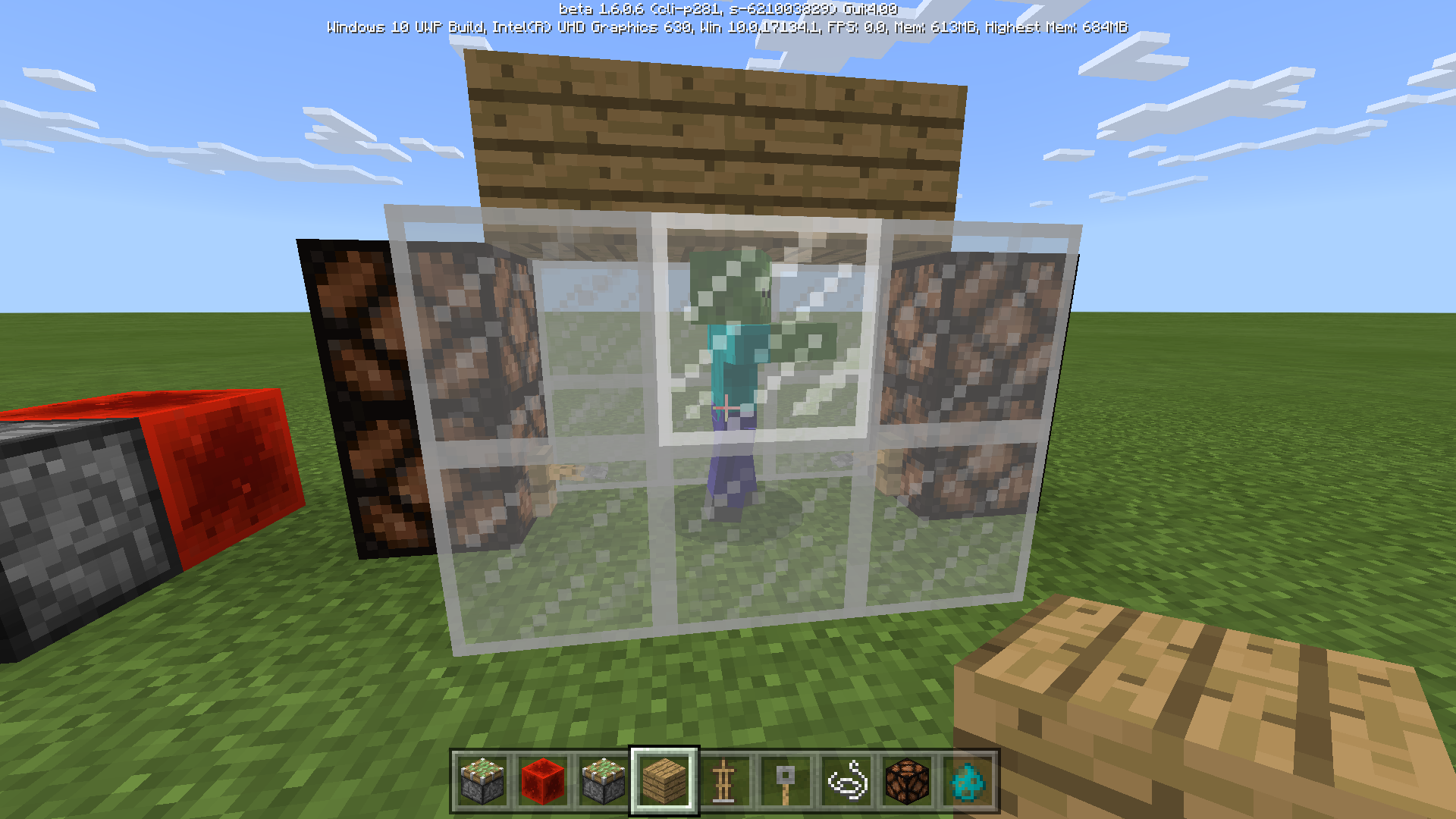


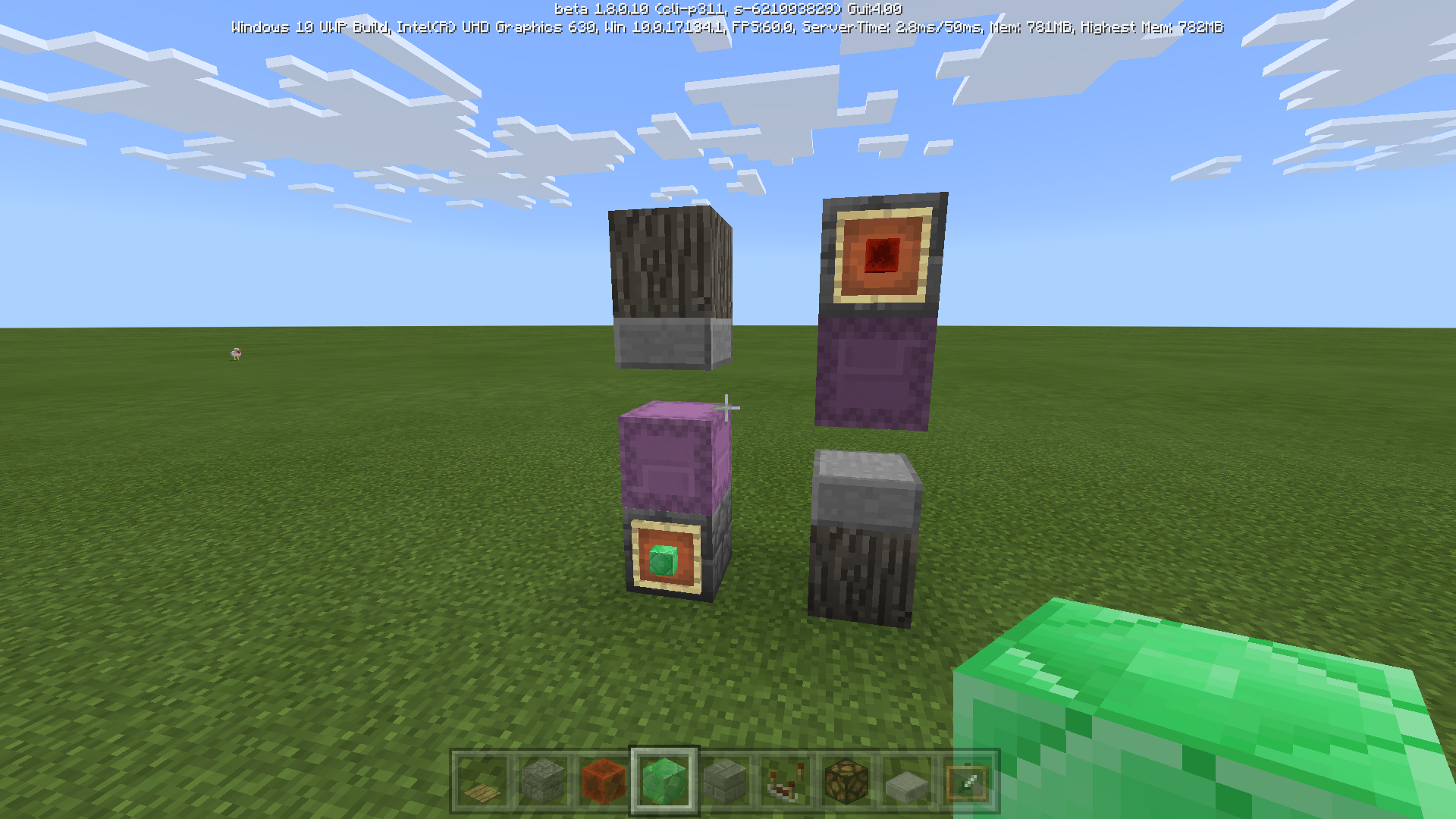
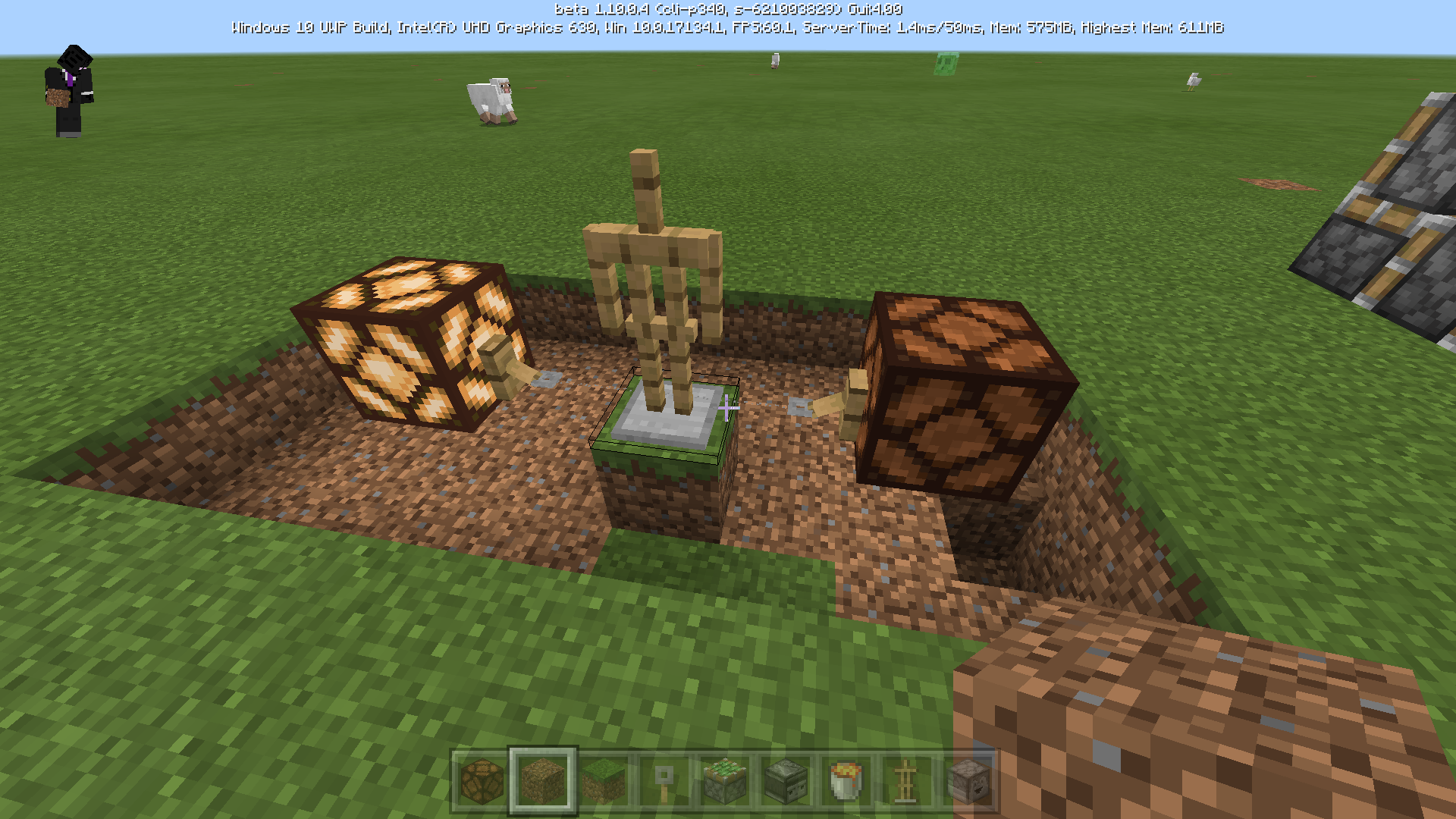
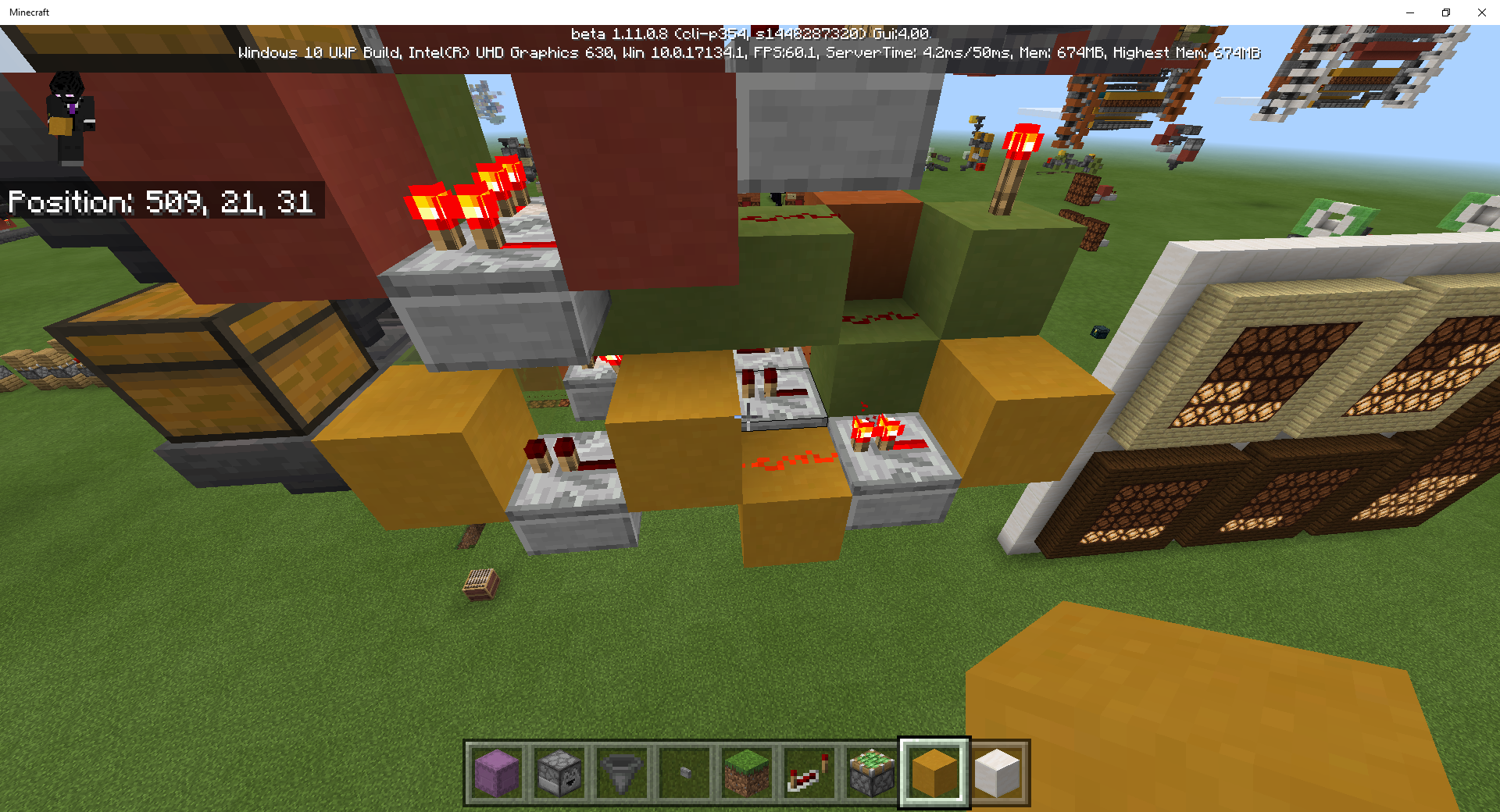
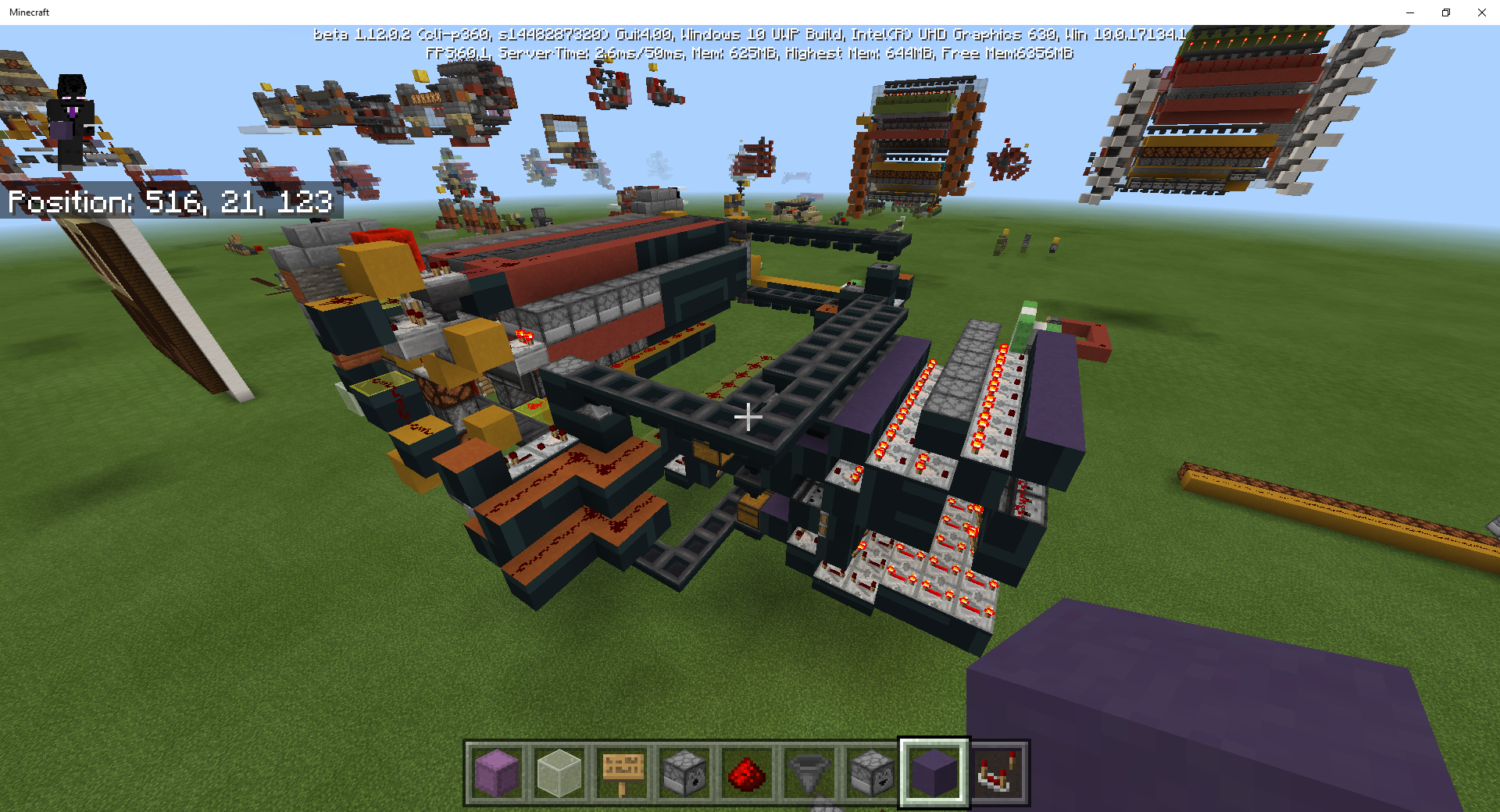
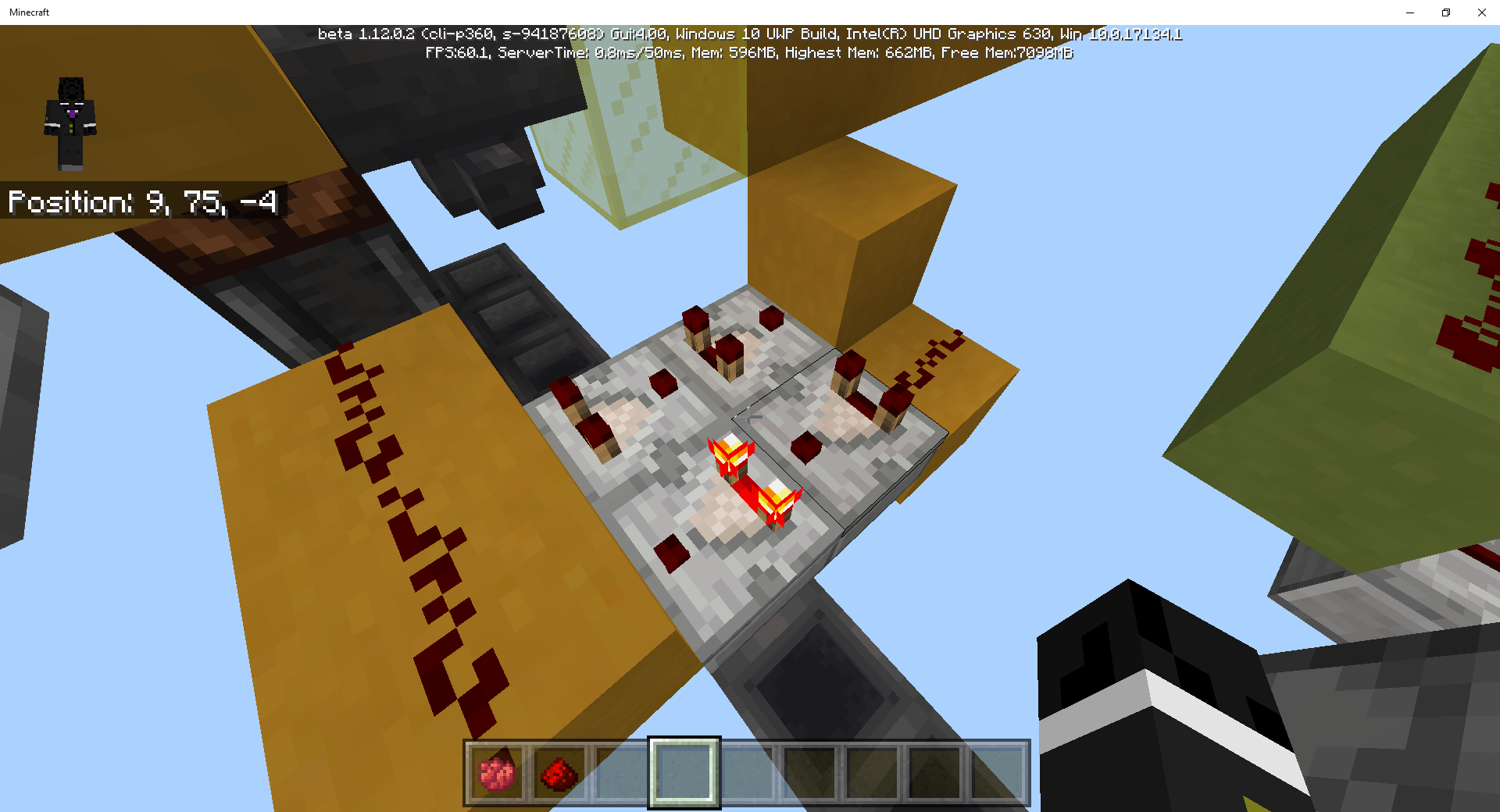

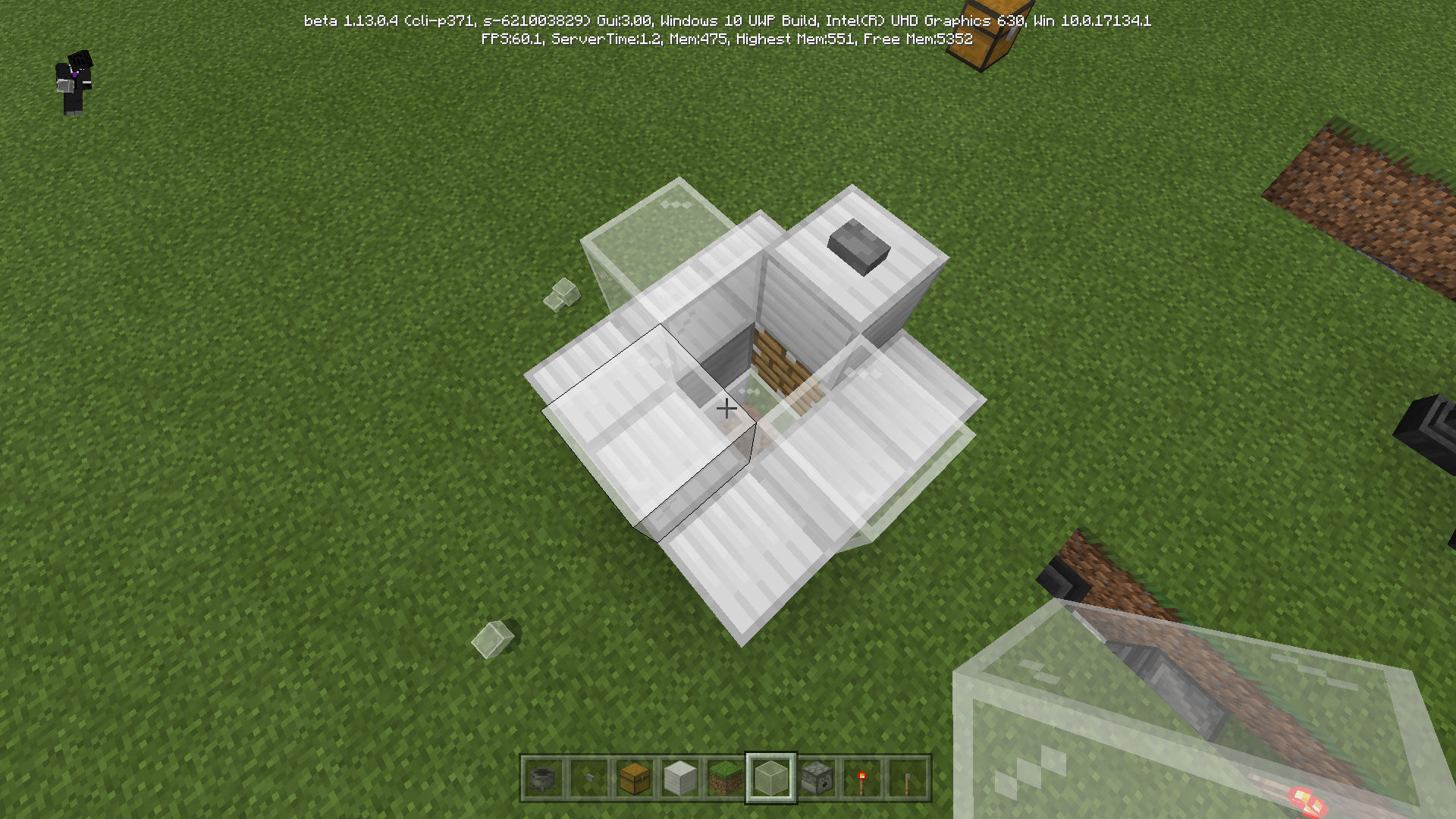
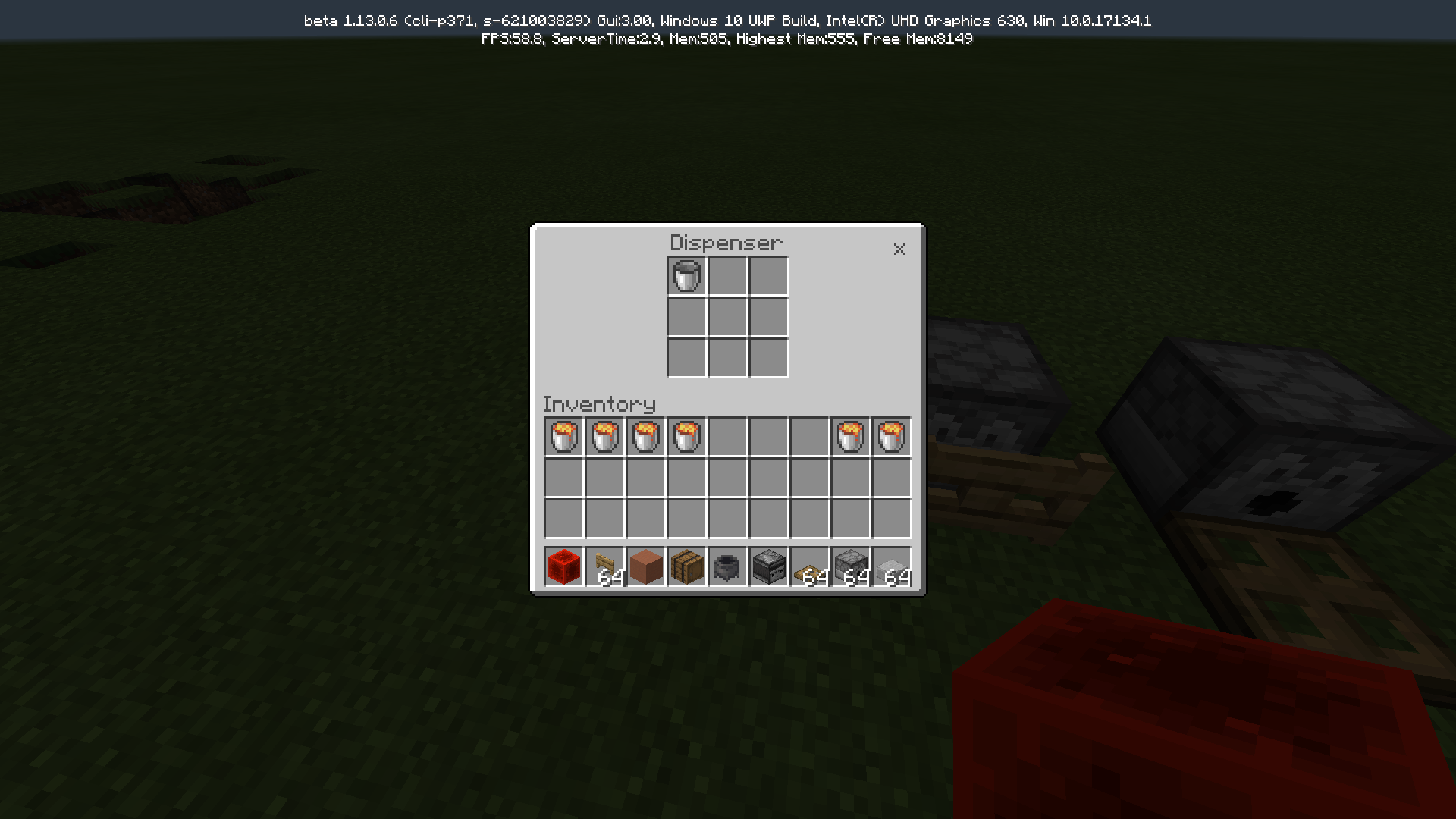
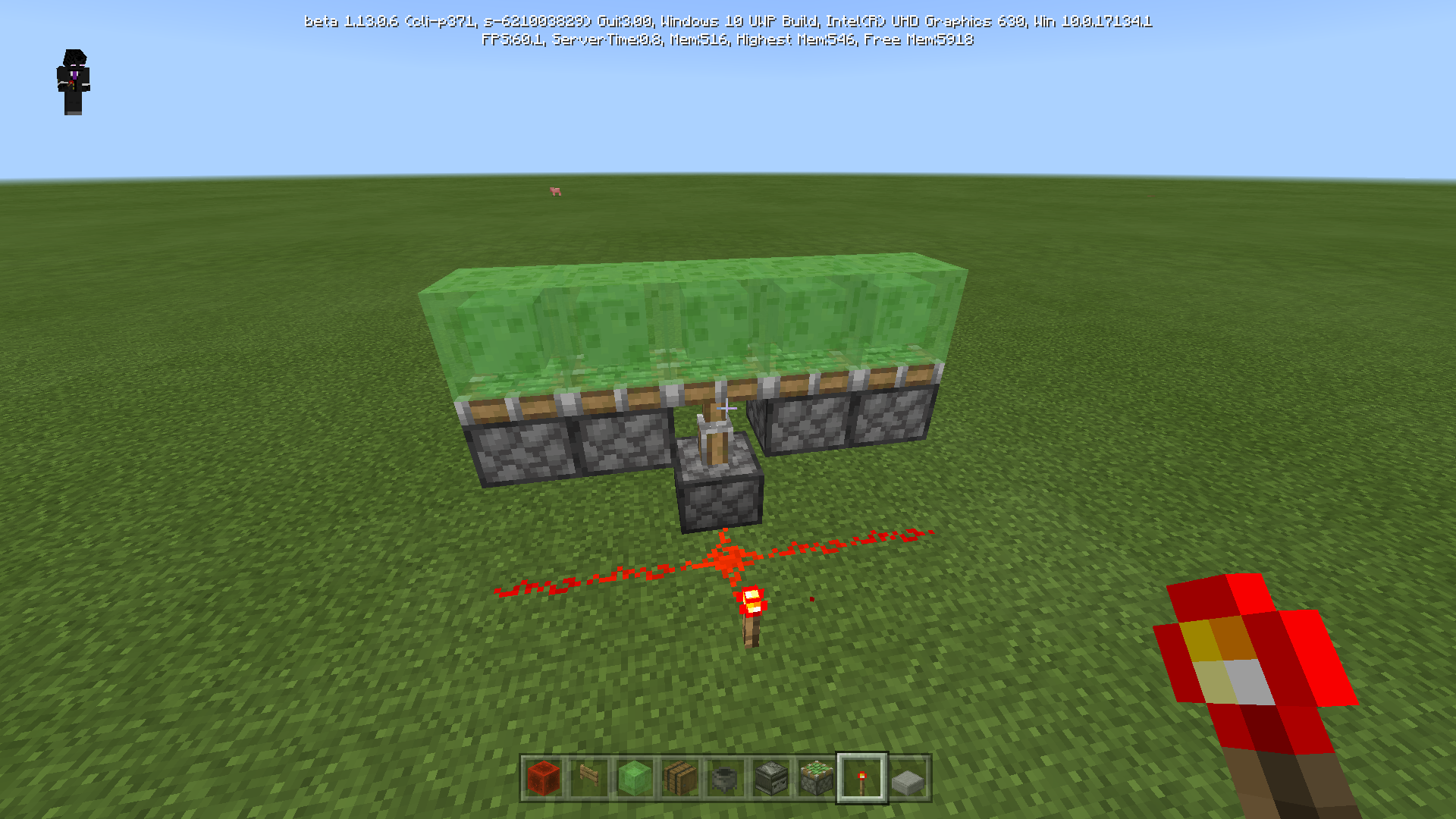
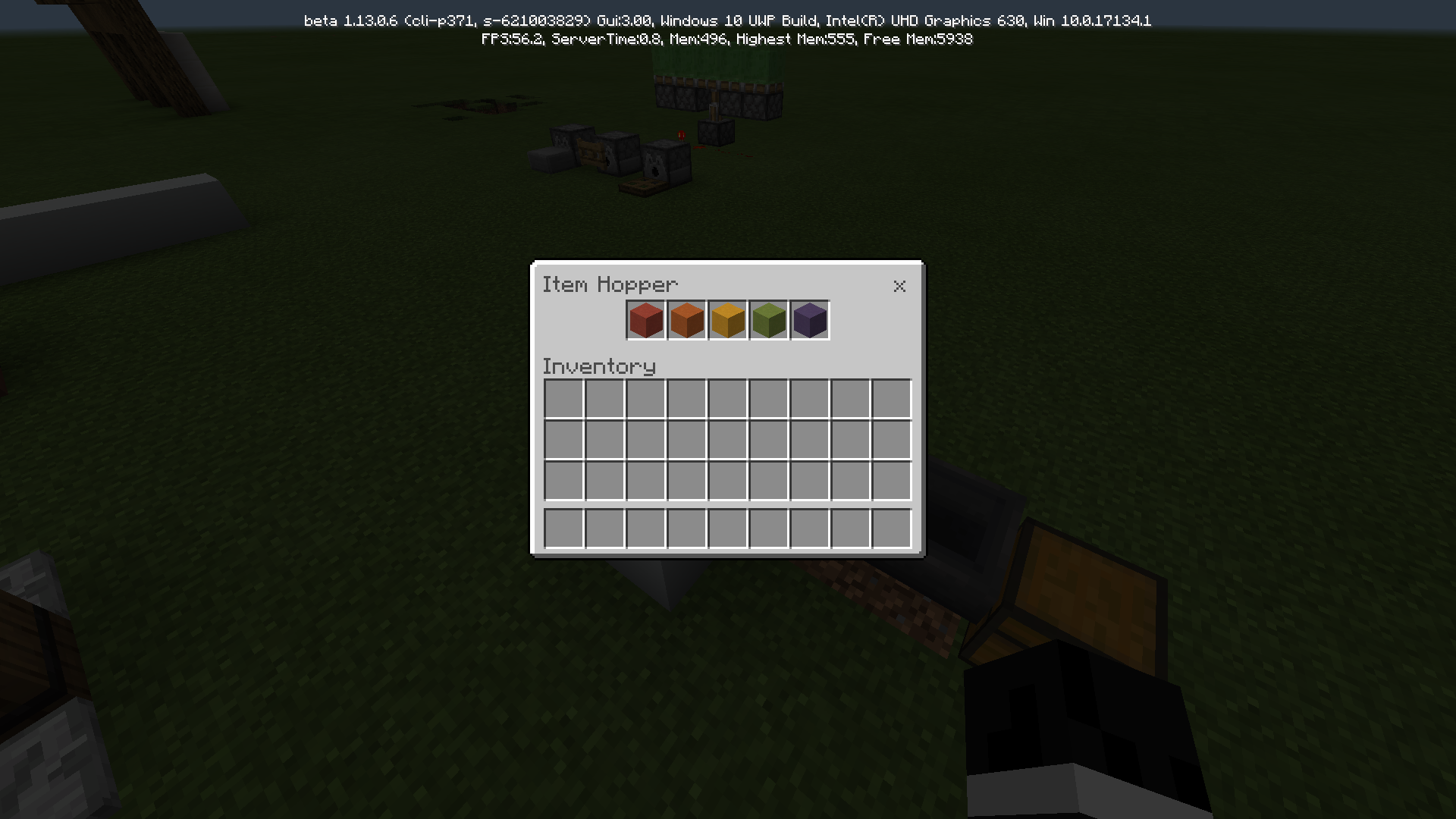
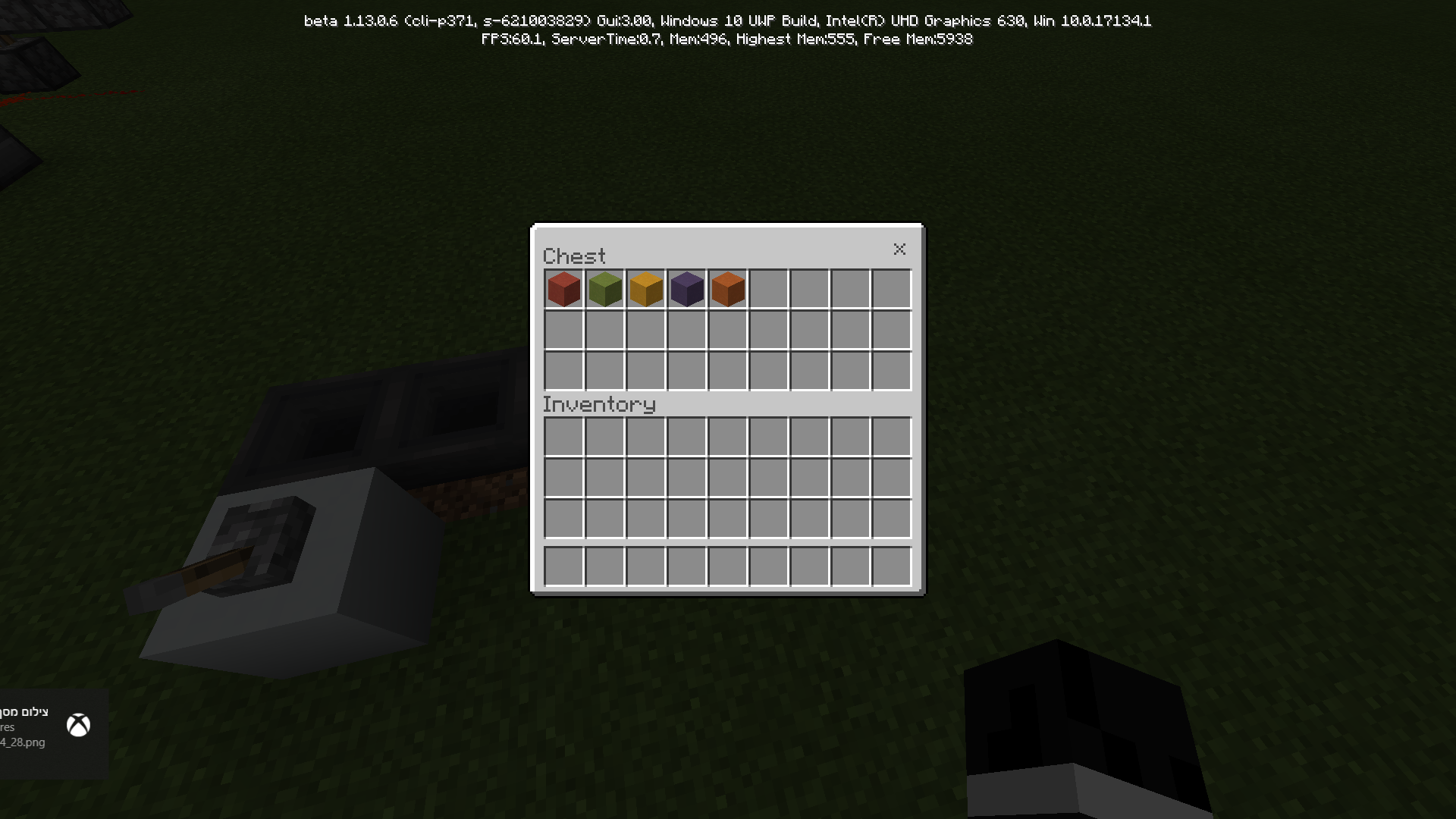


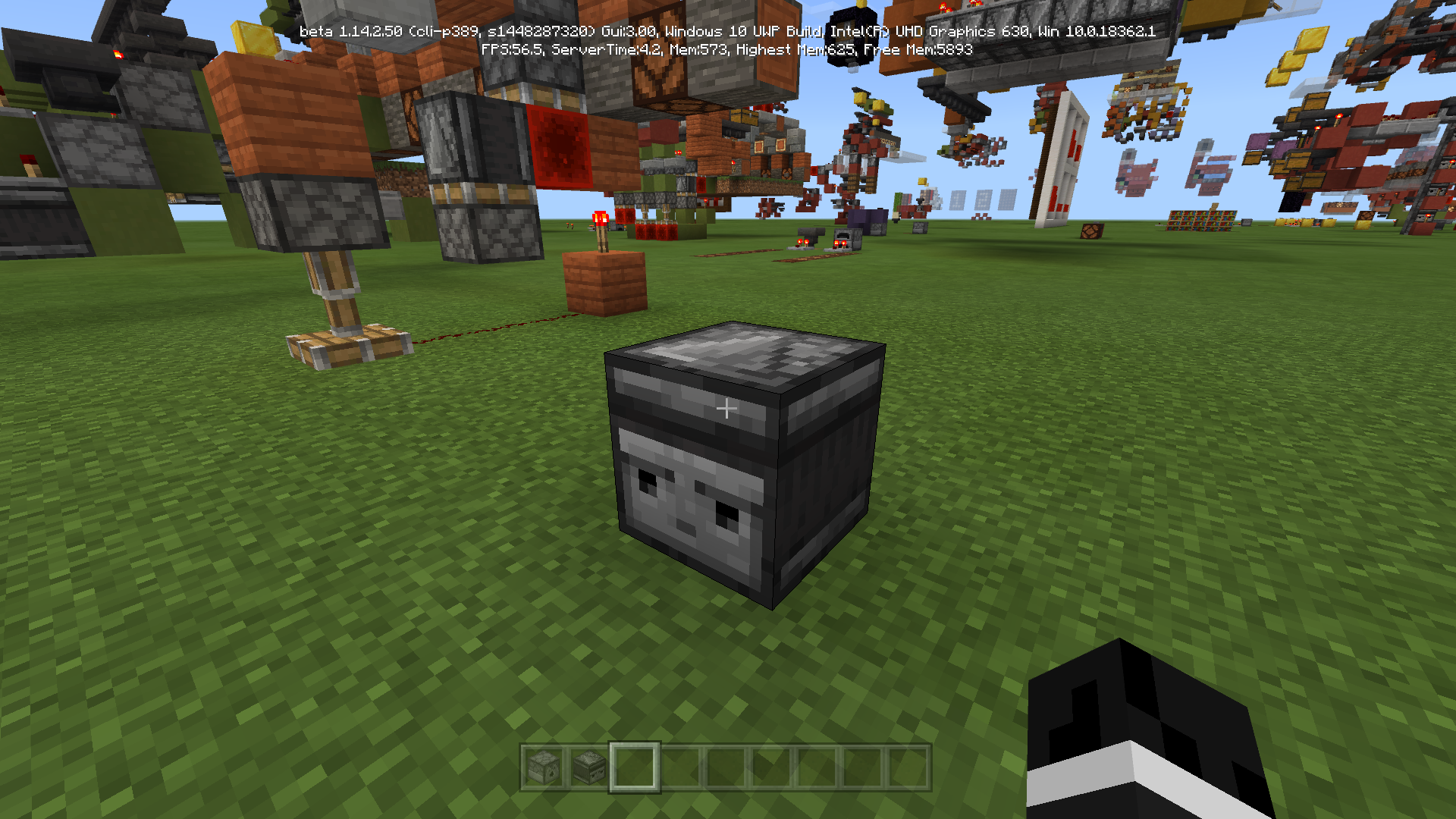
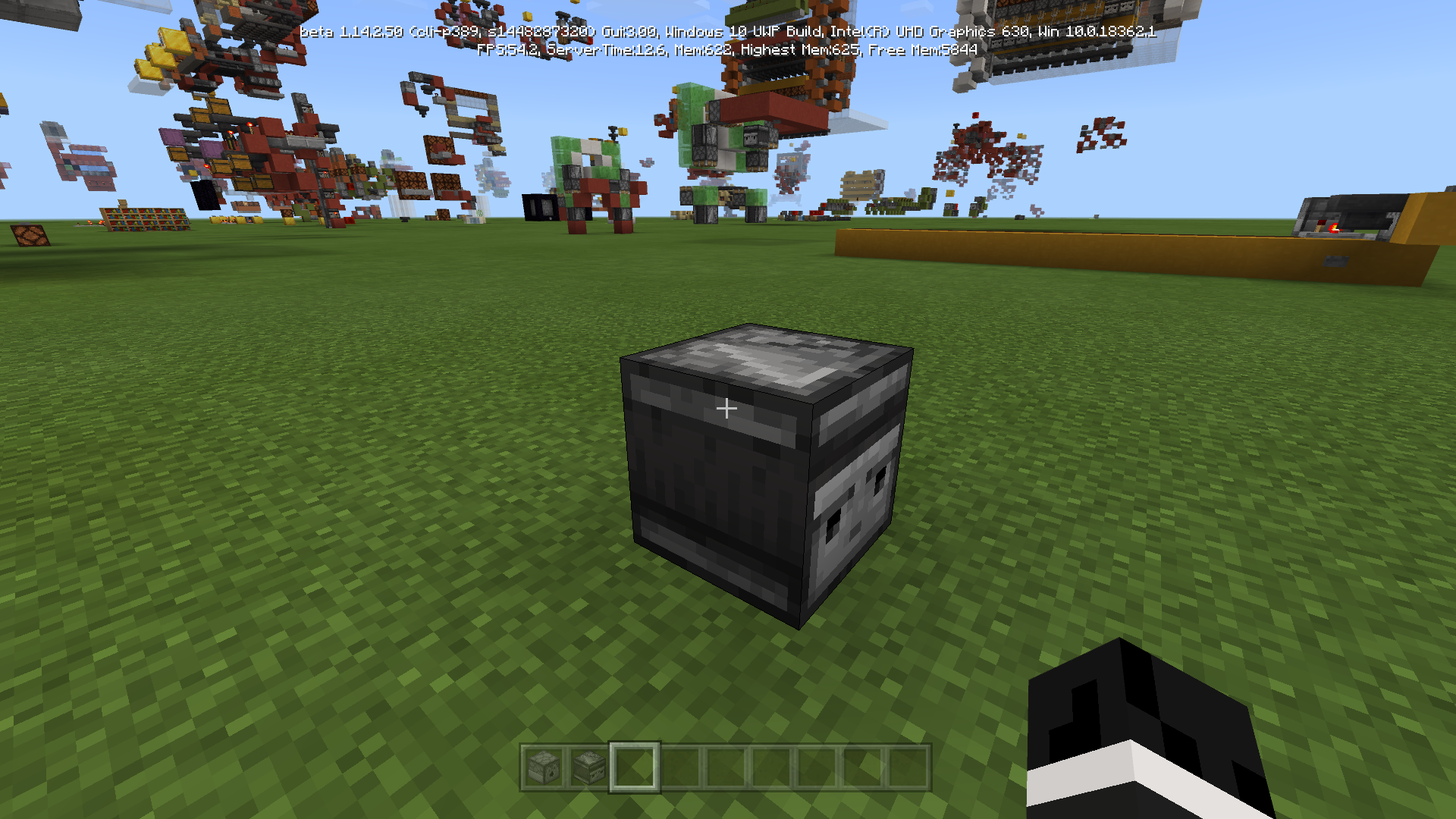
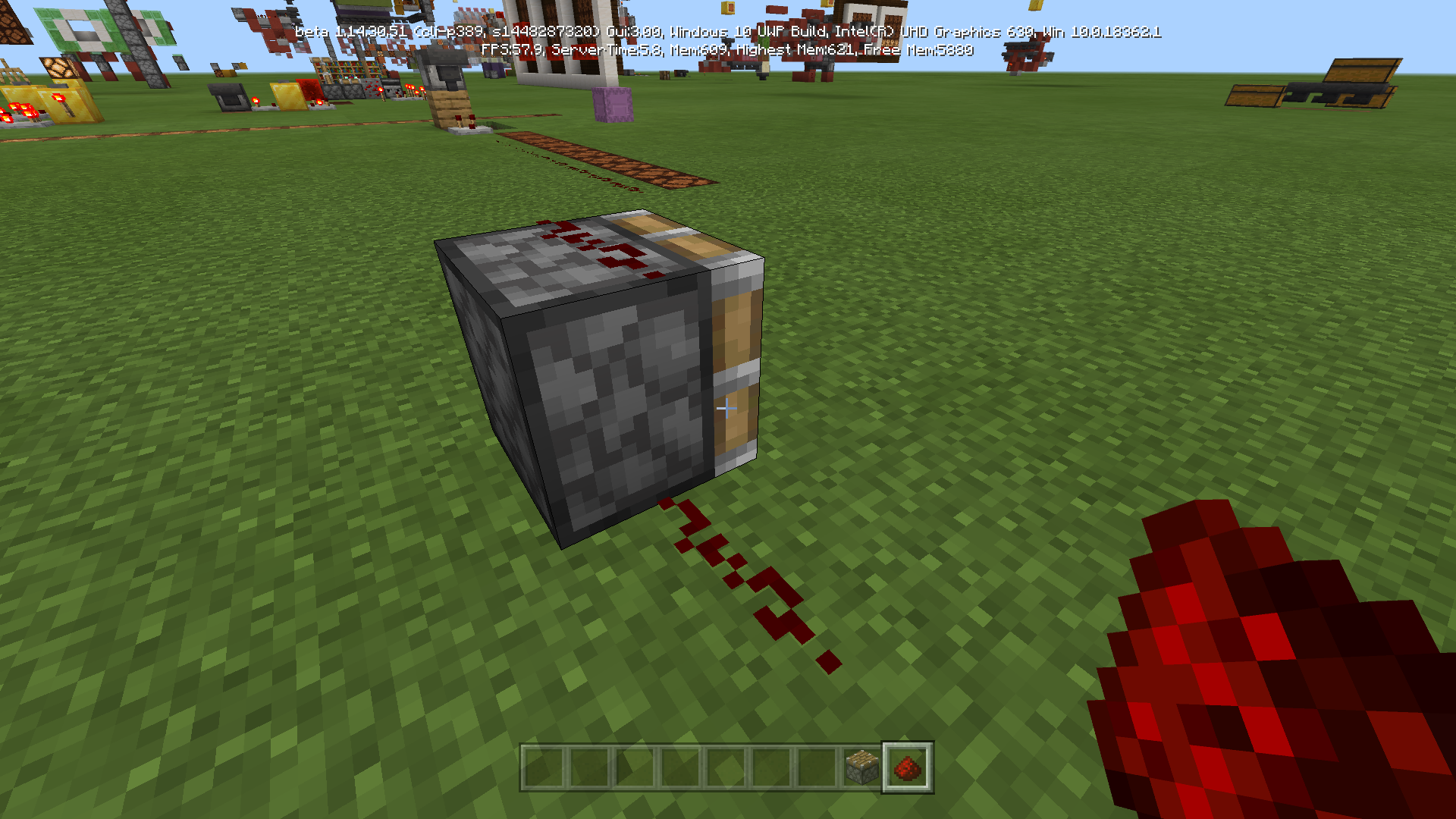
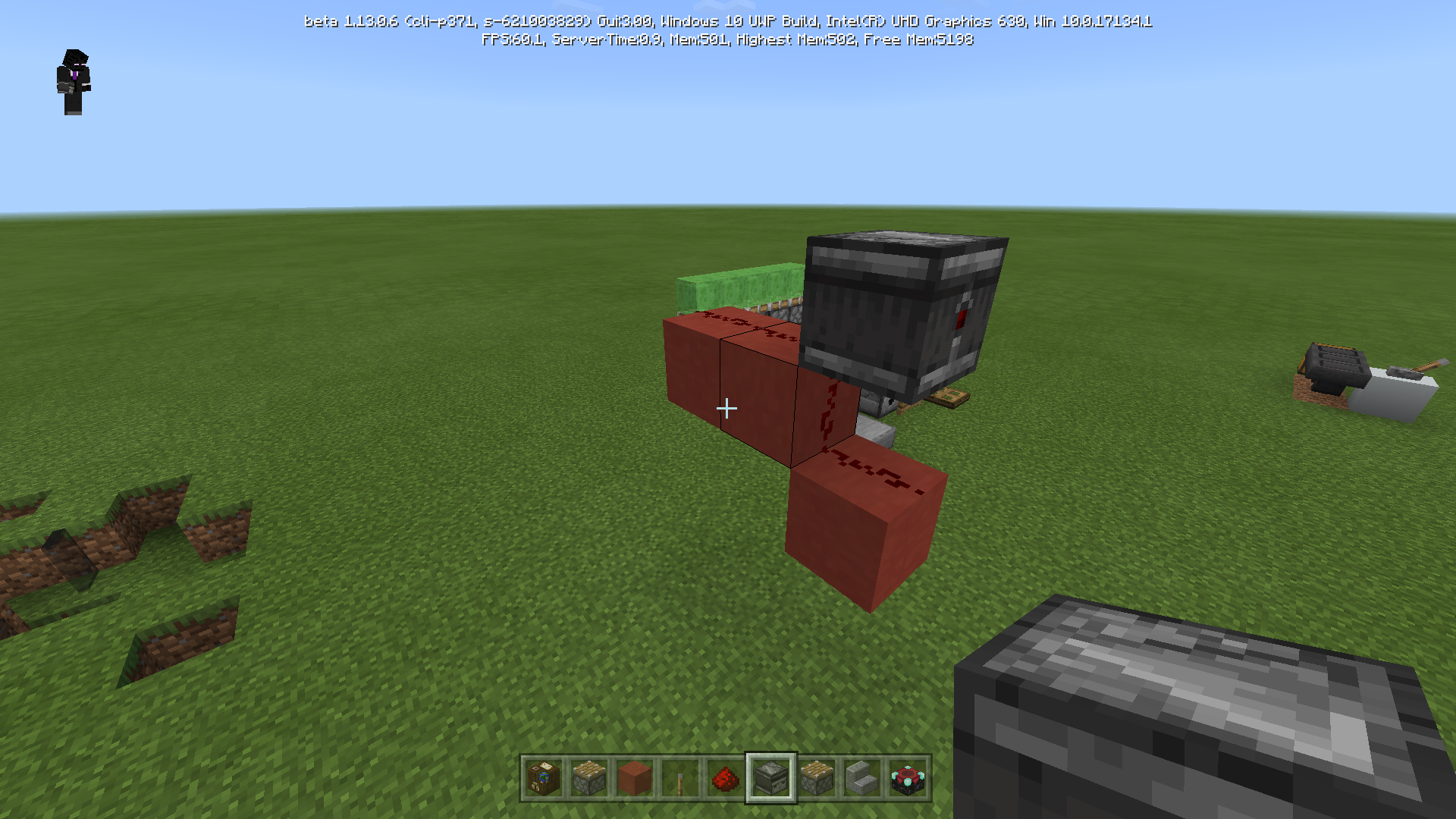
See video
it is happens with anything that can activates the tripwire hook that activates something - and all of this happens after loading the world again!
That is an huge problem for people who deals with redstone in the bedrock version.
it is happens with anything that can activates the tripwire hook that activates something - and all of this happens after loading the world again!
That is an huge problem for people who deals with redstone in the bedrock version.
Tripwire hook does not function at all, after loading the world again, if there is an armour stand, any kind of mob or any kind of item on the string which connected to the tripwire hook.
it is happens with anything that can activates the tripwire hook that activates something - and all of this happens after loading the world again!That is an huge problem for people who deals with redstone in the bedrock version.
Issue withTripwire Hookafter loading the world againBroken Tripwire Hook
Tripwire hook does not function at all, after loading the world again, if there is an armour stand, any kind of mob or any kind of item on the string which connected to the tripwire hook.
it is happens with anything that can activates the tripwire hook that activates something - andall of thishappens after loading the world again!That is an huge problem for people who deals with redstone in the bedrock version.
Tripwire hook does not function at all, after loading the world again, if there is an armour stand, any kind of mob or any kind of item on the string which connected to the tripwire hook.
it is happens with anything that can activates the tripwire hook that activates something - and it happens after loading the world again!That is an huge problem for people who deals with redstone in the bedrock version.
Those annoying redstone bugs must be fixed! I'm waiting for this bug to be fixed to upload a map, but I can't because when they first enter the world it will be broken.
Tripwire hook does not function at all, after loading the world again, if there is an armour stand, any kind of mob or any kind of item on the string which connected to the tripwire hook.
itis happens with anything that can activates the tripwire hook that activates something - and it happens after loading the world again!That is an huge problem for people who deals with redstone in the bedrock version.
Those annoying redstone bugs must be fixed! I'm waiting for this bug to be fixed to upload a map, but I can't because when they first enter the world it will be broken.
Tripwire hook does not function at all, after loading the world again, if there is an armour stand, any kind of mob or any kind of item on the string which connected to the tripwire hook.
it's happens with anything that can activates the tripwire hook that activates something - and it happens after loading the world again!That is an huge problem for people who deals with redstone in the bedrock version.
Those annoying redstone bugs must be fixed! I'm waiting for this bug to be fixed to upload a map, but I can't because when they first enter the world it will be broken.
Tripwire hook does not function at all, after loading the world again, if there is an armour stand, any kind of mob or any kind of item on the string which connected to the tripwire hook.
it's happens with anything that can activates the tripwire hook that activates something - and it happens after loading the world again!That is an huge problem for people who deals with redstone in the bedrock version.
Those annoying redstone bugs must be fixed! I'm waiting for this bug to be fixed to upload a map, but I can't because when they first enter the world it will be broken.
The problem:
There is a problem with tripwire hook after loading the world again, if there is an armour stand, any kind of mob or any kind of item on the string which connected to the tripwire hook. It's happens with anything that can activates the tripwire hook.
Those annoying redstone bugs must be fixed! I'm waiting for this bug to be fixed to upload a map, but I can't because when they first enter the world it will be broken.
The problem:
There is a problem with tripwire hook after loading the world again, if there is an armour stand, any kind of mob or any kind of item on the string which connected to the tripwire hook. It's happens with anything that can activates the tripwire hook.
Those annoying redstone bugs must be fixed! I'm waiting for this bug to be fixed to upload a map, but I can't because when they first enter the world it will be broken.
The problem:
- There is a problem with tripwire hook after loading the world again, if there is an armour stand, any kind of mob or any kind of item on the string which connected to the tripwire hook. It's happens with anything that can activates the tripwire hook.
Example:
- If I place armour stand on the string which connects to the tripwire hook, then add to the output a piston - the piston will activate always (That is what happens and that is what should be).
- Then, if I exit the world and enter again, the piston will de-activate. (That is what happens after loading the world again and that is the problem). (The armour stand is just an example. It can be also a mob, item, etc..)
The problem:
- There is a problem with tripwire hook after loading the world again, if there is an armour stand, any kind of mob or any kind of item on the string which connect
edto the tripwire hook. It's happens with anything that can activates the tripwire hook.
Example:
- If I place armour stand on the string which connects to the tripwire hook, then add to the output a piston - the piston will activate always (That is what happens and that is what should be).
- Then, if I exit the world and enter again, the piston will de-activate. (That is what happens after loading the world again and that is the problem). (The armour stand is just an example. It can be also a mob, item, etc..)
The problem:
- There is a problem with tripwire hook after loading the world again, if there is an armour stand, any kind of mob or any kind of item on the string which connects to the tripwire hook. It's happens with anything that can activates the tripwire hook.
Example:
- If I place armour stand on the string which connects to the tripwire hook, then add to the output a piston - the piston will activate always (That is what happens and that is what should be).
- Then, if I exit the world and enter again, the piston will de-activate. (That is what happens after loading the world again and that is the problem). (The armour stand is just an example. It can be also a mob, item, etc..)
BrokenTripwire HookRelogging breaks Tripwire Hooks
Reloggingbreaks Tripwire HooksRelogging makes Tripwire Hooks stop working
The problem:
- There is a problem with tripwire hook after loading the world again, if there is an armour stand, any kind of mob or any kind of item on the string which connects to the tripwire hook. It's happens with anything that can activates the tripwire hook.
Example:
- If I place armour stand on the string which connects to the tripwire hook, then add to the output a piston - the piston will activate always (That is what happens and that is what should be).
- Then, if I exit the world and enter again, the piston will de-activate. (That is what happens after loading the world again and that is the problem). (The armour stand is just an example. It can be also a mob, item, etc..)
The problem:
- There is a problem with tripwire hook after loading the world again, if there is an armour stand, any kind of mob or any kind of item on the string which connects to the tripwire hook - the tripwire hook will not give an output. It's happens with anything that can activates the tripwire hook.
Example:
- If I place armour stand on the string which connects to the tripwire hook, then add to the output a piston - the piston will activate always (That is what happens and that is what should be).
- Then, if I exit the world and enter again, the piston will de-activate. (That is what happens after loading the world again and that is the problem). (The armour stand is just an example. It can be also a mob, item, etc..)
Still happening in 1.6.0.6.
(A clearer picture)
The problem:
- There is a problem with tripwire hook after loading the world again, if there is an armour stand, any kind of mob or any kind of item on the string which connects to the tripwire hook - the tripwire hook will not give an output. It's happens with anything that can activates the tripwire hook.
Example:
- If I place armour stand on the string which connects to the tripwire hook, then add to the output a piston - the piston will activate always (That is what happens and that is what should be).
- Then, if I exit the world and enter again, the piston will de-activate. (That is what happens after loading the world again and that is the problem). (The armour stand is just an example. It can be also a mob, item, etc..)
The problem:
- There is a problem with tripwire hook after loading the world again, if there is an armour stand, any kind of mob or any kind of item on the string which connects to the tripwire hook - the tripwire hook will not give an output. It's happens with anything that can activates the tripwire hook.
Example:
- If I place armour stand on the string which connects to the tripwire hook, then add to the output a piston - the piston will activate always (That is what happens and that is what should be).
- Then, if I exit the world and enter again, the piston will de-activate. (That is what happens after loading the world again and that is the problem). (The armour stand is just an example. It can be also a mob, item, etc..)
The
problem:
There is a problem with tripwire hook after loading the world again, if there is an armour stand, any kind of mob or any kind of item on the string which connects to the tripwire hook - the tripwire hook will not give an output. It's happens with anything that can activatesthe tripwire hook.
Example:
- If I place armour stand on the string which connects to the tripwire hook, then add to the output a piston - the piston will activate always (That is what happens and that is what should be).
- Then, if I exit the world and enter again, the piston will de-activate. (That is what happens after loading the world again and that is the problem). (The armour stand is just an example. It can be also a mob, item, etc..)
The setup:
- **2 Tripwire Hooks, which connects to a String.
- Redstone Lamp (just to show the output clearly).
- Place on the String something that should activate all this system (for examle: throw an item, place an Armor Stand, summon a mob, stand on the String).
At this point, it should work. Threfore, the lamp should be on.
How to "achieve" the problem:
- While the Redstone Lamp is on, exit the world and load it again. It will stop working at this point!
Examples:
- Please see pictures and videos attachments below.
The setup:
**2 Tripwire Hooks, which connects to a String.- Redstone Lamp (just to show the output clearly).
- Place on the String something that should activate all this system (for examle: throw an item, place an Armor Stand, summon a mob, stand on the String).
At this point, it should work. Threfore, the lamp should be on.
How to "achieve" the problem:
- While the Redstone Lamp is on, exit the world and load it again. It will stop working at this point!
Examples:
- Please see pictures and videos attachments below.
The setup:
- 2 Tripwire Hooks, which connects to a String.
- Redstone Lamp (just to show the output clearly).
- Place on the String something that should activate
all thissystem (for examle: throw an item, place an Armor Stand, summon a mob, stand on the String).At this point, it should work. Threfore, the lamp should be on.
How to "achieve" the problem:
- While the Redstone Lamp is on, exit the world and load it again. It will stop working at this point!
Examples:
- Please see pictures and videos attachments below.
The setup:
- 2 Tripwire Hooks, which connects to a String.
- Redstone Lamp (just to show the output clearly).
- Place on the String something that should activate the system (for examle: throw an item, place an Armor Stand, summon a mob, stand on the String).
At this point, it should work. Threfore, the lamp should be on.
How to "achieve" the problem:
- While the Redstone Lamp is on, exit the world and load it again. It will stop working at this point!
Examples:
- Please see pictures and videos attachments below.
The setup:
- 2 Tripwire Hooks, which connects to a String.
- Redstone Lamp (just to show the output clearly).
- Place on the String something that should activate the system (for examle: throw an item, place an Armor Stand, summon a mob, stand on the String).
At this point, it should work. Threfore, the lamp should be on.
How to "achieve" the problem:
- While the Redstone Lamp is on, exit the world and load it again. It will stop working at this point!
Examples:
- Please see pictures and videos attachments below.
The setup:
- 2 Tripwire Hooks, which connects to a String.
- Redstone Lamp (just to show the output clearly).
- Place on the String something that should activate the system (for examle: throw an item, place an Armor Stand, summon a mob, stand on the String).
At this point, it should work. Threfore, the lamp should be on.
How to "achieve" the problem:
- While the Redstone Lamp is on, exit the world and load it again. It will stop working at this point!
Examples:
- Please see pictures and videos attachments below.
The setup:
- 2 Tripwire Hooks, which connects to a String.
- Redstone Lamp (just to show the output clearly).
- Place on the String something that should activate the system (for examle: throw an item, place an Armor Stand, summon a mob, stand on the String).
At this point, it should work. Threfore, the lamp should be on.
How to "achieve" the problem:
- While the Redstone Lamp is on, exit the world and load it again. It will stop working at this point!
Examples:
- Please see pictures and videos attachments below.
The setup:
- 2 Tripwire Hooks, which connects to a String.
- Redstone Lamp (just to show the output clearly).
- Place on the String something that should activate the system (for examle: throw an item, place an Armor Stand, summon a mob, stand on the String).
At this point, it should work. Threfore, the lamp should be on.
How to "achieve" the problem:
- While the Redstone Lamp is on, exit the world and load it again. It will stop working at this point!
Examples:
- Please see pictures and videos attachments below.
Relogging makes Tripwire Hooks stop working!
Relogging makes Tripwire Hooks stop working!
The setup:
- 2 Tripwire Hooks, which connects to a String.
- Redstone Lamp (just to show the output clearly).
- Place on the String something that should activate the system (for examle: throw an item, place an Armor Stand, summon a mob, stand on the String).
At this point, it should work. Threfore, the lamp should be on.How to "achieve" the problem:
- While the Redstone Lamp is on, exit the world and load it again. It will stop working at this point!
Examples:
- Please see pictures and videos attachments below.
The bug happens when exiting the world and loading the world again.
Basically, before exiting the world, the tripwire hook works fine when trying to activate it with armor stand, items, mobs etc..
But - after relogging the tripwire stop working which means that the armor stand, items... will not activate the tripwire hook at that point!
See pictures and videos if it wasn't clear.
The bug happens when exiting the world and loading the world again.
Basically, before exiting the world, the tripwire hook works fine when trying to activate it with armor stand, items, mobs etc..
But - after relogging, the tripwire stop working which means that the armor stand, items... will not activate the tripwire hook at that point!
See pictures and videos if it wasn't clear.
The bug happens when exiting the world and loading the world again.
Basically, before exiting the world, the tripwire hook works fine when trying to activate it with armor stand, items, mobs etc..
But -
afterrelogging,the tripwire stop working which means that the armor stand, items... will not activate the tripwire hook at that point!See pictures and videos if it wasn't clear.
The bug happens when exiting the world and loading the world again.
Basically, before exiting the world, the tripwire hook works fine when trying to activate it with armor stand, items, mobs etc..
But - before you exit the world and activate it with armor stand, items, mobs etc (and leave it like that) and then relogging -> the tripwire stop working which means that the armor stand, items... will not activate the tripwire hook at that point!
See pictures and videos if it wasn't clear.
The bug happens when exiting the world and loading the world again.
Basically, before exiting the world, the tripwire hook works fine when trying to activate it with armor stand, items, mobs etc..
But -
before youexit the world andactivate it with armor stand, items, mobs etc (and leave it like that) and then relogging -> the tripwire stop working which means that the armor stand, items... will not activate the tripwire hook at that point!See pictures and videos if it wasn't clear.
The bug happens when exiting the world and loading the world again.
Basically, before exiting the world, the tripwire hook works fine when trying to activate it with armor stand, items, mobs etc..
But - if you will exit the world (and leave it like that - when something activates the tripwire) and then relogging -> the tripwire stop working which means that the armor stand, items... will not activate the tripwire hook at that point!
See pictures and videos if it wasn't clear. Ask me anything you want. I've been waiting a long time for that bug as you can see.
The bug happens when exiting the world and loading the world again.
Basically, before exiting the world, the tripwire hook works fine when trying to activate it with armor stand, items, mobs etc..
But - if you will exit the world (and leave it like that - when something activates the tripwire) and then relogging -> the tripwire stop working which means that the armor stand, items... will not activate the tripwire hook at that point!
See pictures and videos if it wasn't clear. Ask me anything you want. I've been waiting a long time for that bug as you can see.
..
The bug happens when exiting the world and loading the world again.
Basically, before exiting the world, the tripwire hook works fine when trying to activate it with armor stand, items, mobs etc..
But - if you will exit the world (and leave it like that - when something activates the tripwire) and then relogging -> the tripwire stop working which means that the armor stand, items... will not activate the tripwire hook at that point!
See pictures and videos if it wasn't clear. Ask me anything you want.
I've been waiting a long time for that bug as you can see...
The bug happens when exiting the world and loading the world again.
Basically, before exiting the world, the tripwire hook works fine when trying to activate it with armor stand, items, mobs etc..
But - if you will exit the world (and leave it like that - when something activates the tripwire) and then relogging -> the tripwire stop working which means that the armor stand, items... will not activate the tripwire hook at that point!
See pictures and videos if it wasn't clear. Ask me anything you want.
I've been waiting a long time for that bug as you can see.
..
The bug happens when exiting the world and loading the world again.
Basically, before exiting the world, the tripwire hook works fine when trying to activate it with armor stand, items, mobs etc..
But - if you will exit the world (and leave it like that - when something activates the tripwire) and then relogging -> the tripwire stop working which means that the armor stand, items... will not activate the tripwire hook at that point!
See pictures and videos if it wasn't clear. Ask me anything you want.
I've been waiting a long time for that bug as you can see.
..
The bug happens when exiting the world and loading the world again.
Basically, before exiting the world, the tripwire hook works fine when trying to activate it with armor stand, items, mobs etc..
But - if you will exit the world (and leave it like that - when something activates the tripwire) and then relogging -> the tripwire stop working which means that the armor stand, items... will not activate the tripwire hook at that point!
See pictures and videos if it wasn't clear. Ask me anything you want.
I've been waiting a long time for that bug as you can see.
The bug happens when exiting the world and loading the world again.
Basically, before exiting the world, the tripwire hook works fine when trying to activate it with armor stand, items, mobs etc..
But - if you will exit the world (and leave it like that - when something activates the tripwire) and then relogging -> the tripwire stop working which means that the armor stand, items... will not activate the tripwire hook at that point!
See pictures and videos if it wasn't clear. Ask me anything you want.
I've been waiting a long time for th
atbug as you can see.
The bug happens when exiting the world and loading the world again.
Basically, before exiting the world, the tripwire hook works fine when trying to activate it with armor stand, items, mobs etc..
But - if you will exit the world (and leave it like that - when something activates the tripwire) and then relogging -> the tripwire stop working which means that the armor stand, items... will not activate the tripwire hook at that point!
See pictures and videos if it wasn't clear. Ask me anything you want.
I've been waiting a long time for this bug to be fixed as you can see.
T
wipwire hook does not function at all, after loading the world again, if there is an armour stand, any kind of mob or any kind of item on the string which connected to the tripwire hook.I already submitted this issue but I mentioned that the issue with the tripwire hook is happening with armour stand only. But no - I was surprised to find out that it is happens with anything that can activates the tripwire hook that activates something - and all of this happens after loading the world again!
That is an huge problem for people who deals with redstone in the bedrock version.
Tripwire hook does not function at all, after loading the world again, if there is an armour stand, any kind of mob or any kind of item on the string which connected to the tripwire hook.
I already submitted this issue but I mentioned that the issue with the tripwire hook is happening with armour stand only. But no - I was surprised to find out that it is happens with anything that can activates the tripwire hook that activates something - and all of this happens after loading the world again!
That is an huge problem for people who deals with redstone in the bedrock version.
While I sneak and place a redstone repeater or a redstone comparator next to me, the redstone repeater appears, but it seems like it's basically an air block.
Please consider the video and the picture.While I sneak and place a redstone repeater or a redstone comparator next to me, the redstone repeater appears, but it seems like it's basically an air block, however, I can walk on it but I able to place a block on the comparator / the repeater itself.
Also, I can remove the block under it without them.
Please consider the video and the picture.
While I
sneak andplace a redstone repeater or a redstone comparator next to me, the redstone repeater appears, but it seems like it's basically an air block, however, I can walk on it but I able to place a block on the comparator / the repeater itself.Also, I can remove the block under it without them.
Please consider the video and the picture.
While I place a redstone repeater or a redstone comparator next to me, the redstone repeater appears, but it seems like it's basically an air block, however, I can walk on it but I able to place a block on the comparator / the repeater itself.
Also, I can remove the block under it without them.
Please consider the video and the picture.
- The bug fixed in 1.7.0.9 beta. Thank you very much! *
While I place a redstone repeater or a redstone comparator next to me, the redstone repeater appears, but it seems like it's basically an air block, however, I can walk on it but I able to place a block on the comparator / the repeater itself.
Also, I can remove the block under it without them.
Please consider the video and the picture.
- The bug fixed in 1.7.0.9 beta. Thank you very much! *
The redstone doesn't appear on the side, however, it seems like
it is functioning properly...See the picture and the video
The redstone doesn't appear on the side, however, it seems like the redstone dust under the piston gets signal power like normal.
See the picture and the video
The redstone doesn't appear on the side, however, it seems like the redstone dust under the piston gets signal power like normal.See the picture and the video
Redstone dust don't appear on the side of the block, however, it seems like the redstone dust under the piston gets signal power like normal, so it's only a graphical problem.
See the picture and the video
Redstone doesn't appear on the side of the blockwhen a piston separates themRedstone dust don't appear on the side of the block
Redstone dust don't appear on the side of the block, however, it seems like the redstone dust under the piston gets signal power like normal, so it's only a graphical problem.
See the picture and the video
Redstone dust don't appear on the side of the block when a piston above the dust, however, it seems like the redstone dust under the piston gets signal power like normal, so it's only a graphical problem.
But when I replace the piston with an observer, it works as intended and the redstone dust underneath shown on the side of the block. You can see an example of how it is should be in the picture named 'works as intended'.
Redstone dust don't appear on the side of the block when a piston above the dust, however, it seems like the redstone dust under the piston gets signal
powerlike normal, so it's only a graphical problem.But when I replace the piston with an observer, it works as intended and the redstone dust underneath shown on the side of the block. You can see an example of how it is should be in the picture named 'works as intended'.
Redstone dust don't appear on the side of the block when a piston above the dust, however, it seems like the redstone dust under the piston gets signal when activated like normal, so it's only a graphical problem.
But when I replace the piston with an observer, it works as intended and the redstone dust underneath shown on the side of the block. You can see an example of how it is should be in the picture named 'works as intended'.
Redstone dust don't appear ontheside oftheblockRedstone dust don't appear on a side of a block
Works as itended.png
Redstone dust don't appear on a side of a block / piston
Redstone dust don't appear on theside oftheblock when a piston above the dust, however, it seems like the redstone dust under the piston gets signal when activated like normal, so it's only a graphical problem.But when I replace the piston with an observer, it works as intended and the redstone dust underneath shown on the side of the block. You can see an example of how it is should be in the picture named 'works as intended'.
Redstone dust don't appear on the side of a:
1. A side of a block when a piston above the dust, however, it seems like the redstone dust under the piston gets signal when activated like normal, so it's only a graphical problem.
(But when I replace the piston with an observer, it works as intended and the redstone dust underneath shown on the side of the block. You can see an example of how it is should be in the picture named 'works as intended').
2. On a side of a piston.
Redstone dust don't appear on a side of a block/pistonRedstone dust don't appear on a side of a block & piston
Redstone dust don't appear on the side of
a:1. A side of a block when a piston above the dust, however, it seems like the redstone dust under the piston gets signal when activated like normal, so it's only a graphical problem.
(But when I replace the piston with an observer, it works as intended and the redstone dust underneath shown on the side of the block. You can see an example of how it is should be in the picture named 'works as intended').
2. On a side of a piston.
1.15.0.54 also
Redstone dust doesn't appear on a side of a block & piston
see videoCaused by placing glass pane on glass block.
See video
When a shulker box facing upward (the left shulker box in the picture) and there is a slab above - I can open the shulker box (That is ok).
But when a shulker box facing downward (the right shulker box in the picture) and there is a slab underneath - I can't open the shulker box (That isn't ok).
Fixed in 1.15.0.54
1.8.0.13 also
Happens in 1.8.0.11 also. We are waiting for a solution. Does anyone do anything about it?
1.8.0.14 also
happens in 1.11.0.8
happens in 1.9.0.5 also
1.12.0.6 also... waiting two years for a fix! I can't upload my redstone maps just because of that bug.
Please, fix this
1.13.0.2 also
1.13.0.1 also
1.12.0.12 also
1.12.0.10 also
happens in 1.12.0.9 also.
1.13.0.4 also
1.13.0.6 also
1.13.0.16 also
1.13.0.9 also
There are much more issues with redstone while relogging, affects all updates until 1.11.4 and betas versions (1.12.0.3-1.12.0.10+).
Please click this link and vote the bugs to speed up the process.
I'm waiting for some of the bugs for years! https://docs.google.com/document/d/1nziKYzCr4pBdCRj2gIMlfr9MVdWHd6HyafdiBHx9F0c/edit
1.13.0.17 also
1.13.0.18 and 1.14.0.1 also
1.14.0.2 also
1.14.0.3 also
1.14.0.4 also
Relevant to 1.13.0 and all the 1.13 updates
1.14.0.51 and 1.13.3 also
1.14.1.2 also
1.14.2.50 and 1.14.1 hotfix also
1.14.2.51 also.
1.14.30.51 also
(Tested before reported - from 'Technical Bugs List' https://docs.google.com/document/d/1nziKYzCr4pBdCRj2gIMlfr9MVdWHd6HyafdiBHx9F0c/edit)
This issue happens in 1.14.30 hotfix and 1.15.0.51 also.
1.15.0.54 also
1.16.0.53 also
1.15.0.55 also
1.16.0.55 also
1.16.0.63 also
Affects 1.16.0.64
Affects 1.16.0.67
1.16.0.61 also
1.16.0.57 also
Affects 1.16.1
Affects 1.16.20.53
Affects 1.16.20.54 Beta
Affects 1.16.40
Affects 1.16.100.57
Affects 1.16.101 Hotfix
Affects 1.16.201 too
Affects 1.17.2
Shulker boxes disappear after they being broken by pistons in creative mode / survival mode and "Tile Drops" option is on (if it makes any change). [^Minecraft 27_11_2018 21_00_57.mp4]
Shulker boxes disappear after they being broken by pistons in creative mode / survival mode and "Tile Drops" option is on (if it makes any change).
repeaters don't function sometimes
![[Mod] LateLag](../../../data/avatars/users/92884.png)
Tal Melamed are you sure? This doesn't affect me anymore, and has been listed as fixed in the changelog.
![[MCPE Mod] Auldrick](../../../data/avatars/users/10122.svg)
Tal Melamed: We've noticed that whenever there's a new release, you very quickly comment on lots of tickets asking us to update the Affects Version/s. We certainly appreciate the help, and thank you for it!
There's just one thing we need to check with you. Your comments seem to come in batches, one right after the other with very little time in between. Are you actually testing your bugs in the new release? It's possible that you are: You might do automated testing, for example, or maybe you do the testing separately from the commenting. But it's also possible that you're assuming the bug is still present because you haven't seen a fix for it. Unfortunately, that logic isn't reliable, because occasionally a bug gets fixed as a side effect of fixing a completely different bug, and neither we nor the developers realize it.
It's really important to us that the Affected Version/s field be accurate. Otherwise, we could waste a lot of time trying to reproduce a bug in a release that it doesn't exist in. And then we'd have to set it aside to try again later, and no progress would be made on the ticket.
So could you please confirm for us that you're actually verifying that the bug exists in a new release when you tell us it's affected?
Tal Melamed: Just to make sure there's no misunderstanding, as this ticket has already been forwarded to the developers, we will not be closing it as you've suggested unless and until they tell us to. Won't Fix is always a developer determination, and Works As Intended is a developer determination in the great majority of cases.
BTW, thank you for the explanation of your testing methods, above. Now that we know, we should have no reason to doubt your updates on the basis of how rapidly you report them.
Tal Melamed: This issue was found to be caused by incorrect handling of pending chunk data in some chunks where kelp was grown. That problem has been fixed and the fix was confirmed by the original reporter (Foxy No-Tail) in a video on YouTube. So apparently, your testing is either exposing a different cause of the same problem or is identifying an entirely different bug, in which case we'll need you to create a new ticket for it. Before we can decide whether to reopen this ticket or ask for a new ticket, we'll need more information about exactly how you're testing.
In fact, for all these issues that you re-test on every release, knowing how you tested it would be very helpful, because having multiple ways to reproduce the problem narrows the space within which the developers have to look. I'm not asking you to describe your test every time you give us a comment with additional affected versions, but it would be appreciated if you would describe it once. It would also confirm that we're all talking about the same bug, not similar bugs with different causes.
![[Mod] GoldenHelmet](../../../data/avatars/users/18951.svg)
I'm not able to reproduce pistons pushing items through solid blocks in 1.16.1. I think this is due to the same change that fixed MCPE-33715. To me, it looks like when shulkers and pumpkins are broken by pistons the item entities spawn inside the block they were in, instead of in any adjacent block space. They spawn near the edge opposite the piston with random momentum away from the piston. Then they either collide with the sides of blocks around them, or or sometimes land on top of those blocks if there isn't another on top.
@Tal Melamed if you can still reproduce could you provide a new video demonstration?
@Tal Melamed the hoppers collecting when they have a container on top is MCPE-80555, but that is not what you originally reported on this ticket.
The piston pushing items through the side of hoppers is similar to MCPE-46746. However, I've done some more testing and I think MCPE-46746 is actually fixed.
In testing that one I also figured out why pistons can push items through the side of hoppers: hoppers do not have a full side collision box. Instead, the collision box of hoppers actually matches their appearance. I do not know if it was always this way, or if this was changed in 1.16 when the hitbox was changed to fix MCPE-47541. However, I think it is probably working as intended.
There is still a bug though with the wireframe around the hopper when outline selection is turned on, which is tracked at MCPE-59928.
Sure!

 (Cauldron swapper machine)
No add-ons, no resources packs. It happens randomly when I move around the world (Most of the time in my Redstone testing worls)
Please fix it! It works also in the 1.6.0.5
Jeffrey, no - it only happens on top of the minecarts
Still happening in 1.6.0.6.
Still happening in 1.6.0.6.
Still happening in 1.6.0.6.
Still happening in 1.6.0.6.
PC_Screen - I don't understand you... it's a completely different problem.
PC_Screen - Right, that is the problem. And if you'll break the block under it, it won't break the repeater.
Minecraft 09_11_2018 15_33_13_Trim.mp4
fixed in 1.9.0.2
I'm waiting almost one year to have a fix for this bug!
I created a map using the tripwire hook and I can't release it.
I asked some of the team members who are responsible for fixing bugs abou this bug and MCPE-29548 and told me they would look at it. I do not see any change. :|
it isn't just a visual glitch. The repeater don't give a redstone signal.
No, Kevin you are wrong. See the video attachment here. There is no torches or anything next to the hopper, which means it is a bug..
And btw, that hopper isn't full, which means there are free slots, and the shulker box don't enter the hopper.
That is a problem but more than that - why the shulker box don't fall down instead of go sideways (between the hoppers in the left like shown in the video & picture) by the pistons? that's really strange.
hi dcn. You are wrong also.
I tested it without the redstone torch and it's do the same. See a new videa attachment called "another video". I can tell you - nothing is power the hopper and the hopper isn't full.
Ok dcn. I created a map which shows it clearly. But you must be in v1.12.0.4 Beta to play it.
When you enter the world, just turn of the lever and see what's happen.
http://www.mediafire.com/file/9p4v5q9xsf5iz44/My+World.mcworld
CJC - in the video there aren't redstone torches..........
I understand your frustration.
I hope the developers will look at that issue one day...
I hope they would not fix this. This is so useful!
Kevin - tested in 1.13.0.4 Win 10 and Samsung Galaxy S7. It still happens, see this issue more detailed: https://bugs.mojang.com/browse/MCPE-46587.
Have a nice day.
happens in 1.13.0.4 also
happens in 1.13.0.4 also
Happens in 1.13.0.4 also
Report this here https://bugs.mojang.com/projects/MCCE/summary
ShowMeep Yes. I created a new report for this because the descriptions here are not fully detailed.
It happens with all items that pushed by pistons, not only shulker boxes.
Link: https://bugs.mojang.com/browse/MCPE-49629
Yes, I think you are right. It's the same issue.
[Mojang] Mega_Spud (Jay Wells) You're right. It depends on the direction of the piston.
happens in 1.13.0.6 also
Ben R - ok, that's make sense but there are still issues here. Maybe I didn't thought of a good name for this issue. The problem here is that the items somehow get stuck between the hoppers when pushed by pistons - this is the main problem and you can see this in that video: [^Minecraft 27_07_2019 13_04_28_Trim.mp4]
The way pistons push the items is wrong. In that case the items should fall down instead of land between the hoppers. Am I right?
I might change the title to: Items get stuck inside containers when pushed by pistons.
And I'm sure this problem that I mentioned is not an intended feature.
That is what I meant in this report.
This issue related to https://bugs.mojang.com/browse/MCPE-33715 and https://bugs.mojang.com/browse/MCPE-49631 howerver, it's a seperate issue.
Jeffrey You are right. This is useful, however the way the dust appears here is the problem. So please update the report and change the title name. It happens in 1.13.0.6 also.
related to https://bugs.mojang.com/browse/MCPE-46587
[Mod] LateLag Right. It got fixed
PoolloverNathan No. It is a bug. It happens with all items and even if I place a shulker box next to the piston, the piston will break the shulker box and the shulker box will pass through the wall and fall. This is 100% an issue. It doesn't happen in Java/consoles and from a simple understandable point of view, it's easy to understand that this is a problem. Why items should pass through walls? and which buildings are harwired to take advantage of this behaviour?
1.13.0.18 and 1.14.0.1 also
1.13.0.18 and 1.14.0.1 also
1.13.0.18 and 1.14.0.1 also
1.13.0.18 and 1.14.0.1 also. Related to:
https://bugs.mojang.com/browse/MCPE-46742
1.13.0.18 and 1.14.0.1 also. Related to:
https://bugs.mojang.com/browse/MCPE-46742
https://bugs.mojang.com/browse/MCPE-52790
I tested some of my creations that include item elevators in 1.14.0.1. To me everything works fine. Maybe send here a picture of your system and I will try to help?
In addition, it would be great to vote these redstone bugs in the link and share them to speed up the process as much as possible: https://docs.google.com/document/d/1nziKYzCr4pBdCRj2gIMlfr9MVdWHd6HyafdiBHx9F0c/edit
Can confirm. It happens in 1.14.0.1 also.
Same as https://bugs.mojang.com/browse/MCPE-50664
Thanks for your support PHO!
Sorry, it's the same problem as https://bugs.mojang.com/browse/MCPE-33715
But I don't know how to delete this post...
Anyway, I would like to attach those videos to
MCPE-33715I attached two more videos: 'problem 1' and 'problem 2'
1.14.30.51 also
1.14.30.51 also
Hi Auldrick
First of all I always test the bugs I report in-game before reporting them, and check changelogs in an orderly manner for every new update.
Actually I have a list with all the relevant bugs and that is how I report them in that little short time between them.
I never report things randomly.
In addition, you can check the lists that I made:
Technical Bugs: https://docs.google.com/document/d/1nziKYzCr4pBdCRj2gIMlfr9MVdWHd6HyafdiBHx9F0c/edit
Significant Bugs: https://docs.google.com/document/d/1cOoXay1lKhyOhELdyfUGeOm9_U_PdwDEPlSH72XUzcY/edit
1.14.30.51 also
1.14.30.51 also
Also a bug in the inventory - see new attachment
1.14.30.51 also
1.14.30.51 also
1.14.30.51 also
1.14.30.51 also
[Mod] OcelotOnesie Yes.
Like DrAv0011 said:
This report should be marked as 'worked as intended'. This bug (which is basically a feature) used a lot in contraptions as a nice technique to make system much more compact.
There are so many other bugs that should be fixed (link for the list below), and I hope this bug will become an official unique feature for Bedrock Edition.
https://docs.google.com/document/d/1nziKYzCr4pBdCRj2gIMlfr9MVdWHd6HyafdiBHx9F0c/edit
After thinking, this report should be marked as 'works as intended' or 'won't fix'.
Since pistons were introduced to Bedrock Edition, the developers wanted a unique feature which redstone dust will always be connectable to pistons, just like repeaters for example: https://twitter.com/darngeek/status/744817216785244161
In adittion, I want to say things about the first image in the attachments: the redstone tortch is turned off because it's like the redstone dust is a dot, or in a cross texture, however it doesn't look like that because the dust connects to pistons .
That's why, if you'll place a repeater next to the block (the block that is above the torch), the repeater will turn on.
And the second image - that's kink of like a feature. It's a very useful technique and it used in a lot of creations to make them more compact.
That's also why
MCPE-17909marked as 'won't fix'.I can relate the case I brought to this one and give a suitable quote from @silentwisperer: "it does not break anything in the game and just allows users to make better contraptions in the game".
I understand.
And thank you very much. That's the way I'm reporting things here. It's not my fault there are so many technical bugs recently haha. Hope at least that reporting them may boost the process a little bit.
Fixed in 1.15 beta!
(Tested before reported - from 'Technical Bugs List' https://docs.google.com/document/d/1nziKYzCr4pBdCRj2gIMlfr9MVdWHd6HyafdiBHx9F0c/edit)
This issue happens in 1.14.30 hotfix and 1.15.0.51 also.
(Tested before reported - from 'Technical Bugs List' https://docs.google.com/document/d/1nziKYzCr4pBdCRj2gIMlfr9MVdWHd6HyafdiBHx9F0c/edit)
This issue happens in 1.14.30 hotfix and 1.15.0.51 also.
(Tested before reported - from 'Technical Bugs List' https://docs.google.com/document/d/1nziKYzCr4pBdCRj2gIMlfr9MVdWHd6HyafdiBHx9F0c/edit)
This issue happens in 1.14.30 hotfix and 1.15.0.51 also.
(Tested before reported - from 'Technical Bugs List' https://docs.google.com/document/d/1nziKYzCr4pBdCRj2gIMlfr9MVdWHd6HyafdiBHx9F0c/edit)
This issue happens in 1.14.30 hotfix and 1.15.0.51 also.
(Tested before reported - from 'Technical Bugs List' https://docs.google.com/document/d/1nziKYzCr4pBdCRj2gIMlfr9MVdWHd6HyafdiBHx9F0c/edit)
This issue happens in 1.14.30 hotfix and 1.15.0.51 also.
(Tested before reported - from 'Technical Bugs List' https://docs.google.com/document/d/1nziKYzCr4pBdCRj2gIMlfr9MVdWHd6HyafdiBHx9F0c/edit)
This issue happens in 1.14.30 hotfix and 1.15.0.51 also.
(Tested before reported - from 'Technical Bugs List' https://docs.google.com/document/d/1nziKYzCr4pBdCRj2gIMlfr9MVdWHd6HyafdiBHx9F0c/edit)
This issue happens in 1.14.30 hotfix and 1.15.0.51 also.
(Tested before reported - from 'Technical Bugs List' https://docs.google.com/document/d/1nziKYzCr4pBdCRj2gIMlfr9MVdWHd6HyafdiBHx9F0c/edit)
This issue happens in 1.14.30 hotfix and 1.15.0.51 also.
(Tested before reported - from 'Technical Bugs List' https://docs.google.com/document/d/1nziKYzCr4pBdCRj2gIMlfr9MVdWHd6HyafdiBHx9F0c/edit)
This issue happens in 1.14.30 hotfix and 1.15.0.51 also.
Fixed in 1.14!
Ok.. So this is still a bug definitely.
If you sure 100% this is a piston behaviour bug I will edit the title and the description
I understand now! so according to what you say, this is the same problem as
MCPE-49631?
Thanks
Hi. I made a mistake here, you are right.
I want to say I test everything before I report and I don't want to describe you more than that to prove because I know it's true.
The way I report is - first of all I test all the bugs in the list I mentioned and then report them in batches one after one.
I just forgot to delete this from my list, probably missed the notifications on my Email.
I know you just do your job but mistakes happen sometimes...
(Tested before reported - from 'Technical Bugs List' https://docs.google.com/document/d/1nziKYzCr4pBdCRj2gIMlfr9MVdWHd6HyafdiBHx9F0c/edit)
This issue happens in 1.15.0.53 also.
(Tested before reported - from 'Technical Bugs List' https://docs.google.com/document/d/1nziKYzCr4pBdCRj2gIMlfr9MVdWHd6HyafdiBHx9F0c/edit)
This issue happens in 1.15.0.53 also.
(Tested before reported - from 'Technical Bugs List' https://docs.google.com/document/d/1nziKYzCr4pBdCRj2gIMlfr9MVdWHd6HyafdiBHx9F0c/edit)
This issue happens in 1.15.0.53 also.
(Tested before reported - from 'Technical Bugs List' https://docs.google.com/document/d/1nziKYzCr4pBdCRj2gIMlfr9MVdWHd6HyafdiBHx9F0c/edit)
This issue happens in 1.15.0.53 also.
(Tested before reported - from 'Technical Bugs List' https://docs.google.com/document/d/1nziKYzCr4pBdCRj2gIMlfr9MVdWHd6HyafdiBHx9F0c/edit)
This issue happens in 1.15.0.53 also.
(Tested before reported - from 'Technical Bugs List' https://docs.google.com/document/d/1nziKYzCr4pBdCRj2gIMlfr9MVdWHd6HyafdiBHx9F0c/edit)
This issue happens in 1.15.0.53 also.
(Tested before reported - from 'Technical Bugs List' https://docs.google.com/document/d/1nziKYzCr4pBdCRj2gIMlfr9MVdWHd6HyafdiBHx9F0c/edit)
This issue happens in 1.15.0.53 also.
(Tested before reported - from 'Technical Bugs List' https://docs.google.com/document/d/1nziKYzCr4pBdCRj2gIMlfr9MVdWHd6HyafdiBHx9F0c/edit)
This issue happens in 1.15.0.53 also.
IonicEcko
I tested it as I said... in the game, you can see the video right now in the attachments.
And the only one thing that changed in 1.15 to observers is the fact that observers won't detect a change when gets placed, here is the changelog if you want:
https://feedback.minecraft.net/hc/en-us/articles/360040027711-Minecraft-Beta-1-15-0-53-Xbox-One-Windows-10-Android-
In any case, it's not in any way related to this problem.
From now on I will always have to do this? It's pretty frustrating
1.15.0.54 also
1.15.0.54 also
Similar to
MCPE-304351.15.0.54 also
Similar to
MCPE-16371and works as intended unfortunatelyIs this happens in 1.15.0.54 ?
1.15.0.54 also
1.15.0.55 also
Fixed in 1.15.0.55!
Duplicate of
MCPE-214161.15.0.55 also
The problem here is the regular fire animation. It should be a blue fire texture in that case, instead of the normal fire animation.
Can confirm that in 1.16.0.53 too.
I didn't manage to reproduce the bug in 1.16.0.55. Tell me if I wrong and test it with newer versions please.
To me it works fine... can you please give more details on how to reproduce the problem?
Added two attachments. The problem here is just visual, but the behaviour is right.
1.16.0.57 also
1.16.0.57 also
I think it's related to MCPE-57637
But I need an approval from someone...
So it might be a different problem tho..
Let's wait for a replay from modder or helper.
Is there a request for this on the Minecraft Feedback Site?
If so I would like to support the idea!
Happens in 1.16.0.57 on my Galaxy S10+.
On win10 everything is fine
Can confirm too
1.16.0.61 also
1.16.0.61 also
Right, but still a massive issue.
Similar to MCPE-32203 but according to the problem, the piston is getting powered, which means the dust shouldn't be cut visually.
Similar to MCPE-35240 but according to the problem, the piston is getting powered, which means the dust shouldn't be cut visually.
Also they don't connect to pumpkin / melon visually.
Fixed in 1.16.0.63!
Fixed in 1.16.0.63!
bugsbugsbugs
Thank you. I will update the description.
Related to
MCPE-79577Is it happening next to chunk boarder only?
Important!
Kind of fixed in 1.16.0.67.
Items no longer enter to a hopper under a full block, however items can still pass through solid blocks when pushed by pistons!
Affects 1.16.0.67
Fixed in 1.16.0.67
I am not able to reproduce this in 1.16.0.67...
Affects 1.16.0.67
Yes, tried in different directions.
Affects 1.16.0.67
Affects 1.16.0.67 but the stems break after 2-3 seconds
Affects 1.16.20.53
Right. I changed the summary and the tite. And are you sure the bug I describe is
MCPE-80555? If so, update the status of this bug to resolved, I trust you this is the specific issue that causing this bug.You right with all what you said, except from
MCPE-46746.MCPE-46746still affects the latest beta. If you will see the image there (the one that all the items go to the top through the block by pistons) and test this case, it's still there. Items can get stuck on top of blocks, through solid blocks, abnormally when pushed by pistons. Please test all the cases.Build the setup I upload. It still affects 1.16.1.
I still see shulker boxes land and breaks by pistons through solid blocks - on the top of the piston or through the sides of the blocks. Put a lot of shulker boxes to test it.
But depending on what you said you can mark this report as fixed.
Ok, I understand.
No problem. I did it only one, and it was on this report. I did it because I thought a part of the issue was solved, but not all the originall issue. So I updated and changed the title to a one that fits the current problem. Since the original report was fixed, a new similar bug was introduced (this one-the updated report), I changed the description and title and I understand the consequences now. I must say you all do a great job with all tech / redstone related issues and reports recently.
Affects 1.16.20.54 Beta
Affects 1.16.20.54 Beta
Affects 1.16.20.54 Beta
Affects 1.16.20.54 Beta
Affects 1.16.20.54 Beta
Affects 1.16.20.54 Beta
Affects 1.16.20.54 Beta
Affects 1.16.20.54 Beta
Affects 1.16.20.54 Beta
Affects 1.16.20.54 Beta
Affects 1.16.20.54 Beta
Is it still closed as Invalid? It's more like missing a small parity feature... and I saw reports like that:
MCPE-75034, MCPE-80145.This bug still exists in 1.16.100.50. Not in the same way anymore, but it still there. Related to MCPE-35240. MCPE-35240 focuses on the technical issue of this.
Related to
MCPE-17910This is definitely a bug. Should be reopened again.
Can't reproduce in 1.16.40...
Affects 1.16.40
Still affects 1.16.40!
Affects 1.16.40
Affects 1.16.40
Can confirm too on 1.16.100.57.
Loading from external storage on mobile, (galaxy 10+ from my testing) cause crashes.
can confirm too, with resource packs
1.16.100.57 too
Related to
MCPE-101391or a duplicate.If it is a duplicate, reopen this one.
Anyone experienced this issue in 1.16.100.57?
Anyone experienced this issue in 1.16.100.57?
Affects 1.16.100.57
Affects 1.16.100.57
Affects 1.16.100.57
Affects 1.16,100.57
Affects 1.16.100.57
Should be market as works as intended. Because it's similar to java 100% after testing.
Howerver please see this bug:
MCPE-1013911.16.100.57 also
Affects 1.16.101 Hotfix
Affects 1.16.101 Hotfix
Is it still a thing on 1.16.201?
Affects 1.16.201
Affects 1.16.201 too (with hoppers)
Affects 1.16.201
Affects 1.16.201
1.16.201 on realms too.
Affects 1.16.210
1.16.210 too
Affects 1.16.210
Affects 1.16.210
Fixed
Affects 1.16.210
Affects 1.16.210
Seems like it fixed in 1.16.210..
Affects 1.17.2
Affects 1.17.2
Affects 1.17.2
It affects all variations of stone bricks, copper blocks, blackstone, chiseled blocks, tnt, prismarine, deepslate ores and bricks, regular bricks.
Please update the description
Still happens in 1.17,11.
MCPE-117759
Happens in 1.17.11
Happens in 1.17.11
Affects 1.17.11
Happens in 1.17.11 too
Affects 1.17.11 too
Happens in 1.17.11
I agree. It should be marked as 'works as intended'
Affects 1.17.30
Affects 1.17.30
Affects 1.17.30
Affects 1.17.30