 Wither
![[Mojang] Grum (Erik Broes)](../../../data/assets/gravatar/grum.png)
 MC-113558
 MCPE-20015MCPE-20268MCPE-20269
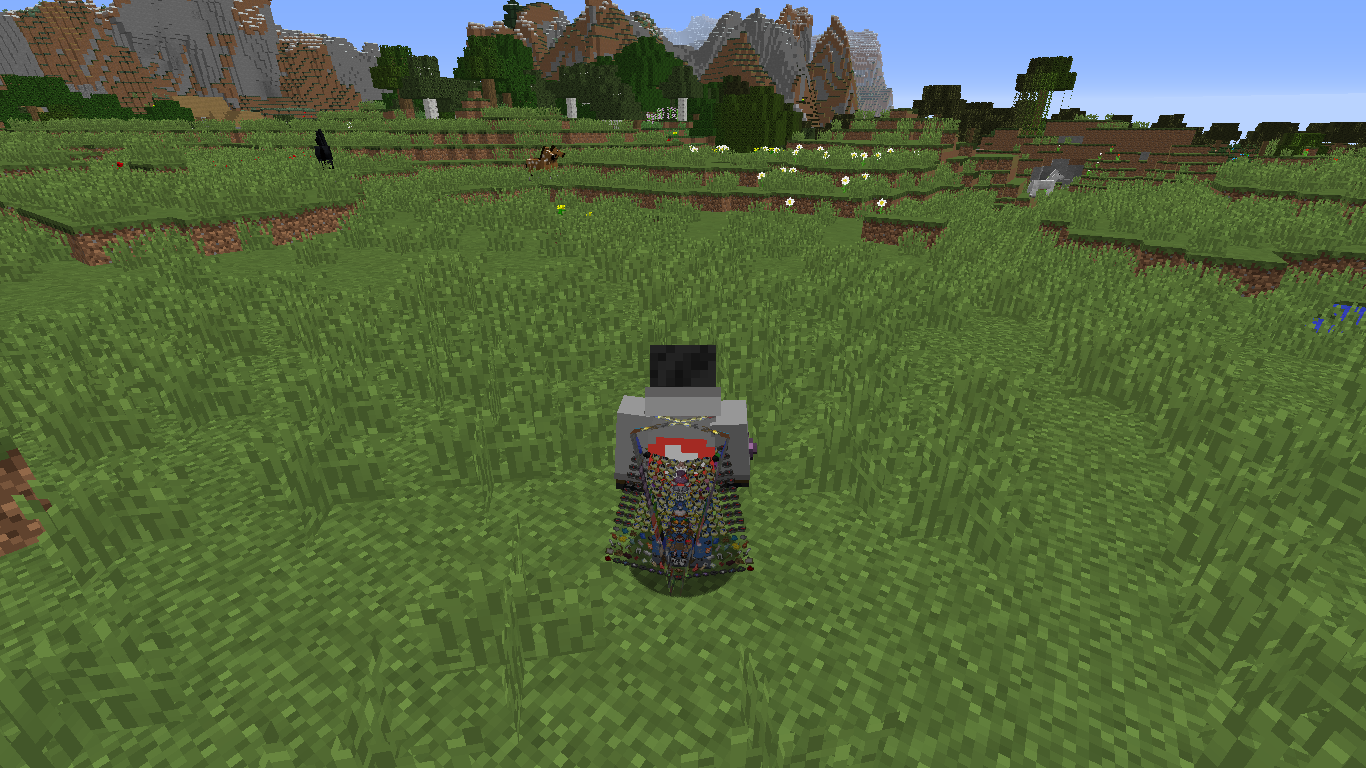



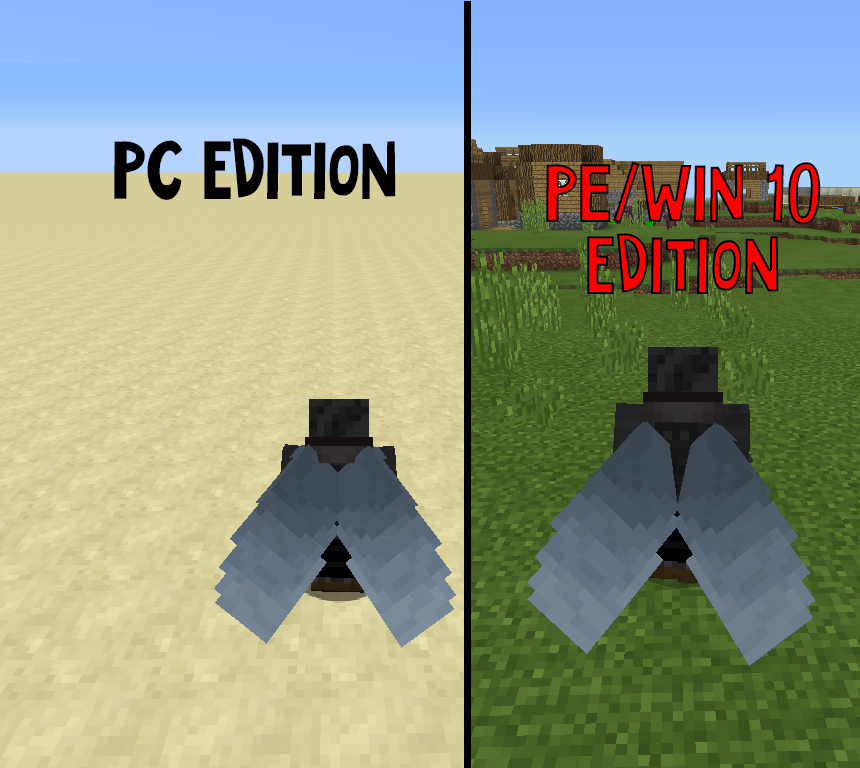

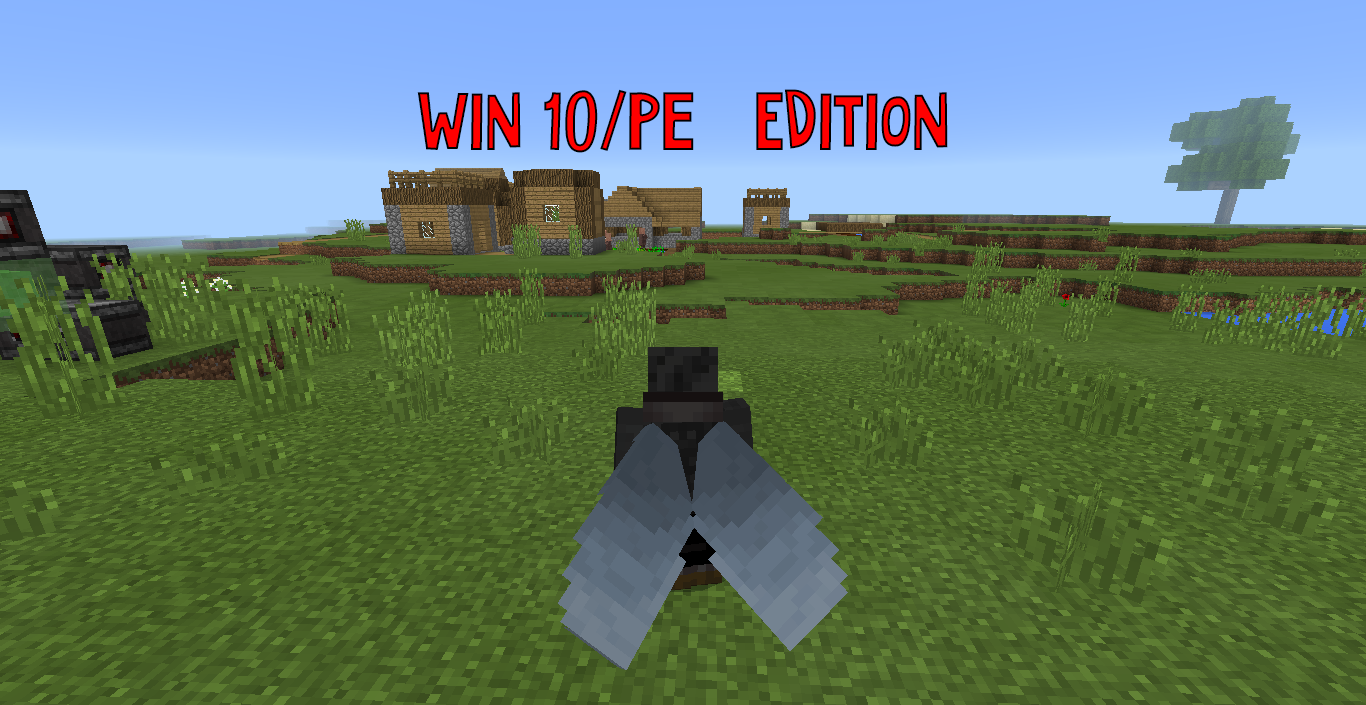
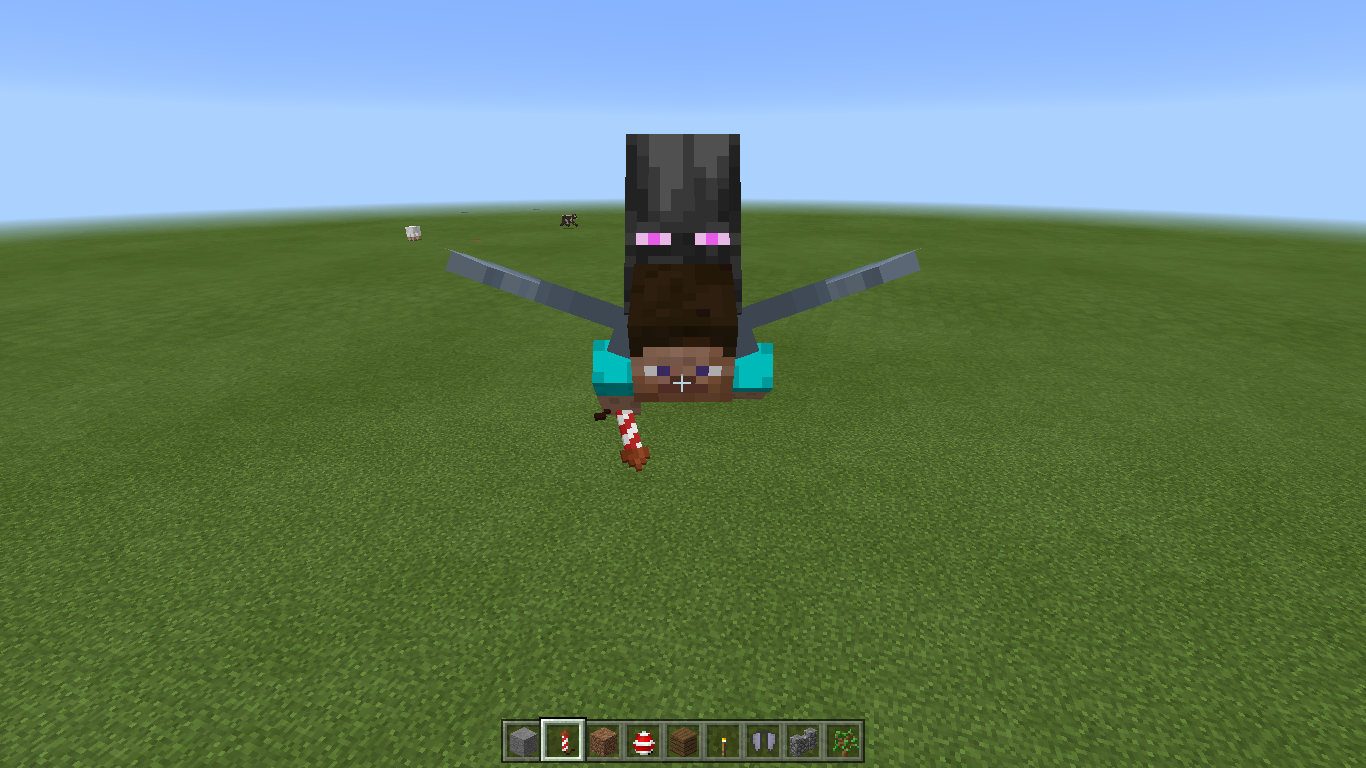
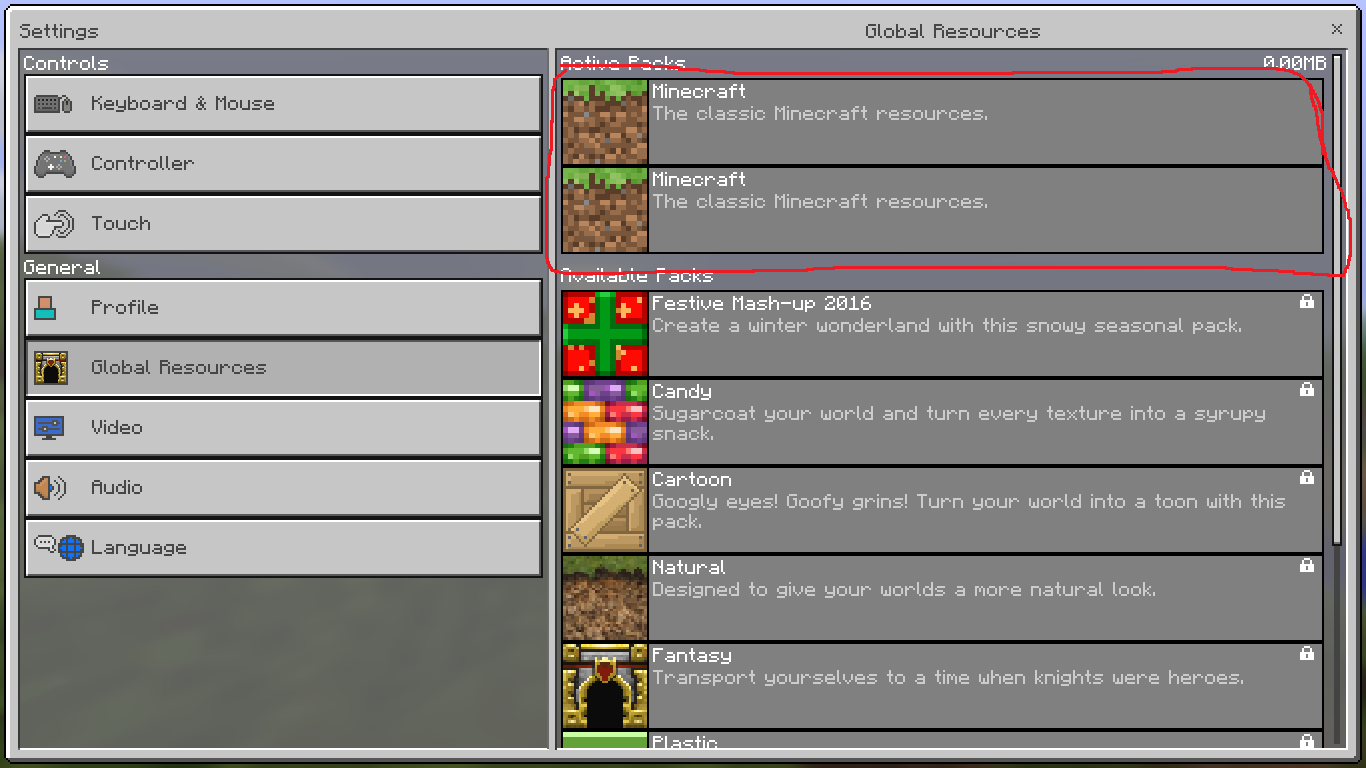
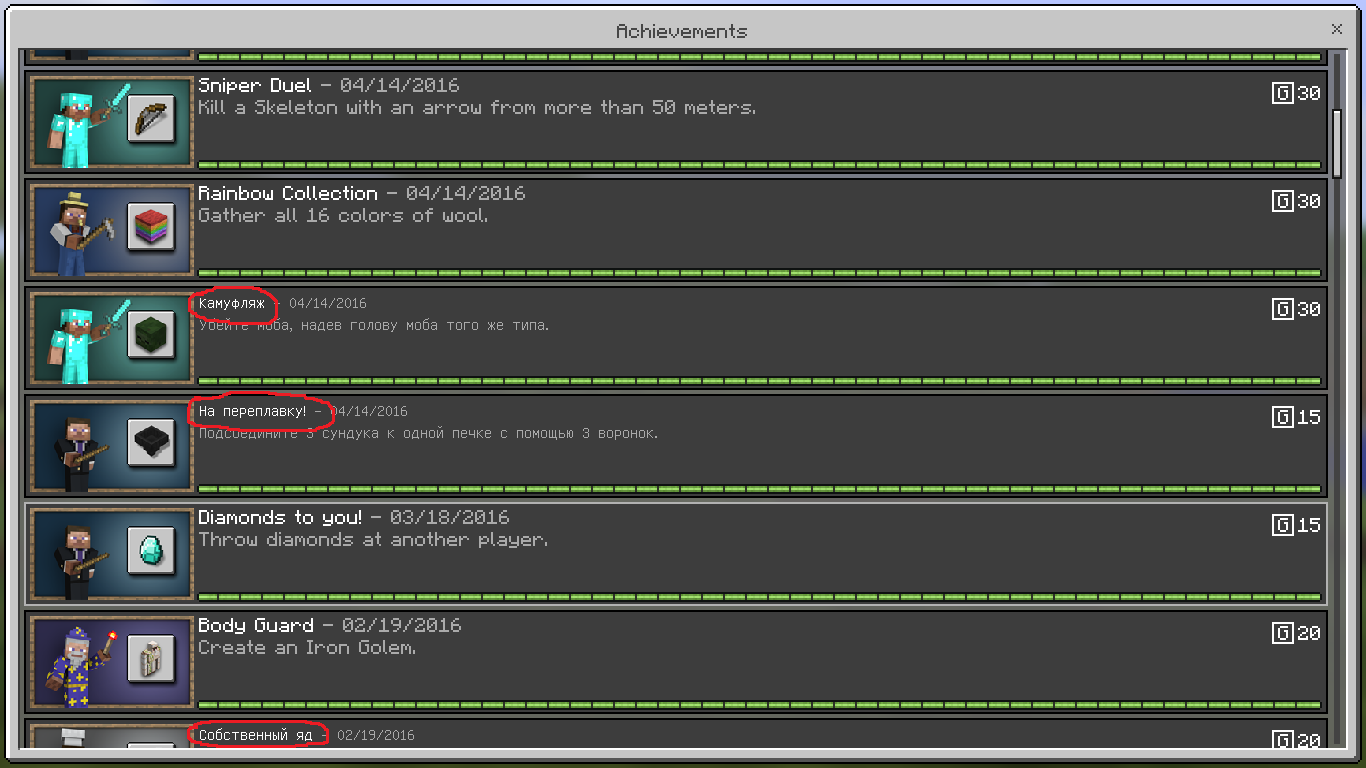







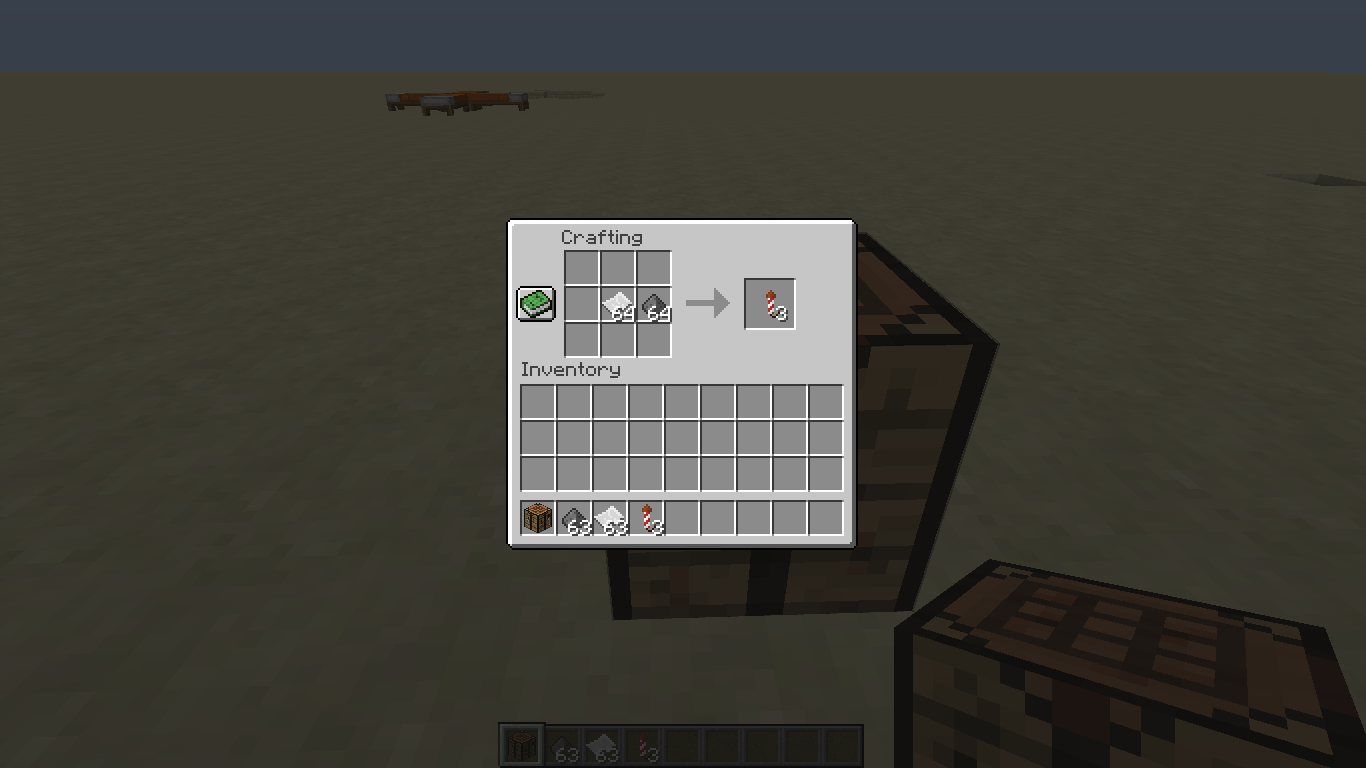







2017-02-10_17.16.01.png
Strange (unexpected) behavior with redstone lamps
Affects 1.0.4.1 as well.
When spawning new villagers you will no longer be able to trade with them.
See gif below:
gfycat.com/FrighteningGargantuanArcticduckAffects 1.0.4.1 as well.
When spawning new villagers you will no longer be able to trade with them.
See gif below:
https://gfycat.com/FrighteningGargantuanArcticduck
Phone - Samsung Galaxy S6
Affects 1.0.4.1 as well.
When spawning new villagers you will no longer be able to trade with them.
See gif below:
https://gfycat.com/FrighteningGargantuanArcticduck
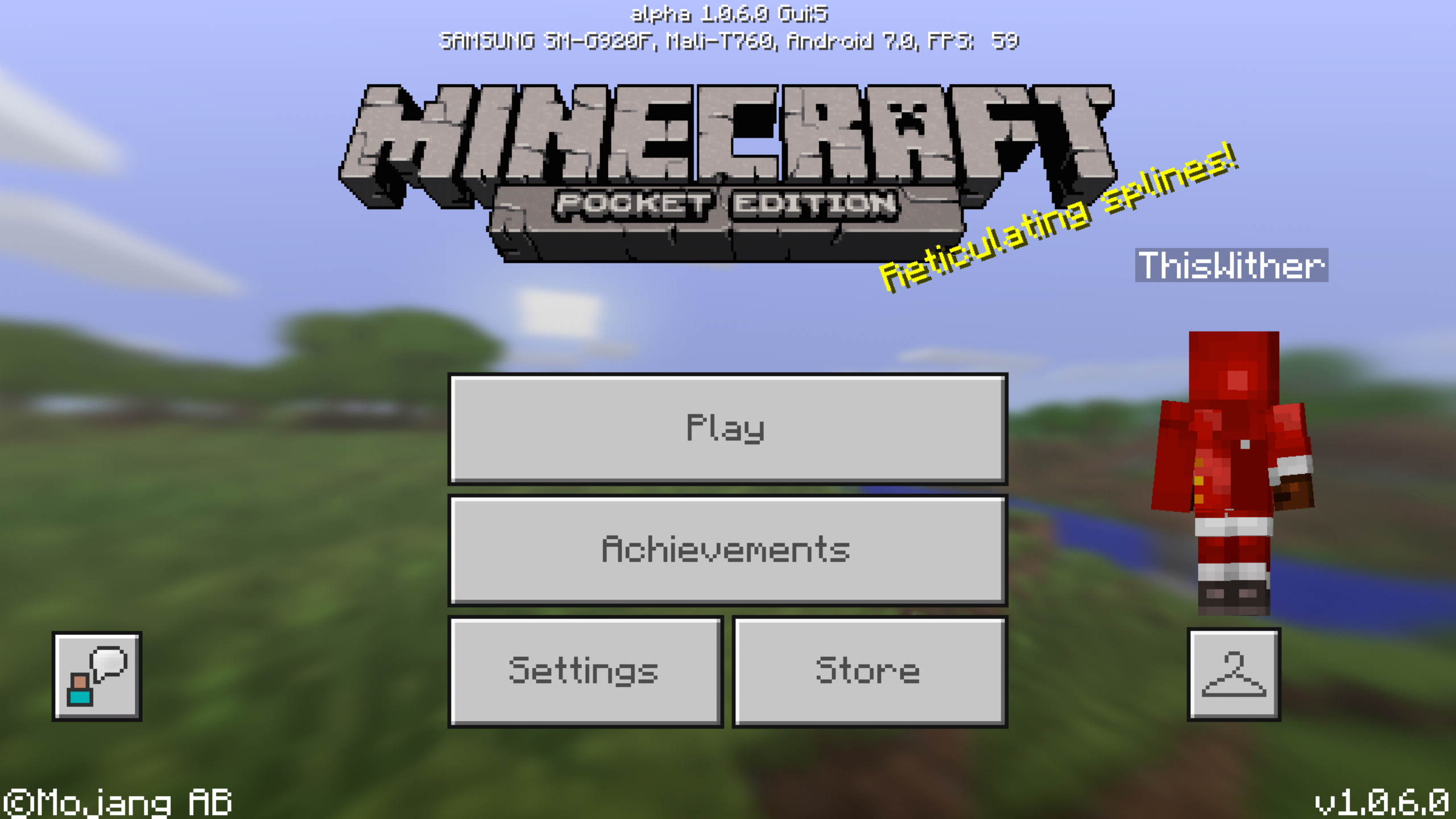
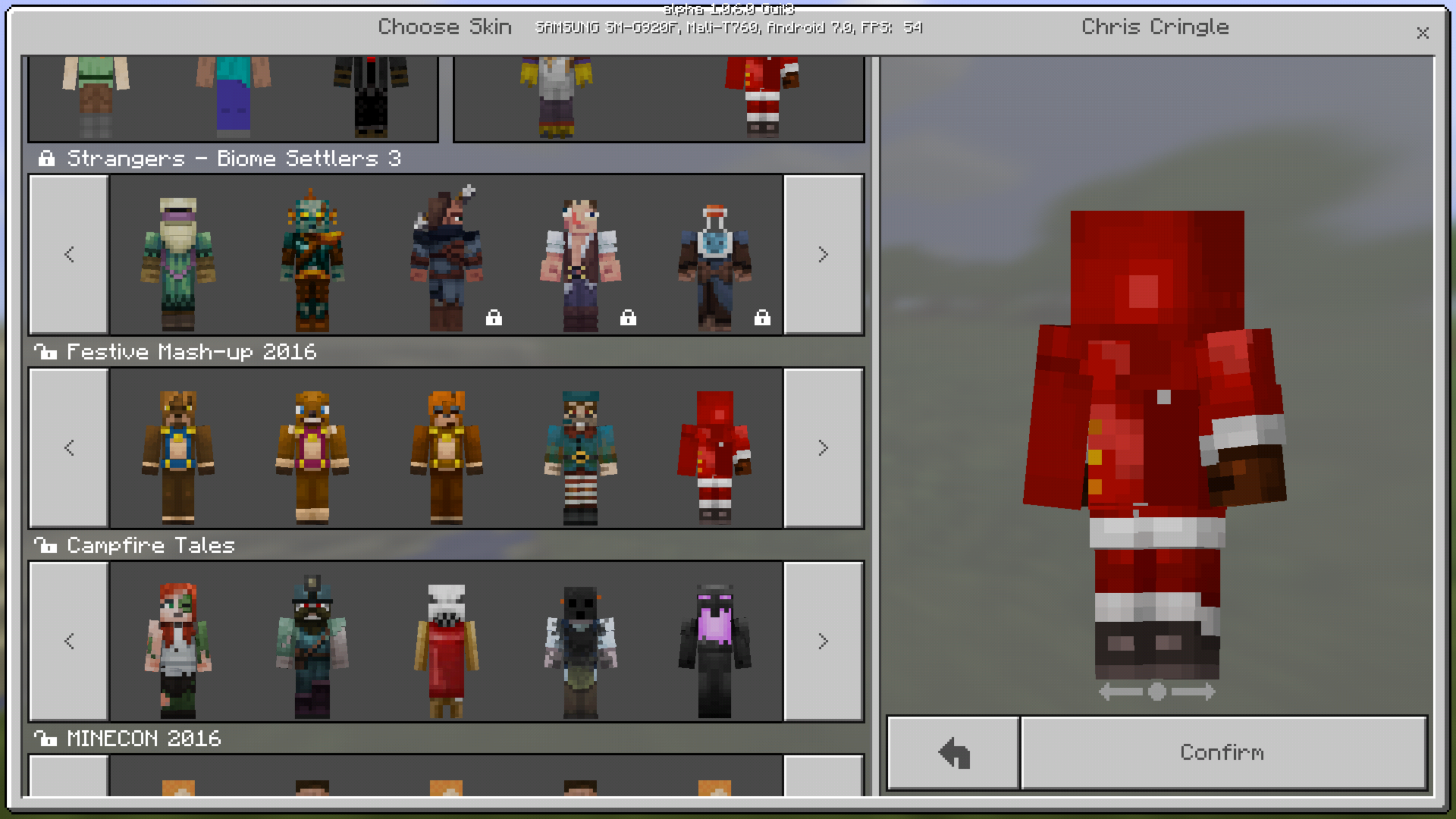
Messed up the "Chris Cringle" inthefestive mash-up packThe "Chris Cringle" skin is messed up in festive mash-up pack
When you summon a parrot with:
{Tame:1}
```/summon parrot ~ ~ ~{Tame:1}
```
It summons just a normal parrot, not a tamed one.
It doesn't even work with entitydata commands:
```/entitydata @e[type=parrot]{Tame:1}
```
Meanwhile, it does work for other entities, for example - llamas.
```/summon llama ~ ~ ~
```When you summon a parrot with:
{Tame:1}
*/summon parrot ~ ~ ~*
{Tame:1}
It summons just a normal parrot, not a tamed one.
It doesn't even work with entitydata commands:
*/entitydata @e[type=parrot]*
{Tame:1}
Meanwhile, it does work for other entities, for example - llamas.
*/summon llama ~ ~ ~*
When you summon a parrot with:
{Tame:1}
*/summon parrot ~ ~ ~*
{Tame:1}
It summons just a normal parrot, not a tamed one.It doesn't even work with entitydata commands:
*/entitydata @e[type=parrot]*
{Tame:1}
Meanwhile, it does work for other entities, for example - llamas.
*/summon llama ~ ~ ~
*When you summon a parrot with:
{Tame:1}
{{/summon parrot ~ ~ ~}}
It summons just a normal parrot, not a tamed one.It doesn't even work with entitydata commands:
{Tame:1}
{{/entitydata @e[type=parrot]}}Meanwhile, it does work for other entities, for example - llamas.
{Tame:1}
{{/summon llama ~ ~ ~}}
When you summon a parrot with:
{Tame:1}
{{/summon parrot ~ ~ ~}}
It summons just a normal parrot, not a tamed one.It doesn't even work with entitydata commands:
{Tame:1}
{{/entitydata @e[type=parrot]{Tame:1}
}}Meanwhile, it does work for other entities, for example - llamas.
{{/summon llama ~ ~ ~}}
When you summon a parrot with:
{Tame:1}
/summon parrot ~ ~ ~It summons just a normal parrot, not a tamed one.
It doesn't even work with entitydata commands:
{Tame:1}
/entitydata @e[type=parrot]Meanwhile, it does work for other entities, for example - llamas:
{Tame:1}
/summon llama ~ ~ ~
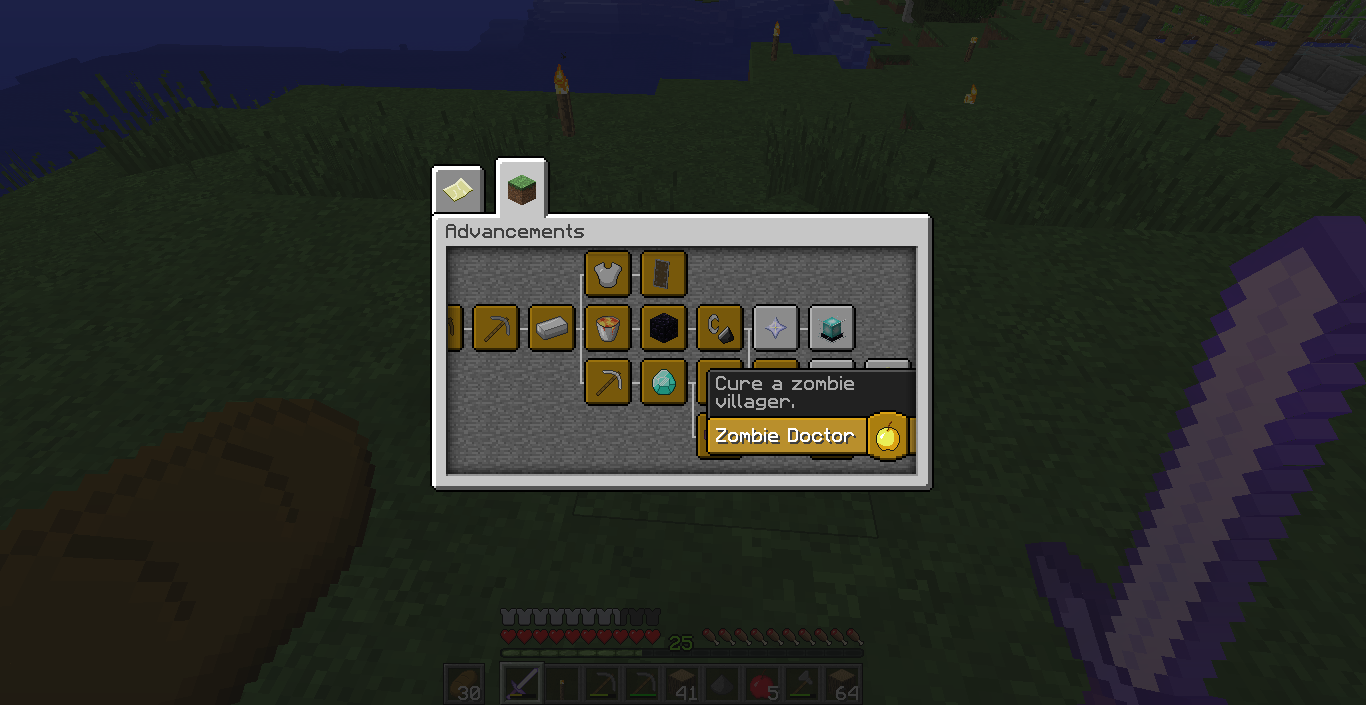
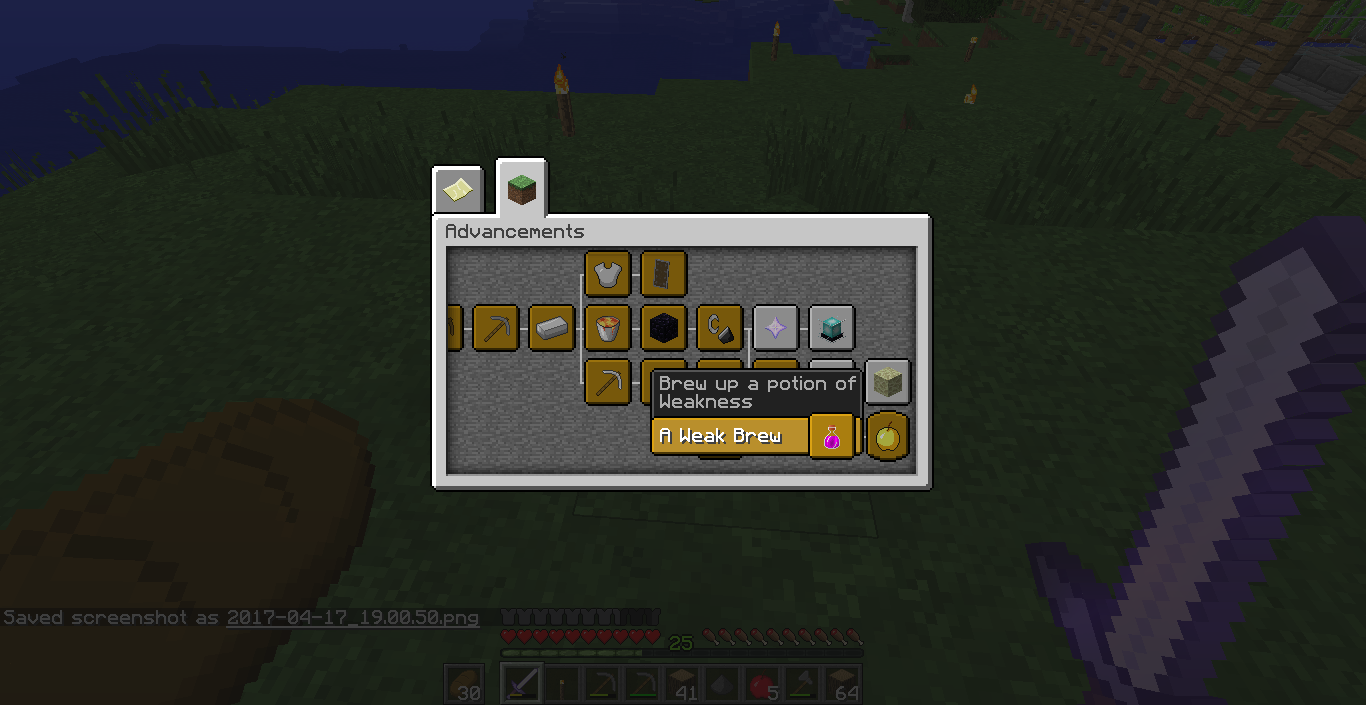
There is a dot on the "Zombie Doctor" advancement.
It's an easy fix in thelanguageflies.There is a dot on the "Zombie Doctor" advancement.
It's an easy fix in the advancement flies.
Steps to reprocude:
1. Place down a repeating command block (unconditional, always active).
2. Paste the current command inside`/execute @a ~ ~ ~ detect ~ ~-1 ~ grass 0 say hi`.What I expected to happen:
I expected the command to only run when a player is standing on a grass block.What happens:
The command runs ALWAYS, even if the player isn't on a grass block.Steps to reprocude:
1. Place down a repeating command block (unconditional, always active).
2. Paste the current command inside /execute @a ~ ~ ~ detect ~ ~-1 ~ grass 0 say hiWhat I expected to happen:
I expected the command to only run when a player is standing on a grass block.What happens:
The command runs ALWAYS, even if the player isn't on a grass block.
Steps to reprocude:
1. Place down a repeating command block (unconditional, always active).
2. Paste the current command inside /execute @a ~ ~ ~ detect ~ ~-1 ~ grass 0 say hiWhat I expected to happen:
I expected the command to only run when a player is standing on a grass block.What happens:
The command runs ALWAYS, even if the player isn't on a grass block.
Steps to reprocude:
1. Place down a repeating command block (unconditional, always active).
2. Paste the current command inside /execute @a ~ ~ ~ detect ~ ~-1 ~ grass 0 say hiWhat I expected to happen:
I expected the command to only run when a player is standing on a grass block.What happens:
The command runs ALWAYS, even if the player isn't on a grass block. After some research I found out that the command block checks the block underneath itself.
"execute @a ~ ~ ~ detect" doesn't work correctly when ran in a repeating command blosk
"execute @a ~ ~ ~ detect" doesn't work correctly when ran in a repeating command blosk"execute @a ~ ~ ~ detect" doesn't work correctly when ran in a repeating command block
"execute @a ~ ~ ~ detect" doesn't work correctly when ran in arepeatingcommand block
Holding an enchanted tool with loweredHUD opacity will resetitThe HUD opacity will be reset while holding some items
The HUD opacity will be reset whileholding some itemsThe HUD opacity will be reset while switching items in the hotbar
Steps to reproduce:
1. Set your HUD opacity to a number which is lower than 100
2.Hold an enchanted toolWhat I expected to happen:
Theenchanted toolwould have no effect overtheHUD opacityWhat happens:
The HUD opacity resets whileholding an enchanted toolSteps to reproduce:
1. Set your HUD opacity to a number which is lower than 100
2. Switch itemsWhat I expected to happen:
The item switching would have no effect over my HUD opacityWhat happens:
The HUD opacity resets while switching items
What I expected to happen:
The game should run fine when offline.What happens:
The game crashes when tapping "Play" with all kinds of internet connection disabled.Device:
Samsung Galaxy S6Steps to reproduce:
-Disable any kind of internet connection on your smart device (happens only on phones)
-Tap play in the main menuWhat I expected to happen:
-The game should run fine when offline.What happens:
-The game crashes when tapping "Play" with all kinds of internet connection disabled.Device:
-Samsung Galaxy S6
How to reproduce:
1. Summon any entity
2. Apply resistance with an amplifier of 255 (/effect @e[c=-1] resistance 1000 255)
3. Write in chat/kill @e[c=-1]What I expected to happen:
I expected the entity to die even with resistanceWhat happens:
The entity doesn't die and stays alive, which is NOT a case on Java EditionHow to reproduce:
1. Summon any entity
2. Apply resistance with an amplifier of 255 (/effect @e[c=-1] resistance 1000 255)
3. Write in chat/kill @e[c=-1]What I expected to happen:
I expected the entity to die even with resistanceWhat happens:
The entity doesn't die and stays alive, which is NOT a case on Java Edition
How to reproduce:
1. Summon any entity
2. Apply resistance with an amplifier of 255(/effect @e[c=-1] resistance 1000 255)
3. Write in chat/kill @e[c=-1]What I expected to happen:
I expected the entity to die even with resistanceWhat happens:
The entity doesn't die and stays alive, which is NOT a case on Java EditionHow to reproduce:
1. Summon any entity
2. Apply resistance with an amplifier of 255:/effect @e[c=-1] resistance 1000 2553. Write in chat:
/kill @e[c=-1]What I expected to happen:
I expected the entity to die even with resistanceWhat happens:
The entity doesn't die and stays alive, which is NOT a case on Java Edition
How to reproduce:
1. Summon any entity
2. Apply resistance with an amplifier of 255:/effect @e[c=-1] resistance 1000 2553. Write in chat:
/kill @e[c=-1]What I expected to happen:
I expected the entity to die even with resistanceWhat happens:
The entity doesn't die and stays alive, which isNOT a case on Java EditionHow to reproduce:
1. Summon any entity
2. Apply resistance with an amplifier of 255:/effect @e[c=-1] resistance 1000 2553. Write in chat:
/kill @e[c=-1]What I expected to happen:
I expected the entity to die even with resistanceWhat happens:
The entity doesn't die and stays alive, which is NOT the case on Java Edition
How to reproduce:
1. Summon any entity
2. Apply resistance with an amplifier of 255:/effect @e[c=-1] resistance 1000 2553. Write in chat:
/kill @e[c=-1]What I expected to happen:
I expected the entity to die even with resistanceWhat happens:
The entity doesn't die and stays alive, which is NOT the case on Java EditionHow to reproduce:
1. Summon any entity
2. Apply resistance with an amplifier of 255:/effect @e[c=-1] resistance 1000 2553. Write in chat:
/kill @e[c=-1]What I expected to happen:
I expected the entity to die even with resistanceWhat happens:
The entity doesn't die and stays alive, which is NOT the case on Java Edition
What I expected to happen:
I expected the beds to be placed normallyWhat happens:
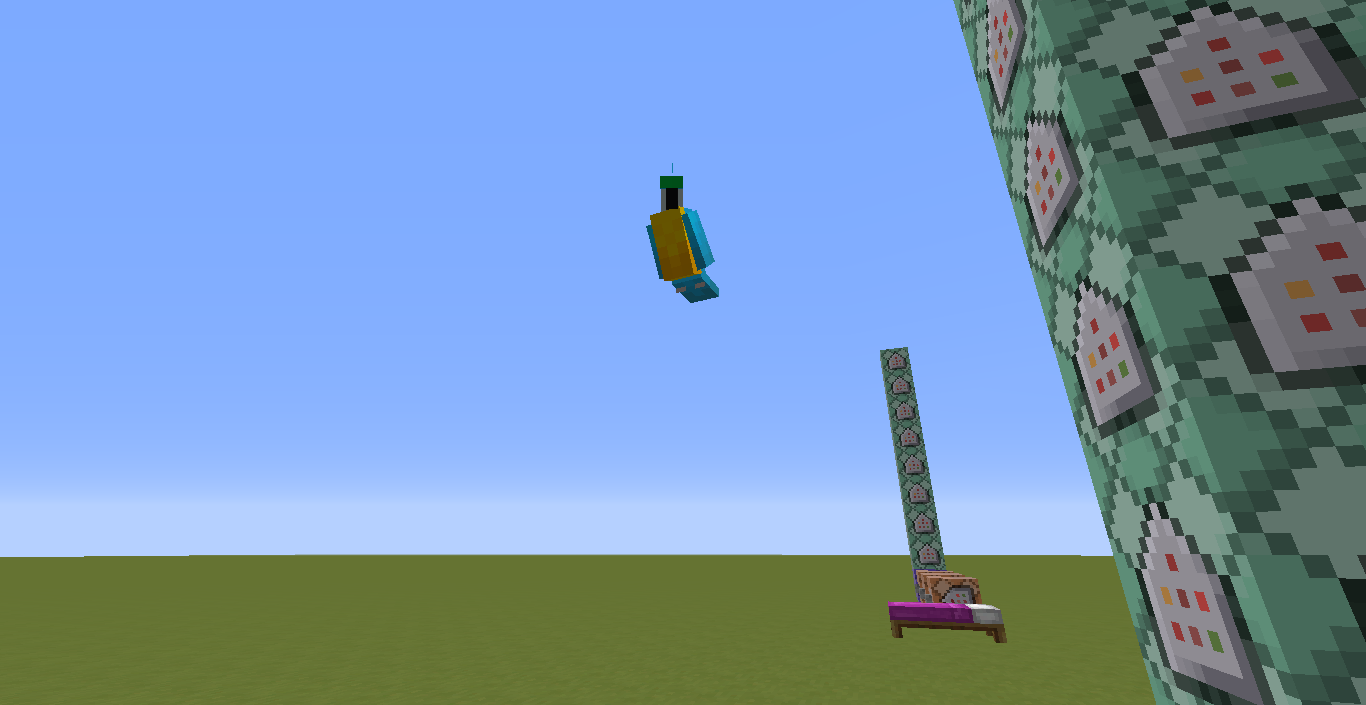
The beds sometimes take strange shapes (see screenshot below)How to reproduce:
1. Take any bed
2. Constantly place them on ground in a row
What I expected to happen:
I expected the beds to be placed normallyWhat happens:
The beds sometimes take strange shapes (see screenshot below)How to reproduce:
1. Take any bed
2. Constantly place them on ground in a row
What happens:
My framerate drops if I quickly break double chests in creative
*How to reproduce:
*1. Place a lot of double chests in an area
2. Start breaking themWhat happens:
My framerate drops if I quickly break double chests in creativeHow to reproduce:
- Place a lot of double chests in an area
- Start breaking them
The "minecraft:player_destroyed_block" fires only whenever a player breaks a block in survival mode. This should also fire when a player breaks a block in creative mode.
What was expected to happen:
The event should have fired normally even if the player who destroyed the block was in creative modeWhat happens:
The event doesn't get fired for players breaking blocks in creative modeSteps to Reproduce:
1. Get the behavior pack from the attachment or use this script:
^const system = server.registerSystem(0, 0);
system.initialize = function() {
system.listenForEvent("minecraft:player_destroyed_block", (eventData) => breakBlock(eventData))
}function breakBlock(eventData) {
let chatEventData = system.createEventData("minecraft:display_chat_event");
chatEventData.data.message = "Player destroyed block!";
system.broadcastEvent("minecraft:display_chat_event", chatEventData)
}^2. Enter a world with the aforementioned script
3. Break a block in survival and later in creative
4. A chat message will get sent if we are in survival mode. This is however not the case if we are in creative mode.The "minecraft:player_destroyed_block" fires only whenever a player breaks a block in survival mode. This should also fire when a player breaks a block in creative mode.
What was expected to happen:
The event should have fired normally even if the player who destroyed the block was in creative modeWhat happens:
The event doesn't get fired for players breaking blocks in creative modeSteps to Reproduce:
1. Get the behavior pack from the attachment or use this script:
const system = server.registerSystem(0, 0); system.initialize = function() { system.listenForEvent("minecraft:player_destroyed_block", (eventData) => breakBlock(eventData)) } function breakBlock(eventData) { let chatEventData = system.createEventData("minecraft:display_chat_event"); chatEventData.data.message = "Player destroyed block!"; system.broadcastEvent("minecraft:display_chat_event", chatEventData) }2. Enter a world with the aforementioned script
3. Break a block in survival and later in creative
4. A chat message will get sent if we are in survival mode. This is however not the case if we are in creative mode.
The "minecraft:player_destroyed_block" fires only whenever a player breaks a block in survival mode. This should also fire when a player breaks a block in creative mode.
What was expected to happen:
The event should have fired normally even if the player who destroyed the block was in creative modeWhat happens:
The event doesn't get fired for players breaking blocks in creative modeSteps to Reproduce:
1. Get the behavior pack from the attachment or use this script:
const system = server.registerSystem(0, 0); system.initialize = function() { system.listenForEvent("minecraft:player_destroyed_block", (eventData) => breakBlock(eventData)) } function breakBlock(eventData) { let chatEventData = system.createEventData("minecraft:display_chat_event"); chatEventData.data.message = "Player destroyed block!"; system.broadcastEvent("minecraft:display_chat_event", chatEventData) }2. Enter a world with the aforementioned script
3. Break a block in survival and later in creative
4. A chat message will get sent if we are in survival mode. This is however not the case if we are in creative mode.
The "minecraft:player_destroyed_block" fires only whenever a player breaks a block in survival mode. This should also fire when a player breaks a block in creative mode.
What was expected to happen:
The event should have fired normally even if the player who destroyed the block was in creative modeWhat happens:
The event doesn't get fired for players breaking blocks in creative modeSteps to Reproduce:
1. Get the behavior pack from the attachment or use th
isscript:const system = server.registerSystem(0, 0); system.initialize = function() { system.listenForEvent("minecraft:player_destroyed_block", (eventData) => breakBlock(eventData)) } function breakBlock(eventData) { let chatEventData = system.createEventData("minecraft:display_chat_event"); chatEventData.data.message = "Player destroyed block!"; system.broadcastEvent("minecraft:display_chat_event", chatEventData) }2. Enter a world with the aforementioned script
3. Break a block in survival and later in creative
4. A chat message will get sent if we are in survival mode. This is however not the case if we are in creative mode.The "minecraft:player_destroyed_block" fires only whenever a player breaks a block in survival mode. This should also fire when a player breaks a block in creative mode.
What was expected to happen:
The event should have fired normally even if the player who destroyed the block was in creative modeWhat happens:
The event doesn't get fired for players breaking blocks in creative modeSteps to Reproduce:
1. Get the behavior pack from the attachment or use the following script:
const system = server.registerSystem(0, 0); system.initialize = function() { system.listenForEvent("minecraft:player_destroyed_block", (eventData) => breakBlock(eventData)) } function breakBlock(eventData) { let chatEventData = system.createEventData("minecraft:display_chat_event"); chatEventData.data.message = "Player destroyed block!"; system.broadcastEvent("minecraft:display_chat_event", chatEventData) }2. Enter a world with the aforementioned script
3. Break a block in survival and later in creative
4. A chat message will get sent if we are in survival mode. This is however not the case if we are in creative mode.
The "minecraft:player_destroyed_block" fires only whenever a player breaks a block in survival mode. This should also fire when a player breaks a block in creative mode.
What was expected to happen:
The event should have fired normally even if the player who destroyed the block was in creative modeWhat happens:
The event doesn't get fired for players breaking blocks in creative modeSteps to Reproduce:
1. Get the behavior pack
from theattachmentor use the following script:const system = server.registerSystem(0, 0); system.initialize = function() { system.listenForEvent("minecraft:player_destroyed_block", (eventData) => breakBlock(eventData)) } function breakBlock(eventData) { let chatEventData = system.createEventData("minecraft:display_chat_event"); chatEventData.data.message = "Player destroyed block!"; system.broadcastEvent("minecraft:display_chat_event", chatEventData) }2. Enter a world with the aforementioned script
3. Break a block in survival and later in creative
4. A chat message will get sent if we are in survival mode. This is however not the case if we are in creative mode.The "minecraft:player_destroyed_block" fires only whenever a player breaks a block in survival mode. This should also fire when a player breaks a block in creative mode.
What was expected to happen:
The event should have fired normally even if the player who destroyed the block was in creative modeWhat happens:
The event doesn't get fired for players breaking blocks in creative modeSteps to Reproduce:
1. Get the behavior pack attached or use the following script:
const system = server.registerSystem(0, 0); system.initialize = function() { system.listenForEvent("minecraft:player_destroyed_block", (eventData) => breakBlock(eventData)) } function breakBlock(eventData) { let chatEventData = system.createEventData("minecraft:display_chat_event"); chatEventData.data.message = "Player destroyed block!"; system.broadcastEvent("minecraft:display_chat_event", chatEventData) }2. Enter a world with the aforementioned script
3. Break a block in survival and later in creative
4. A chat message will get sent if we are in survival mode. This is however not the case if we are in creative mode.
The "minecraft:player_destroyed_block" fires only whenever a player breaks a block in survival mode. This should also fire when a player breaks a block in creative mode.
What was expected to happen:
The event should have fired normally even if the player who destroyed the block was in creative modeWhat happens:
The event doesn't get fired for players breaking blocks in creative modeSteps to Reproduce:
1. Get the behavior pack attached or use the following script:
const system = server.registerSystem(0, 0); system.initialize = function() { system.listenForEvent("minecraft:player_destroyed_block", (eventData) => breakBlock(eventData)) } function breakBlock(eventData) { let chatEventData = system.createEventData("minecraft:display_chat_event"); chatEventData.data.message = "Player destroyed block!"; system.broadcastEvent("minecraft:display_chat_event", chatEventData) }2. Enter a world with the aforementioned script (don't forget to enable Experimental Gameplay!)
3. Break a block in survival and later in creative
4. A chat message will get sent if we are in survival mode. This is however not the case if we are in creative mode.

@Wither, this can happen in every gamemode (except maybe Spectator, but there you could use the /advancement command), therefor please do not change the game mode field of this report.
Ok, then I will go to the subreddit to suggest multiple fill tags... Is there a way to delete or close the bug?
Confirmed for the latest version (1.0.0 not beta)
Can modereators stop marking bug reports as Duplicate? Srsly, a bug may rest in the game for YEARS if you do that with a bug report. At least, to clear up the tracker, mark issues as Duplicate if they are very repititive (like the same issue per 3 days). Thanks.
Aren't 5 screenshots enough?
Affetcs 1.0.4.0
Can confirm for 1.0.4.0. A really annoying bug! Mojang, pls.
I hope it will be fixed in the next snapshot
Can confirm.
They can't be tamed with seeds, try with cookies.
But it should work with cookies, it works for me...
Can confirm
Can confirm
Can confirm, also for the narrator thing.
Can confirm, happened to me as well.
Can cofirm.
Can confirm, it was reverted on pc though because people didn't like it.
Can confirm for 1.1.0.9
Yes, I did. I completed it 5 times.
I used it...
Can confirm, no capes.
Not fixed as of 1.2.0.7
Fixed in 1.2.0.7
Confirmed for 1.2.0.22
Confirmed for 1.2.0.22
Confirmed for the 1.2.0.22 beta build.
Confirmed for 1.2.0.25
Seems to be fixed in 1.2.0.31
Can confirm
no
it was fixed for me with 1.12.1
Doesn't happen anymore on 1.2.3
Can confirm as well.
Can confirm
Confirmed for 1.2.3
Can confirm for 1.2.11
It's either a panda or a cat
Can confirm for the latest beta
Can confirm for the latest beta
Fixed in the latest beta
Can confirm for 19w39a