 Irritated Gamer
- TheTamedWolf
- thetamedwolf
- America/New_York
- Yes
- No
 MC-112230
 MCPE-63311


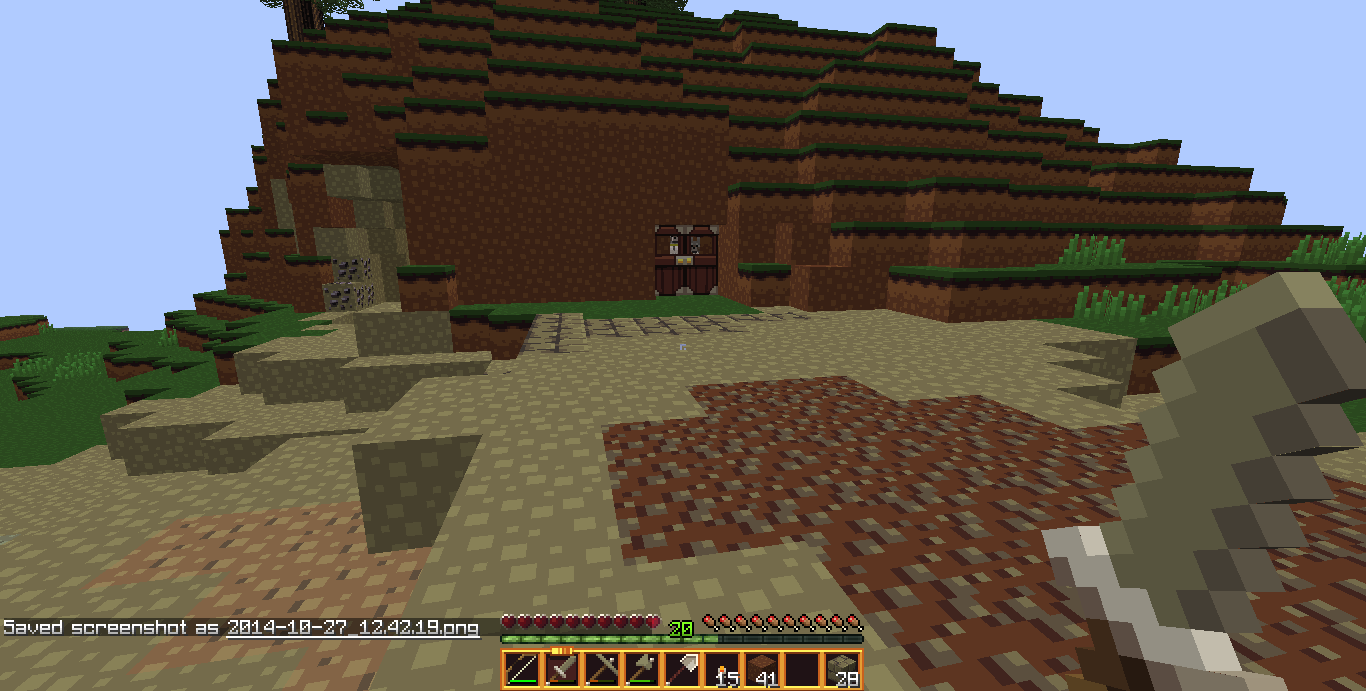


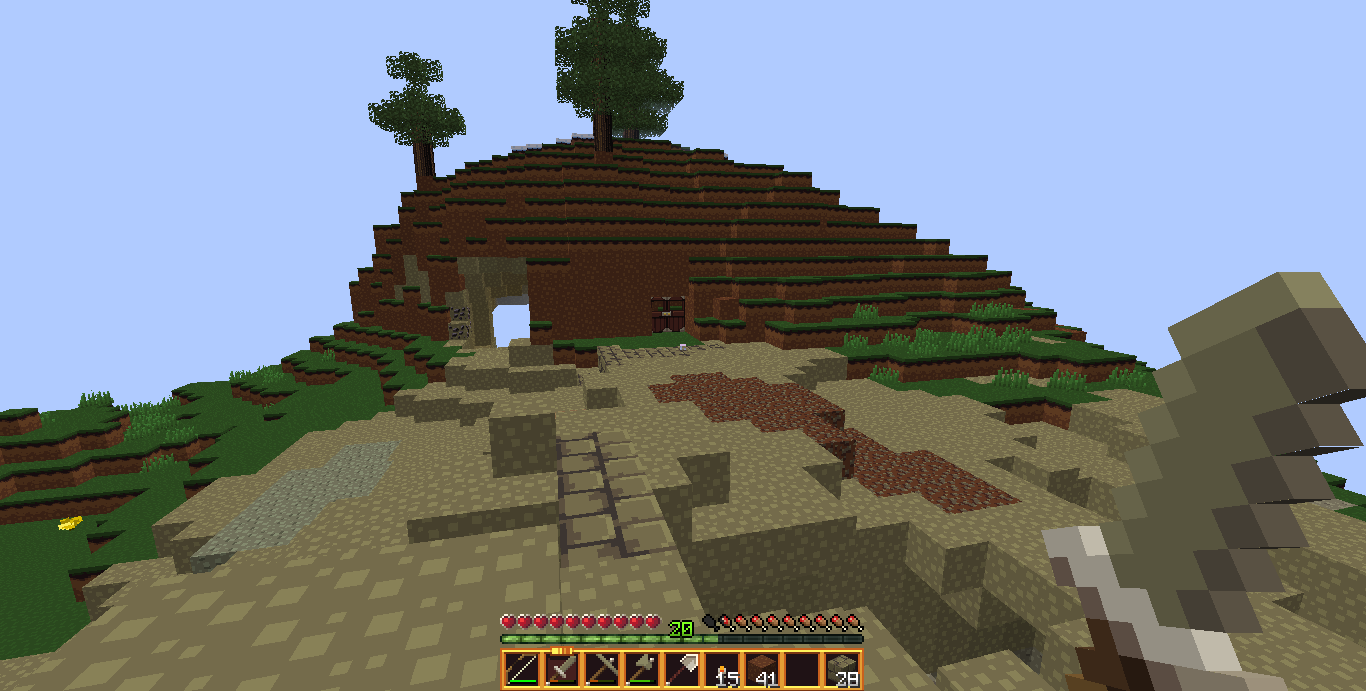

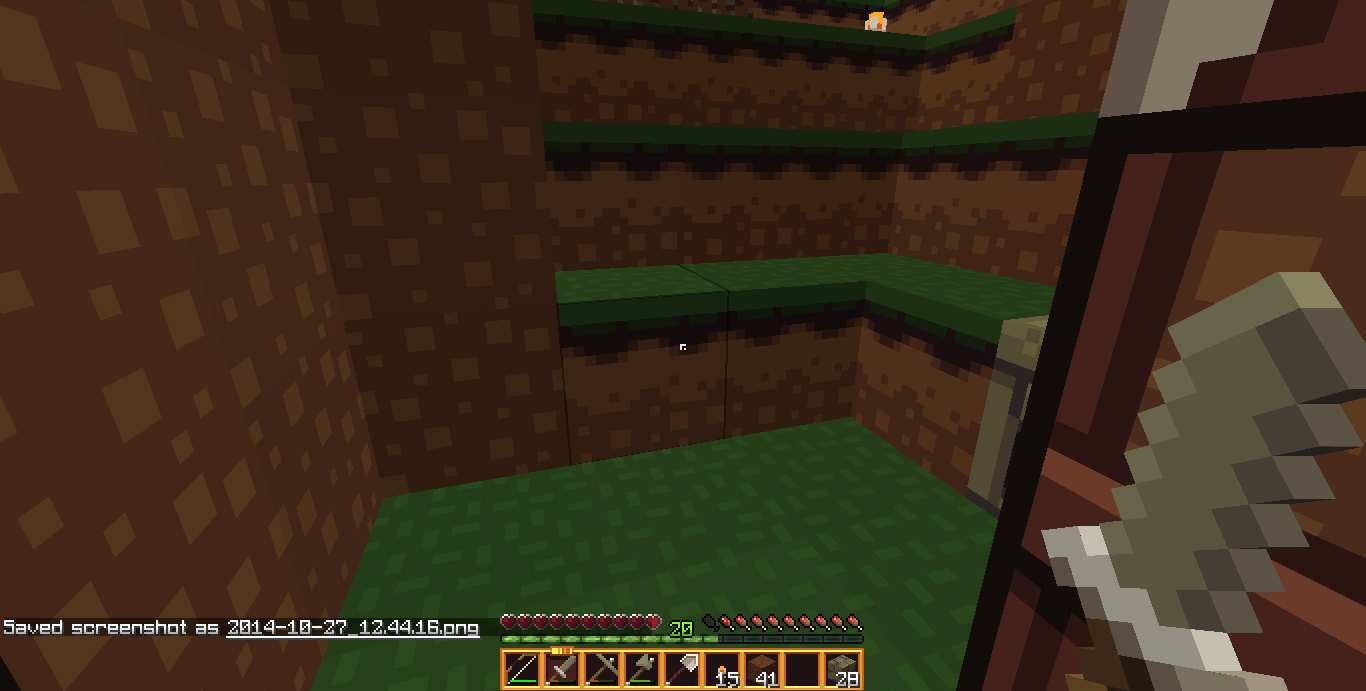

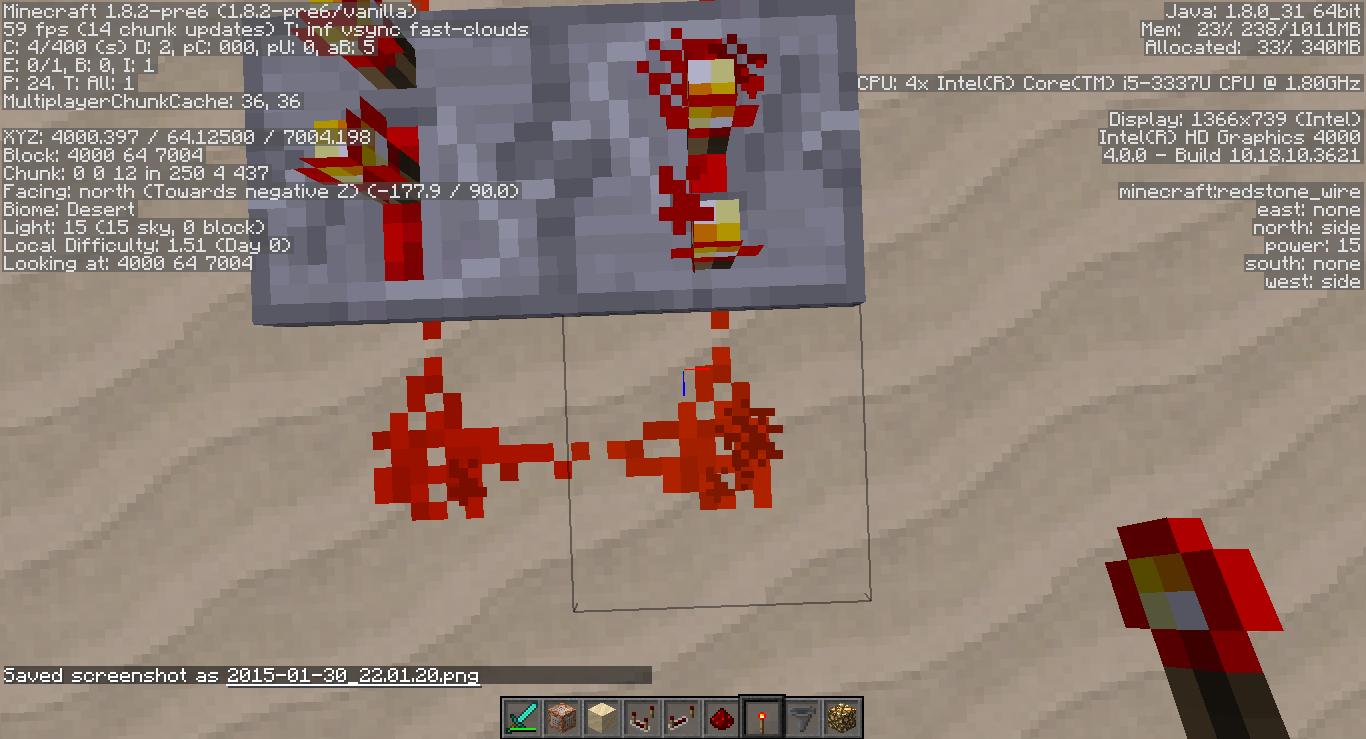
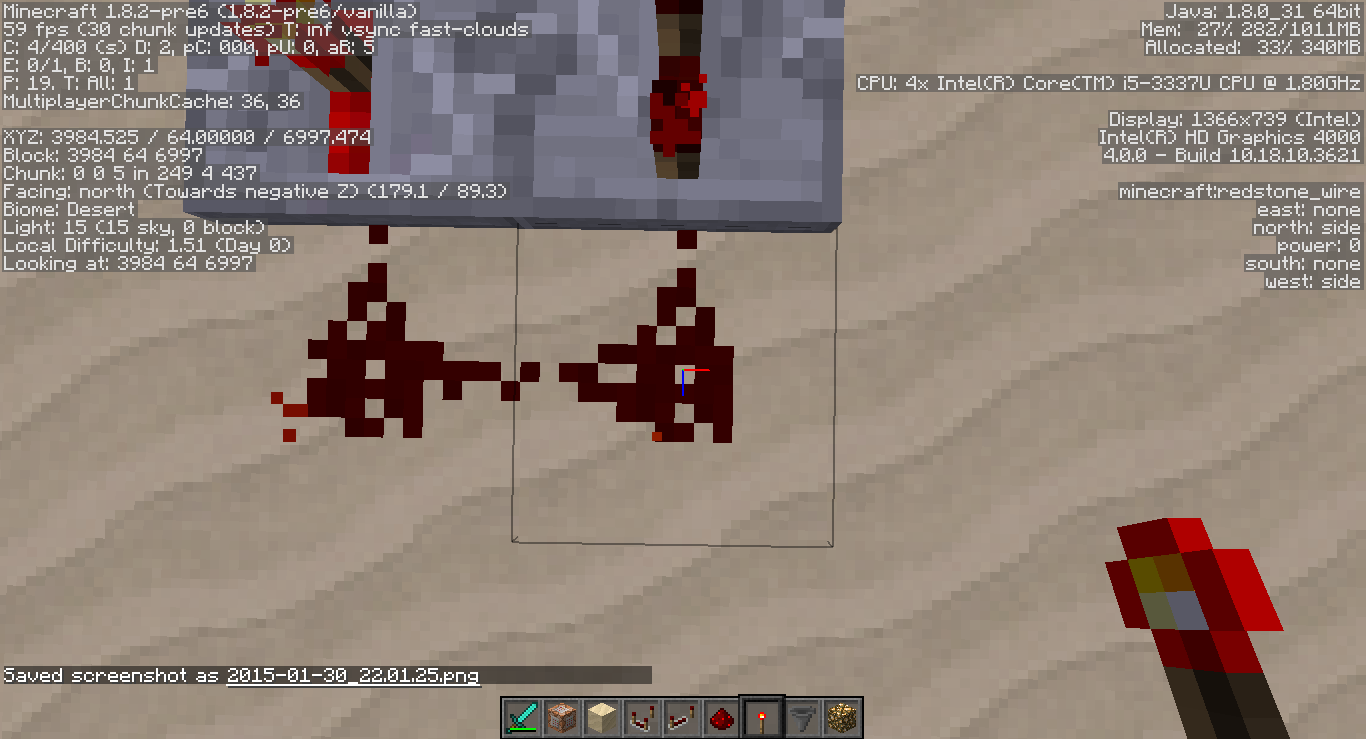
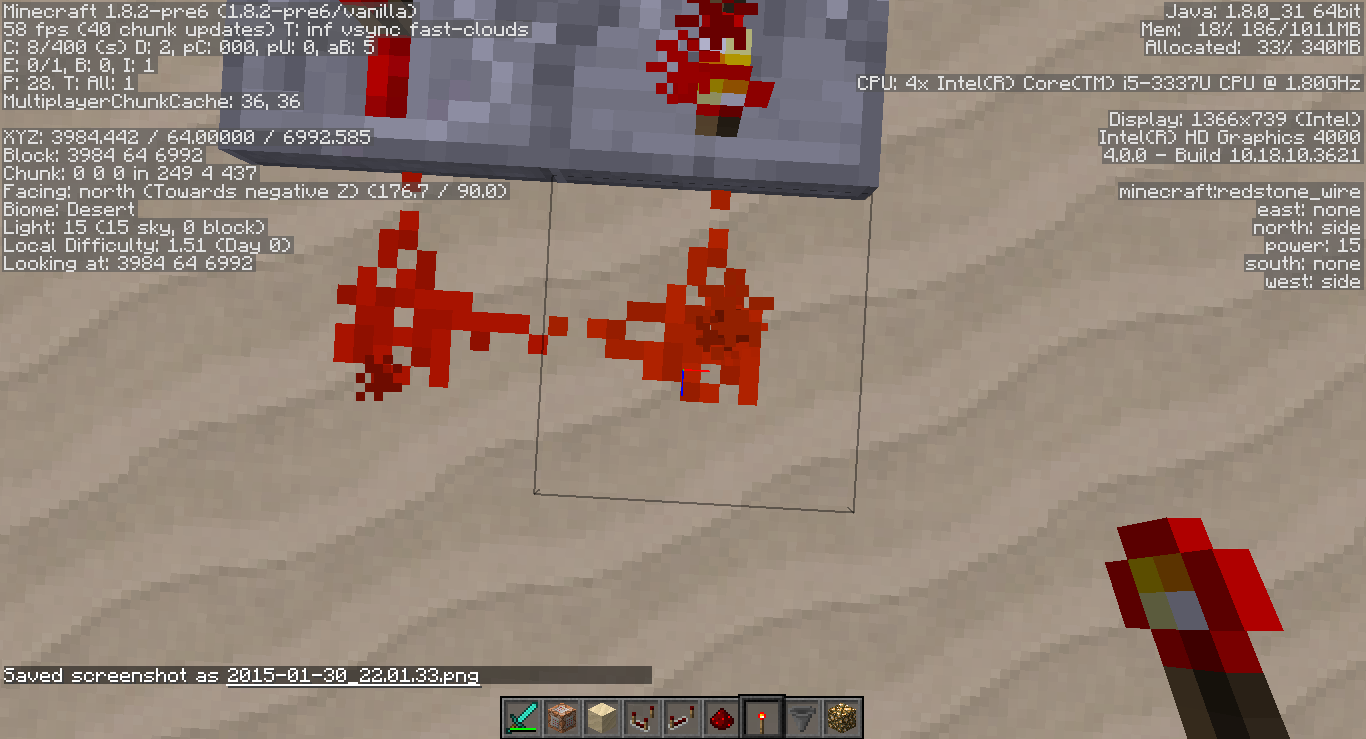
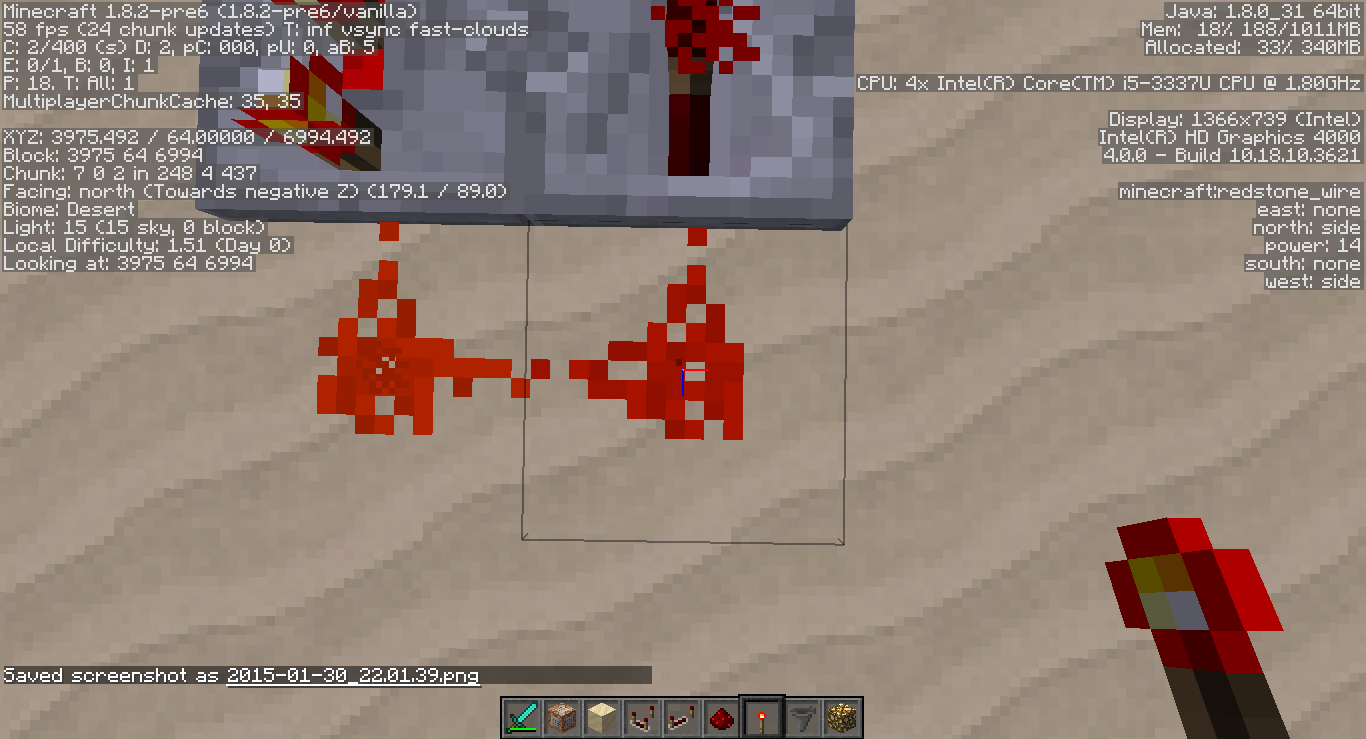


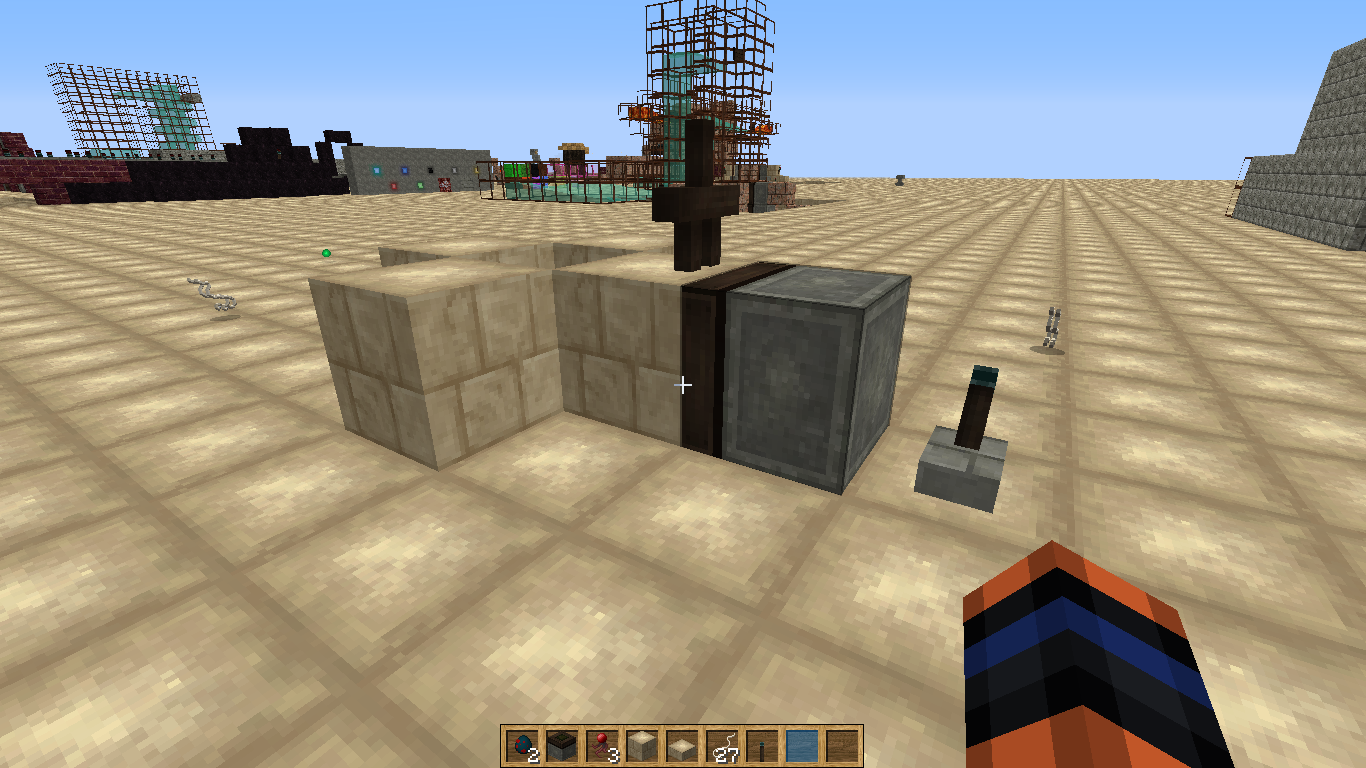





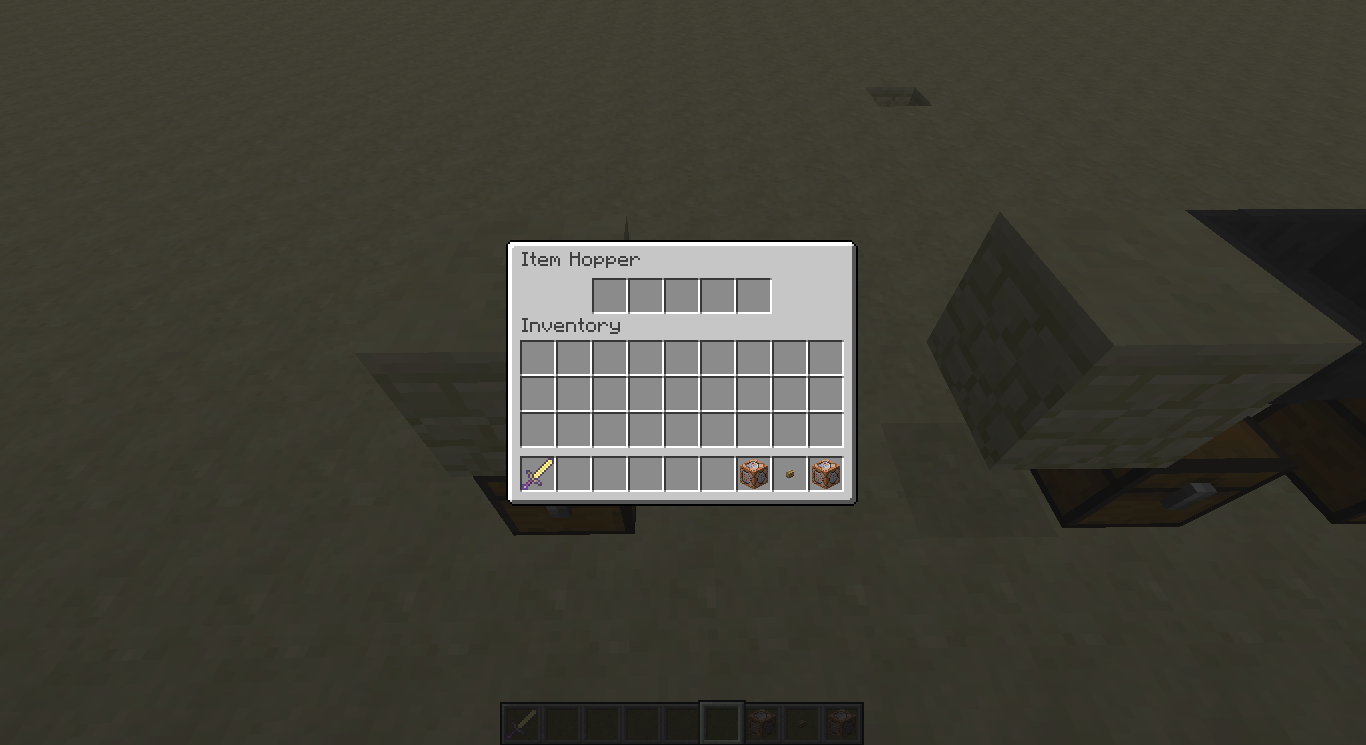


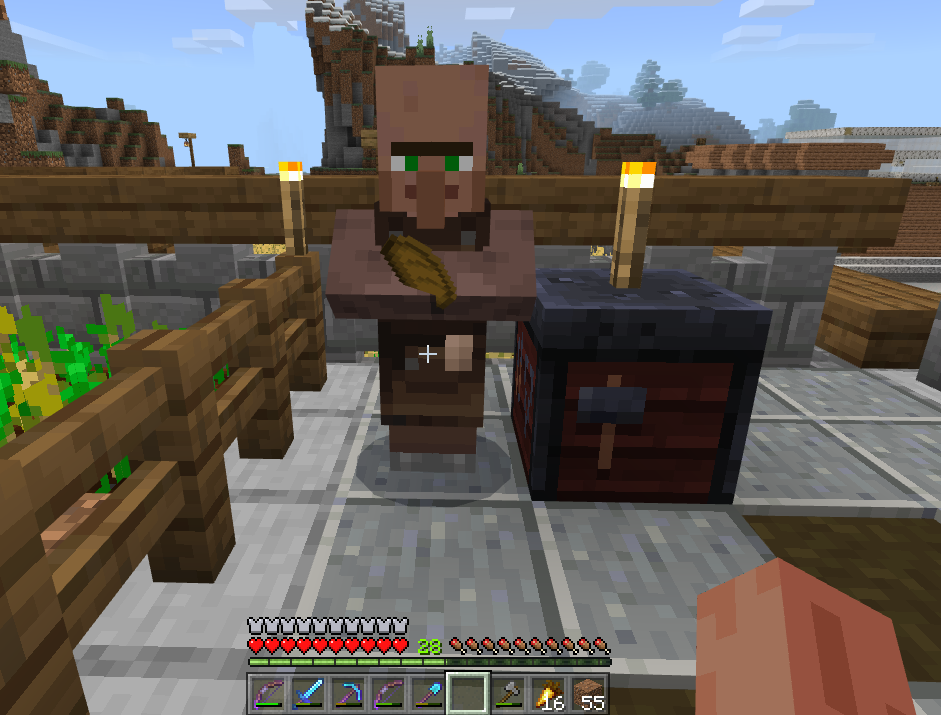
Forgive me if I duped this, I tried finding it, I find it hard to believe I am the only one to notice this though, unless something changed purposely and I am not aware. Tried searching the wiki and stuff.
Fire isn't spreading to wood blocks that are touching lava. It's really weird because I am so used to seeing them on fire lol
As for reproducing.. um, all I did was walk in a mineshaftI found and saw it so. I just found it i mean.Forgive me if I duped this, I tried finding it, I find it hard to believe I am the only one to notice this though, unless something changed purposely and I am not aware. Tried searching the wiki and stuff.
I forgot to mention that I am in complete survival mode, I created the world with absolutely no cheats and it has been quite fun lol. So i did nothing with the doFireTick command!
Fire isn't spreading to wood blocks that are touching lava. It's really weird because I am so used to seeing them on fire lol
As for reproducing.. um, all I did was walk in a mineshaft I found and saw it so. I just found it i mean.
Forgive me if I duped this, I tried finding it, I find it hard to believe I am the only one to notice this though, unless something changed purposely and I am not aware. Tried searching the wiki and stuff.
I forgot to mention that I am in complete survival mode, I created the world with absolutely no cheats and it has been quite fun lol. So i did nothing with the doFireTick command! From my comment below, "But I do have to add that while i was mining i came across another situation and after some time the wood the lava was next to burst into flames but the wood the lava was on top off remained unaltered like it was stone or something that wasn't flammable."
Fire isn't spreading to wood blocks that are touching lava. It's really weird because I am so used to seeing them on fire lol
As for reproducing.. um, all I did was walk in a mineshaft I found and saw it so. I just found it i mean.
I closed a fence on a cow (like I always do) to try to stop them from coming out and the game crashed.
Attached the crash report it gave me. It says server not client. Forgive me I don't know what that means but I was in single player not hosting a LAN or any other type of server. Also I had a lot of cows and sheep and it lagged my game every time I looked in that direction. But this is the only time it crashed. I am in 1.9.1 pre 1 right now. I was in Official 1.9 before this. Same world, of course I backed it up before i use another snapshot.
I couldn't find anything about fences crashing the game so I made this ticket.
UPDATE: I just tried to duplicate this in 1.9.1 pre 2 and I was closing the fence while the cow was standing in the fence gate and it didn't happen. So either it was fixed in this version or what happened was some sort of fluke. I have no idea. But it took a few attempts to do this so that could be the case.. At present I am attempting to make this happen again in the pre 1 version and I have succeeded. However this time I opened the fence gate while the cow was trying to get out. I will attach the crash report it gave me.
1.9.1 pre 1 - first one 3-10-10
1.9.1 pre 1 - second time 3-10-11
I closed a fence on a cow (like I always do) to try to stop them from coming out and the game crashed.
Attached the crash report it gave me. It says server not client. Forgive me I don't know what that means but I was in single player not hosting a LAN or any other type of server. Also I had a lot of cows and sheep and it lagged my game every time I looked in that direction. But this is the only time it crashed. I am in 1.9.1 pre 1 right now. I was in Official 1.9 before this. Same world, of course I backed it up before i use another snapshot.
I couldn't find anything about fences crashing the game so I made this ticket.
UPDATE: I just tried to duplicate this in 1.9.1 pre 2 and I was closing the fence while the cow was standing in the fence gate and it didn't happen. So either it was fixed in this version or what happened was some sort of fluke. I have no idea. But it took a few attempts to do this so that could be the case.. At present I am attempting to make this happen again in the pre 1 version and I have succeeded. However this time I opened the fence gate while the cow was trying to get out. I will attach the crash report it gave me.
1.9.1 pre 1 - first one 3-10-10
1.9.1 pre 1 - second time 3-10-11UPDATE 2: I made a new world in 1.9.1 pre 1 Flat world. This doesn't happen at all. I am stumped. Also I went back to the world that this first happened and attempted it again, this time the crashes happened when I just opening/closing the fence gate while walking. It only happened occasionally though. ALL of the crashes, I had something in the left hand slot nothing in my right hand. But it doesn't seem to affect any of my other worlds for some reason. Maybe it just my world?
I noticed that if you have skeleton or another mob riding a horse for example, that it will jump onto a block and start spinning repeatedly. I think this is because when the skeleton tried to go down a block it is using it's own AI (thinking that it has enough room to fit through block) instead of the Horse's AI (it can't down one block) so it starts spinning because they can't fit. I thought it was worth looking into.
I have a picture, Obviously, you can't see it moving in a circle but the point is they can't get down off of a block. I did this test with a mule riding a tamed mule. You can see it in the background. They can descend one block as expected. The picture shows the skeleton riding the mule. It got up but they can't get back down.
I'm sure its the java that comes with the game.
I don't use any mods. It's an UNMODDED client, direct download through the launcher.
windows 10
x64-bit Operating system and 64x processor
intell core i5-3337U CPU @ 1.80Ghz
Acer Aspire M
6GB RAM (4gb usable recommended no more then that)Side note: Store bought, UNCHANGED, other than software updates windows and otherwise.
If you need anything specific let me know.
Intended?
I just started playing windows 10 version of Minecraft, well The Minecraft (Better Together.) I noticed that Chests will refuse to open if a slab is above it (this doesn't happen in Java) but I shrug it off as intended, but then, I noticed that chests wouldn't open with Mobs (a cow here) was standing on it. Didn't know if this was intended, I hope not (annoying honestly) If i see something else, I'll add it.
Apologies, couldn't find a ticket with mob issue.
EDIT: This could be another ticket but I just realized that the cow is trapped on top of my chest!
Intended?
I just started playing windows 10 version of Minecraft, well The Minecraft (Better Together.) I noticed that Chests will refuse to open if a slab is above it (this doesn't happen in Java) but I shrug it off as intended, but then, I noticed that chests wouldn't open with Mobs (a cow here) was standing on it. Didn't know if this was intended, I hope not (annoying honestly) If i see something else, I'll add it.
Apologies, couldn't find a ticket with mob issue.
EDIT: This could be another ticket but I just realized that the cow is trapped on top of my chest!
Intended?
I just started playing windows 10 version of Minecraft, well The Minecraft (Better Together.) I noticed that Chests will refuse to open if a slab is above it (this doesn't happen in Java) but I shrug it off as intended, but then, I noticed that chests wouldn't open with Mobs (a cow here) was standing on it. Didn't know if this was intended, I hope not (annoying honestly) If i see something else, I'll add it.
Apologies, couldn't find a ticket with mob issue.
EDIT: This could be another ticket but I just realized that the cow is trapped on top of my chest!
Edit 2: To add that i was playing on a friends world who was on an android phone and another friend was on xbox.
LG G5 and Windows 10
Apologies if this a dupe. I have a serious issue where somehow my friend has been opped and no matter how many times I deop them they still appear as an option to deop under /deop tab. They are constantly able to go into creative. I have to use a command block (hidden) to keep them in survival. I don't know if this is intened when you friend/favorite someone through xbox app or what. I keep searching for answers and can't find anything about it. Help is appreciated! They have a custom (can't hurt players in the pause menu. It says they are unopped there.)
Note: Every time I think I fixed it, I find out (heavily disappointingly) that I failed in my attempt. OH and they can see the command logs in their chat even though I can't because I turned it to false..
If you need more info please let me know.
Edits: I want to add that I don't think I am in 1.2.9.1 or whichever.. It just says 1.2.9 And I would like for someone to let me know if they are looking into this, because it is super frustrating to have someone be able to go into creative and do a bunch of commands even though they aren't supposed to be able to.
crash-2018-03-01_15.49.11-server.txt
Shift clicking a stack will send the 64 stack to the top of the inventory instead of a chest or furnace, etc. This leaves the stack separated and you having to inconveniently reach for the rest of the stack to continue its proper placement. (Apologies if this is duped!)
Edit: If there is an incomplete stack at the top of the inventory and shift click a full stack (like in the hotbar) to put it in the chest/furnace, the stack separates and joins other incomplete stacks at the top of your inventory instead of going into the chest/furnace.
Sister Ticket:
MC-148733Villagers claim POIs (Position of Interest) that are unreasonable. i.e. Too far away or unreachable. (Notes: My villagers keep wandering back and forth and won't sleep or find a station.) They end up getting stuck in an unemployed state.
To reproduce:
Cure a villager from a zombie villager and keep them in a room.
Make sure there is a bed and a workstation.
Most likely the villager will end up hooking to one of your barrels or a blast furnace you have that's like 50 blocks away for some strange reason..
===
Possible solution is too minimize the range. 8 blocks or less
More weight to the closest block. If the distance is equal, then it will be a random chance. (At least, they should be able to access it to qualify as being a POI.) An untraded villager should still have a chance to change their profession until they are traded with. Villagers should keep their POIs no matter how far in this case. (Or set a timeout of not being able to return to the original POI.) And if it is destroyed you will be able to reassign a different POI. This goes for beds too, except instead of 'work time' it would be 'bed time'. Improved AI would benefit as well to be safe.
Sister Ticket:
MC-148733Villagers claim POIs (Position of Interest) that are unreasonable. i.e. Too far away or unreachable. (Notes: My villagers keep wandering back and forth and won't sleep or find a station.) They end up getting stuck in an unemployed state.
To reproduce:
Cure a villager from a zombie villager and keep them in a room.
Make sure there is a bed and a workstation.
Most likely the villager will end up hooking to one of your barrels or a blast furnace you have that's like 50 blocks away for some strange reason..
===
Possible solution is too minimize the range. 8 blocks or less or just have more weight to the closest block with no chance of claiming a block passed, say, 16 blocks. If the distance is equal, then it will be a random chance. (At least, they should be able to access it to qualify as being a POI.) An untraded villager should still have a chance to change their profession until they are traded with. Villagers should keep their POIs no matter how far in this case. (Or set a timeout of not being able to return to the original POI.) And if it is destroyed you will be able to reassign a different POI. This goes for beds too, except instead of 'work time' it would be 'bed time'. Improved AI would benefit as well to be safe.
===
I want to add something I noticed. Every time I close and then reopen my world, they all reclaim a bed and it is never one right next to them. The POIs are always like 10s blocks away from them. They won't breed unless I reopen my world as well. It's like something resets each time and needs a refresh every time.
For a long time now, tamed wolves have been ignoring player and not teleporting ever since they started chasing skeletons. They don't teleport back to the player soon enough and will die bc their whereabouts are unknown. They completely ignore the fact they should be following their player.
1. Spawn in a wolf, tame the wolf. Spawn in a skeleton.
2. Do not attack the skeleton. Wolf chases after them even though it doesn't attack you or the wolf.
3. Watch the wolf attack the skeleton unprovoked.
4. Watch the wolf run after the skeleton.
5. Run away and see that your wolf is still chasing the skeleton and won't follow you
Expected: Chase skeletons a little, but if they get too far away they turn back towards the player. Or they teleport to the player after a short distance. Player runs away and wolf follows the player instead of a skeleton.
What happens: Tamed wolves continue to chase after skeletons and not follow the player.They will often chase the skeleton until they die or finally teleport back to the player eventually.
My mobs only despawn when I come on to the world and no one else is on. If that helps any. It doesn't matter where they are. 1.18.2. if I remember correctly. It may not be despawning or invisible.Could be something else entirely.. Maybe mobs should be reworked. Something isn't going right currently. I wish I had more details but it seems so random.Ill come on and off the world all day and fine.Then couple days later bam insta-gone.


Traveling along the river on a boat and I see the square dread that is, of a missing chunk. I was hoping it was just a visual glitch. I exited and made a copy of the world to investigate in. I fell to the void and died. Going out of render and back did not fix it. Saving and rentering did nothing. Clearing cache did not help. Restarting my tablet did not help. This has never happened before. I didn't play with mods or editing stuff. Pure vanilla survival. I have a picture of the missing chunk in a creative copy of the effected world. Nothing happened before this to indicate something was suspicious.
Edit: For clarification, the diet blocks inside the chunk on the right, was me investigating. It goes straight down the void. It is not a visual glitch unfortunately. It's the real deal.

@Irritated Gamer: That's MC-27535
@Irritated Gamer: In Creative normal, in survial not.

@Irritated Gamer, just write MC-2536, it will become a link automatically

Irritated Gamer if you want you can write another comment with the log. Just make sure to remove any personal information such as the IP address first.
Please write {noformat} in front and after the log to format it properly.
Irritated Gamer, the log looks fine. I think the reason the authenticator writes to the log for LAN worlds is that players can also join even if the authenticator could not verify their game profile, but in your case it could successfully verify that the game profile is valid.
![[Mod] Pokechu22](../../../data/avatars/users/92931.png)
@Irritated Gamer Yes, the linked MC-3961: "Water, Cobweb 'save' skylight".
![[Mod] redstonehelper](../../../data/avatars/users/10122.svg)
@Irritated Gamer: Please create a new ticket for your issue.

Irritated Gamer Your issue is described in MC-124123.
Make a bug report instead of commenting in the future, as that will make it more visible 
Irritated Gamer: Sounds like another issue. I couldn't find a bug report similar to what you explained. Can you make your Minecraft make no sounds again and then send a debug crash by holding the F3 button and the C button for 10 seconds and then send the debug crash file in a new bug report? Then we may be able to see why this happens
Irritated Gamer: The bug tracker is not what you are looking for. Please try the Community Support Discord.
If at some future time you wish to report an actual bug you've identified, please be sure and read our Guidelines first.
Irritated Gamer: We're currently trying to gather information on several of these mob disappearance problems. At this point, we don't even know if they have a common cause, but trying to use one ticket (MCPE-144208) wasn't working out so we're now trying to divide them up into separate tickets. But we really don't know what the separating criteria should be, so we're basically guessing: One for Realms, one for chunk borders, and one for worlds that are left idle for a long time or have network disconnections. For this one, I doubt autosave is an issue because Married In Minecraft is saying (I think) that his group only have it happen when the world is explicitly saved & closed.
If your world has a crashing problem, Mojang should be getting crash reports automatically every time it happens. That's kind of an ideal situation, because they have full information about everything that happened. They automatically generate bug reports internally from crash reports, and most of the time those get fixed without Mojira being involved at all.
Irritated Gamer: I understand that you have no such backup because you collected and cured the zombie villagers in an earlier part of the same session they disappeared in. That isn't surprising and is norma. But as in Married's case, sometimes a backup is available that was known to be a precursor of the disappearance, and that's simply my best shot at reproducing this problem, so that's what I'm asking for.
If you want to get in on being part of this effort, I'd be grateful for your help. Repeating the instructions I gave earlier, what I need is a copy of the backup prior to the session where mobs disappeared and a list of any significant tasks you did in that session, such as journeying away from the area where the mobs were, plus any additional notes of anything that struck you as unexpected. If available, it would also be helpful to have a copy of the first backup after the disappearance, and to know when and where any other players came and went during the session and where they were.
I don't think this is a dup though. I looked at that already. I'm bringing more attention to the wolf endlessly chasing the skeleton. It should really only chase it to a certain point/distance, in my opinion. Perhaps this ai is causing the teleportation bug. But again, i'm not sure. Thanks for bring that up
  because I did look at that earlier, it wasn't specific enough for me XP
When I tame a wolf it will see a skeleton and chase it so far away that it will not return unless you go and find it. They don't seem to teleport anymore either.
spawn and tame a wolf, then allow the wolf to attack the skeleton. if it gets far away enough the wolf will just stand and no matter how far you are away it will not teleport back to you or return by your side.
Also starting new worlds, chunks and blocks will not visually load up, I fixed mine when I went around and went through a small tunnel.
The blocks staying in the world after breaking them, this happened when I opened a previously generated world. It happened to coal ore for a brief moment. It was bizarre. They did vanish after a slight lag from loading. I've only seen that happen once before back in 1.7.2 i believe it was but don't hold me to that
I seriously think it has something to do with them chasing the skeleton. But I can't explain the ocelots unless it's because they too chase creepers. The wolves did soooooo much better in beta. i love that the ai is better but adding the ai for the skeleton is very annoying in my opinion. Idk if anyone out there agrees.
Yes I took a picture of this it has been happening to me since the 1.8.1pre 5 snapshot. it is a little more tolerable in the 1.8.1 release. The chunk that doesn't render properly will constantly flicker relatively fast. When I approach it just right it will stop and you can see through everything.
GUYS!!!!!!!! I don't know if this is related but there is a glitch flicker thing that happens when some chunks do not render properly!! -> When I check my logs the game noted that it was trying to save those chunks as The End when I never was in The End I was in the Overworld.
Whether this related or not, I am not sure, but i find it very interesting, might want to look into it.
Hi guys, if anyone is still having issues with the weird fps drops and such, whether you believe if it has something to do with stained glass or water, signs, what have you; I wasn't aware that a new launcher was available on Minecraft.net. Launcher 1.6.5. Before I installed it, I was playing the 1.8.2 pre 4 snapshot on the 1.5.3 launcher and I was experiencing drastic fps drops after some time of playing the game and I kept getting Microsoft Visual C++ runtime errors, that never crashed the game though but it was bizarre. When I played in the new launcher however, it has been much much better. I haven't experienced it as far as I am aware of; being that it may not be as noticeable as before.I hope that I helped with this tidbit of information.
I have an Acer laptop 6GB RAM but use 2GB for the game. All video options such as vbo's and alt blocks and such are off, since I don't use them. but fancy is on and the render is a 7. Intel Core i5.
@Jaqi, Did the link that Sonic show you help, I wasn't aware of that article lol XP You have to download the whole game again to get the new launcher make sure you backup your .minecraft folder, (that reason why I did cause I wasn't sure if it was going to change anything in there. I don't think it did because all my saves and text packs are still present and accounted for)
Go to minecraft.net {i have windows 8 so I downloaded the minecraft.exe under there. Place the EXE in a folder on the desktop or where have you, then run it. It will say things like downloading and installing runtime blah blah XD Let it do it's thing then it will open and you can enjoy your game! It might not work for your problem though, i hope it does, I know what it's like to not be able to find the right answers. Good Luck!!
Also @Erik, I'm not familiar with the server.exe but if I am misunderstanding what you mean by that I apologize lol. I am referring to the single player exe. It is possible that you can delete the respective snapshot version from your .minecraft folder and simply play minecraft again and it will download the fresh one after you run the new launcher exe.. I didn't have to do this though, not sure if that could help at all.
@Erik and @Jaqi
I am glad it's working better for you now Erik! and Jaqi I am sorry that it still isn't working well for you if I may make a suggestion? I don't know the extent of your problem but:
I have my JV checked on my profile and I changed Xmx value to 2G and I kept the Xmn the same as the default. I noticed that when I made the Xmn 2G too, that minecraft lagged SEVERELY and nearly crashed. I am guessing that allowing Minecraft to go from max and min memory actually helps it to run because forcing the game to allocate the same amount of memory for a long time will exhaust the runtime... Forgive my ignorance in this area if this isn't even close to what might be happening. All I know is that there was a SERVERE lag when I changed the min to 2G; it was something that I found was suggested in the web. I suppose giving it less Xmn is worth a try.
HEY!!! I think I figured out what the problem is !!!
I noticed this too, at first I thought it was a chunk update glitch but it isn't at least for me.
Snapshot !.8.2 pre 4 <-- pre 4. is what I am using atm.
The duplication bug is still affecting some hoppers. At first there is 1 item. Then every so often I come back in the world there are anywhere between 3 and 7 items once there was almost 15. It doesn't happen all the time though. So I am not really sure what causes it. Sometimes it corrects itself and all the other items disappear again.
@[Mod] Kumasasa
Hi, I know that this was for a much earlier version but I seem to be having the same problem and I am in the recent snapshot 1.8.2 pre4. I am having this same problem except I am on Normal Difficulty. I thought PersistanceRequired:1 means that they will never despawn... ever?
If it is working as intended, how do I make my custom mobs not despawn I need them to stay for an experiment? They all are given names when summoned. So I originally thought that that made them permanent but they still despawn. If you could help me out I'd be most grateful.
Oops I found an open ticket with this issue that you addressed, sorry about that lol.
I am in creative mode when it happens and the other person was in survival so that isn't the issue I guess must be something else huh.
EDIT: I never tried nametaging but for my map that would be ridiculous lol so it never really occurred to me. The persistance tag doesn't seem to work for me though. BUT I have noticed that if you spawn in a mob and it is successful, it will eventually DESPAWN because of poor coding. Like if you type an error, like if you forget the s after Damage:3[s]. The mob will SPAWN successfully and the command block agrees that it is so. However the mob has a genetic defect of sorts and dies soon after at an unpredictable time.
Ok thank ya! So there is an issue with the nametags ok. I am using 1.8.2pre4 and it was a simple spelling error on my part. I spelled persistance <--- with an "A" instead of an "E". it is supposed to be PersistenceRequired:1 not PersistanceRequired:1. I changed it and it seems to be working now.
@Kumasasa
I can confirm this for 1.8.2pre6 but i can see other players skins. It's so bizarre.. I tried it in reverse and I can't see theirs when I join on their LAN server.
Those you want a solution, you probably already know how to do this but in the event someone doesn't:
I am not able to try this atm, but for those still waiting for a solution, try using your customized skin (the one that you uploaded to the skin data) and change both the steve.png and the alex.png in your texturepack with that one. Change both if you're not sure which one your profile ID defaults to. ALWAYS BACKUP FOLDERS AND FILES BEFORE ALTERING THEM!
I recommend downloading a simple texturepack if you already don't use one. It's simpler to alter a texturepack then it is to go into the version files. I use 7zip. Open the .zip file, go into assets\minecraft\textures\entity\steve.png if the entity folder does not exist, make one and drop it in there with the png already renamed and inside. It will ask if you want to add or overwrite click yes. Hope this works, Next opportunity I get I will try this myself. I am pretty sure it will though.
All of the powered ones stayed powered/
The ones that look off are running
The picture with two, they are both in two different chunks but the bottom one is oriented differently.
Also 2 of the failed clocks are setting on 0,0,0 of their respective chunk. I don't know if that is just a coincidence or if it really does have something to do with it all. I did the second one purpose and it stopped right away (after flying a long distance and tried one with tp far away)
Hope this is of some use.
@Mods I don't know if this has anything to do with it but if the redstone clock is on the edge of a chunk and takes up space in two chunks, this has a higher chance of happening. and in two of my experiments, two of the failed clocks were on chunk coords 0,0,0 of whatever chunk it was in. I was looking at chunks 150 and 149. I took pictures and attached them. I was unable to get this to replicate with hoppers though. Something cause them to either duplicate items randomly or with using unstackable items,, the item goes super fast that the comparator doesn't have time to react.
Oh wow this actually just happened to me!! I thought it was just lag from the internet <-- which it could very well be, for me at least. Yeah it just froze and usually the window says (not responding) but it didn't I had to close via task manager<--which said java said not repsonding. The log said nothing suspicious so I thought it was just normal but I have noticed that ANYTIME minecraft is closed that their is a slight 'freezing' (you get the loading screen but without the words) and then it goes to the title screen. Sometimes it says not responding but it usually fixes itself within a minute.
EDIT: and I am currently using 1.8.2pre6
This happened to me in 1.8.2pre6
Sometimes f3+A to reload the chunks beings the mobs back but it doesn't seem to work for things like item frames. Unless, can someone see if I am doing this right? (I noticed if you aren't EXTREMELY accurate with the commands, the mob or item will summon but it eventually disappears.)
This one works but only disappears (goes invisible) when I open to LAN.
summon ItemFrame -90 72 481 {Invulnerable:1,Facing:3b,ItemRotation:1b,Item:{id:blaze_rod}}
These disappear all the time when the chunk unloads.
{Invulnerable:1,Facing:3b}summon ItemFrame -90 72 481
Note: The above disappears regardless if i put an item in it or not; invulnerable or not.
EDIT: This report is about item frames too right?
@jonathan
I am glad it worked! Yeah the resolutions can throw you off lol. I usually use a 64x but I have been using 32x lately. I switch between mineLOL's texturepack and Limpid Haze right now.
Modifying the pngs can be tedious but it's fun to customize! I am glad it worked out for you.
This is happening to me in 1.8.2pre6. This is EXACTLY what's going with my item frames. Going away from it then returning will make it disappear most of the time. It is still there but unable to be interacted with.
By moving out of the rendered chunk then returning, the item will come back again most of the time. Indeed breaking the block that it is on will cause it to drop it's item form occasionally.
This is the ticket that it is associated with, as far as I know.
https://bugs.mojang.com/browse/MC-65040
@john and Isaac If you are still having the problem
So are you trying to make an explosion happen when you approach the area?
You have the timeclock running into the commandblock?
The comparator runs FROM the commandblock to notify you of the succession. Then triggers the next commandblock?
If this is so, then it will not happen again, this is intended.
However, if the timeclock is still running and you leave the test zone, the tester should fail and the circuit should reset. Allowing for the next succession.
Is there anymore information you can give me if this still isn't working? I have been having the same problem but I found my mistake, it was timing, I just doubt that this was your problem lol.
EDIT: Also the command is testfor @p[r=1] or you can use @a[r=1] The first will target one player, the nearest player within one block radius and the second one will target ALL the players within one block radius.
This happens to me Kumasasa! I just figured it was because the game is getting bigger and there is way much more to save but I noticed something. If you wait a while on the pause menu and then return to your game you will notice some serious lag. And if you repause and try to quit it takes forever for it to return to the title menu if at all because ALL the time it says not responding. HOWEVER if you don't pause the game and instead open a commandblock for an alternate pause of the game, this will not happen and you can pause with the actual pause menu and then quit with no problem. The lag and unresponsive action only happens if you let the pause menu on too long. I tried this on multiple maps, old and new. This is the ending of my log. There is no crash report even though it did say not responding before it eventually went to the title menu. There is nothing that I can see that would imply there was ever something wrong so I have no idea. Although I find it weird that at Paul it says WARN.
[21:07:59] [Server thread/INFO]: Saving and pausing game...
[21:07:59] [Server thread/INFO]: Saving chunks for level 'Giants'/Overworld
[21:07:59] [Server thread/INFO]: Saving chunks for level 'Giants'/Nether
[21:07:59] [Server thread/INFO]: Saving chunks for level 'Giants'/The End
[21:08:04] [Server thread/INFO]: Stopping server
[21:08:04] [Server thread/INFO]: Saving players
[21:08:04] [Server thread/INFO]: Saving worlds
[21:08:04] [Server thread/INFO]: Saving chunks for level 'Giants'/Overworld
[21:08:04] [Server thread/INFO]: Saving chunks for level 'Giants'/Nether
[21:08:04] [Server thread/INFO]: Saving chunks for level 'Giants'/The End
[21:09:51] [Client thread/INFO]: Stopping!
[21:09:51] [Client thread/INFO]: SoundSystem shutting down...
[21:09:53] [Client thread/WARN]: Author: Paul Lamb, www.paulscode.com
Okay I attached one Kumasasa
EDIT: I found something odd. I believe I am in the spawn chunks and there is this one chunk that seems to have fits when I leave and come back. It does it ever so frequently. The chunk is 8,4,-59. I don't have ANYTHING in it. I first noticed it when it failed to load/render light properly it took a while for it to render and I was standing right in it. So i did a test with a redstone clock and sure enough when I came back it was off. Not even stuck on, it was off cold. Hope this info is useful, hate to bother..
@Searge
I have a question, I can't seem to get it to work with mob drops. The mob drops a splash potion but I don't want the effect it has to show. I tried HideFlags:32 and I tried HideFlags:5. I think I am misunderstanding what you mean by bit 5.
{id:potion,Damage:16421s,Count:1b,HideFlags:32}I tried to find it on the wiki and mcforums but to no avail. I tried the tag in two places, {Equipment:[
,{},{},{},{}]} and I tried {Equipment:[{id:potion,Damage:16421s,Count:1b,tag:{display:
{HideFlags:32}}},{},{},{},{}]} I also tried HideFlags:5 in both places didn't work though. I think I may be missing something but I am not sure. I was wondering if you or someone could help? I also tried 31.
EDIT: I am also using 1.8.2pre6
@Skylinerw
!!! HAHA I see! I knew I was doing it wrong lol. I figured it had to go in the tag part but for whatever reason I didn't look at it right.. THANK YOU thank you! XD lol I'm learning, see I'm getting there haha thanks so much!
so {id:potion,Damage:16421s,Count:1b,tag:{HideFlags:32,display:
{Name:"Thank You",Lore:["My Gratitude"]}}}
cool got it.. btw how do you do that graybox thing where you put the code in? A lot easier to read I'll tell you that. EDIT: Forgot a curly bracket
Hey Galaxy,
I can confirm this for 1.8.2pre6 I tried it the same way I saw them do it on the wiki and it doesn't seem to work for me. Since I am new to this part of the command block awesomeness. I have been looking into learning about it.
Maybe I am just doing it wrong because in the picture I can't tell from what I can see if I set it up correctly. But by looking at the ticket pictures, it seems that I did set it up correctly so I am not sure what to make of it.
I saw that another ticket was saying that there was a problem with comparators not being able to detect full chest minecarts but it was said to 'work as intended' since minecarts are entities. Maybe this is causing the bug? Like it isn't detecting the command block but rather the minecart and ignoring it?
Guys? Do mean that when you hit the mobs they don't react to it? Because I have been noticing that when you hit a mob, well a hostile one, it doesn't seem to attack you after you do, like it should. It does make them way to easy to kill. They just stand there like, huh i don't know what I'm doing'.. then after a moment or so it finally decides it wants to kick your butt. I thought maybe it was intended but now I am thinking it's a little strange..
EDIT: I am using 1.8.2pre6
I agree with Matthew Sladen about the hitboxs for the fences. I am using 1.8.2pre6. Its like the small mobs are small enough to go inside the block without suffocating. For now I just make a 2 block high corner with stone or wood.
@mods
Is it normal for ender eyes to duplicate upon throwing them? I picked up five after I threw a named ender eye.. I didn't know if this was a normal thing or not. I couldn't find a ticket so I decided to ask first. I also lost my customized one.
@kumasasa
It seems to only happen in the spawn chunks. For me anyway, I noticed that as long as I don't build my towns and such in the spawn chunks, the people and other entities don't disappear, including item frames!
Hi I am experiencing something strange in the newest release 1.8.3. The /effect command treats the seconds like milliseconds for example I found that giving an effect for 20 [seconds] is actually only giving me the effect for roughly 1 second. It happened after I put in for 600 seconds and after that it doesn't treat the seconds like seconds for some reason.
EDIT: I realized that it was happening with the saturation. But then I found out the saturation duration will be cancelled if the bar is full. My apologies. One of those duh moments I have.
Huh, good point.. They are the same. lol maybe they didn't catch it, or a difference we don't see.
Ah i see, yeah I noticed that even horses got stuck too.
If I may? Kumasasa? In the latest snapshot, I have found that when I teleport to another location out of rendered distance (not sure as of yet) pressure plates wood or stone do not seem to recognize themselves and so they don't work when stepped on. Like they don't even move, like they aren't there. The buttons work with the same contraption but the plates (already there) do not. It only seems to happen when teleporting away from them and then back. Redstone and such still work though. Haven't tried weighted ones.
EDIT: I forgot to add that placing another one down, during this time, will not work either. AND It does effect command blocks as well!
lol I was going to say, since the new snapshot, it's been working awesomely. I always had my render distance between 5 and 8 so I never suspected it. I was going to suggest manually downloading the new launcher because I did, just to make sure it updated correctly. But yeah it's working great for me now.
Yes this happens to me, I noticed it after teleporting from and back to where the pressure plates were but ALSO redstone and commandblocks don't seem to activate properly either! At this time, destroying and setting down new plates will not work as well.
redstonehelper
I just tested it, but only once and it seems to work great, i am in 15w45a at the moment. Before it was unpredictable so I can't with just one test confirm or deny that it has been fixed. As of right now it seems to be working awesomely. Even the command blocks (redstone clocks) are working better but again, I am not 100% certain. I am very glad that it seems to be fixed!!
–
I just went through my map again and it worked amazingly!! No hiccups so it is looking promising!!
My apologies!! I forgot to mention that I am in complete survival mode! Cheats are indeed off. But I do have to add that while i was mining i came across another situation and after some time the wood the lava was next to burst into flames but the wood the lava was on top off remained unaltered like it was stone or something that wasn't flammable. It was cool to watch though XD I will add that I am in survival mode, thanks for reminding me!
wait @redstonehelper what does invalid mean? I haven't played minecraft in a while but I know for sure that wood touching lava should be on fire, did they change it or something? I'm confused..
Ah! No hun you miss understand the wood that the lava is touching still didn't catch fire it was same as the picture up there. This particular situation I was starting work on a an xp cave spider grinder thing. I was using the lava as light source since I had it with me and I ran out of torches. I was clearing space and all of a sudden some of the mineshaft wood bridge next to me caught fire. (The picture above seems to indicate that this occurred there as well.) I waited for the wood underneath of the lava to catch but it never did
Maybe, it has something to do with the game testing to see if there is an airblock above the wood, the lava seems to prevent it from catching fire.. But i figured it would catch fire to the side, but I guess they changed it? On the wiki it says that torches (taking up an air block) could prevent fire from being summoned above a wood block that should have caught fire.. right?
"Fire spread
When a stationary lava block receives a block tick, the game will do one of the following at random (each has a 1/3 chance):
Choose one of the nine blocks above the lava block, and if it's an air block with a flammable block adjacent place fire there.
As above. Then if the chosen block is not solid and didn't catch fire this tick, choose one of the nine blocks above that and set fire there if it's air and has a flammable block adjacent.
Three times, choose a random block from the 8 surrounding the lava block at the same Y level plus the lava block itself. If the chosen block is flammable and has air above, place fire above.
Since catching fire depends on air blocks, even torches or lava itself can prevent a flammable block from catching fire."
Aw well. It's just strange, you'd think that any wood touching the lava should catch fire lol
I noticed that my tools don't make a breaking sound sometimes when I was in 16w06a. Now I am in 1.9pre1 and My pick made a breaking sound but my sword ddin't. I didn't break enough tools to really help though but like I said I did notice this.
I have to say that it has improved it looks nice and fluent and the mobs look like they have weight to them.
@Kumasasa Could it be that they are seeing the hang time of the mobs when you hit them back? I didn't think about that until now. That hang time is normal I believe that isn't a bug but in 1.9 pre 1 the hang time looks much more fluent (better) than it did in older versions. In previous ones, the hang time was jagged and appeared as if there was a lagging problem. But i think it looks great now. Mobs are jumping up onto blocks very nicely!!
My render distance is at 7 chunks but I have a 9X9 dark room with a cave spider spawner that has been working very very well until I started exploring the rather large cave that I found it in. Now all of a sudden (because I lit up more of the cave) they stop spawning even when I am standing right next to it for 10 minutes I walked back an forth around it, nothing changed. It makes the animation that it is spawning them but I see nor hear anything. The room is pitch black. I don't know what to make of it I mean I always have noticed that I have less mobs spawning compared to my friend. It's bizarre.
EDIT: I went back to 16w06a and my cave spiders are spawning again. So it seems that this is definitely and issue with 1.9pre2. I do not know if this issue is the same as my lack of mobs compared to my friend's. For example: n normal hers were spawning so much that they spawning in her very lit house for some reason and mine I am lucky if I get any. Also I have noticed that hostile mobs despawn awfully quickly too maybe this has something to with them seemingly not spawning at all for me??
I can confirm this for 1.9pre release 2 as well. Probably pre 1 etc.
Question! Is this ticket about loosing sound randomly too? Like I have a lot of cows and sheep in the same pen but I am in a different world now, creative flat no mobs and I just lost my sound. Nothing is playing. No music no water/lava no placing blocks sound nothing at all. Fortunately I get it back if I restart the game. Or is my problem completely different?
I just made a world in 1.9 and went to the coordinates and I found a few white sheep and a pink one.. <-- is that lucky or what..? But anyway my render distance is at 8. Maybe it is that because there is a postponed bug report https://bugs.mojang.com/browse/MC-2536 (don't know how to make a shorter link thing) with this render distance issue. But ever since i lit up the caves underground i have been getting a decent number of hostile mobs but still isn't as many at 8 versus render of over 15 which is a bummer. But nonetheless, it didn't occur to me that it was effecting the passive mobs as well. Since when I travel I always find a lot of sheep pig chicken and even horses. squids too.
@Redstonehelper I have a picture and a crash report if you want it, let me know if it could help, I'll add it up there. I just ran around twice far away enough so that I was out of render distance range and came back there were sheep. I really think it is the render problem. Or at least something that makes it seem that way..
I think it is effecting me in 1.9
Most of the changes to updated minecraft can be found on Minecraft Wiki. Fire has a certain chance of being put out by rain now i think. It doesn't go out immediately anymore.
I have tried to reproduce this multiple times in 1.9.1 pre 2 but it would seem that this is fixed in said version! I both closed and opened a fence gate on a mob multiple times without it crashing.
@Winter do you remember what you were doing when crash happened?
MC-99395That's so strange, do you know if there is a village near by? I skimmed the files you attached and I entity villager. I bet you that the crash happened when they open and close the doors. They must have closed the door on another or themselves. But I have tried to replicate the issue in the 1.9.1 pre 2 and it seemed to have been fixed in pre 2. Just trying to make sure that this isn't the same. It will make it easier for them to figure it out
Two new crash reports but only 1.9.1 pre 1 i know pre 2 and 3 are out. But i haven't been able to reproduce this in pre 2. I made back ups of my world that it first happened so I have one in pre 1 and the other is updated to pre 2 but the crashes hasn't happened as of yet. These to reports had no mobs the crash just happened when I was messing with the gates.
EDIT: I strongly believe that Winter's
MC-99364might be similar to this one. But we both seem to agree that 1.9.1 pre 2 fixed it. I think it has something to do with that pathfinding or ghost entity thing that the wiki mentions that they fixed in pre 2 but don't hold me on that..@Bryan I don't think its that. They still have no idea what it causing this bug. Like for example, mine has been working great since the 1.9 snapshots and I think since 1.8.8 I have personally dealt with this bug myself and I can tell you that it is very strange considering it still effects you among others. Since it does not effect me anymore and probably others as well, Just keep trying to duplicate it and if you think it will definitely do it again, just before you press save and quit hold f3 + C for a few seconds to force a crash report then attach it this ticket. If anything, this might help Mojang fix this, if they can find anything strange in the reports. It's a shot.
ALSO: Make sure the internet connection isn't going in and out while you have it open to lan. Mine froze when the internet went down and I tried to save and quit.
@Kumasasa I can confirm for 1.9.1 pre 3.
What I have noticed: I continued this until it wouldn't show anymore items in my inventory even though I would pick up items, they don't appear in the inventory. Clearing my inventory /clear @p it said removed 2112 items even though there was nothing there. Pressing ctrl+q hovering the item then picking it up does indeed double it. It will attempt to double a FULL stack which causes the "Invisible entity" items to take up room in the inventory. shift clicking the delete item button gets rid of them as well as /clear @p. Yes only happens in Creative mode, not survival or adventure. IF you remove your visible items, then "invisible" items are gone. The "invisible" items will remain in the inventory until all visible items are deleted or removed. (This means that the game possibly thinks its all ONE stack of items) Happens when viewing inventory in said creative mode. ALSO ctrl+q hovering over the item, then picking back up, then entering a chest, the "invisible" items will appear!!
CONCLUSION: The bug is caused by an attempt to duplicate a FULL stack of items, this includes a water/lava bucket/minecart etc. Since it cannot go above 64, it glitches out and causes these "ghost" entities. Hope this helps!
EDIT: I actually find this glitch useful in that it helps me duplicate items faster than pressing pick block on a single stack. Just saying, it could be turned into a sort of useful feature, in my opinion!
Attempting to drop an item when in creative will result in that "dropped" item being dropped back into the unlimited items which I think is actually normal because when you take an item from the creative inventory and try to drop it in said inventory, it does delete the item anyway. To drop an item to the ground from the creative inventory you would have to click on your inventory and ctrl+q but there is a bug where if you do this the items double here
MC-5415. As far as the item not showing up on the ground, i think this is actually not really a bug. But perhaps as qmagnet suggested, these two tickets might actually be related in some way?Piston crushing mobs causes the mobs to be pulled back along with the piston. I noticed the whole piston acts funny.
It makes the side of the block it is pushing all black when it crushes a mob. I used an armorstand. And it was stuck within the block when I pulled the piston back.
Confirmed for 16w14a
I agree, I would like this fixed. I like to use rotten flesh to feed the wolves because, well it has no other purpose unless you are starving lol. Even when I right click on something with food in my hand, I accidentally eat food when I don't want to. Also while eating food, sometimes you will consume one more a second or two after you're done wanting to eat anymore. It's kind a weird since I stopped pressing the button like a whole 2 seconds ago. Random burps i thought was funny until i realized it was stealing food that I didn't want to be consumed. I had one carrot that a zombie dropped, so i am glad that I didn't actually consume it... Since I have yet to find a village. It really only happens while feeding them.
I can confirm this bug for 16w15b, most likely 16w14a as well.
"Pistons should push entities, not pull them."
I think this is what i have been experiencing. 16w21b
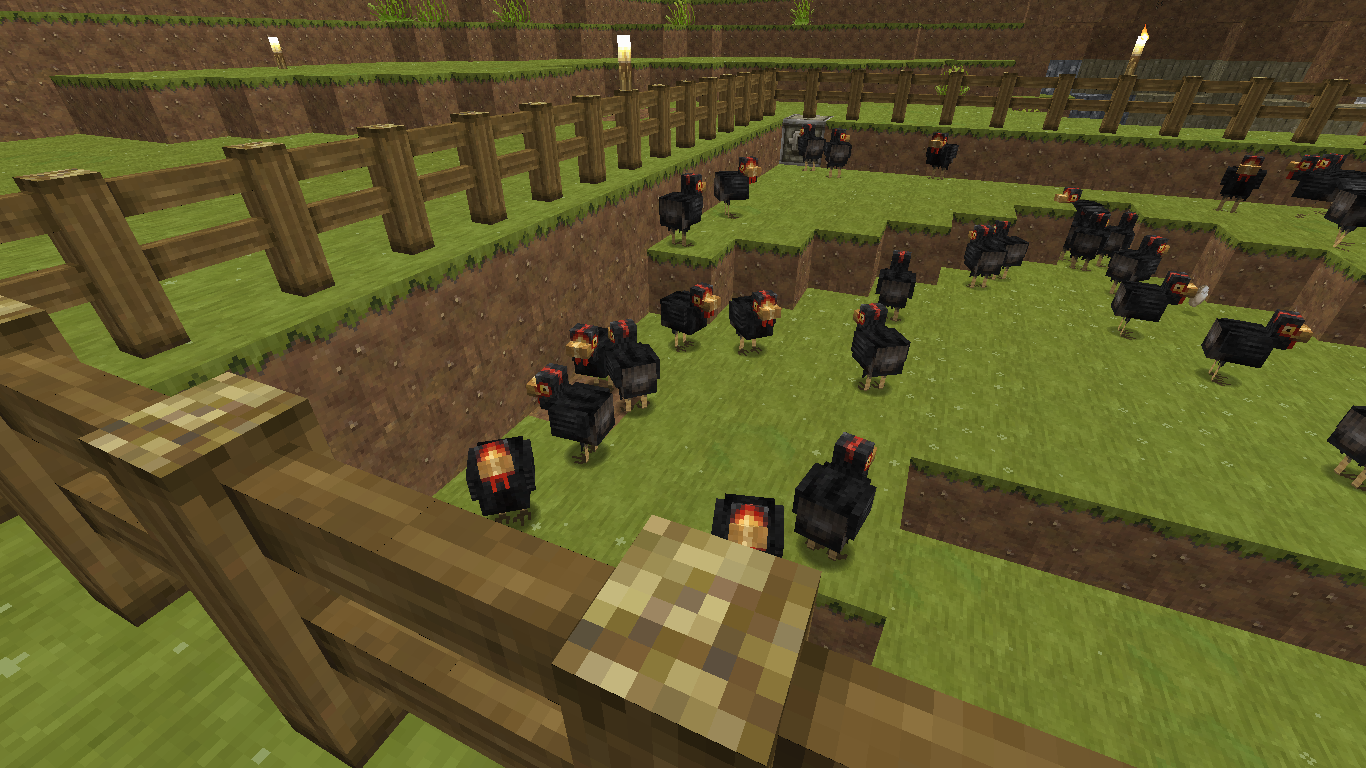
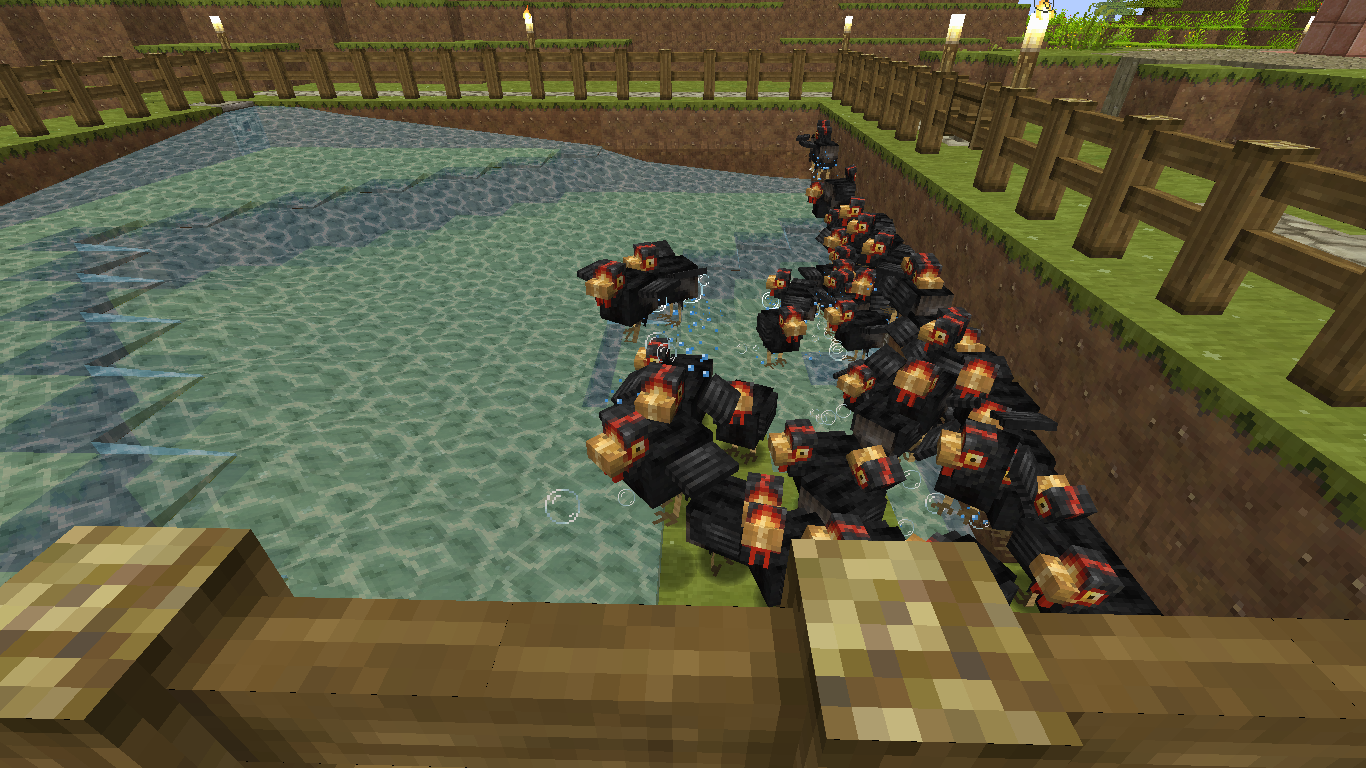
I am adding 3 pics (ones with bunch of chickens) of my problem. I am unaware if what is happening here is related to this ticket. I am currently in version 1.10-pre1 but I was first aware of this in 16w21b.
Thank you SunCat!
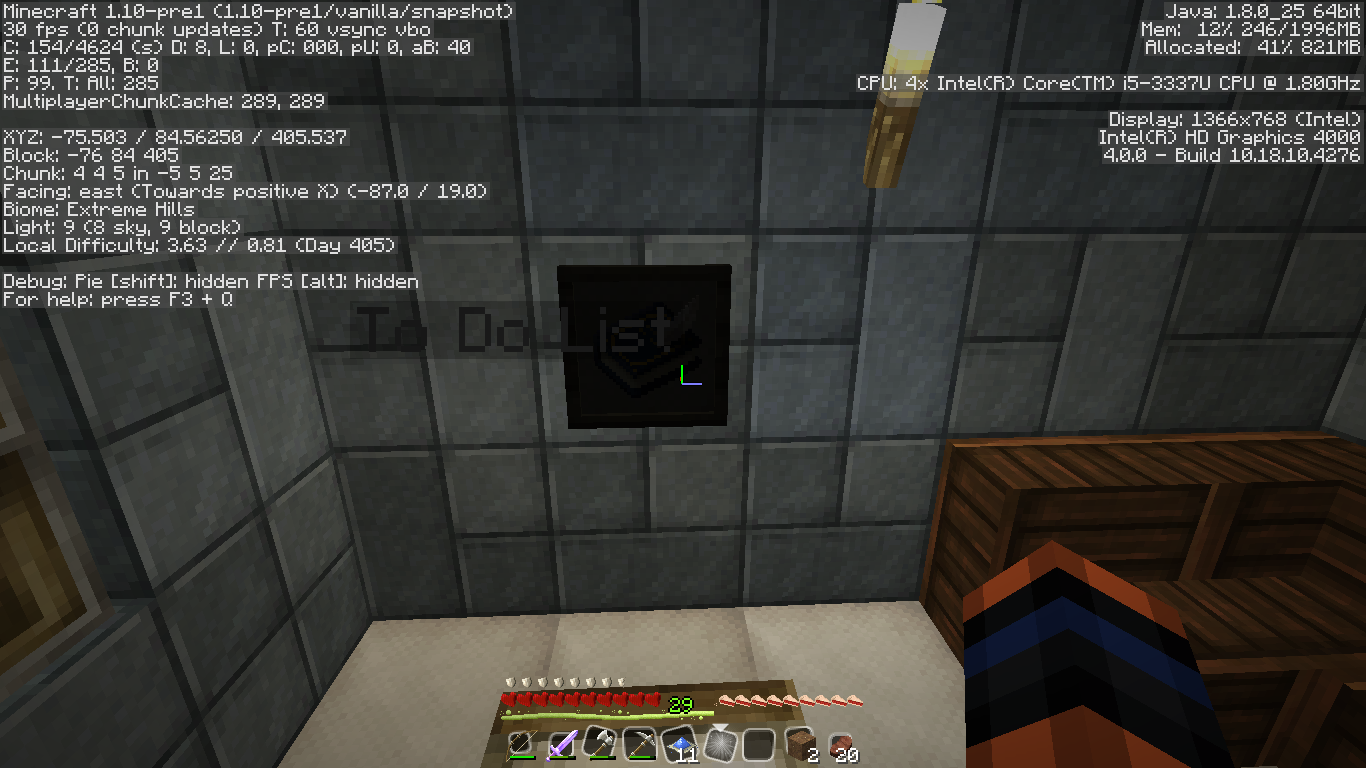
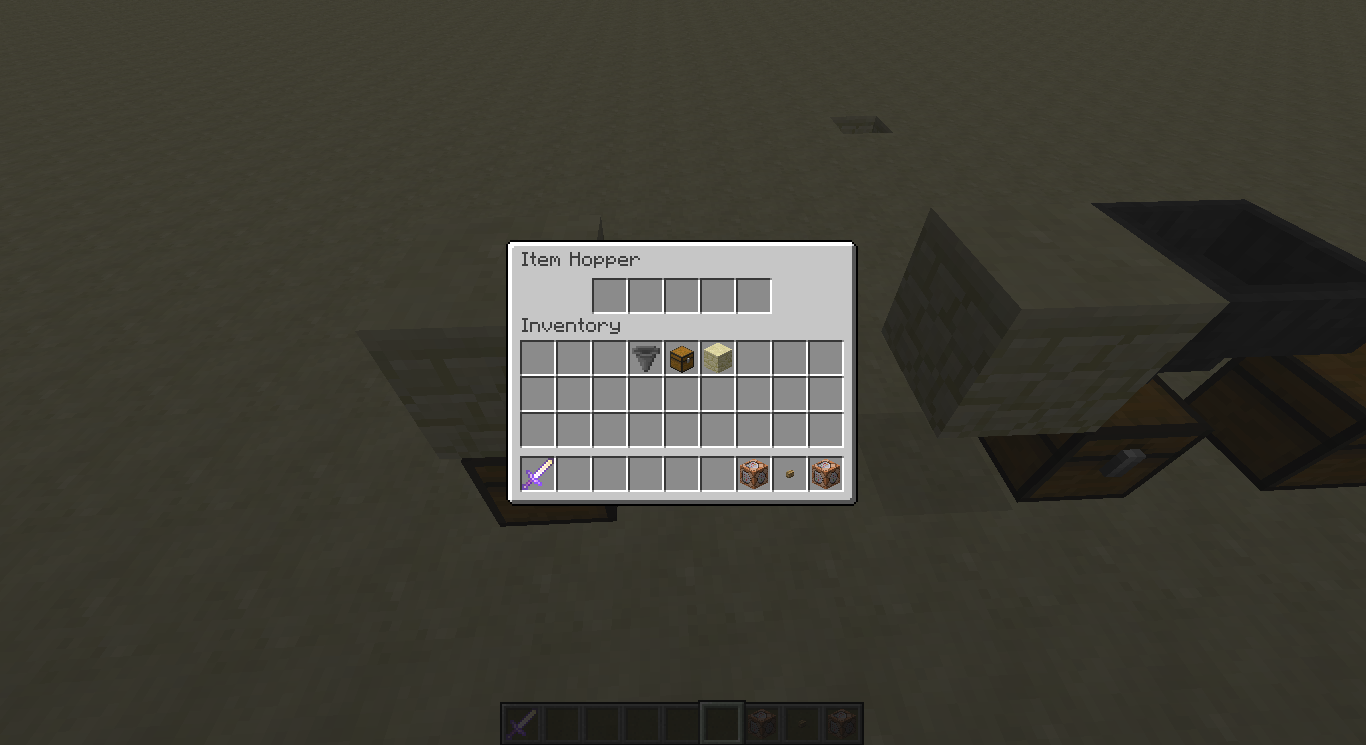
I have added these two pics displaying the difference of the frames from 16w21b and 1.10-pre1 In a way, i guess the item name "To Do List" shows the hitbox offset as well.
The "blacked out" painting is facing west even though the player is facing east. It would seem qmagnet is on to something. All the dark item frames and paintings I am seeing are of the ones that are facing west (the item frame is on the west side of the block)
I actually see my sheep get pushed out of there fences by other mobs and I'll notice after a while a stray pig or cow mixed in with my other mobs. I just thought it was spawning there but now that I saw my sheep actually get pushed through the fence now i am not so sure. I am in 1.10.2. I actually started to think that this and
MC-89030are related. Since the problem might be the Mobs instead of the blocks. Any thoughts? I have to make double fences which seems to help. This might be the result of "fixing" the suffocation issue where mobs get stuck inside blocks. The mobs going through the block is to prevent them from getting stuck Inside it, Hopefully there will be a way to prevent the Mob from going that close to a block in the first place. Maybe if that is possible that could solve this issue?@fabian i didnt say that it had anything to do with pistons. I said that both issues might have something to do with mobs. Players perhaps included.
First of all this is NOT a forum!! And if I am reading correctly. You guys are being very ungrateful. Many people have been waiting for this fix along time. I am aware of bugs with redstone and pistons obviously becoming more useful than intended however that is why I don't get used to it unless Mojang says they aren't going to fix it. Btw. When you guys keep commenting here it notifies everybody involved with this. For many it is annoying. Please with all due respect please control yourselves. To Mods and FVbico my deepest apologies for my last comment on this!!
I can confirm this still happens in 1.11.
What's happening to me is still happening in 1.11.
I can confirm this is happening in 1.11.
I would set a command block down, type in a command like: say @p Hello :and put it to repeat and always active. Then I would let it run for 2 seconds and then I would go in and change it to impulse and I expected it to run the command immediately after that, at least once, but got nothing. Went back in and changed it to needs redstone then powered it. And it works. Also I went away like a few blocks and went back to try another command block i had sitting around (it was working perfectly before) and it stopped working. Haven't a clue why. The command for that one was: testfor @p[x=1050,y=56,z=-449,r=1,score_Adult=1] :And like I said it was working perfectly before, and changing the command block nor changing it's settings works. It seems the testfor command is a little finicky too but idk.
I am having a problem summoning a thrownpotion of healing so I tried this command to make sure the command was working at all and it doesn't seem to be working. I copied this from a post of skylinerw's so I assumed it was going to work but no matter what I do, the command block keeps saying "Unable to summon object" and I haven't a clue why? I am in 1.11.2 btw. Not even AreaEffectCloud works.. Am I doing something horribly wrong? Maybe something changed?
/summon ThrownPotion ~ ~5 ~ {Potion:{id:"minecraft:lingering_potion",tag:{Potion:"minecraft:swiftness"}}}EDIT: Thank you so much!
I didn't realize this was considered "fixed". I was about to make report when I found this one, mobs are still doing this for me. I am in 1.11.2. I even downloaded a fresh exe and expected this not to happen but it certainly did. Please look into this! It happens more so with mobs that have passengers because the AI doesn't take into account the size of the rootvehicle. A skeleton riding a horse for instance. The skeleton will try to go down a block with it's own AI (mob itself is only a block or less wide) instead of taking into account that the Horse it is riding is much wider and won't fall into a 1 block space.
Hey mods could it be possible that the bug happens because opening a lan you must give permission for it to work on a private network only and or allow public networks? (mine confronts me about this anyway.) I always tell it to only allow my private network, but in the windows firewall it says that my network is public, I am not knowledgeable about that stuff but I figured I'd mention it. So I figured maybe it's preventing it from using "internet" so to speak to check the online skin database? I tried it out and changed the firewall to allow public access and it made my skin appear!!!! But the bug for the host's skin is still existent. Maybe because of what [Helper] Marcono1234 described above.
EDIT: I have to disagree with you Fabian, As I said above I changed the firewall settings and then I was able to see my skin vs not being able to see my skin before. (I couldn't see the host's skin OR my own.) I never could see the host's skin however. Unless you are referring to that part,
@Royal Thanks for the clarification! Minecraft doesn't seem to authenticate the host player of the LAN server for some reason. It says it authenticated my aunt and even tells you her uuid number. But it never says anything about mine in the log I have.
@Mods would my log info be helpful? It says setting user: USERNAME then logs me in with an entity id. Which I gather is normal but my aunt's says authenticated HER USERNAME with UUID really long number as always. It never does that for me. It also gives her an entity id. Hope this helps.
Merry Christmas to you too Kolrolf!
Okay, here you go Hopefully I hid what I should have.
@Heik This sounds like the same issue I had, before I realized it was just a firewall issue. Check to make sure java for minecraft is allowed to pass through. If your Internet is private, make sure it actually says so because for some reason mine says it is public even though it is for a household, so I guessed it was private. I let it go through private internet but I had this problem where not even the Host could see the guest skins nor their own. There is a related bug where the host's skin is never visible but they can always see the guests'.
MC-52974I am trying to understand the difference between these two issues. I originally thought that in yours, the Host cannot see the Guests' but what you said recently made me think of the other bug which is of the opposite.Conclusion: Make sure your java is allowed to go through your firewall. BUT make sure it is going through the one that your internet is marked as, whether it be private or public. Public is not recommended as it says, but for me I had no choice, I knew it was the house internet so it is okay (don't know how to change it). Hope this helps! If not my bad.
@helper Is there another report of blocks keeping lit even after the light-emitting block is destroyed? This is my problem and I am not using magma blocks whatsoever. Haven't even placed one yet or even mined one in the world I am using. I can't seem to find an existing bug on this, I just happened upon this report and figured I'd ask.
Hey, could this be because of going from a high render distance to a low one? Because I just experienced something bizarre. I usually stay in 8 render distance but I was having some lag so I lowered my render distance to 5 and for a few minutes everything seemed great until I slowly flew over to another side of what I was building and I noticed that the chunks right next to me were not loading. I looked over to other places and I noticed more of them. I went closer and they still failed to load. I went inside them and I fell to the ground for a moment, so it was there but then everything around me disappeared and then I turned the distance to 10 and everything came back. It was bizarre. If it happened again I will post a picture.
I was going to make a report because I thought it might be a different issue. I was in first person the whole time.
By joy it does. My apologies. Couldn't find it been looking. Yours is specific i guess that's why I couldn't find it. It applies to all mobs that can fit through one block while trying to do so riding a horse or such.
I was relieved to find that this bug has already been reported. I added some more photos that i think helps to show whats going on. I agree that it seems to be because the chest is blocked. Since when i break the block the items feed into the chest as expected. However, it doesn't effect single chests. Only double ones.
EDIT: By the way confirmed for 1.11.2 is the version i am in.
I am in 1.11.2 and i used entitydata @e[tag=ocelot] {} to check for the tag (which i tried with a summoned one and an execute summoned one) and it failed to find the execute summoned one! It's as if the Tags:[""] tag is completely ignored and/or erased upon executing the summon of that entity. Is this issue the same as this ticket?
Spawn rates are very low in 1.11.2 from what I am seeing. I have mine set to 4 usually 5 and had my difficulty set to normal since world creation. All i saw was a single creeper in the distance. Not a minute later and it despawned. I have treated moving around/traveling as a variable so I did not travel. I simply moved around the small 5X7 structure I made. The World is DEFAULT. I will be right back with a comparison with render distance at 8 or Normal...
Update: The spawn rates increased slightly with Render Distance set to Normal / at 8. However most of which despawned with in seconds. 4 Skeletons, a single creeper. Only 1 skeleton remained out of the 4. I will be back again with a comparison with Render Distance set to Far or 16...
Update: Increased a little more with Render Distance set to Far or 16. 4 Zombies, 1 Enderman, 2 Creepers. Only 2 of the Zombies were close enough to chase after me. The farthest Zombie did not despawn. Everything else did. The Enderman returned to it dwelling The End. XD
It would seem that because the anvil is used for repair, that it won't accept the Unbreakble tag. For the anvil to work the item in slot one must be damaged. If sword is damaged in slot 1 then in slot 2 there could be another damaged sword of the same material or an undamaged sword of the same material or an enchantment book with an acceptable enchantment. However, you can use enchantment books for your adventure map. Since if the unbreakable sword is in slot one then the only acceptable item in slot 2 can be an acceptable enchantment book. Some enchantments cannot be combined. And i think there is a limit on how many enchantments can be placed on a sword using the anvil. So using this theory, you cannot place two Unbreakable tagged swords because the one in slot 1 must be damaged.
Is there a reason why summon mobs don't keep there Tags, like for example
summon Horse ~ ~1 ~ {Tags:["Horse"]} testfor @e[tag=Horse]It says it cannot find it. I haven't a clue why. It was working yesterday now it isn't. I have to do
for it to work. I'm asking because I can't find a reported issue on it.
Is this the same issue that i am having? I can't get my launcher to open outside of %appdata% even though I have a .bat file linking it to that path! It completely ignores it. Is there a fix for this, like different .bat information i can use?
Mods!! I figured out what the real cause was!! When I add a command block to an existing chain, it begins to LAG SEVERELY! This chain has been in the world for a while. It doesn't matter what the command is! If you could reopen this as the same issue but the reason is known or something or guide me an existing ticket that may be related to this. I really believe this is a bug and not simple lag. Please look into this! Thanks in advance! I can confirm this for 1.11.2 and 17w06a snapshot. Same world. It is happening in the Spawn Chunks! The only way to get around it is to place the command block else where. You can't add anything to an existing chain if the chain has been sitting unchanged for long periods of times! I will continue to update. Everything is fine UNTIL I place an extra command block into a chain or even the area where the chains exist. Even placing a repeat block near by it will still lag! .. I just found a fix before I post this, you have to destroy the chain, then exit your world, then you can replace them. I recommend place the chain blocks first then repeat block at the front, last. I hope this works for others who are having this same problem!!
Update: I regret to inform that the problem returns. It's almost like that area is essentially corrupted now. This isn't the only chain it effects. Even shutting the game down and restarting/reentering the world, doesn't fix it now.
This is happening to me now. I tried closing and reopening tried closing logging out and relogging, still nothing. Its happening to me and my friend. The both of us and we tried everything that was suggested. Is there any news on what could be causing this?
This is happening to me and my friend and my family member. We all purchased the game from minecraft.net. Maybe they are doing something to the realms servers? I haven't heard anything. The server is version 1.12.2 obviously cause i thin auto updates to the next official release.
Oh, wow duh. Thank you soo very much. I have been doing a while now so when they changed this. I have to say I was ready to just stop so thank you!
Confirmed for 17w47b.
I'm trying to relearn these commands and I can't seem to get this right. So either it's broken again or I'm more confused then I originally thought (Most likely).. I'm in version 17w47b. I've tried:
/setblock ~ ~1 ~ sign[rotation=8]{"Text2":"{\"text\":\"Hello \"},{\"selector\":\"@a[distance=..2]\"}"} destroy /setblock ~ ~1 ~ sign[rotation=8]{"Text2":"{\"text\":\"Hello\"},{\"selector\":\"@p\"}"} destroy /setblock ~ ~1 ~ sign[rotation=8]{"Text2":"{\"text\":\"Hello\"},{\"selector\":\"@a[limit=1]\"}"} destroysetblock ~ ~1 ~ sign[rotation=8]{"Text1":"{\"text\":\"Hello \"}","Text2":"{\"selector\":\"@a[limit=1]\"}"} destroy -> OUTPUT: Hello 'nextline' @a[limit=1] destroyHello shows up but nothing else (first three).. To be clear, I'm trying to display the players name onto the sign and eventually have it display a certain score of that player. Tellraw works great:
/tellraw @p [{"text":"Hello "},{"selector":"@a[distance=..2,limit=1]"},{"score":{"name":"@p","objective":"money"}}] -> OUTPUT: Hello name 189I can't figure out the sign one.. EDIT: trying to make those code box things. Apologies!
EDIT: To Confirm 17w47b
I would like to add a logical reason why this should be fixed:
/scoreboard objectives setdisplay sidebar auto completes regardless if enter, space or tab, to /scoreboard objectives setdisplay sidebar.team.aquaThis is a problem because now I can't clear the sidebar. I have to remove the objective then readd it. Unless I am missing some new command that clears it?
Anyway, TAB should give the next possible in the list. ENTER should run the command regardless. (I have found that I need to press ENTER twice for things to work). SPACE shouldn't affect anything but adding an actual space (it's purpose). In short this auto complete would be less buggy if this was fixed.
I actually found something that is interesting in the latest log file. It repeats that first bit three times then proceeds to that next bit (on the file I attached) Unfortunately my world was too big (using it for many versions now ) and the original log file was unusually big.. Let me know if you need anything else. It also keeps telling me that commands fail even though I thought LogAdminsCommands was supposed to prevent it from logging those. Which I checked and the gamerule says its indeed false. So I believe that much of this is causing the problem. Hope this all helps! Make it private if you need to, I don't think you need to though, not sure.
I think 17w48a broke this again. I can backup my world using the button but some of the buttons don't work anymore, the Open World Folder for example does nothing.
i added the specs, I also added up there for you that I do not have a modded client. If you need anything else let me know! All I know is that the game is logging commands made by the various command blocks I have going even though LogAdminCommands is false. And it can't seem to find some important file.. not sure what that's about. Not sure if that's the whole problem or not either.
Edit: To ask if maybe they need to update the launcher? I was thinking that maybe it wasn't downloading everything correctly..
Edit 2: To not add another comment under my own. I think it has something to do with the execute command! Because I took my region files placed in a recreated world of that world (same seed) Everything was fine! Started converting the commands in the blocks turned them on Everything was great! Then out of no where after I converted a different set of execute commands (in a chain) It started (lightly) geeking out so I turned them off and it didn't change! Everything is "corrupt" again. It's really bizarre but like I said i think it's because the execute command and that it keeps logging them even though the gamerule for logadmincommands is false. Oh and for some reason these later snapshots are taking absolutely forever to load the game, I can see it crashing more easily now. Hopefully they are aware of that and the newer snapshots will already have a fix. I gather they aren't done yet, so methinks that will fix my problem, hopefully..
I am well aware of possible differences but that's why I asked if it was intended. I have been reporting bugs for a while now so I am well aware of the search function. I can promise you that I tried finding these supposed duplicates and they did not show up under the keyword "chest" when I originally looked for an existing ticket. I tried other keywords as well, the whole thing. The search bar asked if I wanted to turn the smart search function off and I was like, "really it's actually on??" Wow. Search engines these days actually don't work as well as they used too it's a shame. Forgive me, I'm upset where "Minecraft" currently is for the bedrock platform. I'm gonna stick to real Minecraft.
  Nice hot cup of Java! Lol.
I am in the latest and my wolf tails were down because they are hurt but then something happened and now they are up again like they aren't and yet they are whining. I can't tell whose hurt and whose not now.. I would post a picture but I it wouldn't help XD
Edit: to add that they revert when you feed them so you can see the difference. thankful
Is this really fixed? I'm in the most recent and playing on a friends world that's on an android while I am on windows 10, and the explosions are so strong that it threw me in the air and blew a 10-15 x 10-15 block chunk out of the ground.. (side note) with NO hissing warning either. Idk, the wiki doesn't give those kind of details. Please let me know if this is intentional!
Oh, sorry then. It seems to only be noticeable in an old version world that has been updated. I tried it again in a new one and nothing really changed. I have other commands going in my world and I think my computer just can't handle it I guess. The execute command is very resource heavy when used in a chain command block system, i gather. Aw well. Both of my worlds that have this issue, I had for a long time, they are huge now. Even taking the region file and copying it to new world in regions folder, the issue doesn't show, at least not to my knowledge.
Am I allowed to reopen this ticket? Or should I make a new one? There is something happening when I am on another person's world and every horse I ride the jump bar is blank until you let go and it suddenly appears but the horse just hops (just rears up or barely rises off the ground) no matter how short or long you hold the jump button. I am using windows 10 edition of mc. My friend's world is on an android. Also (possibly intended or different from this tiicket) skeleton horses are not controlled very well at all. There is also no option to put a saddle on it if you wanted to. (pc you can, I think) I am aware that the bedrock edition has its differences. Unrelated to this exactly but horses will attempt to jump onto blocks even though the block has a slab atop it. Making the horse continue to jump in place repeatedly.
This just happened to me! And now my world won't save anything that I do, even when I just move to another location! Its like I am not even there, like I don't exist. Is there a fix for this, other than deleting old worlds that I don't have?
Mob AI sees slabs as blocks they can climb, without noting the block below. Causing them to attempt to climb a 1 block high wall with a slab over it. Suggestion for Ticket Name change: "Mob AI unable to register bottom slab walls." Hope this helps get this fixed.
This happened to me. Solution: Make sure you are connected to strong internet before opening minecraft and/or logging into xbox live. This happened to me on windows 10 version. I had forgotten to turn my internet on and I had received this message. Hope this helps someone!
Only trying to help as a suggestion, log in to xbox via the console or the website and see if you need to update info or something there. I'm not sure though.
I think this ticket and this one
MCPE-30253are linked. It might be a texture pack issue. Remove the texture packs and see if it still persists. If you have no extra texture packs then mention that in the description. Hope this helps.I don't think this was intended either, but you can go under the video settings and change UI Profile to Classic instead of pocket and see if that works better for you for now until they fix this.
Edit: I want to add that I think this is a dup of
MCPE-30215I have an LG G5 too and it has the same issue.. odd.
Try turning your volume up all the way until you hear any sounds, or plug into a speaker. Make sure volume is up under settings -> audio I personally have to turn my volume up all the way for a sound filled enjoyable experience.(still can't hear rain) I'm not sure if that's a coding thing or what, maybe they can improve on..
This is also happening to me but I am on windows 10 edition, it happens in chat, books and signs.
Edit: To add that I cannot use the arrow keys either like I could before.
Edit 2: I apologize for all the edits I was messing with my keyboard and I happened to press Caps Lock and it 'jarred' it so I could backspace.. and use the arrow keys. Not sure what this means though..
@helper I found another possible workaround, I hold the right arrow key down for maybe 3 seconds then backspace works again. I have done it in books and signs, haven't testing in chat yet. For the issue on xbox, maybe doing the same (if available) might make it work too.
@felipe since arrow keys don't appear on most keyboard apps and I don't have this issue on my phone, do you use the Google keyboard? If so try to slide your finger over the spacebar either left or right and see if the cursor moves over the letters, if it does, try the backspace, if not keep sliding it to the right and then try the backspace. Hopefully this works instead of having to shut it down all the time, if it doesn't aw well, it was a long shot. The only other way to try this is to download a keyboard app that has the arrow keys and keep pressing the right arrow key and then try backspace, see if that works. For now.
I don't know if I should have made a new ticket. I have an issue where the crunching sound while eating eventually disappears while eating but you can hear the 'burp' at the end still. It happens after a little while on muliplayer. Windows 10 and an android are used. Occurs for all players. Both LAN and Live.
Is there a ticket for this issue for Bedrock Edition? I can;t find it when I search but I'm having this issue too but for MCPE. It makes it difficult for the host to transfer to another host. (like if your device can't handle it anymore or something) It opens the world as you and not the other player (who already has playerdata for that world).
Same way you would if it was pocket UI
This happens to us all the time. I can NEVER connect to theirs but they can most of the time connect to mine. It's very picky and it would be nice for this to get fixed please. Today they cannot connect to mine at all.
I don't follow but this is what I did. I open a world in minecraft on LG G5. Enable multiplayer, friends only. My friend joins the world. Somehow they were able to change gamemodes even though I deopped them using the command /deop. There is no realm. On windows 10 I did the same thing. I tried /deop (press tab) which cycles through my name and theirs (for some reason) They shouldn't be an option because they shouldn't be an op. Yet they can go into creative through settings on their game. Don't know if it finally worked because they tell me they can't go in to creative anymore but yeah I can't tell for myself. My other friend joined and I saw for myself that they can't change their gamemode so the only conclusion I came to was that, I opped her near the beginning and forgot so I deopped her to make sure and it ended up not working so I assumed their was something wrong with coding like conflicting information or something. Idk. Please let me know if this makes any sense.
Correct me if I am wrong or if this hasn't worked but there is DLC for free that has the missing Music. It's in the store usually at the very bottom. It is called Music. Hope this helps!
I noticed that on windows 10 edition I type /gamemode it will come out like: gamemode/ the e shows up almost 1.5 seconds later. And backspace doesn't work. Only until i press the right arrow key a couple time will I be able to backspace again.
Lol I see now. Yeah I can that was confusing. To answer your question: No they never host the world, only I do. They haven't seen anything in chat so I will continue to use the command block just to make sure but I'm still not sure if the /deop command finally worked though which is a little upsetting since I can't see if they have the option to change their gamemode in their settings from the menu. Things seem okay for now but only because I haven't caught them since I have them on the command block for now.
Edit: To add that I remember checking under the players setting that appear to the right of the menu. When they were opped the little gray switch said they weren't. Which is why i thought they weren't opped and probably why I had forgotten that I did it in the first place.. Clearify: I did do /deop on them and it didn't work which is why I submitted the ticket. (Even though that tab said they weren't opped.) I just think there may be a miscommunication in the coding there. If you use the command /op [player] then that switch in the player's settings in the host's menu should say that that player is indeed opped. And vice versa. Same thing with the /deop [player], the player's opped setting switch should turn to off position.
I just updated my old world to the newest snapshot 18w06a and now many sounds are not present or inaudible. opening/closing chests no longer have a sound walking on various blocks gives no sound. Ladders barely make it's sound (if it does it is very quiet even when using a speaker.) Though I did update directly from 1.12.2 to 18w06a didn't think there would be this much 'damage' XD I will update if something changes or if I find something else.
I don't if this is my issue but i went out in the ocean to find the new things and it crashed.. Tried to get back in and it won't let me. Keeps crashing.
Edit: To confirm this happened in 18w09a.
i think this is happening for me now in my world, going from 1.12.2 to 18w10b. constant crashes when creating new sections of world and reloading old chunks, even when changing something then save/quit. reopening the world, i see that everything i did was futile. nothing kept. world unplayable.
This happened to me in 1.13 snapshots. A new world in 18w09a to 18w10b!
Oh, i see, that makes sense! But from what you said, i want to note that this happened in a newly generated part of the world, both on land and in the ocean, at least i thought so while writing this.. Now I'm not sure, is there a way to manually convert old worlds to new format, er what it is?
This is a bug because i have been playing bedrock with family and i have pink sheep from breeding red and white. It might be what is causing some crashes too.. Don't hold me to that though. Wish i took pictures from then!
..but I am using an Android and nothing.. it's really weird I even made a new world and enabled experimental gameplay.. unless I forgot something? There is no ocean grass/seaweed, nothing and everything looks the same.
Added a clip of what happens and a better description.
I thought it was a bug because (as normal) I was expecting the stack to go right into my furnace but it went right into the partial stack that i had elsewhere in my inventory instead of the furnace. In the end only 3 of the 64 items went into the furnace lol. So yeah I guess the order of what it does should be different. Yes.
Um, just to clarify, this is happening in a regularly formed world I made before 1.10.. So my issue isn't about superflat. Or am I misunderstanding the title?
I would like to add that it isn't just rotten flesh. The whole right clicking thing is sensitive. Especially when you have something in your off hand. But if you don't hold the right click long enough you won't eat but it ends up shoving other things either in your mouth or a block on the floor.. lol made me jump a few times. I didn't try the snapshots but 1.13 this is an issue. I didn't know if this bug included what I mentioned.
I agree! This is back, in 1.6 because I just noticed my "trashcan" isn't working XD please fix or we lose one (a single out of few) use for cactus.
I hope this is good place to put this: The prismarine animations could be causing the lag at the monuments in the ocean. Fish pathfinding can be causing the ocean lag. I have watched mobs (any kind) spawn and despawn 30 blocks away from me. Particles drop FPS quite a lot. (Entities have always causes lag in Minecraft.) A world I made in 1.13 starts out VERY laggy when loading up for some reason. After that it is alright. Can't remember anything else atm. Hope this helps, if not here, somewhere.
Try the optimize world button for giggles. See if it helps any if you haven't tried it already. It might take its grand ol' time but I guess it would be worth trying at this point. I think it fixed my world.
I can confirm that this is an update bug. Place the detector rail in a direction in which it changes its orientation upon moving it with the piston. This should cause it to adjust and thereby updating the redstone powered state. At least I got it to work myself. Also this happens when the rail is moved by slimeblocks. I found out when experimenting with trying to make railcart track switching thing.
I believe this is actually intended.
Yeah this is strange, it isn't consistent for me though. They will "false break".
Do you think its this
MC-112230A slime block on top and on the side with Coral attached to the side one, then (slimeblocks) pushed with a piston makes them (Coral) false break.
Confirmed for 18w50a. SINGLEPLAYER as well. I don't think it is render distance because I have sat for three nights, render distance 12 and Normal difficulty. E under F3 says E: 4/66 to 30/66 and Those are passive mobs from my farm. I didn't see a single hostile mob, not one. I would light up the caves and try except there were no monsters in them XD. Just in 1.12.2 this field was doing good but now, legit zero. It has gotten to the point where I get surprised when I am attacked by ANY monsters at all. Actually the Only threats are from Phantoms. Drowned also but near water. Does anybody know what Mojang is doing with this? For some comedy, I had to write something else since cut and paste screwed me the original comment. (I write in notepad usually so this wouldn't happen but La Ti Da.) Oh I just logged back into my world and E: 4/78 to 64/78 ?/77 originally. I'm not sure if that helps any but there it is. Went down to /73 just after a minute or so. I'll wait for this night to fly by before I post this just see if anything spawns... OMG nothing. I tried. I can't get a single Ender pearl. Mojang our beloved game is broken, please fix! How am I supposed to get to the End now? XD
Nope and I am in singleplayer. This isn't fixed. Honestly monsters have been decreasing in rates every update. Confirmed for 18w50a. I literally sat for 3 nights walked around in a plains biome and saw ZERO monsters spawn XD This same field did fairly well in 1.12.2 but then the 1.13 update came along and thing just keep getting worse. Please help!!! Render distance was at 12 and difficulty is at Normal. The area is dark no light sources where mobs are expected to spawn. There should be Density Tab in options for spawn rates I guess since some people have games that go crazy with spawns. I would happily trade if it was possible..
It also seems to happen in the opposite.. with me it happened when I got off my horse and it went invisible. It was touching the fence. But when I left out of render distance and returned, he was there again. For me it only happens with the horses and such. It happened with my wolves and cats a long time ago.
This happens more for items, like Leather, for example. In my experience anyway. The items get stuck literally on the inside edge of the hoppers. The water is unable to push it through. I added a screenshot with arrows. This happens in Java as well, on occasion. For some reason I can place comparators/repeaters on top the hoppers to make a nice even flow, it works then. Haven't seen any items get stuck, yet. <-really expensive fix though... Maybe the hit-boxes need to be adjusted? Items and hopper?
Confirmed for 19w11b and it happens mainly with slime blocks. There seems to be many problems with coral fans for some reason..
I know that this says fixed but I literally experienced the whole world mob freeze thing for the first time in 19w12a. I was messing with the villagers in my creative world, default generation, and I right clicked on one and noticed it didn't open the inv so i thought it was a nitwit. Turns out ALL of the entities were frozen and I could still move around. It was raining and I flew around slightly. When it thawed, it opened the inv and I noticed the trades would dupe my items. Also, i retreated back to another part of the world, tried to anyway. I flew right over the edge of the world into chunks that were not loading at all. Render distance 8. Still not sure what caused it. Significant frame rate drops.
Thanks for trying to fix these bugs.
I can confirm for Win 10 version if no one has already.
@Ghost That is interesting. Perhaps it was happening but it was unnoticeable for others. I literally am just noticing it now and I have been playing for on 1.11 already for a few days.
Yeah it's weird. Can't see my own. But I can see everybody else's.
Yeah 1.14.4 the teleportation on the wolves isn't working properly. They chase the skeletons which is annoying and i went down in my mine and came back up and my wolf never teleported to me the whole time. Not once. It is lost now. Have no idea where it is and no death message appeared. So i assume it is alive. Please Mojang, please fix!?
Is there a ticket for this on Bedrock Edition? I have been looking. I can't get my villagers to claim a workstation right next to them. It's super frustrating. I think that their search range should be 8 blocks to initially find a station.
I added a gif of a skeleton riding a mount (mule). The AI has definitely improved!!
Though they seem to have real difficulty climbing up and down tough and steep terrain. Probably because of how big the mount is. Smooth terrain is working. Though when riding over flat land, the mule goes sideways, worth mentioning I hope.
I can confirm this is happening on Win 10 edition. All my wolves that I bring back from the nether, disappear into the seeming void. No idea where they are. 1.14.3
Edit: I want to add that when i breed them in the nether, some just disappear or as if the breeding failed, doesn't show up at all.
Yes I have been having trouble connecting to friends world as well. Normally they don't have problems connecting to mine. But I can't connect to theirs. I end up feeling bad because there is nothing I can do to join theirs.
It happens on android and windows 10. Update 1.14.3
I was told it could be a wifi permissions thing or firewall. But bypassing the firewall doesn't help and NAT permissions are not something I can control on either end. So there is no way for me to test this.
Edit to clarify: This happens with all my friends/family that are not connected to my wifi.
I can confirm this is happening in my world. Villagers will not update properly. I can sometimes get them to breed or claim POIs if I turn off my world and then go back in. I also noticed that they will constantly unclaim and claim POIs especially beds every time I do this. They sense beds ways too far away and will claim beds that they can't pathfind to. They can't pathfind properly so they walk into walls. Something really broke them. I am in 1.14.3 hotfix Win 10 edition. When I load the world, they have an explosion of babies because of the bed switch-a-rooing.
There seems to be some kind of bug with the game unable to read the files continuously. I have to keep logging back into my world for mobs to work properly—if it works at all. The villagers are messed up too. I wonder if both problems, among others, are related?
Edit: wanted to confirm this is happening on Win 10 version. I breed the turtles in the water away from the home beach. The one goes right to it and onto the beach. The problem is that she doesn't play with the sand or lay the egg. Just sat their motionless. Got her to move but she left the beach and swam away. While I wasn't looking, she laid an egg on another beach next to there. So idk what took place.
Second Attempt: Did the same thing. Except I didn't get her to look at me while she on the sand. I'm far away enough. As of typing this, she is still in the same position and motionless. I relogged. She started back into the water. Maybe 3-5 minutes later she tried to get onto the other beach again. I saw sand particles so I pushed her onto the beach and she laid eggs. They also seem to have a hard time moving. They go in circles which is why I felt the need to push her onto the sand. She kept turning in the water brushing against the beach as she passed it swimming.
I can confirm this is happening in 1.14.3 on Win 10 edition. I notice it when they are trying to get back to their work stations. They will think the gate is open and try to go through. Once they do this, when it is time, they will attempt to get back to their stations and they get stuck at the fence gate. I move them and they slide back to it. Sometimes I move them and they can move away and go to their stations. Anger particles show when they can't move away from the fence.
Confirmed for Win 10 edition, 1.14.3. My villagers run straight into walls trying to get to their beds or stations. Will wonder back and forth; Idk where they are trying to go. They get stuck in closed fence gates. Claims already claimed stations and beds then unclaims them causing a surge in babies and loss of professions; Professions and stations/beds switch. I have to constantly reopen my world for them to operate properly; It only lasts a moment before things halt again. Something broke with them. I hope for solution hotfix to come soon.
The AI is unstable or broken. It will work for a moment upon entering the world but will stop responding properly, if at all, during gameplay. It happens with villagers too. Plus the turtles have a 1 in 700s chance i think, which i think you or someone mentioned and if i change it to 1 the turtles will go to the beach immediately but will just sit there forever. Unless i shut the world and reopen. Also if I stay in the world and just move the turtle far enough from the sand, it will sometimes move back on to there and start laying. With villagers, they won't breed or recognize new stations/beds until i shut and reopen the world. What i am suggesting is that this ticket could be a symptom of a much bigger problem involving other mobs/tickets.
I remember why I stopped playing with /playsound. it doesn't work at all for me. Confirming for 1.14.3 Win 10. I noticed by accident that I would type /playsound mob.wofl.growl And it would say that it was playing the sound even though it was a typo. There was no sound btw. /playsound mob.wolf.growl does absolutely nothing either. This hasn't been working for me since I started playing Bedrock.
Win 10 1.14.3 I kid you not, I just experienced this. I traded my masons to level two, and broke their job sites while they were working at it and they lost their profession! When I logged back in, the one that was a traded with mason, turned into a fletcher and had level two and there were no available fletching tables. I lost my brown terracotta :C
I can confirm this for Win 10 edition and 1.14.3 hotfix.
I can confirm for Win 10 edition 1.14.3 hotfix. I started thinking it was intended. Sometimes they attack me, sometimes they don't. I think there is a link to the game not processing the AI properly (if it isn't intended). Endermen, turtles, villagers, among others, seemed to be effected.
I can confirm that some villagers become unemployed and will not "get hired". Though I suspect that this has something, if not everything, to do with the AI problem. (These unemployed villagers are not Nitiwits; I have some green coats as well, in my village.)
Win 10 Edition (PC) 1.14.3 Hotfix
Also, some villagers will lose their profession, even after trading passed level 2. I experienced this legitimately a few days ago and just yesterday (March 11.)
The villager will constantly hold a breeding item, even while they sleep. Villagers will ignore bedtime to attempt to breed with sleeping villagers. Didn't think what is happening in your video to be normal. This villager kept the bread in his hand while working at the jobsite and will keep holding it even while sleeping. I added the pic above. Could this be a sign that they will breed? Maybe intended to some extent?
Been seeing people on reddit having issues. They get the achievement but no star.
Somebody might have already mentioned this: Zombies can reach so far in a boat that they can reach through walls/blocks. It's how most of my villagers died because the door they pass through is next to a wall that houses a zombie in a boat, and it was attacking them every time they passed by it.
This is happening for me and my friend. Every time we both change to a custom skin, we end up getting switched to each other's skins. I have tried deleting and re importing as well. I change mine, they got mine too. They change theirs. I get theirs too.
Win 10 1.14.3 Hotfix
Hey Everyone! Someone might have already said this but just in case: The reason that this is happening is because the game makes the smooth variation_s_ based off of the top texture. For quartz it's quartz_block_top texture. Note that sandstone has a Cut and Smooth variation and they are labeled: sandstone_smooth and sandstone_top. sandstone_smooth is the Cut variation whereas the sandstone_top is the Smooth variation. I hope this helps anyone for, at least, a temporary fix. (You'll have to make a resource pack to implement this change. Advise the use of a computer.) download the resource pack from the minecraft site. take the quartz_block_top texture and edit it in example: GIMP. Then add it to a resource pack you might already have. There are plenty of tutorials to make small simple packs.
Idk if this is what the ticket is referring to but i have experienced Drowned being neutral clear weather under trees on land. Here is another example of what i see. Go to 5:53 in the video https://youtu.be/L_VXfY9UH7I
@GoldenHelmet I am aware of that. My point was that it was what I have been seeing on Bedrock. Anyway, I have a video of its behavior, and i saw this on the wiki: "If a drowned is in any way removed by force from the water, and all nearby water sources have been blocked from it, it becomes passive in the daytime."
Please tell me if it is intended. Ignore the mob's AI/Path Finding issues. I am aware that the system needs love. DrownedPassive.mp4
I think you can fix this temporarily by making a skinpack and placing your skin there. Activate it like that. Each person getting effected may have to do that as well.
@Dave Fritz An update to how mobs despawn happened. Try feeding the babies just a little if you need to leave.
Actually it happened to me with just my friend and i. We both have custom skins.
Look at the numbers of the tickets. 46 comes before 49. Just saying.
I don't see how an older ticket is a dupe of newer one. It messes with me and is actually irritating.
@pelle Entities pathfind through boats and minecarts they just get trapped inside of them which is a good thing. It makes it less difficult to catch them for transport. Methinks i see what you mean with the shulkers though. For instance, the cows i have, will cluster in a corner and continue to try to get through.
Mobs wander off. If you didn't tie your horse up to a fence post with a lead, it just wandered off. Just to be clear.
I have lost many horses because they went off somewhere. Villagers I had, died because of zombies have a far reach and baby zombies can open doors. It was a total surprise to me when it happened.
Mojang really needs to look into what is happening. Every single one of my posts, not including comments, have gotten removed or were unapproved and no email was sent at all or as for why it was. I think somebody is doing this on purpose and I am getting impatient. People are able to post suggestions and I am not. It is getting hurtful.
@Ayden that is super scary. I hope mine didn't go through that. I can't find out what happened to any of mine either! Please mojang, please fix!!
I have intel 4000 and have less than 30 fps even with render distance all the way down and everything at the lowest setting T.T it used to be all the way passed 100 fps before 1.8 or 9 with render distance passed 12 and fancy settings and all that. idk what happened.
Edit: 1.15 to 1.15.2 to 1.16 pre release 2
Seriously. It is happening to ME.
How do i fix it then, if I am somehow the only one having a problem with this on a VANILLA survival world.
It is happening for ALL my worlds.
Finally got it to work.
I can confirm for official 1.17.0 if it hasn't been already. We experienced this after creating a nether portal in the Nether, which then created a brand new portal in the Overworld. I came out just find, exactly where I wanted to but when my friend went in the newly created Overworld portal, it took her to Overworld coords so very far away from the original portal in the Nether. Fortunately we have a previous save and I don't mind redoing what I did to save her butt ❤️. I do recall throwing an item into the portal before we went through, coincidentally. I felt like it made this happen. That doesn't seem to be the case. Though strangely, a random pet showed up at the portal as I went in and came out exactly where I should have. So it didn't effect me. I noticed quite a lot of block lag but that can't be it. We do have locator maps posted on frames. Only two. Neither of us had our maps on us though. This isn't the first time this happened. But it is the first time in this world. Or rather second since the random pet at the portal seemed to have appeared from somewhere once lost.
I can confirm for 1.17 on windows 10 PC and PS4. I have major lit up large areas torches almost right next to each other and somehow, in multiple worlds, hordes of monsters are spawning and killing villagers and me. Idk what else to do. It started happening right after the 1.17 update. Everything was fine until then. I think there is something going on here. Just not sure exactly what.
I can't join my friends world anymore. It was working yesterday. She changed some settings like from classic to pocket and it prevented me from getting on. Then she switched it back and I was able to join. That doesn't seem to work the second time.
This isn't fixed on PS4. I am logged into my PSN account, second player. It never remembers my skin, plus it doesn't give me the option to login to my Microsoft account. Am I missing something?
Confirmed for 1.17. something is going on with powered rails and hoppers. I've been fussing over this contraption for days now thinking I'm doing something wrong. The minecart will slide right off of an unpowered rail. In java it just stops. Or at least it used to. Comparators will blink instead of stay on when detecting items through a hopper. This combination makes this once useful, now unusable. I have it hooked up to a dropper instead but the cart doesn't sense the unpowered rail in time. No matter how fast or slow I make the cart or on/off the rail.
It seems to be working for me now. I think it was a windows update that made it work. Not sure on that..
Thanks for opening this for review! My sis was a bit upset when she couldn't capture an Endermen like they do on Hermitcraft. XD
So is it updated and doesn't show it in the menu or is it not updating fully? I'm asking because mine still says 1.17.0 even though the store updated it to 1.17.2. so now I'm confused..
I think this will take a while to see if it got fixed, since in some cases it happens and there is no way to reliably reproduce it. That's cool that they might have a fix for it!
Is it possible to reopen this as a parity issue? Curious if it could be considered.
There is a bonemeal lag in Bedrock(mcpe) as well. It happens with saplings and sugarcane.
Can we confirm if this is a multiplayer world issue versus singleplayer/both?
My issue and few others only happened to us while we were in a friend's world. For me, it only happens to the host. I'm not sure if this info will help the devs at all, but I'd thought to ask.
Yes the cows going into the corner happens all the time and it happens in Java too. I saw it while watching Hermitcraft.
In bedrock we used to be able too. My siblings are not thrilled that it changed XD
Any news on this? My sister just made an account and it doesn't have her gamertag. Can we have an update on what might be going on? Do we have to prove who we are because that's messed up since the real account has our in game names.
Yo guys, my friend just received an email that Minecraft Support can't help her with this problem! What the heck is going on?? I wish I could give more info to help but it seems like they don't want to help us!!
I looked at the emails, it was NOT supportive at all frankly, and they legit look like scammer material. It's really weird. This needs more votes or something. Needs to be higher priority. These new glitched accounts have people's real names. It's a privacy/security issue. Plus we are worried this will become a thing on the game accounts at this rate.
@Qui Tom Jinn
Okay. But if that's the case, why did Mojang Support on Twitter tell us to go there? That is strange, don't you think? Also, before she could login she had to pick yes on a strange popup that said something about an azure app. She took it's permission away after it all happened thinking it was malware. But it didn't change anything. Same thing happened to me. So I did the same. In any case, I hope this info helps them any, to fix this.
Hey y'all! I apologies for my outbursts. I had a panic attack. It's embarrassing but I thought you deserved to know. @Qui as far as azurewebsites goes, I looked around and some note that it can be used for phishing. That's why I freaked out about it. Whether that was the case or not, my friend says, they couldn't prove the account was mine even though the same name appears when I log into my account in Minecraft. They said since I couldn't provide my info to them, that they couldn't help me. They closed the ticket while ignoring everything I had told them. Microsoft doesn't even show me in my history that I bought Minecraft win 10 even though it says I own it. So I have no way to prove it's mine apparently. ┐( ̄ヘ ̄)┌
Same 😢
Campfires will catch bees on fire randomly. And moving beehives with pistons causes them to get mad. I've experienced them getting mad even though there is a campfire beneath the hives. I am in 1.17.10.
I saw a farmer holding seeds while he was in a bed. If that counts. It was 1.17.2 on win 10. I'll let you know if I see it again on 1.17.10.