 Nixinova
- Nixinova
- nixinova
- Pacific/Auckland
- Yes
- No

 MCPE-22425
![[Mojang] Grum (Erik Broes)](../../../data/assets/gravatar/grum.png)
 MC-139781MC-139811





















What I expected to happen:
When an item was dropped onto a slime block, it would bounce, just like an entity.What happened:
The item didn't bounce, it just acted as if the slime block was a regular block.How to reproduce:
1)Place a slime block2)Throw items onto itWhat I expected to happen:
When an item was dropped onto a slime block, it would bounce, just like an entity.What happened:
The item didn't bounce, it just acted as if the slime block was a regular block.How to reproduce:
1) Place a slime block
2) Throw items onto it
[CLOSED] Can't feed tamed wolves
When I try to breed my dogs my feeding them, it doesn't work; they just sit.
When I try to breed my dogs my feeding them, it doesn't work; they just sit.
Update: tested in vanilla 1.11.2, is still a bug.
[CLOSED] Can't feed tamed wolves[UPDATED] Can't feed tamed wolve
[UPDATED]Can't feed tamed wolveCan't feed tamed wolves [UPDATED]
Can't feed tamed wolvesDogs sit when fed
Dogs sit when fedCant feed tamed wolves
Cantfeed tamed wolvesCant breed tamed wolves
@Michael Wobst Ive tried it multiple times, when I go to feed my dogs, to get them to breed, they just sit.
@SunCat Retested in vanilla
Added vanilla screenshots
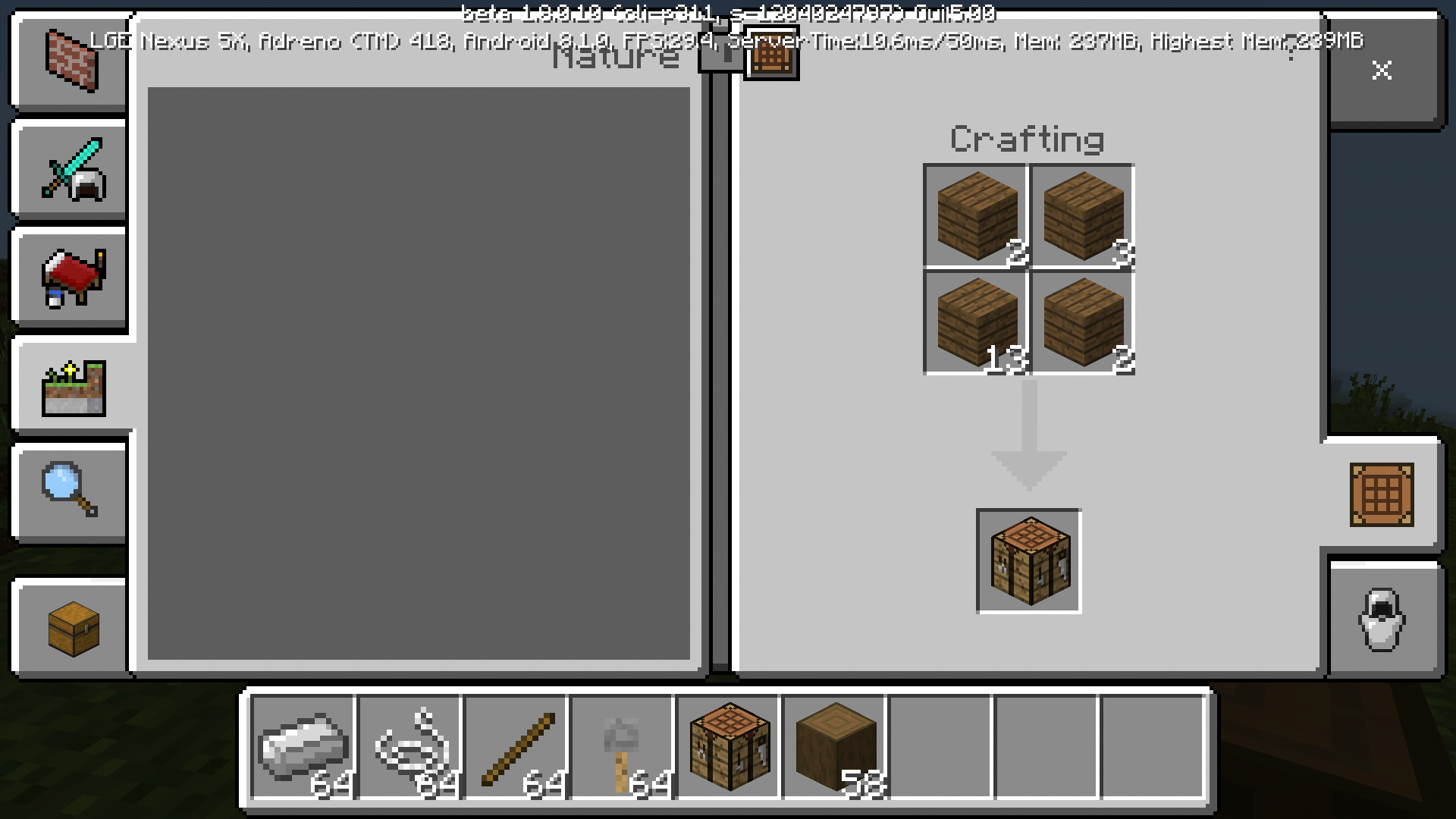
When you are crafting a dispenser, if you click the dispenser icon in the recipe book to autocraft a few times, you will see that one bow goes in, and says that the bow is stacking. When you take it out, all the other bows disappear. (See image)
(Also, it takes the bow from your hotbar, where good bows are stored. I've accidentaly lost one of my bows this way, so maybe make it take the bows out of the inventory before the hotbar)
I was playing in my survival world which I jad played on the day before. I opened it in lan to /kill myself. When I tried to log in the hame kept crashing when it got to the Building Terrain stage. My other worlds work fine.
Error message:
The game crashed whilst ticking memory connection
Error: java.lang.NullPointerException: Ticking memory connection
I was playing in my survival world which I jad played on the day before. I opened it in
lanto /kill myself. When I tried to log in thehame kept crashing when it got to the Building Terrain stage. My other worlds work fine.Error message:
The game crashed whilst ticking memory connection
Error: java.lang.NullPointerException: Ticking memory connectionI was playing in my survival world which I jad played on the day before. I opened it in LAN to /kill myself. When I tried to log in the game kept crashing when it got to the Building Terrain stage. My other worlds work fine.
Error message:
The game crashed whilst ticking memory connection
Error: java.lang.NullPointerException: Ticking memory connection
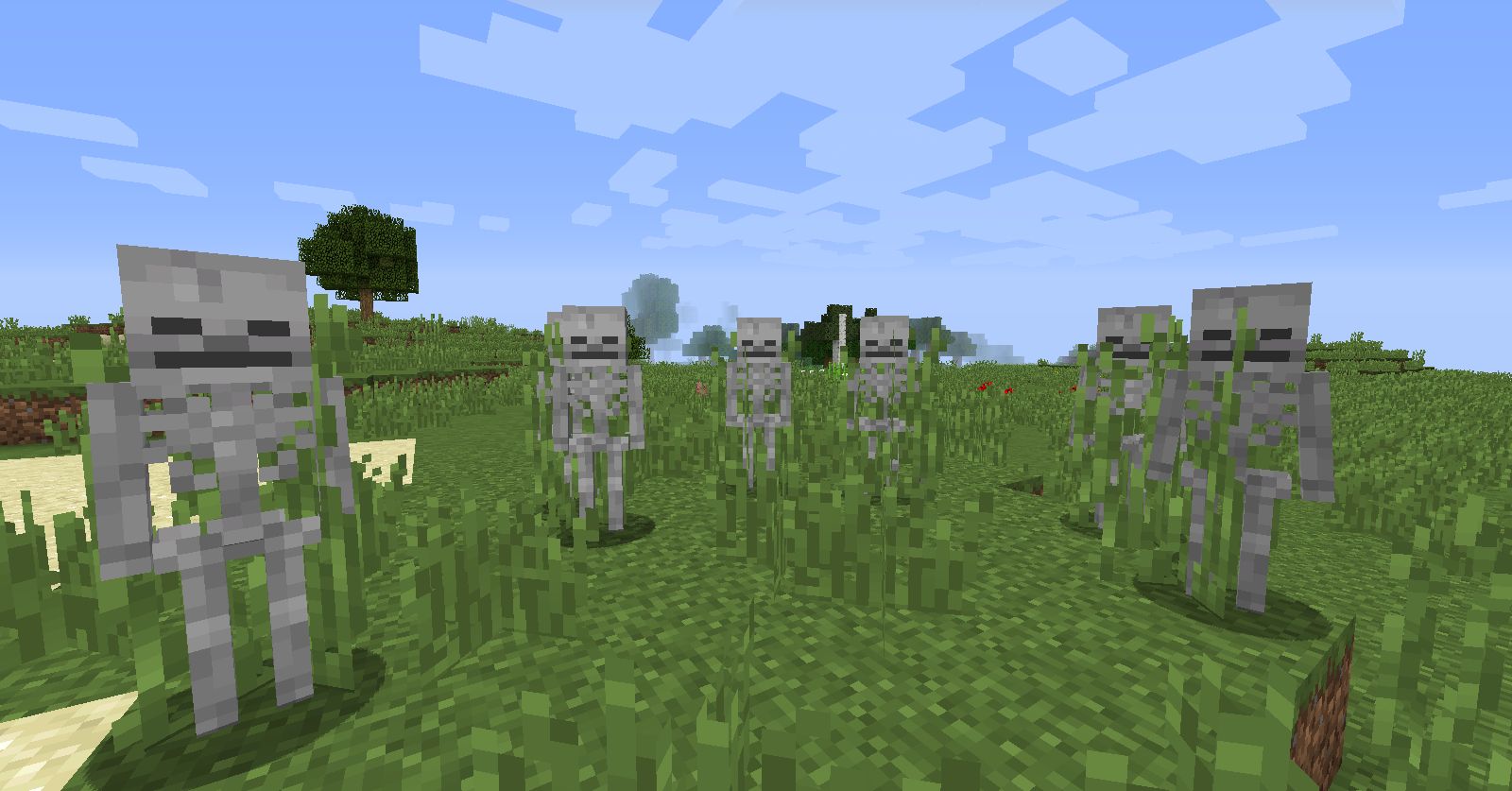
Skeletons will hide in
bushestall grass to escape burning in sunlight.Skeletons will hide in tall grass to escape burning in sunlight.
Skeletonsthink they're playing FortniteSkeletons hide in tall grass
Buffet worlds generate multiple biomes[deleted]
[deleted]Buffet worlds generate multiple biomes
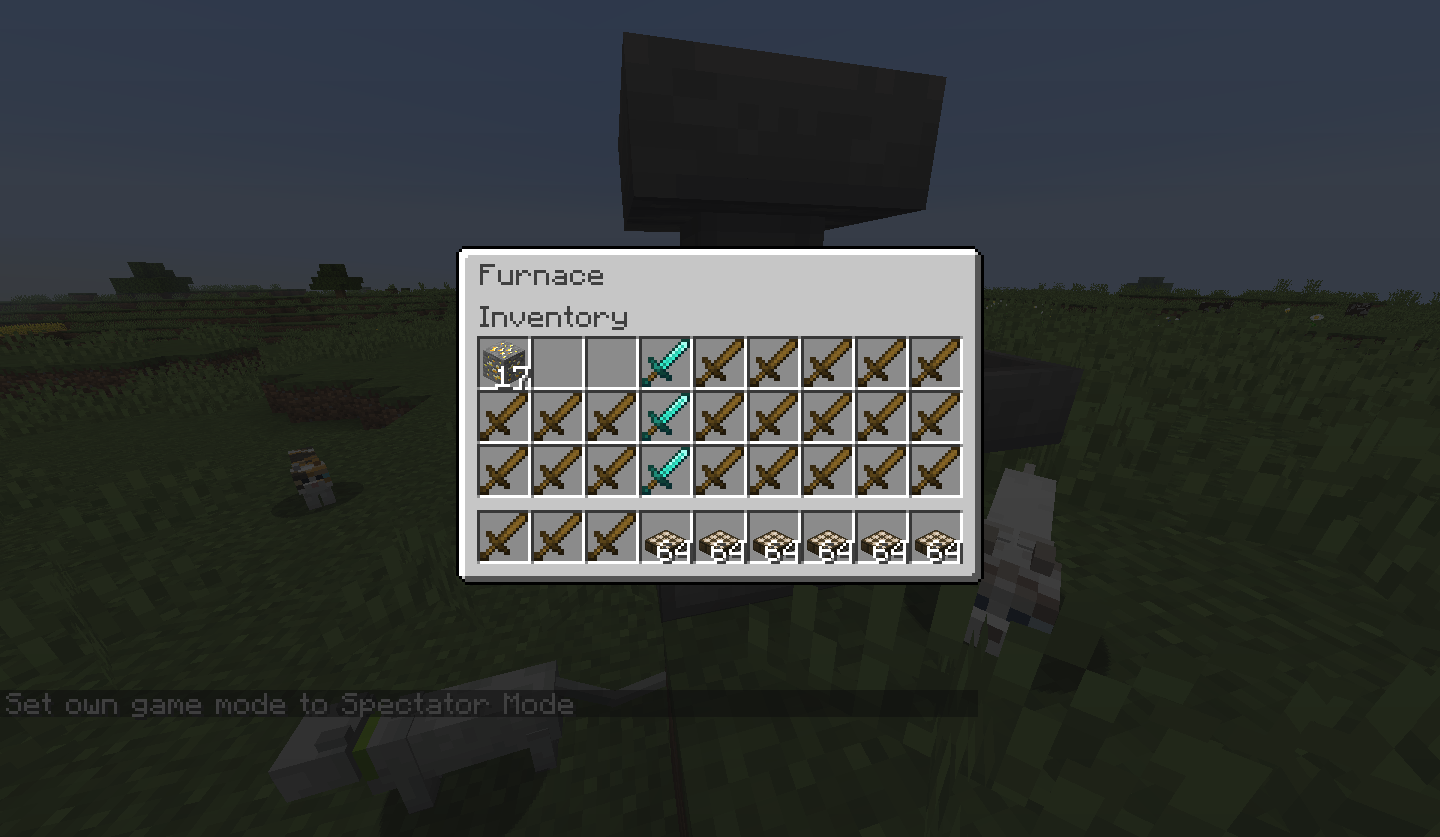
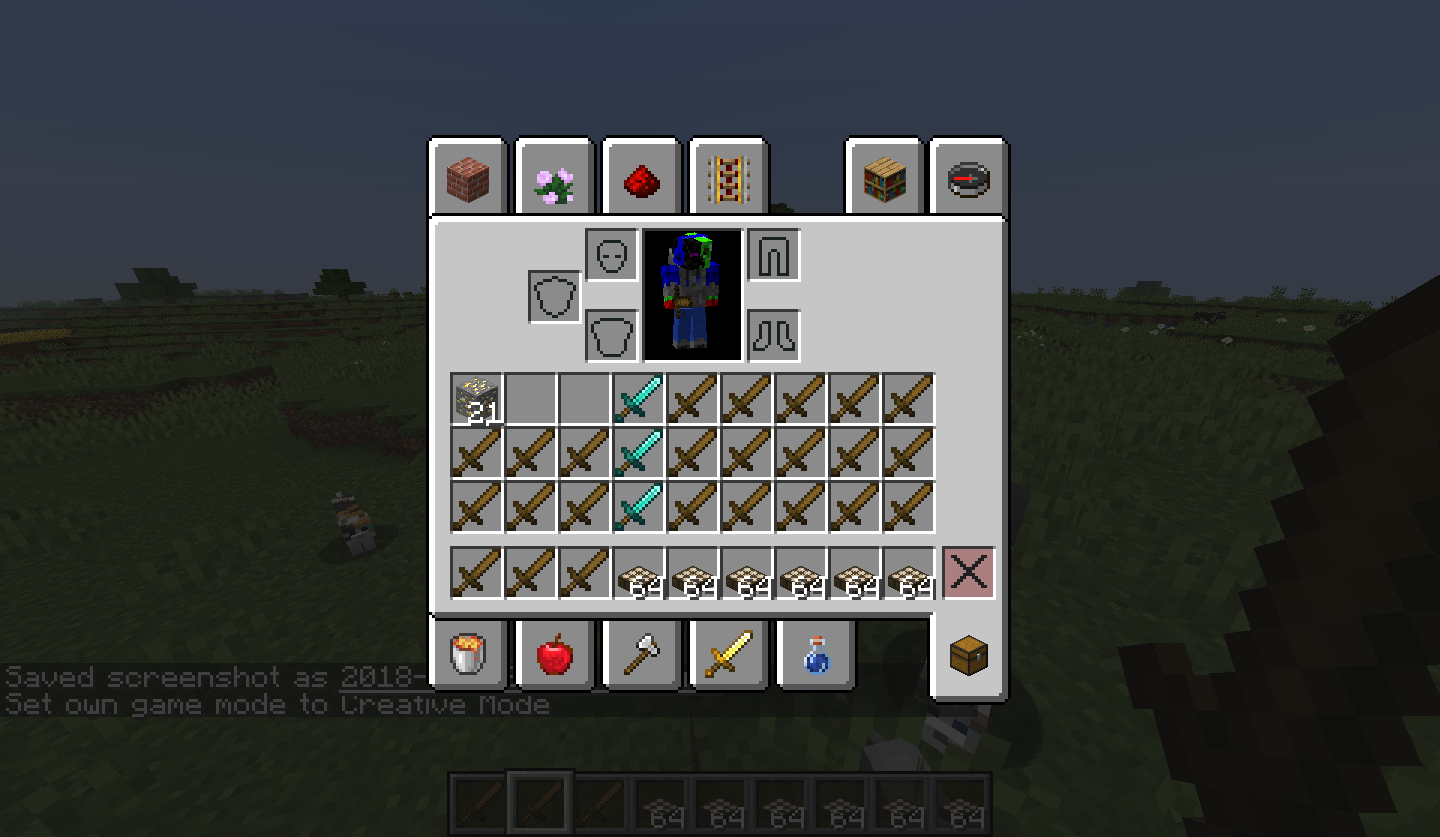
If you place items into blast furnaces using hoppers and then go into spectator mode to look into the GUI, the items in the blast furnace will jump into the first 3 slots of your inventory (smelting item in slot 0, fuel in slot 1, output in slot 2) and push the rest of your items across by 3 (slot 5→slot 8, hotbar.8→poof).
How to reproduce:
1) Place an item into a blast furnace using a hopper
2) Go into spectator mode
3) Look into the blast furnace
4) You will see the items move into your inventory about 75% of the time
2018-11-03_20.17.23.png
Java 1.8.0_51 6
5bit Windows 10Java 1.8.0_51 64bit Windows 10
I started spamming alt codes into a jigsaw block to see if it would break and it did.
{{The game crashed whilst mouseclicked event handler
Error: j: Non [a-z0-9/._-] character in path of location: minecraft:♣↑∟→←°○╕┴ 6}}I started spamming alt codes into a jigsaw block to see if it would break and it did.
The game crashed whilst mouseclicked event handler
{{ Error: j: Non [a-z0-9/._-] character in path of location: minecraft:♣↑∟→←°○╕┴ 6}}
I started spamming alt codes into a jigsaw block to see if it would break and it did.
The game crashed whilst mouseclicked event handler
{{ Error: j: Non [a-z0-9/._-] character in path of location: minecraft:♣↑∟→←°○╕┴ 6}}I started spamming alt codes into a jigsaw block to see if it would break and it did.
The game crashed whilst mouseclicked event handler
Error: j: Non [a-z0-9/._-] character in path of location: minecraft:♣↑∟→←°○╕┴ 6
The new watchtower spawns a leftover jigsaw block on "attachment_type: entrance"
Windows 10, Java 1.8.0_51 65bit
Overgrown watchtowers generate unused jigsaw block
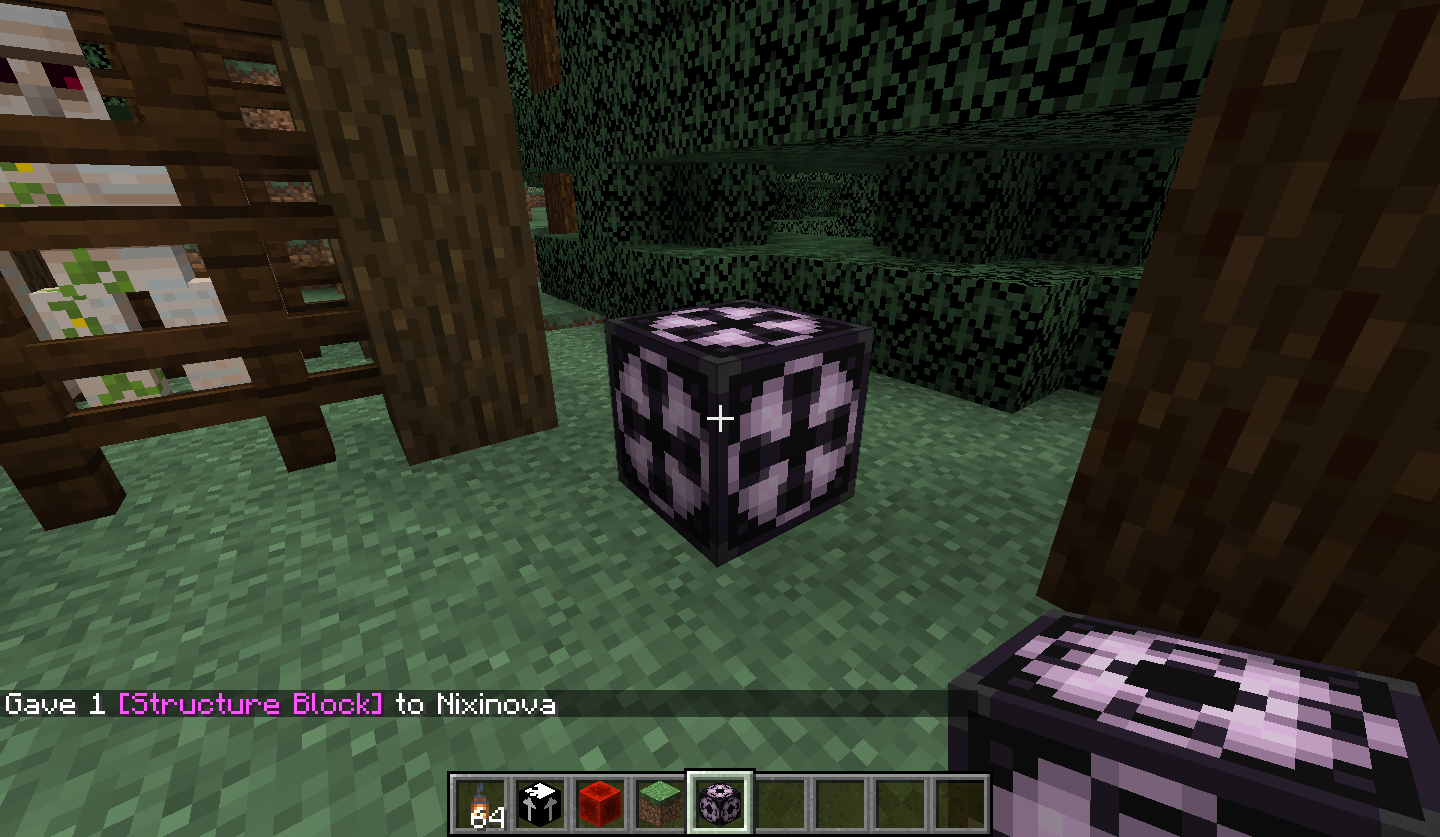
Right-clicking a structure block will open it and place another structure block next to it
If you just right click on a structure block while holding it it will place another one next to the block and also open the interface.
If you just right click on a structure block while holding it it will place another one next to the block and also open the interface.
Repro steps:1. Restart the game
2. Create a new world
3. Create a nether portal
4. Go through the nether portal
5. Go back through the nether-side nether portal
6. Give yourself a structure block
7. Place the structure block
8. Holding a placable block, right-click the structure block
- The bug
If you just right click on a structure block while holding it it will place another one next to the block and also open the interface.
- How to reproduce
1. Restart the game
2. Create a new world
3. Create a nether portal
4. Go through the nether portal
5. Go back through the nether-side nether portal
6. Give yourself a structure block
7. Place the structure block
8. Holding a placable block, right-click the structure block
- The bug
If you just right click on a structure block while holding it it will place another one next to the block and also open the interface.
- How to reproduce
1. Restart the game
2. Create a new world
3. Create a nether portal
4. Go through the nether portal
5. Go back through the nether-side nether portal
6. Give yourself a structure block
7. Place the structure block
8. Holding a placable block, right-click the structure blockThe bug
If you just right click on a structure block while holding it it will place another one next to the block and also open the interface.
How to reproduce
1. Restart the game
2. Create a new world
3. Create a nether portal
4. Go through the nether portal
5. Go back through the nether-side nether portal
6. Give yourself a structure block
7. Place the structure block
8. Holding a placable block, right-click the structure block
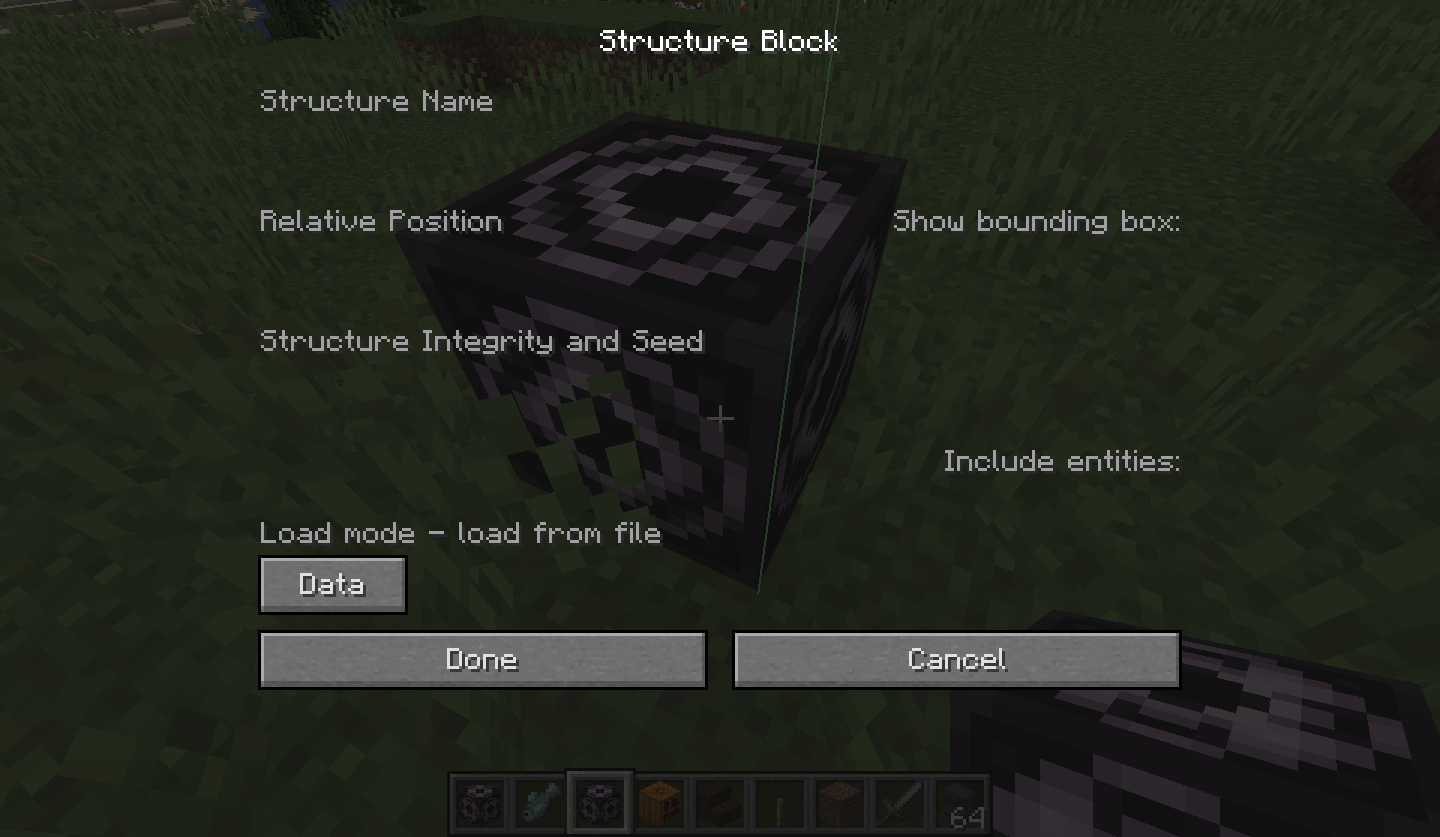
Title. If you place a structure block down, immediately open it, then go through into load or save mode, and finally click into the "structure name" field, all the input fields will disappear as the block state will have reverted to "data" mode.
Opening astructure block immediately after it's placedbreaks the"load" screenOpening and clicking any input field immediately after the structure block is placed reverts the block state back to "data".
Opening and clicking any input field immediately after the structure block is placedreverts the block state back to "data".Opening and clicking any input field immediately after the structure block is placed glitches out the UI.
Title. If you place a structure block down, immediately open it, then go through into load or save mode, and finally click into the "structure name" field, all the input fields will disappear as the block state will have reverted to "data" mode. See the video attached.
Title.If you place a structure block down, immediately open it, then go through into load or save mode, and finally click intothe "structure name"field, all the input fields will disappear as the block state will have reverted to "data" mode. See the video attached.If you place a structure block down, immediately open it, then go through into load or save mode, and finally click into any field, all the input fields will disappear as the block state will have reverted to "data" mode. See the video attached.
Opening and clicking any input field immediately after the structure block is placedglitches outthe UI.Opening and clicking any input field immediately after the structure block is placed breaks the UI.
If you place a structure block down, immediately open it, then go through into load or save mode, and finally click into any field, all the input fields will disappear as the block state will have reverted to "data" mode. Doesn't work 100% of the time; maybe only around 40%. See the video attached.
If you place a structure block down, immediately open it, then go through into load or save mode, and finally click into any field, all the input fields will disappear as the block state will have reverted to "data" mode.
Doesn't work 100% of the time; maybe only around 40%. See the video attached.If you place a structure block down, immediately open it, then go through into load or save mode, and finally click into any field, all the input fields will disappear as the block state will have reverted to "data" mode. Only works around half the time, and it appears to only have this issue when the block is in your main hand. See the video attached.
If you place a structure block down, immediately open it, then go through into load or save mode, and finally click into any field, all the input fields will disappear as the block state will have reverted to "data" mode. Only works around half the time, and it appears to only have this issue when the block is in your main hand. See the video attached.
The second image is after quickly opening a placed structure block with NBT data.
If you place a structure block down, immediately open it, then go through into load or save mode, and finally click into any field, all the input fields will disappear as the block state will have reverted to "data" mode. Only works around half the time, and it appears to only have this issue when the block is in your main hand. See the video attached and the first image (_17.04.45).
The second image (_20.21.22) is after quickly opening a placed structure block with NBT data.
If you place a structure block down, immediately open it, then go through into load or save mode, and finally click into any field, all the input fields will disappear as the block state will have reverted to "data" mode. Only works around half the time, and it appears to only have this issue when the block is in your main hand. See the video attached
and the first image (_17.04.45).The second image
(_20.21.22)is after quickly opening a placed structure block with NBT data.
Java 1.8.0_51 64bit, Windows 10
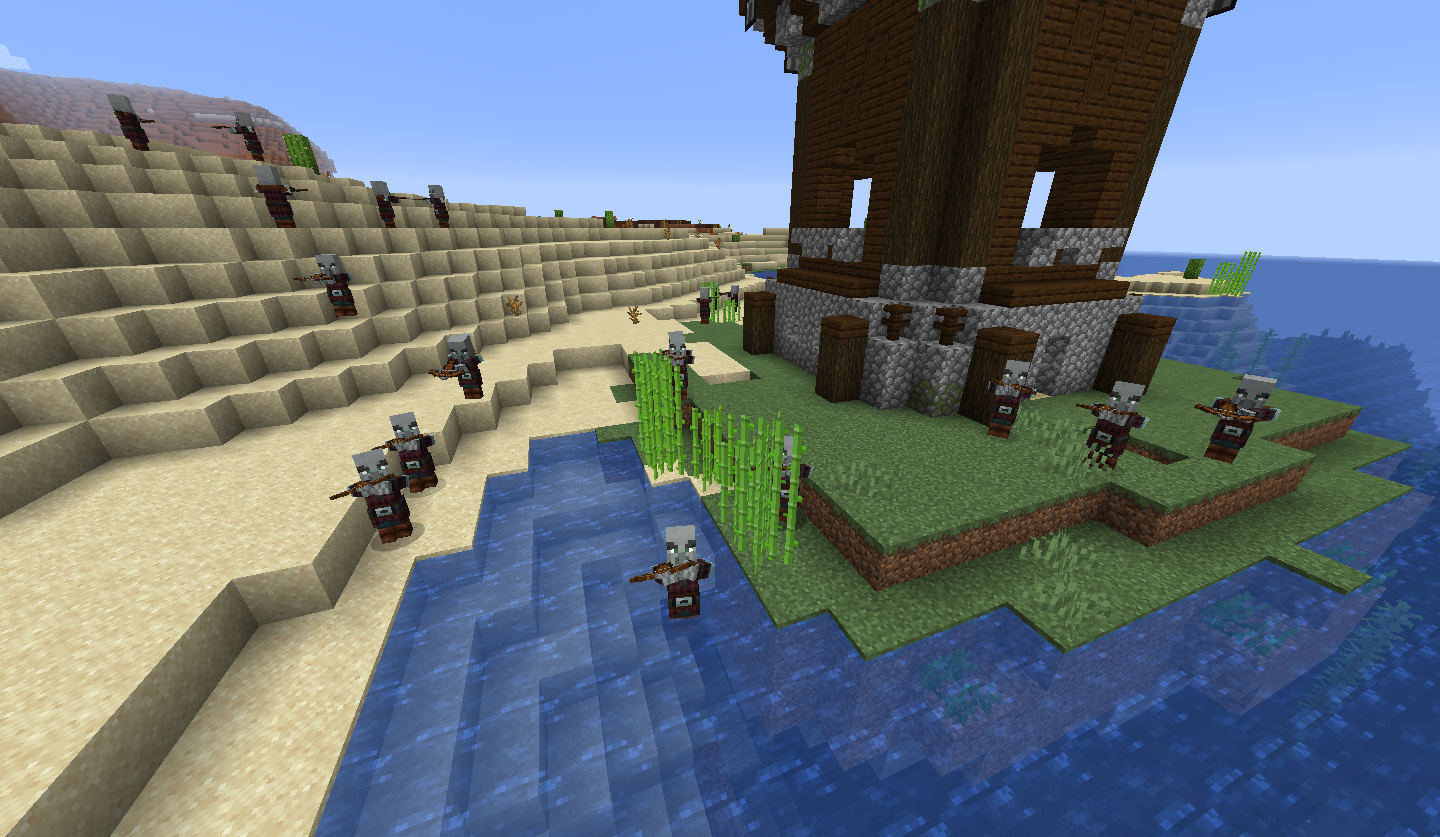
Pillager outposts spawn absurdlevels of pillagersPillager outposts spawn absurd amounts of pillagers
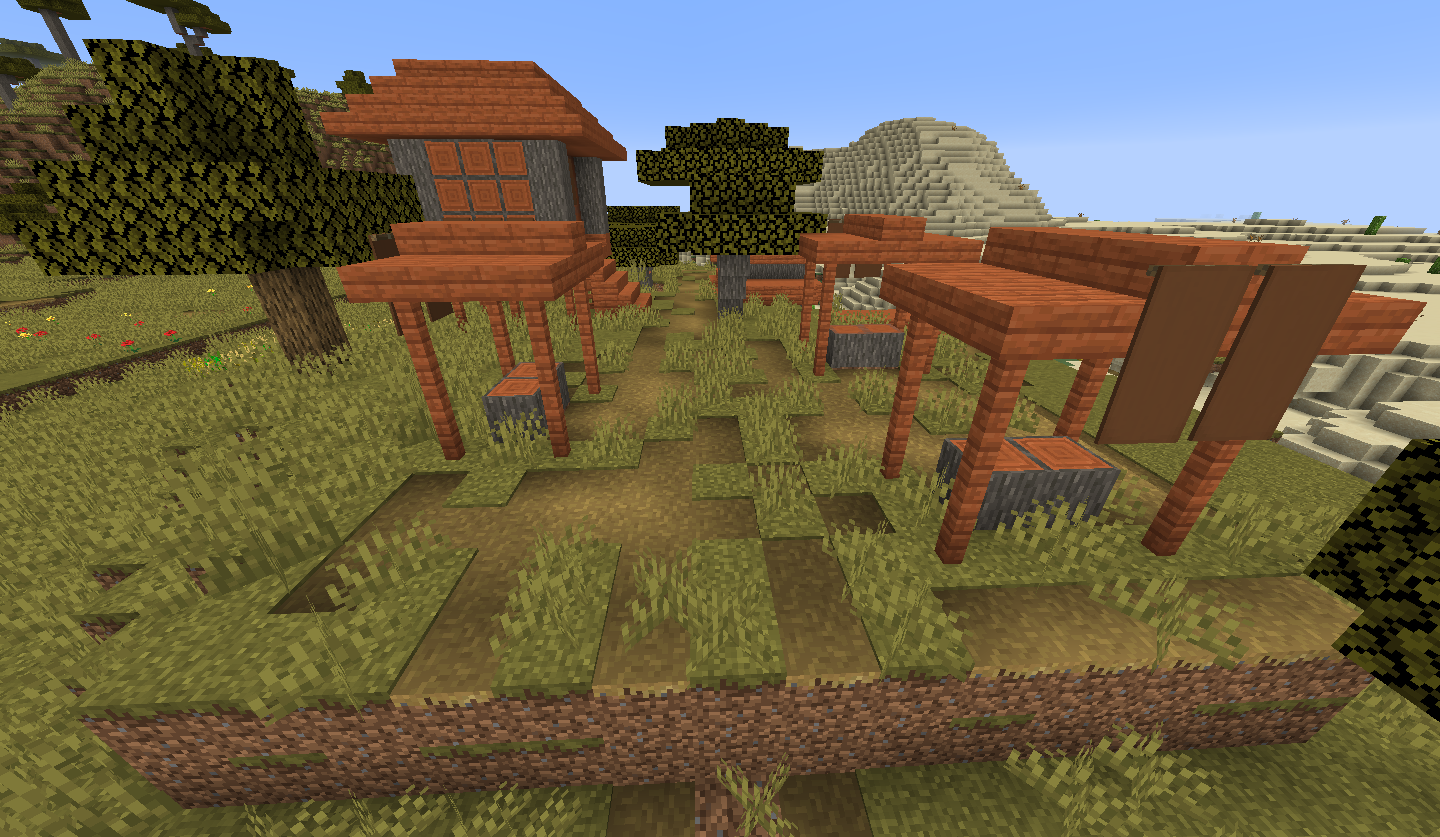
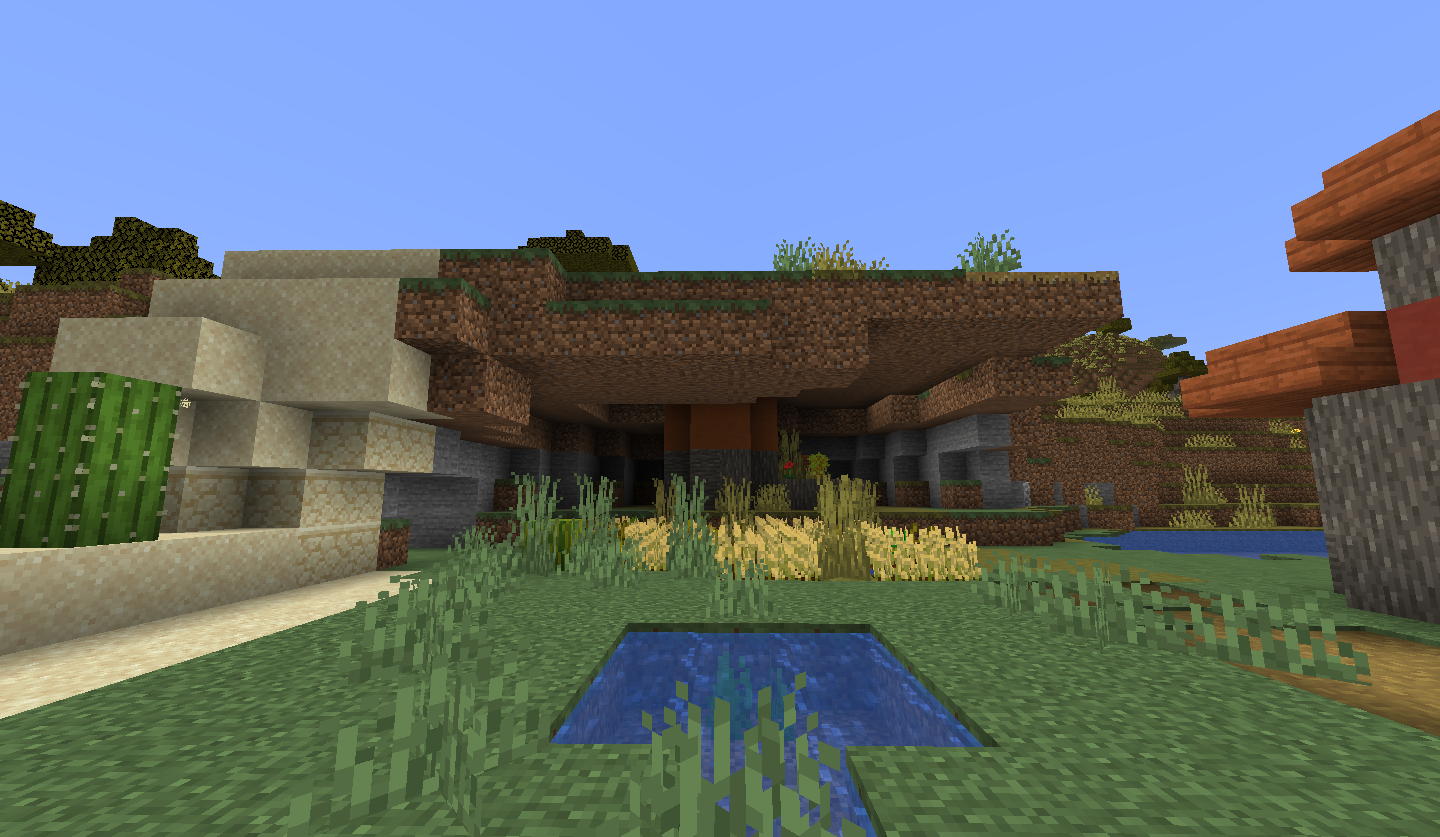
New pillager outpost structures leave holes in the ground nearbyPillager outpost structures leave holes in the ground nearby



Banners turn invisible when F3+A is done after blowing them upSome non-solid blocks turn invisible when F3+A is done after blowing them up
Banners disappear client-side in debug mode after being blown up.Some blocks disappear client-side in debug mode after being blown up.


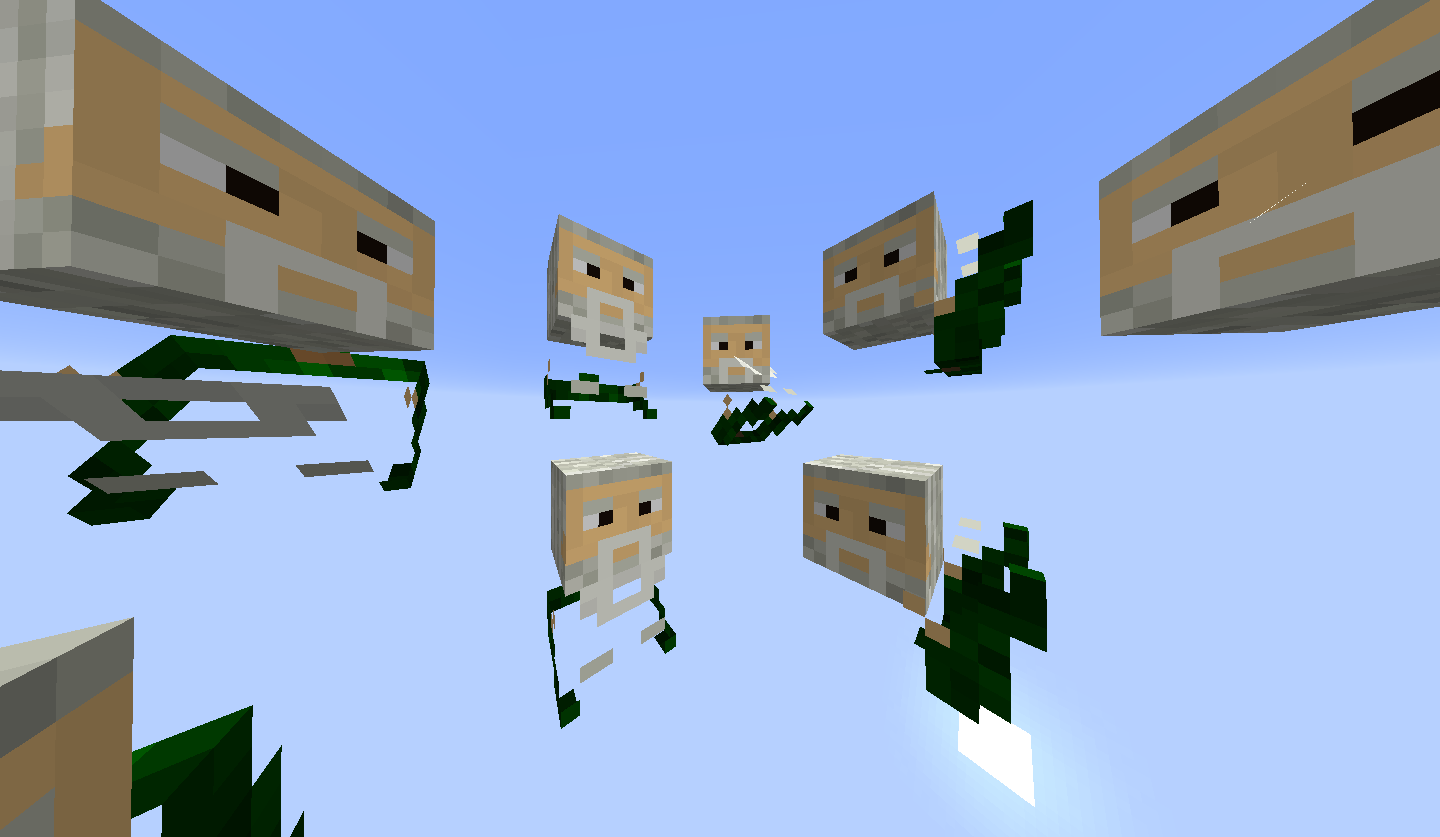
I was placing my custom player skull in a map and the hat layer was rotated across face. See the attached image – my skin has headphones on top of the head but the player skull displayed them on the side of my head and lower than where they should be.
/give @p player_head{SkullOwner:Nixinova}
I was placing my custom player skull in a map and the hat layer was rotated across face. See the attached image – my skin has headphones on top of the head but the player skull displayed them on the side of my head and lower than where they should be.
The hat layer is only displayed properly with the block state "rotation: 0".
{{/give @p player_head
{SkullOwner:Nixinova}}}
I was placing my custom player skull in a map and the hat layer was rotated across face. See the attached image – my skin has headphones on top of the head but the player skull displayed them on the side of my head and lower than where they should be.
The hat layer is only displayed properly with the block state "rotation: 0".
{{/give @p player_head
{SkullOwner:Nixinova}}}
I was placing my custom player skull in a map and the hat layer was rotated across face. See the attached image – my skin has headphones on top of the head but the player skull displayed them on the side of my head and lower than where they should be.
The hat layer is only displayed properly with the block state "rotation: 0".
/give @p player_head {SkullOwner:Nixinova}
I was placing my custom player skull in a map and the hat layer was rotated across face. See the attached image – my skin has headphones on top of the head but the player skull displayed them on the side of my head and lower than where they should be.
The hat layer is only displayed properly with the block state "rotation: 0".
/give @p player_head {SkullOwner:Nixinova}
I was placing my custom player skull in a map and the hat layer was rotated across face. The hat layer uses the wrong dimension to rotate around See the attached image – my skin has headphones on top of the head but the player skull displayed them on the side of my head and lower than where they should be.The hat layer is only displayed properly with the block state "rotation: 0".
{{/give @p player_head
{SkullOwner:Nixinova}}}
I was placing my custom player skull in a map and the hat layer was rotated across face. The hat layer uses the wrong dimension to rotate around
See the attached image – my skin has headphones on top of the head but the player skull displayed them on the side of my head and lower than where they should be.The hat layer is only displayed properly with the block state "rotation: 0".{{/give @p player_head
{SkullOwner:Nixinova}}}
I was placing my custom player skull in a map and the hat layer was rotated across my face. The hat layer uses the wrong dimension to rotate around: see the attached images – my skin has headphones on top of the head but the player skull displayed them on the side of my head and lower than where they should be.The hat layer is only displayed properly with the block state "rotation: 0".
{{/give @p player_head
{SkullOwner:Nixinova}}}
I was placing my custom player skull in a map and the hat layer was rotated across my face. The hat layer uses the wrong dimension to rotate around: see the attached images – my skin has headphones on top of the head but the player skull displayed them on the side of my head and lower than where they should be.The hat layer is only displayed properly with the block state "rotation: 0".
{{/give @p player_head
{SkullOwner:Nixinova}}}
I was placing my custom player skull in a map and the hat layer was rotated across my face. The hat layer uses the wrong dimension to rotate around: see the attached images – my skin has headphones on top of the head but the player skull displayed them on the side of my head and lower than where they should be.The hat layer is only displayed properly with the block state "rotation: 0".
/give @p player_head {SkullOwner:Nixinova}
I was placing my custom player skull in a map and the hat layer was rotated across my face. The hat layer uses the wrong dimension to rotate around: see the attached images – my skin has headphones on top of the head but the player skull displayed them on the side of my head and lower than where they should be.The hat layer is only displayed properly with the block state "rotation: 0".
/give @p player_head {SkullOwner:Nixinova}


When creating a map it shows a weird mash-up of images. One of the images contains the skin I used a month ago.

When creating a map it shows a weird mash-up of images for a few seconds before becoming normal. One of the images contains the skin I used a month ago.
Wolfs don't attack mobs you damage with a projectileWolves don't attack mobs you damage with a projectile
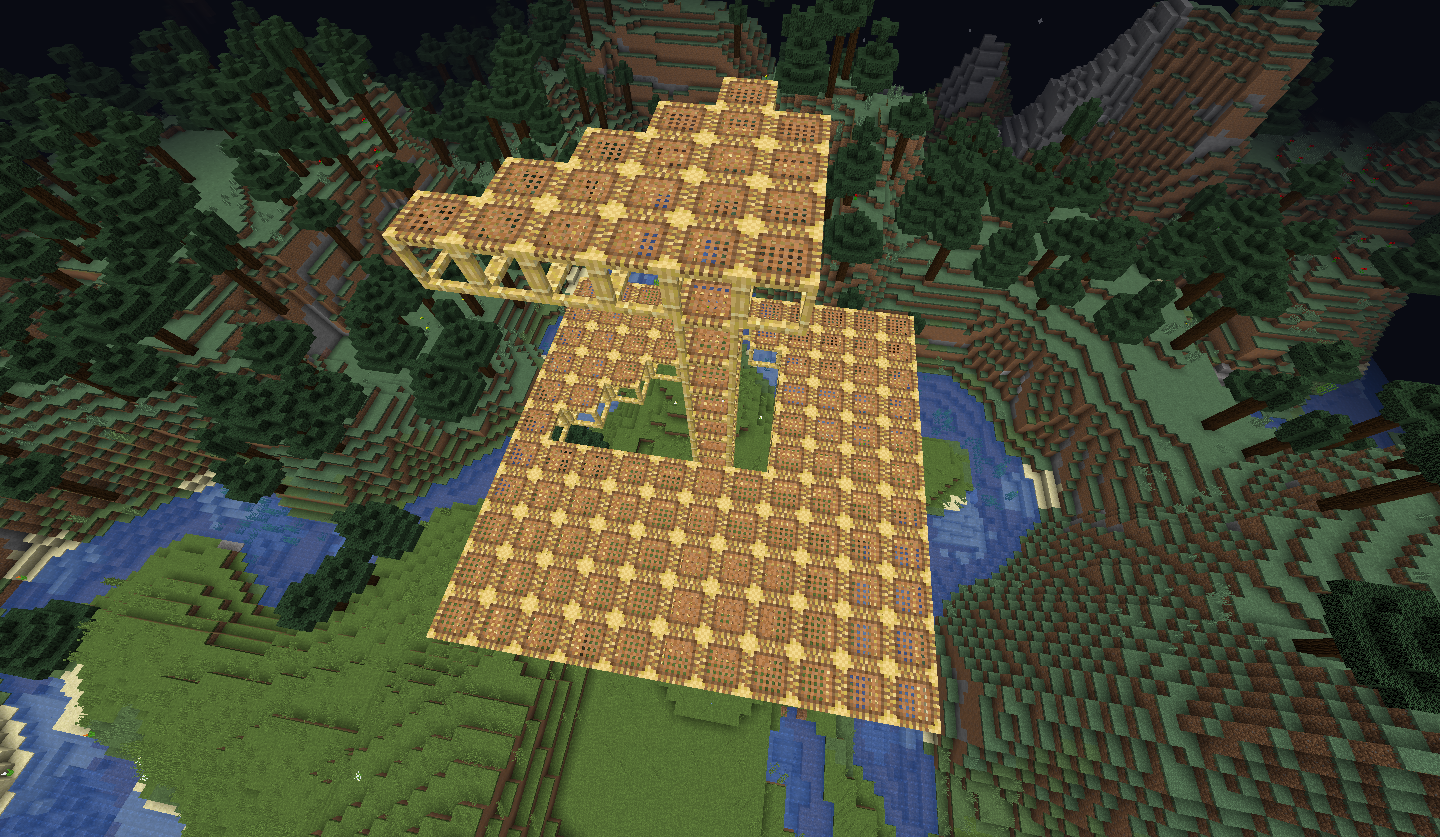
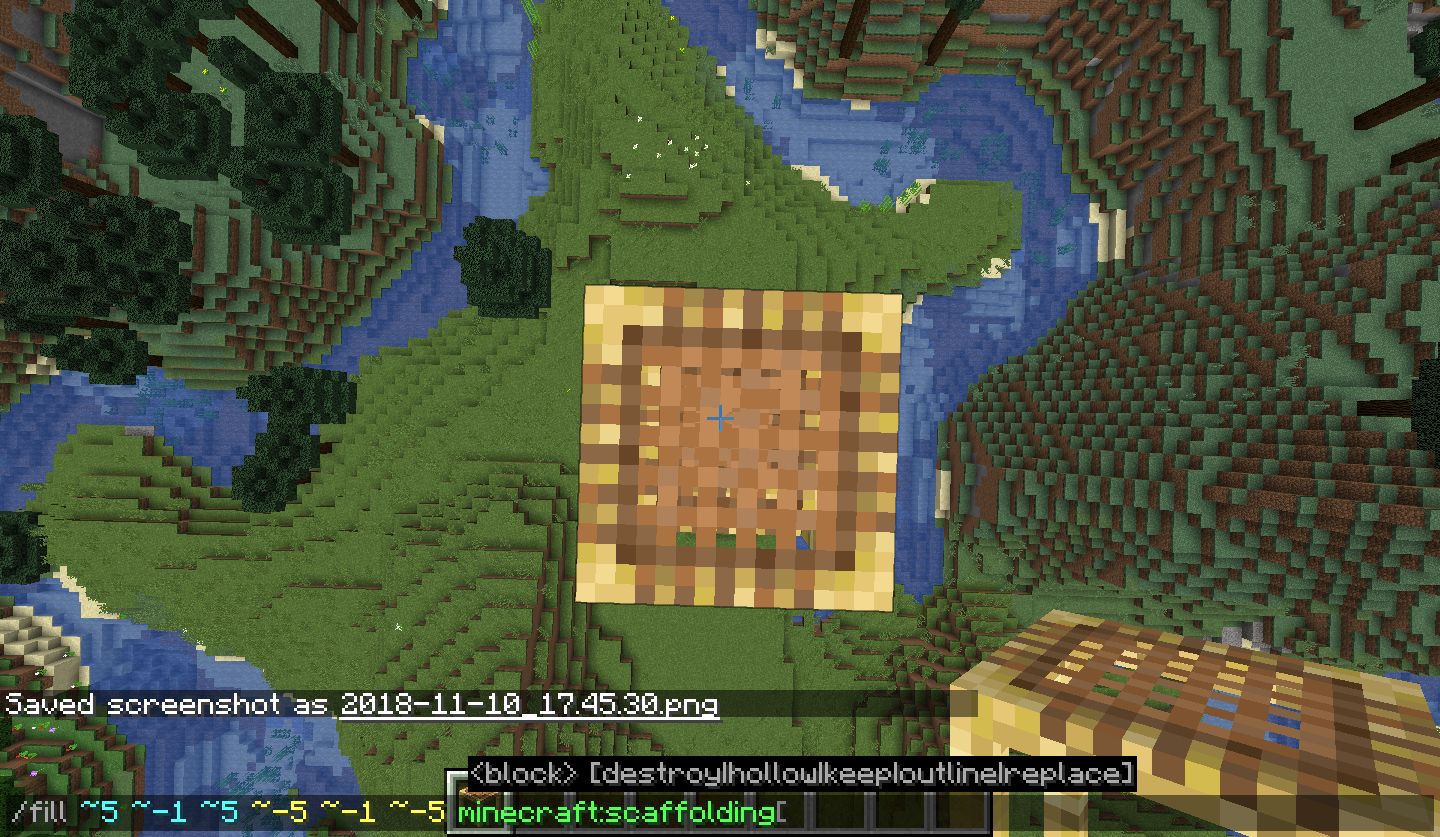
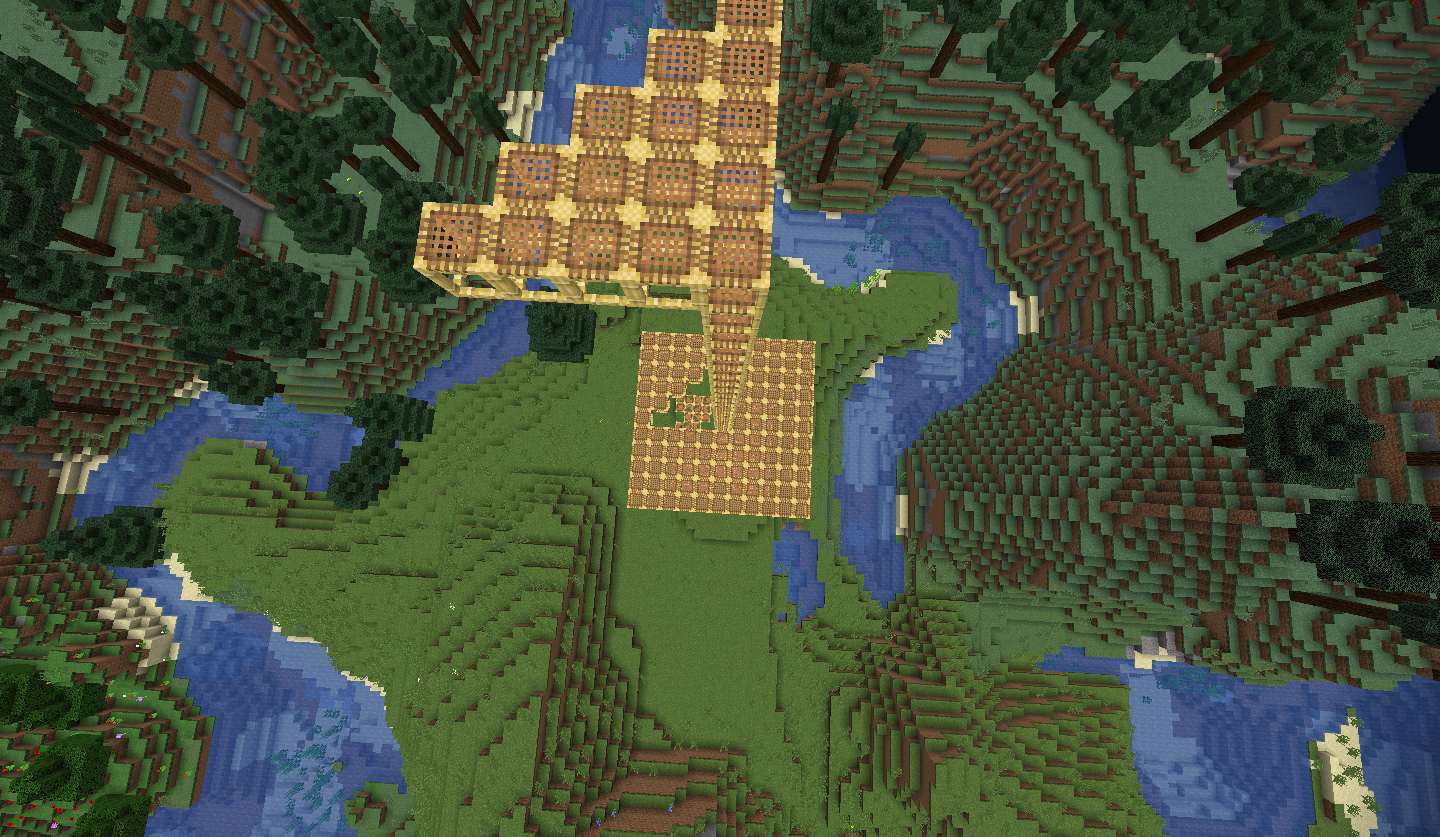
When building up from below scaffolding can go all the way up to block 255 but it then exhibits weird behaviour.
Video 1 is normal behaviour at y=254
Videos 2 and 3 are weird behaviour at y=255
When building up from below scaffolding can go all the way up to block 255 but it then exhibits weird behaviour.
Video 1 is normal behaviour at y=254 and videos 2 and 3 are weird behaviour at y=255
Starting from 19w11a, these ghost blocks create dark patches below where the scaffolding was placed and deleted.
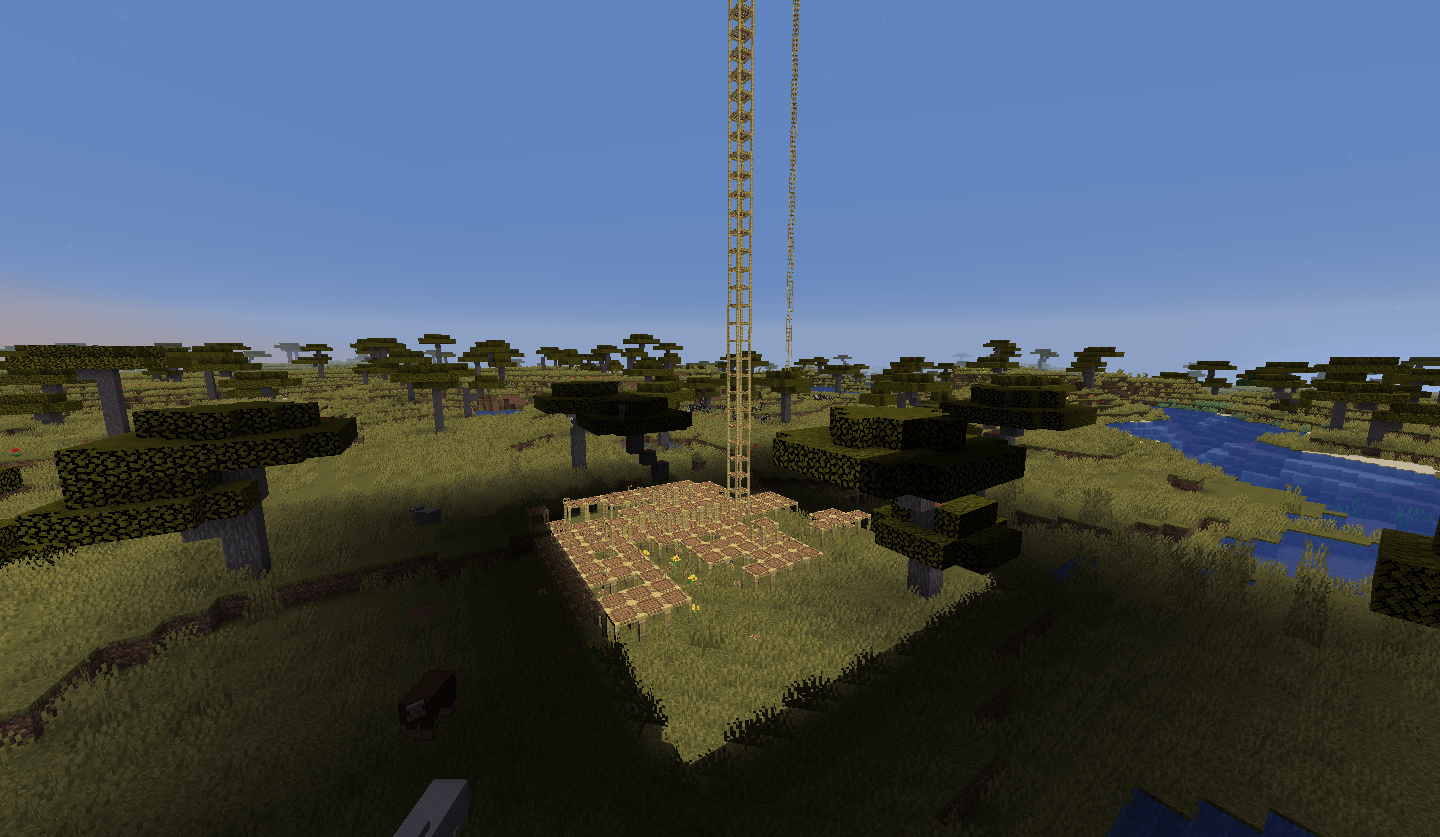

Weird scaffoldingbehaviourat height limitScaffolding creates ghost blocks at height limit
Scaffolding creates ghost blocks at the height limit
The bug
When building up from below scaffolding can go all the way up to block 255 but it then exhibits weird behaviour.
Examples
- Video 1 is normal behaviour at y=254 Minecraft 19w04b 27_01_2019 9_22_10 AM.mp4
- Videos 2 and 3 are weird behaviour at y=255 Minecraft 19w04b 27_01_2019 9_23_24 AM.mp4
Minecraft 19w04b 27_01_2019 9_24_01 AM.mp4
Additional information
Starting from 19w11a, these ghost blocks create dark patches below where the scaffolding was placed and deleted.
The bug
When building up from below scaffolding can go all the way up to block 255 but it then exhibits weird behaviour.
Examples
- Video 1 is normal behaviour at y=254 [^Minecraft 19w04b 27_01_2019 9_22_10 AM.mp4|Video 1]
- Videos 2 and 3 are weird behaviour at y=255 Minecraft 19w04b 27_01_2019 9_23_24 AM.mp4
Additional information
Starting from 19w11a, these ghost blocks create dark patches below where the scaffolding was placed and deleted.
The bug
When building up from below scaffolding can go all the way up to block 255 but it then exhibits weird behaviour.
Examples
- Video 1 is normal behaviour at y=254 [^Minecraft 19w04b 27_01_2019 9_22_10 AM.mp4|Video 1]
- Videos 2 and 3 are weird behaviour at y=255 Minecraft 19w04b 27_01_2019 9_23_24 AM.mp4
Additional information
Starting from 19w11a, these ghost blocks create dark patches below where the scaffolding was placed and deleted.
The bug
When building up from below scaffolding can go all the way up to block 255 but it then exhibits weird behaviour.
Examples
- Video 1 is normal behaviour at y=254 Minecraft 19w04b 27_01_2019 9_22_10 AM.mp4
- Videos 2 and 3 are weird behaviour at y=255 Minecraft 19w04b 27_01_2019 9_23_24 AM.mp4
Additional information
Starting from 19w11a, these ghost blocks create dark patches below where the scaffolding was placed and deleted.
Using /help outputs nothing into the chat nor the log file. Putting something random after /help (/help something) outputs "Unknown command or insufficient permissions."
I have a system set up in a building that teleports away any mobs that spawn inside it as I dont want weird lighting systems in it but the naturally spawned mobs will walk back over to the building for some reason. If you block their path they will just stay there. It is quite hard to reproduce it.
Video of this happening: https://youtu.be/1iZOoOmTjBE
I have a system set up in a building that teleports away any mobs that spawn inside it as I dont want weird lighting systems in it but the naturally spawned mobs will walk back over to the building for some reason. If you block their path they will just stay there. It is quite hard to reproduce it.
Video of this happening: https://youtu.be/1iZOoOmTjBE
Somewhat reproducing the bug: https://youtu.be/1iZOoOmTjBE
I have a system set up in a building that teleports away any mobs that spawn inside it as I dont want weird lighting systems in it but the naturally spawned mobs will walk back over to the building for some reason. If you block their path they will just stay there. It is quite hard to reproduce it.
Video of this happening:
https://youtu.be/1iZOoOmTjBESomewhat reproducing the bug: https://youtu.be/1iZOoOmTjBE
I have a system set up in a building that teleports away any mobs that spawn inside it as I dont want weird lighting systems in it but the naturally spawned mobs will walk back over to the building for some reason. If you block their path they will just stay there. It is quite hard to reproduce it.
Video of this happening: https://youtu.be/MSxZZAcP5q4
Somewhat reproducing the bug: https://youtu.be/1iZOoOmTjBE
I have a system set up in a building that teleports away any mobs that spawn inside it as I dont want weird lighting systems in it but the naturally spawned mobs will walk back over to the building for some reason. If you block their path they will just stay there. It is quite hard to reproduce it.
Video of this happening: https://youtu.be/MSxZZAcP5q4
Somewhat reproducing the bug:
https://youtu.be/1iZOoOmTjBEI have a system set up in a building that teleports away any mobs that spawn inside it as I dont want weird lighting systems in it but the naturally spawned mobs will walk back over to the building for some reason. If you block their path they will just stay there. It is quite hard to reproduce it.
Video of this happening: https://youtu.be/MSxZZAcP5q4
Somewhat reproducing the bug: https://youtu.be/rKRA9cnjCXk
I have a system set up in a building that teleports away any mobs that spawn inside it as I dont want weird lighting systems in it but the naturally spawned mobs will walk back over to the building for some reason. If you block their path they will just stay there. It is quite hard to reproduce it.
Video of this happening: https://youtu.be/MSxZZAcP5q4
Somewhat reproducing the bug: https://youtu.be/rKRA9cnjCXk
I have a system set up in a building that teleports away any mobs that spawn inside it as I dont want weird lighting systems in it but mobs will walk back over to the building for some reason. If you block their path they will just stay there. It is quite hard to reproduce it.
Video of this happening: https://youtu.be/MSxZZAcP5q4
Somewhat reproducing the bug: https://youtu.be/rKRA9cnjCXk
I have a system set up in a building that teleports away any mobs that spawn inside it as I dont want weird lighting systems in it but mobs will walk back over to the building for some reason. If you block their path they will just stay there. It is quite hard to reproduce it.
Video of this happening: https://youtu.be/MSxZZAcP5q4
Somewhat reproducing the bug: https://youtu.be/rKRA9cnjCXk
I have a system set up in a building that teleports away any mobs that spawn inside it as I dont want weird lighting systems in it but mobs will walk back over to the building for some reason. If you block their path they will just stay there. It is quite hard to reproduce it.
Video of this happening: https://youtu.be/MSxZZAcP5q4
Somewhat reproducing the bug: https://youtu.be/rKRA9cnjCXkAfter further analysis, just teleporting a mob while it is trying to pathfind to a position will make it try to go in a straight line directly pack to where it was going to, and then continue on as normal if it reaches that spot


I have a system set up in a building that teleports away any mobs that spawn inside it as I dont want weird lighting systems in it but mobs will walk back over to the building for some reason. If you block their path they will just stay there. It is quite hard to reproduce it.
Video of this happening: https://youtu.be/MSxZZAcP5q4
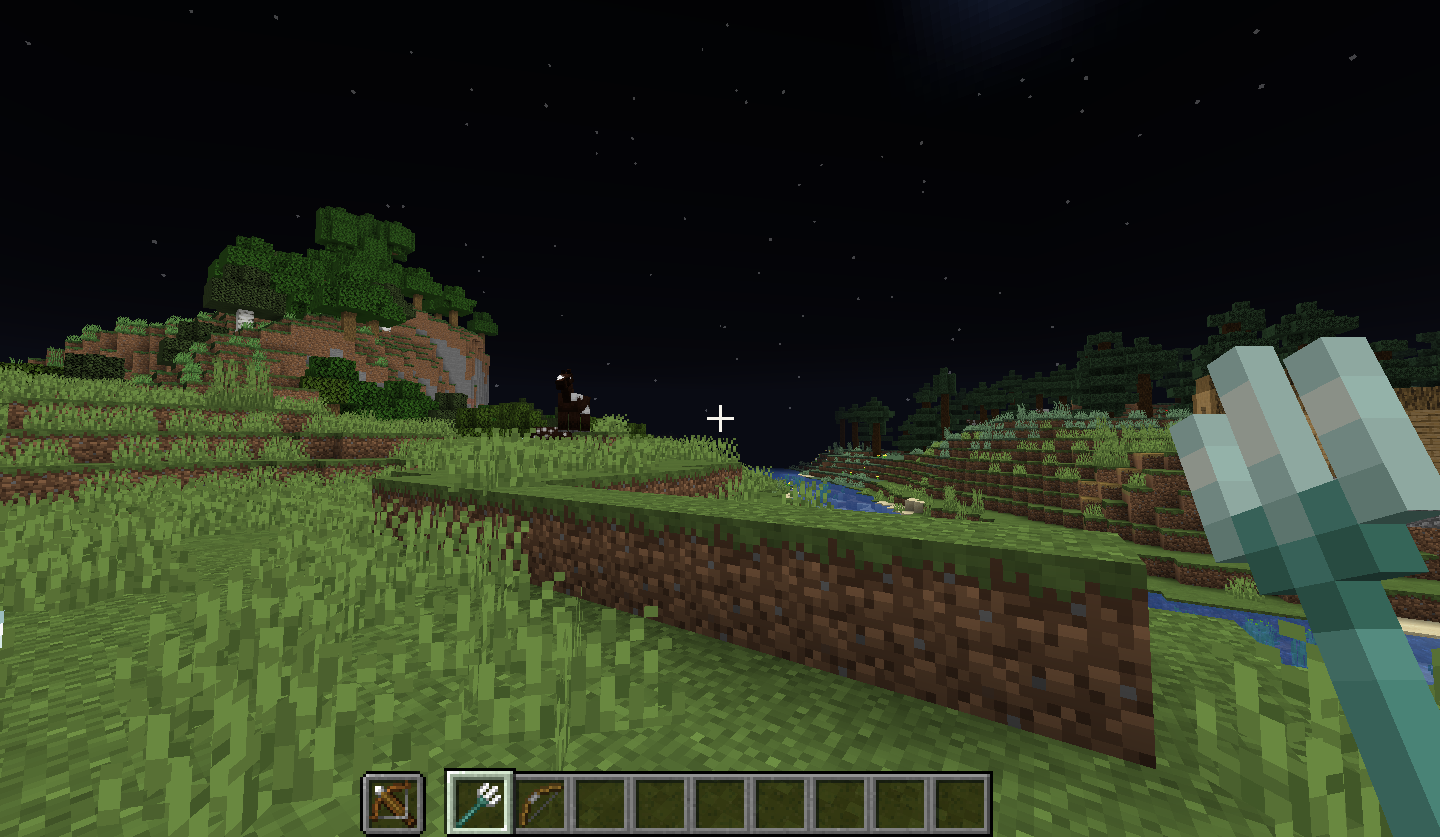
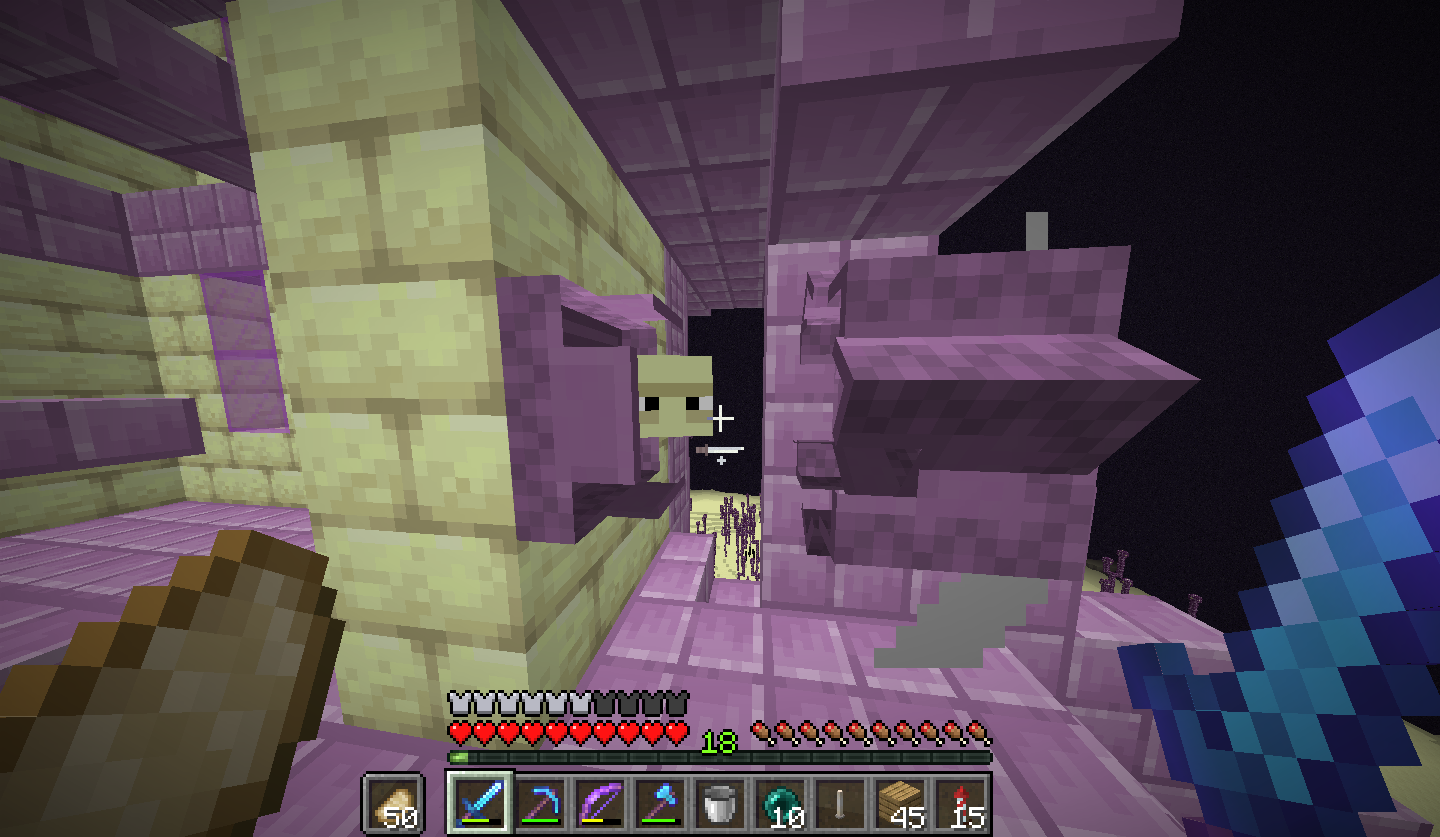
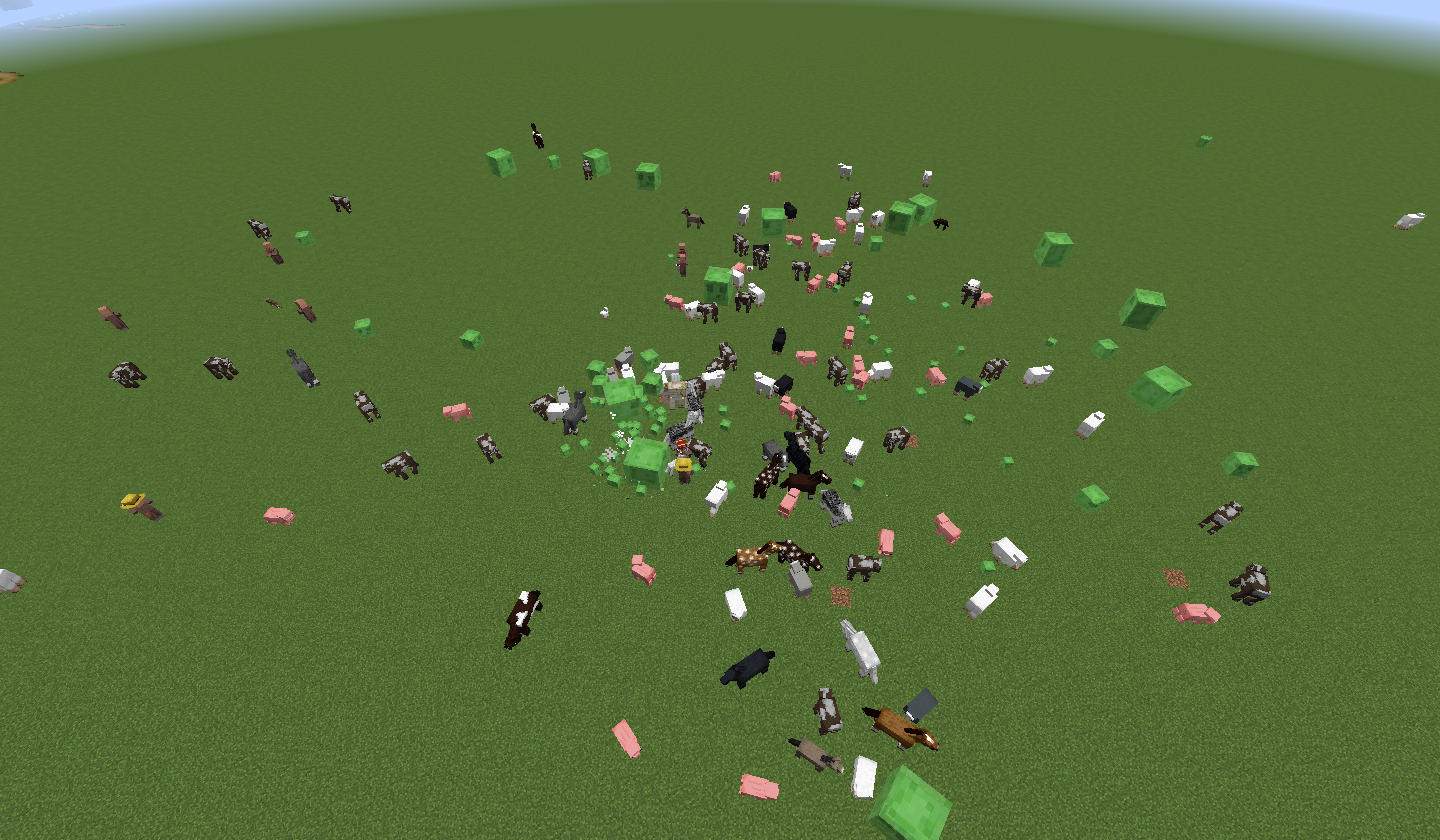
Somewhat reproducing the bug: https://youtu.be/rKRA9cnjCXkAfter further analysis, just teleporting a mob while it is trying to pathfind to a position will make it try to go in a straight line directly pack to where it was going to, and then continue on as normal if it reaches that spot. If the spot they are pathfinding to is above them they will just jump and spin when they get to the X/Z coordinates. (Image 4)

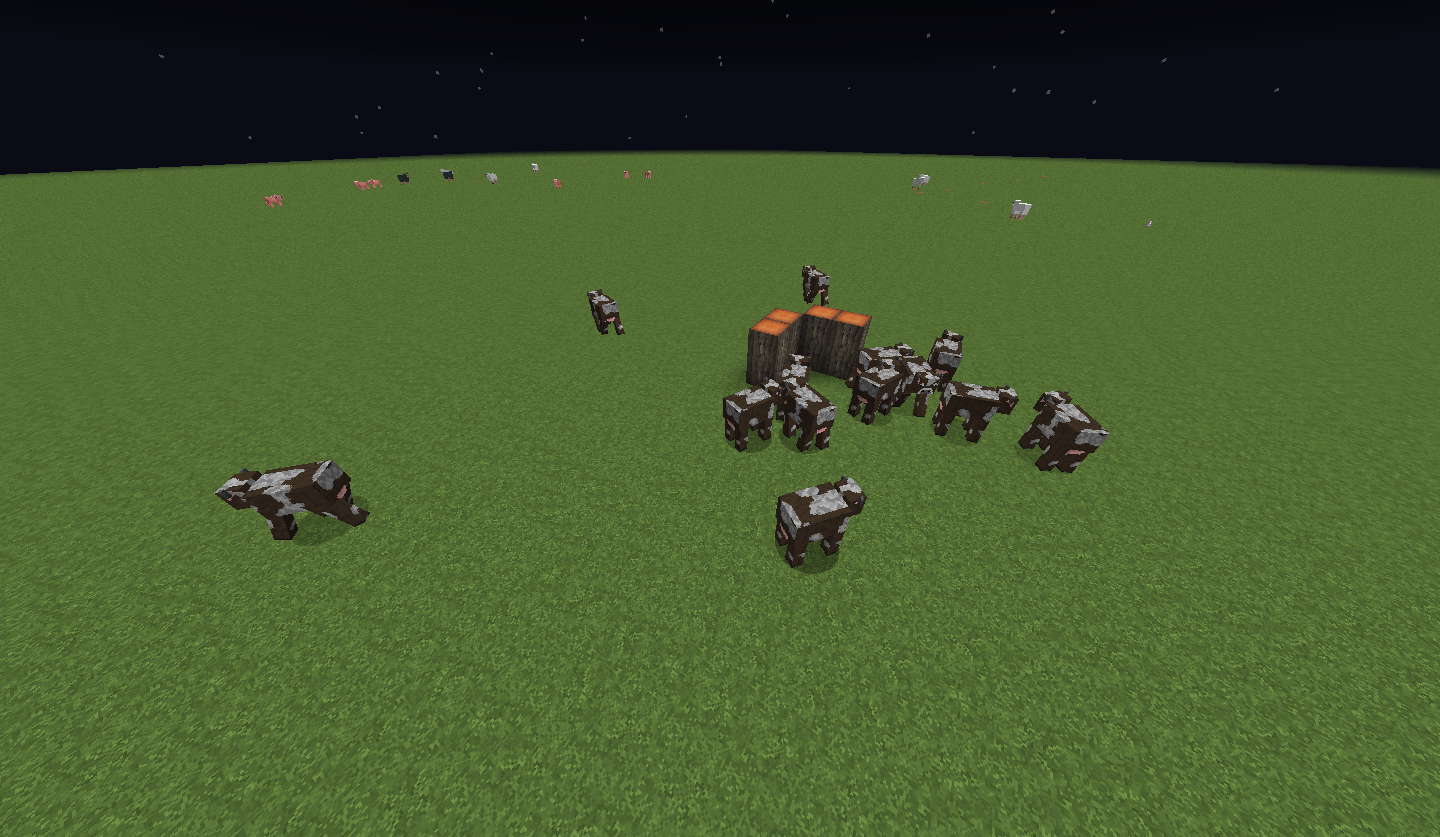
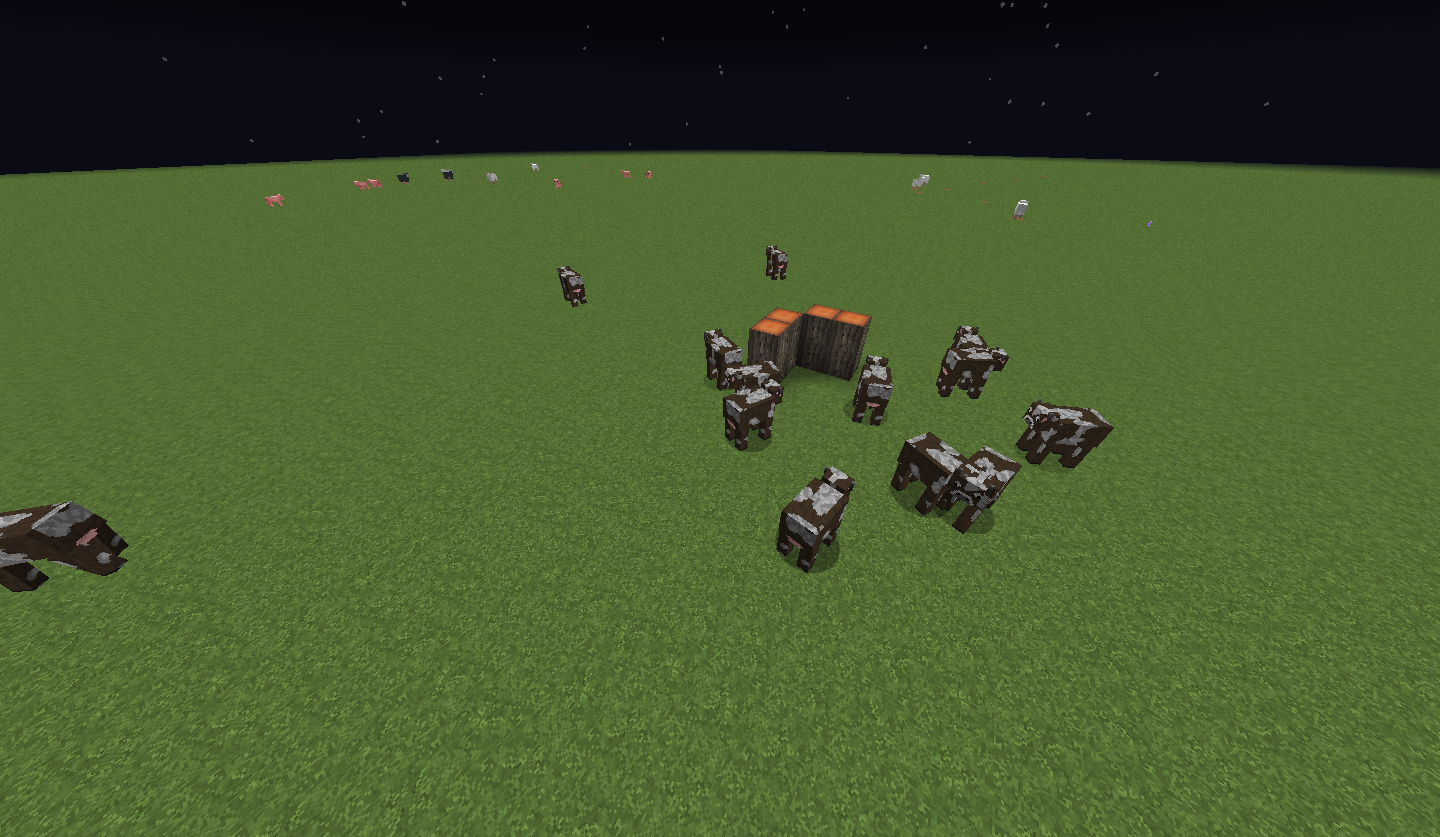
Teleporting a mob while it is pathfinding will make it navigate back to where it was originally going
I have a system set upin abuilding that teleports away any mobs that spawn inside it as I dont want weird lighting systems in it but mobs will walk back over to the building for some reason. If you block their path they will just stay there. It is quite hard to reproduce it.Video of this happening: https://youtu.be/MSxZZAcP5q4
Somewhat reproducing the bug: https://youtu.be/rKRA9cnjCXkAfter further analysis, just teleporting a mob while it is trying to pathfind to a position will make it try to go in a straight line directly pack to where it was going to, and then continue on as normal if it reaches that spot. If the spot they are pathfinding to is above them they will just jump and spin when they get to the X/Z coordinates. (Image 4)
The bug
Teleporting a mob while it is trying to pathfind to a position will make it try to go in a straight line directly pack to where it was going to, and then continue on as normal if it reaches that spot. If the spot they are pathfinding to is above them they will just jump and spin when they get to the X/Z coordinates. (Image 4)
Video of this happening: https://youtu.be/MSxZZAcP5q4
Somewhat reproducing the bug: https://youtu.be/rKRA9cnjCXkHow to reproduce
- Make a new creative world
- Spawn a bunch of e.g. creepers
- Fly away then type /tp @e[type=creeper] @s
- Watch the mobs carefully as they travel in straight lines to where they were trying to travel to originally.
The bug
Teleporting a mob while it is trying to pathfind to a position will make it try to go in a straight line directly pack to where it was going to, and then continue on as normal if it reaches that spot. If the spot they are pathfinding to is above them they will just jump and spin when they get to the X/Z coordinates. (Image 4)
Video of this happening: https://youtu.be/MSxZZAcP5q4
Somewhat reproducing the bug: https://youtu.be/rKRA9cnjCXkHow to reproduce
- Make a new creative world
- Spawn a bunch of e.g. creepers
- Fly away then type /tp @e[type=creeper] @s
- Watch the mobs carefully as they travel in straight lines to where they were trying to travel to originally.
Or,
- Make a new superflat world
- Set it to night
- Type /tp @e @p and watch the mobs carefully
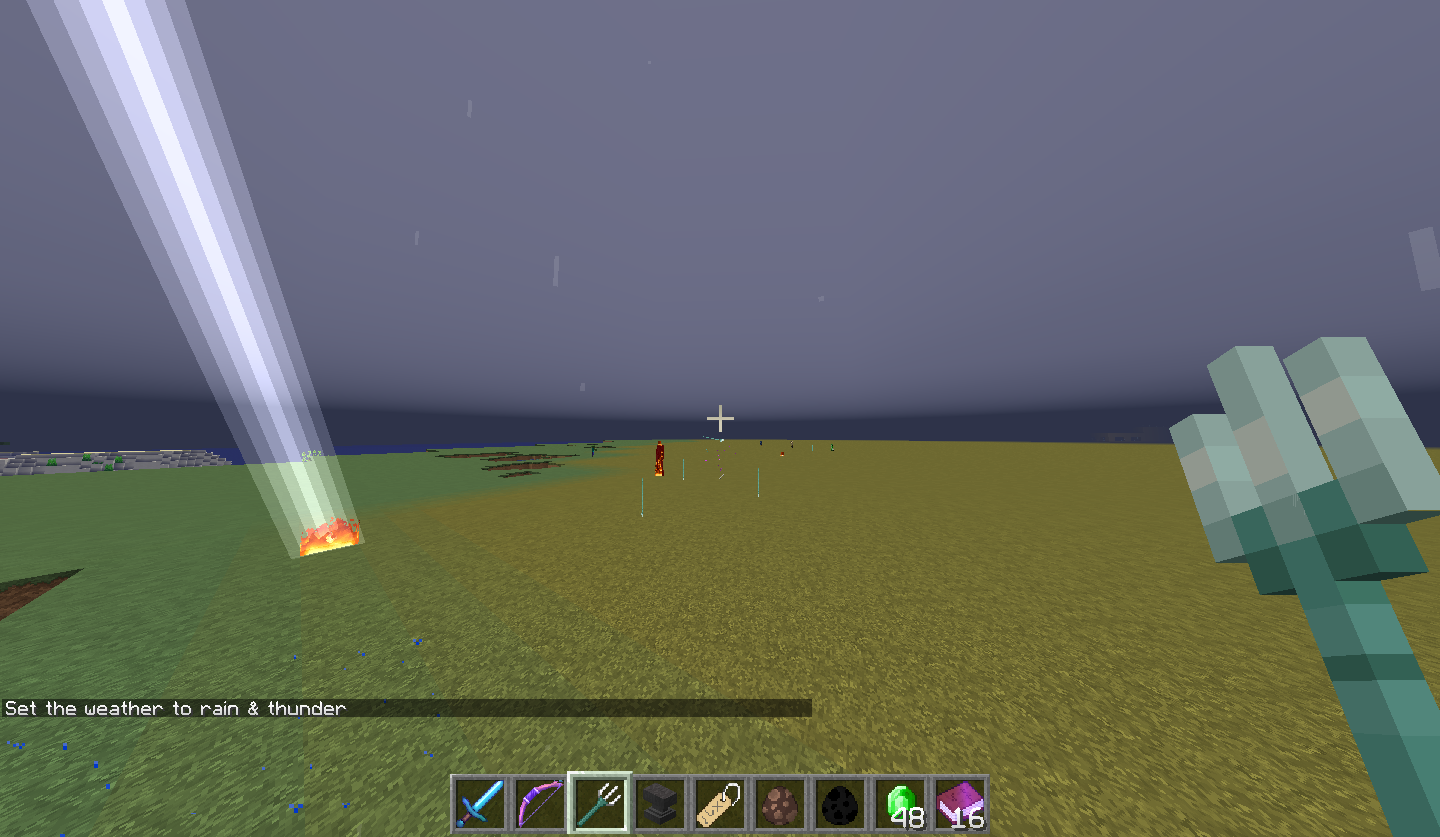
Falling blocks will break all layers of snow including when it is stacked to 1 block cubed. In the image, the snow block on the left is stacked snow layers and on the right is a solid snow block. What I expected to happen was that the falling block would treat the stacked snow layers as a full solid block, but it does not.
Leather horse armour has inconsistent texture
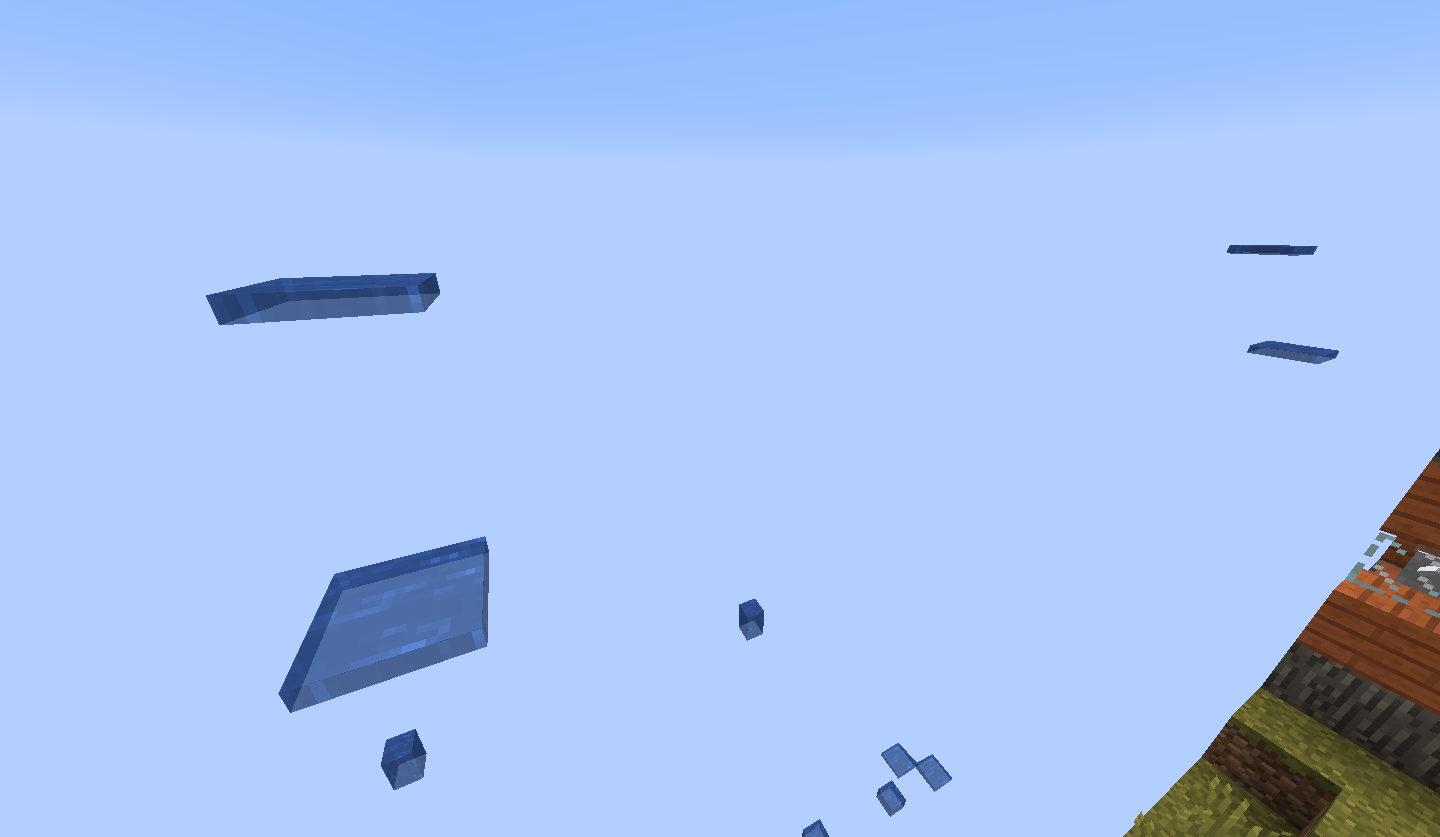
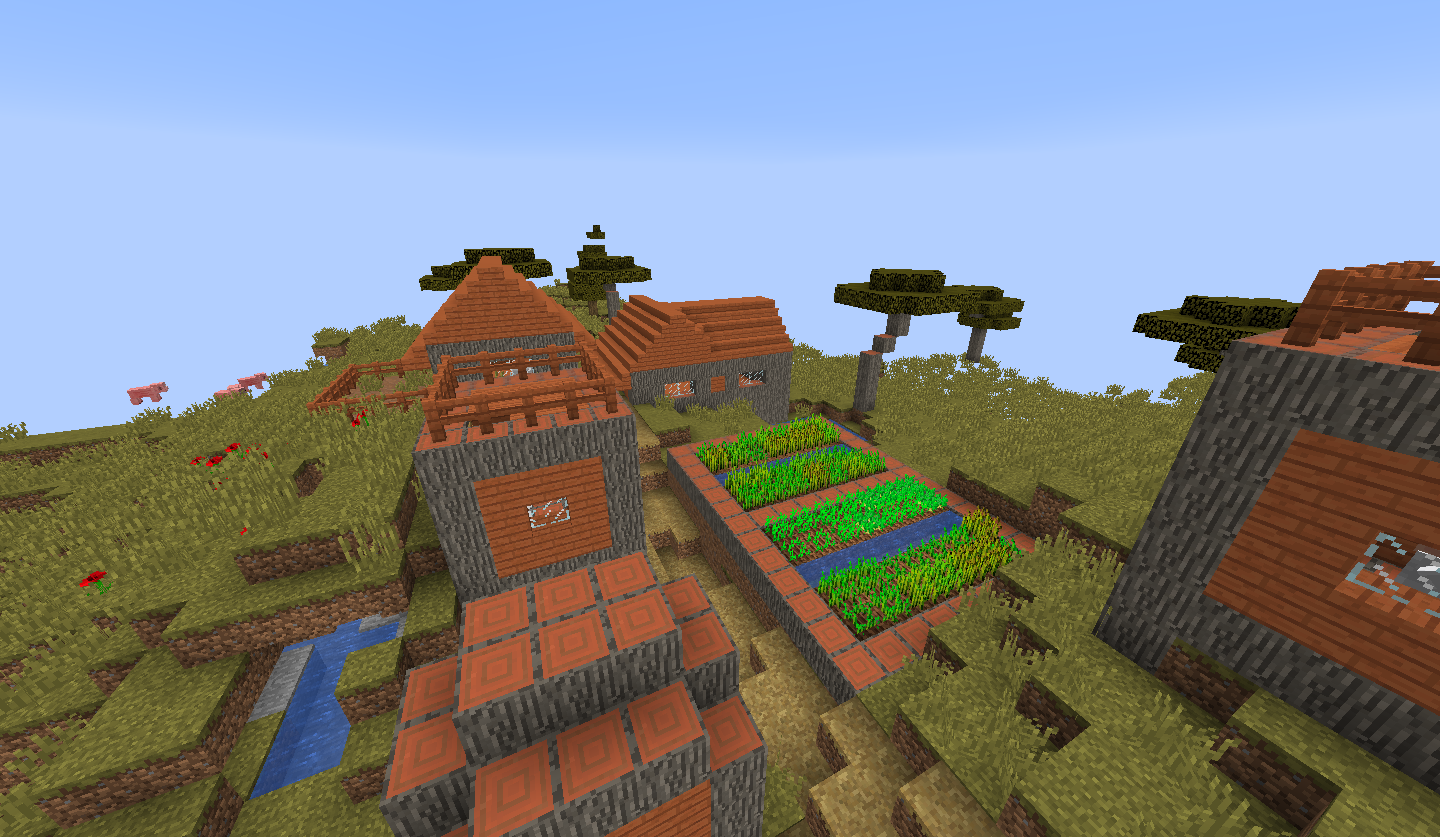
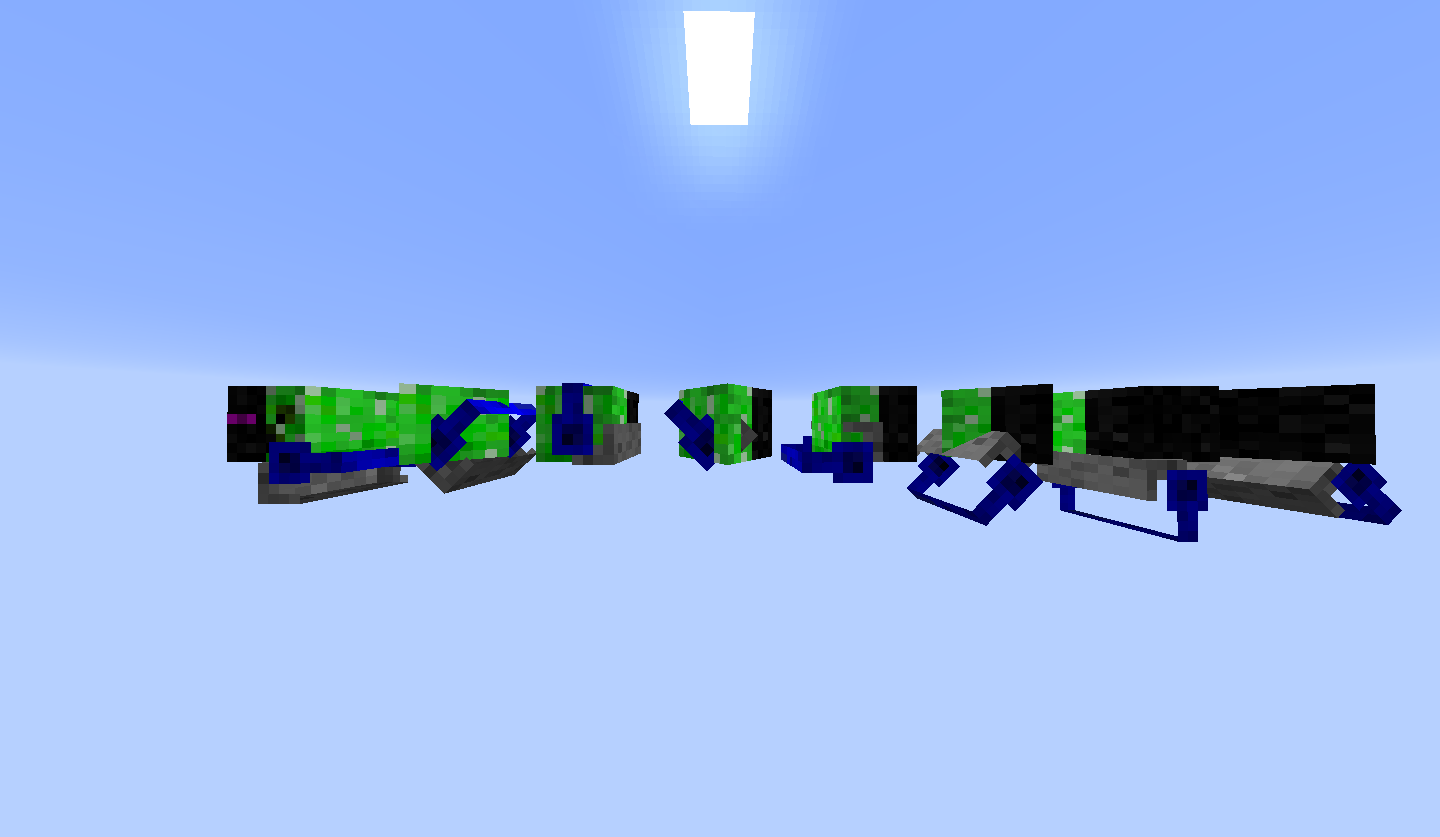
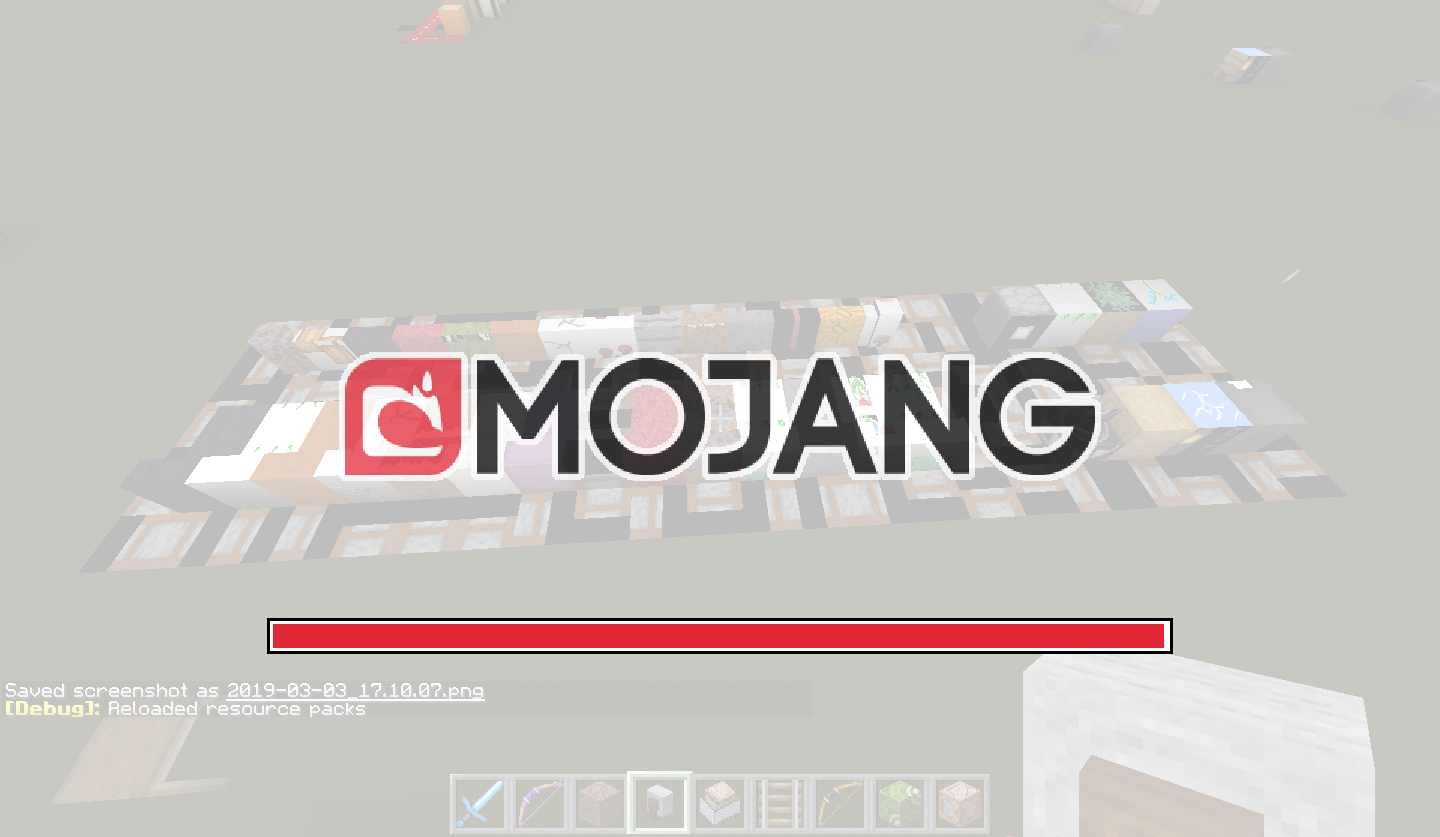
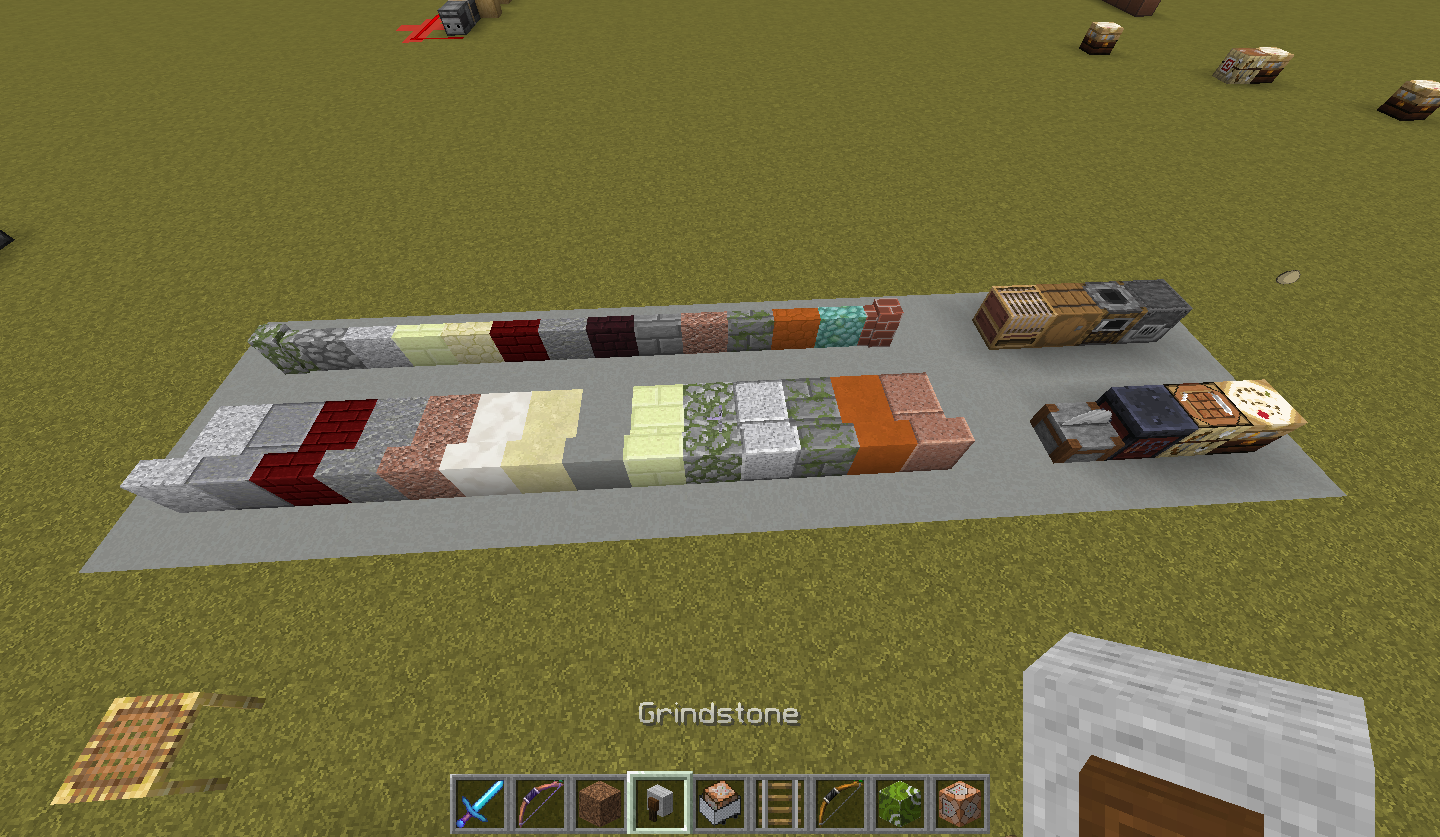
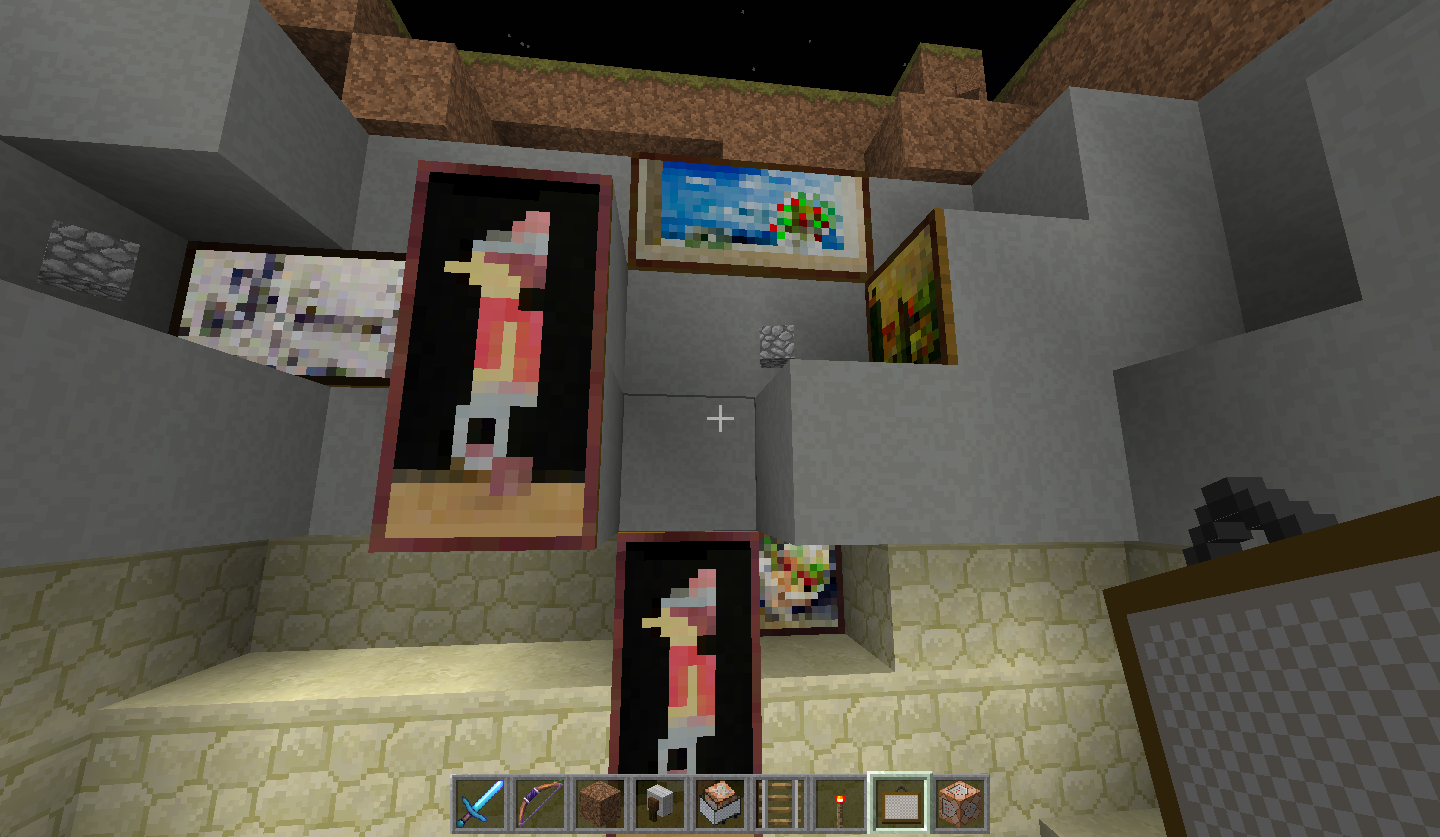
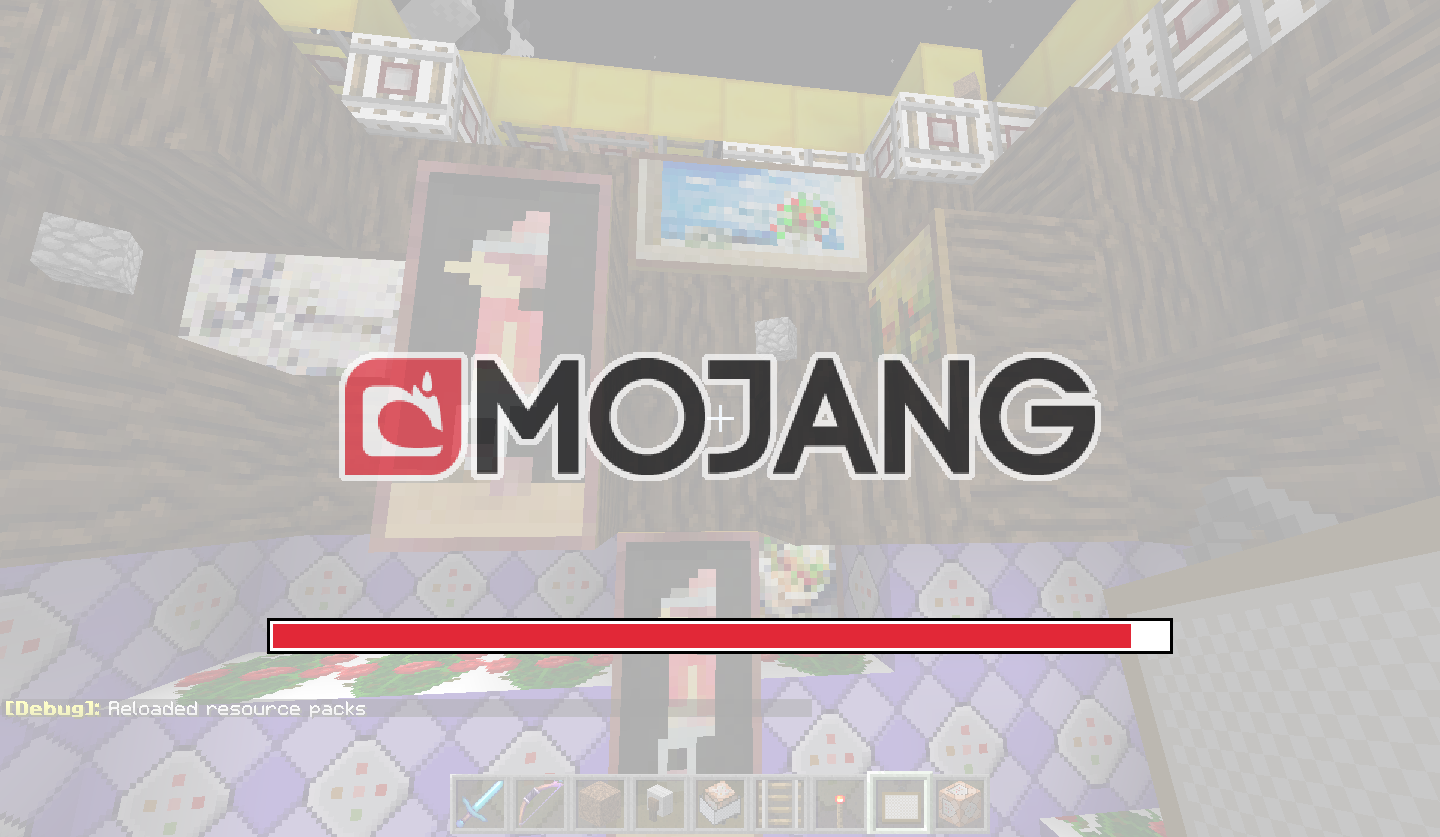
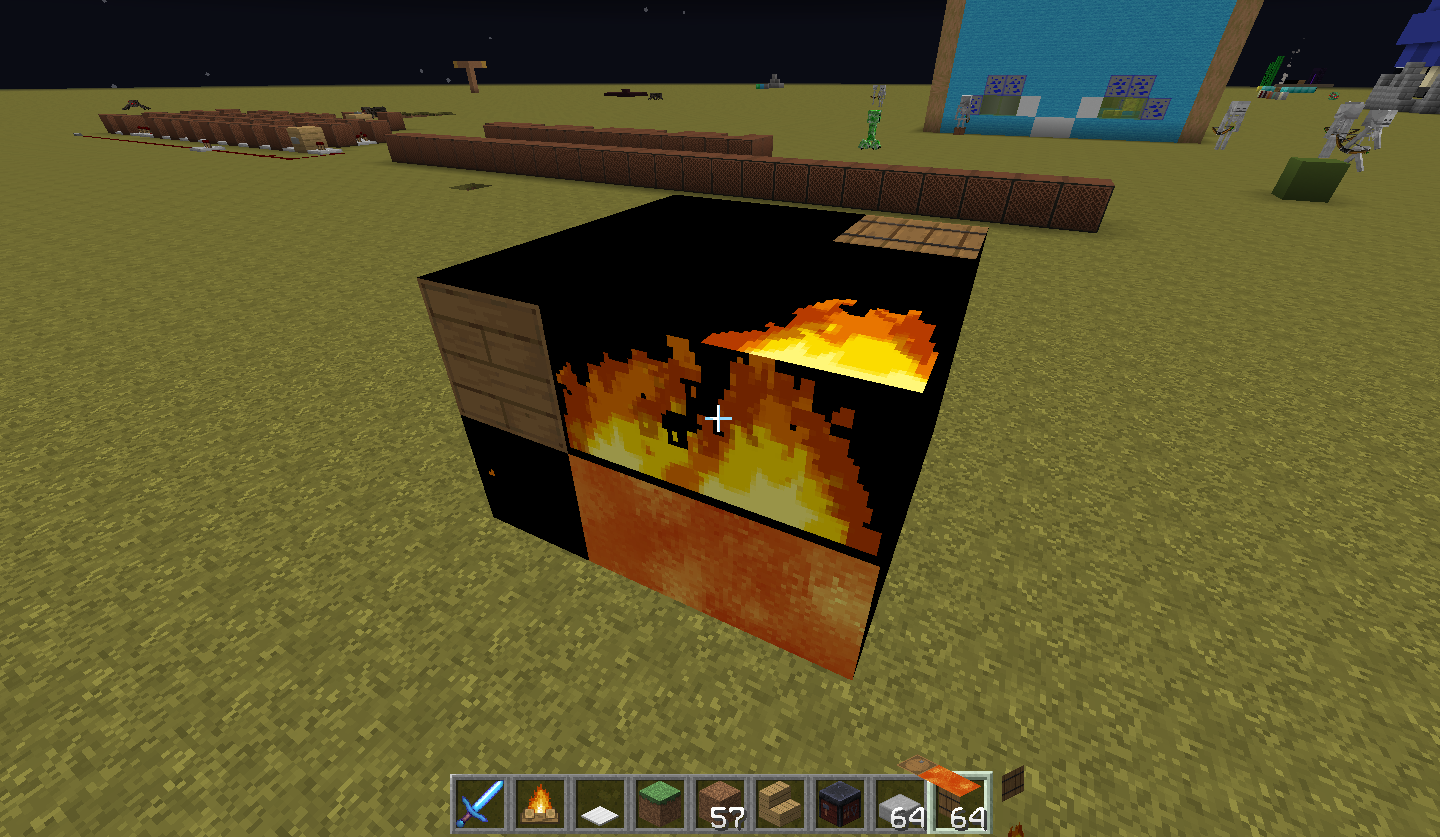
I went to reload resource pack and got a really weird image for one frame near the end of the loading bar. The textures seem to have gotten messed up and attached to the wrong blocks. Grass turned into green glazed terracotta and stone turned into blue. I don't even know what the scaffolding turned into.
The bugged textures use textures from my resource pack; they aren't the default textures.It returns to normal once the Mojang logo is gone.
I went to reload resource pack and got a really weird image for one frame near the end of the loading bar. The textures seem to have gotten messed up and attached to the wrong blocks. Grass turned into green glazed terracotta and stone turned into blue. I don't even know what the scaffolding turned into. It returns to normal once the Mojang logo is gone.
Edit: It seems to be reproducible as it happened to be again. Entities don't seem to be affected by this.
I went to reload resource pack and got a really weird image for one frame near the end of the loading bar. The textures seem to have gotten messed up and attached to the wrong blocks. Grass turned into green glazed terracotta and stone turned into blue. I don't even know what the scaffolding turned into. It returns to normal once the Mojang logo is gone.
Edit: It seems to be reproducible as it happened to be again. Entities don't seem to be affected by this. Item textures are also able to be loaded by this bug.
I went to reload resource pack and got a really weird image for one frame near the end of the loading bar. The textures seem to have gotten messed up and attached to the wrong blocks. Grass turned into green glazed terracotta and stone turned into blue. I don't even know what the scaffolding turned into. It returns to normal once the Mojang logo is gone.
Edit:It seems to be reproducibleas it happened to be again. Entitiesdon't seem to be affected by this. Item textures are also able to be loaded by this bug.I went to reload resource pack and got a really weird image for one frame near the end of the loading bar. The textures seem to have gotten messed up and attached to the wrong blocks. Grass turned into green glazed terracotta and stone turned into blue. I don't even know what the scaffolding turned into. It returns to normal once the Mojang logo is gone.
It seems to be reproducible. Entities (including pantings) don't seem to be affected by this. Item textures are also able to be loaded by this bug.
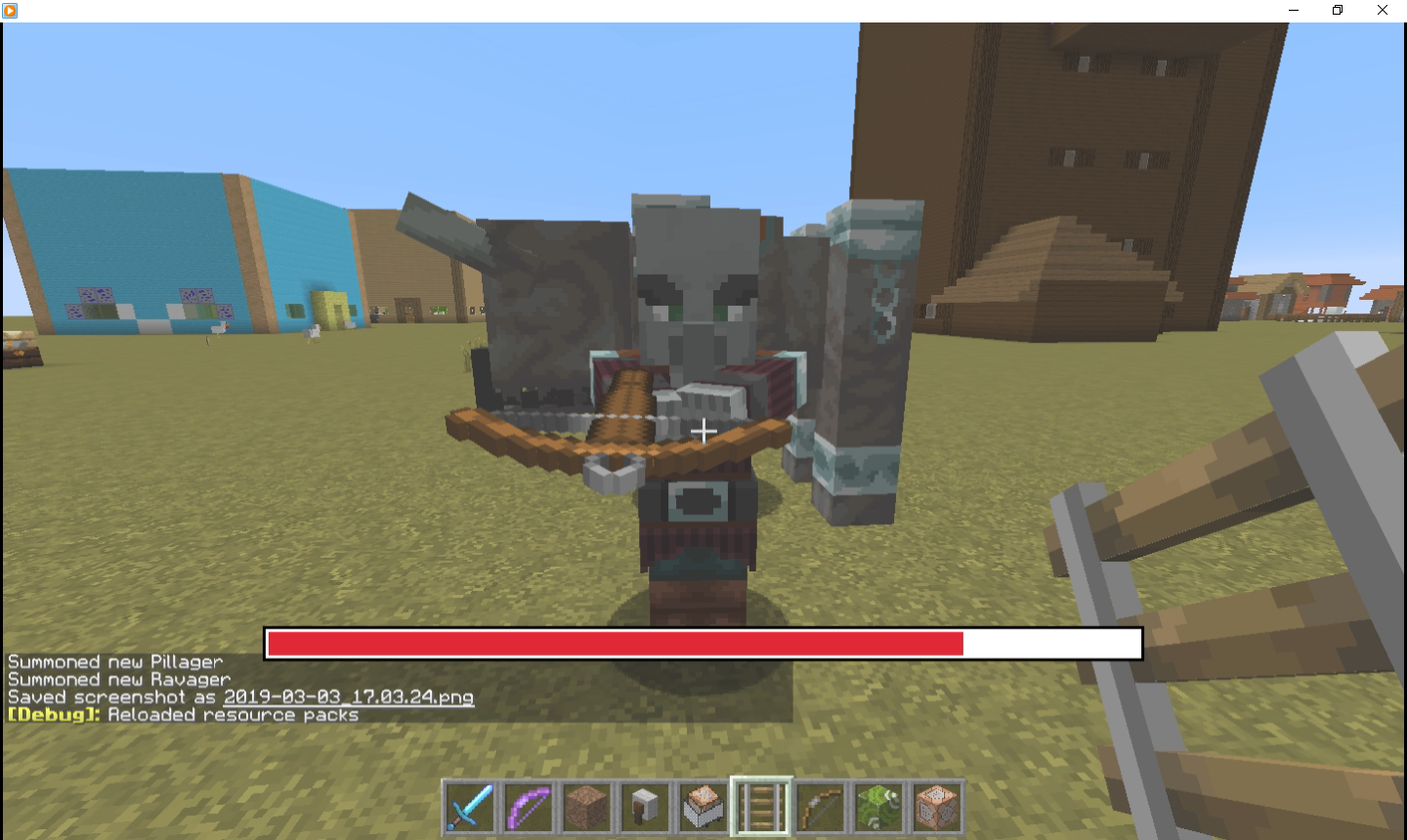

I can't reproduce it in anymore, since 19w12a
I went to reload resource pack and got a really weird image for one frame near the end of the loading bar. The textures seem to have gotten messed up and attached to the wrong blocks. Grass turned into green glazed terracotta and stone turned into blue. I don't even know what the scaffolding turned into. It returns to normal once the Mojang logo is gone.
It seems to be reproducible. Entities (including pantings) don't seem to be affected by this. Item textures are also able to be loaded by this bug.
I went to reload resource pack and got a really weird image for one frame near the end of the loading bar. The textures seem to have gotten messed up and attached to the wrong blocks. Grass turned into green glazed terracotta and stone turned into blue. I don't even know what the scaffolding turned into. It returns to normal once the Mojang logo is gone.
Entities (including pantings) don't seem to be affected by this. Item textures are also able to be loaded by this bug.
It seems to happen more often when a texture is changed.
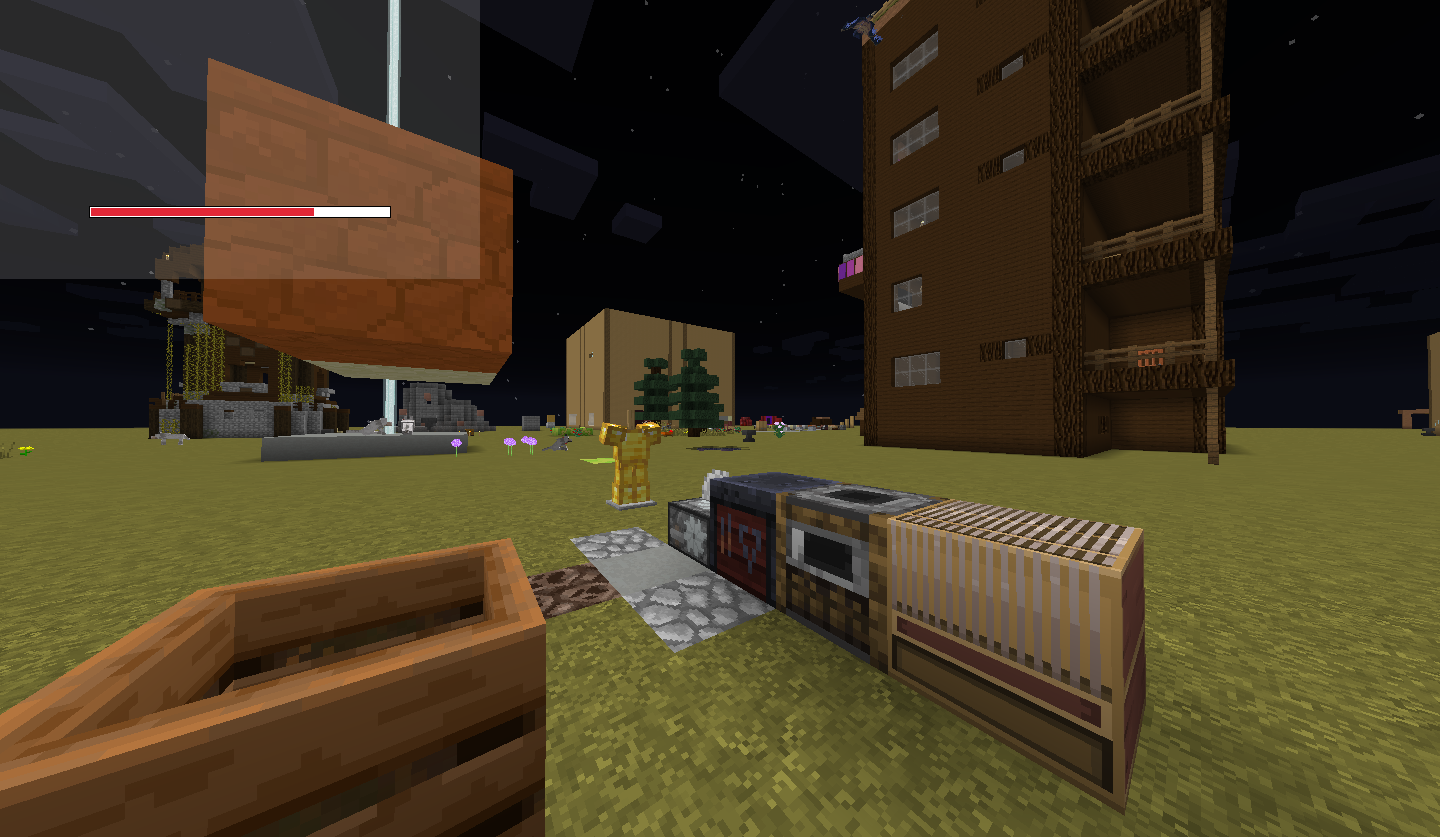
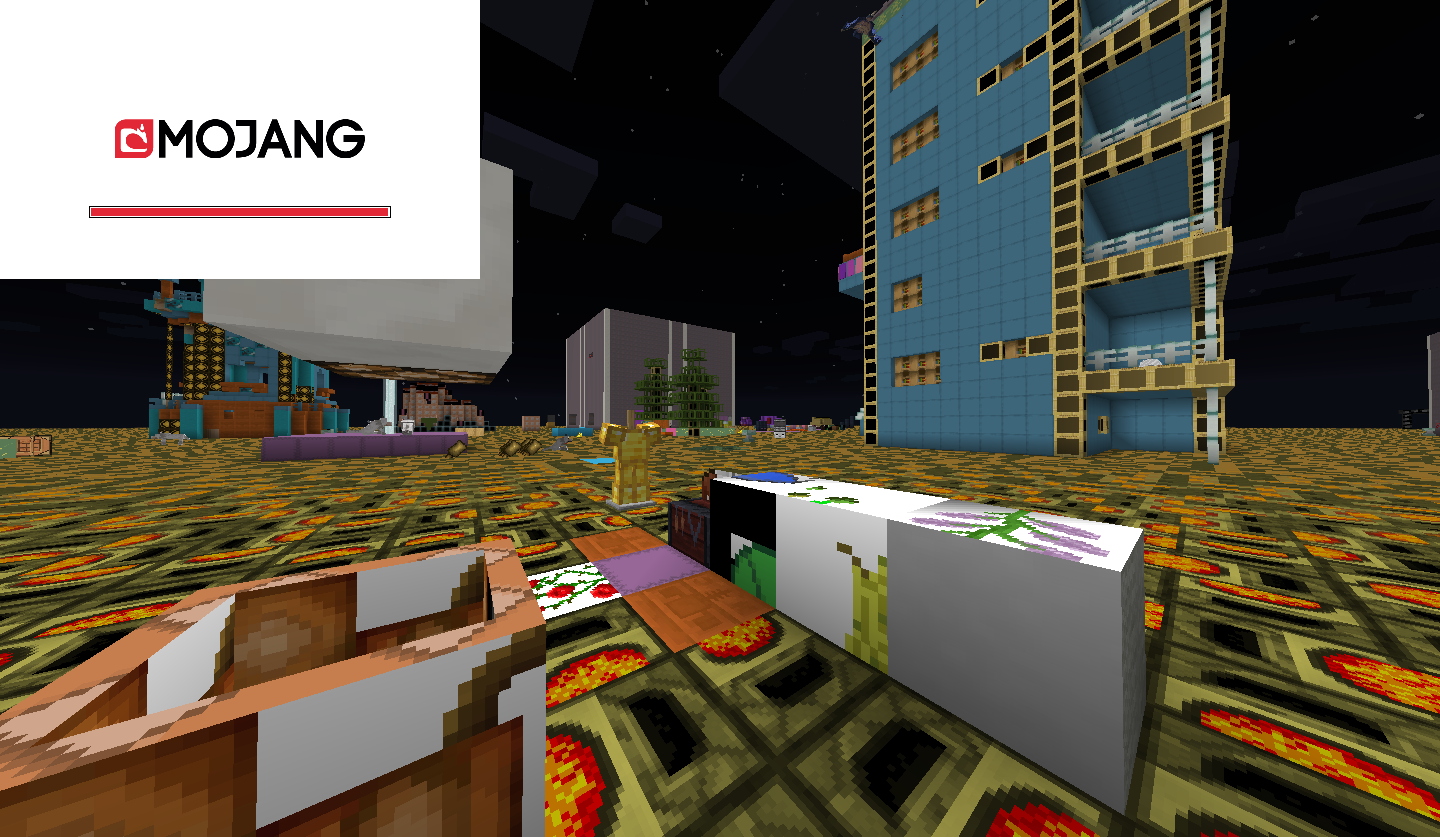
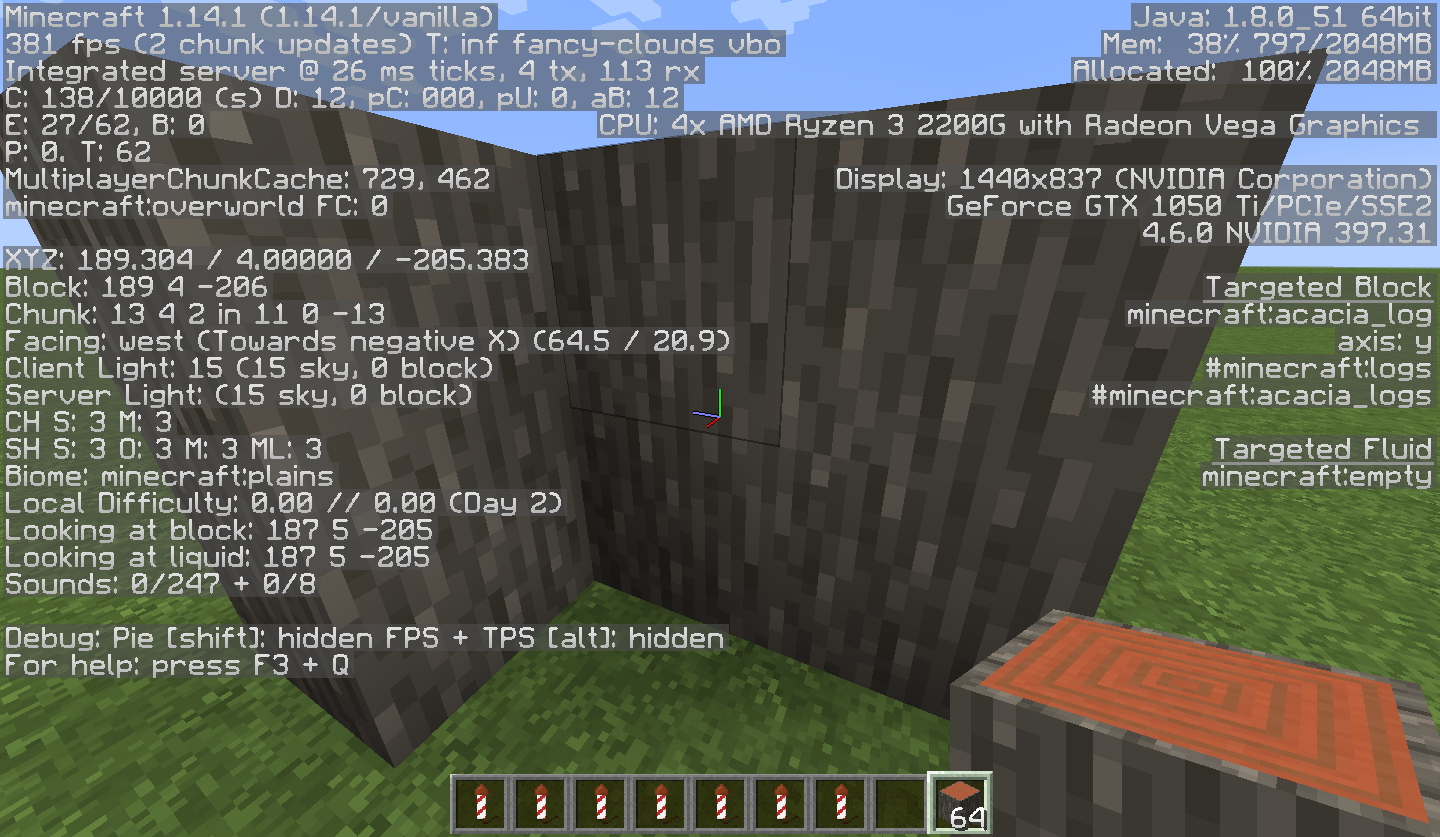
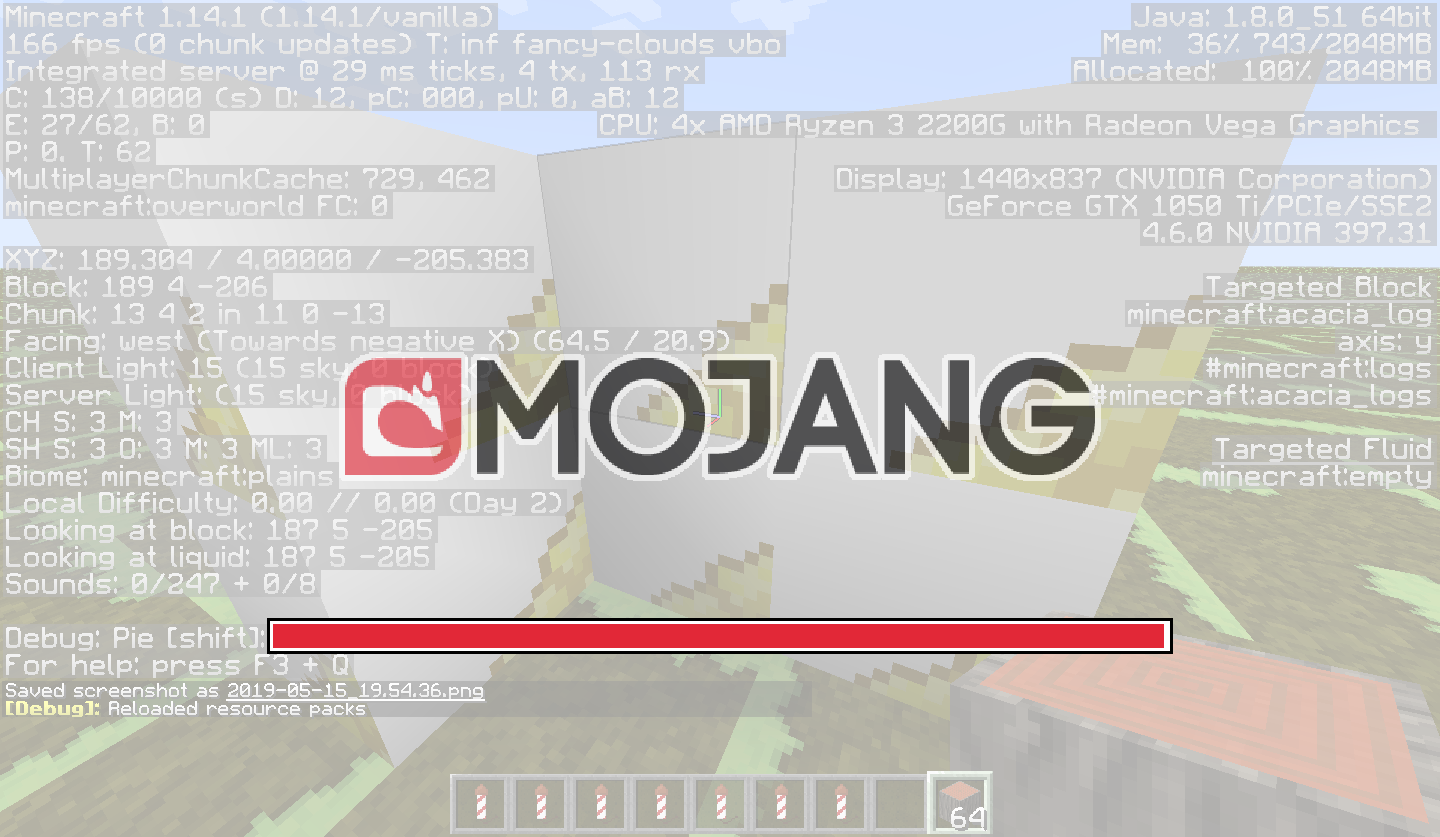
The bug
I went to reload resource pack and got a really weird image for one frame near the end of the loading bar. The textures seem to have gotten messed up and attached to the wrong blocks. Grass turned into green glazed terracotta and stone turned into blue. I don't even know what the scaffolding turned into. It returns to normal once the Mojang logo is gone.
Entities (including pantings) don't seem to be affected by this. Item textures are also able to be loaded by this bug.
It seems to happen more often when a texture is changed.How to reproduce
- Get a texture pack
- Enter a world
- Change any file name in the texture pack
- Press F3+T and watch closely
- Near the end you'll see the textures glitch for a frame


Parent: MC-156088
The bug
I went to reload resource pack and got a really weird image for one frame near the end of the loading bar. The textures seem to have gotten messed up and attached to the wrong blocks. Grass turned into green glazed terracotta and stone turned into blue. I don't even know what the scaffolding turned into. It returns to normal once the Mojang logo is gone.
Entities (including pantings) don't seem to be affected by this. Item textures are also able to be loaded by this bug.
It seems to happen more often when a texture is changed.How to reproduce
- Get a texture pack
- Enter a world
- Change any file name in the texture pack
- Press F3+T and watch closely
- Near the end you'll see the textures glitch for a frame
Reloading a resource pack messes up all textures for aframeReloading a resource pack messes up all textures for an instant
The"You can only sleep at night" etc messages are not changed by the new accessibility settings and are permanently set to 100% opacity."You can only sleep at night", item names, etc messages are not changed by the new accessibility settings and are permanently set to 100% opacity.
Bed message opacity is not changeableOpacity is stuck on 100% for all non-chat messages
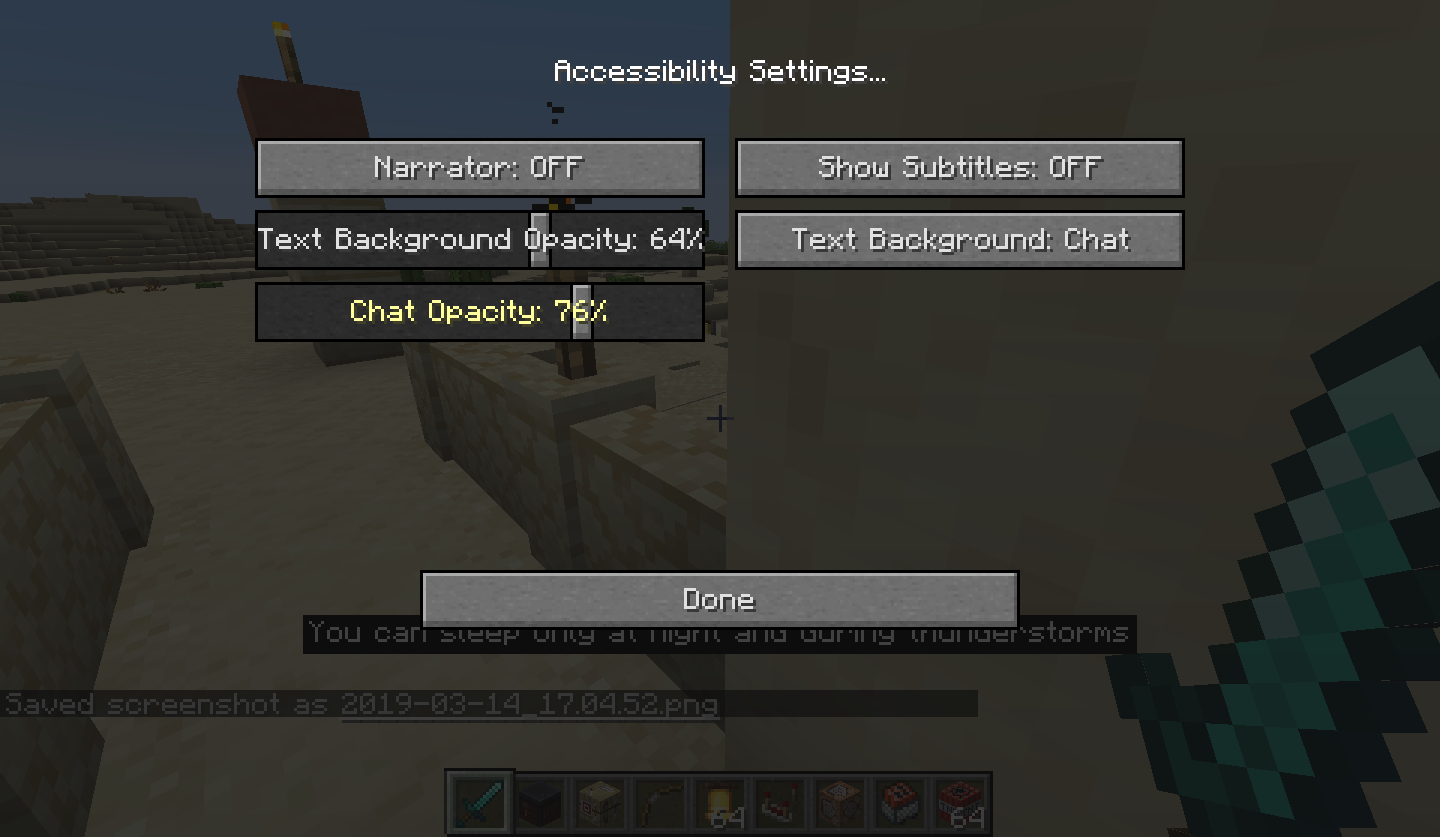


"You can only sleep at night", item names, etc messages are not changed by the new accessibility settings and are sometimes permanently set to 100% opacity.
"You can only sleep at night", item names, etc messages are not changed by the new accessibility settings and are
sometimespermanently set to 100% opacity."You can only sleep at night", item names, etc messages are sometimes not changed by the new accessibility settings and are permanently set to 100% opacity.
Opacity is sometimes stuck on 100% for all non-chat messages
The game crashed whilst rendering overlay
Error: m: Non [a-z0-9/._-] character in path of location: minecraft:item/Glass_PaneI had accidentally saved this file with capital letters in it, and after creating this model file:
}{{"parent": "item/generated","textures":{"layer0": "item/Glass_Pane"}}
The game crashed. According to the error message's regex apparently capital letters aren't allowed.The game crashed whilst rendering overlay
Error: m: Non [a-z0-9/._-] character in path of location: minecraft:item/Glass_PaneI had accidentally saved this file with capital letters in it, and after creating this model file:
{"parent": "item/generated","textures":{"layer0": "item/Glass_Pane"}}
The game crashed. According to the error message's regex apparently capital letters aren't allowed.
Zombies and skeletons will catch fire and die even if they are inside.
Zombies and skeletons will catch fire and die even if they are inside. I assume this relates to
MC-139017as they only catch fire inside houses which existed prior to 1.14.

Zombies and skeletons catch fire indoorsZombies and skeletons catch fire inside old structures
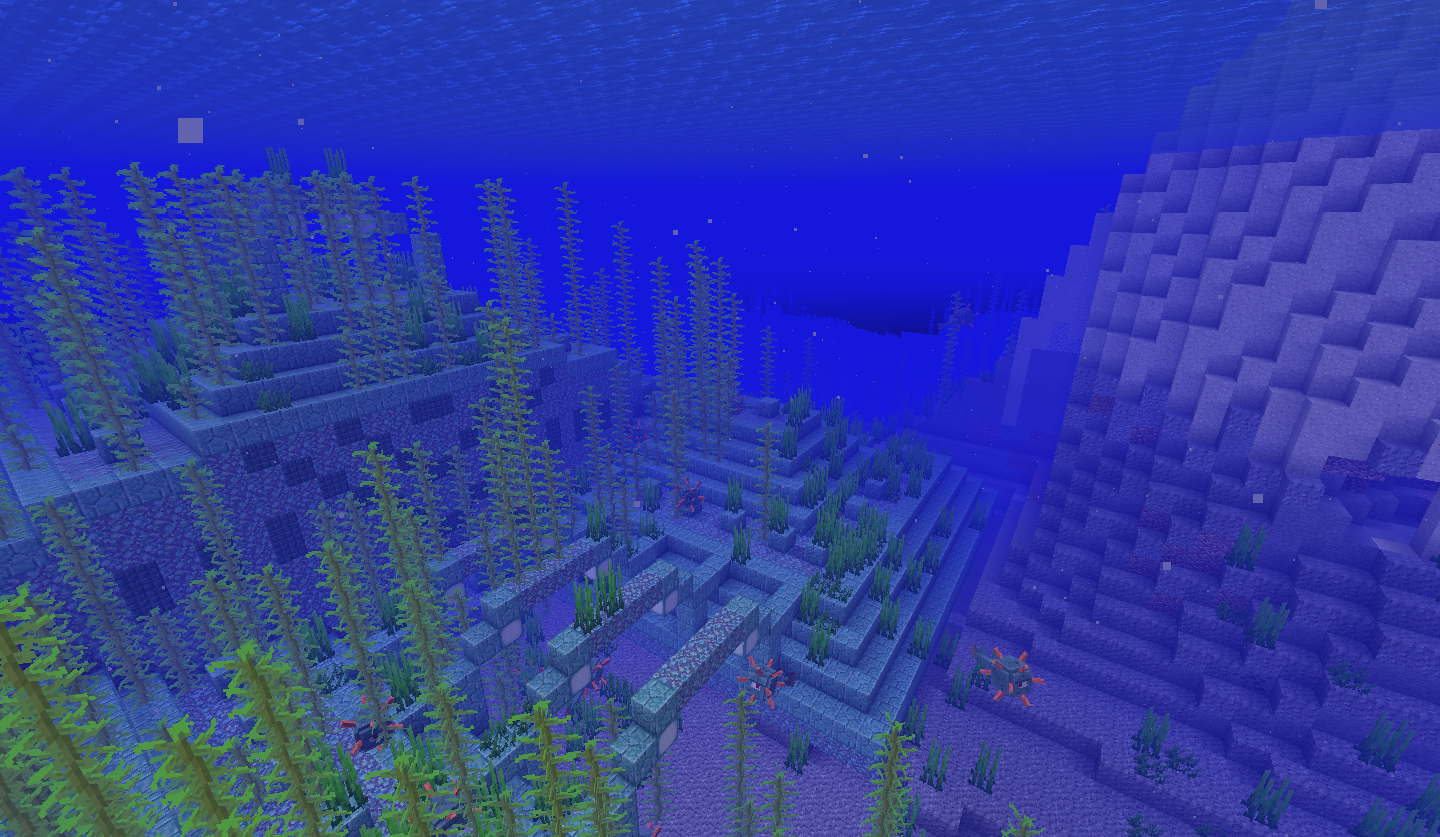
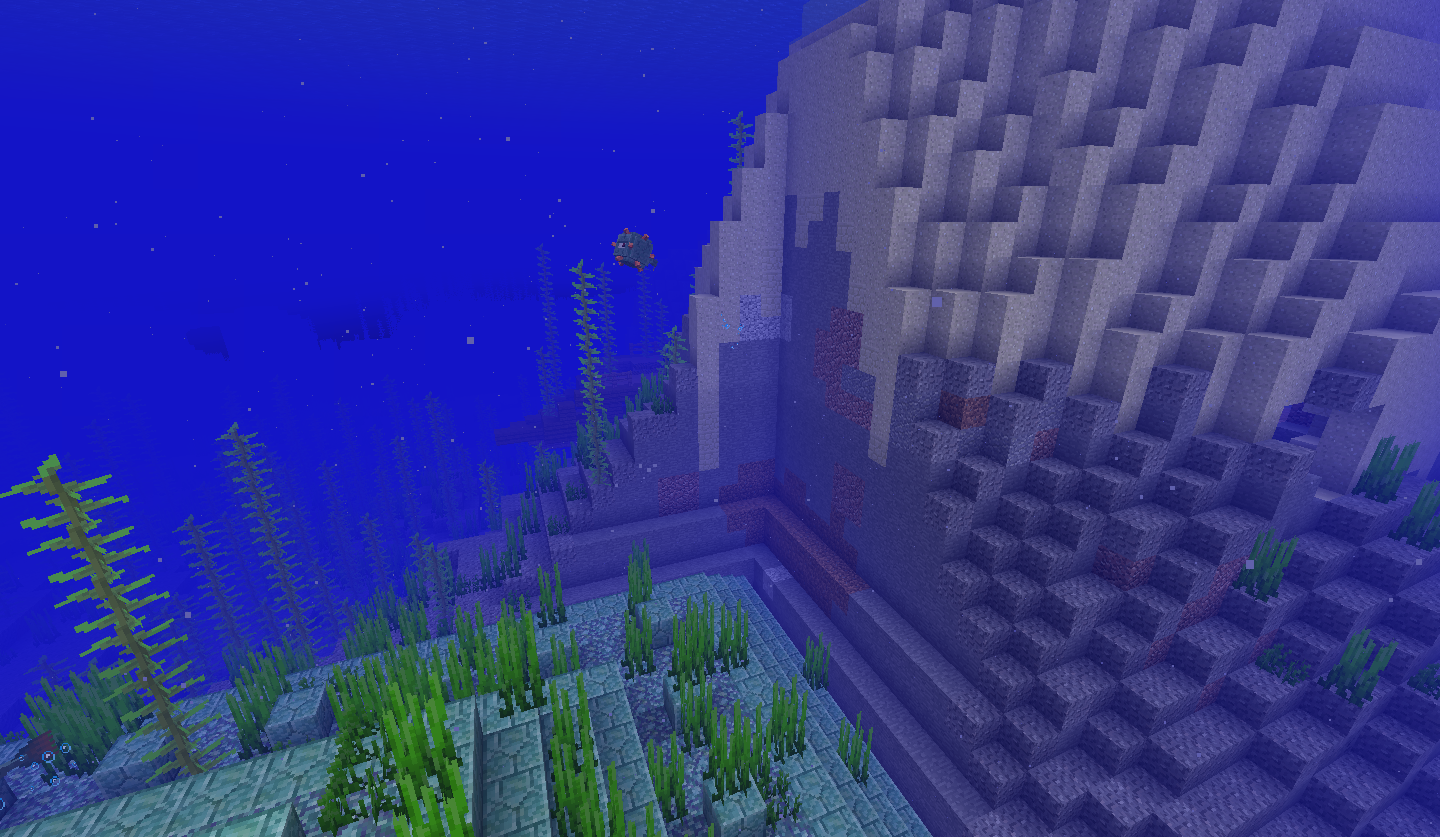
Aquatic panorama is still in the 1.14 jars
Aquatic panorama is still inthe1.14 jars
Reloading resource packswhile placing a block makes the held item glitch out
I placed a block just before I pressed F3+T and the held item stayed in the "placing" position. When I rotated my mouse it did not stay in its usual sticky position. When holding an item normally it will also get unstuck and move when you pan across.
Reloading resource packwhile placing a blockmakes the held itemglitch outReloading resource pack makes the held item unstick
Reloading resource packmakes theheld itemunstickReloading resource pack unsticks held item position

Host on LAN worlds is often invisible
I create a LAN world and I appear invisible to the guest. I've seen many other invisibility glitches on Mojira from earlier snapshots but they seem to all have been resolved as fixed already, though this issue still persists. I reappeared on one session after relogging while in spectator mode.
![[Helper] Lord_Quadrato](../../../data/avatars/users/26105.png)
Nixinova Why did you change 'projectile' to 'trident' in the issue description?
The bug affects all projectiles not only tridents (tested in 19w04b).
![[Mod] CubeTheThird](../../../data/assets/gravatar/cubethethird.jpeg)
![[Mojang] slicedlime](../../../data/assets/gravatar/slicedlime.jpeg)
Nixinova What is your Biome Blend setting?
![[Mod] NeunEinser](../../../data/avatars/users/39263.png)
Nixinova That's likely a different issue.
Is there a crash report in minecraft/crash-reports/crash-<DATE>-client.txt?
If so, please create a new ticket with your crash report attached.
Quick Links:
📓 Issue Guidelines – 💬 Community Support – 📧 Customer Support – ✍️ Feedback and Suggestions – 📖 Game Wiki
![[Mod] violine1101](../../../data/avatars/users/92858.png)
Nixinova, try watching the bug report and unwatching it again, I assume this is a JIRA bug. If that doesn't solve your issue, please contact me via Discord.
![[Mod] LateLag](../../../data/avatars/users/92884.png)
Nixinova - The height and coords still match. Before the build limit was 255 but it was 256 counting the 0. It's the exact same thing now.
Yup, this happened to me.
Antonio
I destroyed a block to sapwn the other sheep, and then they walked above the block limit. surely if they are able to go above the build limit, they would be able to be spawned there
Hmm i just restarted minecraft and it seemed to work. mustve just been a lag issue :/
Confirmed for 17w14a
Confirmed.
Happens in 1.13 now too.
MC-135645Replace superflat with buffet and this happens as well
No resource packs or anything; its completely vanilla.
This bug is different from
MC-137731as I'm not inside any blocks andMC-137731also doesn't mention random water or anything.Even clicking them will fix it
And I think
MC-138592should just be tagged as "relates to" because this is a different issue that might not be fixed when the new blocks get functionality.Seems to have been fixed in 18w47b. From the changelog on minecraft.net: "Reduced the cluster size of Pillager spawning so Outposts aren't flooded by Pillagers". Mark as resolved?
Also with the new savanna villages:
 2018-12-06_19.45.53.png
It's not the nearest house. I saw villagers running across from the other side of the village into this one house. Maybe they just track from northwest outwards or something?
How is this
MC-58898? It works even when you are in spectator.I think Mojang just copied and pasted the code for magma blocks
"<player> was doomed to fall by / walked into a cactus/drowned whilst fighting <mob>" only seems to appear when the time between the mob damage and death is very, very short, like if a zombie hits you into a cactus while you are on 2.5 hearts only then will that message display
Because it was marked as cloning
MC-53049Fixed in 19w05a
Doesn't seem to happen anymore
You also suffocate
Yeah I created this world in earlier and have been upgrading it each snapshot.
Close as duplicate of
MC-139017?Ghost lighting now also appears, starting from at least 19w11a
MC-145676?Apparently
MC-145986is a duplicate of this which means the resource pack just has model files looking for capital letters. This happened to me even when using a non-outdated pack.The wording on what this is marked as duplicating does not seem as if this is the same bug
Affects 19w11b as well
Happened when I opened a barrel while walking sideways
crash-2019-03-17_18.22.25-server.txt
Why "Won't Fix"??
Shove the villager out of the bed a bit (thats another bug) then you are able to sleep in it. Attached image.
Marked as WAI but
MC-146707(exactly the same thing) was marked as Fixed in 19w13a. Okay.This still happens in the world I've been upgrading through each snapshot, as of 19w14a.
It doesn't happen when going through 1.13.2→19w14b. Also tested in 1.13.2→19w04a→19w14b, 1.12.2→(1.13.2→)19w14b, and 1.11→19w14b. Just seems to happen in my really old world.
From 1.14-pre1, "Inside optimize world screen there's now an option to remove cached world data (e.g. height maps and light), so that it's recomputed on the next load". This sounds like it is related to or should fix this bug.
As soon as I loaded 1.14-pre1:
The game crashed whilst ticking entity Error: java.lang.IllegalStateException: POI data mismatch: already registered at ev{x=-49, y=79, z=-17}Mojira's not letting me upload an image for some reason.
Works fine for me.
Just using plain coordinates when teleporting cannot tp you through dimensions.
150k 🎉
Do you have further information as to the cause of this freezing? Are you doing anything in-game that may cause this?
I haven't used MCedit or worldedit in this world, I've only edited the level.dat file. My world backup file is 50MB so I can't upload it here.
Isn't this
MC-144562?MC-145097, which is somehow not marked as a duplicate of this, has a fix version of "1.14+", which I assume is 1.14.1(-pre).Here's the world download. If you load it up in 19w14b, the chunks should all be there, but if you upgrade it to 1.14-pre1 the chunks get overwritten.
https://www.mediafire.com/?g362ywdwk7f6czj
Needs to be more descriptive. What here is abnormal? Slime blocks being solid isnt a bug, if that's it.
Still in 1.14.2-pre4
Still an issue in 1.14.2
This happened with oak planks as well so I think it affects every texture
Yep, definitely every texture. See video.
Not really. It's the font switching between them, which is slightly different than the font just being different.
Hmmm... when I move away the texture changes to something different. Seems similar to my other bug

MC-145275.I can never get close enough to the texture to get a good look at what it is because since its a rendering issue changing FOV or look angle doesn't help me look at it any better.
Suspect this is similar to MC-153547
The missing texture doesn't seem to actually be a block, but rather an overlay which gets removed when the player is ~16+ blocks away.
The texture seems to dandelion yellow from the default pack. The block its on is black concrete.
Here's a building made of the ...yellow dye? concrete blocks
I loaded the broken 1.14-pre1 world in 1.14.3-pre1 and it was still broken.
pack_version is only incremented when major changes to resource packs take place. For example, 1.13 renamed every single file, and as such the pack_version was incremented. Resource packs will still work fine between 1.13 and 1.14 just missing a few textures as is expected when updating.
"Works as Intended"??? Really? Why are you nuking your site?
Yup, is no longer a problem
Hm... I think this is related to
MC-145275, as when I first reloaded the pack I had brain coral, whose file name I changed, appear as a conduit.Seems to be fixed now
Still in 1.14.3-pre4
Here's what happens (
MC-96521):When "Delete World" is pressed, you are sent to the menu which has a white screen. If you try and Edit the world's options, it will overlay the in-game events. If you try to join the Hardcore world you just left the screen will go black and the game will be completely unresponsive.
When "Delete World" is pressed, you are sent to the menu which has a white screen (white-menu-background.png)
MC-148865. If you try and Edit the world's options, it will overlay the in-game events (edit-world-options.png). If you try to join the Hardcore world you just left the screen will go black and the game will be completely unresponsive (rejoin-hardcore-world.png).Green concrete appearing as leather horse armour
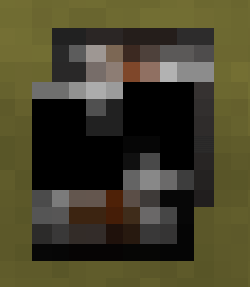
Aha! I think I know the cause of this. When a block finds a non-existent texture, it just leaks an image from a spritemap to fill it in. This image is from a model file which calls a uv from out of the bounds of the image.
Image and respective model file:
 cartography_table.json
Result:

Possible cause can be found in this comment
Child issue of MC-156088
Child issue of MC-156088
Question: I am not watching this bug report but keep getting email notifications for this bug. How can I turn this off?
MC-108896just happened to me in 1.14.4-pre5Oftentimes the game pretends my FOV is less than what it is and stops rendering some chunks on the edge of my field of view; is this related at all to this issue?
Don't think this is invalid – this definitely is a bug. A resolution of Duplicate of
MC-133164would be better.Added images
Doesn't seem to. After buying all of a villager's stock the prices went 9→25, 3→5, and 29→41, 15→19, 17→22, 32→46.
They seem to spread out pretty evenly now, but with some clumping near the village center (I used /spreadplayers before giving myself bad omen)
Doesn't occur anymore
This should be marked as invalid
Nope, just clicked on the LAN world
Can't confirm. I see "Bee buzzes". It just doesn't reappear because the sound is continuous.
WAI; bees can pollinate sweet berry bushes.
Can confirm.
In most of those cases they shouldn't have the full stop.
Also, 160k 🎉.
Rarely? I usually get this on every hoe I try to enchant.
Another example: Seed: -3070852984194394850, coords -200/60/160
Duplicate of
MC-159395What exactly is the issue here?
There is not enough information to go off of. Attach the crash logs that you got.
Are you using any resource packs?
Duplicate of
MC-101247This has already been fixed in 19w35a
Duplicate of
MC-157208The capitalisation is a separate issue (
MC-159347). There's nothing wrong with putting a space in "Bee Hive" and it is also consistent with "Bee Nest".If you already "saw a thread about this for 1.14.3" and "assume it is still a bug" then don't start a new duplicate bug report for it.
Is this fixed in Windows 10 v1903? They changed the Gamebar layout in this version (or 1809).
If the server has "admins" and "mods" and uses signs saying "[Disposal]" then it's safe to say the server is definitely modded. This is a common feature of these servers; shop signs like these aren't breakable.
See MC-121706
The beehives will drop themselves in creative because it saves the NBT data of the bees inside when broken. Its basically the same as mining a bee hive with Silk Touch in survival mode.
Seems to have been fixed in 19w38a. There is no longer any starting transition to the loader so this doesn't appear any more.
In 19w39a they are too dark and in 19w40a they are too bright. Maybe in 19w41a they'' be just right...
This is because the data values of dyed items was ordered in that way before 1.13. This won't be fixed until a full inventory overhaul is done. (
MC-1797)The game is getting the head texture from the top-right instead of the top-left
Still in 19w45a
Still happens somewhat in 19w45a.
Yeah, this doesn't happen any more. Mark Resolved?
Resolve as WAI?
It was fixed in 19w38a, not 19w46b..
Fixed in 1.15-pre1
Relates to
MC-149308Not quite a duplicate, as it can come from the head without obscuring vision.
Still in 1.15
Confirmed for 1.15.2
Affects the new soul fire lanterns as well.
They can even grow through the bedrock ceiling of the nether, leading to stray trees sometimes appearing above the world.
Especially obvious in the nether.
Congrats on getting a snapshot dedicated to this one bug
Literally the weirdest bug I have ever experienced.
Fixed in 20w10a
The overflow issue with the gamemode can be fixed by moving the word the last word of the first line to start of the next line (it looks so much better; you will be immensely satisfied if you add the following to the lang file):
And the overflow for Allow Cheats can be fixed by using shorter commands ; "selectWorld.allowCommands.info": "Commands like /give, /tp",
My game just crashed in 20w22a and the very last item in the log was [main/WARN]: Received passengers for unknown entity.
The additions of the "Data Packs" and "Import settings" buttons has rendered this issue redundant; request to close as Invalid or something.
@ZeNiko13: This doesn't happen to me from 20w18a onwards; can you confirm this?
Hm, hasn't happened again in pre2. Close as Cannot Reproduce.
Why 1.16-rc1?
🎉 Minecraft's had over 200K reported bugs now; congrats?
Should be reopened, this isnt a bug with Alpha, is just a naming issue. See comments on
MCL-9282.Should be reopened, this isnt a bug with Classic, is just a naming issue. See comments on
MCL-9282.And now they've fixed this by just redirecting all of www.mojang.com to Minecraft.net. Why?? Now its a lot more difficult to access old version changelogs to verify information. Sure, have the homepage lead to Mojang.com, but now you've just broken every single incoming link
I tried relogging but it just made the entire world not want to render anything.
Spawning then hitting a mob when the chunks are unrendered causes them to stay permadamaged and move their legs quickly.
Minecraft 20w49a - Singleplayer 2020-12-03 16-57-10.mp4
Does this count as a separate issue?
I put the datapack in the save file and then deleted the region folder
As I said a year and a half ago, how do I turn off email notifs for this when I'm not even watching it?
Seems fixed, logos now have no links
Applicable screenshots at
MC-208673Yes but this only recently started happening
No, doesnt happen with the other buttons. Also, its not only when I restart the game, it happends intermittently while playing.
Before it did say 256 when in fact it was Y=255, but that made more sense when Y coords and height matched. That is no longer the case, so it would be better to explicitly say "319" blocks (or move the world block range to -63...320 or something)
Yep it is that.
Same issue on 1.16.220 Windows 10.
Jackson Thies's comment comment-960347 ("So open up the Xbox console companion BEFORE opening Minecraft") worked; can someone pin that
Happens in 1.17-rc1 at 90* FOV when looking at an exact multiple of 90* (0,90,180,-90) sideways while facing forwars (/tp @p ~ ~ ~ 90 0, e.g.)
can't reproduce in 1.20.1
can't reproduce in 1.20.1
Typing in chat in Rralms
MC-50612MC-272445who added 'Future Update' as an affected version...
I'm not sure what more info is needed. In a realm you cannot type a message matching that regex in chat.
"debug pie" of course I couldn't find an issue, lol