 Meta
Meta
- meta
- meta
- Europe/Berlin
- Yes
- No
 MC-1066
![[Mojang] Searge (Michael Stoyke)](../../../data/assets/gravatar/searge.png)

![[Mojang] Nathan Adams](../../../data/assets/gravatar/dinnerbone.png)
![[Mojang] Jeb (Jens Bergensten)](../../../data/assets/gravatar/jeb.jpeg) MC-6081MC-6736
MC-6081MC-6736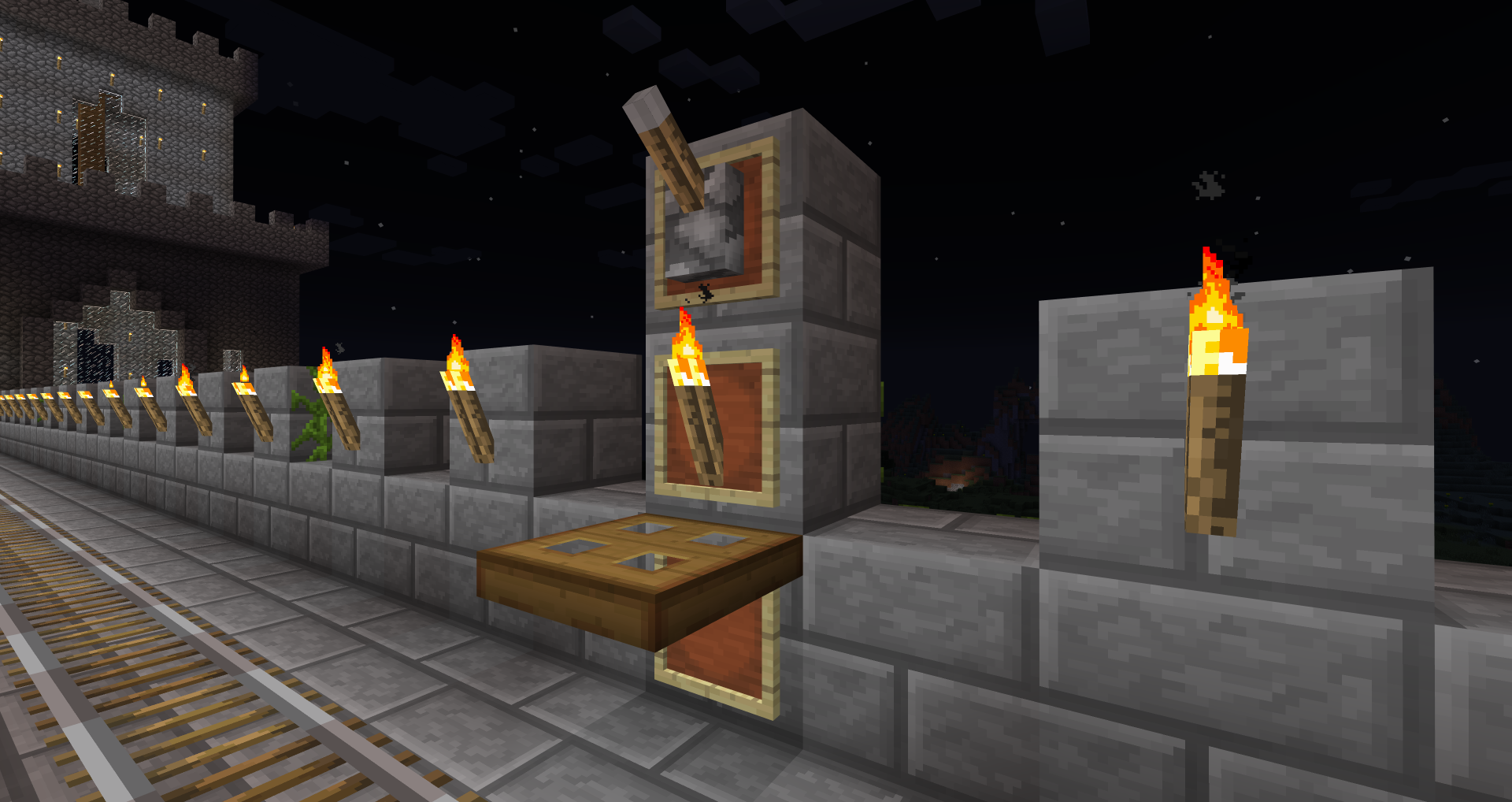

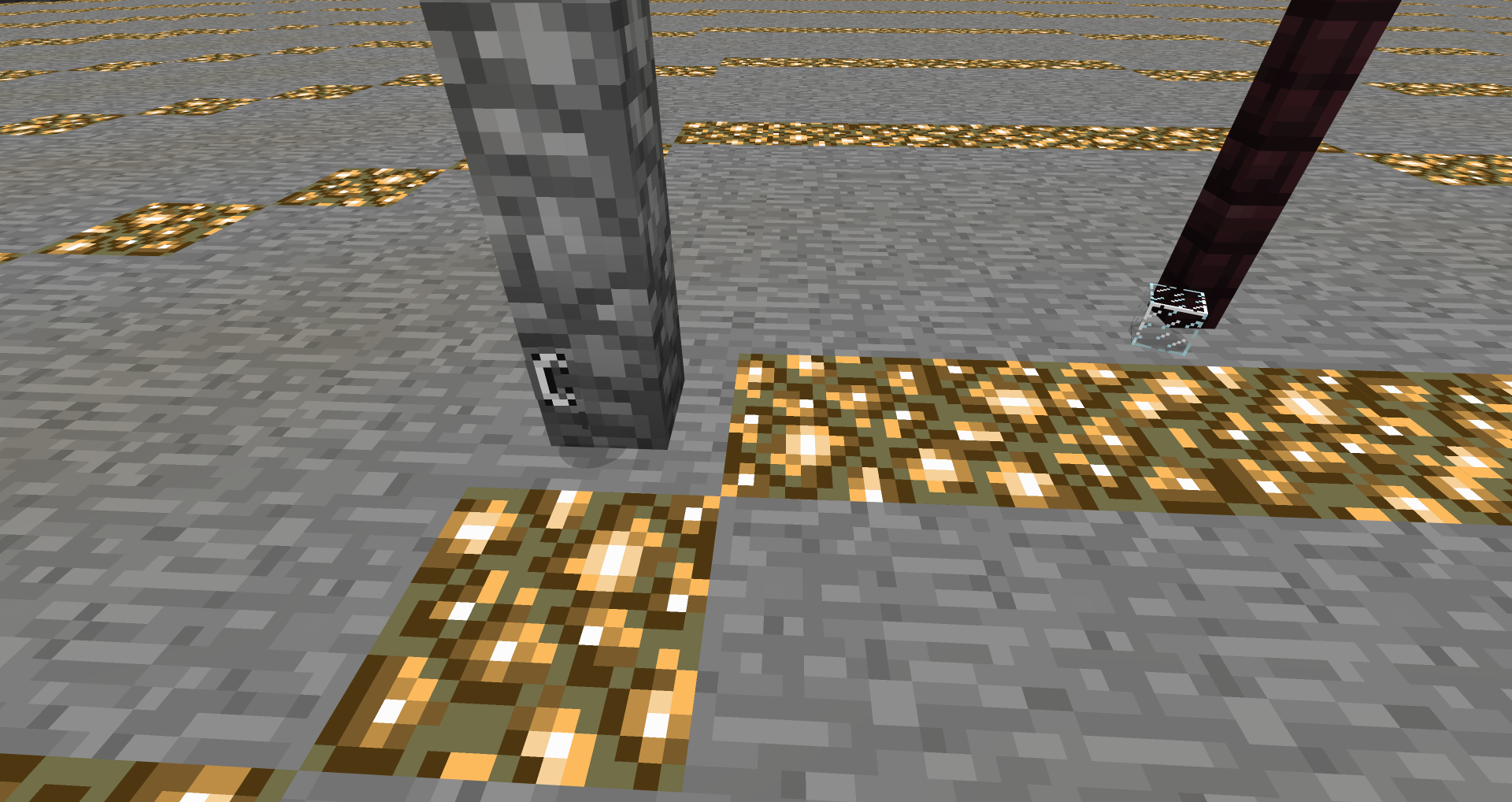

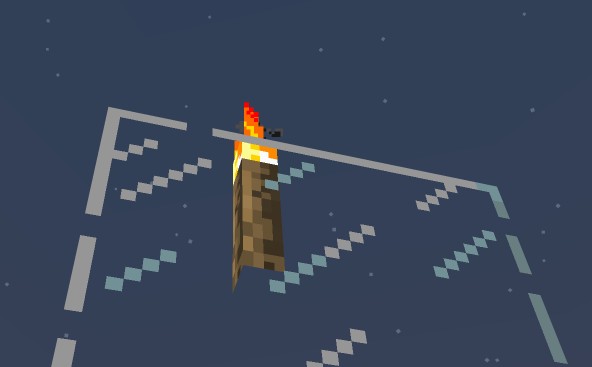
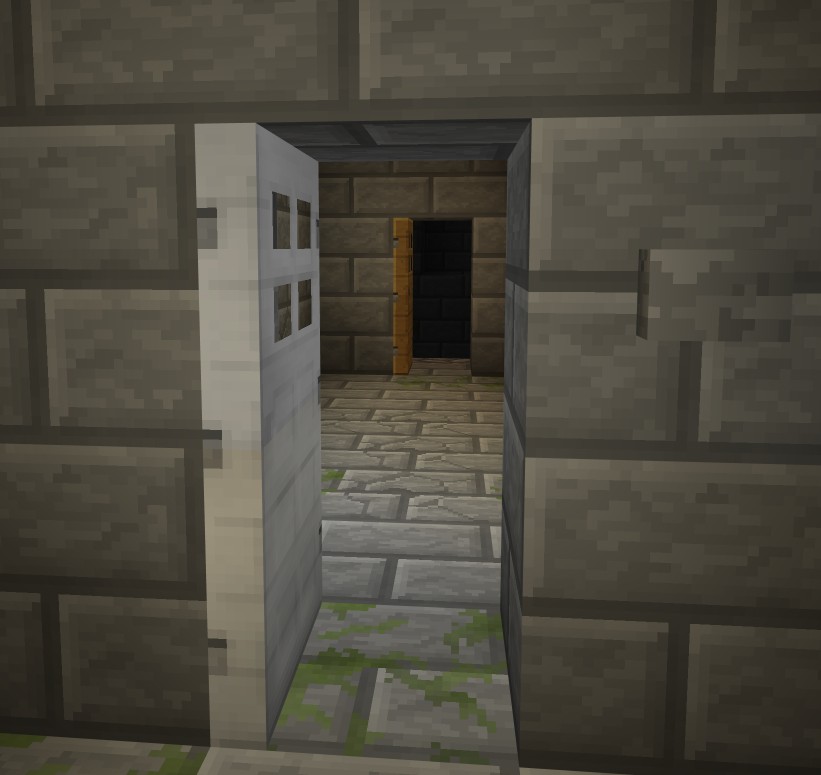
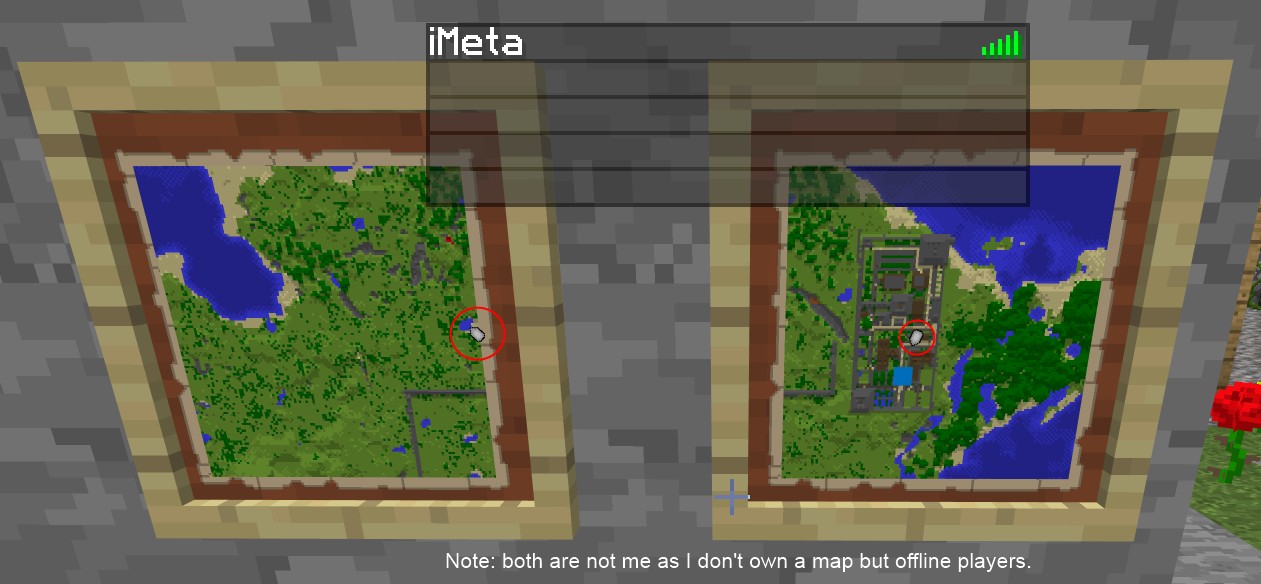


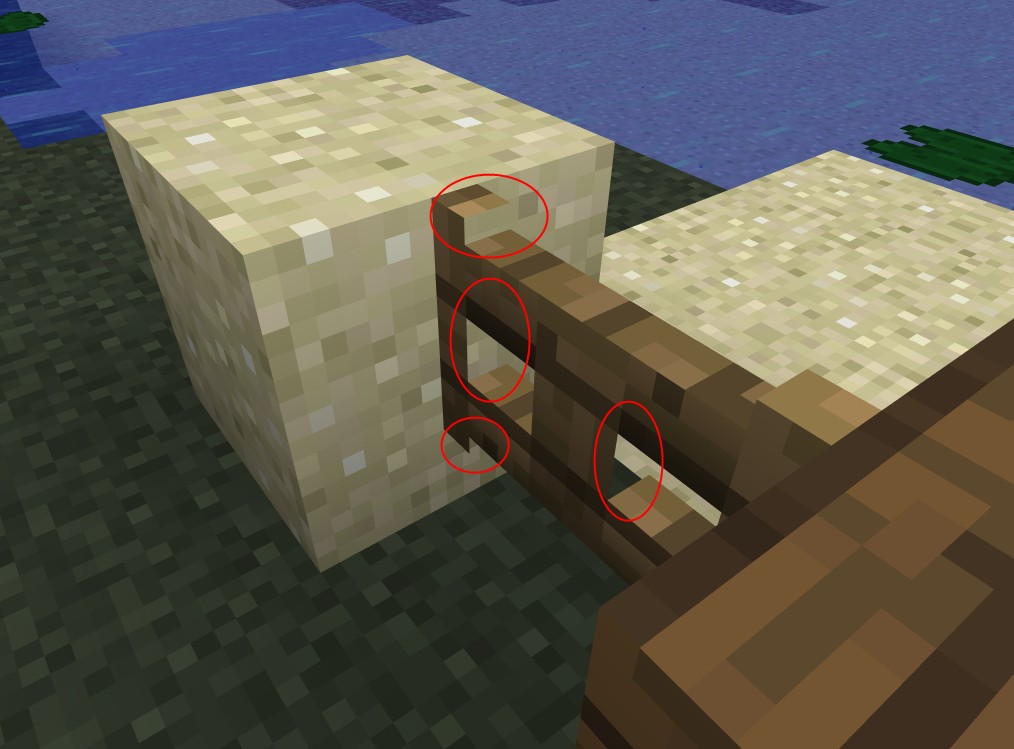

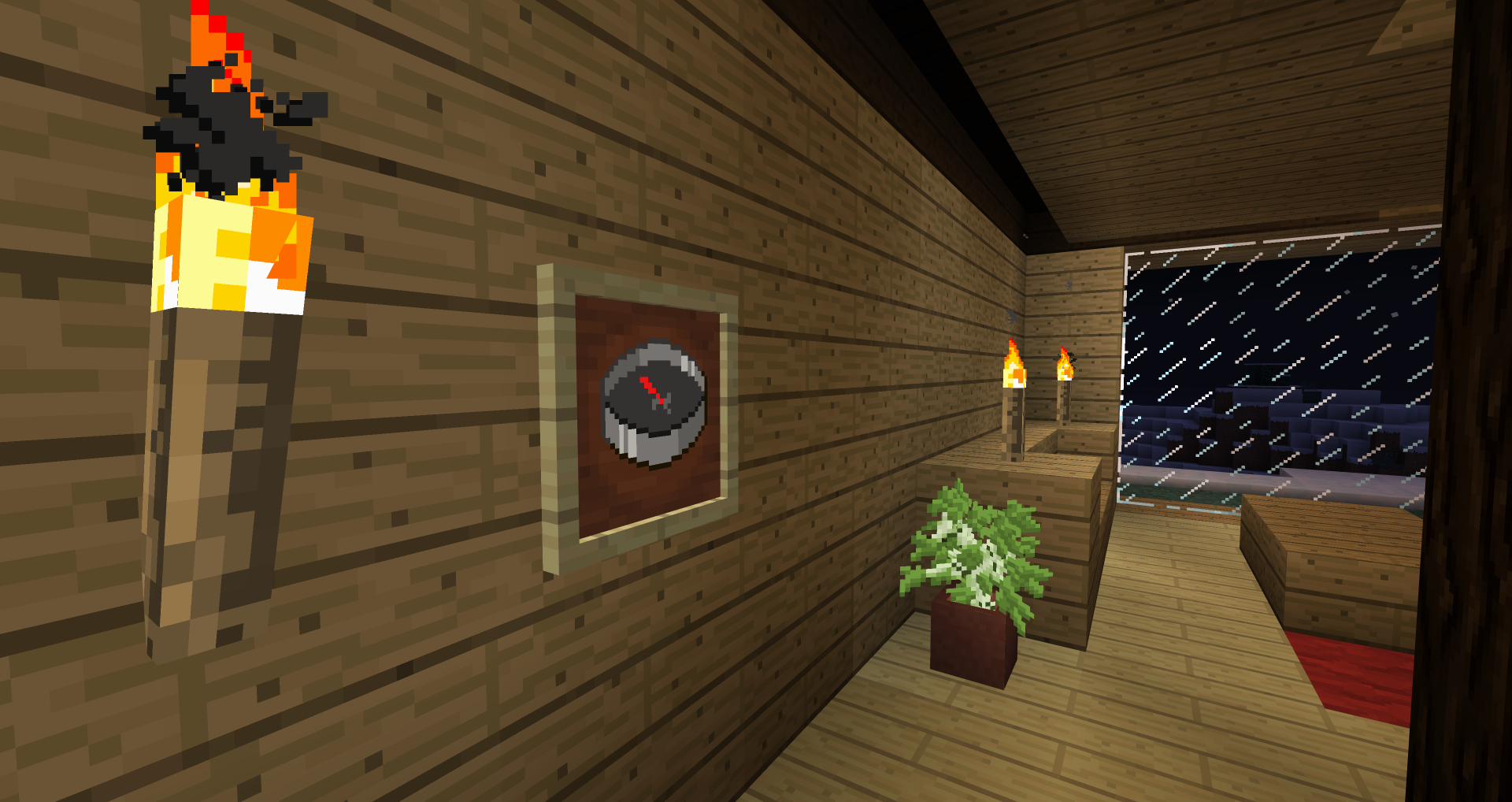
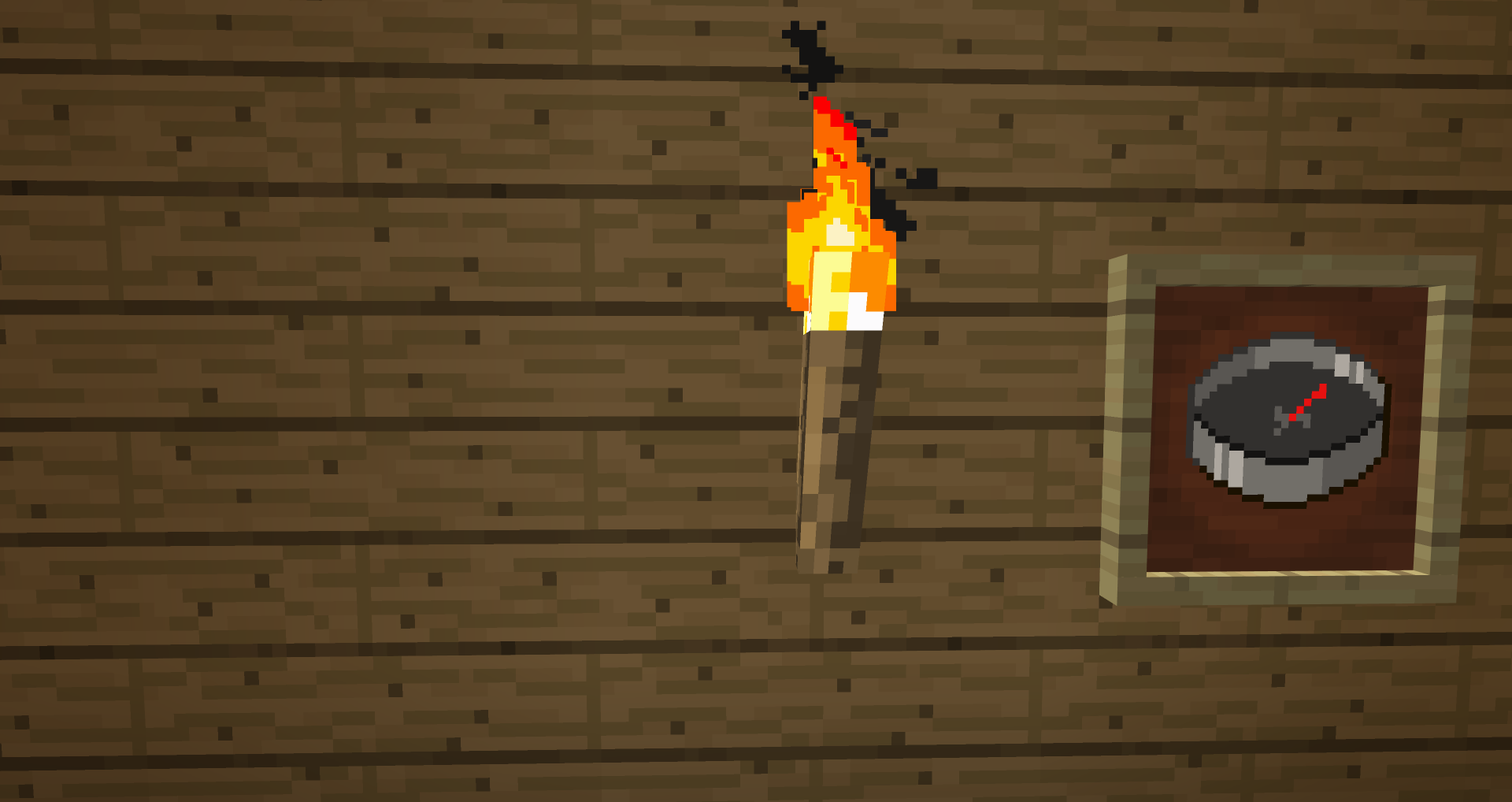

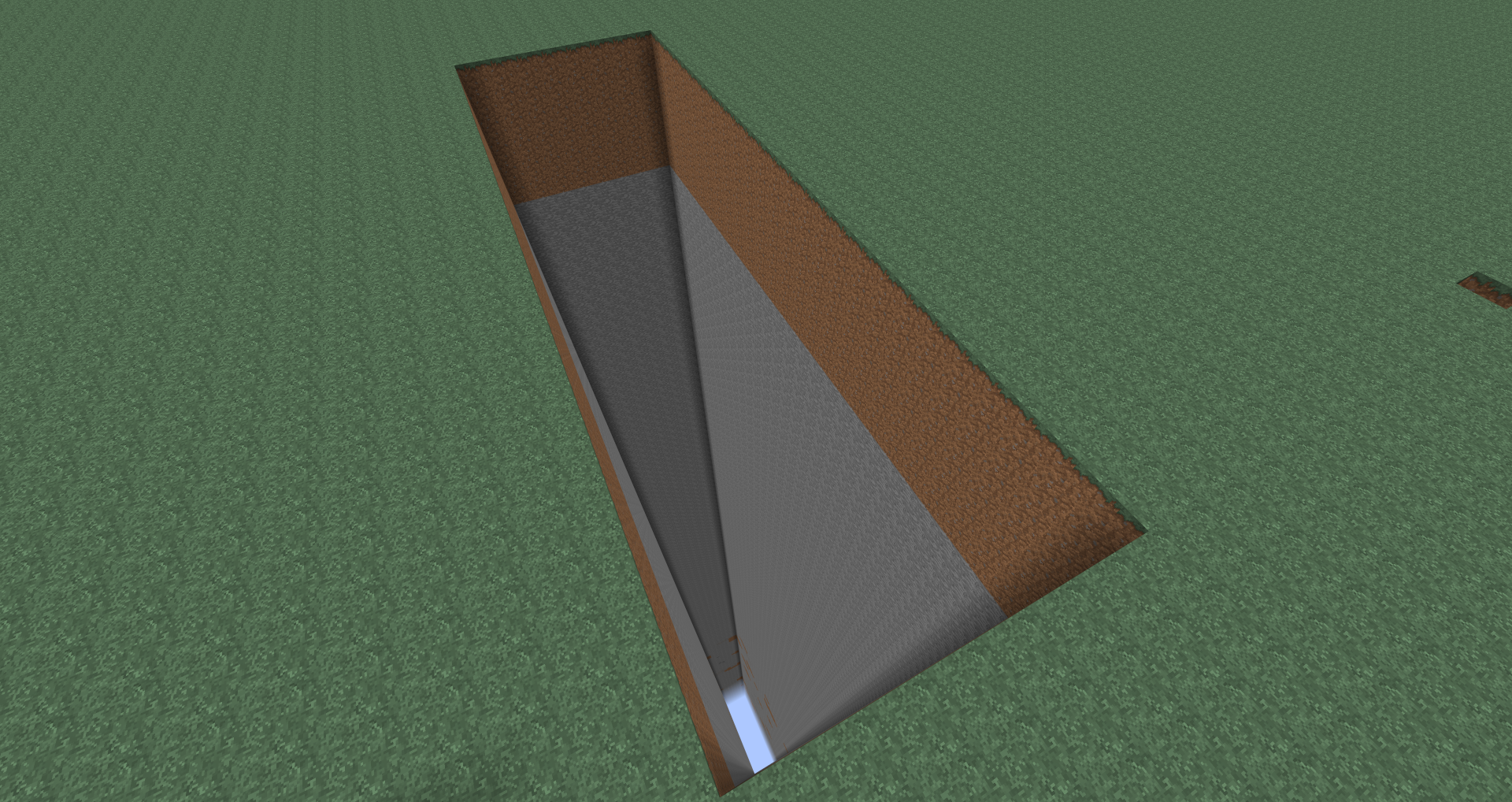
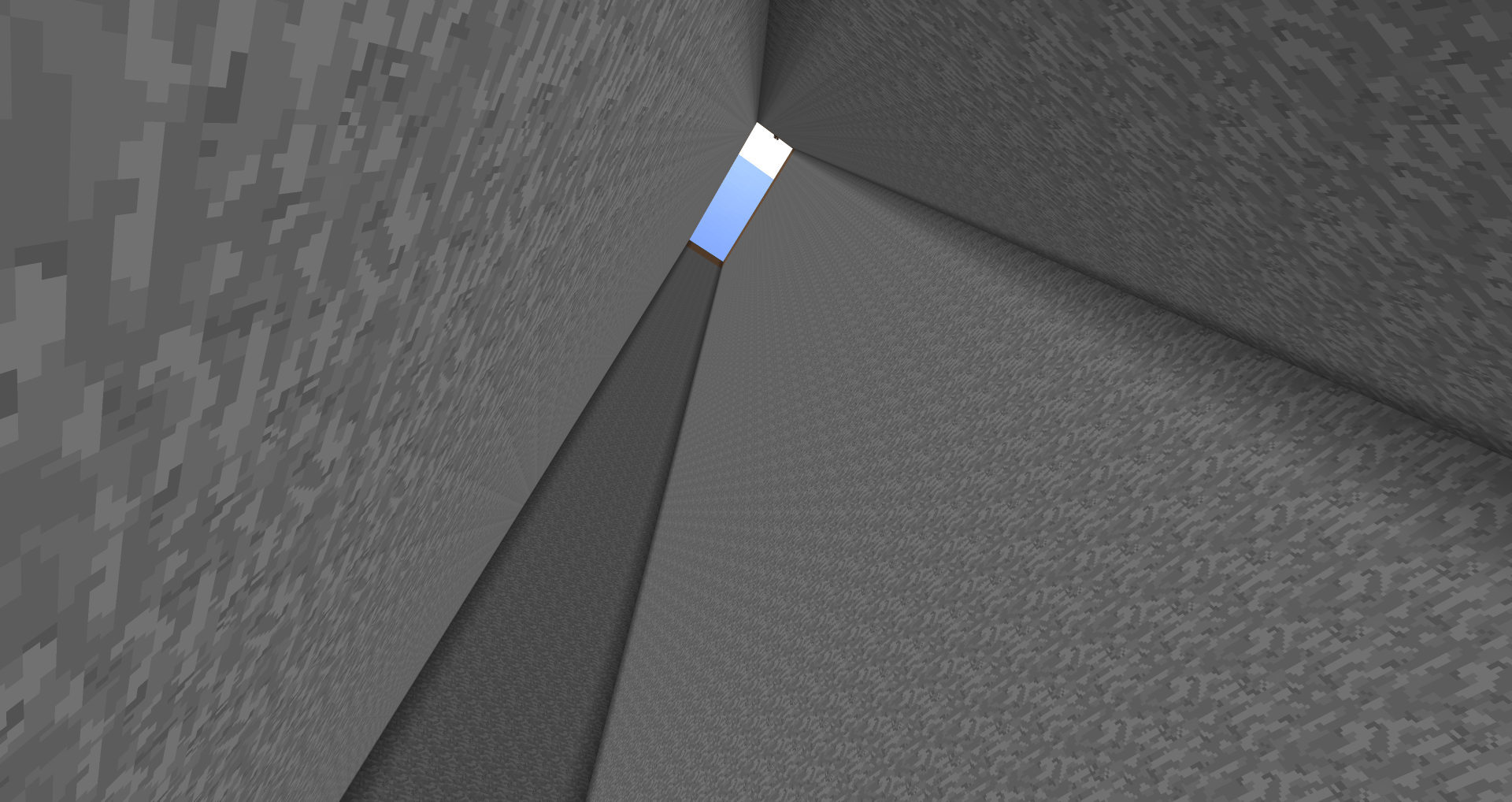
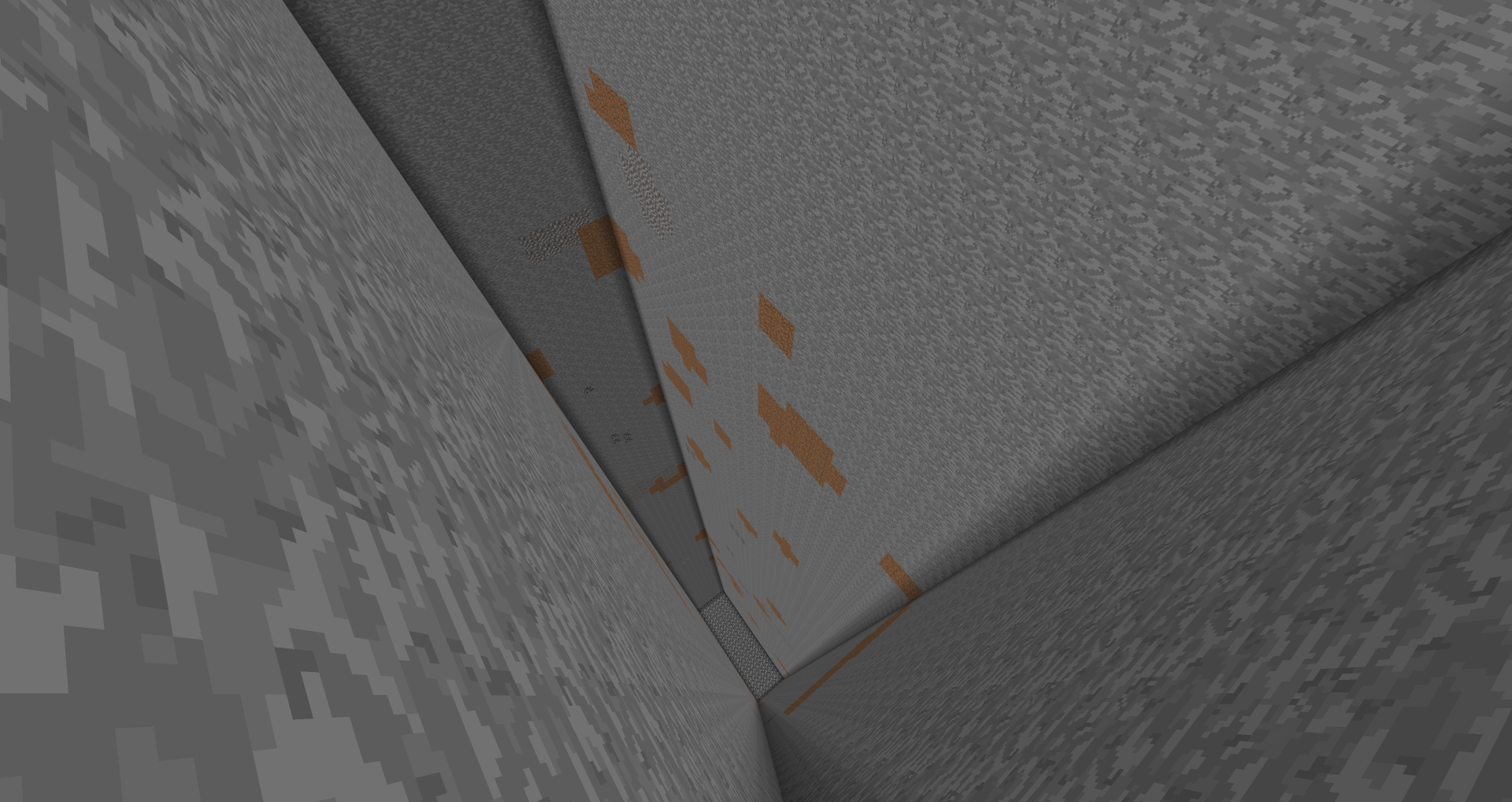
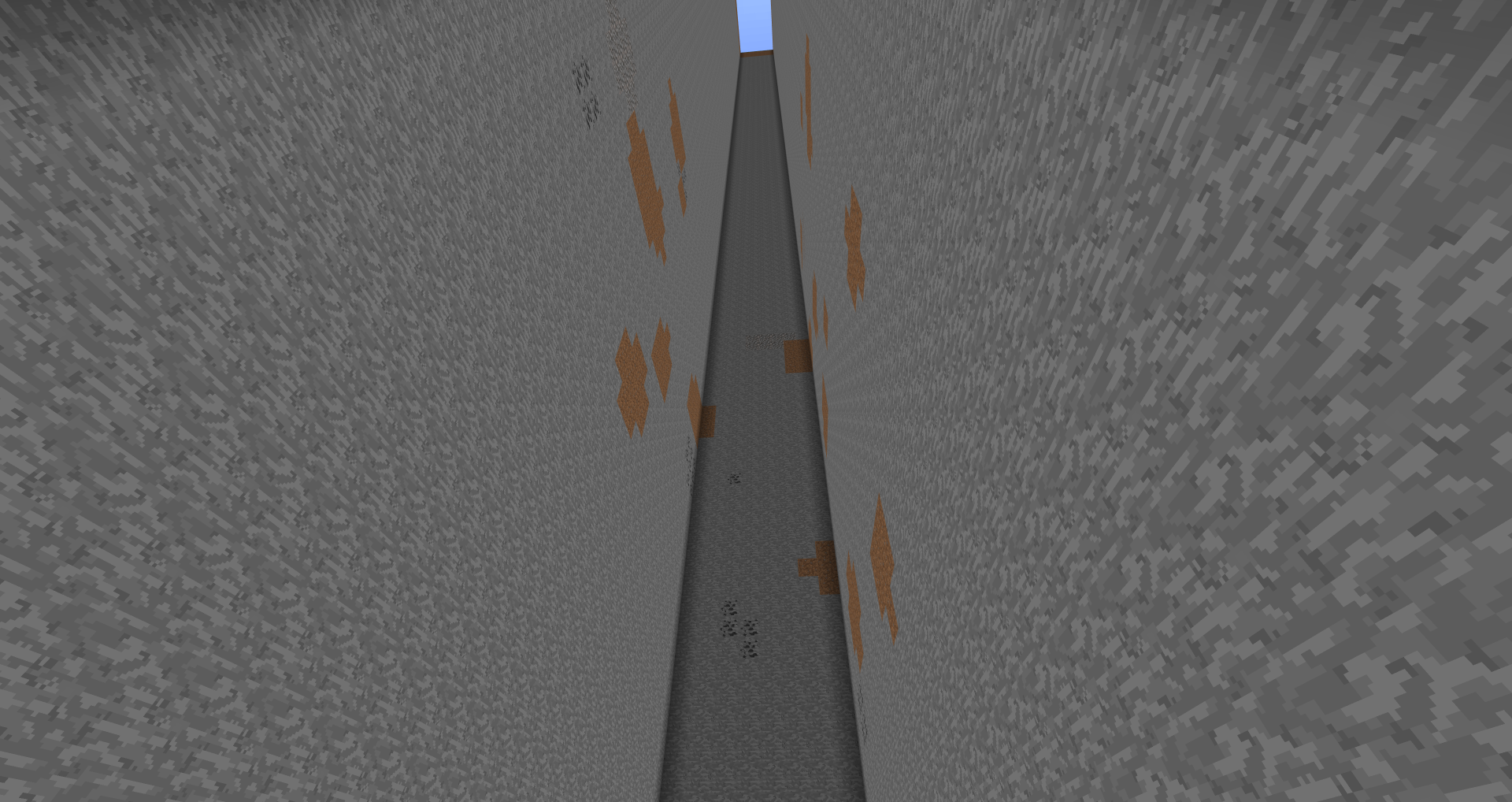

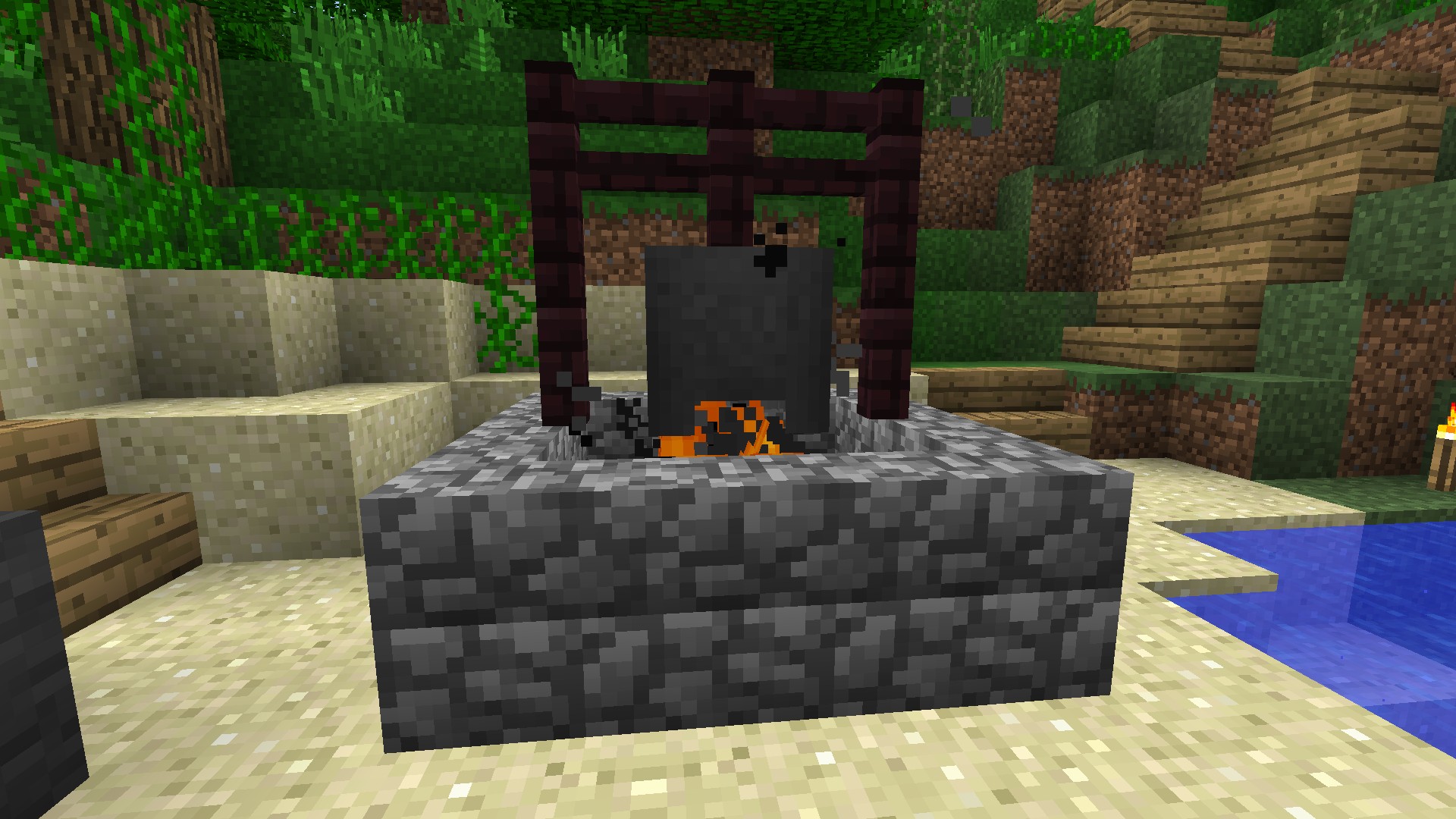
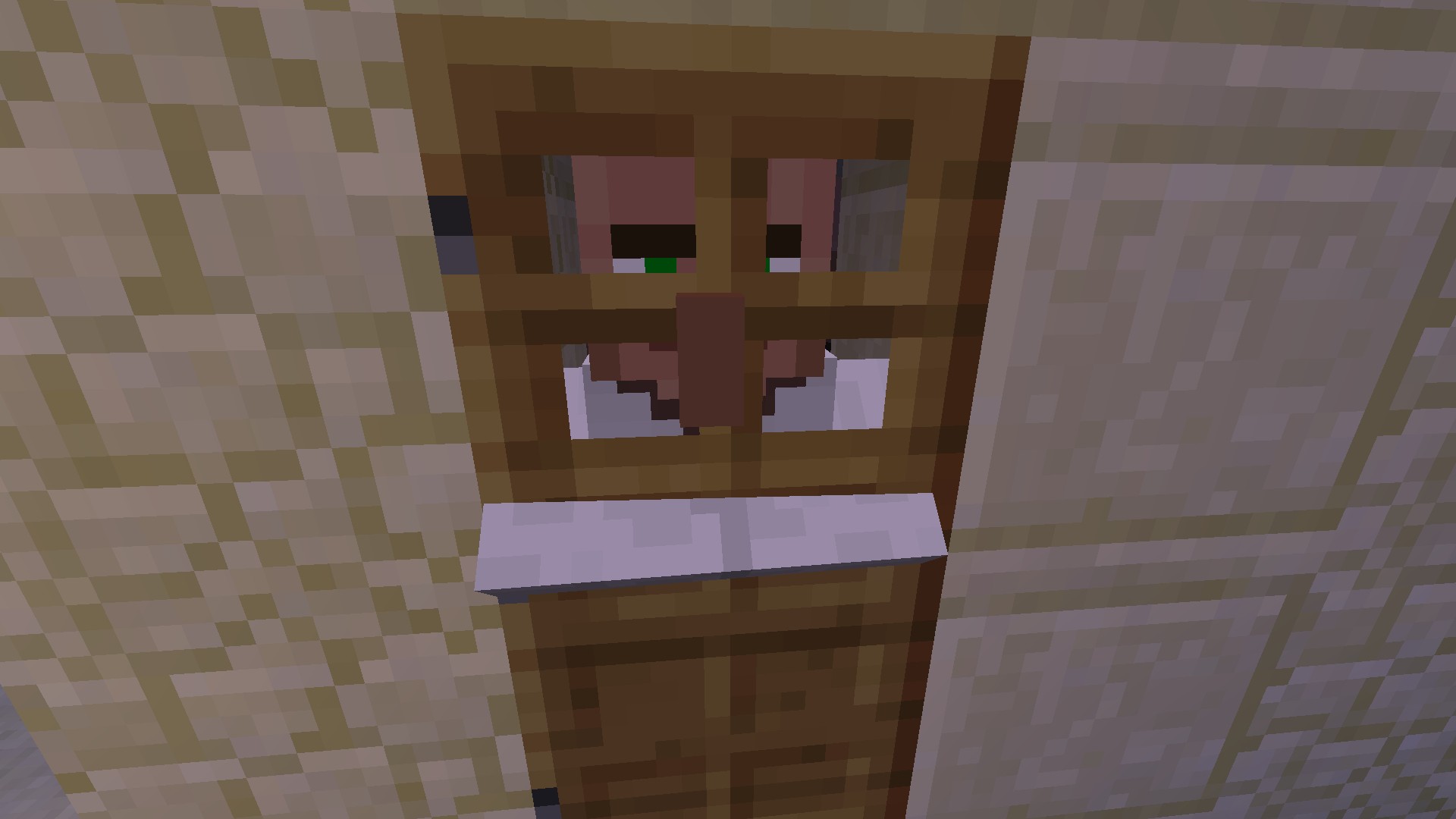

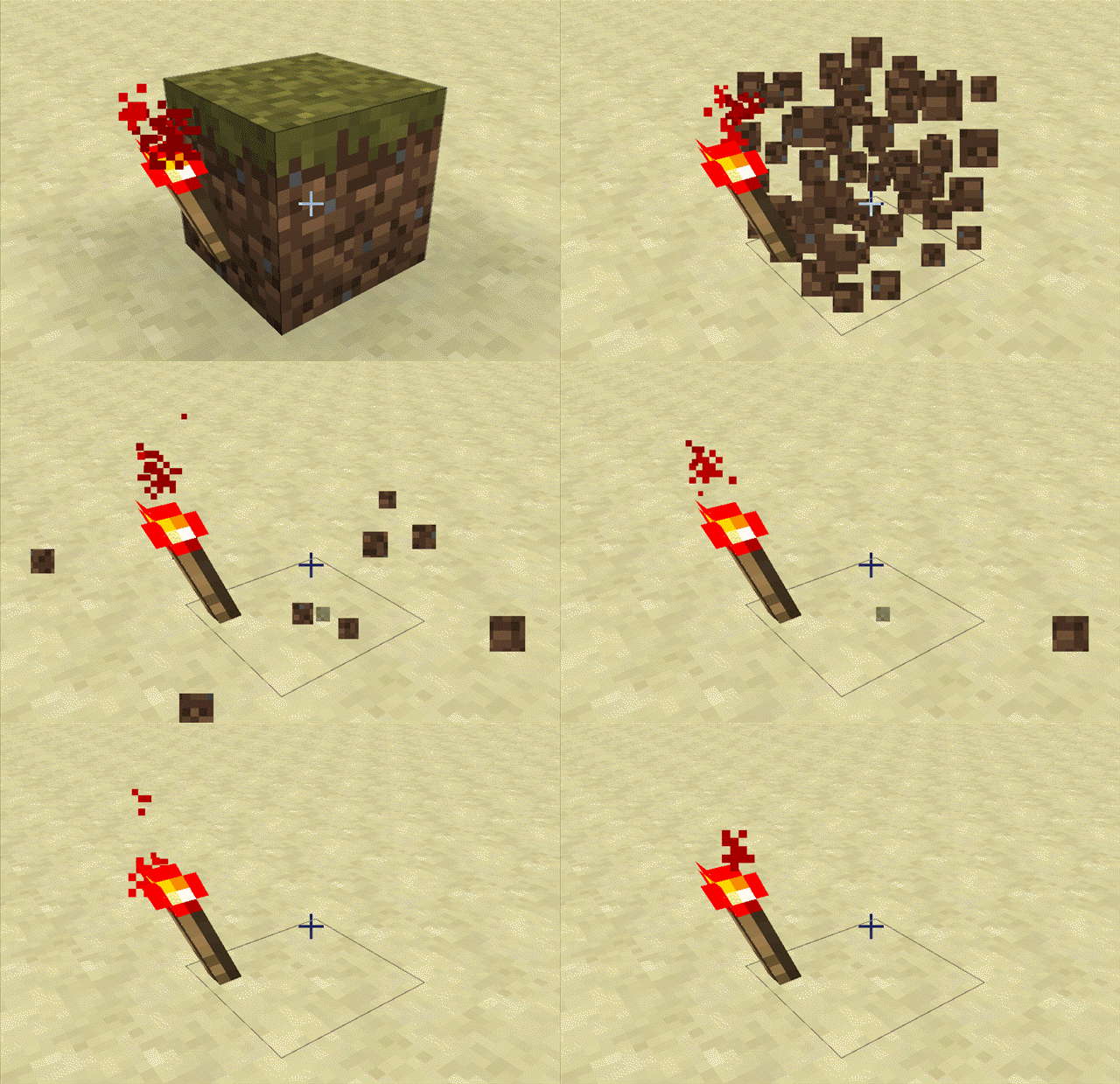

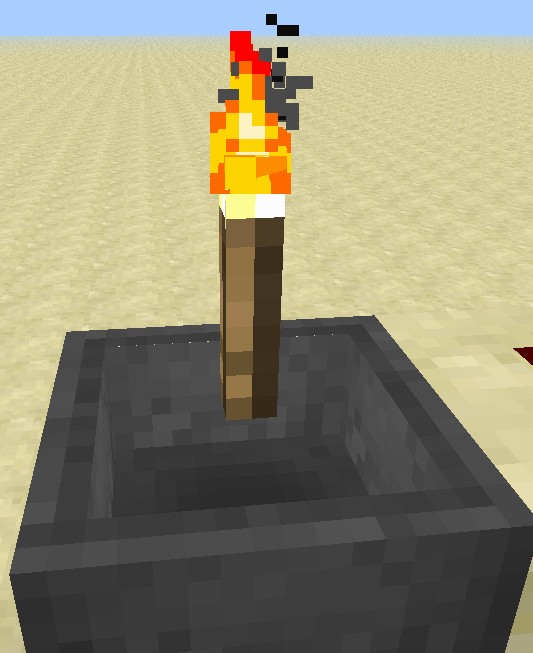
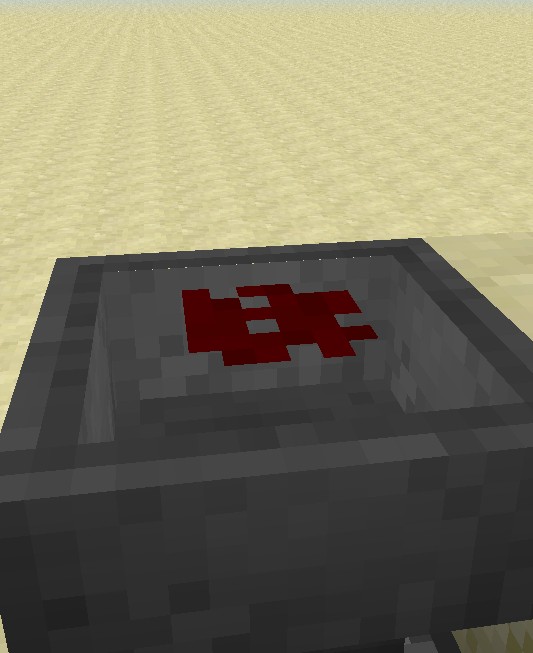
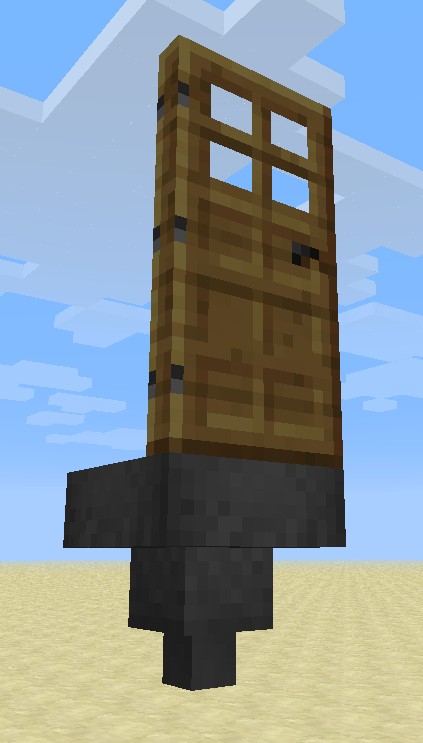

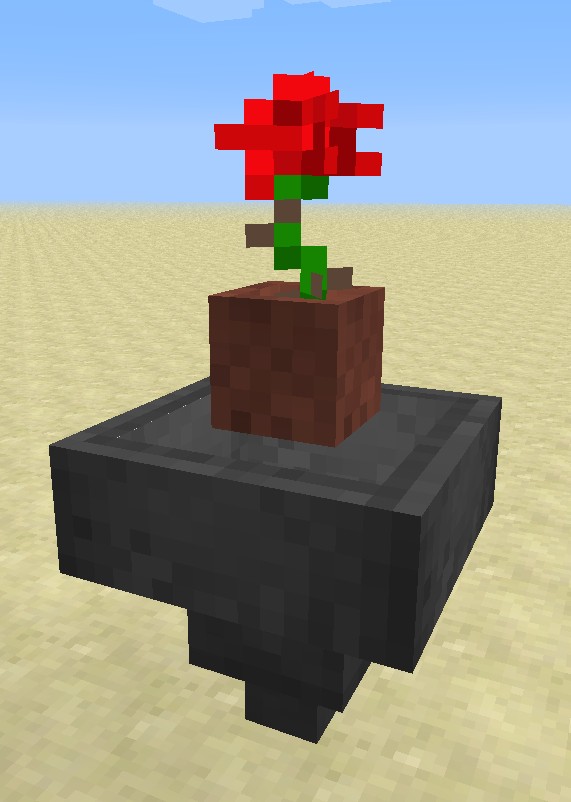




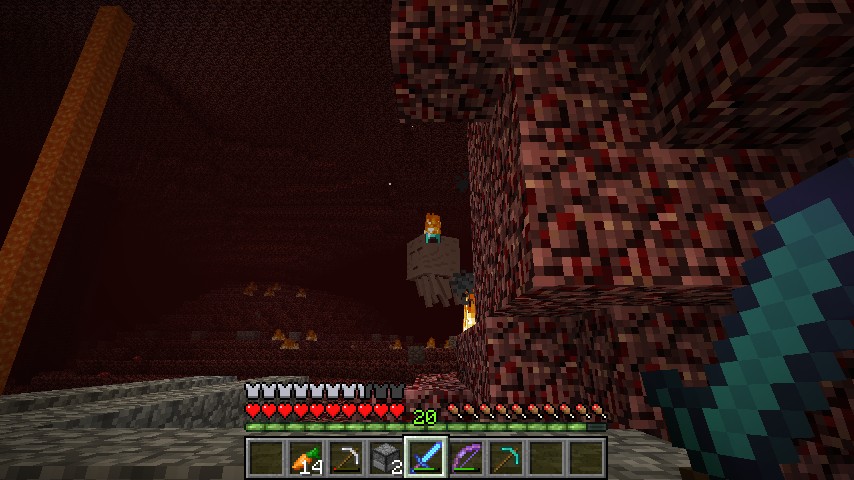






Framesgive a f ofwhat is attached to a block. They get placed no matter what is there.Frames don't care about what is attached to a block. They get placed no matter what is there.
Cobblestonewalls have the same collision box as fences do. But the c
-walls got a bigger width so you can walk through a part of them.If you know what I mean.
Cobblestonewalls have the same collision box as fences do. But the cobblestonewalls got a bigger width so you can walk through a part of them.
If you know what I mean.
Cobblestonewall hassamecollisionlike fencesCobblestonewall has fence-collisions
Just like the title says. When holding items like ...
- bow
- sword
- flint & steel
- shovel
- pickaxe etc
... pick block (middle mouse button by default) does not work if your item bar at the bottom of the screen is filled with blocks that are not the block you try to pick.
Just like the title says. When holding items like ...
- bow
- sword
- flint & steel
- shovel
- pickaxe etc
... pick block (middle mouse button by default) does not work if your item bar at the bottom of the screen is filled with blocks that are not the block you try to pick.f.ex: Your bar is filled with all colors of wool and one sword.
If you hold the sword and try to pick a stone the sword won't get replaced but if you hold wool or some other block it does.
Just like the title says. When holding items like ...
- bow
- sword
- flint & steel
- shovel
- pickaxe etc
... pick block (middle mouse button by default) does not workif your item bar at the bottom of the screen is filled with blocks that are not the block you try to pick.f.ex: Your bar is filled with all colors of wool and one sword.
If you hold the sword and try to pick a stone the sword won't get replaced but if you hold wool or some other block it does.Just like the title says. When holding items like ...
- bow
- sword
- flint & steel
- shovel
- pickaxe etc
... pick block (middle mouse button by default) does not work.EDIT: It only does not work if your item bar at the bottom of the screen is filled with blocks that are not the block you try to pick.
f.ex: Your bar is filled with all colors of wool and one sword.
If you hold the sword and try to pick a stone the sword won't get replaced but if you hold wool or some other block it does.
Just like the title says. When holding items like ...
- bow
- sword
- flint & steel
- shovel
- pickaxe etc
... pick block (middle mouse button by default) does not work.EDIT: It only does not work if your item bar at the bottom of the screen is filled with blocks that are not the block you try to pick.
f.ex: Your bar is filled with all colors of wool and one sword.
If you hold the sword and try to pick a stone the sword won't get replaced but if you hold wool or some other block it does.Just like the title says. When holding items like ...
- bow
- sword
- flint & steel
- shovel
- pickaxe etc
... pick block (middle mouse button by default) does not work.EDIT: It only does not work if your item bar at the bottom of the screen is filled with blocks that are not the block you try to pick.
f.ex: Your bar is filled with all colors of wool and one sword.
If you hold the sword and try to pick a stone the sword won't get replaced but if you hold wool or some other block it does.
When you are logged in on a server and start a second Minecraft session and join the same server, the first client crashes with (for me) following description:
Minecraft has crashed!
----------------------Minecraft has stopped running because it encountered a problem; Unexpected error
This error has been saved to C:\Users\Meta\AppData\Roaming\.minecraft\crash-reports\crash-2012-10-30_20.45.01-client.txt for your convenience. Please include a copy of this file if you report this crash to anyone.— BEGIN ERROR REPORT 3af587c1 --------
Generated 30.10.12 20:45
- Minecraft Version: 1.4.2
- Operating System: Windows 7 (amd64) version 6.1
- Java Version: 1.7.0_09, Oracle Corporation
- Java VM Version: Java HotSpot(TM) 64-Bit Server VM (mixed mode), Oracle Corporation
- Memory: 7923688680 bytes (7556 MB) / 8039104512 bytes (7666 MB) up to 8039104512 bytes (7666 MB)
- JVM Flags: 2 total; -Xms8000m -Xmx8000m
- AABB Pool Size: 10077 (564312 bytes; 0 MB) allocated, 1182 (66192 bytes; 0 MB) used
- LWJGL: 2.4.2
- OpenGL: GeForce GTX 570/PCIe/SSE2 GL version 4.2.0, NVIDIA Corporation
- Is Modded: Very likely
- Type: Client
- Texture Pack: Default
- Profiler Position: N/A (disabled)
- Vec3 Pool Size: ERROR NullPointerException: null
java.lang.NullPointerException
at aud.b(SourceFile:256)
at net.minecraft.client.Minecraft.a(SourceFile:433)
at awr.a(SourceFile:484)
at db.a(SourceFile:27)
at bx.b(SourceFile:341)
at awr.d(SourceFile:98)
at awz.b(SourceFile:61)
at net.minecraft.client.Minecraft.l(SourceFile:1282)
at net.minecraft.client.Minecraft.J(SourceFile:582)
at net.minecraft.client.Minecraft.run(SourceFile:534)
at java.lang.Thread.run(Unknown Source)
— END ERROR REPORT 1291c576 ----------EDIT: THIS IS NOT A VANILLA ISSUE. I HAD OPTIFINE INSTALLED AND THAT SOMEHOW CAUSED THAT.
Block texturesin the hand of other players or the player itselves hand are flipped(third person view)Block textures held by players (third person view) are mirrored
If you look at the texture of a block which is held by some player in third person view, you can see that the textures are mirrored. Same for Endermen etc.
If you look at the texture of a block which is held by some player in third person view, you can see that the textures are mirrored. Same for Endermen etc.
(best example: TNT (pic below))
@Tomas: Obviously ... You can read it above (http://puu.sh/1lEMD)
Just like the title says.
Try yourself: Seed: -2099292593333918843, coordinates: -215 22 841
As said above, when looking at the own skin in the inventory, the world model
has a strange moving head. Best noticible on mini GUI (and a close look of your character or maybe a big screen).As said above, when looking at the own skin in the inventory, the world model's head is moving strangely. Best noticible on mini GUI (and a close look of your character or maybe a big screen).
Playerhas an epileptic attackwhen looking at own skin in the inventoryPlayer's head having strange behaviour when looking at own skin in the inventory
Player's head having strange behaviour when looking atownskin in the inventoryPlayer's head having strange behaviour when looking at the skin in the inventory
Unbenannt.mp4
When difficulty "peaceful" is enabled, mobs still spawn but then quickly despawn (also that causes the "skeleton shoots me in peaceful" bug). Can't they just not spawn in peaceful at all?
As far as I know Java, that shouldn't be too difficult. Just some lines of code.
When difficulty "peaceful" is enabled (EDIT: in multiplayer!), mobs still spawn but then quickly despawn (also that causes the "skeleton shoots me in peaceful" bug). Can't they just not spawn in peaceful at all?
As far as I know Java, that shouldn't be too difficult. Just some lines of code.
You can't hit yourself with arrows when PvP is disabled
. Ithink if arrows have an owner variable, they should be able to hurt their owner if he is stupid enough to hit himself
You can't hit yourself with arrows when PvP is disabled but I seriously think if arrows (would) have an owner variable, they should be able to hurt their owner if he is stupid enough to hit himself
What I expected to happen was...:
Iwas trying to make a guillotine and i expected a player head to fall into it!What actually happened was...:
When you throw it intothe couldronit bounces!Steps to Reproduce:
1. Place a cauldron
2. Get an item in your inventory
3. Throw it in the cauldron
4. The item bouncesWhat I expected to happen was...:
I throw an item into the cauldron and it stays inside just like before 1.4.3What actually happened was...:
The item started to bounce on top of the cauldronSteps to Reproduce:
1. Place a cauldron
2. Get an item in your inventory
3. Throw it in the cauldron
4. The item bounces
When solid blocks are placed next to fencegates, they miss textures at that block face just like cacti in flower pots and enderportals did before 1.4.3pre.
EDIT : Just noticed I still run 1.4.2, it's fixed in 1.4.3pre .
When endermen die while holding a block, they don't always drop it back. Sometimes they do.
Oresand dirtonly generate until Z 128 in stoneOres, dirt and maybe caves and structures only generate until Z 128 in stone
(askedat Minecon) Pets don't "follow you offline"(confirmed as Bug by Jeb at Minecon) Pets don't "follow you offline"
Just asked at Minecon,
jeb called it a bug.Pets don't "disconnect" when their holders log off and can be killed by other players.
Just asked at Minecon, Jeb confirmed it a bug.
Pets don't "disconnect" when their holders log off and can be killed by other players.
Just asked at Minecon, Jeb confirmed it a bug.
Pets don't "disconnect" when their holders log off and can be killed by other players.
Just got asked by a boy at Minecon, Jeb confirmed it a bug.
Pets don't "disconnect" when their holders log off and can be killed by other players.
Meaning they should disappear and reappear just like their owners do to not get harmed or bugged by chunks being unloaded or mad players.
Asked at 5:37:17 here: http://www.gamespot.com/shows/gamespot-live/?event=minecon_2012_day_120121124
Just got asked by a boy at Minecon, Jeb confirmed it a bug.
Pets don't "disconnect" when their holders log off and can be killed by other players.
Meaning they should disappear and reappear just like their owners do to not get harmed or bugged by chunks being unloaded or mad players.Just got asked by a boy at Minecon, Jeb confirmed it a bug.
5:37:17 here: http://www.gamespot.com/shows/gamespot-live/?event=minecon_2012_day_120121124Pets don't "disconnect" when their holders log off and can be killed by other players.
Meaning they should disappear and reappear just like their owners do to not get harmed or bugged by chunks being unloaded or mad players.
Yes. The reason is the hopper can't know in whose players enderchest the items should be placed in.
It shouldn't drop items to enderchests.
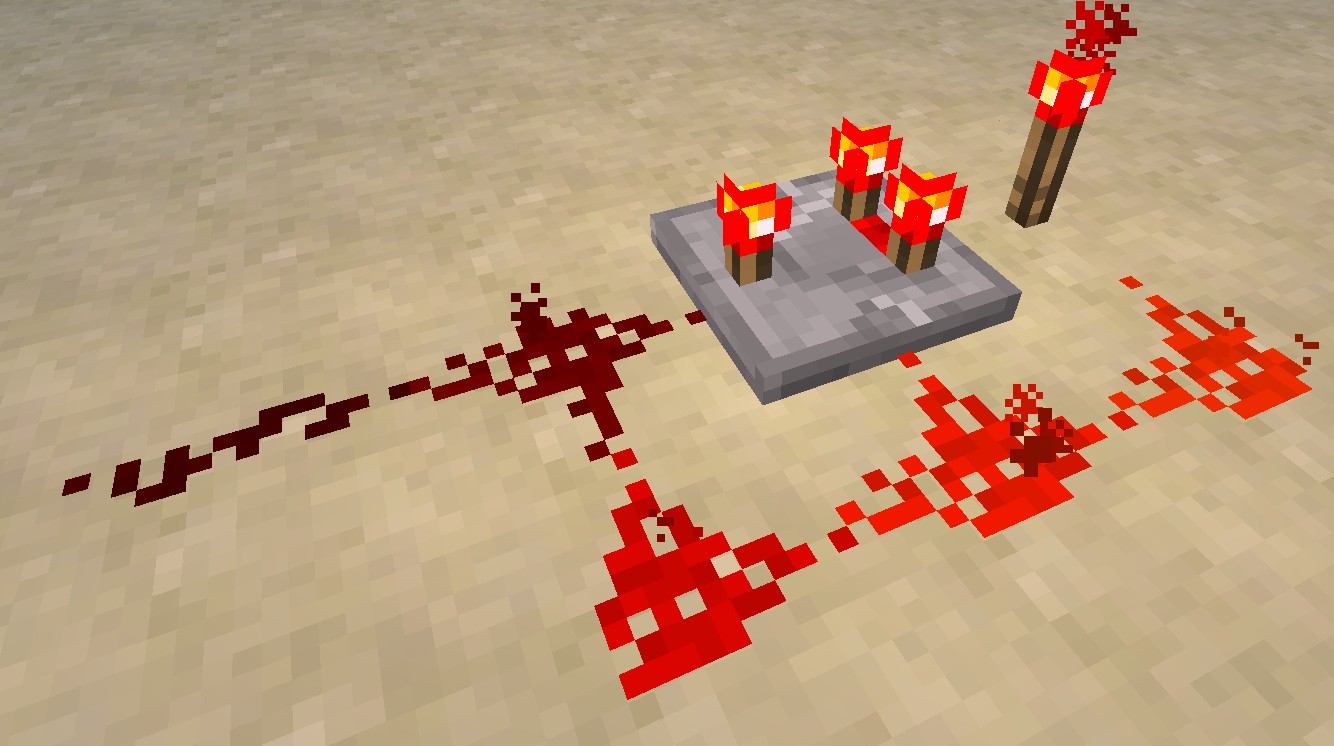
Normally the output of the comparator would be overridden by the powered redstone next to it but it isn't. (Look at screenshot
1)Normally the output of the comparator would be overridden by the powered redstone next to it but it isn't. (Look at screenshot-1.jpg)
Normally the output of the comparator would be overridden by the powered redstone next to it but it isn't which is odd as . (Look at screenshot-1.jpg)
Normally the output of the comparator would be overridden by the powered redstone next to it but it isn't which is odd as . (Look at screenshot-1.jpg)
Normally the output of the comparator would be overridden by the powered redstone next to it but it isn't which is odd. (Look at buggy.jpg)
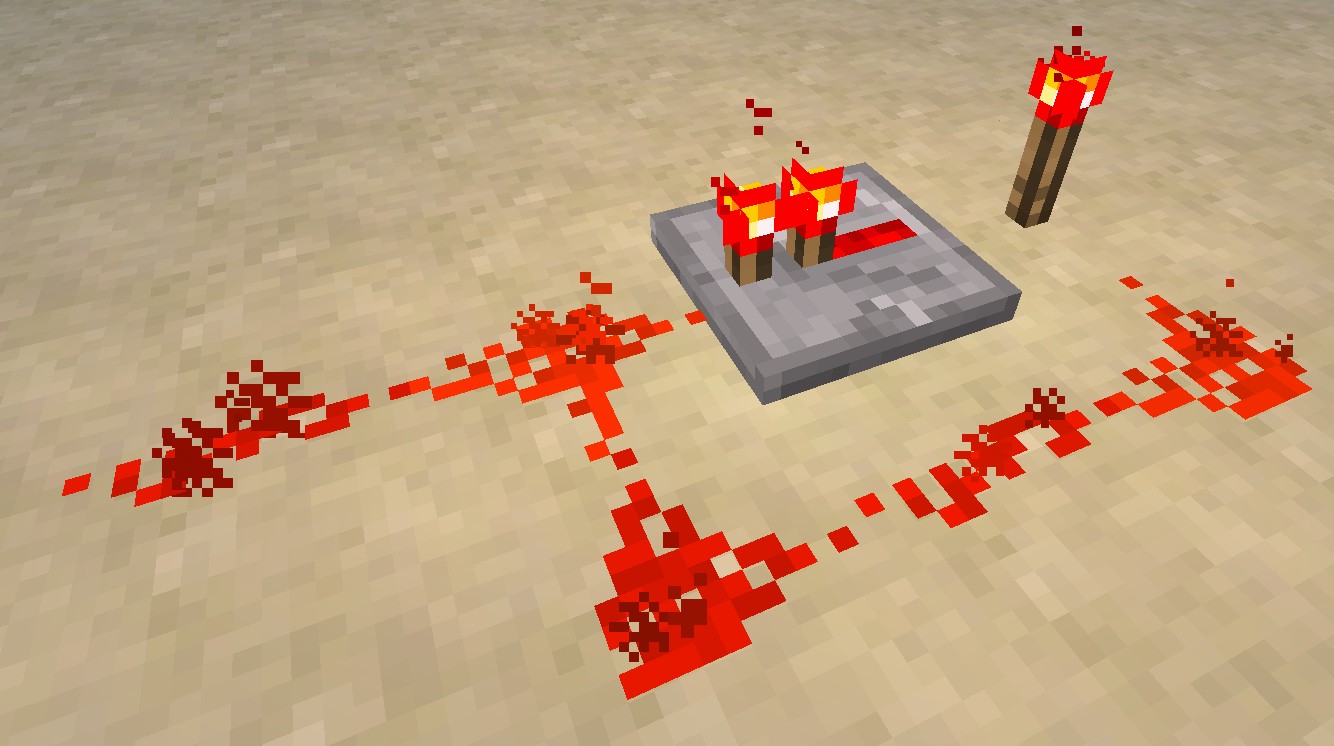
normal-behaviour.jpg is what normally happens.
Normally the output of the comparator would be overridden by the powered redstone next to it but it isn't which is odd. (Look at buggy.jpg)
normal-behaviour.jpgis what normallyhappens.Normally the output of the comparator would be overridden by the powered redstone next to it but it isn't which is odd. (Look at buggy.jpg)
normal-behaviour.jpg shows what normally would happen in other redstone circuits e.g. by using a repeater.
Normally the output of the comparator would be overridden by the powered redstone next to it but it isn't which is odd. (Look at buggy.jpg)
normal-behaviour.jpg shows what normally would happen in other redstone circuits e.g. by using a repeater instead.
.
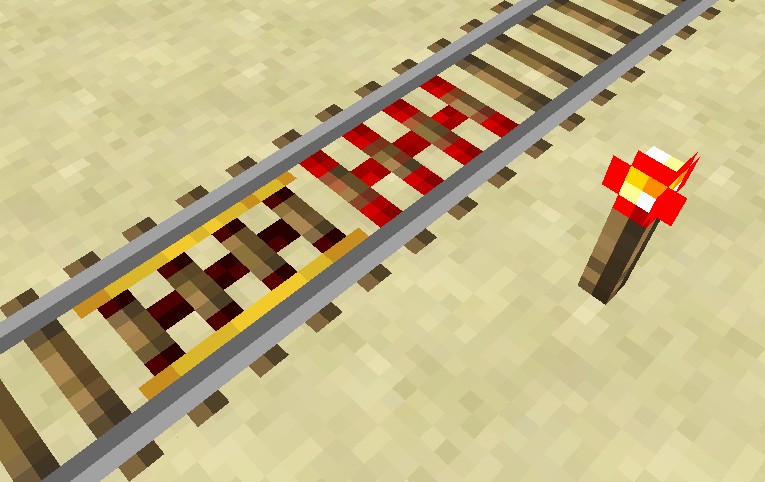
Activator rails do not power power rails when poweredPowered activator rails do not power powered rails when powered (lol)
What I expected to happen was...:
Powering an activator rail would power powered rails.What actually happened was...:
Instead, the powered rail isn't powered by the activator rail.Steps to Reproduce:
1. Place activator rails and unpowered powered rails next to each other
2. Power one of them
Poweredactivatorrails do not powerpowered rails when powered (lol)Powered rails do not power other redstone rails of another type (powered rails and activator rails)
What I expected to happen was...:
Poweringan activatorrail would powerpowered rails.What actually happened was...:
Instead, thepowered rail isn't powered by the activator rail.Steps to Reproduce:
1. Place activator rails and unpowered powered rails next to each other
2. Power one of themWhat I expected to happen was...:
Powering one of the redstone rails would power rails next to them even if they are of another type.What actually happened was...:
Instead, the rails next to the powered rail of another type don't get powered.Steps to Reproduce:
1. Place activator rails and unpowered powered rails next to each other
2. Power one of them
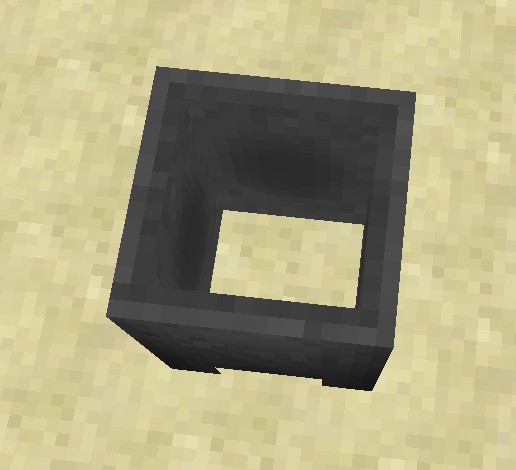
As seen on the attached screenshot the hopper looks odd when dropping it instead of looking like it's real item image.
Trapped chests don't emit redstone signals through blocks tho it was stated as a fix for this snapshot.
Trapped chests don't emit redstone signals through blocks but Mojang wrote they would now.
Not offending Mojang
Trapped chests don't emit redstone signals through blocks but Mojang wrote they would now.
I tested with two players.
Not offending Team Mojang as liars tho
May be caused by texture packs. Try to use Default if you are using a texture pack.
The texturepack system just got upgraded and older texture packs won't work until they get updated.
When you resize the window so that the width is giant and the height is small you can look through blocks next to you (like in screenshot-1.jpg)
Copying named mobs (copy block key) does not produce an egg with the mob's name.
When I have a Villager called Dinnerbone and I click the copy key on him, I should get an egg producing lots of Dinnerbones, shoduldn't I?
Copying named mobs (copy block key) does not produce an egg with the mob's name.
When I have a Villager called Dinnerbone and I click the copy key on him, I should get an egg producing lots of Dinnerbones, shoduldn't I?
Now that 512x packs work, I tried to use one but I experienced massive lags while 256x packs don't cause any lag. I allocated 8GB of RAM to Java and Minecraft.
Btw Minecraft uses the full 8.406.560 KB of RAM.
Now that 512x packs work, I tried to use one but I experienced massive lags while 256x packs don't cause any lag. I allocated 8GB of RAM to Java and Minecraft.
Btw Minecraft uses the full 8.406.560 KB of RAM when using this texturepack.
OS: Windows 7 x64
Java 1.7.0_09-b05 x64
RAM: 16GB (8 allocated to Minecraft)
OS: Windows 7 x64
Java 1.7.0_09-b05 x64
RAM: 16GB (8 allocated to Minecraft)
Graphics Card: NVIDIA GeForce GTX 570
I build a machine to travel past a long distance as shown in one of sethblings vidoes (http://www.youtube.com/watch?v=zoaPk_dR_fQ) using pressure plates and pistons.
When I step on the plates, I travel like 5 blocks and then there is a machine lag for like 1 redstone update until I travel another 5 blocks.
But when I let a mob use the machine, it gets pushed through without any redstone lag.
I attached the world files.
Coordinates to begin: -829 56 -157I build a machine to travel past a long distance as shown in one of sethblings vidoes (http://www.youtube.com/watch?v=zoaPk_dR_fQ) using pressure plates and pistons.
When I step on the plates, I travel like 5 blocks and then there is a machine lag for like 1 redstone update until I travel another 5 blocks.
But when I let a mob use the machine, it gets pushed through without any redstone lag.World files: http://www67.zippyshare.com/v/18189813/file.html
Coordinates to begin: -829 56 -157
I buil
da machine to travel past a long distance as shown in one of sethblings vidoes (http://www.youtube.com/watch?v=zoaPk_dR_fQ) using pressure plates and pistons.When I step on the plates, I travel like 5 blocks and then there is a machine lag for like 1 redstone update until I travel another 5 blocks.
But when I let a mob use the machine, it gets pushed through without any redstone lag.World files: http://www67.zippyshare.com/v/18189813/file.html
Coordinates to begin: -829 56 -157I built a machine to travel past a long distance as shown in one of sethblings vidoes (http://www.youtube.com/watch?v=zoaPk_dR_fQ) using pressure plates and pistons.
When I step on the plates, I travel like 5 blocks and then there is a machine lag for like 1 redstone update until I travel another 5 blocks.
But when I let a mob use the machine, it gets pushed through without any redstone lag.World files: http://www67.zippyshare.com/v/18189813/file.html
Coordinates to begin: -829 56 -157
I built a machine to travel past a long distance as shown in one of sethblings vidoes (http://www.youtube.com/watch?v=zoaPk_dR_fQ) using pressure plates and pistons.
When I step on the plates, I travel like 5 blocks and then there is a machine lag for like 1 redstone
updateuntil I travel another 5 blocks.
But when I let a mob use the machine, it gets pushed through without any redstone lag.World files: http://www67.zippyshare.com/v/18189813/file.html
Coordinates to begin: -829 56 -157I built a machine to travel past a long distance as shown in one of sethblings vidoes (http://www.youtube.com/watch?v=zoaPk_dR_fQ) using pressure plates and pistons.
When I step on the plates, I travel like 5 blocks and then there is a machine lag for like 1 redstone tick until I travel another 5 blocks.
But when I let a mob use the machine, it gets pushed through without any redstone lag.World files: http://www67.zippyshare.com/v/18189813/file.html
Coordinates to begin: -829 56 -157
Animals can breed over distanced up to almost 8 blocks when only seperated by fences.
What I expected to happen:
Animals would have to go together to breed.What actually happened:
My test-cows were breeding over a distance of 8 blocks (have to be close to the fence tho when it's 8 blocks)
Animals can breed over distanced up to almost 8 blocks when only seperated by fences.
What I expected to happen:
Animals would have to go together to breed.What actually happened:
My test-cows were breeding over a distance of 8 blocks (have to be close to the fence tho when it's 8 blocks)
Animals can breed over distancedup to almost 8 blocks when only seperated by fencesAnimals can breed over distances up to almost 8 blocks when only seperated by fences
I don't know exactly if this is more general redstone behaviour or maybe still related to the new items causing some update malfunctions so sorry if this is not correct
-----------
So I've been testing some redstone contraptions like flip flops and started playing around with pistons and redstone blocks until I got to this* setup.
- = setup
What I expected to happen:
The pistons would extend one after another and pull back the blocks afterwardsWhat actually happened:
The first piston eventually pulled his block back and messed up the entire contraption. To reset the pistons they have to be replaced or recieve a redstone update manually.I don't know exactly if this is more general redstone behaviour or maybe still related to the new items causing some update malfunctions so sorry if this is not correct
-----------
So I've been testing some redstone contraptions like flip flops and started playing around with pistons and redstone blocks until I got to this
setup.
What I expected to happen:
The pistons would extend one after another and pull back the blocks afterwardsWhat actually happened:
The first piston eventually pulled his block back and messed up the entire contraption. To reset the pistons they have to be replaced or recieve a redstone update manually.
There still is some redstone update bug in redstone contraptions
I don't know exactly if this is more general redstone behaviour or maybe still related to the new items causing some update malfunctions so sorry if this is not correct
-----------
So I've been testing some redstone contraptions like flip flops and started playing around with pistons and redstone blocks until I got to this
.What I expected to happen:
The pistons would extend one after another and pull back the blocks afterwardsWhat actually happened:
The first piston eventually pulled his block back and messed up the entire contraption. To reset the pistons they have to be replaced or recieve a redstone update manually.I don't know exactly if this is more general redstone behaviour or maybe still related to the new items causing some update malfunctions so sorry if this is not correct
-----------
So I've been testing some redstone contraptions like flip flops and started playing around with pistons and redstone blocks until I got to this
What I expected to happen:
The pistons would extend one after another and pull back the blocks afterwardsWhat actually happened:
The first piston eventually pulled his block back and messed up the entire contraption. To reset the pistons they have to be replaced or recieve a redstone update manually.
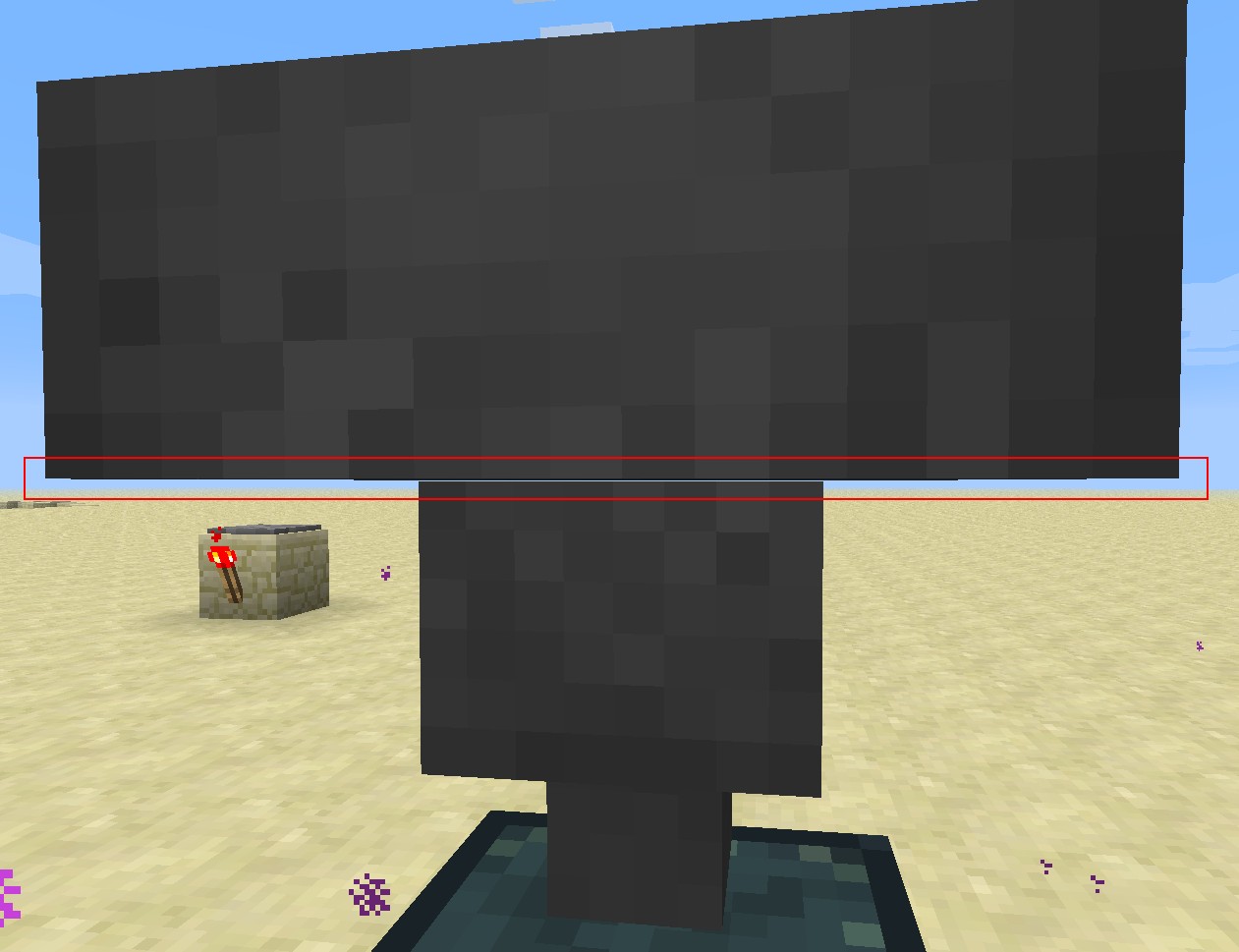
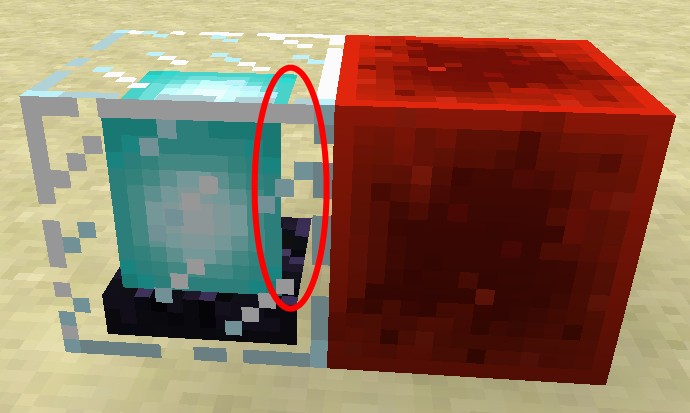
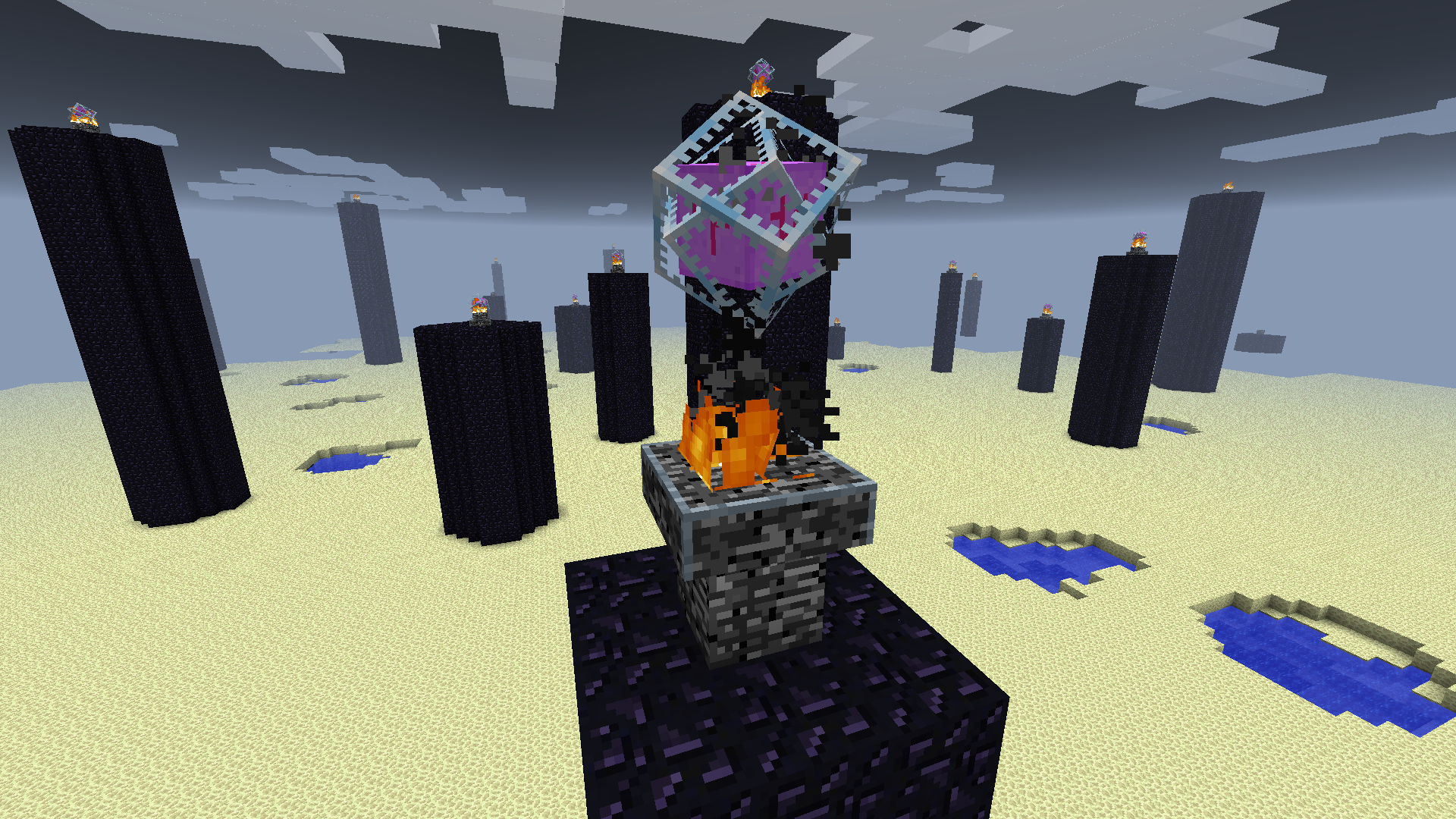
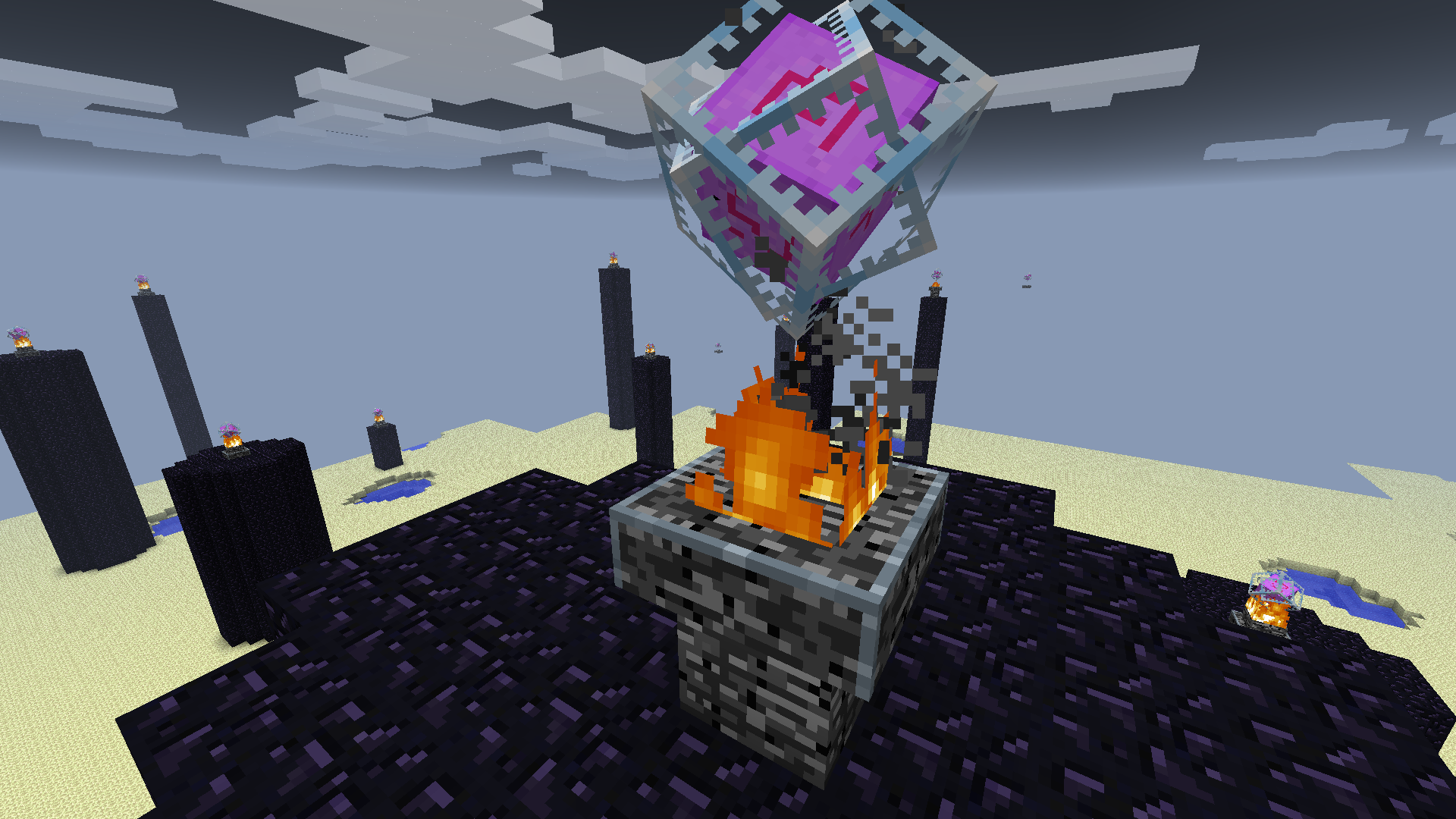
I created a superflat world with and end style and after a long time flying around I found this wrongly generated ender crystal (screenshot-1.jpg, foreground)
I created a superflat world with and end style and after a long time flying around I found this wrongly generated ender crystal (screenshot-1.jpg, foreground).
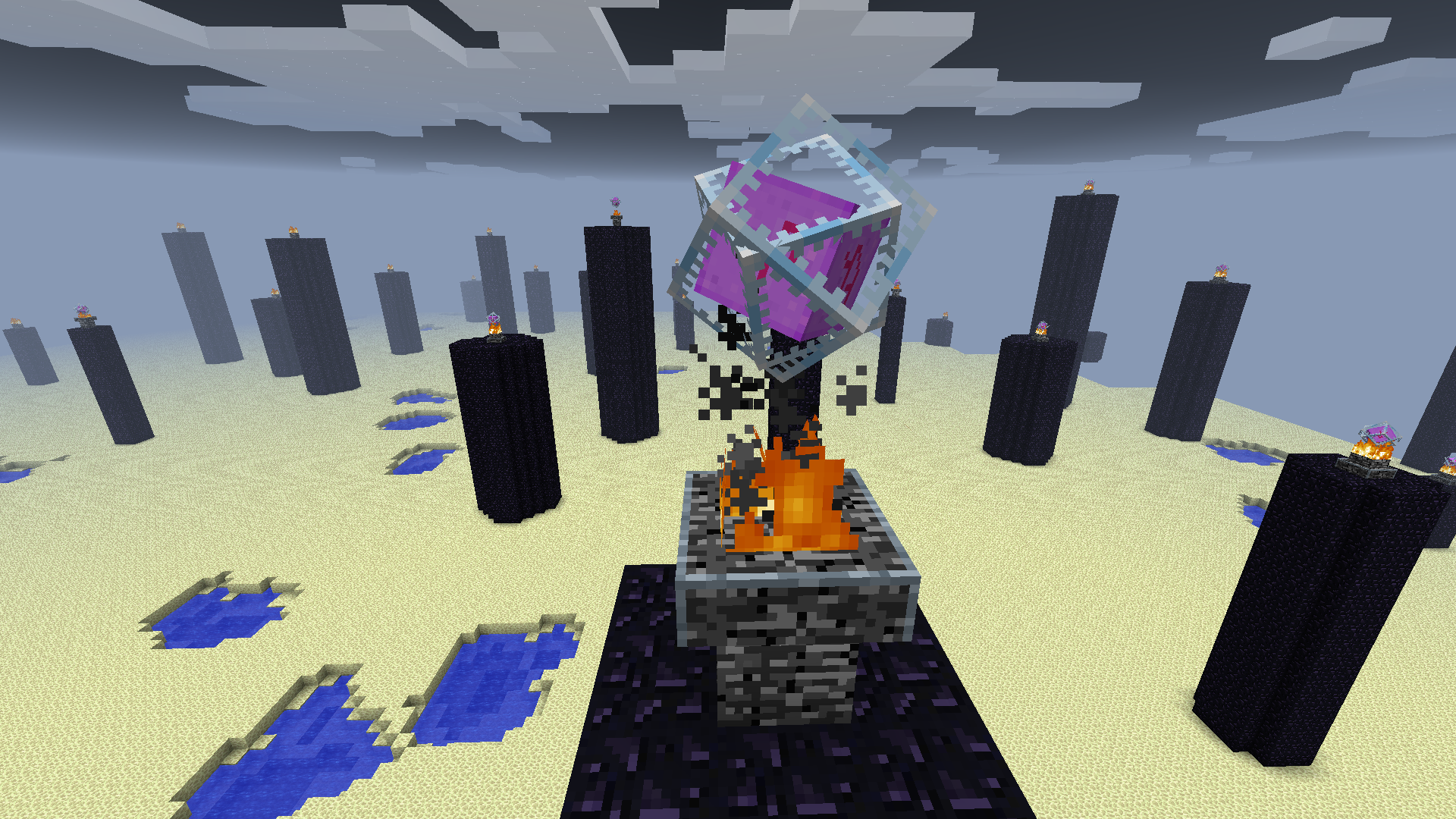
The wide part of the bedrock block (belongs to the crystal) should be at the bottom (like at the crystal at the back, same image)
I created a superflat world with and end style and after a long time flying around I found this wrongly generated ender crystal (screenshot-1.jpg, foreground).
The wide part of the bedrock block (belongs to the crystal) should be at the bottom (like at the crystal at the back, same image)creation template for that superflat world:
2;7,60x121;9;village,decoration,dungeon,lake,mineshaft,lava_lake
I created a superflat world with and end style and after a long time flying around I found this wrongly generated ender crystal (screenshot-1.jpg, foreground).
The wide part of the bedrock block (belongs to the crystal) should be at the bottom (like at the crystal at the back, same image)creation template for that superflat world:
2;7,60x121;9;village,decoration,dungeon,lake,mineshaft,lava_lakeEDIT: After reloading the world (to check the creation template) the crystal corrected it's position tho someone should look after that.
I created a superflat world with and end style and after a long time flying around I found this wrongly generated ender crystal (screenshot-1.jpg, foreground).
The wide part of the bedrock block (belongs to the crystal) should be at the bottom (like at the crystal at the back, same image)creation template for that superflat world:
2;7,60x121;9;village,decoration,dungeon,lake,mineshaft,lava_lakeEDIT: After reloading the world (to check the creation template) the crystal corrected it's position tho someone should look after that.
I created a superflat world with and end style and after a long time flying around I found this wrongly generated ender crystal (screenshot-1.jpg, foreground).
The wide part of the bedrock block (belongs to the crystal) should be at the bottom (like at the crystal at the back, same image)Technically the crystals are only 1 block higher than they should be.
creation template for that superflat world:
2;7,60x121;9;village,decoration,dungeon,lake,mineshaft,lava_lakeEDIT: After reloading the world (to check the creation template) the crystal corrected it's position tho someone should look after that.

Trying to hit an ender crystal from below does not work
no matter how close you are.Trying to hit an ender crystal from below does not work while not within a range of like 0.3 meters.
Trying to hit an ender crystal from below does not work while not within a range of like 0.3 meters while you can hit it in a normal range when above.
Ender crystals cannot bedestroyedfrom belowEnder crystals cannot be hit with meelee from below
Ender crystals cannot be hit with meelee weapons from below

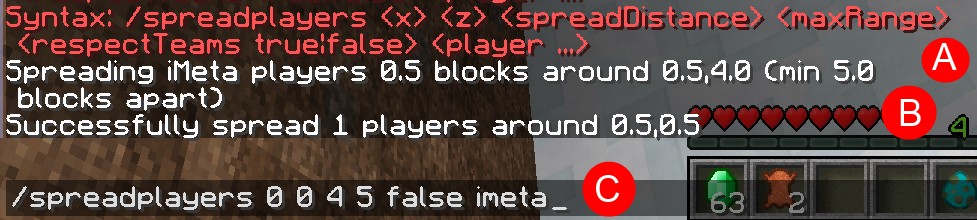
When I start the game with a resourcepack that got created from converting a texturepack with TextureEnder (lol), the font everywhere in the game looks like in "screenshot-1". However when I start with the default resourcepack, everything's normal.
Changing the pack on runtime doesn't change anything.
How to reproduce:
1. Take a texturepack.
2. Convert it using TextureEnder (from Mojang blog post for 13w24a)
3. Move the converted resourcepack to the resourcepack directory in /.minecraft/
4. Start the game
5. Select the resourcepack
6. Restart the game
7. Start eating hotdogs because of frustration.
When I start the game with a resourcepack that got created from converting a texturepack with TextureEnder (lol), the font everywhere in the game looks like in "screenshot-1". However when I start with the default resourcepack, everything's normal.
Changing the pack on runtime doesn't change anything.
How to reproduce:
1. Take a texturepack.
2. Convert it using TextureEnder (from Mojang blog post for 13w24a)
3. Move the converted resourcepack to the resourcepack directory in /.minecraft/
4. Start the game
5. Select the resourcepack
6. Restart the game
7. Start eating hotdogs because of frustration.PS: This may only happen if that texturepack has a custom font


It's only in some very special camera angles. Maybe try to look at yourself like in this screenshot.
I'm going to try to tell you the exact angles in like one hour.
(NEW) YouTube-Video:
The extra leather tiles on leather armor sometimes has z-fighting when seen from a special angle (see screenshot-1)
(NEW) YouTube-Video: http://youtu.be/RkXRTIFRwME
The extra leather tiles on leather armor sometimes has z-fighting when seen from a special angle (see screenshot-1)

NVidia graphics card
[NVidia graphics card] Leather armor experiences z-fighting

(NEW) YouTube-Video: http://youtu.be/RkXRTIFRwME
The extra leather tiles on leather armor sometimes ha
sz-fighting when seen from a special angle (see screenshot-1)(NEW) YouTube-Video: http://youtu.be/RkXRTIFRwME
The extra leather tiles on leather armor sometimes have z-fighting when seen from a special angle (see screenshot-1)
It seems that this only occurs on computers with NVidia graphics cards.


Following texts seem to have no translation for other languages:
- "Polling.."
- "Communication error"
- "Can't reach server"
Also "Scanning for games on your local network" does have a translation on crowdin.net but it is not used.
Following texts seem to have no translation for other languages:
- "Polling.."
- "Communication error"
- "Can't reach server"
Also "Scanning for games on your local network" does have a translation on crowdin.net but it is not used.
Following texts seem to have no translation for other languages:
- "Polling.."
- "Communication error"
- "Can't reach server"
Also "Scanning for games on your local network" does have a translation on crowdin.net but it is not used.
Following texts seem to have no translation for other languages:
- "Polling.."
- "Communication error"
- "Can't reach server"
Also "Scanning for games on your local network" does have a translation on crowdin.net but it is not used.(fixed as of 1.6.1)
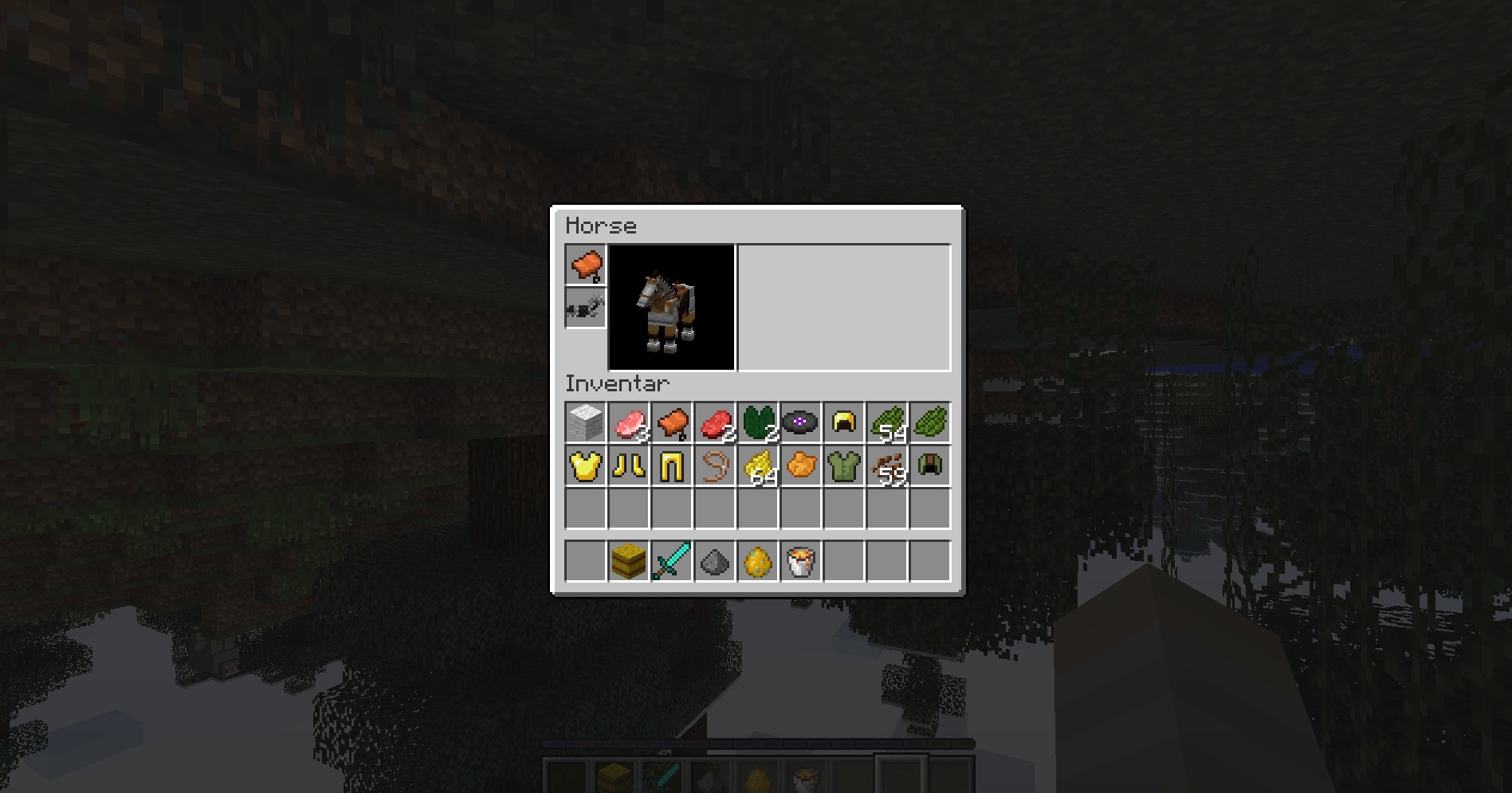
When the new gamerule "naturalHealthRegeneration" is deactivated and you are hurt (like say you have 5 hearts) and someone reactivates "naturalHealthRegeneration" after the time the missing 5 hearts would have been regenerated in passed, the hearts just refill within 1 second.
tl;dr:
- naturalHealthRegeneration = false
- You get hurt
- naturalHealthRegeneration = true
=> Hearts start to regenerate
- naturalHealthRegeneration = false
- You get hurt
- Wait a few minutes
- naturalHealthRegeneration = true
=>Health rapidly is fullinstead of regenerating half a heart in ~1 secondWhen the new gamerule "naturalHealthRegeneration" is deactivated and you are hurt (like say you have 5 hearts) and someone reactivates "naturalHealthRegeneration" after the time the missing 5 hearts would have been regenerated in passed, the hearts just refill within 1 second.
tl;dr:
- naturalHealthRegeneration = false
- You get hurt
- Wait a few minutes
- naturalHealthRegeneration = true
=> You immedeately have full health instead of regenerating half a heart in ~1 second
When the new gamerule "naturalHealthRegeneration" is deactivated and you are hurt (like say you have 5 hearts) and someone reactivates "naturalHealthRegeneration" after the time the missing 5 hearts would have been regenerated in passed, the hearts just refill within 1 second.
tl;dr:
- naturalHealthRegeneration = false
- You get hurt
Wait a few minutes- naturalHealthRegeneration = true
=> You immedeately have full health instead of regenerating half a heart in ~1 secondSay the new gamerule "naturalHealthRegeneration" is deactivated and you are hurt (like say you have 5 hearts).
Now when you close the world and reenter it (singleplayer) and you reactivate "naturalHealthRegeneration" the hearts just refill within 1 second.tl;dr:
- naturalHealthRegeneration = false
- You get hurt
- Exit game (just the savegame)
- Reload game
- naturalHealthRegeneration = true
=> You immedeately have full health instead of regenerating half a heart in ~1 second
Reactivating naturalHealthRegeneration aftera long time being hurt heals a lotReactivating naturalHealthRegeneration after loading a world fully heals
Say the new gamerule "naturalHealthRegeneration" is deactivated and you are hurt (like say you have 5 hearts).
Now when youclosethe worldand reenter it(singleplayer) and you reactivate "naturalHealthRegeneration" the hearts just refill within 1 second.tl;dr:
- naturalHealthRegeneration = false
- You get hurt
- Exit game (just the savegame)
- Reload
game- naturalHealthRegeneration = true
=> You immedeately have full health instead of regenerating half a heart in ~1 secondSay the new gamerule "naturalHealthRegeneration" is deactivated and you are hurt (like say you have 5 hearts).
Now when you reload the world (singleplayer) and you reactivate "naturalHealthRegeneration" the hearts just refill within 1 second.tl;dr:
- naturalHealthRegeneration = false
- You get hurt
- Reload world
- naturalHealthRegeneration = true
=> You immedeately have full health instead of regenerating half a heart in ~1 second
Reactivating naturalHealthRegeneration after loading a world fully heals when sitting on a horse
Say the new gamerule "naturalHealthRegeneration" is deactivated and you are hurt (like
say you have 5hearts).
Now when you reload the world (singleplayer)and you reactivate "naturalHealthRegeneration" the hearts just refill within 1 second.tl;dr:
- naturalHealthRegeneration = false
- You get hurt
Reload world- naturalHealthRegeneration = true
=> You immedeately have full health instead of regenerating half a heart in ~1 secondSay the new gamerule "naturalHealthRegeneration" is deactivated and you are hurt (like having 3 hearts left).
Now when you reload the world (singleplayer), sit on a horse and you reactivate "naturalHealthRegeneration" the hearts just refill within 1 second.tl;dr:
- naturalHealthRegeneration = false
- You get hurt
- Reload world
- Sit on horse
- naturalHealthRegeneration = true
=> You immedeately have full health instead of regenerating half a heart in ~1 second
(NEW) YouTube-Video: http://youtu.be/IrUtk9wfT2M
Say the new gamerule "naturalHealthRegeneration" is deactivated and you are hurt (like having 3 hearts left).
Now when you reload the world (singleplayer), sit on a horse and you reactivate "naturalHealthRegeneration" the hearts just refill within 1 second.tl;dr:
- naturalHealthRegeneration = false
- You get hurt
- Reload world
- Sit on horse
- naturalHealthRegeneration = true
=> You immedeately have full health instead of regenerating half a heart in ~1 second
Reactivating naturaRegeneration after loading a world fully heals when sitting on a horse on peaceful
(NEW) YouTube-Video: http://youtu.be/IrUtk9wfT2M
Say the new gamerule "naturalRegeneration" is deactivated and you are hurt (like having 3 hearts left).
Now when you reload the world (singleplayer), sit on a horse and you reactivate "naturalRegeneration" the hearts just refill within 1 second.tl;dr:
- Play in peaceful
- naturalRegeneration = false
- You get hurt
- Reload world
- Sit on horse
- naturalRegeneration = true
=> You immedeately have full health instead of regenerating half a heart in ~1 second

I clicked "next" in a villager trading window to get to the next trade (4th item or so)
What I expected to happen was...:
I get to see the next tradeWhat actually happened was...:
Minecraft immediately crashed.Steps to Reproduce:
1. Open a villager trade
2. Switch through the offers a few timesCrash message (from the launcher):
---- Minecraft Crash Report ----
// You should try our sister game, Minceraft!Time: 09.07.13 15:06
Description: Rendering screenjava.lang.IndexOutOfBoundsException: Index: 4, Size: 4
at java.util.ArrayList.rangeCheck(Unknown Source)
at java.util.ArrayList.get(Unknown Source)
at axt.a(SourceFile:102)
at awv.a(SourceFile:80)
at axt.a(SourceFile:116)
at bfb.b(SourceFile:718)
at ats.S(SourceFile:686)
at ats.d(SourceFile:619)
at net.minecraft.client.main.Main.main(SourceFile:101)A detailed walkthrough of the error, its code path and all known details is as follows:
---------------------------------------------------------------------------------------– Head –
Stacktrace:
at java.util.ArrayList.rangeCheck(Unknown Source)
at java.util.ArrayList.get(Unknown Source)
at axt.a(SourceFile:102)
at awv.a(SourceFile:80)
at axt.a(SourceFile:116)– Screen render details –
Details:
Screen name: axt
Mouse location: Scaled: (387, 120). Absolute: (1162, 656)
Screen size: Scaled: (640, 340). Absolute: (1920, 1018). Scale factor of 3– Affected level –
Details:
Level name: MpServer
All players: 2 total; [bdf['iMeta'/15220448, l='MpServer', x=1560,00, y=65,62, z=2379,17], bev['SyR3X2'/14603504, l='MpServer', x=1580,69, y=71,00, z=2404,69]]
Chunk stats: MultiplayerChunkCache: 81
Level seed: 0
Level generator: ID 00 - default, ver 1. Features enabled: false
Level generator options:
Level spawn location: World: (-126,64,661), Chunk: (at 2,4,5 in -8,41; contains blocks -128,0,656 to -113,255,671), Region: (-1,1; contains chunks -32,32 to -1,63, blocks -512,0,512 to -1,255,1023)
Level time: 1038992879 game time, 1040207907 day time
Level dimension: 0
Level storage version: 0x00000 - Unknown?
Level weather: Rain time: 0 (now: false), thunder time: 0 (now: false)
Level game mode: Game mode: survival (ID 0). Hardcore: false. Cheats: false
Forced entities: 115 total; [bdf['iMeta'/15220448, l='MpServer', x=1560,00, y=65,62, z=2379,17], ok['Gemälde'/15220457, l='MpServer', x=-1963,00, y=80,50, z=-2906,94], bev['Silence2311'/14401347, l='MpServer', x=1564,94, y=64,00, z=2378,69], bev['Silence2311'/14401347, l='MpServer', x=1545,50, y=68,63, z=2327,81], ok['Gemälde'/15281833, l='MpServer', x=-2126,94, y=75,50, z=-2883,00], bev['SyR3X2'/14603504, l='MpServer', x=1580,69, y=71,00, z=2404,69], ok['Gemälde'/15227433, l='MpServer', x=-2099,06, y=76,00, z=-2893,00], bev['Silence2311'/14401347, l='MpServer', x=1562,69, y=69,02, z=2377,53], ok['Gemälde'/15220459, l='MpServer', x=-1963,50, y=80,50, z=-2919,06], ok['Gemälde'/15220458, l='MpServer', x=-1963,50, y=76,50, z=-2919,06], bev['SyR3X2'/14603504, l='MpServer', x=1546,59, y=71,00, z=2412,16], bev['SyR3X2'/14603504, l='MpServer', x=1575,63, y=69,00, z=2344,28], oc['entity.ItemFrame.name'/16102187, l='MpServer', x=1553,06, y=66,50, z=2375,50], rr['Horse'/15739372, l='MpServer', x=1539,53, y=71,00, z=2425,63], bev['SyR3X2'/14603504, l='MpServer', x=1571,59, y=71,00, z=2405,03], ok['Gemälde'/15222142, l='MpServer', x=1559,94, y=66,00, z=2382,00], ok['Gemälde'/15254310, l='MpServer', x=-2125,00, y=72,50, z=-3073,06], ok['Gemälde'/15252246, l='MpServer', x=-2110,94, y=76,00, z=-3080,00], oc['entity.ItemFrame.name'/15219367, l='MpServer', x=1553,06, y=74,50, z=2406,50], oc['entity.ItemFrame.name'/15219366, l='MpServer', x=1553,06, y=74,50, z=2404,50], oc['entity.ItemFrame.name'/15219365, l='MpServer', x=1553,06, y=74,50, z=2405,50], oc['entity.ItemFrame.name'/15219364, l='MpServer', x=1554,50, y=72,50, z=2401,06], oc['entity.ItemFrame.name'/15219363, l='MpServer', x=1558,50, y=72,50, z=2401,06], oc['entity.ItemFrame.name'/15219362, l='MpServer', x=1560,50, y=74,50, z=2401,06], oc['entity.ItemFrame.name'/15219361, l='MpServer', x=1562,50, y=72,50, z=2401,06], oc['entity.ItemFrame.name'/15219360, l='MpServer', x=1565,50, y=72,50, z=2401,06], oc['entity.ItemFrame.name'/15219375, l='MpServer', x=1570,94, y=62,50, z=2408,50], oc['entity.ItemFrame.name'/15219374, l='MpServer', x=1570,94, y=62,50, z=2405,50], oc['entity.ItemFrame.name'/15219373, l='MpServer', x=1568,50, y=62,50, z=2400,06], bev['Silence2311'/14401347, l='MpServer', x=1549,78, y=70,07, z=2333,94], oc['entity.ItemFrame.name'/15219372, l='MpServer', x=1554,50, y=72,50, z=2414,94], oc['entity.ItemFrame.name'/15219371, l='MpServer', x=1557,50, y=74,50, z=2401,06], oc['entity.ItemFrame.name'/15219370, l='MpServer', x=1553,06, y=74,50, z=2403,50], oc['entity.ItemFrame.name'/15219369, l='MpServer', x=1566,50, y=74,50, z=2401,06], oc['entity.ItemFrame.name'/15219368, l='MpServer', x=1553,06, y=72,50, z=2408,50], oc['entity.ItemFrame.name'/15219382, l='MpServer', x=1573,50, y=62,50, z=2412,94], oc['entity.ItemFrame.name'/15219383, l='MpServer', x=1572,06, y=62,50, z=2407,50], oc['entity.ItemFrame.name'/15219380, l='MpServer', x=1579,50, y=62,50, z=2412,94], oc['entity.ItemFrame.name'/15219381, l='MpServer', x=1576,50, y=62,50, z=2412,94], oc['entity.ItemFrame.name'/15219378, l='MpServer', x=1583,50, y=62,50, z=2400,06], oc['entity.ItemFrame.name'/15219379, l='MpServer', x=1582,50, y=62,50, z=2412,94], oc['entity.ItemFrame.name'/15219376, l='MpServer', x=1574,50, y=62,50, z=2400,06], oc['entity.ItemFrame.name'/15219377, l='MpServer', x=1580,50, y=62,50, z=2400,06], oc['entity.ItemFrame.name'/15219390, l='MpServer', x=1578,50, y=72,50, z=2401,06], oc['entity.ItemFrame.name'/15219391, l='MpServer', x=1582,94, y=72,50, z=2410,50], oc['entity.ItemFrame.name'/15219388, l='MpServer', x=1572,50, y=74,50, z=2401,06], oc['entity.ItemFrame.name'/15219389, l='MpServer', x=1574,50, y=72,50, z=2401,06], oc['entity.ItemFrame.name'/15219386, l='MpServer', x=1570,94, y=62,50, z=2402,50], oc['entity.ItemFrame.name'/15219387, l='MpServer', x=1570,50, y=72,50, z=2401,06], oc['entity.ItemFrame.name'/15219384, l='MpServer', x=1572,06, y=62,50, z=2410,50], oc['entity.ItemFrame.name'/15219385, l='MpServer', x=1577,50, y=62,50, z=2400,06], ua['Dorfbewohner'/15669936, l='MpServer', x=1562,06, y=64,00, z=2380,69], bev['SyR3X2'/14603504, l='MpServer', x=1546,59, y=71,00, z=2412,16], bev['SyR3X2'/14603504, l='MpServer', x=1580,69, y=71,00, z=2404,69], oc['entity.ItemFrame.name'/15219356, l='MpServer', x=1558,06, y=62,50, z=2405,50], oc['entity.ItemFrame.name'/15219357, l='MpServer', x=1558,06, y=62,50, z=2402,50], oc['entity.ItemFrame.name'/15219358, l='MpServer', x=1563,50, y=62,50, z=2410,94], bev['Jazzman130'/13255148, l='MpServer', x=1642,53, y=49,00, z=2373,75], oc['entity.ItemFrame.name'/15219359, l='MpServer', x=1560,50, y=62,50, z=2410,94], ok['Gemälde'/15481690, l='MpServer', x=1655,00, y=60,50, z=2382,94], sc['Eisengolem'/15219352, l='MpServer', x=1540,09, y=71,00, z=2410,66], sc['Eisengolem'/15219353, l='MpServer', x=1541,19, y=71,00, z=2402,38], oc['entity.ItemFrame.name'/15219354, l='MpServer', x=1565,50, y=62,50, z=2400,06], oc['entity.ItemFrame.name'/15219355, l='MpServer', x=1558,06, y=62,50, z=2408,50], bev['SyR3X2'/14603504, l='MpServer', x=1560,22, y=71,00, z=2410,88], bev['Silence2311'/14401347, l='MpServer', x=1531,44, y=69,09, z=2325,31], sc['Eisengolem'/15555176, l='MpServer', x=1512,66, y=70,00, z=2366,84], oc['entity.ItemFrame.name'/15219393, l='MpServer', x=1579,50, y=72,50, z=2414,94], oc['entity.ItemFrame.name'/15219392, l='MpServer', x=1580,50, y=72,50, z=2414,94], oc['entity.ItemFrame.name'/15219395, l='MpServer', x=1581,50, y=72,50, z=2401,06], oc['entity.ItemFrame.name'/15219394, l='MpServer', x=1581,50, y=72,50, z=2414,94], oc['entity.ItemFrame.name'/15219397, l='MpServer', x=1568,50, y=74,50, z=2401,06], oc['entity.ItemFrame.name'/15219396, l='MpServer', x=1577,50, y=73,50, z=2401,06], oc['entity.ItemFrame.name'/15219399, l='MpServer', x=1586,50, y=62,50, z=2400,06], oc['entity.ItemFrame.name'/15219398, l='MpServer', x=1570,50, y=73,50, z=2414,94], oc['entity.ItemFrame.name'/15219401, l='MpServer', x=1587,94, y=62,50, z=2405,50], oc['entity.ItemFrame.name'/15219400, l='MpServer', x=1587,94, y=62,50, z=2402,50], oc['entity.ItemFrame.name'/15219403, l='MpServer', x=1587,94, y=62,50, z=2411,50], oc['entity.ItemFrame.name'/15219402, l='MpServer', x=1587,94, y=62,50, z=2408,50], oc['entity.ItemFrame.name'/15219405, l='MpServer', x=1584,06, y=73,50, z=2408,50], oc['entity.ItemFrame.name'/15219404, l='MpServer', x=1585,50, y=62,50, z=2412,94], oc['entity.ItemFrame.name'/15219406, l='MpServer', x=1584,06, y=73,50, z=2407,50], oc['entity.ItemFrame.name'/15220372, l='MpServer', x=1564,50, y=62,50, z=2394,06], oc['entity.ItemFrame.name'/15220373, l='MpServer', x=1560,50, y=62,50, z=2399,06], ok['Gemälde'/15281829, l='MpServer', x=-2099,06, y=76,00, z=-2893,00], rr['Horse'/15550273, l='MpServer', x=1539,41, y=71,00, z=2418,56], rr['Horse'/15550274, l='MpServer', x=1541,50, y=71,00, z=2424,75], rr['Horse'/15550275, l='MpServer', x=1537,72, y=71,00, z=2418,22], rr['Horse'/15550279, l='MpServer', x=1548,81, y=71,00, z=2417,88], oc['entity.ItemFrame.name'/16016524, l='MpServer', x=1553,06, y=65,50, z=2375,50], bev['SyR3X2'/14603504, l='MpServer', x=1581,97, y=71,41, z=2413,03], ok['Gemälde'/15281829, l='MpServer', x=-2099,06, y=76,00, z=-2893,00], bev['SyR3X2'/14603504, l='MpServer', x=1582,66, y=69,00, z=2353,69], oc['entity.ItemFrame.name'/15222127, l='MpServer', x=1558,50, y=65,50, z=2369,06], oc['entity.ItemFrame.name'/15222126, l='MpServer', x=1553,06, y=66,50, z=2374,50], oc['entity.ItemFrame.name'/15222125, l='MpServer', x=1553,06, y=65,50, z=2372,50], oc['entity.ItemFrame.name'/15222124, l='MpServer', x=1555,50, y=65,50, z=2369,06], oc['entity.ItemFrame.name'/15222130, l='MpServer', x=1560,50, y=66,50, z=2369,06], oc['entity.ItemFrame.name'/15222131, l='MpServer', x=1565,50, y=65,50, z=2369,06], oc['entity.ItemFrame.name'/15222128, l='MpServer', x=1553,06, y=65,50, z=2379,50], tv['Zombie'/15985925, l='MpServer', x=1550,03, y=31,00, z=2400,72], oc['entity.ItemFrame.name'/15222129, l='MpServer', x=1553,06, y=65,50, z=2382,50], rr['Donkey'/15222135, l='MpServer', x=1559,66, y=69,00, z=2378,66], oc['entity.ItemFrame.name'/15222132, l='MpServer', x=1563,50, y=65,50, z=2369,06], oc['entity.ItemFrame.name'/15222133, l='MpServer', x=1553,06, y=65,50, z=2370,50], rr['Horse'/15222138, l='MpServer', x=1564,22, y=65,50, z=2380,97], rr['Horse'/15222139, l='MpServer', x=1555,97, y=69,00, z=2374,84], rr['Horse'/15222136, l='MpServer', x=1557,91, y=64,56, z=2377,84], rr['Horse'/15222137, l='MpServer', x=1556,28, y=64,00, z=2380,97], ok['Gemälde'/15222142, l='MpServer', x=1559,94, y=66,00, z=2382,00], oc['entity.ItemFrame.name'/15222143, l='MpServer', x=1561,50, y=65,50, z=2369,06], rr['Horse'/15222140, l='MpServer', x=1554,66, y=70,00, z=2371,00], oc['entity.ItemFrame.name'/15222141, l='MpServer', x=1553,06, y=65,50, z=2377,50], ok['Gemälde'/15222142, l='MpServer', x=1559,94, y=66,00, z=2382,00], bev['SyR3X2'/14603504, l='MpServer', x=1533,32, y=73,77, z=2427,29]]
Retry entities: 0 total; []
Server brand: ~NULL~
Server type: Non-integrated multiplayer server
Stacktrace:
at bda.a(SourceFile:284)
at ats.b(SourceFile:1761)
at ats.d(SourceFile:628)
at net.minecraft.client.main.Main.main(SourceFile:101)– System Details –
Details:
Minecraft Version: 1.6.2
Operating System: Windows 7 (amd64) version 6.1
Java Version: 1.7.0_25, Oracle Corporation
Java VM Version: Java HotSpot(TM) 64-Bit Server VM (mixed mode), Oracle Corporation
Memory: 103630024 bytes (98 MB) / 225116160 bytes (214 MB) up to 7635533824 bytes (7281 MB)
JVM Flags: 1 total; -Xmx8G
AABB Pool Size: 681 (38136 bytes; 0 MB) allocated, 625 (35000 bytes; 0 MB) used
Suspicious classes: No suspicious classes found.
IntCache: cache: 0, tcache: 0, allocated: 3, tallocated: 63
Launched Version: 1.6.2
LWJGL: 2.9.0
OpenGL: GeForce GTX 570/PCIe/SSE2 GL version 4.3.0, NVIDIA Corporation
Is Modded: Probably not. Jar signature remains and client brand is untouched.
Type: Client (map_client.txt)
Resource Pack: [1.5] R3D CRAFT Default Realism 128x128 (75%)
Current Language: Deutsch (Deutschland)
Profiler Position: N/A (disabled)
Vec3 Pool Size: 155 (8680 bytes; 0 MB) allocated, 101 (5656 bytes; 0 MB) used
I clicked "next" in a villager trading window to get to the next trade (4th item or so)
What I expected to happen was...:
I get to see the next tradeWhat actually happened was...:
Minecraft immediately crashed.Steps to Reproduce:
1. Open a villager trade
2. Switch through the offers a few timesCrash message (from the launcher):
---- Minecraft Crash Report ---- // You should try our sister game, Minceraft! Time: 09.07.13 15:06 Description: Rendering screen java.lang.IndexOutOfBoundsException: Index: 4, Size: 4 at java.util.ArrayList.rangeCheck(Unknown Source) at java.util.ArrayList.get(Unknown Source) at axt.a(SourceFile:102) at awv.a(SourceFile:80) at axt.a(SourceFile:116) at bfb.b(SourceFile:718) at ats.S(SourceFile:686) at ats.d(SourceFile:619) at net.minecraft.client.main.Main.main(SourceFile:101) A detailed walkthrough of the error, its code path and all known details is as follows: --------------------------------------------------------------------------------------- -- Head -- Stacktrace: at java.util.ArrayList.rangeCheck(Unknown Source) at java.util.ArrayList.get(Unknown Source) at axt.a(SourceFile:102) at awv.a(SourceFile:80) at axt.a(SourceFile:116) -- Screen render details -- Details: Screen name: axt Mouse location: Scaled: (387, 120). Absolute: (1162, 656) Screen size: Scaled: (640, 340). Absolute: (1920, 1018). Scale factor of 3 -- Affected level -- Details: Level name: MpServer All players: 2 total; [bdf['iMeta'/15220448, l='MpServer', x=1560,00, y=65,62, z=2379,17], bev['SyR3X2'/14603504, l='MpServer', x=1580,69, y=71,00, z=2404,69]] Chunk stats: MultiplayerChunkCache: 81 Level seed: 0 Level generator: ID 00 - default, ver 1. Features enabled: false Level generator options: Level spawn location: World: (-126,64,661), Chunk: (at 2,4,5 in -8,41; contains blocks -128,0,656 to -113,255,671), Region: (-1,1; contains chunks -32,32 to -1,63, blocks -512,0,512 to -1,255,1023) Level time: 1038992879 game time, 1040207907 day time Level dimension: 0 Level storage version: 0x00000 - Unknown? Level weather: Rain time: 0 (now: false), thunder time: 0 (now: false) Level game mode: Game mode: survival (ID 0). Hardcore: false. Cheats: false Forced entities: 115 total; [bdf['iMeta'/15220448, l='MpServer', x=1560,00, y=65,62, z=2379,17], ok['Gemälde'/15220457, l='MpServer', x=-1963,00, y=80,50, z=-2906,94], bev['Silence2311'/14401347, l='MpServer', x=1564,94, y=64,00, z=2378,69], bev['Silence2311'/14401347, l='MpServer', x=1545,50, y=68,63, z=2327,81], ok['Gemälde'/15281833, l='MpServer', x=-2126,94, y=75,50, z=-2883,00], bev['SyR3X2'/14603504, l='MpServer', x=1580,69, y=71,00, z=2404,69], ok['Gemälde'/15227433, l='MpServer', x=-2099,06, y=76,00, z=-2893,00], bev['Silence2311'/14401347, l='MpServer', x=1562,69, y=69,02, z=2377,53], ok['Gemälde'/15220459, l='MpServer', x=-1963,50, y=80,50, z=-2919,06], ok['Gemälde'/15220458, l='MpServer', x=-1963,50, y=76,50, z=-2919,06], bev['SyR3X2'/14603504, l='MpServer', x=1546,59, y=71,00, z=2412,16], bev['SyR3X2'/14603504, l='MpServer', x=1575,63, y=69,00, z=2344,28], oc['entity.ItemFrame.name'/16102187, l='MpServer', x=1553,06, y=66,50, z=2375,50], rr['Horse'/15739372, l='MpServer', x=1539,53, y=71,00, z=2425,63], bev['SyR3X2'/14603504, l='MpServer', x=1571,59, y=71,00, z=2405,03], ok['Gemälde'/15222142, l='MpServer', x=1559,94, y=66,00, z=2382,00], ok['Gemälde'/15254310, l='MpServer', x=-2125,00, y=72,50, z=-3073,06], ok['Gemälde'/15252246, l='MpServer', x=-2110,94, y=76,00, z=-3080,00], oc['entity.ItemFrame.name'/15219367, l='MpServer', x=1553,06, y=74,50, z=2406,50], oc['entity.ItemFrame.name'/15219366, l='MpServer', x=1553,06, y=74,50, z=2404,50], oc['entity.ItemFrame.name'/15219365, l='MpServer', x=1553,06, y=74,50, z=2405,50], oc['entity.ItemFrame.name'/15219364, l='MpServer', x=1554,50, y=72,50, z=2401,06], oc['entity.ItemFrame.name'/15219363, l='MpServer', x=1558,50, y=72,50, z=2401,06], oc['entity.ItemFrame.name'/15219362, l='MpServer', x=1560,50, y=74,50, z=2401,06], oc['entity.ItemFrame.name'/15219361, l='MpServer', x=1562,50, y=72,50, z=2401,06], oc['entity.ItemFrame.name'/15219360, l='MpServer', x=1565,50, y=72,50, z=2401,06], oc['entity.ItemFrame.name'/15219375, l='MpServer', x=1570,94, y=62,50, z=2408,50], oc['entity.ItemFrame.name'/15219374, l='MpServer', x=1570,94, y=62,50, z=2405,50], oc['entity.ItemFrame.name'/15219373, l='MpServer', x=1568,50, y=62,50, z=2400,06], bev['Silence2311'/14401347, l='MpServer', x=1549,78, y=70,07, z=2333,94], oc['entity.ItemFrame.name'/15219372, l='MpServer', x=1554,50, y=72,50, z=2414,94], oc['entity.ItemFrame.name'/15219371, l='MpServer', x=1557,50, y=74,50, z=2401,06], oc['entity.ItemFrame.name'/15219370, l='MpServer', x=1553,06, y=74,50, z=2403,50], oc['entity.ItemFrame.name'/15219369, l='MpServer', x=1566,50, y=74,50, z=2401,06], oc['entity.ItemFrame.name'/15219368, l='MpServer', x=1553,06, y=72,50, z=2408,50], oc['entity.ItemFrame.name'/15219382, l='MpServer', x=1573,50, y=62,50, z=2412,94], oc['entity.ItemFrame.name'/15219383, l='MpServer', x=1572,06, y=62,50, z=2407,50], oc['entity.ItemFrame.name'/15219380, l='MpServer', x=1579,50, y=62,50, z=2412,94], oc['entity.ItemFrame.name'/15219381, l='MpServer', x=1576,50, y=62,50, z=2412,94], oc['entity.ItemFrame.name'/15219378, l='MpServer', x=1583,50, y=62,50, z=2400,06], oc['entity.ItemFrame.name'/15219379, l='MpServer', x=1582,50, y=62,50, z=2412,94], oc['entity.ItemFrame.name'/15219376, l='MpServer', x=1574,50, y=62,50, z=2400,06], oc['entity.ItemFrame.name'/15219377, l='MpServer', x=1580,50, y=62,50, z=2400,06], oc['entity.ItemFrame.name'/15219390, l='MpServer', x=1578,50, y=72,50, z=2401,06], oc['entity.ItemFrame.name'/15219391, l='MpServer', x=1582,94, y=72,50, z=2410,50], oc['entity.ItemFrame.name'/15219388, l='MpServer', x=1572,50, y=74,50, z=2401,06], oc['entity.ItemFrame.name'/15219389, l='MpServer', x=1574,50, y=72,50, z=2401,06], oc['entity.ItemFrame.name'/15219386, l='MpServer', x=1570,94, y=62,50, z=2402,50], oc['entity.ItemFrame.name'/15219387, l='MpServer', x=1570,50, y=72,50, z=2401,06], oc['entity.ItemFrame.name'/15219384, l='MpServer', x=1572,06, y=62,50, z=2410,50], oc['entity.ItemFrame.name'/15219385, l='MpServer', x=1577,50, y=62,50, z=2400,06], ua['Dorfbewohner'/15669936, l='MpServer', x=1562,06, y=64,00, z=2380,69], bev['SyR3X2'/14603504, l='MpServer', x=1546,59, y=71,00, z=2412,16], bev['SyR3X2'/14603504, l='MpServer', x=1580,69, y=71,00, z=2404,69], oc['entity.ItemFrame.name'/15219356, l='MpServer', x=1558,06, y=62,50, z=2405,50], oc['entity.ItemFrame.name'/15219357, l='MpServer', x=1558,06, y=62,50, z=2402,50], oc['entity.ItemFrame.name'/15219358, l='MpServer', x=1563,50, y=62,50, z=2410,94], bev['Jazzman130'/13255148, l='MpServer', x=1642,53, y=49,00, z=2373,75], oc['entity.ItemFrame.name'/15219359, l='MpServer', x=1560,50, y=62,50, z=2410,94], ok['Gemälde'/15481690, l='MpServer', x=1655,00, y=60,50, z=2382,94], sc['Eisengolem'/15219352, l='MpServer', x=1540,09, y=71,00, z=2410,66], sc['Eisengolem'/15219353, l='MpServer', x=1541,19, y=71,00, z=2402,38], oc['entity.ItemFrame.name'/15219354, l='MpServer', x=1565,50, y=62,50, z=2400,06], oc['entity.ItemFrame.name'/15219355, l='MpServer', x=1558,06, y=62,50, z=2408,50], bev['SyR3X2'/14603504, l='MpServer', x=1560,22, y=71,00, z=2410,88], bev['Silence2311'/14401347, l='MpServer', x=1531,44, y=69,09, z=2325,31], sc['Eisengolem'/15555176, l='MpServer', x=1512,66, y=70,00, z=2366,84], oc['entity.ItemFrame.name'/15219393, l='MpServer', x=1579,50, y=72,50, z=2414,94], oc['entity.ItemFrame.name'/15219392, l='MpServer', x=1580,50, y=72,50, z=2414,94], oc['entity.ItemFrame.name'/15219395, l='MpServer', x=1581,50, y=72,50, z=2401,06], oc['entity.ItemFrame.name'/15219394, l='MpServer', x=1581,50, y=72,50, z=2414,94], oc['entity.ItemFrame.name'/15219397, l='MpServer', x=1568,50, y=74,50, z=2401,06], oc['entity.ItemFrame.name'/15219396, l='MpServer', x=1577,50, y=73,50, z=2401,06], oc['entity.ItemFrame.name'/15219399, l='MpServer', x=1586,50, y=62,50, z=2400,06], oc['entity.ItemFrame.name'/15219398, l='MpServer', x=1570,50, y=73,50, z=2414,94], oc['entity.ItemFrame.name'/15219401, l='MpServer', x=1587,94, y=62,50, z=2405,50], oc['entity.ItemFrame.name'/15219400, l='MpServer', x=1587,94, y=62,50, z=2402,50], oc['entity.ItemFrame.name'/15219403, l='MpServer', x=1587,94, y=62,50, z=2411,50], oc['entity.ItemFrame.name'/15219402, l='MpServer', x=1587,94, y=62,50, z=2408,50], oc['entity.ItemFrame.name'/15219405, l='MpServer', x=1584,06, y=73,50, z=2408,50], oc['entity.ItemFrame.name'/15219404, l='MpServer', x=1585,50, y=62,50, z=2412,94], oc['entity.ItemFrame.name'/15219406, l='MpServer', x=1584,06, y=73,50, z=2407,50], oc['entity.ItemFrame.name'/15220372, l='MpServer', x=1564,50, y=62,50, z=2394,06], oc['entity.ItemFrame.name'/15220373, l='MpServer', x=1560,50, y=62,50, z=2399,06], ok['Gemälde'/15281829, l='MpServer', x=-2099,06, y=76,00, z=-2893,00], rr['Horse'/15550273, l='MpServer', x=1539,41, y=71,00, z=2418,56], rr['Horse'/15550274, l='MpServer', x=1541,50, y=71,00, z=2424,75], rr['Horse'/15550275, l='MpServer', x=1537,72, y=71,00, z=2418,22], rr['Horse'/15550279, l='MpServer', x=1548,81, y=71,00, z=2417,88], oc['entity.ItemFrame.name'/16016524, l='MpServer', x=1553,06, y=65,50, z=2375,50], bev['SyR3X2'/14603504, l='MpServer', x=1581,97, y=71,41, z=2413,03], ok['Gemälde'/15281829, l='MpServer', x=-2099,06, y=76,00, z=-2893,00], bev['SyR3X2'/14603504, l='MpServer', x=1582,66, y=69,00, z=2353,69], oc['entity.ItemFrame.name'/15222127, l='MpServer', x=1558,50, y=65,50, z=2369,06], oc['entity.ItemFrame.name'/15222126, l='MpServer', x=1553,06, y=66,50, z=2374,50], oc['entity.ItemFrame.name'/15222125, l='MpServer', x=1553,06, y=65,50, z=2372,50], oc['entity.ItemFrame.name'/15222124, l='MpServer', x=1555,50, y=65,50, z=2369,06], oc['entity.ItemFrame.name'/15222130, l='MpServer', x=1560,50, y=66,50, z=2369,06], oc['entity.ItemFrame.name'/15222131, l='MpServer', x=1565,50, y=65,50, z=2369,06], oc['entity.ItemFrame.name'/15222128, l='MpServer', x=1553,06, y=65,50, z=2379,50], tv['Zombie'/15985925, l='MpServer', x=1550,03, y=31,00, z=2400,72], oc['entity.ItemFrame.name'/15222129, l='MpServer', x=1553,06, y=65,50, z=2382,50], rr['Donkey'/15222135, l='MpServer', x=1559,66, y=69,00, z=2378,66], oc['entity.ItemFrame.name'/15222132, l='MpServer', x=1563,50, y=65,50, z=2369,06], oc['entity.ItemFrame.name'/15222133, l='MpServer', x=1553,06, y=65,50, z=2370,50], rr['Horse'/15222138, l='MpServer', x=1564,22, y=65,50, z=2380,97], rr['Horse'/15222139, l='MpServer', x=1555,97, y=69,00, z=2374,84], rr['Horse'/15222136, l='MpServer', x=1557,91, y=64,56, z=2377,84], rr['Horse'/15222137, l='MpServer', x=1556,28, y=64,00, z=2380,97], ok['Gemälde'/15222142, l='MpServer', x=1559,94, y=66,00, z=2382,00], oc['entity.ItemFrame.name'/15222143, l='MpServer', x=1561,50, y=65,50, z=2369,06], rr['Horse'/15222140, l='MpServer', x=1554,66, y=70,00, z=2371,00], oc['entity.ItemFrame.name'/15222141, l='MpServer', x=1553,06, y=65,50, z=2377,50], ok['Gemälde'/15222142, l='MpServer', x=1559,94, y=66,00, z=2382,00], bev['SyR3X2'/14603504, l='MpServer', x=1533,32, y=73,77, z=2427,29]] Retry entities: 0 total; [] Server brand: ~~NULL~~ Server type: Non-integrated multiplayer server Stacktrace: at bda.a(SourceFile:284) at ats.b(SourceFile:1761) at ats.d(SourceFile:628) at net.minecraft.client.main.Main.main(SourceFile:101) -- System Details -- Details: Minecraft Version: 1.6.2 Operating System: Windows 7 (amd64) version 6.1 Java Version: 1.7.0_25, Oracle Corporation Java VM Version: Java HotSpot(TM) 64-Bit Server VM (mixed mode), Oracle Corporation Memory: 103630024 bytes (98 MB) / 225116160 bytes (214 MB) up to 7635533824 bytes (7281 MB) JVM Flags: 1 total; -Xmx8G AABB Pool Size: 681 (38136 bytes; 0 MB) allocated, 625 (35000 bytes; 0 MB) used Suspicious classes: No suspicious classes found. IntCache: cache: 0, tcache: 0, allocated: 3, tallocated: 63 Launched Version: 1.6.2 LWJGL: 2.9.0 OpenGL: GeForce GTX 570/PCIe/SSE2 GL version 4.3.0, NVIDIA Corporation Is Modded: Probably not. Jar signature remains and client brand is untouched. Type: Client (map_client.txt) Resource Pack: [1.5] R3D CRAFT Default Realism 128x128 (75%) Current Language: Deutsch (Deutschland) Profiler Position: N/A (disabled) Vec3 Pool Size: 155 (8680 bytes; 0 MB) allocated, 101 (5656 bytes; 0 MB) usedI clicked "next" in a villager trading window to get to the next trade (4th item or so)
What I expected to happen was...:
I get to see the next tradeWhat actually happened was...:
Minecraft immediately crashed.Steps to Reproduce:
1. Open a villager trade
2. Switch through the offers a few timesCrash logs attached.
*VIDEO
I clicked "next" in a villager trading window to get to the next trade (4th item or so)
What I expected to happen was...:
I get to see the next tradeWhat actually happened was...:
Minecraft immediately crashed.Steps to Reproduce:
1. Open a villager trade
2. Switch through the offers a few timesCrash logs attached.
*VIDEO
I clicked "next" in a villager trading window to get to the next trade (4th item or so)
What I expected to happen was...:
I get to see the next tradeWhat actually happened was...:
Minecraft immediately crashed.Steps to Reproduce:
1. Open a villager trade
2. Switch through the offers a few timesCrash logs attached.
(NEW) YouTube-Video: http://youtu.be/APGEPLoh1p4
I clicked "next" in a villager trading window to get to the next trade (4th item or so)
What I expected to happen was...:
I get to see the next tradeWhat actually happened was...:
Minecraft immediately crashed.Steps to Reproduce:
1. Open a villager trade
2. Switch through the offers a few timesCrash logs attached.
Tradessometimesare still possible afterthevillager died.Trades are still possible after a villager died.
(NEW) YouTube-Video: http://youtu.be/6zAPCTRE_Bc
When you trade with a villager and that villager dies, sometimes the trading window stays open and you can go on trading.
Steps to repoduce:
1. Grab a villager.
2. Pour out lava next to it.
3. Click the villager to trade. If the window closes and he is still alive, click him again.
4. Wait until he died. The trading window may still be opened.
When you join a world and your sound settings are for example:
Music: 12%, Sound effects:100%,
any jukebox you turn on willplay on 100% volume.When you change the music volume setting while the jukebox plays, it will then use the music volume.
When you join a world and your sound settings are for example:
Music: 12%, Sound effects: 80%,
any jukebox you turn on will use the sound effects volume and play on 80%.However when changing the music volume setting while the jukebox plays, it will then use the music volume.
At the end of the credits there is a quote from Mark Twain ("Twenty years from now you will be more disappointed by the things you didn't do" etc.).
I remember a few versions ago / when the end was implemented it said "- Mark Twain" but now it's just "- Unknown".
At the end of the credits there is a quote from Mark Twain ("Twenty years from now you will be more disappointed by the things that you didn't do ..." etc.).
I remember a few versions ago / when the end was implemented it said "- Mark Twain" like here, but now it's just "- Unknown".
Water. block selector box and entites wobble when on big coordinates
Note: This bug did not happen before any 1.6 release
Entering the screen to add or edit a server on the multiplayer server list, two input boxes and several buttons appear. When clicking somewhere outside the input boxes and none of the buttons, the blinking cursor disappears. Then I pressed the TAB key.
What I expected to happen was:
After pressing tab, the cursor would start blinking on the name box.What actually happened was:
Instead, the cursor started blinking on both the name box and the address box at the same time and I could write in both boxes at the same time.Steps to Reproduce:
1. Click the "Multiplayer" button in the main menu.
2. Click "Add server" or select one previously added server and click "Edit server"
3. Click somewhere on the dirt background.
4. Press the tab key.
5. Start writing.
You can place blocksat the space where your upper body is when standing insidea cauldronYou can place blocks on top of cauldrons when standing inside them
Just as the title says, you place blocks on top of a cauldron
swhen standing right insidethem.Just as the title says, you place blocks on top of a cauldron when standing right inside it by rightclicking on the top of the cauldron you're in
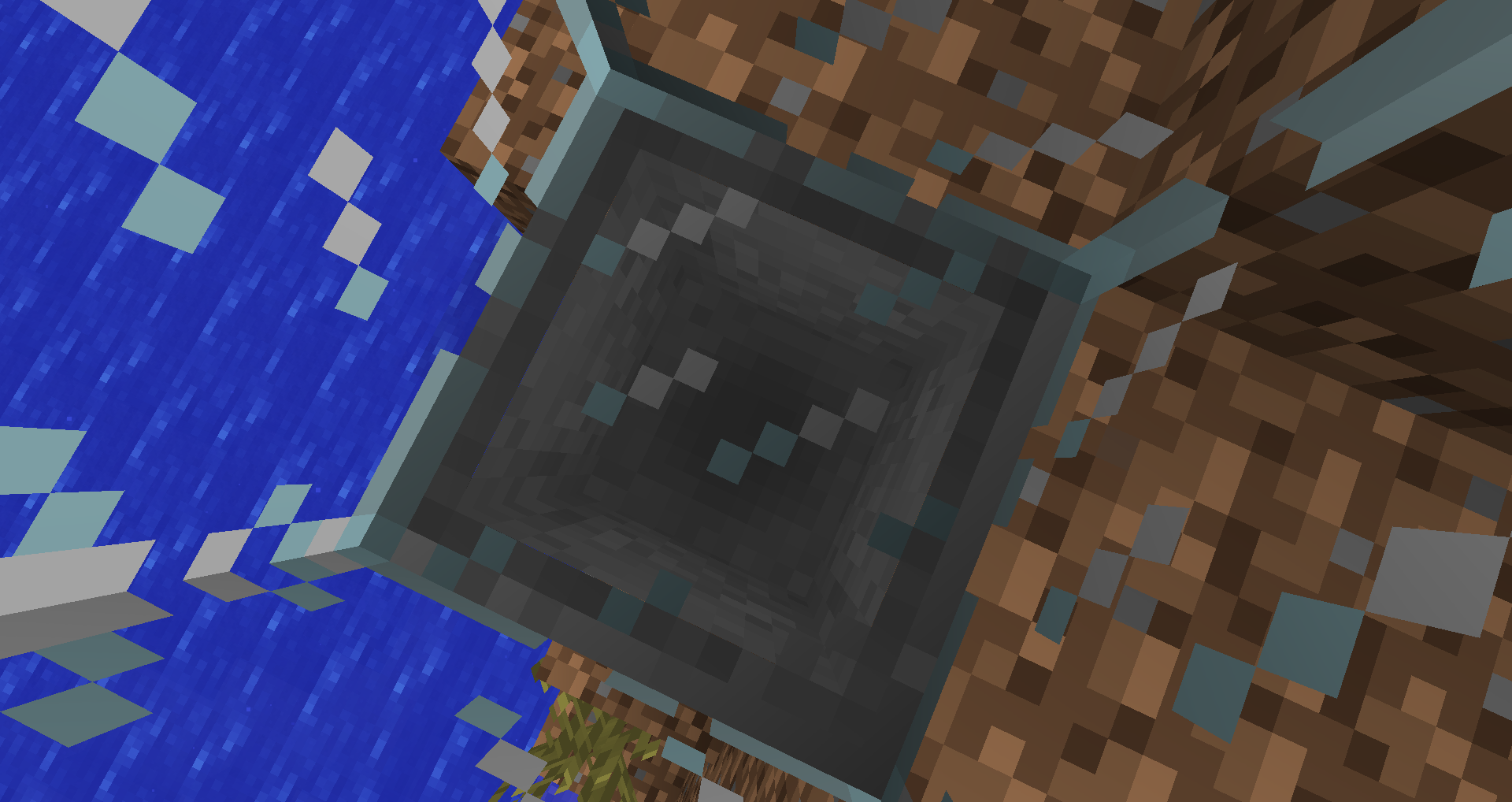
Still bugged for me in 1.4.2
http://img6.imagebanana.com/img/b2y09qmm/20121028_19.14.47.png
So there we have a bug at atlassian.net. The music player's arrow pointing to where the song currently plays (time) reaches the end after few seconds but the sound isn't done.
I can confirm this.
Even when driving from a location far away of other players (not streamed in) a single cart will drive and it will take time for the player to display.
Tested it but it doesn't bug for me.
Do you mean that space on the screenshot above?
Also after entering/exiting (can't remember) a cart sometimes the player displays at distanced places and walks through walls for a few seconds. I'll try to get that as video.
You also can right click with your fist (make sure you are close enough like if you want to hit a button or place a block) on black spots and they disappear.
They are only able to pick up items in form of entities, not unmined blocks.
Also the "pick block" function adds a default steve head to the inventory
But they drop for me.
Okay, found out it's not as I described. Fill your block bar and try again. The item won't get replaced by the block you try to pick (if it's not in the bar)
I know but it should not crash then but instead display a message or something.
But if you are in creative mode why would you care about an enchanted tool? You can pick a new one.
Oh yes, I forgot about that (have Optifine). With vanilla minecraft I get a message: "You logged in from another location." (also this one has no translations on crowdin.net too)
So that's no vanilla bug.
Please close.
I can see strange block sizes in your screenshot (http://img6.imagebanana.com/img/i6gsutpf/tmp.png). Do you have mods installed?
I can confirm what Mikael Hartwig-Karlsson wrote. Very annoying.
Wait a bit because sounds download live while playing if they are missing. You should be able to hear the sounds after a few minutes.
Confirmed
Nothing happening here when placing the anvil.
Maybe it's placed between two or four chunks.
Edit: Nope, didn't cause it for me between chunks.
Same for torches placed on blocks (see torch2.jpg)
I can confirm this.
Not happening to me at that given seed map at those coordinates. Have optifine too.
I got the same "problem" (well we not like it somehow) on a server of mine and we already built and destroyed many portals.
In the beginning the problem was that if you went to the nether and went back you spawned somewhere else in the overworld. After creating and destroying portals that portal eventually linked to another nether portal which is connected to an overworld portal.
For clarity: Overworld-portal B links to nether-portal A which links to overworld-portal A which links back to nether-portal A
Same here. Happens because you sink into soulsand so technically you swim in lava when overhanging the lava from soulsand.
Feature. Mojang also added wood floors for them in past versions so that they are not that ripped.
Not a bug.
If I understand what you write, you don't even get a dialogue to accept the texture pack?
Make sure you enter an URL in server.properties for texture-pack, for example: "http://example.com/my_awesome_texturepack.zip".
If you don't have a domain, you can use an ftp link I guess or the IP of your server (if it is a server, you might have to use filehosters then for LAN worlds or something)
If it worked once and you upated it, head to "texturepacks-mp-cache" inside your .minecraft directory and delete the texturepack inside. Then join the server and redownload it.
They render correct for me. May be caused by some mod you use.
Tested everything dinnerbone mentioned but never got a wither skull
@Joshua so then it's because of their large heads!
Not a bug but a suggestion. Bugs only please.
I can confirm this.
Can't reproduce. Hand is still ... handy and on the right side.
Also holding food, switching to nonfood and switching back to food makes them lose interest for like 10 seconds.
Happened to me the past two days aswell.
My solution: exit fullscreen and enable fullscreen again. It's gone then.
Yup. I can confirm this (added gif animation)
Yeah, very annoying, too
I have that issue with regular mob spawning in the dark aswell.
EDIT: I noticed it only happens in multiplayer! I'm sorry for forgetting about that. Short video will follow.
Uploaded a video. You may note that "/diff" is not a vanilla command in multiplayer (it's from my bukkit plugin), but I tested it with vanilla too and it's the same there.
I can confirm that z-fighting is still there
Seriously. Why scale arrows? Why should they shrink or grow when being shot?
Does Jeb want to say that when (if it worked) we shoot the enderdragon or a ghast, the arrow gets sized to a size of 4 blocks and slimes got a little needle sticked in?
Senseless o.o
So they would need to make a getScale() method, return the scale and pass it to the arrow.
I don't know how they set up their entity systems, but it does not seem to be that hard.
stresstested it and still working as intended for me.
Also pumpkins are decorative but found in building blocks.
Same for ores which are divided (emerald, diamond), stairs and the cobblestone wall
Stop! Hammer-time!
Dear sir, may I tell you that
MC-515is about Minecraft 1.4.2 and this one is about 1.4.3pre?I don't care if I may, I already told you anyway.
#confirm
Before 1.4.3 they just went in (added Before143.gif)
Same here. Iron Golem swings arms but there is nothing to hit
Well they don't work in Player versus Player. But if one player hits himself, Player and Player are the same so it's not Player versus another Player.
Yup, can confirm this. Little bit annoying but not gamebreaking.
I think that's intented as you could jump over those gates if they would lower the collision box.
It would be a suggestion if we knew if it's intented that you can't hit yourself like that.
@Eric: They sometimes place it to the ground when they die. May be intended they don't drop it tho.
afaik they only steal natural blocks (whose got generated by the game), no blocks placed by players
@Eric: o well, not quite: http://www.minecraftwiki.net/wiki/Enderman#Moving_blocks
Hopefully hammers!
Please provide further information
Any screenshots?
I think that's intended
Before 1.4.3 you got no falling damage when falling in water wich is >= 2 blocks deep
The thing is, item frames can stick everywhere, paintings aren't the problem. You can stick item frames behind buttons, levers, torches, everything.
Yea, sometimes they do nothing but then attack for a bunch of minutes
I can confirm this also happens on Windows.
Also added a video and a map.
Coordinates: 37 | 66 | 755
Maybe you have to wait until night for it to appear.
When I tried first it took long too but then like 3 hours later when I tried again the first placed picture was that wither painting.
You just had a bad day I guess.
@bla bla: He talks about naturally spawning WHITE skeletons in the nether. Read carefully.
When you step into reallife snow, you also sink in, don't you?
Minecraft tries to connect to localhost from outside ... that's senseless.
That's because it actually is raining (technically) but it does not get displayed for you because you are in a desert.
Seems to be fixed in 1.4.5 although items still bounce on cauldrons and stairs
Can't reproduce here, either with OpenGL on or off. No Mods.
even though it is already marked as resolved, I found out today what it is caused by.
you can see the sky because you see the clouds there. When looking through clouds from underneath, they hide all blocks above and show the sky.
@kumasasa: as seen in the video and the description
Nothing happened here
@Kumasasa: I already did ...
Zombies still walk slow for me in 12w50b in creative mode, when they come for you for like 5 seconds
@Mighty Lord Dinnerbone: I know that they won't kepp attacking you in creative, but they at least should not slow down, should they?
Still bugged in 12w50b
Well if you create adventure maps or something similar you don't want your players to modify your command blocks, do you?
Tho that "you need to be opped" part could be removed from plain singleplayer as you are already some kind of op (if not in LAN)
Is this on a server or with mods?
Or do you play with vanilla Minecraft?
same for me in 1.4.7
If you look at it close enough you can see that there is lava but due to a light bug you can't see it well.
#confirm
Yes, makes no sense to do that.
I can confirm this. I built a redstone circuit circle with a delay of 2 redstone ticks and let that fire a dispenser. Sometimes when dropping one block into a hopper which leads into a dispenser, the dispenser then outputs two blocks.
Also sometimes it picks a stack from above but that stack does not disappear then.
Got a video that shows everything I wrote above here but currently I can't upload because my connection is sick.
Confirming items not getting removed from the world when lying on a corner/a side of the top of the hopper but getting cloned inside
Video from me: http://youtu.be/9N1YzxXCdjE
Didn't see it that way. Thanks anyway.
I can confirm. It really should power the block below, but redstone blocks and torches don't do that either ...
The daylight sensor should act like pressure plates.
The reason is the hopper can't know in whose players enderchest the items should be placed in.
@Dinnerbone: you could add NBT data to dropped items to hold the player who dropped it maybe ...
Did you know it has to be dark to allow mushrooms to grow? (not outside at night)
Try again in caves or in a house with grass floor.
Invalid. How should the comparator know which inventory to check? Remember enderchests have different inventories for every player!
Dude please upload a screenshot instead of posting those horrible text images.
People please, there is a reason why the hopper is marked as "Work in progress"
If you built that construction, you should know redstone torches hiss when burning out. Check if they are the source of the sounds you hear.
Maybe the torches weren't generated because there is tall grass. Try again and post here if you have torches.
I just created a new world and got only 2 torches because there are dirt blocks around the chest so in my opinion it's not really a bug.
Also I could pick up the chest after taking all the items.
Relates to
MC-6738Also placed dispensers look like furnaces
Duplicates
MC-6739Related to
MC-6738Maybe change it to a general issue about wrong textures to avoid having too many issue reports about them as they just implemented the new texture system
Duplicates
MC-6737Duplicates
MC-6739.Also they do drop items for me.
Duplicates
MC-6737@Maarten Thijs: Enderwoods?
Duplicates
MC-6737Duplicates
MC-6739Please use a proper description instead of just copying the template ...
The ghast fireball / fireball item is a diamond helmet as of 13w02a.
Relates to
MC-6737Duplicates
MC-6595Relates to
MC-108Duplicates
MC-6758Duplicates
MC-6764Duplicates
MC-6764Relates to
MC-6738Duplicates
MC-6755I didn't get any damage. Maybe it's related to any factor? Speed, maybe a lower damage radius?
Relates to
MC-6764,MC-6738Duplicates
MC-5737It doesn't for me.
Duplicates
MC-6746@Alberto: On trapped chests the strength of the signal is depending on how much players look inside the chest not on how many items are inside. I tested with 2 players.
Duplicates
MC-6737Relates to
MC-6777Duplicates
MC-6764May relate to
MC-6776Relates to
MC-6735Duplicates
MC-6738Duplicates
MC-5737May relate to
MC-6776Duplicates
MC-6758Happens for every block but noticing this on dark blocks is easier
Looks like they come from torches in your game. Check your graphic cards options maybe or try to change the quality in the game options. Maybe anti aliasing causes that. (I had lines between every row of blocks a year ago as anti-aliasing got a strange setting)
Duplicates
MC-6738Duplicates
MC-6738Duplicates
MC-6771@paus3d: but that's not the desktop.
Duplicates
MC-6764That's a common chunk error / a chunk which is not loaded. Relog.
Duplicates
MC-6758@Moritz: that's a good point but even redstone blocks and emerald blocks are decraftable.
Duplicates
MC-6764Duplicates
MC-6737Seems more like a feature to me
It shouldn't be possible to place levers there so the lever does not stop it. That's a bug caused by a bug (
MC-6081).Not sure if this is a bug and/or if this happened in earlier versions too. I know water at first tries to look for an empty spot one layer below and flows there. If you place a sand block below where the water streams are flowing to it should fix itself.
@Louis: well then it does happen for me too
Duplicates
MC-6738Duplicates
MC-6737I can see all the bedrock from below
Duplicates
MC-6791Duplicates
MC-6737The hopper on the left side is the sprite it should have. I pasted it there.
@Maarten: Ender Whoppers :o
May be related to or duplicated by
MC-6824Maybe that's an undocumented feature as you won't get to press those keys at the same time normally I think
working now (at least it powers the block below where you can stick a redstone torch to)
That's because the trapped chest sends a redstone signal up where the hopper is so it stops. Somehow it's meant to work like that.
I know that transparent blocks don't allow redstone signals to be sent through yet fact 4 shows inconsistend behaviour. Also I hoped the redstone update may be a chance to get that fixed/improved. Making changes and exceptations on existing systems is always possible.
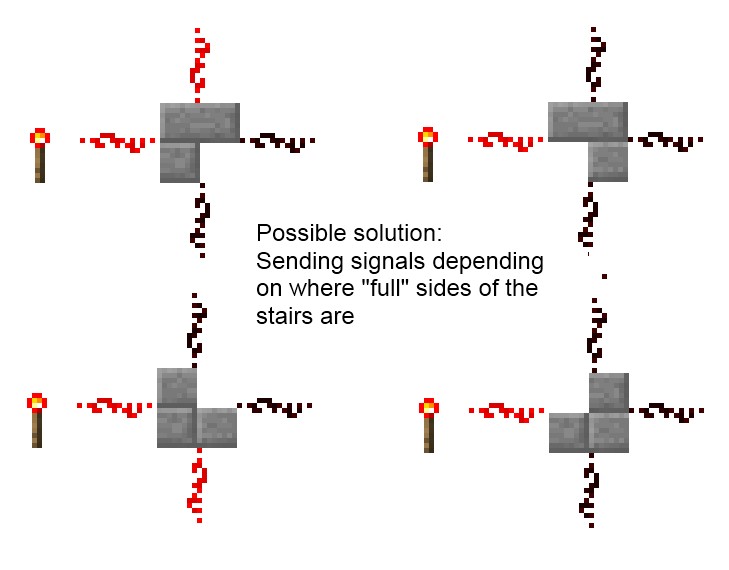
If they change it there also may be exceptions on where signals get sent depending on which face of the stair is complete (compare with "Possible solution.jpg")
@adam: No, it's not (see screenshot-2.jpg)
Okay, I understand it good the way it is.
That's because there is no language text for the fireball because it wasn't needed until now. The projectile fireball isn't the same as the item you can use so Mojang forgot to assign the language string to the actual fireball which is shot
As I said, they are working on the Redstone update so maybe they change current behaviours and allow new ones which would maybe improve the confusing behaviour of stairs. You can't just say "it's like that".
I hope you understand what I try to tell you
Maybe that's intented because it is very hot there and stuff ... you know?
Almost forgot that. FOV can change a lot too.
why not just change 8 level snow layers to snow blocks?
This still happens in 13w05b
I guess those 139 MB of texture stuff may be too much for your RAM?
I guess that is so that some automatic chicken farms are nerfed.
Tried a 512x512 pack too, got the same crash. (attached crash-2013-02-17_02.53.55-client.txt)
I use MagicLauncher without any mods loaded.
Guys I have a new pc with 8x3605 MHz processors and 16GB of ram of which 8GB are allocated to Java. I doubt it's my pc as it can handle ANY other game without lags on ultra settings.
I know that 512x packs have to take a lot of ram but I have enough resources to give.
EDIT: Works just fine with 14 GB allocated (uses 10). I'll stick to 256x packs tho as there is not much visible difference.
Still not fixed in 13w09b
Animation of abuse: http://meta.spitnex.de/snow.gif
Maybe someone can create a mirror? Only can keep it there temporarily and it's too big for image hosters and here.
I get normal potatoes
@Kumasasa: But you know what Java 1.7 is?
@Megan: Does not prove it's intended. The wiki is user generated stuff and as this is possible some user wrote about that. Still does not mean it is intended.
Yeah, Jesper is right.
same for snow layers from 5 - 8 height
Found some more. Added screenshots.
Cannot reproduce
This bedrock block is not the reason for this also I tried in creative mode too and it would break there if it was blocking.
Confirmed
Maybe there are some wrong animation settings in that texture pack.
Maybe they shouldn't break in survival at all as players can manipulate stuff in maps.
Yea darn it, I just found it after I created it but I searched before >
Can you delete it then?
Same here, also pretty disturbing when they swim under ice you walk on as you think there is something walking next to you.
The syntax it tells you to use is wrong.
Uploaded "Mistake.jpg".
A: What it tells you to use:
B: What happens when you type C.
C: What I typed.
Ducking does not work.
Well this is strange as it did work with villagers then name tags were introduced.
Okay then.
Good guy Erik.
What is the distance between the table and the bookshelves?
Is it only that the floating letters are missing or do you get low enchantments only?
Relates to
MC-17673It does not duplicate
MC-12729.MC-12729is about the outstanding pieces of the boots where one boot is fighting the other one. This report is about the leather tiles at the front fighting with the same foot (on leggings).Confirming
Stairs are transparent blocks thus grass won't turn into dirt.
Duplicates
MC-17830Duplicates
MC-17673I don't think this is a bug 'eh? Pigs are interested in carrots and only sitting on one pig does not mean your carrot is invisible for other pigs
This may be intented.
You are using a texturepack converted by TextureEnder. Some of the replaced/resized graphics may not be compatible yet.
@Matthew: You clearly don't know what I am talking about.
Read this: http://www.minecraftwiki.net/wiki/Opacity
UPDATE
Only happens if you sit on a horse when reactivating.
Uploaded a video!
Wrong Project. You can send in bugs for the launcher seperately