 Brian McNamara
- brianmcn
- brianmcn
- America/New_York
- Yes
- No
![[Mojang] Searge (Michael Stoyke)](../../../data/assets/gravatar/searge.png)
 MC-88961
![[Mojang] Nathan Adams](../../../data/assets/gravatar/dinnerbone.png)
![[Mojang] Grum (Erik Broes)](../../../data/assets/gravatar/grum.png) MC-97094
MC-97094




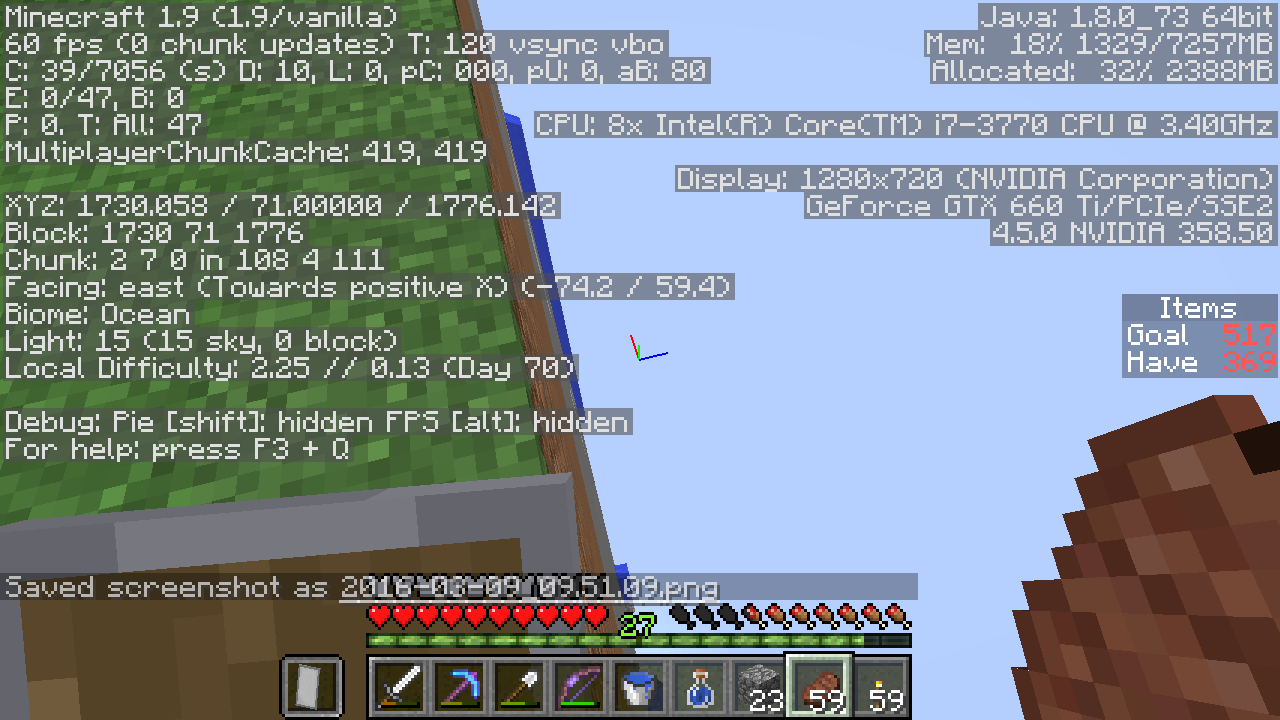
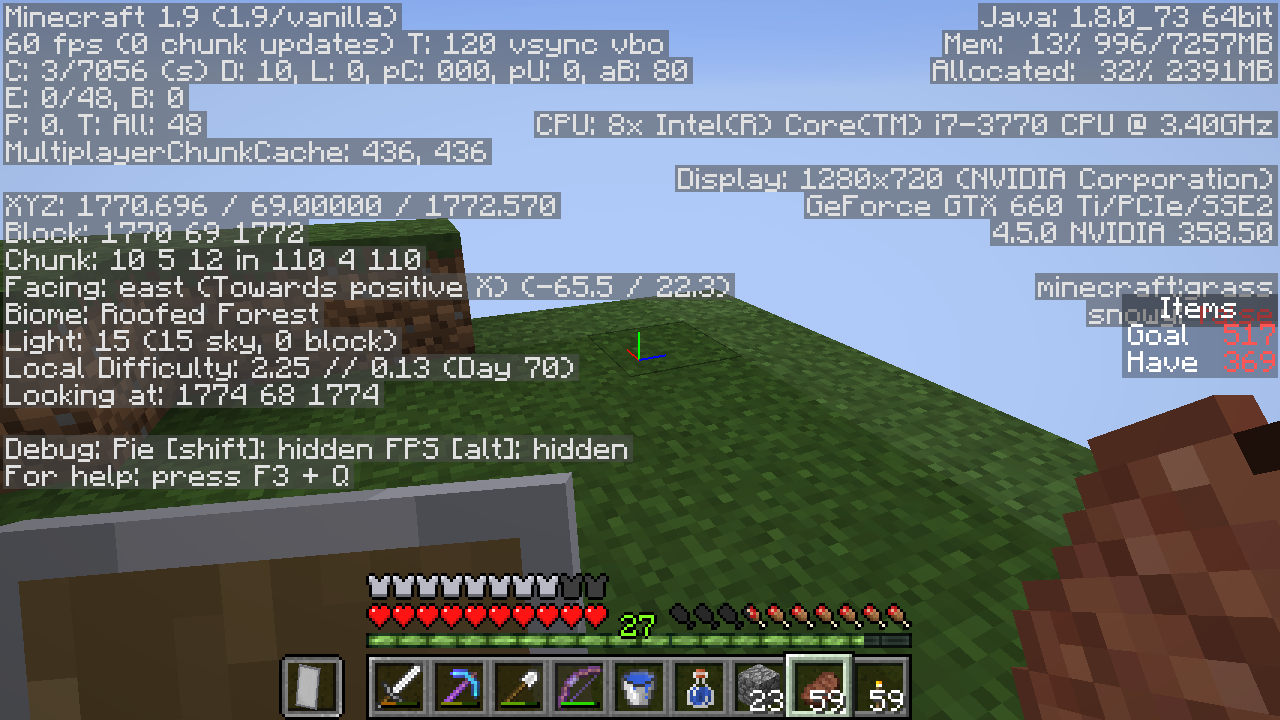
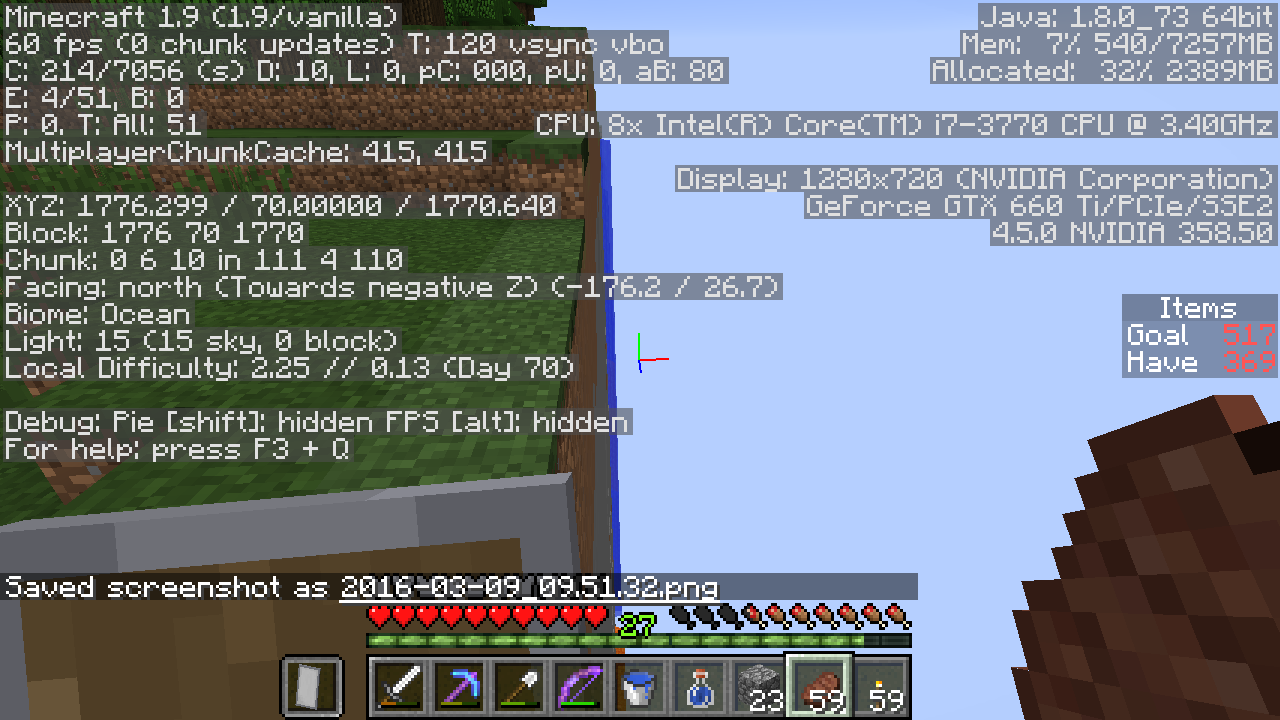



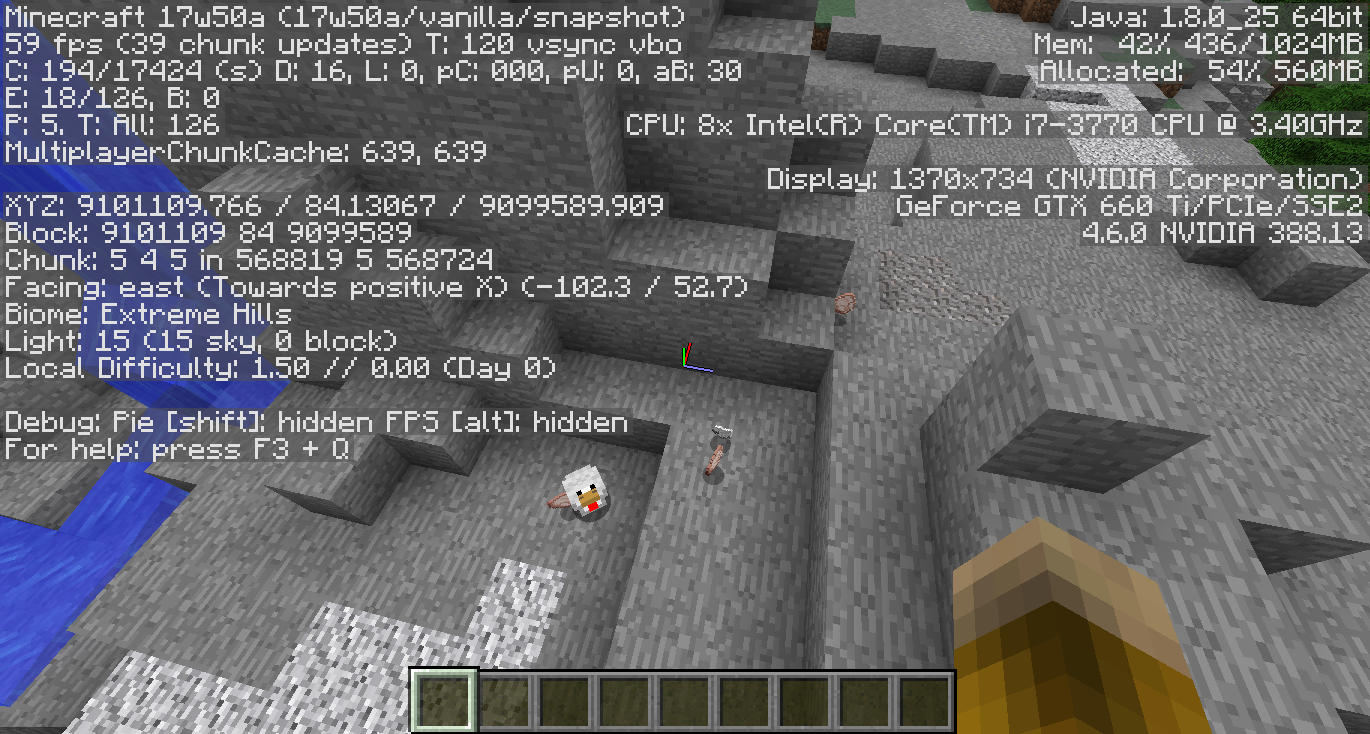
In a single player world, try commands like
/execute @p ~ ~ ~ spawnpoint
or
/execute @p ~ ~ ~ setworldspawn
or these two
summon Pig ~ ~ ~
{CustomName:Piggy}/execute @p ~ ~ ~ spreadplayers ~ ~ 0 1 false @e[name=Piggy]
Expected: the various execute commands succeed, and set the player's spawn point, or set the world spawn, or spread the pig, relative to the player.
Actual: command fails with an error message.
In a single player world, try commands like
- /execute @p ~ ~ ~ spawnpoint
or
- /execute @p ~ ~ ~ setworldspawn
or these two
- summon Pig ~ ~ ~ {CustomName:Piggy}
- /execute @p ~ ~ ~ spreadplayers ~ ~ 0 1 false @e[name=Piggy]
Expected: the various execute commands succeed, and set the player's spawn point, or set the world spawn, or spread the pig, relative to the player.
Actual: command fails with an error message.
This bug is crazy. It's existed since at least 1.8.I'm attaching a world with just 4 command blocks that completely demos the bug. The world is totally self-explanatory (has signs).
The weird thing is that the bug goes away if any of the following is true
- you don't use the fill clock
- you don't have the detector rail
- you don't use a UUID
Sorry, not a bug, please close this.
-------
This bug is crazy. It's existed since at least 1.8.
I'm attaching a world with just 4 command blocks that completely demos the bug. The world is totally self-explanatory (has signs).
The weird thing is that the bug goes away if any of the following is true
- you don't use the fill clock
- you don't have the detector rail
- you don't use a UUID
Here is a very simple bug in impulse command blocks.
/setblock ~1 ~ ~ command_block 3 replace
{Command:"say 1"}/setblock ~1 ~ ~1 chain_command_block 3 replace
{Command:"say 2",auto:1b}/blockdata ~1 ~ ~
{auto:1b}Expected: "1 2" Actual: "2"
Compare:
/setblock ~1 ~ ~ command_block 3 replace
{Command:"say 1"}/setblock ~1 ~ ~1 chain_command_block 3 replace
{Command:"say 2",auto:1b}/setblock ~1 ~ ~-1 redstone_block
Expected: "1 2" Actual: "1 2"
The reason for the difference is that even UNconditional ICBs respect the 'conditionMet' flag, and conditionMet defaults to 0. A block update will change it to 1, but auto:1b activation doesn't cause the update the first time.
You can witness this more directly by doing
/setblock ~1 ~ ~-1 air
{Command:"say 1"}
/setblock ~1 ~ ~ command_block 3 replace/setblock ~1 ~ ~1 chain_command_block 3 replace
{Command:"say 2",auto:1b}/blockdata ~1 ~ ~
{conditionMet:1b}/blockdata ~1 ~ ~
{auto:1b}to show that conditionMet is the culprit.
There are two ways this could be fixed. One is to have conditionMet default to 1. That is the wrong fix, in my opinion, because after that fix,
/setblock ~1 ~ ~ command_block 3 replace
{Command:"say 1"}/setblock ~1 ~ ~1 chain_command_block 3 replace
{Command:"say 2",auto:1b}/blockdata ~1 ~ ~
{conditionMet:0b}/blockdata ~1 ~ ~
{auto:1b}would probably still print "2" instead of the expected "1 2".
The correct fix is to change the behavior of orange blocks, so that UNconditional oranges are completely ignoring the conditionMet flag.
Overall, my expectation is that
- UNconditional blocks ought not be affected by conditionMet, and
- in general, redstone activation and auto:1b activation should behave similarly (principle of least surprise), modulo block updates caused by the former
Note: the repro steps in this bug use 'setblock', but it is easier to simply /give yourself the blocks, place them, and set the 'say' commands. I just wanted to make things completely unambiguous.
Here is a very simple bug in impulse command blocks.
{Command:"say 1"}
{{
/setblock ~1 ~ ~ command_block 3 replace/setblock ~1 ~ ~1 chain_command_block 3 replace
{Command:"say 2",auto:1b}/blockdata ~1 ~ ~
{auto:1b}}}
Expected: "1 2" Actual: "2"Compare:
/setblock ~1 ~ ~ command_block 3 replace
{Command:"say 1"}/setblock ~1 ~ ~1 chain_command_block 3 replace
{Command:"say 2",auto:1b}/setblock ~1 ~ ~-1 redstone_block
Expected: "1 2" Actual: "1 2"
The reason for the difference is that even UNconditional ICBs respect the 'conditionMet' flag, and conditionMet defaults to 0. A block update will change it to 1, but auto:1b activation doesn't cause the update the first time.
You can witness this more directly by doing
/setblock ~1 ~ ~-1 air
{Command:"say 1"}
/setblock ~1 ~ ~ command_block 3 replace/setblock ~1 ~ ~1 chain_command_block 3 replace
{Command:"say 2",auto:1b}/blockdata ~1 ~ ~
{conditionMet:1b}/blockdata ~1 ~ ~
{auto:1b}to show that conditionMet is the culprit.
There are two ways this could be fixed. One is to have conditionMet default to 1. That is the wrong fix, in my opinion, because after that fix,
/setblock ~1 ~ ~ command_block 3 replace
{Command:"say 1"}/setblock ~1 ~ ~1 chain_command_block 3 replace
{Command:"say 2",auto:1b}/blockdata ~1 ~ ~
{conditionMet:0b}/blockdata ~1 ~ ~
{auto:1b}would probably still print "2" instead of the expected "1 2".
The correct fix is to change the behavior of orange blocks, so that UNconditional oranges are completely ignoring the conditionMet flag.
Overall, my expectation is that
- UNconditional blocks ought not be affected by conditionMet, and
- in general, redstone activation and auto:1b activation should behave similarly (principle of least surprise), modulo block updates caused by the former
Note: the repro steps in this bug use 'setblock', but it is easier to simply /give yourself the blocks, place them, and set the 'say' commands. I just wanted to make things completely unambiguous.
Here is a very simple bug in impulse command blocks.
{Command:"say 1"}
{{
/setblock ~1 ~ ~ command_block 3 replace/setblock ~1 ~ ~1 chain_command_block 3 replace
{Command:"say 2",auto:1b}/blockdata ~1 ~ ~
{auto:1b}}}
Expected: "1 2" Actual: "2"Compare:
/setblock ~1 ~ ~ command_block 3 replace
{Command:"say 1"}/setblock ~1 ~ ~1 chain_command_block 3 replace
{Command:"say 2",auto:1b}/setblock ~1 ~ ~-1 redstone_block
Expected: "1 2" Actual: "1 2"
The reason for the difference is that even UNconditional ICBs respect the 'conditionMet' flag, and conditionMet defaults to 0. A block update will change it to 1, but auto:1b activation doesn't cause the update the first time.
You can witness this more directly by doing
/setblock ~1 ~ ~-1 air
{Command:"say 1"}
/setblock ~1 ~ ~ command_block 3 replace/setblock ~1 ~ ~1 chain_command_block 3 replace
{Command:"say 2",auto:1b}/blockdata ~1 ~ ~
{conditionMet:1b}/blockdata ~1 ~ ~
{auto:1b}to show that conditionMet is the culprit.
There are two ways this could be fixed. One is to have conditionMet default to 1. That is the wrong fix, in my opinion, because after that fix,
/setblock ~1 ~ ~ command_block 3 replace
{Command:"say 1"}/setblock ~1 ~ ~1 chain_command_block 3 replace
{Command:"say 2",auto:1b}/blockdata ~1 ~ ~
{conditionMet:0b}/blockdata ~1 ~ ~
{auto:1b}would probably still print "2" instead of the expected "1 2".
The correct fix is to change the behavior of orange blocks, so that UNconditional oranges are completely ignoring the conditionMet flag.
Overall, my expectation is that
- UNconditional blocks ought not be affected by conditionMet, and
- in general, redstone activation and auto:1b activation should behave similarly (principle of least surprise), modulo block updates caused by the former
Note: the repro steps in this bug use 'setblock', but it is easier to simply /give yourself the blocks, place them, and set the 'say' commands. I just wanted to make things completely unambiguous.
Here is a very simple bug in impulse command blocks.
/setblock ~1 ~ ~ command_block 3 replace
{Command:"say 1"}/setblock ~1 ~ ~1 chain_command_block 3 replace
{Command:"say 2",auto:1b}/blockdata ~1 ~ ~
{auto:1b}Expected: "1 2" Actual: "2"
Compare:
/setblock ~1 ~ ~ command_block 3 replace
{Command:"say 1"}/setblock ~1 ~ ~1 chain_command_block 3 replace
{Command:"say 2",auto:1b}/setblock ~1 ~ ~-1 redstone_block
Expected: "1 2" Actual: "1 2"
The reason for the difference is that even UNconditional ICBs respect the 'conditionMet' flag, and conditionMet defaults to 0. A block update will change it to 1, but auto:1b activation doesn't cause the update the first time.
You can witness this more directly by doing
/setblock ~1 ~ ~-1 air
{Command:"say 1"}
/setblock ~1 ~ ~ command_block 3 replace/setblock ~1 ~ ~1 chain_command_block 3 replace
{Command:"say 2",auto:1b}/blockdata ~1 ~ ~
{conditionMet:1b}/blockdata ~1 ~ ~
{auto:1b}to show that conditionMet is the culprit.
There are two ways this could be fixed. One is to have conditionMet default to 1. That is the wrong fix, in my opinion, because after that fix,
/setblock ~1 ~ ~ command_block 3 replace
{Command:"say 1"}/setblock ~1 ~ ~1 chain_command_block 3 replace
{Command:"say 2",auto:1b}/blockdata ~1 ~ ~
{conditionMet:0b}/blockdata ~1 ~ ~
{auto:1b}would probably still print "2" instead of the expected "1 2".
The correct fix is to change the behavior of orange blocks, so that UNconditional oranges are completely ignoring the conditionMet flag.
Overall, my expectation is that
- UNconditional blocks ought not be affected by conditionMet, and
- in general, redstone activation and auto:1b activation should behave similarly (principle of least surprise), modulo block updates caused by the former
Note: the repro steps in this bug use 'setblock', but it is easier to simply /give yourself the blocks, place them, and set the 'say' commands. I just wanted to make things completely unambiguous.
Here is a very simple bug in impulse command blocks.
/setblock ~1 ~ ~ command_block 3 replace
{Command:"say 1"}/setblock ~1 ~ ~1 chain_command_block 3 replace
{Command:"say 2",auto:1b}/blockdata ~1 ~ ~
{auto:1b}Expected: "1 2" Actual: "2"
Compare:
/setblock ~1 ~ ~ command_block 3 replace
{Command:"say 1"}/setblock ~1 ~ ~1 chain_command_block 3 replace
{Command:"say 2",auto:1b}/setblock ~1 ~ ~-1 redstone_block
Expected: "1 2" Actual: "1 2"
The reason for the difference is that even UNconditional ICBs respect the 'conditionMet' flag, and conditionMet defaults to 0. A block update will change it to 1, but auto:1b activation doesn't cause the update the first time.
You can witness this more directly by doing
/setblock ~1 ~ ~-1 air
{Command:"say 1"}
/setblock ~1 ~ ~ command_block 3 replace/setblock ~1 ~ ~1 chain_command_block 3 replace
{Command:"say 2",auto:1b}/blockdata ~1 ~ ~
{conditionMet:1b}/blockdata ~1 ~ ~
{auto:1b}to show that conditionMet is the culprit.
There are two ways this could be fixed. One is to have conditionMet default to 1. That is the wrong fix, in my opinion, because after that fix,
/setblock ~1 ~ ~ command_block 3 replace
{Command:"say 1"}/setblock ~1 ~ ~1 chain_command_block 3 replace
{Command:"say 2",auto:1b}/blockdata ~1 ~ ~
{conditionMet:0b}/blockdata ~1 ~ ~
{auto:1b}would probably still print "2" instead of the expected "1 2".
The correct fix is to change the behavior of orange blocks, so that UNconditional oranges are completely ignoring the conditionMet flag.
Overall, my expectation is that
- UNconditional blocks ought not be affected by conditionMet, and
- in general, redstone activation and auto:1b activation should behave similarly (principle of least surprise), modulo block updates caused by the former
Note: the repro steps in this bug use 'setblock', but it is easier to simply /give yourself the blocks, place them, and set the 'say' commands. I just wanted to make things completely unambiguous.
Here is a very simple bug in impulse command blocks.
/setblock ~1 ~ ~ command_block 3 replace {Command:"say 1"} /setblock ~1 ~ ~1 chain_command_block 3 replace {Command:"say 2",auto:1b} /blockdata ~1 ~ ~ {auto:1b}Expected: "1 2" Actual: "2"
Compare:
/setblock ~1 ~ ~ command_block 3 replace
{Command:"say 1"}/setblock ~1 ~ ~1 chain_command_block 3 replace
{Command:"say 2",auto:1b}/setblock ~1 ~ ~-1 redstone_block
Expected: "1 2" Actual: "1 2"
The reason for the difference is that even UNconditional ICBs respect the 'conditionMet' flag, and conditionMet defaults to 0. A block update will change it to 1, but auto:1b activation doesn't cause the update the first time.
You can witness this more directly by doing
/setblock ~1 ~ ~-1 air
{Command:"say 1"}
/setblock ~1 ~ ~ command_block 3 replace/setblock ~1 ~ ~1 chain_command_block 3 replace
{Command:"say 2",auto:1b}/blockdata ~1 ~ ~
{conditionMet:1b}/blockdata ~1 ~ ~
{auto:1b}to show that conditionMet is the culprit.
There are two ways this could be fixed. One is to have conditionMet default to 1. That is the wrong fix, in my opinion, because after that fix,
/setblock ~1 ~ ~ command_block 3 replace
{Command:"say 1"}/setblock ~1 ~ ~1 chain_command_block 3 replace
{Command:"say 2",auto:1b}/blockdata ~1 ~ ~
{conditionMet:0b}/blockdata ~1 ~ ~
{auto:1b}would probably still print "2" instead of the expected "1 2".
The correct fix is to change the behavior of orange blocks, so that UNconditional oranges are completely ignoring the conditionMet flag.
Overall, my expectation is that
- UNconditional blocks ought not be affected by conditionMet, and
- in general, redstone activation and auto:1b activation should behave similarly (principle of least surprise), modulo block updates caused by the former
Note: the repro steps in this bug use 'setblock', but it is easier to simply /give yourself the blocks, place them, and set the 'say' commands. I just wanted to make things completely unambiguous.
Here is a very simple bug in impulse command blocks.
/setblock ~1 ~ ~ command_block 3 replace {Command:"say 1"} /setblock ~1 ~ ~1 chain_command_block 3 replace {Command:"say 2",auto:1b} /blockdata ~1 ~ ~ {auto:1b}Expected: "1 2" Actual: "2"
Compare:
/setblock ~1 ~ ~ command_block 3 replace
{Command:"say 1"}/setblock ~1 ~ ~1 chain_command_block 3 replace
{Command:"say 2",auto:1b}/setblock ~1 ~ ~-1 redstone_block
Expected: "1 2" Actual: "1 2"
The reason for the difference is that even UNconditional ICBs respect the 'conditionMet' flag, and conditionMet defaults to 0. A block update will change it to 1, but auto:1b activation doesn't cause the update the first time.
You can witness this more directly by doing
/setblock ~1 ~ ~-1 air
{Command:"say 1"}
/setblock ~1 ~ ~ command_block 3 replace/setblock ~1 ~ ~1 chain_command_block 3 replace
{Command:"say 2",auto:1b}/blockdata ~1 ~ ~
{conditionMet:1b}/blockdata ~1 ~ ~
{auto:1b}to show that conditionMet is the culprit.
There are two ways this could be fixed. One is to have conditionMet default to 1. That is the wrong fix, in my opinion, because after that fix,
{Command:"say 1"}
/setblock ~1 ~ ~ command_block 3 replace/setblock ~1 ~ ~1 chain_command_block 3 replace
{Command:"say 2",auto:1b}/blockdata ~1 ~ ~
{conditionMet:0b}/blockdata ~1 ~ ~
{auto:1b}would probably still print "2" instead of the expected "1 2".
The correct fix is to change the behavior of orange blocks, so that UNconditional oranges are completely ignoring the conditionMet flag.
Overall, my expectation is that
- UNconditional blocks ought not be affected by conditionMet, and
- in general, redstone activation and auto:1b activation should behave similarly (principle of least surprise), modulo block updates caused by the former
Note: the repro steps in this bug use 'setblock', but it is easier to simply /give yourself the blocks, place them, and set the 'say' commands. I just wanted to make things completely unambiguous.
Here is a very simple bug in impulse command blocks.
/setblock ~1 ~ ~ command_block 3 replace {Command:"say 1"} /setblock ~1 ~ ~1 chain_command_block 3 replace {Command:"say 2",auto:1b} /blockdata ~1 ~ ~ {auto:1b}Expected: "1 2" Actual: "2"
Compare:
/setblock ~1 ~ ~ command_block 3 replace {Command:"say 1"} /setblock ~1 ~ ~1 chain_command_block 3 replace {Command:"say 2",auto:1b} /setblock ~1 ~ ~-1 redstone_blockExpected: "1 2" Actual: "1 2"
The reason for the difference is that even UNconditional ICBs respect the 'conditionMet' flag, and conditionMet defaults to 0. A block update will change it to 1, but auto:1b activation doesn't cause the update the first time.
You can witness this more directly by doing
/setblock ~1 ~ ~-1 air /setblock ~1 ~ ~ command_block 3 replace {Command:"say 1"} /setblock ~1 ~ ~1 chain_command_block 3 replace {Command:"say 2",auto:1b} /blockdata ~1 ~ ~ {conditionMet:1b} /blockdata ~1 ~ ~ {auto:1b}to show that conditionMet is the culprit.
There are two ways this could be fixed. One is to have conditionMet default to 1. That is the wrong fix, in my opinion, because after that fix,
/setblock ~1 ~ ~ command_block 3 replace {Command:"say 1"} /setblock ~1 ~ ~1 chain_command_block 3 replace {Command:"say 2",auto:1b} /blockdata ~1 ~ ~ {conditionMet:0b} /blockdata ~1 ~ ~ {auto:1b}would probably still print "2" instead of the expected "1 2".
The correct fix is to change the behavior of orange blocks, so that UNconditional oranges are completely ignoring the conditionMet flag.
Overall, my expectation is that
- UNconditional blocks ought not be affected by conditionMet, and
- in general, redstone activation and auto:1b activation should behave similarly (principle of least surprise), modulo block updates caused by the former
Note: the repro steps in this bug use 'setblock', but it is easier to simply /give yourself the blocks, place them, and set the 'say' commands. I just wanted to make things completely unambiguous.
Here is a very simple bug in impulse command blocks. Go stand in a new superflat world and type this
/setblock ~1 ~ ~ command_block 3 replace {Command:"say 1"} /setblock ~1 ~ ~1 chain_command_block 3 replace {Command:"say 2",auto:1b} /blockdata ~1 ~ ~ {auto:1b}Expected: "1 2" Actual: "2"
Compare:
/setblock ~1 ~ ~ command_block 3 replace {Command:"say 1"} /setblock ~1 ~ ~1 chain_command_block 3 replace {Command:"say 2",auto:1b} /setblock ~1 ~ ~-1 redstone_blockExpected: "1 2" Actual: "1 2"
The reason for the difference is that even UNconditional ICBs respect the 'conditionMet' flag, and conditionMet defaults to 0. A block update will change it to 1, but auto:1b activation doesn't cause the update the first time.
You can witness this more directly by doing
/setblock ~1 ~ ~-1 air /setblock ~1 ~ ~ command_block 3 replace {Command:"say 1"} /setblock ~1 ~ ~1 chain_command_block 3 replace {Command:"say 2",auto:1b} /blockdata ~1 ~ ~ {conditionMet:1b} /blockdata ~1 ~ ~ {auto:1b}to show that conditionMet is the culprit.
There are two ways this could be fixed. One is to have conditionMet default to 1. That is the wrong fix, in my opinion, because after that fix,
/setblock ~1 ~ ~ command_block 3 replace {Command:"say 1"} /setblock ~1 ~ ~1 chain_command_block 3 replace {Command:"say 2",auto:1b} /blockdata ~1 ~ ~ {conditionMet:0b} /blockdata ~1 ~ ~ {auto:1b}would probably still print "2" instead of the expected "1 2".
The correct fix is to change the behavior of orange blocks, so that UNconditional oranges are completely ignoring the conditionMet flag.
Overall, my expectation is that
- UNconditional blocks ought not be affected by conditionMet, and
- in general, redstone activation and auto:1b activation should behave similarly (principle of least surprise), modulo block updates caused by the former
Note: the repro steps in this bug use 'setblock', but it is easier to simply /give yourself the blocks, place them, and set the 'say' commands. I just wanted to make things completely unambiguous.
Here are some drops that changed in week 43b, and should be reviewed.
Horses no longer drop anything. Previously horses could drop leather, and skeletal horses could also drop bones and rotten flesh. It is not clear how the DeathLootTable schema could differentiate these since they are the same entity type.
Witch potions are apparently 'equipment', and therefore not expressed in the loot tables. (Did not test if they still actually drop)
Music discs dropping from creepers killed by skeletons are not yet expressed in the loot tables. (Did not test if they still actually drop)
Mob heads dropped by electrified creepers killing certain mobs are not expressed in the loot tables. (Did not test if they still actually drop)
Baby animals have not been discussed. Previously, baby animals did not drop loot. Presumably this has not changed, so presumably baby animals are hard-coded to never drop anything, but begs the question of whether babies should have loot tables or adults should have an is_adult condition or something.
Does enderdragon get a loot table?Does wither get a loot table?Just want to ensure nothing gets 'left behind' as this feature is implemented.
Here are some drops that changed in week 43b, and should be reviewed.
Horses no longer drop anything. Previously horses could drop leather, and skeletal horses could also drop bones and rotten flesh. It is not clear how the DeathLootTable schema could differentiate these since they are the same entity type.(addressed in 43c)
Witch potions are apparently 'equipment', and therefore not expressed in the loot tables. (Did not test if they still actually drop)(does not seem to be any bug here)Music discs dropping from creepers killed by skeletons are not yet expressed in the loot tables. (Did not test if they still actually drop)
Mob heads dropped by electrified creepers killing certain mobs are not expressed in the loot tables. (Did not test if they still actually drop)
Baby animals have not been discussed. Previously, baby animals did not drop loot. Presumably this has not changed, so presumably baby animals are hard-coded to never drop anything, but begs the question of whether babies should have loot tables or adults should have an is_adult condition or something.
Does enderdragon get a loot table?(covered by another bug)Does wither get a loot table?
Just want to ensure nothing gets 'left behind' as this feature is implemented.
If I do
{
{ "function": "enchant_with_levels", "levels": 30, "treasure": true }
"pools": [
{
"rolls": 27,
"entries": [
{
"type": "item",
"name": "minecraft:book",
"weight": 1,
"functions": []
}
]
}
]
}If I do
{ "pools": [ { "rolls": 27, "entries": [ { "type": "item", "name": "minecraft:book", "weight": 1, "functions": [ { "function": "enchant_with_levels", "levels": 30, "treasure": true } ] } ] } ] }which has 27 rolls, I expect all 27 slots in the chest filled. Instead I get like 14-18.
The same thing happens with 27 copies of "roll:1". Seems like a roll will 'randomly replace' existing items.
This makes the feature nearly useless to mapmakers; you can no longer specify the loot. Surely this is not how it's intended to work?
If I do
{ "pools": [ { "rolls": 27, "entries": [ { "type": "item", "name": "minecraft:book", "weight": 1, "functions": [ { "function": "enchant_with_levels", "levels": 30, "treasure": true } ] } ] } ] }which has 27 rolls, I expect all 27 slots in the chest filled. Instead I get like 14-18.
The same thing happens with 27 copies of "roll:1". Seems like a roll will 'randomly replace' existing items.
This makes the feature nearly useless to mapmakers; you can no longer specify the loot. Surely this is not how it's intended to work?
(Someone suggested the code is currently
inventory.getSlot(rant.nextInt(inventory.length));
I think it should only select among the empty slots, and if there are no empty slots left, I don't care too much what the behavior is (don't specify tables with more than 27 rolls).)
EDIT
So here's the scoop.
It's impossible to get a Mending book from a loot chest or from fishing in 15w43c. The reason is that it requires a >30 level enchant, and all the LootTables in the world (e.g. dungeon chests, fishing, ...) only enchant with level 30, except for end cities, which enchant from 20-39. But End Cities do not have books among their loot!
So the only way to get a Mending book today is via villager trading. This will just drive everyone away from exploring, since the best loot cannot be found via exploration. This is probably not intended.
I don't know the exact Mending calculations, but some I ran some simulations with custom DeathLootTables to discover that Mending books are about...
0.0% of books enchanted at level 30
0.6% of books enchanted at level 20-39
4.0% of books enchanted at level 40At the end of the day, it should somehow be possible (but rare) to obtain this book from world exploration. There are a variety of knobs available (loot table level min/max, overall behavior of Mending as treasure enchant, weight-likelihood of books in chests, ...) for devs to tweak this to be the 'right' level. But I'm guessing 'zero' was not the intended level, and that's where we're at now.
(Honestly, I feel that 'treasure' enchants overall need to be a lot more common to find - given that all the other enchants can be gotten via enchanting, the vast majority of books found in the world are 'effectively worthless'
ORIGINAL
I did an experiment to see what the distribution of enchanted books from dungeon chests was like. It is not good:
1 Projectile Protection
12 Silk Touch
21 Feather Falling
31 Infinity
38 Thorns
39 Fortune
41 Punch
42 Blast Protection
42 Luck of the Sea
45 Fire Aspect
46 Lure
48 Aqua Affinity
48 Respiration
48 Flame
49 Looting
60 Frost Walker
68 Depth Strider
98 Fire Protection
104 Smite
115 Knockback
129 Bane of Arthropods
134 Unbreaking
193 Sharpness
232 Protection
233 Efficiency
247 Power
1174 booksOver 1100 books, and no Mending! There's "super rare", and then there's "no one will ever get it".
If you want to test the distribution yourself, here is a command block program to help:
Make a 'The Void' world. Put this loot table
{ "pools": [ { "rolls": 27, "entries": [ { "type": "item", "name": "minecraft:book", "weight": 1, "functions": [ { "function": "enchant_with_levels", "levels": 30, "treasure": true } ] } ] } ] }in "WORLD\data\loot_tables\ns\folder\mine.json"
Run
summon ArmorStand 0 4 0 {NoGravity:1}Then make a loop that runs
/execute @e[type=ArmorStand] ~ ~2 ~ setblock ~ ~ ~ chest 0 replace /execute @e[type=ArmorStand] ~ ~3 ~ setblock ~ ~ ~ hopper 0 replace /tp @e[type=ArmorStand] ~2 ~ ~ /execute @e[type=ArmorStand] ~ ~4 ~ setblock ~ ~ ~ chest 0 replace {LootTable:"ns:folder/mine"}for a few seconds. Then wait a few seconds for hoppers to suck out all the books into the lower chests. Now analyze all the books.
EDIT
So here's the scoop.
It's impossible to get a Mending book from a loot chest or from fishing in 15w43c. The reason is that it requires a >30 level enchant, and all the LootTables in the world (e.g. dungeon chests, fishing, ...) only enchant with level 30, except for end cities, which enchant from 20-39. But End Cities do not have books among their loot!
So the only way to get a Mending book today is via villager trading. This will just drive everyone away from exploring, since the best loot cannot be found via exploration. This is probably not intended.
I don't know the exact Mending calculations, but some I ran some simulations with custom DeathLootTables to discover that Mending books are about...
0.0% of books enchanted at level 30
0.6% of books enchanted at level 20-39
4.0% of books enchanted at level 40At the end of the day, it should somehow be possible (but rare) to obtain this book from world exploration. There are a variety of knobs available (loot table level min/max, overall behavior of Mending as treasure enchant, weight-likelihood of books in chests, ...) for devs to tweak this to be the 'right' level. But I'm guessing 'zero' was not the intended level, and that's where we're at now.
(Honestly, I feel that 'treasure' enchants overall need to be a lot more common to find - given that all the other enchants can be gotten via enchanting, the vast majority of books found in the world are 'effectively worthless'
ORIGINAL
I did an experiment to see what the distribution of enchanted books from dungeon chests was like. It is not good:
1 Projectile Protection
12 Silk Touch
21 Feather Falling
31 Infinity
38 Thorns
39 Fortune
41 Punch
42 Blast Protection
42 Luck of the Sea
45 Fire Aspect
46 Lure
48 Aqua Affinity
48 Respiration
48 Flame
49 Looting
60 Frost Walker
68 Depth Strider
98 Fire Protection
104 Smite
115 Knockback
129 Bane of Arthropods
134 Unbreaking
193 Sharpness
232 Protection
233 Efficiency
247 Power
1174 booksOver 1100 books, and no Mending! There's "super rare", and then there's "no one will ever get it".
If you want to test the distribution yourself, here is a command block program to help:
Make a 'The Void' world. Put this loot table
{ "pools": [ { "rolls": 27, "entries": [ { "type": "item", "name": "minecraft:book", "weight": 1, "functions": [ { "function": "enchant_with_levels", "levels": 30, "treasure": true } ] } ] } ] }in "WORLD\data\loot_tables\ns\folder\mine.json"
Run
summon ArmorStand 0 4 0 {NoGravity:1}Then make a loop that runs
/execute @e[type=ArmorStand] ~ ~2 ~ setblock ~ ~ ~ chest 0 replace /execute @e[type=ArmorStand] ~ ~3 ~ setblock ~ ~ ~ hopper 0 replace /tp @e[type=ArmorStand] ~2 ~ ~ /execute @e[type=ArmorStand] ~ ~4 ~ setblock ~ ~ ~ chest 0 replace {LootTable:"ns:folder/mine"}for a few seconds. Then wait a few seconds for hoppers to suck out all the books into the lower chests. Now analyze all the books.
EDIT
So here's the scoop.
It's impossible to get a Mending book from a loot chest or from fishing in 15w43c. The reason is that it requires a >30 level enchant, and all the LootTables in the world (e.g. dungeon chests, fishing, ...) only enchant with level 30, except for end cities, which enchant from 20-39. But End Cities do not have books among their loot!
So the only way to get a Mending book today is via villager trading. This will just drive everyone away from exploring, since the best loot cannot be found via exploration. This is probably not intended.
I don't know the exact Mending calculations, but some I ran some simulations with custom DeathLootTables to discover that Mending books are about...
0.0% of books enchanted at level 30
0.6% of books enchanted at level 20-39
4.0% of books enchanted at level 40At the end of the day, it should somehow be possible (but rare) to obtain this book from world exploration. There are a variety of knobs available (loot table level min/max, overall behavior of Mending as treasure enchant, weight-likelihood of books in chests, ...) for devs to tweak this to be the 'right' level. But I'm guessing 'zero' was not the intended level, and that's where we're at now. (Beware the interplay; e.g. level 40 makes Mending 'reasonable' but 'Frost Walker' become vanishingly rare.)
ORIGINAL
I did an experiment to see what the distribution of enchanted books from dungeon chests was like. It is not good:
1 Projectile Protection
12 Silk Touch
21 Feather Falling
31 Infinity
38 Thorns
39 Fortune
41 Punch
42 Blast Protection
42 Luck of the Sea
45 Fire Aspect
46 Lure
48 Aqua Affinity
48 Respiration
48 Flame
49 Looting
60 Frost Walker
68 Depth Strider
98 Fire Protection
104 Smite
115 Knockback
129 Bane of Arthropods
134 Unbreaking
193 Sharpness
232 Protection
233 Efficiency
247 Power
1174 booksOver 1100 books, and no Mending! There's "super rare", and then there's "no one will ever get it".
If you want to test the distribution yourself, here is a command block program to help:
Make a 'The Void' world. Put this loot table
{ "pools": [ { "rolls": 27, "entries": [ { "type": "item", "name": "minecraft:book", "weight": 1, "functions": [ { "function": "enchant_with_levels", "levels": 30, "treasure": true } ] } ] } ] }in "WORLD\data\loot_tables\ns\folder\mine.json"
Run
summon ArmorStand 0 4 0 {NoGravity:1}Then make a loop that runs
/execute @e[type=ArmorStand] ~ ~2 ~ setblock ~ ~ ~ chest 0 replace /execute @e[type=ArmorStand] ~ ~3 ~ setblock ~ ~ ~ hopper 0 replace /tp @e[type=ArmorStand] ~2 ~ ~ /execute @e[type=ArmorStand] ~ ~4 ~ setblock ~ ~ ~ chest 0 replace {LootTable:"ns:folder/mine"}for a few seconds. Then wait a few seconds for hoppers to suck out all the books into the lower chests. Now analyze all the books.
Here's a chest loot table where I expect to get 24 sword and 3 stacks of torches:
{ "pools": [ { "rolls": 24, "entries": [ { "type": "item", "name": "minecraft:iron_sword", "weight": 5 } ] }, { "rolls": 3, "entries": [ { "type": "item", "name": "minecraft:torch", "functions": [ { "function": "set_count", "count": { "min": 1, "max": 16 } } ], "weight": 15 } ] } ] }Instead, I get far fewer that 24 swords, because there's a new post-processing step that 'spreads out' large stacks of loot into multiple slots in the chest. The bug is that "spreading" should only spread to empty slots, not overwrite existing loot.
Here's another example; I want to give the player a diamond sword and a few stacks of blocks. But often the sword is gone:
{
    "pools": [
        {
            "rolls": 1,
            "entries": [
                {
                    "type": "item",
                    "name": "minecraft:diamond_sword",
                    "weight": 5
                }
	    ]
	},
        {
            "rolls": 1,
            "entries": [
                {
                    "type": "item",
                    "name": "minecraft:torch",
                    "functions": [
                        {
                            "function": "set_count",
                            "count": 64
                        }
                    ],
                    "weight": 15
                }
            ]
        },
        {
            "rolls": 1,
            "entries": [
                {
                    "type": "item",
                    "name": "minecraft:cooked_porkchop",
                    "functions": [
                        {
                            "function": "set_count",
                            "count": 64
                        }
                    ],
                    "weight": 15
                }
            ]
        },
        {
            "rolls": 1,
            "entries": [
                {
                    "type": "item",
                    "name": "minecraft:cobblestone",
                    "functions": [
                        {
                            "function": "set_count",
                            "count": 64
                        }
                    ],
                    "weight": 15
                }
            ]
        },
        {
            "rolls": 1,
            "entries": [
                {
                    "type": "item",
                    "name": "minecraft:grass",
                    "functions": [
                        {
                            "function": "set_count",
                            "count": 64
                        }
                    ],
                    "weight": 15
                }
            ]
        },
        {
            "rolls": 1,
            "entries": [
                {
                    "type": "item",
                    "name": "minecraft:dirt",
                    "functions": [
                        {
                            "function": "set_count",
                            "count": 64
                        }
                    ],
                    "weight": 15
                }
            ]
        },
        {
            "rolls": 1,
            "entries": [
                {
                    "type": "item",
                    "name": "minecraft:sand",
                    "functions": [
                        {
                            "function": "set_count",
                            "count": 64
                        }
                    ],
                    "weight": 15
                }
            ]
        },
        {
            "rolls": 1,
            "entries": [
                {
                    "type": "item",
                    "name": "minecraft:stone",
                    "functions": [
                        {
                            "function": "set_count",
                            "count": 64
                        }
                    ],
                    "weight": 15
                }
            ]
        },
        {
            "rolls": 1,
            "entries": [
                {
                    "type": "item",
                    "name": "minecraft:brick_block",
                    "functions": [
                        {
                            "function": "set_count",
                            "count": 64
                        }
                    ],
                    "weight": 15
                }
            ]
        }
    ]
}
See for example
Or go into spectator mode and look at a chest while clipping through a wall.
Actually, while playing today, I've also seen mobs transparent, and mob-dolls-in-spawner-cages transparent, just while playing in survival.
chests and mobs are sometimes transparent
Prior to week 51, frost walker boots caused even ridden horses to freeze water, so you could ride a horse over the ocean.
MC-90585changed things to fix a bug. It is unclear if the horse-frost-walking was originally an intentional feature which the other fix broke, or if it riding horses across oceans was never intended to be a feature. (I liked it, but it's up to the devs.)Another option is to also resolve
MC-93570by having "Frost Walker I" not cause horses to frost, but "Frost Walker II" would causes horses to frost. (Right now there is little difference between different levels of Frost Walker, that could be an interesting distinction maybe.)
(Pretty sure this has been a bug for years, but have not checked.)
Here's a video of the bug in action:
https://www.youtube.com/watch?v=udr2YAcOFb4
There's a beacon just at the edge of my render distance; I can see it, but only when it's not near the center of my FOV.
Someone speculated that the explanation is something like this: http://i.imgur.com/y5zS0Iy.png
but I don't believe that, as the 'edge of FOV shape' of all the rest of the terrain does not change so drastically. (If this is the explanation, then the 'corner' should really be in the center of the FOV, as I'd expect to see best in the center.)In any case, my expectation is that either (1) object appearance through the fog does not change as you move your head or (2) objects are more visible when looking directly at them. But making objects less visible when looking directly at them is counter-intuitive (and also now how human vision works).
(This bug is more noticeable in the Nether, where fog/lighting make the effect more pronounced.)
(Pretty sure this has been a bug for years, but have not checked.)
Here's a video of the bug in action:
https://www.youtube.com/watch?v=udr2YAcOFb4
There's a beacon just at the edge of my render distance; I can see it, but only when it's not near the center of my FOV.
Someone speculated that the explanation is something like this: http://i.imgur.com/y5zS0Iy.png
but I don't believe that, as the 'edge of FOV shape' of all the rest of the terrain does not change so drastically. (If this is the explanation, then the 'corner' should really be in the center of the FOV, as I'd expect to see best in the center.)In any case, my expectation is that either (1) object appearance through the fog does not change as you move your head or (2) objects are more visible when looking directly at them. But making objects less visible when looking directly at them is counter-intuitive (and also now how human vision works).
(This bug is more noticeable in the Nether, where fog/lighting make the effect more pronounced.)
After talking to others, I think maybe the 'back plane' of the view frustum is just too close? Given that the chunks outside the render distance are not loaded/rendered, as a layman I imagine you could just increase the distance to the backplane (this would not cause undue extra overhead, as the faraway objects are implicitly culled by virtue of being out of render distance?). (Also, the backplane is a function of the render distance; I get this oddity even at render distance 10, even though my machine can run fine at render distance 20. So it seems surely when I'm at render distance 10, it could put the backplane as though I was at render distance 11?) I'm not an expert here, so maybe I'm missing an important detail.
(Pretty sure this has been a bug for years, but have not checked.)
Here's a video of the bug in action:
https://www.youtube.com/watch?v=udr2YAcOFb4
There's a beacon just at the edge of my render distance; I can see it, but only when it's not near the center of my FOV.
Someone speculated that the explanation is something like this: http://i.imgur.com/y5zS0Iy.png
but I don't believe that, as the 'edge of FOV shape' of all the rest of the terrain does not change so drastically. (If this is the explanation, then the 'corner' should really be in the center of the FOV, as I'd expect to see best in the center.)In any case, my expectation is that either (1) object appearance through the fog does not change as you move your head or (2) objects are more visible when looking directly at them. But making objects less visible when looking directly at them is counter-intuitive (and also now how human vision works).
(This bug is more noticeable in the Nether, where fog/lighting make the effect more pronounced.)
After talking to others, I think maybe the 'back plane' of the view frustum is just too close? Given that the chunks outside the render distance are not loaded/rendered, as a layman I imagine you could just increase the distance to the backplane (this would not cause undue extra overhead, as the faraway objects are implicitly culled by virtue of being out of render distance?). (Also, the backplane is a function of the render distance; I get this oddity even at render distance 10, even though my machine can run fine at render distance 20. So it seems surely when I'm at render distance 10, it could put the backplane as though I was at render distance 11?) I'm not an expert here, so maybe I'm missing an important detail.
(Pretty sure this has been a bug for years, but have not checked.)
Here's a video of the bug in action:
https://www.youtube.com/watch?v=udr2YAcOFb4
There's a beacon just at the edge of my render distance; I can see it, but only when it's not near the center of my FOV.
In any case, my expectation is that either (1) object appearance through the fog does not change as you move your head or (2) objects are more visible when looking directly at them. But making objects less visible when looking directly at them is counter-intuitive (and also now how human vision works).
(This bug is more noticeable in the Nether, where fog/lighting make the effect more pronounced.)
After talking to others, I think maybe the 'back plane' of the view frustum is just too close? Given that the chunks outside the render distance are not loaded/rendered, as a layman I imagine you could just increase the distance to the backplane (this would not cause undue extra overhead, as the faraway objects are implicitly culled by virtue of being out of render distance?). (Also, the backplane is a function of the render distance; I get this oddity even at render distance 10, even though my machine can run fine at render distance 20. So it seems surely when I'm at render distance 10, it could put the backplane as though I was at render distance 11?) I'm not an expert here, so maybe I'm missing an important detail.
'Glowing' interacts incorrectly with culling of sections/chunks, causing glowing mobs todisappear'Glowing' interacts incorrectly with culling of sections/chunks, causing glowing mobs to immediately disappear as the player crosses chunk boundaries
If a Glowing mob is in a section (16x16x16 chunk/section boundary area) with opaque walls, it can become invisible despite the fact that it ought to glow through the walls.
Here is a repro:
Make a basic superflat world.
teleport near x=128 z=128
run
/fill 128 16 128 143 31 143 stone 0 hollow /summon Skeleton 135 20 135 {NoAI:1, Glowing:1,Invulnerable:1}Notice that there is a glowing skeleton in the stone box you made. You can fly around and see him from all sides. This behavior is correct. Now do
/fill 127 15 127 144 32 144 stone 0 outlineThis makes the walls one thicker, so they go out into the adjoining chunk/section in all six directions. Now fly around the box looking at the skeleton again.
Expected: you can still the glowing skeleton
Actual: you can only see the glowing skeleton if at least two of your X/Y/Z coordinates is in the same chunk/section/chunk as the skeleton (e.g. you are directly above, directly to the side, or directly below). If you view the are from any angle, the skeleton immediately disappears as you cross a chunk boundary.
Speculative cause: a rendering algorithm is culling entire sections as 'invisible due to walls' without taking into consideration whether there may be Glowing mobs in the section.
Implications: This bug has implications for PvP (where players hit by spectral arrows can 'cheat
;by hiding in certain areas), puzzle maps that rely on 'Glowing' mobs for players to find hidden treasure underground or navigate through hedge mazes, or probably various other scenarios.If a Glowing mob is in a section (16x16x16 chunk/section boundary area) with opaque walls, it can become invisible despite the fact that it ought to glow through the walls.
Here is a repro:
Make a basic superflat world.
teleport near x=128 z=128
run
/fill 128 16 128 143 31 143 stone 0 hollow /summon Skeleton 135 20 135 {NoAI:1, Glowing:1,Invulnerable:1}Notice that there is a glowing skeleton in the stone box you made. You can fly around and see him from all sides. This behavior is correct. Now do
/fill 127 15 127 144 32 144 stone 0 outlineThis makes the walls one thicker, so they go out into the adjoining chunk/section in all six directions. Now fly around the box looking at the skeleton again.
Expected: you can still the glowing skeleton
Actual: you can only see the glowing skeleton if at least two of your X/Y/Z coordinates is in the same chunk/section/chunk as the skeleton (e.g. you are directly above, directly to the side, or directly below). If you view the are from any angle, the skeleton immediately disappears as you cross a chunk boundary.
Speculative cause: a rendering algorithm is culling entire sections as 'invisible due to walls' without taking into consideration whether there may be Glowing mobs in the section.
Implications: This bug has implications for PvP (where players hit by spectral arrows can 'cheat' by hiding in certain areas), puzzle maps that rely on 'Glowing' mobs for players to find hidden treasure underground or navigate through hedge mazes, or probably various other scenarios.
If a Glowing mob is in a section (16x16x16 chunk/section boundary area) with opaque walls, it can become invisible despite the fact that it ought to glow through the walls.
Here is a repro:
Make a basic superflat world.
teleport near x=128 z=128
run
/fill 128 16 128 143 31 143 stone 0 hollow /summon Skeleton 135 20 135 {NoAI:1, Glowing:1,Invulnerable:1}Notice that there is a glowing skeleton in the stone box you made. You can fly around and see him from all sides. This behavior is correct. Now do
/fill 127 15 127 144 32 144 stone 0 outlineThis makes the walls one thicker, so they go out into the adjoining chunk/section in all six directions. Now fly around the box looking at the skeleton again.
Expected: you can still the glowing skeleton
Actual: you can only see the glowing skeleton if at least two of your X/Y/Z coordinates is in the same chunk/section/chunk as the skeleton (e.g. you are directly above, directly to the side, or directly below). If you view the are from any angle, the skeleton immediately disappears as you cross a chunk boundary.
Speculative cause: a rendering algorithm is culling entire sections as 'invisible due to walls' without taking into consideration whether there may be Glowing mobs in the section.
Implications: This bug has implications for PvP (where players hit by spectral arrows can 'cheat' by hiding in certain areas), puzzle maps that rely on 'Glowing' mobs for players to find hidden treasure underground or navigate through hedge mazes, or probably various other scenarios.
If a Glowing mob is in a section (16x16x16 chunk/section boundary area) with opaque walls, it can become invisible despite the fact that it ought to glow through the walls.
*Here is a repro:*
Make a basic superflat world.
teleport near x=128 z=128
run
/fill 128 16 128 143 31 143 stone 0 hollow /summon Skeleton 135 20 135 {NoAI:1, Glowing:1,Invulnerable:1}Notice that there is a glowing skeleton in the stone box you made. You can fly around and see him from all sides. This behavior is correct. Now do
/fill 127 15 127 144 32 144 stone 0 outlineThis makes the walls one thicker, so they go out into the adjoining chunk/section in all six directions. Now fly around the box looking at the skeleton again.
*Expected*: you can still the glowing skeleton
*Actual*: you can only see the glowing skeleton if at least two of your X/Y/Z coordinates is in the same chunk/section/chunk as the skeleton (e.g. you are directly above, directly to the side, or directly below). If you view the are from any angle, the skeleton immediately disappears as you cross a chunk boundary.
Speculative cause: a rendering algorithm is culling entire sections as 'invisible due to walls' without taking into consideration whether there may be Glowing mobs in the section.
Implications: This bug has implications for PvP (where players hit by spectral arrows can 'cheat' by hiding in certain areas), puzzle maps that rely on 'Glowing' mobs for players to find hidden treasure underground or navigate through hedge mazes, or probably various other scenarios.
If a Glowing mob is in a section (16x16x16 chunk/section boundary area) with opaque walls, it can become invisible despite the fact that it ought to glow through the walls.
*Here is a repro:*
Make a basic superflat world.
teleport near x=128 z=128
run
/fill 128 16 128 143 31 143 stone 0 hollow /summon Skeleton 135 20 135 {NoAI:1, Glowing:1,Invulnerable:1}Notice that there is a glowing skeleton in the stone box you made. You can fly around and see him from all sides. This behavior is correct. Now do
/fill 127 15 127 144 32 144 stone 0 outlineThis makes the walls one thicker, so they go out into the adjoining chunk/section in all six directions. Now fly around the box looking at the skeleton again.
*Expected
*: you can still the glowing skeleton*Actual
*: you can only see the glowing skeleton if at least two of your X/Y/Z coordinates is in the same chunk/section/chunk as the skeleton (e.g. you are directly above, directly to the side, or directly below). If you view the are from any angle, the skeleton immediately disappears as you cross a chunk boundary.Speculative cause: a rendering algorithm is culling entire sections as 'invisible due to walls' without taking into consideration whether there may be Glowing mobs in the section.
Implications: This bug has implications for PvP (where players hit by spectral arrows can 'cheat' by hiding in certain areas), puzzle maps that rely on 'Glowing' mobs for players to find hidden treasure underground or navigate through hedge mazes, or probably various other scenarios.
If a Glowing mob is in a section (16x16x16 chunk/section boundary area) with opaque walls, it can become invisible despite the fact that it ought to glow through the walls.
Here is a repro:
Make a basic superflat world.
teleport near x=128 z=128
run
/fill 128 16 128 143 31 143 stone 0 hollow /summon Skeleton 135 20 135 {NoAI:1, Glowing:1,Invulnerable:1}Notice that there is a glowing skeleton in the stone box you made. You can fly around and see him from all sides. This behavior is correct. Now do
/fill 127 15 127 144 32 144 stone 0 outlineThis makes the walls one thicker, so they go out into the adjoining chunk/section in all six directions. Now fly around the box looking at the skeleton again.
Expected: you can still the glowing skeleton
Actual: you can only see the glowing skeleton if at least two of your X/Y/Z coordinates is in the same chunk/section/chunk as the skeleton (e.g. you are directly above, directly to the side, or directly below). If you view the are from any angle, the skeleton immediately disappears as you cross a chunk boundary.
Speculative cause: a rendering algorithm is culling entire sections as 'invisible due to walls' without taking into consideration whether there may be Glowing mobs in the section.
Implications if not fixed: This bug has implications for PvP (where players hit by spectral arrows can 'cheat' by hiding in certain areas), puzzle maps that rely on 'Glowing' mobs for players to find hidden treasure underground or navigate through hedge mazes, or probably various other scenarios.
If a Glowing mob is in a section (16x16x16 chunk/section boundary area) with opaque walls, it can become invisible despite the fact that it ought to glow through the walls.
Here is a repro:
Make a basic superflat world.
teleport near x=128 z=128
run
/fill 128 16 128 143 31 143 stone 0 hollow /summon Skeleton 135 20 135 {NoAI:1, Glowing:1,Invulnerable:1}Notice that there is a glowing skeleton in the stone box you made. You can fly around and see him from all sides. This behavior is correct. Now do
/fill 127 15 127 144 32 144 stone 0 outlineThis makes the walls one thicker, so they go out into the adjoining chunk/section in all six directions. Now fly around the box looking at the skeleton again.
Expected: you can still the glowing skeleton
Actual: you can only see the glowing skeleton if at least two of your X/Y/Z coordinates
isin the same chunk/section/chunk as the skeleton (e.g. you are directly above, directly to the side, or directly below). If you view the are from any angle, the skeleton immediately disappears as you cross a chunk boundary.Speculative cause: a rendering algorithm is culling entire sections as 'invisible due to walls' without taking into consideration whether there may be Glowing mobs in the section.
Implications if not fixed: This bug has implications for PvP (where players hit by spectral arrows can 'cheat' by hiding in certain areas), puzzle maps that rely on 'Glowing' mobs for players to find hidden treasure underground or navigate through hedge mazes, or probably various other scenarios.
If a Glowing mob is in a section (16x16x16 chunk/section boundary area) with opaque walls, it can become invisible despite the fact that it ought to glow through the walls.
Here is a repro:
Make a basic superflat world.
teleport near x=128 z=128
run
/fill 128 16 128 143 31 143 stone 0 hollow /summon Skeleton 135 20 135 {NoAI:1, Glowing:1,Invulnerable:1}Notice that there is a glowing skeleton in the stone box you made. You can fly around and see him from all sides. This behavior is correct. Now do
/fill 127 15 127 144 32 144 stone 0 outlineThis makes the walls one thicker, so they go out into the adjoining chunk/section in all six directions. Now fly around the box looking at the skeleton again.
Expected: you can still the glowing skeleton
Actual: you can only see the glowing skeleton if at least two of your X/Y/Z coordinates are in the same chunk/section/chunk as the skeleton (e.g. you are directly above, directly to the side, or directly below). If you view the area from any angle, the skeleton immediately disappears as you cross a chunk boundary.
Speculative cause: a rendering algorithm is culling entire sections as 'invisible due to walls' without taking into consideration whether there may be Glowing mobs in the section.
Implications if not fixed: This bug has implications for PvP (where players hit by spectral arrows can 'cheat' by hiding in certain areas), puzzle maps that rely on 'Glowing' mobs for players to find hidden treasure underground or navigate through hedge mazes, or probably various other scenarios.
If a Glowing mob is in a section (16x16x16 chunk/section boundary area) with opaque walls, it can become invisible despite the fact that it ought to glow through the walls.
Here is a repro:
Make a basic superflat world.
teleport near x=128 z=128
run
/fill 128 16 128 143 31 143 stone 0 hollow /summon Skeleton 135 20 135 {NoAI:1, Glowing:1,Invulnerable:1}Notice that there is a glowing skeleton in the stone box you made. You can fly around and see him from all sides. This behavior is correct. Now do
/fill 127 15 127 144 32 144 stone 0 outlineThis makes the walls one thicker, so they go out into the adjoining chunk/section in all six directions. Now fly around the box looking at the skeleton again.
Expected: you can still the glowing skeleton
Actual: you can only see the glowing skeleton if at least two of your X/Y/Z coordinates are in the same chunk/section/chunk as the skeleton (e.g. you are directly above, directly to the side, or directly below). If you view the area from any angle, the skeleton immediately disappears as you cross a chunk boundary.
Speculative cause: a rendering algorithm is culling entire sections as 'invisible due to walls' without taking into consideration whether there may be Glowing mobs in the section. (This is supported somewhat by the fact that breaking a single block in the middle of the face of one of the walls you can see will 'fix' the problem.)
Implications if not fixed: This bug has implications for PvP (where players hit by spectral arrows can 'cheat' by hiding in certain areas), puzzle maps that rely on 'Glowing' mobs for players to find hidden treasure underground or navigate through hedge mazes, or probably various other scenarios.
(This bug may have been around for a while, I have not checked.)
If you are in a small enclosed room, which spans two chunks in the Z direction, but fits entirely within an X-chunk/Y-section, and you stand right at the chunk border, and turn your head, a portion of the world (the other chunk) completely disappears from view. I'll attach screenshots now, and add some commands to reproduce it in a superflat shortly. In all the screenshots, I'm standing in one place, but then barely turning my head, and the world disappears in the bottom left hand portion of the screen.
In a superflat world:
/fill 34 8 30 40 12 36 stone 0 hollow /tp 36 9 32bring up F3 screen, look toward -Z (punch a hole in the wall for light if desired). careful move towards -Z until you're at the chunk boundary. Stand on the "4 9 0 in 2 0 2" side, rather than the "4 9 15 in 201" side of the boundary. slowly turn your mouse gaze away from the -Z wall towards to +Z wall. Once your head turns 45 degrees away, the portion of the world in the other chunk stops rendering.
(This bug
may have been around for a while, I have not checked.)If you are in a small enclosed room, which spans two chunks in the Z direction, but fits entirely within an X-chunk/Y-section, and you stand right at the chunk border, and turn your head, a portion of the world (the other chunk) completely disappears from view. I'
llattach screenshotsnow, and add some commands to reproduce it in a superflat shortly. In all the screenshots, I'm standing in one place, but then barely turning my head, and the world disappears in the bottom left hand portion of the screen.
In a superflat world:/fill 34 8 30 40 12 36 stone 0 hollow /tp 36 9 32bring up F3 screen, look toward -Z (punch a hole in the wall for light if desired). careful move towards -Z until you're at the chunk boundary. Stand on the "4 9 0 in 2 0 2" side, rather than the "4 9 15 in 201" side of the boundary. slowly turn your mouse gaze away from the -Z wall towards to +Z wall. Once your head turns 45 degrees away, the portion of the world in the other chunk stops rendering.
(This bug was present in 1.8.9.)
If you are in a small enclosed room, which spans two chunks in the Z direction, but fits entirely within an X-chunk/Y-section, and you stand right at the chunk border, and turn your head, a portion of the world (the other chunk) completely disappears from view. I've attached screenshots. In all the screenshots, I'm standing in one place, but then barely turning my head, and the world disappears in the bottom left hand portion of the screen.
To repro in a superflat world:
/fill 34 8 30 40 12 36 stone 0 hollow /tp 36 9 32bring up F3 screen, look toward -Z (punch a hole in the wall for light if desired). careful move towards -Z until you're at the chunk boundary. Stand on the "4 9 0 in 2 0 2" side, rather than the "4 9 15 in 201" side of the boundary. slowly turn your mouse gaze away from the -Z wall towards to +Z wall. Once your head turns 45 degrees away, the portion of the world in the other chunk stops rendering.
The sound of blocking with a shield is only hearable by other players (not the person blocking)
Go into a normal world, and in spawn chunks, set up these command blocks pointed in the positive Z direction, as pictured in the attachment.
RCB: testfor @p CCCB: blockdata ~ ~ ~2 {auto:1b} CCCB: blockdata ~ ~ ~1 {auto:0b} ICB: say hiThe logic is: the repeating command block tests for a player, and then the conditional chain command blocks will 'pulse' the impulse command block, causing the ICB to run and continually print 'hi' to the chat. This should go on forever.
Expected: mechanism works forever.
Actual: after some arbitrary amount of time, the thing stops working. The ICB is left in the auto:1b state, which means the first CCCB will fail and the second CCCB will thus never run. The issue is that it ought to be impossible for the ICB to ever be left in the auto:1b state at the end of a tick.
This mechanism is not spanning chunk boundaries, and I can think of no 'good' explanation why this happens. I'm imagining it must be a race condition in the underlying programming, because even under 'tick lag', commands always still are supposed to always process in order (the game will slow down, but commands/logic ought not ever be broken).
I believe I have also seen a repro along these lines:
RCB: testfor @a {Inventory:[{id:"dirt"}]} CCCB: setblock ~ ~ ~-2 emerald_block // replaced redstone_block that was powrering the RCB CCCB: tellraw @a ["Got dirt"] CCCB: scoreboard players add Have Items 1(This was part of a larger game, where I check for every item in the game, to see how many items the player obtained.)
Most of the time it worked fine. But occasionally, an item would print the message in the chat, but not increment the score on the scoreboard.
This has in common with the original repro the chain of CCCBs that seems to arbitrarily stop running in the middle.
Go into a normal world, and in spawn chunks, set up these command blocks pointed in the positive Z direction, as pictured in the attachment.
RCB: testfor @p CCCB: blockdata ~ ~ ~2 {auto:1b} CCCB: blockdata ~ ~ ~1 {auto:0b} ICB: say hiThe logic is: the repeating command block tests for a player, and then the conditional chain command blocks will 'pulse' the impulse command block, causing the ICB to run and continually print 'hi' to the chat. This should go on forever.
Expected: mechanism works forever.
Actual: after some arbitrary amount of time, the thing stops working. The ICB is left in the auto:1b state, which means the first CCCB will fail and the second CCCB will thus never run. The issue is that it ought to be impossible for the ICB to ever be left in the auto:1b state at the end of a tick.
This mechanism is not spanning chunk boundaries, and I can think of no 'good' explanation why this happens. I'm imagining it must be a race condition in the underlying programming, because even under 'tick lag', commands always still are supposed to always process in order (the game will slow down, but commands/logic ought not ever be broken).
I believe I have also seen a repro along these lines:
RCB: testfor @a {Inventory:[{id:"dirt"}]} CCCB: setblock ~ ~ ~-2 emerald_block // replaced redstone_block that was powrering the RCB CCCB: tellraw @a ["Got dirt"] CCCB: scoreboard players add Have Items 1(This was part of a larger game, where I check for every item in the game, to see how many items the player obtained.)
Most of the time it worked fine. But occasionally, an item would print the message in the chat, but not increment the score on the scoreboard.
This has in common with the original repro the chain of CCCBs that seems to arbitrarily stop running in the middle.
Go into a normal world, and in spawn chunks, set up these command blocks pointed in the positive Z direction, as pictured in the attachment.
RCB: testfor @p CCCB: blockdata ~ ~ ~2 {auto:1b} CCCB: blockdata ~ ~ ~1 {auto:0b} ICB: say hiThe logic is: the repeating command block tests for a player, and then the conditional chain command blocks will 'pulse' the impulse command block, causing the ICB to run and continually print 'hi' to the chat. This should go on forever.
Expected: mechanism works forever.
Actual: after some arbitrary amount of time, the thing stops working. The ICB is left in the auto:1b state, which means the first CCCB will fail and the second CCCB will thus never run. The issue is that it ought to be impossible for the ICB to ever be left in the auto:1b state at the end of a tick.
This mechanism is not spanning chunk boundaries, and I can think of no 'good' explanation why this happens. I'm imagining it must be a race condition in the underlying programming, because even under 'tick lag', commands always still are supposed to always process in order (the game will slow down, but commands/logic ought not ever be broken).
I believe I have also seen a repro along these lines:
RCB: testfor @a {Inventory:[{id:"dirt"}]} CCCB: setblock ~ ~ ~-2 emerald_block // replaced redstone_block that was powrering the RCB CCCB: tellraw @a ["Got dirt"] CCCB: scoreboard players add Have Items 1(This was part of a larger game, where I check for every item in the game, to see how many unique items the player obtained.)
Most of the time it worked fine. But occasionally, an item would print the message in the chat, but not increment the score on the scoreboard. That should be impossible.
This has in common with the original repro the chain of CCCBs that seems to arbitrarily stop running in the middle.
REPRO1
Go into a normal world, and in spawn chunks, set up these command blocks pointed in the positive Z direction, as pictured in the attachment.
RCB: testfor @p CCCB: blockdata ~ ~ ~2 {auto:1b} CCCB: blockdata ~ ~ ~1 {auto:0b} ICB: say hiThe logic is: the repeating command block tests for a player, and then the conditional chain command blocks will 'pulse' the impulse command block, causing the ICB to run and continually print 'hi' to the chat. This should go on forever.
Expected: mechanism works forever.
Actual: after some arbitrary amount of time, the thing stops working. The ICB is left in the auto:1b state, which means the first CCCB will fail and the second CCCB will thus never run. The issue is that it ought to be impossible for the ICB to ever be left in the auto:1b state at the end of a tick.
This mechanism is not spanning chunk boundaries, and I can think of no 'good' explanation why this happens. I'm imagining it must be a race condition in the underlying programming, because even under 'tick lag', commands always still are supposed to always process in order (the game will slow down, but commands/logic ought not ever be broken).
REPRO2
I believe I have also seen a repro along these lines:
RCB: testfor @a {Inventory:[{id:"dirt"}]} CCCB: setblock ~ ~ ~-2 emerald_block // replaced redstone_block that was powrering the RCB CCCB: tellraw @a ["Got dirt"] CCCB: scoreboard players add Have Items 1(This was part of a larger game, where I check for every item in the game, to see how many unique items the player obtained.)
Most of the time it worked fine. But occasionally, an item would print the message in the chat, but not increment the score on the scoreboard. That should be impossible.
This has in common with the original repro the chain of CCCBs that seems to arbitrarily stop running in the middle.
While I have managed to intentionally cause REPRO1 to happen more than once, I have not managed to reproduce it when I change the commands thusly:
RCB: testfor @p CCCB: blockdata ~ ~ ~3 {auto:1b} CCB: testfor @p CCCB: blockdata ~ ~ ~1 {auto:0b} ICB: say hiThat is, I introduced an _un_conditional command block that repeats the test, and was not able to reproduce the bug. This however is merely suggestive data, as REPRO1 is not reliable (sometimes taking many minutes to happen), so I dunno if the unconditional chain command block somehow avoids the issue, or I've just been unlucky with this alternate possible repro.
REPRO1
Go into a normal world, and in spawn chunks, set up these command blocks pointed in the positive Z direction, as pictured in the attachment.
RCB: testfor @p CCCB: blockdata ~ ~ ~2 {auto:1b} CCCB: blockdata ~ ~ ~1 {auto:0b} ICB: say hiThe logic is: the repeating command block tests for a player, and then the conditional chain command blocks will 'pulse' the impulse command block, causing the ICB to run and continually print 'hi' to the chat. This should go on forever.
Expected: mechanism works forever.
Actual: after some arbitrary amount of time, the thing stops working. The ICB is left in the auto:1b state, which means the first CCCB will fail and the second CCCB will thus never run. The issue is that it ought to be impossible for the ICB to ever be left in the auto:1b state at the end of a tick.
This mechanism is not spanning chunk boundaries, and I can think of no 'good' explanation why this happens. I'm imagining it must be a race condition in the underlying programming, because even under 'tick lag', commands always still are supposed to always process in order (the game will slow down, but commands/logic ought not ever be broken).
REPRO2
I believe I have also seen a repro along these lines:
RCB: testfor @a {Inventory:[{id:"dirt"}]} CCCB: setblock ~ ~ ~-2 emerald_block // replaced redstone_block that was powrering the RCB CCCB: tellraw @a ["Got dirt"] CCCB: scoreboard players add Have Items 1(This was part of a larger game, where I check for every item in the game, to see how many unique items the player obtained.)
Most of the time it worked fine. But occasionally, an item would print the message in the chat, but not increment the score on the scoreboard. That should be impossible.
This has in common with the original repro the chain of CCCBs that seems to arbitrarily stop running in the middle.
While I have managed to intentionally cause REPRO1 to happen more than once, I have not managed to reproduce it when I change the commands thusly:
RCB: testfor @p
CCCB: blockdata ~ ~ ~3 {auto:1b}
CCB: testfor @p
CCCB: blockdata ~ ~ ~1 {auto:0b}
ICB: say hi
That is, I introduced an _un_conditional command block that repeats the test, and was not able to reproduce the bug. This however is merely suggestive data, as REPRO1 is not reliable (sometimes taking many minutes to happen), so I dunno if the unconditional chain command block somehow avoids the issue, or I've just been unlucky with this alternate possible repro.REPRO1
Go into a normal world, and in spawn chunks, set up these command blocks pointed in the positive Z direction, as pictured in the attachment.
RCB: testfor @p CCCB: blockdata ~ ~ ~2 {auto:1b} CCCB: blockdata ~ ~ ~1 {auto:0b} ICB: say hiThe logic is: the repeating command block tests for a player, and then the conditional chain command blocks will 'pulse' the impulse command block, causing the ICB to run and continually print 'hi' to the chat. This should go on forever.
Expected: mechanism works forever.
Actual: after some arbitrary amount of time, the thing stops working. The ICB is left in the auto:1b state, which means the first CCCB will fail and the second CCCB will thus never run. The issue is that it ought to be impossible for the ICB to ever be left in the auto:1b state at the end of a tick.
This mechanism is not spanning chunk boundaries, and I can think of no 'good' explanation why this happens. I'm imagining it must be a race condition in the underlying programming, because even under 'tick lag', commands always still are supposed to always process in order (the game will slow down, but commands/logic ought not ever be broken).
REPRO2
I believe I have also seen a repro along these lines:
RCB: testfor @a {Inventory:[{id:"dirt"}]} CCCB: setblock ~ ~ ~-2 emerald_block // replaced redstone_block that was powrering the RCB CCCB: tellraw @a ["Got dirt"] CCCB: scoreboard players add Have Items 1(This was part of a larger game, where I check for every item in the game, to see how many unique items the player obtained.)
Most of the time it worked fine. But occasionally, an item would print the message in the chat, but not increment the score on the scoreboard. That should be impossible.
This has in common with the original repro the chain of CCCBs that seems to arbitrarily stop running in the middle.
no-REPRO3
While I have managed to intentionally cause REPRO1 to happen more than once, I have not managed to reproduce it when I change the commands thusly:
RCB: testfor @p CCCB: blockdata ~ ~ ~3 {auto:1b} CCB: testfor @p CCCB: blockdata ~ ~ ~1 {auto:0b} ICB: say hiThat is, I introduced an _un_conditional command block that repeats the test, and was not able to reproduce the bug. This however is merely suggestive data, as REPRO1 is not reliable (sometimes taking many minutes to happen), so I dunno if the unconditional chain command block somehow avoids the issue, or I've just been unlucky with this alternate possible repro.
REPRO4
A repeating, followed by all conditional chains:
testfor @p scoreboard players add @p Score 1 scoreboard players add @p Score 2 scoreboard players add @p Score 4 scoreboard players remove @p Score 7Expected: Your score should stay zero for all time.
Actual: after a few minutes, my score became 1, and stayed 1 when I broke the redstone_block I'd used to power the repeating_command_block. This is pretty demonstrative that during one iteration, the add-two-CCCB failed despite its booty-block-predecessor succeeding.
REPRO1
Go into a normal world, and in spawn chunks, set up these command blocks pointed in the positive Z direction, as pictured in the attachment.
RCB: testfor @p CCCB: blockdata ~ ~ ~2 {auto:1b} CCCB: blockdata ~ ~ ~1 {auto:0b} ICB: say hiThe logic is: the repeating command block tests for a player, and then the conditional chain command blocks will 'pulse' the impulse command block, causing the ICB to run and continually print 'hi' to the chat. This should go on forever.
Expected: mechanism works forever.
Actual: after some arbitrary amount of time, the thing stops working. The ICB is left in the auto:1b state, which means the first CCCB will fail and the second CCCB will thus never run. The issue is that it ought to be impossible for the ICB to ever be left in the auto:1b state at the end of a tick.
This mechanism is not spanning chunk boundaries, and I can think of no 'good' explanation why this happens. I'm imagining it must be a race condition in the underlying programming, because even under 'tick lag', commands always still are supposed to always process in order (the game will slow down, but commands/logic ought not ever be broken).
REPRO2
I believe I have also seen a repro along these lines:
RCB: testfor @a {Inventory:[{id:"dirt"}]} CCCB: setblock ~ ~ ~-2 emerald_block // replaced redstone_block that was powrering the RCB CCCB: tellraw @a ["Got dirt"] CCCB: scoreboard players add Have Items 1(This was part of a larger game, where I check for every item in the game, to see how many unique items the player obtained.)
Most of the time it worked fine. But occasionally, an item would print the message in the chat, but not increment the score on the scoreboard. That should be impossible.
This has in common with the original repro the chain of CCCBs that seems to arbitrarily stop running in the middle.
no-REPRO3
While I have managed to intentionally cause REPRO1 to happen more than once, I have not managed to reproduce it when I change the commands thusly:
RCB: testfor @p CCCB: blockdata ~ ~ ~3 {auto:1b} CCB: testfor @p CCCB: blockdata ~ ~ ~1 {auto:0b} ICB: say hiThat is, I introduced an _un_conditional command block that repeats the test, and was not able to reproduce the bug. This however is merely suggestive data, as REPRO1 is not reliable (sometimes taking many minutes to happen), so I dunno if the unconditional chain command block somehow avoids the issue, or I've just been unlucky with this alternate possible repro.
REPRO4
A repeating, followed by all conditional chains:
testfor @p scoreboard players add @p Score 1 scoreboard players add @p Score 2 scoreboard players add @p Score 4 scoreboard players remove @p Score 7Expected: Your score should stay zero for all time.
Actual: after a few minutes, my score became 1, and stayed 1 when I broke the redstone_block I'd used to power the repeating_command_block. This is pretty demonstrative that during one iteration, the add-two-CCCB failed despite its booty-block-predecessor succeeding.
REPRO5
Similar to repro4, but with one unconditional
testfor @p scoreboard players add @p Score 1 testfor @p // unconditional chain scoreboard players add @p Score 2 scoreboard players add @p Score 4 scoreboard players remove @p Score 7Expected: Your score should stay zero for all time.
Actual: I went AFK, and upon my return a few minutes later, my score was... 16! (and stayed 16 when I broke the redstone_block I'd used to power the repeating_command_block). This is pretty demonstrative that during multiple iterations, some of the CCCB failed despite their booty-block-predecessors succeeding. I'll attempt to record video on this repro to notice exactly which scores I get in the interim.
REPRO1
Go into a normal world, and in spawn chunks, set up these command blocks pointed in the positive Z direction, as pictured in the attachment.
RCB: testfor @p CCCB: blockdata ~ ~ ~2 {auto:1b} CCCB: blockdata ~ ~ ~1 {auto:0b} ICB: say hiThe logic is: the repeating command block tests for a player, and then the conditional chain command blocks will 'pulse' the impulse command block, causing the ICB to run and continually print 'hi' to the chat. This should go on forever.
Expected: mechanism works forever.
Actual: after some arbitrary amount of time, the thing stops working. The ICB is left in the auto:1b state, which means the first CCCB will fail and the second CCCB will thus never run. The issue is that it ought to be impossible for the ICB to ever be left in the auto:1b state at the end of a tick.
This mechanism is not spanning chunk boundaries, and I can think of no 'good' explanation why this happens. I'm imagining it must be a race condition in the underlying programming, because even under 'tick lag', commands always still are supposed to always process in order (the game will slow down, but commands/logic ought not ever be broken).
REPRO2
I believe I have also seen a repro along these lines:
RCB: testfor @a {Inventory:[{id:"dirt"}]} CCCB: setblock ~ ~ ~-2 emerald_block // replaced redstone_block that was powrering the RCB CCCB: tellraw @a ["Got dirt"] CCCB: scoreboard players add Have Items 1(This was part of a larger game, where I check for every item in the game, to see how many unique items the player obtained.)
Most of the time it worked fine. But occasionally, an item would print the message in the chat, but not increment the score on the scoreboard. That should be impossible.
This has in common with the original repro the chain of CCCBs that seems to arbitrarily stop running in the middle.
no-REPRO3
While I have managed to intentionally cause REPRO1 to happen more than once, I have not managed to reproduce it when I change the commands thusly:
RCB: testfor @p CCCB: blockdata ~ ~ ~3 {auto:1b} CCB: testfor @p CCCB: blockdata ~ ~ ~1 {auto:0b} ICB: say hiThat is, I introduced an _un_conditional command block that repeats the test, and was not able to reproduce the bug. This however is merely suggestive data, as REPRO1 is not reliable (sometimes taking many minutes to happen), so I dunno if the unconditional chain command block somehow avoids the issue, or I've just been unlucky with this alternate possible repro.
REPRO4
A repeating, followed by all conditional chains:
testfor @p scoreboard players add @p Score 1 scoreboard players add @p Score 2 scoreboard players add @p Score 4 scoreboard players remove @p Score 7Expected: Your score should stay zero for all time.
Actual: after a few minutes, my score became 1, and stayed 1 when I broke the redstone_block I'd used to power the repeating_command_block. This is pretty demonstrative that during one iteration, the add-two-CCCB failed despite its booty-block-predecessor succeeding.
REPRO5
Similar to repro4, but with one unconditional
testfor @p scoreboard players add @p Score 1 testfor @p // unconditional chain scoreboard players add @p Score 2 scoreboard players add @p Score 4 scoreboard players remove @p Score 7Expected: Your score should stay zero for all time.
Actual: I went AFK, and upon my return a few minutes later, my score was... 16! (and stayed 16 when I broke the redstone_block I'd used to power the repeating_command_block). This is pretty demonstrative that during multiple iterations, some of the CCCB failed despite their booty-block-predecessors succeeding. I'll attempt to record video on this repro to notice exactly which scores I get in the interim.
Aha, got the video, this time the final score was 8, but it was 0 for about 10 mins, then went to 1 for a few seconds, then went to 8. I believe that adds new information. It suggest that the add-2 failed to fire on some iteration, and the remove-7 failed to fire on a later iteration. The add-2 is noteworthy because one of my prior hypotheses was that the only failures that happen were CCCBs preceded by other CCCBs. But now we have evidence of a CCCB that failed to run after a (presumably) successful UCCB (the testfor @p).
REPRO1
Go into a normal world, and in spawn chunks, set up these command blocks pointed in the positive Z direction, as pictured in the attachment.
RCB: testfor @p CCCB: blockdata ~ ~ ~2 {auto:1b} CCCB: blockdata ~ ~ ~1 {auto:0b} ICB: say hiThe logic is: the repeating command block tests for a player, and then the conditional chain command blocks will 'pulse' the impulse command block, causing the ICB to run and continually print 'hi' to the chat. This should go on forever.
Expected: mechanism works forever.
Actual: after some arbitrary amount of time, the thing stops working. The ICB is left in the auto:1b state, which means the first CCCB will fail and the second CCCB will thus never run. The issue is that it ought to be impossible for the ICB to ever be left in the auto:1b state at the end of a tick.
This mechanism is not spanning chunk boundaries, and I can think of no 'good' explanation why this happens. I'm imagining it must be a race condition in the underlying programming, because even under 'tick lag', commands always still are supposed to always process in order (the game will slow down, but commands/logic ought not ever be broken).
REPRO2
I believe I have also seen a repro along these lines:
RCB: testfor @a {Inventory:[{id:"dirt"}]} CCCB: setblock ~ ~ ~-2 emerald_block // replaced redstone_block that was powrering the RCB CCCB: tellraw @a ["Got dirt"] CCCB: scoreboard players add Have Items 1(This was part of a larger game, where I check for every item in the game, to see how many unique items the player obtained.)
Most of the time it worked fine. But occasionally, an item would print the message in the chat, but not increment the score on the scoreboard. That should be impossible.
This has in common with the original repro the chain of CCCBs that seems to arbitrarily stop running in the middle.
no-REPRO3
While I have managed to intentionally cause REPRO1 to happen more than once, I have not managed to reproduce it when I change the commands thusly:
RCB: testfor @p CCCB: blockdata ~ ~ ~3 {auto:1b} CCB: testfor @p CCCB: blockdata ~ ~ ~1 {auto:0b} ICB: say hiThat is, I introduced an _un_conditional command block that repeats the test, and was not able to reproduce the bug. This however is merely suggestive data, as REPRO1 is not reliable (sometimes taking many minutes to happen), so I dunno if the unconditional chain command block somehow avoids the issue, or I've just been unlucky with this alternate possible repro.
REPRO4
A repeating, followed by all conditional chains:
testfor @p scoreboard players add @p Score 1 scoreboard players add @p Score 2 scoreboard players add @p Score 4 scoreboard players remove @p Score 7Expected: Your score should stay zero for all time.
Actual: after a few minutes, my score became 1, and stayed 1 when I broke the redstone_block I'd used to power the repeating_command_block. This is pretty demonstrative that during one iteration, the add-two-CCCB failed despite its booty-block-predecessor succeeding.
REPRO5
Similar to repro4, but with one unconditional
testfor @p scoreboard players add @p Score 1 testfor @p // unconditional chain scoreboard players add @p Score 2 scoreboard players add @p Score 4 scoreboard players remove @p Score 7Expected: Your score should stay zero for all time.
Actual: I went AFK, and upon my return a few minutes later, my score was... 16! (and stayed 16 when I broke the redstone_block I'd used to power the repeating_command_block). This is pretty demonstrative that during multiple iterations, some of the CCCB failed despite their booty-block-predecessors succeeding. I'll attempt to record video on this repro to notice exactly which scores I get in the interim.
Aha, got the video, this time the final score was 8, but it was 0 for about 10 mins, then went to 1 for a few seconds, then went to 8. I believe that adds new information. It suggest that the add-2 failed to fire on some iteration, and the remove-7 failed to fire on a later iteration. The add-2 is noteworthy because one of my prior hypotheses was that the only failures that happen were CCCBs preceded by other CCCBs. But now we have evidence of a CCCB that failed to run after a (presumably) successful UCCB (the testfor @p).
Also saw it go 0...3...10...13. I'm finding it's much easier to reproduce under load, e.g. I can make a repeating command block do "/tp @p ~ ~ ~1" (be sure to know the coords to turn it off) so that I can be running the terrain generator, and it reproduces more quickly. So perhaps this is somehow related to entity-processing ticks the server sometimes discards when it falls behind? Dunno.
REPRO1
Go into a normal world, and in spawn chunks, set up these command blocks pointed in the positive Z direction, as pictured in the attachment.
RCB: testfor @p CCCB: blockdata ~ ~ ~2 {auto:1b} CCCB: blockdata ~ ~ ~1 {auto:0b} ICB: say hiThe logic is: the repeating command block tests for a player, and then the conditional chain command blocks will 'pulse' the impulse command block, causing the ICB to run and continually print 'hi' to the chat. This should go on forever.
Expected: mechanism works forever.
Actual: after some arbitrary amount of time, the thing stops working. The ICB is left in the auto:1b state, which means the first CCCB will fail and the second CCCB will thus never run. The issue is that it ought to be impossible for the ICB to ever be left in the auto:1b state at the end of a tick.
This mechanism is not spanning chunk boundaries, and I can think of no 'good' explanation why this happens. I'm imagining it must be a race condition in the underlying programming, because even under 'tick lag', commands always still are supposed to always process in order (the game will slow down, but commands/logic ought not ever be broken).
REPRO2
I believe I have also seen a repro along these lines:
RCB: testfor @a {Inventory:[{id:"dirt"}]} CCCB: setblock ~ ~ ~-2 emerald_block // replaced redstone_block that was powrering the RCB CCCB: tellraw @a ["Got dirt"] CCCB: scoreboard players add Have Items 1(This was part of a larger game, where I check for every item in the game, to see how many unique items the player obtained.)
Most of the time it worked fine. But occasionally, an item would print the message in the chat, but not increment the score on the scoreboard. That should be impossible.
This has in common with the original repro the chain of CCCBs that seems to arbitrarily stop running in the middle.
no-REPRO3
While I have managed to intentionally cause REPRO1 to happen more than once, I have not managed to reproduce it when I change the commands thusly:
RCB: testfor @p CCCB: blockdata ~ ~ ~3 {auto:1b} CCB: testfor @p CCCB: blockdata ~ ~ ~1 {auto:0b} ICB: say hiThat is, I introduced an _un_conditional command block that repeats the test, and was not able to reproduce the bug. This however is merely suggestive data, as REPRO1 is not reliable (sometimes taking many minutes to happen), so I dunno if the unconditional chain command block somehow avoids the issue, or I've just been unlucky with this alternate possible repro.
REPRO4
A repeating, followed by all conditional chains:
testfor @p scoreboard players add @p Score 1 scoreboard players add @p Score 2 scoreboard players add @p Score 4 scoreboard players remove @p Score 7Expected: Your score should stay zero for all time.
Actual: after a few minutes, my score became 1, and stayed 1 when I broke the redstone_block I'd used to power the repeating_command_block. This is pretty demonstrative that during one iteration, the add-two-CCCB failed despite its booty-block-predecessor succeeding.
REPRO5
Similar to repro4, but with one unconditional
testfor @p scoreboard players add @p Score 1 testfor @p // unconditional chain scoreboard players add @p Score 2 scoreboard players add @p Score 4 scoreboard players remove @p Score 7Expected: Your score should stay zero for all time.
Actual: I went AFK, and upon my return a few minutes later, my score was... 16! (and stayed 16 when I broke the redstone_block I'd used to power the repeating_command_block). This is pretty demonstrative that during multiple iterations, some of the CCCB failed despite their booty-block-predecessors succeeding. I'll attempt to record video on this repro to notice exactly which scores I get in the interim.
Aha, got the video, this time the final score was 8, but it was 0 for about 10 mins, then went to 1 for a few seconds, then went to 8. I believe that adds new information. It suggest that the add-2 failed to fire on some iteration, and the remove-7 failed to fire on a later iteration. The add-2 is noteworthy because one of my prior hypotheses was that the only failures that happen were CCCBs preceded by other CCCBs. But now we have evidence of a CCCB that failed to run after a (presumably) successful UCCB (the testfor @p).
Also saw it go 0...3...10...13. I'm finding it's much easier to reproduce under load, e.g. I can make a repeating command block do "/tp @p ~ ~ ~1" (be sure to know the coords to turn it off) so that I can be running the terrain generator, and it reproduces more quickly. So perhaps this is somehow related to entity-processing ticks the server sometimes discards when it falls behind? Dunno.
REPRO6
Another breakthrough; conditional blocks are not required at all. Repeating followed by _un_conditional chains:
testfor @p scoreboard players add @p Score 1 scoreboard players add @p Score 2 scoreboard players add @p Score 4 scoreboard players remove @p Score 7After a short time, my score became 1. This chain is not bridging a chunk boundary; it's all in one section.
REPRO1
Go into a normal world, and in spawn chunks, set up these command blocks pointed in the positive Z direction, as pictured in the attachment.
RCB: testfor @p CCCB: blockdata ~ ~ ~2 {auto:1b} CCCB: blockdata ~ ~ ~1 {auto:0b} ICB: say hiThe logic is: the repeating command block tests for a player, and then the conditional chain command blocks will 'pulse' the impulse command block, causing the ICB to run and continually print 'hi' to the chat. This should go on forever.
Expected: mechanism works forever.
Actual: after some arbitrary amount of time, the thing stops working. The ICB is left in the auto:1b state, which means the first CCCB will fail and the second CCCB will thus never run. The issue is that it ought to be impossible for the ICB to ever be left in the auto:1b state at the end of a tick.
This mechanism is not spanning chunk boundaries, and I can think of no 'good' explanation why this happens. I'm imagining it must be a race condition in the underlying programming, because even under 'tick lag', commands always still are supposed to always process in order (the game will slow down, but commands/logic ought not ever be broken).
REPRO2
I believe I have also seen a repro along these lines:
RCB: testfor @a {Inventory:[{id:"dirt"}]} CCCB: setblock ~ ~ ~-2 emerald_block // replaced redstone_block that was powrering the RCB CCCB: tellraw @a ["Got dirt"] CCCB: scoreboard players add Have Items 1(This was part of a larger game, where I check for every item in the game, to see how many unique items the player obtained.)
Most of the time it worked fine. But occasionally, an item would print the message in the chat, but not increment the score on the scoreboard. That should be impossible.
This has in common with the original repro the chain of CCCBs that seems to arbitrarily stop running in the middle.
no-REPRO3
While I have managed to intentionally cause REPRO1 to happen more than once, I have not managed to reproduce it when I change the commands thusly:
RCB: testfor @p CCCB: blockdata ~ ~ ~3 {auto:1b} CCB: testfor @p CCCB: blockdata ~ ~ ~1 {auto:0b} ICB: say hiThat is, I introduced an _un_conditional command block that repeats the test, and was not able to reproduce the bug. This however is merely suggestive data, as REPRO1 is not reliable (sometimes taking many minutes to happen), so I dunno if the unconditional chain command block somehow avoids the issue, or I've just been unlucky with this alternate possible repro.
REPRO4
A repeating, followed by all conditional chains:
testfor @p scoreboard players add @p Score 1 scoreboard players add @p Score 2 scoreboard players add @p Score 4 scoreboard players remove @p Score 7Expected: Your score should stay zero for all time.
Actual: after a few minutes, my score became 1, and stayed 1 when I broke the redstone_block I'd used to power the repeating_command_block. This is pretty demonstrative that during one iteration, the add-two-CCCB failed despite its booty-block-predecessor succeeding.
REPRO5
Similar to repro4, but with one unconditional
testfor @p scoreboard players add @p Score 1 testfor @p // unconditional chain scoreboard players add @p Score 2 scoreboard players add @p Score 4 scoreboard players remove @p Score 7Expected: Your score should stay zero for all time.
Actual: I went AFK, and upon my return a few minutes later, my score was... 16! (and stayed 16 when I broke the redstone_block I'd used to power the repeating_command_block). This is pretty demonstrative that during multiple iterations, some of the CCCB failed despite their booty-block-predecessors succeeding. I'll attempt to record video on this repro to notice exactly which scores I get in the interim.
Aha, got the video, this time the final score was 8, but it was 0 for about 10 mins, then went to 1 for a few seconds, then went to 8. I believe that adds new information. It suggest that the add-2 failed to fire on some iteration, and the remove-7 failed to fire on a later iteration. The add-2 is noteworthy because one of my prior hypotheses was that the only failures that happen were CCCBs preceded by other CCCBs. But now we have evidence of a CCCB that failed to run after a (presumably) successful UCCB (the testfor @p).
Also saw it go 0...3...10...13. I'm finding it's much easier to reproduce under load, e.g. I can make a repeating command block do "/tp @p ~ ~ ~1" (be sure to know the coords to turn it off) so that I can be running the terrain generator, and it reproduces more quickly. So perhaps this is somehow related to entity-processing ticks the server sometimes discards when it falls behind? Dunno.
REPRO6
Another breakthrough; conditional blocks are not required at all. Repeating followed by _un_conditional chains:
testfor @p scoreboard players add @p Score 1 scoreboard players add @p Score 2 scoreboard players add @p Score 4 scoreboard players remove @p Score 7After a short time, my score became 1. This chain is not bridging a chunk boundary; it's all in one section.
I actually posted a video showing repro6 (my score ended up '3'), and someone pointed out that the scoreboard actually flashed 0...3..0..3... that is, went to 3, then back to 0, then immediately back to 3 and stayed there.
I vaguely recall a long while back (months ago) that I saw the scoreboard sidebar sometimes appearing to update 'mid tick'. I don't know that I've seen that recently, but in that video clip, it suggests that possible the scoreboard displayed the score mid-tick, and the next tick (or something very soon after) was the one that failed. This may or may not have any relation/bearing on the actual implementation of the bug, but I figure 'the more info, the better'.
Here is a simple repro.
Make a superflat world.
Optional: At the spawn point, put down a repeating command block with "say spawn chunk" and change it to always active to help verify when the chunk is loaded.
Place an end_gateway with /setblock that has an exit portal thousands of blocks away in unloaded chunks, at a height of 100.
Note your coordinates at spawn, go through the gateway, and on the other end, make another gateway (on the ground) that goes back to spawn X/Z but again with height of 100 Y. Go back to spawn via gateway.
Exit and restart Minecraft to ensure things are working to start.
Give yourself an elytra and equip it. You can test at spawn that it works; you can deploy elytra the usual way. (You can test in either creative or survival, the bug reproduces in both.)
Walk through the gateway to be teleported out into the world. In contrast to what
MC-92916suggests, elytra works fine, you come out high in the air, and elytra deploys as expected.Now, walk through the gateway on that end to go back to spawn.
EXPECTED: elytra still works.
ACTUAL: elytra wings cannot be deployed. removing them from the armor slot and re-equipping them does not help. No action I have found, apart from re-log will allow you to ever fly again. Again, this is in contrast to the report ofMC-92916, as the issue occurred when travelling to loaded (spawn) chunks.
This is new to pre-2.
Make a new superflat world.
scoreboard objectives add n dummy
{CustomName:Cursor}
summon armor_stand ~ ~ ~3scoreboard players set @e[type=armor_stand] n 3
execute @e[name=Cursor,score_n=3] ~ ~ ~ setblock ~ ~ ~ wool 3EXPECTED:
wool is placed at the armor stand
ACTUAL:
wool is placed at the playerThis is new to pre-2.
Make a new superflat world.
scoreboard objectives add n dummy summon armor_stand ~ ~ ~3 {CustomName:Cursor} scoreboard players set @e[type=armor_stand] n 3 execute @e[name=Cursor,score_n=3] ~ ~ ~ setblock ~ ~ ~ wool 3EXPECTED:
wool is placed at the armor stand
ACTUAL:
wool is placed at the player
When I put this in the function "test:t2" in a datapack
say hi execute if entity @e[type=player] run say helloplayer execute unless entity @e[type=blaze] run say hellonoblaze execute if entity @e[type=blaze] run say helloblaze say byeand run
function test:t2it outputs "hi" in the chat and then java.lang.NullPointerException.
executing the individual commands has expected behavior.When I put this in the function "test:t2" in a datapack
say hi execute if entity @e[type=player] run say helloplayer execute unless entity @e[type=blaze] run say hellonoblaze execute if entity @e[type=blaze] run say helloblaze say byeand run
function test:t2it outputs "hi" in the chat and then java.lang.NullPointerException.
Executing the individual commands has mostly expected behavior.... except the 'unless' one says 'no entity found' when it should chat 'hellonoblaze'.
team add foo
team option foo color red
autocomplete suggests that is the right syntax and color name (and it worked in 17w48a), but it gives an error about 'unknown color red' in latest snapshot
Sorry that this report is so ugly, but I've spent a few hours trying to construct a 'minimal' repro, but this bug is 'intermittent' and it's hard to pin down the conditions that cause it to happen.
To attempt to reproduce this bug:
- Go into the attached world (almostMinimalRepro.zip)
(there may be a lot of debugging output spewing out of the gameloop function)- do "/function test:init", this will bring you into a lobby with a couple signs
- right click the "Join TEAM red" sign
- right click the "START game" sign
EXPECTED:
You will be teleported to a random location in the world (e.g. X=193000,Z=258000) and terrain will generate around you.
ACTUAL
(1) It may work. If it does, do "/function test:init" and then right click the "start game" sign again; eventually it will fail.
(2) The game may hang in "waiting for chunks" state, where you client sees you falling into the void and no terrain generates and you cannot interact with the server. You'll probably have to kill the client with Task Manager.
(3) The game output log (that appears from the game launcher) may feature various 'fatal' errors of this format:
14:37:35 net.minecraft.server.MinecraftServer Error executing task java.util.concurrent.ExecutionException: java.lang.NegativeArraySizeException: nbits < 0: -1251572160 at java.util.concurrent.FutureTask.report(FutureTask.java:122) at java.util.concurrent.FutureTask.get(FutureTask.java:192) at i.a(SourceFile:138) at net.minecraft.server.MinecraftServer.w(SourceFile:636) at net.minecraft.server.MinecraftServer.v(SourceFile:592) at clf.v(SourceFile:152) at net.minecraft.server.MinecraftServer.run(SourceFile: 497) at java.lang.Thread.run(Thread.java:745) Caused by: java.lang.NegativeArraySizeException: nbits < 0: -1251572160 at java.util.BitSet.<init>(BitSet.java:159) at blm.<init>(SourceFile:22) at blm.<init>(SourceFile:17) at aqr.a(SourceFile:1019) at aqr.a(SourceFile:1124) at aqr.a(SourceFile:1108) at zc.a(SourceFile:636) at rd.a(SourceFile:524) at kz.a(SourceFile:126) at kz$b.a(SourceFile:18) at hg$1.run(SourceFile:13) at java.util.concurrent.Executors$RunnableAdapter.call(Executors.java:511) at java.util.concurrent.FutureTask.run(FutureTask.java:266) at i.a(SourceFile:137) ... 5 moreNotably, however, the game does not ever crash, so there's never an actual crash log.
NOTES
I have tried to minimize the repro steps more, but the more I minimize, the less commonly it seems to reproduce. (Race condition under load?) Feel free to ask for more info about the handful of functions in the datapack.
The last "significant" operation, which is essential to the repro, is teleporting the player to far off chunks. I have been unable to reproduce this unless the teleport happens in a function called by a gameLoopFunction that's also running other stuff.
EDIT:
I had a brainstorm to change from a gameLoopFunction to a single repeating_command_block that calls the function. Things still similarly fail, except now I get a different fatal error in the log:
Error executing task java.util.concurrent.ExecutionException: java.util.ConcurrentModificationException at java.util.concurrent.FutureTask.report(FutureTask.java:122) at java.util.concurrent.FutureTask.get(FutureTask.java:192) at i.a(SourceFile:138) at bmx.b(SourceFile:780) at bmx.a(SourceFile:380) at net.minecraft.client.main.Main.main(SourceFile:140) Caused by: java.util.ConcurrentModificationException at java.util.HashMap$HashIterator.nextNode(HashMap.java:1429) at java.util.HashMap$KeyIterator.next(HashMap.java:1453) at ud.<init>(SourceFile:27) at bcd.<init>(SourceFile:92) at bcd.<init>(SourceFile:80) at bwz.d(SourceFile:54) at bxe.b(SourceFile:167) at bxb.a(SourceFile:660) at iq.a(SourceFile:96) at iq.a(SourceFile:18) at hg$1.run(SourceFile:13) at java.util.concurrent.Executors$RunnableAdapter.call(Executors.java:511) at java.util.concurrent.FutureTask.run(FutureTask.java:266) at i.a(SourceFile:137) ... 3 moreThat one is probably a more useful stack track fragment, I imagine.
Sorry that this report is so ugly, but I've spent a few hours trying to construct a 'minimal' repro, but this bug is 'intermittent' and it's hard to pin down the conditions that cause it to happen.
To attempt to reproduce this bug:
- Go into the attached world (almostMinimalRepro.zip)
(there may be a lot of debugging output spewing out of the gameloop function)- do "/function test:init", this will bring you into a lobby with a couple signs
- right click the "Join TEAM red" sign
- right click the "START game" sign
EXPECTED:
You will be teleported to a random location in the world (e.g. X=193000,Z=258000) and terrain will generate around you.
ACTUAL
(1) It may work. If it does, do "/function test:init" and then right click the "start game" sign again; eventually it will fail.
(2) The game may hang in "waiting for chunks" state, where you client sees you falling into the void and no terrain generates and you cannot interact with the server. You'll probably have to kill the client with Task Manager.
(3) The game output log (that appears from the game launcher) may feature various 'fatal' errors of this format:
14:37:35 net.minecraft.server.MinecraftServer Error executing task java.util.concurrent.ExecutionException: java.lang.NegativeArraySizeException: nbits < 0: -1251572160 at java.util.concurrent.FutureTask.report(FutureTask.java:122) at java.util.concurrent.FutureTask.get(FutureTask.java:192) at i.a(SourceFile:138) at net.minecraft.server.MinecraftServer.w(SourceFile:636) at net.minecraft.server.MinecraftServer.v(SourceFile:592) at clf.v(SourceFile:152) at net.minecraft.server.MinecraftServer.run(SourceFile: 497) at java.lang.Thread.run(Thread.java:745) Caused by: java.lang.NegativeArraySizeException: nbits < 0: -1251572160 at java.util.BitSet.<init>(BitSet.java:159) at blm.<init>(SourceFile:22) at blm.<init>(SourceFile:17) at aqr.a(SourceFile:1019) at aqr.a(SourceFile:1124) at aqr.a(SourceFile:1108) at zc.a(SourceFile:636) at rd.a(SourceFile:524) at kz.a(SourceFile:126) at kz$b.a(SourceFile:18) at hg$1.run(SourceFile:13) at java.util.concurrent.Executors$RunnableAdapter.call(Executors.java:511) at java.util.concurrent.FutureTask.run(FutureTask.java:266) at i.a(SourceFile:137) ... 5 moreNotably, however, the game does not ever crash, so there's never an actual crash log.
NOTES
I have tried to minimize the repro steps more, but the more I minimize, the less commonly it seems to reproduce. (Race condition under load?) Feel free to ask for more info about the handful of functions in the datapack.
The last "significant" operation, which is essential to the repro, is teleporting the player to far off chunks. I have been unable to reproduce this unless the teleport happens in a function called by a gameLoopFunction that's also running other stuff.
EDIT:
I had a brainstorm to change from a gameLoopFunction to a single repeating_command_block that calls the function. Things still similarly fail, except now I get a different fatal error in the log:
Error executing task java.util.concurrent.ExecutionException: java.util.ConcurrentModificationException at java.util.concurrent.FutureTask.report(FutureTask.java:122) at java.util.concurrent.FutureTask.get(FutureTask.java:192) at i.a(SourceFile:138) at bmx.b(SourceFile:780) at bmx.a(SourceFile:380) at net.minecraft.client.main.Main.main(SourceFile:140) Caused by: java.util.ConcurrentModificationException at java.util.HashMap$HashIterator.nextNode(HashMap.java:1429) at java.util.HashMap$KeyIterator.next(HashMap.java:1453) at ud.<init>(SourceFile:27) at bcd.<init>(SourceFile:92) at bcd.<init>(SourceFile:80) at bwz.d(SourceFile:54) at bxe.b(SourceFile:167) at bxb.a(SourceFile:660) at iq.a(SourceFile:96) at iq.a(SourceFile:18) at hg$1.run(SourceFile:13) at java.util.concurrent.Executors$RunnableAdapter.call(Executors.java:511) at java.util.concurrent.FutureTask.run(FutureTask.java:266) at i.a(SourceFile:137) ... 3 moreThat one is probably a more useful stack trac
kfragment, I imagine.Sorry that this report is so ugly, but I've spent a few hours trying to construct a 'minimal' repro, but this bug is 'intermittent' and it's hard to pin down the conditions that cause it to happen.
To attempt to reproduce this bug:
- Go into the attached world (almostMinimalRepro.zip)
(there may be a lot of debugging output spewing out of the gameloop function)- do "/function test:init", this will bring you into a lobby with a couple signs
- right click the "Join TEAM red" sign
- right click the "START game" sign
EXPECTED:
You will be teleported to a random location in the world (e.g. X=193000,Z=258000) and terrain will generate around you.
ACTUAL
(1) It may work. If it does, do "/function test:init" and then right click the "start game" sign again; eventually it will fail.
(2) The game may hang in "waiting for chunks" state, where you client sees you falling into the void and no terrain generates and you cannot interact with the server. You'll probably have to kill the client with Task Manager.
(3) The game output log (that appears from the game launcher) may feature various 'fatal' errors of this format:
14:37:35 net.minecraft.server.MinecraftServer Error executing task java.util.concurrent.ExecutionException: java.lang.NegativeArraySizeException: nbits < 0: -1251572160 at java.util.concurrent.FutureTask.report(FutureTask.java:122) at java.util.concurrent.FutureTask.get(FutureTask.java:192) at i.a(SourceFile:138) at net.minecraft.server.MinecraftServer.w(SourceFile:636) at net.minecraft.server.MinecraftServer.v(SourceFile:592) at clf.v(SourceFile:152) at net.minecraft.server.MinecraftServer.run(SourceFile: 497) at java.lang.Thread.run(Thread.java:745) Caused by: java.lang.NegativeArraySizeException: nbits < 0: -1251572160 at java.util.BitSet.<init>(BitSet.java:159) at blm.<init>(SourceFile:22) at blm.<init>(SourceFile:17) at aqr.a(SourceFile:1019) at aqr.a(SourceFile:1124) at aqr.a(SourceFile:1108) at zc.a(SourceFile:636) at rd.a(SourceFile:524) at kz.a(SourceFile:126) at kz$b.a(SourceFile:18) at hg$1.run(SourceFile:13) at java.util.concurrent.Executors$RunnableAdapter.call(Executors.java:511) at java.util.concurrent.FutureTask.run(FutureTask.java:266) at i.a(SourceFile:137) ... 5 moreNotably, however, the game does not ever crash, so there's never an actual crash log.
NOTES
I have tried to minimize the repro steps more, but the more I minimize, the less commonly it seems to reproduce. (Race condition under load?) Feel free to ask for more info about the handful of functions in the datapack.
The last "significant" operation, which is essential to the repro, is teleporting the player to far off chunks. I have been unable to reproduce this unless the teleport happens in a function called by a gameLoopFunction that's also running other stuff.
EDIT:
I had a brainstorm to change from a gameLoopFunction to a single repeating_command_block that calls the function. Things still similarly fail, except now I get a different fatal error in the log:
Error executing task java.util.concurrent.ExecutionException: java.util.ConcurrentModificationException at java.util.concurrent.FutureTask.report(FutureTask.java:122) at java.util.concurrent.FutureTask.get(FutureTask.java:192) at i.a(SourceFile:138) at bmx.b(SourceFile:780) at bmx.a(SourceFile:380) at net.minecraft.client.main.Main.main(SourceFile:140) Caused by: java.util.ConcurrentModificationException at java.util.HashMap$HashIterator.nextNode(HashMap.java:1429) at java.util.HashMap$KeyIterator.next(HashMap.java:1453) at ud.<init>(SourceFile:27) at bcd.<init>(SourceFile:92) at bcd.<init>(SourceFile:80) at bwz.d(SourceFile:54) at bxe.b(SourceFile:167) at bxb.a(SourceFile:660) at iq.a(SourceFile:96) at iq.a(SourceFile:18) at hg$1.run(SourceFile:13) at java.util.concurrent.Executors$RunnableAdapter.call(Executors.java:511) at java.util.concurrent.FutureTask.run(FutureTask.java:266) at i.a(SourceFile:137) ... 3 moreThat one is probably a more useful stack trace fragment, I imagine.
(As an aside, I am pretty sure this was present in 17w48a as well; I don't know if it existed before that.)
Set down a boat in a fresh redstone-ready world. From the console
/execute as @e[type=boat] at @s run tp @s ^ ^ ^1The boat moves as expected. Now get into the boat, and run the same command again. Again, the boat moves.
Now try sticking the command in a command block. If you run the command block while outside the boat, the boat moves. If you run the command block while sitting in the boat, it does not move.
Why the discrepancy? I guess that's the bug. It could be that trying to alter a 'rootvehicle' of a player is supposed to be 'illegal modifying playerdata' or something. Or maybe the command block runs in the world loop after "vehicle moved so rider must move" physics has run, in which case the boat gets effectively 'rubber banded' back to the root player at the end of the tick, since the player's cords have not moved, or something.
But it's weird, and might be a bug.
Set down a boat in a fresh redstone-ready world. From the console
/execute as @e[type=boat] at @s run tp @s ^ ^ ^1The boat moves as expected. Now get into the boat, and run the same command again. Again, the boat moves.
Now try sticking the command in a command block. If you run the command block while outside the boat, the boat moves. If you run the command block while sitting in the boat, it does not move.
Why the discrepancy? I guess that's the bug. It could be that trying to alter a 'rootvehicle' of a player is supposed to be 'illegal modifying playerdata' or something. Or maybe the command block runs in the world loop after "vehicle moved so rider must move" physics has run, in which case the boat gets effectively 'rubber banded' back to the root player at the end of the tick, since the player's coords have not moved, or something.
But it's weird, and might be a bug.
execute store on doubles onlyuses'float' rather than 'double' precision"execute store" on "double" data types uses only 'float' rather than 'double' precision in intermediate scale calculation
go into a world in creative, fly
/scoreboard objectives add ReturnX dummy /tp @p 2097150.3 200.0 0.0 /execute store result score @s ReturnX run data get entity @s Pos[0] 1024.0 /summon area_effect_cloud ~ ~ ~ {Duration:1000,Tags:["return_loc"],Rotation:[20f,20f]} /execute store result entity @e[limit=1,tag=return_loc] Pos[0] double 0.0009765625 run scoreboard players get @p ReturnX /execute as @e[limit=1,tag=return_loc] at @s run tp @p ~ ~ ~Expected: press F3 and see that the player's coordinate still ends in ".3"
Actual: player's coordinate now ends in ".25"The behavior is what one would get if the intermediate 'scale factor' in the store were using single-precision rather than double-precision floating point, which I expect is the source of the bug.
Implications for gameplay: you can use this technique of storing a player's coords in the
scoreboard to tp them somewhere and then return them to their exact position. However, due to the precision bug, players standing next to a wall get returned to a slightly different position and suffocate in the wall.go into a world in creative, fly
/scoreboard objectives add ReturnX dummy /tp @p 2097150.3 200.0 0.0 /execute store result score @s ReturnX run data get entity @s Pos[0] 1024.0 /summon area_effect_cloud ~ ~ ~ {Duration:1000,Tags:["return_loc"],Rotation:[20f,20f]} /execute store result entity @e[limit=1,tag=return_loc] Pos[0] double 0.0009765625 run scoreboard players get @p ReturnX /execute as @e[limit=1,tag=return_loc] at @s run tp @p ~ ~ ~Expected: press F3 and see that the player's coordinate still ends in ".3"
Actual: player's coordinate now ends in ".25"The behavior is what one would get if the intermediate 'scale factor' in the store were using single-precision rather than double-precision floating point, which I expect is the source of the bug.
Implications for gameplay: you can use this technique of storing a player's coords in the scoreboard to tp them somewhere and then return them to their exact position. However, due to the precision bug, players standing next to a wall get returned to a slightly different position and suffocate in the wall.
go into a world in creative, fly
/scoreboard objectives add ReturnX dummy /tp @p 2097150.3 200.0 0.0 /execute store result score @s ReturnX run data get entity @s Pos[0] 1024.0 /summon area_effect_cloud ~ ~ ~ {Duration:1000,Tags:["return_loc"],Rotation:[20f,20f]} /execute store result entity @e[limit=1,tag=return_loc] Pos[0] double 0.0009765625 run scoreboard players get @p ReturnX /execute as @e[limit=1,tag=return_loc] at @s run tp @p ~ ~ ~Expected: press F3 and see that the player's coordinate still ends in ".3"
Actual: player's coordinate now ends in ".25"The behavior is what one would get if the intermediate 'scale factor' in the store were using single-precision rather than double-precision floating point, which I expect is the source of the bug. (double-precision has plenty of significant digits to recover the precise value)
Implications for gameplay: you can use this technique of storing a player's coords in the scoreboard to tp them somewhere and then return them to their exact position. However, due to the precision bug, players standing next to a wall get returned to a slightly different position and suffocate in the wall.
go into a world in creative, fly
/scoreboard objectives add ReturnX dummy /tp @p 2097150.3 200.0 0.0 /execute store result score @s ReturnX run data get entity @s Pos[0] 1024.0 /summon area_effect_cloud ~ ~ ~ {Duration:1000,Tags:["return_loc"],Rotation:[20f,20f]} /execute store result entity @e[limit=1,tag=return_loc] Pos[0] double 0.0009765625 run scoreboard players get @p ReturnX /execute as @e[limit=1,tag=return_loc] at @s run tp @p ~ ~ ~Expected: press F3 and see that the player's coordinate still ends in ".3"
Actual: player's coordinate now ends in ".25"The behavior is what one would get if the intermediate 'scale factor' in the store were using single-precision rather than double-precision floating point, which I expect is the source of the bug. (double-precision has plenty of significant digits to recover the precise value)
Implications for gameplay: you can use this technique of storing a player's coords in the scoreboard to tp them somewhere and then return them to their exact position. However, due to the precision bug, players standing next to a wall get returned to a slightly different position and suffocate in the wall.
EDIT
Here is a simpler-to-understand repro
go into creative, fly, run`summon pig ~ ~ ~
{NoAI:1b,Tags:["piggy"]}` then run a function:
scoreboard objectives add Score dummy scoreboard objectives setdisplay sidebar Score tp @p 1.23456789012345 200 0 execute store result score @p Score run data get entity @p Pos[0] 1000000000.0 execute store result entity @e[tag=piggy,limit=1] Pos[0] double 0.000000001 run data get entity @p Pos[0] 1000000000.0 execute store result score @e[tag=piggy,limit=1] Score run data get entity @e[tag=piggy,limit=1] Pos[0] 1000000000.0Expected:
both guys have score 1234567890
Actual:
pig has score 1234567880The 1234567880 wrong result is what you get when doing a 32-bit (single-precision) float calculation, whereas the 1234567890 correct result is what you get when doing a 64-bit (double-precision) calculation. And Pos[0] is a double, and called out as "double" in the command.
go into a world in creative, fly
/scoreboard objectives add ReturnX dummy /tp @p 2097150.3 200.0 0.0 /execute store result score @s ReturnX run data get entity @s Pos[0] 1024.0 /summon area_effect_cloud ~ ~ ~ {Duration:1000,Tags:["return_loc"],Rotation:[20f,20f]} /execute store result entity @e[limit=1,tag=return_loc] Pos[0] double 0.0009765625 run scoreboard players get @p ReturnX /execute as @e[limit=1,tag=return_loc] at @s run tp @p ~ ~ ~Expected: press F3 and see that the player's coordinate still ends in ".3"
Actual: player's coordinate now ends in ".25"The behavior is what one would get if the intermediate 'scale factor' in the store were using single-precision rather than double-precision floating point, which I expect is the source of the bug. (double-precision has plenty of significant digits to recover the precise value)
Implications for gameplay: you can use this technique of storing a player's coords in the scoreboard to tp them somewhere and then return them to their exact position. However, due to the precision bug, players standing next to a wall get returned to a slightly different position and suffocate in the wall.
EDIT
Here is a simpler-to-understand repro
go into creative, fly, run
{NoAI:1b,Tags:["piggy"]}`summon pig ~ ~ ~
`then run a function:scoreboard objectives add Score dummy scoreboard objectives setdisplay sidebar Score tp @p 1.23456789012345 200 0 execute store result score @p Score run data get entity @p Pos[0] 1000000000.0 execute store result entity @e[tag=piggy,limit=1] Pos[0] double 0.000000001 run data get entity @p Pos[0] 1000000000.0 execute store result score @e[tag=piggy,limit=1] Score run data get entity @e[tag=piggy,limit=1] Pos[0] 1000000000.0Expected:
both guys have score 1234567890
Actual:
pig has score 1234567880The 1234567880 wrong result is what you get when doing a 32-bit (single-precision) float calculation, whereas the 1234567890 correct result is what you get when doing a 64-bit (double-precision) calculation. And Pos[0] is a double, and called out as "double" in the command.
go into a world in creative, fly
/scoreboard objectives add ReturnX dummy /tp @p 2097150.3 200.0 0.0 /execute store result score @s ReturnX run data get entity @s Pos[0] 1024.0 /summon area_effect_cloud ~ ~ ~ {Duration:1000,Tags:["return_loc"],Rotation:[20f,20f]} /execute store result entity @e[limit=1,tag=return_loc] Pos[0] double 0.0009765625 run scoreboard players get @p ReturnX /execute as @e[limit=1,tag=return_loc] at @s run tp @p ~ ~ ~Expected: press F3 and see that the player's coordinate still ends in ".3"
Actual: player's coordinate now ends in ".25"The behavior is what one would get if the intermediate 'scale factor' in the store were using single-precision rather than double-precision floating point, which I expect is the source of the bug. (double-precision has plenty of significant digits to recover the precise value)
Implications for gameplay: you can use this technique of storing a player's coords in the scoreboard to tp them somewhere and then return them to their exact position. However, due to the precision bug, players standing next to a wall get returned to a slightly different position and suffocate in the wall.
EDIT
Here is a simpler-to-understand repro
go into creative, fly, run
summon pig ~ ~ ~ {NoAI:1b,Tags:["piggy"]}then run a function:
scoreboard objectives add Score dummy scoreboard objectives setdisplay sidebar Score tp @p 1.23456789012345 200 0 execute store result score @p Score run data get entity @p Pos[0] 1000000000.0 execute store result entity @e[tag=piggy,limit=1] Pos[0] double 0.000000001 run data get entity @p Pos[0] 1000000000.0 execute store result score @e[tag=piggy,limit=1] Score run data get entity @e[tag=piggy,limit=1] Pos[0] 1000000000.0Expected:
both guys have score 1234567890
Actual:
pig has score 1234567880The 1234567880 wrong result is what you get when doing a 32-bit (single-precision) float calculation, whereas the 1234567890 correct result is what you get when doing a 64-bit (double-precision) calculation. And Pos[0] is a double, and called out as "double" in the command.
This bug is distinct from
MC-107869, which is about large-hitbox-animals suffocating during world generation.Small animals like chickens can also suffocate during world generation. However I have only witnessed it at large coordinates. Here is one repro that seems to often work:
Make a new creative world with seed 5426371214953745958
Fly
/tp 9101096 105 9099555Expected: see happy chickens nearby in extreme hills
Actual: see nearby chickens suffocating in the walls of extreme hillsI have included some screenshots.
Speculation: this might
be indicative of underlying world logic using single-precision rather than double-precision floating point to represent entity position values, similar to
MC-123388This bug is distinct from
MC-107869, which is about large-hitbox-animals suffocating during world generation.Small animals like chickens can also suffocate during world generation. However I have only witnessed it at large coordinates. Here is one repro that seems to often work:
Make a new creative world with seed 5426371214953745958
Fly
/tp 9101096 105 9099555Expected: see happy chickens nearby in extreme hills
Actual: see nearby chickens suffocating in the walls of extreme hillsI have included some screenshots.
Speculation: this might be indicative of underlying world logic using single-precision rather than double-precision floating point to represent entity position values, similar to
MC-123388
The 'execute' command runs much slower than one would expect, compared to other commands. This is problematic since "execute" is "the most important" command; the performance of "execute" currently dominates the overall wall-clock runtime of many user-created command systems.
SUMMARY
Here is the bug summary in a nutshell:
took 32 milliseconds to run 200000 iterations of seed took 2692 milliseconds to run 200000 iterations of execute run seedWrapping a simple command in "execute run" can make the command run up to 80x slower.
EXPECTATIONS
I do expect there to be 'overhead' in using 'execute'. In its general form, there are implicit loops for subcommands such as `as` and `at` to create new 'sender contexts' and 'location contexts', and execute must run its body command for each context, installing (pushing) and uninstalling (popping) the context (stack) for each iteration of the body. Furthermore, `execute` must also accumulate the results of each body command so it can publish the correct outputs to its own `result` and `success`.
However the amount of time taken by `execute` in 18w01a (and in previous 1.13 snapshots; this is not a regression) seems too high, especially in cases where there is no `as`/`at` looping.
I suspect there is something inefficient being done at runtime, which is the bug I would like to see fixed.
(I can also imagine there might be further performance gains to be had by special-casing some code paths, like the 'loop over exactly one thing', but let's not go that far yet.)
MEASUREMENTS
I am attaching a world with a datapack that does microbenchmark measurements of various commands using the worldborder as a timer. To run the benchmarks yourself, go into the world, do a `/reload`, and follow the simple instructions in chat.
Here is the output on my machine:
18w01a took 32 milliseconds to run 200000 iterations of seed took 103 milliseconds to run 200000 iterations of function test:call_seed took 485 milliseconds to run 200000 iterations of scoreboard players add @s A 1 took 962 milliseconds to run 200000 iterations of function test:call_add took 19 milliseconds to run 200000 iterations of execute if entity @s took 517 milliseconds to run 200000 iterations of execute at @s if entity @s took 643 milliseconds to run 200000 iterations of execute at @s if entity @s seed took 3685 milliseconds to run 200000 iterations of execute at @s if entity @s run seed took 2450 milliseconds to run 200000 iterations of execute at @s if entity @s scoreboard players add @s A 1 took 8020 milliseconds to run 200000 iterations of execute at @s if entity @s run scoreboard players add @s A 1 took 2692 milliseconds to run 200000 iterations of execute run seed took 6703 milliseconds to run 200000 iterations of execute run scoreboard players add @s A 1The general measurement method is to start a worldborder and call a function 200 times, where the function body is the same command(s) repeated 1000 times.
Here is the same code running in 18w02a. I think any changes in the numbers are small enough to be just 'noise', but it will be useful to log and compare each snapshot to notice any regressions.
18w02a
took 47 milliseconds to run 200000 iterations of
    seed
took 97 milliseconds to run 200000 iterations of
    function test:call_seed
took 535 milliseconds to run 200000 iterations of
    scoreboard players add @s A 1
took 787 milliseconds to run 200000 iterations of
    function test:call_add
took 19 milliseconds to run 200000 iterations of
    execute if entity @s
took 597 milliseconds to run 200000 iterations of
    execute at @s if entity @s
took 663 milliseconds to run 200000 iterations of
    execute at @s if entity @s
    seed
took 3907 milliseconds to run 200000 iterations of
    execute at @s if entity @s run seed
took 2428 milliseconds to run 200000 iterations of
    execute at @s if entity @s
    scoreboard players add @s A 1
took 7941 milliseconds to run 200000 iterations of
    execute at @s if entity @s run scoreboard players add @s A 1
took 2801 milliseconds to run 200000 iterations of
    execute run seed
took 6589 milliseconds to run 200000 iterations of
    execute run scoreboard players add @s A 1
The 'execute' command runs much slower than one would expect, compared to other commands. This is problematic since "execute" is "the most important" command; the performance of "execute" currently dominates the overall wall-clock runtime of many user-created command systems.
SUMMARY
Here is the bug summary in a nutshell:
took 32 milliseconds to run 200000 iterations of seed took 2692 milliseconds to run 200000 iterations of execute run seedWrapping a simple command in "execute run" can make the command run up to 80x slower.
EXPECTATIONS
I do expect there to be 'overhead' in using 'execute'. In its general form, there are implicit loops for subcommands such as `as` and `at` to create new 'sender contexts' and 'location contexts', and execute must run its body command for each context, installing (pushing) and uninstalling (popping) the context (stack) for each iteration of the body. Furthermore, `execute` must also accumulate the results of each body command so it can publish the correct outputs to its own `result` and `success`.
However the amount of time taken by `execute` in 18w01a (and in previous 1.13 snapshots; this is not a regression) seems too high, especially in cases where there is no `as`/`at` looping.
I suspect there is something inefficient being done at runtime, which is the bug I would like to see fixed.
(I can also imagine there might be further performance gains to be had by special-casing some code paths, like the 'loop over exactly one thing', but let's not go that far yet.)
MEASUREMENTS
I am attaching a world with a datapack that does microbenchmark measurements of various commands using the worldborder as a timer. To run the benchmarks yourself, go into the world, do a `/reload`, and follow the simple instructions in chat.
Here is the output on my machine:
18w01a took 32 milliseconds to run 200000 iterations of seed took 103 milliseconds to run 200000 iterations of function test:call_seed took 485 milliseconds to run 200000 iterations of scoreboard players add @s A 1 took 962 milliseconds to run 200000 iterations of function test:call_add took 19 milliseconds to run 200000 iterations of execute if entity @s took 517 milliseconds to run 200000 iterations of execute at @s if entity @s took 643 milliseconds to run 200000 iterations of execute at @s if entity @s seed took 3685 milliseconds to run 200000 iterations of execute at @s if entity @s run seed took 2450 milliseconds to run 200000 iterations of execute at @s if entity @s scoreboard players add @s A 1 took 8020 milliseconds to run 200000 iterations of execute at @s if entity @s run scoreboard players add @s A 1 took 2692 milliseconds to run 200000 iterations of execute run seed took 6703 milliseconds to run 200000 iterations of execute run scoreboard players add @s A 1The general measurement method is to start a worldborder and call a function 200 times, where the function body is the same command(s) repeated 1000 times.
Here is the same code running in 18w02a. I think any changes in the numbers are small enough to be just 'noise', but it will be useful to log and compare each snapshot to notice any regressions.
18w02a took 47 milliseconds to run 200000 iterations of seed took 97 milliseconds to run 200000 iterations of function test:call_seed took 535 milliseconds to run 200000 iterations of scoreboard players add @s A 1 took 787 milliseconds to run 200000 iterations of function test:call_add took 19 milliseconds to run 200000 iterations of execute if entity @s took 597 milliseconds to run 200000 iterations of execute at @s if entity @s took 663 milliseconds to run 200000 iterations of execute at @s if entity @s seed took 3907 milliseconds to run 200000 iterations of execute at @s if entity @s run seed took 2428 milliseconds to run 200000 iterations of execute at @s if entity @s scoreboard players add @s A 1 took 7941 milliseconds to run 200000 iterations of execute at @s if entity @s run scoreboard players add @s A 1 took 2801 milliseconds to run 200000 iterations of execute run seed took 6589 milliseconds to run 200000 iterations of execute run scoreboard players add @s A 1Here is some more data I have not reasoned about:
took 2757 milliseconds to run 200000 iterations of
    execute run seed
took 8872 milliseconds to run 200000 iterations of
    execute run execute run execute run seed
took 12058 milliseconds to run 200000 iterations of
    execute run execute run execute run execute run seed
Put the following command in a command block and activate it:
execute at @p facing ~ ~ ~2 run summon pig ^ ^1 ^5EXPECTED
summons a pig at location ~ ~1 ~5 from the player (at their position, facing positive Z, local ^ ^1 ^5)
ACTUAL
command fails, error in block is:
[14:09:27] An entity is required to run this command hereMore generally, I expect that 'facing' should override subsequent carets, in the same way that `at` or `positioned` override subsequent tildes (and default x=,y=,z= in selectors).
Put the following command in a command block and activate it:
execute at @p facing ~ ~ ~2 run summon pig ^ ^1 ^5EXPECTED
summons a pig at location ~ ~1 ~5 from the player (at their position, facing positive Z, local ^ ^1 ^5)
ACTUAL
command fails, error in block is:
[14:09:27] An entity is required to run this command hereMore generally, I expect that 'facing' should override subsequent carets, in the same way that `at` or `positioned` override subsequent tildes (and default x=,y=,z= in selectors).
OTHER THOUGHTS
It has been suggested by others that perhaps 'facing' is more like 'teleport @s to point in a new direction', in which case it would require an executor (@s). However that seems like a weird design to me. My assumption was that execute-facing provided a 'local coordinates context, regardless of sender' the same way that 'execute-at' provided a 'relative coordinates context, regardless of sender'. What is execute-facing supposed to do?
Put the following command in a command block and activate it:
execute at @p facing ~ ~ ~2 run summon pig ^ ^1 ^5EXPECTED
summons a pig at location ~ ~1 ~5 from the player (at their position, facing positive Z, local ^ ^1 ^5)
ACTUAL
command fails, error in block is:
[14:09:27] An entity is required to run this command hereMore generally, I expect that 'facing' should override subsequent carets, in the same way that `at` or `positioned` override subsequent tildes (and default x=,y=,z= in selectors).
OTHER THOUGHTS
It has been suggested by others that perhaps 'facing' is more like 'teleport @s to point in a new direction', in which case it would require an executor (@s). However that seems like a weird design to me. My assumption was that 'execute-facing' provided a 'local coordinates context, regardless of sender' the same way that 'execute-at' provided a 'relative coordinates context, regardless of sender'. What is execute-facing supposed to do?
Put the following command in a command block and activate it:
execute at @p facing ~ ~ ~2 run summon pig ^ ^1 ^5EXPECTED
summons a pig at location ~ ~1 ~5 from the player (at their position, facing positive Z, local ^ ^1 ^5)
ACTUAL
command fails, error in block is:
[14:09:27] An entity is required to run this command hereMore generally, I expect that 'facing' should override subsequent carets, in the same way that `at` or `positioned` override subsequent tildes (and default x=,y=,z= in selectors).
OTHER THOUGHTS
It has been suggested by others that perhaps 'facing' is more like 'teleport @s to point in a new direction', in which case it would require an executor (@s). However that seems like a weird design to me. My assumption was that 'execute-facing' provided a 'local coordinates context, regardless of sender' the same way that 'execute-at' provided a 'relative coordinates context, regardless of sender'. What is execute-facing supposed to do?
EDIT
It has also been pointed out that anchor feet/eyes affects how ^^^ works, and thus a sender-entity-less command lacks an anchor. I feel like just assuming a 'null sender' behaves like a zero-tall entity (and thus feet or eyes both anchor to same position) is a reasonable thing to do. (Overall, a strong motivation among command-programmers is to 'reduce entities', and it would be nice to be able to use 'local coordinates' without an entity, which is what I was trying to do, that initially motivated this bug report.)
Put the following command in a command block and activate it:
execute at @p facing ~ ~ ~2 run summon pig ^ ^1 ^5EXPECTED
summons a pig at location ~ ~1 ~5 from the player (at their position, facing positive Z, local ^ ^1 ^5)
ACTUAL
command fails, error in block is:
[14:09:27] An entity is required to run this command hereMore generally, I expect that 'facing' should override subsequent carets, in the same way that `at` or `positioned` override subsequent tildes (and default x=,y=,z= in selectors).
OTHER THOUGHTS
It has been suggested by others that perhaps 'facing' is more like 'teleport @s to point in a new direction', in which case it would require an executor (@s). However that seems like a weird design to me. My assumption was that 'execute-facing' provided a 'local coordinates context, regardless of sender' the same way that 'execute-at' provided a 'relative coordinates context, regardless of sender'. What is execute-facing supposed to do?
EDIT
It has also been pointed out that anchor feet/eyes affects how ^^^ works, and thus a sender-entity-less command lacks an anchor. I feel like just assuming a 'null sender' behaves like a zero-tall entity (and thus feet or eyes both anchor to same position) is a reasonable thing to do. (Overall, a strong motivation among command-programmers is to 'reduce entities', and it would be nice to be able to use 'local coordinates' without an entity, which is what I was trying to do, that initially motivated this bug report.)
ANOTHER EDIT
Yeah, there was an idiom of 'entityless raytracing' where you have a recursive function that recurses via e.g.
execute at ^ ^ ^0.1 run function ns:selfwhere in prior snapshots the ^^^ were 'anchored' to the 'at' location. Now if 'anchoring' uses '@s' and '@s' is not moving/teleported in the recursive call, it is unclear to me if/how to realize that useful idiom.
Put the following command in a command block and activate it:
execute at @p facing ~ ~ ~2 run summon pig ^ ^1 ^5EXPECTED
summons a pig at location ~ ~1 ~5 from the player (at their position, facing positive Z, local ^ ^1 ^5)
ACTUAL
command fails, error in block is:
[14:09:27] An entity is required to run this command hereMore generally, I expect that 'facing' should override subsequent carets, in the same way that `at` or `positioned` override subsequent tildes (and default x=,y=,z= in selectors).
OTHER THOUGHTS
It has been suggested by others that perhaps 'facing' is more like 'teleport @s to point in a new direction', in which case it would require an executor (@s). However that seems like a weird design to me. My assumption was that 'execute-facing' provided a 'local coordinates context, regardless of sender' the same way that 'execute-at' provided a 'relative coordinates context, regardless of sender'. What is execute-facing supposed to do?
EDIT
It has also been pointed out that anchor feet/eyes affects how ^^^ works, and thus a sender-entity-less command lacks an anchor. I feel like just assuming a 'null sender' behaves like a zero-tall entity (and thus feet or eyes both anchor to same position) is a reasonable thing to do. (Overall, a strong motivation among command-programmers is to 'reduce entities', and it would be nice to be able to use 'local coordinates' without an entity, which is what I was trying to do, that initially motivated this bug report.)
ANOTHER EDIT
Yeah, there was an idiom of 'entityless raytracing' where you have a recursive function that recurses via e.g.
execute at ^ ^ ^0.1 run function ns:selfwhere in prior snapshots the ^^^ were 'anchored' to the 'at' location. Now if 'anchoring' uses '@s' and '@s' is not moving/teleported in the recursive call, it is unclear to me if/how to realize that useful idiom.
FINAL THOUGHT
I guess overall, I am unclear why 'anchoring' needs to be part of the local context. It seems to me that if "anchor eyes" just behaved the same as "positioned ~ ~N ~" where N was computed based on the value of @s, then this might be good enough? That is, "eyes" becomes shorthand for a @s-mob-lookup-table of eye-height values, but does not add an additional context field to the system, rather it just automatically adjusts y as part of the existing xyz context.
Put the following command in a command block and activate it:
execute at @p facing ~ ~ ~2 run summon pig ^ ^1 ^5EXPECTED
summons a pig at location ~ ~1 ~5 from the player (at their position, facing positive Z, local ^ ^1 ^5)
ACTUAL
command fails, error in block is:
[14:09:27] An entity is required to run this command hereMore generally, I expect that 'facing' should override subsequent carets, in the same way that `at` or `positioned` override subsequent tildes (and default x=,y=,z= in selectors).
OTHER THOUGHTS
It has been suggested by others that perhaps 'facing' is more like 'teleport @s to point in a new direction', in which case it would require an executor (@s). However that seems like a weird design to me. My assumption was that 'execute-facing' provided a 'local coordinates context, regardless of sender' the same way that 'execute-at' provided a 'relative coordinates context, regardless of sender'. What is execute-facing supposed to do?
EDIT
It has also been pointed out that anchor feet/eyes affects how ^^^ works, and thus a sender-entity-less command lacks an anchor. I feel like just assuming a 'null sender' behaves like a zero-tall entity (and thus feet or eyes both anchor to same position) is a reasonable thing to do. (Overall, a strong motivation among command-programmers is to 'reduce entities', and it would be nice to be able to use 'local coordinates' without an entity, which is what I was trying to do, that initially motivated this bug report.)
ANOTHER EDIT
Yeah, there was an idiom of 'entityless raytracing' where you have a recursive function that recurses via e.g.
execute at ^ ^ ^0.1 run function ns:selfwhere in prior snapshots the ^^^ were 'anchored' to the 'at' location. Now if 'anchoring' uses '@s' and '@s' is not moving/teleported in the recursive call, it is unclear to me if/how to realize that useful idiom.
FINAL THOUGHT
I guess overall, I am unclear why 'anchoring' needs to be part of the local context. It seems to me that if "anchor eyes" just behaved the same as "positioned ~ ~N ~" where N was computed based on the value of @s, then this might be good enough? That is, "eyes" becomes shorthand for a @s-mob-lookup-table of eye-height values, but does not add an additional context field to the system, rather it just automatically adjusts y as part of the existing xyz context. Then 'facing' becomes simple again, its origin is always just context's xyz, rather than (current) complicated combination of xyz, anchor setting, and @s value.
Put the following command in a command block and activate it:
execute at @p facing ~ ~ ~2 run summon pig ^ ^1 ^5EXPECTED
summons a pig at location ~ ~1 ~5 from the player (at their position, facing positive Z, local ^ ^1 ^5)
ACTUAL
command fails, error in block is:
[14:09:27] An entity is required to run this command hereMore generally, I expect that 'facing' should override subsequent carets, in the same way that `at` or `positioned` override subsequent tildes (and default x=,y=,z= in selectors).
OTHER THOUGHTS
It has been suggested by others that perhaps 'facing' is more like 'teleport @s to point in a new direction', in which case it would require an executor (@s). However that seems like a weird design to me. My assumption was that 'execute-facing' provided a 'local coordinates context, regardless of sender' the same way that 'execute-at' provided a 'relative coordinates context, regardless of sender'. What is execute-facing supposed to do?
EDIT
It has also been pointed out that anchor feet/eyes affects how ^^^ works, and thus a sender-entity-less command lacks an anchor. I feel like just assuming a 'null sender' behaves like a zero-tall entity (and thus feet or eyes both anchor to same position) is a reasonable thing to do. (Overall, a strong motivation among command-programmers is to 'reduce entities', and it would be nice to be able to use 'local coordinates' without an entity, which is what I was trying to do, that initially motivated this bug report.)
ANOTHER EDIT
Yeah, there was an idiom of 'entityless raytracing' where you have a recursive function that recurses via e.g.
execute at ^ ^ ^0.1 run function ns:selfwhere in prior snapshots the ^^^ were 'anchored' to the 'at' location. Now if 'anchoring' uses '@s' and '@s' is not moving/teleported in the recursive call, it is unclear to me if/how to realize that useful idiom.
FINAL THOUGHT
I guess overall, I am unclear why 'anchoring' needs to be part of the local context. It seems to me that if "anchor eyes" just behaved the same as "positioned ~ ~N ~" where N was computed based on the value of @s, then this might be good enough? That is, "eyes" becomes shorthand for a @s-mob-lookup-table of eye-height values, but does not add an additional context field to the system, rather it just automatically adjusts y as part of the existing xyz context. Then 'facing' become
ssimple again,itsorigin is always just context's xyz, rather than(current)complicated combination of xyz, anchor setting, and @s value.Put the following command in a command block and activate it:
execute at @p facing ~ ~ ~2 run summon pig ^ ^1 ^5EXPECTED
summons a pig at location ~ ~1 ~5 from the player (at their position, facing positive Z, local ^ ^1 ^5)
ACTUAL
command fails, error in block is:
[14:09:27] An entity is required to run this command hereMore generally, I expect that 'facing' should override subsequent carets, in the same way that `at` or `positioned` override subsequent tildes (and default x=,y=,z= in selectors).
OTHER THOUGHTS
It has been suggested by others that perhaps 'facing' is more like 'teleport @s to point in a new direction', in which case it would require an executor (@s). However that seems like a weird design to me. My assumption was that 'execute-facing' provided a 'local coordinates context, regardless of sender' the same way that 'execute-at' provided a 'relative coordinates context, regardless of sender'. What is execute-facing supposed to do?
EDIT
It has also been pointed out that anchor feet/eyes affects how ^^^ works, and thus a sender-entity-less command lacks an anchor. I feel like just assuming a 'null sender' behaves like a zero-tall entity (and thus feet or eyes both anchor to same position) is a reasonable thing to do. (Overall, a strong motivation among command-programmers is to 'reduce entities', and it would be nice to be able to use 'local coordinates' without an entity, which is what I was trying to do, that initially motivated this bug report.)
ANOTHER EDIT
Yeah, there was an idiom of 'entityless raytracing' where you have a recursive function that recurses via e.g.
execute at ^ ^ ^0.1 run function ns:selfwhere in prior snapshots the ^^^ were 'anchored' to the 'at' location. Now if 'anchoring' uses '@s' and '@s' is not moving/teleported in the recursive call, it is unclear to me if/how to realize that useful idiom.
FINAL THOUGHT
I guess overall, I am unclear why 'anchoring' needs to be part of the local context. It seems to me that if "anchor eyes" just behaved the same as "positioned ~ ~N ~" where N was computed based on the value of @s, then this might be good enough? That is, "eyes" becomes shorthand for a @s-mob-lookup-table of eye-height values, but does not add an additional context field to the system, rather it just automatically adjusts y as part of the existing xyz context. Then 'facing' and carets become simple again, the origin is always just context's xyz, rather than the current complicated combination of xyz, anchor setting, and @s value.
Put the following command in a command block and activate it:
execute at @p facing ~ ~ ~2 run summon pig ^ ^1 ^5EXPECTED
summons a pig at location ~ ~1 ~5 from the player (at their position, facing positive Z, local ^ ^1 ^5)
ACTUAL
command fails, error in block is:
[14:09:27] An entity is required to run this command hereMore generally, I expect that 'facing' should override subsequent carets, in the same way that `at` or `positioned` override subsequent tildes (and default x=,y=,z= in selectors).
OTHER THOUGHTS
It has been suggested by others that perhaps 'facing' is more like 'teleport @s to point in a new direction', in which case it would require an executor (@s). However that seems like a weird design to me. My assumption was that 'execute-facing' provided a 'local coordinates context, regardless of sender' the same way that 'execute-at' provided a 'relative coordinates context, regardless of sender'. What is execute-facing supposed to do?
EDIT
It has also been pointed out that anchor feet/eyes affects how ^^^ works, and thus a sender-entity-less command lacks an anchor. I feel like just assuming a 'null sender' behaves like a zero-tall entity (and thus feet or eyes both anchor to same position) is a reasonable thing to do. (Overall, a strong motivation among command-programmers is to 'reduce entities', and it would be nice to be able to use 'local coordinates' without an entity, which is what I was trying to do, that initially motivated this bug report.)
ANOTHER EDIT
Yeah, there was an idiom of 'entityless raytracing' where you have a recursive function that recurses via e.g.
execute at ^ ^ ^0.1 run function ns:selfwhere in prior snapshots the ^^^ were 'anchored' to the 'at' location. Now if 'anchoring' uses '@s' and '@s' is not moving/teleported in the recursive call, it is unclear to me if/how to realize that useful idiom.
FINAL THOUGHT
I guess overall, I am unclear why 'anchoring' needs to be part of the local context. It seems to me that if "anchor eyes" just behaved the same as "positioned ~ ~N ~" where N was computed based on the value of @s, then this might be good enough? That is, "eyes" becomes shorthand for a @s-mob-lookup-table of eye-height values, but does not add an additional context field to the system, rather it just automatically adjusts y as part of the existing xyz context. Then 'facing' and carets become simple again, the origin is always just context's xyz, rather than the current complicated combination of xyz, anchor setting, and @s value.
(apologies for the update-spam to those following this issue)
REALLY FINAL THOUGHT
18w02a system:
^ ^ ^1 means "origin=xyz, except if anchored=eyes use y=@s height + y instead, then angles=xrot/yrot, compute destination"proposed system:
^ ^ ^1 means "origin=xyz, angles=xrot/yrot, compute destination" (same as prior snapshot)I think the proposed system is much easier to reason about in general. The one thing the proposed system does make slightly more verbose is a scenario like this:
Teleport the player so that his eyes are 1 block closer to coordinate 100,100,100
Here it is each way:
18w02a system:
execute as @p at @s anchored eyes facing 100 100 100 run teleport @s ^ ^ ^1proposed system:
execute as @p at @s anchored eyes facing 100 100 100 at @s run teleport @s ^ ^ ^1Overall, I think 'fewer context variables is a good thing'. Having 'anchored' behave as an immediate offset, rather than a context, makes facing and carets easier to reason about in general, even if it does make certain scenarios slightly more verbose.
Put the following command in a command block and activate it:
execute at @p facing ~ ~ ~2 run summon pig ^ ^1 ^5EXPECTED
summons a pig at location ~ ~1 ~5 from the player (at their position, facing positive Z, local ^ ^1 ^5)
ACTUAL
command fails, error in block is:
[14:09:27] An entity is required to run this command hereMore generally, I expect that 'facing' should override subsequent carets, in the same way that `at` or `positioned` override subsequent tildes (and default x=,y=,z= in selectors).
LATER...
After a few days mulling, I think I grok the purpose of 'anchored' better now. In particular, if I want to use a teleport to change @p's rotation so that he is facing a baby zombie standing over yonder, I see that there are four possible rays (my eyes to zombie eyes, my feet to zombie eyes, my eyes to zombie feet, my feet to zombie feet) which correspond to four distinct angles. 'anchored' provides an incoming context by which to choose the origin (my eyes/feet), and tp's facing argument of eyes/feet provides a way to select the destination.
I guess the current system is fine, except that it would be really nice if, if @s is null, then 'anchored' computations are done 'as if @s were a zero-tall entity', that is eyes=feet, so that entity-less local-coordinates (a useful feature in prior snapshots) are still able to be used. That's the more important part of this bug.
The less important issue is whether 'having anchored as part of the context' is the best design. The current design is convenient for some stuff, but it does complicate the explanation of how ^^^ behaves, and creates the possibility for certain unintended errors (e.g. I author a raycasting function, test it, and it works, and much later discover it fails when called from an 'anchored eyes' context - more generally, the test surface area of any function using local coordinates now has @s-entity-type and anchored-context as implicit extra variables in the test matrix, though the function author can eliminate this complexity, if undesired, by adding 'anchored feet' to the start). An alternative design is just an offset-based one, where new subcommands 'eyesToFeet' and 'feetToEyes' behave as "positioned ~ ~N ~" and "positioned ~ ~-N ~" where N is @s's eye height. Such a design has its own merits and demerits, but it removes the implicit coupling between @s/facing and local coordinates that anchored has. I am no longer sure which design I prefer (or maybe there is another option), but hey, it's not my choices, these are just some thoughts
That said, I had a lot of other muddled thoughts evolve over a couple days, which I will preserve below, but which may not be worth reading.
OTHER THOUGHTS
It has been suggested by others that perhaps 'facing' is more like 'teleport @s to point in a new direction', in which case it would require an executor (@s). However that seems like a weird design to me. My assumption was that 'execute-facing' provided a 'local coordinates context, regardless of sender' the same way that 'execute-at' provided a 'relative coordinates context, regardless of sender'. What is execute-facing supposed to do?
EDIT
It has also been pointed out that anchor feet/eyes affects how ^^^ works, and thus a sender-entity-less command lacks an anchor. I feel like just assuming a 'null sender' behaves like a zero-tall entity (and thus feet or eyes both anchor to same position) is a reasonable thing to do. (Overall, a strong motivation among command-programmers is to 'reduce entities', and it would be nice to be able to use 'local coordinates' without an entity, which is what I was trying to do, that initially motivated this bug report.)
ANOTHER EDIT
Yeah, there was an idiom of 'entityless raytracing' where you have a recursive function that recurses via e.g.
execute at ^ ^ ^0.1 run function ns:selfwhere in prior snapshots the ^^^ were 'anchored' to the 'at' location. Now if 'anchoring' uses '@s' and '@s' is not moving/teleported in the recursive call, it is unclear to me if/how to realize that useful idiom.
FINAL THOUGHT
I guess overall, I am unclear why 'anchoring' needs to be part of the local context. It seems to me that if "anchor eyes" just behaved the same as "positioned ~ ~N ~" where N was computed based on the value of @s, then this might be good enough? That is, "eyes" becomes shorthand for a @s-mob-lookup-table of eye-height values, but does not add an additional context field to the system, rather it just automatically adjusts y as part of the existing xyz context. Then 'facing' and carets become simple again, the origin is always just context's xyz, rather than the current complicated combination of xyz, anchor setting, and @s value.
(apologies for the update-spam to those following this issue)
REALLY FINAL THOUGHT
18w02a system:
^ ^ ^1 means "origin=xyz, except if anchored=eyes use y=@s height + y instead, then angles=xrot/yrot, compute destination"proposed system:
^ ^ ^1 means "origin=xyz, angles=xrot/yrot, compute destination" (same as prior snapshot)I think the proposed system is much easier to reason about in general. The one thing the proposed system does make slightly more verbose is a scenario like this:
Teleport the player so that his eyes are 1 block closer to coordinate 100,100,100
Here it is each way:
18w02a system:
execute as @p at @s anchored eyes facing 100 100 100 run teleport @s ^ ^ ^1proposed system:
execute as @p at @s anchored eyes facing 100 100 100 at @s run teleport @s ^ ^ ^1Overall, I think 'fewer context variables is a good thing'. Having 'anchored' behave as an immediate offset, rather than a context, makes facing and carets easier to reason about in general, even if it does make certain scenarios slightly more verbose.

Put the following command in a command block and activate it:
execute at @p facing ~ ~ ~2 run summon pig ^ ^1 ^5EXPECTED
summons a pig at location ~ ~1 ~5 from the player (at their position, facing positive Z, local ^ ^1 ^5)
ACTUAL
command fails, error in block is:
[14:09:27] An entity is required to run this command hereMore generally, I expect that 'facing' should override subsequent carets, in the same way that `at` or `positioned` override subsequent tildes (and default x=,y=,z= in selectors).
LATER...
After a few days mulling, I think I grok the purpose of 'anchored' better now. In particular, if I want to use a teleport to change @p's rotation so that he is facing a baby zombie standing over yonder, I see that there are four possible rays (my eyes to zombie eyes, my feet to zombie eyes, my eyes to zombie feet, my feet to zombie feet) which correspond to four distinct angles. 'anchored' provides an incoming context by which to choose the origin (my eyes/feet), and tp's facing argument of eyes/feet provides a way to select the destination.
I guess the current system is fine, except that it would be really nice if, if @s is null, then 'anchored' computations are done 'as if @s were a zero-tall entity', that is eyes=feet, so that entity-less local-coordinates (a useful feature in prior snapshots) are still able to be used. That's the
more important partof this bug.The less important issue is whether 'having anchored as part of the context' is the best design. The current design is convenient for some stuff, but it does complicate the explanation of how ^^^ behaves, and creates the possibility for certain unintended errors (e.g. I author a raycasting function, test it, and it works, and much later discover it fails when called from an 'anchored eyes' context - more generally, the test surface area of any function using local coordinates now has @s-entity-type and anchored-context as implicit extra variables in the test matrix, though the function author can eliminate this complexity, if undesired, by adding 'anchored feet' to the start). An alternative design is just an offset-based one, where new subcommands 'eyesToFeet' and 'feetToEyes' behave as "positioned ~ ~N ~" and "positioned ~ ~-N ~" where N is @s's eye height. Such a design has its own merits and demerits, but it removes the implicit coupling between @s/facing and local coordinates that anchored has. I am no longer sure which design I prefer (or maybe there is another option), but hey, it's not my choices, these are just some thoughts
That said, I had a lot of other muddled thoughts evolve over a couple days, which I will preserve below, but which may not be worth reading.
OTHER THOUGHTS
It has been suggested by others that perhaps 'facing' is more like 'teleport @s to point in a new direction', in which case it would require an executor (@s). However that seems like a weird design to me. My assumption was that 'execute-facing' provided a 'local coordinates context, regardless of sender' the same way that 'execute-at' provided a 'relative coordinates context, regardless of sender'. What is execute-facing supposed to do?
EDIT
It has also been pointed out that anchor feet/eyes affects how ^^^ works, and thus a sender-entity-less command lacks an anchor. I feel like just assuming a 'null sender' behaves like a zero-tall entity (and thus feet or eyes both anchor to same position) is a reasonable thing to do. (Overall, a strong motivation among command-programmers is to 'reduce entities', and it would be nice to be able to use 'local coordinates' without an entity, which is what I was trying to do, that initially motivated this bug report.)
ANOTHER EDIT
Yeah, there was an idiom of 'entityless raytracing' where you have a recursive function that recurses via e.g.
execute at ^ ^ ^0.1 run function ns:selfwhere in prior snapshots the ^^^ were 'anchored' to the 'at' location. Now if 'anchoring' uses '@s' and '@s' is not moving/teleported in the recursive call, it is unclear to me if/how to realize that useful idiom.
FINAL THOUGHT
I guess overall, I am unclear why 'anchoring' needs to be part of the local context. It seems to me that if "anchor eyes" just behaved the same as "positioned ~ ~N ~" where N was computed based on the value of @s, then this might be good enough? That is, "eyes" becomes shorthand for a @s-mob-lookup-table of eye-height values, but does not add an additional context field to the system, rather it just automatically adjusts y as part of the existing xyz context. Then 'facing' and carets become simple again, the origin is always just context's xyz, rather than the current complicated combination of xyz, anchor setting, and @s value.
(apologies for the update-spam to those following this issue)
REALLY FINAL THOUGHT
18w02a system:
^ ^ ^1 means "origin=xyz, except if anchored=eyes use y=@s height + y instead, then angles=xrot/yrot, compute destination"proposed system:
^ ^ ^1 means "origin=xyz, angles=xrot/yrot, compute destination" (same as prior snapshot)I think the proposed system is much easier to reason about in general. The one thing the proposed system does make slightly more verbose is a scenario like this:
Teleport the player so that his eyes are 1 block closer to coordinate 100,100,100
Here it is each way:
18w02a system:
execute as @p at @s anchored eyes facing 100 100 100 run teleport @s ^ ^ ^1proposed system:
execute as @p at @s anchored eyes facing 100 100 100 at @s run teleport @s ^ ^ ^1Overall, I think 'fewer context variables is a good thing'. Having 'anchored' behave as an immediate offset, rather than a context, makes facing and carets easier to reason about in general, even if it does make certain scenarios slightly more verbose.
Put the following command in a command block and activate it:
execute at @p facing ~ ~ ~2 run summon pig ^ ^1 ^5EXPECTED
summons a pig at location ~ ~1 ~5 from the player (at their position, facing positive Z, local ^ ^1 ^5)
ACTUAL
command fails, error in block is:
[14:09:27] An entity is required to run this command hereMore generally, I expect that 'facing' should override subsequent carets, in the same way that `at` or `positioned` override subsequent tildes (and default x=,y=,z= in selectors).
LATER...
After a few days mulling, I think I grok the purpose of 'anchored' better now. In particular, if I want to use a teleport to change @p's rotation so that he is facing a baby zombie standing over yonder, I see that there are four possible rays (my eyes to zombie eyes, my feet to zombie eyes, my eyes to zombie feet, my feet to zombie feet) which correspond to four distinct angles. 'anchored' provides an incoming context by which to choose the origin (my eyes/feet), and tp's facing argument of eyes/feet provides a way to select the destination.
I guess the current system is fine, except that it would be really nice if, if @s is null, then 'anchored' computations are done 'as if @s were a zero-tall entity', that is eyes=feet, so that entity-less local-coordinates (a useful feature in prior snapshots) are still able to be used. That's the crux of this bug.
Make a creative world. Build a portal to the nether. Fly somewhere high and open, so that corresponding overworld coordinates will be above ground.
/effect give @p minecraft:night_vision 99999 1 true /execute in overworld run tp @s ~ ~ ~You may or may not have lost your creative 'flying' state.
You may or may not have lost your night vision. Relogging will fix that.Fly up a little (or back to somewhere that will be 'safe' in the nether) and run
/execute in the_nether run tp @s ~ ~ ~You may or may not have lost your creative 'flying' state.
You may or may not have lost your night vision. Relogging will fix that.EXPECTED
Keep the darn client state!
I realize that this is probably a duplicate of some old bug or two, but now that mapmakers can teleport players across dimensions, it would be great for a new push/priority to fix this, and it is sooooo much easier to reproduce various failures now.
Make a creative world. Build a portal to the nether. Fly somewhere high and open, so that corresponding overworld coordinates will be above ground.
/effect give @p minecraft:night_vision 99999 1 true /execute in overworld run tp @s ~ ~ ~You may or may not have lost your creative 'flying' state.
You may or may not have lost your night vision. Relogging will fix that.Fly up a little (or back to somewhere that will be 'safe' in the nether) and run
/execute in the_nether run tp @s ~ ~ ~You may or may not have lost your creative 'flying' state.
You may or may not have lost your night vision. Relogging will fix that.EXPECTED
Keep the darn client state!
I realize that this is probably a duplicate of some old bug or two (e.g.
MC-92916), but now that mapmakers can teleport players across dimensions, it would be great for a new push/priority to fix this, and it is sooooo much easier to reproduce various failures now.
Make a creative world. Build a portal to the nether. Fly somewhere high and open, so that corresponding overworld coordinates will be above ground.
/effect give @p minecraft:night_vision 99999 1 true /execute in overworld run tp @s ~ ~ ~You may or may not have lost your creative 'flying' state.
You may or may not have lost your night vision. Relogging will fix that.Fly up a little (or back to somewhere that will be 'safe' in the nether) and run
/execute in the_nether run tp @s ~ ~ ~You may or may not have lost your creative 'flying' state.
You may or may not have lost your night vision. Relogging will fix that.EXPECTED
Keep the darn client state!
I realize that this is probably a duplicate of some old bug or two (e.g.
MC-92916,MC-88179), but now that mapmakers can teleport players across dimensions, it would be great for a new push/priority to fix this, and it is sooooo much easier to reproduce various failures now.
Make a creative world. Build a portal to the nether. Fly somewhere high and open, so that corresponding overworld coordinates will be above ground.
/effect give @p minecraft:night_vision 99999 1 true /execute in overworld run tp @s ~ ~ ~You may or may not have lost your creative 'flying' state.
You may or may not have lost your night vision. Relogging will fix that.Fly up a little (or back to somewhere that will be 'safe' in the nether) and run
/execute in the_nether run tp @s ~ ~ ~You may or may not have lost your creative 'flying' state.
You may or may not have lost your night vision. Relogging will fix that.EXPECTED
Keep the darn client state!
I realize that this is probably a duplicate of some old bug or two (e.g.
MC-92916,MC-88179,MC-29386), but now that mapmakers can teleport players across dimensions, it would be great for a new push/priority to fix this, and it is sooooo much easier to reproduce various failures now.
I am attaching a zipped datapack which Minecraft can't see into.
If I unzip the pack, it works. If I re-zip the pack, the new zip works.
The original (attached) zip file was written using a program*. I am unclear if the program might be writing some invalid zip file (which Windows is still able to read, but Minecraft cannot), or if the file is a valid zip (and Minecraft is too strict about the types of zip files it can read).
- The program uses .NET System.IO.Compression.ZipArchive library to write the zip file, and each entry uses System.IO.Compression.CompressionLevel.NoCompression
OOPS, the zip contains an entry where a file separator is '\' rather than '/'. Windows can read it, but it's an illegal zip file. This bug can be resolved.
I am attaching a zipped datapack which Minecraft can't see into.
If I unzip the pack, it works. If I re-zip the pack, the new zip works.
The original (attached) zip file was written using a program*. I am unclear if the program might be writing some invalid zip file (which Windows is still able to read, but Minecraft cannot), or if the file is a valid zip (and Minecraft is too strict about the types of zip files it can read).
- The program uses .NET System.IO.Compression.ZipArchive library to write the zip file, and each entry uses System.IO.Compression.CompressionLevel.NoCompression
EDIT
OOPS, the zip contains an entry where a file separator is '\' rather than '/'. Windows can read it, but it's an illegal zip file. This bug can be resolved.
open Minecraft
open a world that contains a zipped datapack in its datapacks directory
after world is loaded, save & exit back to title screen
in windows file explorer, navigate to datapacks directory and try to delete the .zip file of the datapackEXPECTED:
file can be deletedACTUAL:
file cannot be deleted because it is still in use by java process (Minecraft sitting at title screen)
you can work around it by closing Minecraft, or by opening a different world (at which point MC seems to 'flush' its datapacks)open Minecraft
open a world that contains a zipped datapack in its datapacks directory
after world is loaded, save & exit back to title screen
in windows file explorer, navigate to datapacks directory and try to delete the .zip file of the datapackEXPECTED:
file can be deletedACTUAL:
file cannot be deleted because it is still in use by java process (Minecraft sitting at title screen)NOTES:
you can work around it by closing Minecraft, or by opening a different world (at which point MC seems to 'flush' its datapacks)Ideally, Minecraft should only be using the file during load/reload - once loading is complete, it should release the file handle. (for non-zip files, like functions in a datapack, you can delete each while the world is loaded)
I'm attaching a world (whoops, is too big to attach, uhm...)
Each time I reload, I get a different number of functions loaded (and indeed, some functions simply are skipped, breaking the game) - from the log:
Loaded 3554 custom command functions
...
Loaded 3563 custom command functions
...
Loaded 3557 custom command functions
...
Loaded 3562 custom command functionsJust do /reload a few times and watch the log.
EXPECTED
all files loadedACTUAL
some files skipped (race condition?)
I'm attaching a world (whoops, is too big to attach, uhm...)
Each time I reload, I get a different number of functions loaded (and indeed, some functions simply are skipped, breaking the game) - from the log:
Loaded 3554 custom command functions
...
Loaded 3563 custom command functions
...
Loaded 3557 custom command functions
...
Loaded 3562 custom command functionsJust do /reload a few times and watch the log.
EXPECTED
all files loadedACTUAL
some files skipped (race condition?)I'm attaching a world (whoops, is too big to attach, uhm... here we go: https://1drv.ms/u/s!AhDTtheteRZwgfUeLSGXEB5fsvSWcw )
Each time I reload, I get a different number of functions loaded (and indeed, some functions simply are skipped, breaking the game) - from the log:
Loaded 3554 custom command functions
...
Loaded 3563 custom command functions
...
Loaded 3557 custom command functions
...
Loaded 3562 custom command functionsJust do /reload a few times and watch the log.
EXPECTED
all files loadedACTUAL
some files skipped (race condition?)
I'm attaching a world (whoops, is too big to attach, uhm... here we go: https://1drv.ms/u/s!AhDTtheteRZwgfUeLSGXEB5fsvSWcw )
Each time I reload, I get a different number of functions loaded (and indeed, some functions simply are skipped, breaking the game) - from the log:
Loaded 3554 custom command functions
...
Loaded 3563 custom command functions
...
Loaded 3557 custom command functions
...
Loaded 3562 custom command functionsJust do /reload a few times and watch the log.
EXPECTED
all files loadedACTUAL
some files skipped (race condition?)I'm attaching a world (whoops, is too big to attach, uhm... here we go: https://1drv.ms/u/s!AhDTtheteRZwgfUeLSGXEB5fsvSWcw the world file is testing(2).zip )
Each time I reload, I get a different number of functions loaded (and indeed, some functions simply are skipped, breaking the game) - from the log:
Loaded 3554 custom command functions
...
Loaded 3563 custom command functions
...
Loaded 3557 custom command functions
...
Loaded 3562 custom command functionsJust do /reload a few times and watch the log.
EXPECTED
all files loadedACTUAL
some files skipped (race condition?)
I'm attaching a world (whoops, is too big to attach, uhm... here we go: https://1drv.ms/u/s!AhDTtheteRZwgfUeLSGXEB5fsvSWcw the world file is testing(2).zip )
Each time I reload, I get a different number of functions loaded (and indeed, some functions simply are skipped, breaking the game) - from the log:
Loaded 3554 custom command functions
...
Loaded 3563 custom command functions
...
Loaded 3557 custom command functions
...
Loaded 3562 custom command functionsJust do /reload a few times and watch the log.
EXPECTED
all files loadedACTUAL
some files skipped (race condition?)I'm attaching a world (whoops, is too big to attach, uhm...) Actually, the datapack is small enough to attach here, so I attached it.
Each time I reload, I get a different number of functions loaded (and indeed, some functions simply are skipped, breaking the game) - from the log:
Loaded 3554 custom command functions
...
Loaded 3563 custom command functions
...
Loaded 3557 custom command functions
...
Loaded 3562 custom command functionsJust do /reload a few times and watch the log.
EXPECTED
all files loadedACTUAL
some files skipped (race condition?)
I can imagine the game has always been like this (not a regression), but I've not gone back and tested 1.12.
summon minecraft:armor_stand ~ ~ ~ {NoGravity:1b,Tags:[AS1],CustomName:"\"AS1\""}} execute at @e[tag=AS1] run summon minecraft:armor_stand ~ ~ ~48 {NoGravity:1b,Tags:[AS2],CustomName:"\"AS2\""}}We have 2 armor_stands, 48 block apart. Then make an impulse and chain command blocks (2-long chain) with
execute as @e[tag=AS1] at @s run tp @s ~ ~ ~48 execute at @e[tag=AS1] as @e[type=armor_stand,distance=..1] run say hiActivate it.
I think for most folks, the expected outcome is
EXPECTED
both AS1 and AS2 say hi
ACTUAL
only AS2 says hi
ANALYSIS
If you run the final command from the console, or from another command block, in a subsequent tick, you get the expected output.
I think the issue is that "distance=..1" will "cull chunks" when searching for entities, and "the chunk an entity is stored in" is always "the chunk it was positioned in at the start of the tick". So even though AS1 moved 48 blocks to a different chunk in the impulse command block, the game still has its entity stored in the old-position chunk, which is why distance=..1 does not find it 'this tick', but does find it in future ticks (after game processing has seen that the position changed and the chunk-storage for the entity also must change).
I think it's ok if this bug is WAI or WontFix, as it might be a hefty efficiency penalty to make it work properly. But it would be nice to have an 'official ruling'.
(I have not tried with dx/dy/dz, but I suspect a similar thing can happen.)
I can imagine the game has always been like this (not a regression), but I've not gone back and tested 1.12.
summon minecraft:armor_stand ~ ~ ~ {NoGravity:1b,Tags:[AS1],CustomName:"\"AS1\""}} execute at @e[tag=AS1] run summon minecraft:armor_stand ~ ~ ~48 {NoGravity:1b,Tags:[AS2],CustomName:"\"AS2\""}}We have 2 armor_stands, 48 block apart. Then make an impulse and chain command blocks (2-long chain) with
execute as @e[tag=AS1] at @s run tp @s ~ ~ ~48 execute at @e[tag=AS1] as @e[type=armor_stand,distance=..1] run say hiActivate it.
I think for most folks, the expected outcome is
EXPECTED
both AS1 and AS2 say hi
ACTUAL
only AS2 says hi
ANALYSIS
If you run the final command from the console
,or from another command block,in a subsequent tick, you get the expected output.I think the issue is that "distance=..1" will "cull chunks" when searching for entities, and "the chunk an entity is stored in" is always "the chunk it was positioned in at the start of the tick". So even though AS1 moved 48 blocks to a different chunk in the impulse command block, the game still has its entity stored in the old-position chunk, which is why distance=..1 does not find it 'this tick', but does find it in future ticks (after game processing has seen that the position changed and the chunk-storage for the entity also must change).
I think it's ok if this bug is WAI or WontFix, as it might be a hefty efficiency penalty to make it work properly. But it would be nice to have an 'official ruling'.
(I have not tried with dx/dy/dz, but I suspect a similar thing can happen.)
I can imagine the game has always been like this (not a regression), but I've not gone back and tested 1.12.
summon minecraft:armor_stand ~ ~ ~ {NoGravity:1b,Tags:[AS1],CustomName:"\"AS1\""}} execute at @e[tag=AS1] run summon minecraft:armor_stand ~ ~ ~48 {NoGravity:1b,Tags:[AS2],CustomName:"\"AS2\""}}We have 2 armor_stands, 48 block apart. Then make an impulse and chain command blocks (2-long chain) with
execute as @e[tag=AS1] at @s run tp @s ~ ~ ~48 execute at @e[tag=AS1] as @e[type=armor_stand,distance=..1] run say hiActivate it.
I think for most folks, the expected outcome is
EXPECTED
both AS1 and AS2 say hi
ACTUAL
only AS2 says hi
ANALYSIS
If you run the final command from the console (or from another command block) in a subsequent tick, you get the expected output.
I think the issue is that "distance=..1" will "cull chunks" when searching for entities, and "the chunk an entity is stored in" is always "the chunk it was positioned in at the start of the tick". So even though AS1 moved 48 blocks to a different chunk in the impulse command block, the game still has its entity stored in the old-position chunk, which is why distance=..1 does not find it 'this tick', but does find it in future ticks (after game processing has seen that the position changed and the chunk-storage for the entity also must change).
I think it's ok if this bug is WAI or WontFix, as it might be a hefty efficiency penalty to make it work properly. But it would be nice to have an 'official ruling'.
(I have not tried with dx/dy/dz, but I suspect a similar thing can happen.)
I can imagine the game has always been like this (not a regression), but I've not gone back and tested 1.12.
summon minecraft:armor_stand ~ ~ ~ {NoGravity:1b,Tags:[AS1],CustomName:"\"AS1\""}}execute at @e[tag=AS1] run summon minecraft:armor_stand ~ ~ ~48 {NoGravity:1b,Tags:[AS2],CustomName:"\"AS2\""}}We have 2 armor_stands, 48 block apart. Then make an impulse and chain command blocks (2-long chain) with
execute as @e[tag=AS1] at @s run tp @s ~ ~ ~48 execute at @e[tag=AS1] as @e[type=armor_stand,distance=..1] run say hiActivate it.
I think for most folks, the expected outcome is
EXPECTED
both AS1 and AS2 say hi
ACTUAL
only AS2 says hi
ANALYSIS
If you run the final command from the console (or from another command block) in a subsequent tick, you get the expected output.
I think the issue is that "distance=..1" will "cull chunks" when searching for entities, and "the chunk an entity is stored in" is always "the chunk it was positioned in at the start of the tick". So even though AS1 moved 48 blocks to a different chunk in the impulse command block, the game still has its entity stored in the old-position chunk, which is why distance=..1 does not find it 'this tick', but does find it in future ticks (after game processing has seen that the position changed and the chunk-storage for the entity also must change).
I think it's ok if this bug is WAI or WontFix, as it might be a hefty efficiency penalty to make it work properly. But it would be nice to have an 'official ruling'.
(I have not tried with dx/dy/dz, but I suspect a similar thing can happen.)
I can imagine the game has always been like this (not a regression), but I've not gone back and tested 1.12. EDIT it is the same back in 1.11.2, I'd bet a lot that it's always been this way.
summon minecraft:armor_stand ~ ~ ~ {NoGravity:1b,Tags:[AS1],CustomName:"\"AS1\""} execute at @e[tag=AS1] run summon minecraft:armor_stand ~ ~ ~48 {NoGravity:1b,Tags:[AS2],CustomName:"\"AS2\""}We have 2 armor_stands, 48 block apart. Then make an impulse and chain command blocks (2-long chain) with
execute as @e[tag=AS1] at @s run tp @s ~ ~ ~48 execute at @e[tag=AS1] as @e[type=armor_stand,distance=..1] run say hiActivate it.
I think for most folks, the expected outcome is
EXPECTED
both AS1 and AS2 say hi
ACTUAL
only AS2 says hi
ANALYSIS
If you run the final command from the console (or from another command block) in a subsequent tick, you get the expected output.
I think the issue is that "distance=..1" will "cull chunks" when searching for entities, and "the chunk an entity is stored in" is always "the chunk it was positioned in at the start of the tick". So even though AS1 moved 48 blocks to a different chunk in the impulse command block, the game still has its entity stored in the old-position chunk, which is why distance=..1 does not find it 'this tick', but does find it in future ticks (after game processing has seen that the position changed and the chunk-storage for the entity also must change).
I think it's ok if this bug is WAI or WontFix, as it might be a hefty efficiency penalty to make it work properly. But it would be nice to have an 'official ruling'.
(I have not tried with dx/dy/dz, but I suspect a similar thing can happen.)
summon armor_stand ~ ~ ~ {NoGravity:1b}Go fly somewhere looking in some diagonal direction
execute as @e[type=armor_stand] run teleport @s ~ ~ ~ ~ ~EXPECTED
armor stand gains my position as well as my facing rotation
ACTUAL
armor stand gains my position but preserves its existing facing rotation
To be more clear, here is what I imagine makes the most sense for teleport:
teleport @s ~ ~ ~ changes position to context position, preserves existing rotation teleport @s ~ ~ ~ ~ ~ changes position to context position, changes rotation to context rotationCurrently as it stands today, the only way to "gain the player's rotation without changing the armor stand's position"
,you'dneed tofirstsummon a temp entity at the AS, then tp the AS to the player (only way to change rotation of the AS to be same as the player's), then tp the AS back to the position of the temp entity,thenkill the temp entity.With this bug fixed (teleport having more sensible behavior), you could accomplish the same thing with
execute as @e[tag=AS] as @s rotated as @p run teleport @s ~ ~ ~ ~ ~It just makes sense.
summon armor_stand ~ ~ ~ {NoGravity:1b}Go fly somewhere looking in some diagonal direction
execute as @e[type=armor_stand] run teleport @s ~ ~ ~ ~ ~EXPECTED
armor stand gains my position as well as my facing rotation
ACTUAL
armor stand gains my position but preserves its existing facing rotation
To be more clear, here is what I imagine makes the most sense for teleport:
teleport @s ~ ~ ~ changes position to context position, preserves existing rotation teleport @s ~ ~ ~ ~ ~ changes position to context position, changes rotation to context rotationCurrently as it stands today, the only way to "gain the player's rotation without changing the armor stand's position" takes 4 steps: first you need to summon a temp entity at the AS, then tp the AS to the player (only way to change rotation of the AS to be same as the player's), then tp the AS back to the position of the temp entity, and finally kill the temp entity.
With this bug fixed (teleport having more sensible behavior), you could accomplish the same thing with just
execute as @e[tag=AS] as @s rotated as @p run teleport @s ~ ~ ~ ~ ~It just makes sense.
summon armor_stand ~ ~ ~ {NoGravity:1b}Go fly somewhere looking in some diagonal direction
execute as @e[type=armor_stand] run teleport @s ~ ~ ~ ~ ~EXPECTED
armor stand gains my position as well as my facing rotation
ACTUAL
armor stand gains my position but preserves its existing facing rotation
To be more clear, here is what I imagine makes the most sense for teleport:
teleport @s ~ ~ ~ changes position to context position, preserves existing rotation teleport @s ~ ~ ~ ~ ~ changes position to context position, changes rotation to context rotationCurrently as it stands today, the only way to "gain the player's rotation without changing the armor stand's position" takes 4 steps: first you need to summon a temp entity at the AS, then tp the AS to the player (only way to change rotation of the AS to be same as the player's), then tp the AS back to the position of the temp entity, and finally kill the temp entity.
With this bug fixed (teleport having more sensible behavior), you could accomplish the same thing with just
execute as @e[tag=AS] as @s rotated as @p run teleport @s ~ ~ ~ ~ ~It just makes sense.
summon armor_stand ~ ~ ~ {NoGravity:1b}Go fly somewhere looking in some diagonal direction
execute as @e[type=armor_stand] run teleport @s ~ ~ ~ ~ ~EXPECTED
armor stand gains my position as well as my facing rotation
ACTUAL
armor stand gains my position but preserves its existing facing rotation
WEIRD ASIDE
teleport @e[type=armor_stand] ~ ~ ~ ~ ~does change the facing. It seems very weird that that behaves differently from the prior command.
To be more clear, here is what I imagine makes the most sense for teleport:
teleport @s ~ ~ ~ changes position to context position, preserves existing rotation teleport @s ~ ~ ~ ~ ~ changes position to context position, changes rotation to context rotationCurrently as it stands today, the only way to "gain the player's rotation without changing the armor stand's position" takes 4 steps: first you need to summon a temp entity at the AS, then tp the AS to the player (only way to change rotation of the AS to be same as the player's), then tp the AS back to the position of the temp entity, and finally kill the temp entity.
With this bug fixed (teleport having more sensible behavior), you could accomplish the same thing with just
execute as @e[tag=AS] as @s rotated as @p run teleport @s ~ ~ ~ ~ ~It just makes sense.
summon armor_stand ~ ~ ~ {NoGravity:1b}Go fly somewhere looking in some diagonal direction
execute as @e[type=armor_stand] run teleport @s ~ ~ ~ ~ ~EXPECTED
armor stand gains my position as well as my facing rotation
ACTUAL
armor stand gains my position but preserves its existing facing rotation
WEIRD ASIDE
teleport @e[type=armor_stand] ~ ~ ~ ~ ~does change the facing. It seems very weird that that behaves differently from the prior command.
To be more clear, here is what I imagine makes the most sense for teleport:
teleport @s ~ ~ ~ changes position to context position, preserves existing rotation teleport @s ~ ~ ~ ~ ~ changes position to context position, changes rotation to context rotationCurrently as it stands today, the only way to "gain the player's rotation without changing the armor stand's position" takes 4 steps: first you need to summon a temp entity at the AS, then tp the AS to the player (only way to change rotation of the AS to be same as the player's), then tp the AS back to the position of the temp entity, and finally kill the temp entity.
With this bug fixed (teleport having more sensible behavior), you could accomplish the same thing with just
execute as @e[tag=AS] as @s rotated as @p run teleport @s ~ ~ ~ ~ ~It just makes sense.
It appears that currently teleport is bugged so that the rotation arguments (4th and 5th arguments of that teleport 'overload') use the sender's rotation rather than the context's rotation. You can see that with e.g.
/execute rotated ~20 ~ run teleport @e[type=armor_stand] ~ ~ ~ ~ ~ still gains my facing, not mine+20
teleport's rotational argumentsdo not use contextteleport's rotational arguments use sender's rotation rather than context's rotation
summon armor_stand ~ ~ ~ {NoGravity:1b}Go fly somewhere looking in some diagonal direction
execute as @e[type=armor_stand] run teleport @s ~ ~ ~ ~ ~EXPECTED
armor stand gains my position as well as my facing rotation
ACTUAL
armor stand gains my position but preserves its existing facing rotation
WEIRD ASIDE
teleport @e[type=armor_stand] ~ ~ ~ ~ ~does change the facing. It seems very weird that that behaves differently from the prior command.
To be more clear, here is what I imagine makes the most sense for teleport:
teleport @s ~ ~ ~ changes position to context position, preserves existing rotation teleport @s ~ ~ ~ ~ ~ changes position to context position, changes rotation to context rotationCurrently as it stands today, the only way to "gain the player's rotation without changing the armor stand's position" takes 4 steps: first you need to summon a temp entity at the AS, then tp the AS to the player (only way to change rotation of the AS to be same as the player's), then tp the AS back to the position of the temp entity, and finally kill the temp entity.
With this bug fixed (teleport having more sensible behavior), you could accomplish the same thing with just
execute as @e[tag=AS] as @s rotated as @p run teleport @s ~ ~ ~ ~ ~It just makes sense.
It appears that currently teleport is bugged so that the rotation arguments (4th and 5th arguments of that teleport 'overload') use the sender's rotation rather than the context's rotation. You can see that with e.g.
/execute rotated~20 ~run teleport @e[type=armor_stand] ~ ~ ~ ~ ~ still gains my facing, not mine+20summon armor_stand ~ ~ ~ {NoGravity:1b}Go fly somewhere looking in some diagonal direction
execute as @e[type=armor_stand] run teleport @s ~ ~ ~ ~ ~EXPECTED
armor stand gains my position as well as my facing rotation
ACTUAL
armor stand gains my position but preserves its existing facing rotation
It appears that currently teleport is bugged so that the rotation arguments (4th and 5th arguments of that teleport 'overload') use the sender's rotation rather than the context's rotation. You can see that with e.g.
teleport @e[type=armor_stand] ~ ~ ~ ~ ~which does change the facing. As well as
/execute rotated ~20 ~ run teleport @e[type=armor_stand] ~ ~ ~ ~ ~ still gains my facing, not mine+20
To be clear, here is what I imagine makes the most sense for teleport:
teleport @s ~ ~ ~ changes position to context position, preserves existing rotation teleport @s ~ ~ ~ ~ ~ changes position to context position, changes rotation to context rotationCurrently as it stands today, the only way to "gain the player's rotation without changing the armor stand's position" takes 4 steps: first you need to summon a temp entity at the AS, then tp the AS to the player (only way to change rotation of the AS to be same as the player's), then tp the AS back to the position of the temp entity, and finally kill the temp entity.
With this bug fixed (teleport having more sensible behavior), you could accomplish the same thing with just
execute as @e[tag=AS] as @s rotated as @p run teleport @s ~ ~ ~ ~ ~It just makes sense.
summon armor_stand ~ ~ ~ {NoGravity:1b}Go fly somewhere looking in some diagonal direction
execute as @e[type=armor_stand] run teleport @s ~ ~ ~ ~ ~EXPECTED
armor stand gains my position as well as my facing rotation
ACTUAL
armor stand gains my position but preserves its existing facing rotation
It appears that currently teleport is bugged so that the rotation arguments (4th and 5th arguments of that teleport 'overload') use the sender's rotation rather than the context's rotation. You can see that with e.g.
teleport @e[type=armor_stand] ~ ~ ~ ~ ~which does change the facing. As well as
/execute rotated ~20 ~ run teleport @e[type=armor_stand] ~ ~ ~ ~ ~still gains my facing, not mine+20
To be clear, here is what I imagine makes the most sense for teleport:
teleport @s ~ ~ ~ changes position to context position, preserves existing rotation teleport @s ~ ~ ~ ~ ~ changes position to context position, changes rotation to context rotationCurrently as it stands today, the only way to "gain the player's rotation without changing the armor stand's position" takes 4 steps: first you need to summon a temp entity at the AS, then tp the AS to the player (only way to change rotation of the AS to be same as the player's), then tp the AS back to the position of the temp entity, and finally kill the temp entity.
With this bug fixed (teleport having more sensible behavior), you could accomplish the same thing with just
execute as @e[tag=AS] as @s rotated as @p run teleport @s ~ ~ ~ ~ ~It just makes sense.
summon armor_stand ~ ~ ~ {NoGravity:1b}Go fly somewhere looking in some diagonal direction
execute as @e[type=armor_stand] run teleport @s ~ ~ ~ ~ ~EXPECTED
armor stand gains my position as well as my facing rotation
ACTUAL
armor stand gains my position but preserves its existing facing rotation
It appears that currently teleport is bugged so that the rotation arguments (4th and 5th arguments of that teleport 'overload') use the sender's rotation rather than the context's rotation. You can see that with e.g.
teleport @e[type=armor_stand] ~ ~ ~ ~ ~which does change the facing. As well as
/execute rotated ~20 ~ run teleport @e[type=armor_stand] ~ ~ ~ ~ ~which still gains my facing, not mine+20.
To be clear, here is what I imagine makes the most sense for teleport:
teleport @s ~ ~ ~ changes position to context position, preserves existing rotation teleport @s ~ ~ ~ ~ ~ changes position to context position, changes rotation to context rotationCurrently as it stands today, the only way to "gain the player's rotation without changing the armor stand's position" takes 4 steps: first you need to summon a temp entity at the AS, then tp the AS to the player (only way to change rotation of the AS to be same as the player's), then tp the AS back to the position of the temp entity, and finally kill the temp entity.
With this bug fixed (teleport having more sensible behavior), you could accomplish the same thing with just
execute as @e[tag=AS] as @s rotated as @p run teleport @s ~ ~ ~ ~ ~It just makes sense.
summon armor_stand ~ ~ ~ {NoGravity:1b}Go fly somewhere looking in some diagonal direction
execute as @e[type=armor_stand] run teleport @s ~ ~ ~ ~ ~EXPECTED
armor stand gains my position as well as my facing rotation
ACTUAL
armor stand gains my position but preserves its existing facing rotation
It appears that currently teleport is bugged so that the rotation arguments (4th and 5th arguments of that teleport 'overload') use the sender's rotation rather than the context's rotation. You can see that with e.g.
teleport @e[type=armor_stand] ~ ~ ~ ~ ~which does change the facing. As well as
/execute rotated ~20 ~ run teleport @e[type=armor_stand] ~ ~ ~ ~ ~which still gains my facing, not mine+20.
To be clear, here is what I imagine makes the most sense for teleport:
teleport @s ~ ~ ~ changes position to context position, preserves existing rotation teleport @s ~ ~ ~ ~ ~ changes position to context position, changes rotation to context rotationCurrently as it stands today, the only way to "gain the player's rotation without changing the armor stand's position" takes 4 steps: first you need to summon a temp entity at the AS, then tp the AS to the player (only way to change rotation of the AS to be same as the player's), then tp the AS back to the position of the temp entity, and finally kill the temp entity.
With this bug fixed (teleport having more sensible behavior), you could accomplish the same thing with just
execute as @e[tag=AS] as@s rotated as @p run teleport @s ~ ~ ~ ~ ~It just makes sense.
summon armor_stand ~ ~ ~ {NoGravity:1b}Go fly somewhere looking in some diagonal direction
execute as @e[type=armor_stand] run teleport @s ~ ~ ~ ~ ~EXPECTED
armor stand gains my position as well as my facing rotation
ACTUAL
armor stand gains my position but preserves its existing facing rotation
It appears that currently teleport is bugged so that the rotation arguments (4th and 5th arguments of that teleport 'overload') use the sender's rotation rather than the context's rotation. You can see that with e.g.
teleport @e[type=armor_stand] ~ ~ ~ ~ ~which does change the facing. As well as
/execute rotated ~20 ~ run teleport @e[type=armor_stand] ~ ~ ~ ~ ~which still gains my facing, not mine+20.
To be clear, here is what I imagine makes the most sense for teleport:
teleport @s ~ ~ ~ changes position to context position, preserves existing rotation teleport @s ~ ~ ~ ~ ~ changes position to context position, changes rotation to context rotationCurrently as it stands today, the only way to "gain the player's rotation without changing the armor stand's position" takes 4 steps: first you need to summon a temp entity at the AS, then tp the AS to the player (only way to change rotation of the AS to be same as the player's), then tp the AS back to the position of the temp entity, and finally kill the temp entity.
With this bug fixed (teleport having more sensible behavior), you could accomplish the same thing with just
execute as @e[tag=AS] at @s rotated as @p run teleport @s ~ ~ ~ ~ ~It just makes sense.
summon armor_stand ~ ~ ~ {NoGravity:1b}Go fly somewhere looking in some diagonal direction
execute as @e[type=armor_stand] run teleport @s ~ ~ ~ ~ ~EXPECTED
armor stand gains my position as well as my facing rotation
ACTUAL
armor stand gains my position but preserves its existing facing rotation
It appears that currently teleport is bugged so that the rotation arguments (4th and 5th arguments of that teleport 'overload') use the sender's rotation rather than the context's rotation. You can see that with e.g.
teleport @e[type=armor_stand] ~ ~ ~ ~ ~which does change the facing. As well as
/execute rotated ~20 ~ run teleport @e[type=armor_stand] ~ ~ ~ ~ ~which still gains my facing, not mine+20.
To be clear, here is what I imagine makes the most sense for teleport:
teleport @s ~ ~ ~ changes position to context position, preserves existing rotation teleport @s ~ ~ ~ ~ ~ changes position to context position, changes rotation to context rotationCurrently as it stands today, the only way to "gain the player's rotation without changing the armor stand's position" takes 4 steps: first you need to summon a temp entity at the AS, then tp the AS to the player (only way to change rotation of the AS to be same as the player's), then tp the AS back to the position of the temp entity, and finally kill the temp entity.
Withthis bug fixed(teleport havingmoresensible behavior), you could accomplish the same thing with justexecute as @e[tag=AS] at @s rotated as @p run teleport @s ~ ~ ~ ~ ~It just makes sense.
summon armor_stand ~ ~ ~ {NoGravity:1b}Go fly somewhere looking in some diagonal direction
execute as @e[type=armor_stand] run teleport @s ~ ~ ~ ~ ~EXPECTED
armor stand gains my position as well as my facing rotation
ACTUAL
armor stand gains my position but preserves its existing facing rotation
It appears that currently teleport is bugged so that the rotation arguments (4th and 5th arguments of that teleport 'overload') use the sender's rotation rather than the context's rotation. You can see that with e.g.
teleport @e[type=armor_stand] ~ ~ ~ ~ ~which does change the facing. As well as
/execute rotated ~20 ~ run teleport @e[type=armor_stand] ~ ~ ~ ~ ~which still gains my facing, not mine+20.
To be clear, here is what I imagine makes the most sense for teleport:
teleport @s ~ ~ ~ changes position to context position, preserves existing rotation teleport @s ~ ~ ~ ~ ~ changes position to context position, changes rotation to context rotationAfter this bug is fixed, you would have an armor stand keep its location but gain the facing rotation of the player with
execute as @e[tag=AS] at @s rotated as @p run teleport @s ~ ~ ~ ~ ~

@Brian McNamara: Please create a private ticket here with your information.
![[Mod] redstonehelper](../../../data/avatars/users/10122.svg)
You're probably right. It can be argued it's a bug: If villagers can have mending enchants, so should other loot chests. It could also be a feature request. Brian McNamara: Please update the description accordingly and we'll reopen the issue.
Invalid per Brian McNamara's first comment. This is a bug tracker, not a discussion forum. Any further discussion will result in a ban.
@Brian McNamara: New ticket for that please, if true.
![[Mod] Skylinerw](../../../data/assets/gravatar/skylinerw.png)
@Brian McNamara, Concerning WitherBoss: the nether star items themselves are always explosion-proof regardless of where they came from.

I agree with Brian McNamara.
In case nerfing the creepers is not a bug but a "fix" for Survivalplayers not being able to "spamclick" their weapon anymore, it's not a good fix/workaround in my opinion.
And while I'm at it: I'd rather have an (very rare to find book) enchant, similar to "Mending", but for "generic.attackSpeed".
That would also soothe longtime Survivalplayers who cannot/won't use commands but are understandably annoyed by the nuisance of a slowed down attack speed.
Either that or leave the creepers as they were before, or the changes for 1.9 will become more and more implausible.

Brian McNamara pointed out on MC-96837 , that this report is rather a duplicate of MC-96821

In my opinion, changing the behavior here now would just go and break all the existing contraptions where people are trying to use these blocks.
Yes, but removing them would do the exact same thing, right? Plus, I barely ever see them in contraptions, so changing their behavior wouldn't be very detrimental.
![[Mod] NeunEinser](../../../data/avatars/users/39263.png)
Can confirm for 1.11.2
Just to add my opinion on the usefulness:
Brian McNamara Yes, they are very useful, especially if they were working properly. If you want to execute a whole chain of command blocks if a certain condition is true, and certain commands in that chain might resolve in an execution error (easiest example: a selector, but there is no entity who can be selected, or you need another check in that chain).
Would be great, if some one would look into it and fix it for the next release (and obviously not by removing a very useful feature).
@Brian McNamara: Structured the report a little bit and reduced it to one example loot table, I hope you are alright with that.
@Brian McNamara: Cannot confirm what you are describing for 17w06a
/summon armor_stand ~ ~ ~ {Passengers:[{id:"guardian",ActiveEffects:[{Id:14b,Amplifier:1b,Duration:1200,ShowParticles:0b}]}]}
![[Mod] violine1101](../../../data/avatars/users/92858.png)
(See also these two Reddit comments by Brian McNamara)
If you run a function using this command:
/function foo:bar if @e[tag=test]
the function foo:bar will only be run if @e[tag=test] matches exactly one entity.
Correspondingly, this command:
/function foo:bar unless @e[tag=test]
will run the function only if @e[tag=test] matches no entities or more than two entities.
(See also this comment on Reddit by Brian McNamara)
Conditional commands do not work inside of functions. Here's how to reproduce:
- Create a function foo:bar with the following content:
say foo:bar succeeded function foo:bar2 if @e[c=1]The [c=1] is important here, see
MC-117661. - Create a second function foo:bar2 with the following content:
say foo:bar2 succeeded
- Run /reload.
- Run /function foo:bar
- Notice that the only thing written into the chat is foo:bar succeeded and the success message telling you that both commands have been run
Brian McNamara, as the ticket is yours, you can update the affected versions by yourself.
The bug
This is basically MC-121934, but only for certain cases. Currently known to be affected:
- /execute store (result|success) entity
- /execute store (result|success) score
- /execute (if|unless) score
Reproduction steps for store, provided by @Brian McNamara:
/summon minecraft:pig ~ ~ ~ {NoAI:1b,Tags:["foo","A"]}
/summon minecraft:pig ~ ~ ~ {NoAI:1b,Tags:["foo","B"]}
/scoreboard objectives add X dummy
/scoreboard objectives setdisplay sidebar X
/scoreboard players set @e[tag=foo] X 42
/execute as @e[tag=foo] at @s store result score @s[tag=A] X run say hi
/execute as @e[tag=foo] at @s store result score @s[tag=B] X run say hi
/execute as @e[tag=foo] at @s store result score @s[tag=foo] X run say hi
Expected behavior: In the last 3 lines, A and B to update the score of each respective pig only, and the final line updates both scores.
Actual behavior: The first 2 of the last 3 lines fail and only the final line updates both scores.
Reproduction steps for if/unless score:
/summon armor_stand ~ ~ ~ {NoGravity:1b,Marker:1b,Tags:[A],CustomName:"\"A1\""}
/execute at @e[tag=A] run summon armor_stand ~ ~ ~1 {NoGravity:1b,Marker:1b,Tags:[A],CustomName:"\"A2\""}
/scoreboard objectives add X dummy
/scoreboard objectives setdisplay sidebar X
/scoreboard players set @e[tag=A] X 1
/execute as @e[tag=A] at @s positioned ~ ~ ~1 run say @e[distance=..0.1]
/execute as @e[tag=A] at @s positioned ~ ~ ~1 if entity @e[tag=A,distance=..0.1,limit=1] run say hi
/execute as @e[tag=A] at @s positioned ~ ~ ~1 if score @e[tag=A,distance=..0.1,limit=1] X = @s X run say hi
The third to last line is just to ensure the setup is correct, expected (and actual) output is
[A1] A2
[A2]
The second to last line is to demonstrate that 'execute..as..at..if entity' works with a particular selector, it correctly outputs "[A1] hi".
The final line fails "No entity found". It should succeed exactly as the previous line does, since the scores match (all are 1).
Code analysis
Code analysis by Brian McNamara can be found in this comment.
Gave the report to Brian McNamara.
@Brian McNamara: were you able to reproduce it before?

Brian McNamara, you are thinking about MC-92191 (already fixed)
Here is a video which demonstrates the bug: http://youtu.be/HO9SvxVOVsY
Also, for anyone who wants hovering text, a gigantic slime hidden in the floor works well.
/summon Slime ~ ~ ~ {Size:30,CustomName:RenameMe,CustomNameVisible:1,Riding:{id:Minecart}}
The larger the slime, the more distance above its head the nametag floats. And in a minecart, it is silent.
works now in 14w10b! (e.g. stat.craftItem.minecraft.bread)
Thanks for the quick response. I feel silly for screwing up the syntax.
This same bug may also explain
MC-46752me: do you recall, when reconnecting, did you have to restart your minecraft client? or did you have to reconnect to the server from within the existing still-running client that got DC'd?
Zhuria: I think it was the same client
(I know nothing of the protocols, but I imagine perhaps if there is an auth/session token to connect to servers, her client may have reused the same one; I am out of my depth here now, but hopefully this is useful info to reproduce the bug)
It seems completely random, but I have spawned:
etc, so it's just overall very buggy.
I have a reliable way to reproduce this bug, contact me in person to get it. Don't want to share publicly as I think it possibly might expose a security flaw.
also occurs for carrot on stick
Here is more video evidence of it happening in 1.8: https://www.youtube.com/watch?v=0IgyfRh15kE&t=10m45s
Thanks for the quick reply. It isn't yet clear to me if there's just a new remapping, or if they have added more colors or how exactly the new coloring works, but I'll try to go figure it out now I guess.
Confirmed for 1.8.1-pre2.
I should note that this affects gameplay; if the client thinks you're full, you can't eat, so you end up with players who cannot sprint or are starving, but also cannot eat any food.
I saw this happen today on -pre3.
A re-log also fixed it.
Whoops, I just realized this is not a bug, it is working as intended.
When you use the fill clock, it schedules the summon-minecart to the next tick. Then after summoning, the minecart activates the detector rail, which runs the command again, a second time. Then you end up with two minecarts with the same UUID, and so of course selectors then fail.
Moving the summoning/detector away from right-next-to-the-command-block made the bug go away, and once I realized that, I realized my error.
Sorry for the bad bug.
This still happens in -pre3, see
MC-69967I speculate that Minecraft thinks the food is being spent healing hearts, even though the player's hearts are full.
The bug happens seldomly, maybe once each 200-300 sessions I've seen it?
See also https://bugs.mojang.com/browse/MC-88446 which explains what is broken
No, the issue is not block updates, it's definitely conditionMet.
Ah yes, great description. I believe the fix for
MC-88446will address this, as they seem to be describing exactly the same bug.Here is a tiny world that helps reproduce the bug.
Oh, I should mention, I'm pretty sure this has been a bug that existed since the new command blocks got added. Dunno about before then.
Actually, looking deeper, it appears that the chunks saved in the region file are failing to populate the 'p' value of
http://minecraft.gamepedia.com/Chunk_format#Tile_tick_format
which is kind of catastrophic for command ordering.
I did more experiments, I can replicate this with a chain of just 20 blocks, and can replicate it whether that chain is inside or outside of spawn chunks. It's not clear to me whether/how chunk boundaries may come into play; I've not replicated it with the entire chain in one chunk, but not tried too hard.
At the very least, my expectation is that if all the command blocks live in spawn chunks, then 'save/quit/reload' ought not disturb the program's basic invariants.
The behavior I am seeing is 'flaky', but with certain patterns I cannot quite pin down yet. I have 1 group of 20 commands that, when it breaks, consistently add '13' rather than '20' to the score, and a separate group that will add '8', but it's not like the first 13 or 8 are at chunk boundaries.
I noted that the flaky behavior can happen after the scoreboard was saved in a consistent state (multiple of 20), so the problem is either saving tile ticks, loading tile ticks, or 'starting the world simulation' I think... looking more...
Ok, making progress. I have some blocks outside spawn chunks, where just a stretch (not even starting at a chunk boundary) where MC has the end of a 'chain' of (but not the repeat) save to tile ticks in chunks. Each time I re-enter the world (and load those chunks), they run once, however saving and exiting re-writes the same tile ticks. So with 'no active purples', entering and exiting the world causes stuff to run over and over, each time. It's like these chain_command_block tile ticks got 'orphaned' or something - they get run on load, but not somehow descheduled/dequeue or removed from the .mca file written out for the chunk, so they're garbage that runs every next time.
Presumably this happened when I exited some chunks and they unloaded 'while the purple was running', but again, this set of blocks is not chunk-aligned, so it's weird.
In any case, I've cobbled together some good tools to investigate this more deeply on my own end, will keep poking.
it also appears that chains are written out 'in order in the NBT data' all with p=0 values, which is not what the wiki spec says, but would be ok for deterministic ordering.
Ok, here is one way I was able to make a repro for weird behavior (but not the weirdest):
I had a chain of 21 blocks with 1 purple at front followed by 20 greens, all in spawn chunks, with all the greens adding 1 to score, and purple with no command.
I put redstone block on purple to activate.
I then TP myself 300 blocks away and quickly save the game.
I then inspect the TileTicks on disk. Only a portion of the tile ticks have been saved. All 21 commands should be scheduled, but in this instance, only some were (stopping at a chunk boundary - in my case, blocks with Z=5 to Z=15, which were purple and ten greens, were scheduled, but the other 10 greens from Z=16 to Z=25 were not). This despite the fact that all the command blocks are in spawn chunks, and should be always loaded and command-processing. This makes me think that either rendering or some other player-chunk-behavior is interacting with how chunk tile ticks are being processed and saved.
Will quit investigating for today; after a bit of thought, here is the mental model I have of what's going on, that may or may not be correct.
There are at least two bugs.
First, if you have an empty world, with nothing in it but a lone chain_command_block that does "say hi", and you manually poke the data on disk to schedule a tile tick for that block, then the behavior you will see is - every time you load the world, "hi" is printed once. This is a bug. The correct behavior would be, the first time you load the world, "hi" is printed, and then after that, future reloads should not print hi, because the chunk data on disk should be rewritten to clear out the already-handled TileTicks info.
Second, there is something weird happening with chains that cross chunk boundaries, or chunk loading/unloading, or whatnot. I know Mojang has been recently refactoring this code, and I expect it's complicated. What I am unclear about is "what is the spec". For the simplest example, if I have a purple leading into a long chain of greens, outside of spawn chunks, and I leave the purple running, and fly away from those chunks, what "ought" to happen? I am not sure, and I'll leave that for Mojang to decide. However, for another example, if now all the command blocks are inside spawn chunks, then I am pretty certain what I think the spec ought to be, which is that "save & exit, then reload world" should behave exactly the same as if you never left the world. That is to say, regardless for "whatever spec is decided upon for outside-spawn-chunks behavior of commands and chains and whatnot", I expect that inside spawn chunks, the entire spawn area should run a full tick as a transaction, where the entire area is loaded fully and loaded/saved to disk 'at once'. Without such a guarantee for at least inside-spawn-chunks, making any non-trivial command-block-program robust against save&exit is practically impossible for mapmakers.
It has been suggested that only 'Living' entities can be on teams, and AECs are not 'Living'. There is a bug either way, since you can add an AEC to a team, but it does not respect @e[team=XXX] selectors (and maybe also Team:XXX summons). Either it should not allow you to add it to the team in the first place, or all the team stuff should work; AEC is in an inconsistent place now.
I can also mostly-reliably reproduce this bug. The error clients see: http://i.imgur.com/ziRkdP9.png
It happens for me when I run commands to 'generate a new bingo card', which among other things, clone a bunch of pixel art (for an in-game map). So 'clone' is perhaps also implicated in my case.
It also only happens in actual multi-player (e.g. I do not repro it with two clients connected via 'Open to LAN')
Hm, I managed to reproduce it once with two players in a normal survival world, with one person standing on solid ground and running
When the bug doesn't repro, it's usually the case that only one person's client can see the cloned blocks; they're invisible to the other client until they re-log.
Hm, in 41b, it has improved, but I can still repro the bug.
Here's a screenshot of a disconnected client: http://i.imgur.com/tus3sw6.png
In order to repro, I logged two people into a remote server, had them flying near one another, and had one run
while near the ground. This clones some terrain up into the sky. This sometimes disconnects a player.
Furthermore, any time any client reconnects, the chunk I cloned is bugged out visually until I press F3+A to reload chunks. Screenshots: http://imgur.com/a/j4N26
I think one of the times it reproduced was when client A did the clone, then client B did an F3+A to reload chunks, and it disconnected client A at that moment. (Might it be sending chunk update packets to the wrong client?) Haven't been able to reproduce that yet, but the DC is not always 'time-immediate' with the clone, it seemed like at least one was instead time-immediate to another client doing F3+A
Some have been addressed. These are not addressed and are not in the linked tickets:
Music discs dropping from creepers killed by skeletons are not yet expressed in the loot tables. (Did not test if they still actually drop)
Mob heads dropped by electrified creepers killing certain mobs are not expressed in the loot tables. (Did not test if they still actually drop)
Baby animals have not been discussed. Previously, baby animals did not drop loot. Presumably this has not changed, so presumably baby animals are hard-coded to never drop anything, but begs the question of whether babies should have loot tables or adults should have an is_adult condition or something.
Does wither get a loot table?
More data, no mending after 7000 books
16 Projectile Protection
135 Feather Falling
151 Silk Touch
158 Thorns
169 Infinity
243 Blast Protection
286 Punch
287 Respiration
288 Lure
292 Frost Walker
294 Fortune
296 Depth Strider
302 Flame
308 Fire Aspect
310 Aqua Affinity
326 Luck of the Sea
332 Looting
628 Bane of Arthropods
649 Smite
681 Fire Protection
754 Knockback
792 Unbreaking
1244 Sharpness
1360 Protection
1414 Efficiency
1443 Power
6982 books
I know that people have seen Mending in Villager trades, which makes me think there's a bug/difference in the code path for 'treasure' loot tables versus treasure villager books.
Maybe sorta. The 'pools' are kind of designed to allow you to e.g. have a chest of '3 great items and 10 boring ones', for example (with rolls:3 of great loot followed by rolls:10 of common loot)... the way it works now, you can specify some exact proportions of loot, and then you probably get most of it in a chest.
DeathLootTables are exact, and so as a workaround, you can just have the chest contain a single item that's a spawn egg of a Chicken with a DeathLootTable of exactly what you like, and the player kills the Chicken to get the loot.
It just seems weird that there's a detailed precise system for loot, and mobs give it exactly, and chests kinda mostly give it randomly but taking some of it away.
But if Mojang wants to resolve this as Working as Intended, I would cope.
Ah yes, at level 40, Mending comes in around 4%:
0.2% Feather Falling ( 3/1259)
0.6% Blast Protection ( 7/1259)
0.6% Frost Walker ( 8/1259)
2.2% Infinity ( 28/1259)
2.5% Silk Touch ( 32/1259)
2.7% Thorns ( 34/1259)
3.2% Aqua Affinity ( 40/1259)
4.0% Mending ( 50/1259)
4.8% Luck of the Sea ( 60/1259)
5.2% Looting ( 65/1259)
5.5% Fortune ( 69/1259)
5.6% Fire Aspect ( 71/1259)
5.8% Punch ( 73/1259)
6.1% Respiration ( 77/1259)
6.4% Depth Strider ( 80/1259)
6.4% Lure ( 81/1259)
6.4% Flame ( 81/1259)
8.6% Fire Protection ( 108/1259)
9.9% Smite ( 125/1259)
11.4% Bane of Arthropods ( 144/1259)
13.3% Unbreaking ( 167/1259)
13.5% Knockback ( 170/1259)
23.4% Sharpness ( 294/1259)
24.8% Protection ( 312/1259)
24.8% Power ( 312/1259)
25.5% Efficiency ( 321/1259)
1259 books
If I assume end-city levels (20-39) in dungeons (which is NOT currently what the default tables do), the Mending book rate is still super-low:
0.6% Mending ( 7/1124)
1.3% Silk Touch ( 15/1124)
1.6% Thorns ( 18/1124)
1.8% Blast Protection ( 20/1124)
1.8% Infinity ( 20/1124)
2.3% Projectile Protection ( 26/1124)
3.3% Frost Walker ( 37/1124)
3.4% Flame ( 38/1124)
3.4% Lure ( 38/1124)
3.6% Feather Falling ( 41/1124)
3.6% Luck of the Sea ( 41/1124)
3.7% Respiration ( 42/1124)
4.2% Looting ( 47/1124)
4.3% Depth Strider ( 48/1124)
4.4% Aqua Affinity ( 49/1124)
4.4% Punch ( 50/1124)
4.6% Fortune ( 52/1124)
5.3% Fire Aspect ( 60/1124)
9.6% Smite ( 108/1124)
9.8% Fire Protection ( 110/1124)
10.4% Bane of Arthropods ( 117/1124)
11.0% Unbreaking ( 124/1124)
11.3% Knockback ( 127/1124)
17.1% Sharpness ( 192/1124)
19.4% Protection ( 218/1124)
19.6% Efficiency ( 220/1124)
21.6% Power ( 243/1124)
1124 books
Overall this just needs a little re-balancing, to make it possible for explorers to find, else they'll just steer everyone into breeding villagers and no one will explore for rare loot.
Ok, I updated the description.
I tested music disc and mob heads in 15w44a, they work.
I think it's safe to assume that baby animals, wither, and enderdragon just don't get tables, that's fine.
I think this can be resolved as 'working as intended' at this point.
Hurray! Now randomly_enchant gives each kind of enchant equal weight, so 'mending' and 'silk touch' and whatnot are 3.84% in each dungeon/mineshaft chest.
This is fixed in 15w44a. So long as your pools have less than 27 rolls, you get then all in a chest. (More than 27, and randomly some will be lost)
Note that this is similar to
MC-91310which they just fixed, which is another instance of 'DeathLootTable's being exact, whereas chest 'LootTable's were "lossy". So I expect this bug is an unintended thing they will fix, since they fixed the other similar issue.This is fixed in 15w44b hurray
I recently found this blurb on the wiki which may explain this bug:
I just want to add some general advice to try before asking for any help diagnosing performance problems in Minecraft:
It appears this is fixed thusly:
maps are now created at maximum zoom (like before the snapshots)
zoom-in-with-shears recipe removed (like before the snapshots)
Still present in 15w45a
In 1.7, mobs could not spawn on a superflat world that had tallgrass (or any non-solid non-air block at the top). In 1.8 this changed, and they could.
The fix here in 15w46a appears to be that now 'rail' (and variants like golden_rail) do not allow mobs to spawn, but other non-solid blocks (like tallgrass and snow_layer) do. This is based on simple experiments in 15w46a with superflat worlds of varying top-layer blocks.
Further experiments show that on a world with a golden_rail top, a small patch of air will cause mobs to spawn only on the blocks without rail. So it's not just the air-seeding, it seems mobs cannot spawn naturally on rail (even rail with nearby air). Mobs from spawners still can spawn on rail.
This is probably due to the 'fix' for
MC-59515951 should have been resolved WAI probably.
See also
MC-92562Note that the power is 'BUD'-ed, that is, blocks will not notice a change until a block update (since the source is not adjacent)
Still occurs in 15w46a
I can still reproduce this in SSP in 15w46a. A single bucket and a single lava source is enough; I just walked around constantly placing and the picking up the lava. After a minute, I ended up with a full bucket, but also lava flowing in front of me. Moving the bucket in my inventory cause the bucket to magically 'empty'. Simple client-server mismatch.
There have clearly been some fixes/changes here, so it's ok to mark this Resolved. I opened
MC-92863to track bugs in the new behavior, but that bug is much more minor.I saw this in worlds created in 15w46a. Have not tried w47 yet.
Saw this today in a world generated in 15w47b. Note that switching to peaceful does not make the skeleton go away. Logging out and back in does cause the skeleton to disappear.
I feel like a simple resolution would be to do it like sheep, e.g. have a magma_cube folder that contains [size0.json, size1.json, size2.json, size3.json].
(I also note that you can explicitly apply
to a size0 magma cube and it does work.)
The more armor stands, the longer it will take the @e in the first command to process; I'm guessing maybe the command-tick loop and the physics loop get out of sync, so the frequency that the player detection happens changes... so this might be by design, not sure.
You can now measure this objectively with
elytra will activate from two or three block falls, which is kind of silly, given that the player doesn't even take any damage from falls at that height. I feel like it ought not deploy until about 4 blocks of fall (or equivalent velocity or whatever it uses). In any case, the scoreboard stat and camera change seem to coincide.
I cannot repro this in 49b (did not try 49a). Tried with both 'q' to drop, as well as dragging item off-gui with mouse (in creative mode).
I think this is fixed in 49b? Cannot repro now.
This is changed/fixed in 49b
this is a duplicate of
MC-89883Just want to add the word rubberband or rubberbanding to describe the behavior
I believe these are all fixed in 49b?
I believe this is fixed in 49b
I don't think changing the powered tag has ever 'done anything', has it? In any case, 'auto:1b' is the proper way to activate a command block with blockdata.
Can reproduce.
I'm guessing the mouse handler on the menu screen is not removed on the 'loading chunks' screen, so each time you double-click again, it kicks off another 'start loading the world' routine.
This report is false. I just went into a world in 49b, found a natural zombie spawner, and waited for a bit, and it did eventually spawn both a baby zombie and a zombie villager (though it took a while).
This behavior is by design, and has not changed from 1.8. See the wiki for more about how spawn chunks work. http://minecraft.gamepedia.com/Spawn_chunks
Surely any time you have two entities with the same UUID the behavior is undefined. The first 'U' means 'unique'. This bug is invalid in my opinion.
So I believe the interpretation here is that the client sees the milk bucket filling, but the server does not. This may even have the same root cause of bug
MC-12363It sounds like possibly
MC-94008has some simple repro steps to reproduce this bug with milk, though I've not confirmed it.This is a duplicate of
MC-93655The green text says 'click here', but clicking very-unreliably brings up a new screen with the 'buy a realm' button, and furthermore, at 'tall window' sizes (e.g. not 1280x720, but much taller) the new window it brings up does not hide the 'click here' text, which may lead the person to try to click there again, at which point I saw various weird things happen.
F3+T now also reloads sounds, along with resource packs.
"This behaviour is kind of cool for the technical community, but it doesn't look intended, so better fix it fast before we get used to it"
Well, Etho just made a video today showing this and saying he hoped it was a feature, so look out, world
duplicate of
MC-91290Pretty sure this is working as intended
sounds like
MC-89963I am unclear what the bug is here; isn't 'block' just the integer-rounded player position?
I cannot reproduce this
I believe it also reloads the sound engine now, so if they do change the text, it maybe can mention that too.
I agree with Panda that the first-person camera change is the biggest bug. Another player watching the elytra-jumper as a spectator does not see it deploying from these tiny falls (possibly because the third-person view does some interpolated slow animation of the deployment, dunno).
That said, I do think it is wrong for aviateOneCm to be registering from the tiny jumps. Note that tiny jumps do not correspond to any durability hit on elytra (durability decrease seems to only happen when using it continually for more than 1s). The aviateOneCm behavior is a less important bug than the camera-jerk bug, IMO, though.
could be a zombie walked thru and triggered it a few times, too
I cannot reproduce this behavior just based on the screenshot; in both 1.8.9 and 15w51b, I see two lamps on after powering the piston to break the redstone
I think this behavior may be changed (but still broken in a slightly different way) in 15w51b
It does work, but only changing it from 'needs redstone' to 'always active' will cause the block to begin scheduling itself. Change to needs redstone, exit gui, right click on block again, change back to 'always active', now it works.
You have the wrong syntax (but seem to know it?), what do you expect to happen? This is all working as intended.
Sonic, I believe he's saying it doesn't work with tipped arrows, which is intended behavior.
This is true (can look directly at the loot_tables), and is different from all the other food animals, so it may indeed be a bug/oversight.
Allegedly also the beam is invisible if the guardian is invisible, which is a change from 1.8 (may be related).
This is not a bug; WAI. 'being' auto:1b doesn't cause a command block to activate, it's the change from auto:0b to auto:1b that does it.
Ladders can't be put on packed grass. Put a latter on grass, and then apply the shovel and the ladder pops off. Packed grass is not a full block that can support a ladder. The placement behavior is the same as any block ladders do not work on. All working as intended.
duplicate
MC-94451duplicate
MC-91290you can use some third-party editors and remove all the tile ticks from the NBT data in the chunks
Go vote for
MC-93570Witch potions are held items, like when a zombie holds a sword, so not part of loot tables. The others are arguably bugs though, since loot tables could express them now, I think.
As in the related bug, mob heads (from electrified creepers) arguably also should be in tables...
Oh wait, tables only have killed_by_player conditions, so music discs and mob heads cannot be expressed. (And possibly witherboss drop has some magic explosion-protection, so perhaps this is all WAI for now.) It would be nice if they 'finished' the loot tables feature so all drops were expressed, but that seems unlikely.
I imagine this is working as intended. Splash damage potions (another AOE attack) also hit everything nearby, regardless of whether friendly or not.
What biome are you in? (desert, end, void, something else with no rain?)
cannot reproduce
sounds vaguely like
MC-89588, which I did not have a repro forcannot reproduce
I am unclear what the expected/desired behavior ought to be, and what makes this a bug. This just sounds like a (somewhat interesting and possibly useful to mapmakers) specification of the existing behavior.
'point' may also be called 'period' or 'dot' - this character: '.'
I just got FF4 on iron boots after 10 attempts. (Also had DS2 and FP3)
Now on hard, with zero armor at all, you live. Just go afk and let the creeper walk up.
I don't know what the change was, but it feels to me like, given how highly exponential blast damage is with distance, the right fix is to make the exponent smaller, but change the constant multiplier so that the damage dealt is similar in 15w51 and 16w02 when standing at radius R from an exploding creeper, where R is how far away from you they stop walking towards and start exploding.
In my opinion, the goal state is that a late-game well-armored player should be able to survive a close blast, but also an early-game unarmored player should not survive an AFK walk-up-creeper greeting.
Being poisoned causes you to bounce around backwards like a madman
Fixed? I have not been able to reproduce this in a world created in and played in 16w02a (both in a couple hours of normal survival, as well as some attempt-to-reproduce-it via night-time superflat cycling of /difficulty).
Works fine for me.
Need world seed and coordinates to confirm
I see, if you do
and then do
and then press up arrow once, it goes to the end of the '/say' command (so the left side starting with /say has scrolled off the screen), which is expected behavior...
...and then if you further press up arrow again, the short /kill command is also 'scrolled to the left', despite that fact that it would fit fine on the screen, and this is the unexpected bit.
(I agree this is a bug, though a minor one.)
Indeed a bug. Confirmation: seed 1, coords X -2820, Z-4156
There have been unconfirmed reports of other biome-variants missing too.
duplicate of
MC-95547duplicate of
MC-91290Players are also dismounted from horses underwater; I'm guessing riding/passengers don't work under water?
Sound related to
MC-12363MC-95720 has some useful demo/repro of possible de-sync conditions
You're not using setblock right; you forgot the 'oldBlockHandling' argument (e.g. 'replace')
/setblock ~ ~ ~1 minecraft:command_block 0 replace {Command:"say hi",auto:1b}confirmed fixed
confirmed fixed
This is fixed in 16w03a
I cannot reproduce this (works for me)
see discussion in
MC-87894Ah, I noticed this in creative, but the issue for survival players didn't register in my head, that is kinda a big deal if someone misplaces a block there and then their portal is kaput forever.
I am seeing a different but similar issue: in 16w03a, if I delete icon.png, then go into a (normal) world, the icon gets generated before the world loads in, and so I get an icon of the blue sky and the sun before the grassy terrain loaded in.
It's pretty unfortunate if a mere one-character typo on the donkey-summoning command can lead to accidentally crashing the game and losing your work.
/give @p spawn_egg 1 0 {EntityTag:{id:Squid}}yup, can reproduce
perhaps the xp orbs traveled through the end portal back to spawn?
relates to
MC-86163See also
MC-87958These bugs are still present in 16w03a. You take damage with no damage sound, and no hearts-lost animation.
16w04a: It is now barely smaller; from what I can tell, you need to punch at the very bottom outside corner of the boat, which doesn't appear to be part of the boat (look with F3+B). Is still kinda annoying IMO.
This is WAI - they now move forward with 'W' instead.
Soooo happy this is fixed
confirmed
FYI, Kumasasa, tree size is not always seed-based; the same seed can generate different trees, as per MC-55596
works fine for me
What is the 'purpose' of value? I never understand what it's supposed to be used for.
This is fixed in 16w05a
This got changed in 16w05a; is now shapeless.
Someone else said "a long time ago, the back clipping plane in minecraft was completely hidden by fog, but I guess that broke at some point", but I've not looked back at old versions to verify.
duplicate of
MC-679confirmed for 16w05b
Creepers kill unarmored afk players again in normal/hard as of 16w05b
And, in full prot4 diamond on hard, it's hard (but possible) to die at close range (the explosion didn't kill me but the fall did). So I think perhaps this is a good final form.
In sounds.json, chests use e.g. the block/chest/close variants whereas enderchest uses random/chestclosed (dunno what is intended)
This is working as intended; the world-border is the only real-time clock available in a running game.
I can't seem to reproduce this in 16w05b.
This is incredibly difficult to work around with /execute as well. Previously I did
e.g. a sound origin of a particular player that all nearby players can hear. There is no trivial way to turn this into something like
when x y z are non-absolute coordinates.
Please retitle this bug to something general like 'mobs no longer turn their heads', since it applies to all mobs.
or possibly a dupe of
MC-96821(no mobs turn towards the player now)This bug is client-side, e.g. the server knows the position is updated (save & exit, reload world, AS displays in updated position)
this is
MC-54484I thinkIt doesn't go away at night, try daytime. It needs a certain light level.
related to
MC-91163confirmed for 16w06a
confirmed for 16w06a (after they recently made other NoAI changes)
Is this something they changed in 16w06a? (Have done zero testing, but I didn't know if this was the 'smoother riding' issue discussed in the snapshot release blog.)
I would not mind if this is WAI. (Autocompletion in many tools is mostly 'schema based' (where 'schema' is a set of types/properties that rarely change) as opposed to 'completely dynamic' (based on the moment-to-moment state of the system). The types/set of objectives rarely change, but the 'triggered' state is likely to change many times at runtime during the normal course of game logic in a command-block contraption.)
The Equipment tag is no longer used; now use ArmorItems/HandItems. check the wiki http://minecraft.gamepedia.com/Chunk_format
This is also the case in 1.8.9
As far as I can discern, this is true for every sound in the game. The 'directional' aspect of hearing seems to diminish the sound in the left earpiece or the right if either ear is pointed more than 90 degrees away from the sound. So looking at a sound source you get all the sound in both ears, and as you look away, the sound diminishes in the ear pointed in the wrong direction.
Screenshots attached: Skeletons visible, but move just slightly across chunk boundary, and they disappear
I cannot reproduce this in singleplayer. (Did not try multiplayer with spectators, which may somehow interact.)
The repro steps use mobs, but this bug also affects players hit by spectral arrows in PvP
still in 16w07a
still in 16w07a
still in 16w07a
confirmed, this used to work in some earlier snapshots
the end portal frames are facing the wrong direction in the photo, but it is weird that it ends up having that effect. (to build a correct portal, stand in the center and place the frame blocks all around you)
cannot reproduce (or needs more info)
I see, yes, mob eggs do cause this, I can confirm that, thanks for clarifying. This is a duplicate of
MC-88096works for me when I stand on orange stained glass
confirmed now fix in 16w07b
still in 16w07b
confirmed fixed for -pre2
not fixed in -pre2, just tried it
Well, to be clear, here is what I am seeing. I have not reliably witnessed the aforementioned behavior where the player starts out at 'overworld coordinates' in the nether before moving to 'portal coordinates' (divided by 8), and taking damage as a result of being at those wrong coordinates.
What I am still seeing is taking suffocation damage as a result of going thru a portal into the nether in multiplayer (both server and LAN). That might simply be a result of the more general latency bug where any time a player is teleported anywhere, the client sees them 'falling' until the chunks get loaded, and thus they end up glitching into the floor (and taking suffocation damage) as a result.
Interestingly, when reproing this on -pre2 on a LAN world, I take suffocation damage only when the second player is in the nether there to witness me arriving. When the second player is at spawn in the overworld, I don't take damage. And I never take damage returning to the overworld. This is very reliable. I'm going to upload a tiny test world in case it helps.
A small world I am using for LAN testing of taking damage going to the Nether. When one (creative) player is in the nether, and another (survival) player (LAN host) goes from overworld to nether, the survival player always takes suffocation damage on arrival in my tests.
@redstonehelper - yes, I tried clearing the overworld-coordinates area in the nether (as well as filling it with lava and obsidian) in an attempt to reproduce the not-yet-divided-by-8-or-change-coordinates-or-whatever issue, and was not able to reproduce that in -pre2 (which is to say, none of clear/lava/obsidian affected my results). (I have not tried to repro in earnest on earlier releases.)
In a 1.9 CTM map I've been making, I witness mobs only spawning at X=0.
all spawns at x=0
I believe this is WAI. The correct command is
/give @p tipped_arrow 64 0 {CustomPotionEffects:[{Ambient:0b,ShowParticles:1b,Id:20b,Amplifier:0b,Duration:330}],Potion:"minecraft:water"}You have to fill out all the tags exact like MC would; then the arrows will stack.
I believe this is WAI:
http://minecraft.gamepedia.com/Zombie#Behavior
"Zombies spawn in groups of 4 and will pursue the player on sight from 40 blocks away, as opposed to 16 blocks in other hostile mobs. As of 1.9[upcoming], the detection range of zombies is reduced to half of their normal range (20 blocks) when the player is wearing a zombie mob head."
duplicate of
MC-86252An easy way to set this up is to rig a dispenser filled with arrows to a tripwire hook (I've attached a screenshot). Just start blocking, then step through the tripwire while looking at the dispenser. Arrow fires, shield blocks it, dispenser GUI opens, then release the right mouse button. Now you're perma-blocking, but you can still sprint, swing your weapons, etc.
I've not tried, but it sounds like specifying rotation did work in 1.8.9? (So this is a regression, not a feature request, right?)
Happens in singleplayer too. I imagine it might be a hitbox thing; one the baby gets right next to you, hit hitbox may intersect yours, at which point perhaps he thinks he no longer has line-of-sight to attack? So he just stands there right next to you. Dunno, just speculating.
Hm, I think I saw this happen once, but then tried '/weather rain' and that worked, and then /toggledownfall worked after that in the same world, and in a new one. Can't reproduce the bug any more.
The do affect fishing, as Xisuma showed, and that's all it's set up to affect with the default loot tables. No bugs here.
confirmed fixed