 Jess Edward
- nothing999
- nothing999
- America/Chicago
- Yes
- No
 MC-97799
![[Mojang] Georgii Gavrichev](../../../data/avatars/users/22428.png)
![[Mojang] Grum (Erik Broes)](../../../data/assets/gravatar/grum.png)
![[Mojang] Bartosz Bok](../../../data/avatars/users/10122.svg)

 WEB-5893
![[Mojang] hawkan](../../../data/avatars/users/18941.svg)

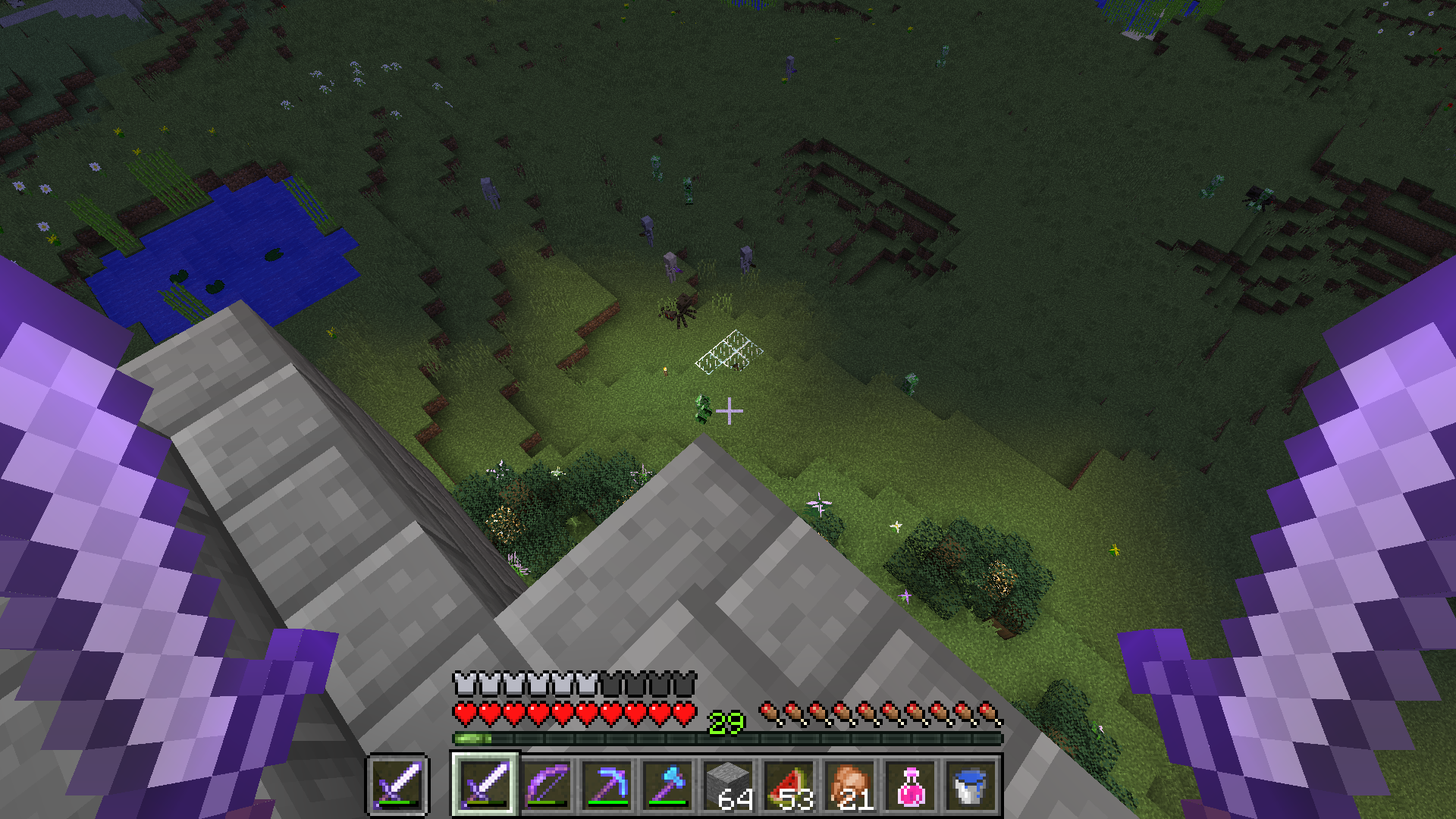


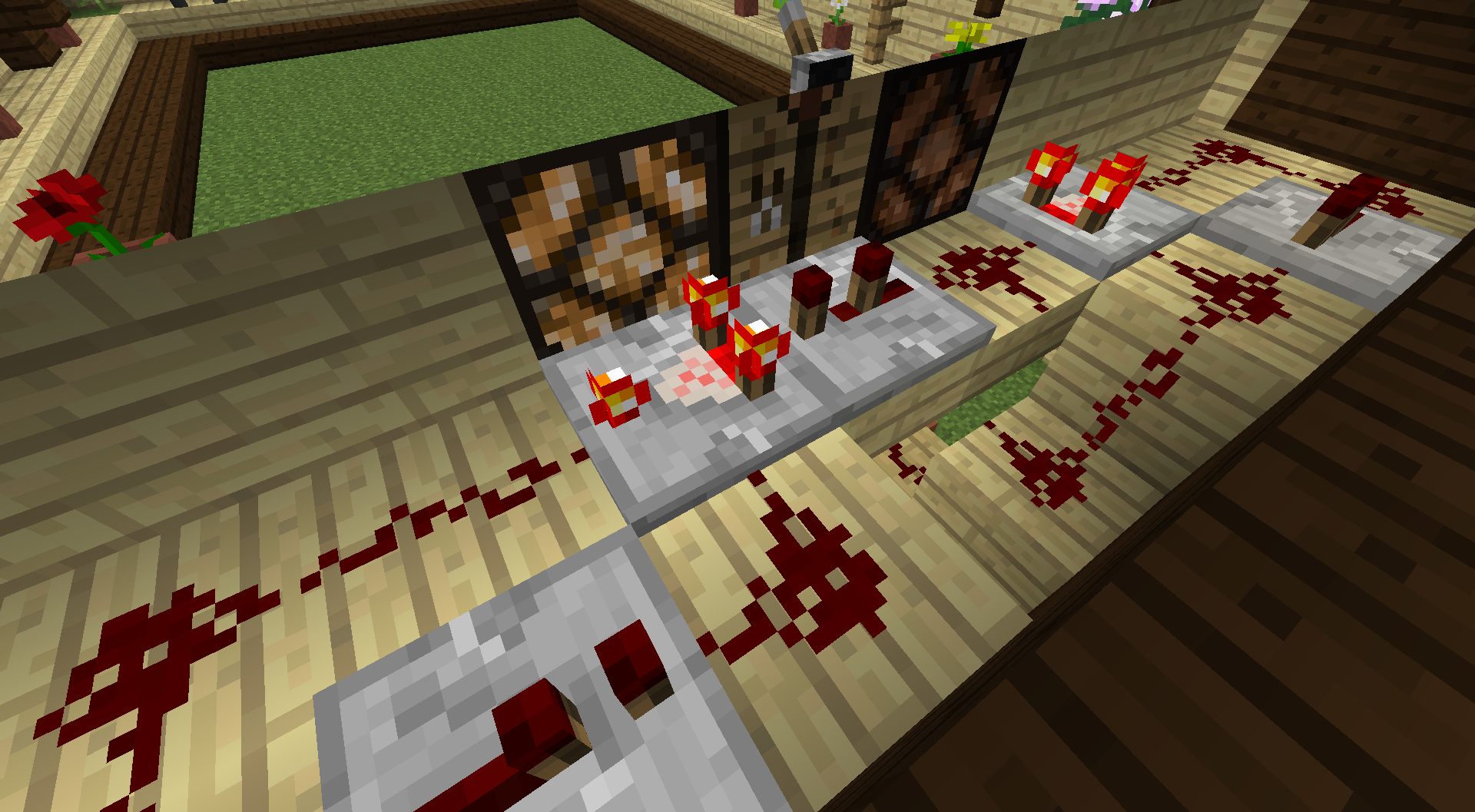

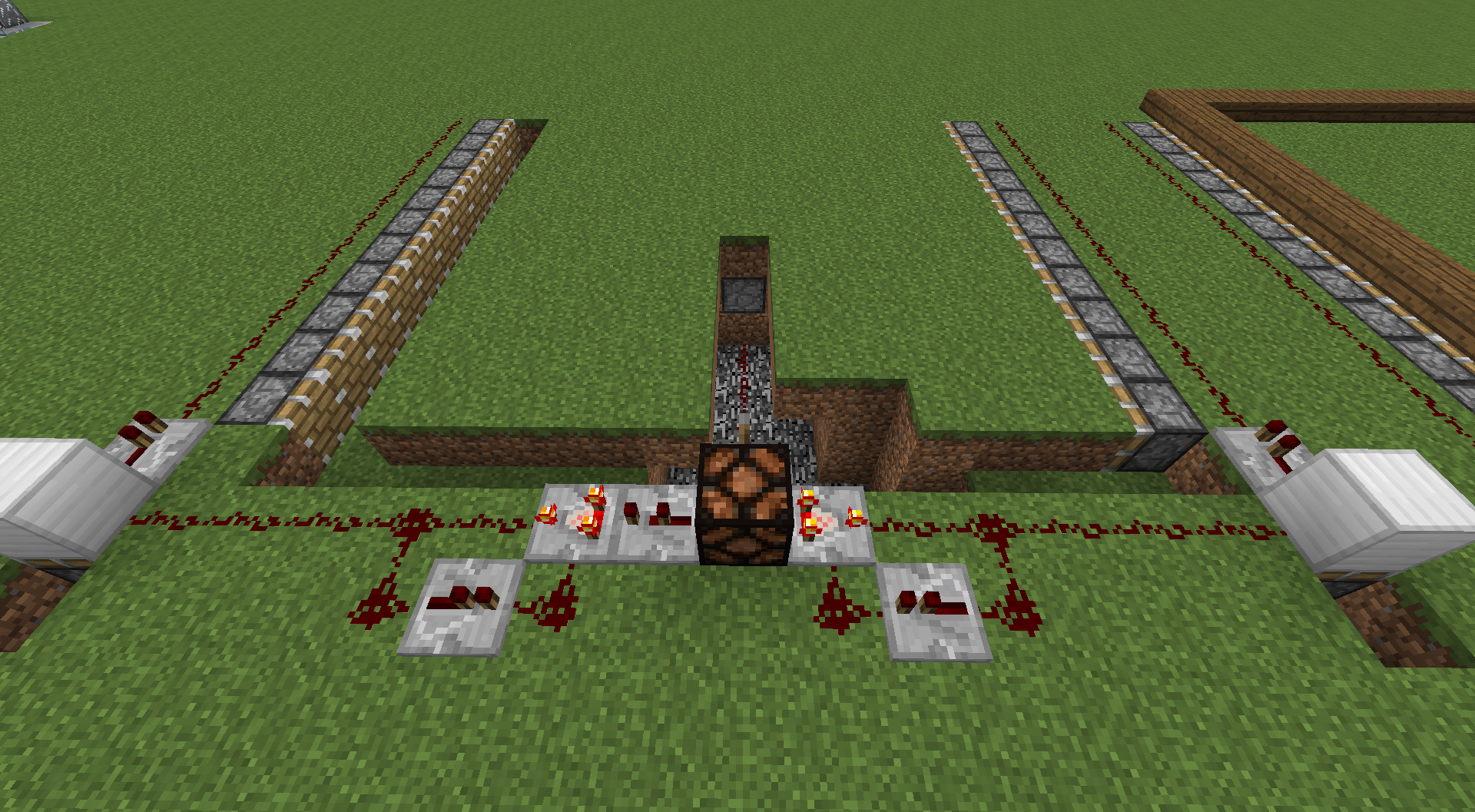


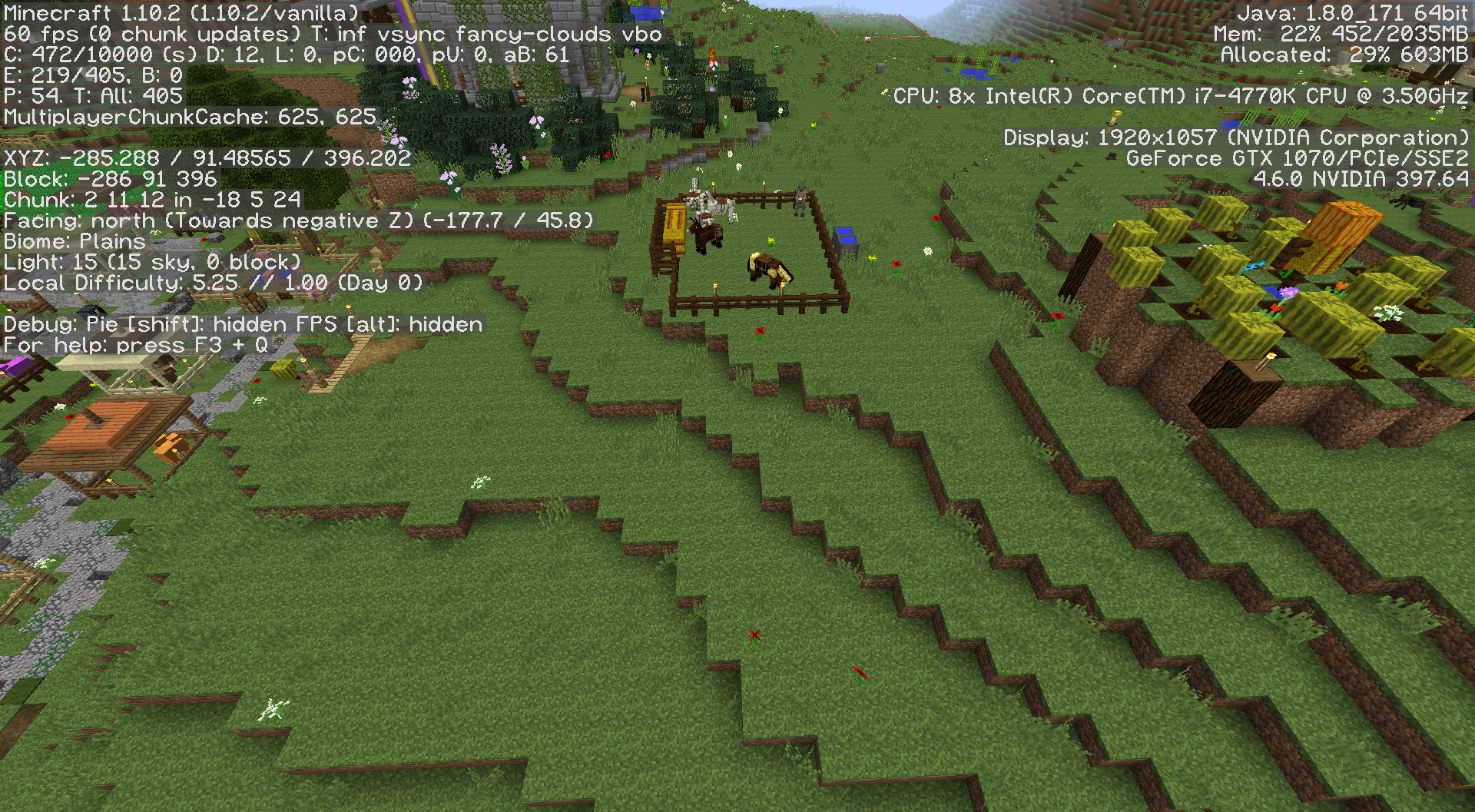



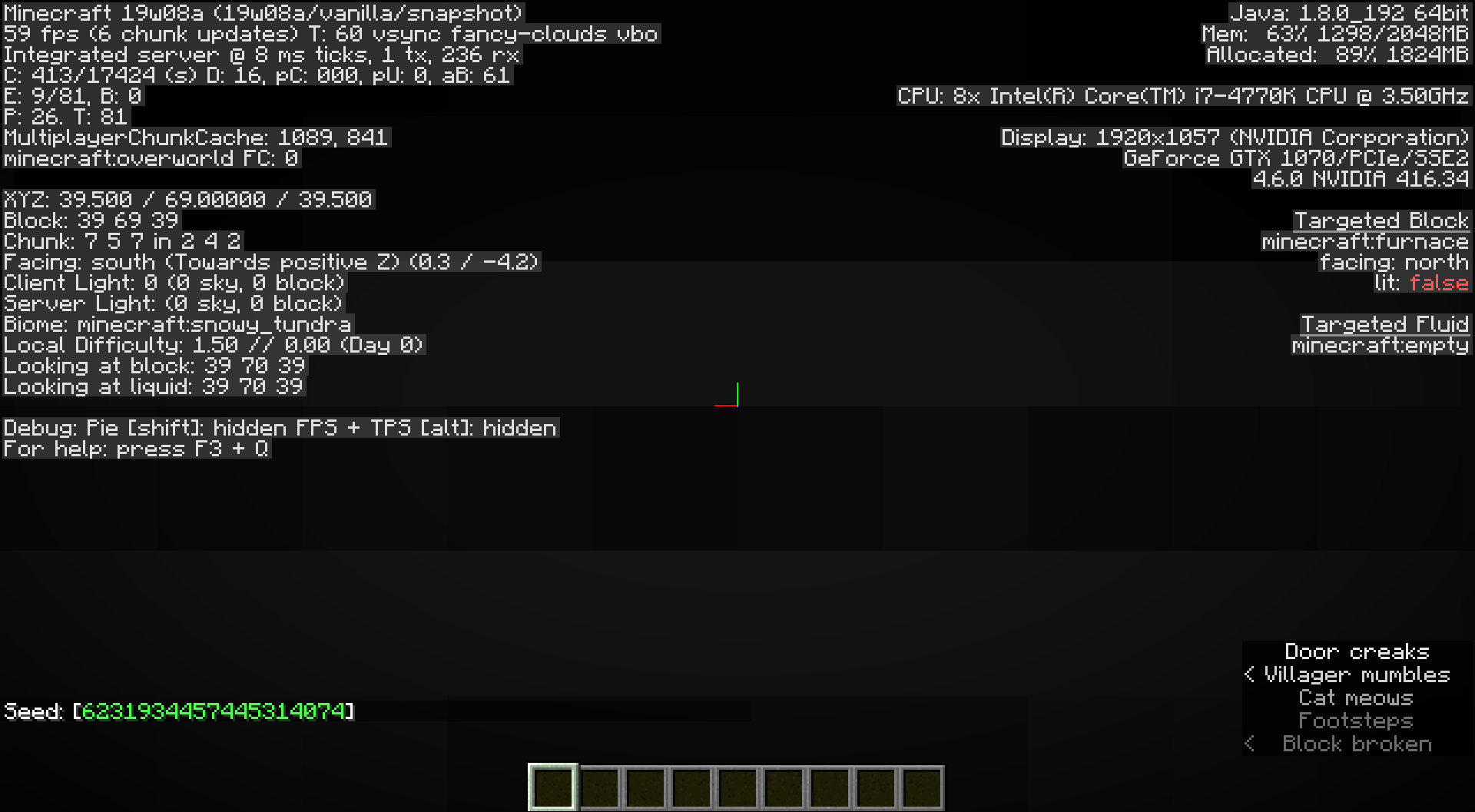






A No spawner dungeon, 1 chest. 14w10c, Seed:2571410, Approx -100,56,-470
Sand replaced spawner and some mossy cobble.
It has happened several times tho I'm not sure it can be reproduced on demand. Sometimes it goes very far, certainly too far for knockback. In some cases I have been unable to find the XP. Sometimes there seems to be no XP with
fireaspect so I started hitting a little more often. However, I have been able to find the XP pretty far away by searching nearby chambers. The area is very familiar to me. Endermen are constantly teleporting out of a water trap underground so I have many opportunities to see this.It has happened several times tho I'm not sure it can be reproduced on demand. Sometimes it goes very far, certainly too far for knockback. In some cases I have been unable to find the XP. Sometimes there seems to be no XP with Fire Aspect II so I started hitting a little more often. However, I have been able to find the XP pretty far away by searching nearby chambers. The area is very familiar to me. Endermen are constantly teleporting out of a water trap underground so I have many opportunities to see this. I am currently trying this without fire aspect. The point is I get the death cry and no XP near.
It has happened several times tho I'm not sure it can be reproduced on demand. Sometimes it goes very far, certainly too far for knockback. In some cases I have been unable to find the XP. Sometimes there seems to be no XP with Fire Aspect II so I started hitting a little more often. However, I have been able to find the XP pretty far away by searching nearby chambers. The area is very familiar to me. Endermen are constantly teleporting out of a water trap underground so I have many opportunities to see this. I am currently trying this without fire aspect. The point is I get the death cry and sometimes no XP near.
Loaded world from 1.10.2. So far, only found at Y=8.
Loaded world from 1.10.2.
So far, only found at Y=8.
Loaded old world. Banner on shield changed colors. See pics.
Loaded old world. Banner on shield changed colors. See pics.
Made private. Do NOT want world upload made public.
Loaded old world. Banner on shield changed colors. See pics.
Made private.Do NOT want world upload made public.Loaded old world. Banner on shield changed colors. See pics.
Made private.Do NOT want world upload made public.
Occurred on upgraded 1.10.2 world regardless if direct or stepped to 1.11, 1.12.2. Crash does not occur on 47a or 47b. Shifting floor should harvest flowers and grass after bonemealed in this case.
Occurred on upgraded 1.10.2 world regardless if direct or stepped to 1.11, 1.12.2. Crash does not occur on 47a or 47b. Shifting floor should harvest flowers and grass after bonemealed in this case. Link to original build: https://www.youtube.com/watch?v=9SpFsltTz74
Occurred on upgraded 1.10.2 world regardless if direct or stepped to 1.11, 1.12.2. Crash does not occur on 47a or 47b. Shifting floor should harvest flowers and grass after bonemealed in this case. Link to original build: https://www.youtube.com/watch?v=9SpFsltTz74
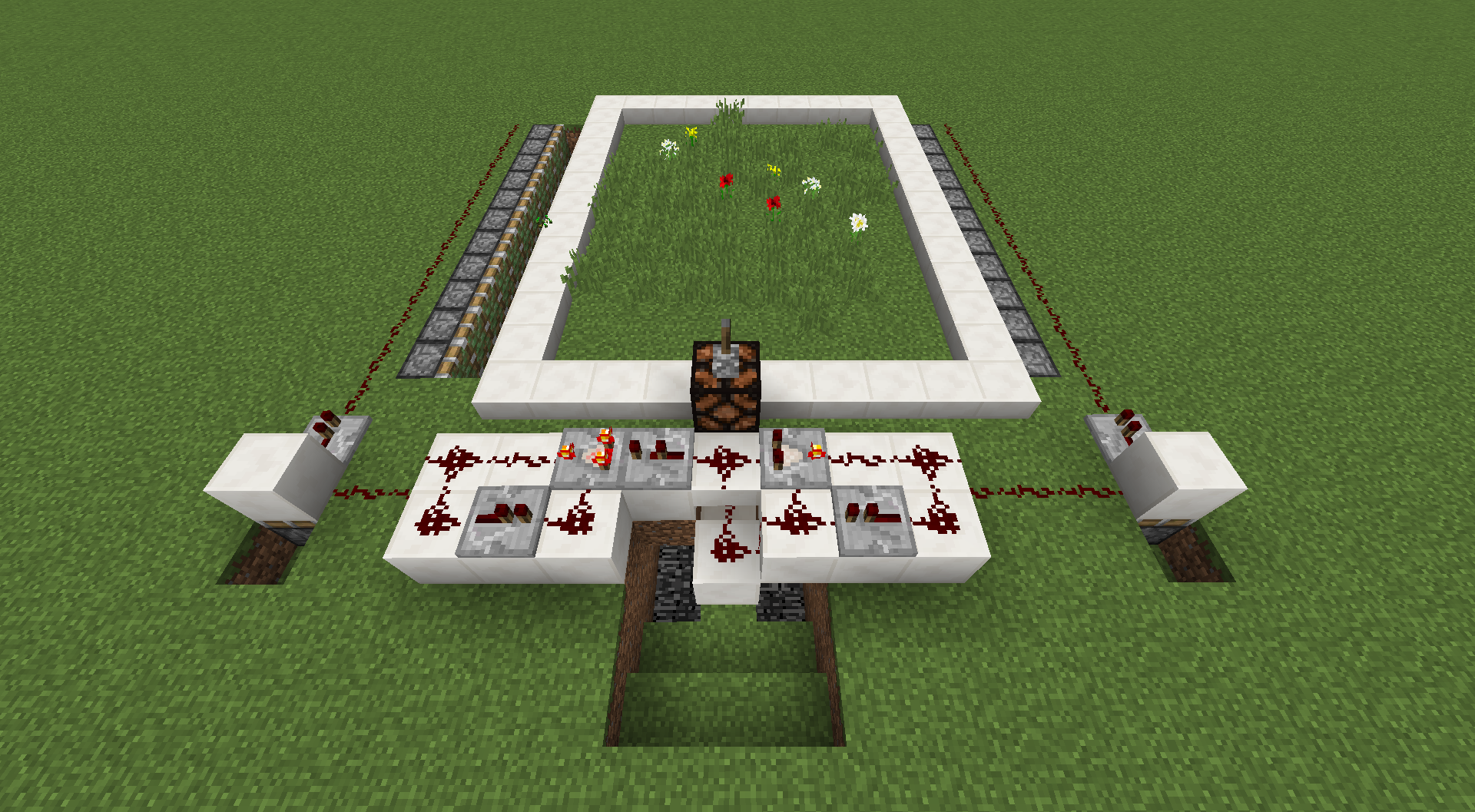
So I can test this with a hopper clock now which is slower and it doesn't crash. However the grasses and flowers are not popping off.
Win 10 i7-4770K, GTX 1070, jre1.8.0_1
31Win 10 i7-4770K, GTX 1070, jre1.8.0_171
Win 10 i7-4770K, GTX 1070, jre1.8.0_1
31Win 10 i7-4770K, GTX 1070, jre1.8.0_171
Chickensfloatin enclosed water blockChickens don't drown in enclosed water block
title + crash reportTitle + crash report. I was able to repeat the crash 4 times so far.
Steps to reproduce:
1, Place your decorated banner in a prior version. (In my case I upgraded from 1.10.2 thru 1.12.2 first.)
2. Upgrade the world from 1.12.2 to 1.13pr3.
3. Breaking banner by hand or axe causes a crash.
Crash on breaking upgraded banner
Pretty sure this is a smushed faced persian. There's a pink pixel for the nose fairly even with the eyes like a persian. There are 3 pixels forming an inverted "V" mouth similar to a persion. I think it represents really well.
crash-2019-04-11_01.51.25-server.txt
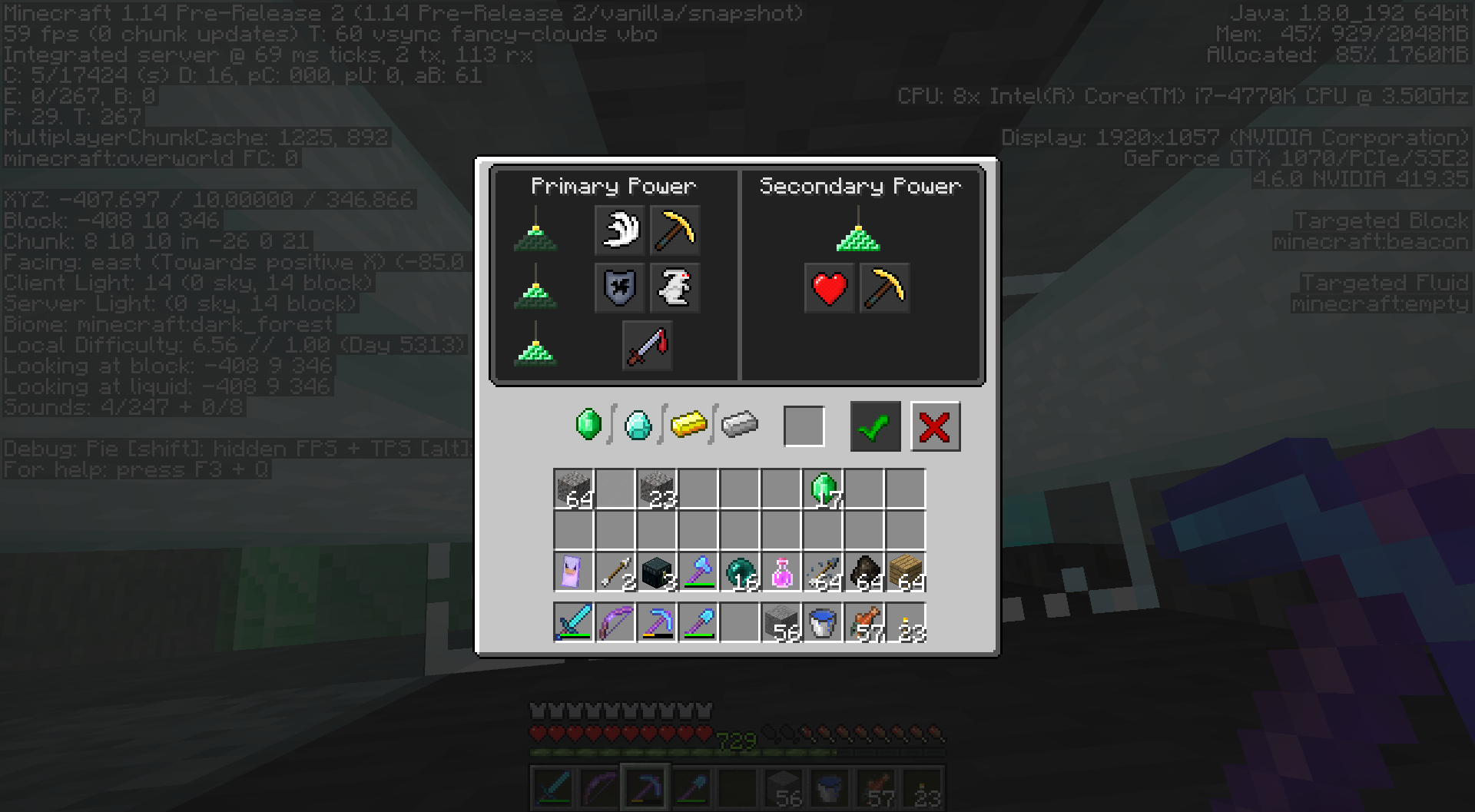
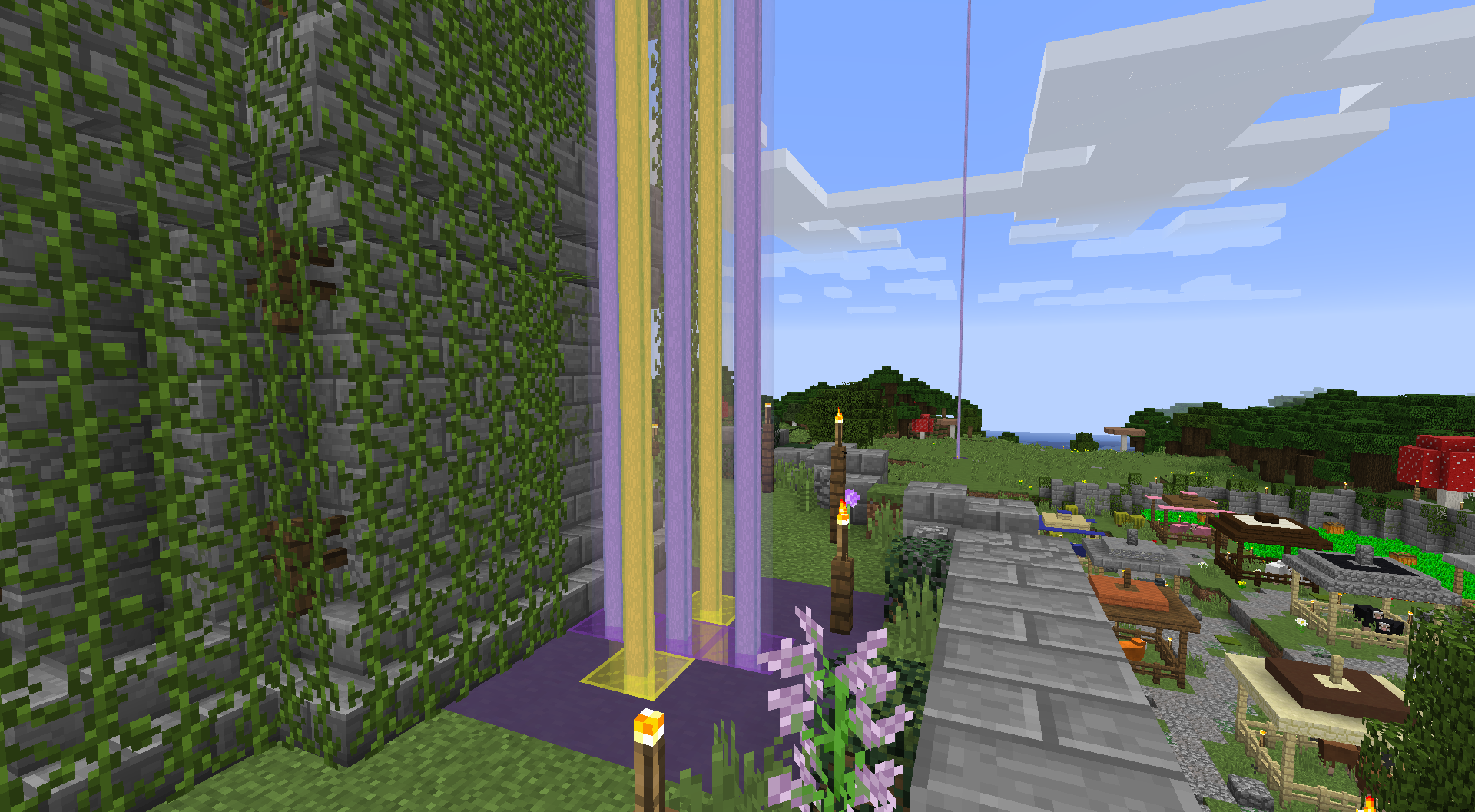
Programmer art does not revertbeacon colorWrong beacon color
Started with a 1.10.2 world.
Edit/optimize world.
Loaded world in 21w18a.
Enchantments were erased, wiped or stripped on books, armor, tools & weapons in the inventory and enderchest.
Upgrading thru 1.16.5 first kept enchants.
Sorry, I see an issue with underwater ravines in my world. Caves look fine.
Likely feature request. See
MC-221619
Invalid duplicated report
MC-227221
Duplicates
MCL-9498Read note for potential fix. Beyond that seek tech support.
Mod? Realms project issue
Realms is a separate project. This report is in the java project.
Mod? Move this to REALMS project
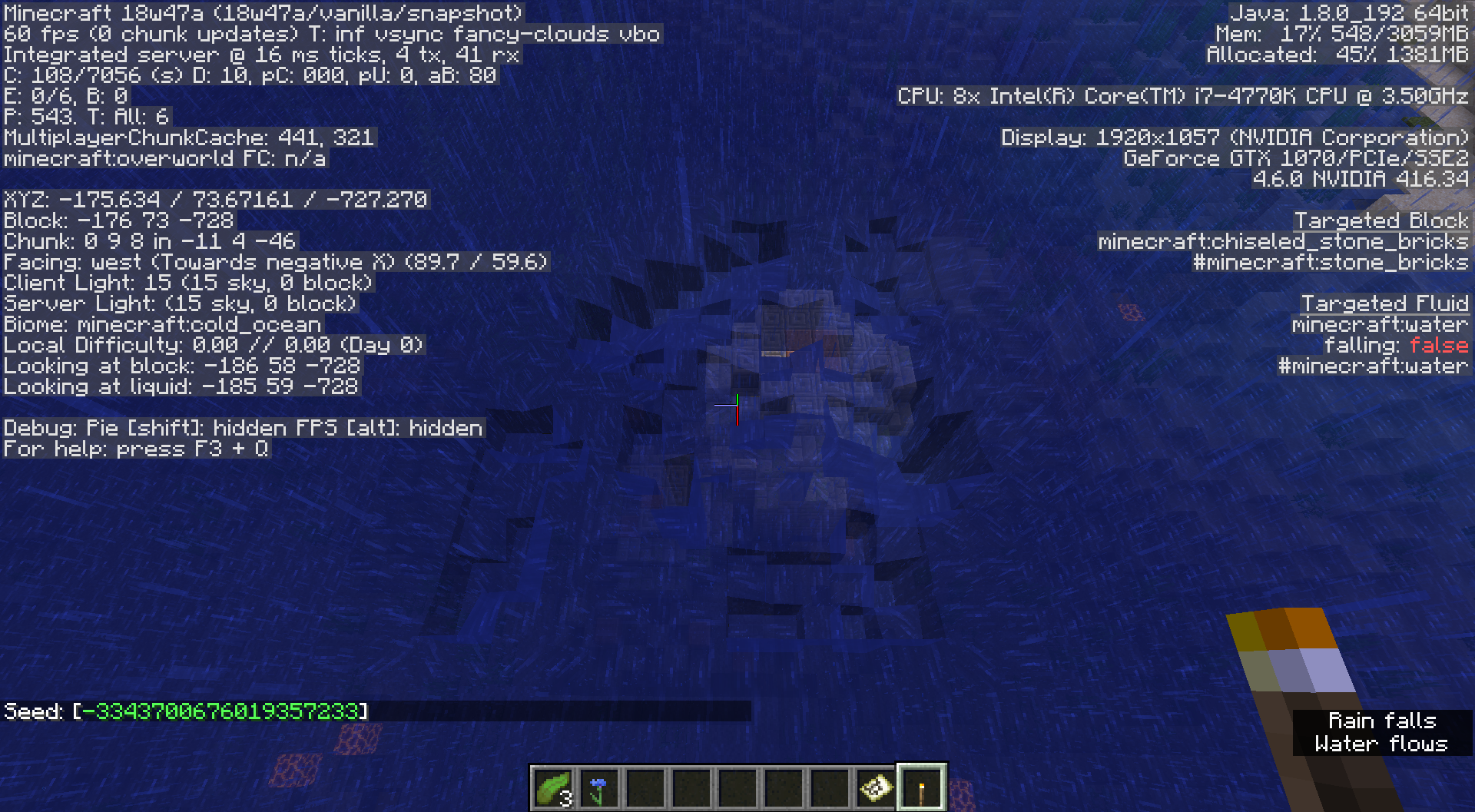
Seed & coordinates please. Attach a screenshot with the F3 debug screen enabled.
Maybe
MC-93437Don't hold the inventory button down. Or is it stuck?
Please attach the crash report.
Duplicates
MC-128302I think report can resolve as this.
Yes, I do see Lush Caves listed in Buffet, 1.17 release.
Is the Caves & Cliffs datapack enabled?
https://feedback.minecraft.net/hc/en-us/articles/4402614709389
Duplicates
MC-227996
We need bug reports without modifications like Optifine.
Duplicates
MC-228943
This belong in the WEB or REALMS project not java.
Could you please attach a crash report. Its located in the data folder.
The file name is minecraft/crash-reports/crash-<DATE>-client.txt
What platform / version of Minecraft?
Duplicates
MCPE-132757
Did you/someone change the JVM arguments? Can it be RESET in the launcher?
I want to verify that you have the Java Edition. When I search for this error I get PS4 results which belongs in the Bedrock project.
The Minecraft launcher translation project is at crowdin.com.
Your attached images are in the launcher. That's where languages are chosen.
Title says server. Any mod or developer will want to know. Yes, vanilla. Mojang cannot provide support for spigot, paper, bukkit etc.
Probably
MC-101579Please read moderator note.
Your issue requires [technical support|https://discord.gg/58Sxm23]. Very often this is caused by other incompatible software installed such as anti-virus software, firewalls, malware, overlays etc. Probably related to or duplicates
MCL-6550.
Duplicates
MCL-16570Please read moderator note.
The only interesting previous report I found was
MC-229282for java.
Maybe MCPE-100566
or
MC-190067Difficult to decide from the description.
MC-101579Please read the highlighted Moderator Note.
Duplicates
MC-16750In the link please read the highlighted Moderator Note.
Duplicates
MCL-16750Please read the highlighted Moderator Note.
For payment and account issues please contact Mojang support.
This is the default action: swap to offhand.
Please contact Community Support to find if it can be salvaged and/or instruction to prevent further loss.
^ Can you point me to where that is stated please?
Slime spawn rate is extremely low compared to other mobs. I have been concerned about this type farm with increased world depth. Placing this farm in an ocean is an option however challenging as well.
Are you getting the "play demo" button?
MCL-16570
Igor Bialy Please don't attach your screenshots to someone else's report.
Please attach the crash report or log. The crash report is a text file located in the .minecraft/crash-reports folder named crash-date-client.txt. If not available attach the launcher_log.txt file.

Duplicates
MCL-16570Please read the highlighted note.

Check the manufacturer website for new drivers or try another mouse.
Duplicates
MCL-774. Please read the highlighted note for solutions.
This report seems modded. Could you please edit with a vanilla crash if still applicable? This bug tracker cannot support third party clients/servers/launchers. Please contact their respective owners.
The link provided says "example.com". Please attach the crash in the attachments section just below the description.
The crash report is a text file located in the .minecraft/crash-reports folder named crash-date-client.txt. If not available attach the launcher_log.txt file.
Please attach the crash report or log. The crash report is a text file located in the .minecraft/crash-reports folder named crash-date-client.txt. If not available attach the launcher_log.txt file.
Clones
MCL-16943
On the Installations "tab" there are check boxes for Versions at the upper right. Does that solve it?
Duplicates
MCL-14369
Mods have the ability to move reports....
MCPE-? Bedrock issue.
MCPE-? Bedrock issue.
MCPE-? Bedrock.
What version exactly?
Duplicates
MCL-16049
Please attach the crash report or log. The crash report is a text file located in the .minecraft/crash-reports folder named crash-date-client.txt. If not available attach the launcher_log.txt file.
Please read the Bug Tracker Guidelines. Use of an on-line translator is acceptable.
We only accept bug reports in English. Do not create bug reports in other languages.
Duplicates MC-146881
Please attach the crash report or log. The crash report is a text file located in the .minecraft/crash-reports folder named crash-date-client.txt. If not available attach the launcher_log.txt file.
Please don't duplicate your tickets. Editing or amending this one is okay.
Please attach the crash report or log. The crash report is a text file located in the .minecraft/crash-reports folder named crash-date-client.txt. If not available attach the launcher_log.txt file.
Please attach crash-date-client.txt located in .minecraft/crash-report.
Duplicates
MC-207896. Please open that link and read the highlighted note for a possible solution.
See if Community Support can help.
You may refer to this report there asMC-234617.
You do need to ask #bedrock-support for help with switch.
Get help from the community if you are having technical issues with the Bedrock Edition of Minecraft (Mobile, Windows 10, VR, Xbox One, Xbox Series X|S, Nintendo Switch, PlayStation 4 and PlayStation 5).
Invalid. 1.18 is not supported here yet. Please read the article at minecraft.net.
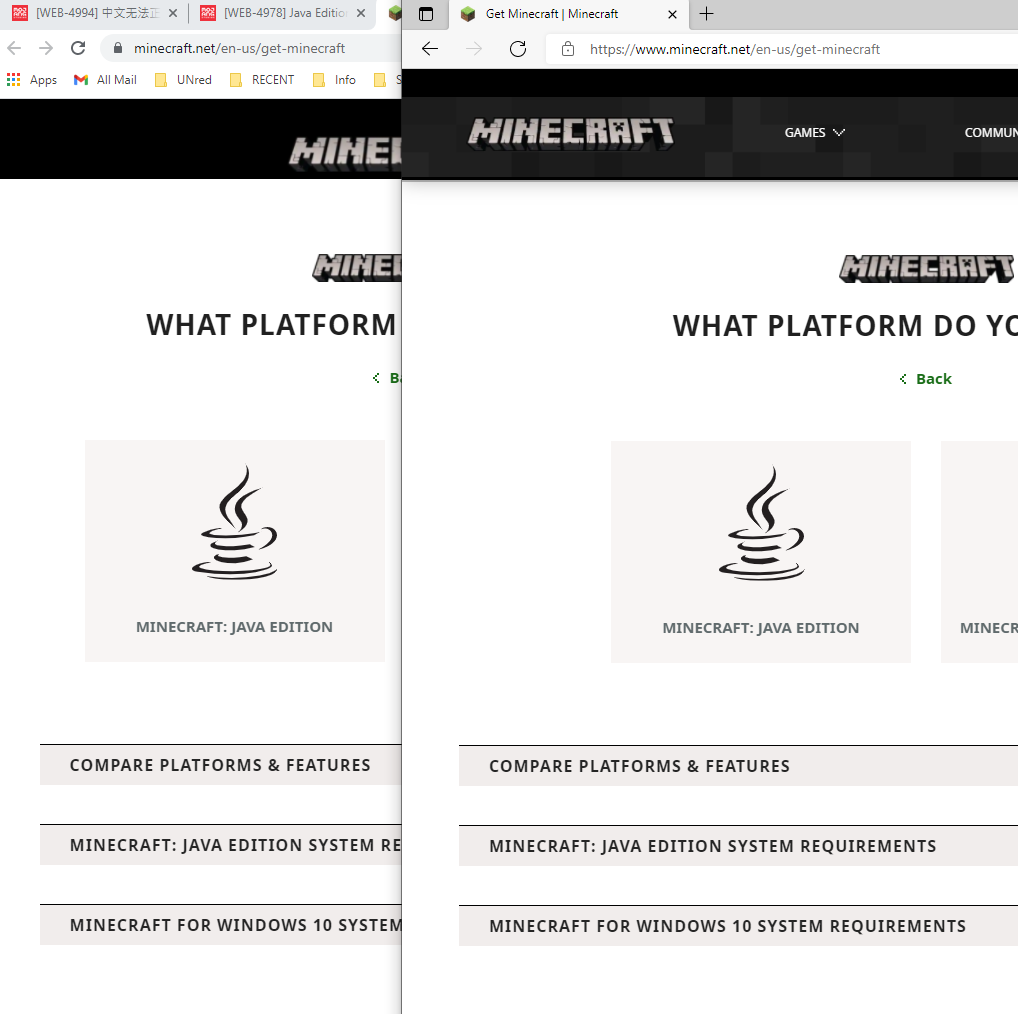

Duplicates WEB-2345
Try the solutions provided in
MCL-6550. Stalling on start is often caused by other incompatible software installed.
Invalid. This bug tracker cannot support third party servers/launchers/clients. Please contact the owners.
Nice surprise! That error is fairly vague.
From minecraft.net:
CAN I OPEN OLD WORLDS IN THIS EXPERIMENTAL SNAPSHOT?
No, experimental snapshots can only open worlds that were created in the same version. Later on in the actual 1.18 release you will be able to open 1.17 worlds.
For purchases and account issues please contact Mojang support.
The bug tracker cannot support third party clients/servers/launchers. Please contact their respective owners. If you are having problems with an unmodified (vanilla) environ we can help.
Please attach the crash report or log. The crash report is a text file located in the .minecraft/crash-reports folder named crash-date-client.txt. If not available attach the launcher_log.txt file.
Duplicates MC-231580. Yours is a technical issue. Please ask Community Support for help and refer them to this report as
MCL-19386.
Crash seems to indicate
MCL-19392.
Duplicates
MC-94956. Resolved "Won't Fix".
If you are not Ahmad Masood, please open your own reports please.
I seem to recall this being an issue on the paper server. Either way, Invalid because modified and outdated.
![[Mod] violine1101](../../../data/avatars/users/92858.png)
Jess Edward, I've hidden your download link, so it isn't visible to the public once this report gets published again.
![[Mod] Greymagic27](../../../data/avatars/users/92875.png)
Jess Edward Unless manually changed, Minecraft will automatically be using Java 16. The Java version should also not have a huge impact on disk/cpu usage.
Jess Edward, technically only OpenGL 3.2 is required, however as far as I'm aware, all graphics cards that are supported by Minecraft also support OpenGL 4.4. The minimum system requirements haven't changed in years.
@Jess Edward I believe they are talking about the redstone tab in the recipe book in the blast furnace menu. Attached a screenshot to the ticket.
Jess Edward This is not a duplicate Lerizo_ was told to make a new report here

Per Jess Edward's suggestion – please remove all data packs from the server and see if the issue still occurs.
Jess Edward , i think this is not a duplicate of MC-227881, Because the graphics rendering has no bugs. Only the font is wrong
Jess Edward notagamer74 We recommend you use the Mojira Discord to submit requests to "move" tickets between projects. This avoids cluttering tickets with unnecessary comments. Thanks.
Please try logging out of the launcher, clicking 'go back' and selecting 'Microsoft Login'
If this doesn't work please contact Mojang Support as Jess Edward suggested above
![[Mod] ampolive](../../../data/avatars/users/18949.svg)
Can confirm but as Jess Edward stated this is probably intended.
Jess Edward Nope.

Only loaded in 1.18
Jess Edward If this world was made in 1.18, it is not a duplicate of MC-135996; if it was made in an older version, and then updated, it is.
![[Mod] markderickson](../../../data/avatars/users/18946.svg)
Sorry for the late reply, but if you're still experiencing this issue, I'd recommend contacting community support, as linked in Jess Edward's comment above. The bug tracker is not designed to give technical support, but community support should be able to. 
Jess Edward I'm using a pc and minecraft java edition
![[Mod] EVGENSYPERPRO](../../../data/avatars/users/92853.png)
Jess Edward: not a duplicate of that ticket at all.
Seems like the same issue as MC-252048. Here's a comment from Jess Edward which explains the issue:
It plays after the indicated cool down in the hot bar to prevent overlap/repetition.
As Jess Edward mentioned, you've managed to come across the "legacy" Minecraft launcher. The correct download link for the latest launcher (the "2.1" launcher) is https://launcher.mojang.com/download/MinecraftInstaller.msi

Closing the ticket as duplicate as the Jess Edward mentioned.
For further information, please, direct to the main ticket. Also, we recommend to contact Minecraft support if this is an issue with the account entitlements. Here is the link: https://help.minecraft.net/hc/en-us/requests/new?ticket_form_id=360001225811
Jess Edward or howie052877, could either of you please attach a screenshot or a video of this issue? Based on [~moesh]'s comment here, I'd expect a similar resolution if this is not present on this report.
Please see if community support can assist you as Jess Edward said.
Quick Links:
📓 Bug Tracker Guidelines – 💬 Community Support – 📧 Mojang Support
📓 Project Summary – ✍️ Feedback and Suggestions – 📖 Game Wiki
![[Mod] Avoma](../../../data/avatars/users/86198.png)
Can confirm in 1.19 and 22w24a. I observed the same behavior as Jess Edward. MC-234688.png

The bug
I recently converted a world from beta to the latest version and I saw a problem with the nether portal. The rotation of the portal was not correct.
More information can be found in this comment by Jess Edward.
How to reproduce
- Load an instance of Minecraft beta 1.7.3, create a new world, and construct a nether portal
- Exit the world and launch the latest snapshot or release of Minecraft
- Upgrade the world and look at the nether portal
Pressing the forward button while eating in a boat does not in fact speed up the process of eating, contrary to what this report currently states. I've tested this hypothesis and cannot confirm this. The problem here is that the action of consuming items is not canceled when starting to move a boat, therefore making this a duplicate of MC-152549, as partly mentioned already by Jess Edward.
Jess Edward that's not the tab they're referring to.
Neither linked report is correct; MC-258552 is the closest there is.
@Jess Edward Ah, yeah that's the core issue. This is indeed a duplicate of MCL-23195.
The only difference is that this is now occuring on the release/production channel.

Jess Edward your launcher version (2.3.645) doesn't contain this bug.
![[Mod] Jiingy](../../../data/avatars/users/91802.png)
I would argue this may actually duplicate MC-88967 rather than relating to it as Jess Edward stated previously, and should be forwarded over to that issue. An entity being leashed is stored as NBT, so when the entity is converted to a new entity (and gets a new UUID), the leashed NBT is lost.
As shown when getting the data of the mooshroom:

When trying to get the data of the new entity (cow):
Notice the 'No entity was found' as the UUID changed, and the lack of the 'Leashed' tag

Otherwise; if there is underlying behavior I am unaware of, at least mark as related.
Confirmation in creative (& survival) mode. Random seed used, -521011662333186337 spawns near temple.
Updated from 14w28b to 14w29b. It effects hand placed flowers not world-generated.
Verified for 14w29b. This happened when I destroyed a door that 2 villagers were fighting over. Door was flipping rapidly. Please note: the newly created world is no longer listed as a Selectable World in MC. However, it is listed in my Save Directory.
I have been able to "fly faster" for years and fully expect it continue to work this way. Double tap seems broken in 14w30c
"I can mod that"
16W06A Player falls onto active redstone then sinks into block. Thus far cannot reproduce purposely altho occurred several times. Possibly related to early Elytra flight.
16W06A Confirmed. This has plagued my vertical apple farm for years. If fixed, I'm willing to share it via Reddit. It has a secret dual purpose that's pretty cool....
Most of them are close to my cursor. The last one, right next to cursor actually looks upside down!
http://pastebin.com/meBq53Q0
Don't think so. I managed to get a closer shot. It's far easier to get to happen further away. It can be fixed by simply changing view angle then broken again by changing view angle.
Small update to driver v362.0 but no change.
No joy. Maybe not that distant... never wanted to get that close.
Looks fixed. No /kill command used either.
This finally makes sense. There WAS a charged creeper under the glass. Accidentally killed it with a command then left. Then on return later it appeared to be fixed.
Confirmation for 1.9.2:
MC-100323Have you tried 16w35a? Mine's working correctly again.
Separate issue. Same behavior.
MC-97799violine1101, thank you very much!
Omigosh Thank you! Considered stepping upgrades over the weekend too. I'm just glad my Save isn't botched!
This is one of several problems when making a distant upgrade. See Grum's comment in a currently private bug.
MC-122331Please keep open or find the duplicate."Thanks, seems to happen when you load a world from 1.10 and older straight in 1.13 snapshots. If you'd load it in 1.11 and 1.12 then all is fine.
Sadly a known but severe issue in the upgrade system, going to need quite a rewrite on it. But at least I might know how now!"
MC-122468Another report for clean up or the person's credibility. Watching for these.Much thanks to pykaxe!
Oh Boo. Yet another reason to keep playing an old version.
Add banner colors. Many item frames are turned then popped. North facing item frames stayed. There was a thunderstorm right before upgrading. Afterward skeleton horse traps won't activate.
Both. I had to check standing banners in my test world. The Chorus plants weren't connected either.
This happens on first world save. It's fine on initial load. It changes when the world is saved, exited then return.
I have to do things in order? Alright. I even bother to keep my main survival world in a separate directory. If you check version on F3 it says nothing about 1.12.2. The problems occur when upgrading from 1.10.2.
Sorry. I was overwhelmed with issues and how to separate them. Upgrading through 1.12.2 looks good.
Close please. Doesn't crash any more.
Pre-existing/converted banner is not dropping itself in 1.13 pre1. Tried several times with hand/axe. It just disapperears. Double checked that I was in survival mode. Newly placed banners can be picked up again.
I was breaking an upgraded, pre-existing banner from 1.12.2.
Suspiciously similar
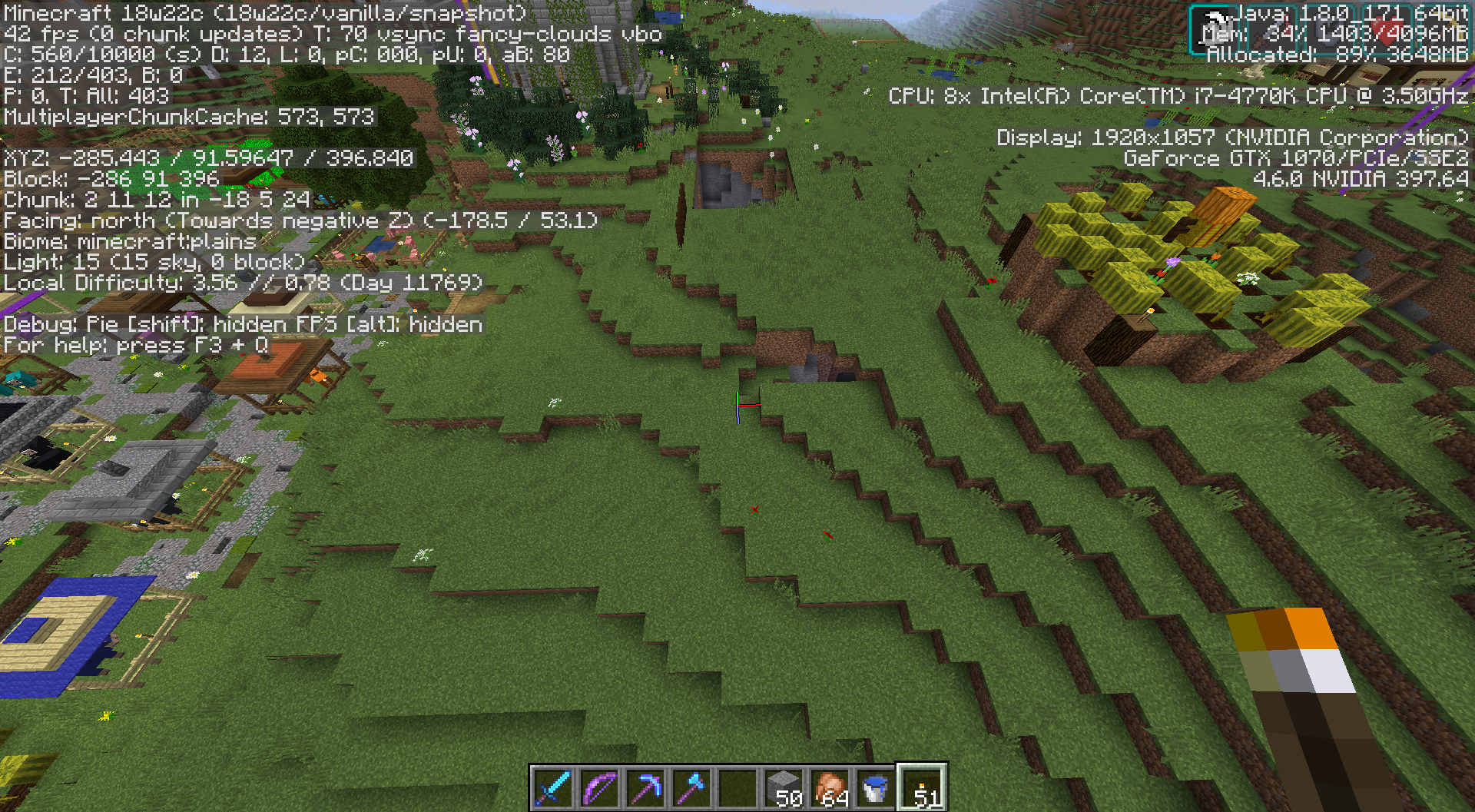
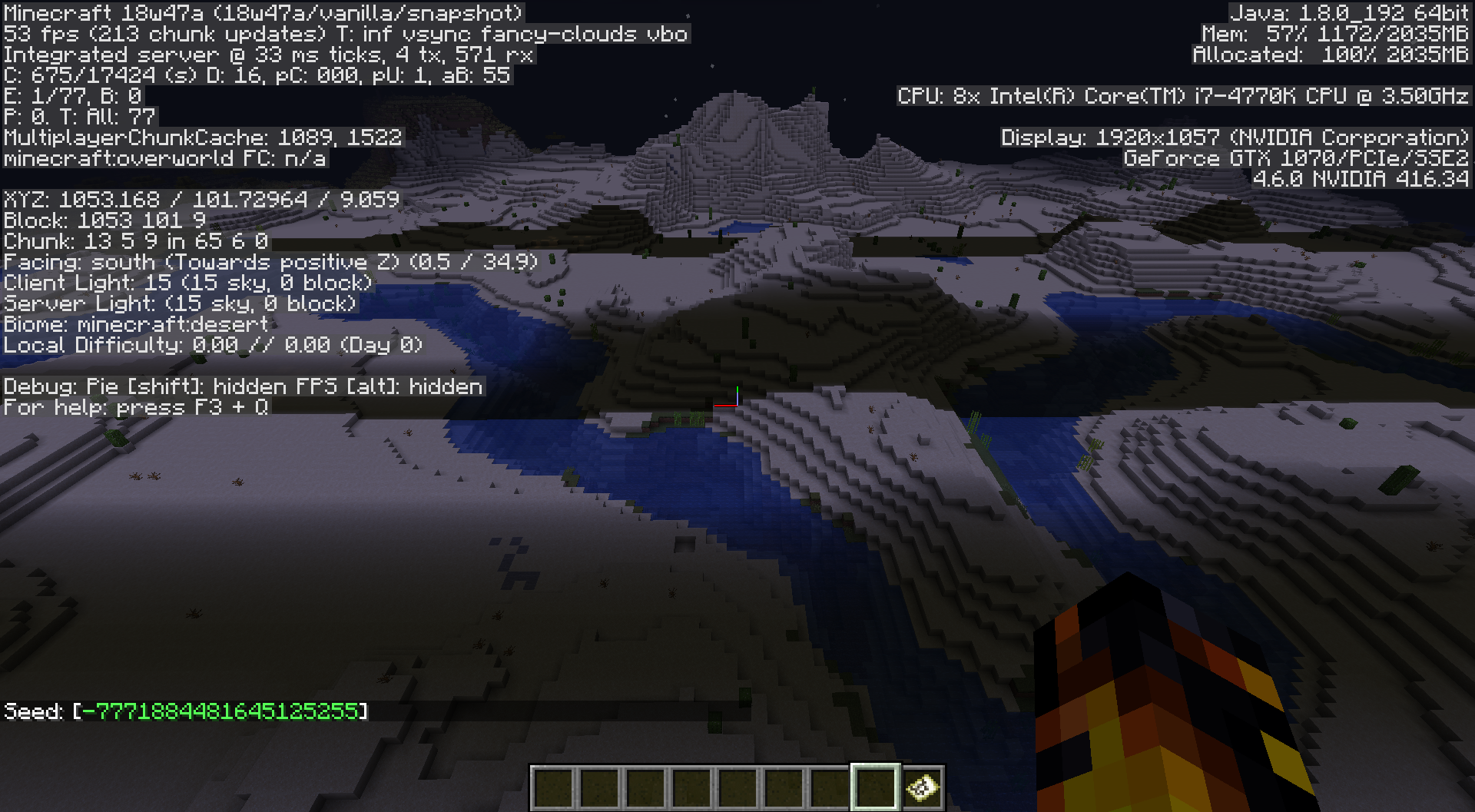
MC-137839Example on landfall retested. -7771884481645125255 1092 80 -4807
Possibly related.
MC-97799Related.
MC-97799This isn't new to 19w02a. Skeleton traps have been dropping impossible enchanted items for a long time. And not just bows.
MC-93024Can confirm untamed cats don't run away, villagers don't move too.
I agree. Something still isn't right. When I held some fish for stray cats they didn't sneak up to me per usual. They just stood there til I hit them with cod (in creative mode).
They get stuck on fence posts with lanterns next to stairs too.
Singleplayer. The first time going from Overworld to the Nether worked but took quite a bit longer than usual. Then infinite Waiting for chunk... occurred when trying to go back to the Overworld. Trying to check out my old save. Update path: 1.10.2 > 1.12.2 > 1.13.2 > 1.14 P-R1.
After some fiddling/restarting managed a crash report.
[^crash-2019-04-11_01.51.25-server.txt]
I have a world updated from 1.13.2 and cannot tell if it's a lighting error or the pistons. It's the only dark place I've noticed and it's the room with pistons over jacks o' lanterns.
Really? Odd. I always go with the default textures when testing. I tried optimizing then re-upgrading from the source. Same problem. I upgraded from this home base location this time and status effects showed up briefly then went away.

I think this cat is brachycephalic. The ones with the smooshed face. Also if this is duplicate where is the source report? I've noticed them missing lately and I do follow up on those.
^Click a world then Edit.
Re-upgraded from 1.13.2 (not Pre-Release 3).
Confirmed for Pre-Release 4. Respawned at original spawn point.

duplicate
MC-148986duplicate
MC-148073Duplicate MC-60792
See
MC-1403.The game will try to find a valid place for your portal. This was true before the new datapacks. The current release already has differing world heights for nether vs. overworld. 128 & 256. Most players expect a portal to work regardless. It would be reported over and over if it didn't work at all.
Break & move the nether portal to -74, y, 153. (595÷8, 1225÷8)
Agreed. Grid pattern follows chunk borders. Possibly associated with ravines.
Confirmed. Strange how that happens. No datapack used.
Not a bug. Open graphic settings and force javaw.exe. Tell it where to find that exact filename. AMD calls it Switchable Graphics.
https://www.oracle.com/java/technologies/javase-jdk16-downloads.html
This is why I commented the duplicate, MC-60792. My astute observation that there are snow layers under the arms NOT the air blocks necessary.
See
MC-187920See
MC-221656Duplicates
MC-65731andMC-15170.https://minecraft.fandom.com/wiki/Armor#Damage_types
Try java 16 and check out MC-219639.
See
MC-227058Duplicate
MC-203704Potential fix in Mod note within
MC-179845Probably a feature request. https://feedback.minecraft.net/
Probable duplicate
MC-227340I just saw river squid. Upgraded from 1.10.2.
These reports are for in-game bugs. You need Mojang support for account problems.
See support over here https://education.minecraft.net/
Duplicates
MC-155379We're looking for in-game bugs here. You need Mojang support.
Probably related to MC-118103.
You need tech support. Look to Mojang or the community. Community sources include discord or reddit. Tickets start here.
Possibly related to
MC-97087Datapack can be downloaded. Titled Caves & Cliffs preview.
https://www.minecraft.net/en-us/article/minecraft-1-17-release-candidate-1 (updated link)
Duplicates
MC-225816Duplicates
MC-101579. Reported 390 times. Check Moderator note in that link.https://www.minecraftforum.net/forums/support/java-edition-support
I got lots of hits when I searched for this error.
Duplicates MC-19830
Duplicates
MC-44944I'm having trouble understanding and the download doesn't work. Make sure it can be downloaded outside of your login.
The bug link,
MC-44944talks about some issues with a few seeds resolving/hashing to 0.To clarify, Mojang only accepts bug for the current versions which are 1.16.5 or the `1.17 release candidate.
Downgrading is not supported. Don't open a 1.17 world in a prior version.
Can you tell us the original seed?
My trident didn't disappear. It went to the nether but wouldn't come back to the overworld.
Backup the world and try the datapack.
Related issue
MC-136386Duplicates
MC-188529. To get the particles to render, use the "Fabulous" graphics option.Works As Intended
MC-4618Duplicates MC-146524
Duplicates
MC-224273Duplicates
MC-220690At least check the Note in that link.Duplicates
MCL-16570Read the Moderator note in that link.Not a bug. You need technical support. At least check the Mojang support page or Discord for common issues.
https://help.minecraft.net/
Are you on Spigot?
Duplicates
MC-12949Read the Moderator note in that link. Beyond that I suggest tech support.Looks like someone else was able to upgrade.
https://www.reddit.com/r/Minecraft/comments/mqynb9/you_can_use_mojangs_caves_and_cliffs_datapack_on/
^Aussie
They don't like non-bug discussion here. It sounds like you need a world editor. NBTExplorer comes to mind but I don't really know the capability. Might be others. Thought it could point you in the right direction at least.
Duplicates
MC-97799Duplicates MC-226967
Duplicates
MC-101579Read Moderator note.Duplicates
MC-227787Duplicates
MC-225505Duplicates
MC-87141Invalid. Modded game.
Duplicates
MC-224273Works As IntendedDuplicates
MC-218803Upgrade java to version 16.
Duplicates MC-215669
Invalid. Modded game.
Works As Intended. They spawn on several world generated blocks.
Duplicates
MC-128302Check MC-219639. Vanilla only here.
I think this is WAI. From minecraft.net
Check MC-219639
looks like
MC-190067They like to see the F3 debug screen enabled.Your link isn't working.
Similar post but modded.
MC-228047Please attach the crash report. If that's not available, the launcher log.
https://minecrafthopper.net/help/guides/getting-minecraft-crash-report/
For 1.17, please attach the crash report. If that's not available, the launcher log.
https://minecrafthopper.net/help/guides/getting-minecraft-crash-report/
Duplicates
MC-178864To get new blocks explore new terrain.
To facilitate the issue please attach the full crash report.
https://minecrafthopper.net/help/guides/getting-minecraft-crash-report/
Does this happen without Optifine? Mojang requires unmodded reports.
The X should be present if you are not using bundled java. Incompatibility suggests that you have a different java installation other than the bundled. See attached pic. Am I understanding correctly?
You need a wooden or weighted plate.
We need more information. Please attach a crash report. If not available, a launcher log.
https://minecrafthopper.net/help/guides/getting-minecraft-crash-report/
Duplicate
MC-224273Works As IntendedPlease attach a crash report. If not available, the launcher log.
https://minecrafthopper.net/help/guides/getting-minecraft-jvm-crash-report/
What datapack?
There is a fix coming for datapacks.
MC-227387I suggest putting your graphics type in the description.
Duplicates MC-181681 Check for potential solutions in that link.
Are you using any modifications? Is this creative, survival or hardcore? I suggest putting specifications in the description. Give information about your CPU and GPU. Or simply attach a screenshot with F3 debug screen enabled.
Duplicates MC-225859
Duplicates
MC-108Ask any redstoner or wikiDuplicates
MC-125351It's possible to attach crash reports and logs.
https://minecrafthopper.net/help/guides/getting-minecraft-jvm-crash-report/
Probably Related
MC-212531Duplicates
MC-12949. You need Mojang technical support or ask at Discord.Duplicates
MC-7333Duplicates
MC-219985Duplicates
MC-190067Check MC-219639
Duplicates
MC-190067Duplicates
MC-128302. Read moderator note.https://minecrafthopper.net/help/guides/getting-minecraft-crash-report/
Please attach the crash report.
https://vanillatweaks.net/discord
Sorry, jeb_ has spoken.
https://twitter.com/jeb_/status/725975250320678912
Related
MC-223423Is this acceptable? https://vanillatweaks.net/feedback/
https://minecraft.fandom.com/wiki/Tutorials/Loading_a_resource_pack
I'm sure redditors or minecraftforum.net would help too.
This project is for java bugs not tech support. I feel this would be a long conversation.
Thanks! I wanted to know if it was the official caves & cliffs datapack.
Is there a recent launcher_log.txt in .minecraft ?
Duplicates
MC-101579Read moderator note. It can be caused by other software installed.Duplicates
MC-224273Part 2 should be later this year.Probably Invalid/WAI
MCPE-31447Duplicates
MC-219985Read for potential fixes.Like this?
MC-125707Related MC-225945 and MC-206648
If you don't want the enchantment it can be wiped with a grindstone (except curses).
Duplicates MC-8820 Add Lichen
Cannot replicate. Perhaps a mouse or driver problem?
Sorry, English only here. Mojang doesn't support modifications. Contact the owner.
Duplicates
MC-189227Duplicates MC-44560
Are you using any old resource packs or datapacks?
Can confirm!
Please attach the crash report.
Duplicates
MC-219626(corrected)Duplicates
MC-227996Read Mod Notice.Language projects are at crowdin.
Sorry! I'm sure the Mods will still direct you to Mojang technical support or Discord. I'm guessing it's OpenGL 3.2 causing issue.
This project is for in-game Java Edition bugs.
Duplicates
MC-227996Duplicates
MC-224273Part 2 should be released late this year.Check MC-219639
Duplicates MC-228056 or
MC-228740Oh - I missed the video!
Duplicates
MC-227608Probably a feature request
MC-205067orMC-3636I would question powder snow in warm biomes too. Perhaps if on packed ice?
Check Mojang Help Center. We don't have access to accounts/billings.
Probably
MC-128302To fix move the nether side portal to X÷8, Z÷8. X and Z being the overworld locale.
It should work unless more portals nearby link. (I think its a 1024
128block radius)Probably
MC-218803Read Moderator Note.Duplicates
MC-227996Well, Microsoft bought Minecraft....
I think this is a feature request. Maybe a snowy dirt/grass block without the layer or different grass texture.
https://feedback.minecraft.net
Related
MC-1383but oldcannot confirm
This comment should help.
Related MC-228056
Maybe MC-164594
Yes but the sand and gravel shouldn't drop as items.
I couldn't find 143893 but someone did.
Duplicates
MC-135989Duplicates
MC-206246Not sure this needs precedent. Surprised I can't find earlier report for now.I found an older one:
MC-53020Duplicates MC-225839 ^Agree
Belongs in Bedrock Edition project.
Related
MC-228858Please one issue per report.
Duplicates
MC-153329Duplicates MC-160582
Orphaned report? MC-175984
Related
MC-228923orMC-228113Duplicates
MC-225505To facilitate your issue, please attach the crash report.
https://minecrafthopper.net/help/guides/getting-minecraft-crash-report/
Duplicates MC-153904
Grab a fresh download. https://www.minecraft.net/en-us/download
Are you using any data packs or modifications?
Cannot Confirm. Upgraded directly from 1.10.2. Tried a new world as well.
Your issue requires Mojang technical support or support at Discord.