 KejuGorenk
- Zlexy
- JIRAUSER739853
- Asia/Jakarta
- Yes
- No
 MC-257677
 MCPE-176740MCPE-178369MCPE-180777MCPE-181485MCPE-181919MCPE-183392MCPE-183431MCPE-183488MCPE-183757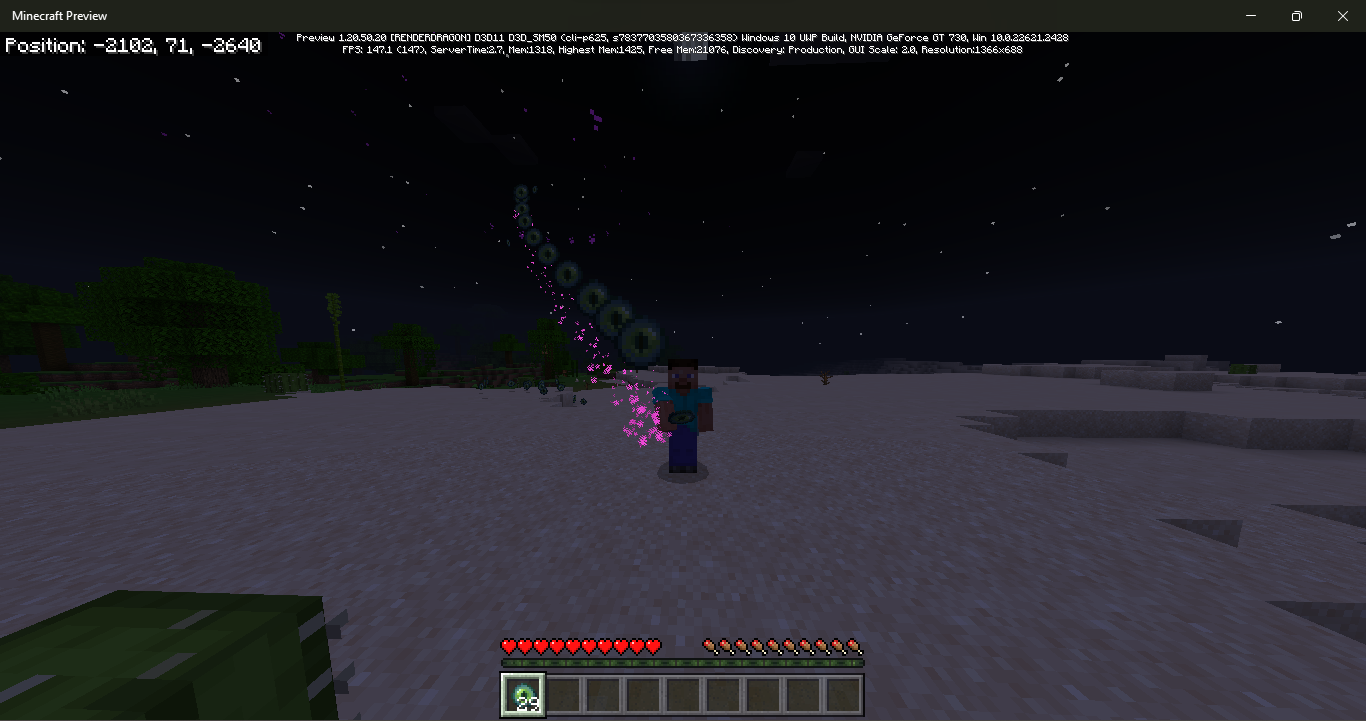
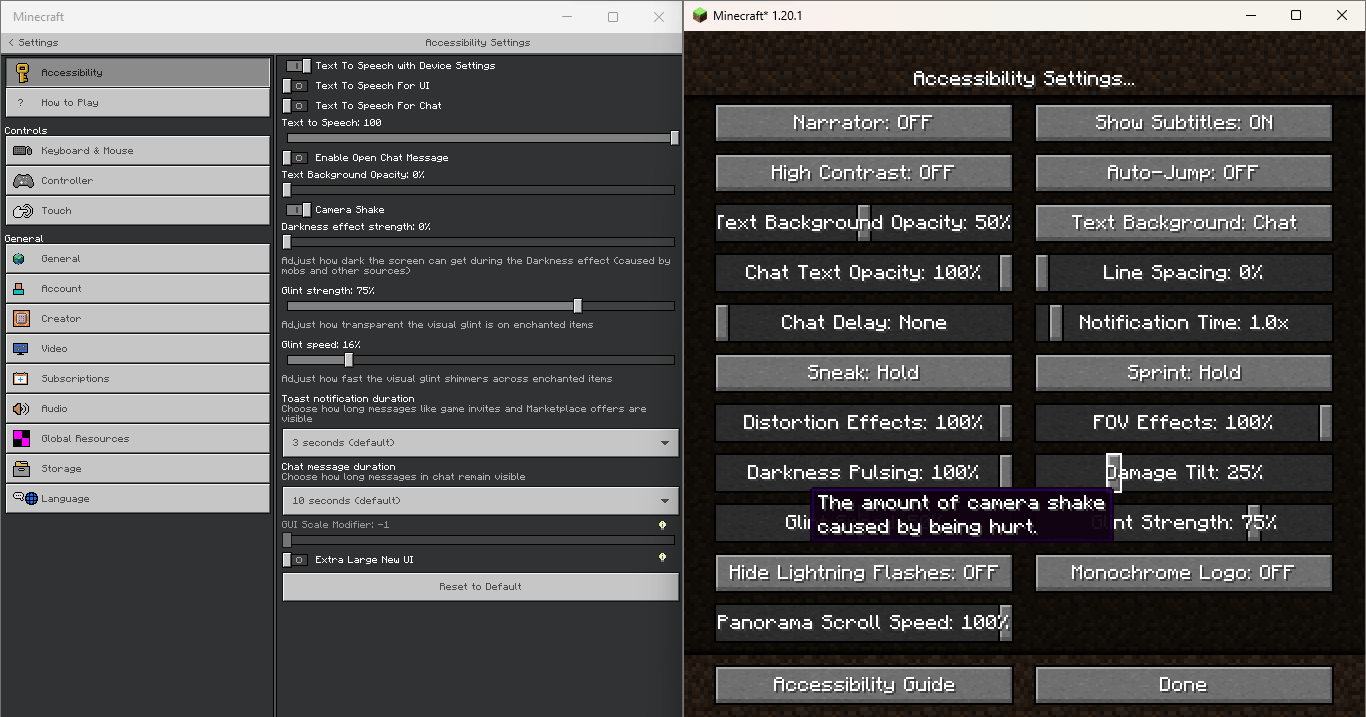
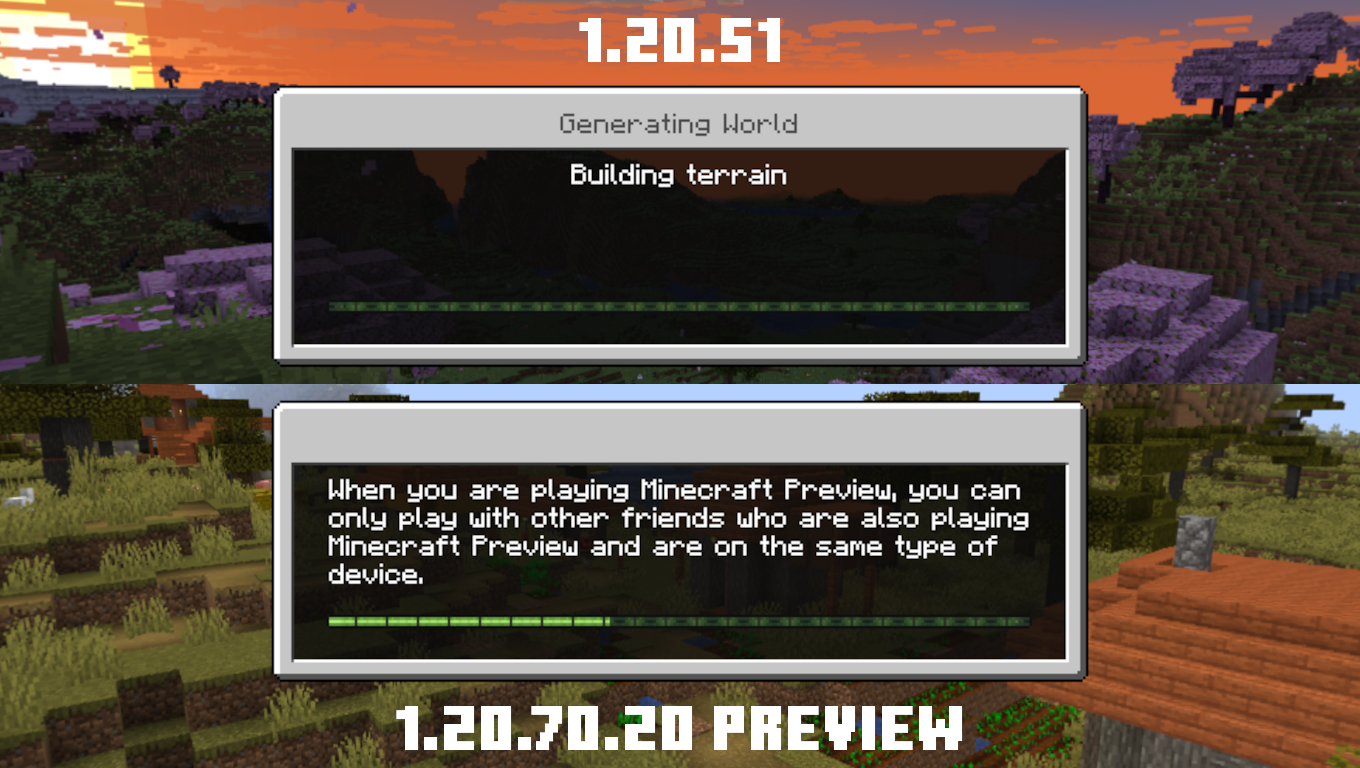
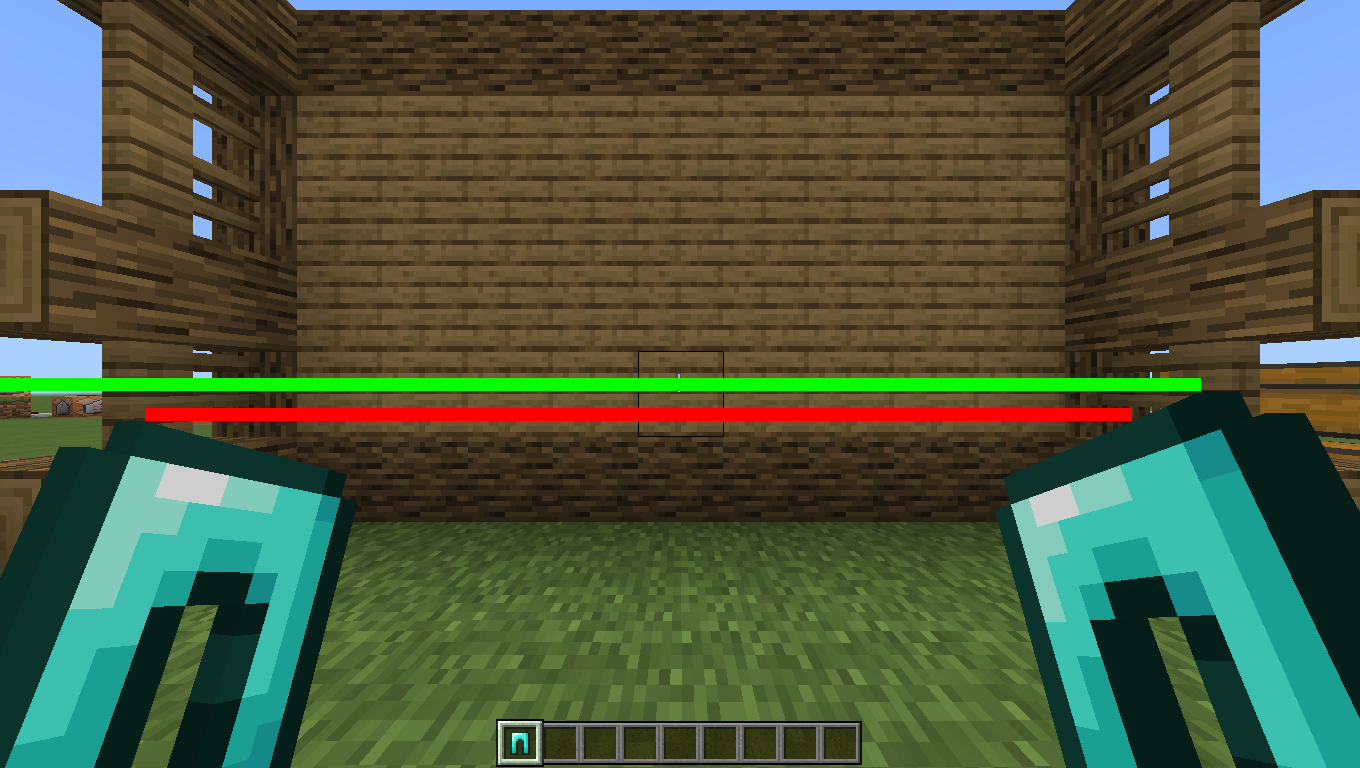
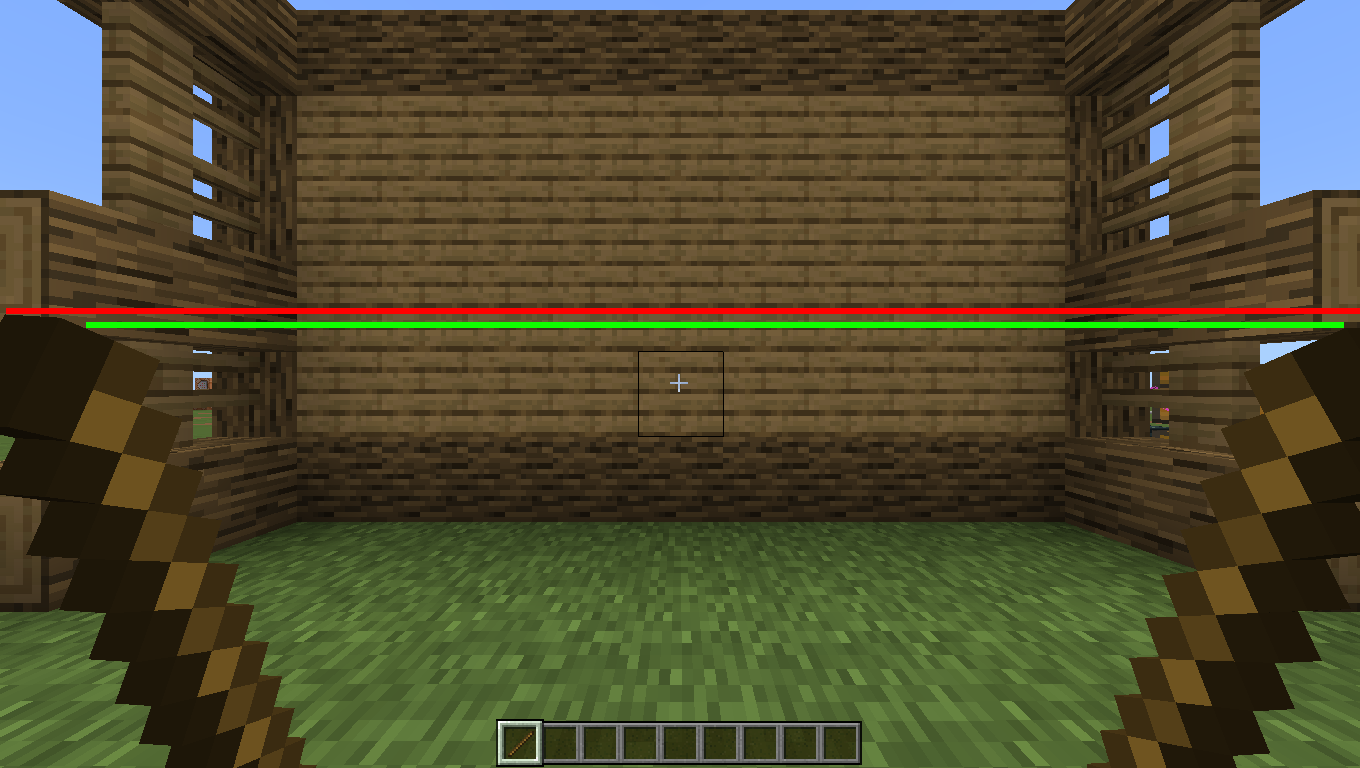
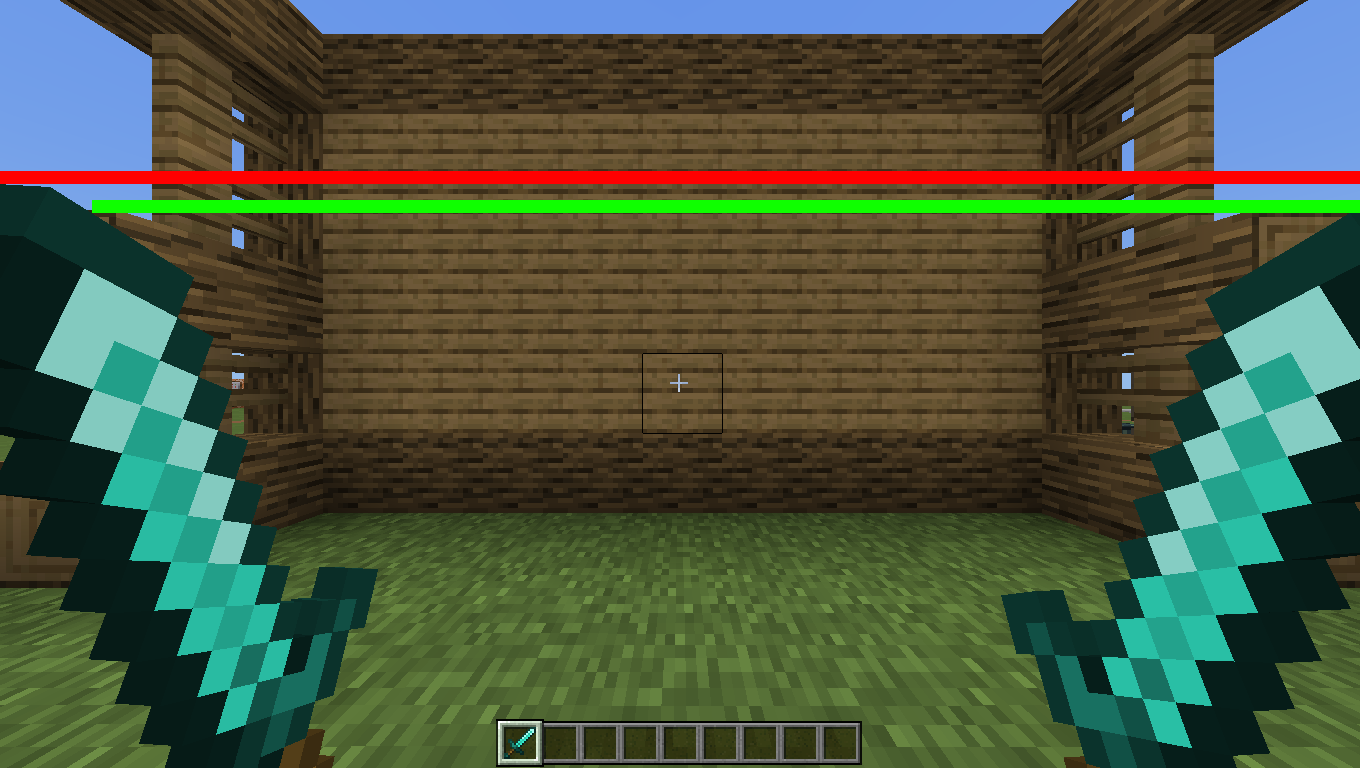

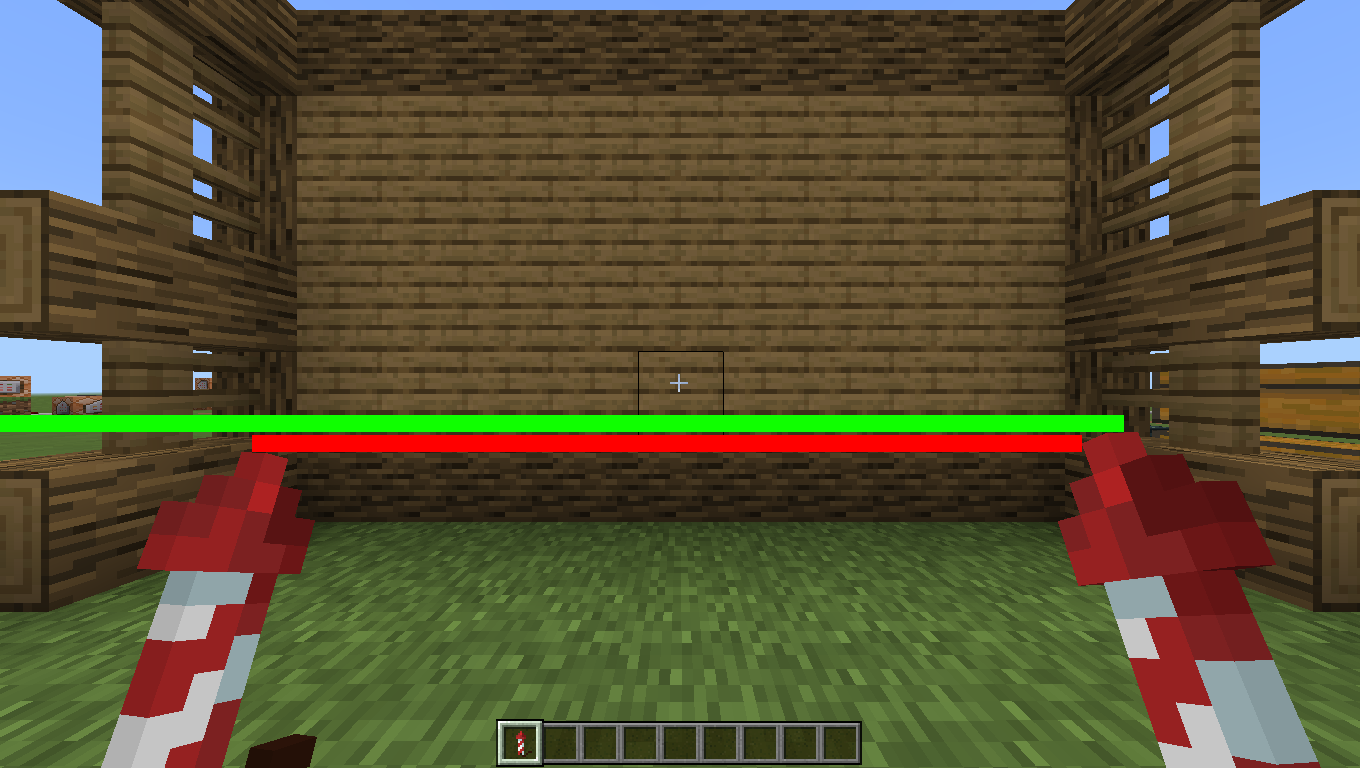



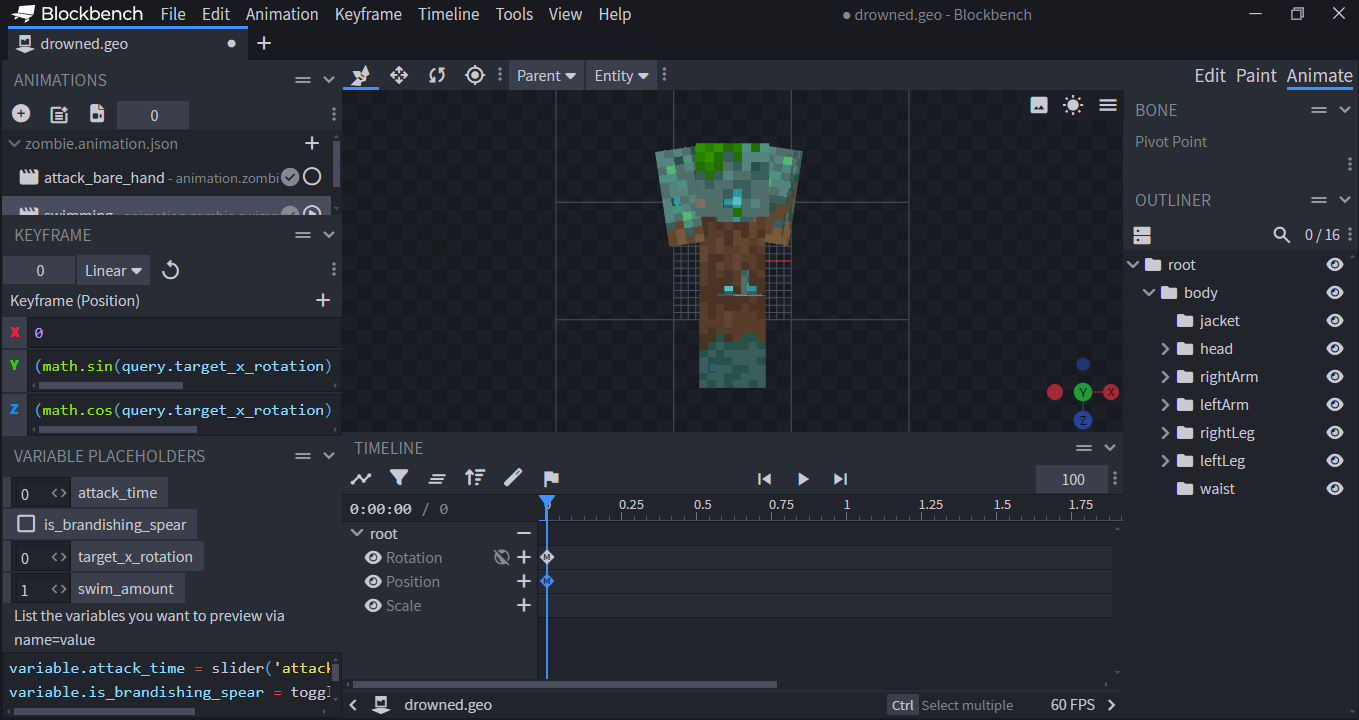
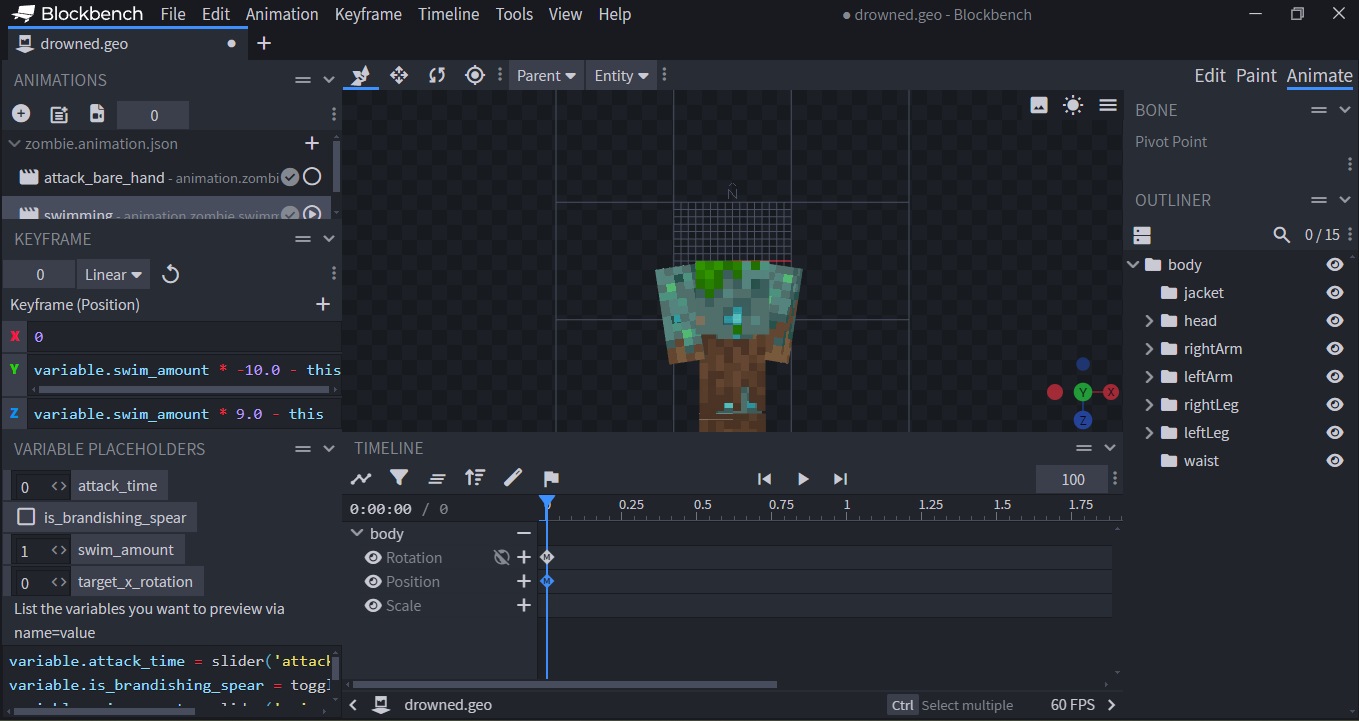
When using the dash ability, camel and player will get fall damage if the block was 2 block height, this doesn't happend on Java Edition
When using the dash ability and walking off block, Camel and Player will get fall damage if the block was 2 block height [4 block for walking off block] , this doesn't happend on Java Edition
Bedrock Dash.mp4
When using the dash ability
andwalking off block, Camel and Player will get fall damage if the block was 2 block height [4 block for walking off block] , this doesn't happend on Java EditionWhen using the dash ability or walking off block, Camel and Player will get fall damage if the block was 2 block height [4 block for walking off block] , this doesn't happend on Java Edition
When using the dash ability or walking off block, Camel
and Playerwill get fall damage if the block was 2 block height [4 block for walking off block] , this doesn't happend on Java Edition
When using the dash ability or walking off block, Camel will get fall damage if the block was 2 block height [4 block for walking off block] , this doesn't happend on Java Edition
How to Reproduce:
- Create 2 block height pillar
- Spawn a camel on top of it
- Sit on camel and then Dash
When using the dash ability or walking off block, Camel will get fall damage if the block was 2 block height [4 block for walking off block], this doesn't happend on Java Edition
How to Reproduce:
- Create 2 block height pillar
- Spawn a camel on top of it
- Sit on camel and then Dash
When using the dash ability or walking off block, Camel will get fall damage if the block was 2 block height [4 block for walking off block], this doesn't happend on Java Edition
How to Reproduce:
Using Dash Ability
1. Create 2 Block Height Pillar
2. Spawn a camel
3. Ride the camel and then DashWalk off
1. Create 4 Block pillar
2. Spawn a camel
3. Ride the camel and walk off the blockObserved Result:
The camel get fall damageExpected Result:
Camel doesn't get fall damage
When using
the dash abilityor walking off block, Camel will getfall damage if the block was2 blockheight[4 block for walking off block], this doesn't happend on Java EditionHow to Reproduce:
Using Dash Ability
1. Create 2 Block Height Pillar
2. Spawn a camel
3. Ride the camel and then DashWalk off
1. Create 4 Blockpillar
2. Spawn a camel
3. Ride the camel and walk off the blockObserved Result:
The camel get fall damageExpected Result:
Camel doesn't get fall damageWhen using Dash ability, Camel will get fall damage from lower height (for example: 2 Block Height Pillar), in Java Edition the Camel will start getting fall damage if the block height was 5 Block or greater
This also happening when walking off from the block, when falling from 4 Block Height the Camel will get fall damage while on Java Edition the Camel will start getting fall damage if the block height was 7 Block or greaterHow to Reproduce:
1. Create 2 Block Height Pillar
2. Spawn a camel
3. Ride the camel and then DashOr
1. Create 4 Block Height Pillar
2. Spawn a camel
3. Ride the camel and walk off from the blockObserved Result:
The camel get fall damageExpected Result:
Camel doesn't get fall damage
When using Dash ability, Camel will get fall damage from lower height (for example: Dashing from 2 Block Height Pillar), in Java Edition the Camel will start getting fall damage if the block height was 5 Block or greater
This also happening when walking off from the block, when falling from 4 Block Height the Camel will get fall damage while on Java Edition the Camel will start getting fall damage if the block height was 7 Block or greaterHow to Reproduce:
1. Create 2 Block Height Pillar
2. Spawn a camel
3. Ride the camel and then DashOr
1. Create 4 Block Height Pillar
2. Spawn a camel
3. Ride the camel and walk off from the blockObserved Result:
The camel get fall damageExpected Result:
Camel doesn't get fall damage
When using Dash ability, Camel will get fall damage from lower height (for example: Dashing from 2 Block Height Pillar), in Java Edition the Camel will start getting fall damage if the block height was 5 Block or greater
This also happening when walking off from the block, when falling from 4 Block Height the Camel will get fall damage while on Java Edition the Camel will start getting fall damage if the block height was 7 Block or greaterHow to Reproduce:
1. Create 2 Block Height Pillar
2. Spawn a camel
3. Ride the camel and then DashOr
1. Create 4 Block Height Pillar
2. Spawn a camel
3. Ride the camel and walk off from the blockObserved Result:
The camel get fall damageExpected Result:
Camel doesn't get fall damageWhen using Dash ability, Camel will get fall damage from lower height (for example: Dashing from 2 Block Height Pillar), in Java Edition the Camel will start getting fall damage if the block height was 5 Block or greater
This also happening when walking off from the block, when falling from 4 Block Height the Camel will get fall damage while on Java Edition the Camel will start getting fall damage if the block height was 7 Block or greater
How to Reproduce:
1. Create 2 Block Height Pillar
2. Spawn a camel
3. Ride the camel and then DashOr
1. Create 4 Block Height Pillar
2. Spawn a camel
3. Ride the camel and walk off from the blockObserved Result:
The camel get fall damageExpected Result:
Camel doesn't get fall damage
yeah you're right, when i going down from a mountain while ride a camel, i've always getting fall damage when walking off from block, its really annoying and dangerous because if not careful then the player and camel will die because the camel keep getting fall damage, also still an issue in 1.20.10.24 preview and 1.20.1 Hotfix
When using
Dash ability,Camel will get fall damage from lower height (for example:Dashing from 2 Block Height Pillar), in Java Edition theCamel will start getting fall damage if the block height was 5 Block or greaterThis also happening when walking off from the block, when falling from 4 Block Height the
Camel will get fall damage while on Java Editionthe Camel will start getting fall damage if the block height was 7 Block or greater
HowtoReproduce:
1. Create 2 Block Height Pillar
2. Spawn a camel
3. Ride the camel and then DashOr
1. Create 4 Block Height Pillar
2. Spawn a camel
3. Ride the camel and walk off from the block
ObservedResult:
The camelget fall damage
ExpectedResult:
Cameldoesn'tget fall damageWhen using camel dash ability, camel will get fall damage from lower height (for example: dashing from 2 Block Height Pillar), in Java Edition the camel will start getting fall damage from using dash ability if the block height was 5 Block or greater
This also happening when walking off from the block, when falling from 4 Block Height the camel will get fall damage while on Java Edition camel will start getting fall damage if the block height was 7 Block or greater
Steps to reproduce:
- Using dash ability
- Create 2 Block Height Pillar, and spawn a camel
- Ride the camel and then dash
- Walking off block
- Create 4 Block Height Pillar, and spawn a camel
- Ride the camel and walk off from the block
Expected results:
Camel doesn't get fall damageObserved results:
Camel get fall damage
When using camel dash ability, camel will get fall damage from lower height (for example: dashing from
2Block Height Pillar), in Java Edition the camel will start getting fall damage from using dash ability if the block height was 5 Block or greaterThis also happening when walking off from the block, when falling from 4 Block Height the camel will get fall damage while on Java Edition camel will start getting fall damage if the block height was 7 Block or greater
Steps to reproduce:
- Using dash ability
- Create
2Block Height Pillar, and spawn a camel- Ride the camel and then dash
- Walking off block
- Create 4 Block Height Pillar, and spawn a camel
- Ride the camel and walk off from the block
Expected results:
Camel doesn't get fall damageObserved results:
Camel get fall damageWhen using camel dash ability, camel will get fall damage from lower height (for example: dashing from 1.5 Block Height Pillar), in Java Edition the camel will start getting fall damage from using dash ability if the block height was 5 Block or greater
This also happening when walking off from the block, when falling from 4 Block Height the camel will get fall damage while on Java Edition camel will start getting fall damage if the block height was 7 Block or greater
Steps to reproduce:
- Using dash ability
- Create 1.5 Block Height Pillar, and spawn a camel
- Ride the camel and then dash
- Walking off block
- Create 4 Block Height Pillar, and spawn a camel
- Ride the camel and walk off from the block
Expected results:
Camel doesn't get fall damage, like in Java EditionObserved results:
Camel get fall damage
When spawning Boat while block underneath the water was highligted, it will spawn on Y 0/-1 instead on water
you can easly reproduce this by making 2x2 or 3x3 water on Flat World and then place the boat by selecting block underneath water, the boat will spawn at Y 0/-1 and then falling
When spawning Boat while block underneath the water was highligted, it will spawn on Y 0
/-1instead on water
you can easly reproduce this by making 2x2 or 3x3 water on Flat World and then place the boat by selecting block underneath water, the boat will spawn at Y 0
/-1and then falling
When spawning Boat while block underneath the water was highligted, it will spawn on Y
0 instead on water
you can easly reproduce this by making 2x2 or 3x3 water on Flat World and then place the boat by selecting block underneath water, the boat will spawn at Y
0 and then fallingWhen spawning Boat while block underneath the water was highligted, it will spawn on Y=0 instead on water
you can easly reproduce this by making 2x2 or 3x3 water on Flat World and then place the boat by selecting block underneath water, the boat will spawn at Y=0 and then falling
Boat spawned on Y-1when block underneath water was highlightedBoat spawned on Y=0 when block underneath water was highlighted
You're right, i tested it on my phone and i can't reproduce it there, i think this only happening on Windows version
Ender Dragon lose their animations after the player facing away from it
How to Reproduce:
1. Go to End
2. Go far from Ender Dragon without facing it [90+ block from End Fountain]
3. Look at the Ender DragonObserved Result:
Ender Dragon doesn't have any animations [just T-Posing]Expected Result:
Ender Dragon play their respective animationsNote: When player go near the Dragon, the Dragon will have their animations back
Ender Dragon lose their animations after the player facing away from it
When the player is using a Shield, the Shield doesn't follow the direction of the player is looking at, this changes has been introducted in Java Snapshot 23
W40AStep to
Reproduce:
1. Get a Shield
2. Equip it on you Offhand or Main Hand
3. Changes your perspective to 3rd Person Front
2. Sneak and then move your CameraObserved
Result:
The Shield doesn't follow the direction of the player is looking atExpected
Result:
The shield follow the direction of the player is looking atWhen the player is using a Shield, the Shield doesn't follow the direction of the player is looking at, this changes has been introducted in Java Snapshot 23w40a
Steps to reproduce:
- Get a Shield, and then equip it on you Offhand or Main Hand
- Changes your perspective to 3rd person front
- Sneak and then move your Camera
Observed results:
The Shield doesn't follow the direction of the player is looking atExpected results:
The shield follow the direction of the player is looking at
When the player is using a Shield, the Shield doesn't follow the direction of the player is looking at, this changes has been introducted in Java Snapshot 23w40a
Steps to reproduce:
- G
eta Shield, and then equip it on you Offhand or Main Hand- Changes your perspective to 3rd person front
Sneak and then move yourCamera
Observed results:
TheShielddoesn'tfollow the direction of the player is looking at
Expected results:
Theshield follow the direction of the player is looking atWhen the player is using a Shield, the Shield doesn't follow the direction of the player is looking at, this changes has been introducted in Java Snapshot 23w40a
Steps to reproduce:
- Give yourself a Shield, and then equip it on you Offhand or Main Hand
- Changes your perspective to 3rd person front
- Activate your Shield by sneaking and then move your camera
Expected results:
The shield follow the direction of the player is looking atObserved results:
The Shield doesn't follow the direction of the player is looking at


When the player is using a Shield, the Shield doesn't follow the direction of the player is looking at, this changes has been introducted in Java Snapshot 23w40a
Steps to reproduce:
- Give yourself a Shield, and then equip it on you Offhand or Main Hand
- Changes your perspective to 3rd person front
- Activate your Shield by sneaking and then move your camera
Expected results:
The shield follow the direction of the player is looking at, just like Java Edition
Observed results:
The Shield doesn't follow the direction of the player is looking at
Enderof Eyeposition isn't centered to the Player PositionEye of Ender position isn't centered to the Player Position
In the current release and beta/preview, Notification Toast doesn't have a smooth transition, while in 1.19.50 and previous version Notification Toast does have an smooth animation
, i don't know if this changes is an intended or notStep to Reproduce:
1. Open the game
2. Import any mcpack, mcworld, or mcaddon file to the game
3. See the toastExpected Result:
Notification Toast have an smooth transitionObserved Result:
Notification Toast doesn't have an smooth transitionIn the current release and beta/preview, Notification Toast doesn't have a smooth transition, while in 1.19.50 and previous version Notification Toast does have an smooth animation
Step to Reproduce:
1. Open the game
2. Import any mcpack, mcworld, or mcaddon file to the game, or just unlock a recipe in-game
3. See the toastExpected Result:
Notification Toast have an smooth transitionObserved Result:
Notification Toast doesn't have an smooth transition
Since player animation made data-driven in 1.13, Player head animation isn't smooth/choppy while moving the camera, like there was a slightly delay, also sometime the head move too fast for a sec
Step to Reproduce:
1. Switch to Third person back/front
2. Move your cameraExpected Result:
Player head have an smooth animation like it does on 1.12Observed Result:
Player head animation isn't smooth/choppy
Since player animation made data-driven in 1.13, Player head animation isn't smooth/choppywhile moving the camera,like there was a slightly delay, also sometime the head move too fast for a secStep to Reproduce:
1. Switch to Third personback/front
2. Move your cameraExpected Result:
Player headhave an smooth animation like it does on 1.12Observed Result:
Player headanimationisn't smooth/choppyWhen moving the camera, player head rotation have a slightly delay before it aligned to the camera, make it look choppy (it's more noticable while moving fast the camera), this has been happening since player animation made data-driven in 1.13, while in the previous version, player head rotation stay the same no matter how fast you move the camera
Step to Reproduce:
1. Switch to Third person Back/Front
2. Move your cameraExpected Result:
Player head rotation aligned perfectly to the camera while moving the camera (like in 1.12 and previous version)Observed Result:
Player head rotation have a slightly delay, make it look choppy
Player headanimationisn't smooth/choppyPlayer head rotation have a slightly delay when moving the camera
In the latest beta/preview, when riding a camel and then trying to dash, nothing will happend
Step to Reproduce:
1. Summon a Camel
2. Give it a saddle and Ride it
3. Hold space/jump button and release itExpected Result:
Camel dashingsuccesfullyObserved Result:
Camel doesn't dash, doesn'tmatter how long you hold the jump button,it will notdashingIn the latest beta/preview, when riding a camel and then trying to dash, nothing will happend
Step to Reproduce:
1. Summon a Camel
2. Give it a saddle and Ride it
3. Hold space/jump button and release itExpected Result:
Camel dashing as expectedObserved Result:
Nothing will happend, no matter how long you holding the jump button, the camel will simply not gonna dashing
In the latest beta/preview, when riding a camel and then trying to dash, nothing will happen
dStep to Reproduce:
1. Summon a Camel
2. Give it a saddle and Ride it
3. Hold space/jump button and release itExpected Result:
Camel dashing as expectedObserved Result:
Nothing will happend, no matter how long you holding the jump button, the camel will simply not gonna dashing
Camel Dash ability isn't working
Dirt background on Credits/End Poem no longer scroll, it used to be scrolling on version 1.0.0 but now it doesn't scroll
inganymore, this make reading the Credits/End Poem slighty harderI don't know if someone already report it or not, as i can't find it, feel free to mark this as dupe
How to Reproduce:
1. Create a new world
2. Enter End Dimension
3. Kill the Dragon and exit, or just make the portal to exitExpected result:
Dirt background scroll as expectedObserved result:
Dirt background didn't scroll
Dirt background on Credits/End Poem no longer scroll, it used to be scrolling on version 1.0.0 but now it doesn't scroll anymore, this make reading the Credits/End Poem slighty harder
Howto Reproduce:
1. Create a new world
2. Enter End Dimension
3. Kill the Dragon and exit, or just make the portal to exitExpected result:
Dirt background scroll as expectedObserved result:
Dirt background didn't scrollDirt background on Credits/End Poem no longer scroll, it used to be scrolling on version 1.0.0 but now it doesn't scroll anymore, this make reading the Credits/End Poem slighty harder
Step to Reproduce:
1. Create a new world
2. Enter End Dimension
3. Kill the Dragon and exit, or just make the portal to exitOr
1. Open Settings
2. Go to General
3. Click "credits"Expected result:
Dirt background scroll as expectedObserved result:
Dirt background didn't scroll
Dirt background on Credits/End Poem no longer scroll, it used to be scrolling on version 1.0.0 but now it doesn't scroll anymore
, this make reading the Credits/End Poem slighty harderStep to Reproduce:
1. Create a new world
2. Enter End Dimension
3. Kill the Dragon and exit, or just make the portal to exitOr
1. Open Settings
2. Go to General
3. Click "credits"Expected result:
Dirt background scroll as expectedObserved result:
Dirt background didn't scroll
I didn't realize this bug report had been reopened, I also attached a file containing a potential fix for this bug, it may not be perfect but hey at least it works

I noticed that the back of the sunflower seems to be missing a part of its texture, before you could not see that clearly the yellow part of the flower from the back but now you can't.
Steps to reproduce:
- Get a Sunflower and place it on the ground
- Look at the back of the flower
Observed results:
The Sunflower back texture is missing
Expected results:
The Sunflower back texture is present
Analysis by KejuGorenk:
If you open terrain_texture.json and then search for sunflower_additional, you will notice that only textures/blocks/double_plant_sunflower_front texture is present on the textures list, while the back texture is missing and causing this issue, to fix this simply add the textures/blocks/double_plant_sunflower_back to the textures list.

Summary
The mace has a stacked into 64 than only single item
Addons/Resource Packs: No
Attachments: Yes
Steps to reproduce
Creative Mode
- Open any world
- Press "E" to open the inventory
- Go to Equipment tab and pick the mace
Survival Mode (Thanks by KejuGorenk)
- Take a Heavy core & Breeze rod with stack of number each
- Open the Crafting in Inventory or crafting table
- Click the output or near at recipe book to select the mace
Observed Results
The mace item pick up to 64 instead of only one
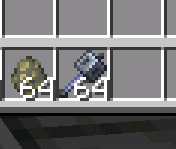
Expected Behavior
Mace item would only picks up to one item

KejuGorenk, let me test it...
KejuGorenk, yh u right, Sorry
Still an issue in 1.19.80.22 preview, why this still postponed and when will this old bug get fixed, its really weird and annoying to see
Still an issue in 1.20.0.20 Preview, it's been five years and it still not fixed.
You're right, i tested it on my phone and i can't reproduce it there, i think this only happening on Windows version
sorry for a very late update, this has been fixed on 1.20.40.20 preview and 1.20.30 release
From my testing, the capes on the paperdoll move properly when the player is facing South West, South, South East, and East, but didn't when the player facing North East, North, North West, and West
I think the model is offset, not the shadow, because when the tamed wolf teleported to the player using /tp command the wolf shadow is in the same position as the player shadow, but the wolf model isn't
I can't reproduce this in preview 1.20.50.22 on Windows, looks like it's been fixed
Can confirm, this also affect Windows version
That's because you typed it wrong, here the correct one:
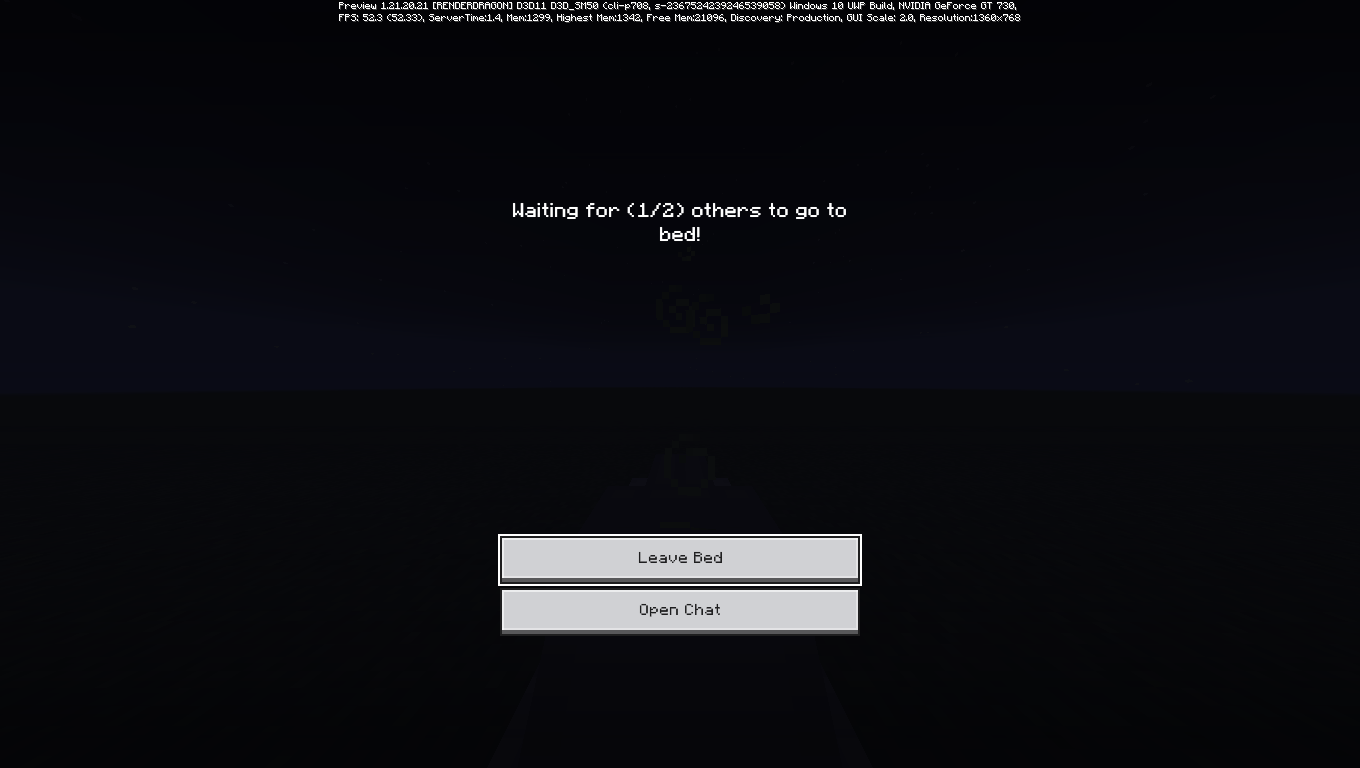
/gamerule PlayersSleepingPercentage 0
It's should work now
I think this is WAI, the camera makes you look down slightly when you die so you can see who killed you/where your item landed, this is also the reason why the camera changed to third person back on new death screen instead using the current camera perspective the player use like in the old death screen
oh you were talking about head rotation when die, I thought you were talking about camera rotation when die, my bad
also this affect Windows and Android too, the platform should be changed to multiple
i can easily reproduce this by moving fast the mouse then quickly activate the shield, this happen both on offhand and main hand, i've also attached the video showing how to reproduce this bug bugged shield.mp4
Can confirm, affect Windows version as well
Step to Reproduce (from my testing):
1. Open Minecraft
2. Press the Play button
3. After the Play Screen fully show up, press back button
4. Before the Play Screen completely disappear, quickly press the Play Button again
Observed result:
Play button no longer work
Expected result:
Play button work as expected
Note:
i can only reproduce this while using the old Play Screen (Json UI), when using the new Play screen (Ore UI) i can't reproduce the issue
Dropping an Item from boat also bugged, the item always thrown on the right side of the boat instead of where the player crosshair is aiming at
Can confirm.
Hello Zgajak, my FOV is set to 70
Can confirm it's fixed in Indonesian too
But it's stil not a valid parity issue tho, End Portal on Java Edition changed to not have perspective and depth on 1.11 (
MC-109473) and the bug report only accept parity issue introduced in Buzzy Bees (Bedrock Edition 1.14 / Java Edition 1.15) or laterAffects 1.21.0.24 Preview, Now that the soundtrack in the Menu has been changed to the new one, this make "A Familiar Room" unused in the game as this track still missing from music.game, you can't even access it using the /playsound command without manually add it back using resource pack
While yes it make more sense having the head to be in sync with the camera (which is a little buggy cause by MCPE-129268/
MCPE-120005), it look much better with the delayCan confirm
Step to Reproduce:
1. Get a Sunflower, then place it on the ground
2. Look at the back of the flower, notice the Sunflower Back texture is missing
How to Fix:
If you open terrain_texture.json and then search for "sunflower_additional", you will notice that only "textures/blocks/double_plant_sunflower_front" texture is present on the textures list, while the back texture is missing and causing this issue, to fix this simply add the "textures/blocks/double_plant_sunflower_back" to the textures list
Well yeah, they remade the animation when they added Recipe Unlocking to Bedrock, the easing is set to linear on the new one while the old one is set to spring/out_back
You should remove any parity mention from your summary, as this not really a parity issue

also i cannot reproduce this on Windows, as there's a gap between the logo and the button in there
Didn't realize someone already report this on
MCPE-170323and closed as WAI, it didn't show when i search it but wellthis report should closed as Duplicate
huh, moving the textures to "textures/gui/background" make the panorama rotates clockwise and tilted down, but not when the textures is placed on "textures/ui" which is where the current ui and panorama textures is located, that's weird
Duplicate of
MCPE-42310Yeah i know that Jervie, I attached those video that showing the Drowned rotate in circle just for reference, as the model offset is very noticeable when those behaviour happens
Whoops, sorry about that i'm bad at english- I've updated the summary and desc
Luckily one of my alt account still uses the old profile screen, can confirm the new profile screen no longer shows Player skin and overal Gamerscore
Partially fixed, the screen header no longer blank, but instead of showing "Loading resource pack" and "Generating World" text, it shows an animated "Loading..." text, which doesn't match when you joining a server.
I don't think so, as they actually uses the same animation in 1.4, the only make it different is their hands position/rotation, both of them have the same problem too, the models become offset for player on 1.13 and for drowned on 1.16, while the player one got fixed in 1.20.10 beta/preview, the drowned one isn't and still have the offset issue until now.
Duplicate of
MCPE-36607Duplicate of MCPE-40646
Are you sure? Because your screenshot attached to the report is very similar to the issue described in MCPE-40646, unless i'm misunderstanding it, you might want to give a reproduce step then
So what you're saying is that every Cross model when looked at specific directions is mirrored right? Because if yes then this report is indeed a duplicate of MCPE-40646
i understand, i'm just saying that the issue you describe in here is exactly what MCPE-40646 is for
Can confirm, this also affect Windows when you changing the UI scale while on fullscreen mode, the icon size stay the same until you exited fullscreen mode
Can confirm, this not only affects Start screen and new Play screen but also affect other screen as well, this issue also present in the latest releases version (1.21.2)
List of affected screens:
@luojin573281 these delay only affects your player model, other players doesn't have these delay so i don't see the problem you mentioned.
@luojin573281 i don't understand what you're saying, your wording confuse me.
also please keep in mind this only affects your heads animation and not your interaction, like how it works in Java Edition and BE 1.1.5.
i don't think this is a bug, but i agree that's this is annoying, especially for those people who used the skin with a giant head as it really obstructed your vision, also enabling/disabling trusted skin doesn't affect those kind of skin as they modifying persona files inside their game
Duplicate of
MCPE-174535Affects 1.21.2 Hotfix and 1.21.20.24 Preview
This also affects multiplayer worlds, the button show Save & Quit instead of Disconnect/Save & Leave
These also affects Classic Skin on inventory (for example sneaking while wearing elytra) and other entity models (like camels) as well.
seems fixed on 1.21.30.21 beta/preview, as the moon is brighter in there compared to the main version of the game
that's weird, as i can easily reproduce it on Windows, i've also reinstall the game and the issue still occurs
I can't reproduce this on my Android devices either so something else might causing this issue on my end, feel free to close this as CR
ahhh i see, glad it's not something broke on my end, i'm gonna retest it on my phone then and see if i can reproduce it in there
Fixed in 1.21.30.22 Preview.
Duplicate of MCPE-170810
These also affect Windows 10
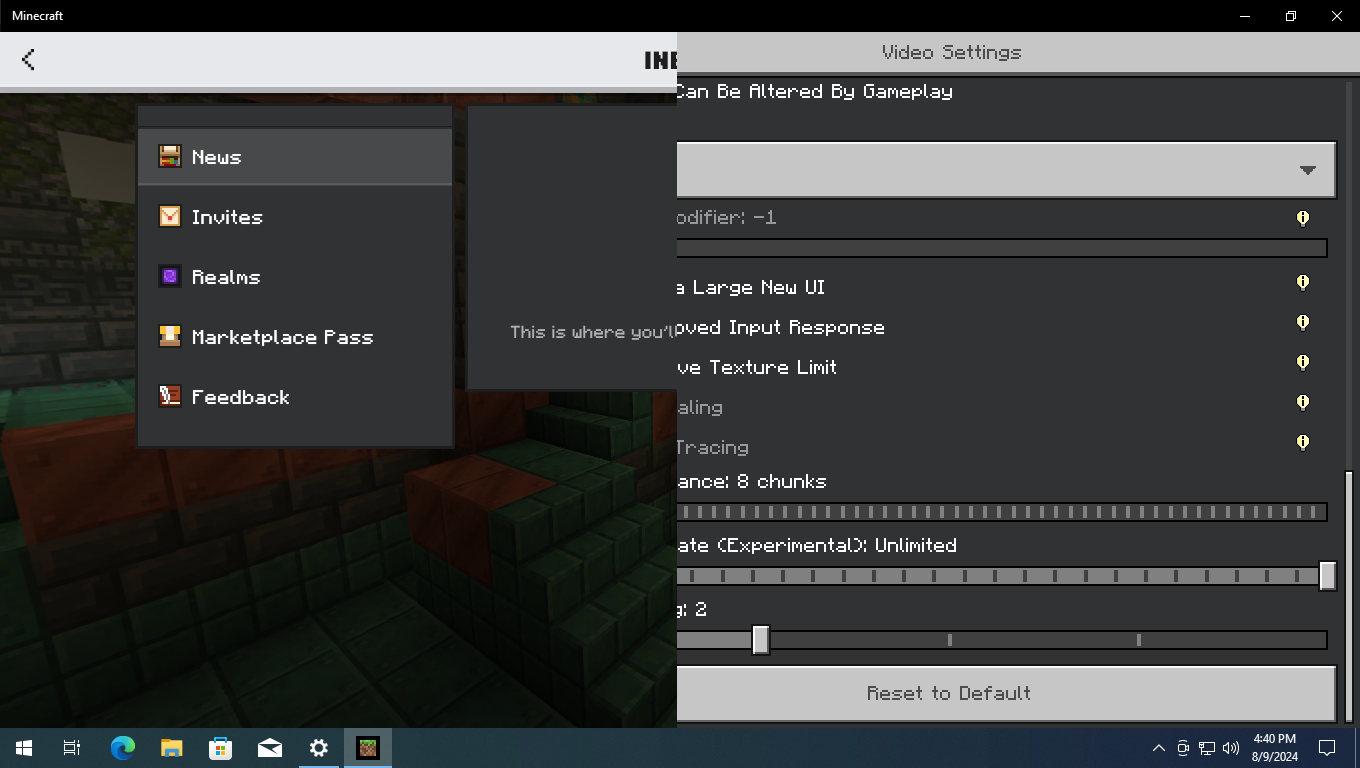
(cannot reproduce on Windows 11 due to the taskbar being slightly bigger in there), with resolution set to 1366x768 and the game set on Maximized Window.Edit: This can also be reproduced in Windows 11 (and Windows 10) by enabling Taskbar auto-hide features in Windows settings.
Can confirm, affects multiple (Windows), these also affects spyglass, trident, crossbow, and bow as well.
Possibly relates to REALMS-10485,
MCPE-117326(Won't Fix) andMCPE-120759(Won't Fix).Duplicate of
MCPE-23282Cannot reproduce this anymore on 1.21.20
This may be an effect of the removal of the Experimental Holiday Features, the best we can do for now is to wait until the creators update their Add-ons.
Duplicate of MCPE-119736
Affects multiple (Windows), this can also be reproduced using Classic UI profile, related to MCPE-159199
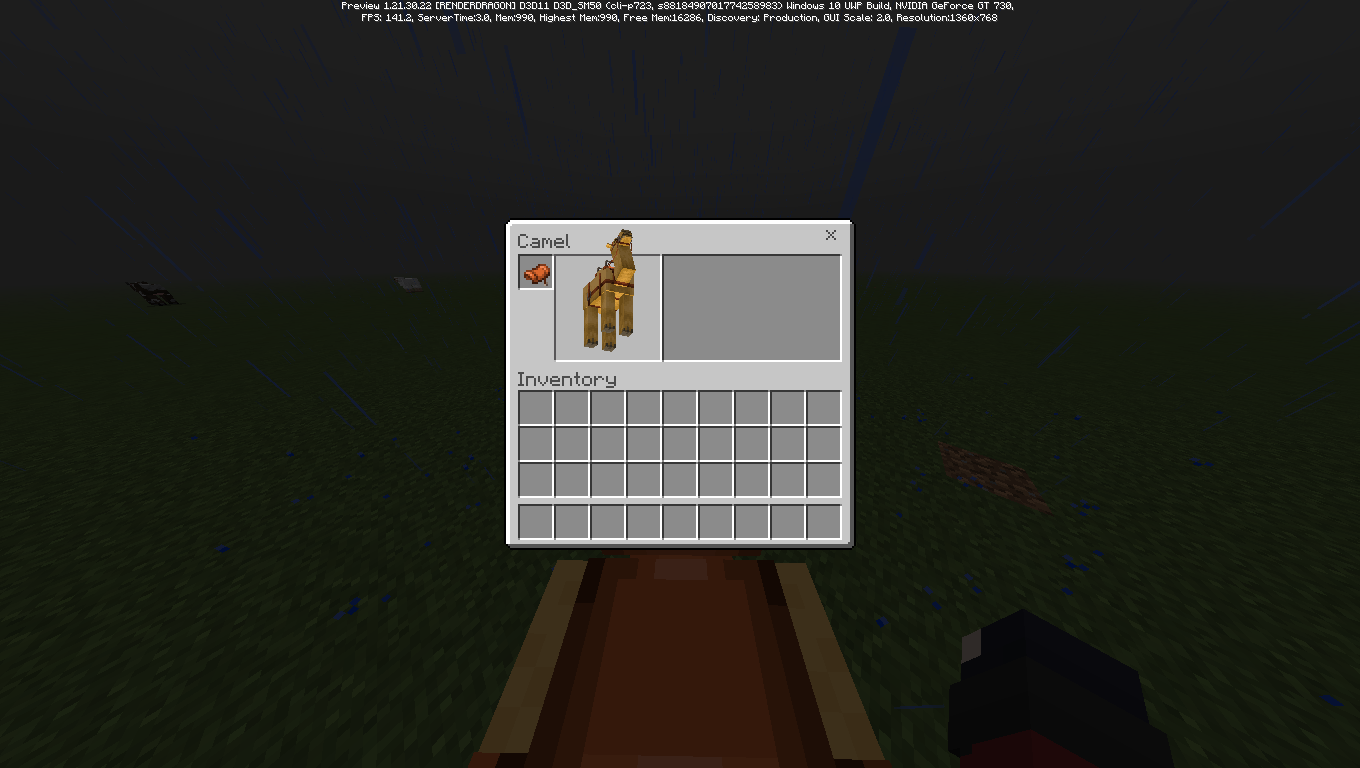
Can confirm, although this also doesn't work on my Minecraft Preview on Windows, the hotkey is in the list but when i pressed F2 key nothing happens, so i'm not really sure.
jennaw3 I'm pretty sure the fix for
MCPE-182681is causing this issue, but i might be wrong, also pointers disappears when players get at least 320 blocks away from the center of the maps is already tracked on MCPE-184844 (also mods/helper if you see this, can this be linked as related? thanks)On Indonesian (and probably in other Language as well), these also affects Relic.
Interesting enough, some of C418 music disc are also translated, with the original name placed inside bracket after the translated text (C418 - Kucing (Cat), for example)
Pup O This is a bad changes, especially for peoples that rely on Locator maps, as they can no longer get back to their home and/or to their destination because the pointer/arrow no longer show the direction when far away (and fully gone after 320 blocks away (MCPE-184844)), forcing them to kill themself/turn on coordinates to get back to their base/destination, this changes is also undocumented and this issue has been confirmed by Mojang so it's up to them whenever this is an intended changes or not (well i hope not, it would be much better if they port this to Java instead of removing it from Bedrock.)
Can confirm, this can be reproduced on Survival mode as well.
As of 1.21.30.23 and 1.21.30.24 Preview, these also affects Bundles and Mace as well.
Fixed in 1.21.30.24 Preview.
AgentMindStorm2
are you sure? Mace attack and breath bobbing animation is different for me on 1.21.30.24, tested on Preview on Windows and Beta on Android.Update: Mace no longer affected by this issue, as the changes to Mace has been reverted in the latest beta/preview (1.21.30.25)
KR_ I can reproduce this on Windows, this can be reproduced while exiting other UI as well, not only Chat screen, also this can only be reproduced while the screen animations is turned on, as the Emote screens will appears instead while screen animations is turned off
Steps to reproduce:
Expected results:
Nothing happen/Emote screens appears.
Observed results:
Quick Emote menu appears.
After seeing the hud_screen.json inside the pack attached, this happens because you only modifies "heart_rend@heart_renderer" inside "not_centered_gui_elements", which is only controlling Heart and other HUD stuff on Pocket UI, for Classic UI it's controlled separately on "centered_gui_elements_at_bottom_middle"
I and many other still prefer the Maps system introduce on Bedrock 1.2.5 tho, as it is easier to use and more accessible for people with disabilities. I don't want to carry sunflower/pumpkin just to use the Maps, and the sun direction method won't work on underground, other dimension, or when it's raining/thunder.
On Java Edition, you can always see your cardinal rotation by using F3, which we cannot access on Bedrock Edition.
Also there's a much better way to show the players that you're at the edge of the Maps without removing the pointer rotation (by making the pointer icon smaller, for example).
I'm able to reproduce this on Windows 11 with resolution set to 1920 x 1080 (Windowed mode) and 1920 x 1000 (Fullscreen mode).
X1Crafts i'm using GUI Scale -1, i've also tried GUI Scale 0 but the issue didn't occurs on there as it display the entire list.
i can't reproduce this on 1.21.40.21 Preview, the sun smoothly fade out when raining, and fade in when no longer raining.
Can confirm, affects multiple (Windows)
Cannot reproduce on 1.21.30, the sun smoothly fade in and out too, this might be fixed somewhere in the 1.21.30 Preview.
Duplicate of MCPE-176018
I can reproduce these on Windows.
AntonioCasias there's no Beta/Preview version on Nintendo Switch, these issues isn't present in version 1.21.31, only on Preview version (and probably on upcoming 1.21.40 too)
can confirm.
Duplicate of
MCPE-187188The walking animation is still slower than Java Edition though, and about the attack animation, the weird angle is present in Java Edition too so i'm not sure if that intended or not.
Fixed in 1.21.50.26 Preview.
Fixed in 1.21.50.26 Preview.
can confirm
dsJjj again, this only affects your player head animation (visual only), and will not affecting your interaction with the world when on third person, if you ever play Bedrock Edition before better together update or Java Edition you will understand what i mean.
Can confirm, this seems to only affects the hardcoded one, as the one used in attachables (bow, crossbow, etc) stop properly when pausing the game.
Can confirm.
Can confirm, the affected blocks listed in the description does not have a sound set assigned in the vanilla blocks.json, which causing this issue.
Also, cobblestone_stairs is missing from vanilla blocks.json, trying to search it will only shows mossy_cobblestone_stairs.
Have you checked your headwear? The Day 1 Challenge reward items is Mojang Office cap, not Mojang Office shirt, the information in the sticker book is incorrect.
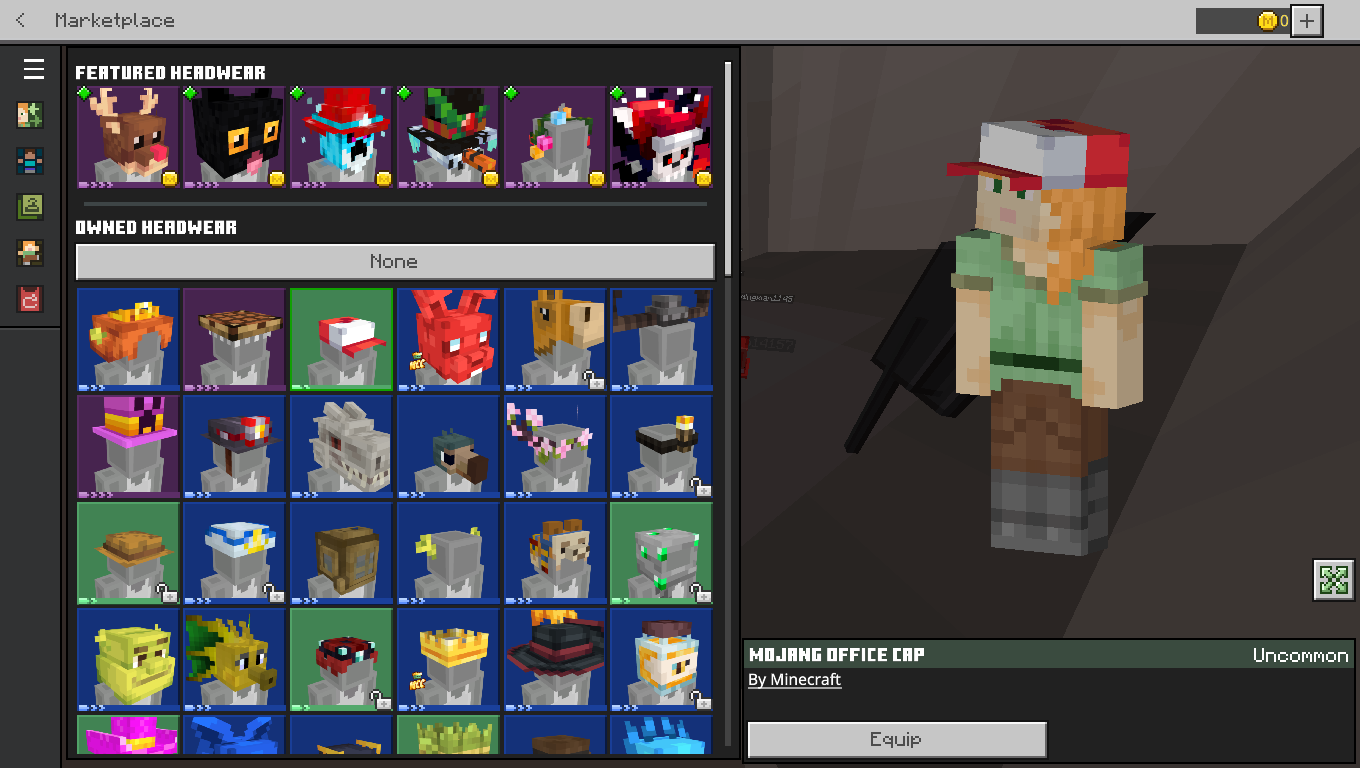
Well, both
MCPE-186744andMCPE-185709has been resolved as duplicate of this report, so here the list of the affected disc from that report:They disabled custom skins and 3rd party skinpacks on event server since Mob Vote 2022 due to some exploit used by some player to obstruct other player vision by using larger player geometries or something like that (even though it does not really resolve the issue if you have trusted skin turn off), that's why your skin is not showing up and revert to default character creator skin.
This icon files can be found in "resource_packs\vanilla\textures\ui\achievements.png"
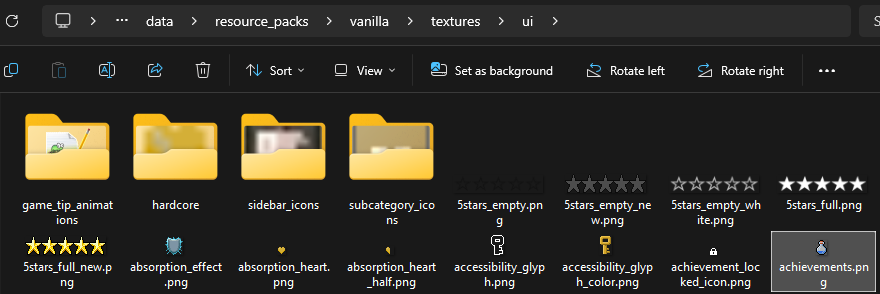

These icon is used for achievements button and can be found in start_screen.json and pause_screen.json
I forgot this exist (tho my issue is slightly different but whatever), here every information from
MCPE-189185After 1.20.10, the stereo audio in the windows version of the game isn't working correctly.


For example when hearing a jukebox (not limited to jukebox, can also be reproduce with entity ambient sound), if you face away from the source for about 30 degree to the left for example, your left audio channel volume will drops to 0, and will stay at this volume until near 150 degree (or almost 180 turn) from the source.
Bedrock stereo audio.mp4
Bedrock stereo audio 360 turn.mp4
For comparison, on Java Edition (and Bedrock Edition 1.20.1 or lower) your left or right audio channel volume will drop a little bit at 30 degree from the source, and drop to half at 90 degree from the source, and then become a bit quieter at 180 degree (or 180 turn).
Java stereo audio.mp4
Java stereo audio 360 turn.mp4
Duplicate of MCPE-125871
I can still reproduce this in the latest Beta and Preview.
That's weird, can you try this one then and see if the pack works for you in preview?
MCPE-185430.mcpack
It's seems like they added player skin preview on profile screen in the latest preview, tho custom skin and 3rd party skinpacks won't display (atleast on my testing) and the skin preview takes about 5 - 10 seconds to change (not a big deal), i'm gonna report the custom skin and 3rd party skinpacks not showing later after more testing just to make sure it's not on my end.

it's also affects character creator skins too, only happen when equipped some cosmetics though (like honey pot, for example).
X1Crafts i'll make the report
Jonathan A. Watts this is a different issues, the one that you experienced is MCPE-78206.
also it's seems like they disabled this features, as the profile image in profile screen, start screen, play screen (friends tab), and pause screen now uses your xbox avatar again, so for now i can not reproduce both this and
MCPE-189299.Duplicate of
MCPE-74493(WAI)Thx you for telling us this information, AgentMindStorm2! Can confirm that adding "min_engine_version": "1.8.0" to player.entity.json files on one of my affected resourcepack restores the cape and persona system
Workaround:
Until these bug got fixed, for now you can create a custom skinpacks and add it to your games, since these bugs does not apply to skinpacks it should be fine, I've attached a sample skinpacks to the report, here how you do it:
Are you using a resourcepacks? because when looking at your screenshot your game version and copyright (Mojang AB) text does not have a transparent black background, and i'm pretty sure those hangar icon are unused and shouldn't be visible.
Glimm I'm never talked about "think of the children", but my friends that has a disabilities (can't say what kind of disabilites to respect her privacy) used locator maps to explore/navigate her world since it's easy to understand which direction you're currently in by looking at your player marker, but now she cannot do that due to these changes.
While i understand your point, they can just create a smaller variant of the player marker instead of removing the direction (or the entire marker for locator maps, see MCPE-184844) while on the maps boundaries, that way it can inform you whenever you're outside of the maps boundaries (just like how Explorer Maps work) while still showing your current direction, also this count as a accessibility features so why removing it while it can be improved.
Also we shouldn't discuss in here, this is not the right place to do that, this also sends an unnecessary notifications to people who watches this.
Hello Zgajak!
These features has been disabled 1 day after this issue was created (it was probably mistakenly activated before it's supposed to) so the issue no longer occurs.
Duplicate of MCPE-188766
This can no longer be reproduced in the latest version.
Still an issue.
As of today, it also affects skin preview on Profile screen, i don't know if i should created a new report about this or not, so for now i'm just gonna attached a video showcasing this issue and not update this report summary and desc.
Upon further testing, it seems like the game just disabled the breath bobbing animation instead of pausing it, as the items will always go to the default positions everytime the game is paused, which causes the breath bobbing to resume at incorrect position since the game technically still plays/calculating the animations in the background, just not visible visually.