 KingSupernova
- KingSupernova
- kingsupernova
- America/New_York
- Yes
- No
 MC-61811
![[Mojang] Searge (Michael Stoyke)](../../../data/assets/gravatar/searge.png) MC-64607
MC-64607![[Mojang] Jeb (Jens Bergensten)](../../../data/assets/gravatar/jeb.jpeg)
 Low
Low![[Mojang] Grum (Erik Broes)](../../../data/assets/gravatar/grum.png) MC-73485
MC-73485


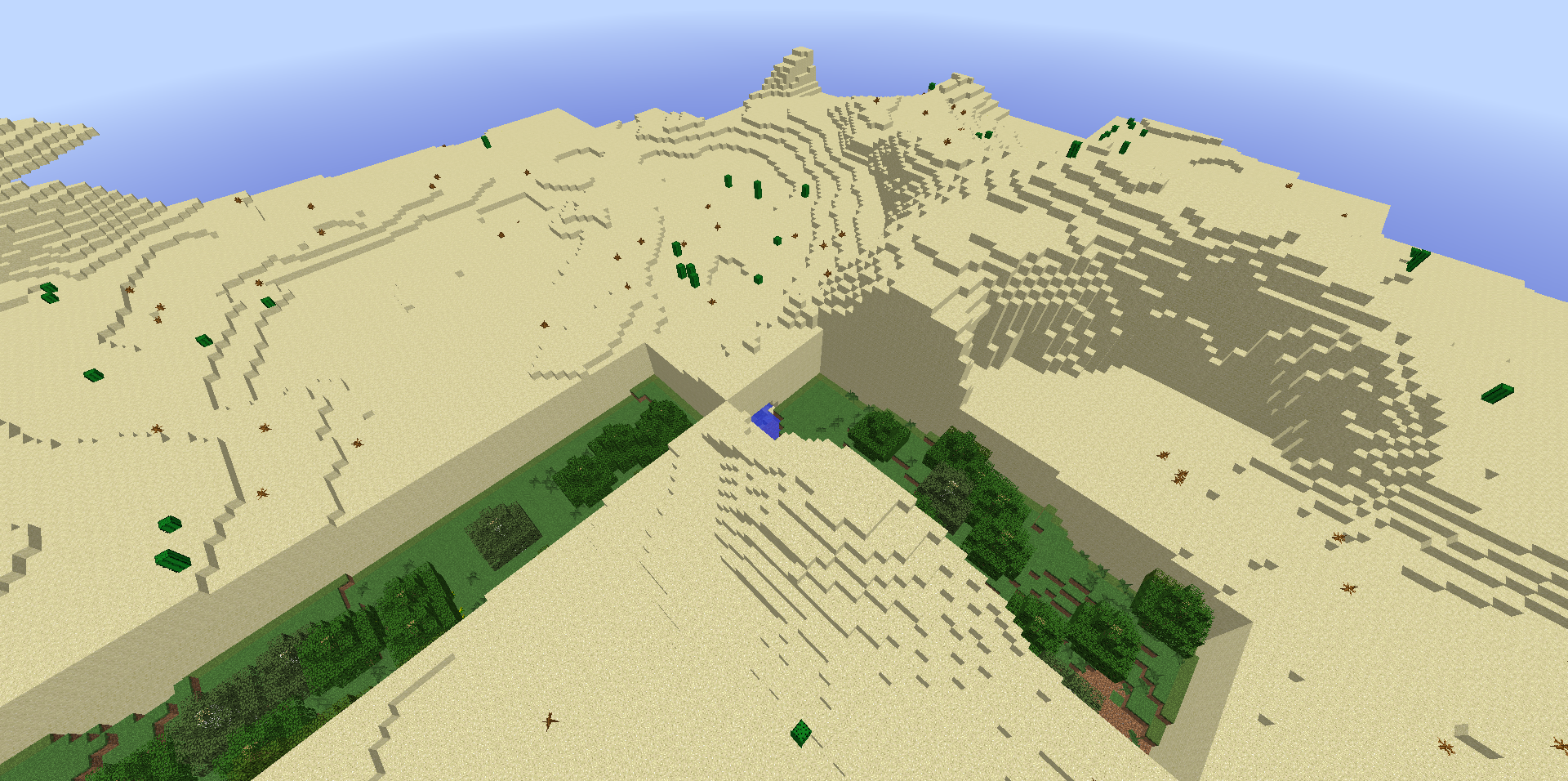

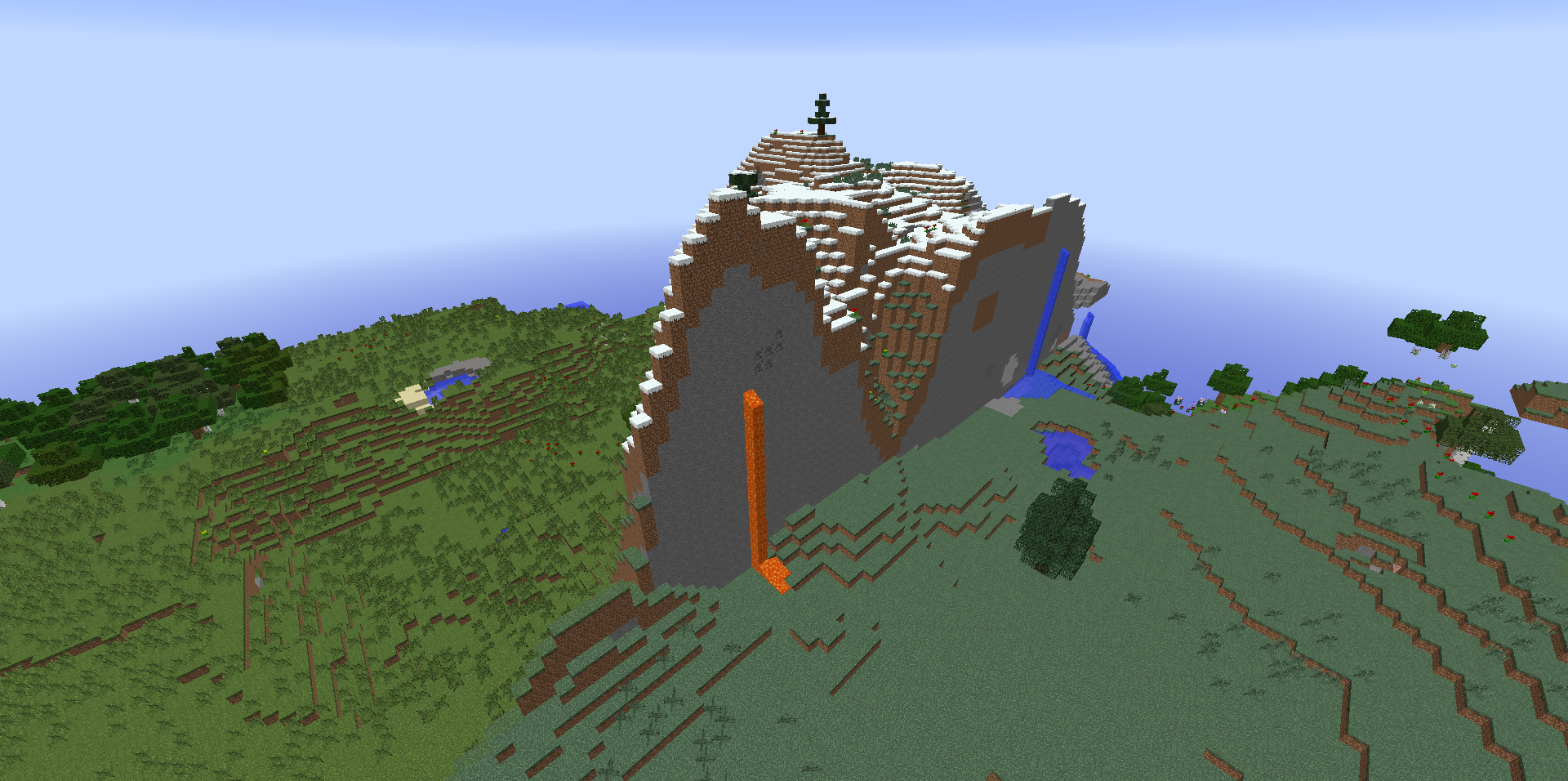

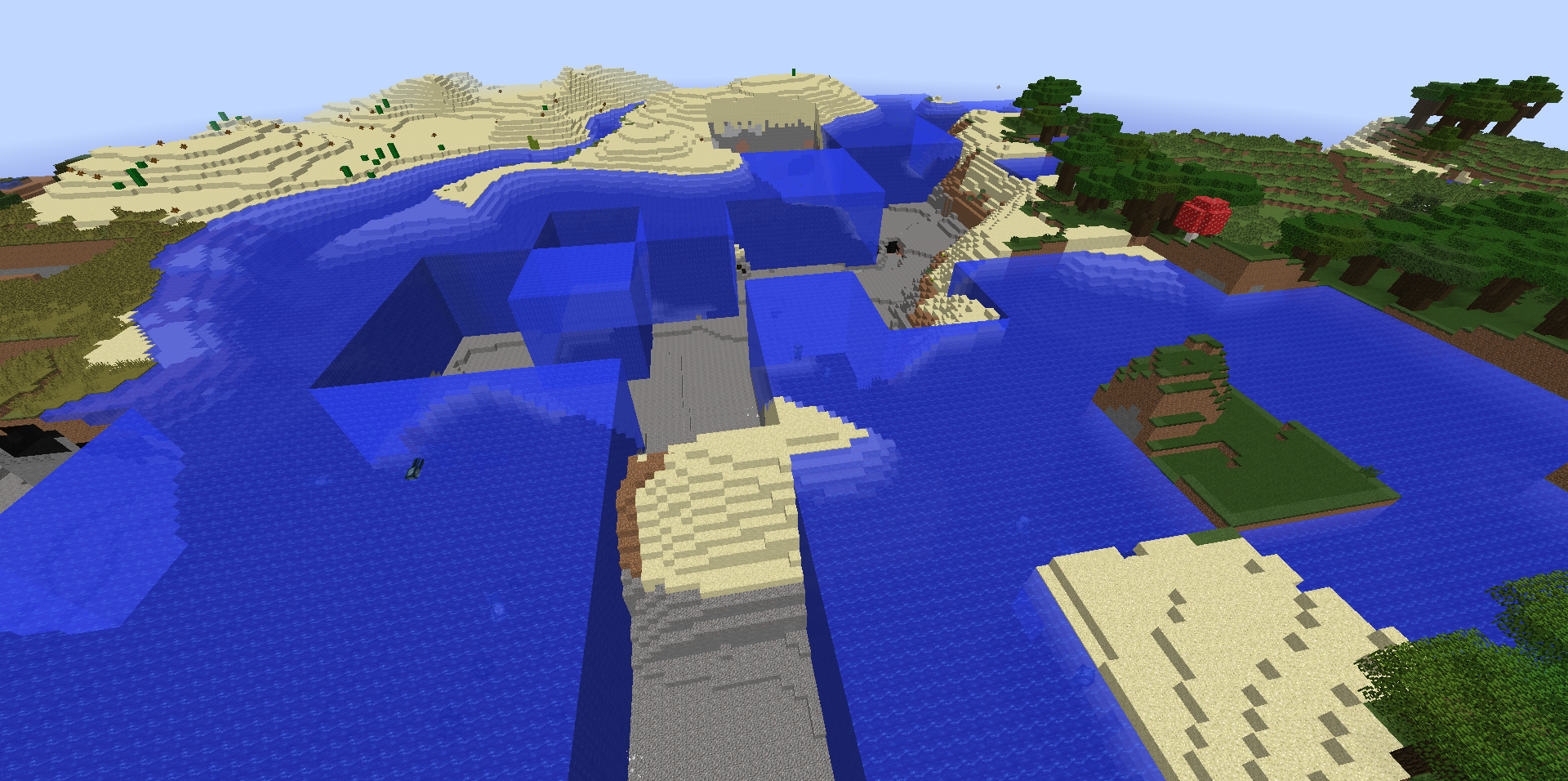




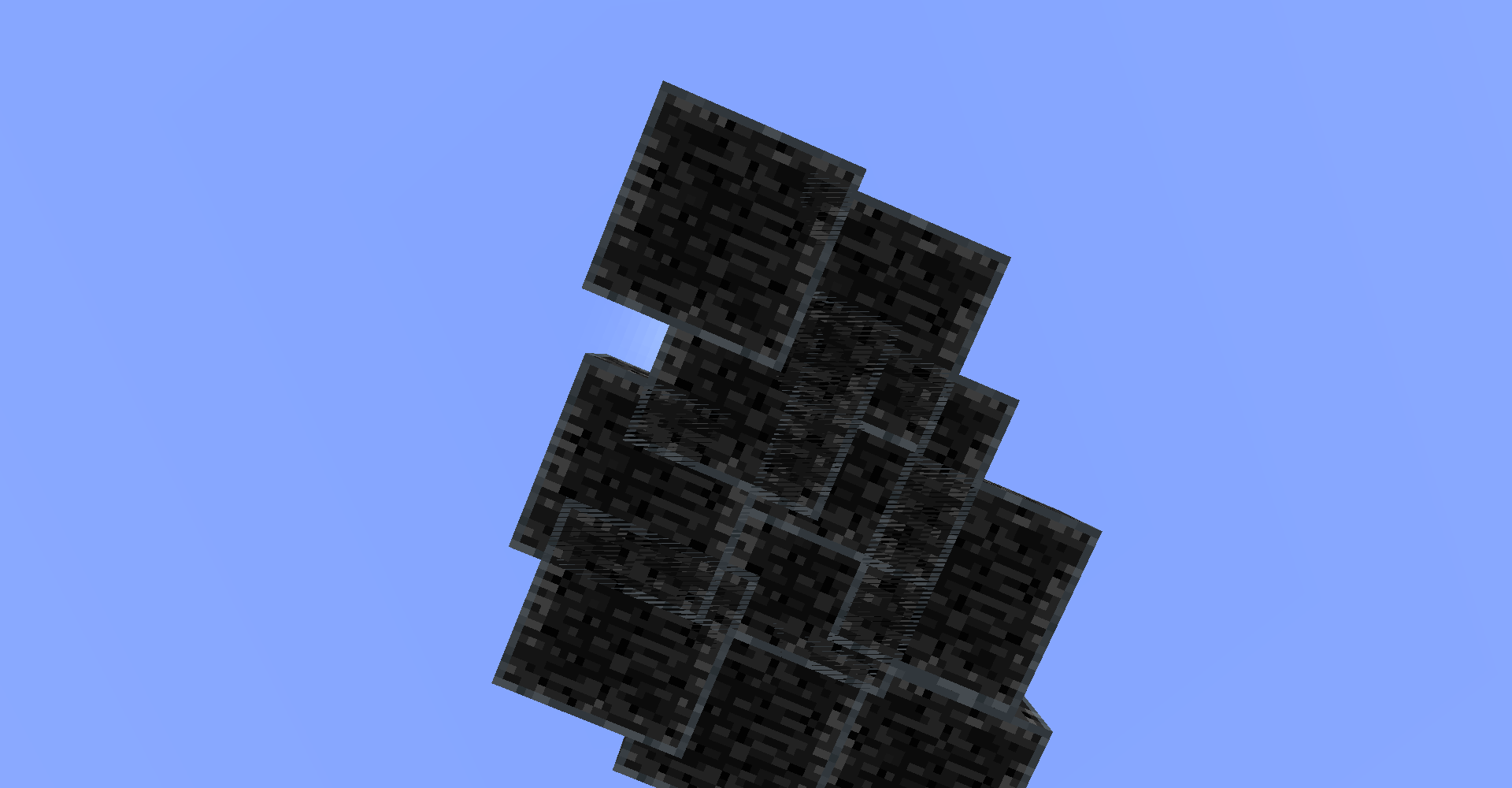
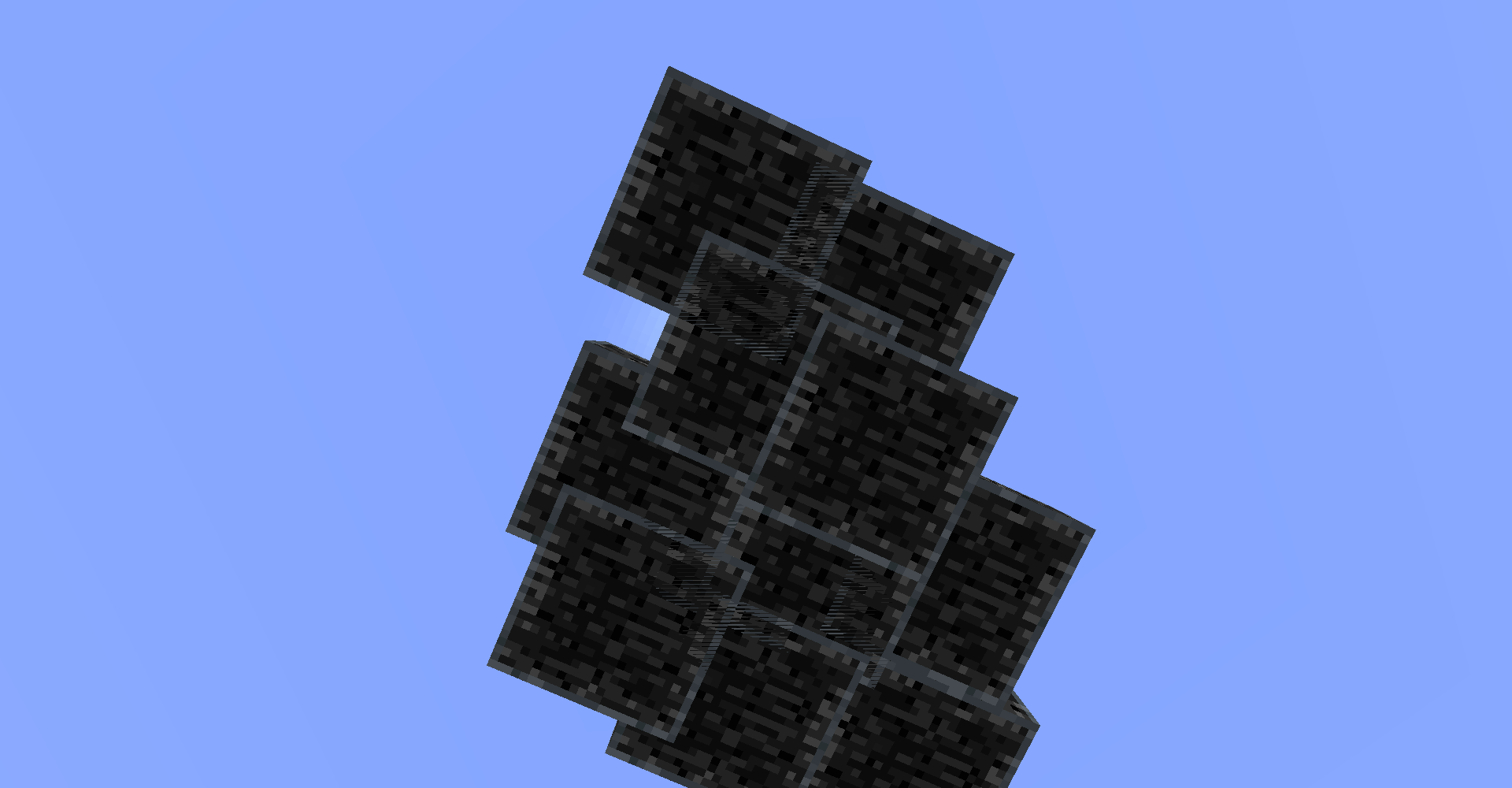

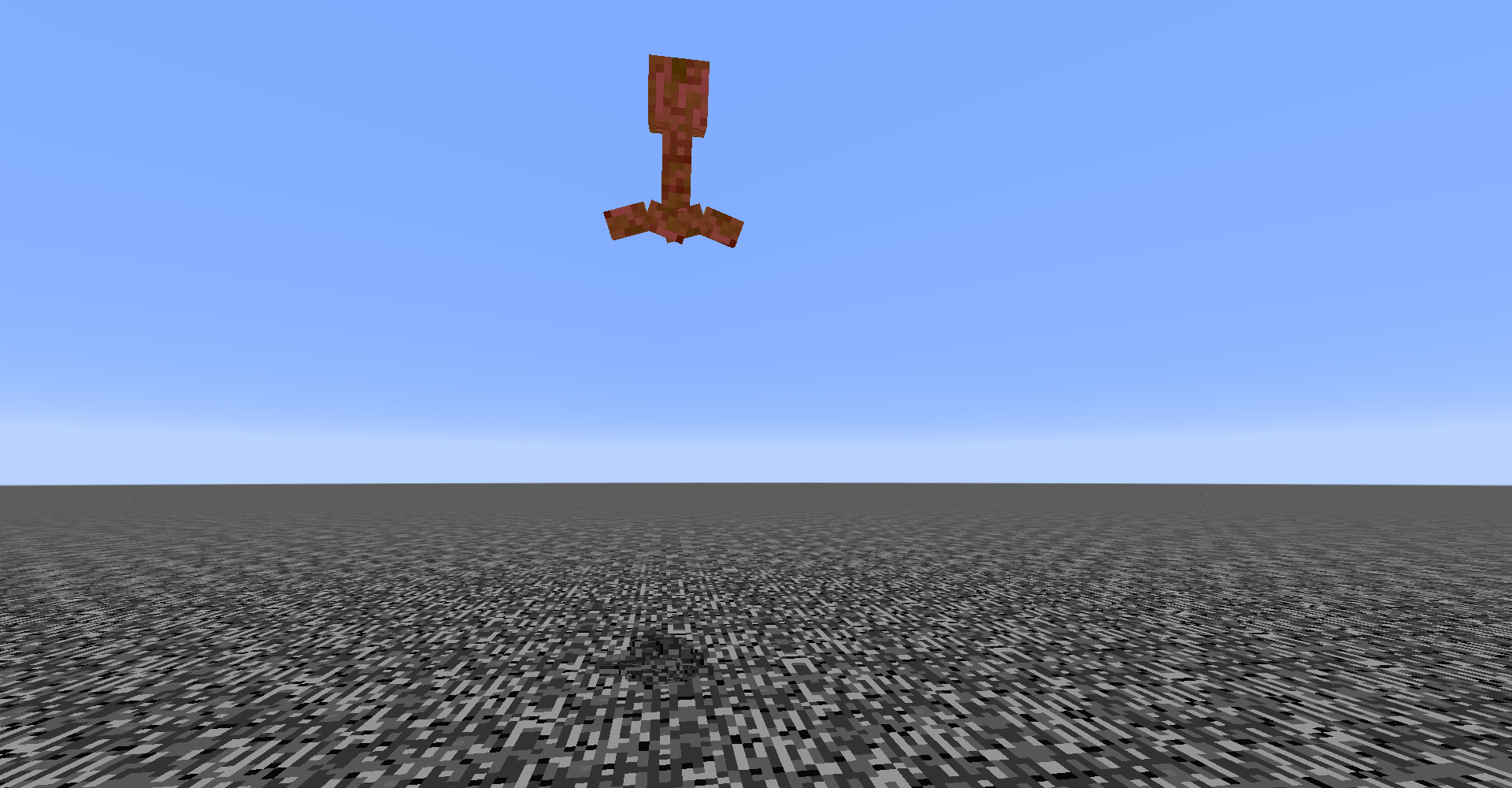
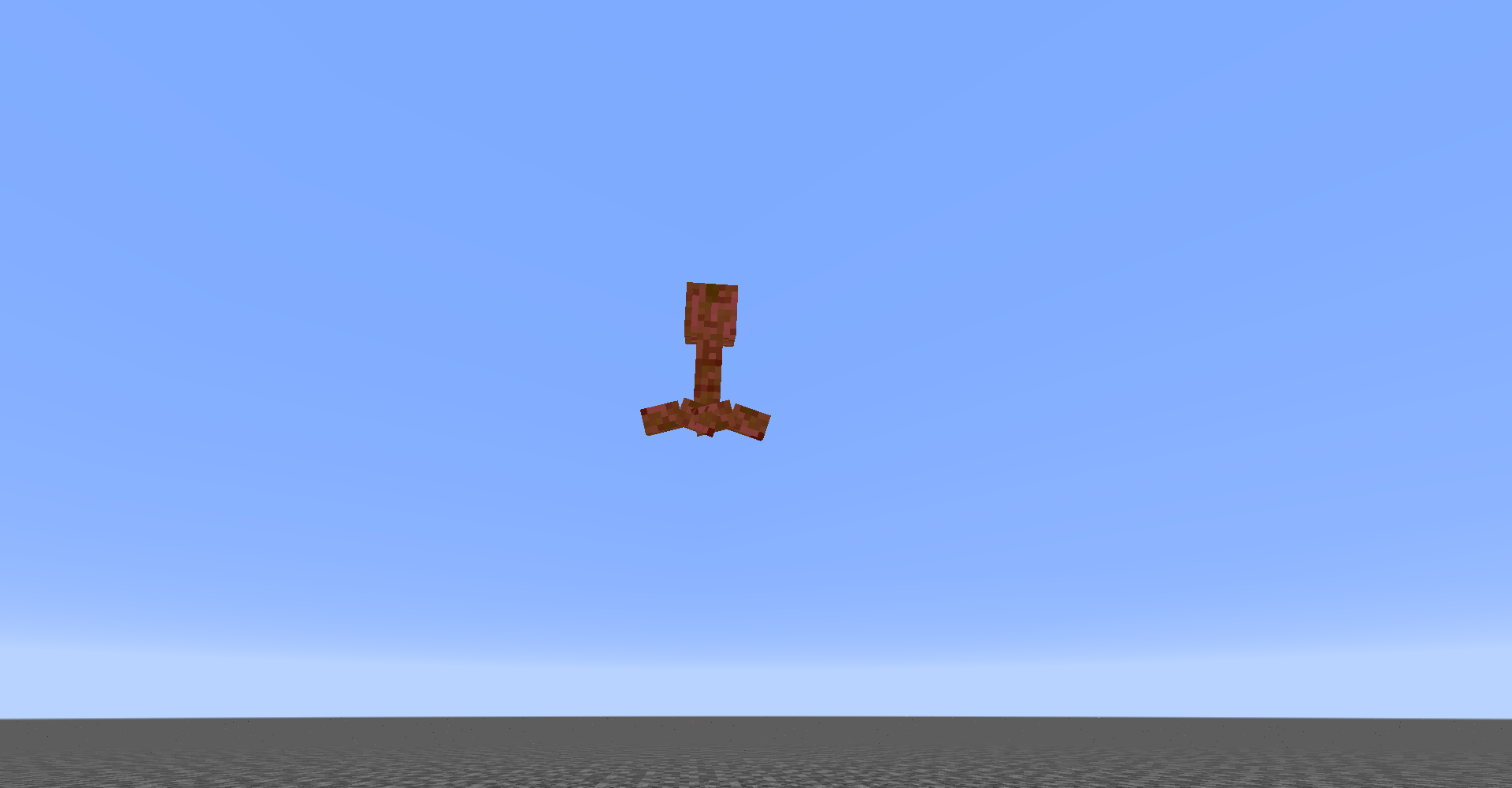
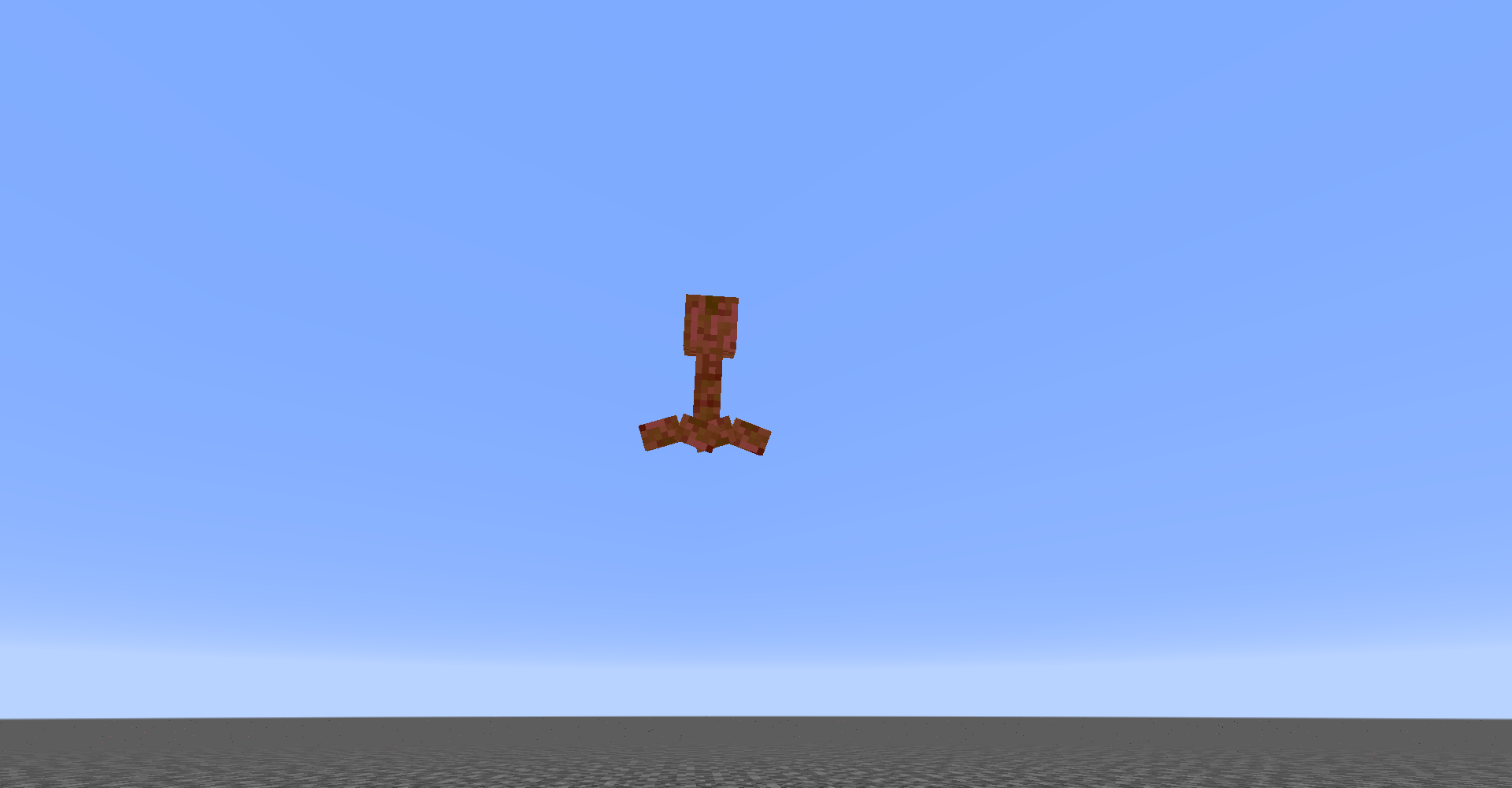

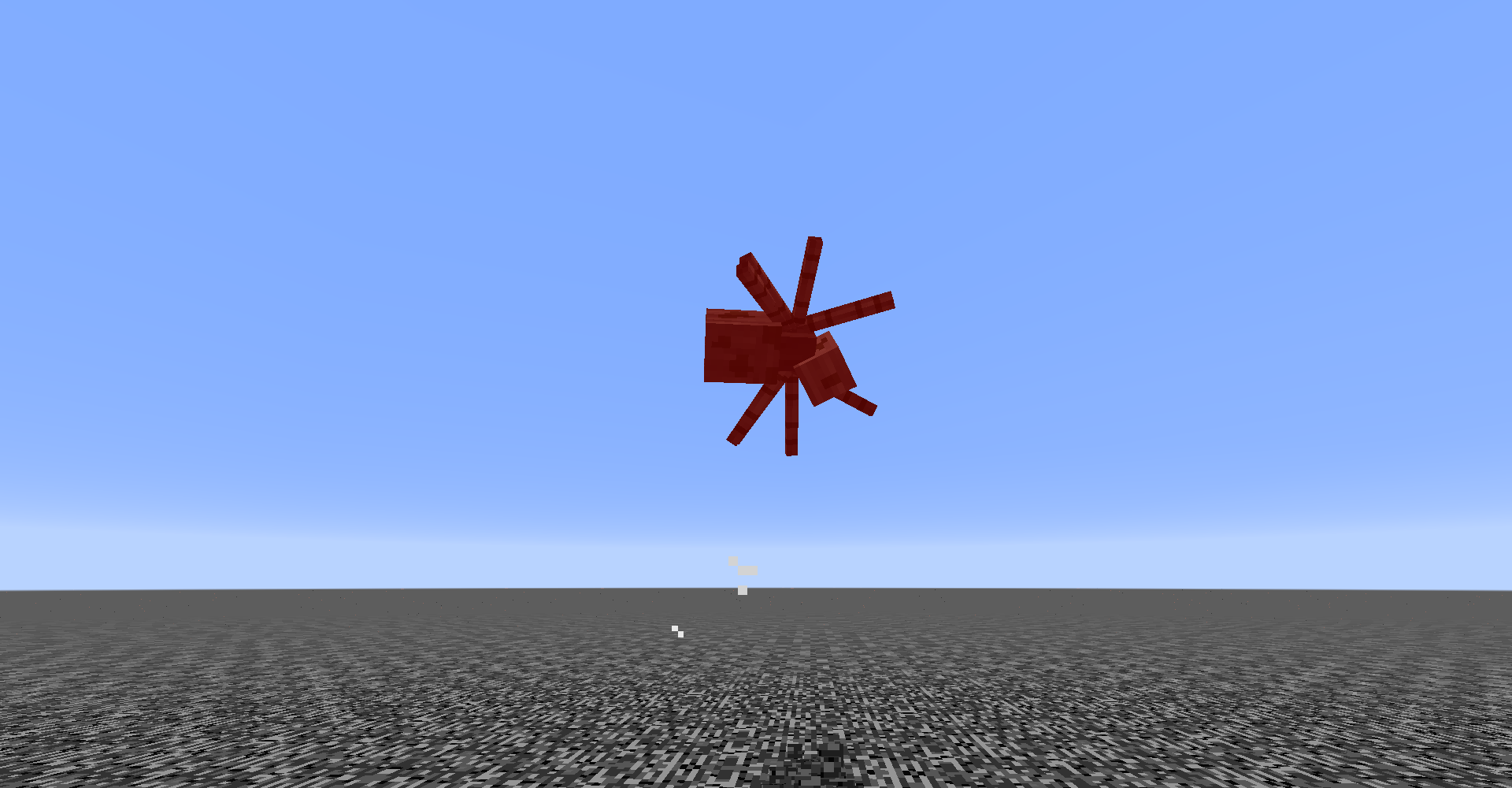
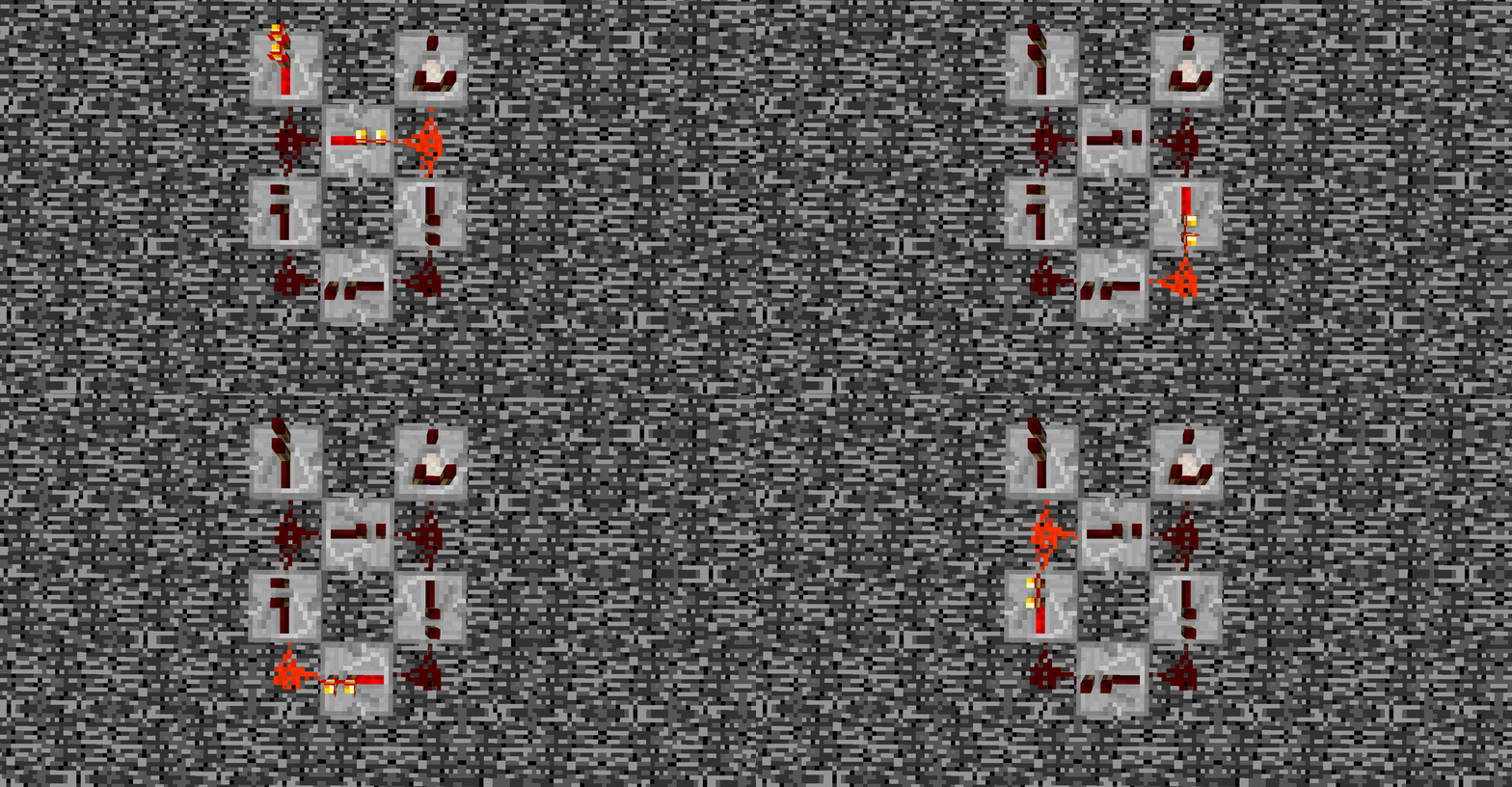
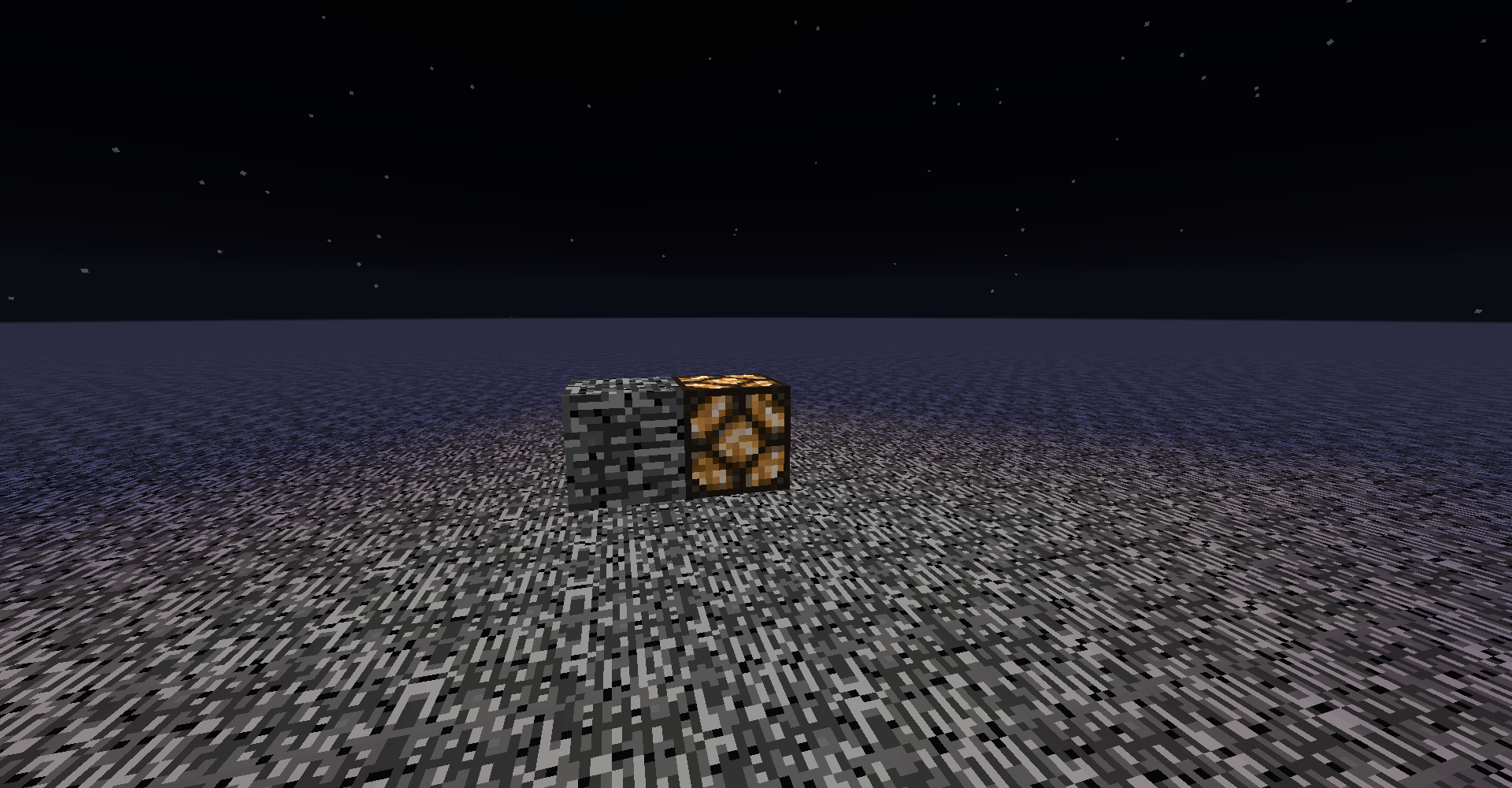


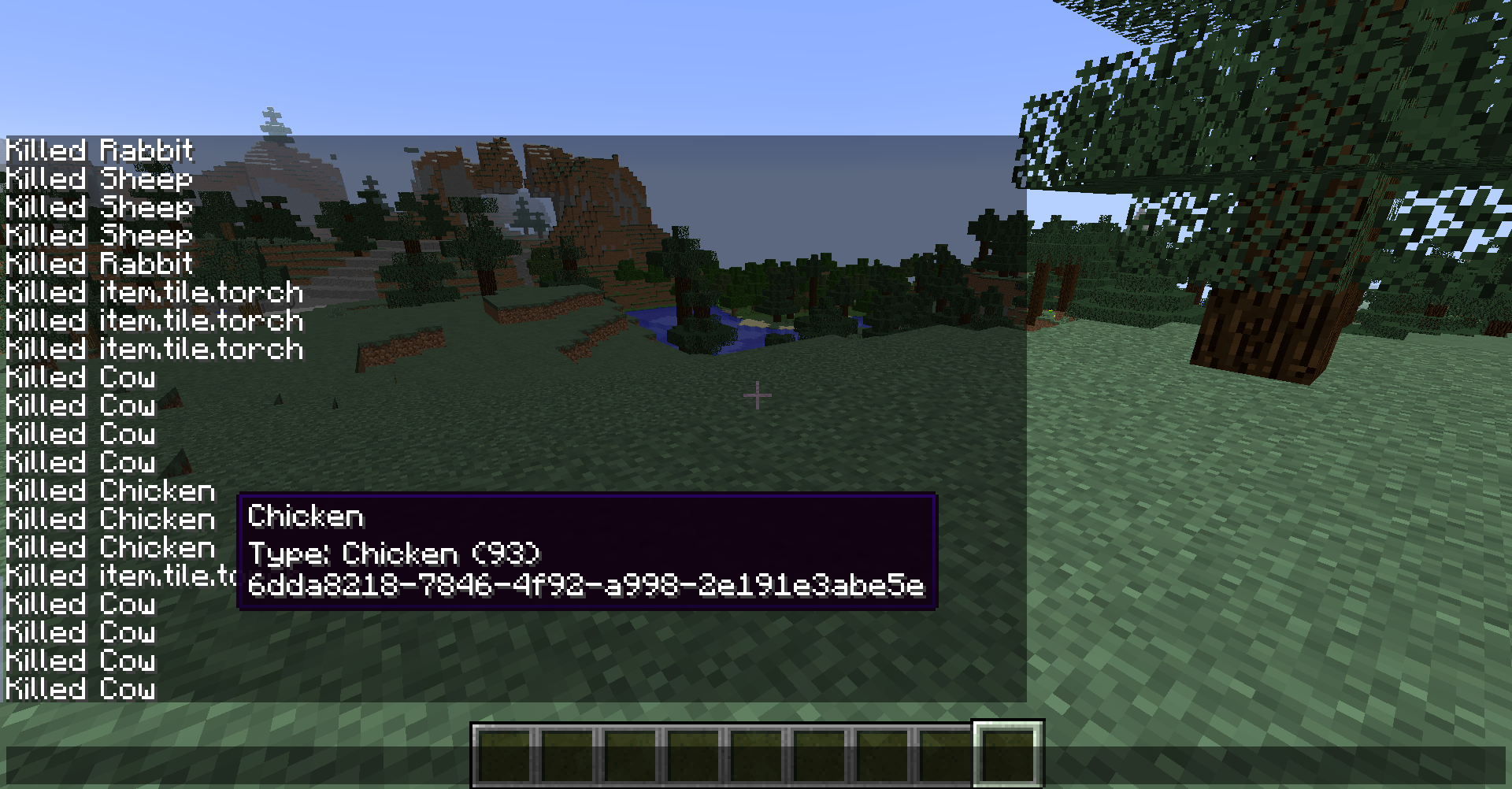
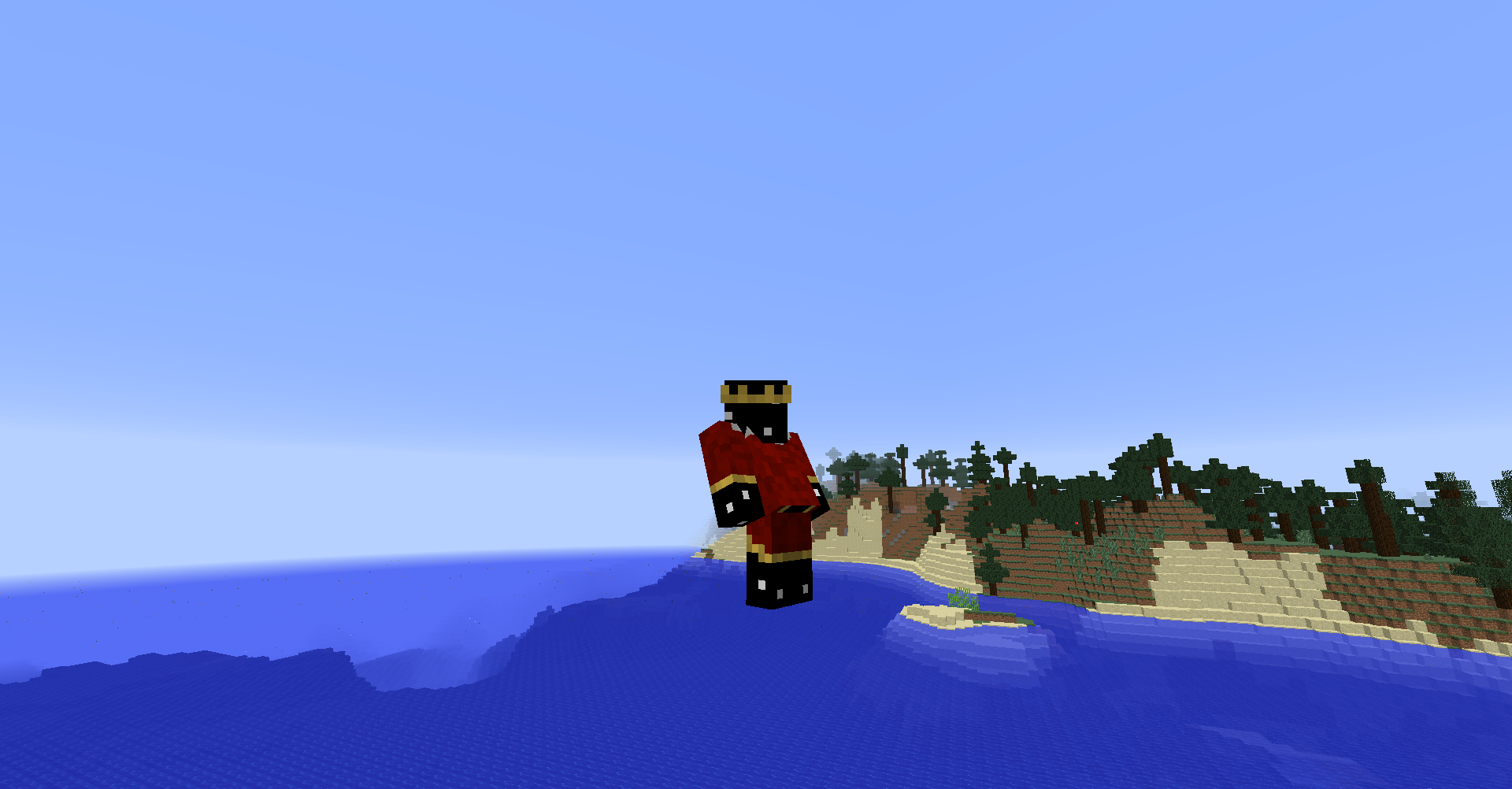
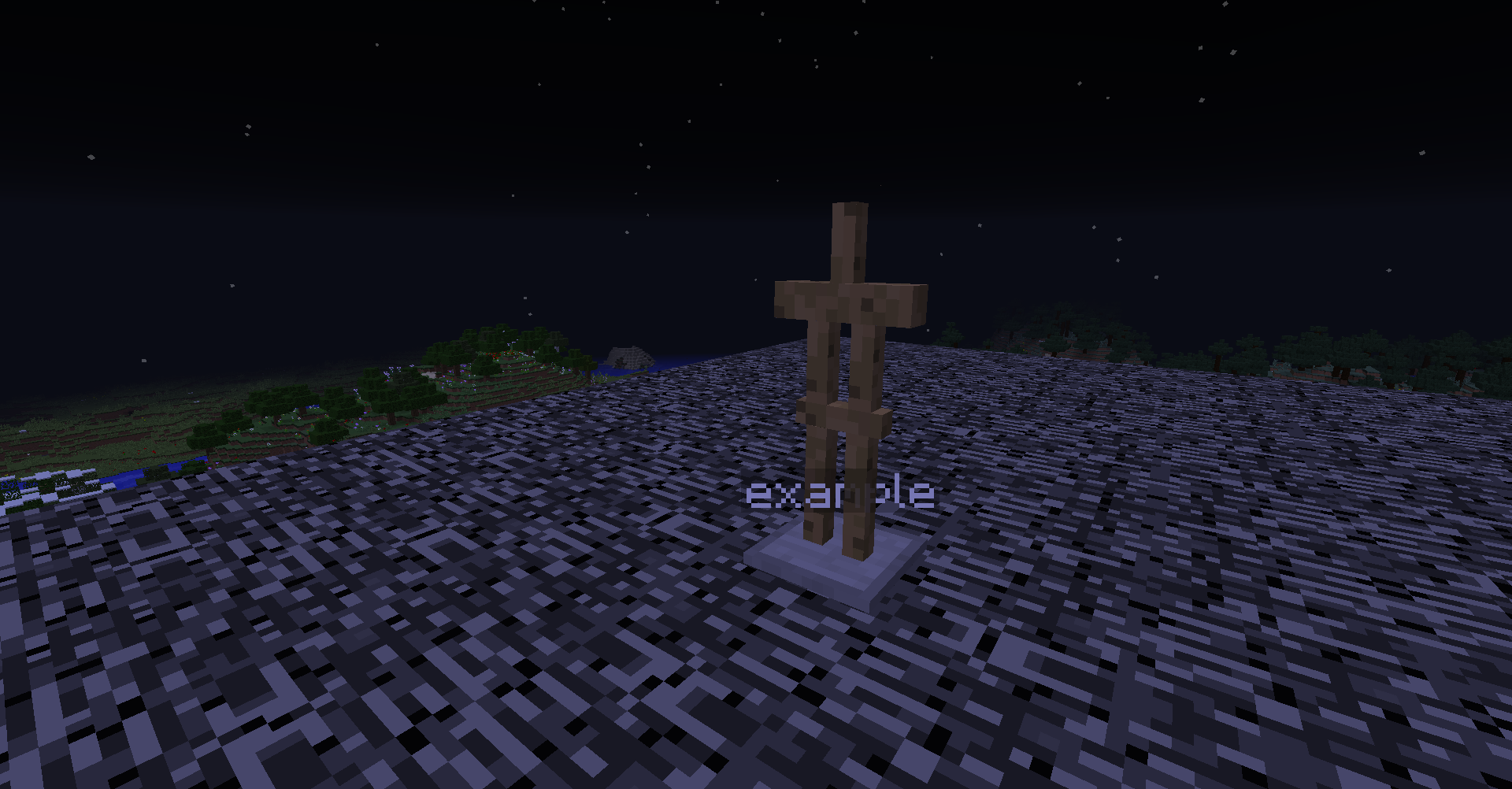
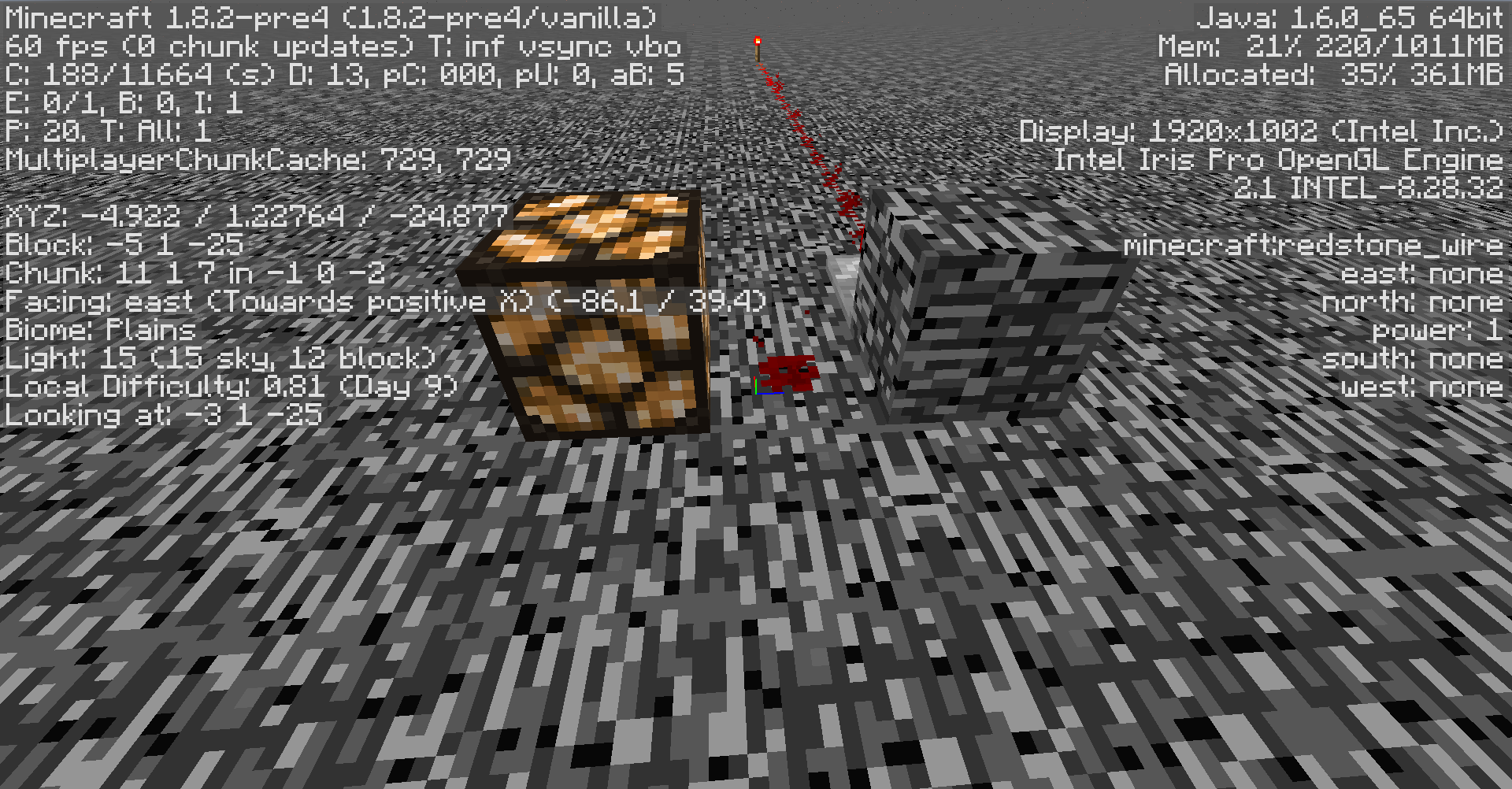
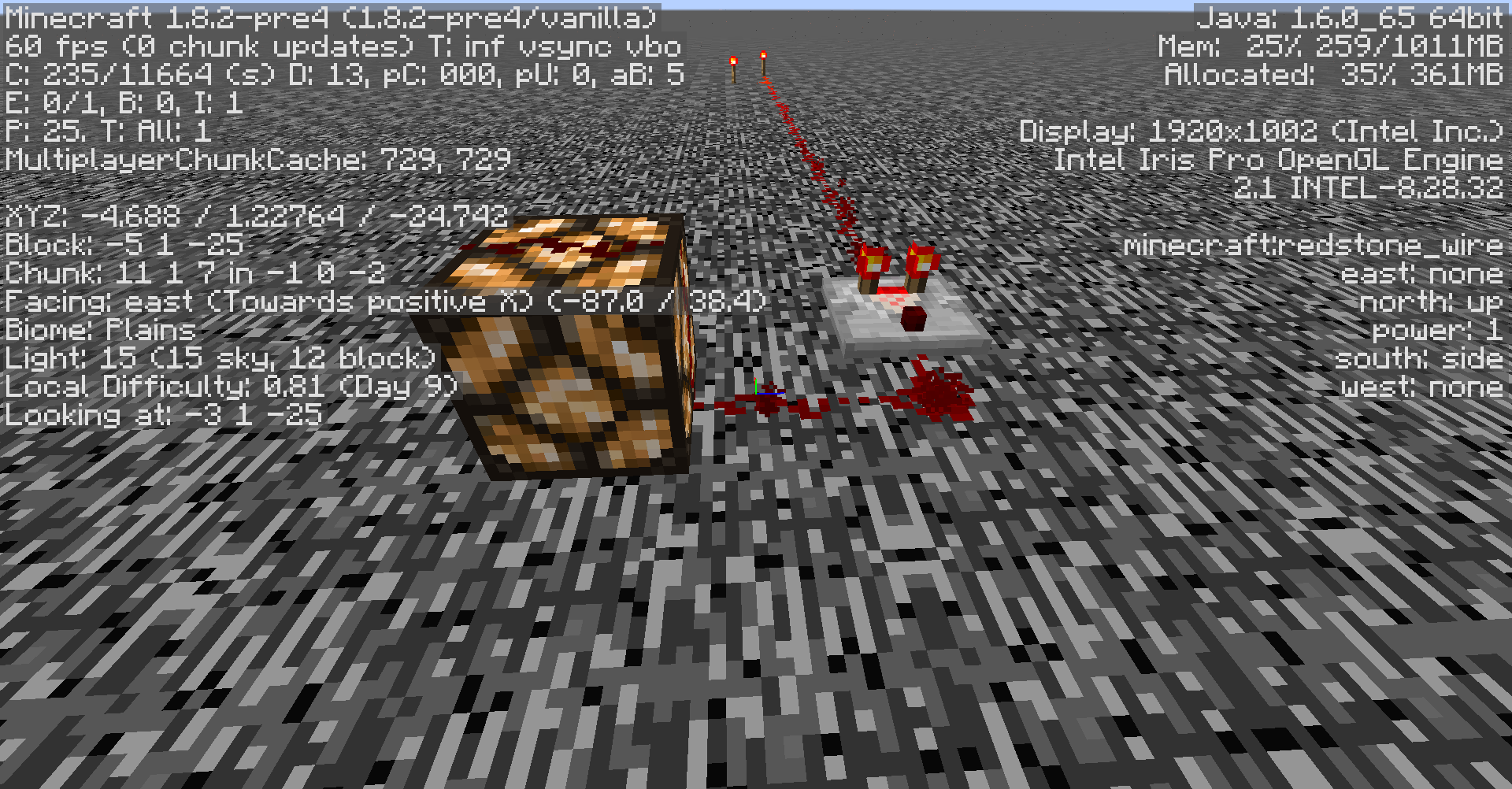
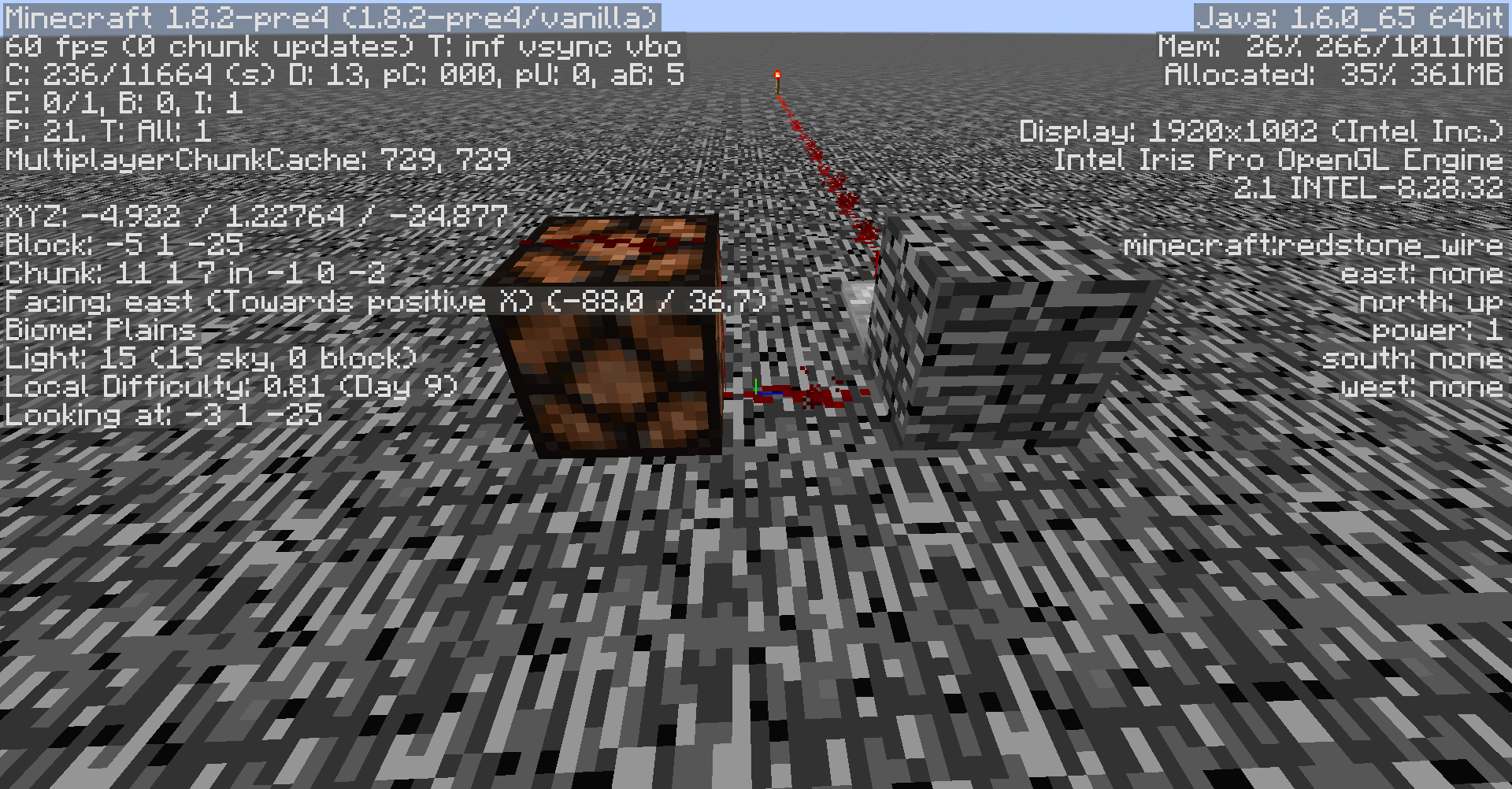
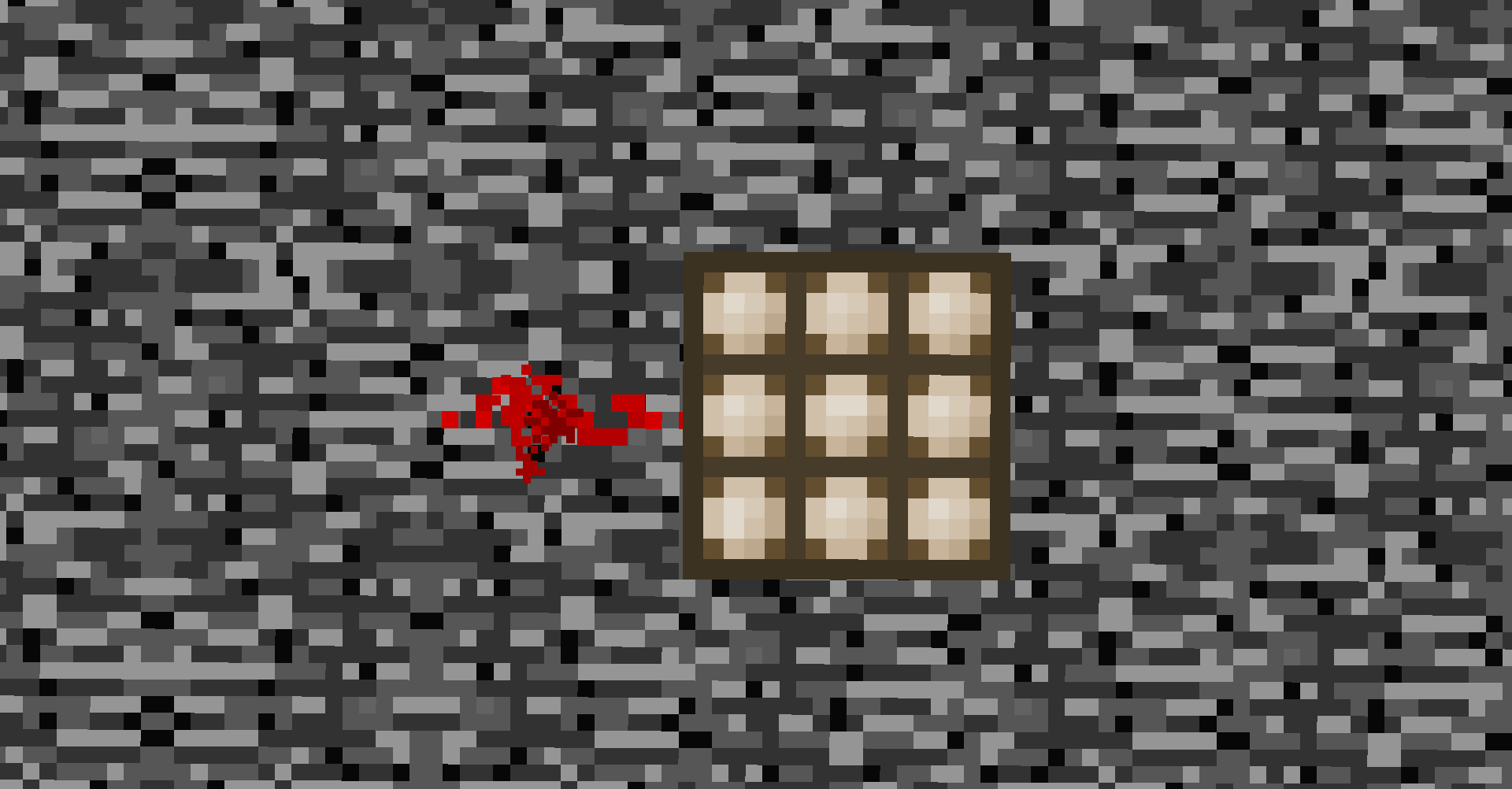
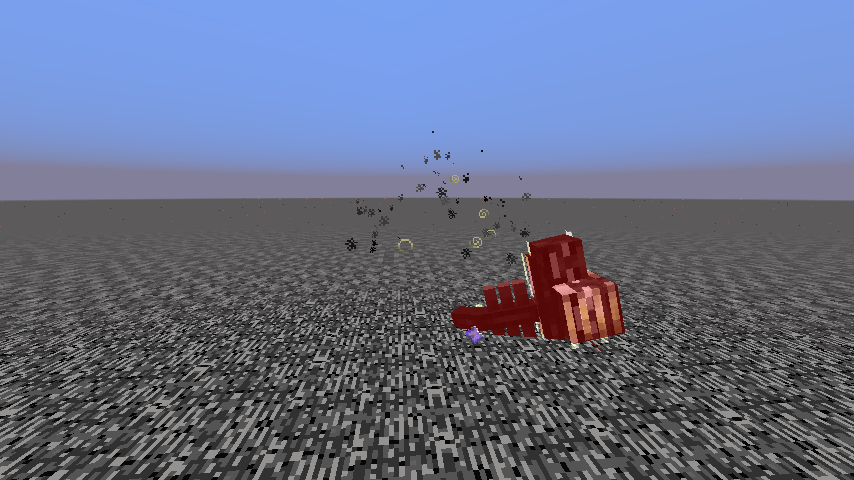


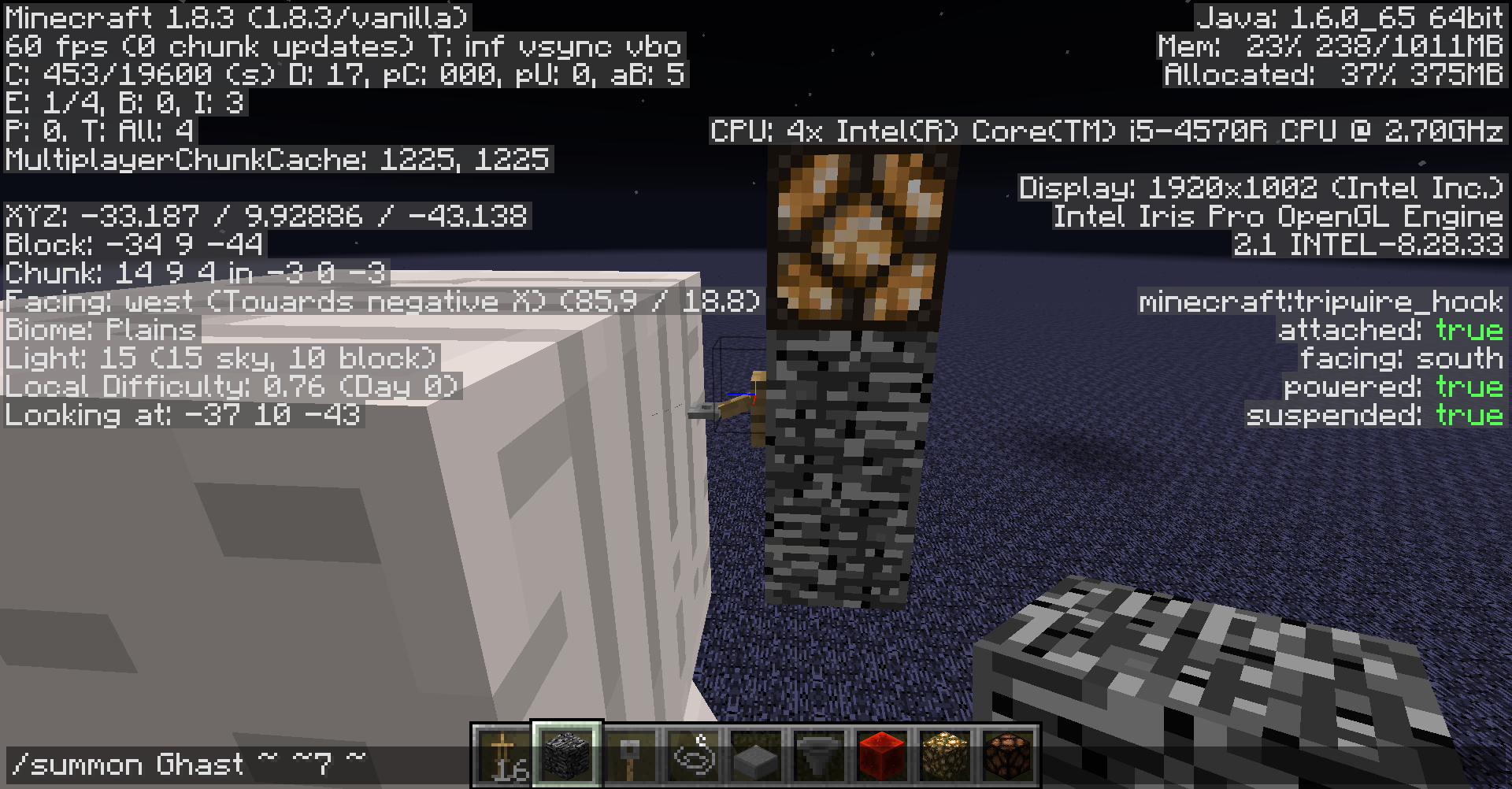
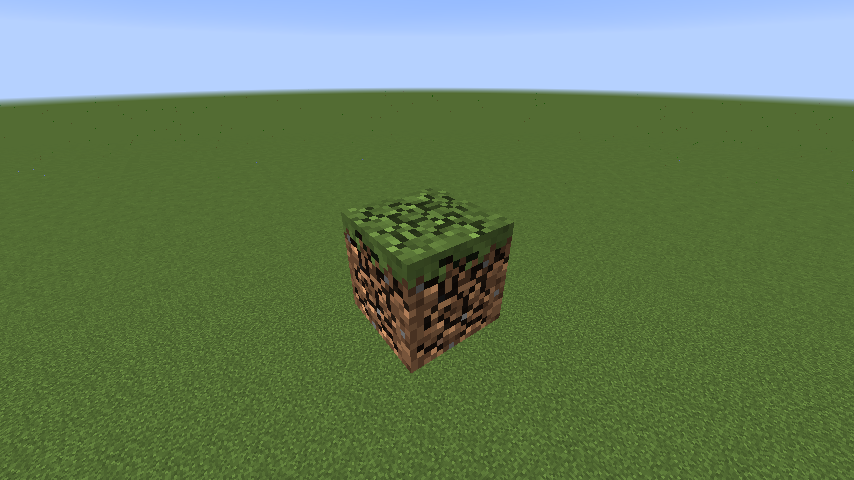

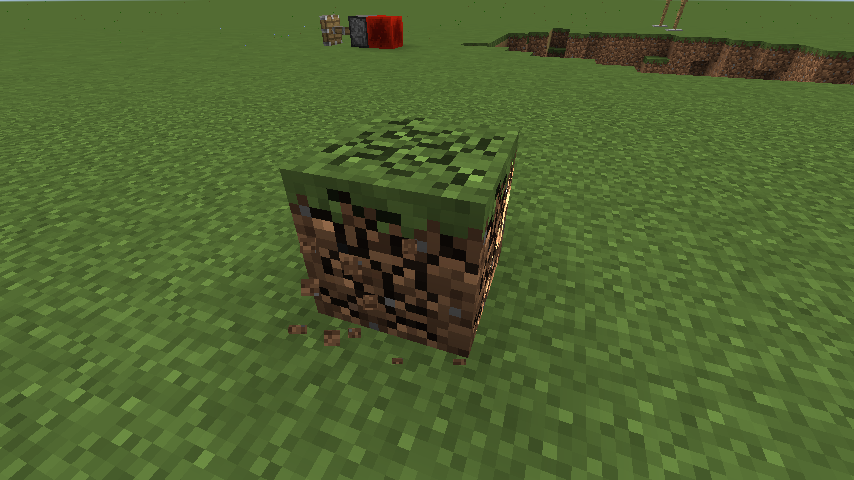
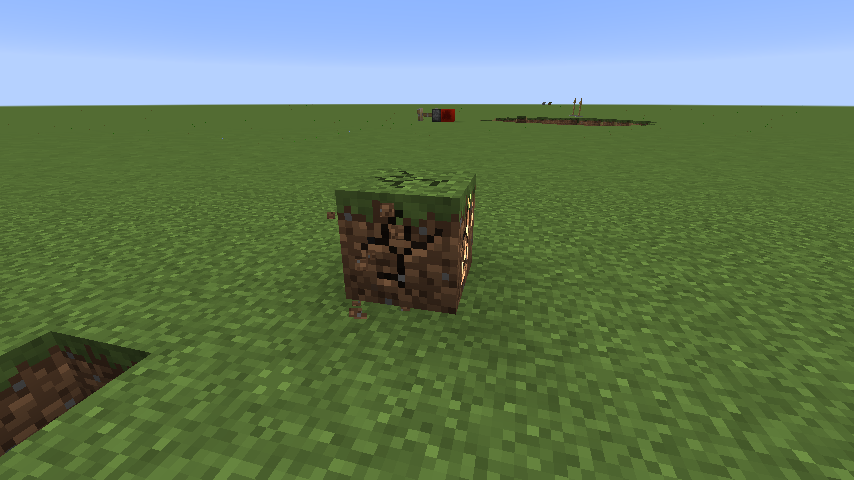
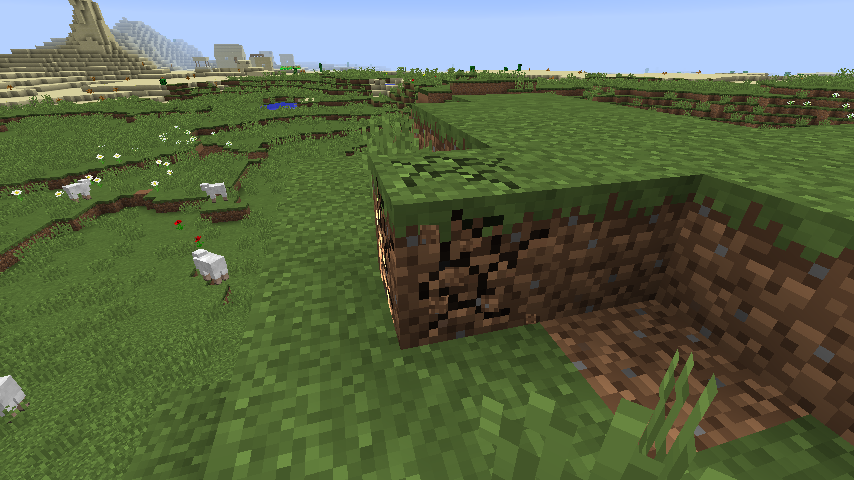
I wanted to add to bug
MC-57691by saying that lowering the sea level also doesn't stop water generating in lakes, swamps, or waterfalls on mountains. Swamps especially are really odd as some of the water does generate in patches or in thin strips near the edge of dirt islands, but most doesn't.
If you are in a block in spectator mode, you can't open containers. This makes it difficult to look in chests in mineshafts or strongholds. This will happen in any game mode, but it's only a bug in spectator mode.
Operating system: OSX 10.9.3
Java Version "1.6.0_65"
If you are inside of a block in spectator mode, you can't open containers. This makes it difficult to look in chests in mineshafts or strongholds. This will happen in any game mode, but it's only a bug in spectator mode.
If you are inside of a block in spectator mode, you can't
open containers. This makes it difficult to look in chests in mineshafts or strongholds. This will happen in any game mode, but it's only a bug in spectator mode.If you are inside of a block in spectator mode, it considers you to be "looking at" the block you are in. This means that you can't look in containers. This makes it difficult to look in chests in mineshafts or strongholds. This will happen in any game mode, but it's only a bug in spectator mode.
When generating a world with the customized world type, some chucks can generate incorrectly, reminiscent of what would happen if you generated new terrain using beta 1.8 an older world. Th
isseems to happen in around 1/15of the worlds generated. The world type only has to be "customized" for this to occur, you don't even have to change any of the settings. This happens inconsistently, if you generate a new world with the same seed and settings, it might not happen.When generating a world with the customized world type, some chucks can generate incorrectly, reminiscent of what would happen if you generated new terrain using beta 1.8 an older world. The incorrect chucks seem to only generate near your spawnpoint, farther away, they stop. This bug seems to happen in around 1/10 of the worlds generated. The world type only has to be "customized" for this to occur, you don't even have to change any of the settings. This happens inconsistently, if you generate a new world with the same seed and settings, it might not happen.
I was playing around on a random world, when I found a rabbit with the name entity.KillerBunny.name. It was naturally spawned, and behaved like a regular rabbit, except that when it was at specific coordinates and had a stone block behind it, it would leap towards me as if it were trying to attack me, but it would do no damage. When I started to experiment with this behavior, it stopped happening. When I tried spawning killer rabbits with commands, they acted normally. I tried to find more naturally spawned killer rabbits to see if the same thing happened, but I couldn't.
I will upload the world if someone tells me how to.
When placing or destroying a repeater, it will update the block the repeater is facing towards but not other blocks.
Steps to Reproduce
Make a BUD switch.
Place a repeater facing towards a block adjacent to the BUD switch.
The BUD switch will trigger.
If you place the repeater facing any other direction, the switch will not trigger.Also works with comparators.
When placing or destroying a repeater, it will update the block the repeater is facing towards but not other blocks.
Steps to Reproduce
Make a BUD switch.
Place a repeater facing towards a block adjacent to the BUD switch.
The BUD switch will trigger.
If you place the repeater facing any other direction, the switch will not trigger.Also happens with comparators and redstone torches. Redstone dust will also do it, but only when destroyed.
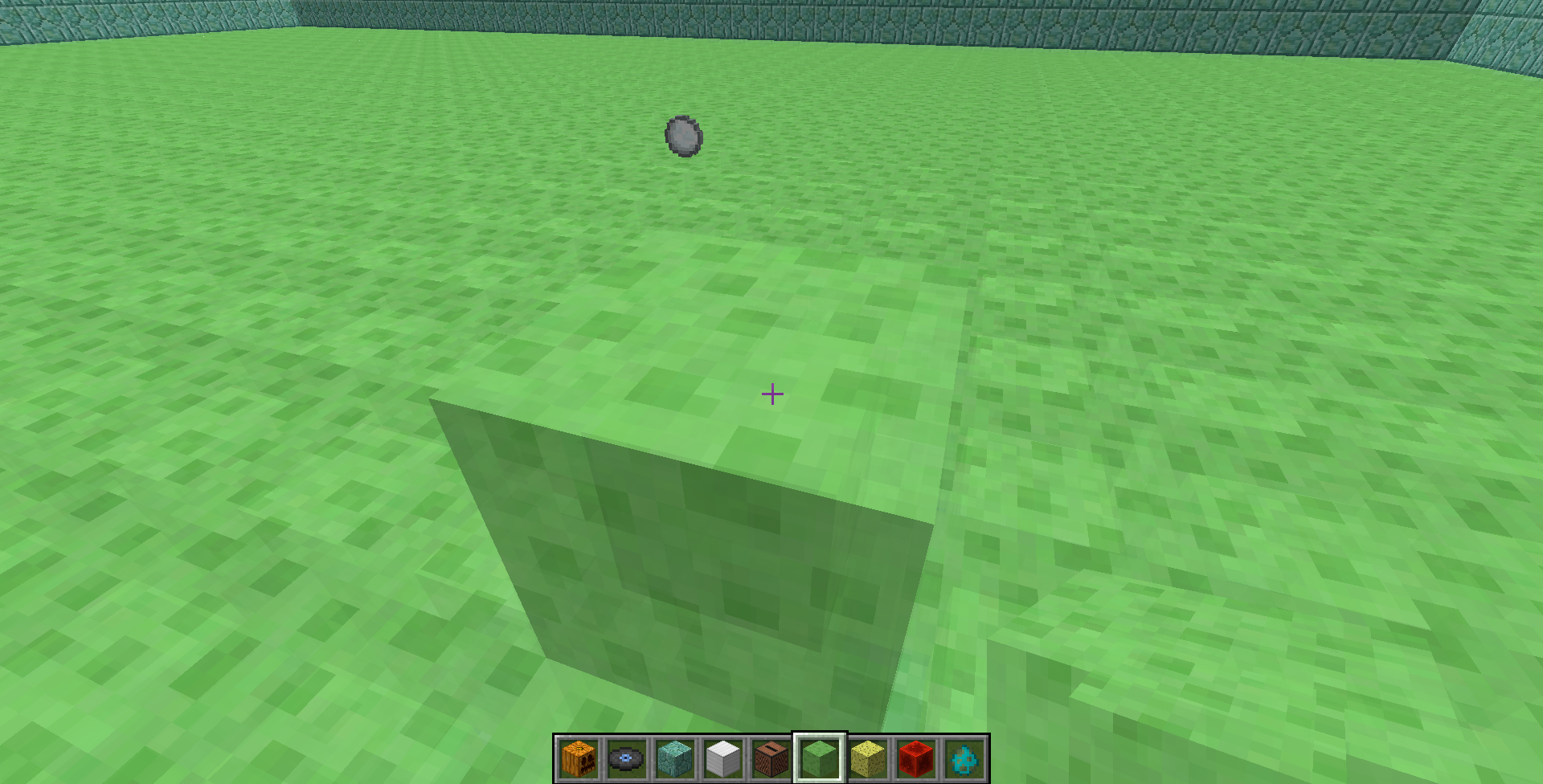
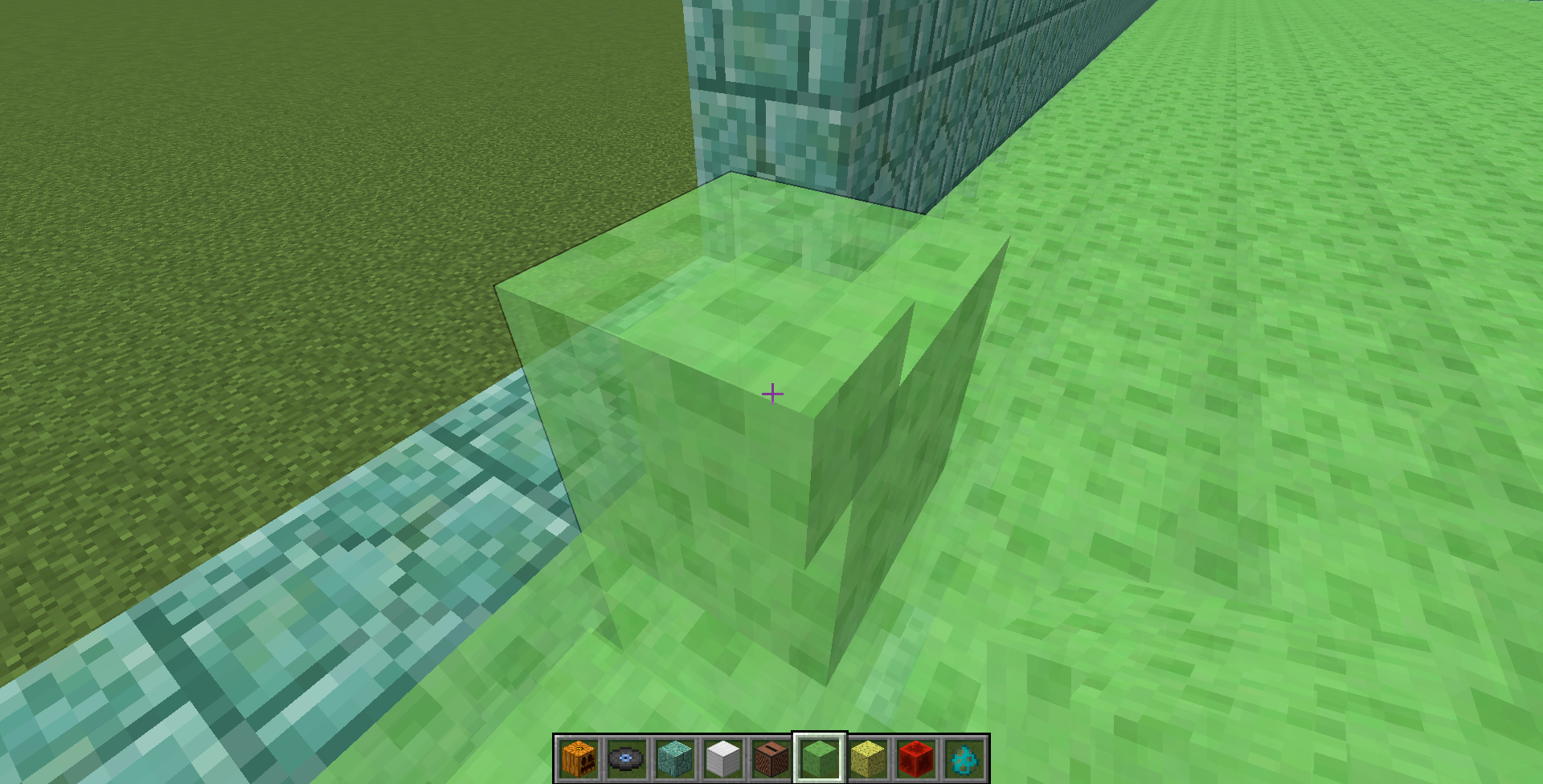
When the crosshair inonaslime block, there is no wire frame.The wire frame on slime blocks disappears when there is a slime block behind it.
Sometimes the detect argument will think you are on the specified block when you are actually not. It is difficult to duplicate, however it seems to happen to me most when: It is on a very fast clock, and/or you have been on the correct block for a long time, and you suddenly move off of it. It also seems to happen more when in multiplayer or LAN. If you play around with it for a while, you should get it to happen to you.
Sometimes the detect argument will think you are on the specified block when you are actually not. It is difficult to duplicate, however it seems to happen to me most when: It is on a very fast clock, and/or you have been on the correct block for a long time, and you suddenly move off of it. It also seems to happen more when in multiplayer or LAN. If you play around with it for a while, you should get it to happen to you.
Sometimes command blocks on a fast clock will not check if a condition is true every time.
Sometimes command blocks on a fast clock will not check if a condition is true every time.
Sometimes command blocks on a fast clock will not check if a condition is true every time. To replicate this, make a scoreboard objective called "example" and set its value to 1. Then put the command "tell @p [score_example=1] test" into a command block attached to a 20 hz clock. You will be spammed with messages. Then set your score in "example" to 0. The spam will not stop.
Detect argument bugCommand blocks sometime don't check if a tag is true
Regular blocks can not be placed manually at Y=255. You can however, place any blocks that need to be o
na block, such as buttons, sugarcane, or torches. The setblock command also works, as do buckets.Regular blocks can not be placed manually at Y=255. You can however, place any blocks that need to be attached to a block, such as buttons, sugarcane, or torches. The setblock command also works, as do buckets.
Regular blocks can not be placed manually at Y=255. You can however, place any blocks that need to be attached to a block, such as buttons, sugarcane, or torches. The setblock command also works, as do buckets. You can also push blocks to Y=255 with a piston.
The warning "Height limit for building is 256 blocks" appears if you right click on the top surface of any block at Y=255, even if you don't have a placeable block in hand. It will even occur if the block you are clicking on has a right click action associated with it, (chests, buttons, etc.), canceling the place action.
Height limit warning appears when unnecessary
So typing "/testfor @p [Type=!Player] " or "/testfor @p [Type=Creeper] " will still return the nearest player. Also occurs with
@r and@a.
So typing "/testfor @p [
Type=!Player] " or "/testfor @p [Type=Creeper] " will still return the nearest player. Also occurs with @a.So typing "/testfor @p [type=!Player] " or "/testfor @p [type=Creeper] " will still return the nearest player. Also occurs with @a.
So typing "/testfor @p [type=!Player] " or "/testfor @p [type=Creeper] " will still return the nearest player. Also occurs with @a.Typing "/testfor @p [type=!Player] " or "/testfor @p [type=Creeper] " will still return the nearest player. Also occurs with @a.
If you summon an invisible mob, it will sometimes be briefly visible right after being summoned. I assume this occurs with other status effects too, but it is much harder to test for them. To replicate, you can use "/summon Zombie ~0 ~1 ~0 {ActiveEffects:[
{Id:14,Amplifier:1,Duration:999999}]}".
If you summon an invisible mob, it will sometimes be briefly visible right after being summoned. I assume this occurs with other status effects too, but it is much harder to test for them. To replicate, you can use "/summon Zombie ~
{Id:14,Amplifier:1,Duration:999999}0~1~0{ActiveEffects:[]}".
If you summon an invisible mob, it will sometimes be briefly visible right after being summoned. I assume this occurs with other status effects too, but it is much harder to test for them. To replicate, you can use
"/summon Zombie ~ ~ ~ {ActiveEffects:[{Id:14,Amplifier:1,Duration:999999}]}
Summoning entities with status effects will sometimes only gain the effect a momentafter being summonedEntities render incorrectly on the first frame after being summoned
If you summon an
invisible mob, it will sometimes be briefly visible right after being summoned. I assume this occurs with other status effects too, but it is much harder to test for them. To replicate, you can use/summon Zombie ~ ~ ~ {ActiveEffects:[{Id:14,Amplifier:1,Duration:999999}]}If you summon an entity with invisibility or a rotation value, it will sometimes render wrong for the first few frames. To replicate, you can use
/summon Zombie ~ ~ ~ {ActiveEffects:[{Id:14,Amplifier:1,Duration:999999}]}
If you summon an entity with invisibility or a rotation value, it will sometimes render wrong for the first few frames. To replicate, you can use
/summon Zombie ~ ~ ~ {ActiveEffects:[{Id:14,Amplifier:1,Duration:999999}]}This causes the commonly seen bug of TNT and fireworks rendering for 1 tick even when they are supposed to explode immediately.
If you summon an entity with invisibility or a rotation value, it will sometimes render wrong for the first few frames. To replicate, you can use/summon Zombie ~ ~ ~ {ActiveEffects:[{Id:14,Amplifier:1,Duration:999999}]}This causes the commonly seen bug of TNT and fireworks rendering for 1 tick even when they are supposed to explode immediately.
Entities will sometimes render incorrectly on their first frame, probably due to entities not having NBT data until the first tick (or simply not rendering it) This has been observed both with common commands
/summon Zombie ~ ~ ~ {ActiveEffects:[{Id:14,Amplifier:1,Duration:999999}]}and spawn eggs
/Give @p spawn_egg 1 0 {EntityTag:{id:Squid,CustomName:"column",CustomNameVisible:0b,NoAI:1,Silent:1,ActiveEffects:[{Id:14,Amplifier:0,Duration:13320,ShowParticles:0b}]},display:{Name:Column}}Both status effects (specifically, invisibility) and rotation are affected by this problem.
This causes the commonly seen bug of TNT and fireworks rendering for 1 tick even when they are supposed to explode immediately.
Entities will sometimes render incorrectly on their first frame, probably due to entities not having NBT data until the first tick (or simply not rendering it) This has been observed both with common commands
/summon Zombie ~ ~ ~ {ActiveEffects:[{Id:14,Amplifier:1,Duration:999999}]}and spawn eggs
/Give @p spawn_egg 1 0 {EntityTag:{id:Squid,CustomName:"column",CustomNameVisible:0b,NoAI:1,Silent:1,ActiveEffects:[{Id:14,Amplifier:0,Duration:13320,ShowParticles:0b}]},display:{Name:Column}}Both status effects (specifically, invisibility), and rotation are affected by this problem.
This causes the commonly seen bug of TNT and fireworks rendering for 1 tick even when they are supposed to explode immediately.
Entities will sometimes render incorrectly on their first frame, probably due to entities not having NBT data until the first tick (or simply not rendering it) This has been observed both with common commands
/summon Zombie ~ ~ ~ {ActiveEffects:[{Id:14,Amplifier:1,Duration:999999}]}and spawn eggs
/Give @p spawn_egg 1 0 {EntityTag:{id:Squid,CustomName:"column",CustomNameVisible:0b,NoAI:1,Silent:1,ActiveEffects:[{Id:14,Amplifier:0,Duration:13320,ShowParticles:0b}]},display:{Name:Column}}Both status effects (specifically, invisibility), and rotation are affected by this problem.
This causes the commonly seen bug of TNT and fireworks rendering for 1 tick even when they are supposed to explode immediately.Entities will sometimes render incorrectly on their first frame, probably due to entities not having NBT data until the first tick (or simply not rendering it) This has been observed both with common commands
/summon Zombie ~ ~ ~ {ActiveEffects:[{Id:14,Amplifier:1,Duration:999999}]}and spawn eggs
/Give @p spawn_egg 1 0 {EntityTag:{id:Squid,CustomName:"column",CustomNameVisible:0b,NoAI:1,Silent:1,ActiveEffects:[{Id:14,Amplifier:0,Duration:13320,ShowParticles:0b}]},display:{Name:Column}}Both status effects (specifically, invisibility), and rotation are affected by this problem.
I believe this causes the commonly seen bug of TNT and fireworks rendering for 1 tick even when they are supposed to explode immediately.
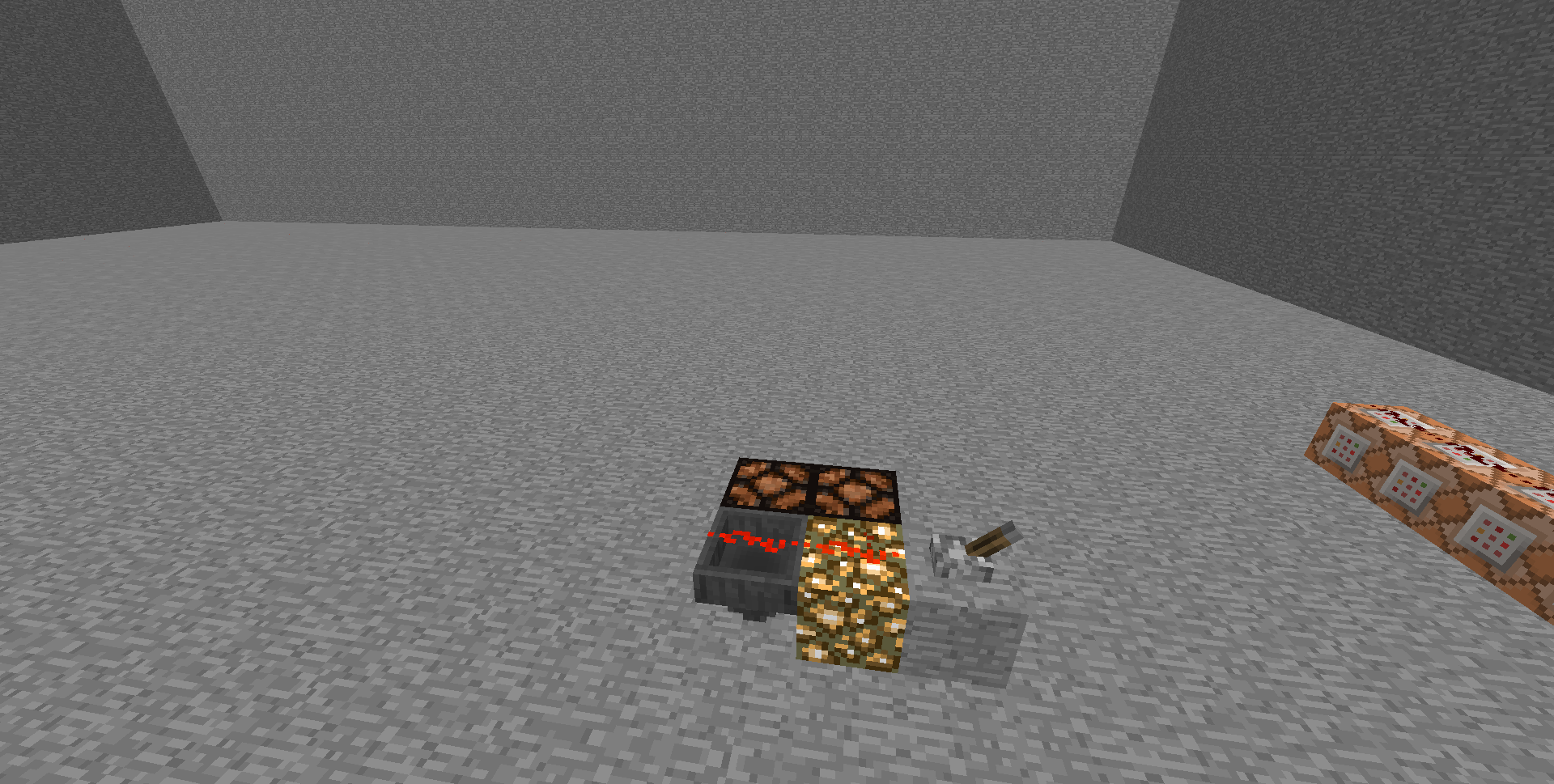
Transparent blocks that can have redstone placed on them (hoppers and glowstone are the only ones I think) do not get completely powered by that redstone. To clarify, I mean they only receive level one power when they should be getting level two. They themselves will be powered, but they will not power adjacent blocks.
Transparent blocks that can have redstone placed on them (hoppers
andglowstoneare the only ones I think) do not get completely powered by that redstone. To clarify, I mean theyonly receive level one power when they should be getting level two. They themselves will be powered, but they will not power adjacent blocks.Transparent blocks that can have redstone placed on them (hoppers, glowstone, upside down slabs and stairs) only receive level one power when they should be getting level two. They themselves will be powered, but they will not power adjacent blocks.
When in spectator mode, there is no way to open the inventories of donkeys or mules. The crosshairs appear, but right-clicking does nothing.
Can't opendonkeyinventories in spectator modeCan't open animal inventories in spectator mode
If you create a stack of around 20 or more mobs riding each other, the stack will start falling apart into separate stacks. You can replicate with this command
:/summon Spider ~ ~1 ~ {Invulnerable:1,Riding:{id:Spider,Invulnerable:1,Riding:{id:Spider,Invulnerable:1,Riding:{id:Spider,Invulnerable:1,Riding:{id:Spider,Invulnerable:1,Riding:{id:Spider,Invulnerable:1,Riding:{id:Spider,Invulnerable:1,Riding:{id:Spider,Invulnerable:1,Riding:{id:Spider,Invulnerable:1,Riding:{id:Spider,Invulnerable:1,Riding:{id:Spider,Invulnerable:1,Riding:{id:Spider,Invulnerable:1,Riding:{id:Spider,Invulnerable:1,Riding:{id:Spider,Invulnerable:1,Riding:{id:Spider,Invulnerable:1,Riding:{id:Spider,Invulnerable:1,Riding:{id:Spider,Invulnerable:1,Riding:{id:Spider,Invulnerable:1,Riding:{id:Spider,Invulnerable:1,Riding:{id:Spider,Invulnerable:1,Riding:{id:Spider,Invulnerable:1,Riding:{id:Spider,Invulnerable:1,Riding:{id:Spider,Invulnerable:1,Riding:{id:Spider,Invulnerable:1,Riding:{id:Spider,Invulnerable:1,Riding:{id:Spider,Invulnerable:1,Riding:{id:Spider,Invulnerable:1,Riding:{id:Spider,Invulnerable:1,Riding:{id:Spider,Invulnerable:1,Riding:{id:Spider,Invulnerable:1,Riding:{id:Spider,Invulnerable:1,Riding:{id:Spider,Invulnerable:1,Riding:{id:Spider,Invulnerable:1,Riding:{id:Spider,Invulnerable:1,Riding:{id:Spider,Invulnerable:1,Riding:{id:Spider,Invulnerable:1,Riding:{id:Spider,Invulnerable:1,Riding:{id:Spider,Invulnerable:1,Riding:{id:Spider,Invulnerable:1,Riding:{id:Spider,Invulnerable:1,Riding:{id:Spider,Invulnerable:1,Riding:{id:Spider,Invulnerable:1,Riding:{id:Spider,Invulnerable:1,Riding:{id:Spider,Invulnerable:1,Riding:{id:Spider,Invulnerable:1,Riding:{id:Spider,Invulnerable:1,Riding:{id:Spider,Invulnerable:1,Riding:{id:Spider,Invulnerable:1,Riding:{id:Spider,Invulnerable:1,Riding:{id:Spider,Invulnerable:1,Riding:{id:Spider,Invulnerable:1,Riding:{id:Spider,Invulnerable:1,Riding:{id:Spider,Invulnerable:1,Riding:{id:Spider,Invulnerable:1,Riding:{id:Spider,Invulnerable:1,Riding:{id:Spider,Invulnerable:1,Riding:{id:Spider,Invulnerable:1,Riding:{id:Spider,Invulnerable:1,Riding:{id:Spider,Invulnerable:1,Riding:{id:Spider,Invulnerable:1,Riding:{id:Spider,Invulnerable:1,Riding:{id:Spider,Invulnerable:1,Riding:{id:Spider,Invulnerable:1,Riding:{id:Spider,Invulnerable:1,Riding:{id:Spider,Invulnerable:1,Riding:{id:Spider,Invulnerable:1,Riding:{id:Spider,Invulnerable:1,Riding:{id:Spider,Invulnerable:1,Riding:{id:Spider,Invulnerable:1,Riding:{id:Spider,Invulnerable:1,Riding:{id:Spider,Invulnerable:1,Riding:{id:Spider,Invulnerable:1,Riding:{id:Spider,Invulnerable:1,Riding:{id:Spider,Invulnerable:1,Riding:{id:Spider,Invulnerable:1,Riding:{id:Spider,Invulnerable:1,Riding:{id:Spider,Invulnerable:1,Riding:{id:Spider,Invulnerable:1,Riding:{id:Spider,Invulnerable:1,Riding:{id:Spider,Invulnerable:1,Riding:{id:Spider,Invulnerable:1,Riding:{id:Spider,Invulnerable:1,Riding:{id:Spider,Invulnerable:1,Riding:{id:Spider,Invulnerable:1,Riding:{id:Spider,Invulnerable:1,Riding:{id:Spider,Invulnerable:1,Riding:{id:Spider,Invulnerable:1,Riding:{id:Spider,Invulnerable:1,Riding:{id:Spider,Invulnerable:1,Riding:{id:Spider,Invulnerable:1,Riding:{id:Spider,Invulnerable:1,Riding:{id:Spider,Invulnerable:1,Riding:{id:Spider,Invulnerable:1,Riding:{id:Spider,Invulnerable:1,Riding:{id:Spider,Invulnerable:1,Riding:{id:Spider,Invulnerable:1,Riding:{id:Spider,Invulnerable:1,Riding:{id:Spider,Invulnerable:1,Riding:{id:Spider,Invulnerable:1,Riding:{id:Spider,Invulnerable:1,Riding:{id:Spider,Invulnerable:1,Riding:{id:Spider,Invulnerable:1,Riding:{id:Spider,Invulnerable:1,Riding:{id:Spider,Invulnerable:1,Riding:{id:Spider,Invulnerable:1,Riding:{id:Spider,Invulnerable:1,Riding:{id:Spider,Invulnerable:1}}}}}}}}}}}}}}}}}}}}}}}}}}}}}}}}}}}}}}}}}}}}}}}}}}}}}}}}}}}}}}}}}}}}}}}}}}}}}}}}}}}}}}}}}}}}}}}}}}}}}}}}}}}
Normally, the edges of the screen are slightly darkened. When you go into F1 mode, this darkness will go away. In spectator mode, since you are essentially always in F1 mode, the darkness should never be there, but it is. To replicate this just go into spectator mode and press F1 (it it's easier to see if the area is dark, like in the nether). This only occurs with fancy graphics.
the game reads asterisks with arguments as one player.
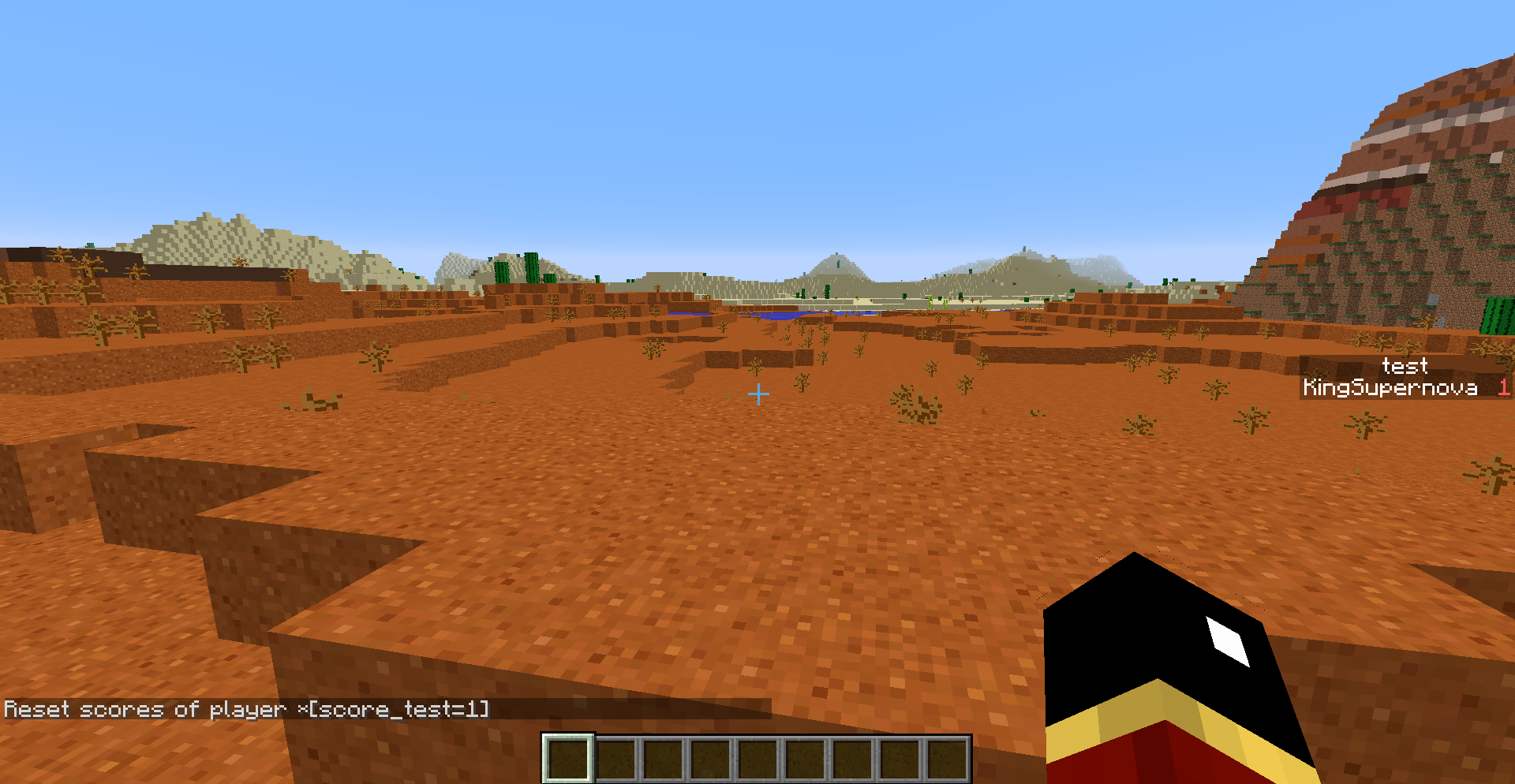
To replicate, create a scoreboard objective called "test". Set your value in that objective to 1. Then type "scoreboard players reset [score_test=1]. It will reset the scores of the player "[score_test=1]". Your score will not be reset.
the game reads asterisks with arguments as one player.
To replicate, create a scoreboard objective called "test". Set your value in that objective to 1. Then type
"scoreboard players reset *[score_test=1]. It will reset the scores of the player "*[score_test=1]". Your score will not be reset.
the game reads asterisks with arguments as one player.
To replicate, create a scoreboard objective called "test". Set your value in that objective to 1. Then type
"scoreboard players reset *[score_test=1]. It will reset the scores of the player "*[score_test=1]". Your score will not be reset.
the game reads asterisks with arguments as one player.
To replicate, create a scoreboard objective called "test". Set your value in that objective to 1. Then type
scoreboard players reset *[score_test=1]. It will reset the scores of the player "*[score_test=1]
".Your score will not be reset.
the game reads asterisks with arguments as one player.
To replicate, create a scoreboard objective called "test". Set your value in that objective to 1. Then type
scoreboard players reset *[score_test=1]
.It will reset the scores of the player "*[score_test=1] Your score will not be reset.the game reads asterisks with arguments as one player.
To replicate, create a scoreboard objective called "test". Set your value in that objective to 1. Then type
scoreboard players reset *[score_test=1]It will reset the scores of the player "*[score_test=1]. Your score will not be reset.
the game reads asterisks with arguments as one player.
To replicate, create a scoreboard objective called "test". Set your value in that objective to 1. Then type
scoreboard players reset *[score_test=1]It will reset the scores of the player "
*[score_test=1]. Your score will not be reset.the game reads asterisks with arguments as one player.
To replicate, create a scoreboard objective called "test". Set your value in that objective to 1. Then type
scoreboard players reset *[score_test=1]It will reset the scores of the player "[score_test=1]. Your score will not *be reset.
the game reads asterisks with arguments as one player.
To replicate, create a scoreboard objective called "test". Set your value in that objective to 1. Then type
scoreboard players reset *[score_test=1]It will reset the scores of the player "[score_test=1]. Your score will not *be reset.
the game reads asterisks with arguments as one player.
To replicate, create a scoreboard objective called "test". Set your value in that objective to 1. Then type
scoreboard players reset *[score_test=1]It will reset the scores of the player "*[score_test=1]. Your score will not be reset.
the game reads asterisks with arguments as one player.
To replicate, create a scoreboard objective called "test". Set your value in that objective to 1. Then type
scoreboard players reset *[score_test=1]It will reset the scores of the player "/x*[score_test=1]. Your score will not be reset.
the game reads asterisks with arguments as one player.
To replicate, create a scoreboard objective called "test". Set your value in that objective to 1. Then type
scoreboard players reset *[score_test=1]It will reset the scores of the player "
/x*[score_test=1]. Your score will not be reset.
the game reads asterisks with arguments as one player.
To replicate, create a scoreboard objective called "test". Set your value in that objective to 1. Then type
scoreboard players reset *[score_test=1]It will reset the scores of the player "*[score_test=1]". Your score will not be reset.
the game reads asterisks with arguments as one player.To replicate, create a scoreboard objective called "test". Set your value in that objective to 1. Then type
scoreboard players reset *[score_test=1]It will reset the scores of the player "*[score_test=1]". Your score will not be reset.
Asterisks function differently than regular selectors. If you attempt to use arguments after the asterisk, the game will simply read them as part of the player name.
To replicate, create a scoreboard objective called "test". Set your value in that objective to 1. Then type
scoreboard players reset *[score_test=1]It will reset the scores of the player "*[score_test=1]". Your score will not be reset.
Some custom names, like ".", "/", and "@" will return "The entity UUID provided is in an invalid format" even though is it possible to have entities with those names.
Some custom names, like ".", "/", and "@" will return "The entity UUID provided is in an invalid format" even though is it possible to have entities with those names. To replicate you can type "/testfor @e [name=@] ".
Some custom names, like ".", "/", and "
@" will return "The entity UUID provided is in an invalid format" even though is it possible to have entities with those names. To replicate you can type "/testfor @e [name=@] ".Some custom names, like ".", "/", "@", and " " will return "The entity UUID provided is in an invalid format" even though is it possible to have entities with those names. To replicate you can type "/testfor @e [name=@] ".
If you open the command block GUI, then click "done" without doing anything, it will still count as having changed the command, and any connected comparators will turn off.Clicking the "done" button resets the SuccessCount, of the block, even if no test was changed. This may be intended, but it is rather annoying.
Clicking the "done" button resets the SuccessCount
,of the block, even if no test was changed. This may be intended, but it is rather annoying.Clicking the "done" button in a comand block resets the SuccessCount of the block, even if no text was changed. This may be intended, but it is rather annoying.
Clicking the "done" button in a command block resets the SuccessCount of the block, even if no text was changed. This may be intended, but it is rather annoying.
The commands that change time
are verylaggy. After executing the command, the sun won't move for a while. For example, if "/time add 10" is hooked up to afastclock, instead of smooth movement, the sun will jump forward every second or so. This has nothing to do with regular lag.No matter how good a computer you have, this will always happen.The commands that change time only update every second or so. After executing the command, the sun won't move for a while. For example, if "/time add 10" is hooked up to a 20 tick clock, instead of smooth movement, the sun will jump forward every second or so. This has nothing to do with regular lag.
The commands that change time only update every second or so. After executing the command, the sun won't move for a while. For example, if "/time add 10" is hooked up to a
20 tick clock, instead of smooth movement, the sun will jump forward every second or so. This has nothing to do with regular lag.The commands that change time only update every second or so. After executing the command, the sun won't move for a while. For example, if "/time add 10" is hooked up to a repeating command block, instead of smooth movement, the sun will jump forward every second or so. This has nothing to do with regular lag, it occurs no matter how good the computer is and is fairly consistent.
If I try to change the mipmap level, it will appear to change, then the game will freeze for a few seconds and the slider will go to 4. This
only happens some of the time, it seems be more likely to happen if you already changed the level recently.If I try to change the mipmap level, it will appear to change, then the game will freeze for a few seconds and the slider will go to 4. This seems to only happen around 4/5 of the time.
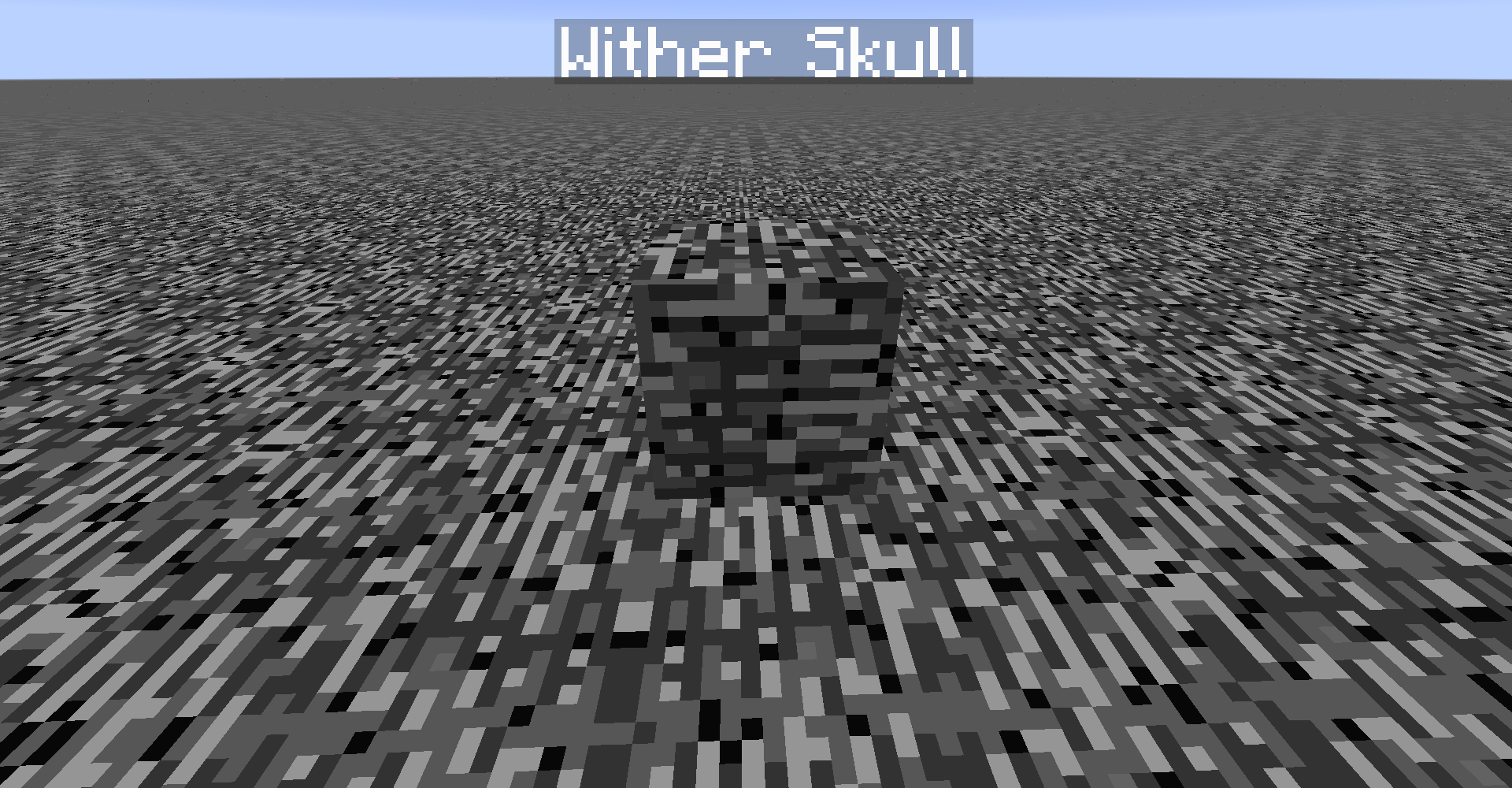
If a block is placed in the same position as a wither skull, the wither skull will appear to move upwards by a block or so. It won't actually move, it's a visual glitch only.
Command to summon wither skull
"summon WitherSkull ~5 ~ ~-78 {direction:[0.0,0.0,0.0],ExplosionPower:0,CustomName:Wither Skull,CustomNameVisible:1}If a block is placed in the same position as a wither skull, the wither skull will appear to move upwards by a block or so. It won't actually move, it's a visual glitch only.
Command to summon wither skull:
summon WitherSkull ~5 ~ ~-78 {direction:[0.0,0.0,0.0],ExplosionPower:0,CustomName:Wither Skull,CustomNameVisible:1}
If a block is placed in the same position as a wither skull, the wither skull will appear to move upwards by a block or so. It won't actually move, it's a visual glitch only.
Command to summon wither skull:
summon WitherSkull ~5~ ~-78{direction:[0.0,0.0,0.0],ExplosionPower:0,CustomName:Wither Skull,CustomNameVisible:1}
"/entitydata @e" returns too manyerrormessages
"/entitydata@e"returns too many messagesentitydata returns too many error messages
If the entitydata command is used incorrectly, it will return an error message for each mob it could affect, spamming the chat.
entitydatareturnstoo many error messagesCommands can return too many error messages
If
the entitydata command is used incorrectly, it will return an error message for each mob it could affect, spamming the chat.
Armor stands with the "marker" tag set to 1 don't show their nametagArmor stands with the "Marker" tag set to 1 don't show their nametag
If the outside of 2 entities occupy the same space, the game doesn't know which one to render first, causing them to flicker. This only occurs while the player is moving. Once the player stops moving, the game will choose an order to render them (not necessarily the same order for all parts of the entity), and will keep it until the player starts moving again.
To replicate, summon 2 ender crystals half a block apart at the same elevation.
This can also happen with blocks. For example, a sign placed on top of another sign.
Overlappingentities flickerOverlapping textures flicker
If the outside of 2 entities occupy the same space, the game doesn't know which one to render first, causing them to flicker. This only occurs while the player is moving. Once the player stops moving, the game will choose an order to render them (not necessarily the same order for all parts of the entity), and will keep it until the player starts moving again.
To replicate, summon 2 ender crystals half a block apart at the same elevation.
This can also happen with blocks. For example, a sign placed on top of another sign, or a glass pane in the "cross" position.
output_wCQjUj.gif
When zombies take damage from fire or the /kill command, they will spawn reinforcements.
When zombies take damage from fire or the /kill command, they willspawn reinforcements.Fire damage and the /kill command will cause zombies to spawn reinforcements.
Armor stands with the "Marker" tag set to 1 can be moved by waterand pistonsArmor stands with the "Marker" tag set to 1 can be moved by water, pistons, and explosions
If you are flying, the crouch key doesn't realise you are flying, and slows you down as if you were in survival. This is extremely annoying while sprinting, as it will cause you to stop sprinting.
This relates to
MC-76314.
If you are flying, the crouch key doesn't realise you are flying, and slows you down as if you were in survival. This is extremely annoying while sprinting, as it will cause you to stop sprinting.
This relates to
MC-76314.
If you are flying, the crouch key doesn't realise you are flying, and slows you down as if you were in survival. This is extremely annoying wh
ile sprinting, as it will cause you to stopsprinting.If you are flying, the crouch key doesn't realise you are flying, and slows you down as if you were in survival. This is extremely annoying when moving around, as it means you can't descend while sprinting.
If you are flying, the crouch key doesn't realise you are flying, and slows you down as if you were in survival. This
is extremely annoying when moving around, as it means you can't descendwhile sprinting.If you are flying, the crouch key doesn't realise you are flying, and slows you down as if you were in survival. This bug has been fixed for regular flying, but it still occurs while sprinting.
If you press the crouch key while flying, the player's body will bend down slightly, as if they were crouching.
This relates to
MC-76313.
Teleport command doesn't update position correctly when run quickly
If you run the command "tp @p ~ ~1 ~" on a fast clock, the player will not move steadily upwards. They will move up at first, then fall down, then start teleporting up again. This will keep happening indefinitely.
This bug is not just client-side, other players will see it too.If you run the command "tp @p ~ ~1 ~" on a fast clock, the player will not move steadily upwards. They will move up at first, then fall down, then start teleporting up again. This will keep happening indefinitely. Other players will see this glitching too, but only on LAN servers.
If you run the command "tp @p ~ ~1 ~" on a fast clock, the player will not move steadily upwards. They will move up at first, then fall down, then start teleporting up again. This will keep happening indefinitely. Other players will see this glitching too, but only on LAN servers.
Sometimes, the game engine will "forget" about some teleports for a while, then will do them all very fast to catch up. This occurs more often the faster the teleport command is being run. It also occurs more often when the player is far away from the command blocks (probably caused by
MC-74963). I haven't done much multiplayer testing, but it seems that other players can only see the glitching on LAN, not regular servers.For example, if you run the command "tp @p ~ ~1 ~" on a 20 hz clock, the player will not move steadily upwards. They will move up at first, then fall down, then start teleporting up again. This will keep happening indefinitely.
The /kill command chat output will display the entity type and UUID when hovered over. The /testfor output doesn't. Neither do any scoreboard commands.
When dropping a mob from a long height, the death animation will start *before * the mob actually hits the ground. What's probably happening is the mob is moving at a high enough speed that lag causes its body to render behind where the mob actually is. So when the mob hits the ground and dies, the game starts the death animation, even though its body still looks like it is in the air.
When dropping a mob from a long height, the death animation will start * before * the mob actually hits the ground. What's probably happening is the mob is moving at a high enough speed that lag causes its body to render behind where the mob actually is. So when the mob hits the ground and dies, the game starts the death animation, even though its body still looks like it is in the air.
When dropping a mob from a long height, the death animation will start
*before*the mob actually hits the ground. What's probably happening is the mob is moving at a high enough speed that lag causes its body to render behind where the mob actually is. So when the mob hits the ground and dies, the game starts the death animation, even though its body still looks like it is in the air.
When dropping a mob from a long height, the death animation will start before the mob actually hits the ground. What's probably happening is the mob is moving at a high enough speed that lag causes its body to render behind where game think the mob actually is. So when the mob hits the ground and dies, the game starts the death animation, even though its body still looks like it is in the air. The fall particles will also appear early.
Death animation starts too earlyMob body renders slightly behind actual position
When droppinga mob from a long height, the death animation will start before the mob actually hits the ground. What's probably happening is the mob is moving at a high enough speed that lag causes its body to render behind where game think the mob actually is. So when the mob hits the ground and dies, the game starts the death animation, even though its body still looks like it is in the air. The fall particles will also appear early.Two ways to see this:
1. Drop a mob from a long height, and the death animation will start before the mob actually hits the ground.
2. Drop a dead mob from 13 blocks above the ground. The body will disappear in midair, but it will still create particles and a sound when it hits the ground.
If
you arenear the bottom of the world, the dragon egg can teleportinto the void, destroying itself.If near the bottom or top of the world, the dragon egg can teleport outside the world, immediately despawning.
Dragon egg can teleportintothevoidDragon egg can teleport outside the world
In creative mode, players can't pick up dragon eggs using the middle mouse button.
Instead, nothing happens as if the player hadn't clicked anything.In creative mode, the pick block button will not do anything when used on a dragon egg.
In creative mode, the pick block button will not do anything when used on a dragon egg.The pick block button will not do anything when used on a dragon egg.
Stand
in a partial block, like cake, slab, or chest. Run the command "/setblock ~ ~ ~ stone" The block above the one you are standing in will be set to stone. This only occurs if the block is thick enough, if run on a carpet for example, it will work correctly. Interestingly, if run on a 4-layer thick snow cover, it will work correctly, even though that is the same height as cake, which doesn't work correctly. This is because the player sinks 2 pixels into snow.This bug only occurs when the command is directly run by the player, if you instead run "/execute @p ~ ~ ~ setblock ~ ~ ~ stone", it will work correctly.
Stand on a partial block, like cake, slab, or chest. Run the command "/setblock ~ ~ ~ stone" The block above the one you are standing in will be set to stone. This only occurs if the block is thick enough, if run on a carpet for example, it will work correctly. Interestingly, if run on a 4-layer thick snow cover, it will work correctly, even though that is the same height as cake, which doesn't work correctly. This is because the player sinks 2 pixels into snow.
This bug only occurs when the command is directly run by the player, if you instead run "/execute @p ~ ~ ~ setblock ~ ~ ~ stone", it will work correctly.
Stand on a partial block, like cake, slab, or chest. Run the command "/setblock ~ ~ ~ stone" The block above the one you are standing
in will be set to stone. This only occurs if the block is thick enough, if run on a carpet for example, it will work correctly. Interestingly, if run on a 4-layer thick snow cover, it will work correctly, even though that is the same height as cake, which doesn't work correctly. This is because the player sinks 2 pixels into snow.This bug only occurs when the command is directly run by the player, if you instead run "/execute @p ~ ~ ~ setblock ~ ~ ~ stone", it will work correctly.
Stand on a partial block, like cake, slab, or chest. Run the command "/setblock ~ ~ ~ stone" The block above the one you are standing on will be set to stone. This only occurs if the block is thick enough, if run on a carpet for example, it will work correctly. Interestingly, if run on a 4-layer thick snow cover, it will work correctly, even though that is the same height as cake, which doesn't work correctly. This is because the player sinks 2 pixels into snow.
This bug only occurs when the command is directly run by the player, if you instead run "/execute @p ~ ~ ~ setblock ~ ~ ~ stone", it will work correctly.
If you try to fill an area which is partly outside of the world (too high or low), it will fail, with the error message "The number you have entered (X) is too small/big, it must be at least/most Y". The command will fail if any part of the selection is outside the world. Instead of failing, it should fill everything it can. This bug causes a lot of problems when executing at entities, and the entity moves close to the void, as it will cause the command to fail.
The worldborder will change size in real time, not based on tick speed. This leads to things becoming out-of-sync when there is lag.
Relates to
MC-76972.
The worldborder will change size in real time, not based on tick speed. This leads to things becoming out-of-sync when there is lag.
An easy way to induce massive tick lag with no frame lag is to summon a few hundred armor stands and put "execute @e ~ ~ ~ testfor @e" on a clock.
The
worldborder will change size in real time, not based on tick speed. Thisleads to things becoming out-of-sync when there is lag.
An easy way to induce massive tick lag with no frame lag is to summon a few hundred armor stands and put "execute @e ~ ~ ~ testfor @e" on a clock.There are a number of things whose movement isn't based on tick speed, instead moving in real time. This means that when there is large tick lag, some things will behave oddly. There are 2 different categories of these.
Things that appear to move too fast, but actually don't. They will render as though in their new position, but are actually where they should be. Some of them can appear glitchy, sometimes appearing to snap back to their true location or disappearing for a while. Others appear perfectly normal.
Glitchy:
Daylight cycle
Bottle O' Enchanting
Arrow
Thrown Potions
Snowball
Fireballs
Small FireballNormal:
XP Orbs
FallingSand
Dropped items
Dynamic block textures
Dynamic entity skins
ParticlesThen there are the ones that actually do move based on real time, therefore becoming out-of-sync with other game objects if there is a large amount of tick lag:
World border
Chat log
Player movementThese are all the ones I've discovered so far. Notably, some things like minecarts, mobs, and boats (without a player in them)
An easy way to induce tick lag with no frame lag is to summon a few entities and put "execute @e ~ ~ ~ testfor @e" on a clock. Be careful not to have too many, or it can corrupt the world.
There are a number of things whose movement isn't based on tick speed, instead moving in real time. This means that when there is large tick lag, some things will behave oddly. There are 2 different categories of these.
Things that appear to move too fast, but actually don't. They will render as though in their new position, but are actually where they should be. Some of them can appear glitchy, sometimes appearing to snap back to their true location or disappearing for a while. Others appear perfectly normal.Glitchy:
Daylight cycle
Bottle O' Enchanting
Arrow
Thrown Potions
Snowball
Fireballs
Small FireballNormal:
XP Orbs
FallingSand
Dropped items
Dynamic block textures
Dynamic entity skins
ParticlesThen there are the ones that actually do move based on real time, therefore becoming out-of-sync with other game objects if there is a large amount of tick lag:
World border
Chat log
Player movementThese are all the ones I've discovered so far. Notably, some things like minecarts, mobs, and boats (without a player in them)
An easy way to induce tick lag with no frame lag is to summon a few entities and put "execute @e ~ ~ ~ testfor @e" on a clock. Be careful not to have too many, or it can corrupt the world.
There are a number of things whose movement isn't based on tick speed, instead moving in real time. This means that when there is large tick lag, some things will behave oddly. There are 2 different categories of these.
Most of these just appear to move too fast, but actually don't. They will render as though in their new position, but are actually where they should be. Some of them can appear glitchy, sometimes appearing to snap back to their true location or disappearing for a while. Others appear perfectly normal.
Glitchy:
Daylight cycle
Bottle O' Enchanting
Arrow
Thrown Potions
Snowball
Fireballs
Small Fireball
Firework rocket
Shulker bulletNormal:
XP Orbs
FallingSand
Dropped items
Dynamic block textures
Dynamic entity skins
ParticlesThen there are the ones that actually do move based on real time, therefore becoming out-of-sync with other game objects if there is a large amount of tick lag:
World border
Chat log
Player movement
Boat movement with player mounted
Horse movement with player mounted
Player placing/destroying blocksAn easy way to induce tick lag with no frame lag is to summon a few entities and put "execute @e ~ ~ ~ testfor @e" on a clock. Be careful not to have too many, or it can corrupt the world.
Worldbordermovesin real timeSome objects move in real time, not tick speed
There are a number of things whose movement isn't based on tick speed, instead moving in real time. This means that when there is large tick lag, some things will behave oddly. There are 2 different categories of these.
Most of these just appear to move too fast, but actually don't. They will render as though in their new position, but are actually where they should be. Some of them can appear glitchy, sometimes appearing to snap back to their true location or disappearing for a while. Others appear perfectly normal.
Glitchy:
Daylight cycle
Bottle O' Enchanting
Arrow
Thrown Potions
Snowball
Fireballs
Small Fireball
Firework rocket
Shulker bulletNormal:
XP Orbs
FallingSand
Dropped items
Dynamic block textures
Dynamic entity skins
ParticlesThen there are the ones that actually do move based on real time, therefore becoming out-of-sync with other game objects if there is a large amount of tick lag:
World border
Chat log
Player movement
Boat movement with player mounted
Horse movement with player mounted
Player placing/destroying blocksAn easy way to induce tick lag with no frame lag is to summon a few entities and put "execute @e ~ ~ ~ testfor @e" on a clock. Be careful not to have too many, or it can corrupt the world.
There are a number of things whose movement isn't based on tick speed, instead moving in real time. This means that when there is large tick lag, some things will behave oddly. There are 2 different categories of these.
Most of these just appear to move too fast, but actually don't. They will render as though in their new position, but are actually where they should be. Some of them can appear glitchy, sometimes appearing to snap back to their true location or disappearing for a while. Others appear perfectly normal.
Glitchy:
Daylight cycle Bottle O' Enchanting Arrow Thrown Potions Snowball Fireballs Small Fireball Firework rocket Shulker bulletNormal:
XP Orbs
FallingSand
Dropped items
Dynamic block textures
Dynamic entity skins
ParticlesThen there are the ones that actually do move based on real time, therefore becoming out-of-sync with other game objects if there is a large amount of tick lag:
World border
Chat log
Player movement
Boat movement with player mounted
Horse movement with player mounted
Player placing/destroying blocksAn easy way to induce tick lag with no frame lag is to summon a few entities and put "execute @e ~ ~ ~ testfor @e" on a clock. Be careful not to have too many, or it can corrupt the world.
There are a number of things whose movement isn't based on tick speed, instead moving in real time. This means that when there is large tick lag, some things will behave oddly. There are 2 different categories of these.
Most of these just appear to move too fast, but actually don't. They will render as though in their new position, but are actually where they should be. Some of them can appear glitchy, sometimes appearing to snap back to their true location or disappearing for a while. Others appear perfectly normal.
Glitchy:
Daylight cycle Bottle O' Enchanting Arrow Thrown Potions Snowball Fireballs Small Fireball Firework rocket Shulker bulletNormal:
XP Orbs
FallingSand
Dropped items
Dynamic block textures
Dynamic entity skins
ParticlesThen there are the ones that actually do move based on real time, therefore becoming out-of-sync with other game objects if there is a large amount of tick lag:
World border
Chat log
Player movement
Boat movement with player mounted
Horse movement with player mounted
Player placing/destroying blocksAn easy way to induce tick lag with no frame lag is to summon a few entities and put "execute @e ~ ~ ~ testfor @e" on a clock. Be careful not to have too many, or it can corrupt the world.
There are a number of things whose movement isn't based on tick speed, instead moving in real time. This means that when there is large tick lag, some things will behave oddly. There are 2 different categories of these.
Most of these just appear to move too fast, but actually don't. They will render as though in their new position, but are actually where they should be. Some of them can appear glitchy, sometimes appearing to snap back to their true location or disappearing for a while. Others appear perfectly normal.
Glitchy:
Daylight cycle Bottle O' Enchanting Arrow Thrown Potions Snowball Fireballs Small Fireball Firework rocket Shulker bulletNormal:
XP Orbs FallingSand Dropped items Dynamic block textures Dynamic entity skins ParticlesThen there are the ones that actually do move based on real time, therefore becoming out-of-sync with other game objects if there is a large amount of tick lag:
World border Chat log Player movement Boat movement with player mounted Horse movement with player mounted Player placing/destroying blocksAn easy way to induce tick lag with no frame lag is to summon a few entities and put "execute @e ~ ~ ~ testfor @e" on a clock. Be careful not to have too many, or it can corrupt the world.
There are a number of things whose movement isn't based on tick speed, instead moving in real time. This means that when there is large tick lag, some things will behave oddly. There are 2 different categories of these
.Most of these just appear to move too fast, but actually don't. They will render as though in their new position, but are actually where they should be. Some of them can appear glitchy, sometimes appearing to snap back to their true location or disappearing for a while. Others appear perfectly normal
.Glitchy:
Daylight cycle Bottle O' Enchanting Arrow Thrown Potions Snowball Fireballs Small Fireball Firework rocket Shulker bulletNormal:
XP Orbs FallingSand Dropped items Dynamic block textures Dynamic entity skins ParticlesThen there are the ones that actually do move based on real time, therefore becoming out-of-sync with other game objects if there is a large amount of tick lag:
World border Chat log Player movement Boat movement with player mounted Horse movement with player mounted Player placing/destroying blocksAn easy way to induce tick lag with no frame lag is to summon a few entities and put "execute @e ~ ~ ~ testfor @e" on a clock. Be careful not to have too many, or it can corrupt the world.
There are a number of things whose movement isn't based on tick speed, instead moving in real time. This means that when there is large tick lag, some things will behave oddly. There are 2 different categories of these:
1. Most of these just appear to move too fast, but actually don't. They will render as though in their new position, but are actually where they should be. Some of them can appear glitchy, sometimes appearing to snap back to their true location or disappearing for a while. Others appear perfectly normal:
Glitchy:
Daylight cycle Bottle O' Enchanting Arrow Thrown Potions Snowball Fireballs Small Fireball Firework rocket Shulker bulletNormal:
XP Orbs FallingSand Dropped items Dynamic block textures Dynamic entity skins Particles2. Then there are the ones that actually do move based on real time, therefore becoming out-of-sync with other game objects if there is a large amount of tick lag:
World border Chat log Player movement Boat movement with player mounted Horse movement with player mounted Player placing/destroying blocksAn easy way to induce tick lag with no frame lag is to summon a few entities and put "execute @e ~ ~ ~ testfor @e" on a clock. Be careful not to have too many, or it can corrupt the world.
There are a number of things whose movement isn't based on tick speed, instead moving in real time. This means that when there is large tick lag, some things will behave oddly. There are 2 different categories of these:
1. Most of these just appear to move too fast, but actually don't. They will render as though in their new position, but are actually where they should be. Some of them can appear glitchy, sometimes appearing to snap back to their true location or disappearing for a while. Others appear perfectly normal:
Glitchy:
Daylight cycle Bottle O' Enchanting Arrow Thrown Potions Snowball Fireballs Small Fireball Firework rocket Shulker bulletNormal:
XP Orbs FallingSand Dropped items Dynamic block textures Dynamic entity skins Particles2. Then there are the ones that actually do move based on real time, therefore becoming out-of-sync with other game objects if there is a large amount of tick lag:
World border
Chat log
Player movement
Boat movement with player mounted
Horse movement with player mounted
Player placing/destroying blocks
An easy way to induce tick lag with no frame lag is to summon a few entities and put "execute @e ~ ~ ~ testfor @e" on a clock. Be carefulnot to have too many, or it can corrupt the world.There are a number of things whose movement isn't based on tick speed, instead moving in real time. This means that when there is large tick lag, some things will behave oddly. There are 2 different categories of these:
1. Most of these just appear to move too fast, but actually don't. They will render as though in their new position, but are actually where they should be. Some of them can appear glitchy, sometimes appearing to snap back to their true location or disappearing for a while. Others appear perfectly normal:
Glitchy:
Daylight cycle Bottle O' Enchanting Arrow Thrown Potions Snowball Fireballs Small Fireball Firework rocket Shulker bulletNormal:
XP Orbs FallingSand Dropped items Dynamic block textures Dynamic entity skins Particles2. Then there are the ones that actually do move based on real time, therefore becoming out-of-sync with other game objects if there is a large amount of tick lag:
World border Chat log Player movement Boat movement with player mounted Horse movement with player mounted Player placing/destroying blocksNotably, minecarts with a player mounted work as they should, along with regular mob movement, status effect duration, and other things.
An easy way to induce tick lag with no frame lag is to summon a few entities and put "execute @e ~ ~ ~ testfor @e" on a clock. Be careful not to have too many, or it can corrupt the world.
There are a number of things whose movement isn't based on tick speed, instead moving in real time. This means that when there is large tick lag, some things will behave oddly. There are 2 different categories of these:
1. Most of these just appear to move too fast, but actually don't. They will render as though in their new position, but are actually where they should be. Some of them can appear glitchy, sometimes appearing to snap back to their true location or disappearing for a while. Others appear perfectly normal:
Glitchy:
Daylight cycle Bottle O' Enchanting Arrow Thrown Potions Snowball Fireballs Small Fireball Firework rocket Shulker bulletNormal:
XP Orbs FallingSand Dropped items Dynamic block textures Dynamic entity skins Particles2. Then there are the ones that actually do move based on real time, therefore becoming out-of-sync with other game objects if there is a large amount of tick lag:
World border Chat log Player movement Boat movement with player mounted Horse movement with player mounted Player placing/destroying blocksNotably, minecarts with a player mounted work as they should, along with regular mob movement, status effect duration, and other things.
An easy way to induce tick lag with no frame lag is to summon a few entities and put "execute @e ~ ~ ~ testfor @e" on a clock. Be careful not to have too many,
or itcan corrupt the world.There are a number of things whose movement isn't based on tick speed, instead moving in real time. This means that when there is large tick lag, some things will behave oddly. There are 2 different categories of these:
1. Most of these just appear to move too fast, but actually don't. They will render as though in their new position, but are actually where they should be. Some of them can appear glitchy, sometimes appearing to snap back to their true location or disappearing for a while. Others appear perfectly normal:
Glitchy:
Daylight cycle Bottle O' Enchanting Arrow Thrown Potions Snowball Fireballs Small Fireball Firework rocket Shulker bulletNormal:
XP Orbs FallingSand Dropped items Dynamic block textures Dynamic entity skins Particles2. Then there are the ones that actually do move based on real time, therefore becoming out-of-sync with other game objects if there is a large amount of tick lag:
World border Chat log Player movement Boat movement with player mounted Horse movement with player mounted Player placing/destroying blocksNotably, minecarts with a player mounted work as they should, along with regular mob movement, status effect duration, and other things.
An easy way to induce tick lag with no frame lag is to summon a few entities and put "execute @e ~ ~ ~ testfor @e" on a clock. Be careful not to have too many, too much lag can corrupt the world.
There are a number of things whose movement isn't based on tick speed, instead moving in real time. This means that when there is large tick lag, some things will behave oddly. There are 2 different categories of these:
1. Most of these just appear to move too fast, but actually don't. They will render as though in their new position, but are actually where they should be. Some of them can appear glitchy, sometimes appearing to snap back to their true location or disappearing for a while. Others appear perfectly normal:
Glitchy:
Daylight cycle Bottle O' Enchanting Arrow Thrown Potions Snowball Fireballs Small Fireball Firework rocket Shulker bulletNormal:
XP Orbs FallingSand Dropped items Dynamic block textures Dynamic entity skins Particles2. Then there are the ones that actually do move based on real time, therefore becoming out-of-sync with other game objects if there is a large amount of tick lag:
World border Chat log Player movement Boat movement with player mounted Horse movement with player mounted Player placing/destroying blocksNotably, minecarts with a player mounted work as they should, along with regular mob movement, status effect duration, and other things.
An easy way to induce tick lag with no frame lag is to summon a few entities and put "execute @e ~ ~ ~ testfor @e" on a clock. Be careful not to have too many, as too much lag can corrupt the world.
There are a number of things whose movement isn't based on tick speed, instead moving in real time. This means that when there is large tick lag, some things will behave oddly. There are 2 different categories of these:
1. Most of these just appear to move too fast, but actually don't. They will render as though in their new position, but are actually where they should be. Some of them can appear glitchy, sometimes appearing to snap back to their true location or disappearing for a while. Others appear perfectly normal:
Glitchy:
Daylight cycle Bottle O' Enchanting Arrow Thrown Potions Snowball Fireballs Small Fireball Firework rocket Shulker bulletNormal:
XP Orbs FallingSand Dropped items Dynamic block textures Dynamic entity skins Particles2. Then there are the ones that actually do move based on real time, therefore becoming out-of-sync with other game objects if there is a large amount of tick lag:
World borderChat logPlayer movement Boat movement with player mounted Horse movement with player mounted Player placing/destroying blocksNotably, minecarts with a player mounted work as they should, along with regular mob movement, status effect duration, and other things.
An easy way to induce tick lag with no frame lag is to summon a few entities and put "execute @e ~ ~ ~ testfor @e" on a clock. Be careful not to have too many, as too much lag can corrupt the world.
There are a number of things whose movement isn't based on tick speed, instead moving in real time. This means that when there is large tick lag, some things will behave oddly. There are 2 different categories of these:
1. Most of these just appear to move too fast, but actually don't. They will render as though in their new position, but are actually where they should be. Some of them can appear glitchy, sometimes appearing to snap back to their true location or disappearing for a while. Others appear perfectly normal:
Glitchy:
Daylight cycle Bottle O' Enchanting Arrow Thrown Potions Snowball Fireballs Small Fireball Firework rocket Shulker bulletNormal:
XP Orbs FallingSand Dropped items Dynamic block textures Dynamic entity skins Particles2. Then there are the ones that actually do move based on real time, therefore becoming out-of-sync with other game objects if there is a large amount of tick lag:
World border Player movement and actions Boat movement with player mounted Horse movement with player mounted Player placing/destroying blocksNotably, minecarts with a player mounted work as they should, along with regular mob movement, status effect duration, and other things.
An easy way to induce tick lag with no frame lag is to summon a few entities and put "execute @e ~ ~ ~ testfor @e" on a clock. Be careful not to have too many, as too much lag can corrupt the world.
If a second player is logged on, they will see it increment by only 1 at first, but when the world is entered, it will have gone up by 2.
Note: I only have one computer to test this with, it's possible that this bug doesn't occur with multiple computers. If someone could verify that please, I would appreciate it.
Relates to
MC-76595.
If a chunk is loaded because it is near the world spawn point, and not because there is a player nearby, there will be much more lag in that chunk.
To replicate, make a clock triggering a command in the spawn chunks, then start moving away. Once you get far enough that the chunk would normally unload, the timing of the clock will become much more inconsistent.
Steps to reproduce:
Make a beacon. Look at it.
Happy?
Steps to reproduce:
Make a beacon. Look at it.
Happy?
Steps to reproduce:
Make a beacon. Look at it.
Happy?
Armor stands are affected by the doTileDrops gamerule, not by doEntity
Loot.Armor stands are affected by the doTileDrops gamerule, not by doEntityDrops.
Redstone wire displays its power level in the debug screen. It seems like an oversight that comparators don't.
If you use a selector that searches for the nearest entity (@p, @e [c=1] , etc), it will always find the entity executing the command (if possible), even if there is another equally close entity. Essentially, entities are always closer to themselves than to any other entity, regardless of actual location. This is extremely useful, and is not a bug. However, this behavior only occurs when specifically searching for the one closest entity. If you search for the 2 closest entities, or the farthest entity, this property will not be taken into account.
Type into a commandblock testfor
@e [type=Egg], and put the commandblock on a clock. Attack a comparator to the commandblock and throw and egg. As you can see the comparator will not light up, and the commandblocks previous output will remain as unknown command.Fishing rod bobbers and Lightning bolts have no way to specify their type in selector arguments. This may be intended for lighting bolts,
Fishing rod bobbers and
Lightning bolts have no way to specify their type in selector arguments. This may be intended for lighting bolts,Fishing rod bobbers and lightning bolts have no way to specify their type in selector arguments. This may be intended for lighting bolts, as they only last a short amount of time, but it is certainly a bug for fishing rod bobbers. These 2 entities are the only remaining entities to have this problem. All other entities do now have a way to select them.
If you try to use multiple "type" arguments, it will ignore all but the last one. Also occurs with the "name" argument.
This issue has since been fixed.
When viewing any GUI, the F3 key will not work.
When viewing any GUI, pressing the F1, F3, F4, F5, or F8 keys will have no effect. F2, F6, and F11 do work. Changing the key bindings for any of these functions does not fix this.
F3 doesn't work in a GUIMost function keys don't work in a GUI
Entities with the invulnerable tag will still take damage from TNT
. Interestingly, this only occurs if it was an actual ignited TNT block. Creeper explosions and summoned PrimedTNT entities don't cause damage.Entities with the invulnerable tag will still take damage from TNT and splash potions of harming.
Entities with the "invulnerable" tag will still take damage from TNT and splash potions of harming. This is because players in Creative mode are able to damage invulnerable entities, and the game remembers that the TNT was ignited/potion was thrown by a creative player.
Invulnerable entities arestillhurt byexplosionsInvulnerable entities are hurt by non-melee damage from creative players
Entities with the "invulnerable" tag will still take damage from TNT and splash potions of harming. This is because players in
Creative mode are able to damage invulnerable entities, and the game remembers that the TNT was ignited/potion was thrown by a creative player.Entities with the "invulnerable" tag will still take damage from TNT and splash potions of harming. This is because players in creative mode are able to damage invulnerable entities, and the game remembers that the TNT was ignited/potion was thrown by a creative player.
Kumasasa, this is confirmed in 1.8.7.
The "Dimension" tag of a summoned entity will always default to 0, no matter which dimension the entity was summoned into. The tag is not updated until the entity changes dimensions, such as travelling through a portal.
Steps to reproduce:
- Go to the nether.
- Spawn a cow using a spawn egg
- Run
/testfor @e[type=Cow] {Dimension:-1)
- The result in the chat window will be "Found Cow"
- Kill the cow
- Summon a cow using /summon Cow
- Run the same testfor command again
- The result in chat will be "Cow did not match the required data structure"
The "Dimension" tag of a summoned entity will always default to 0, no matter which dimension the entity was summoned into. The tag is not updated until the entity changes dimensions, such as travelling through a portal.
Steps to reproduce:
- Go to the nether.
- Spawn a cow using a spawn egg
- Run
/testfor @e[type=Cow] {Dimension:-1}
- The result in the chat window will be "Found Cow"
- Kill the cow
- Summon a cow using /summon Cow
- Run the same testfor command again
- The result in chat will be "Cow did not match the required data structure"
Play in singleplayer.
Input Output:
/say Test [Player] Test
/say @p [Player] Player
/say @r [Player] Player
/say @a [Player] Player/say @f That player could not be found
wtf what is @f o.O
When used in "say" commands, selectors will still act as selectors and output the player names. "@f" is not a selector, and yet when it is used in a say command, it returns "That player cannot be found". This does not occur with other non-selectors, such as @d.
When
causinga beacon to activate, it will take a few secondsbefore it updates, similar to how changing the beam color used to work.When placing a beacon, or placing a block that would cause a beacon to activate, it will take a few seconds to update, similar to how changing the beam color used to work. Also occurs when deactivating it.
Signs that were placed with a setblock command are converted to blank
lines when the world is reloaded. If you use pick block to get that type of sign, the item count goes negative when you place it. However when it's placed, it places a regular sign./setblock ~ ~1 ~ minecraft:standing_sign 0 replace {Text1:"{\"text\":\"This is a sign\"}"}Also occurs with the fill command. Does not occur with blockdata.
Signs that were placed with a setblock command that doesn't specify the content of all lines are converted to completly blank signs when the world is reloaded. If you use pick block to get that type of sign, the item count goes negative when you place it. However when it's placed, it places a regular sign.
/setblock ~ ~1 ~ minecraft:standing_sign 0 replace {Text1:"{\"text\":\"This is a sign\"}"}Also occurs with the fill command. Does not occur with blockdata.
If a zombie begins to break a door but the door is removed before it's done, it will continue to try to break the block in that space. The door breaking sounds will continue to play even if there isn't anything there anymore, and the door particles will appear when the door would have broken.
If the door is replaced with another block, that block will be broken instead.
This video by SimplySarc goes into a bit more detail: https://www.youtube.com/watch?v=-LLMC26_T78
If a zombie begins to break a door but the door is removed before it's done, it will continue to try to break the block in that space. The door breaking sounds will continue to play even if there isn't anything there anymore, and the door particles will appear when the door would have broken.
If the door is replaced with another block, that block will be broken instead.
This video by SimplySarc goes into a bit more detail: https://www.youtube.com/watch?v=-LLMC26_T78
If a zombie begins to break a door and then a new path is opened for the zombie or its target dies, the door will not stop breaking. The zombie will continue to break the door even if it is far away. As soon as the zombie's AI resets, the door will stop breaking. (The AI resets if it finds a new target, or it will sometimes happen randomly.)
If a zombie begins to break a door and the zombie is killed before the door is fully broken, the damage will stay at the percentage it was at when the zombie died. It will remain if the door's state is changed, or even if the door is removed and replaced with another block.
If a zombie begins to break a door and the zombie is killed before the door is fully broken, the damage will stay at the percentage it was at when the zombie died. It will remain if the door's state is changed, or even if the door is removed and replaced with another block.
MC-71834is a completely separate bug but has a similar effect, so maybe should be marked as related?
Tag list missing acommaMinecraft lists don't use a serial comma
When listing an entity's tags, the second to last
onedoes not have a comma after it.When listing an entity's tags, or the players tracked by the scoreboard, the second to last entry does not have a comma after it.
When listing an entity's tags
,or the players tracked by the scoreboard, the second to last entry does not have a comma after it.
When a piston is retracting, the body of the piston becomes intangible for a moment. This means th
ethe player can be pulled through it by the piston head. It also means that blocks that need to be attached to a block (like torches or redstone) placed on top of the piston will pop off when the piston retracts.This video by Sethbling provides more detail: https://www.youtube.com/watch?v=0b7A4m2SFSQ
When a piston is retracting, the body of the piston becomes intangible for a moment. This means that the player can be pulled through it by the piston head. It also means that blocks that need to be attached to a block (like torches or redstone) placed on top of the piston will pop off when the piston retracts.
This video by Sethbling provides more detail: https://www.youtube.com/watch?v=0b7A4m2SFSQ
When a piston is retracting, the body of the piston becomes intangible for a moment. This means that the player can be pulled through it by the piston head. It also means that blocks that need to be attached to a block (like torches or redstone) placed on top of the piston will pop off when the piston retracts.
This video by Sethbling provides some more detail: https://www.youtube.com/watch?v=0b7A4m2SFSQ
Zombies, Zombie Pigmen, Skeletons, and Wither Skeletons all have an inner limit to their (melee) attack area. This means that if you get too close to them, they aren't able to hit you. It's difficult to do normally, due to the attack knockback, but if you use an item with a knockback modifier it's easy.
/give @p minecraft:bedrock 1 0 {AttributeModifiers:[
{AttributeName:"generic.knockbackResistance",Name:"generic.knockbackResistance",Amount:100,Operation:0,UUIDLeast:713578,UUIDMost:353488}]}"
Zombies, Zombie Pigmen, Skeletons, and Wither Skeletons all have an inner limit to their (melee) attack area. This means that if you get too close to them, they aren't able to hit you. It's difficult to do normally, due to the attack knockback, but if you use an item with a knockback modifier it's easy.
/give @p minecraft:bedrock 1 0 {AttributeModifiers:[{AttributeName:"generic.knockbackResistance",Name:"generic.knockbackResistance",Amount:100,Operation:0,UUIDLeast:713578,UUIDMost:353488}]}"
The player's hitbox when using elytra is too far back, leading to odd collisions. It would probably be too difficult to make it accurately follow your body's current orientation, but the box could at least be closer to the center of the player's body.
The player's hitbox when using elytra is too far back, leading to odd collisions. It's currently too difficult to make hitboxes accurately follow the entity's orientation (
MC-91376), but the box could at least be closer to the center of the player's body. The current setup is very problematic when precision flying.
The player's hitbox when using elytra is too far back, leading to odd collisions. It's currently too difficult to make hitboxes accurately follow the entity's orientation (
MC-91376), but the box could at least be closer to the center of the player's body. The current setup is very problematic when precision flying is needed.
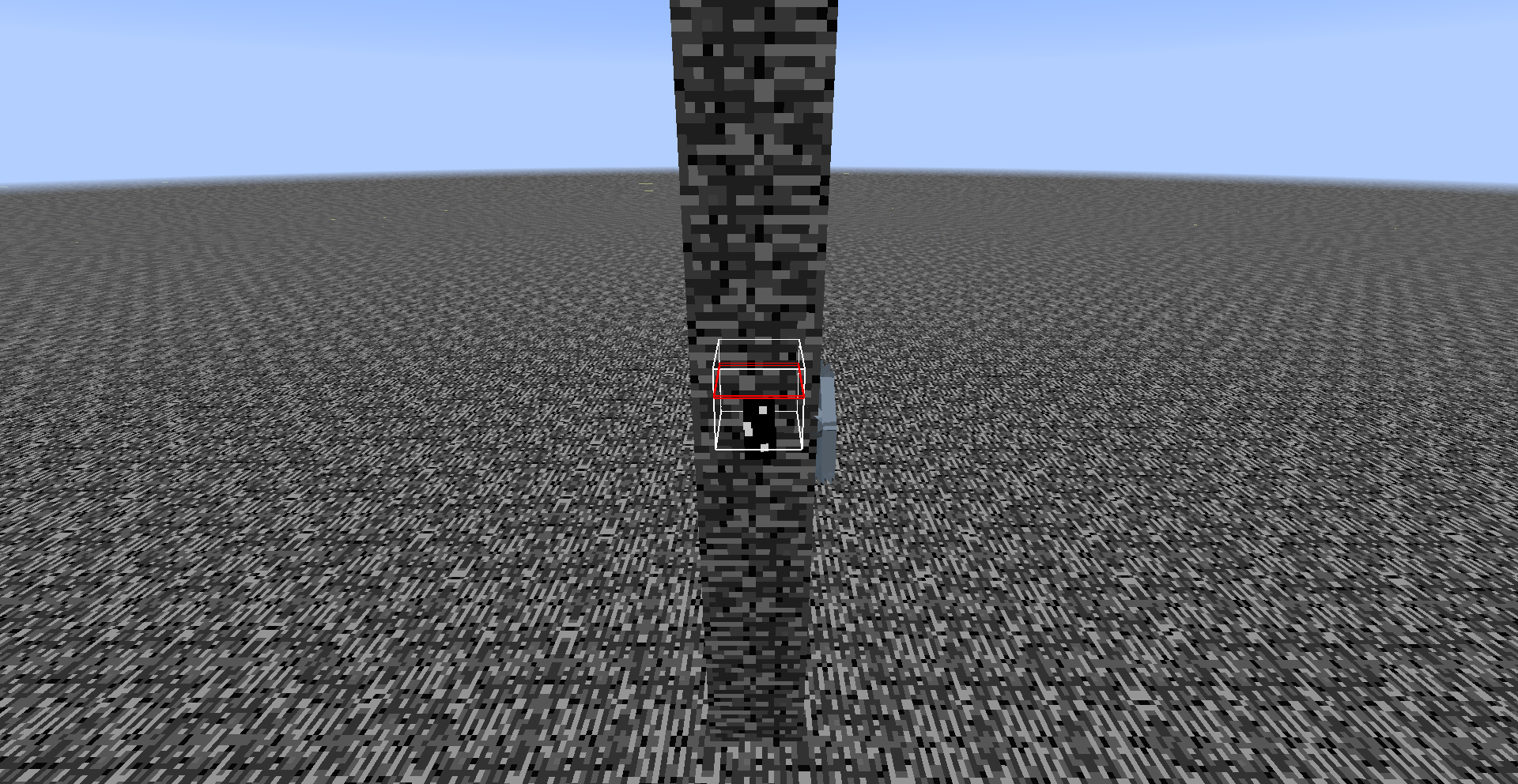
Sometimes the testfor command will stop working
in chat. It still works fine in command blocks. Reloggingdoesn'tfix the issue. It is per world, if I go to a different world, it will work fine.I am absolutely certain that I am typing it correctly, there are no invisible characters, cheats are on, etc.The command will randomly start working again after I wait a while. I can't reliably replicate this, it just happens.Sometimes the testfor command will stop working when executed by a player. It still works fine in command blocks. Relogging sometimes fixes the issue. It is per world, if I go to a different world, it will work fine. The command will randomly start working again after I wait a while. I can't reliably replicate this, it just happens.
Sometimes the testfor command will stop working when executed by a player. It will not be able to find some or all of the entities it should, as if they weren't there. It still works fine in command blocks. Relogging sometimes fixes the issue. It is per world, if I go to a different world, it will work fine. The command will randomly start working again after I wait a while. I can't reliably replicate this, it just happens.
Sometimes the testfor command will stop working when executed by a player. It will not be able to find some or all of the entities it should, as if they weren't there. It still works fine in command blocks. Relogging sometimes fixes the issue
. It is per world, if I go to a different world, it will work fine. The command will randomly start working again after I wait a while. I can't reliably replicate this, it just happens.Sometimes the testfor command will stop working when executed by a player. It will not be able to find some or all of the entities it should, as if they weren't there. It still works fine in command blocks. Relogging or waiting sometimes fixes the issue.
This issue is almost impossible to replicate and is world-specific. If the command is not working in one world, it will in another. I have found some very inconsistent ways to replicate it, but again, it's world specific. Using the exact same commands in a different world doesn't cause it to happen.
Sometimes the testfor command will stop working when executed by a player. It will not be able to find some or all of the entities it should, as if they weren't there.
It still works fine in command blocks. Relogging or waiting sometimesfixesthe issue.
This issue is almost impossible to replicate and is world-specific. If the command is not working in one world, it will in another.I have found some very inconsistent ways to replicate it, butagain,it's world specific. Using the exact same commands in a different world doesn't cause it to happen.Sometimes the testfor command will stop working when executed by a player. It will not be able to find some or all of the entities it should, as if they weren't there. The most common example seems to be @e not finding the player while @a still does. Relogging will fix the issue.
I have found some very inconsistent ways to replicate it, but it's world specific. Using the exact same commands in a different world doesn't cause it to happen.
Sometimes the testfor command will stop working when executed by a player. It will not be able to find some or all of the entities it should, as if they weren't there. The most common example seems to be @e not finding the player while @a still does. Relogging will fix the issue.
I have found some very inconsistent ways to replicate it, but it's world specific. Using the exact same commands in a different world doesn't cause it to happen. In the attached world, simply play around with various testfor commands and trigger the command block chain a couple times. The bug will occur eventually. I have done a lot of testing and I have no idea why this exact world or command block configuration triggers the problem.
Bugged world.

When performing a worldborder set command while the border is moving, the resulting motion will assume that the world border had already reached its stopping point.
For example, type
/worldborder set 100then
/worldborder set 10 60then
/worldborder set 100 60. Instead of reversing its movement back out to 100, it will jump in to 10 and start moving outward.
When performing a worldborder set command while the border is moving, the resulting motion will assume that the world border had already reached its stopping point.
For example, type
/worldborder set 100then
/worldborder set 10 60then
/worldborder set 100 60
.Instead of reversing its movement back out to 100, it will jump in to 10 and start moving outward.
When a mob walks around aimlessly, it does this by choosing a random nearby location to walk to, then walks towards it until it gets there. If that mob is teleported before it reaches its destination, it will continue to try to get there, even if that location is in an unloaded chunk.
It's worth noting that passive mobs running due to damage also use this method, and thus their increased walking speed remains until they get there.
When a mob walks around aimlessly, it does this by choosing a random nearby location to walk to, then walks towards it until it gets there. If that mob is
teleported before it reaches its destination, it will continue to try to get there, even if that location is in an unloaded chunk.It's worth noting that passive mobs running due to damage also use this method, and thus their increased walking speed remains until they get there.
When a mob walks around aimlessly, it does this by choosing a random nearby location to walk to, then walks towards it until it gets there. If that mob is moved before it reaches its destination, it will continue to try to get there, even if that location is in an unloaded chunk. This occurs with teleport commands, rising mountable mobs, water streams, and any other way of moving them.
A related problem occurs with passive mobs and their "panic running" when they take damage. The panic run does not use this method, so a mob interrupted during their panic will finish their panic running and then stop normally. If however, they were already moving when they took damage, then this bug will occur and they will continue to move at increased speed until they get back to their original destination.
When a mob walks around aimlessly, it does this by choosing a random nearby location to walk to, then walks towards it until it gets there. If that mob is moved before it reaches its destination, it will continue to try to get there, even if that location is in an unloaded chunk. This occurs with teleport commands, ri
sing mountable mobs, water streams, and any other way of moving them.A related problem occurs with passive mobs and their "panic running" when they take damage. The panic run does not use this method, so a mob interrupted during their panic will finish their panic running and then stop normally. If however, they were already moving when they took damage, then this bug will occur and they will continue to move at increased speed until they get back to their original destination.
When a mob walks around aimlessly, it does this by choosing a random nearby location to walk to, then walks towards it until it gets there. If that mob is moved before it reaches its destination, it will continue to try to get there, even if that location is in an unloaded chunk. This occurs with teleport commands, riding mountable mobs, water streams, and any other way of moving them.
A related problem occurs with passive mobs and their "panic running" when they take damage. The panic run does not use this method, so a mob interrupted during their panic will finish their panic running and then stop normally. If however, they were already moving when they took damage, then this bug will occur and they will continue to move at increased speed until they get back to their original destination.
The walkOneCM, sprintOneCm, and crouchOneCm statistics do not increment while the player is in the air. This leads to a much lower distance registered when the player is constantly jumping.
I could understand this being intended for walking, as it's just normal movement in the air once the player jumps. However crouching and sprinting both cause a different movement speed, which continues while the player is in the air. There is a difference between a sprint-jump and a regular jump, and this should be reflected in the statistics.
The same problem occurs when swimming. (What matters is the OnGround tag.)
The walkOneCM, sprintOneCm, and crouchOneCm statistics do not increment while the player is in the air. This leads to a much lower distance registered when the player is constantly jumping.
I could understand this being intended for walking, as it's just normal movement in the air once the player jumps. However crouching and sprinting both cause a different movement speed, which continues while the player is in the air. There is a difference between a sprint-jump and a regular jump, and this should be reflected in the statistics.
The same problem occurs when swimming. (What matters is the OnGround tag.)
By placing blocks in chunks that haven't been completelygenerated, it is possible to force the world generation togenerate mob spawners.These videos provide more information:
https://www.youtube.com/watch?v=9iaU1TvIQqM
https://www.youtube.com/watch?v=IITJsTbPvlQ
This method can also be used to generate obsidianpillars and ender crystalsin the end.Using pistons to push block blocks into ungenerated chunks, it is possible to force the world generation to create specific structures. The exact details are very complicated, please refer to the videos below for more information.
Dungeons:
https://www.youtube.com/watch?v=9iaU1TvIQqM
https://www.youtube.com/watch?v=IITJsTbPvlQEnd pillars and ender crystals:
Forcing the world generation to create specific structuresPushing blocks into ungenerated chucks can affect world generation
Chat barlocationsaved when moving to another messageChat bar scroll distance saved when moving to another message
stat.swimOneCm inconsistentPlayer sometimes doesn't count as "swimming" when bobbing in the water
When bobbing at the surface of the water, the
swimming statistic will not register the distance moved when you are at the top of your "bob". If you swim at a constant speed, the swimOneCm will increase at a varying speed.When the player is holding spacebar and bobbing at the surface of the water, there is a moment right at the top of the "bob" when the game doesn't register the player as swimming. Commands will still find the player to be within the water block at this point, it's just the swimming check that doesn't. This bug has a number of effects:
1. The swimming statistic will not register the distance moved when you are at the top of your "bob". If you swim at a constant speed, the swimOneCm will increase at a varying speed.
2. The levitation effect normally doesn't work in water. However when the player reaches the top of their "bob", it will suddenly take effect, pulling them out of the water.
3. The player's hunger will decrease very slightly more slowly than in should, since it doesn't decrease when the game doesn't see you swimming.
4. It's possible that this bug is what causes sprinting and speed potions to take partial effect while swimming. I haven't tested this though.
When the player is holding spacebar and bobbing at the surface of the water, there is a moment right at the top of the "bob" when the game doesn't register the player as swimming. Commands will still find the player to be within the water block at this point, it's just the swimming check that doesn't. This bug has a number of effects:
1. The swimming statistic will not register the distance moved when you are at the top of your "bob". If you swim at a constant speed, the swimOneCm will increase at a varying speed.
2. The levitation effect normally doesn't work in water. However when the player reaches the top of their "bob", it will suddenly take effect, pulling them out of the water.
3. The player's hunger will decrease very slightly more slowly than i
nshould, since it doesn't decrease when the game doesn't seeyouswimming.4. It's possible that this bug is what causes sprinting and speed potions to take partial effect while swimming. I haven't tested this though.
When the player is holding spacebar and bobbing at the surface of the water, there is a moment right at the top of the "bob" when the game doesn't register the player as swimming. Commands will still find the player to be within the water block at this point, it's just the swimming check that doesn't. This bug has a number of effects:
1. The swimming statistic will not register the distance moved when you are at the top of your "bob". If you swim at a constant speed, the swimOneCm statistic will increase at a varying speed.
2. The levitation effect normally doesn't work in water. However when the player reaches the top of their "bob", it will suddenly take effect, pulling them out of the water (or down into it for negative or corrupt levels).
3. The player's hunger will decrease very slightly more slowly than it should, since it doesn't decrease when the game doesn't see the player as swimming.
4. It's possible that this bug is what causes sprinting and speed potions to take partial effect while swimming. I haven't tested this though.
When the player is holding spacebar and bobbing at the surface of the water, there is a moment right at the top of the "bob" when the game doesn't register the player as swimming. Commands will still find the player to be within the water block at this point, it's just the swimming check that doesn't. This bug has a number of effects:
1. The swimming statistic will not register the distance moved when you are at the top of your "bob". If you swim at a constant speed, the swimOneCm statistic will increase at a varying speed.
2. The levitation effect normally doesn't work in water. However when the player reaches the top of their "bob", it will suddenly take effect, pulling them out of the water (or down into it for negative or corrupt levels).
3. The player's hunger will decrease very slightly more slowly than it should, since it doesn't decrease when the game doesn't see the player as swimming. (I haven't bothered testing this though, as it would be an extremely small difference.)
4. It's possible that this bug is what causes sprinting and speed potions to take partial effect while swimming. I haven't tested this though.
When the player is holding spacebar and bobbing at the surface of the water, there is a moment right at the top of the "bob" when the game doesn't register the player as swimming. Commands will still find the player to be within the water block at this point, it's just the swimming check that doesn't. This bug has a number of effects:
1. The swimming statistic will not register the distance moved when you are at the top of your "bob". If you swim at a constant speed, the swimOneCm statistic will increase at a varying speed.
2. The levitation effect normally doesn't work in water. However when the player reaches the top of their "bob", it will suddenly take effect, pulling them out of the water (or down into it for negative or corrupt levels).
3. The player's hunger will decrease very slightly more slowly than it should, since it doesn't decrease when the game doesn't see the player as swimming. (I haven't bothered testing this though, as it would be an extremely small difference.)
4. It's possible that this bug is what causes sprinting and speed potions to take partial effect while swimming. I haven't tested this though.
This bug also occurs in lava, although it's less visible since stat.swimOneCm doesn't count swimming in lava.
When the player is holding spacebar and bobbing at the surface of the water, there is a moment right at the top of the "bob" when the game doesn't register the player as swimming. Commands will still find the player to be within the water block at this point, it's just the swimming check that doesn't. This bug has a number of effects:
1. The swimming statistic will not register the distance moved when you are at the top of your "bob". If you swim at a constant speed, the swimOneCm statistic will increase at a varying speed.
2. The levitation effect normally doesn't work in water. However when the player reaches the top of their "bob", it will suddenly take effect, pulling them out of the water (or down into it for negative or corrupt levels).
3. The player's hunger will decrease very slightly more slowly than it should, since it doesn't decrease when the game doesn't see the player as swimming. (I haven't bothered testing this though, as it would be an extremely small difference.)
4. It's possible that this bug is what causes sprinting and speed potions to take partial effect while swimming. I haven't tested this though.
(empty line)
This bug also occurs in lava, although it's less visible since stat.swimOneCm doesn't count swimming in lava.
When the player is holding spacebar and bobbing at the surface of the water, there is a moment right at the top of the "bob" when the game doesn't register the player as swimming. Commands will still find the player to be within the water block at this point, it's just the swimming check that doesn't. This bug has a number of effects:
1. The swimming statistic will not register the distance moved when you are at the top of your "bob". If you swim at a constant speed, the swimOneCm statistic will increase at a varying speed.
2. The levitation effect normally doesn't work in water. However when the player reaches the top of their "bob", it will suddenly take effect, pulling them out of the water (or down into it for negative or corrupt levels).
3. The player's hunger will decrease very slightly more slowly than it should, since it doesn't decrease when the game doesn't see the player as swimming. (I haven't bothered testing this though, as it would be an extremely small difference.)
4. It's possible that this bug is what causes sprinting and speed potions to take partial effect while swimming. I haven't tested this though.
(empty line)This bug also occurs in lava, although it's less visible since stat.swimOneCm doesn't count swimming in lava.
When the player is holding spacebar and bobbing at the surface of the water, there is a moment right at the top of the "bob" when the game doesn't register the player as swimming. Commands will still find the player to be within the water block at this point, it's just the swimming check that doesn't. This bug has a number of effects:
1. The swimming statistic will not register the distance moved when you are at the top of your "bob". If you swim at a constant speed, the swimOneCm statistic will increase at a varying speed.
2. The levitation effect normally doesn't work in water. However when the player reaches the top of their "bob", it will suddenly take effect, pulling them out of the water (or down into it for negative or corrupt levels).
3. The player's hunger will decrease very slightly more slowly than it should, since it doesn't decrease when the game doesn't see the player as swimming. (I haven't bothered testing this though, as it would be an extremely small difference.)
4. It's possible that this bug is what causes sprinting and speed potions to take partial effect while swimming. I haven't tested this though.
{empty line}This bug also occurs in lava, although it's less visible since stat.swimOneCm doesn't count swimming in lava.
When the player is holding spacebar and bobbing at the surface of the water, there is a moment right at the top of the "bob" when the game doesn't register the player as swimming. Commands will still find the player to be within the water block at this point, it's just the swimming check that doesn't. This bug has a number of effects:
1. The swimming statistic will not register the distance moved when you are at the top of your "bob". If you swim at a constant speed, the swimOneCm statistic will increase at a varying speed.
2. The levitation effect normally doesn't work in water. However when the player reaches the top of their "bob", it will suddenly take effect, pulling them out of the water (or down into it for negative or corrupt levels).
3. The player's hunger will decrease very slightly more slowly than it should, since it doesn't decrease when the game doesn't see the player as swimming. (I haven't bothered testing this though, as it would be an extremely small difference.)
4. It's possible that this bug is what causes sprinting and speed potions to take partial effect while swimming. I haven't tested this though.
{empty line}This bug also occurs in lava, although it's less visible since stat.swimOneCm doesn't count swimming in lava.
When the player is holding spacebar and bobbing at the surface of the water, there is a moment right at the top of the "bob" when the game doesn't register the player as swimming. Commands will still find the player to be within the water block at this point, it's just the swimming check that doesn't. This bug has a number of effects:
1. The swimming statistic will not register the distance moved when you are at the top of your "bob". If you swim at a constant speed, the swimOneCm statistic will increase at a varying speed.
2. The levitation effect normally doesn't work in water. However when the player reaches the top of their "bob", it will suddenly take effect, pulling them out of the water (or down into it for negative or corrupt levels).
3. The player's hunger will decrease very slightly more slowly than it should, since it doesn't decrease when the game doesn't see the player as swimming. (I haven't bothered testing this though, as it would be an extremely small difference.)
4. It's possible that this bug is what causes sprinting and speed potions to take partial effect while swimming. I haven't tested this though.
[empty line]
This bug also occurs in lava, although it's less visible since stat.swimOneCm doesn't count swimming in lava.
When the player is holding spacebar and bobbing at the surface of the water, there is a moment right at the top of the "bob" when the game doesn't register the player as swimming. Commands will still find the player to be within the water block at this point, it's just the swimming check that doesn't. This bug has a number of effects:
1. The swimming statistic will not register the distance moved when you are at the top of your "bob". If you swim at a constant speed, the swimOneCm statistic will increase at a varying speed.
2. The levitation effect normally doesn't work in water. However when the player reaches the top of their "bob", it will suddenly take effect, pulling them out of the water (or down into it for negative or corrupt levels).
3. The player's hunger will decrease very slightly more slowly than it should, since it doesn't decrease when the game doesn't see the player as swimming. (I haven't bothered testing this though, as it would be an extremely small difference.)
4. It's possible that this bug is what causes sprinting and speed potions to take partial effect while swimming. I haven't tested this though.
[empty line]
This bug also occurs in lava, although it's less visible since stat.swimOneCm doesn't count swimming in lava.
When the player is holding spacebar and bobbing at the surface of the water, there is a moment right at the top of the "bob" when the game doesn't register the player as swimming. Commands will still find the player to be within the water block at this point, it's just the swimming check that doesn't. This bug has a number of effects:
1. The swimming statistic will not register the distance moved when you are at the top of your "bob". If you swim at a constant speed, the swimOneCm statistic will increase at a varying speed.
2. The levitation effect normally doesn't work in water. However when the player reaches the top of their "bob", it will suddenly take effect, pulling them out of the water (or down into it for negative or corrupt levels).
3. The player's hunger will decrease very slightly more slowly than it should, since it doesn't decrease when the game doesn't see the player as swimming. (I haven't bothered testing this though, as it would be an extremely small difference.)
4. It's possible that this bug is what causes sprinting and speed potions to take partial effect while swimming. I haven't tested this though.
This bug also occurs in lava, although it's less visible since stat.swimOneCm doesn't count swimming in lava.
When the player is holding spacebar and bobbing at the surface of the water, there is a moment right at the top of the "bob" when the game doesn't register the player as swimming. Commands will still find the player to be within the water block at this point, it's just the swimming check that doesn't. This bug has a number of effects:
- The swimming statistic will not register the distance moved when you are at the top of your "bob". If you swim at a constant speed, the swimOneCm statistic will increase at a varying speed.
2. The levitation effect normally doesn't work in water. However when the player reaches the top of their "bob", it will suddenly take effect, pulling them out of the water (or down into it for negative or corrupt levels).
3. The player's hunger will decrease very slightly more slowly than it should, since it doesn't decrease when the game doesn't see the player as swimming. (I haven't bothered testing this though, as it would be an extremely small difference.)
4. It's possible that this bug is what causes sprinting and speed potions to take partial effect while swimming. I haven't tested this though.
This bug also occurs in lava, although it's less visible since stat.swimOneCm doesn't count swimming in lava.
When the player is holding spacebar and bobbing at the surface of the water, there is a moment right at the top of the "bob" when the game doesn't register the player as swimming. Commands will still find the player to be within the water block at this point, it's just the swimming check that doesn't. This bug has a number of effects:
- The swimming statistic will not register the distance moved when you are at the top of your "bob". If you swim at a constant speed, the swimOneCm statistic will increase at a varying speed.
2. The levitation effect normally doesn't work in water. However when the player reaches the top of their "bob", it will suddenly take effect, pulling them out of the water (or down into it for negative or corrupt levels).
3. The player's hunger will decrease very slightly more slowly than it should, since it doesn't decrease when the game doesn't see the player as swimming. (I haven't bothered testing this though, as it would be an extremely small difference.)
4. It's possible that this bug is what causes sprinting and speed potions to take partial effect while swimming. I haven't tested this though.
This bug also occurs in lava, although it's less visible since stat.swimOneCm doesn't count swimming in lava.
When the player is holding spacebar and bobbing at the surface of the water, there is a moment right at the top of the "bob" when the game doesn't register the player as swimming. Commands will still find the player to be within the water block at this point, it's just the swimming check that doesn't. This bug has a number of effects:
- The swimming statistic will not register the distance moved when you are at the top of your "bob". If you swim at a constant speed, the swimOneCm statistic will increase at a varying speed.
- The levitation effect normally doesn't work in water. However when the player reaches the top of their "bob", it will suddenly take effect, pulling them out of the water (or down into it for negative or corrupt levels).
- The player's hunger will decrease very slightly more slowly than it should, since it doesn't decrease when the game doesn't see the player as swimming. (I haven't bothered testing this though, as it would be an extremely small difference.)
- It's possible that this bug is what causes sprinting and speed potions to take partial effect while swimming. I haven't tested this though.
This bug also occurs in lava, although it's less visible since stat.swimOneCm doesn't count swimming in lava.
When the player is holding spacebar and bobbing at the surface of the water, there is a moment right at the top of the "bob" when the game doesn't register the player as swimming. Commands will still find the player to be within the water block at this point, it's just the swimming check that doesn't. This bug has a number of effects:
- The swimming statistic will not register the distance moved when you are at the top of your "bob". If you swim at a constant speed, the swimOneCm statistic will increase at a varying speed.
- The levitation effect normally doesn't work in water. However when the player reaches the top of their "bob", it will suddenly take effect, pulling them out of the water (or down into it for negative or corrupt levels).
- The player's hunger will decrease very slightly more slowly than it should, since it doesn't decrease when the game doesn't see the player as swimming. (I haven't bothered testing this though, as it would be an extremely small difference.)
- It's possible that this bug is what causes sprinting and speed potions to take partial effect while swimming. I haven't tested this though.
This bug also occurs in lava, although it's less visible since stat.swimOneCm doesn't count swimming in lava.
When the player is holding spacebar and bobbing at the surface of the water, there is a moment right at the top of the "bob" when the game doesn't register the player as swimming. Commands will still find the player to be within the water block at this point, it's just the swimming check that doesn't. This bug has a number of effects:
- The swimming statistic will not register the distance moved when you are at the top of your "bob". If you swim at a constant speed, the swimOneCm statistic will increase at a varying speed.
- The levitation effect normally doesn't work in water. However when the player reaches the top of their "bob", it will suddenly take effect, pulling them out of the water (or down into it for negative or corrupt levels).
- The player's hunger will decrease very slightly more slowly than it should, since it doesn't decrease when the game doesn't see the player as swimming. (I haven't bothered testing this though, as it would be an extremely small difference.)
- It's possible that this bug is what causes sprinting and speed potions to take partial effect while swimming. I haven't tested this though.
This bug also occurs in lava, although it's less visible since stat.swimOneCm doesn't work in lava (MC-101297).
Player sometimes doesn't count as "swimming" when bobbing inthe waterPlayer sometimes doesn't count as "swimming" when bobbing in a liquid
When the player is holding spacebar and bobbing at the surface of the water, there is a moment right at the top of the "bob" when the game doesn't register the player as swimming. Commands will still find the player to be within the water block at this point, it's just the swimming check that doesn't. This bug has a number of effects:
- The swimming statistic will not register the distance moved when you are at the top of your "bob". If you swim at a constant speed, the swimOneCm statistic will increase at a varying speed.
- The levitation effect normally doesn't work in water. However when the player reaches the top of their "bob", it will suddenly take effect, pulling them out of the water
(or down into it for negative or corrupt levels).
- The player's hunger will decrease very slightly more slowly than it should, since it doesn't decrease when the game doesn't see the player as swimming. (I haven't bothered testing this though, as it would be an extremely small difference.)
- It's possible that this bug is what causes sprinting and speed potions to take partial effect while swimming. I haven't tested this though.
This bug also occurs in lava, although it's less visible since stat.swimOneCm doesn't work in lava (MC-101297).
When the /fill command is used to replace water with lava, it acts rather oddly. The bug only occurs when you actually use the "replace" argument, a normal fill command works fine.
Replacing lava with water doesn't cause this bug, but you can get an "unknown error" message if the selection was large enough.
To reproduce:
Step 1: Use the command
/fill ~-50 ~ ~-50 ~50 ~ ~50 lava 0 replace waterin a large body of water.
Step 2: Be extremely confused.
Relates to
MC-49545.When the /fill command is used to replace water with lava, it acts rather oddly. The bug only occurs when you actually use the "replace" argument, a normal fill command works fine.
Replacing lava with water doesn't cause this bug, but you can get an "unknown error" message if the selection was large enough.
To reproduce:
- Use the command
/fill ~-50 ~ ~-50 ~50 ~ ~50 lava 0 replace waterin a large body of water.
- Be extremely confused.
Relates to
MC-49545.
When the /fill command is used to replace water with lava, it acts rather oddly. The bug only occurs when you actually use the "replace" argument, a normal fill command works fine.
Replacing lava with water doesn't cause this bug, but you can get an "unknown error" message if the selection was large enough.
To reproduce:
- Use the command
/fill ~-50 ~ ~-50 ~50 ~ ~50 lava 0 replace waterin a large body of water.
- Be extremely confused.
Relates to
MC-49545.When the /fill command is used to replace water with lava, it acts rather oddly. The bug only occurs when you actually use the "replace" argument, a normal fill command works fine.
Replacing lava with water doesn't cause this bug, but you can get an "unknown error" message if the selection was large enough.
To reproduce:
- Use the command
/fill ~-50 ~ ~-50 ~50 ~ ~50 lava 0 replace waterin a large body of water.
- Be extremely confused.
Relates to
MC-49545.
When the /fill command is used to replace water with lava, it acts rather oddly. The bug only occurs when you actually use the "replace" argument, a normal fill command works fine.
Replacing lava with water doesn't cause this bug, but you can get an "unknown error" message if the selection was large enough.
To reproduce:
- Use the command
/fill ~-50 ~ ~-50 ~50 ~ ~50 lava 0 replace waterin a large body of water.
- Be extremely confused.
Relates to
MC-49545.When the /fill command is used to replace water with lava, it acts rather oddly. The bug only occurs when you actually use the "replace" argument, a normal fill command works fine.
Replacing lava with water doesn't cause this bug, but you can get an "unknown error" message if the selection was large enough.
To reproduce:
- Step 1: Use the command
/fill ~-50 ~ ~-50 ~50 ~ ~50 lava 0 replace waterin a large body of water.
- Step 2: Be extremely confused.
Relates to
MC-49545.
When the /fill command is used to replace water with lava, it acts rather oddly. The bug only occurs when you actually use the "replace" argument, a normal fill command works fine.
Replacing lava with water doesn't cause this bug, but you can get an "unknown error" message if the selection was large enough.
To reproduce:
- Step 1: Use the command
/fill ~-50 ~ ~-50 ~50 ~ ~50 lava 0 replace waterin a large body of water.
- Step 2: Be extremely confused.
Relates to
MC-49545.
When the /fill command is used to replace water with lava, it acts rather oddly. The bug only occurs when you actually use the "replace" argument, a normal fill command works fine.
Replacing lava with water doesn't cause this bug, but you can get an "unknown error" message if the selection was large enough.
To reproduce:
- Step 1:
Use thecommand/fill ~-50 ~ ~-50 ~50 ~ ~50 lava 0 replace waterin a large body of water.
- Step 2: Be extremely confused.
Relates to
MC-49545.When the /fill command is used to replace water with lava, it acts rather oddly. The bug only occurs when you actually use the "replace" argument, a normal fill command works fine.
Replacing lava with water doesn't cause this bug, but you can get an "unknown error" message if the selection was large enough.
To reproduce:
- Step 1: In a large body of water, use the following command:
/fill ~-50 ~ ~-50 ~50 ~ ~50 lava 0 replace water
- Step 2: Be extremely confused.
Relates to
MC-49545.
When the /fill command is used to replace water with lava, it acts rather oddly. The bug only occurs when you actually use the "replace" argument, a normal fill command works fine.
Replacing lava with water doesn't cause this bug, but you can get an "unknown error" message if the selection was large enough.
To reproduce:
- Step 1: In a large body of water, use the following command:
/fill ~-50 ~ ~-50 ~50 ~ ~50 lava 0 replace water
- Step 2: Be extremely confused.
Relates to
MC-49545.When the /fill command is used to replace water with lava, it acts rather oddly. The bug only occurs when you actually use the "replace" argument, a normal fill command works fine.
Replacing lava with water doesn't cause this bug, but you can get an "unknown error" message if the selection was large enough.
To reproduce:
- Step 1: In a large body of water, use the following command:
/fill ~-50 ~ ~-50 ~50 ~ ~50 lava 0 replace water
- Step 2: Be extremely confused.
//
//
//
Relates toMC-49545.
When the /fill command is used to replace water with lava, it acts rather oddly. The bug only occurs when you actually use the "replace" argument, a normal fill command works fine.
Replacing lava with water doesn't cause this bug, but you can get an "unknown error" message if the selection was large enough.
To reproduce:
- Step 1: In a large body of water, use the following command:
/fill ~-50 ~ ~-50 ~50 ~ ~50 lava 0 replace water
- Step 2: Be extremely confused.
//
//
//
Relates toMC-49545.When the /fill command is used to replace water with lava, it acts rather oddly. The bug only occurs when you actually use the "replace" argument, a normal fill command works fine.
Replacing lava with water doesn't cause this bug, but you can get an "unknown error" message if the selection was large enough.
To reproduce:
- Step 1: In a large body of water, use the following command:
/fill ~-50 ~ ~-50 ~50 ~ ~50 lava 0 replace water
- Step 2: Be extremely confused.
Relates to
MC-49545.
When the /fill command is used to replace water with lava, it acts rather oddly. The bug only occurs when you actually use the "replace" argument, a normal fill command works fine.
Replacing lava with water doesn't cause this bug, but you can get an "unknown error" message if the selection was large enough.
To reproduce:
- Step 1: In a large body of water, use the following command:
/fill ~-50 ~ ~-50 ~50 ~ ~50 lava 0 replace water
- Step 2: Be extremely confused.
Relates to
MC-49545.When the /fill command is used to replace water with lava, it acts rather oddly. The bug only occurs when you actually use the "replace" argument, a normal fill command works fine.
Replacing lava with water doesn't cause this bug, but you can get an "unknown error" message if the selection was large enough.
To reproduce:
- Step 1: In a large body of water, use the following command:
/fill ~-50 ~ ~-50 ~50 ~ ~50 lava 0 replace water
- Step 2: Be extremely confused.
Relates toMC-49545.
When the /fill command is used to replace water with lava, it acts rather oddly. The bug only occurs when you actually use the "replace" argument, a normal fill command works fine.
Replacing lava with water doesn't cause this bug, but you can get an "unknown error" message if the selection was large enough.
To reproduce:
- Step 1: In a large body of water, use the following command:
/fill ~-50 ~ ~-50 ~50 ~ ~50 lava 0 replace water
- Step 2: Be extremely confused.
Relates toMC-49545.When the /fill command is used to replace water with lava, it acts rather oddly. The bug only occurs when you actually use the "replace" argument, a normal fill command works fine.
//
Replacing lava with water doesn't cause this bug, but you can get an "unknown error" message if the selection was large enough.//
To reproduce:
- Step 1: In a large body of water, use the following command:
/fill ~-50 ~ ~-50 ~50 ~ ~50 lava 0 replace water
- Step 2: Be extremely confused.
Relates toMC-49545.
When the /fill command is used to replace water with lava, it acts rather oddly. The bug only occurs when you actually use the "replace" argument, a normal fill command works fine.
//
Replacing lava with water doesn't cause this bug, but you can get an "unknown error" message if the selection was large enough.//
To reproduce:
- Step 1: In a large body of water, use the following command:
/fill ~-50 ~ ~-50 ~50 ~ ~50 lava 0 replace water
- Step 2: Be extremely confused.
Relates toMC-49545.When the /fill command is used to replace water with lava, it acts rather oddly. The bug only occurs when you actually use the "replace" argument, a normal fill command works fine.
Replacing lava with water doesn't cause this bug, but you can get an "unknown error" message if the selection was large enough.
To reproduce:
- Step 1: In a large body of water, use the following command:
/fill ~-50 ~ ~-50 ~50 ~ ~50 lava 0 replace water
- Step 2: Be extremely confused.
Relates toMC-49545.
Can't confirm in 1.9.3-pre1. In fact, hitting a mob doesn't even stop my sprinting.
You are incorrect. The fire animation does not display at all in spectator mode, and it does not display due to being in a fire block in creative mode. It only occurs when in lava.
Clicking on theachievements andstatistics advances the game by 1 tickClicking on the statistics button advances the game by 1 tick
Clicking on the statistics button on the menu screen advances the game by 1 tick
When you click on the
achievements orstatistics section in the pause menu in single player mode, the game advances by one tick.
Code analysis by Marcono1234 can be found in this comment.
I agree, but Searge (A Mojang employee) has stated that it is, indeed, intended.
Hearts don't stop blinking if player gets nextdamagetooquickHealth indicator flashes incorrect number of hearts when the player takes damage quickly
When you take damage, the hearts you lost are supposed to flash white 3 times. However, If you take damage again while the health bar is still flashing, it will reset the flash animation with the same number of hearts flashing. Instead of there being 2 overlapping animations like there should be, they will be combined into one.
For example, if you take 2 hearts damage, then after 1 flash you take 1 heart damage, what should have happened is that 3 hearts flash twice, then 1 heart flashes once. What really happened is that 3 hearts flashed 3 times.
To replicate, stand on a cactus. As you take damage, the number of hearts that flash will keep increasing, and will always be equal to your starting health minus your current health.
When water or lava source is clearing, water or lava spread doesn't clear all the way. It appears to be the level of snow layers.
A block can be placed to clear it. A torch can also be placed on it to remove it.Steps to recreate:
- Create a world with seed -6222383818302921049.
- Remove the lava source block at 247 17 -27.
![[Mod] markderickson](../../../data/avatars/users/18946.svg)
The bug
Mobs can attack you through blocks and corners due to miscalculation of attack radius.
How to reproduce
- Build a completely sealed off house with no windows or doors from opaque blocks like planks or cobblestone or the like, leave some blocks in the inventory for you to place in step 7.
- Make a two-block tall one-block wide empty doorway in the wall for you to go through and to seal off with blocks in step 7.
- Outside the house, spawn a Ravager.
- Switch to survival mode.
- The Ravager should start going for you.
- Run in the house, let it hit you once through the empty doorway.
- Seal off the doorway with two blocks.
Result: The Ravager is still able to hit the player, from about two blocks away, with a complete wall every possible place in between.
Expected: The Ravager can't attack the player any more.
Example
An example can be seen in this comment.
Old example
I just created a villager in MCEdit with the Create Shops filter to have a custom shop. I saved it and launched MC. The villager started to run around normally in his house but then he went to the door where a zombie was knocking at (wooden door on normal difficulty) and the villager blinked red and got damage and after a few hits he died. The zombie killed him through a closed door and the villager did not run away he always came back to the door until he died.
Additional informations
From KingSupernova:
There are a number of bug reports about attack radius that are all very similar. MC-2310, MC-18326, MC-50668, MC-63965, MC-71834, and MC-74907 are all about the attack radius of mobs extending through blocks. (Some mobs are more bugged than others, but it’s the same basic problem).
There are also a few related issues:
MC-1297is the same as the above, but for players.- MC-3059 is the same as the above, but for arrows.
Code analysis
Based on 1.11.2 decompiled using MCP 9.35 rc1
The problem seems to be the method net.minecraft.entity.ai.EntityAIAttackMelee.checkAndPerformAttack(EntityLivingBase, double) and methods overriding it. They all only test if the mob to attack is in a certain radius to the attacker without testing if blocks are between them.
Possible solutions
Bounding box check
The current behavior would be replaced by only allowing mobs to attack other mobs when their bounding boxes intersect.
Ray casting
The current behavior would be extended to require a ray cast from the attacker to the mob to attack (excluding liquids and blocks without collision box) to return no colliding blocks. Possible use y + height / 1.5 as attack height or have a method for mobs to define their attack height(s?). The height at which the mob to attack will be attacked could for example be y + height / 2 or with multiple tries depending on the height of the mob, for example
for (int attackFraction = 0; attackFraction < height / 2; attackFraction++) {
    double attackHeight = y + height * ((attackFraction + 1.0) / (height / 2.0 + 1.0))
}

Porbably this was alread reported, but I couldn't find it, so I am really sorry if this is a duplicate 
How to reproduce:
- Enter this in your chat:
XXXXXXXXXXXXXXXXXXXXX <============
- Then this:
OOOOOOOOOOOOOOOOOOOOOOOOOOOOOOOOOOOOOOOOOOOOOOOOOOOOOOOOOOOOOOOOOOOOOOOOOOOOOOOOOOOOOOOOOOOOOOOOOOOO
- Then open your chat and press the UP-ARROW key twice
You will see that the half of the text is missing even it would fit perfect in the line
Comment by KingSupernova: this happens because the game saves the distance that was scolled over when moving to a different message.

KingSupernova, then this is ticket also a feature request since type=Sheep,type=Bat is nothing more than ORing of the types.
KingSupernova Ah, now I see. Actually I think there should be another argument for that in block-changing commands. But for now, this is a feature request. Post suggestions about game @ minecraftsuggestions.reddit.com
KingSupernova: MC-3718 deals not only with Particles, but also with textures, hitboxes and so on. The latter were fixed, the particles regressed.
P.S. Took the strong emphasis off the description as an eye-bleach for you...
![[Mod] Michael Wobst](../../../data/avatars/users/37868.png)
Tom Udding: Well when they "get" removed you are also experiencing this bug. Maybe you turned doTileDrops off
KingSupernova: The problem is, creating such a command is pretty intense, but I will see what I can do... well happens with every kind of falling block
KingSupernova How armor stands are designed to work like blocks?
- They can be stacked in exactly same place multiple times,
- You can place removed blocks again after armor stand is placed.
KingSupernova Except Armor Stands can
- Be moved by Pistons
- Ride Minecarts
- Go into the portal
- Activate Pressure Plates, etc
They behave a lot like mobs with generic.movementSpeed set to 0.
KingSupernova is right. When the center of the player / entity is over the corner of the block, the block below the center of the player is checked.
KingSupernova is right. When the center of the player / entity is over the corner of the block, the block below the center of the player is checked.
KingSupernova is right. When the center of the player / entity is over the corner of the block, the block below the center of the player is checked.
KingSupernova MC-8565 is purely graphical too, it just have wrong title/description.
KingSupernova You should update description to reflect what exactly you expected, what happened and why do you think this is bug.
KingSupernova Some confusion has been going on and you've commented with additional clarification. Including those in the description would be nice.
![[Mod] Torabi](../../../data/assets/gravatar/torabi.png)
jonathan2520, it's already possible to float in mid-air, sneaking just makes it easier to get there. As shown in my screenshot, no part of my body is actually touching the stairs, and yet I'm considered standing on them. If you sneak straight towards the edge of the stairs, you cannot fall. The world is already "permeated by invisible barriers".
KingSupernova, your opinion has been noted, and there's no need to repeat it. If someone at Mojang directs us to close it, then we will. Or they can do it themselves. Or they can leave it open, or they can change the behavior. It's their decision to make, not yours.
KingSupernova, even if "Won't Fix" was a more appropriate resolution, it was [Mojang] Grum (Erik Broes) who resolved it as "Works As Intended", and thus we won't be changing it unless directed to do so by Mojang. Beyond that, while [Mojang] Grum (Erik Broes) has stated that he shares the opinion that this is a bug, it would appear that [Mojang] Jeb (Jens Bergensten) and [Mojang] Nathan Adams both consider it to be intentional behavior.

I can also confirm this issue. Happens for a moment, and then stops.
EDIT: Nice catch, KingSupernova! Maybe we should create a new ticket for that, or change the summary of this one so it includes that.
![[Mod] Sonicwave](../../../data/avatars/users/94627.png)
KingSupernova Not too sure (see attached screenshot).
KingSupernova can you please stop it. The report was about the fact that dispenser with an item of the Count of 0 or less won't shoot infinite and that is definitely invalid because of the quote. If you think it is a bug that you can create items with Count of 0 or less you can create a new report. However then all other tags need to be fixed as well, as you can use for nearly everthing invalid values (like numbers higher than 32767 for shorts...)
What the description says is
The new direction hitbox animation is incorrect for ... Items
And what I've said is
Items having random line of sight is not incorrect.
Confirmed for
- 1.8.6 but like KingSupernova said, it is pretty useful and it seems like there are no downsites of this
![[Mod] Pokechu22](../../../data/avatars/users/92931.png)
Reproduced in 1.8.7.
------
So your solution is to just change when the lag happens? Meaning that if you make multiple changes, it could lag enough to crash the game? I don't see how that is better at all.
It would only do the calculation once, using the final value (and not do any recalculations if there was no change). So no, it wouldn't make the lag worse; it would just do the same amount of lag as 1 change, but only once.
The reason why the behavior is bad is not only because of the lag, but because moving the mouse during the lag causes the value to change again, leading to more lag and having the value unchanged. If anything, that part should be fixed.
Resource packs successfully do this delayed recalculation – it doesn't change everything immediately when you add or remove one; it waits until you exit the screen.
However, it doesn't seem like it would work here.
Same here. The problem could be solved in 5 minutes. Cut the code which gets executed when the slider changes and paste it to the click "Done" event. Solved... (and maybe add a text box which says that it may lag now because the game has to render everything again and no one would ever have a problem with it).
Due to the way that settings work, it's probably not possible to just do that. (The 'GuiOptionsRowList' and 'GameSettings' have no idea what a 'Done button' is). They simply update the setting, and if something needs updating, update it.
        if (p_74304_1_ == GameSettings.Options.MIPMAP_LEVELS)
        {
            int var3 = this.mipmapLevels;
            this.mipmapLevels = (int)p_74304_2_;

            if ((float)var3 != p_74304_2_)
            {
                this.mc.getTextureMapBlocks().setMipmapLevels(this.mipmapLevels);
                this.mc.getTextureManager().bindTexture(TextureMap.locationBlocksTexture);
                this.mc.getTextureMapBlocks().func_174937_a(false, this.mipmapLevels > 0);
                this.mc.func_175603_A();
            }
        }
That's called whenever the mouse is dragged over the slider and the mouse is down, which isn't an issue most of the time but is when you're recalculating everything. (Of course, it does in fact only update the value if the value changed, which does mean that the lag isn't as bad as it could be  )
)
So making it apply immediately prevents that kind of problem. However, it's probably possible to move the recalculations to when the player stops moving the slider, rather than as soon as they start moving it. Fortunately, we can fix this report up and reopen it.
Indeed, that's the best solution. There still would be lag, but it wouldn't be double-lag nor would it lead to accidental choosing.
However, the way the code is, it seems hard to do that as well. The slider works by setting the setting value and then updating its displayed text with the value from the setting (getting the display string is done in GameSettings.java), so if changing the actual value is delayed, it doesn't update.
It would be possible to move the formatting code into the slider itself, but that seems suboptimal. However, it's still a better solution than what's currently happening.
I'd write up some code for that, but... MCP's values for the settings are horrible and I don't want to deal with them.
This comment turned out way longer than I expected, and probably is a little confusing; sorry.
I don't know whether or not this is intended to be this way, but i'll report it anyways just to be sure.
When you place an impulse command block and put a command in it and then activate it, it works. But if you keep it powered and you change it from impulse to repeat, it wont trigger. It will trigger once it is turned off and turned on again.
Additional description from KingSupernova:
To clarify the description a bit, this occurs both if the block is set to "Needs Redstone" and is receiving power, and also if it's set to "Always Active". It's also worth noting that this is not fixed by updating the block, the setting must actually be changed back to Needs Redstone, then back to Always Active.
This bug also occurs with impulse mode. Set it to Chain and Always Active and type in a command. Then change it to impulse. The command will not be run until it is changed to and from Needs Redstone.

@KingSupernova: have you read MC-40275's comments? I have, on multiple occasions. No reaction from any of the mods.
Relates to:
Confirmed for
- 15w36c This may be working by design, but a design that needs to be fixed!
KingSupernova it won't be infinite. When it is negative it will count to -32768 and then jump to 32767. However when increasing the fuel while it is negative, it becomes positive which means that you than lost at least 32768 ticks of fuel

qmagnet and KingSupernova The ticket has been flagged for review by Mojang to determine if it is an intended (or now desired) feature, it is up to them to make that decision.
@KingSupernova: Can you confirm the fix ?

KingSupernova Fair enough. Was wondering about a regression.
So, this problem is completly solved and I will look at other bugs on monday.
Have a nice weekend !
KingSupernova: Ticket is yours, please update it.
KingSupernova: You may create a new ticket for arrows, ender dragons and boats after confirming for each one that they are in fact still affected.
edit: Arrows are MC-74632.
@KingSupernova finally someone else who sees this isn't a bug... The first two solutions are kind of game breaking and the last, as you said, hard to implement. I think the third is definitely a good option to fix this.
The bug
When a zombie starts breaking a door and during this the door gets replaced the zombie continues breaking this block.
Additional description by KingSupernova:
If a zombie begins to break a door but the door is removed before it's done, it will continue to try to break the block in that space. The door breaking sounds will continue to play even if there isn't a block there anymore, and the door particles will appear when the door would have broken. If the door is replaced with another block, that block will be broken instead, no matter what it is.
Expected behavior
Zombies and vindicators should not continue to break doors once a change in blocks has been made.
Reproduction steps
- Ensure that the difficulty is set to "hard" and the "mobGriefing" gamerule is set to "true".
/difficulty hard /gamerule mobGriefing true - Build the setup as shown in the attachment below: setup.png

- Whilst standing on top of the diamond block, summon a zombie that is able to break down doors.
/summon minecraft:zombie ~ ~ ~ {CanBreakDoors:1b} - Stand on the opposite side of the door as the zombie, switch into Survival mode, and get it to notice you.
- Once it begins breaking the door, switch into Creative mode, destroy the door, and watch the behavior of the zombie closely.
 The zombie continues 'breaking' the non-existent door

How to reproduce (outdated)
Additionally:
- Set the difficulty to "hard"
- Spawn the zombie or vindicator with {CanBreakDoors:1b}
Note: The meta data of the placed block should not have bit 2 (22) set, otherwise the zombie will recognize it as open door.
![[Mod] Skylinerw](../../../data/assets/gravatar/skylinerw.png)
@KingSupernova "Won't Fix" means there is a bug. There isn't one, hence "Working as Intended". It was designed in a specific manner, and you're asking for it to be designed in a different manner. Any basic key/value (associate) array cannot accept duplicate keys. It's the same case here.
See also: https://en.wikipedia.org/wiki/Associative_array
...such that each possible key appears just once in the collection.

KingSupernova That's absurd, not the point I was getting at.
As Mod Torabi explained here https://bugs.mojang.com/browse/MC-88099?focusedCommentId=247684&page=com.atlassian.jira.plugin.system.issuetabpanels:comment-tabpanel#comment-247684 there are 2 basic motivations to resolve a bug as "WaI".
My reply to him already contains what I mean: https://bugs.mojang.com/browse/MC-88099?focusedCommentId=247814&page=com.atlassian.jira.plugin.system.issuetabpanels:comment-tabpanel#comment-247814
The heritage of that old bad MC code is not a good one from what I've heard, and fixing bugs in this insufficient + messy code cannot be always an easy task.
And they're doing it "on the fly" while the game is actively being played - it's not easy.
I just wish there'd be an additional status that expresses something like "CAN'T get fixed (YET - but will be naturally fixed as soon as all the old bad code has been rewritten)".
That way such snide/negative remarks from bughunters who can't know what is going on behind the stage could be prevented, the Devs would get less hate, the mods had at least mentally a less stressful job here, and me, trying to soothe the community, would not become an annoyance in "WaI"-resolved bugs.
Ever since Torabi explained it I'm super chill, understanding, and just being a pest in trying to figure out which type of "WaI" a bug, that's important to be solved from my personal or the community's perspective, is.
If it's a "can't get fixed yet", I'm understanding, chill and patient.
If it's a "No, we really mean it, we want it that way" and I object their opinion, then I will argue.
That was the sole reason for my comment.
More clarity, more transparency, a different resolved-reason would really lead to less stress on all sides and bigger patience.

KingSupernova that'd be a feature/change request (which go here: https://www.reddit.com/r/minecraftsuggestions/ ) as that was never introduced
this when sprinting is not a bug, you can't sprint while sneaking so it stops your sprint, it doesn't slow you down, it just stops your sprint, which is high likely intended
KingSupernova nevertheless, it remains this way or it will open up more security risks (/ban @a[name=!YOURNAME], now the server's yours)
Edit: reopened for mojang to decide
KingSupernova see this comment:
[Mojang] Nathan Adams added a comment - 25/Jan/13 3:08 PM
Lava flows faster in the nether. This is an intentional change. Why did it change? Because we felt that it should.
If you still feel it's a bug that Lava flows faster in the End than in the Overworld, then please create a new ticket.
@KingSupernova: There is no need to re-resolve old tickets.
@KingSupernova: If Mojang says something is WAI it is WAI.
KingSupernova Think about this: 7 zombies named Steve would confuse everybody who looks at the scoreboard, and would probably break it. 

Jason Wilkosz, what are you talking about? Looking at your Activity Stream, you only did 2 things: created this ticket and added this comment, so we don't know what we should respond to.
And actually we want your response on the last comment by KingSupernova
Done, as KingSupernova hasn't been active since 2017.
Changed reporter to TheGabro, since they requested it on Discord and KingSupernova hasn't been active since 2017.
In my original testing, I just left them all as "new world". After seeing your comment I tested some more using a new name each time, and that did seem to prevent the bug from happening.
Seed is "-3952761421612536991", coordinates are -900, 250. When I tried to recreate this bug, I was unable to find a similar glitched rabbit. However I noticed that some of the regular rabbits were exhibiting the same odd jumping behavior, which makes me think that it is a bug with rabbits in general, and is unrelated to the nametag bug.
Those are the approximate coords, look around a bit. However, as I said, I think this was a one time bug, I wasn't able to recreate it either. And no, no resource packs.
Good I'm glad someone else found it. However the leaping towards the player would actually happen with all rabbits for me, and only when they were pressed up against a block, and only sometimes. Is that happening to you?
I know I'm a little late to this, but I don't think this is intended. The point of spectator mode is to be able to see everything, that's why they can fly through blocks. Why would they allow spectators access to all information except command blocks?
Not seeing the crosshairs proves nothing. For example, Mojang could have made it so that the game automatically displays the crosshairs on anything you can interact with. Since you can't interact with command blocks, the crosshairs wouldn't display, even though the "not being able to interact with command blocks" is still a bug. After all, the crosshairs don't display on donkeys, but not being able to interact with them is a confirmed bug.
They shouldn't update any of the blocks around them. After all, placing redstone dust doesn't, even though it can power another block.
How is this works as intended? The lakes and waterfalls may be intended, but the swamps are definitely a bug.
I think this is a bug. While it is true that, technically, stacked items are one entity, the selectors are designed to be useful. Counting 10 stone as one if they are close together but as 10 if they are far apart is not useful. The commands are allowed to deviate from technical accuracy when it is deemed necessary. For example, the summon command can summon a lightning bolt even though a lightning bolt is not technically an entity.
Normal transparent blocks don't. However, hoppers and glowstone are different in that they can have redstone placed on them, and (in the case of hoppers at least) will receive power.
Michael is correct, since placing floating blocks is intended, it not working is a bug.
Oh. I forgot about gamerule. However, it still shouldn't stop on game, it should cycle through gamemode and gamerule like it does for other commands.
No, It's not a suggestion, it already works that way for other commands.
BTW, this also happens with soul sand, or any block that changes something about the entity above it. It's because it thinks you are above the block next to it.
Uh, no, It's not.
http://minecraft.gamepedia.com/Commands#effect
Yes, that's what I think too. However, the effect should still work, as it is "jumping" under the common definition.
On the minecraft wiki, it says that the command is hideParticles, not showParticles. I tested both anyway, with all combinations of capitalization, and none worked. So either way, it is still a bug.
Oh, I read it wrong. Sorry.
I tested with large fields of blocks so I could be sure that that's not the problem.
As I said, it is difficult to duplicate, just posting the world won't help. I'm currently trying to find a way to consistently duplicate it.
Oh ok, i'll do that in the future. Thanks.
This is not "works as intended", this is a bug. It was fixed in the 1.8 snapshots.
I considered that, but it has happened on several commands that I didn't copy/paste.
No, it could still do that if you just put it at Y=2 and have it push 2 blocks in a row. If you do that, it just won't extend, and that's what should happen at Y=1.
What are you talking about? It's a character that's invisible and messes up commands. Of course it's a bug.
As I said in an earlier comment, it would still sometimes appear when I wrote the command myself. If you don't want to consider that a bug, what about that fact that it's invisible? That is clearly a bug.
In that case, the status of this bug should be duplicate, not invalid.
This is a bug. Spectators can see through all other blocks, why should lava be different?
Water in spectator mode IS more transparent than it is in other modes, just not as transparent as air.
This bug appears to have been fixed.
Never mind, it hasn't.
The selector @a[type=!Player] should look for all players that are not players, and return nothing. As it is, it ignores the tag, even though the tag does apply to the selector. While it's true that if the bug were fixed, there would be no added functionality, it is still a bug, and should be listed as such.
Could this bug be reopened please? The block updates really get in the way when building redstone mechanisms. It is clearly a bug, as its behavior with different things is inconsistent. For example, it doesn't happen with hoppers, and only sometimes with redstone dust.
Ok, I found a way to replicate this, although the bug is different then I originally thought. It seems to be that commands on a fast clock will not test for all conditions to be true every time. To replicate it, make a scoreboard objective called "example" and set its value to 1. Then put the command "tell @p[score_example=1] test" into a command block attached to a 20 hz clock. You will be spammed with messages. Then set your score in "example" to 0. The spam will not stop. If you reset your score however, it will stop. The same thing can happen with conditions that are not scoreboard conditions (like detect), but those are harder to replicate.
I've responded, could this bug be reopened please?
Whoops, I though score defaulted to min, not max. Never mind.
I am having this problem too.
Yes, this seems to be the way it's supposed to work. This bug should be closed as "works as intended".
Confirmed for 1.8 pre2. The music will in fact begin playing if the slider is set to "off", not just keep playing.
It's not a duplicate, but it is probably related.
I can confirm this in 1.8-pre2.
This a bug, redstone repeaters produce particles, comparators should too. Please reopen.
I think it's intentional. Lightning in real life sometimes strikes multiple times, and I think that minecraft lightning is working the same way.
Confirmed in 1.8.1-pre3
Possible, but this type of lag seems to be localized to lamps. Other small scale lighting updates, like breaking glowstone, don't make this happen.
I'd like to mention that when going to the nether from the end, a portal will not spawn like it does when coming from the overworld.
Oh, I didn't notice that.
Lag when things are actually happening is normal, but the lag happens even when there aren't any blocks affected by the random updates.
Could you please explain why this is "Works as Intended"? When playing in spectator mode, since there is no hotbar, the only thing F1 changes is the brightness. It is clearly buggy behavior, and should be changed.
Confirmed for 1.8.1-pre3. The problem is actually with the comparator, not the repeater. Until you toggle the comparator, it won't recognize that it is supposed to be locking the repeater. If you place a comparator, then toggle it, then place the repeater, it will already appear locked. The comparator also has to be powered for the toggle to work.
It doesn't matter. The point is that the argument thinks they are invalid names when they actually aren't.
Spectators can see though all blocks except lava. This is clearly a bug. Please reopen.
I assume it's related, but my issue is that after the lag, the slider goes back to the value of 4, making it impossible to change.
You are incorrect. "*" can be used to indicate all entities tracked by the scoreboard.
That does seem to be what is happening with me. However, it will register it as moving even if I move the mouse off of the slider.
That doesn't work, and even if it did, this would still be a bug.
I really wish people would know what they were talking about before posting. "@e" selects all entities, "*" selects all entities tracked by the scoreboard. There is a difference.
I'm aware that you can't have arguments after asterisks, that's why I posted it on the bug tracker. Whether the bug actually gets in the way is irrelevant, it is still a bug. And "@a[score_test=1]" won't work anyway, since there might be more than one objective.
Yeah, I hope so. I really liked that.
The /testfor command. Syntax is "/testfor <player> [data tag]".
Yeah. Sorry, I didn't see that before posting.
It's related, but not a duplicate.
MC-5410is saying that flying down near a ladder by holding shift stops you completely, since the ladder mechanics override the flying. This report is talking about flying sideways or upwards, where the ladder physics cause you to slow down considerable, but not stop you completely.Yeah, this ticket is a duplicate of
MC-12829, but as I said above,MC-5410is a separate bug.MC-12829should be reopened, and this ticket should be resolved as a duplicate ofMC-12829(or the other way around).If players aren't supposed to spawn in non-overworld dimensions, then /spawnpoint and /setworldspawn should return an error message when executed in those dimensions. Currently however, the command will return a success message, which is clearly a bug.
What are you talking about?
Confirmed for 1.8.1. Also happens with fireworks.
I said nothing about chunks not supposed to be loaded. How about you actually read the bug report before posting comments.
Oh. Well, I guess that makes sense, that's what armor stands are for. Thanks for letting me know, now I only have to replace around 100 command blocks instead of 1000.
"There are more chunks loaded" Is not possible, since if that were true, all chunks would experience the lag, but in reality, only the spawn ones do. "Of other bugs in Minecraft" is possible, but that doesn't mean I shouldn't report this, as it is a separate problem, even if it is caused by the same code.
Confirmed for 1.8.1.
I know that, that's what my bug report was about. This is a bug, as the purpose of the nausea effect is to disorient the player, but once the player realizes that the distortion is only visual, it is easy for them to work around it, making the effect pointless.
In what way is this incomplete? It's a very simple bug, the title is self-explanatory.
Never mind, mistyped the command, apparently, the "ignited" tag is one of the only tags that is not supposed to be capitalised.
Not true. If for example, I type "/entitydata @e" it should only return one error message. Instead it returns as many as there are entities. Now, if the command I typed was correct, then returning a lot of messages should happen, this is only a bug with respect to error messages.
This has been fixed. Please resolve as such.
I noticed that this only happens with opaque blocks, implying that it is a lighting issue. Also, if the hole you are filling in is filled with water, it won't lag. By the way, a much easier way to test this is to just make a one layer thick superflat world.
Um, you place an armor stand, set the "Marker" tag to 1, and pour water on it. Is it really that hard?
Place an armor stand, make its name visible, and set the "Marker" tag to 1. Doesn't really need to be spelled out.
Well, I think it's pretty clear that armor stands with the "Marker" tag are supposed to replace wither skulls as markers in custom maps. As such, they should be immovable by non-command causes, just like wither skulls are now.
I don't think this is "works as intended". On a multiplayer server, this bug causes your teammates to get in your way, which is what turning friendly fire off is supposed to prevent.
I can confirm this happening in 1.8.1. Attempt this command "/spreadplayers 0 0 1 2 false @e" with 25 entities. The area is 5x5, so it should work, but it doesn't.
I can confirm this in 1.8.1. Attempt this command "/spreadplayers 0 0 1 2 false @e" with 16 entities. It will only work intermittently. Whether it works or not seems to be based on whether the entities are in the area they are supposed to be spread into, but I haven't completely figured out what causes this yet.
This seems to be fixed in 1.8.1, I ran the command given to summon a skull, then ran the spreadplayers command and didn't have any problems.
Could you give an explanation as to why this is not a bug? F1 mode is designed to make viewing the world easier, so things like the hotbar and the vignetting don't get in the way. As spectator mode is purely for looking at the world (hence "spectator"), it should always be in F1 mode. The hotbar and block outline disappear, the only thing that stays is the vignetting. It certainly seems like buggy behavior to me.
This bug is not incomplete anymore, I added a description. Please reopen.
Based on the fact that enderdragons can no longer break barriers, this bug should be reopened.
No, because all of those redstone related items are available is survival, so they wouldn't be indestructible (end stone and obsidian violate that, but that's because it makes sense gameplay-wise for them to be unbreakable by the dragon - they both come from its home dimension). Command blocks and barriers are creative-only, so they should be unbreakable. While it's true that without the redstone items available, it would be harder to make useful constructions, plenty can be done by setblocking redstone blocks, which would still work. Command blocks are also un-mineable and un-explodable, which contributes further to the assumption that they should be completely indestructible.
This bug is probably related to
MC-73729.Confirmed for 1.8.1. This also occurs with hoppers and slabs. Interestingly, it doesn't happen with glowstone.
This is a bug, barriers are supposed to be invisible, the wire frame should not show.
Seems to be fixed in 1.8.1.
But allowing the player to see the hitbox defeats the purpose of making them invisible. After all, what if players were allowed to see the hitboxes of invisible mobs/players?
Yes, an "or" operator would be incredibly useful (although you can simulate many of its functions with the scoreboard), but that's not a bug, it's a feature suggestion. You can post it on the suggestion subreddit http://www.reddit.com/r/minecraftsuggestions/
Unfortunately, large amplifiers of enchantments/potion effects aren't supported.
But other selector arguments, such as scoreboard objectives and XP level, do accept multiple arguments.
Um, this is
MC-75197.Just because they both refer to armor stands doesn't mean they are duplicates. They are separate issues.
It isn't very clear what the exact bug is, but I have tested gamemode switching in 1.8.1 and haven't noticed any problems. Also,
MC-46564andMC-46595should be separate from this issue, as they relate to mobs and this one is about blocks.I think this should be considered a bug, as there is no reason the "!" symbol should work for some arguments and not others. If it is truly intended, than the resolution of this bug should be "works as intended", not "invalid".
Confirmed for 1.8.1.
Confirmed in 1.8.1. Occurs in all dimensions.
Well, that seems to be a different issue. This report is talking about the reinforcements spawned on hard mode when a zombie takes damage.
Confirmed in 1.8.1. Also, this is a duplicate of
MC-50668.If a description is required, then why isn't it one of the "required fields"?
If this bug has been fixed, then the resolution should be "fixed" not "cannot reproduce", since the bug was confirmed originally.
Confirmed in 1.8.1.
The resolution of this bug should be "won't fix", as it was originally a bug. Mojang just decided to leave it in since it was useful.
I'm not saying that the bug should be fixed, I'm saying that since it is a bug, the resolution should be "won't fix" instead of "works as intended". There have been several other bugs that Mojang has stated they won't fix, and that is what the "won't fix" resolution is for. This is the same circumstance.
Why? Water and explosions aren't gravity.
This is a bug. When in 2nd or 3rd person view in debug mode, the crosshairs display as a dot, instead instead of the direction indicator like they do in 1st person. When not in debug mode, the crosshairs look the same no matter your perspective.
Are you sure? The cracking animation just disappearing without the door actually breaking seems quite buggy to me.
Confirmed in 1.8.1. The wiki claims the the default value is 0.69999998807907104, but if you summon in a mob with that speed value, it will move much faster than normal.
Confirmed for 1.8.1. The bug only occurs with the summon command, the effect command works fine.
The fact that some of them work and some don't makes me pretty sure it is a bug.
"empty layers are filled with air". Exactly. The superflat world generator replaces all empty layers with air, except when they are all air. This inconsistent behavior makes me pretty sure that it isn't intended.
I'm not editing the text input, I'm just selecting a layer and clicking "remove layer", until all the layers are gone.
Not true. Pistons still push them.
No it's not. The generator automatically replaces empty layers with air. So a world with the preset "1 layer of bedrock", will be generated as 1 layer of bedrock, and 255 layers of air. The same thing should happen with the an empty preset. The generator should do what it does with other worlds, and replace all empty layers with air, resulting in 256 layers of air. But it doesn't.
Additionally, if this behavior were intended, then the "done" button would become grayed out when there are no layers chosen. Instead, it appears to work, but then resets without informing you. This is clearly buggy behavior.
What are you talking about?
No, the problem is that if you try to fill an area that is partly inside, partly outside of the world, then the whole command will fail. This is a serious problem whenever you are using relative coordinates, if the object executing the command is too high or low, the whole command will fail, ruining whatever you are trying to do. What should happen is that it will fill the blocks that are inside the world, and ignore the ones outside.
This is probably related to MC-50548.
The line between bug and feature request is thin, and not well defined, but I would certainly consider this a bug.
Why isn't this considered a bug? There are many issues, that if fixed, wouldn't really change anything, yet they are still considered bugs.
If this really is a feature, then the resolution should be "works as intended", not "invalid". However, there is no logical reason for "!" to only work with some arguments and not others, so I would consider this a bug.
This very well may be an intended feature, if that is the case however, the /spawnpoint and /setworldspawn commands should return an error message when executed in non-overworld dimensions. Instead, they appear to work fine, which is a bug.
I feel that this is a bug. Barriers are supposed to be invisible, yet they aren't. If this is indeed intended, the resolution should be "works as intended", not "invalid".
Dropped items stacking is just a method to reduce lag. It shouldn't affect commands.
Saying that the background music should stop when a jukebox starts playing is like saying that the background music should stop whenever a mob makes a sound. Jukebox music is a part of the game, just like any other sounds. If you don't like the background music, just turn it off.
Are you sure it's not just too dark? Crops break if they are in a light level of 8 or lower.
Confirmed for 1.8.2-pre 1. Also occurs with end portals. This behavior might be intended, but if it is, there needs to some other way to change dimensions.
It's because you are "watching" the report. If you'd like to stop the emails, you can click the "Stop watching this issue" button in the upper right-hand corner of the report.
This behavior also occurs when the ground is a mix of opaque and transparent blocks. As this behavior is clearly buggy, this report should be marked as "Won't fix" instead of "Works as intended".
Are you saying that the bug is that blocking while flying slows you down? Or something else? Your report isn't clear. Also, why is this marked as "Won't fix"?
To clarify the report: When in creative or spectator mode, if you press both the fly and crouch keys while in water or lava, you will move upwards. This is because swimming is still enabled, and overrides the crouch key.
Well, I don't think they are that same bug, if I am understanding the report correctly, this bug is that you slow down at all, not that the speeds are different. In any case, I don't think a bug should be marked as "Won't fix" unless Mojang specifically states that it won't be, even if there is no real reason to fix it.
It doesn't detect you are in creative mode, and that is the bug. It shouldn't put you in the crouching position, as you aren't really crouching, you just use the same key to fly downwards.
In creative or spectator mode, pressing the crouch key isn't really crouching. The game just uses the same key to make you fly downwards. It shouldn't slow you down, as there is no reason for it, unlike in survival mode.
I haven't noticed any problems like this, could you be more specific about what is actually happening?
Duplicate of
MC-69878.Are you sure this is intended? It seems like it should be a bug.
Do you mean that you can't throw a potion/shoot a bow while reading a book? If so, that is intended. In fact you can't even switch inventory slots while reading a book, the only way to select a potion/bow while reading would be to use the replaceitem command.
Unfortunately, this won't be fixed. The item names in the code are just inconsistent, probably because they were added at different times, or by different people.
Tested in 1.8.2 pre-1. Zombies on hard difficulty will pick up items, on normal and easy they will not. I would assume this is intended, although the wiki says they should pick items up on normal as well.
Yeah, it's really annoying. It could be fixed without breaking command block stuff by allowing them to be referenced to by more than one name (which they already sort of do- "stone" and "minecraft:stone" both work). I really hope this is fixed, but I find it unlikely, based on Mojang's past behavior.
It's called gamemode 3.
This is a duplicate of
MC-3867. Also, this doesn't relate toMC-46615, that was about not activating when a spectator is nearby.Even is the model has never moved- i.e. a player was never is range in a mode that wasn't spectator- the model will still jitter. It just becomes more pronounced once it has moved.
Is this bug that ocelots don't spawn naturally, or that they don't spawn from mob spawners? The description seems to be talking about natural spawning, but several of the comments are referring to mob spawners.
I'm saying that when I tested it, they didn't pick anything up when I was on normal.
Whoops, I misread that. This isn't happening to me, could there be any other factors causing it?
Confirmed. The description is slightly misleading, the actual bug is that dead sheep can be sheared. Kill the sheep and then shear the corpse.
Could you provide a better explanation of what you are doing? Are you executing each of those commands once, or over and over? In what order are you executing them? Also, try to simplify the bug to its most basic form. For example, remove the execute commands.
Ok, this is a bug which I had noticed a long time ago, but I guess I forgot to report it. It's actually a different bug then what you thought, it's not teleporting you too many times, it's that when the teleport command is run very fast, it will not update your position fast enough. Run the command "tp @p ~ ~1 ~" on a 20 hz clock and you will see the bug. It's not just client side, other players can see it too.
No, it will teleport you partway, then let you fall, then finish the teleports. If you want to get around this, you can slow down the clock.
One thing you could try would be to summon an invisible armor stand and move it around with entitydata, which should hopefully not be a glitchy as teleport, and then teleport the player to the armor stand. About this bug, do you want me to post a report of the actual bug, or do you want to maintain this one?
Please attach a crash report by pressing and holding F3+C. Also, in the future, please actually provide a useful report. Yelling "help", and providing no description of the issue really isn't acceptable.
Alright. Could a mod please resolve this as a duplicate of MC-76463.
Don't be sorry, it wasn't your fault.
Those are regular skeleton sounds. They've always been like that.
The steps to reproduce are quite complicated, that's what the videos are for.
It works just fine for me. Are you sure it's not just a problem with your mouse? Also, be sure that the block you are looking at doesn't have a right-click action associated with it.
Probably related to
MC-75426.Confirmed.
Could you be more specific please? What exactly is happening?
This is a bug, mobGriefing should prevent mobs from changing the world at all. That's why it also prevents zombies picking up items. This has been fixed in 1.8.2 pre-1.
I have noticed this problem too. I think what is happening is that the silverfish are spawning, but then are immediately going back into nearby stone. See if this problem occurs when there are no other stone blocks for them to go into. Also, just because
MC-45782is also about silverfish doesn't mean they are related.This is not a duplicate of
MC-32982. As stated in the title, this occurred in a swamp, not extreme hills.I'm guessing this is intended, the block is mined gently enough that the silverfish doesn't break out.
Seems to be fixed in 1.8.2 pre-1.
Confirmed for 1.8.2 pre-1.
Confirmed for 1.8.2 pre-1.
MC-76491has better information, so I would suggest that become the main post.Actually, I think both
MC-56253andMC-67515are both describing different aspects of the same bug.This relates to/is a duplicate of
MC-56253.I tested this, and I'm pretty sure it has been fixed in 1.8.2 pre-1.
The wiki explains how things are, not how they should be.
That's the bug. Sheep will eat grass one block away from the source, no matter what is in between.
You do know that that setup will only work for one item at a time, right?
I meant that I tested it in 1.8.2 pre-1, and it was not happening. At some point before 1.8.2 pre-1, it had been fixed.
Why is this "Works as intended"? It seems quite buggy to me.
This has been fixed in 1.8.2 pre-2.
Seems to have been fixed.
Yeah, the "killedByTeam" criterion is checking the color of the team, not the name. If the color is assigned, it works fine.
Confirmed in 1.8.2 pre-3. The items are not actually gone, they are just invisible. Also occurs in single-player.
Confirmed for 1.8.2 pre-3.
Confirmed for rabbits, ocelots, zombies, and zombie pigmen in 1.8.2 pre-3. (Although I think the pigmen one is intended.) Seems to have been fixed for guardians though. Also, it would be nice if there were a list of mobs that this occurred for. And could someone please fix the title?
Are you sure they didn't just walk there? Also, keep in mind that if it's an old world, the location of the spawning area could have moved due to changes in the terrain generation code. Does this happen on newly generated worlds?
Johnny B, please comment on the main post,
MC-64337. Also, Mojang has stated that this behavior is intended.Johnny B, are you talking about the bug report you just posted,
MC-76596? If so, this is a separate bug.Confirmed in 1.8.2 pre-3.
Only sometimes. Just make a clock continuously setting the tag to 1 and 0 and you will hear them.
Also occurs in multiplayer, but other player can't see the animation.
I haven't noticed anything like this. Try re-installing your minecraft.
Duplicate of
MC-45537.There are thousands of unresolved bugs, Mojang will get to this one eventually. If they go ahead and add in the new minecart mechanics that they had in 14w11a, I'm sure this will be fixed then.
This report is rather annoying to read. You should remove "update 1", "update 2", etc, and just write a list of all particles the bug can affect. The bold and red text is unnecessary. Also, when saying that your bug relates to another bug, please use the main post for that bug (
MC-3718), and not a duplicate.Oh, they were? I didn't realise. That doesn't make this unfixable though, I was just saying that if they ever did something with minecarts, they would probably get to this too, as it also affects minecarts.
Yeah, it is.
You know that you can't tame farm animals, right?
Does
MC-51053describe your issue?Why is there no report listed as the duplicate? I believe it should be
MC-33304.